

Digital Asset Management Powerpoint Presentation Slides




Try Before you Buy Download Free Sample Product
 Impress Your
 Audience
 100%
100% Editable
 Save Hours
 of Time


Digital Asset Management PowerPoint presentation covers details on a business process and a form of information management technology or a digital asset management system. Check out our efficiently designed Digital Asset Management template that covers functionalities that can help organizations create a centralized place where they can access their media assets. This presentation can also help businesses build successful brand and marketing campaigns to increase sales efforts, train employees, and scale managerial workflows. This PPT also depicts that the target audience spends more time on the internet; companies should switch towards visual stories. This presentation enables companies with critical digital asset management DAM solutions. It also includes guidelines for choosing the right digital asset management solutions to create compelling, engaging experiences and stories for their customers. Book a free demo with our research team and customize this 100 percent editable DAM template based on specific business needs. Get access now.
People who downloaded this PowerPoint presentation also viewed the following :
Content of this Powerpoint Presentation
Slide 1: This slide introduces Digital Asset Management. State Your Company Name and begin.
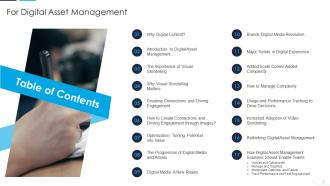
Slide 2: This slide presents Table of Content for the presentation.
Slide 3: This slide highlights title for topics that are to be covered next in the template.
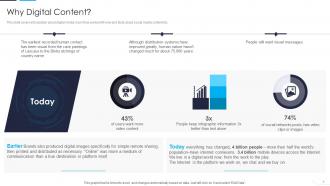
Slide 4: This slide covers introduction about digital media, how it has evolved till now and facts about social media content.
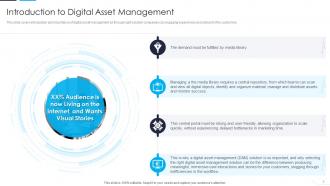
Slide 5: This slide shows introduction and importance of digital asset management.
Slide 6: This slide highlights title for topics that are to be covered next in the template.
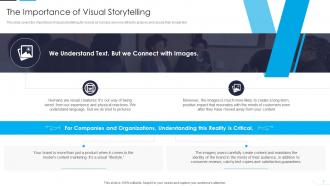
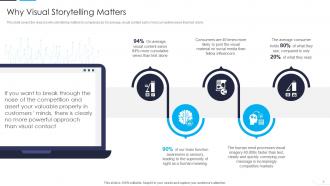
Slide 7: This slide presents importance of visual storytelling for brands as humans are more attract to pictures.
Slide 8: This slide displays reasons why storytelling matters to companies.
Slide 9: This slide highlights title for topics that are to be covered next in the template.
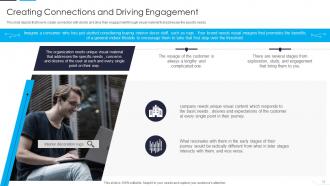
Slide 10: This slide depicts that how to create connection with clients and drive their engagement.
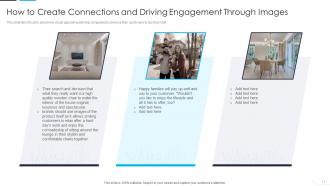
Slide 11: This slide represents How to Create Connections and Driving Engagement through Images.
Slide 12: This slide highlights title for topics that are to be covered next in the template.
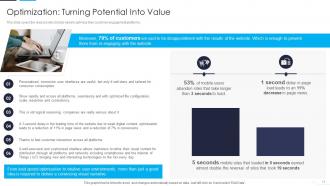
Slide 13: This slide represents Optimization: Turning Potential Into Value.
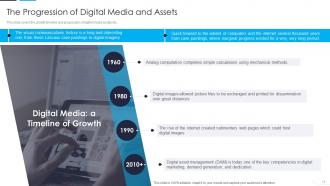
Slide 14: This slide showcases growth timeline and progression of digital media assets etc.
Slide 15: This slide highlights title for topics that are to be covered next in the template.
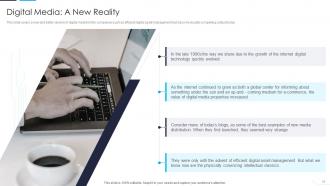
Slide 16: This slide presents new and better version of digital media for the companies such as efficient digital asset management.
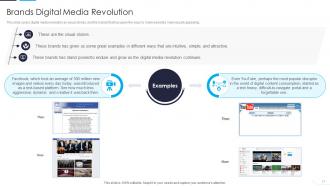
Slide 17: This slide covers digital media revolution as visual stories, and the brands that has given the ways to make websites more visually appealing.
Slide 18: This slide highlights title for topics that are to be covered next in the template.
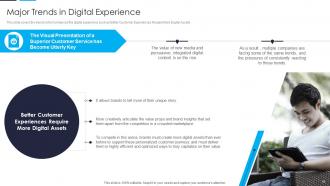
Slide 19: This slide covers the trends which enhanced the digital experience such as Better Customer Experiences.
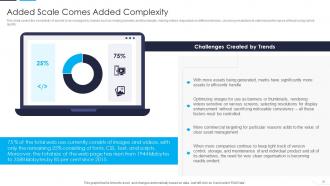
Slide 20: This slide represents complexity of assets to be managed by brands such as making banners and thumbnails.
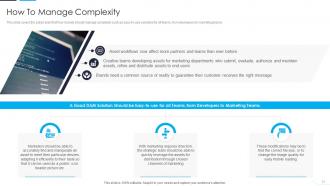
Slide 21: This slide showcases action plan that how brands should manage complexity such as easy-to-use solutions.
Slide 22: This slide highlights title for topics that are to be covered next in the template.
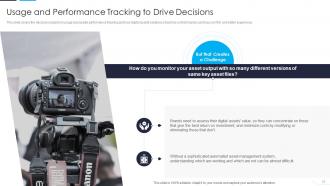
Slide 23: This slide presents Usage and Performance Tracking to Drive Decisions.
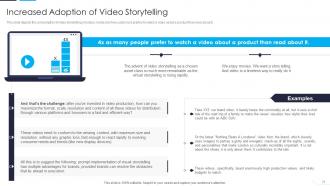
Slide 24: This slide depicts the consumption of video storytelling in todays media and how customers prefers to watch a video.
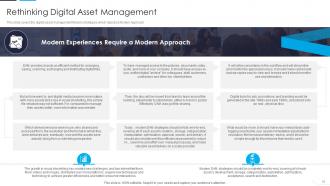
Slide 25: This slide covers the digital asset management Modern strategies which depicts a Modern Approach.
Slide 26: This slide highlights title for topics that are to be covered next in the template.
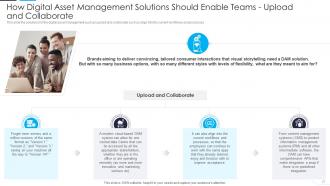
Slide 27: This slide showcases digital asset management such as upload and collaborate into the current workflows.
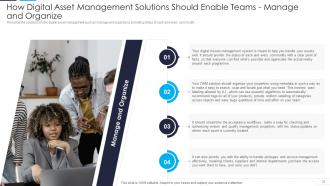
Slide 28: This slide presents How Digital Asset Management Solutions Should Enable Teams - Manage and Organize.
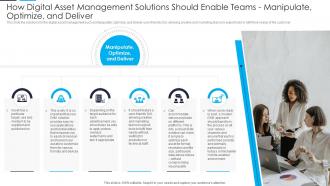
Slide 29: This slide displays digital asset management such as Manipulate, Optimize, and Deliver user-friendly GUI.
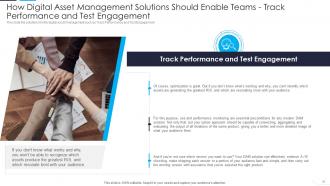
Slide 30: This slide represents digital asset management such as Track Performance and Test Engagement.
Slide 31: This slide displays Icons for Digital Asset Management.
Slide 32: This slide is titled as Additional Slides for moving forward.
Slide 33: This is About Us slide to show company specifications etc.
Slide 34: This is Our Team slide with names and designation.
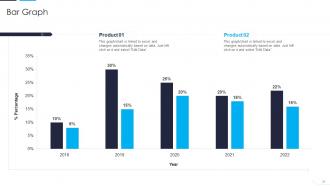
Slide 35: This slide presents Bar chart with two products comparison.
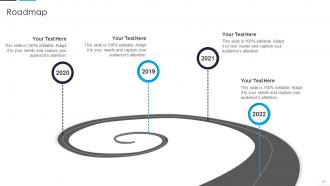
Slide 36: This slide presents Roadmap with additional textboxes.
Slide 37: This slide provides 30 60 90 Days Plan with text boxes.
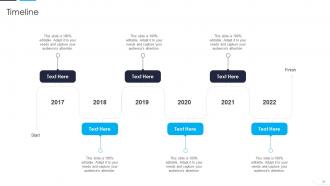
Slide 38: This is a Timeline slide. Show data related to time intervals here.
Slide 39: This slide shows Post It Notes. Post your important notes here.
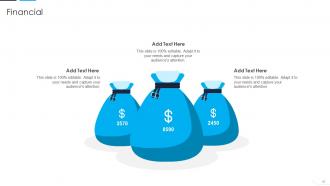
Slide 40: This is a Financial slide. Show your finance related stuff here.
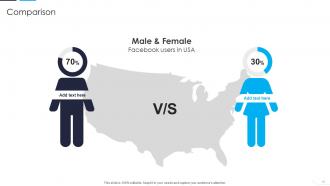
Slide 41: This is a Comparison slide to state comparison between commodities, entities etc.
Slide 42: This is a Thank You slide with address, contact numbers and email address.
Digital Asset Management Powerpoint Presentation Slides with all 47 slides:
Use our Digital Asset Management Powerpoint Presentation Slides to effectively help you save your valuable time. They are readymade to fit into any presentation structure.





FAQs for Digital Asset Management
Honestly, DAM systems are lifesavers for that "where the hell is that file?" chaos. Your team stops wasting hours digging through folders, and everyone actually uses the right logos instead of some random outdated version. The version control thing is huge too – no more "final_final_ACTUALLY_final.jpg" madness. Workflows become automatic, so you're not stuck in email chains forever. Brand consistency gets way better since people can't grab the wrong assets by mistake. I'd track how much time you're currently burning on file hunts first – the ROI becomes pretty obvious once you see those numbers. Trust me, it's one of those things that seems boring until you realize how much sanity it saves.
So DAM is basically your team's central spot for all creative stuff - no more digging through random email chains or messy folders. Everyone works from the same place, which honestly saves so much headache. You can comment directly on files, see version history, and track who's doing what. Marketing can grab approved assets while designers upload new work. No more "wait, which logo are we using again?" disasters lol. My advice? Start by uploading your most-used stuff first and you'll notice workflows get way smoother pretty quickly.
Start with search - seriously, if you can't find stuff fast, what's the point? Good metadata and version control are must-haves. Make sure it plays nice with whatever tools you're already using because nobody has time for another random platform that sits by itself. The interface needs to be pretty intuitive or you'll be doing training sessions forever (been there, not fun). Storage limits matter since you'll keep adding more files. Oh, and definitely test out 2-3 options with your real files first - demos with their perfect sample data don't tell you much about daily reality.
So basically it becomes your brand's single source of truth. Everyone grabs assets from the same pool, which means no more cringe moments with outdated logos or wrong colors. The system enforces brand guidelines through metadata and workflows - honestly, it's kind of brilliant. You can set permissions too, so only certain people access specific files. Gone are the days of digging through random folders or using that questionable logo someone googled (guilty). Your team finds the right stuff fast, and consistent branding just happens naturally instead of being this constant battle.
Honestly, DAM is a game-changer for finding stuff quickly. You can search by keywords, file types, dates, even visual similarity - no more endless folder diving. The metadata tagging happens automatically, so your team actually finds the right asset versions. Plus you get direct sharing links and auto-resizing for different platforms. Way less "hey can you send me that other version" emails cluttering your inbox. My advice? Set up your tagging system from day one and make sure everyone uses the same keywords. Trust me, it'll save you so much time later.
So DAM systems are like having one spot where you can track who owns what and set permissions for different assets. Copyright info, usage rights, expiration dates - it all lives right there with each file. No more digging around wondering if you can still use that random stock photo. The audit trails are clutch too, showing exactly who touched what and when. Most platforms will ping you before licenses expire, which honestly saves so much headache. I'd start with your heavy-rotation assets first and tag those with copyright details, then slowly work through the rest of your library.
So AI totally changes how DAM works now. You know all that boring manual tagging? Gone - it handles that automatically. Plus it recognizes faces, objects, whatever's in your images. The search stuff is wild too - people can just type what they're looking for instead of digging through endless folders. It catches duplicates, checks brand compliance, even predicts which assets might work best for campaigns. Honestly the natural language search alone makes it worth it. I'd start with platforms that have AI tagging built in - you'll get back so many hours.
So I'd track the obvious stuff first - time savings and how much less you're spending on recreating assets. Your team probably wastes hours searching for files or dealing with version control nightmares, and that's where the big wins usually are. Factor in storage costs too, plus brand consistency (though that one's trickier to put a number on). Honestly, most places I know hit ROI within a year just from people not losing their minds looking for stuff. Track everything for like 6-12 months after you implement and compare it to before. The numbers are usually pretty shocking.
Oh man, data migration is going to be your biggest pain point - trust me on this one. People hate change, especially the ones who've been doing things the same way forever. You'll get pushback. Training takes forever too since these systems aren't exactly intuitive. Here's what worked for us though: find your early adopters first and run a pilot with them. Let them work out the bugs before you unleash it on everyone else. Also, don't underestimate how tricky it is to move all your files while keeping everything organized. Plan that part really well or you'll regret it later.
Honestly, UX is make-or-break for DAM systems. I've watched teams completely abandon expensive platforms because finding files was a nightmare. Your people need drag-and-drop uploads, solid search, and folder structures that don't make them want to scream. The sweet spot? When users grab assets without even thinking about the system. Quick previews are huge too - nobody wants to download five versions just to find the right logo. Oh, and definitely get your actual team to test drive anything before you buy. Sales demos only show you the happy path, not the daily grind.
Honestly, the AI auto-tagging stuff is finally getting good - no more manually sorting thousands of files. Cloud storage is pretty much expected now since everyone's remote. Your DAM has to play nice with all your other marketing tools or you'll go crazy switching between platforms. Video management is becoming a big deal too. Makes sense since everything's visual these days. The collaboration features don't suck anymore either, which is nice. Oh, and ROI tracking is way better so you can actually show your boss this thing's worth the money. I'd focus on AI features and integrations over just storage space when you're shopping around.
So most DAM systems hook up to other tools through APIs or built-in connections. Connect it straight to your CMS, email tools, social schedulers, Adobe stuff - whatever your team actually uses. Then nobody has to keep asking "wait, where's the current logo again?" in Slack every week. Works great with HubSpot, Salesforce, Canva, all the usual suspects. I'd start by listing what platforms you're already on daily. Then see what your DAM can connect to. You'll probably cut out like 90% of the random file hunting everyone does.
Honestly, versioning saved my sanity. No more "final_FINAL_v2_actually_final.jpg" nightmares - the system tracks everything automatically. You can see exactly who changed what and when, plus roll back instantly if someone screws up. Your team stops wasting time hunting for the right file or redoing work that got overwritten. Running different creative directions becomes way less chaotic too. Oh, and definitely add comments when you upload new versions. I learned this the hard way - you'll forget why you made changes, and six months later you'll be kicking yourself trying to figure it out.
Start with role-based permissions - only let people access what they actually need. Multi-factor authentication is a must too. Your DAM should encrypt everything, both stored files and transfers. Watermark sensitive stuff and keep logs of who's downloading what. Honestly, most companies are way too loose with their permissions. Run security audits regularly to catch problems early. I'd begin by auditing your current users first - bet you'll find people with access they shouldn't have anymore. Oh, and track those access logs religiously.
Okay so first thing - audit whatever mess you currently have. Then create folder structures that make sense (by project, department, whatever works for your team). Tag everything with keywords and usage rights from the start. Trust me, skipping the tagging part will bite you later. Set up naming conventions everyone actually understands - seriously, "final_FINAL_v2" needs to die. The hardest part? Getting your whole team to stick to the system. Create a style guide they can reference when they inevitably forget. Consistency is everything here, even if it feels tedious at first.
-
Innovative and Colorful designs.
-
Like always a great experience with you guys. Always there on the drop of hat to help.