


Digital media planning briefing and planning process powerpoint presentations slides





Try Before you Buy Download Free Sample Product
 Impress Your
 Audience
 100%
100% Editable
 Save Hours
 of Time


Just grab our digital media planning briefing and planning process PowerPoint presentation to precisely brief your employees about your social media marketing strategy. Now using this readymade slide presentation you can explain your company’s social media marketing plan. Additionally, exclusive PowerPoint presentation slides included in this show helps to advice employees about various steps in media planning process as well as about the do’s and don’ts of media planning. There is more, as our PPT sample file fits well to identify various components, factors and latest developments of advertising media. Besides this you can also cast spotlight on issues like how and where to advertise or to use a marketing media plan for brand awareness and gain competitive advantage over rivals. Innovative slide templates like media objectives, media kpi development, communication goals, campaign performance, marketing strategy, media budget etc. are included here to bring life to a visual communication. In short, our PPT show has everything to create a social media marketing strategy that converts leads to potential customers. Just download quickly to get started now. Bridge the intervals with our Digital Media Planning Briefing And Planning Process Complete Powerpoint Deck With Slides. Ensure folks are gainfully engaged during the breaks.
People who downloaded this PowerPoint presentation also viewed the following :
Content of this Powerpoint Presentation
Slide 1: This slide introduces Digital Media Planning Briefing and Planning Process. State Your Company Name and get started.
Slide 2: This is an Agenda slide. State your agendas here.
Slide 3: This slide presents About The Product. State product features, specifications etc. here.
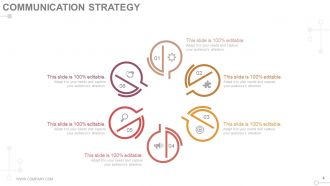
Slide 4: This slide showcases Communication Strategy. Describe your strategy here.
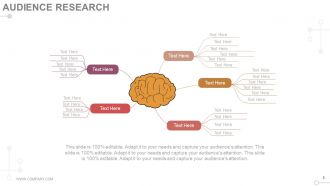
Slide 5: This slide presents Audience Research. State audience specifications here.
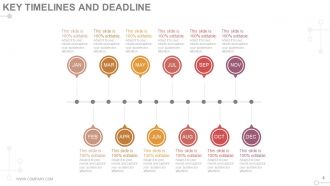
Slide 6: This slide showcases Key Timelines and Deadlines. State deadlines, milestones etc. here.
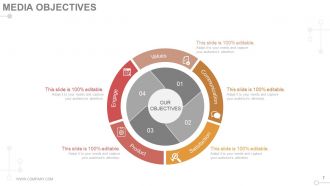
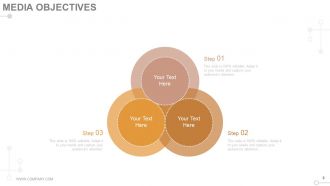
Slide 7: This slide showcases Media Objectives. State your objectives here.
Slide 8: This slide also showcases Media Objectives. State your objectives here.
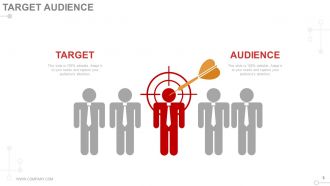
Slide 9: This slide displays Target Audience. State audience specifications here.
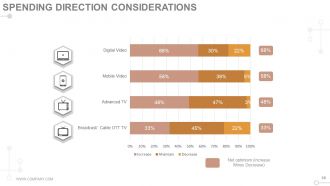
Slide 10: This slide presents Spending Direction Considerations. State expenditure here.
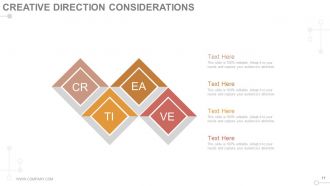
Slide 11: This slide displays Creative Direction Considerations.
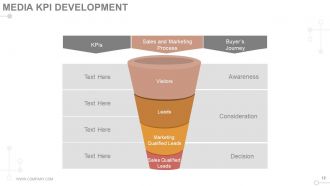
Slide 12: This slide displays Media KPI Development with- Visitors, Leads, Marketing Qualified Leads, Sales Qualified Leads, Awareness, Consideration, Decision, Buyer’s Journey, Sales and Marketing Process, KPIs.
Slide 13: This slide presents Communication Goals. State them here.
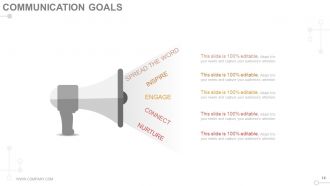
Slide 14: This slide presents Communication Goals with- SPREAD THE WORD, INSPIRE, ENGAGE, CONNECT, NURTURE.
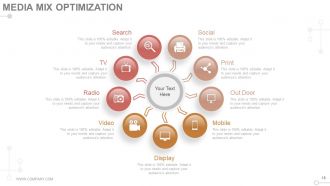
Slide 15: This slide showcases Media Mix Optimization with the following content- Display, Video Mobile, TV, Radio, Outdoor, Print, Social and Search.
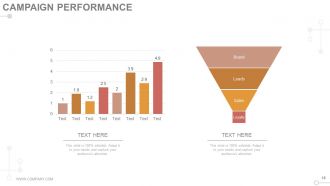
Slide 16: This slide presents Campaign Performance in funnel form with Brand, Loyalty, Sales and Leads.
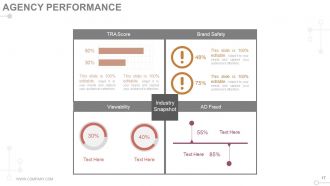
Slide 17: This slide presents Agency Performance with- AD Fraud, Viewability, Brand Safety, TRA score.
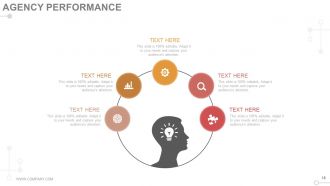
Slide 18: This slide showcases Agency Performance. State performance specifications here.
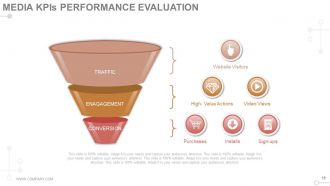
Slide 19: This slide shows Media KPIs Performance Evaluation with- Website Visitors (TRAFFIC) Purchases, Installs, Sign-ups (CONVERSION) High- Value Actions, Video Views (ENAGAGEMENT).
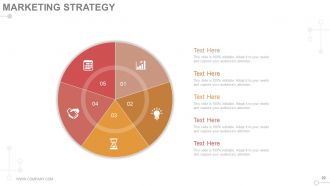
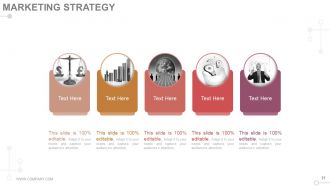
Slide 20: This slide showcases Marketing Strategy. State marketing specifics here.
Slide 21: This slide also showcases Marketing Strategy. State marketing specifics here.
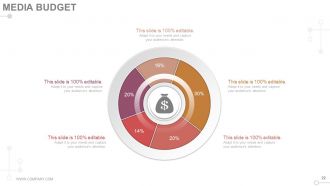
Slide 22: This slide showcases Media Budget for marketing spiels.
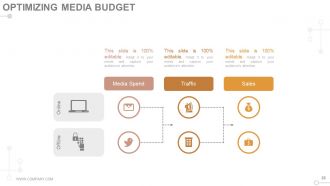
Slide 23: This slide presents Optimizing Media Budget as - Online (Media Spend Traffic Sales) & Offline.
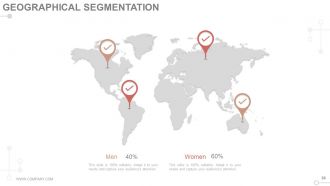
Slide 24: This slide shows Geographical Segmentation on world map fo men and women.
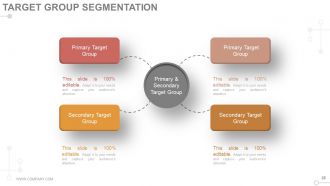
Slide 25: This slide shows Target Group Segmentation into- Primary and Secondary.
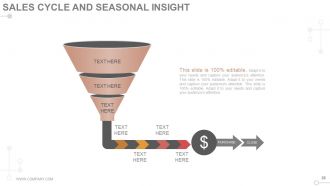
Slide 26: This slide presents Sales Cycle And Seasonal Insight.
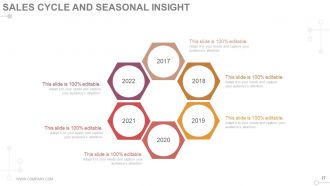
Slide 27: This slide also presents Sales Cycle And Seasonal Insight.
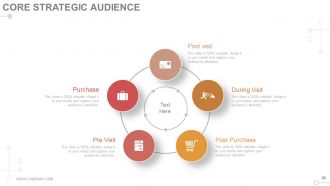
Slide 28: This slide displays Core Strategic Audience under the following subheadings- During Visit, Pre Visit, Post Visit, Purchase, Post Purchase.
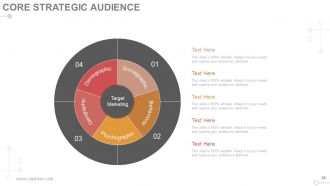
Slide 29: This slide displays Core Strategic Audience under the following subheadings- Demographic, Sociographic, Behavioral, Geographic, Psychographic.
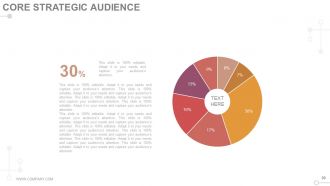
Slide 30: This slide displays Core Strategic Audience in pie chart form.
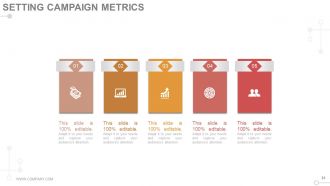
Slide 31: This slide shows Setting Campaign Metrics. State about them here.
Slide 32: This slide is titled Additional Slides to move forward.
Slide 33: This is Our Mission slide. State your Mission and Vision here.
Slide 34: This slide presents Our Team with name, designation and image boxes.
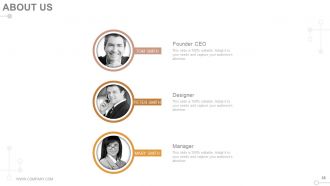
Slide 35: This is an About Us slide. State company/team specifications here.
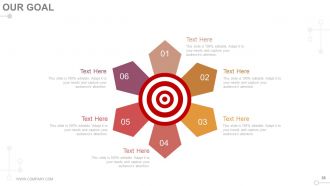
Slide 36: This is an Our Goals slide. State them here.
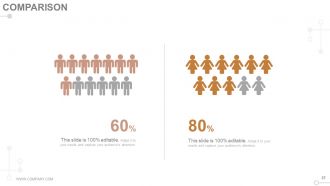
Slide 37: This slide shows Comparison of males and females.
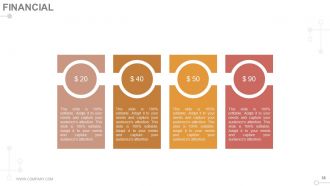
Slide 38: This slide shows Financial Score. State financial aspects here.
Slide 39: This is a Quotes slide. State business message, beliefs etc. here.
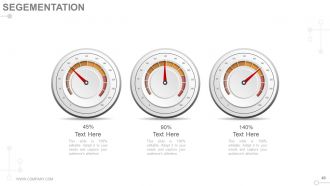
Slide 40: This slide showcases Segmentation in meter image. State segmenting factors here.
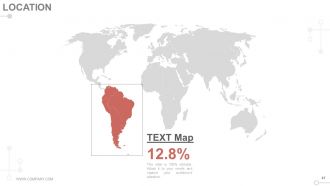
Slide 41: This slide showcases Location to show global presence etc.
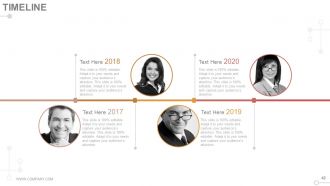
Slide 42: This slide showcases a Timeline to show milestones, growth etc.
Slide 43: This slide displays Post It to show reminders, important notes etc.
Slide 44: This slide displays Newspaper image to showcase message, highlights etc.
Slide 45: This slide showcases a Puzzle image to show information, specifications etc.
Slide 46: This slide shows Target Board With Four Dart. State your targets here.
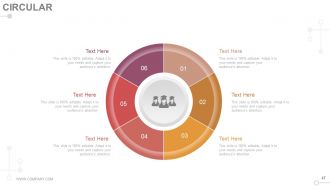
Slide 47: This slide shows a Circular image with text boxes. State information etc here.
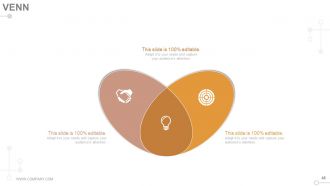
Slide 48: This slide shows a Venn diagram image with text boxes. State information etc here.
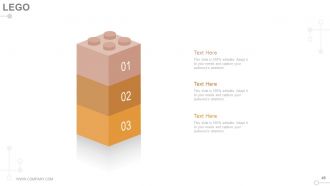
Slide 49: This slide shows Lego image with text boxes. State information etc here.
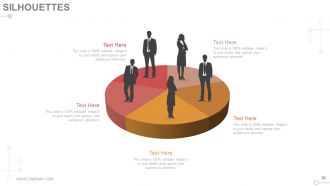
Slide 50: This slide shows Silhouettes image with text boxes. State information etc here.
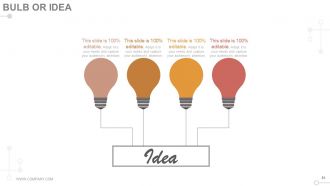
Slide 51: This slide shows a Bulb or Idea image with text boxes. State information etc here.
Slide 52: This slide shows a Magnifying glass image with text boxes. State information etc here.
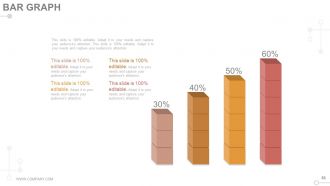
Slide 53: This slide shows a Bar graph to state information, comparison etc here.
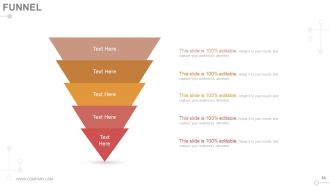
Slide 54: This slide displays a Funnel image. State information etc here.
Slide 55: This is a Thank You slide with Address# street number, city, state, Contact Numbers, Email Address.
Digital media planning briefing and planning process powerpoint presentations slides with all 55 slides:
Highlight emotional judgements with our Digital Media Planning Briefing And Planning Process Complete Powerpoint Deck With Slides. Identify influences that induced errors.



FAQs for Digital media planning briefing and planning process
Honestly, you need four main things: know your audience inside and out, pick the right channels (not just the trendy ones), split your budget smart, and measure everything obsessively. Don't waste time on platforms where your people aren't actually hanging out - I see this mistake all the time. Your messaging has to hit different for each audience segment too. Budget should follow potential, not gut feelings. Set your KPIs from day one and be ready to completely change direction when the numbers tell you to. Oh, and test constantly. That's where the magic happens.
Honestly, personas are everything in media planning - they shape which platforms you pick, your creative formats, timing, budget splits, all of it. You're not gonna target Gen Z on Facebook like you would millennials on Instagram, that's just common sense. They also dictate whether you go video, display, or native ads. But here's the thing - so many people base their personas on gut feelings instead of actual data, which is totally backwards. Before your next campaign, double-check that your personas match real audience insights, not just what you think you know about people.
Honestly, it depends what you're trying to achieve, but I always look at CTR, conversion rate, CPA, and ROAS first. Impressions are cool I guess, but they're pretty much vanity metrics unless you're doing brand stuff. Make sure your conversion tracking actually works - that's where everyone screws up. Oh, and set up attribution modeling so you can see how people move through your funnel. Start with defining what success looks like, then figure out which numbers will show you if you're hitting it. ROAS is probably my favorite though since it tells you if you're actually making money.
Dude, A/B testing is seriously worth doing - you can figure out what actually works instead of just throwing money at ads and hoping. Test different headlines, audiences, whatever you're unsure about. But only change one thing at a time or you won't know what made the difference. I usually start with my biggest campaigns since that's where you'll see the most impact. Run small tests first, then scale up the winners. Honestly saves so much wasted budget. You'll get real data on what your audience responds to instead of guessing.
SEO is honestly your starting point for everything else in digital - without it, nobody finds your stuff. I always tell people to figure out search intent and keywords before mapping campaigns because it shapes your content themes and which channels actually matter. Think of it like... well, you can't build walls without a foundation, right? Your SEO data shows content gaps and reveals what people are actively searching for. This makes your paid ads way more targeted and cheaper too. Oh, and definitely audit your current organic visibility first - you'd be surprised how many brands skip this step and waste budget.
Okay so first thing - dig into your historical data to see which channels are actually making you money. Cost per acquisition, ROI, all that stuff. Honestly, I live in Excel way too much doing this but whatever works right? Don't dump everything into your best performer though, even if it's crushing it. Spread things around a bit. Save like 10-15% to test new audiences or channels - that's where you might find your next goldmine. Track everything religiously so you can move money around mid-campaign when something's not working. Weekly check-ins are clutch for this.
Honestly, I'd map out your big campaigns and product launches first - that's where you start. Work backwards from there to plan content that builds up to those moments. Spreadsheets are way better than those fancy tools everyone pushes, trust me. You can actually share and edit them without wanting to throw your laptop out the window. Batch similar content together so you're not constantly switching gears. Keep like 20% of your calendar open for when something trending pops off or opportunities come up. Oh, and definitely do regular check-ins with your team to see what's actually working vs. what you thought would work.
Honestly? Tech is completely flipping campaign planning on its head right now. AI handles targeting and bidding way better than doing it manually - like, it's not even close. You'll need to think about voice search too, which means audio placements and how people actually talk when they search. AR/VR is opening up wild new creative possibilities, though most brands are still throwing spaghetti at the wall there. Machine learning spots audience patterns you'd never catch yourself. Instead of always reacting to data, you can actually move budgets before things happen. My advice? Pick one AI tool and test it small on your next campaign.
Don't spread yourself too thin with targeting - that's like the
-
excellent
-
Great designs, Easily Editable.
-
Unique research projects to present in meeting.
-
Very well designed and informative templates.
-
Awesome presentation, really professional and easy to edit.