


Sales reporting powerpoint presentation with slides
Showcasing sales report and impressing the top management of your company at the same time is near to impossible task. But this can be achieved if you use our 67 slides content- ready Sales Reporting PowerPoint Presentation With Slides. This PowerPoint sample show has all the right slides like compassion, financials, segmentation, new market location, timelines, action plan, case study, clients partners, problem challenges, solution to the problem, our product, key product service offerings, our advantages, us vs. the competition, our offerings vs. the competition, pricing package, product testimonials, product traction, project delivery timeline, service level agreement, and many more. This sales reporting PowerPoint sales sample file will assist you reach the target and get potential buyers. Impress your fellow workers and company heads with this professional and visual PPT deck presentation. This sale reports presentation slides also carries slides like agenda, key managers and contact, our mission, our team, about us, company overview, multilevel hierarchy, matrix chart, mind map chart, post in notes etc. Download our Sales Reporting PowerPoint Presentation With Slides today and capture the spectators attention. Presenting trade and target achievement reports is an unending process. However, don’t panic! Winning sales reporting with our pre made PowerPoint show is quick and easy. Within minutes of downloading our PowerPoint slide deck you are ready with your sales reporting PowerPoint presentation. To cast spotlight on each significant subject of a sales report we have included PPT slides like financials, targets with arrow, action plan, the problem challenges, our solutions for the problem and many more. Best part is that this PPT sample works well for business professionals of sales, sales planning, sales strategists and even for marketing executives.























-

- Google Slides is a new FREE Presentation software from Google.
- All our content is 100% compatible with Google Slides.
- Just download our designs, and upload them to Google Slides and they will work automatically.
- Amaze your audience with SlideTeam and Google Slides.
-

Want Changes to This PPT Slide? Check out our Presentation Design Services
-

- WideScreen Aspect ratio is becoming a very popular format. When you download this product, the downloaded ZIP will contain this product in both standard and widescreen format.
-

- Some older products that we have may only be in standard format, but they can easily be converted to widescreen.
- To do this, please open the SlideTeam product in Powerpoint, and go to
- Design ( On the top bar) -> Page Setup -> and select "On-screen Show (16:9)” in the drop down for "Slides Sized for".
- The slide or theme will change to widescreen, and all graphics will adjust automatically. You can similarly convert our content to any other desired screen aspect ratio.
Compatible With Google Slides

Get This In WideScreen
You must be logged in to download this presentation.


Do you want to remove this product from your favourites?
PowerPoint presentation slides
Presenting Sales Reporting PPT with a set of 63 slides to show your mastery of the subject. Use this ready-made PowerPoint presentation to present before your internal teams or the audience. All presentation designs in this deck have been crafted by our team of expert PowerPoint designers using the best of PPT templates, images, data-driven graphs and vector icons. The content has been well-researched by our team of business researchers. The biggest advantage of downloading this deck is that it is fully editable in PowerPoint. You can change the colors, font and text without any hassle to suit your business needs.

People who downloaded this PowerPoint presentation also viewed the following :
Content of this Powerpoint Presentation
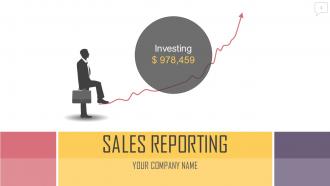
Slide 1: This slide introduces Sales Reporting. State Your Company Name and get started.
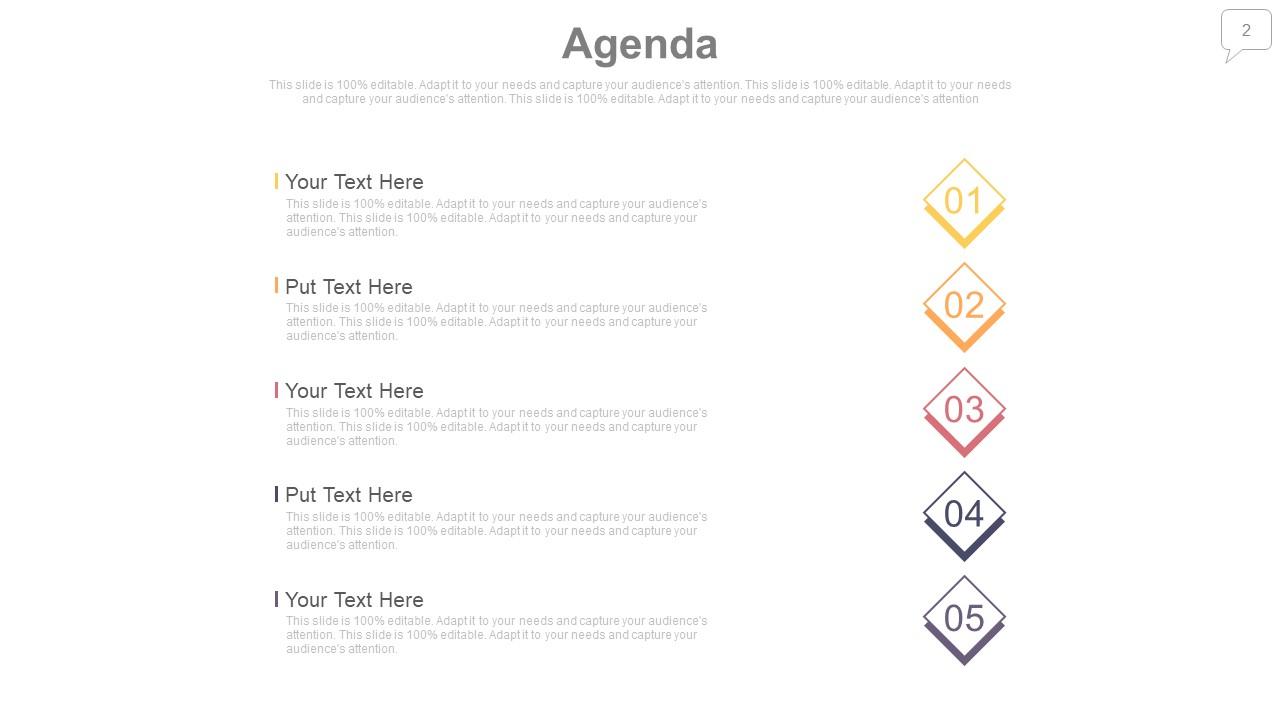
Slide 2: This is an Agenda slide. State your agendas here.
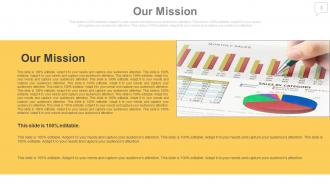
Slide 3: This is Our Mission slide. State company mission here.
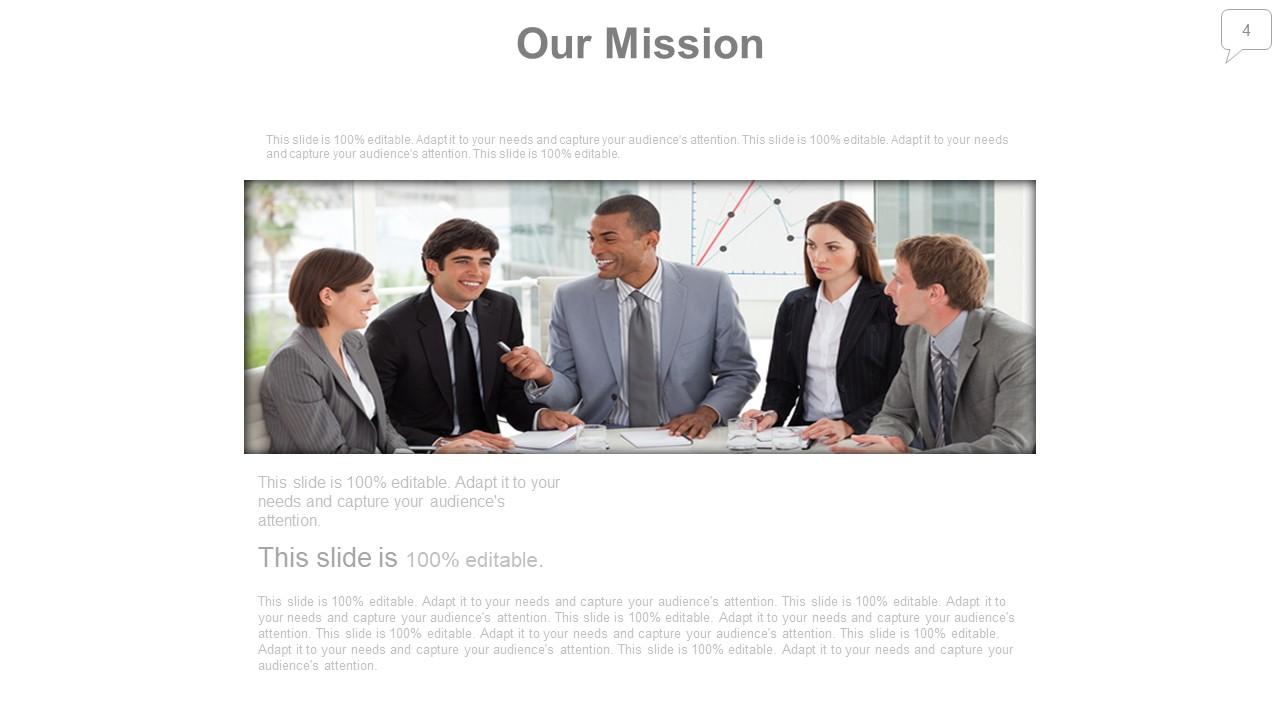
Slide 4: This is Our Mission slide. State company mission here.
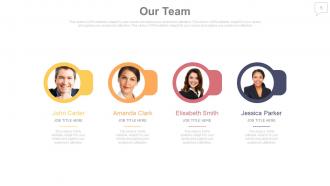
Slide 5: This is an Our team slide with name, designation and text boxes to state information.
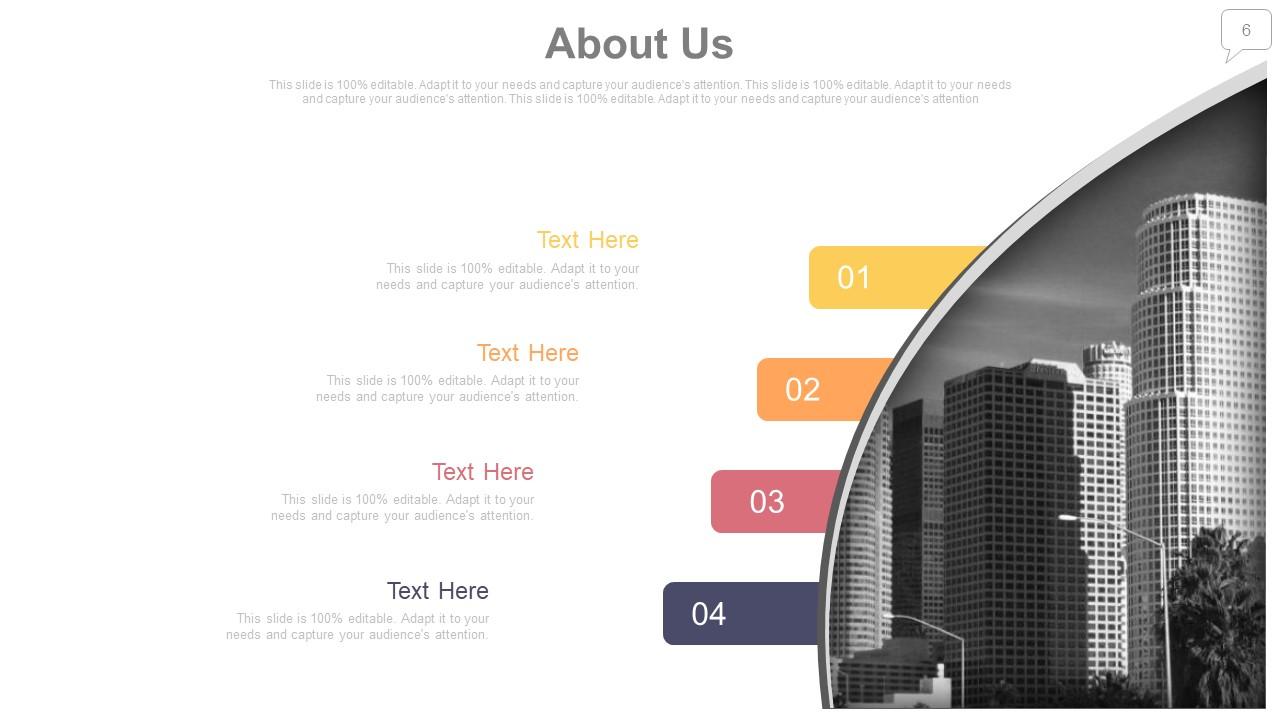
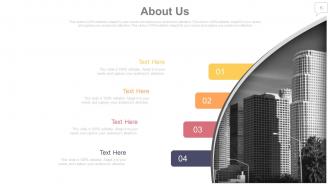
Slide 6: This is an About Us slide. State company/team specifications here.
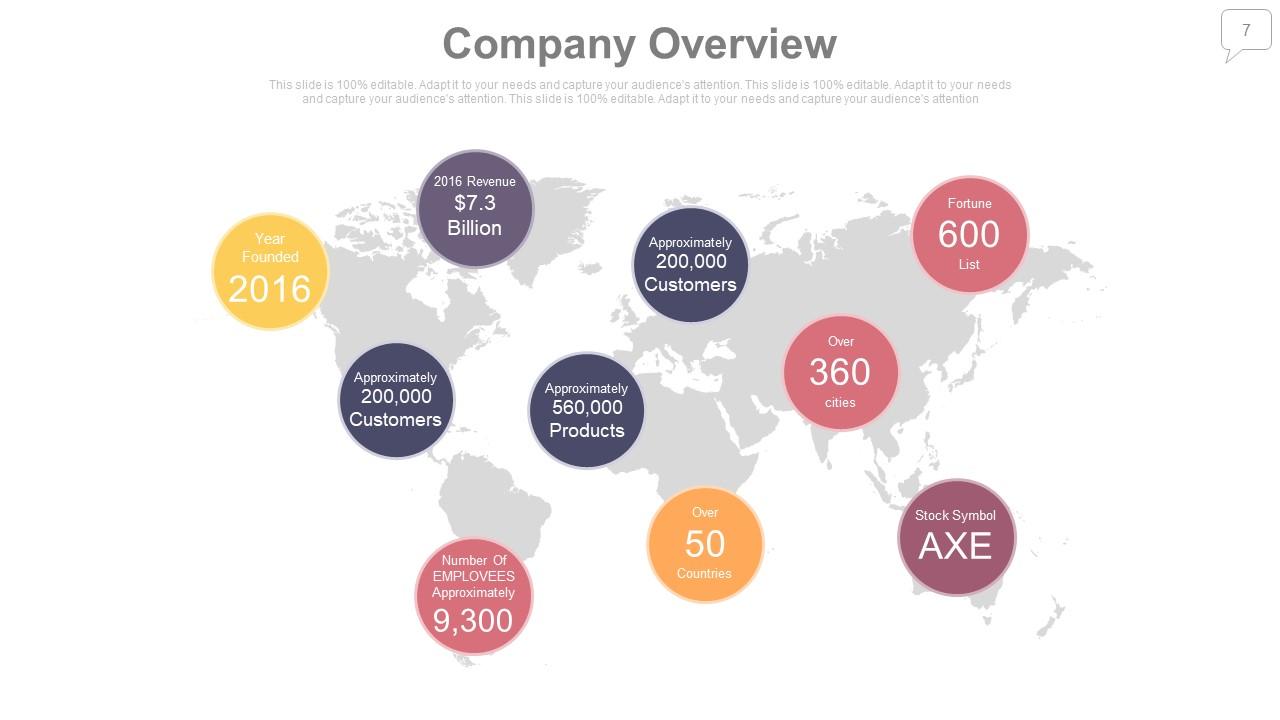
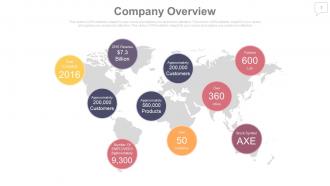
Slide 7: This is Company Overview slide to state company specifications on world map image. You may change the slide content as per need.
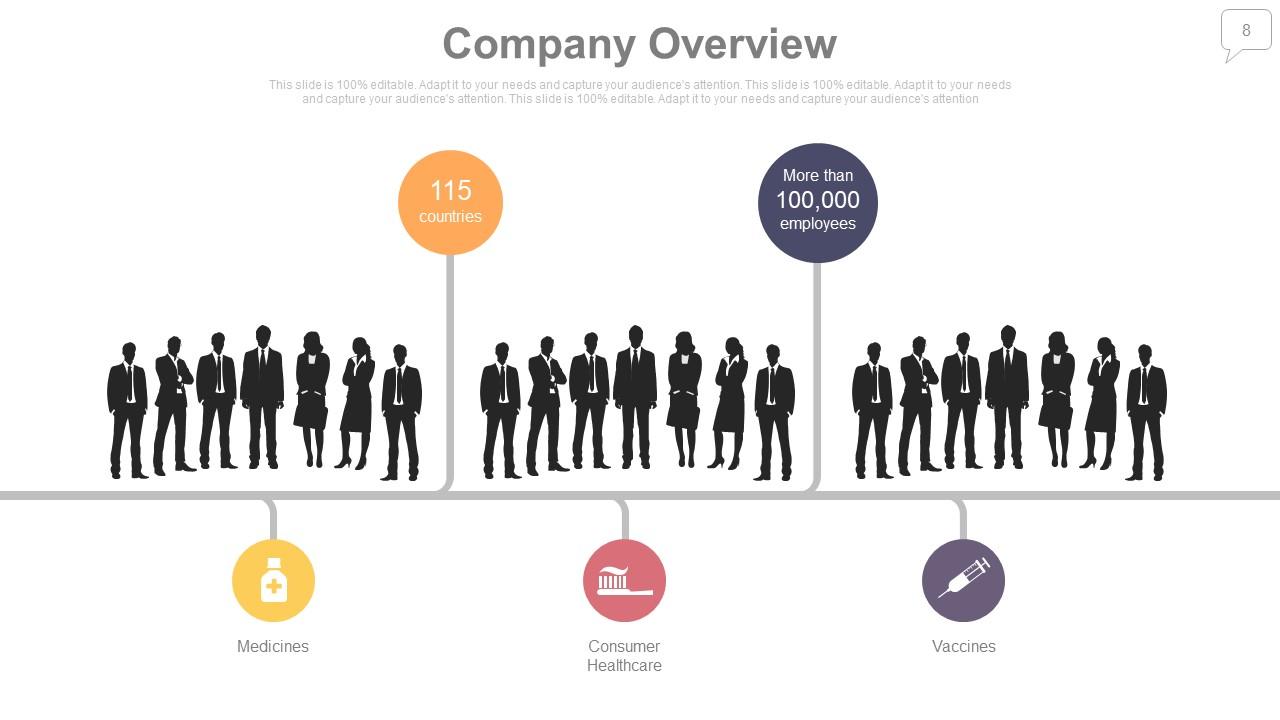
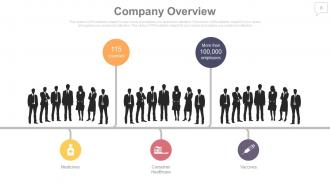
Slide 8: This is Company Overview slide to state company specifications with silhouettes imagery.
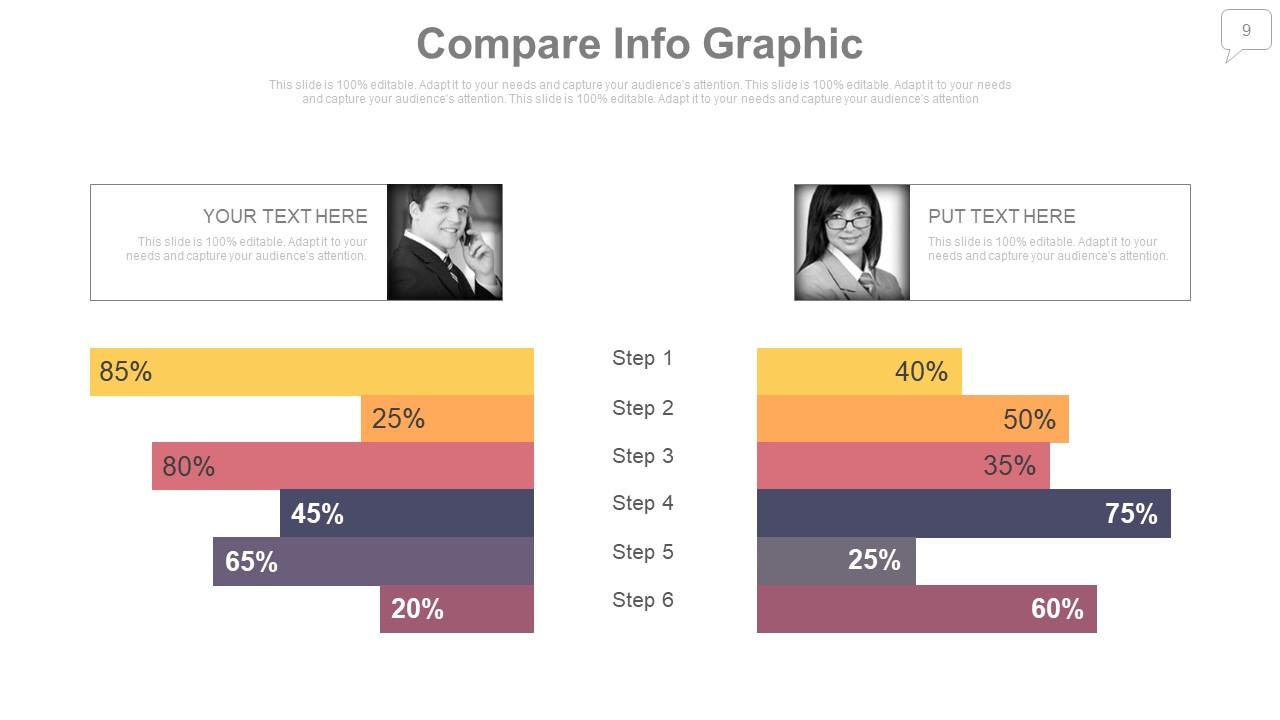
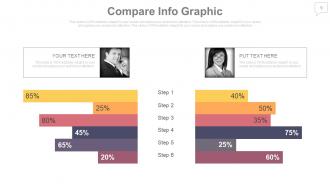
Slide 9: This is a Compare Infographic Butterfly Chart slide to show product/entity comparison.
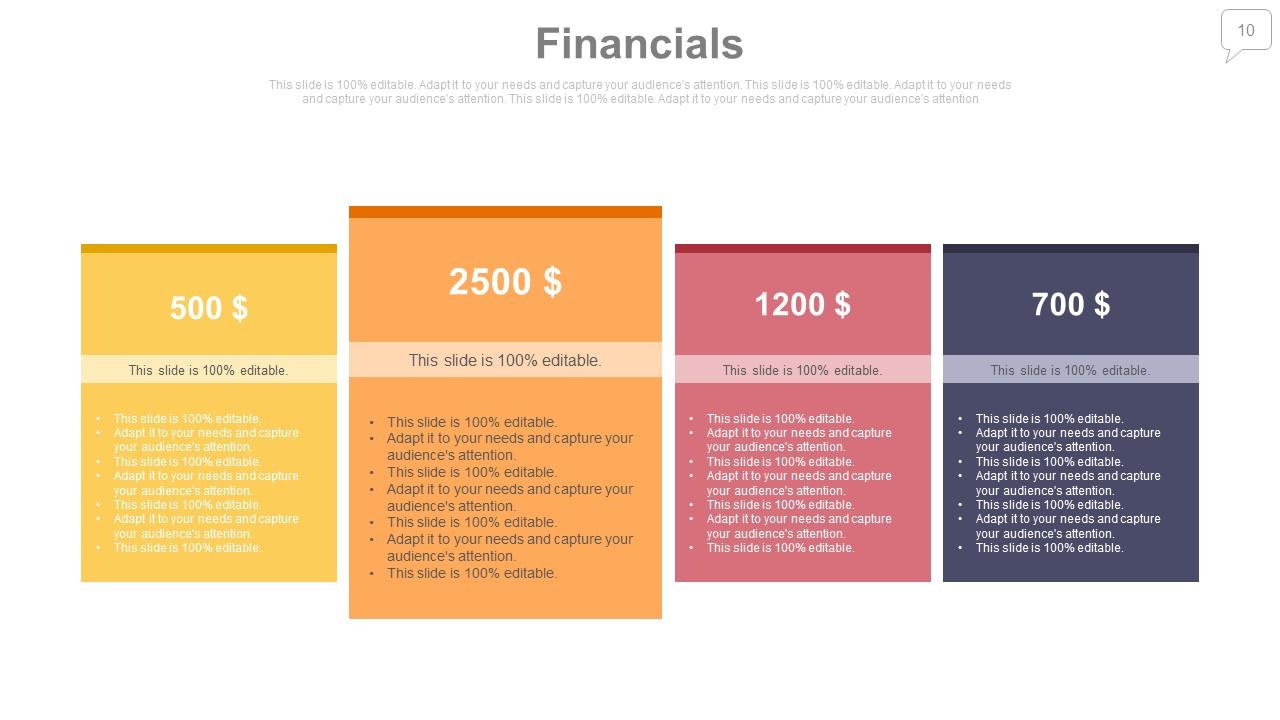
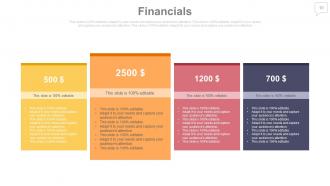
Slide 10: This is a Financial score slide to present financial aspects etc.
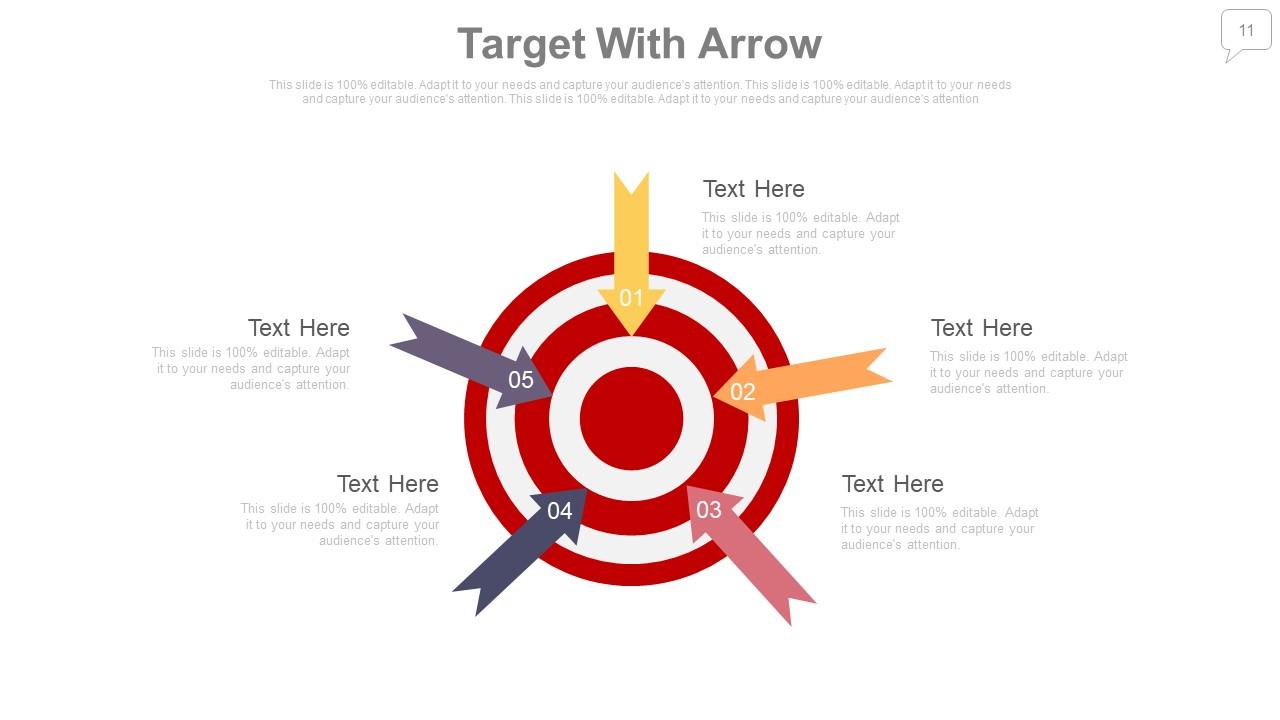
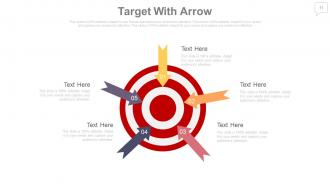
Slide 11: This slide shows Target With Arrow image board. Showcase targets, goals etc. here.
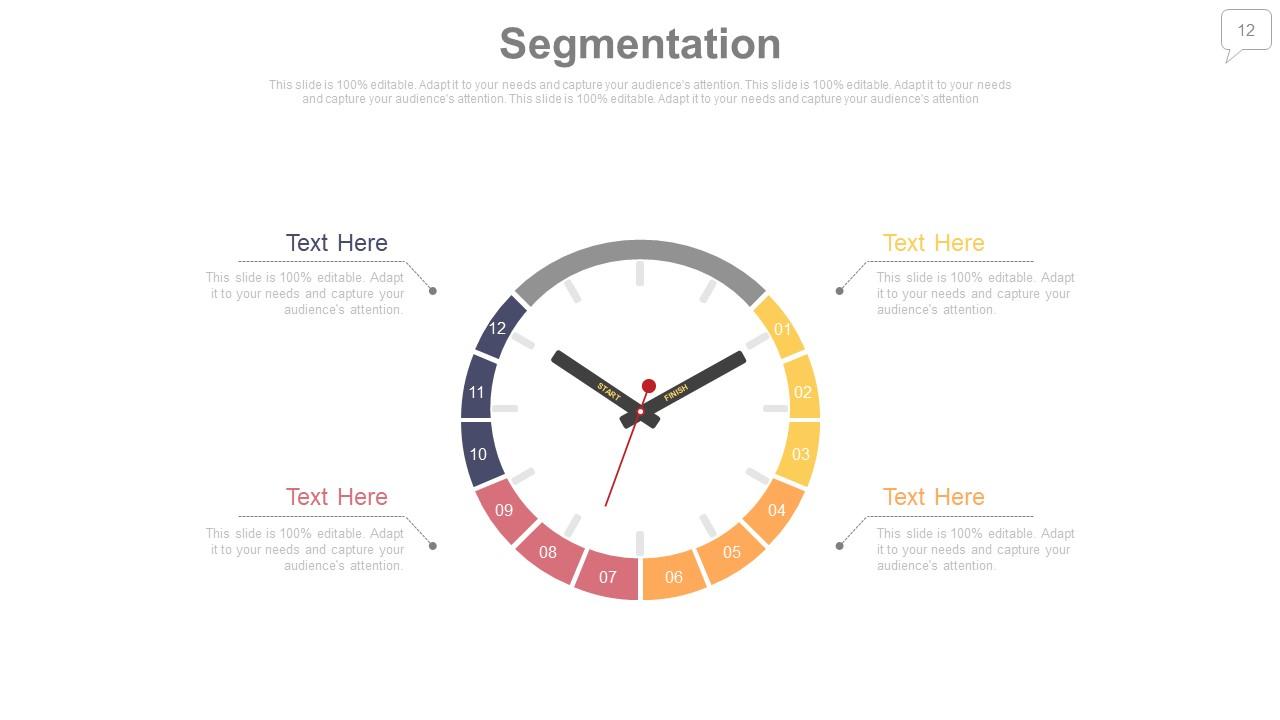
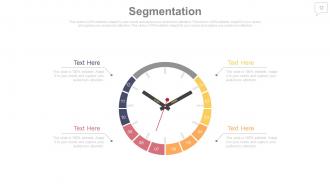
Slide 12: This slide shows Segmentation. Showcase target market, segmentation factors etc. here.
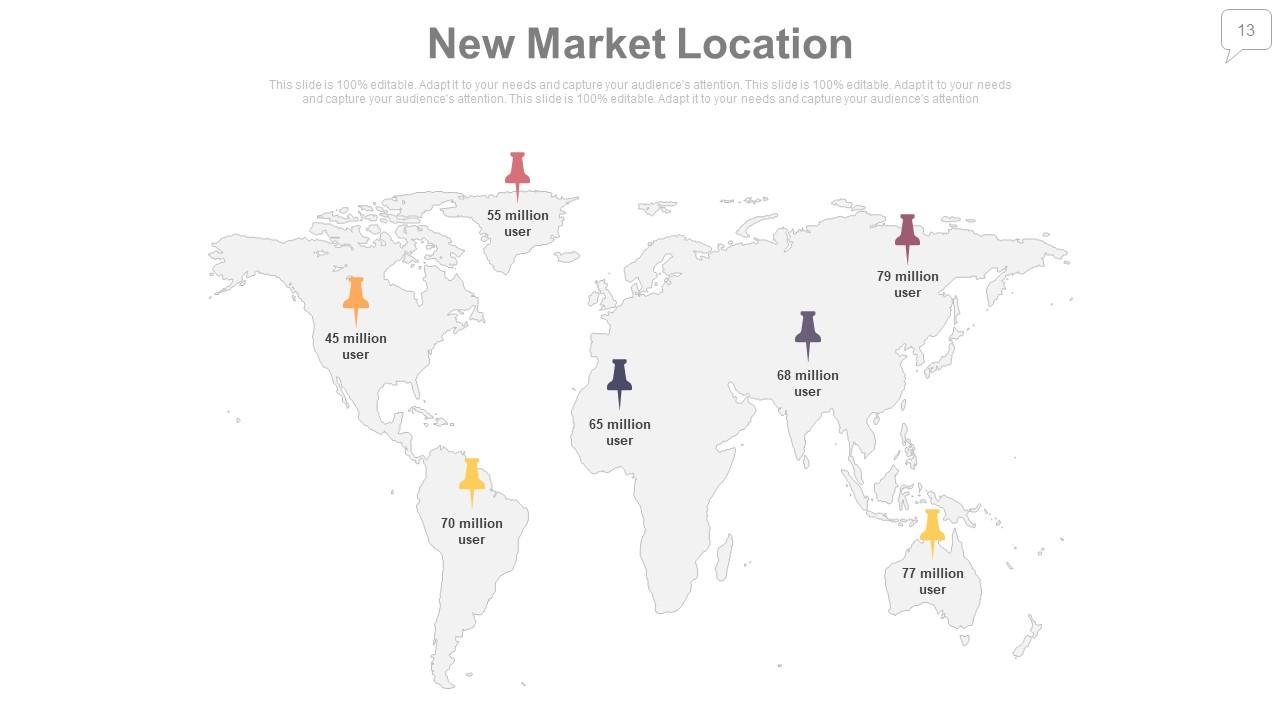
Slide 13: This slide showcases New Market Location on a world map image.
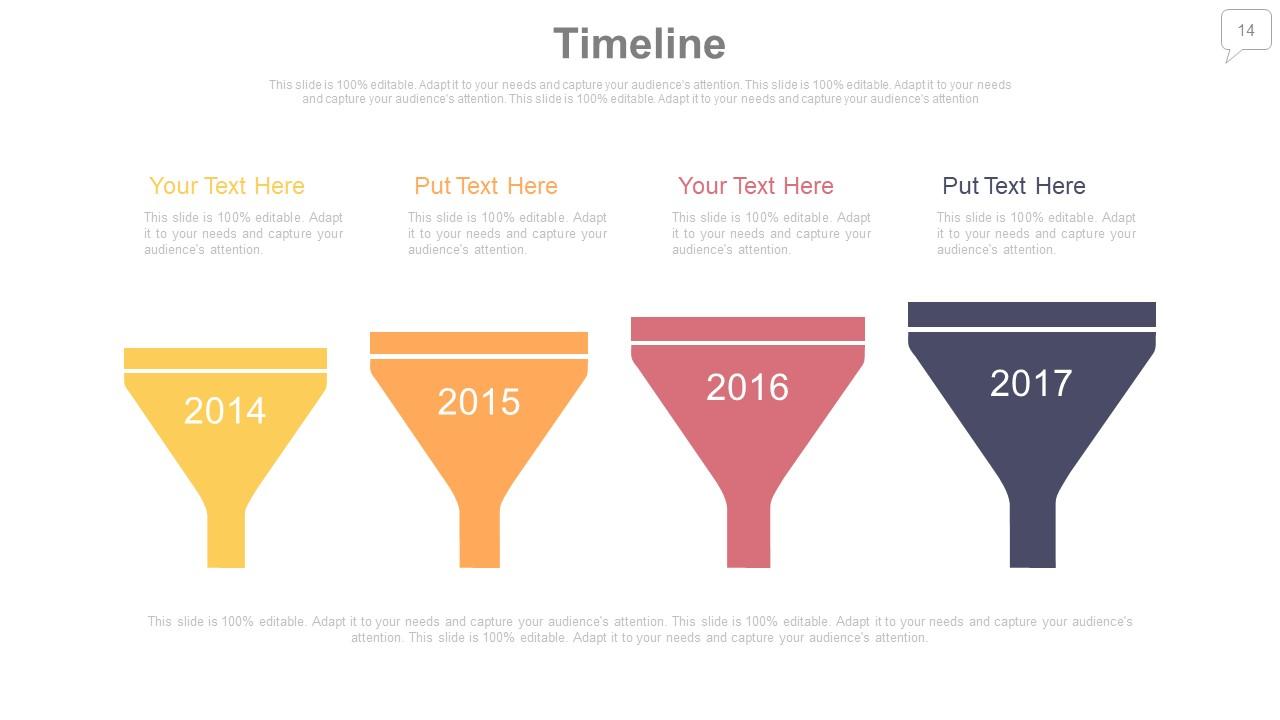
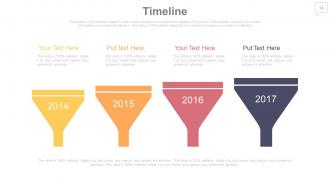
Slide 14: This is a Timeline slide to show company growth, evolution, milestones etc.
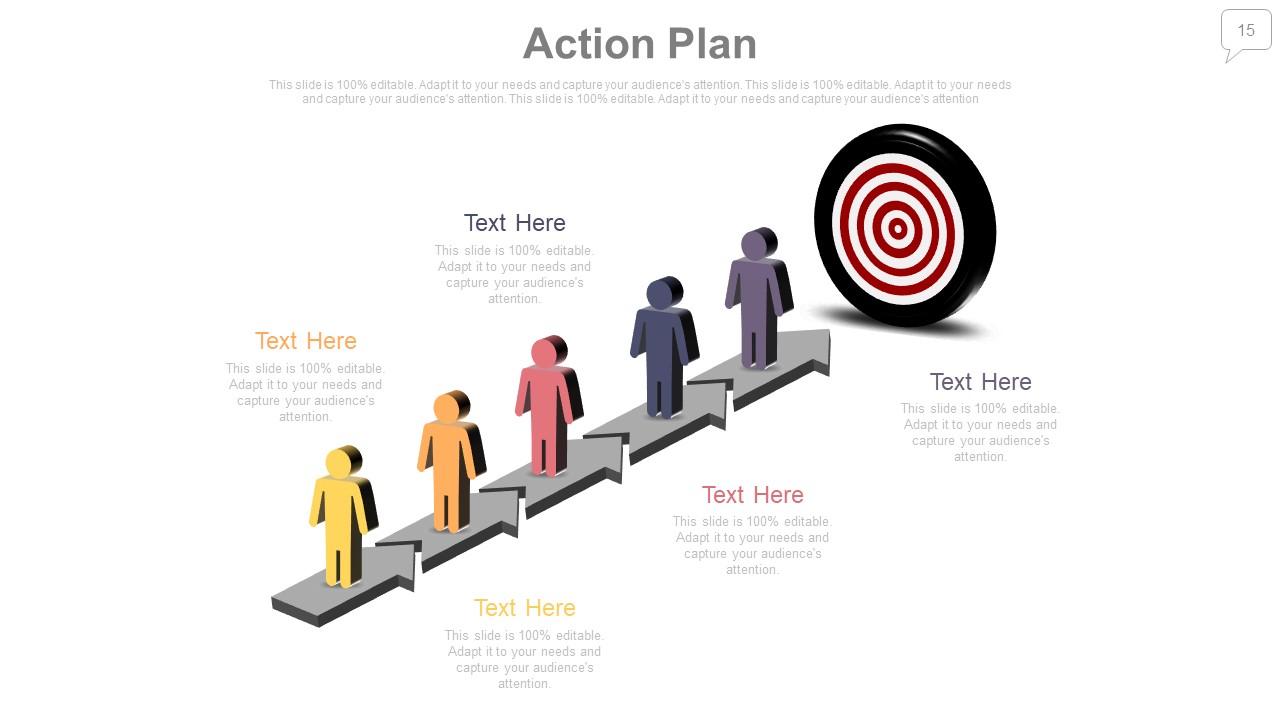
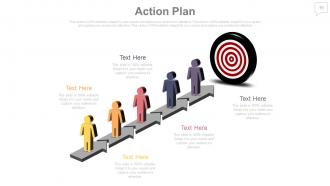
Slide 15: This is an Action Plan slide with human and target imagery.
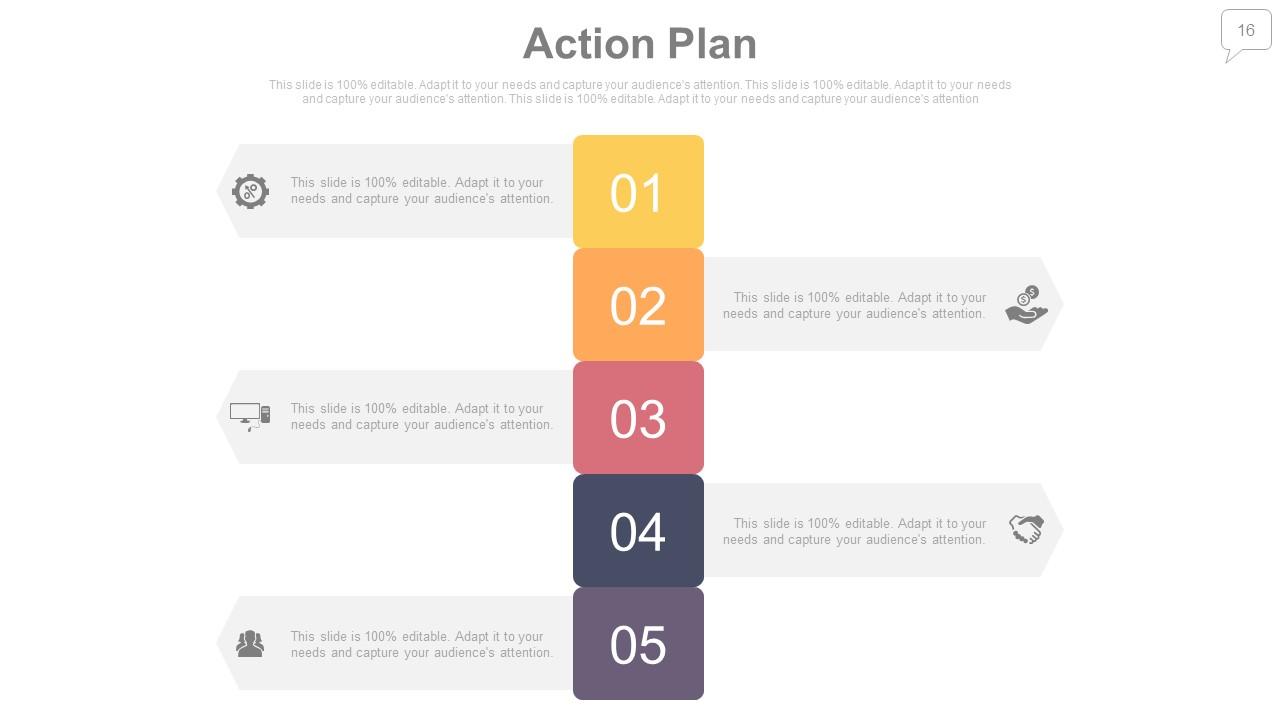
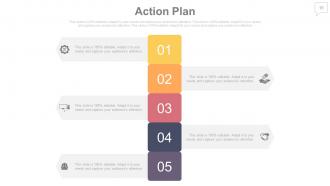
Slide 16: This is an Action Plan slide to state the course of planning, action tactics etc.
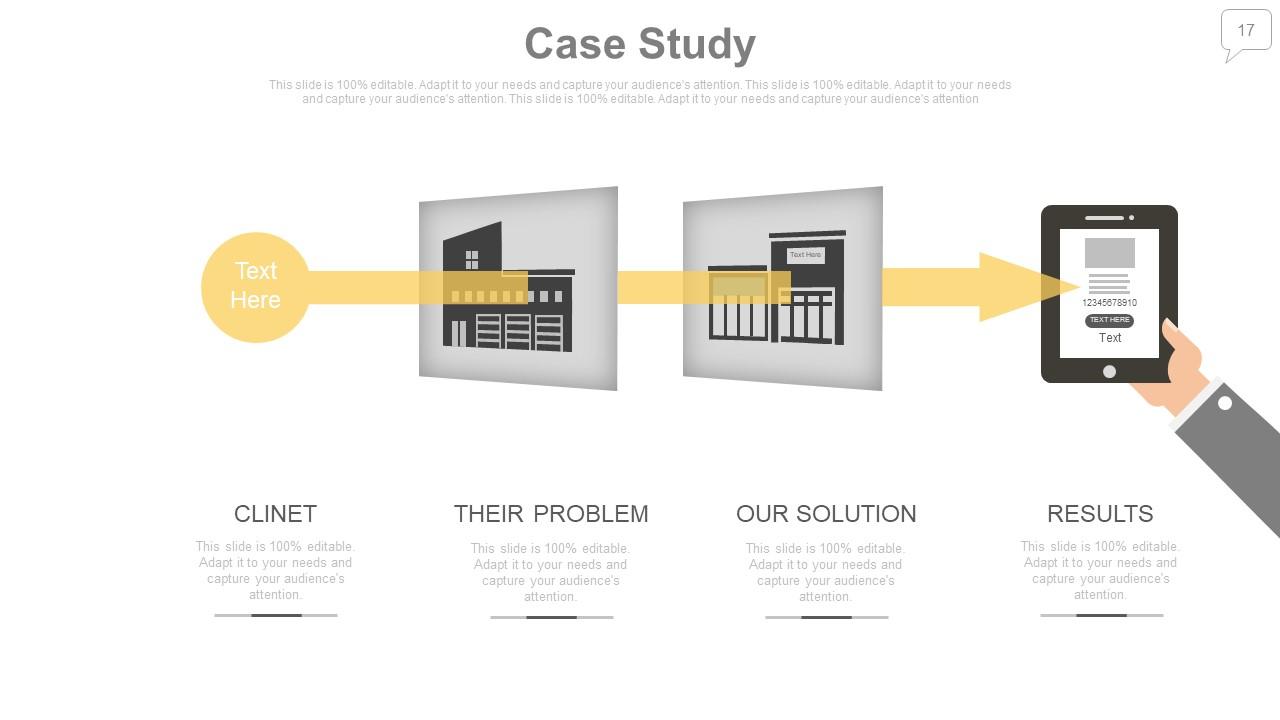
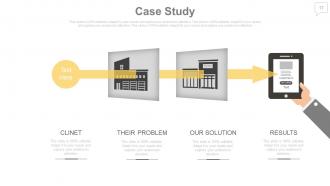
Slide 17: This is a Case Study slide showing client, the problem, solution and results.
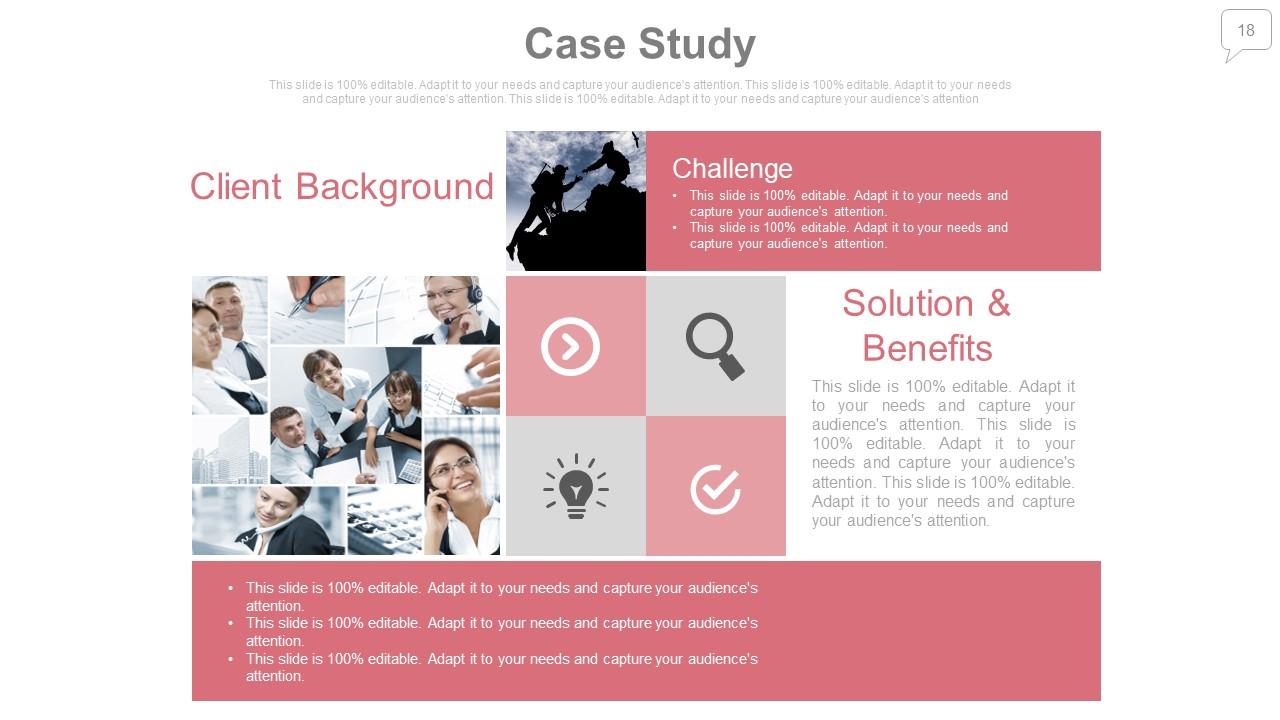
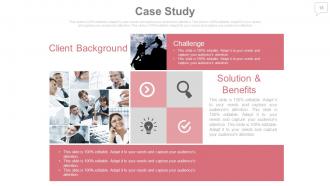
Slide 18: This is a Case Study slide showing client background, the challenges, solution & benefits etc.
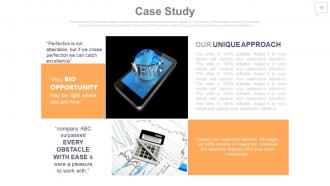
Slide 19: This is a Case Study slide showing Our Unique Approach etc. with imagery and text boxes to state information.
Slide 20: This slide presents Clients Partners to be dipslayed.
Slide 21: This is a Business Quotes slide to convey, express or state your beliefs, message etc.
Slide 22: This is the Pitch slide to state What, How and Why of the respective topic.
Slide 23: This is the Pitch slide to state How Do you solve this problem.
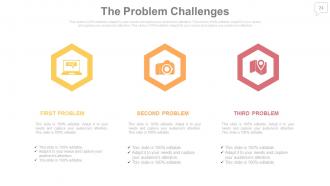
Slide 24: This slide showcases The Problem Challenges with icon imagery.
Slide 25: This slide showcases The Problem Challenges faced. State the kind/number of problems, issues etc. here.
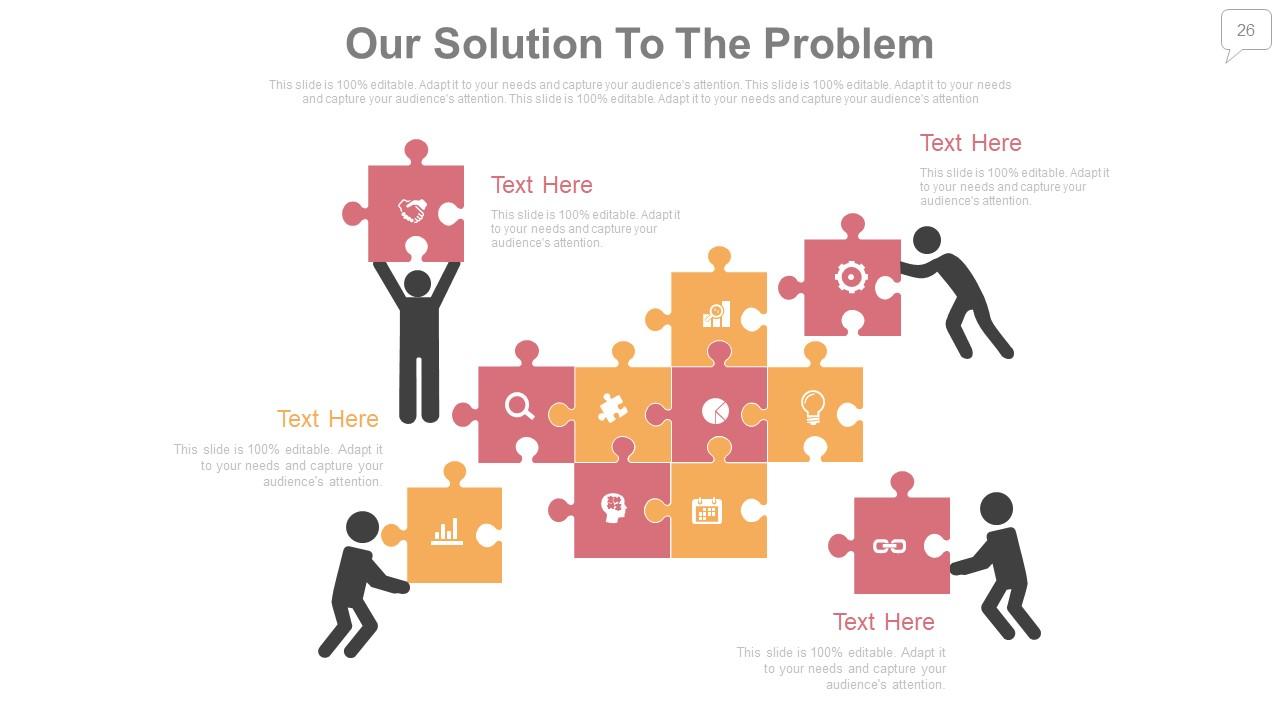
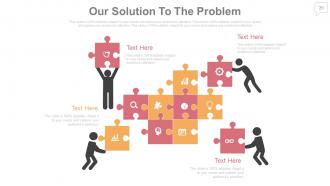
Slide 26: This slide showcases Our Solution To The Problem. Present your solutions here.
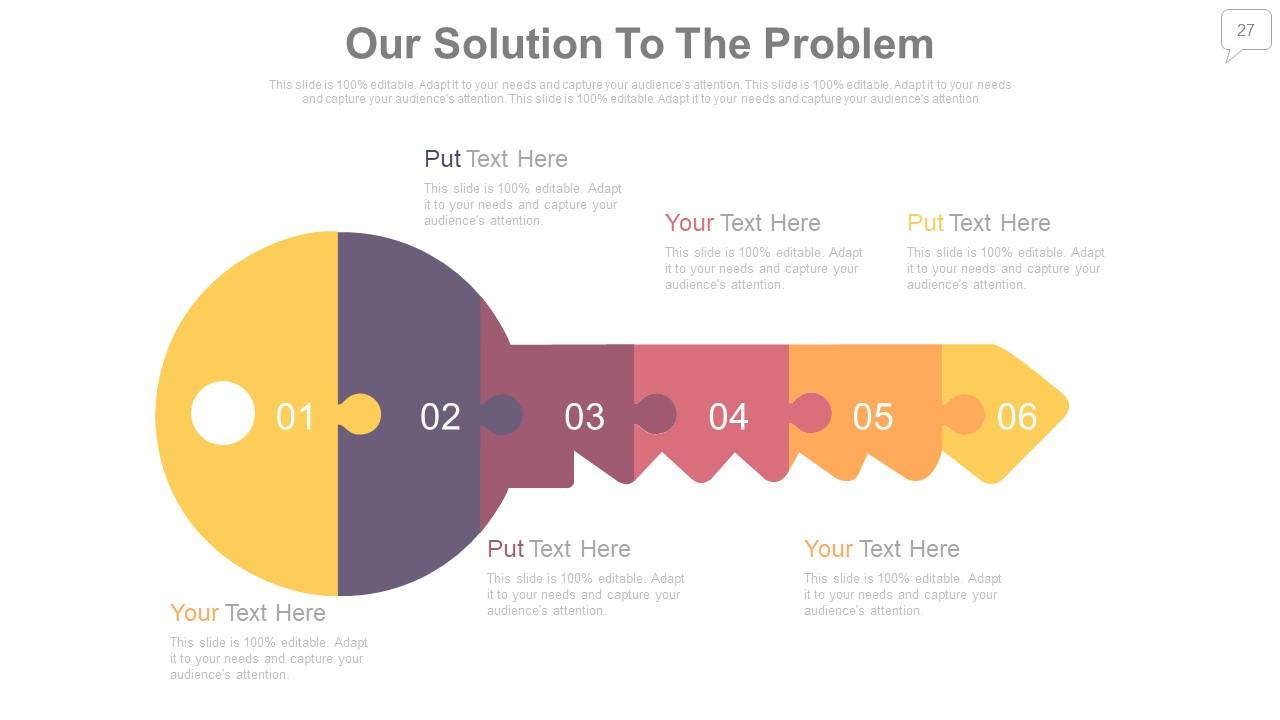
Slide 27: This slide showcases Our Solution To The Problem with a creative key imagery. Present your solutions here.
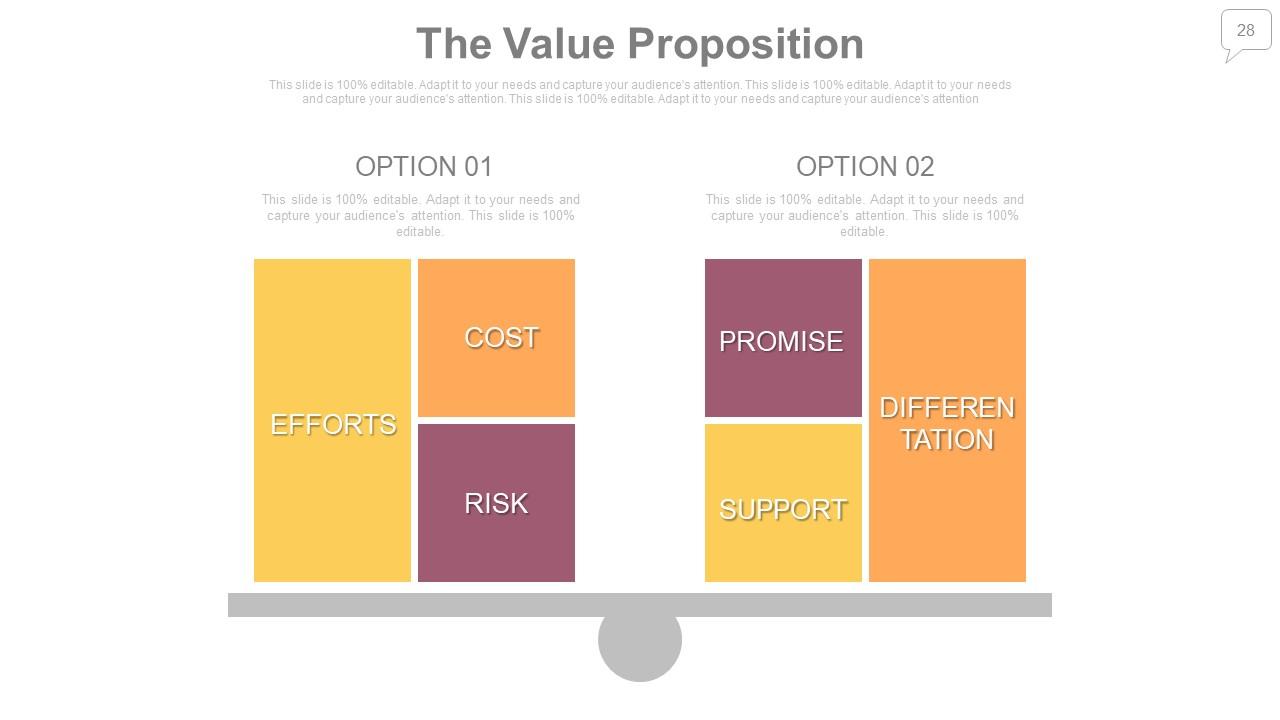
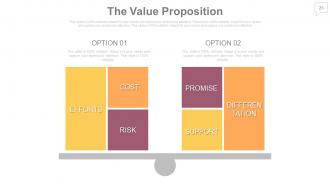
Slide 28: This slide presents The Value Proposition displaying- Cost, Risk, Efforts, Promise, Differentiation and Support.
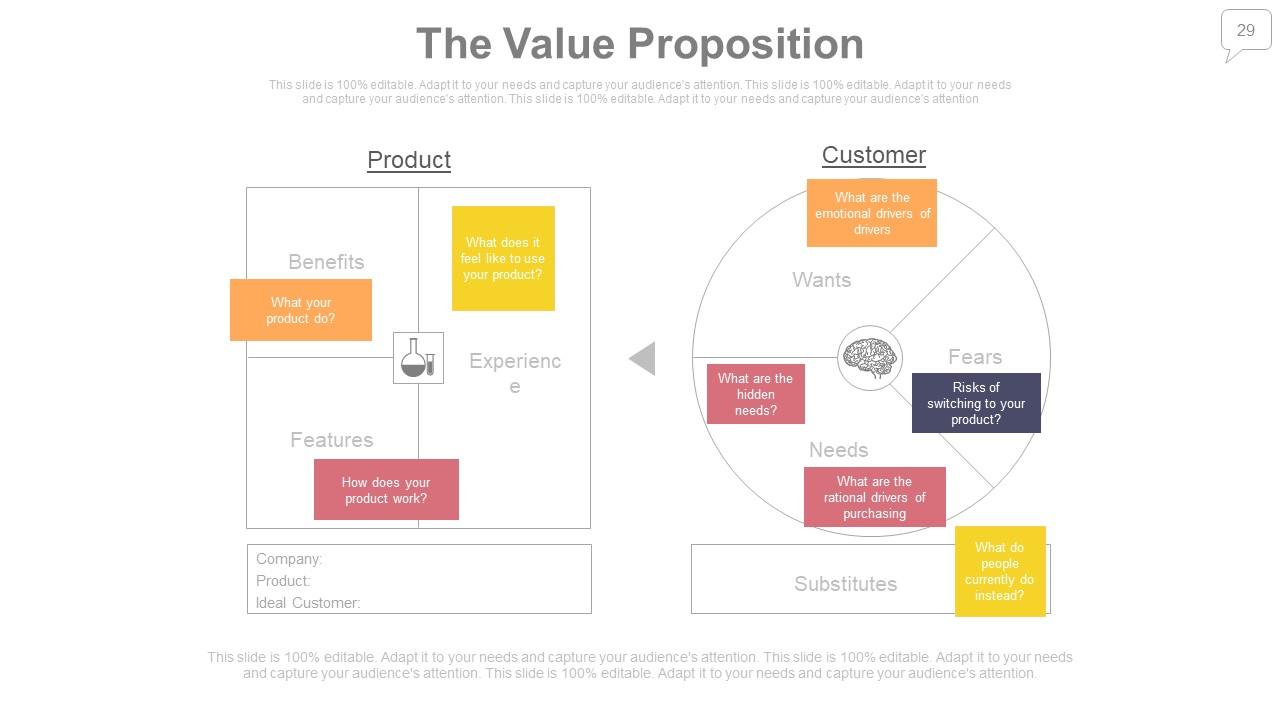
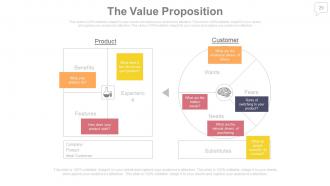
Slide 29: This slide presents The Value Proposition displaying- Product: Company, Product: Ideal Customer, Experience, Benefits, Features.
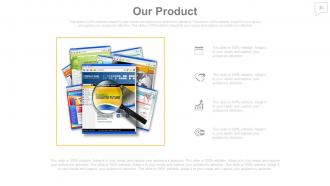
Slide 30: This slide showcases Our Product. State product specifications etc. here.
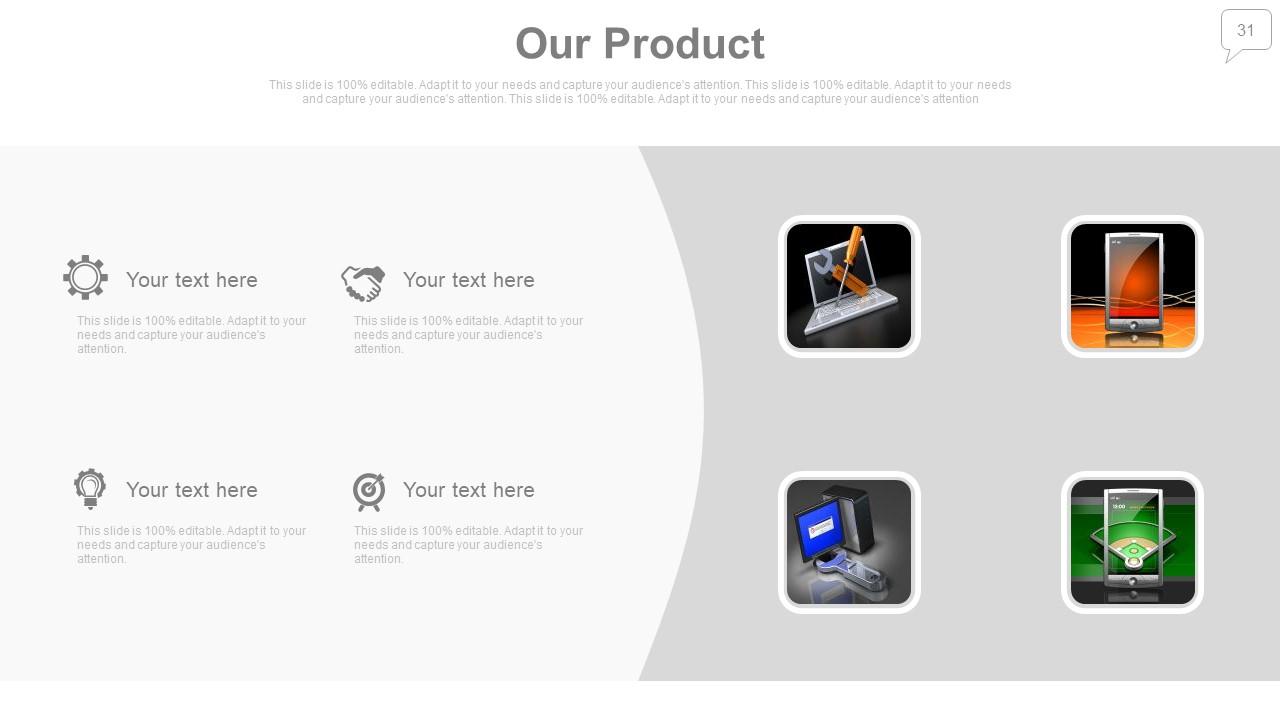
Slide 31: This slide showcases Our Product. State product specifications etc. here.
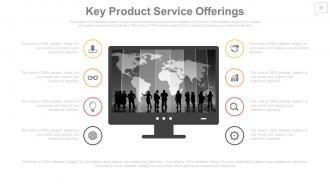
Slide 32: This slide showcases Key Product Service Offerings. State product offerings, specifications etc. here.
Slide 33: This slide also showcases Key Product Service Offerings. State product offerings, specifications etc. here.
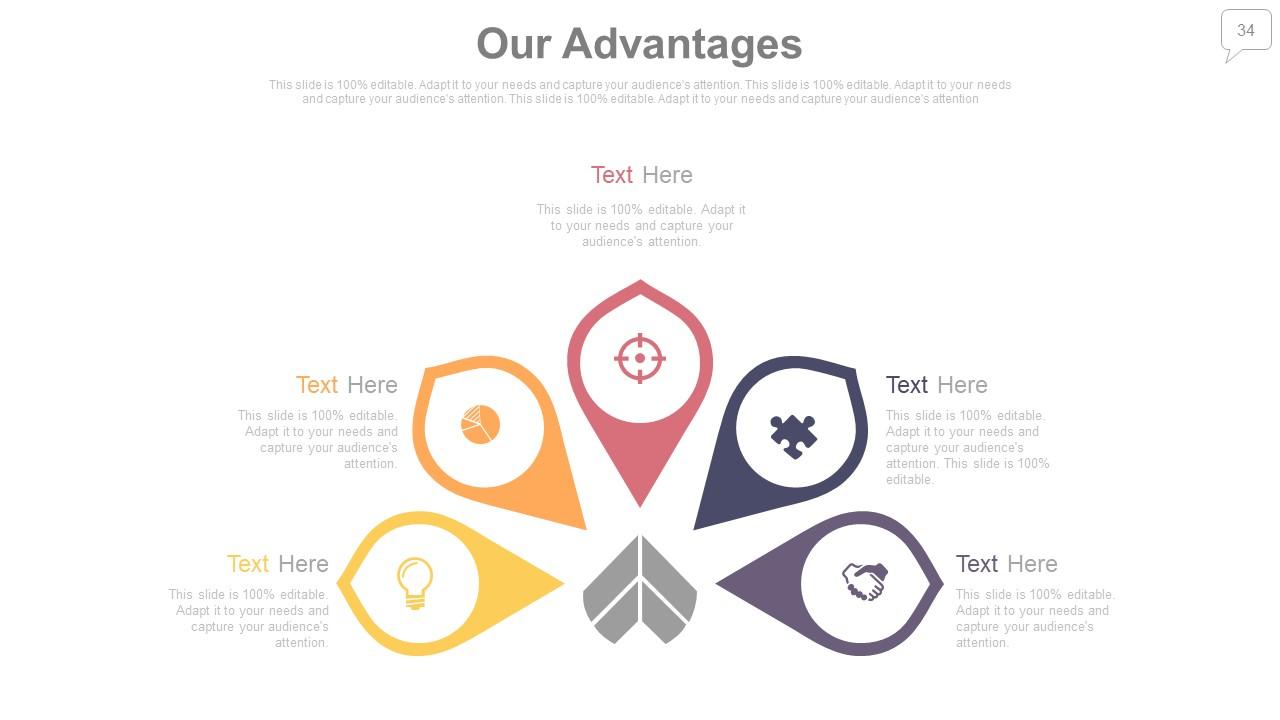
Slide 34: This slide showcases Our Advantages with icon imagery. State your plus points, pros or advantages here.
Slide 35: This slide also presents Our Advantages with icon imagery. State your plus points, pros or advantages here.
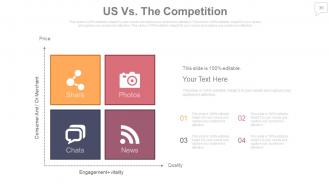
Slide 36: This is Us vs. the Competiton slide stating comparison in a quadrant form.
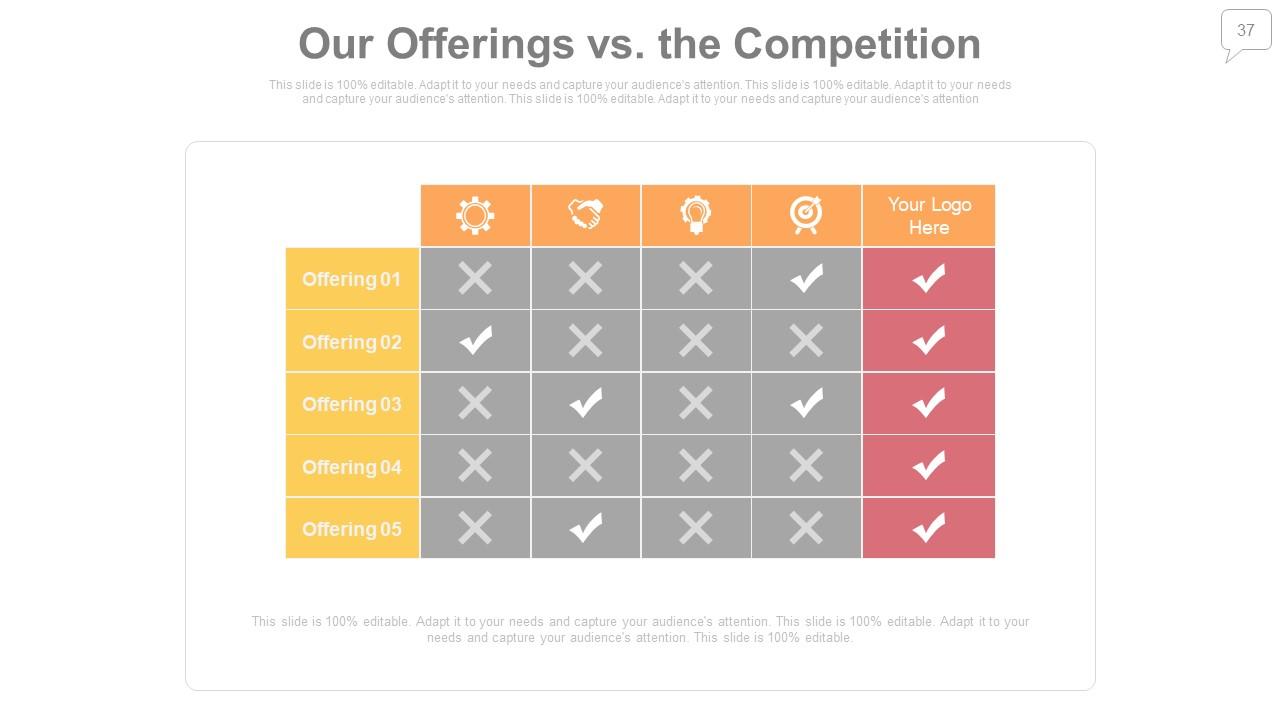
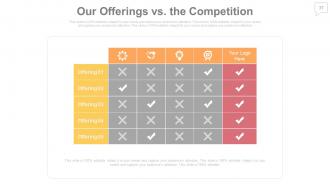
Slide 37: This is Our Offerings vs. the Competiton slide stating comparison in tabular form.
Slide 38: This slide showcases Pricing/ Package. You can show the range as Basic, Standard, Premium to Professional.
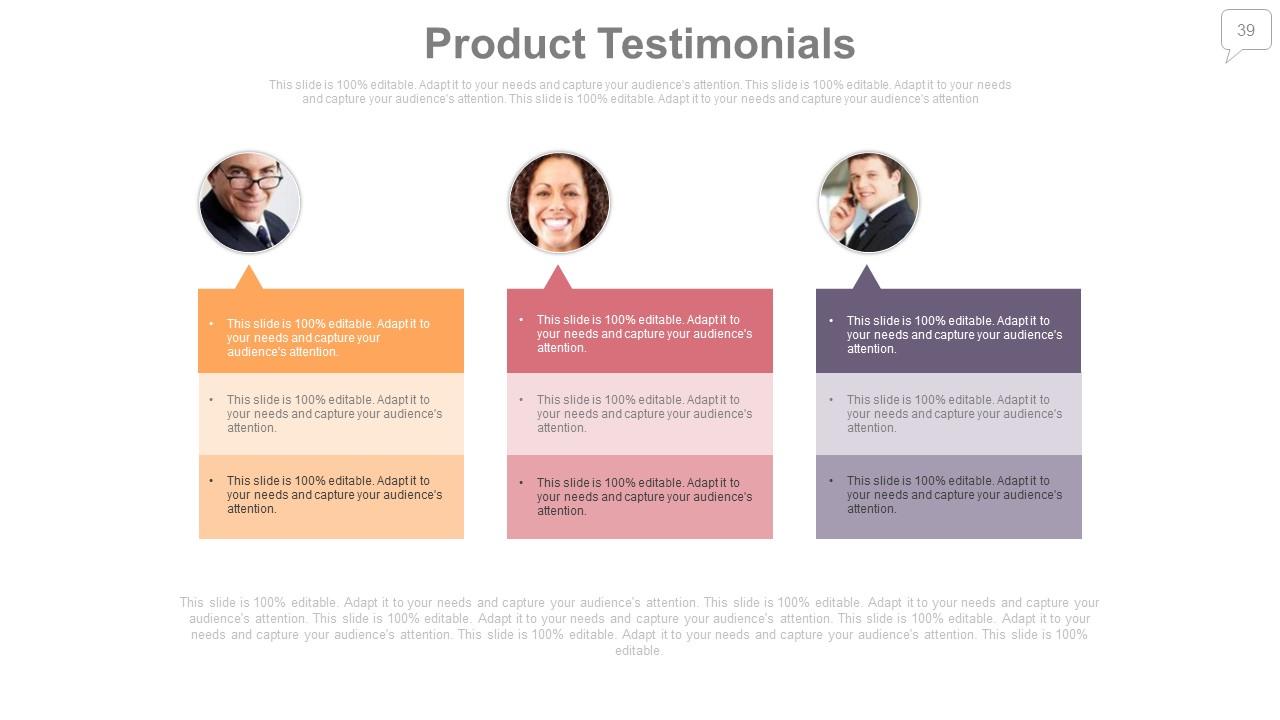
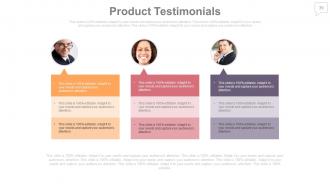
Slide 39: This is Product Testimonials slide with respective name, designation, images and text boxes.
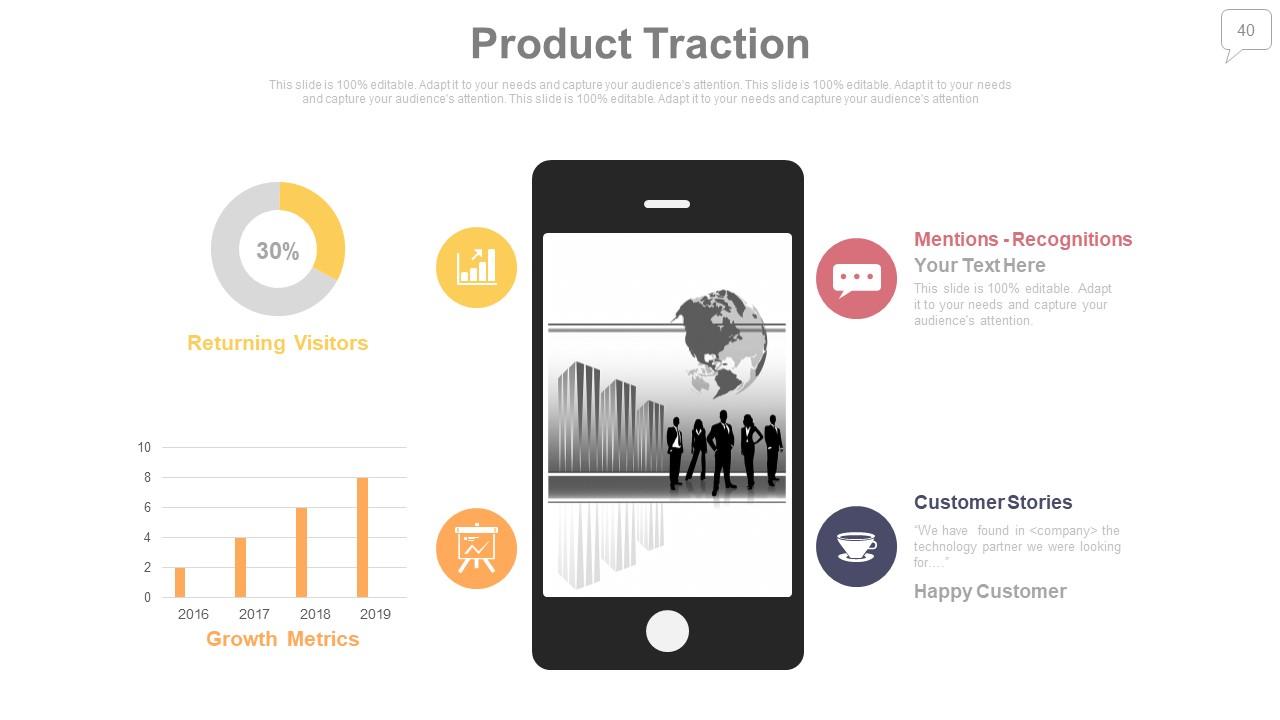
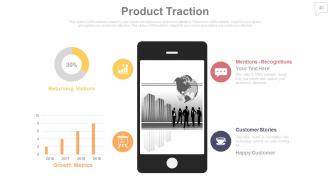
Slide 40: This is a Product Traction slide. Monitor/Showcase the information and alter as per need.
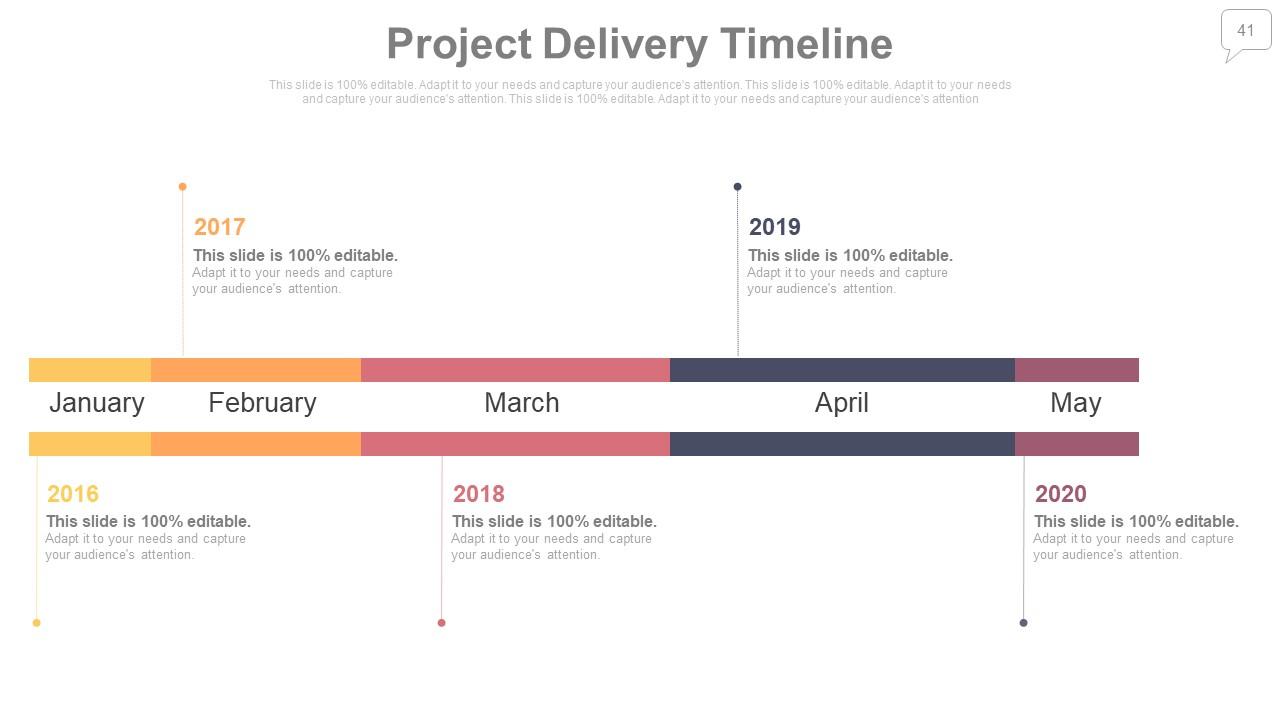
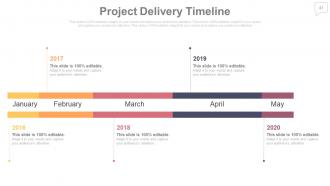
Slide 41: This is Project Delivery Timeline slide to present important dates, milestones etc.
Slide 42: This slide presents Service Level Agreement which can be altered as per requirement.
Slide 43: This is Post It Notes slide. Post your notes, data, information here.
Slide 44: This is a Newspaper slide to add memorabilia or important pointers.
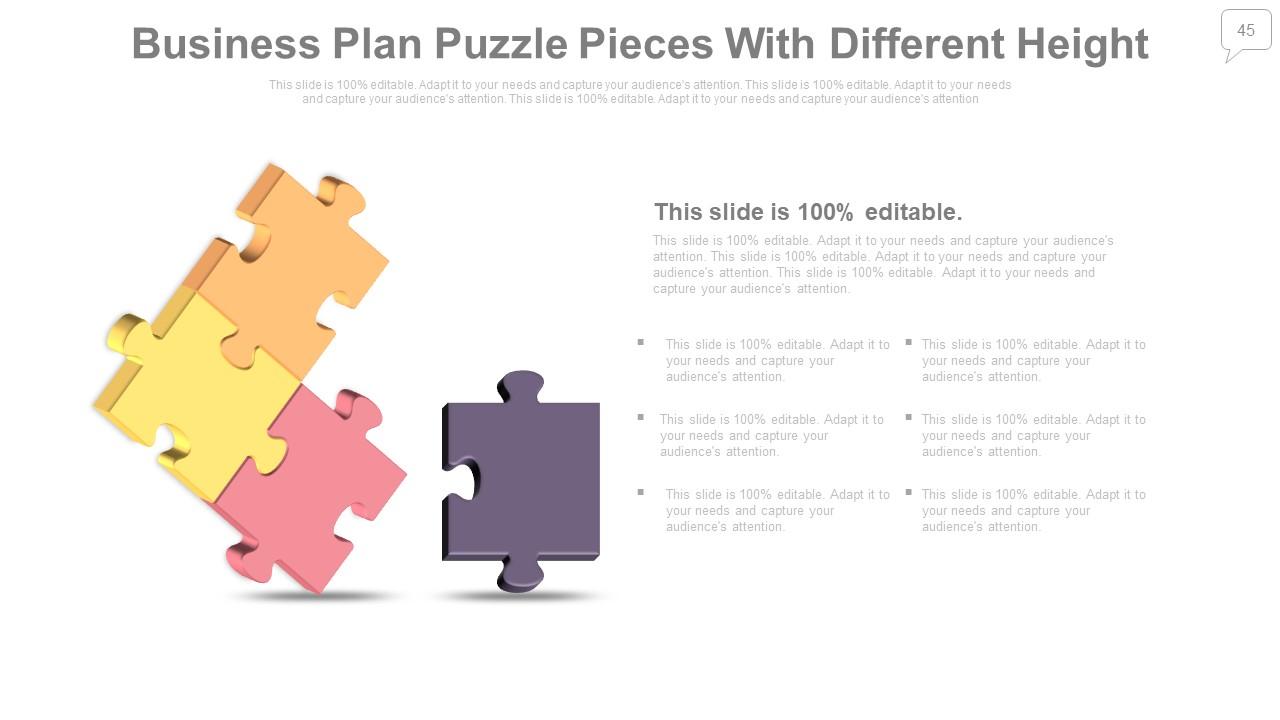
Slide 45: This slide showcases Business Plan Puzzle Pieces With Different Height with imagery to add information, specifications etc.
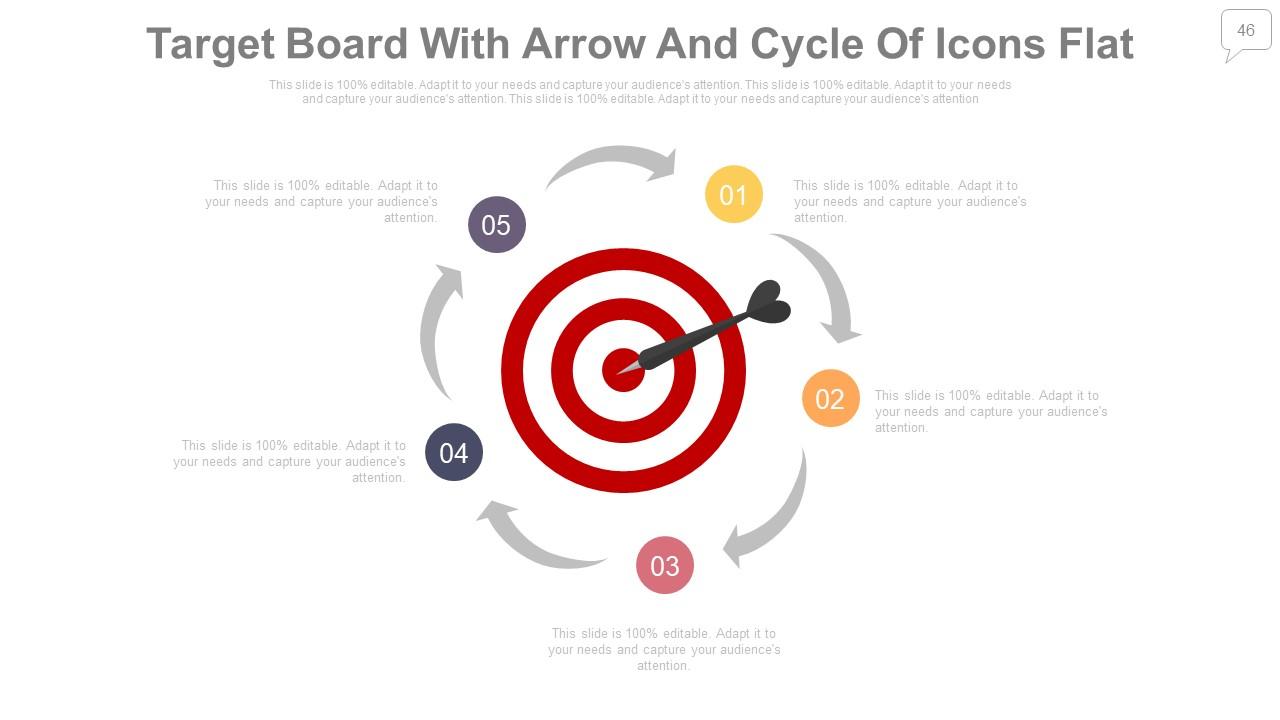
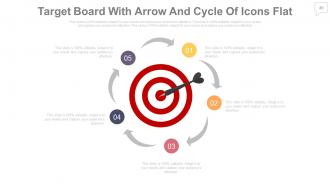
Slide 46: This is a Target Board With Arrow And Cycle Of Icons Flat slide. State your targets here.
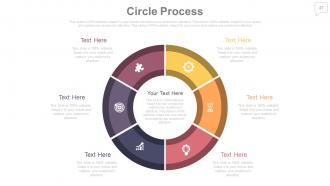
Slide 47: This is a Circle Process image slide to add information, specifications etc.
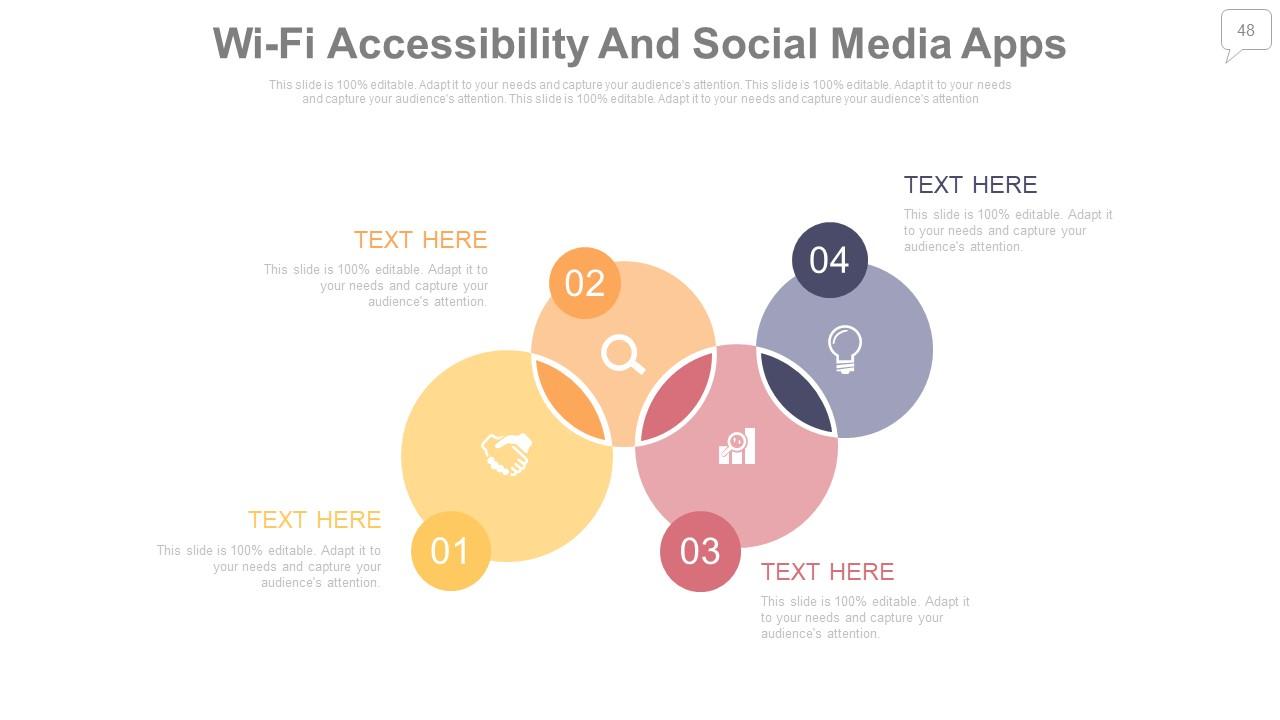
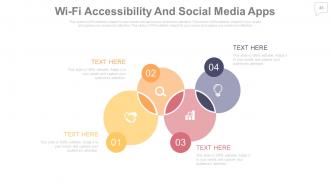
Slide 48: This is a Wi-Fi Accessibility And Social Media Apps slide to present information, specifications etc.
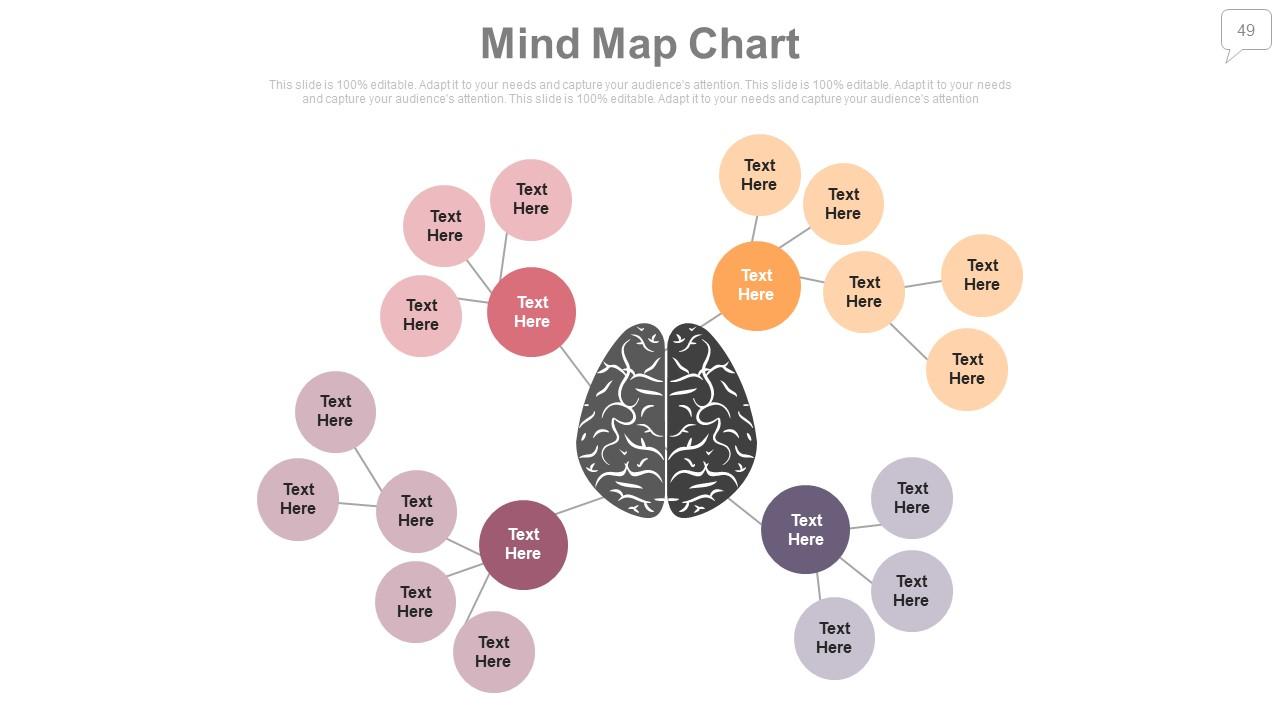
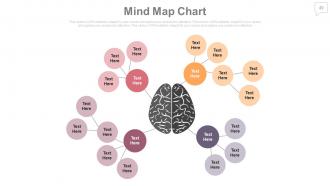
Slide 49: This slide shows a Mind map for representing different entities.
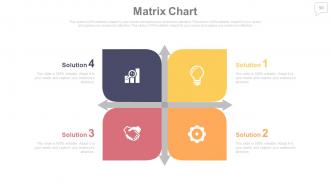
Slide 50: This is a Matrix chart slide. Put relevant comparison data here.
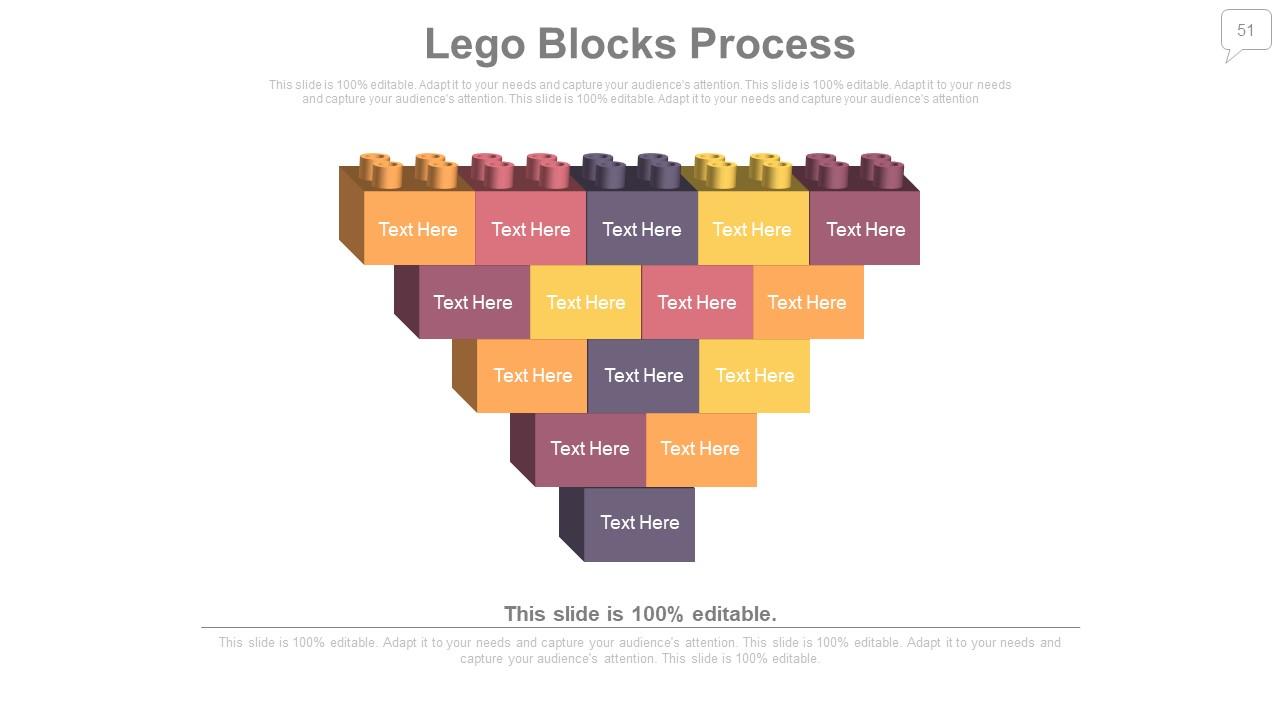
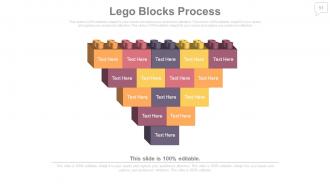
Slide 51: This is a Lego Blocks Process slide with text boxes to show information, specifications etc.
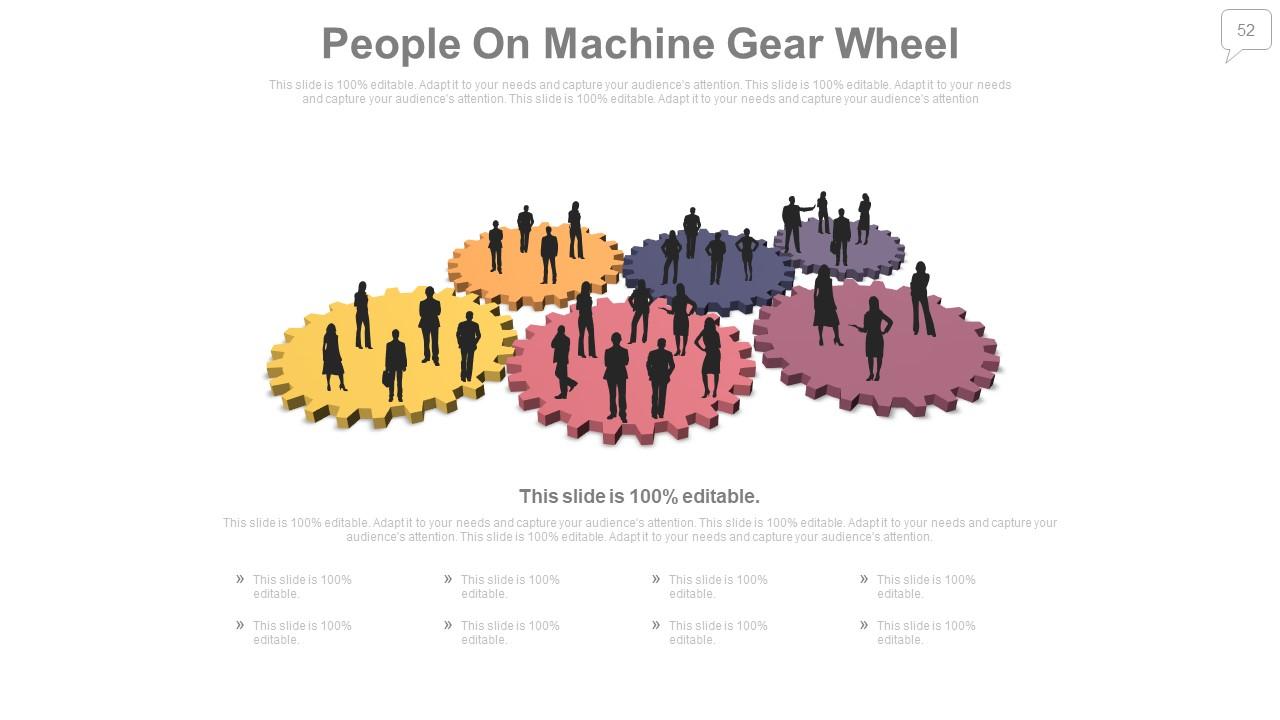
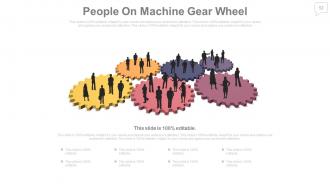
Slide 52: This is a Silhouettes slide titled People On Machine Gear Wheel to show information, specifications etc.
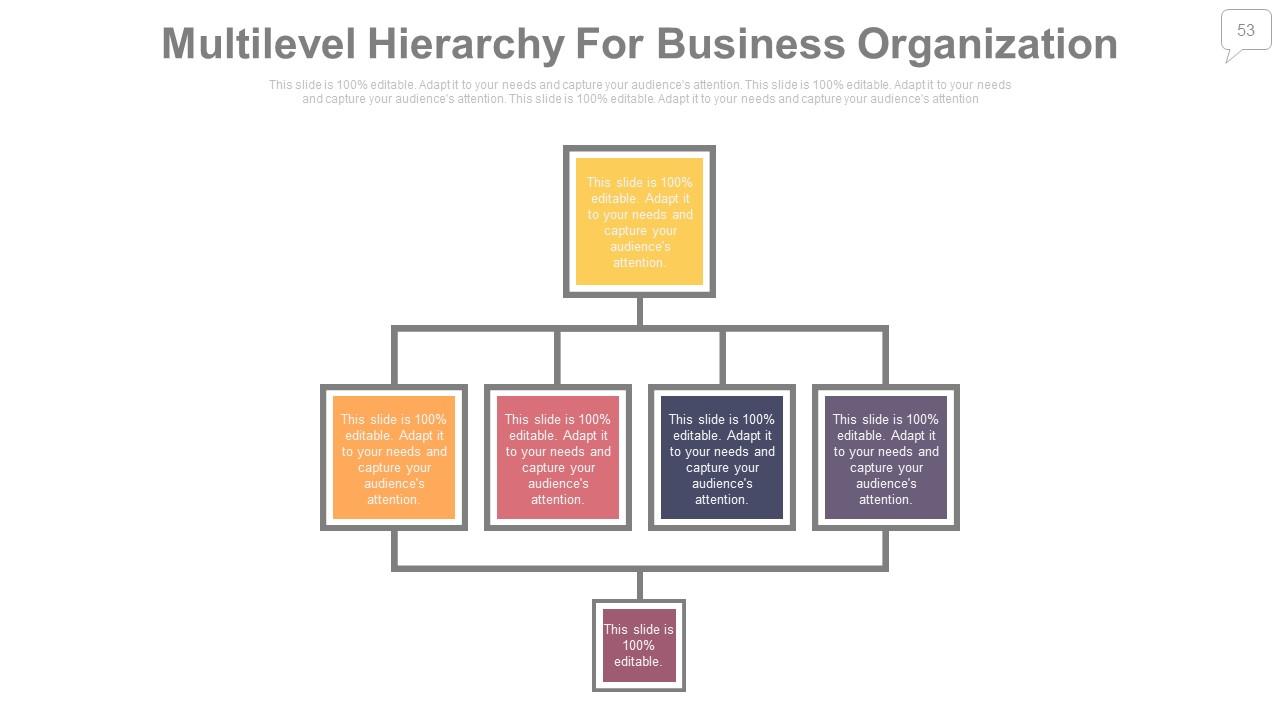
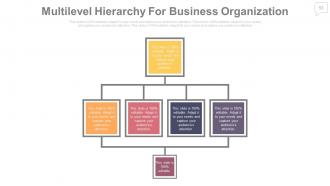
Slide 53: This is a Multilevel Hierarchy For Business Organization chart slide. You can provide your chart and edit it accordingly.
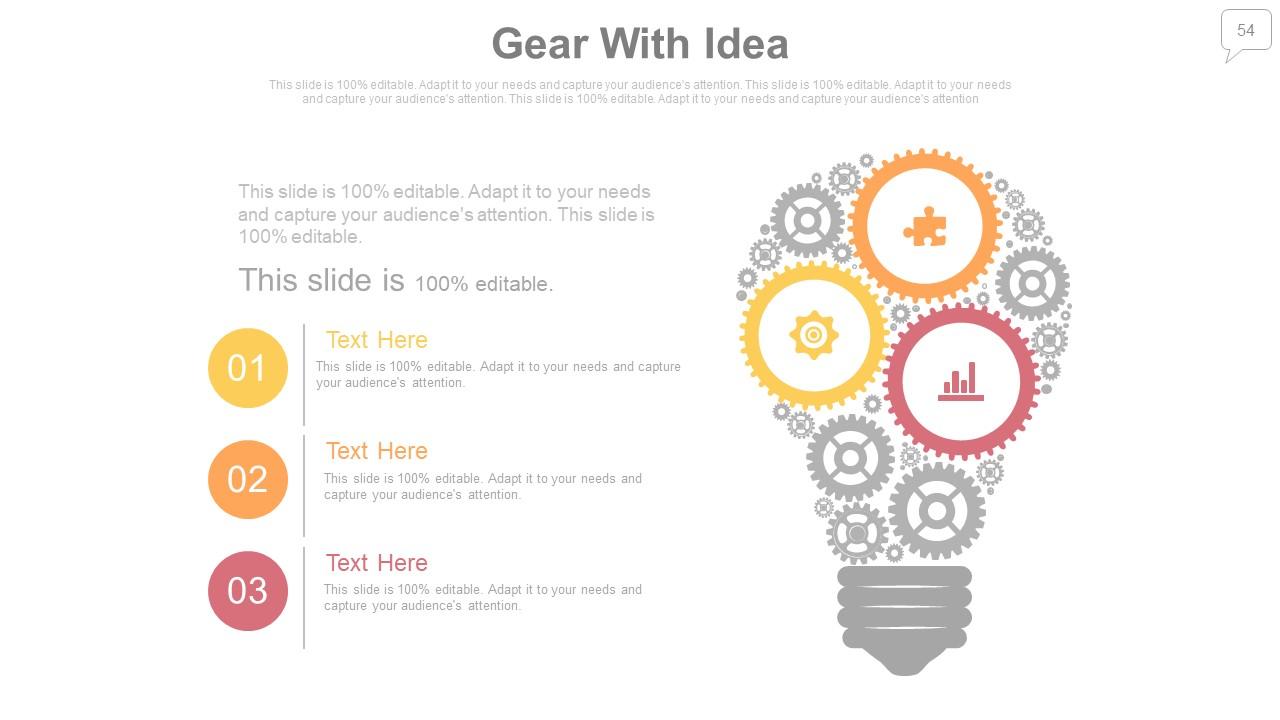
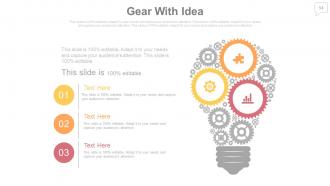
Slide 54: This is a Gear With Idea bulb image slide to show information, innovative ideas etc.
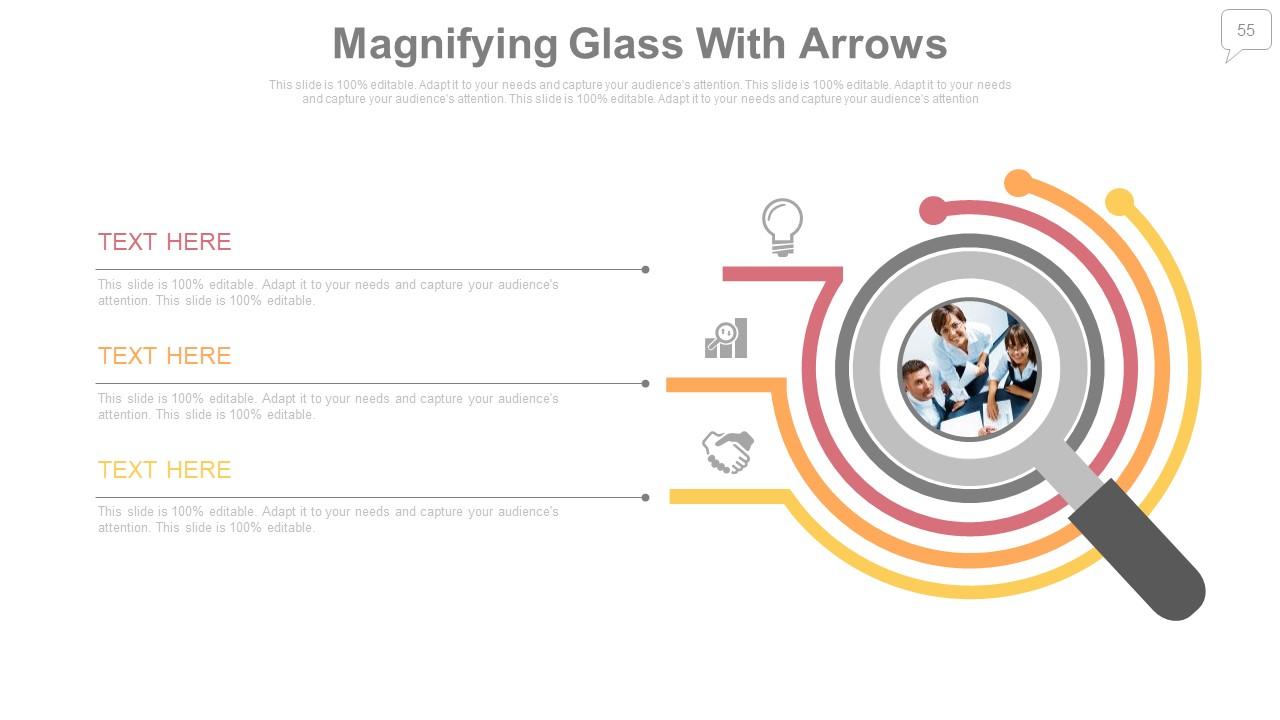
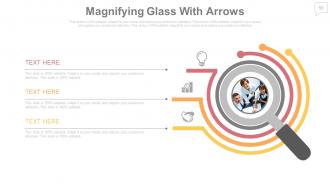
Slide 55: This slide shows a Magnifying glass with Arrows slide to show scope, focus or targets.
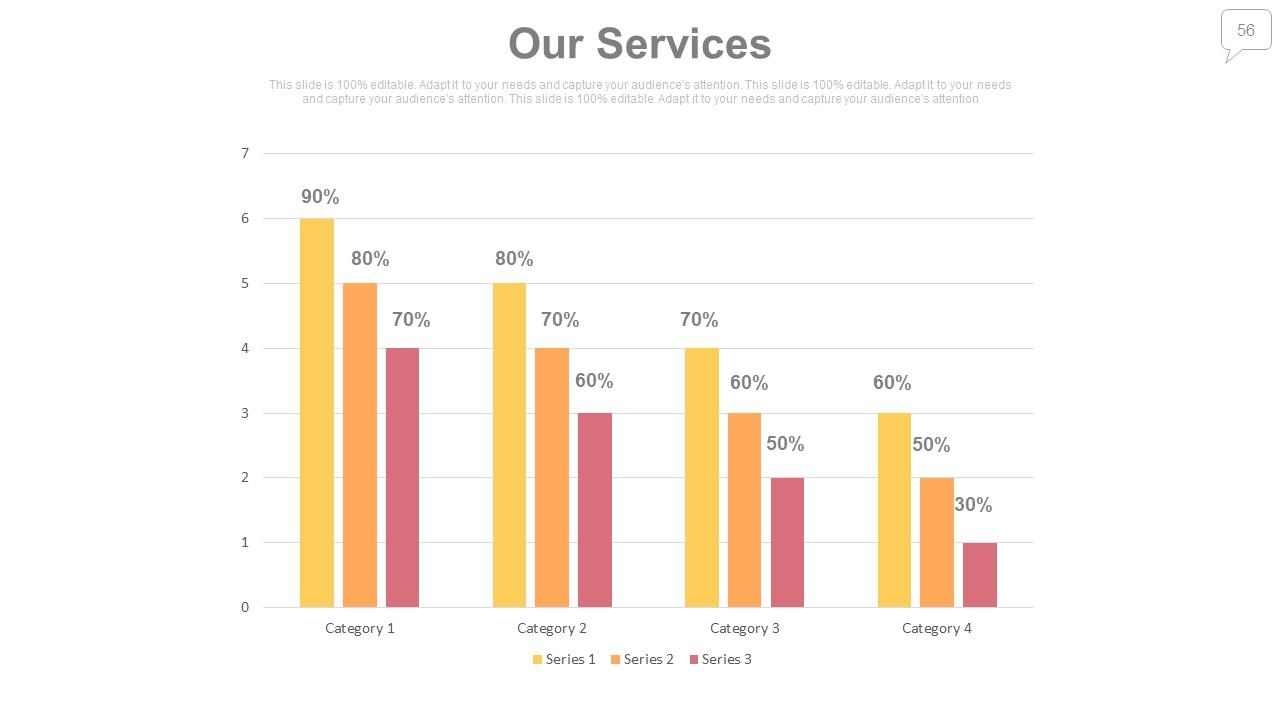
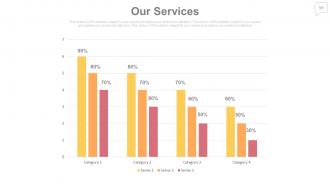
Slide 56: This is an Our Services Bar chart title heading slide. Edit as per your requirement.
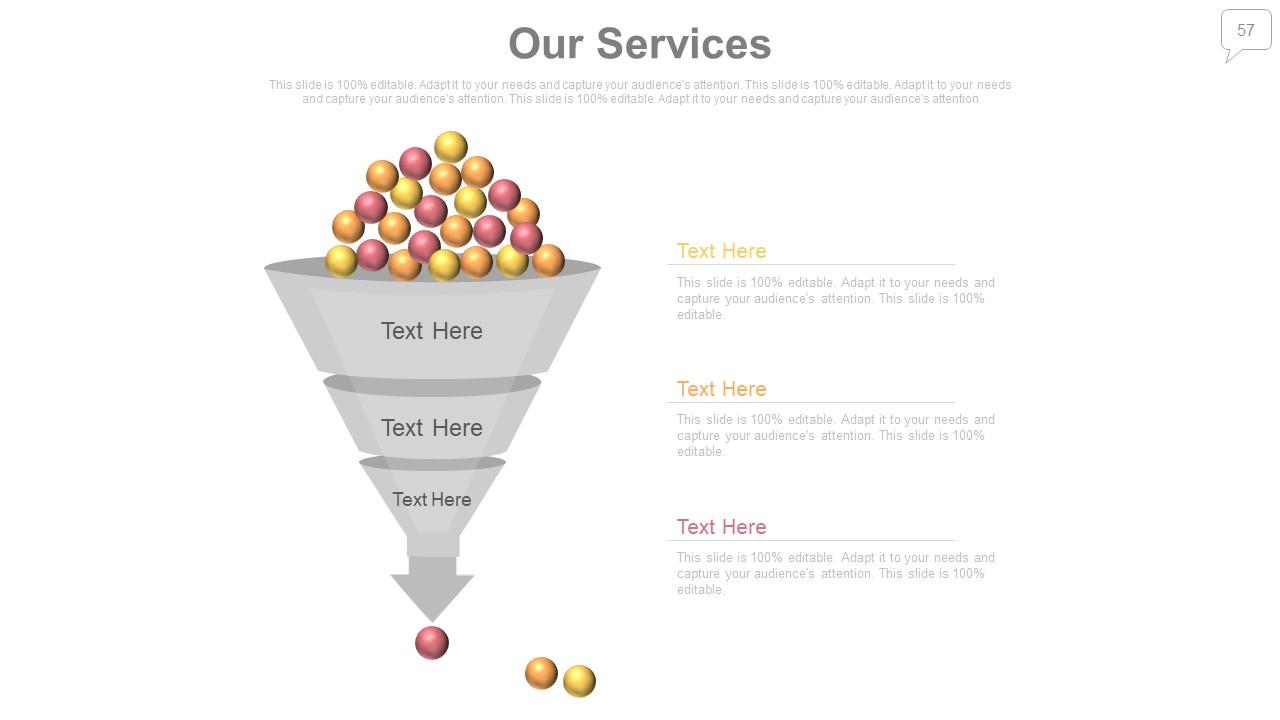
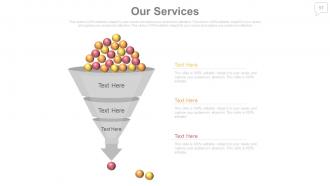
Slide 57: This is an Our Services funnel image slide. Edit as per your requirement.
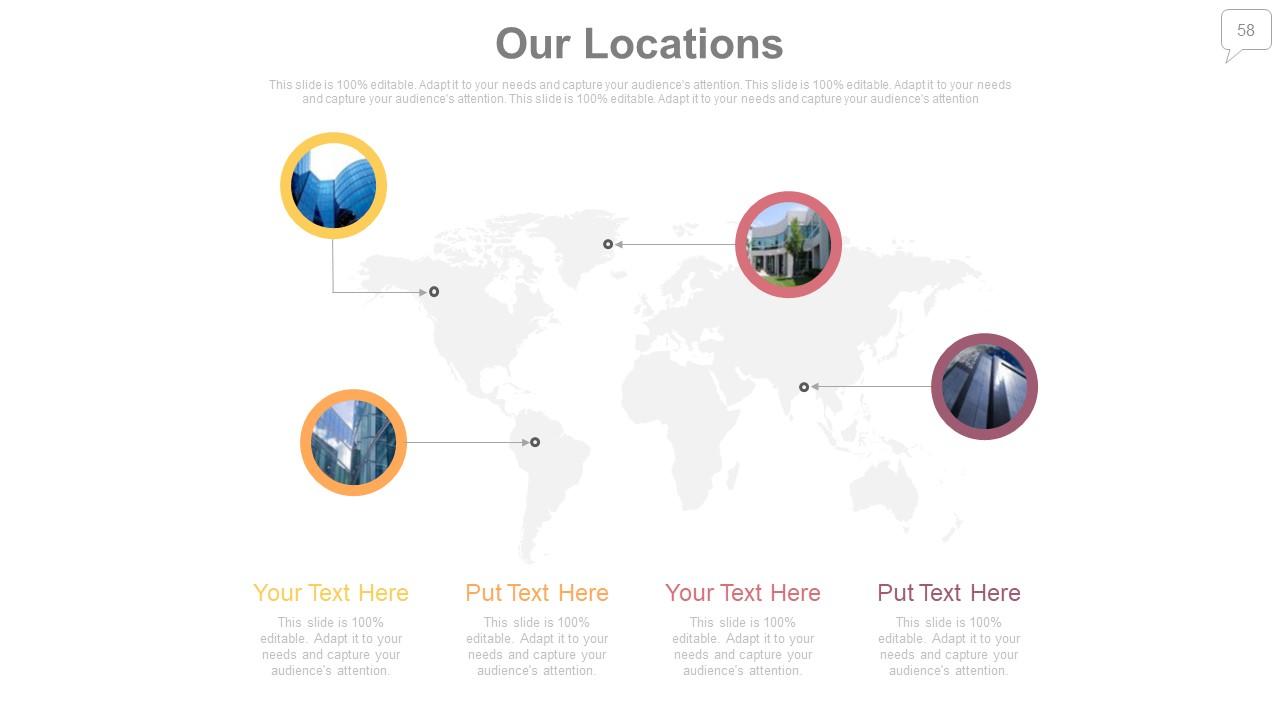
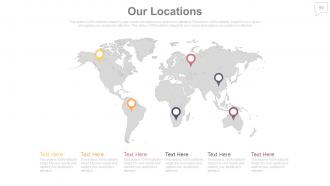
Slide 58: This is a Locations slide to show global segragation, presence etc. on a world map and text boxes to make it explicit.
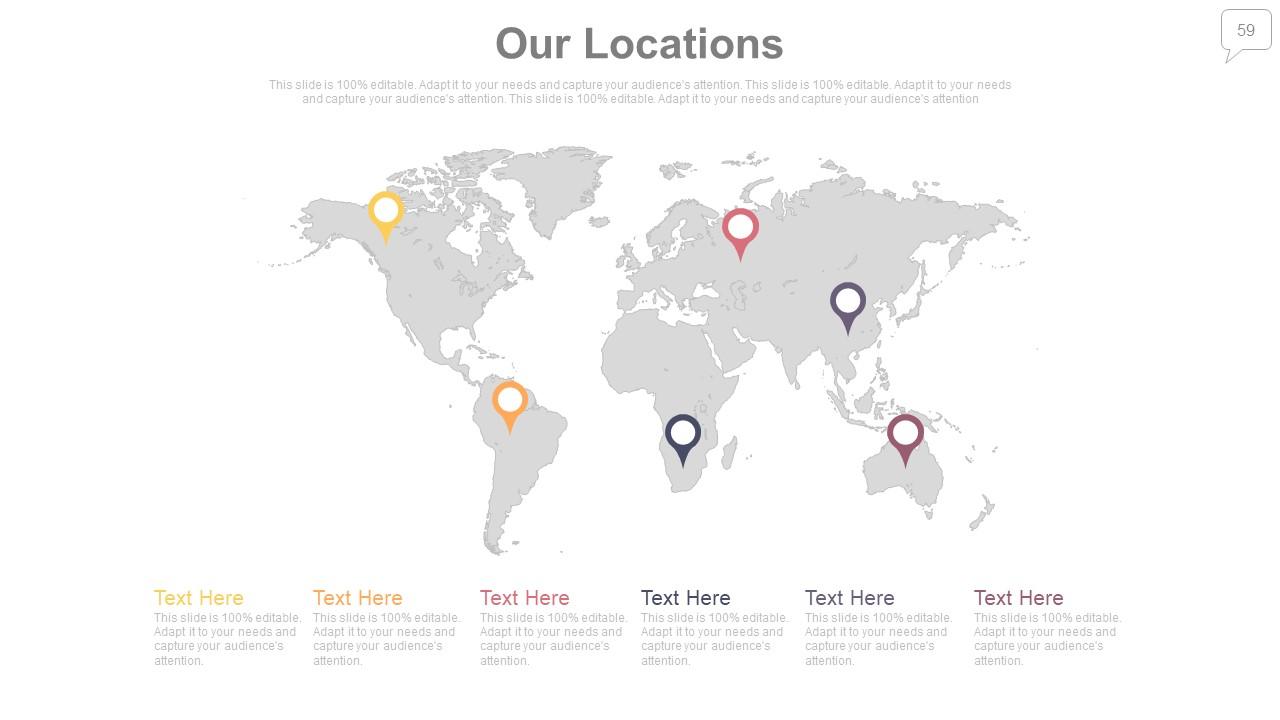
Slide 59: This is a Locations slide to show global segregation, presence etc. on a world map and text boxes to make it explicit.
Slide 60: This is a Contact Details slide.
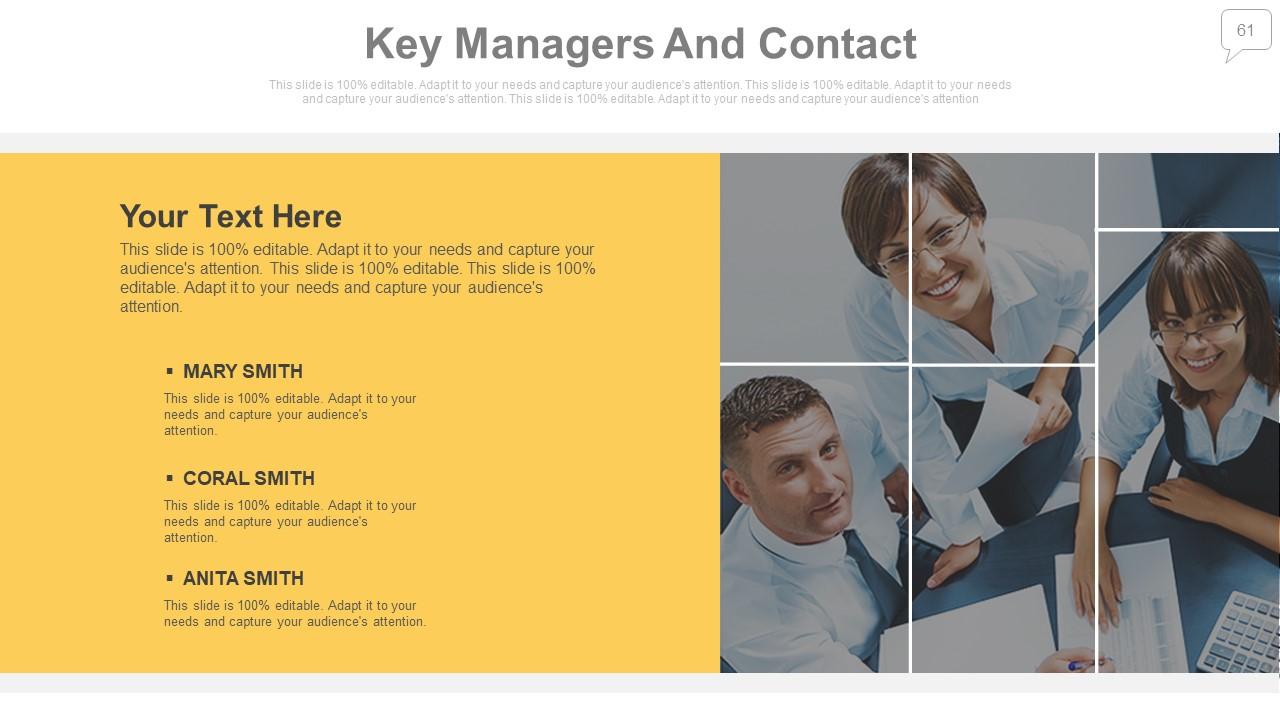
Slide 61: This is Key Managers And Contact as our team slide. Mention name, designation etc. here.
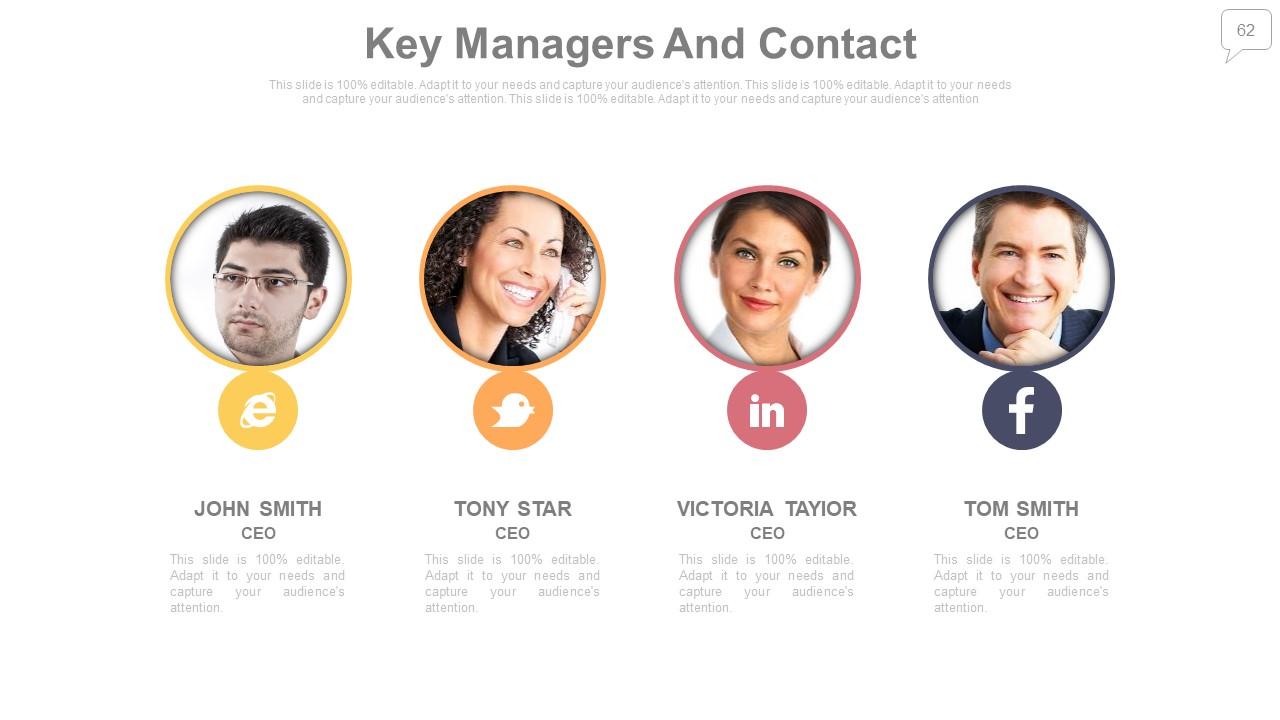
Slide 62: This too is Key Managers And Contact as our team slide. Mention name, designation etc. here.
Slide 63: This is a Thank You slide for acknowledgement with image.
Sales reporting powerpoint presentation with slides with all 63 slides:
Acquire the benefit of flexibility with our Sales Reporting Deck Complete Powerpoint Deck With Slides. Adjust to changing circumstances.
-
Topic best represented with attractive design.
-
Content of slide is easy to understand and edit.
