


Web development it powerpoint presentation slides




Try Before you Buy Download Free Sample Product
 Impress Your
 Audience
 100%
100% Editable
 Save Hours
 of Time


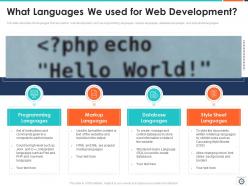
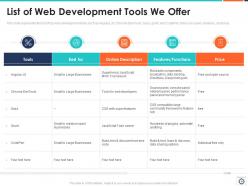
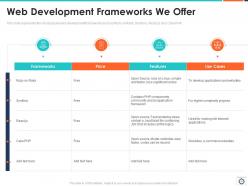
Website development is the vital key for businesses today that makes things happen in real. It makes the public aware of your product or service or offerings and guides them in how you are better than your competitors. Check out our competently designed template on Web Development IT that will assist companies in pitching potential customers with a well-compiled proposal on web development, including details on the companys services, team, etc. Incorporating this ready-to-use template, you can present an overview of your web development company, its strengths, and the reasons for customers to avail services from you. In addition, this will let you showcase the different techniques that you utilize for website development. Also, you can familiarize customers with the various Content Management Systems that your company offers, such as WordPress, Joomla, etc. Moreover, the proposal will cover the languages, frameworks, and tools you use for page growth. Further, the introduction deck illustrates the steps of the web development process, a training program for IT departments, a checklist for effective development, and a timeline for projects. Lastly, the template comes with a roadmap and a dashboard to measure the performance of the IT projects. Download this readily-available proposal, make modifications as per your specific requirements, and you are good to go.
People who downloaded this PowerPoint presentation also viewed the following :
Content of this Powerpoint Presentation
Have you considered a time when you cannot share or communicate digitally? Not so long ago, there was a time when people were not able to communicate and share information digitally.
Today, the digital landscape is prevalent; businesses use different channels to communicate and share information with customers. Web development plays an important role in your business's online branding. In the world of the internet, everyone has an electronic device with an internet connection, with the help of which they can browse any information or services they want.
Let us take a hypothetical situation: You want to buy something; what is your first action?
You will probably take the cell phone out of your pocket and browse the available options, brands, or services. There are some criteria in the minds of potential buyers when they look for the product or service they need. They compare services with brands, check previous customers' reviews and ratings, and, ultimately, decide. Hence, your business’s online presence and engagement play a crucial role in whether a person will consider buying your product or not. Hence, companies indulge in web development of their business.
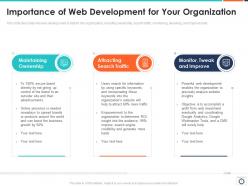
There are several advantages of web development for a business. Let’s discuss them before we dive deep into the sea of SlideTeam’s Web Development IT PowerPoint Presentation Slides. The list of benefits of web development for a business is never-ending, but some of them are accessibility, ensuring an online presence, communicating brand values, brand building, efficiency, customer engagement, and innovation.
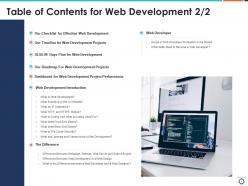
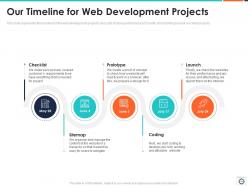
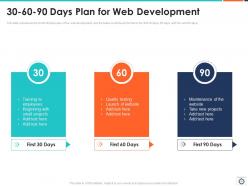
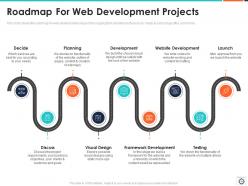
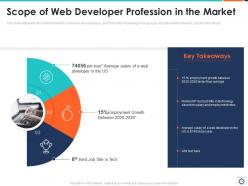
Web development is not a one-step process. A roadmap and timeline ensure the success of these plans. With the help of ready-to-use PowerPoint Templates, you can analyze the performance of plans, projects, lay plans, deadlines, and milestones for the steps in the web development process.
A Brief Introduction to the Web Development PPT Slides
These PPT templates help you state the agenda and plans for web development with eye-catching visuals.
Let’s get acquainted with these ready-to-use PPT slides!
Template 1: Agenda for Web Development
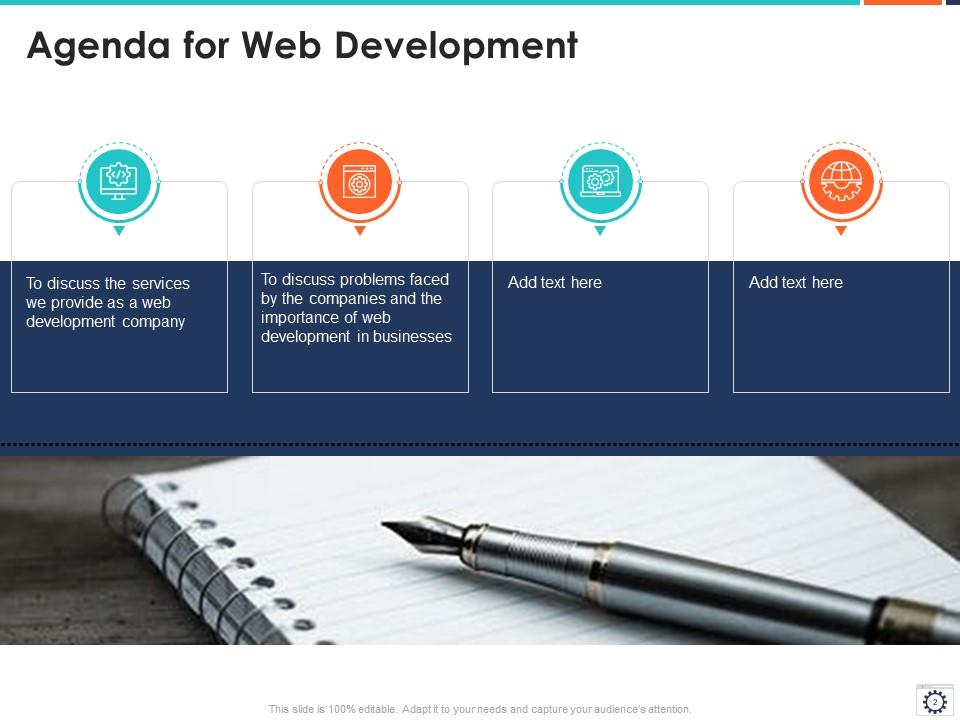
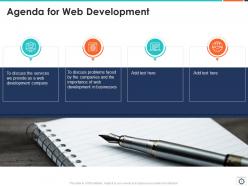
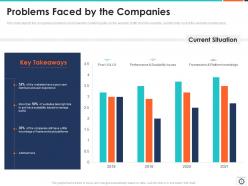
Highlighting a business's agenda is essential to describing what you do as a company. An agenda helps a web development company understand the significant services they want to provide and the problems that can be expected on the way to the process. Through these creative slides, you can easily add the challenges faced by your business in the process and what majors can be taken to solve them and provide better solutions.
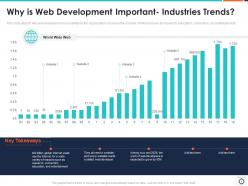
Template 2: Describing Industries Trend

As web developers, you will find this template very useful. You can compare various websites that have been developed according to rankings and visitors. These websites will provide you with the opportunity to compare five websites according to rankings and visits. You will be able to showcase your skills as a web developer, easily convince your clients regarding your previous web developments, and win their trust. With the help of graphs, you can easily demonstrate your skills effectively and impressively.
Template 3: Our Web Development Team Members
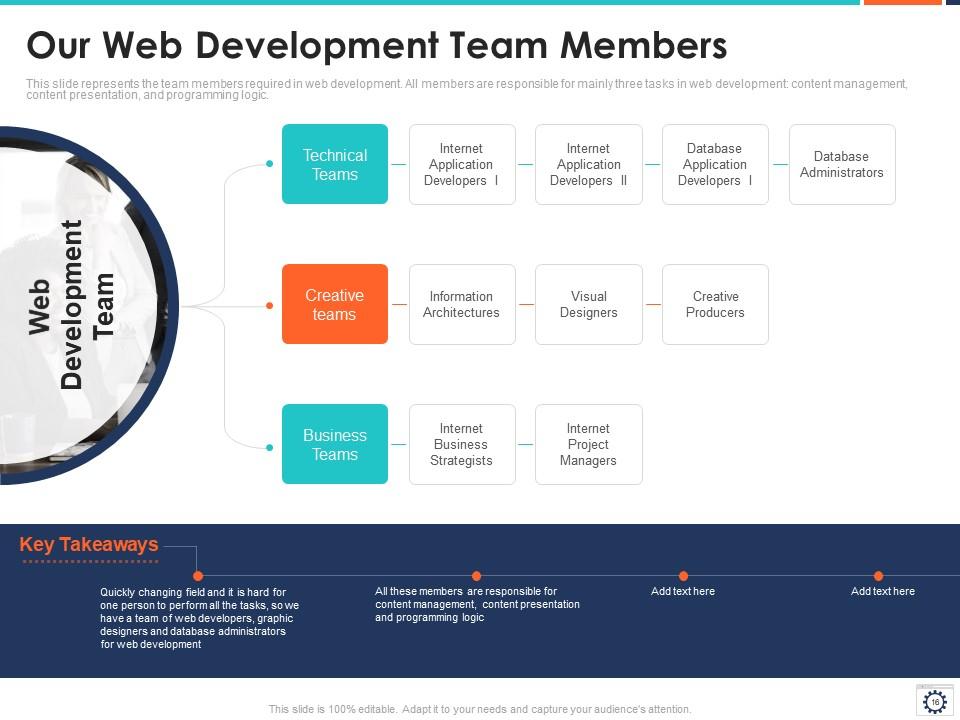
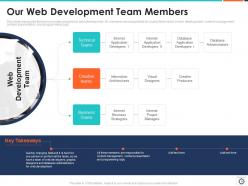
Introducing your team is another vital way to ensure that you have enough members to assist with web development. Your trust and reliability will increase if you introduce your different teams that will help take on the web development project. Our customizable PowerPoint slides empower you to showcase your team members in different categories, like creative teams, business teams, and technical teams. You can also mention your internet business strategists, project managers, information architects, creative producers, visual designers, and other team members.
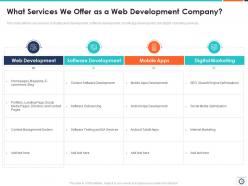
Template 4: What Services Do We Offer as a Web Development Company?
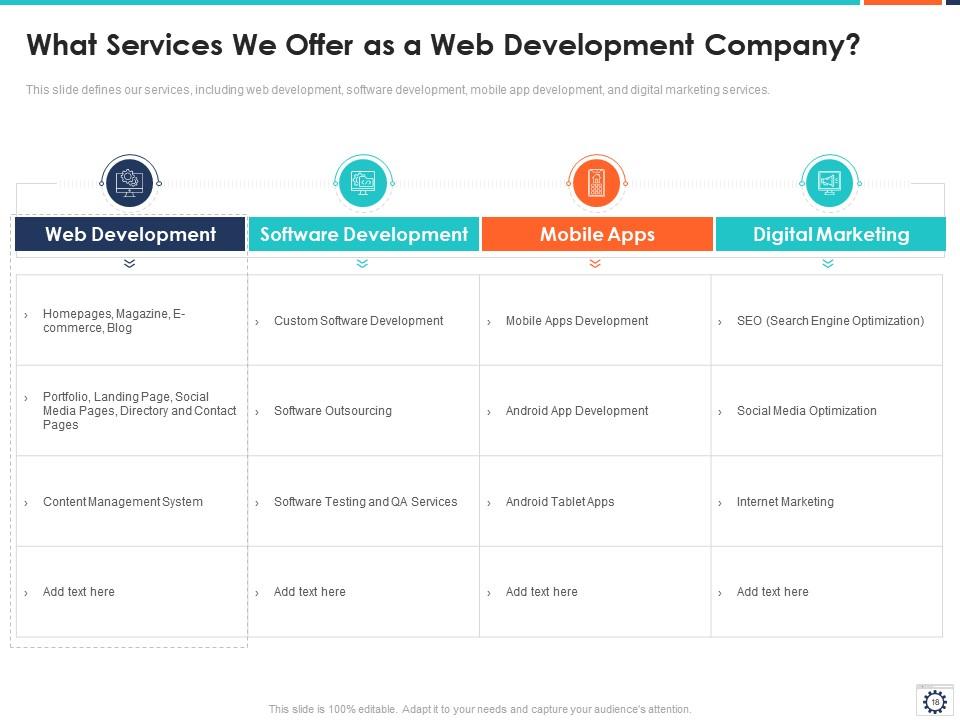
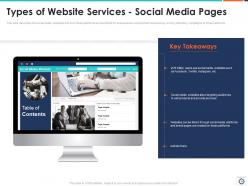
Demonstrating your services as a web development company will show your clients the different services you provide. This template will help you highlight your services through the help of a table. You can highlight your services like web development, software development, mobile apps, and digital marketing. You can add your specializations underneath your services mentioned below the different services your company provides: what kind of web development you do, landing page designing, social media pages, software outsourcing, software testing and QA services, search engine optimization, mobile apps development, internet marketing, search engine optimization, and social media optimization and many more according to your company.
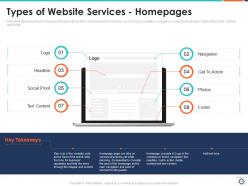
Template 5: Type of Website Services- Homepages
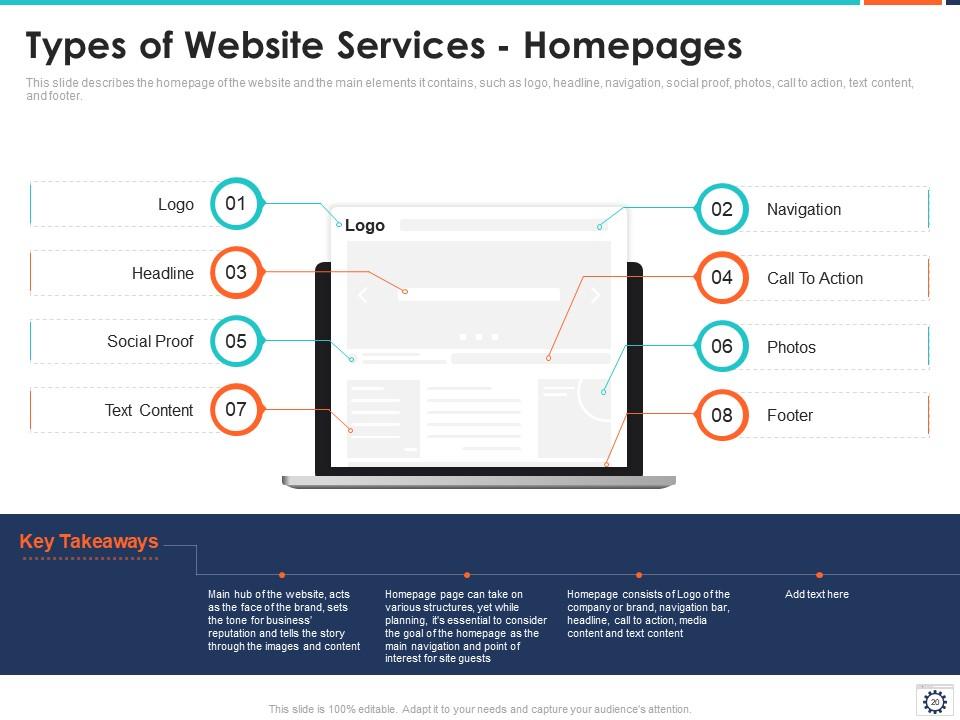
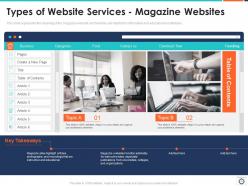
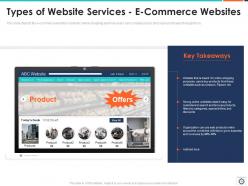
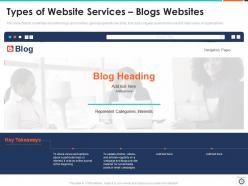
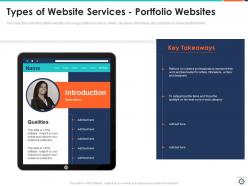
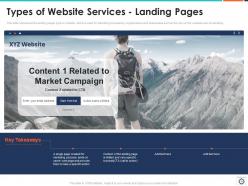
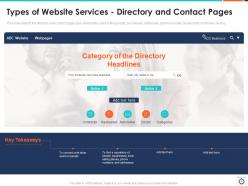
Deeply explaining what kind of website services your web development company provides helps instill a clear idea about what customers can get. Our ready-to-use PPT template will develop a clear image of the services offered in customers' minds through creative graphics, visuals, and icons. You can demonstrate various website services like logo, headline, social proof, text content, navigation, call to action, photos, and footer. Grab this slide to enjoy the benefits of showcasing your website services.
Template 6: Why is CMS Beneficial for a Business?
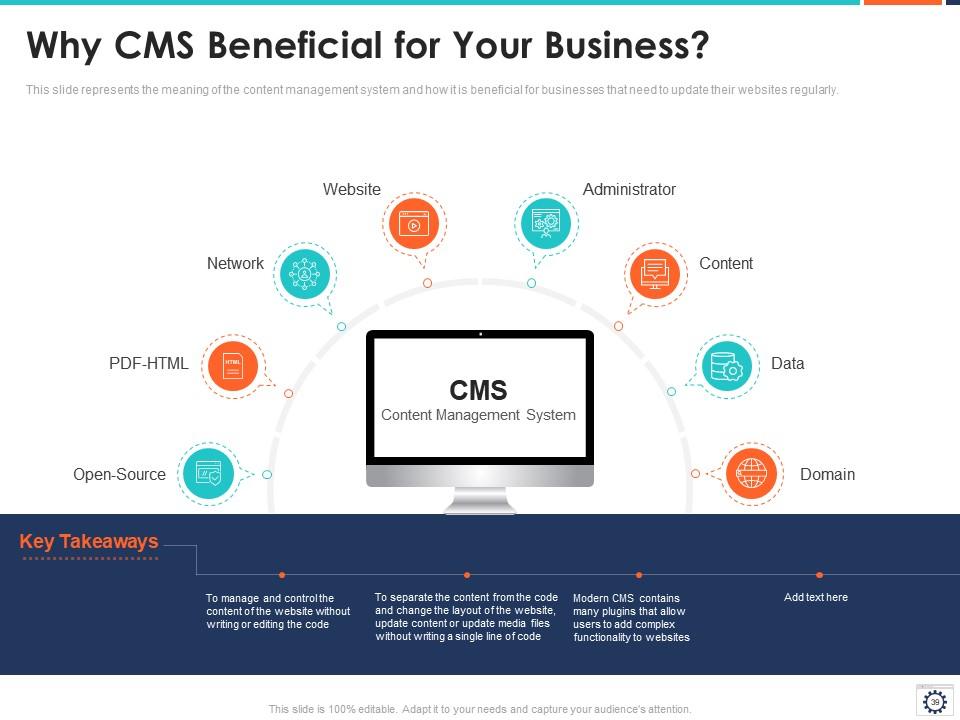
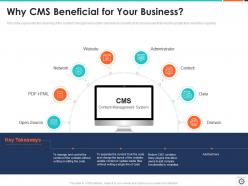
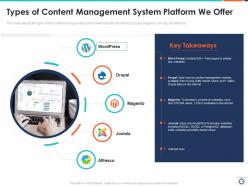
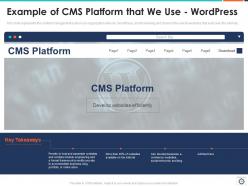
Highlighting the Content Management System is another way to captivate the client's attention and explain how to supervise and control the website's content without writing or editing the code. You can easily explain the content management system to clients through attractive icon designs and highlighting various plugins.
Template 7: Six Steps of Website Development Process
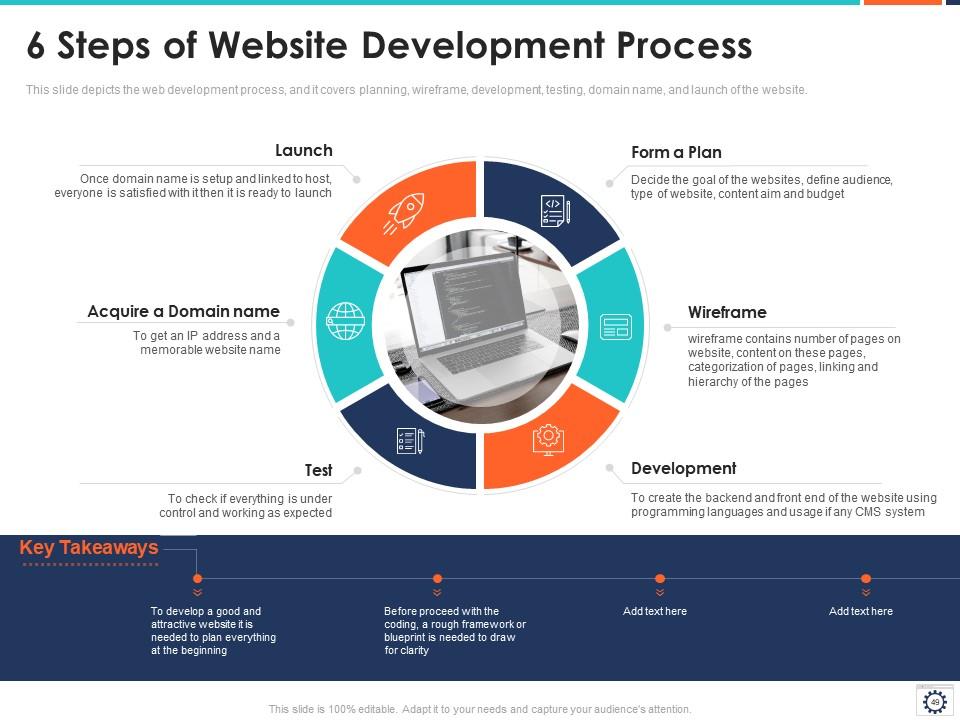
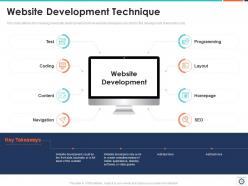
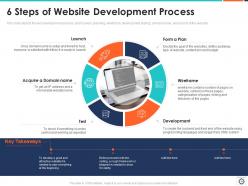
Through the help of these six steps in the website development process, the clients will get an idea of the time frame in which the website will be prepared and ready to launch. This template will help you demonstrate how to form a plan, wireframe, develop, test, acquire a domain name, and launch. The whole process, from the initial step of the development of the website to the launch date, you can create a roadmap.
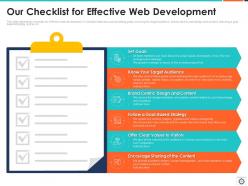
Template 8: Our Checklist for Effective Web Development
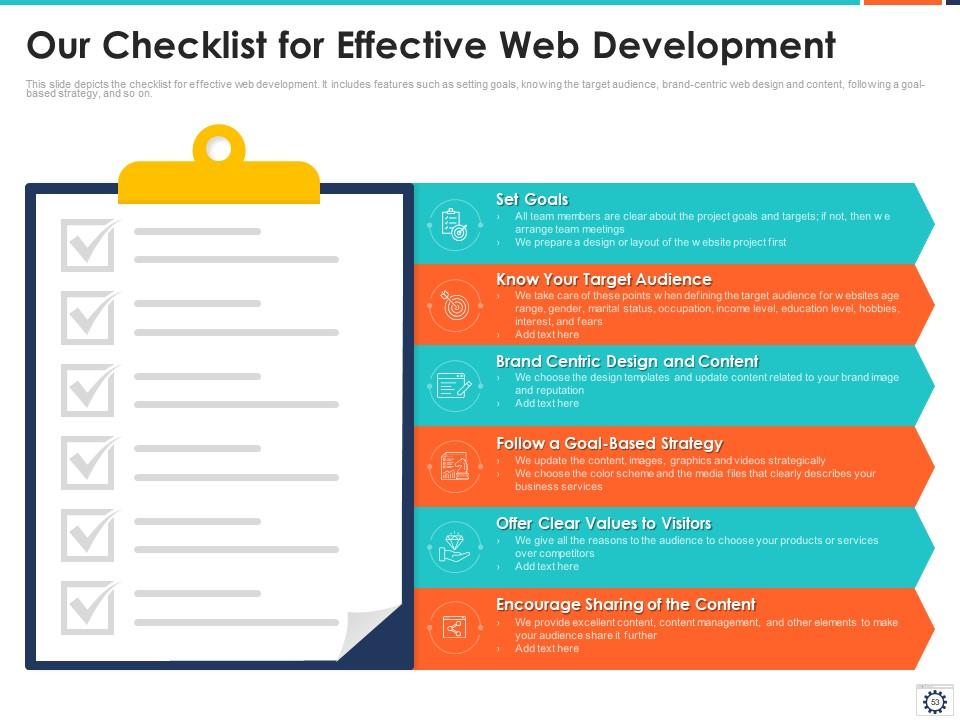
Important steps are involved, and a checklist will help in a business's web development. Certain points need to be kept in mind for effective web development. This PPT template will help you highlight key points like setting goals, knowing your target audience, using brand-centric design and content, following a goal-based strategy that offers clear values to visitors, and encouraging content sharing.
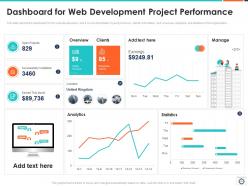
Template 9: Dashboard for Web Development Project Performance

Web development project performance will help a business analyze the project quickly. You can easily demonstrate the overview; the clients, earrings, and open projects completed and earned this month, and statistics, among other things. The performance of various projects can be easily demonstrated through this template.
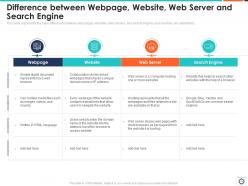
Template 10: Difference between Webpages, Websites, Web Server, and Search Engine
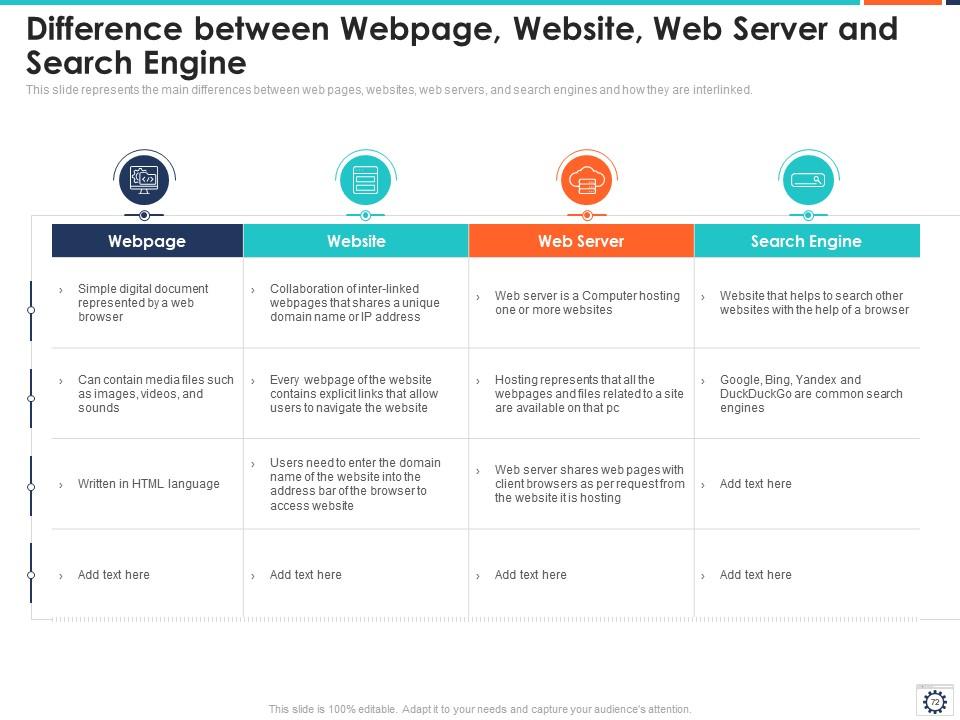
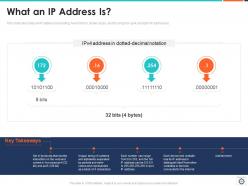
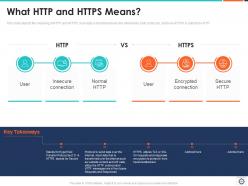
Distinguishing between web pages, websites, web servers, and search engines will help you understand them. Through this template, you will understand what represents a web page and its components, the language in which it is written, what makes a website, explicit links, and computer hosting, which allows users to navigate the website.
Final Word
In conclusion, the web development IT PPT templates help navigate the web development checklist, understand how CMS is beneficial for a business, and understand the importance of online presence. These templates will help create a roadmap for the complex web development process and an outline of the whole process. The importance of web development becomes evident through these PowerPoint slides. Download these templates now to get started!
Web development it powerpoint presentation slides with all 89 slides:
Use our Web Development IT Powerpoint Presentation Slides to effectively help you save your valuable time. They are readymade to fit into any presentation structure.

FAQs for Web development it
Oh man, so there's five main stages you gotta hit - planning, design, development, testing, deployment. Start by nailing down what you actually need and mapping your site structure. Then wireframes and visual design come next. Development's where the magic happens (honestly my favorite part). After that, test everything for bugs and make sure it works across different browsers. Deploy when you're ready. Don't skip steps even when deadlines are crushing you - trust me on this one. I once rushed through planning and ended up rebuilding half the site later. Get everyone to sign off at each phase or you'll be dealing with "oh actually can we change this entire section" way too late in the game.
Basically, responsive design means your site adjusts to whatever screen someone's using - phone, tablet, desktop, whatever. No more of that annoying pinch-and-zoom nonsense that makes people bounce immediately. Everything just flows naturally and stays readable. Your buttons become finger-friendly, images resize properly, and nobody has to scroll sideways like it's 2005. Honestly, it's kind of wild that some sites still don't do this. Users stick around way longer when they're not wrestling with your interface. Go mobile-first when you build it - trust me on this one.
Honestly, you gotta bake SEO into your dev process from the start. Can't just tack it on later and hope for the best. Plan your site structure and URLs early - that stuff matters way more than I realized when I first started coding. Page speed is huge, plus mobile responsiveness and clean HTML markup. I used to think SEO was just marketing fluff, but turns out the technical choices you make directly affect how Google crawls your site. Semantic HTML and fast load times will get you like 80% there. Don't overthink the fancy stuff initially.
Git's basically your safety net for team coding. Everyone can work on the same project without accidentally nuking someone else's work. You'll see exactly who changed what and when, which is clutch when something breaks at 2am. Branching lets you mess around with new features without touching the main code. Honestly, pull requests are a game changer - they catch so much stupid stuff before it goes live. And yeah, we all write terrible commit messages sometimes ("fixed stuff" guilty as charged). But being able to roll back changes when things go sideways? Worth it.
Honestly? Speed is the biggest win - you'll get sites up way faster than coding from zero. Clients can actually update their own stuff too, which saves you from those constant "can you change this tiny thing" calls. Built-in security patches are nice, plus all the SEO tools and plugins. WordPress has this huge community so you're never really stuck. Sure, you lose some customization control, but that's the trade-off. For like 90% of projects though, WordPress or Drupal will do everything you need. I'd definitely start with WordPress if you haven't messed with it yet.
Dude, accessibility isn't an afterthought - it shapes literally every design choice you make. Start thinking about semantic HTML, color contrast, keyboard nav, and screen readers from the beginning. Makes your code way cleaner too, which is honestly a nice bonus. Your CSS needs focus states that don't suck, forms need proper labels, and you can't just use red/green to show errors. Oh, and download axe-core or try WAVE on your current stuff - you'll probably be horrified at what you find, but that's totally normal.
Run a Lighthouse audit first - it'll show you exactly what's killing your speed. Images are usually the worst offender, so compress those and switch to WebP if you can. Minify your CSS/JS files too. CDNs make a huge difference since they serve stuff from servers closer to your users. Third-party scripts are sneaky performance killers, honestly they're probably slowing you down more than you realize. Lazy loading helps if you've got tons of content. Also turn on gzip compression - that's like free speed points right there.
Hey! So you'll want to stack different security layers - don't put all your eggs in one basket. Input validation on both ends is crucial, plus HTTPS everywhere. Strong auth and password policies too. Honestly, I'm still shocked how many devs skip parameterized queries and get hit with SQL injection in 2024. Keep your dependencies updated, set up CORS right, and validate those user sessions. The trick is baking security into your workflow from the start instead of scrambling to add it later. OWASP checklist is your friend here.
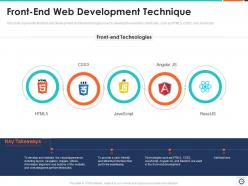
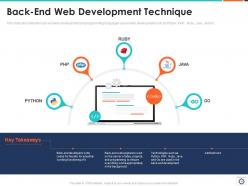
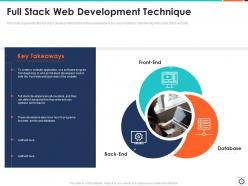
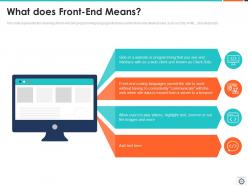
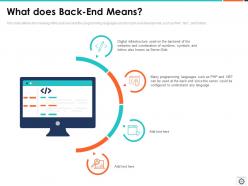
So front-end is basically what users actually see - all the buttons, forms, animations, that whole visual experience. HTML, CSS, JavaScript, React, all that stuff. Back-end is more like the engine under the hood - databases, servers, APIs, login systems. You know that restaurant comparison everyone uses? Front-end is the dining room vibe, back-end is literally everything happening in the kitchen. Both sides gotta work together obviously, but you can totally focus on just one. Honestly, if you're new to this, just build something small that uses both. You'll figure out pretty quick which side feels more natural to you.
So APIs are like middlemen that let your app talk to other services without dealing with their messy backend code. Picture a waiter - you order food, they handle the kitchen chaos, bring back your meal. Same thing here. You send HTTP requests to specific endpoints and get JSON data back. Want payment processing? There's an API. Weather data? Yep. Social feeds? Got it. Each service sets up their own rules about what you send and what comes back, which honestly makes life way easier. No need to reinvent the wheel every time.
Dude, the web dev scene is moving so fast right now. WebAssembly's probably the coolest - you can literally run Rust or C++ in browsers with crazy good performance. PWAs are everywhere too, basically turning websites into apps with offline stuff and notifications. Oh and AI coding tools like Copilot are honestly kind of scary good at writing code for you. Edge computing's making everything faster since it processes closer to users instead of some distant server. Serverless functions are solid too. I'd mess around with WebAssembly first if I were you - it's genuinely fun to play with.
Honestly? Start getting feedback way before you think you need it. I used to wait until everything was "perfect" and then had to rebuild stuff users completely hated - huge waste of time. Wireframes, prototypes, beta versions - get people looking at all of it. Tools like Hotjar are great for heatmaps, or just grab 5-6 people for quick usability tests. Don't forget feedback forms on your staging site too. The tricky part is figuring out which feedback actually matters since you can't make everyone happy. Write everything down so you can spot patterns and decide what'll genuinely help your users.
Honestly, PWAs are pretty sweet - you get web flexibility but they feel like real apps. Users can install them straight from their browser, no app store drama. They work offline too, which is clutch. Push notifications, fast loading, the whole nine yards. The money thing is huge though - way cheaper than building separate iOS and Android apps. Your wallet will definitely feel the difference. Once it's on someone's home screen, engagement usually goes up since it's right there with their other apps. Oh, and even if you just add offline functionality, users notice. Makes everything feel more polished.
Honestly, just get everyone on the same page from the start. Set up shared design systems and use tools like Figma so there's no confusion about what you're building. I can't tell you how many times I've seen devs create something that looks totally different from the mockups - it's painful! Loop in your developers during the design phase too. They'll catch technical issues before you finalize everything. Oh, and regular check-ins are a must. Create one workspace where both teams can actually collaborate instead of working separately. Trust me, it'll save you so many headaches later.
Dude, UI/UX can make or break your site honestly. UI is all the visual stuff - buttons, colors, layout. UX is how smooth the whole experience feels. I've seen perfectly functional sites tank because they looked ancient or were impossible to navigate. Users will literally bounce in seconds if they're confused. Good design keeps people around and actually converts them. Oh and definitely get feedback early - even just asking a few friends to mess around on your site catches so many obvious problems you'd miss.
-
Easy to edit slides with easy to understand instructions.
-
Enough space for editing and adding your own content.
-
Awesomely designed templates, Easy to understand.