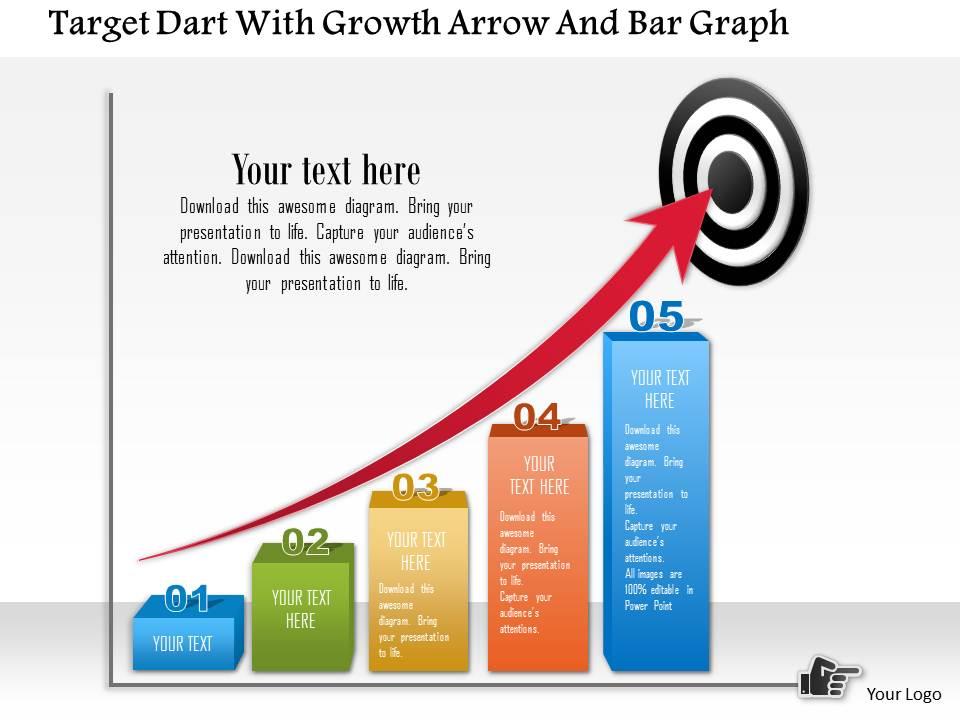
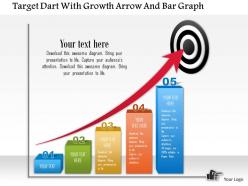
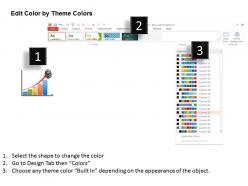
0115 Target Dart With Growth Arrow And Bar Graph Powerpoint Template

Rating:
100%
0115 Target Dart With Growth Arrow And Bar Graph Powerpoint Template
Slide 1 of 5
Favourites Favourites

Try Before you Buy Download Free Sample Product

Audience Impress Your
Audience
Editable 100%
Editable
Time Save Hours
of Time
The Biggest Sale is ending soon in
0
0
:
0
0
:
0
0
Rating:
100%
The slides are equipped with the superior quality resolution to give you the best experience of visual play. The affinity of the slide with Google slides and other software options is it's another attractive feature. Customize endlessly with colour, grouping and orientation arrangement. The option to download the template extends to file format of JPG and PDF.

People who downloaded this PowerPoint presentation also viewed the following :

FAQs for 0115 Target Dart With Growth Arrow And Bar

Okay so for target dart graphs - stick to 3-4 rings tops or it looks like a hot mess. Bold colors that actually contrast are key, plus make sure people in the back can read your labels. Your data points need to be chunky enough to see, and honestly? Different shapes work better than just color coding everything. I've watched too many presentations where the "darts" just blend into background noise. Oh and test it on the actual projector first - these things always look way better on your laptop screen than projected. Keep that legend simple and don't put it somewhere dumb where it fights with your main visual.

Dude, target dart graphs are perfect for this! They show your actual numbers against targets in that bullseye format - so much better than staring at spreadsheet rows all day. Green center means you crushed it, yellow rings are solid performance, red outer zones... well, you get it. Honestly, executives eat this stuff up because they can scan multiple KPIs in seconds without digging through tables. Oh, and definitely group related metrics together on one dashboard - makes the whole thing way more powerful. Your stakeholders will actually want to look at the data for once.

Honestly, I'd just start with **Excel** or **Google Sheets** - they're weirdly good at making dartboard charts and you probably already know how to use them. **Canva** has some really nice templates if you want something that looks professional without the hassle. **PowerPoint** works fine too if that's what you're used to. Oh, and if you need total control over everything, **Adobe Illustrator** or **Figma** are your best bet, though they're definitely overkill for most people. The Excel route is nice because you can just plug in new data and it'll update automatically.

Use high contrast colors - dark blues or greens for outer rings, then lighter shades as you move in. Bright color for the bullseye obviously. Just don't mix red and green since colorblind people can't tell them apart. Bold fonts are your friend here, and honestly? Skip the fancy gradients - they'll just make your data look messy. Keep your ring widths proportional to whatever they're representing. Oh, and make sure your legend actually makes sense. I always test mine on a couple coworkers first because sometimes what seems obvious to you isn't obvious to everyone else.

Dude, you should totally try target dart graphs for your strategy stuff. Put your main goal right in the bullseye, then add supporting goals in the outer rings - maybe by priority or when you need them done. Way better than those awful bullet lists everyone uses. People actually get excited when they can see what you're aiming for and how it all fits together. Oh, and color-coding works great too - by team, deadline, whatever makes sense. I used one last month and honestly? Best presentation response I've gotten in ages.

Don't cram everything onto one graph - people will just stare at it confused. Stick to 3-4 data series tops. Your center circle needs to be big enough that people in the back can actually see it (trust me on this one). Colors should contrast well, otherwise good luck reading anything. Label stuff clearly too - what makes sense to you might be gibberish to everyone else. Oh and skip those flashy animations, they're just annoying. Honestly, I'd start simple and run it by someone first. You'll catch weird issues before presenting to the whole room.

Honestly, animations can make or break dart graphs. When data points appear one by one, people actually follow your story better - they see which metrics matter most. But don't go crazy with flashy stuff. I've seen presentations where the spinning effects were so distracting, nobody remembered the actual numbers! Simple fade-ins work perfectly. Sequential reveals build nice suspense around whether you hit targets. The timing thing is huge too - you control how fast people absorb your data. My rule? If it makes you dizzy watching it, scrap it.

Label each ring with performance ranges - "poor," "good," "excellent" stuff like that. Put your target value right in the center since that's what you're shooting for. Don't forget actual performance numbers and what you're even measuring. A decent title helps too, plus units so people know if it's percentages or dollars or whatever. Color coding is pretty standard - green good, red bad, you know the drill. Honestly, if someone stares at your chart for more than 10 seconds looking confused, you probably need clearer labels. Oh, and make sure the ranges actually make sense for your data.

Dart graphs are pretty specialized - way more niche than your usual bar or line charts. But they're perfect for showing how you're doing against specific targets or benchmarks. They beat pie charts hands down (seriously, who even uses those anymore?) because you can instantly see if you're hitting your goals. Better than those gauge things too when you've got multiple data points to track. Way clearer than stacked bars for progress stuff. I'd definitely use them for KPI dashboards or sales reports. Just make sure people know how to read them first - not everyone's seen them before.

Label your rings with actual numbers or percentages, not just colors - trust me on this one. Go from center outward with consistent intervals like 0-25%, 25-50%, whatever makes sense. Stick to 3-5 rings max because more than that looks messy. Don't forget a legend, and if you're doing multiple targets, label those axes too. Oh, and use colors that colorblind people can actually see - learned that the hard way once. Test your scale with real data first though. I've seen too many beautiful charts that made zero sense for the actual metrics.

Honestly, PowerBI and Tableau are your best bets for this - way better than trying to hack it in PowerPoint. Start with hover tooltips since they're super easy to set up and people love seeing the details pop up. The animated dart throws showing progress over time? Those look amazing when done right. Click-through is where it gets fun though - let people dive from the big picture down into specific metrics or timeframes. Oh, and definitely add some filter buttons so they can switch between teams or quarters. I got a bit carried away with filters on my last one, but trust me, users will actually use them. Makes the whole thing feel less static.

Use target dart graphs when you're tracking one specific metric against a goal - sales numbers, budget stuff, project deadlines, whatever. The whole point is showing "did we hit it or not?" Don't try jamming multiple things into one dart though. I've seen people do this and it looks messy as hell. One metric per graph, that's it. Also make sure your target actually matters to whoever's looking at it. Like, if you're showing the CEO sales performance, don't set some random internal goal - use something they actually care about hitting.

Oh man, colors will totally screw you over here. Red screams "bad" to us but means good luck in China - so confusing! Some cultures read right-to-left too, which throws off how they follow your data. The whole dart/target thing might not land well either since not everyone's into that competitive vibe. I actually bombed a presentation once because of this stuff, whoops. Numbers can be tricky depending on the audience. Just run it by someone local first or at least explain what your colors mean upfront. Saves you from looking like an idiot later.

Honestly, if your audience can't figure out what they're looking at, you've basically wasted your time making the graph. People need to instantly get what the bullseye means and why they should care about those data points. I've watched rooms full of people just stare blankly at gorgeous dart graphs that made zero sense to them. Walk them through the story first - what do the target zones actually represent? Test it on a couple people beforehand too. Short sentences work better than you'd think. Your audience has to connect with it personally or they'll just tune out completely.

Dude, viewer feedback is pure gold for your dart graphs! People will tell you straight up if your colors are confusing or your labels suck. Sometimes we get way too in love with our own designs, you know? Quick surveys work great - just ask what confused them. You'll catch accessibility stuff you missed, plus people suggest features you'd never think of. The whole "looks good in theory" thing doesn't always translate to real use. Start collecting feedback super early. Trust me, what makes perfect sense to you might be total gibberish to everyone else!

Ratings and Reviews

100% of 100
Write a review
Most Relevant Reviews
  1. 100%

    by Douglass Riley

    Unique design & color.
  2. 100%

    by Danilo Woods

    Visually stunning presentation, love the content.

2 Item(s)

per page: