


Enterprise scheme administrative synopsis ppt templates powerpoint presentation slides




Try Before you Buy Download Free Sample Product
 Impress Your
 Audience
 100%
100% Editable
 Save Hours
 of Time


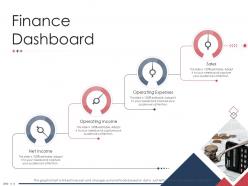
Formulate and deliver an effective presentation with our enterprise scheme administrative synopsis PPT templates PowerPoint presentation slides. This firm venture PPT design depicts the agenda of the organization along with their long-term objectives in order to inform the stakeholders about the vision of the company. Making the audience observant about the mission of the enterprise, this venture programme PowerPoint template enables the workforce to strive to achieve more. This business plan PPT deck additionally exhibits the finance dashboard which involves- sales, operating expenses, operating incomes, and the overall net income. The plus point of this corporation strategy creative PowerPoint set is that it focuses and prioritizes the target market and audience. Aiming to expand globally, this commercial undertaking venture gives a detailed report on geographical targets along with USPs (Unique Selling Proposition) and areas of focus as well. Get your hands on this right now to make sure you excel in all fields.
People who downloaded this PowerPoint presentation also viewed the following :
Content of this Powerpoint Presentation
Slide 1: This slide introduces Enterprise Scheme Administrative Synopsis Ppt Templates.. State Your Company Name and begin.
Slide 2: This is an Agenda slide. State your agendas here.
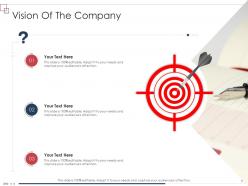
Slide 3: This slide shows Vision Of The Company.
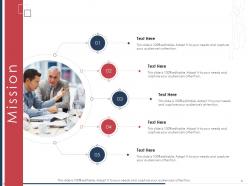
Slide 4: This is Our Mission slide with related imagery and text.
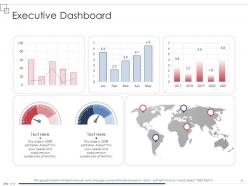
Slide 5: This slide presents Executive Dashboard.
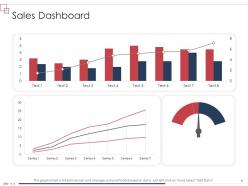
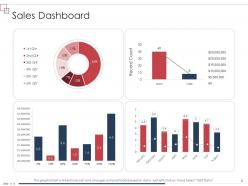
Slide 6: This slide shows Sales Dashboard with additional textboxes.
Slide 7: This slide displays Finance Dashboard describing- Operating Income, Operating Expenses, Net Income, etc.
Slide 8: This slide represents Sales Dashboard.
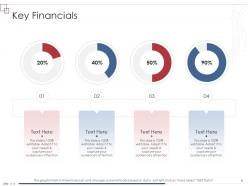
Slide 9: This slide shows Key Financials.
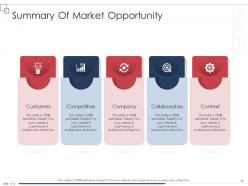
Slide 10: This slide presents Summary Of Market Opportunity.
Slide 11: This slide shows Target Market.
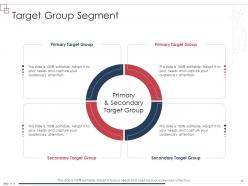
Slide 12: This slide displays Target Group Segment.
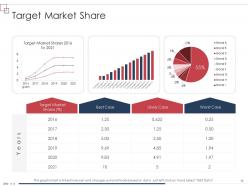
Slide 13: This slide represents Target Market Share.
Slide 14: This slide shows Key Potential Customers.
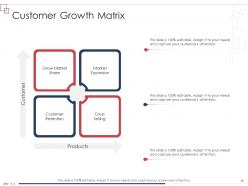
Slide 15: This slide presents Customer Growth Matrix describing- Grow Market Share, Market Expansion, Customer Retention, etc.
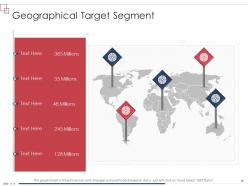
Slide 16: This slide shows Geographical Target Segment.
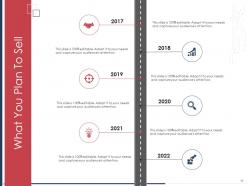
Slide 17: This slide displays What You Plan To Sell.
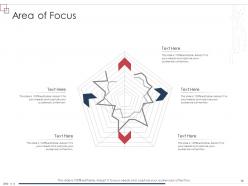
Slide 18: This slide represents Area of Focus.
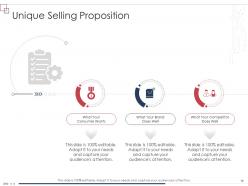
Slide 19: This slide shows Unique Selling Proposition describing- What Your Competitor Does Well What Your Brand Does Well What Your Consumer Wants, etc.
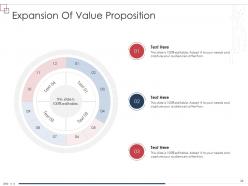
Slide 20: This slide presents Expansion Of Value Proposition.
Slide 21: This slide shows Sustainable Competitive Advantage.
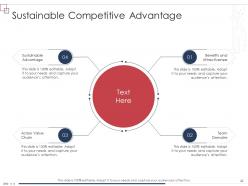
Slide 22: This slide displays Sustainable Competitive Advantage describing- Sustainable Advantage, Across Value Chain, Benefits and Attractiveness, etc.
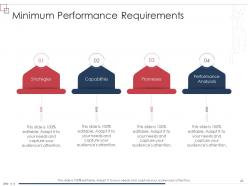
Slide 23: This slide represents Minimum Performance Requirements Capabilités, Promesses, Performance Analysais, etc.
Slide 24: This slide shows Table of Content for the presentation.
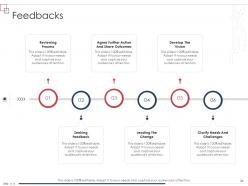
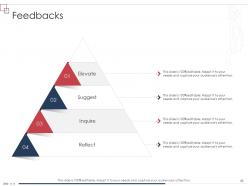
Slide 25: This slide presents Feedbacks with related icons and text.
Slide 26: This slide shows Competitors with related imagery.
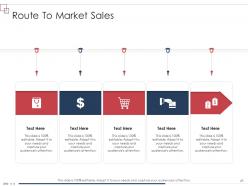
Slide 27: This slide displays Route To Market Sales.
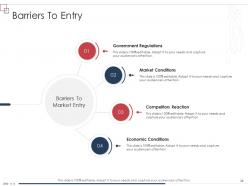
Slide 28: This slide represents Barriers To Entry describing- Government Regulations, Market Conditions, Economic Conditions, etc.
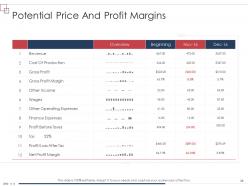
Slide 29: This slide shows Potential Price And Profit Margins.
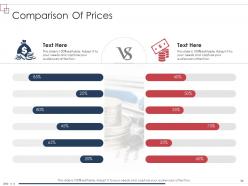
Slide 30: This slide presents Comparison Of Prices.
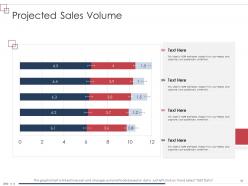
Slide 31: This slide shows Projected Sales Volume.
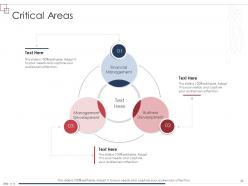
Slide 32: This slide displays Critical Areas describing- Financial Management, Business Development, Management Development, etc.
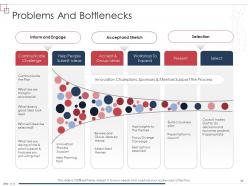
Slide 33: This slide represents Problems And Bottlenecks.
Slide 34: This slide shows Problems And Bottlenecks.
Slide 35: This slide presents Action Plan with related imagery.
Slide 36: This slide shows Desired Outcome with related icons and text.
Slide 37: This slide displays Potential Solutions.
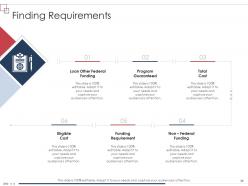
Slide 38: This slide represents Finding Requirements describing- Program Guaranteed, Loan Other Federal Funding, Non – Federal Funding, etc.
Slide 39: This slide shows Icons for Enterprise Scheme Administrative Synopsis Ppt Templates.
Slide 40: This slide is titled as Additional Slides for moving forward.
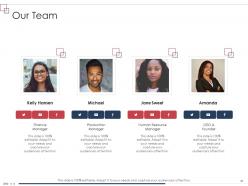
Slide 41: This is Our Team slide with names and designation.
Slide 42: This is About Us slide to show company specifications etc.
Slide 43: This is Our Goal slide. State your firm's goals here.
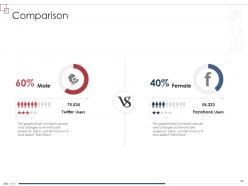
Slide 44: This is a Comparison slide to state comparison between commodities, entities etc.
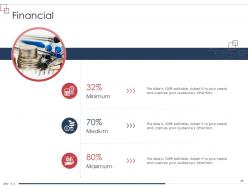
Slide 45: This is a Financial slide. Show your finance related stuff here.
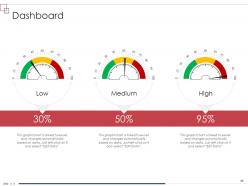
Slide 46: This slide shows Dashboard with additional text boxes to show information.
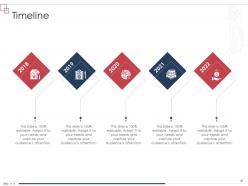
Slide 47: This is a Timeline slide. Show data related to time intervals here.
Slide 48: This slide represents Puzzle with related icons and text.
Slide 49: This is Our Target slide. State your targets here.
Slide 50: This slide shows Circular with additional textboxes.
Slide 51: This slide presents Venn diagram with text boxes.
Slide 52: This slide displays Mind Map with related icons and text.
Slide 53: This slide displays Matrix with data in percentage.
Slide 54: This slide shows Lego Blocks with related imagery.
Slide 55: This slide shows Silhouettes with text boxes.
Slide 56: This slide shows Swimlanes with related icons and text.
Slide 57: This is an Idea Generation slide to state a new idea or highlight information, specifications etc.
Slide 58: This slide represents Magnifying Glass to highlight information, specifications etc
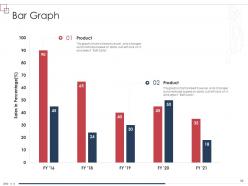
Slide 59: This slide displays Bar Graph with two products comparison.
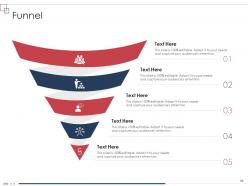
Slide 60: This slide presents Funnel with additional textboxes.
Slide 61: This is a Thank You slide with address, contact numbers and email address.
Enterprise scheme administrative synopsis ppt templates powerpoint presentation slides with all 61 slides:
Use our Enterprise Scheme Administrative Synopsis Ppt Templates Powerpoint Presentation Slides to effectively help you save your valuable time. They are readymade to fit into any presentation structure.
FAQs for Enterprise scheme administrative synopsis ppt templates
Honestly, start small with a pilot program - don't try to do everything at once. You need clear goals and make sure leadership actually cares (not just says they do). Get your resources sorted and figure out how you'll measure success. Communication is huge, but here's the thing - most people skip the regular check-ins because they're "too busy" and that's where everything falls apart. Oh, and definitely have backup plans ready. Things will go wrong, trust me. Once you've tested what works in the pilot, then you can roll it out everywhere else.
Map out your enterprise scheme first - actually write down how each piece connects to your goals. Don't just wing it. Get department heads on board early or they'll torpedo the whole thing later. I've watched this happen so many times it's ridiculous. Run a pilot if you can swing it. Build in checkpoints to track progress and pivot when stuff isn't working. Here's the thing though - your teams need to know what's in it for them personally. The "big picture company benefit" speech doesn't motivate anyone. Keep explaining the why constantly.
Honestly, the worst part is always people fighting the changes. Like, they'll literally pretend the new system doesn't exist for months - it's wild. Training usually sucks too, and leadership does a terrible job explaining why anything matters. Your tech setup probably won't handle it smoothly either. Plus you're stuck trying to teach everyone while still getting actual work done, which is basically impossible. Find your office champions first though - those people who actually get excited about new stuff. They'll save your sanity when everything goes sideways. Oh, and have some kind of plan ready because it will get messy.
So it really depends on what industry you're dealing with. Finance companies are obsessed with compliance stuff and making sure there's a paper trail for everything. Manufacturing? They care way more about connecting their supply chains and production systems. Tech companies honestly drive me crazy sometimes - they want everything super flexible with tons of APIs, and they need it to scale like yesterday. Healthcare is all about locking down data because of patient privacy rules. Oh, and definitely ask about their regulatory requirements right off the bat. Each industry has deal-breakers you need to know about.
Dude, you absolutely need solid tech for any enterprise program these days. Project management platforms are a must - plus communication tools like Slack or Teams. CRM systems help track your partnerships and progress too. Spreadsheets? Those days are dead (finally!). Cloud stuff makes collaborating with mentors and investors way smoother. Here's the thing though - don't just chase shiny new tools because they're trendy. Pick what actually fixes your problems. Oh, and maybe grab coffee before diving into all the setup because it's kind of a lot. Start basic, then add more as you grow.
Honestly, feedback loops should be baked in from the start. Launch surveys and focus groups during planning - find out what people actually want instead of guessing. Monthly pulse checks work great during rollout too. I can't tell you how many schemes I've watched crash because executives thought they had all the answers! Make feedback feel real, not like some corporate theater. Actually show people how their suggestions changed things. Oh, and rotating feedback committees are clutch - keeps perspectives fresh. The whole thing falls apart if employees think you're just going through the motions.
Track the money stuff first - revenue growth, how much you're spending to get customers, profit margins. But don't stop there. User adoption and retention rates matter just as much, plus employee satisfaction if you've got a team involved. I learned this the hard way watching a "perfect" strategy tank because nobody actually wanted to use it. Monthly dashboards work best, but keep it to like 3-5 metrics max or you'll go crazy trying to analyze everything. Pick whatever connects directly to what you're trying to achieve and review regularly.
Honestly, employee ownership schemes can totally flip your workplace vibe. People start caring way more when they actually benefit from the company doing well - like, they think more like owners instead of just clocking in and out. The trick is being super clear about how it all works and making the rewards actually worthwhile. You definitely want folks to see how their daily work connects to bigger company wins. Oh, and don't go all-in right away - maybe try it with just one team first? That way you can work out any kinks before everyone's involved. It's pretty amazing to see that mental shift happen though.
Honestly, quarterly check-ins work pretty well for most companies. Get feedback from everyone involved and actually do something with it - don't just file those reports away forever. Track your key numbers consistently. The tricky part is creating an environment where people aren't scared to speak up, even when they're basically saying "hey, this isn't working." Document everything that bombs or succeeds, then spread those lessons around. I've seen too many teams only think about this stuff during their yearly planning marathons. Make it routine instead.
Don't try to add risk stuff after you've already built everything - trust me, it never works well. Map your risks to what actually matters for your business and keep those registers updated. I've watched so many projects crash because someone made a nice risk list once, then stuck it in a drawer. Build in regular reviews at every milestone, and make sure people know who to call when shit hits the fan. Honestly, the hardest part is making it feel natural instead of like busy work. Pick your 5 biggest risks first and have someone check on them weekly.
You've got three big things to nail down: employment law stuff, taxes, and securities rules if you're doing equity. Employment law gets tricky - vesting schedules, what happens when people quit, all that jazz. Honestly, the tax side is probably where most people screw up because it hits both your company and employees. Get your tax people involved early, trust me on this one. Securities regulations are a whole other beast if there's equity involved - you might need filings and everything. Here's what I'd do: figure out your local rules first, then build your plan around those. Way easier than trying to fix compliance issues later.
Honestly, getting departments to actually work together is a game-changer for big projects. You stop wasting time on duplicate work when teams talk to each other. Finance spots risks IT doesn't see, sales knows what customers really want - that kind of thing. I'd start with the departments that absolutely need each other and get them meeting regularly. Once people understand how their work connects to everyone else's, problems get caught way earlier. Makes such a difference when everyone's not just working in their own bubble, you know?
Honestly? It's all over the map depending on how big your company is. You're looking at $50K minimum but could hit millions if you're massive. Implementation fees are just the start - then there's licensing, consultants, training your people. Oh and your team's gonna be useless for a while during the switch, which nobody budgets for but should. Integration with your existing stuff gets pricey fast too. Get quotes from a few vendors first. Whatever number they give you, tack on at least 20-30% more because they always lowball the real costs.
Honestly, get your processes documented first - like seriously documented, not just scattered notes. Build a solid playbook with workflows and metrics before you even think about expanding. Test it with just one new team initially because there's always weird stuff that comes up. Each location needs someone who actually cares about making this work, someone who can tweak things for local quirks while keeping the main structure intact. Regular check-ins between sites help tons - people love sharing what's actually working versus what looks good on paper. Don't go too rigid though, flexibility matters.
Honestly, you're gonna want to hit both the technical stuff and the people skills. Get them solid on processes, tools, and compliance first - that's just table stakes. But here's the thing - they're basically becoming mini-entrepreneurs, which is scary for most people. Leadership training and change management workshops help a ton. Communication skills too. Don't dump it all at once though, phase it out. Set up mentoring and regular check-ins so they don't feel lost. Business planning resources are clutch. The mindset shift is probably harder than learning the actual operational stuff, tbh.
-
Informative presentations that are easily editable.
-
Excellent products for quick understanding.
-
Easily Understandable slides.
-
Really like the color and design of the presentation.
-
Easily Editable.
-
Designs have enough space to add content.
-
Excellent products for quick understanding.
-
Illustrative design with editable content. Exceptional value for money. Highly pleased with the product.
-
Informative design.
-
Innovative and Colorful designs.
-
Page:
- You're currently reading page 1
- Page 2
-
