

Introduction To Time Management Training Ppt




Try Before you Buy Download Free Sample Product
 Impress Your
 Audience
 100%
100% Editable
 Save Hours
 of Time


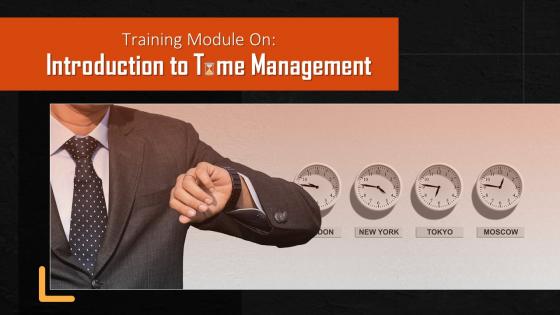
This training module on Introduction to Time Management covers the concept of time management and its benefits, which are decreased stress, increased productivity, streamlined decision-making, faster-reaching goals, improved work quality, and better workplace relationships. It has key takeaways and discussion questions related to the topic too. The deck has PPT slides on about us, vision, mission, goal, 30-60-90 days plan, timeline, roadmap, and training completion certificate. It contains energizer activities to engage the coaching session audience. It also includes a client proposal and assessment form for training evaluation.
People who downloaded this PowerPoint presentation also viewed the following :
Content of this Powerpoint Presentation
Slide 3
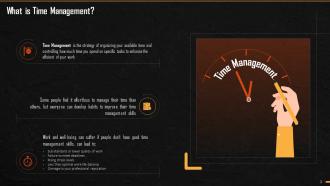
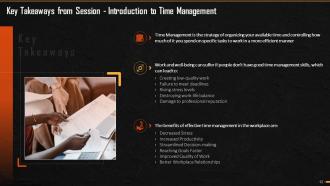
This slide illustrates information regarding time management. It emphasizes time management as a strategy for organizing your available time and controlling how much time you spend on specific tasks to improve efficiency. It also states that lack of time management can result in: Producing low-quality work, failing to meet deadlines, rising stress levels destruction of your work-life balance, and damaging your professional reputation.
Slide 4
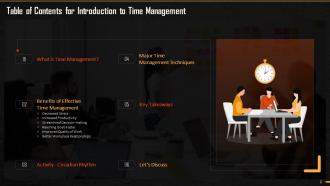
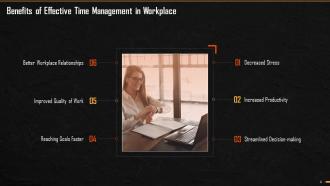
This slide explains the benefits of effective time management in the workplace. These are: Decreased Stress, Increased Productivity, Streamlined Decision-making, Reaching Goals Faster, Improved Quality of Work, and Better Workplace Relationships.
Slide 5
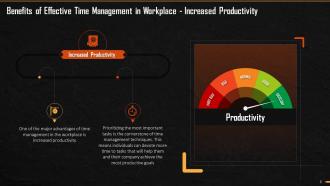
This slide explains how time management can lead to increased productivity. It emphasizes that increased productivity is the major benefit of time management in the workplace. It also mentions that one of the time management techniques is prioritizing the most critical tasks. This translates into people devoting more time to tasks that will help them and their companies achieve the most productive outcomes.
Slide 6
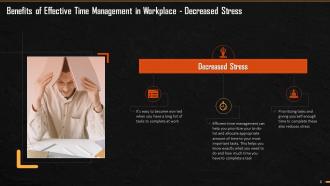
This slide depicts how effective time management in the workplace causes lower stress. It emphasizes that effective time management can assist you in prioritizing your to-do-list and allocating the appropriate amount of time to your most important tasks; this allows people to know precisely what they need to do and how much time they have to complete everything. It also mentions that prioritizing your tasks and allowing enough time to complete these can help you lower stress.
Slide 7
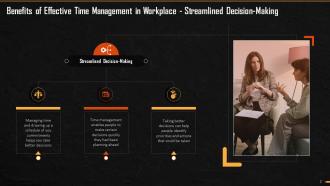
This slide depicts information about streamlined decision-making. It emphasizes that time management allows people to take better decisions, if they plan ahead of time. It also mentions how taking better decisions can assist people in determining priorities and what actions need to be taken.
Slide 8
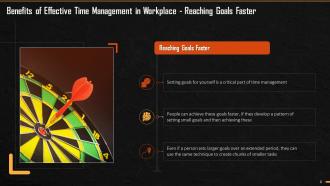
This slide showcases how effective time management can help you achieve your goals faster. It emphasizes that setting goals for yourself is an important part of time management; can be significantly reduced achieve such goals if the goals are broken down into smaller chunks.
Slide 9
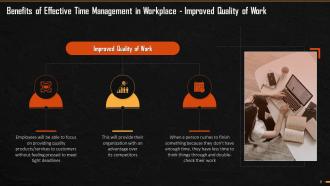
This slide depicts improved work quality as a result of time management. It emphasizes that employees will be able to focus on providing quality products/services to their customers without feeling pressed to meet tight deadlines, giving their organization a competitive advantage. It also states that when someone rushes to complete something because they don't have enough time, they have little time to think things through and double-check their work.
Slide 10
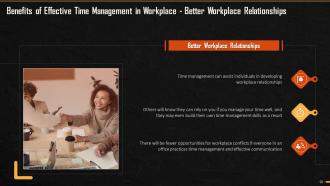
This slide depicts improved workplace relationships as a result of effective time management. It emphasizes how time management can help people develop workplace relationships. It adds that if everyone in an office practices time management and effective communication, there will be fewer opportunities for workplace conflicts.
Slide 11
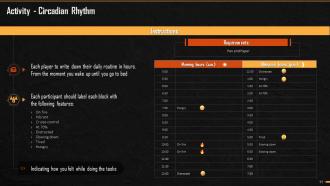
This slide depicts an activity named “Circadian Rhythm” that is to be performed during the training session.
Instructor’s Notes:
- With the "Circadian Rhythm" game, teach your team to synchronize their work with their body clock
- Instruct participants to relate their hourly blocks to time management at work
Points for Discussion
- Describe the most active part of your day that sets you on fire?
- What is your most 'distracted' time of the day?
- Describe the best time of day to finish the most challenging/manageable tasks?
- When is the best time to take a break?
- In your team, who has similar working/relaxing rhythms?
Outcome: When participants share their rhythms, they can create an efficient working schedule for the entire team. It is an excellent way to get to know your teammates better while honing your communication skills.
Slide 12
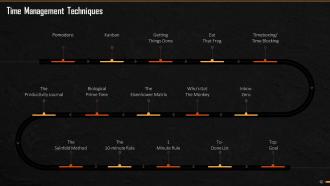
This slide depicts multiple time management techniques. The major techniques are: Pomodoro; Kanban; Getting Things Done; Eat That Frog; Timeboxing/Time Blocking; Inbox-Zero; Who's Got The Monkey, The Eisenhower Matrix; Biological Prime Time; The Productivity Journal; The Seinfeld Method; The 10-minute Rule; 1-Minute Rule; To-Done List, and Top Goal.
Slide 13
This slide demonstrates key takeaways from the Session Introduction to Time Management.
Slide 14
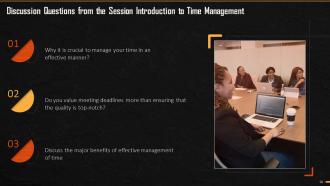
This slide lists discussion questions from the Session Introduction to Time Management.
Slide 26 to 41
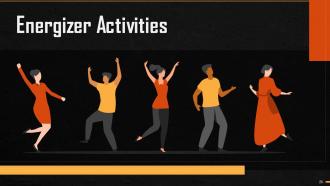
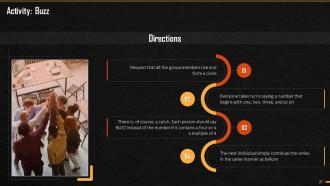
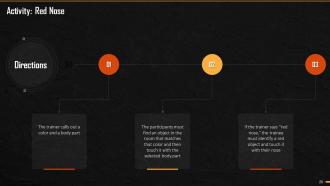
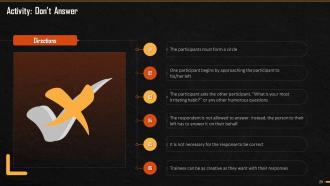
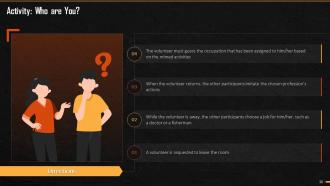
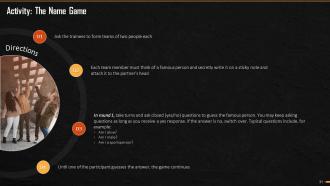
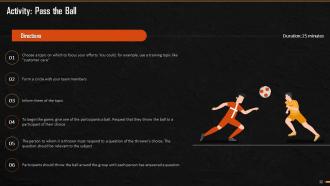
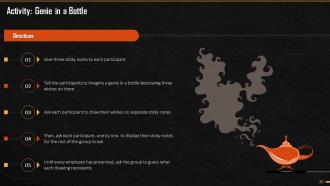
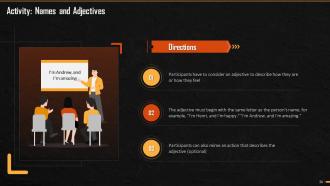
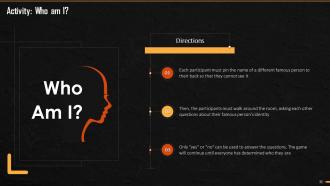
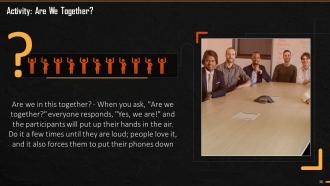
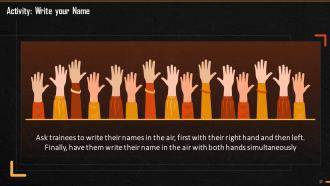
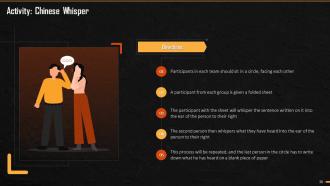
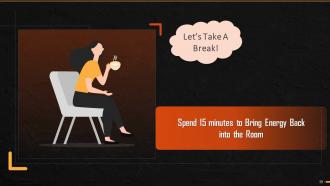
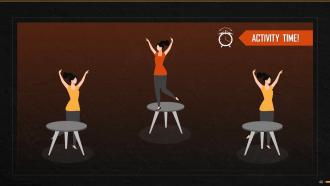
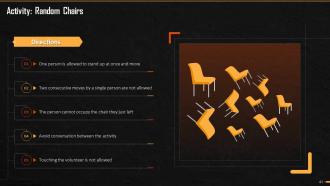
These slides depict energizer activities to engage the audience of the training session.
Slide 42 to 69
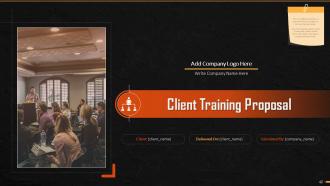
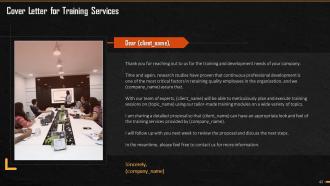
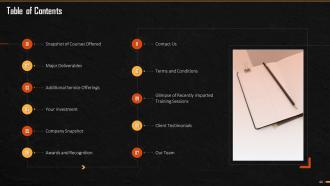
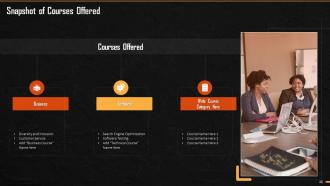
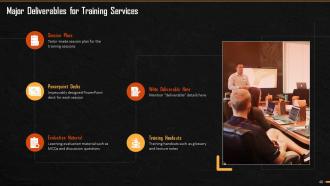
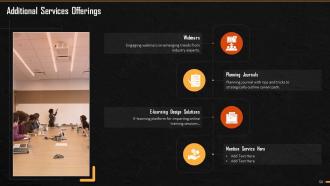
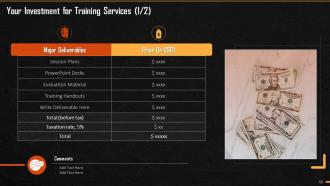
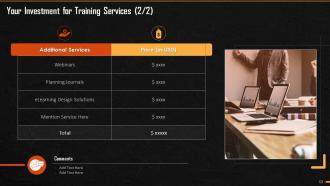
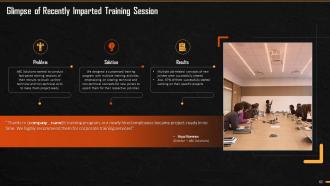
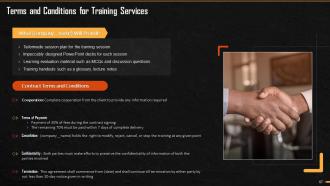
These slides consist of a client training proposal highlighting what the company providing corporate training can accomplish for the client.
Slide 70 to 72
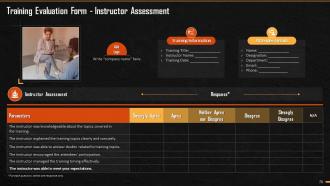
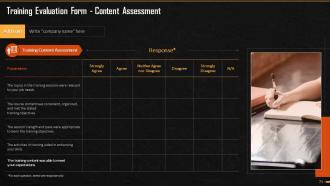
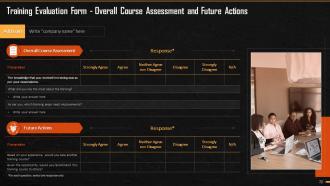
These slides highlight the training evaluation form for instructor, content, and course assessment.
Introduction To Time Management Training Ppt with all 77 slides:
Use our Introduction To Time Management Training Ppt to effectively help you save your valuable time. They are readymade to fit into any presentation structure.









FAQs for Introduction To Time
Dude, good time management literally changed my life. No more staying late because I procrastinated all day. Less stress, better work quality, and I actually have time for stuff I enjoy now. My boss definitely notices when I'm not scrambling to meet deadlines anymore. Track your time for like a week first though - I was shocked how much I was doom-scrolling instead of working. Once you see where those hours actually go, you can fix the worst habits. Short bursts of focused work beat eight hours of half-distracted "productivity" any day.
Honestly, templates are a game changer for project planning. You're not reinventing the wheel every single time - the timeline slides, milestone stuff, resource charts are already there. Just drop in your project details instead of messing around with formatting for hours (ugh, I used to do that constantly). Your stakeholders will actually thank you because everything looks consistent across projects. Oh and grab one that's pretty flexible so you can tweak it for different teams. Trust me on this one.
Dude, when deadlines are crushing me I literally just dump everything on paper first. Then I use that Eisenhower thing - urgent/important, important/not urgent, you know the drill. Focus on what's both urgent AND important obviously. Time-boxing saves my ass though - like actually blocking out specific hours for each task. Otherwise I'll spend forever tweaking one thing while everything else burns. ABC method works too if you're into that (A = must do, B = should do, C = whatever). Honestly just cut anything that won't actually matter. Your sanity depends on it.
Honestly, try the Pomodoro thing - you work for 25 minutes straight, then take a 5-minute break. Sounds too simple but it actually works. I used to bounce between emails and random tasks all day (terrible habit). Now I pick one thing and stick with it for that 25 minutes. There's something about having a timer that makes you focus better? Maybe it's the fake deadline pressure. The breaks are clutch too when you're swamped - prevents that brain-fried feeling. Just do 2-3 rounds tomorrow on whatever's stressing you out most. You'll get way more done than trying to power through everything at once.
Okay so Gantt charts are honestly amazing - they make all those floating deadlines in your brain actually visible. You can see which tasks overlap, what's blocking what, where you're probably gonna crash and burn. Wish someone told me about them years ago tbh. The cool thing is spotting problems before they wreck your timeline. Plus your team actually gets it when you show them a visual instead of rambling about dates. Just grab any basic Gantt tool online and try mapping your next project. You'll be like "oh crap, I totally forgot about this gap."
So SMART goals are actually pretty solid for time management. They make you get specific about what you're trying to do and by when, which is half the battle honestly. Like instead of "be more productive" you'd write something with actual deadlines you can plan around. Yeah, they're kind of annoying to write out initially - feels very corporate-y. But they stop you from spinning your wheels on random stuff that doesn't matter. The measurable part is clutch too because you can see if you're actually making progress or just staying busy. Maybe try turning one of your goals into SMART format this week?
Honestly, delegation completely changed how I think about getting stuff done. Instead of drowning in tasks, you're actually multiplying what gets accomplished. Match work to people's strengths and suddenly you've got time for the big picture stuff only you can handle. Your team grows too, which is pretty cool. The trick? Be super clear about what you want and when, then - this is the hard part - actually let them do it without hovering. I used to be terrible at that last bit. Pick one thing this week someone else could take on and walk them through it properly.
Honestly, the right apps will save you hours. I always use Calendly for scheduling practice sessions - no more back-and-forth emails. Canva beats PowerPoint every time for making stuff look decent without the design headache. Track your time with something like Toggl because you're probably spending way more time on certain tasks than you realize (I was shocked when I first tried this). Notion or Trello keeps all your deadlines organized. Oh, and cloud storage is a lifesaver - you can edit anywhere and never worry about having the wrong file version again.
Ugh, the worst traps? Saying yes to everything, thinking tasks will take way less time than they do, and - I'm so bad at this - constantly checking Instagram or random "urgent" emails that aren't actually urgent. Here's what helps though: block out specific times for messages instead of being always available. Add extra time to everything because stuff always takes longer. And honestly? Get comfortable saying no to things that don't really matter. Oh, and track your time for like a week. You'll probably hate what you find but it's eye-opening.
Time blocking is basically creating sacred time for your important stuff. Pick a chunk - like 9-11am - and guard it with your life. No meetings, no "hey quick question," nothing. Your brain starts expecting deep work during these slots, which honestly makes a huge difference. I treat mine like doctor appointments that can't be moved. The rhythm thing is real too - once you get used to it, you'll actually crave that focused time. Try one 90-minute block tomorrow for whatever's been sitting on your to-do list forever. You'll be shocked at how much you knock out.
Okay so first thing - break your big scary tasks into tiny pieces because our brains literally hate overwhelming stuff. There's this 2-minute rule that's actually genius: if it takes under 2 minutes, just do it right now instead of writing it down. I swear by time-blocking too - like actually putting "answer emails 2-3pm" on your calendar instead of just hoping you'll remember. Hide your phone in another room (I know, I know, but it works). Try the Pomodoro thing - 25 minutes of work, then a 5-minute break. Oh, and figure out when you're naturally most energetic and do your hardest stuff then.
Honestly, don't let those sessions drag past an hour - people's attention just dies after that. What works for me is starting with 5 minutes where everyone brainstorms alone first (way better ideas come out this way). Then do 15-20 minutes of throwing ideas around, followed by 10-15 minutes actually deciding what's good. Oh, and mid-morning is clutch for timing when everyone's still sharp. I've been in those brutal 2-hour marathon sessions and they're the worst. Set timers for each part or you'll never stick to it. Book 90 minutes just in case, but honestly you can usually wrap up early if things click.
Ugh, time management issues are the worst - they totally mess with your brain. You're constantly stressed and anxious because everything feels behind schedule. Your confidence gets crushed when you keep missing deadlines, and honestly? The decision fatigue from trying to figure out what to do first is brutal. Been there and it's exhausting. Focus goes out the window too, which makes you even less productive. It's like this vicious cycle that feeds itself. But here's the thing - even tiny changes help break it. Try time-blocking your schedule or just making a quick priority list each morning. Works faster than you'd think.
Look, the payoff from time management training is huge - your team gets way more done and the quality improves too. Less stress means people don't burn out as much, which saves you a fortune on hiring replacements (seriously, turnover costs are insane). Everyone starts working better together when they're actually clear on deadlines. I'd track your productivity numbers now, then check again after six months of training. Oh, and people who aren't drowning in their workload are just happier employees overall. It's one of those investments that keeps paying off.
Honestly, good time management is like putting up a fence between work and everything else. I used to let work bleed into my weekends constantly - super annoying. But when you're efficient during work hours, there's way less spillover into personal time. The game-changer for me was literally blocking out family time in my calendar like it's a real meeting. Sounds weird but it works! You start finishing stuff faster and actually prioritizing what matters instead of stressing over random tasks. Oh and you'll have actual downtime without guilt, which is pretty great.
-
Based on my personal experience, I would recommend other people to subscribe to SlideTeam. No one can be disappointed here!
-
I was confident and well prepared for my presentation for the first time ever. With SlideTeam’s templates, I could deliver one of my best presentations. Will be coming back for more!