

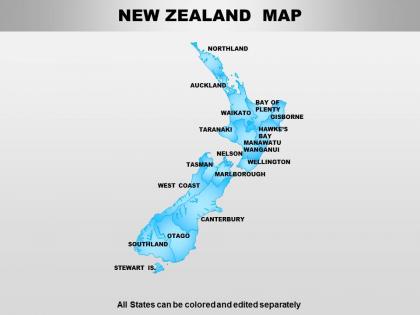
New zealand powerpoint maps




Try Before you Buy Download Free Sample Product
 Impress Your
 Audience
 100%
100% Editable
 Save Hours
 of Time


Our New Zealand Powerpoint Maps have an enabling ability. They put your thoughts in the right groove.
People who downloaded this PowerPoint presentation also viewed the following :
New zealand powerpoint maps with all 64 slides:
Our New Zealand Powerpoint Maps bring out any flaws. They help you clear out all the bugs.
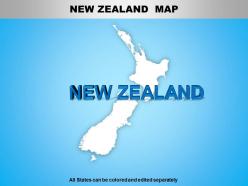
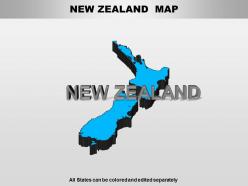
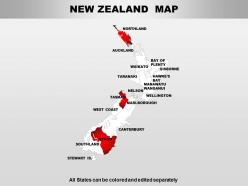
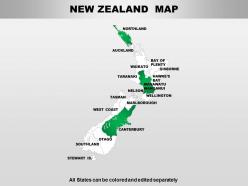
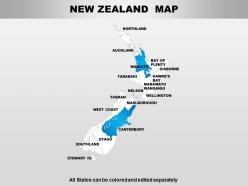
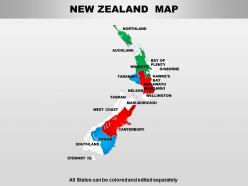
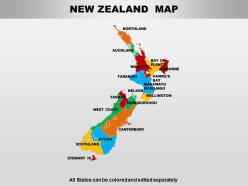
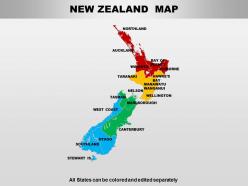
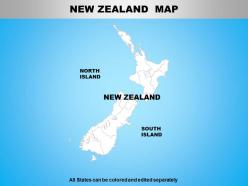
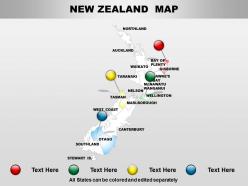
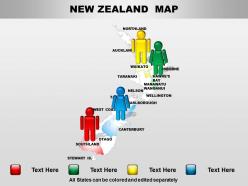
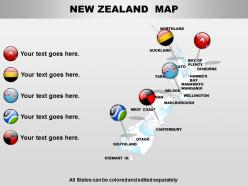
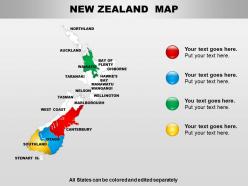

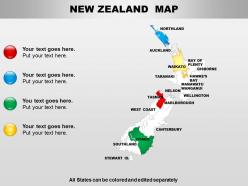
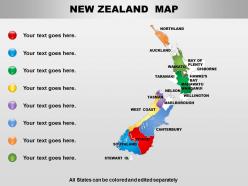
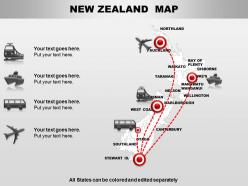
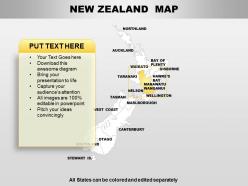
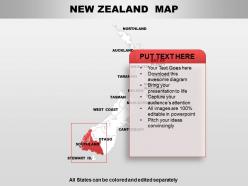
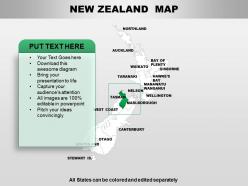
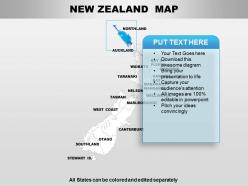
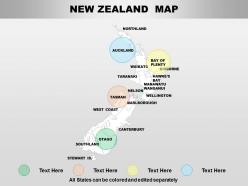

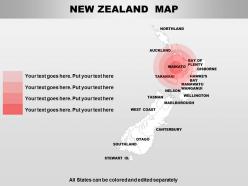
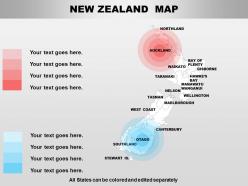
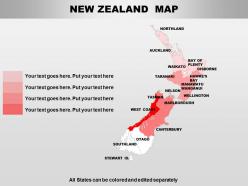
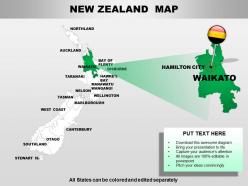
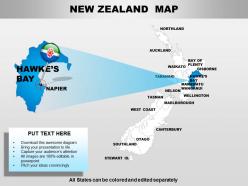
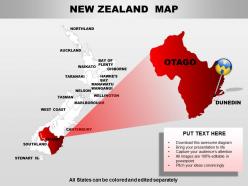
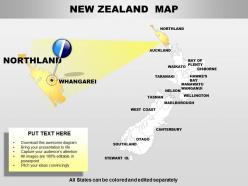
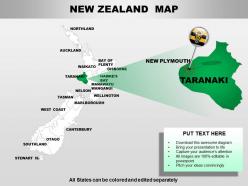
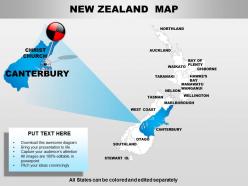
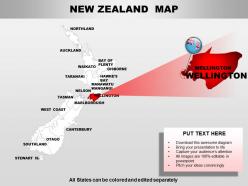
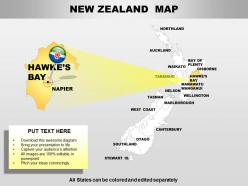

FAQs for New
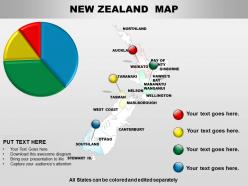
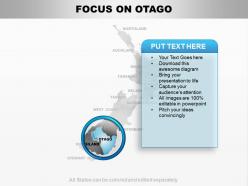
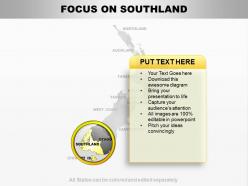
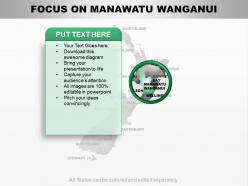
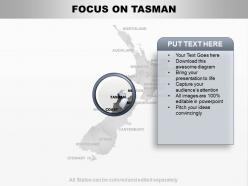
PowerPoint maps for New Zealand presentations offer enhanced visual clarity, geographic context, audience engagement, data visualization capabilities, and professional credibility. These tools streamline complex information delivery by highlighting regional differences, showcasing demographic trends, and illustrating business expansion strategies, with many organizations finding that visual geographic representation significantly improves audience comprehension and retention rates.
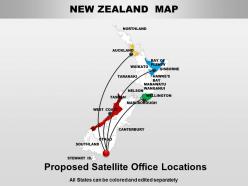
New Zealand PowerPoint maps enhance audience engagement by providing clear geographical context, simplifying complex location-based data, and creating memorable visual anchors that audiences can easily follow and understand. These maps enable presenters to highlight regional trends, market opportunities, and strategic locations more effectively, with businesses in tourism, logistics, and market analysis finding that visual geography significantly improves comprehension and retention rates.
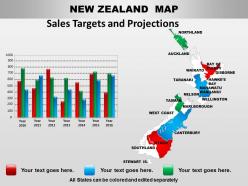
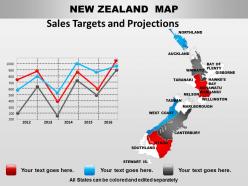
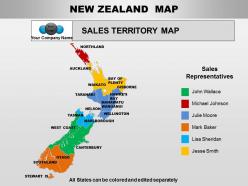
New Zealand PowerPoint maps effectively represent regional sales performance, population demographics, market penetration rates, distribution networks, and resource allocation data. These visual tools enable businesses to showcase territorial expansion plans, demographic trends, and performance metrics across North and South Islands, while helping organizations identify growth opportunities, optimize logistics operations, and present location-based insights that drive strategic decision-making.
Customizable PowerPoint map templates improve presentations by enabling precise geographic storytelling, enhancing visual engagement, streamlining data visualization, and allowing brand-consistent formatting. These templates deliver professional-quality geographic content without design expertise, with organizations across sectors like tourism, logistics, and regional analysis finding that customizable maps significantly reduce preparation time while creating more compelling, location-specific narratives for stakeholders.
**INPUT**: What are the best practices for integrating PowerPoint maps into a presentation about New Zealand? **OUTPUT**: Best practices include using high-resolution maps with clear regional boundaries, maintaining consistent color schemes across slides, highlighting relevant data points with contrasting colors, and ensuring map elements align with your narrative flow. These techniques enhance audience comprehension by creating visual continuity, streamlining complex geographical information, and ultimately delivering more engaging presentations that effectively communicate regional insights and strategic opportunities.
PowerPoint maps of New Zealand help convey geographical trends and statistics by providing visual context for data distribution, regional comparisons, and demographic patterns across the country's distinct regions. These maps enable presenters to highlight economic disparities between North and South Islands, population density variations, and regional performance metrics, ultimately delivering clearer insights and enhanced audience comprehension for strategic decision-making.
Educators should look for features including accurate geographical boundaries, customizable colors and text, high-resolution graphics, multiple zoom levels, and editable data visualization elements. These templates streamline lesson planning by enabling interactive presentations, supporting diverse learning styles, and facilitating student engagement, with many teachers finding that well-designed maps enhance comprehension and retention across geography, history, and social studies curricula.
PowerPoint maps enhance tourism presentations by highlighting New Zealand's diverse attractions through interactive regional breakdowns, customizable location markers, and visual journey planning across both North and South Islands. Tourism operators and destination marketers leverage these maps to showcase everything from Rotorua's geothermal wonders to Queenstown's adventure activities, ultimately delivering more engaging presentations that help visitors visualize their travel experiences and boost booking conversions.
**INPUT**: What tools or software can enhance the creation of PowerPoint maps specific to New Zealand? **OUTPUT**: Tools for enhancing New Zealand PowerPoint maps include GIS software like ArcGIS, design platforms such as Adobe Illustrator, mapping services like Google Earth Pro, specialized template libraries, and data visualization tools like Tableau. These technologies streamline map creation by providing accurate geographic data, customizable regional boundaries, and professional design elements, with many organizations finding that combining multiple tools delivers more engaging presentations and clearer geographic storytelling.
Different New Zealand map styles serve distinct presentation purposes, with political maps highlighting regions and cities for demographic analysis, physical maps showcasing topography for tourism or environmental projects, and thematic maps displaying data patterns for business insights. These varied approaches enable presenters to tailor their visual storytelling effectively, with organizations finding that matching map style to content type significantly enhances audience comprehension and engagement.
Interactive PowerPoint maps enhance audience engagement by enabling clickable regions, hover effects, animated transitions, and real-time data visualization that transforms static presentations into dynamic explorations. Through customizable hotspots and layered information reveals, presenters can guide audiences through complex geographical data while maintaining focus and participation, ultimately delivering more memorable presentations and deeper understanding of location-based insights.
Common mistakes include using outdated territorial boundaries, overcrowding maps with excessive text or data points, choosing colors that clash with New Zealand's cultural significance, and failing to highlight relevant regions for your audience. These design errors can confuse viewers and undermine your message's impact, with many presenters finding that clean, focused maps with appropriate cultural sensitivity and clear regional emphasis ultimately deliver better audience engagement and more effective communication outcomes.
Presenters can ensure cultural sensitivity by using official territorial boundaries, including Māori place names alongside English names, representing all regions proportionally, and avoiding stereotypical imagery or colors. Through authentic geographic data, respectful indigenous acknowledgment, and consultation with New Zealand sources, presentations demonstrate cultural awareness while delivering accurate information, ultimately building credibility and trust with diverse audiences.
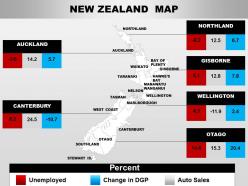
PowerPoint maps enhance economic presentations by visualizing regional data through color coding, demographic overlays, export statistics, tourism metrics, and GDP comparisons across New Zealand's districts. These visual tools enable businesses, government agencies, and research institutions to identify market opportunities, resource allocation patterns, and regional economic trends more effectively, ultimately delivering clearer insights for strategic decision-making and investment planning.
Users can find optimal New Zealand PowerPoint map templates by evaluating design quality, customization options, regional detail levels, compatibility with their presentation software, and specific use case requirements. Through platforms offering editable vectors, layered graphics, and industry-specific formats, organizations streamline their selection process while ensuring templates deliver professional visual impact, seamless integration with existing presentations, and enhanced audience engagement across business, educational, and analytical contexts.
-
Good research work and creative work done on every template.
-
Excellent template with unique design.