


Predictive Analysis Powerpoint Presentation Slides
Gather the required information from the data and predict future outcomes and trends. Use content-ready Predictive Analysis PowerPoint Presentation Slides to forecast future probabilities. Majorly applied in the business field, predictive analysis PPT templates will help you evaluate current data and historical facts to understand customers, products, services, partners, and to identify potential risks and opportunities for an organization. This deck comprises of templates such as research methodology, consumer insights consumption, need for consumer insights, key stats, data collection and processing, consumer insight capabilities, These templates are completely customizable. You can edit the templates as per your need. Change color, text, icon and font size as per your requirement. Add or remove the content, if needed. Get access to the predictive analysis PowerPoint presentation slideshow to predict future outcomes for various business topics such as customer relationship management, health care, collection analytics, fraud detection, risk management, direct marketing, industry applications, etc. Get access to the professionally designed ready-made predictive analysis PowerPoint presentation slides for your business to interpret big data for your benefit. Maintain your demeanour with our Predictive Analysis Powerpoint Presentation Slides. They will help you keep your cool.

























-

- Google Slides is a new FREE Presentation software from Google.
- All our content is 100% compatible with Google Slides.
- Just download our designs, and upload them to Google Slides and they will work automatically.
- Amaze your audience with SlideTeam and Google Slides.
-

Want Changes to This PPT Slide? Check out our Presentation Design Services
-

- WideScreen Aspect ratio is becoming a very popular format. When you download this product, the downloaded ZIP will contain this product in both standard and widescreen format.
-

- Some older products that we have may only be in standard format, but they can easily be converted to widescreen.
- To do this, please open the SlideTeam product in Powerpoint, and go to
- Design ( On the top bar) -> Page Setup -> and select "On-screen Show (16:9)” in the drop down for "Slides Sized for".
- The slide or theme will change to widescreen, and all graphics will adjust automatically. You can similarly convert our content to any other desired screen aspect ratio.
Compatible With Google Slides

Get This In WideScreen
You must be logged in to download this presentation.


Do you want to remove this product from your favourites?
PowerPoint presentation slides
Presenting predictive analysis presentation slides. This deck has been designed after a thorough research done by the experts. It consists of total of 50 professionally designed slides. Our PowerPoint experts have crafted this deck by including all the necessary design elements. You will find visuals according to the content. This ready-to-use deck has professional visuals, layouts, diagrams, icons, charts, graphs, and more. These templates are completely editable. Edit color, text, icon, and font size as per your need. Click the download button now.

People who downloaded this PowerPoint presentation also viewed the following :
Content of this Powerpoint Presentation
Slide 1: This slide introduces Predictive Analysis. State Your Company Name and get started.
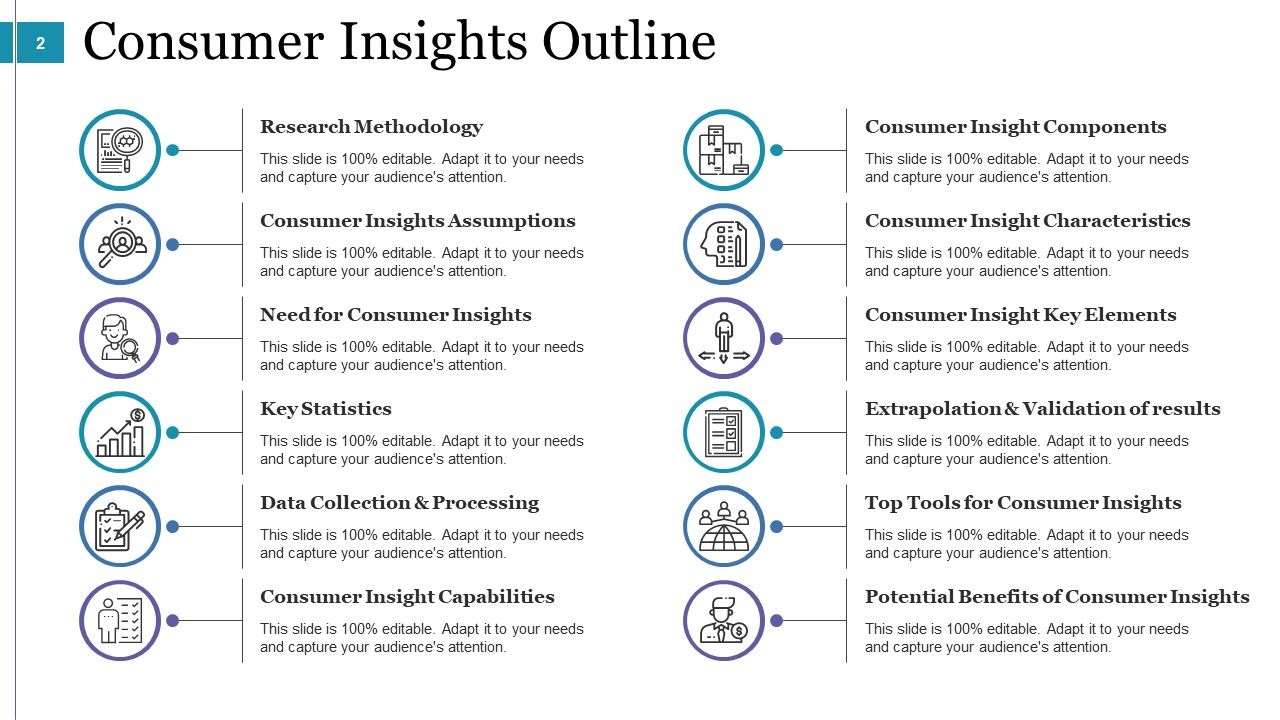
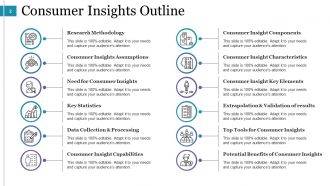
Slide 2: This slide presents Consumer Insights Outline containing- Research Methodology, Consumer Insights Assumptions, Need for Consumer Insights, Key Statistics, Data Collection & Processing, Consumer Insight Capabilities, Consumer Insight Components, Consumer Insight Key Elements, Extrapolation & Validation of results, Top Tools for Consumer Insights, Consumer Insight Characteristics, Potential Benefits of Consumer Insights.
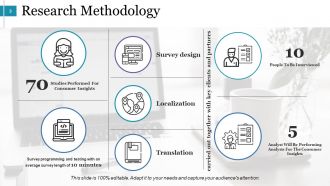
Slide 3: This slide presents Research Methodology showcasing- Survey programming and testing with an average survey length of 10 minutes, Studies Performed For Consumer Insights, Survey design, Localization, Translation, People To Be Interviewed, Analyst Will Be Performing Analysis For The Consumer Insights carried out together with key clients and partners.
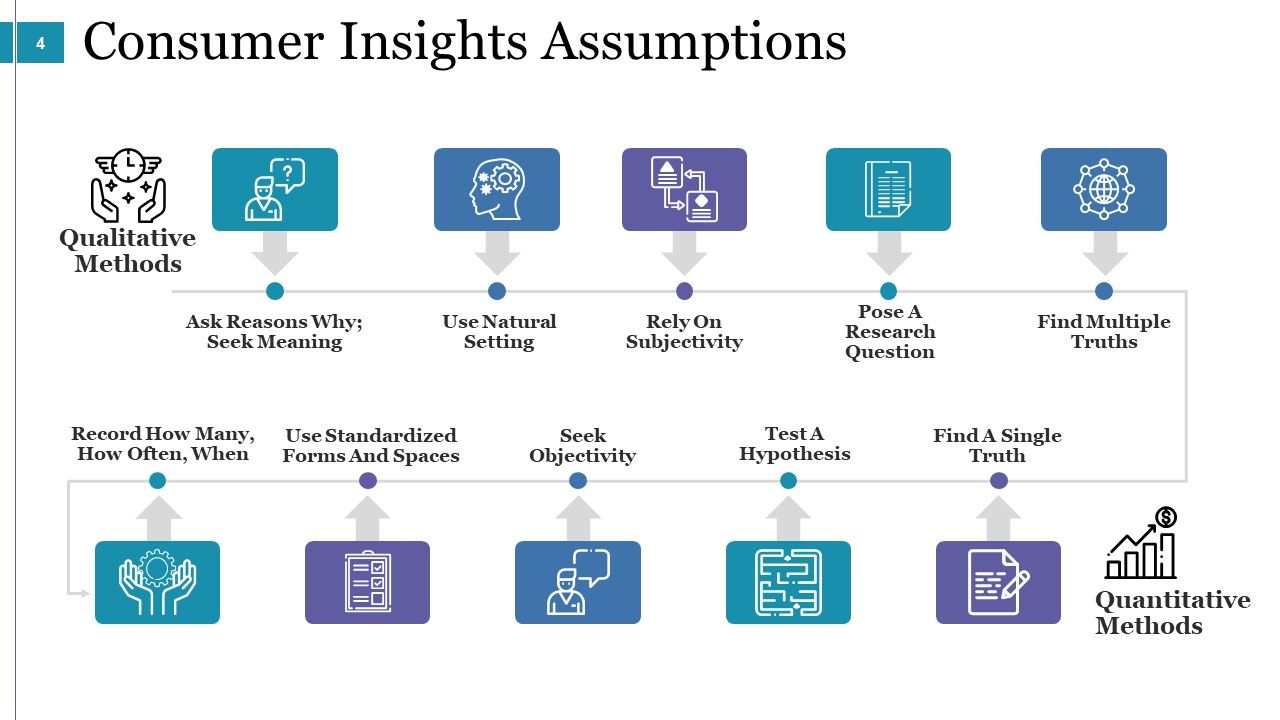
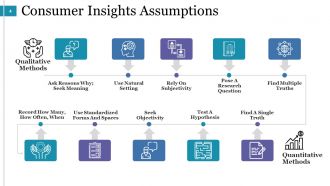
Slide 4: This slide shows Consumer Insights Assumptions showcasing- Quantitative Methods: Record How Many, How Often, When Seek Objectivity, Test A Hypothesis, Find A Single Truth, Use Standardized Forms And Spaces. Qualitative Methods: Ask Reasons Why; Seek Meaning, Use Natural Setting, Rely On Subjectivity, Pose A Research Question, Find Multiple Truths.
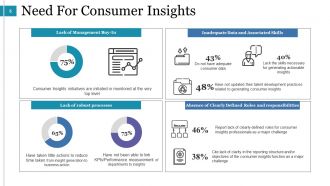
Slide 5: This slide presents Need For Consumer Insights showing- Consumer Insights initiatives are initiated or monitored at the very top level Have taken little actions to reduce time taken from insight generation to business action Have not been able to link KPIs/Performance measurement of departments to insights Do not have adequate consumer data Lack the skills necessary for generating actionable insights Have not updated their talent development practices related to generating consumer insights Report lack of clearly-defined roles for consumer insights professionals as a major challenge Cite lack of clarity in the reporting structure and/or objectives of the consumer insights function as a major challenge Lack of Management Buy-In Lack of robust processes Inadequate Data and Associated Skills Absence of Clearly Defined Roles and responsibilities
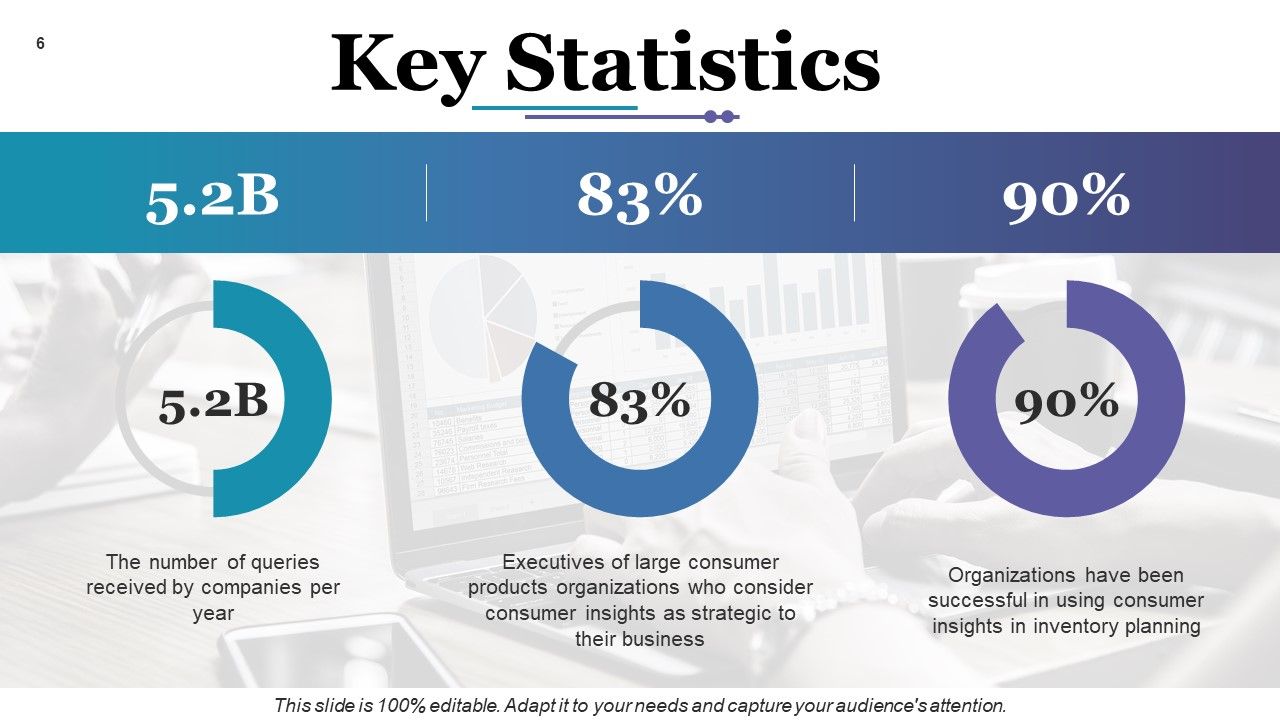
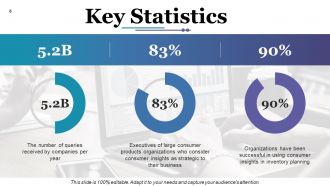
Slide 6: This slide shows Key Statistics such as- The number of queries received by companies per year, Executives of large consumer products organizations who consider consumer insights as strategic to their business, Organizations have been successful in using consumer insights in inventory planning.
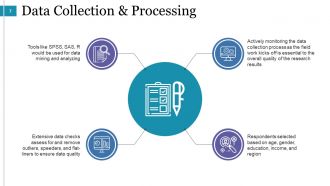
Slide 7: This slide shows Data Collection & Processing showcasing- Actively monitoring the data collection process as the field work kicks off is essential to the overall quality of the research results, Respondents selected based on age, gender, education, income, and region, Tools like SPSS, SAS, R would be used for data mining and analyzing, Extensive data checks assess for and remove outliers, speeders, and flat-liners to ensure data quality.
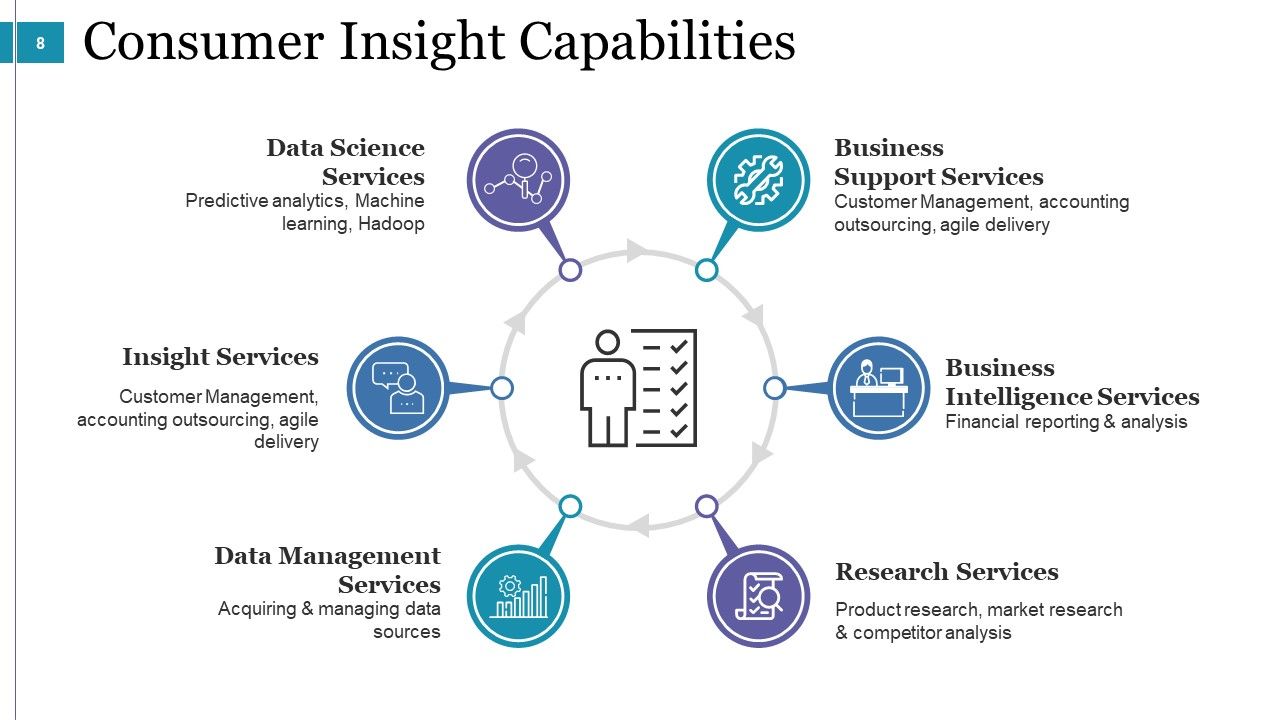
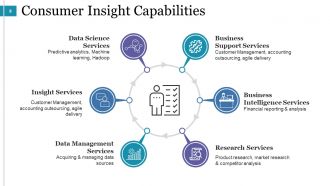
Slide 8: This slide shows Consumer Insight Capabilities with the following subheadings- Business Intelligence Services: Financial reporting & analysis. Business Support Services: Customer Management, accounting outsourcing, agile delivery. Research Services: Product research, market research & competitor analysis. Data Management Services: Acquiring & managing data sources. Insight Services: Customer Management, accounting outsourcing, agile delivery. Data Science Services: Predictive analytics, Machine learning, Hadoop.
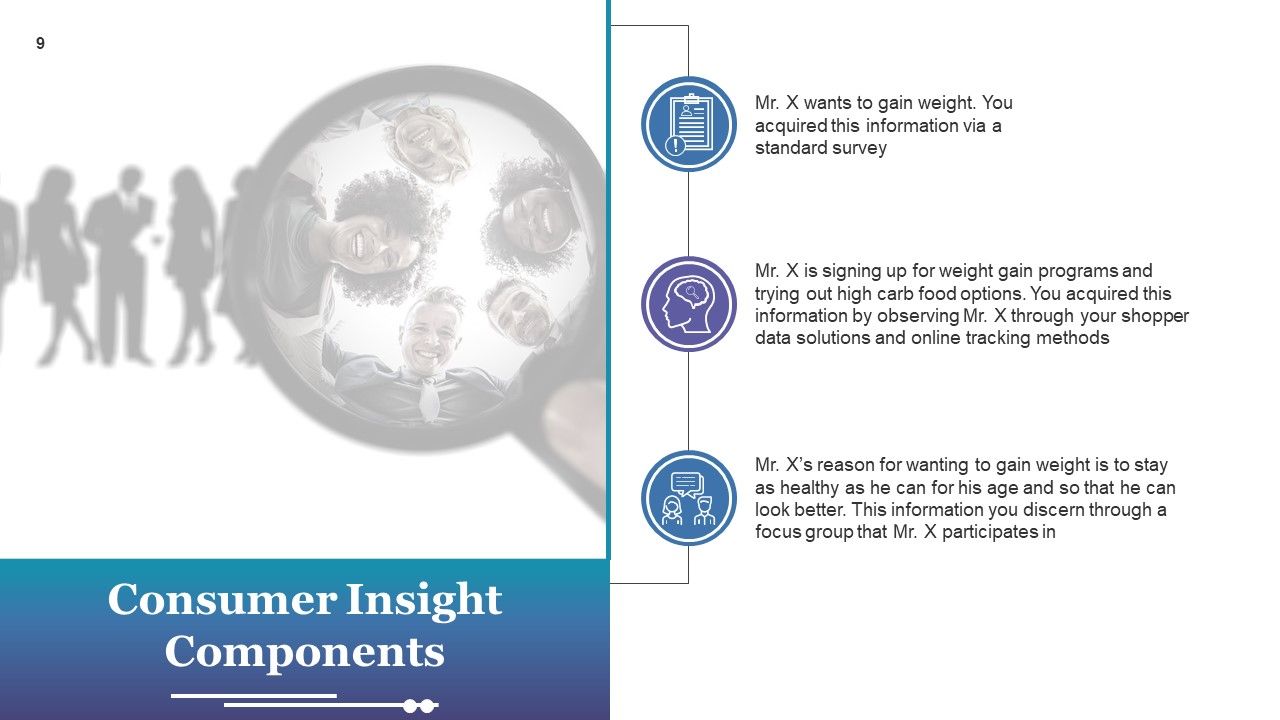
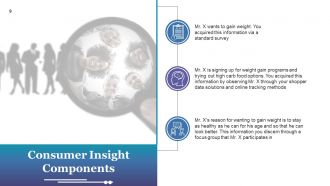
Slide 9: This slide shows Consumer Insight Components. You can add your content as per need.
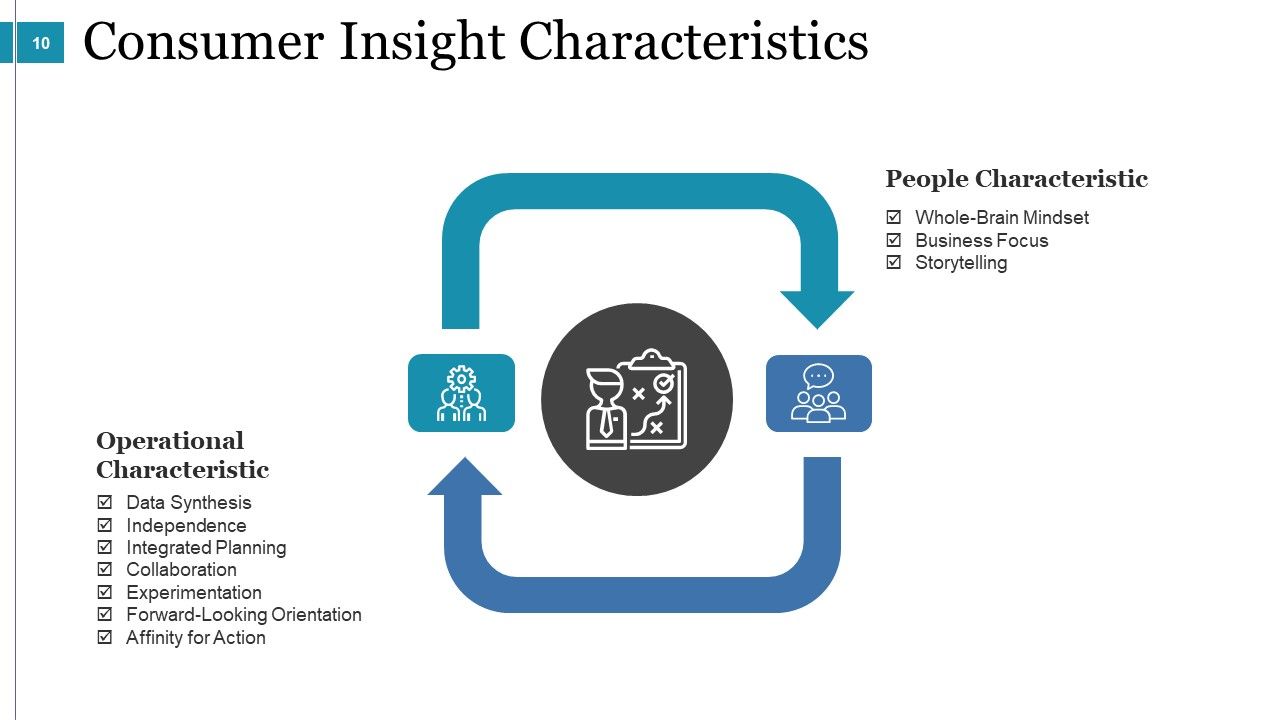
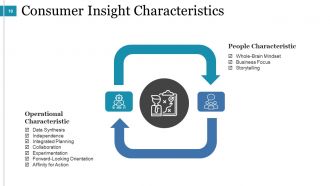
Slide 10: This slide showcases Consumer Insight Characteristics divided into- People Characteristic: Whole-Brain Mindset, Business Focus, Storytelling. Operational Characteristic: Data Synthesis, Independence, Integrated Planning, Collaboration, Experimentation, Forward-Looking Orientation, Affinity for Action.
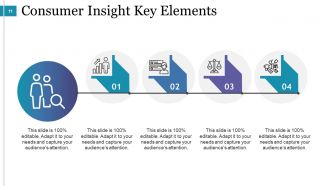
Slide 11: This slide displays Consumer Insight Key Elements.
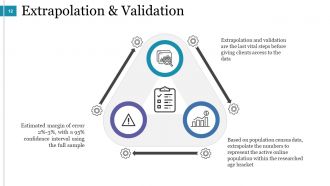
Slide 12: This slide shows Extrapolation & Validation- Extrapolation and validation are the last vital steps before giving clients access to the data. Based on population census data, extrapolate the numbers to represent the active online population within the researched age bracket. Estimated margin of error 2%-3%, with a 95% confidence interval using the full sample.
Slide 13: This slide is titled Top Tools For Consumer Insights. You may change the content as per need.
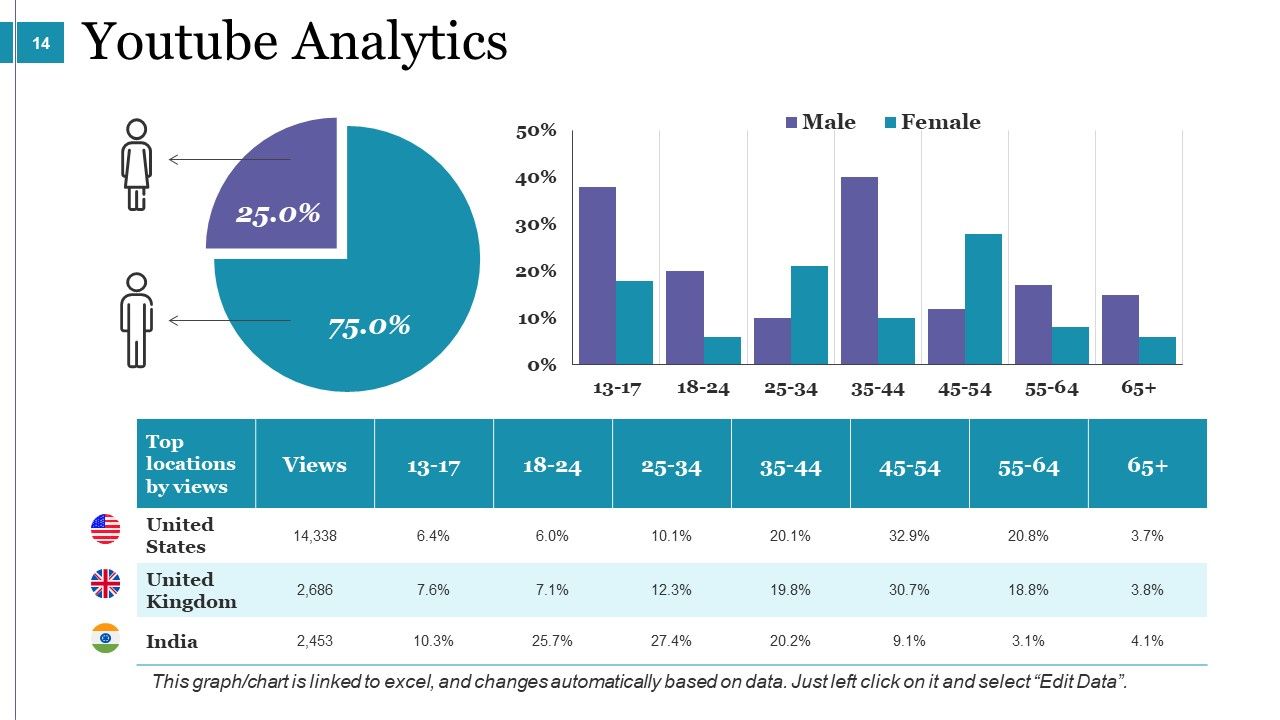
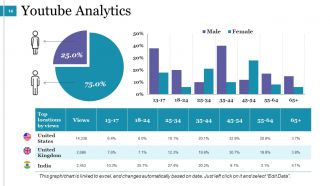
Slide 14: This slide shows Youtube Analytics graphs and charts.
Slide 15: This slide showcases Google’s Audience Retention Tool.
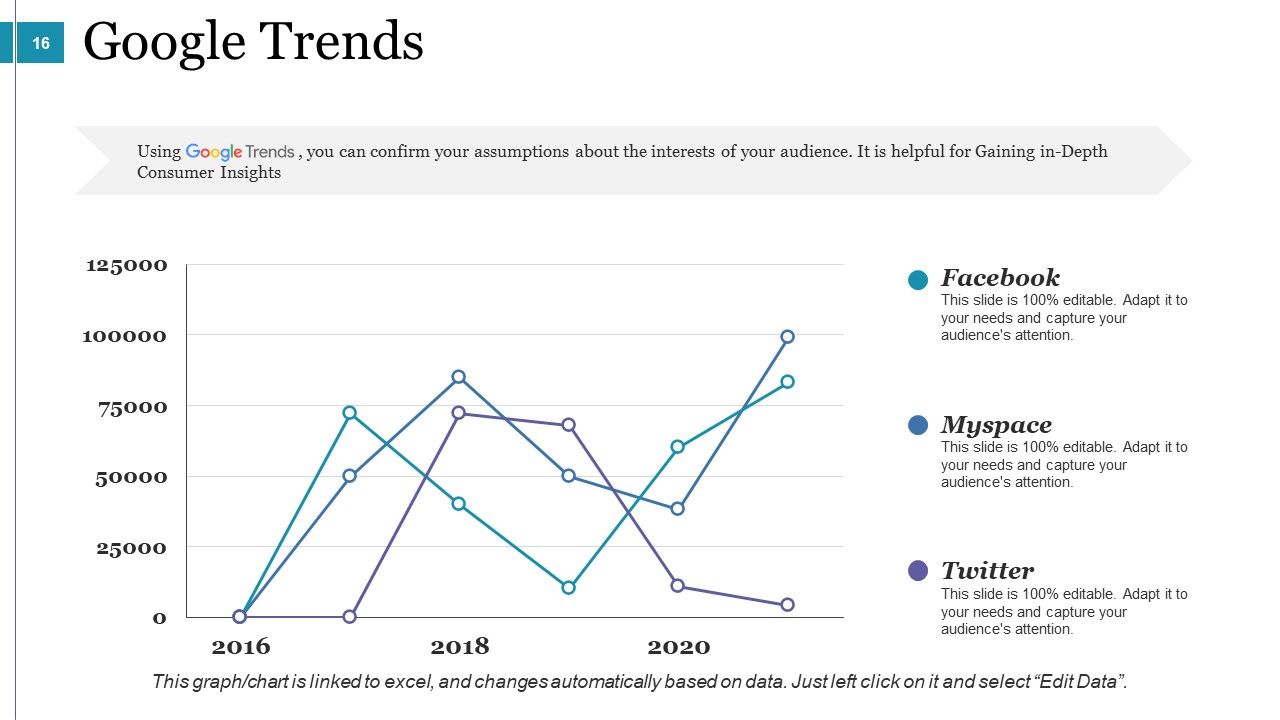
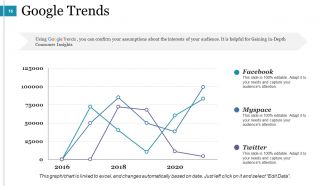
Slide 16: This slide shows Google Trends for- Facebook, Myspace, Twitter.
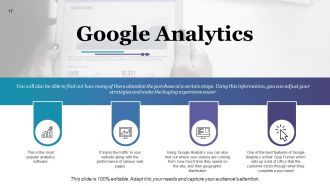
Slide 17: This slide shows Google Analytics- It tracks the traffic to your website along with the performance of various web pages, Using Google Analytics you can also find out where your visitors are coming from, how much time they spend on the site, and their geographic distribution, One of the best features of Google Analytics is their Goal Funnel which sets up a list of URLs that the customer clicks through when they complete a purchase.
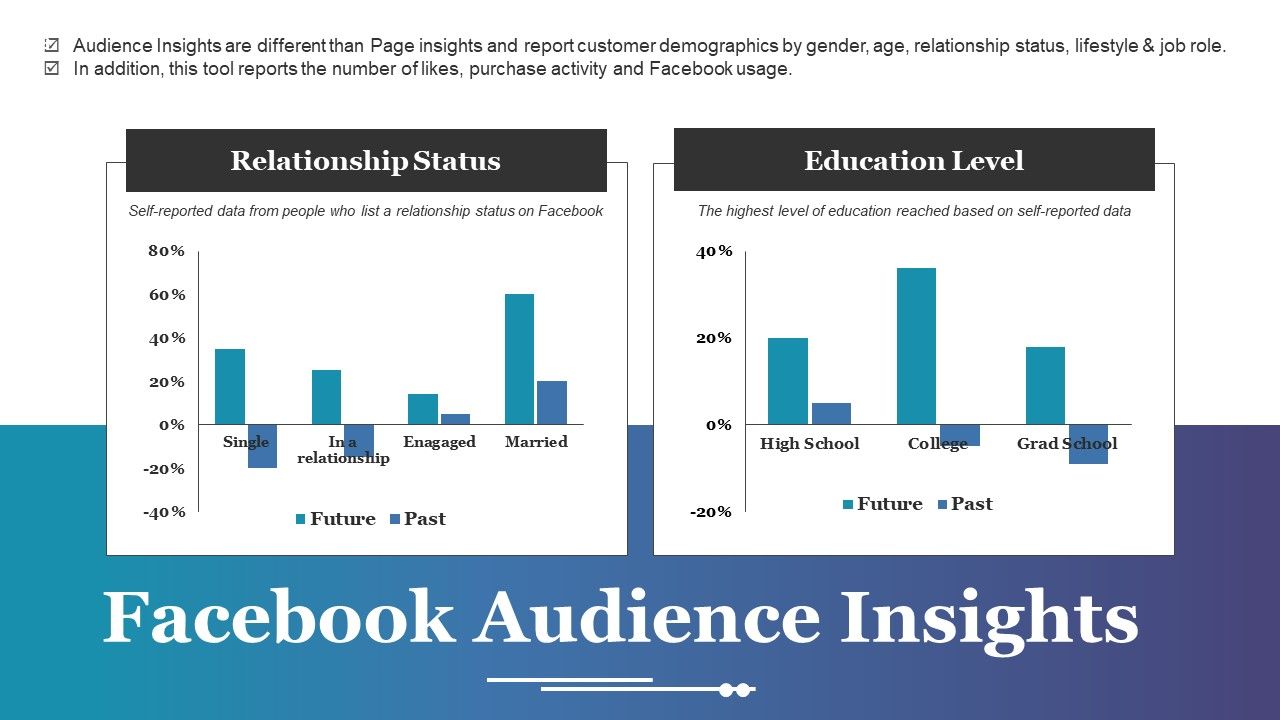
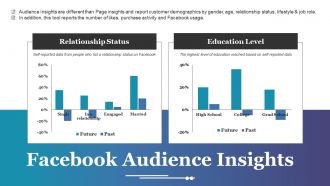
Slide 18: This slide shows Facebook Audience Insights showcasing- Relationship Status and Education Level.
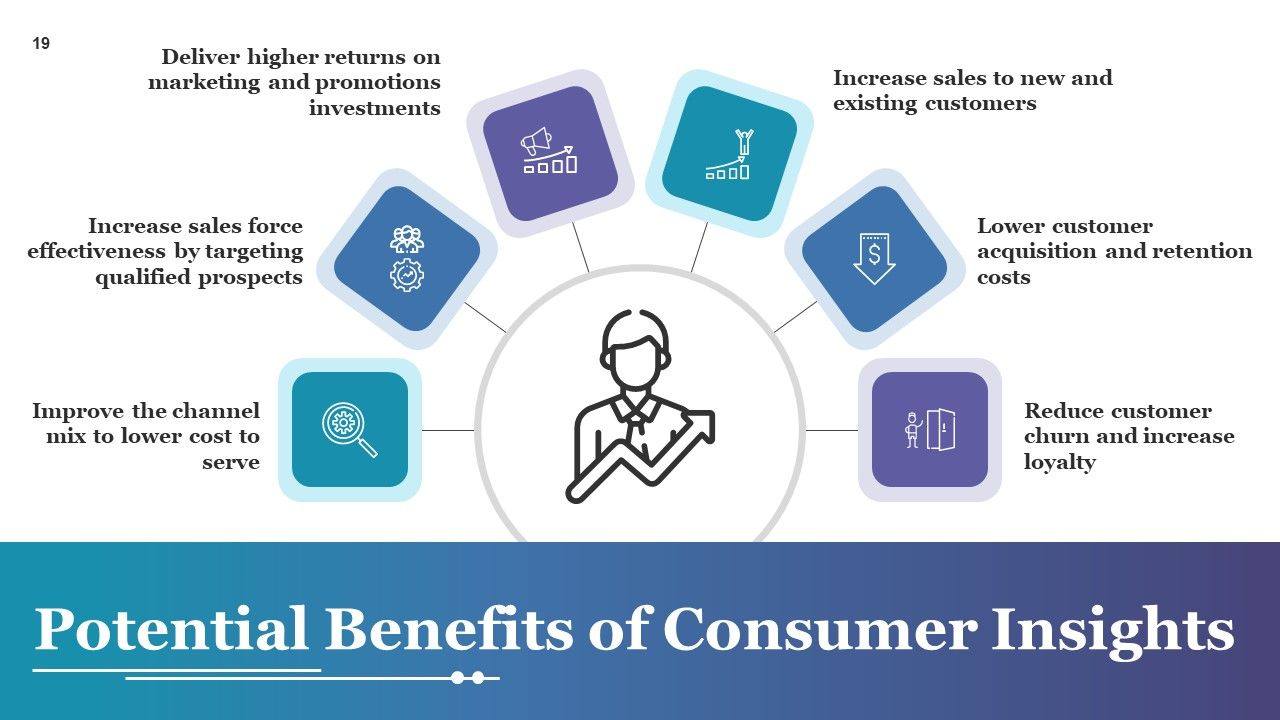
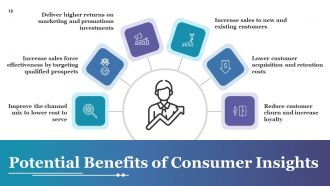
Slide 19: This slide Potential Benefits of Consumer Insights such as- Improve the channel mix to lower cost to serve, Increase sales force effectiveness by targeting qualified prospects, Deliver higher returns on marketing and promotions investments, Increase sales to new and existing customers, Lower customer acquisition and retention costs, Reduce customer churn and increase loyalty.
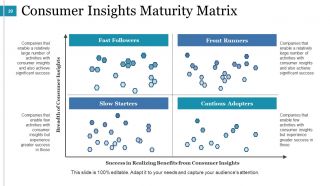
Slide 20: This slide presents Consumer Insights Maturity Matrix Fast Followers, Front Runners, Cautious Adopters, Slow Starters in terms of Breadth of Consumer Insights, Success in Realizing Benefits from Consumer Insights.
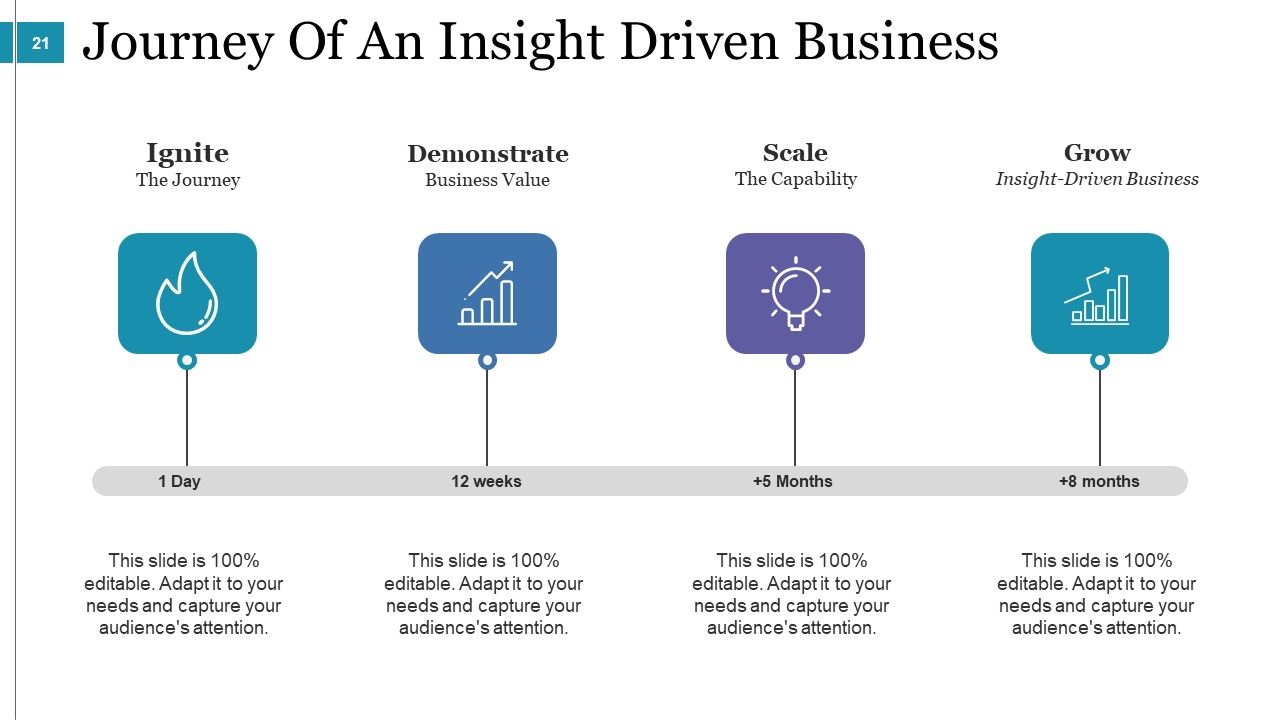
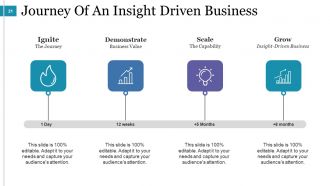
Slide 21: This slide shows Journey Of An Insight Driven Business showing- Ignite: The Journey Demonstrate: Business Value Scale: The Capability Grow: Insight-Driven Business
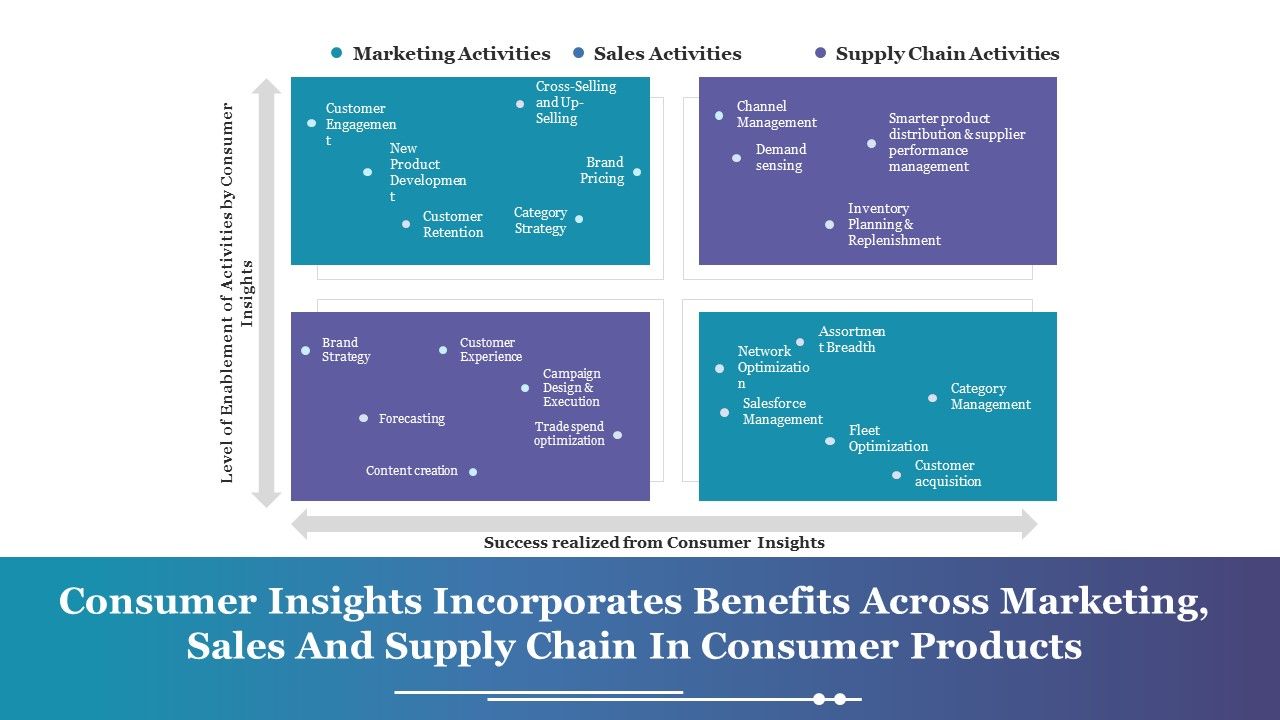
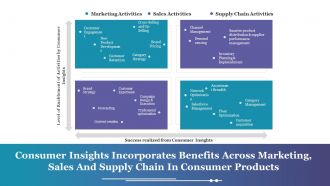
Slide 22: This slide showcases Consumer Insights Incorporates Benefits Across Marketing, Sales And Supply Chain In Consumer Products showing- Marketing Activities, Sales Activities, Supply Chain Activities, Customer Engagement, Cross-Selling and Up-Selling, New Product Development, Customer Retention, Brand Pricing, Category Strategy, Channel Management, Demand sensing, Smarter product distribution & supplier performance management, Inventory Planning & Replenishment, Brand Strategy, Customer Experience, Campaign Design & Execution, Trade spend optimization, Content creation, Forecasting, Assortment Breadth, Network Optimization, Category Management, Fleet Optimization, Salesforce Management, Customer acquisition, Level of Enablement of Activities by Consumer Insights, Success realized from Consumer Insights.
Slide 23: This slide showcases Consumer Engagement Principles with the following subheadings- Control & Access, Protection Of Personal Information, Simple Communications, Transparency, Ongoing Dialogue, Integrity In Social Media, Value Exchange.
Slide 24: This slide showcases Predictive Analysis Icon Slide. You can use them as per need.
Slide 25: This is a Coffee Break slide to halt. You can change the content as per need.
Slide 26: This slide is titled Additional Slides to move forward. You can change the slide content as per need.
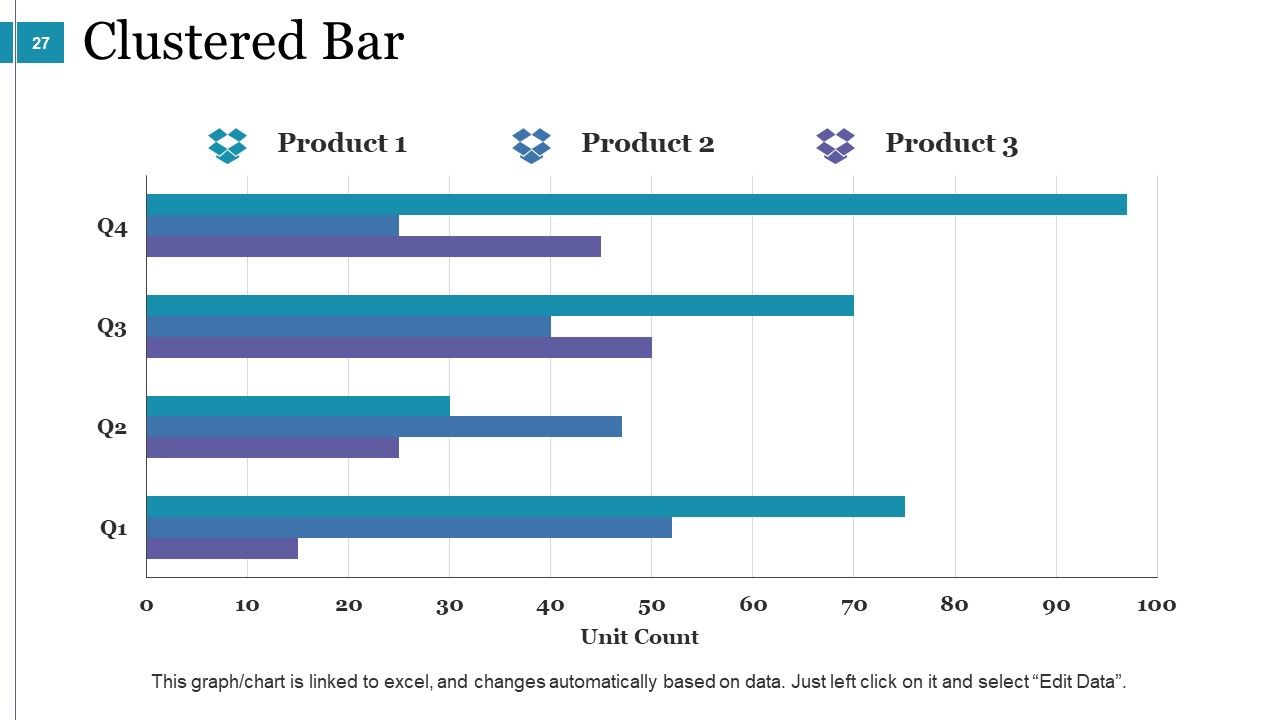
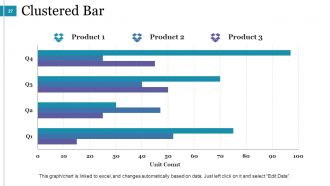
Slide 27: This is a Clustered Bar slide. State specifications, comparison of products/entities here.
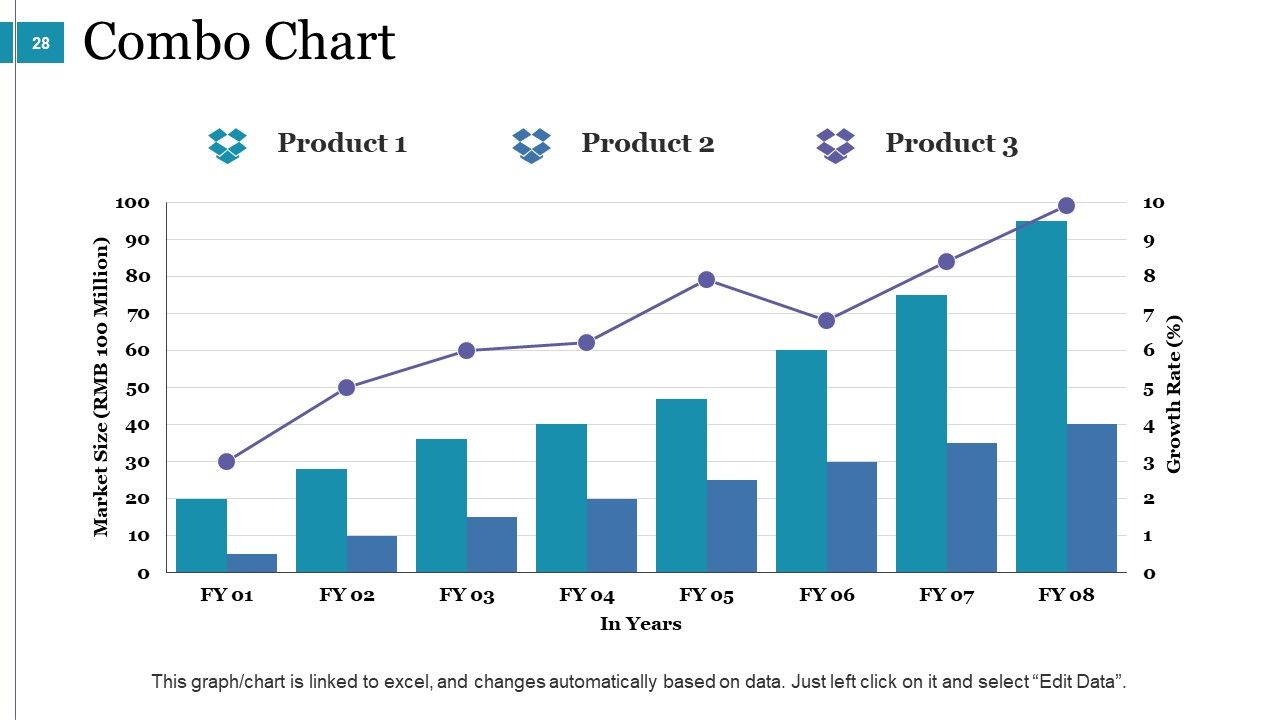
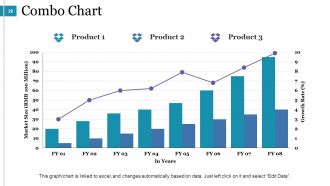
Slide 28: This is a Combo chart slide. State specifications, comparison of products/entities here.
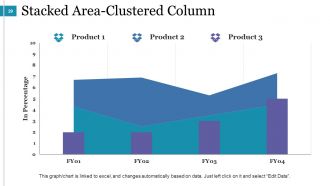
Slide 29: This is a Stacked Area-Clustered chart slide. State specifications, comparison of products/entities here.
Slide 30: This is Our Mission with Vision and Goals slide. State them here.
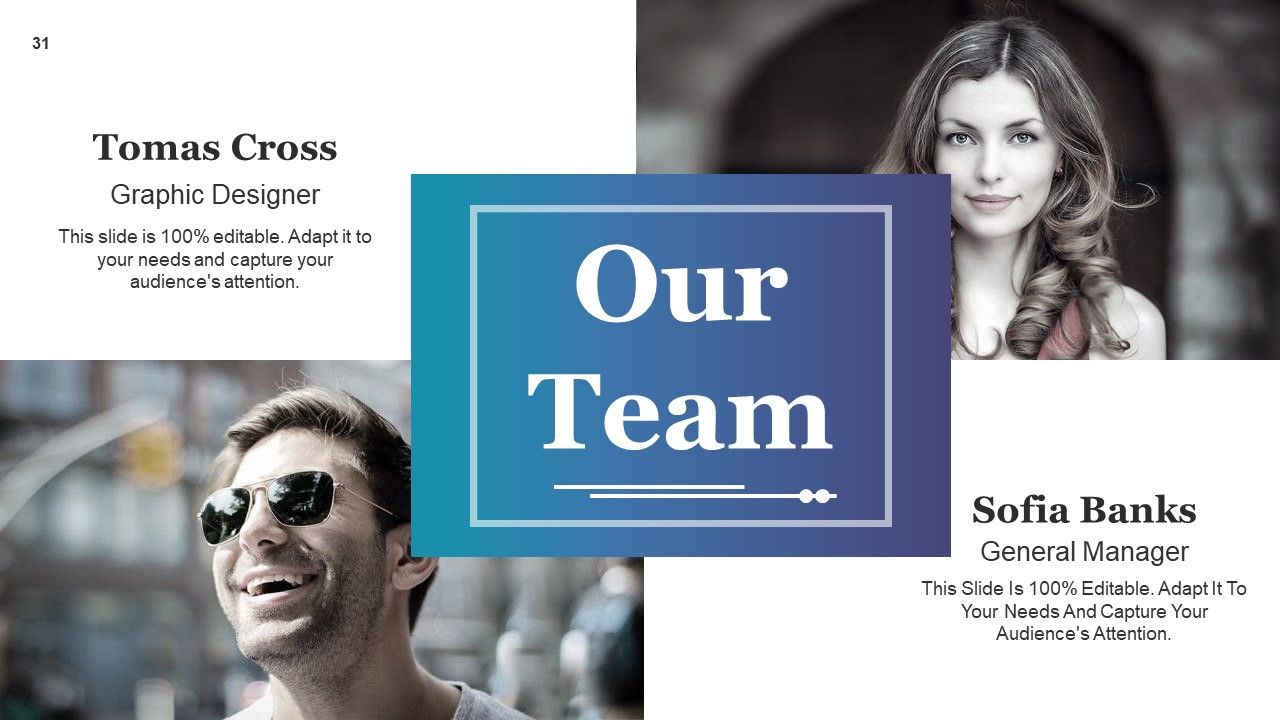
Slide 31: This is Our Team slide with names, designation and text boxes.
Slide 32: This is an About Us slide. State company/team specifications here.
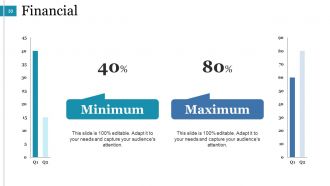
Slide 33: This is a Financial score slide to state financial aspects etc.
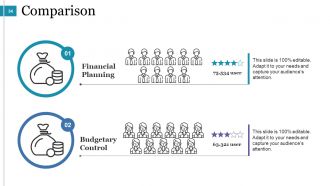
Slide 34: This is a Comparison slide for males and females. State comparison, specifications etc. here.
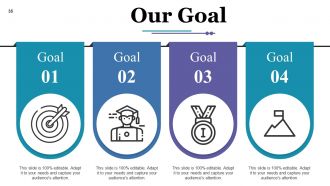
Slide 35: This is Our Goal slide. State your goals here.
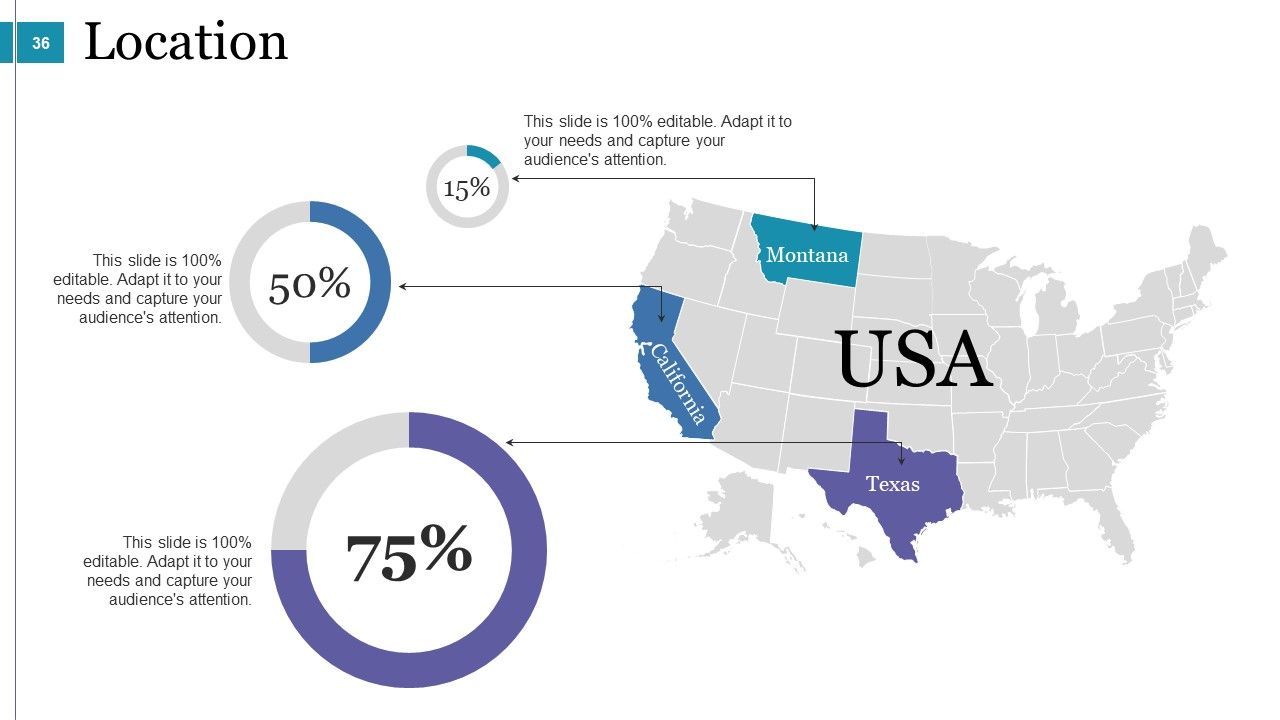
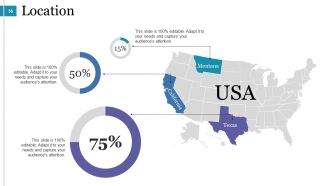
Slide 36: This is a Location slide of a globe image. Mark specific locations for company growth, market etc. here.
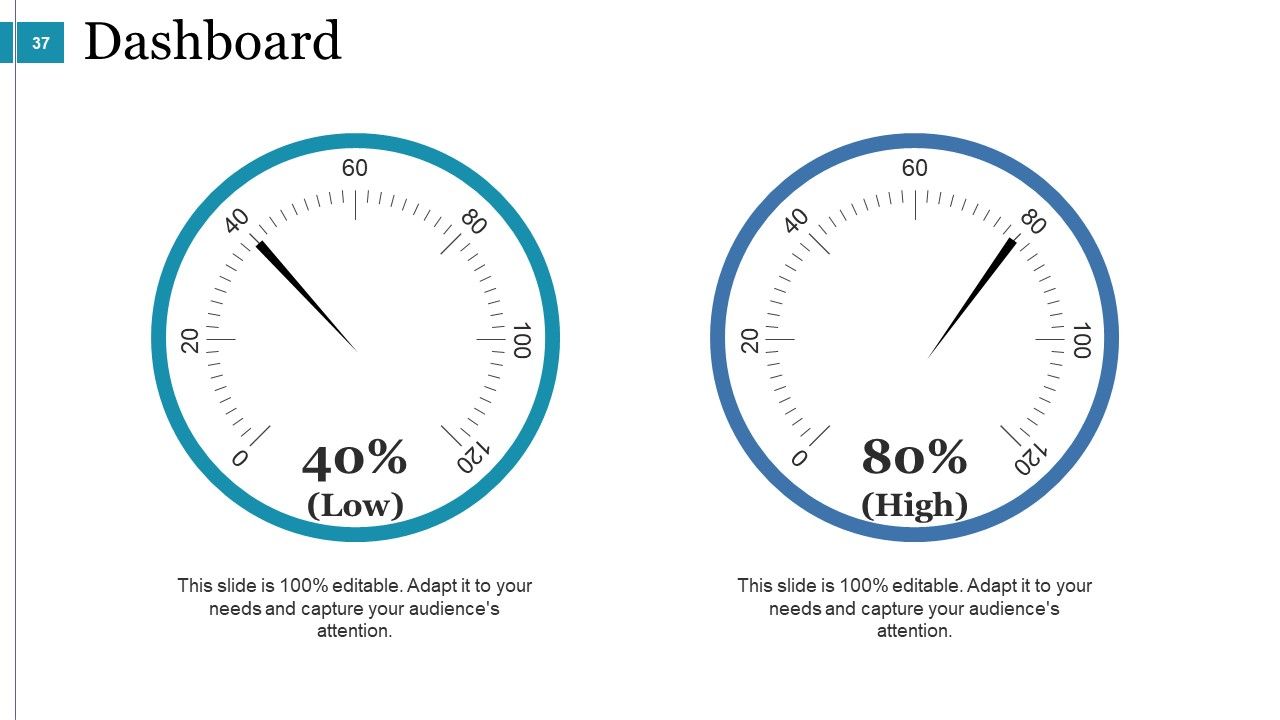
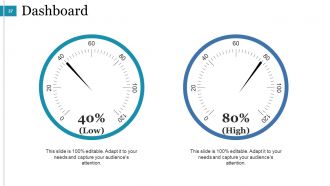
Slide 37: This is a Dashboard slide to state Low, medium and High aspects, kpis, metrics etc.
Slide 38: This is a Puzzle image slide. State information, specifications etc. here.
Slide 39: This is a Mind Map image slide to show segmentation, information, specifications etc.
Slide 40: This is Our Target slide. State your targets here.
Slide 41: This is a Quotes slide to show something you want to convey.
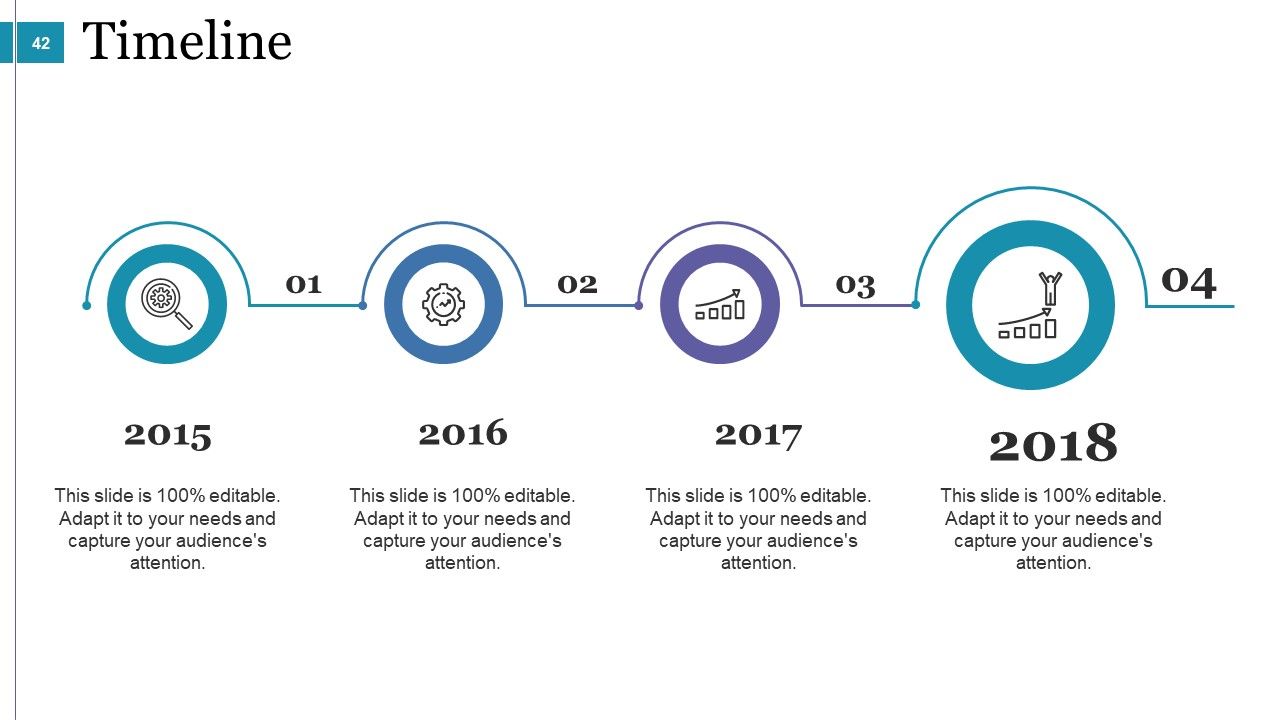
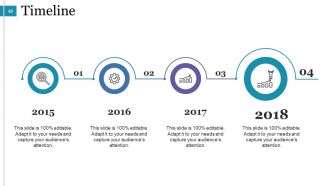
Slide 42: This slide showcases a Timeline to show milestones, important highlights etc.
Slide 43: This is a Post It slide to show important information, events etc. Pin your information here.
Slide 44: This is a Lego image slide. State information, specifications etc. here.
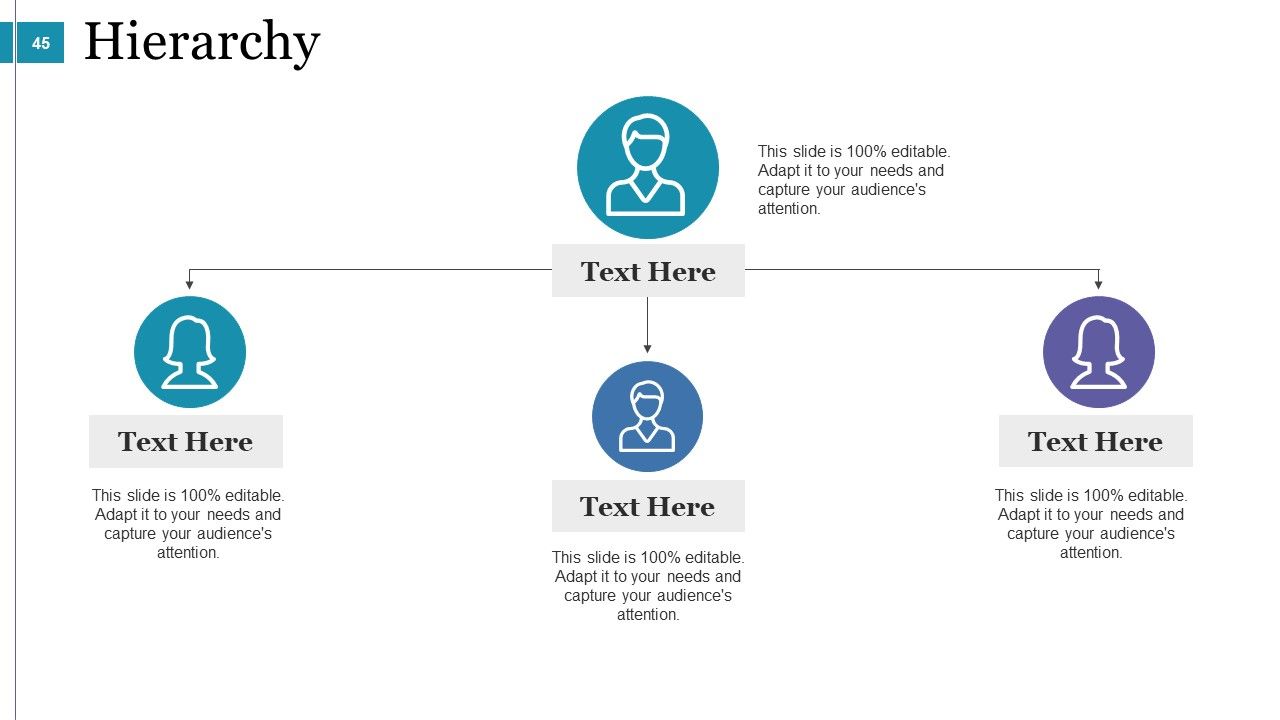
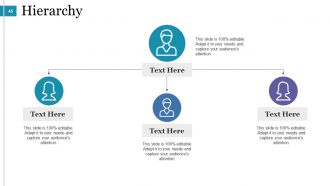
Slide 45: This is a Hierarchy slide. State team/department, organization information, specifications etc. here.
Slide 46: This slide shows Silhouettes with text boxes. State people related information, specifications etc. here.
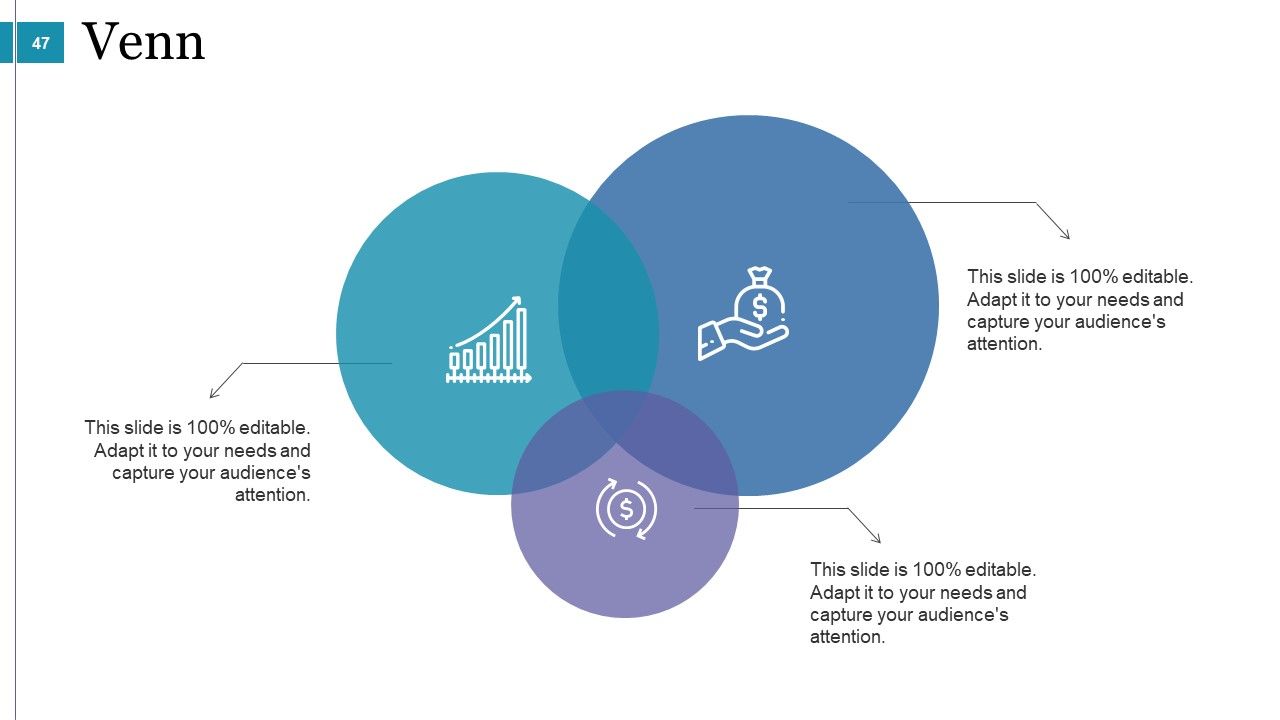
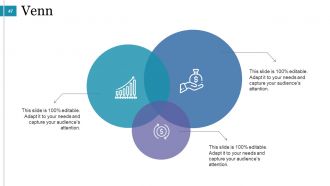
Slide 47: This is a Venn diagram slide to show information, specifications etc.
Slide 48: This is a Magnifying Glass image slide to show information, specifications etc.
Slide 49: This is a Bulb & Idea image slide to show ideas, innovative information etc.
Slide 50: This is a Thank You slide with Address# street number, city, state, Contact Numbers, Email Address.
Predictive Analysis Powerpoint Presentation Slides with all 50 slides:
Gird yourself up for the long haul with our Predictive Analysis Powerpoint Presentation Slides. Get equipped to endure the contest.
-
Excellent work done on template design and graphics.
-
It saves your time and decrease your efforts in half.
-
Nice
