Presentation outline format ppt examples

Rating:
100%
Presentation outline format ppt examples
Slide 1 of 5
Favourites Favourites

Try Before you Buy Download Free Sample Product

Audience Impress Your
Audience
Editable 100%
Editable
Time Save Hours
of Time
The Biggest Sale is ending soon in
0
0
:
0
0
:
0
0
Rating:
100%
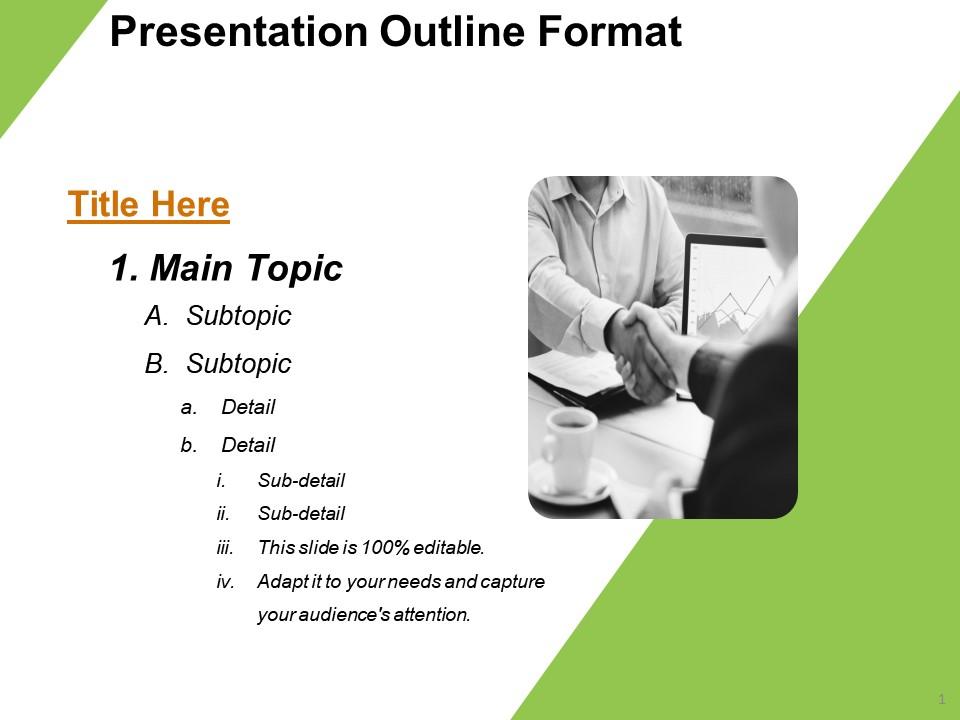
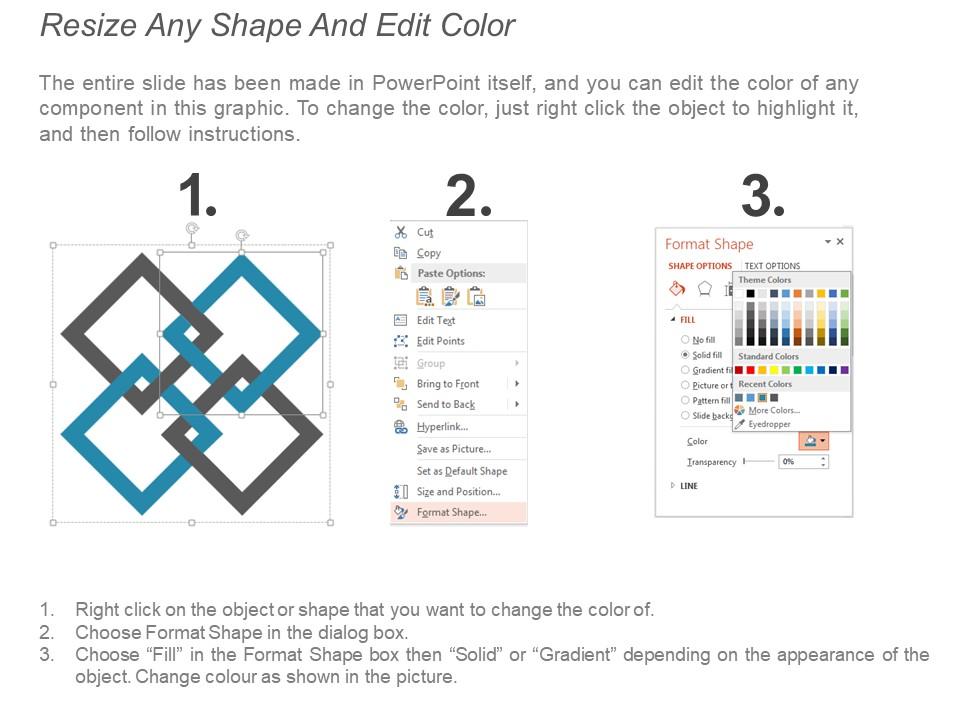
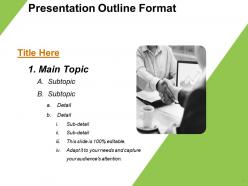
Presenting Presentation Outline Format PPT Examples. This PPT template is easily customizable. You can format the color and background in the PowerPoint slide. Alter the font type and font size of the slide and match it to your presentation theme. The PPT slide is compatible with Google Slides, and you can export it in various formats, including JPG and PDF formats. We offer you templates with high-resolution graphics that can be clearly viewed on widescreen. Add or delete the content as per the requirement.

People who downloaded this PowerPoint presentation also viewed the following :

FAQs for Presentation outline

For your outline, start with something that grabs attention - a story or surprising stat works great. Then pick 3-4 main points max (trust me, people zone out after that). Back each point with solid examples or data. Write in your transitions so you don't sound choppy moving between sections. End strong - circle back to your main message somehow. Oh, and definitely jot down time estimates for each part. Nothing worse than having half your slides left with like 3 minutes on the clock. Also mark where you want Q&A or audience participation. Keep it loose though - it's your guide, not something to read word-for-word.

Honestly, outlines are game-changers for keeping people's attention. Think of it like giving your audience a mental map - they know where you're headed instead of wondering if you're just winging it. You can actually control the energy too, building up to your big points and giving people breaks when they need them. I've sat through way too many presentations where someone just talks in circles and loses everyone. Short sentences work. Longer ones help you connect ideas smoothly and keep the flow going. Start with your main points, then figure out how to link them together. It's basically like having GPS for your presentation - keeps both you and your audience from getting lost.

Don't stuff everything into your outline - I made that mistake once and it was a disaster. Keep your main points specific instead of vague nonsense like "discuss marketing." You'll thank me later. Skip full sentences completely and stick to bullets or key phrases, otherwise you'll just read the whole thing like a robot. Those fancy numbering systems are pointless too. Here's what works: nail down your core message first, then pick 3-4 points that actually flow together. Make sure each section connects to the next one logically.

So basically, formal presentations need way more detail - like full sentences, exact numbers, proper transitions between sections. Informal ones? Just bullet points work fine. I always think of it like this: would your boss be judging every word? Then go formal. Casual team meeting where everyone's half-listening anyway? Keep it loose. Though honestly, even informal stuff needs some structure or you'll just end up rambling about nothing. What I do is sketch out the basic points first, then add more meat if it turns out I need something fancier.

Just add brackets next to your talking points - like [SLIDE: sales chart] or [VIDEO: testimonial]. I actually create a whole separate column for visuals in my outline because honestly, it saves me from scrambling around during the actual presentation. Time-stamping works too if your software does that. The trick is building them into your flow from the start rather than slapping them on later. Oh, and definitely note transitions - "pull up infographic during Q2 discussion" or whatever. Trust me, you don't want to be that person frantically clicking through slides trying to find the right chart.

Honestly, storytelling just makes everything click better. Your presentation gets this natural flow - problem, challenge, solution. Way more engaging than those awful bullet-point slides everyone hates sitting through. Start with "here's what's happening," then "here's where it gets messy," then boom - "here's how we fix it." People's brains are wired for stories anyway, so they'll actually follow along instead of checking their phones. I always sketch mine out like a mini-story first. Sounds cheesy but it works! The structure practically builds itself once you think of it that way.

Honestly, it's all about reading the room. With executives, hit them with the big picture stuff first - they don't want to get bogged down in technical weirdness. But when you're talking to other devs or analysts? Go nuts with the data and specifics. I probably obsess over this more than I should, but whatever. Your tone matters too - keep it professional with the C-suite, but you can be way more chill with your teammates. The trick is figuring out what actually keeps them up at night about your project. Like, what's their main worry here? Once you nail that down, everything else falls into place.

Okay so first figure out your main points and put them in an order that makes sense - like chronologically or by importance. I usually do 2-3 supporting details under each one because honestly, more than that gets overwhelming. Make sure your bullet points match (if one starts with an action word, they all should). Number your big sections and use letters for the smaller stuff underneath. Oh and definitely read through it once to check that everything actually connects to your main argument - sometimes you realize a point doesn't really fit. Also, try practicing with your outline beforehand so you're not stumbling through it live.

Dude, bullet points are a game changer for presentations. They break everything down so your audience isn't drowning in a wall of text - which honestly nobody wants to read anyway. Numbers work best when you're walking through steps or a process. Bullets are clutch for features, benefits, random key points. The white space alone makes such a difference! Your brain can actually process what's happening. I used to write these dense paragraph outlines and they were a nightmare to present from. Try switching to bullets next time - you'll be shocked how much easier it flows when you're actually up there talking.

Okay so for templates, you'll want clear hierarchy - like title, main content, sub-points. Find ones with consistent headings and bullet formatting. Honestly? Most templates are just fancy graphics with zero structure, which drives me nuts. Look for numbered sections, space for notes, maybe a summary slide. Oh and visual cues help too - guides you from intro to wrap-up naturally. Start simple and text-focused rather than some crazy designed thing. Trust me, the plain ones usually work better anyway.

Honestly, just throw time estimates right into your outline - "Intro (3 mins)" or whatever. I learned the hard way to always pad extra time because tech demos are basically cursed. Color-code everything too: green for stuff you absolutely have to cover, yellow for things you can ditch if you're running behind. Mark spots where you'll actually glance at the clock so you don't suddenly realize you've got 2 minutes left for half your presentation. Practice it with a timer though - that's how you figure out which parts you naturally rush through.

Honestly, just put your outline away for like a day and come back to it - you'll immediately see what's missing or sounds weird. Read the whole thing out loud too, it helps catch clunky transitions. I do this thing where I summarize each section in one sentence to check if it actually makes sense (sounds dumb but works). Time yourself going through each part so you're not shoving everything into one section. Oh and definitely run it by someone else - they'll ask questions that'll make you realize gaps you totally missed.

Honestly, peer feedback is like having someone double-check your work before you embarrass yourself. They'll catch weird logic jumps or transitions that don't make sense - stuff you can't see because you're too deep in it. I've had colleagues point out sections that were totally redundant or suggest way better examples than what I had. Getting input early is clutch since you can still move things around easily. Don't overthink it though, just grab 2-3 people and walk them through your main points. Trust me, it's worth the awkward "hey can you look at this" conversation.

Honestly, MindMeister or XMind are solid for mind mapping if you're into that visual brainstorming thing. Canva's got decent outline templates too. But real talk? I just use PowerPoint or Google Slides most of the time since that's where I'll end up anyway. Why double the work, you know? Notion's pretty cool if you want to throw your research notes in there too - keeps everything in one place. Oh, and my sister swears by it for group projects. Bottom line though: just pick something you'll actually stick with instead of downloading five apps and using none of them.

Honestly, organizing by themes instead of timeline makes such a huge difference. Your main ideas hit way harder when they're grouped together logically. I always map out 3-4 big themes first, then dump all my supporting stuff under each one. Makes the whole thing flow better too - people can actually follow your argument instead of getting lost in random chronological order. Oh, and you can front-load your strongest points, which is clutch. It's especially good for messy topics where you're connecting ideas from different areas. Way less confusing for everyone.

Ratings and Reviews

100% of 100
Review Form
Write a review
Most Relevant Reviews
  1. 100%

    by Chase Howard

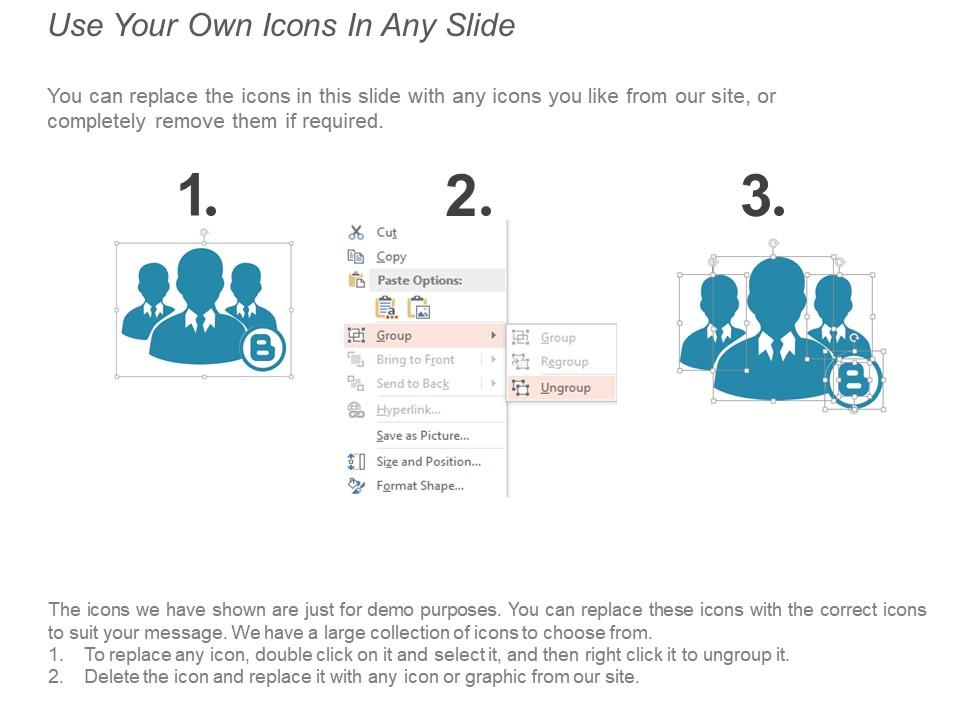
    Use of icon with content is very relateable, informative and appealing.
  2. 100%

    by Dean Dixon

    Awesome presentation, really professional and easy to edit.

2 Item(s)

per page: