

Project management status powerpoint presentation with slides






Try Before you Buy Download Free Sample Product
 Impress Your
 Audience
 100%
100% Editable
 Save Hours
 of Time


We have great news for the professionals looking to present status of their ongoing projects. As now with our complete PowerPoint slide deck of project management status it just got a whole lot easier, quicker and engaging to present such reports. Well project managers can make use of our readymade PowerPoint show to depict whether execution of planed work is going on within the stipulated time frame or not. Over and above this PPT sample file comprises PPT themes of budget report, financials, budgeting planned etc. to cast focus on financial matters thereby further attracting finances. Best part is that not only showcasing critical analysis of current status, but exceeding further this PPT sample also talks about future plans with PowerPoint templates like of Project timeline and target achievement. In nut shell, project management ppt slide show is a must download for project managers, technical managers, strategic planners, business managers and many more.
People who downloaded this PowerPoint presentation also viewed the following :
Content of this Powerpoint Presentation
Slide 1: This slide introduces Project Management Status. State Your Company Name and get started.
Slide 2: This is an Agenda slide. State your agendas here.
Slide 3: This is Our Mission slide with apt imagery to go with. State it here.
Slide 4: This is an About Us slide. State company/team specifications here.
Slide 5: This slide shows Project Brief. Describe in brief about the project here.
Slide 6: This slide showcases Project Description. State about the project here.
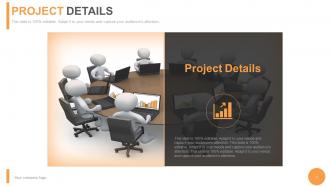
Slide 7: This slide showcases Project Details. State elaborately about the project here.
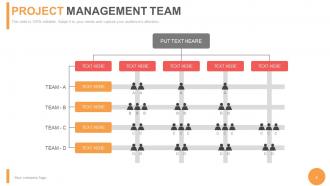
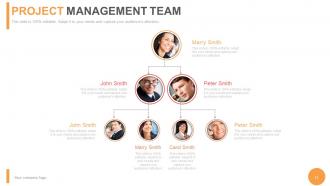
Slide 8: This slide diplays a Project Management Team hierarchy matrix. State team speicfications here.
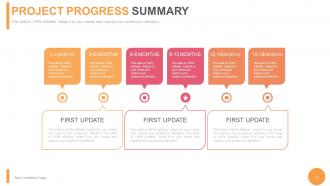
Slide 9: This slide showcases Project Progress Summary. State summarised aspects in terms of complete or incomplete here.
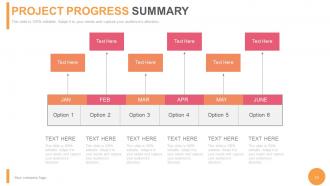
Slide 10: This slide showcases Project Progress Summary. State summarised aspects here.
Slide 11: This slide diplays a Project Management Team hierarchy matrix. State team speicfications here.
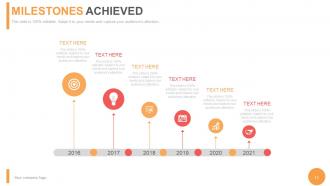
Slide 12: This slide shows Milestones Achieved. State these sort of highlights here.
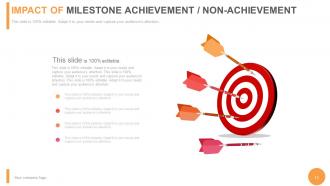
Slide 13: This slide shows Impact of Milestone Achievement/Non-Achievement.
Slide 14: This is a Target With Arrow image slide. State your targets, goals etc. here.
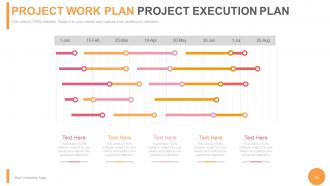
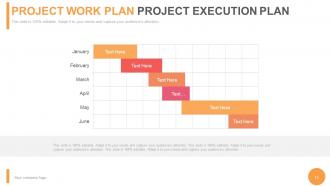
Slide 15: This slide showcases Project Work Plan Project Execution Plan in Gantt form.
Slide 16: This slide showcases Project Work Plan Project Execution Plan in gantt form.
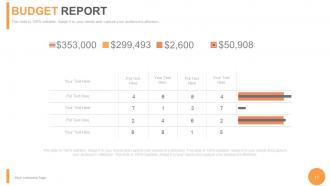
Slide 17: This slide displays a Budget Report.
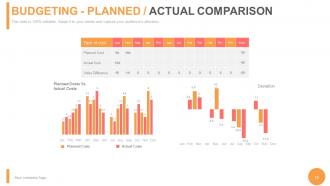
Slide 18: This slide showcases Budgeting - Planned / Actual Comparison with- Planned Costs, Actual Costs.
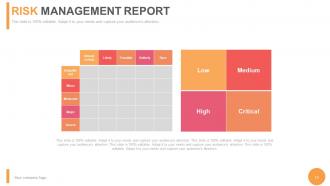
Slide 19: This slide shows a Risk Management Report in terms of - High, Low, Medium and Critical.
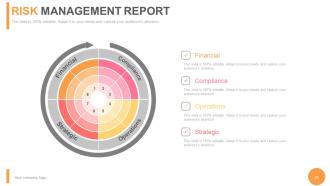
Slide 20: This slide shows a Risk Management Report in terms of - Financial, Compliance, Operations, Strategic.
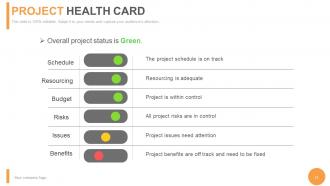
Slide 21: This slide shows a Project Health Card displaying- Benefits, Issues, Schedule, Resourcing, Budget, Risks.
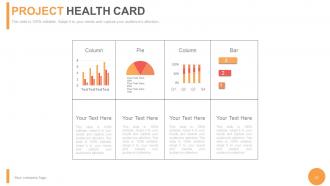
Slide 22: This slide shows a Project Health Card in pie chart, column and bar graph.
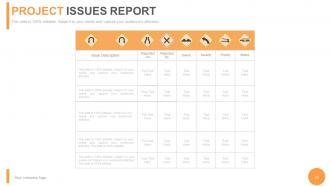
Slide 23: This slide shows Project Issues Report with description and status displaying- Issue Description, Reported On, Reported By, Owner, Severity, Priority, Status.
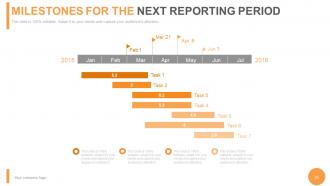
Slide 24: This slide shows Milestones for the Next Reporting Period in Gantt Chart form.
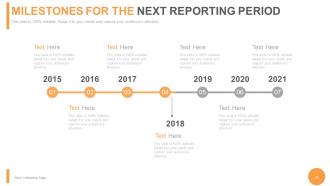
Slide 25: This slide shows Milestones for the Next Reporting Period in timeline imagery form.
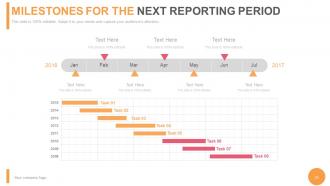
Slide 26: This slide also shows Milestones for the Next Reporting Period. State these sort of highlights here.
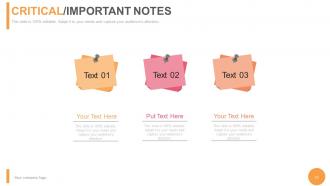
Slide 27: This is a Critical/Important Notes slide. Post your notes here, important highlights etc. here.
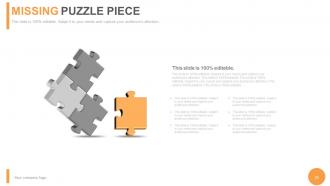
Slide 28: This is a Missing Puzzle Piece image slide. State specifications, information here.
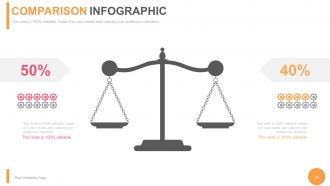
Slide 29: This is a Comparison Infographic slide to show comparison, information, specifications etc.
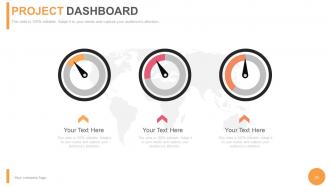
Slide 30: This is a Dashboard slide to state Low, medium and High aspects, kpis, metrics etc.
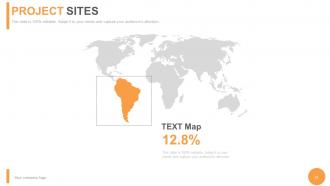
Slide 31: This is a Project Sites slide to show global segregation, presence etc. on a world map and text boxes to make it explicit.
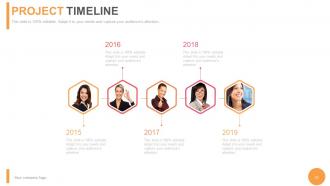
Slide 32: This is a Project Timeline slide to present important dates, evolution, milestones etc.
Slide 33: This is a Project Target Achievement slide. State your targets etc. here.
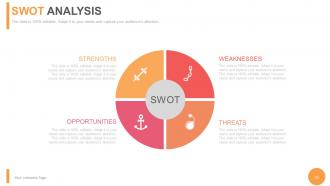
Slide 34: This is a SWOT Analysis slide.
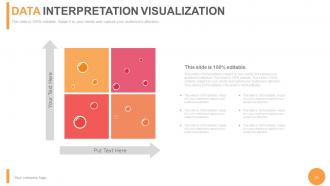
Slide 35: This slide presents Data Interpretation Visualization. Show it in matrix form here.
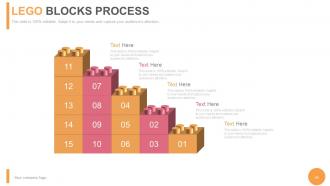
Slide 36: This is a Lego Blocks Process image slide to show information, specifications etc.
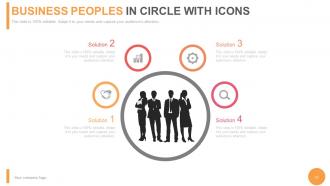
Slide 37: This slide shows Business people in circle with icons silhouettes with text boxes. State people related information, specifications etc. here.
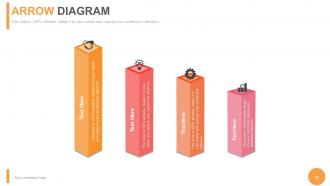
Slide 38: This is a creative Arrow diagram with icons slide to show information, specifications etc.
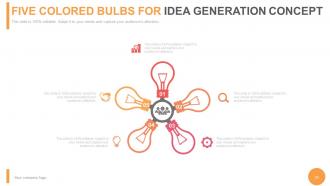
Slide 39: This is a Five Colored Bulbs for Idea Generation Concept image slide to show ideas, innovative information etc.
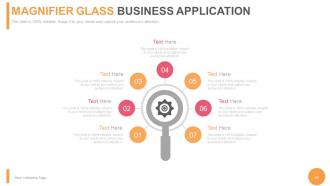
Slide 40: This is a Magnifier Glass Business Application image slide to show information, specifications etc.
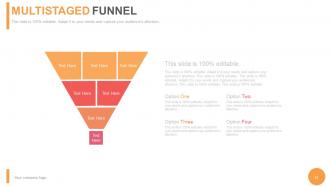
Slide 41: This is a MultiStaged Funnel slide. Showcase the funnel aspect of your team, company, product etc.
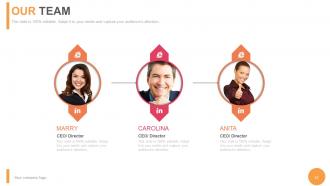
Slide 42: This is Our team slide with name, designation and text boxes to state information.
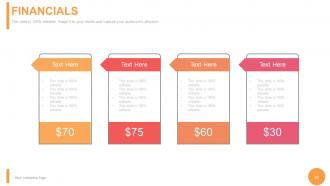
Slide 43: This is a Financials score slide. State financial aspects, results etc. here.
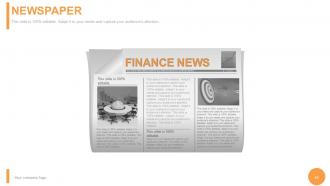
Slide 44: This is a Newspaper slide to show important information etc. You may alter the slide content as per need.
Slide 45: This is a Business Quotes slide. You can modify it according to your need.
Slide 46: This is a Thank You slide to end a presentation.
Project management status powerpoint presentation with slides with all 46 slides:
Under pressure to get that presentation together in time? Our Project Management Status Complete Powerpoint Deck With Slides will take the stress back out of your projects in a heartbeat.




FAQs for Project management status powerpoint
Honestly, scope creep is your biggest enemy - stakeholders will keep asking for "just one tiny addition" until your project's a total mess. Resource problems are rough too. I'd build in extra time and budget from the start because something always goes wrong. Communication breakdowns happen constantly, so maybe overcommunicate? Set up regular check-ins with everyone involved. Document everything upfront - like, literally everything - and stick to those boundaries no matter how much people push back. Being super proactive about expectations early on will save you so much headache later.
Honestly, milestones are like mini-deadlines that actually help instead of stress you out. They chop big scary projects into chunks you can handle without losing your mind. Your team gets those little victory moments when they hit each one - and everyone needs that boost, right? Catching problems early is huge too, before they turn into total nightmares. Stakeholders love seeing actual progress instead of just "we're working on it." Oh, and definitely celebrate when you hit them! I learned that the hard way. Make them challenging but not impossible, or people just get defeated.
Dude, you absolutely need to keep stakeholders in the loop - it's like project survival 101. When people feel informed, they'll actually help you instead of becoming those annoying roadblocks who suddenly pop up with "concerns." I've watched good projects die because someone important felt ignored and decided to make life difficult. Quick updates work wonders for maintaining buy-in. You'll catch problems early too, which honestly saves your ass later. Just don't bombard them with every tiny detail - nobody has time for that. Find the balance between helpful and overwhelming.
Get everything in writing from the start - scope, timelines, deliverables, all of it. Have stakeholders actually sign off on this stuff. Trust me, they'll come back with "quick additions" that are never quick. Reference that signed doc every single time and show them how it'll mess with budget/timeline. Learn to say no early, honestly it's a skill. For real changes, make them fill out formal requests explaining why it's worth the hassle. Oh and keep that scope doc visible in meetings so people can't conveniently "forget" what they agreed to.
Asana's pretty solid for most stuff, and Monday.com has a nice interface. Trello works if you want something super simple. Jira's great but honestly kind of overkill unless you're doing software dev. Microsoft Project is powerful but can be a pain to learn - my old team spent weeks just figuring out the basics lol. Here's the thing though: doesn't matter which one you pick if your team won't actually update their tasks. I've seen so many "real-time" dashboards that were basically useless because half the info was outdated. Just grab free trials of like 2-3 options and see what your team actually likes using. That's way more important than fancy features.
Dude, good teamwork literally makes or breaks deadlines. When everyone's actually talking and on the same page, you catch problems early instead of scrambling at the end. Bad communication though? That's how you get those disasters where nobody knows what's happening until it's too late. Regular check-ins are clutch - gives people a chance to speak up before small issues turn into total chaos. I've watched entire projects crash just because people weren't looping each other in. Also maybe avoid those teams where everyone's trying to be the hero, if you can help it.
Start by mapping out who can do what - spreadsheets work fine, don't overthink it. Visual dashboards are honestly a game changer for spotting when someone's buried while others are light on work. Cross-training saves your butt when your React person is swamped but the backend folks are free. Weekly check-ins help you catch problems before they explode. Sometimes you gotta move stuff around mid-sprint and that's totally fine. Oh, and do those capacity planning meetings where people can actually speak up about their workload - creates way less drama later.
Honestly, you've gotta weave risk management into everything you're doing - don't make it this separate thing you tack on later. During planning, figure out what could go sideways and how likely it is. Then make a plan for each risk. Put it on your weekly meeting agenda (I know, sounds boring, but trust me). Whatever tool you're using for project stuff, just track your risks there too. Update them weekly. Oh, and actually pat yourself on the back when you dodge a bullet - that part matters more than people think. Start tomorrow by writing down your 5 biggest risks.
Honestly, don't overthink this - start with schedule and budget variance since those two will tell you if things are going sideways. I'm obsessed with milestone completion rates because they catch problems early. Track scope creep too (clients always want "just one more thing"). Quality stuff like defect rates matter, plus team velocity and how happy your stakeholders are. Risk indicators are smart but honestly? Pick maybe 3-5 metrics max. I've seen people drown in spreadsheets tracking everything. Schedule and budget alone will give you a solid read on project health if you're just starting out.
Track delivery times, budget variance, and scope creep first - those are your bread and butter metrics. Quality stuff matters too: defect rates, rework hours, stakeholder feedback. Honestly? Team morale is huge but nobody talks about it enough. Compare everything against your old approach once you switch. Set up retrospectives for the qualitative insights (trust me, numbers don't tell the whole story). Oh, and start collecting baseline data now on current projects so you actually have something to measure against later.
So regular project management is basically "get this done by X date within Y budget" - you know, all the Gantt charts and deadline tracking stuff. But strategic project management? That's when you zoom out and ask whether the project even makes sense for where the company's headed long-term. Like instead of just "can we finish this widget by March?" you're thinking "wait, do widgets fit our 5-year vision at all?" It's way more about picking the right projects and making sure they actually connect to business goals. Plus you're dealing with way more stakeholders and portfolio decisions. Honestly sounds more interesting but probably way more political too.
So basically, feedback loops help you spot problems before they blow up. Instead of waiting till the end to find out you screwed something up, you're getting regular input from your team, stakeholders, whoever. Then you can actually fix things as you go. It's honestly like having GPS that reroutes you instead of wandering around lost for hours - way less painful. I'd say set up weekly team check-ins and maybe monthly stakeholder reviews. Creates natural spots where people can tell you if you're heading off track. Works way better than the "hope and pray" method most people use.
Dude, post-project reviews are game changers for your planning skills. They show you what actually happened vs what you *thought* would happen. I used to blow these off when I was swamped - terrible idea. You'll spot patterns in how you estimate timelines, handle resources, all that stuff you're blind to when you're drowning in deadlines. The insights become like your cheat sheet for next time. Oh and document everything right after you finish while it's fresh in everyone's heads, not weeks later when you've forgotten half the drama.
Honestly, rank your projects by value and deadlines first - don't just throw resources at everything. Figure out which people are getting pulled in five different directions. I learned this the hard way but you've gotta make a master calendar or you'll lose track of who's doing what. Keep an eye on utilization rates so bottlenecks don't sneak up on you. When conflicts happen (and they will), be upfront about it instead of pretending everything's fine. Weekly check-ins with project leads work great for spotting problems early. They can trade resources when priorities change.
Honestly, just talk to your clients way more than you think you need to. Even boring updates beat radio silence - trust me on this one. I'd rather annoy someone with too many check-ins than have them wonder if I disappeared. Before starting anything, spell out exactly what you're delivering and when. Scope creep conversations are awkward but necessary. Give them a heads up before deadlines hit, and don't wait until the last second to mention problems. Oh, and write everything down because people forget what they agreed to. Better to over-share than leave them guessing what's happening.
-
Top Quality presentations that are easily editable.
-
The content is very helpful from business point of view.