

Project Management Methodologies Powerpoint Presentation Slides





Try Before you Buy Download Free Sample Product
 Impress Your
 Audience
 100%
100% Editable
 Save Hours
 of Time


Unveil a captivating presentation with our project management methodologies PowerPoint presentation slides. This activity administration PPT design displays an elaborated agenda along with the project brief which will be essential for you to operate the work efficiently. It is of utmost importance to know the most minute details about a company's products, which this PowerPoint layout does. In order to clearly present the organization's growth, this assignment governance PPT deck showcases the progress summary and the milestones achieved by the enterprise so far. Not only the attained accomplishments, this blueprint handling PowerPoint layout also reflects the potential goals and objectives for the coming years. This scheme oversight creative PPT set helps you with impacts that the milestones have on the organizations and also ensures proper and effective execution of the plans. The slides in our assignment control PPT design also prepare the budget reports, risk management reports, and make comparisons where relevant. Download project management ppt now to make your visual presentation exceptional.
People who downloaded this PowerPoint presentation also viewed the following :
Content of this Powerpoint Presentation
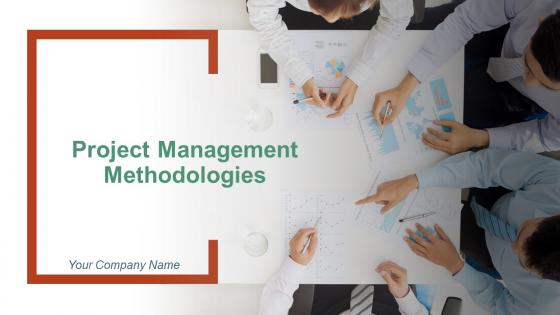
Slide 1: This slide introduces Project Management Methodologies. State your company name and begin.
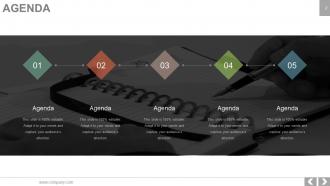
Slide 2: This is an Agenda slide. State your company agendas here.
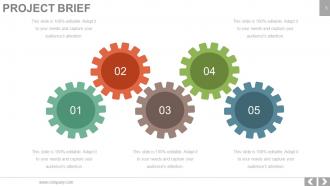
Slide 3: This slide presents Project Brief. Introduce your project in brief here.
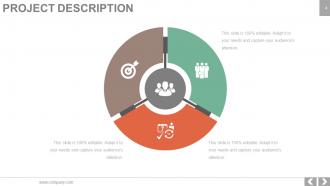
Slide 4: This slide presents Project description in a circular form with icon imagery.
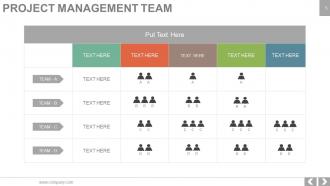
Slide 5: This is a Project Management Team slide presented in a tabular form to define the team members.
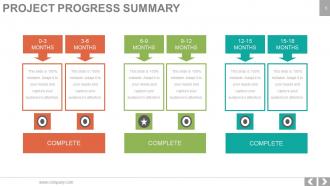
Slide 6: This slide showcases Project Progress Summary in terms of months with separate text boxes.
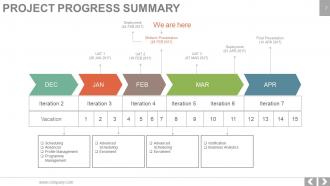
Slide 7: This slide also showcases a Project Progress Summary in terms of months.
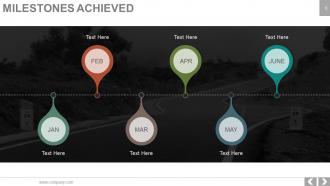
Slide 8: This is Milestones achieved timeline slide. State important accomplishments here.
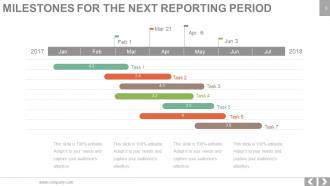
Slide 9: This slide shows Milestones For The Next Reporting Period. State your important milestones here.
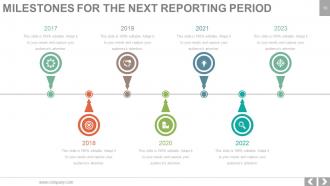
Slide 10: This is another slide showing Milestones For The Next Reporting Period timeline.
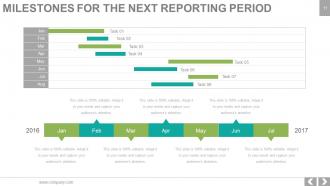
Slide 11: This slide also shows Milestones For The Next Reporting Period Gantt chart. State your important milestones here.
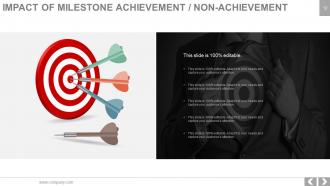
Slide 12: This slide shows the Impact of Milestone Achievement/ Non achievement with target and arrow imagery.
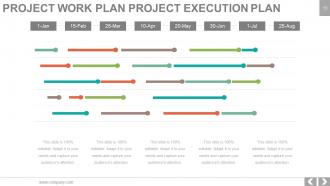
Slide 13: This slide showcases Project Work Plan Project Execution plan.
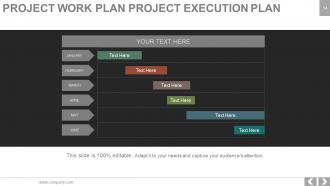
Slide 14: This slide shows another variation of Project Work Plan Project Execution Plan.
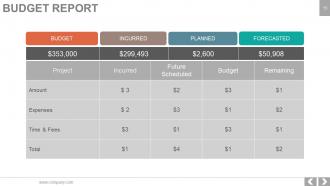
Slide 15: This slide showcases Budget Report.
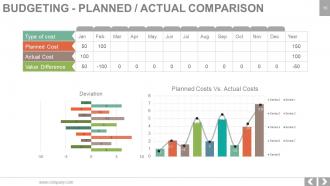
Slide 16: This slide presents Budgeting- Planned/ Actual Comparison in graphical form.
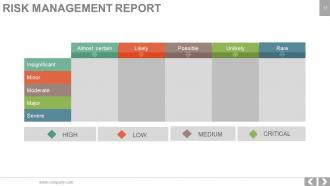
Slide 17: This slide shows a Risk management report with High, Low, Medium and Critical parameters.
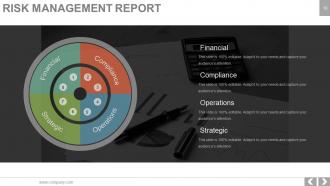
Slide 18: This slide shows a Risk Management Report with the following factors- Compliance, Operations, Financial, Strategic
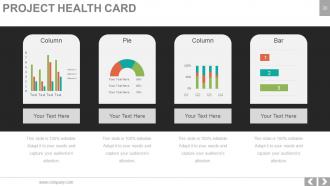
Slide 19: This slide displays a Project Health Card to assess the direction and speed of the project.
Slide 20: This slide also displays Project Health Card in a pie chart, bar graph and column chart form.
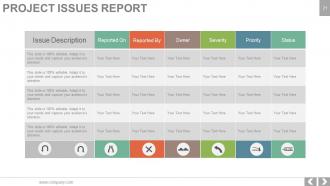
Slide 21: This slide showcases a Project Issues Report with the following sub headings- Issue Description, Reported On, Reported By, Owner, Severity, Priority, Status.
Slide 22: This slide is titled Additional slides for moving forward. You may change the content as per need.
Slide 23: This is Our Vision slide to state your vision, mission etc.
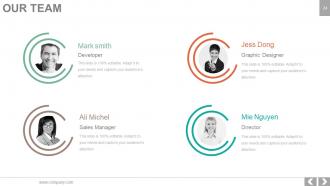
Slide 24: This slide showcases Our Team with Name and Designation to fill.
Slide 25: This is an About Us slide. State team/ company specifications here.
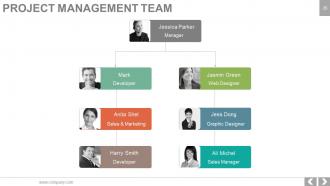
Slide 26: This slide shows Project Management Team in a flow chart form.
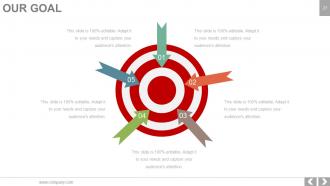
Slide 27: This is Our Goal slide. State your goals here.
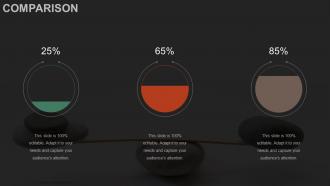
Slide 28: This is a Comparison slide to compare product/ enitities etc.
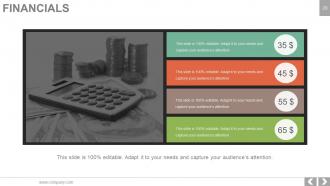
Slide 29: This is a Financial score slide. State financial aspects etc. here.
Slide 30: This is a Quotes slide. State business message, beliefs etc. here.
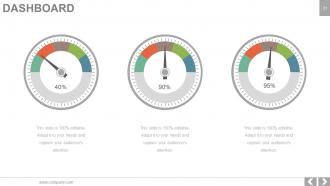
Slide 31: This is a Dashboard slide to show growth factors etc. in percentage.
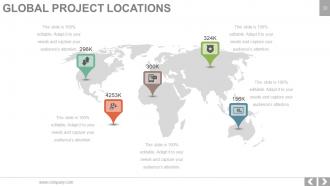
Slide 32: This slide showcases Global Project Locations on a World map image and text boxes to make it explicit.
Slide 33: This slide shows Project Events Timeline with text boxes.
Slide 34: This is Critical notes slide to present important information etc.
Slide 35: This is a Newspaper slide to highlight something or add memorabilia.
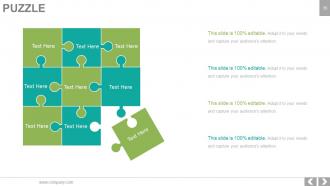
Slide 36: This is a Puzzle pieces image slide to show information, specifications etc.
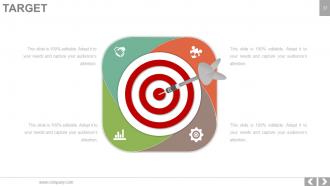
Slide 37: This is a Target slide with creative imagery. State targets, etc. here.
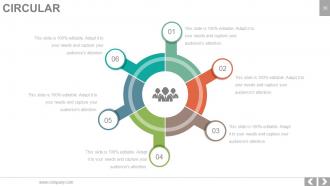
Slide 38: This is a Circular image slide to show information etc.
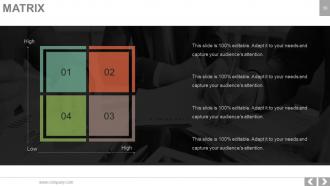
Slide 39: This slide shows a Matrix in terms of High and Low.
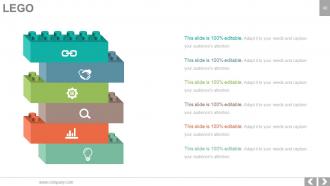
Slide 40: This is a LEGO box image slide with text boxes to show information.
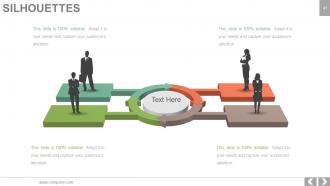
Slide 41: This is a People's silhouettes slide. Use it the way you want to show solutions etc.
Slide 42: This is a Bulb or Idea slide to state a new idea or highlight specifications/ information etc.
Slide 43: This slide shows a Magnifying glass with text boxes.
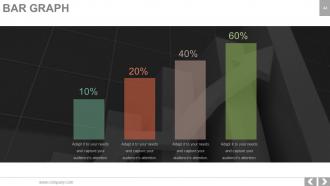
Slide 44: This is a Bar Graph image slide to show product comparison, growth etc.
Slide 45: This is a Funnel image slide to show information, funneling aspects, specifications etc.
Slide 46: This is Thank You slide with Adress, Contact Number and Email Address.
Project Management Methodologies Powerpoint Presentation Slides with all 47 slides:
Bring an end to further infections with our Project Management Methodologies Powerpoint Presentation Slides. Get folks aware of contributory factors.



FAQs for Project Management Methodologies
So basically, Waterfall is super linear - you do requirements, then design, then development, testing, all in order. Works well when you know exactly what you're building from the start. Agile's the opposite though - short sprints where you're constantly tweaking based on feedback. TBH most companies I've worked with do some weird hybrid thing now. If your requirements are pretty locked down and won't change much, Waterfall's probably easier. But if you need to pivot quickly or your stakeholders keep changing their minds (ugh), definitely go Agile.
Look, first figure out what you're actually dealing with - how experienced is your team? How messy are the requirements? Waterfall's solid if everything's locked down and clear. But honestly, most projects aren't that clean cut. Agile works better when things keep changing or you need constant feedback loops. I'd probably start with some hybrid thing instead of diving straight into full Scrum - less scary for everyone. Oh, and definitely test whatever you pick on a smaller project first. You don't want to blow up your whole workflow if it doesn't click with how your team actually operates.
Honestly, Lean works great when you've got repetitive stuff happening - manufacturing, software teams pushing updates constantly, service ops where workflows get messy. Most teams don't even see how much time they're wasting until they actually look (which is kinda wild). You need processes that aren't completely all over the place though. Can't streamline pure chaos, you know? Your people have to be cool with changing things and tracking what actually works. I'd start by sketching out what you're doing now and finding the biggest time-sucks first.
Daily standups are game-changers - everyone just quickly shares what they're doing and if they're stuck on anything. Sprint planning gets the whole team on the same page about priorities, which honestly saves so much confusion later. But retrospectives? Those are where the real magic happens. You actually get to call out what's broken and fix it. Everything lives on a visible board, so no more wondering what's actually important. Cross-functional teams mean you're always talking to different people instead of staying in your bubble. If you're just starting out, try the daily standups first - you'll notice better communication almost immediately.
Dude, stakeholder engagement can totally make or break your project - I've seen it happen so many times. Get them involved from the start and you'll have fewer headaches later. They give you buy-in, clearer requirements, and won't randomly change scope on you (well, less likely anyway). Whether you're doing Agile, Waterfall, whatever - these people are judging your success at the end of the day. Map out who matters early on and set up regular check-ins. Trust me, the feedback loops alone are worth it for quick pivots.
So honestly, digital communication becomes your lifeline here. Replace those standup meetings with video calls or just have people update shared docs throughout the day. Digital kanban boards work way better than trying to manage sticky notes remotely anyway. The hardest part? You lose that random "hey can you look at this" moment when someone's right there. I'd say over-communicate everything - like, way more than feels normal at first. Pick one thing you usually do in person and just mess around with making it virtual this sprint. Multiple check-ins during the week help too.
Honestly, Kanban's been a lifesaver for my team. The visual board makes it super obvious where stuff gets stuck - like when Dave's always the bottleneck in code review (sorry Dave). Clients actually love it because they're seeing progress constantly instead of waiting weeks for sprint demos. What's nice is you can shift priorities without blowing up your whole workflow. Way less meetings too. The work-in-progress limits seem weird at first, but they'll force people to actually finish things before grabbing new tasks. Sounds basic but it's surprisingly effective. Just start simple with a basic board.
Risk management works with any PM methodology, just differently. Waterfall means doing all your risk planning upfront - super thorough but kinda rigid. Agile's way more flexible since you're constantly checking in during sprints and retrospectives. Daily standups in Scrum are actually great for catching problems early. PRINCE2 gets pretty formal with risk registers and scheduled reviews (honestly can be overkill sometimes). I've found Agile catches risks faster because everyone's talking all the time. Bottom line - whatever method you're using, just make sure people can speak up about issues and know who to tell when things go sideways.
Honestly, Jira's probably your best bet - it's what most teams end up using anyway. Handles sprints and backlogs really well, but fair warning, it's kinda intimidating at first. If you're just starting out with Agile, maybe try Trello instead? Way simpler for kanban boards. Azure DevOps and Monday.com are solid too. Oh, and you'll definitely want Slack or Teams for daily standups - trust me on that one. My take? Start simple with Trello, get comfortable with the whole Agile thing, then switch to Jira when you're ready for the big leagues.
Honestly, hybrid approaches work pretty well for this stuff. Do your big-picture planning and requirements gathering upfront (classic Waterfall move), then switch to sprints where you can actually pivot when things get weird. It's like having a GPS route but not being stubborn about taking shortcuts. Perfect for projects with tight budgets or compliance headaches but sketchy technical unknowns - which is like 90% of projects, let's be real. Start with whatever hybrid framework feels right and just tweak it as you go. Don't overthink it initially.
Focus on your delivery dates, budget, and whether your team actually likes working this way - that's what really counts. Quality stuff like defect rates matter too, obviously. Stakeholder happiness is massively underrated compared to all the fancy metrics people obsess over. Track how well you're handling scope creep and team productivity. Honestly though, don't go crazy measuring everything. Pick 4-5 things that actually make sense for your specific projects. Throw together a basic dashboard and check it monthly. That'll tell you if this methodology thing is working or you need to switch gears.
So PRINCE2 basically keeps things organized with clear roles - you've got your Project Board making the big calls and Project Manager handling day-to-day stuff. Each stage needs approval before you move on, which honestly saves you from those nightmare projects that just spiral out of control. Regular reports keep everyone in the loop. The Business Case is like your north star - every decision gets checked against whether the project still makes financial sense. My advice? Get that Project Board set up first thing and nail down your reporting schedule early. Makes everything else way smoother.
Honestly, just bake change management right into your project phases instead of treating it like some separate thing. With Agile? Use your sprint reviews and retros to check change readiness. Waterfall's easier - match your change deliverables to each gate. So stakeholder analysis happens during planning, training during implementation, that kind of thing. Most PMs (myself included sometimes) totally forget about this until the end and then act shocked when nobody adopts anything. Get your change champions involved early and add those checkpoints to your project templates. Trust me, it'll save you so much headache later.
Oh man, this is huge! Your German team will probably want super detailed timelines and strict deadlines. Meanwhile, your Brazilian colleagues might care more about building relationships first - timelines can be flexible, you know? Direct feedback works great in the US, but that same approach could totally backfire in Japan. I learned this the hard way on a project last year, actually. Different cultures need different approaches, period. Survey your team about how they like to communicate and make decisions. Then just... adapt your whole process based on what you learn. Way better than trying to force everyone into the same box.
Honestly, AI's gonna be everywhere soon - risk prediction, auto-scheduling, even telling you who should be on your team. Most companies are mixing Agile with traditional stuff now, using whatever actually works instead of being purists about it. Remote planning isn't going anywhere (thanks pandemic), so we're getting better async tools and virtual whiteboards. Oh, and sustainability metrics are creeping into how we measure success, which is kinda cool. The big thing though? Everyone's shifting from "did we build it" to "did it actually work." Start messing around with AI project tools now - you don't wanna be that person scrambling later.
-
Informative presentations that are easily editable.
-
Great quality product.