

Company representation powerpoint presentation slides






Try Before you Buy Download Free Sample Product
 Impress Your
 Audience
 100%
100% Editable
 Save Hours
 of Time


Creating an incredible company representation presentation is indeed a time taking process. So, to save you time and effort, our team of experts have come up with 58 slides design-ready Company Representation Powerpoint Presentation Slides. With this corporate presentation PPT sample show you can give insights about your company’s objectives, goals, team introduction, company’s vision and mission, core values, organizational chart, member profiles, services provided, future projects, milestones and hence can clearly share company’s profile with future investors and partners. Most importantly this business representation PowerPoint show example covers each aspect about any business introduction with creative slide templates of about us, our market, us vs competition comparison, company performance, our clients, and above all exclusive PPT design templates of Member Profile to highlight all top managers. In short, what a professional company representation needs this PPT sample file offer all that and hence proves very handy. Best part is that you don’t need to comprehend the theories just insert your text and good PPT example summing up of your company is ready in no time. So, go ahead and download our Company Representation Powerpoint Presentation Slides. Bring about a blissful experience with our Company Representation Powerpoint Presentation Slides. It will generate euphoria.
People who downloaded this PowerPoint presentation also viewed the following :
Content of this Powerpoint Presentation
Slide 1: This slide introduces Company Representation. State your company name and proceed.
Slide 2: This is an Agenda slide. State your agendas here.
Slide 3: This is an About Us slide. State company or team specifications here.
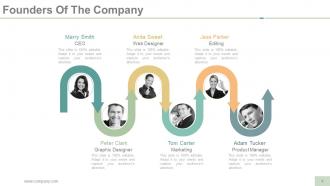
Slide 4: This slide states the Founders Of The Company with name and designation to fill.
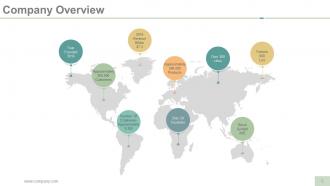
Slide 5: This slide presents Company Overview on a world map image.
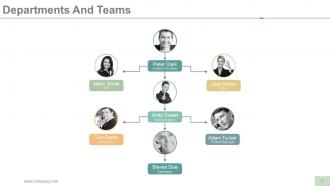
Slide 6: This slide showcases Departments And Teams. With this slide you can actually maintain the hierarchy of the management with name and designation.
Slide 7: This is Our Mission and Vision slide . State them here.
Slide 8: This is another slide stating Our Vision And Mission with arrow and target imagery.
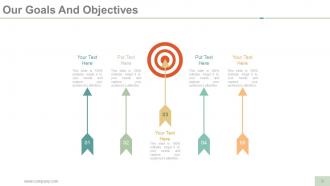
Slide 9: This slide states Our Goals And Objectives with arrow and target imagery. State goals, objectives etc. here.
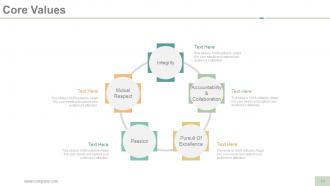
Slide 10: This slide shows company Core Values. Some of them are mentioned below- Integrity, Passion, Mutual Respect, Pursuit Of Excellence, Accountability & Collaboration.
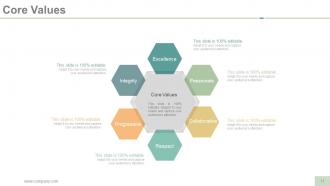
Slide 11: This slide also showcases Core Values with text boxes.
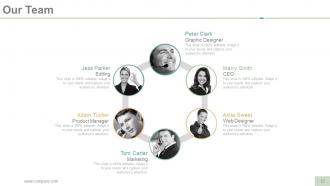
Slide 12: This is Our Team slide with name, image & text boxes to put the required information.
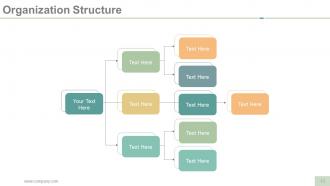
Slide 13: This slide showcases Organization Structure of the company in a flow chart.
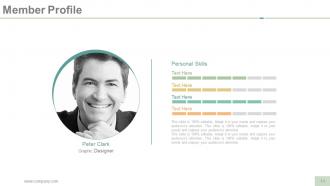
Slide 14: This slide showcases Member Profile with name, designation etc. to fill.
Slide 15: This slide shows a framework of Our Services. Use it to show your company services.
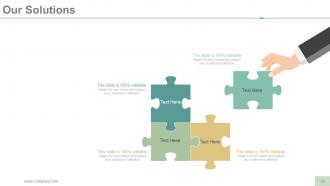
Slide 16: This is Our Solutions slide with puzzle imagery. Use it to show company solutions etc.
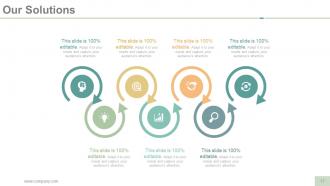
Slide 17: This slide also shows Our Solutions with icons and text boxes.
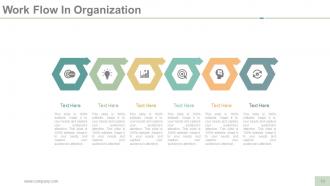
Slide 18: This slide displays Work Flow In Organization. Use it as per your business requirement.
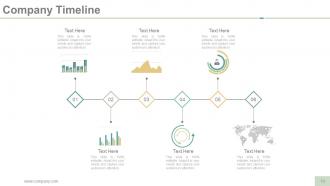
Slide 19: This slide shows Company Timeline in charts and graphs. Use it show company growth, evolution etc.
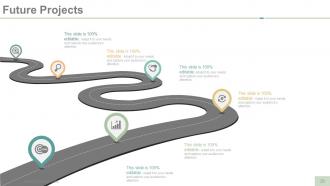
Slide 20: This slide displays Future Projects in a roadmap form.
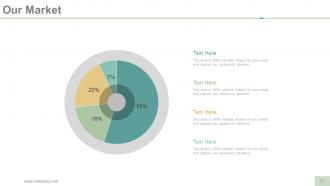
Slide 21: This is Our Market slide in a pie chart/ graph form.
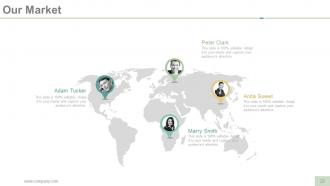
Slide 22: This is also Our Market slide on a world map image.
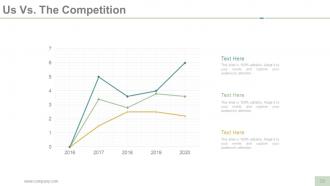
Slide 23: This is Us Vs. The Competition slide in a line chart/ graph form. Use it to state comparison between the two.
Slide 24: This slide also states Us Vs. The Competition with human imagery. Use it for comparison etc.
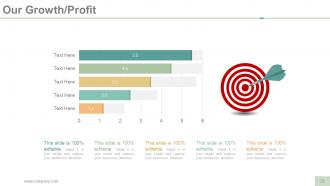
Slide 25: This slide shows Our Growth/Profit with imagery. State company profits, growth etc. here.
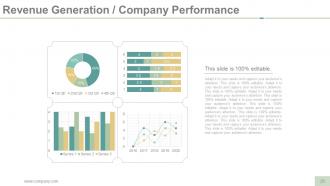
Slide 26: This slide shows Revenue Generation / Company Performance in charts and graphs.
Slide 27: This is Our Clients slide to state your clients name etc.
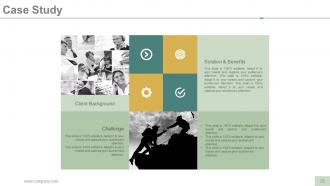
Slide 28: This is a Case Study slide with- Client Background, Challenge, Solution & Benefits.
Slide 29: This slide presents Client/ Customer Testimonials with name and designation to fill.
Slide 30: This slide also presents Client/ Customer Testimonials.
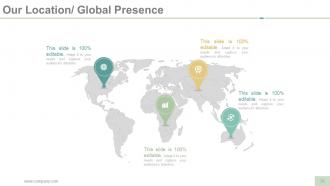
Slide 31: This is Our Location/ Global Presence slide on a world map image. Use it to show company growth, presence etc.
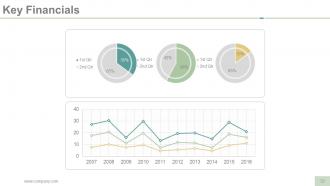
Slide 32: This slide displays company Key Financials in charts and graphs.
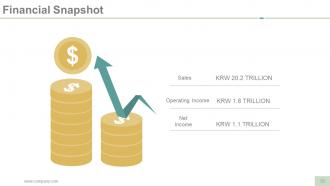
Slide 33: This slide displays Financial Snapshot of Sales, Operating Income and Net Income with imagery.
Slide 34: This is Find us on Social Media slide with their respecive icons. Use or alter them on the basis of your requirement.
Slide 35: This is Contact Us slide with Email, Address etc.
Slide 36: This slide is titled Additional Slides to move forward. You can change the slide content as per your needs.
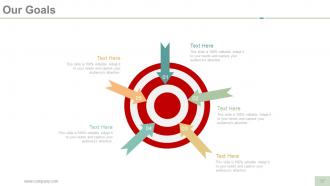
Slide 37: This is Our Goals slide with arrow and target imagery. State goals etc. here.
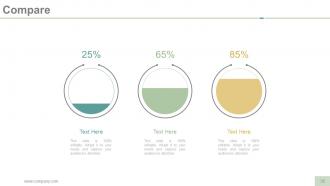
Slide 38: This slide is titled as Compare to state a comparison between entities/products etc.
Slide 39: This is a Quotes slide to convey company messages, beliefs etc. You can change the slide contents as per need.
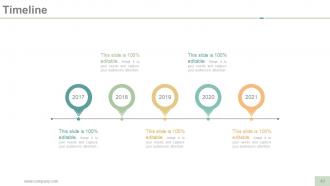
Slide 40: This is a Timeline slide to show evolution, growth, milestones etc.
Slide 41: This is a Post It notes slide. Pin your important information etc. here.
Slide 42: This is a Newspaper slide to show news, events etc. You can change the slide contents as per need.
Slide 43: This is a Puzzle slide to show information, specifications etc.
Slide 44: This is a Target slide. State your targets etc. here.
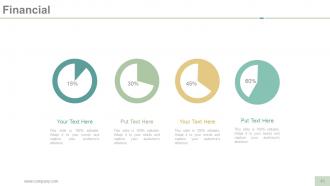
Slide 45: This slide is titled as Financials. Show finance related stuff here.
Slide 46: This is a Circular image slide with icons to show information, specifications etc.
Slide 47: This is a Venn diagram image slide to show information, specifications etc.
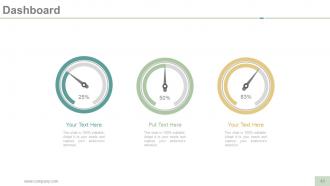
Slide 48: This is a Dashboard slide to state metrics, kpis etc.
Slide 49: This is a Mind map image slide to show information, specifications etc.
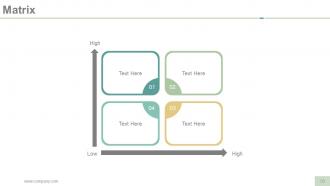
Slide 50: This slide presents a Matrix in terms of High and Low.
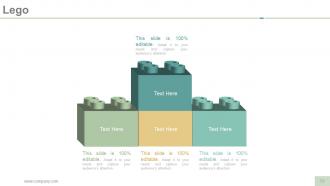
Slide 51: This is a LEGO image slide with text boxes to show information.
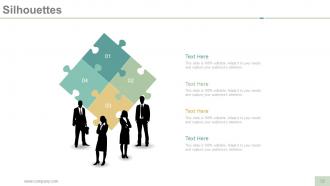
Slide 52: This is a people silhouettes slide with puzzle imagery. Use it the way you want to show solutions etc.
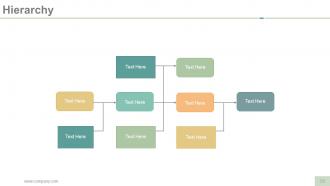
Slide 53: This is a Hierarchy image slide to show information, specifications etc.
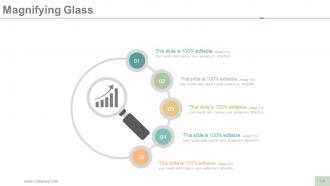
Slide 54: This is a Magnifying glass image slide to show information, scoping aspects etc.
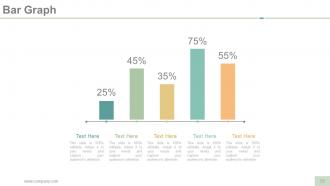
Slide 55: This is a Bar Graph slide to show product/entity comparison, information etc.
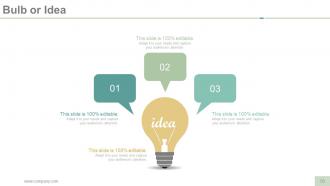
Slide 56: This is a Bulb or Idea image slide to show information, specifications, innovative aspects etc.
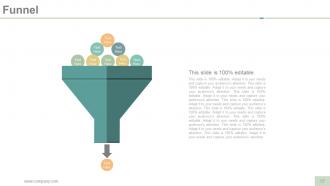
Slide 57: This is a Funnel image slide to show information, specifications etc.
Slide 58: This is a Thank You slide with Address# street number, city, state, Contact Numbers, Email Address.
Company representation powerpoint presentation slides with all 58 slides:
Correctly identify important information with our Company Representation Powerpoint Presentation Slides. It helps draw accurate conclusions.


FAQs for Company representation
Know your company's story cold and don't sound like a walking brochure - that's honestly painful to watch. Be genuinely excited about what you do instead of just reciting bullet points. Body language counts too. Stand tall, make eye contact, dress right for whoever you're talking to. Practice your elevator pitch until it flows naturally, not rehearsed. Have specific examples ready that show your strengths. Oh, and always follow up quickly after. People notice when you don't. Handle tough questions without getting all defensive - confidence matters way more than having perfect answers for everything.
Hey! So visual branding is basically how people recognize your company instantly - like how you spot Starbucks or Apple stuff from across a room, right? Your logo, colors, and fonts create these immediate gut feelings about whether you're trustworthy or not. Honestly, it's crazy how much a simple color scheme affects credibility. When everything looks consistent, you seem professional and established. But if your website, business cards, and social media all look different? You'll come across as amateur or unreliable. I'd start by checking all your materials and spotting where things don't match up.
Stories are way better than just listing your company values on some boring poster. People forget "we're innovative" but they'll remember that crazy story about your team working all night to fix a client's mess. That stuff actually sticks. Your mission becomes real when you share those moments - like when someone went above and beyond or figured out something impossible. Honestly, abstract principles are pretty useless without examples people can picture. Start asking your team about their best days at work. Those little everyday wins? That's your real brand story right there.
Honestly, templates are such a lifesaver for keeping your company looking put-together. Everyone uses the same fonts and colors, so you don't get those weird mismatched presentations anymore. Plus they save you so much time since the design stuff's already handled - you just dump in your content and you're good to go. I'd probably start with like 3 different templates for different types of presentations. The consistency thing happens pretty much right away once people actually use them. Way better than having marketing's sleek slides next to someone's... questionable font choices.
Dude, the worst thing you can do is come off all salesy when people just want help. Know your audience first - like actually research them. Don't promise stuff your company can't deliver because that'll screw you over later, guaranteed. Oh and stop hogging the conversation! Listen more. Skip the corporate jargon too - it just confuses everyone. Have some real examples ready, not generic BS. Honestly, just focus on fixing their actual problems instead of pushing your pitch. Build the relationship first and sales happen naturally.
Oh man, demographics are huge for this stuff. Your audience totally dictates who should be your face and voice. Like, Gen Z wants authentic diverse creators on TikTok, but corporate executives? They're looking for seasoned industry people at those stuffy conferences. We actually messed this up once - sent our 23-year-old intern to pitch retirement services and it was... awkward. Age matters. So does culture, income, all of it. You've gotta match your spokesperson's vibe to what clicks with each group you're targeting.
Lead with something that hits their actual problems - make them go "oh wow, that's us." Skip the buzzword nonsense (nobody cares about "synergistic solutions" anymore). Share a real story about fixing someone's mess or crushing their goals. Numbers work way better than fluff. Throw in some visuals if you can - people zone out otherwise. Structure everything around the problems you actually solve, not just what your company does. This part trips up so many people. End with something concrete they can do next. Demo, download something useful, or just chat about their situation. Don't leave them hanging.
Honestly, real-time data is huge for reputation stuff. You can catch problems before they blow up instead of finding out weeks later in some report. Set up Google Alerts and social listening tools - even basic ones work. When sentiment starts shifting, you'll actually see it happening and can pivot your messaging right away. Plus you get to figure out which spokespeople connect best with different crowds. Way better than just guessing, you know? The whole "adjust on the fly" thing sounds obvious but most companies are still stuck doing quarterly check-ins like it's 2010.
Honestly, you've gotta do your homework first - figure out who's in the room and what keeps them up at night. Then match your colors and visuals to their vibe. Those cheesy stock photos of people in suits pointing at graphs? Hard pass. Pull in data and case studies that actually relate to their problems. Oh, and definitely switch up your tone depending on if you're talking to the CEO or a team lead - they're totally different conversations. The whole point is making them think "wow, they actually get us" instead of feeling like presentation
-
Excellent Designs.
-
The content is very helpful from business point of view.