


Example dissertation powerpoint presentation slide
Download and craft this example dissertation PowerPoint presentation slide to make your proposal convincing and appealing. This is one of the best process PPT designs to plan, research and write down the things in a sequence. A professional dissertation PPT template accumulate all the ideas, notes and scribbles to draw up new plans or give a detailed breakdown of the specific chapter. This dissertation Presentation icon offer a layout working on effective planning which is a continuous process and intensify while writing of your dissertation and not something which fades into the background. A user can design a clear question that dissertation hunts to answer. This professionally crafted template plan is helpful to impose order on unmanageable processes. Example dissertation PPT design is one of the indicative structures helping its people with the initial plan. User needs to refer to module guidelines and address the assessment criteria in this editable dissertation PowerPoint Presentation slide. Confound your critics with our Example Dissertation Powerpoint Presentation Slide. Force them to amend their impression.
Download and craft this example dissertation PowerPoint presentation slide to make your proposal convincing and appealing. ..



























-

- Google Slides is a new FREE Presentation software from Google.
- All our content is 100% compatible with Google Slides.
- Just download our designs, and upload them to Google Slides and they will work automatically.
- Amaze your audience with SlideTeam and Google Slides.
-

Want Changes to This PPT Slide? Check out our Presentation Design Services
-

- WideScreen Aspect ratio is becoming a very popular format. When you download this product, the downloaded ZIP will contain this product in both standard and widescreen format.
-
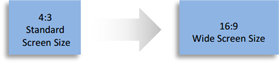
- Some older products that we have may only be in standard format, but they can easily be converted to widescreen.
- To do this, please open the SlideTeam product in Powerpoint, and go to
- Design ( On the top bar) -> Page Setup -> and select "On-screen Show (16:9)” in the drop down for "Slides Sized for".
- The slide or theme will change to widescreen, and all graphics will adjust automatically. You can similarly convert our content to any other desired screen aspect ratio.
Compatible With Google Slides

Get This In WideScreen
You must be logged in to download this presentation.


Do you want to remove this product from your favourites?
PowerPoint presentation slides
Pixel-rich quality of the images and the graphics in the slides. Instant downloading and saving of the slide design. Visually appealing content and the slide graphics. Compatible with Google Slides and offline PowerPoint software. Useful for research scholars and students pursuing higher studies and doctorate degrees.

People who downloaded this PowerPoint presentation also viewed the following :
Content of this Powerpoint Presentation
'Simplicity is the ultimate sophistication.'-Leonardo da Vinci.
This timeless message from one of the greatest global artists encapsulates the essence of presentability and art. The same goes for a dissertation. You have toiled for months or even years on your research and have come up with something exciting. Now, you are all set to present it to the analysts. The only thing you need? A powerful dissertation presentation that crafts a narrative to capture the essence of your research.
A well-crafted dissertation presentation serves as the bridge between your work and its audience. It connects viewers at the conscious and subconscious levels to help them understand critical parts of research.
But how exactly do you do that?
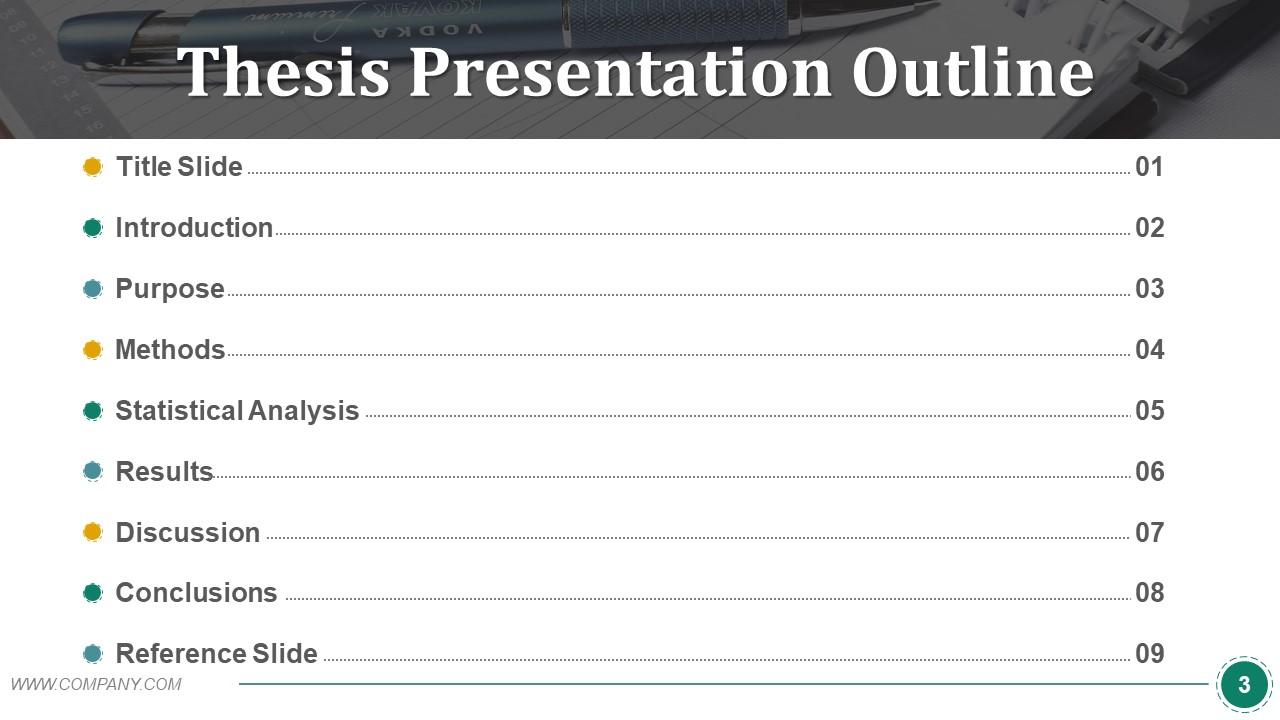
A dissertation proposal timeline helps you draw up a solid plan on how to go about the research. Get best-in-class PPT Templates on dissertation proposal timelines here.
Well, our team has prepared this dissertation template to serve that purpose. You can use it to turn your detailed research into a compelling story that your audience will love!
Now, let's take a look at some of the most vital slides of this template.
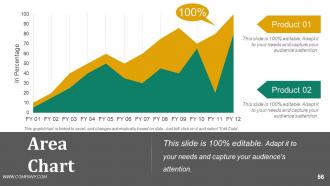
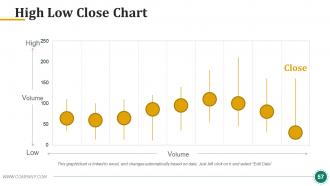
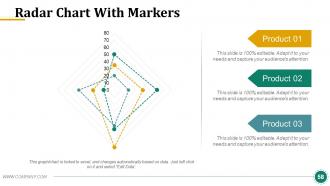
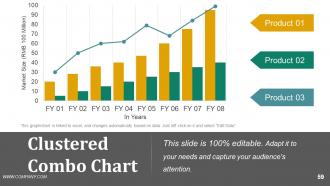
Every slide in this template is adorned with icons, tables, charts, and bars that are 100% customizable. Thus, you can tailor the template to suit your research.
The planning process is critical to a good dissertation and clearing critical questions and reviews. Access these templates on planning process dissertations here.
Let’s explore the products!
Template #1: Literature Review
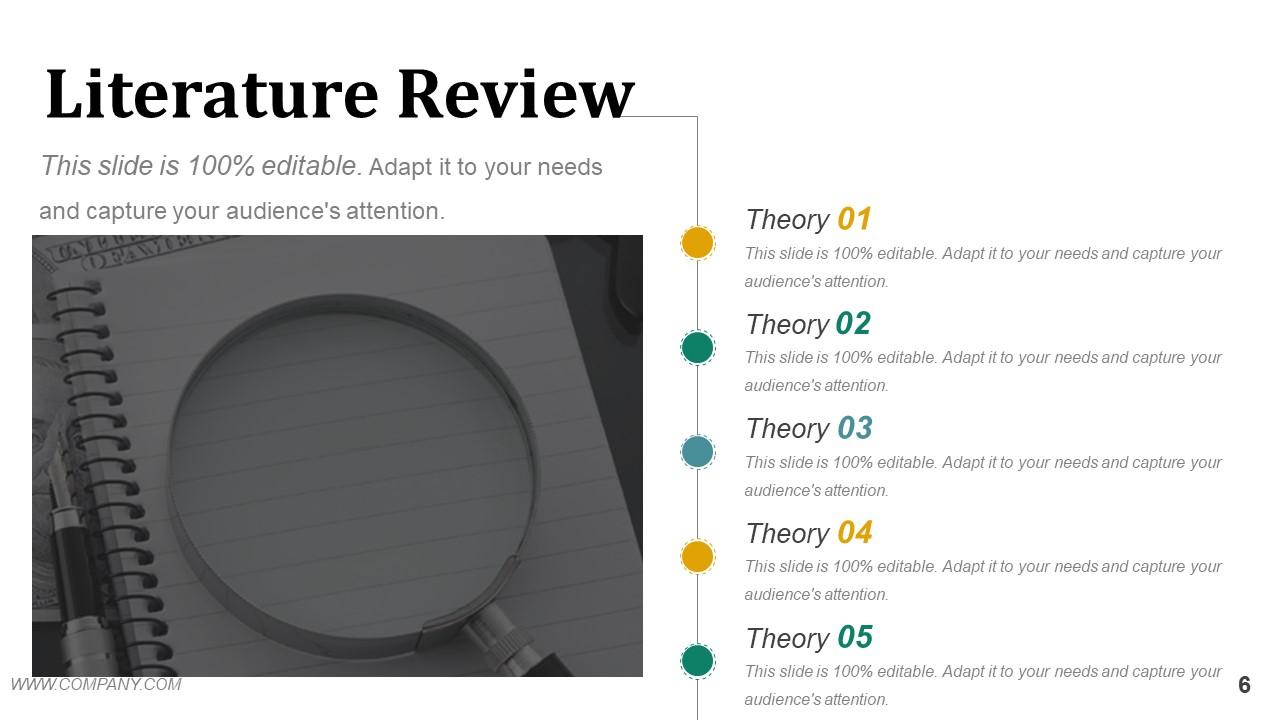
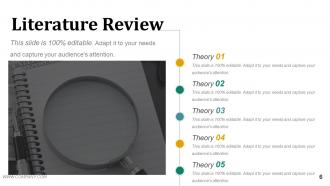
This slide presents a crisp and structured layout that showcases the theories related to your research. The monochromatic backdrop is highlighted by a magnifying glass image showcasing the review's analytical nature. Five color-coded bullet points allow for a clear differentiation between theories. It ensures that each point is identifiable and stands by the audience. The simple and effective color palette with eye-grabbing icons maintains focus on the content and makes it fully functional and visually appealing for viewers.
Template #2: Purpose Statement
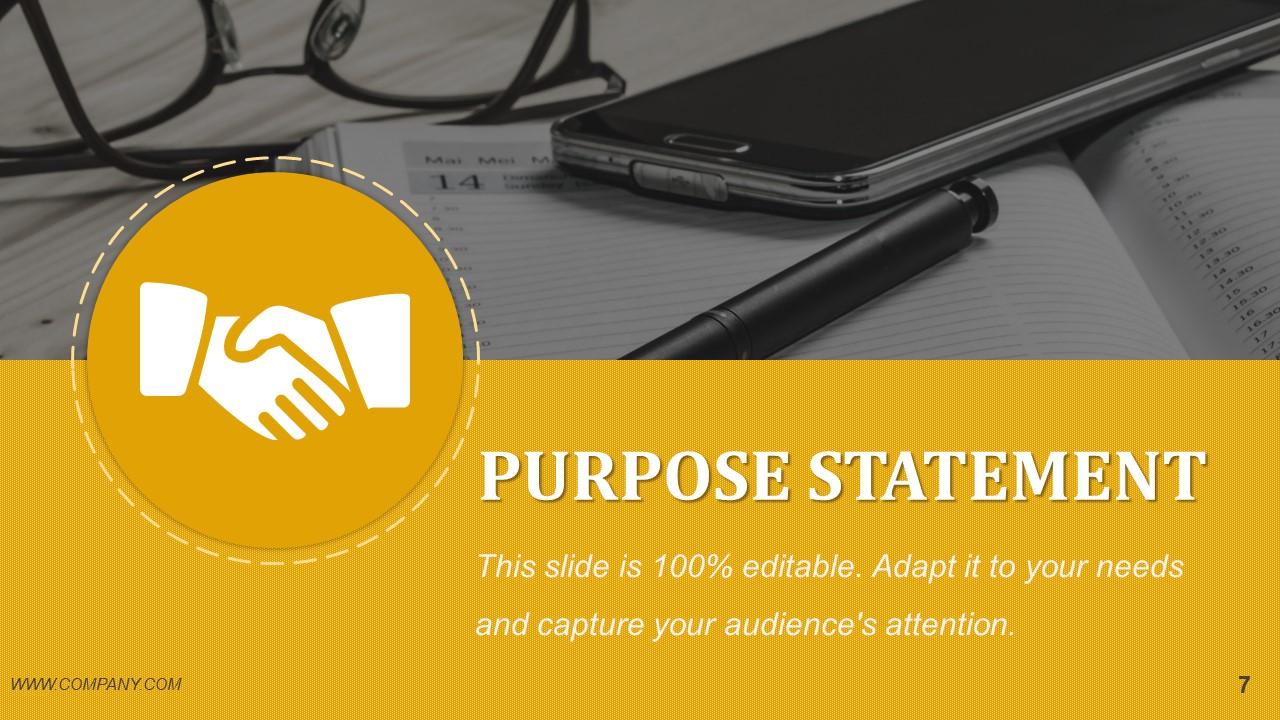
This slide is the cornerstone of your presentation. It succinctly conveys the essence of your entire research. With a confident handshake icon that symbolizes commitment and objectives, it grabs the attention of the audience to the greatest degree. The best part? It's framed against a bold yellow that stands out against a subdued, professional backdrop. This aesthetic color choice grabs the viewer's attention to the crux of your investigation. Here, you articulate the central question your research addresses and set the stage for the value and direction of your scholarly work. This slide is where your study's intent and potential impact are highlighted.
Template #3: Hypothesis
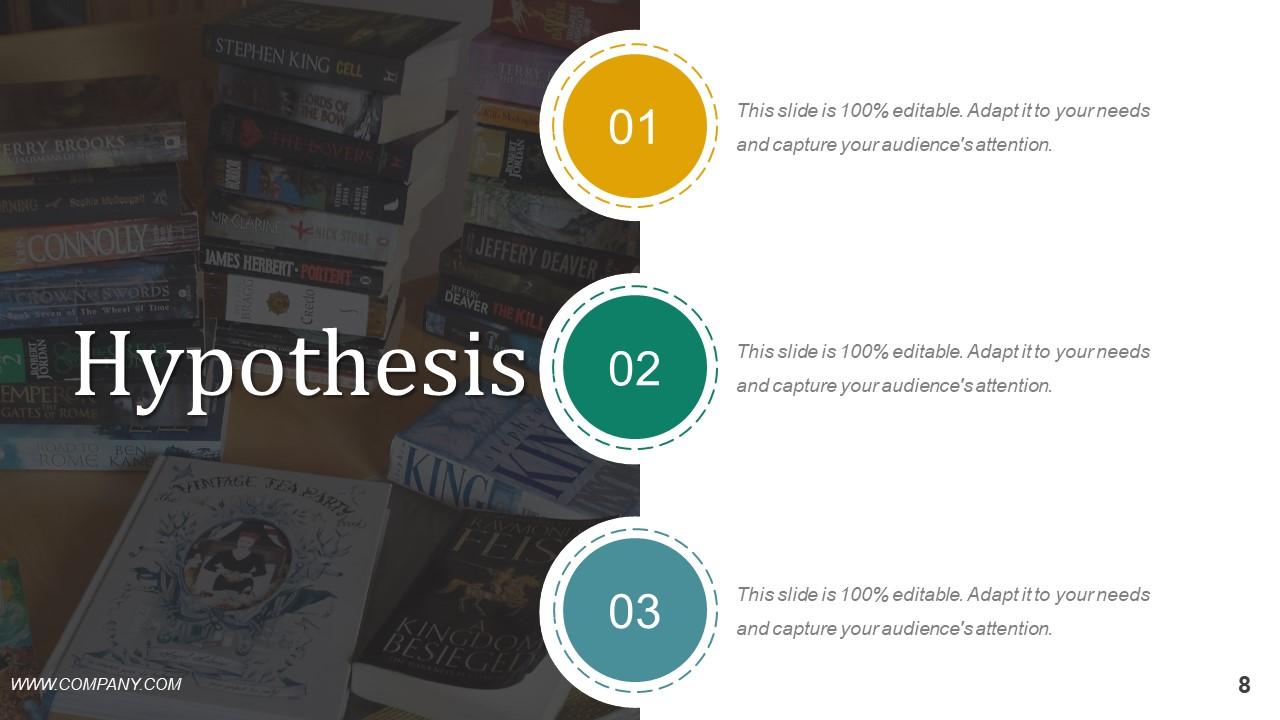
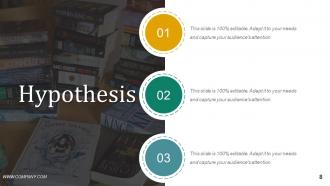
This slide introduces the pivotal propositions of your research. Numbered circular icons guide the viewer through a sequence of hypotheses. Each one of those hypotheses is circled in dashed lines. These lines indicate the iterative nature of scientific enquiry. The backdrop is an array of books that showcase the importance of knowledge and the comprehensive research underpinning your assumptions. The color coding—vivid gold to teal—provides a visual hierarchy. Why? Such color coding helps the audience distinguish and follow each proposed idea.
Template #4: Methods
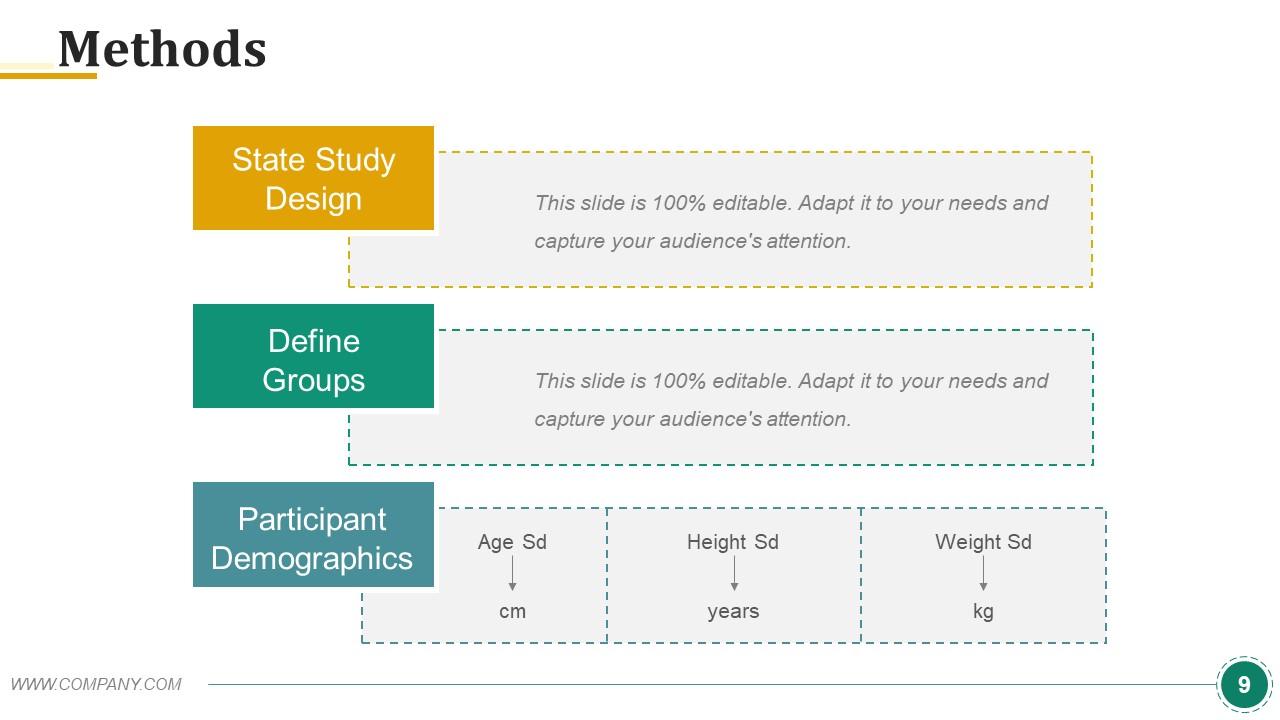
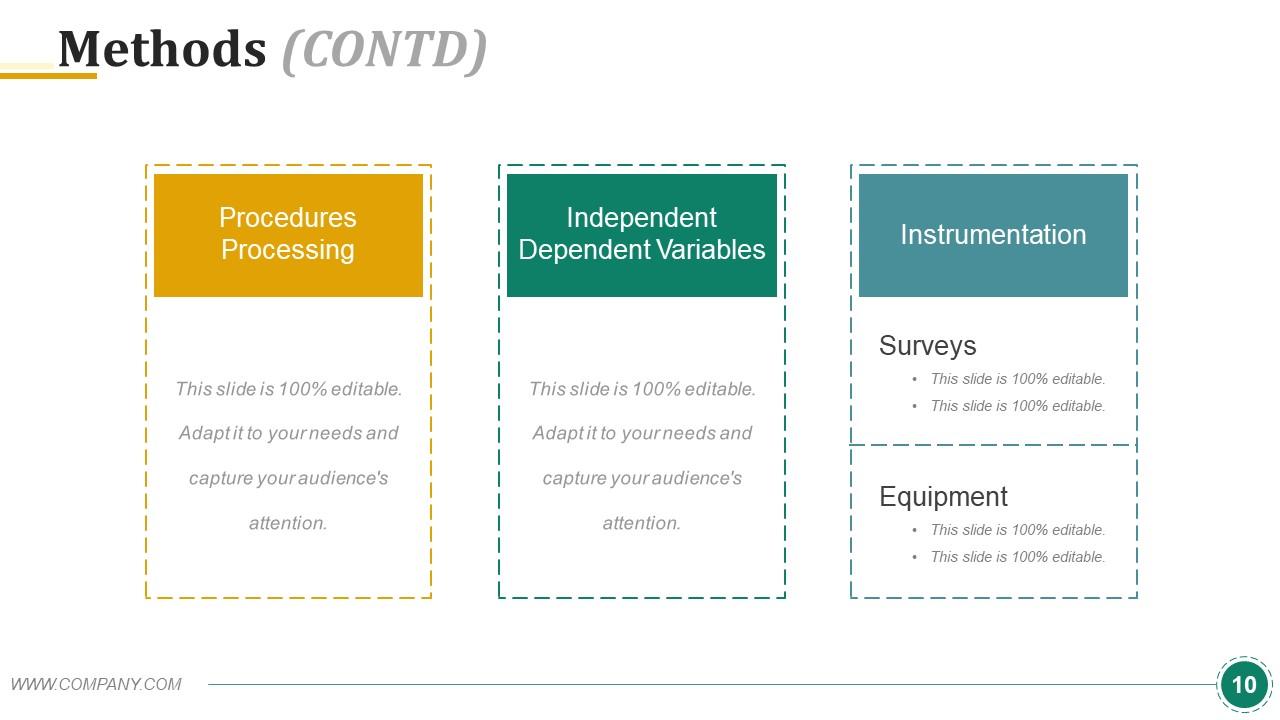
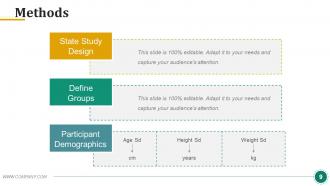
This template marks the blueprint for your in-depth research. It's divided into three primary sections: 'State Study Design,' 'Define Groups,' and 'Participant Demographics.' Each section is segregated with bold color blocks and dashed lines that guide the audience through the systematic approach of your study. The mustard, forest green, and teal color scheme looks visually harmonious but delineates each methodological step. In 'Participant Demographics,' precise age, height, and weight placeholders are also provided. Such attention to detail indicates the depth of your sample's characteristics.
Template #5: Statistical Analysis
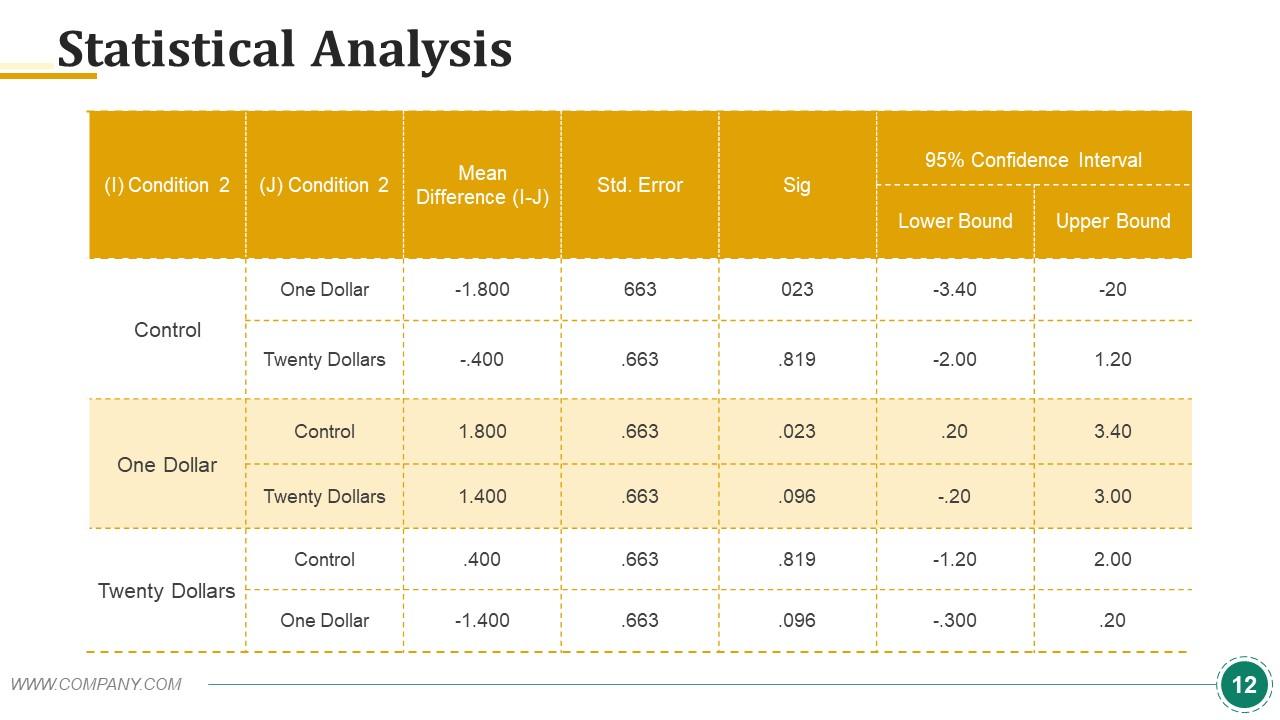
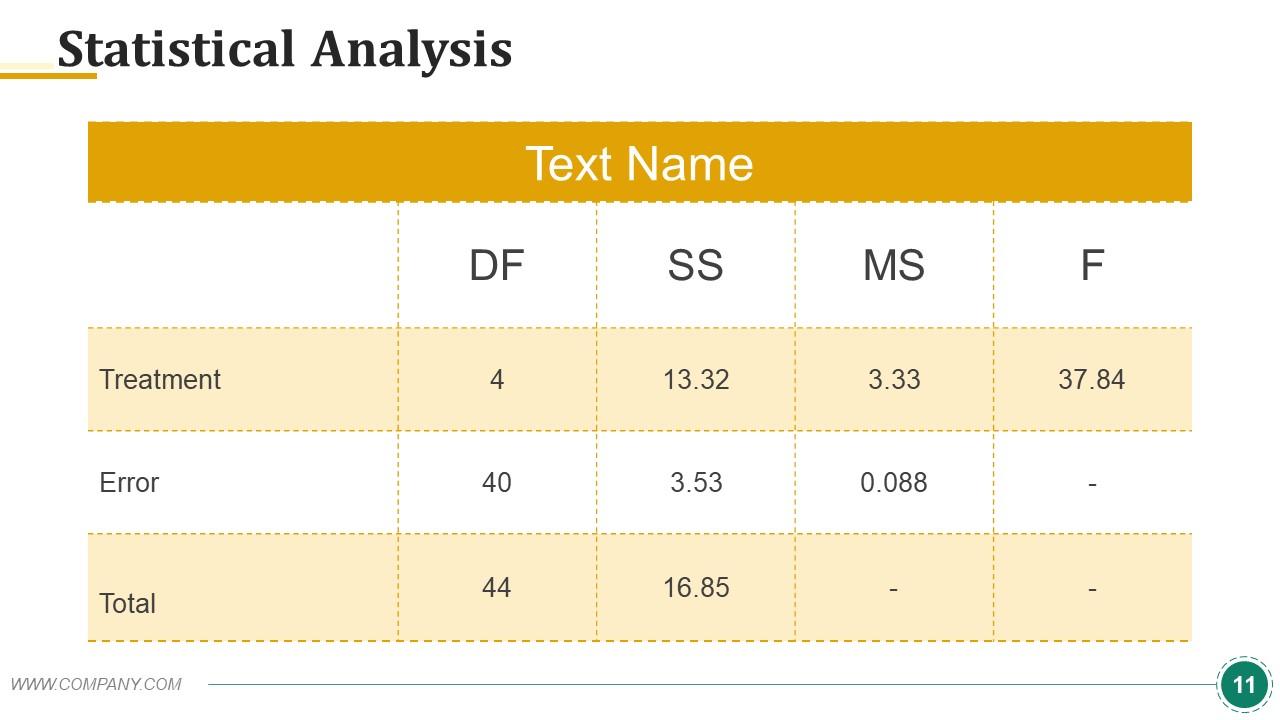
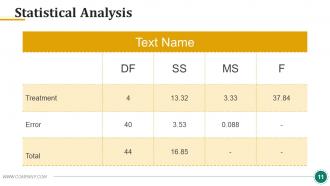
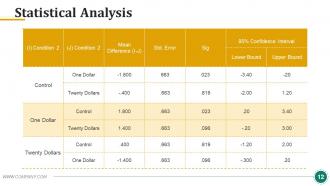
This slide displays the depth of quantitative validation in your research. It presents a table formatted to showcase the statistical comparisons between conditions of your study. The bold header row in a commanding shade of orange draws attention to the key metrics: Mean differences, standard errors, significance levels, and confidence intervals—you name it! The well-structured layout offers a clear, easy-to-follow matrix that expresses the relationships and variances within your data.
Template #6: Results
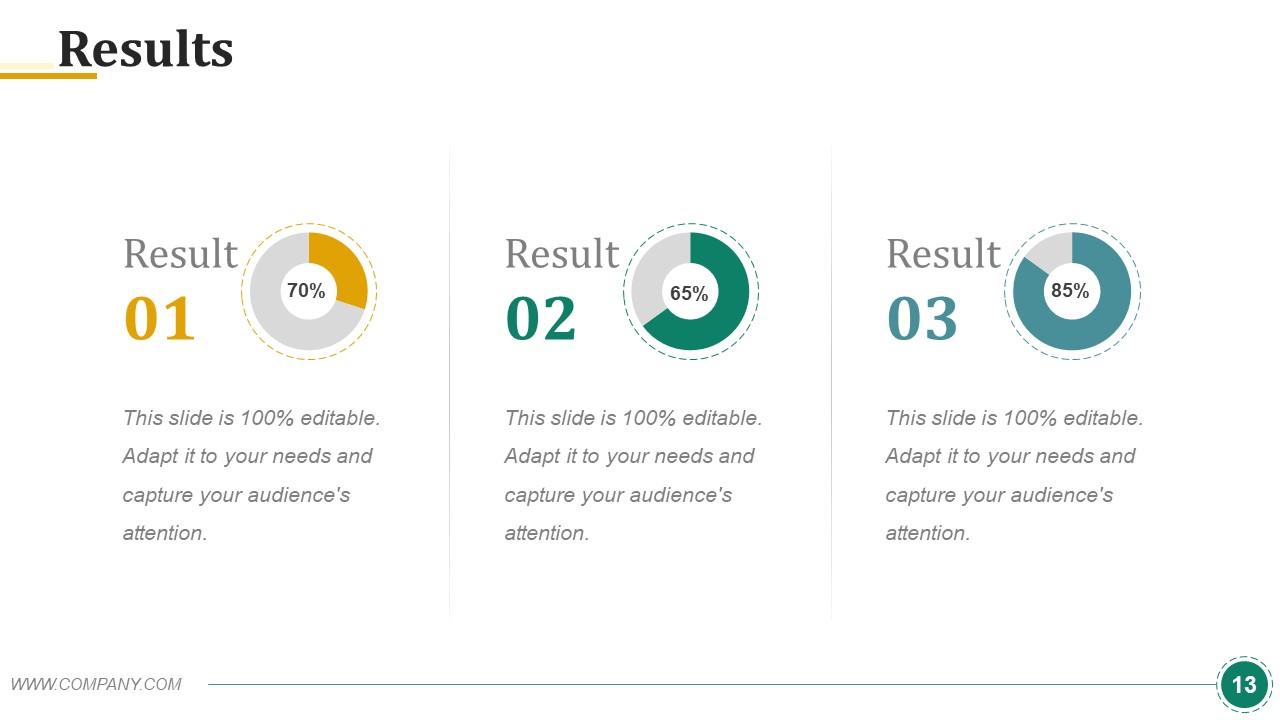
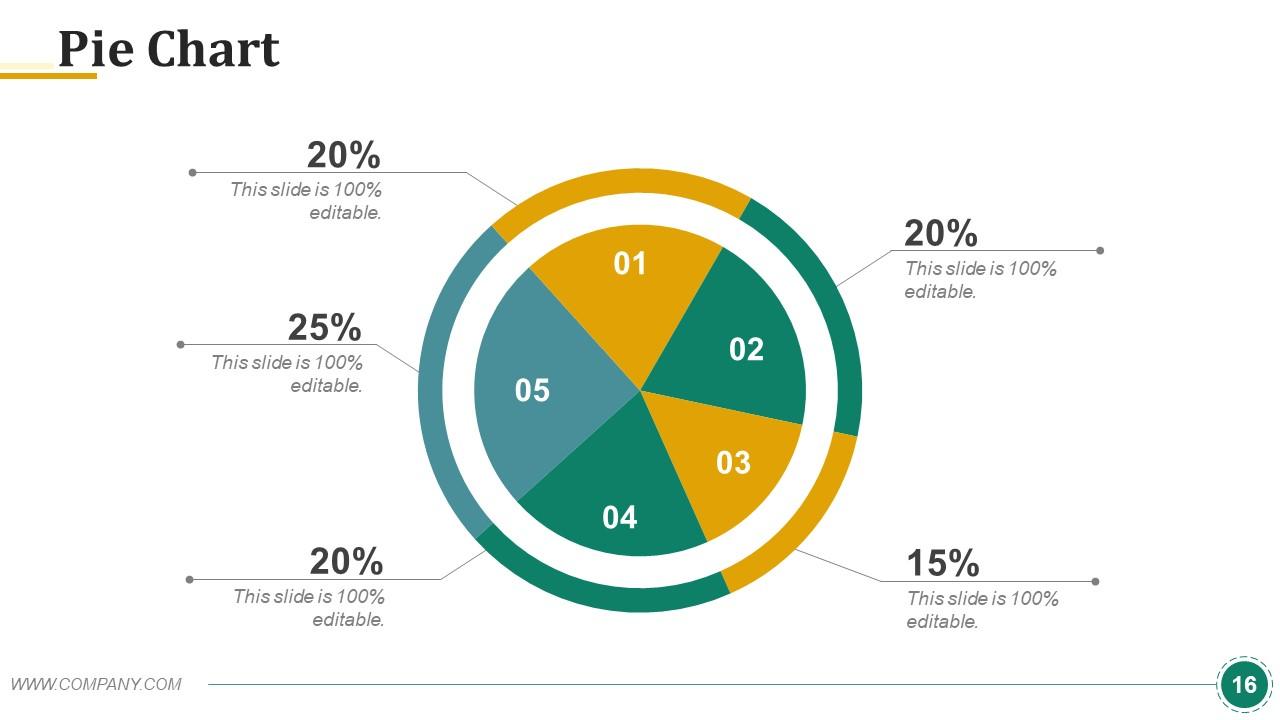
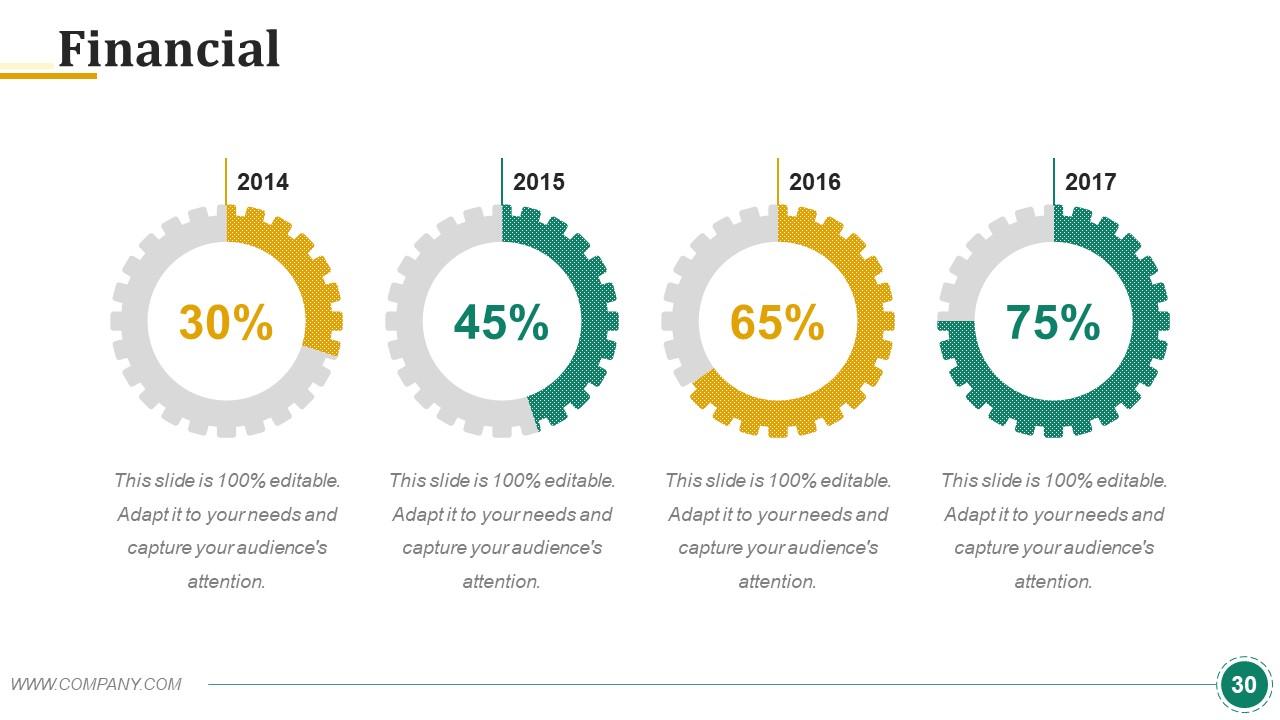
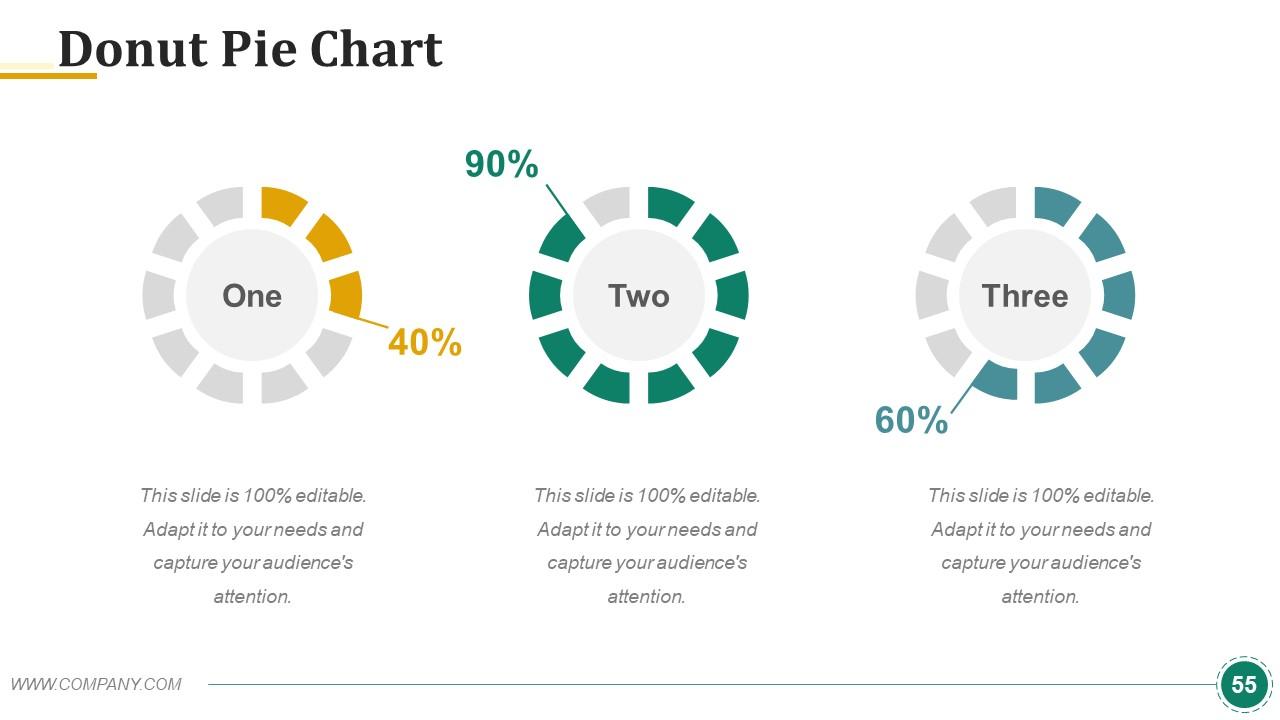
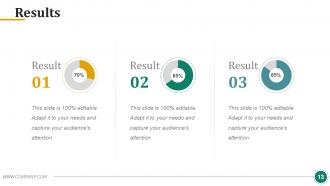
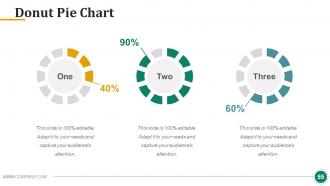
This slide showcases the outcomes of your research in a clear and impactful manner. Each result is showcased with the help of a donut chart! This offers a visual qualification to your findings. The color scheme changes as you go from one result to the next — subdued gold, teal, and blue. Such a color code differentiates each result and maintains the cohesive aesthetic of the presentation. The simplicity of the design ensures that the focus remains on the significance of the results themselves. Result? The audience can grasp the success metrics or key takeaways of your study. This slide highlights the achievements of your research without overwhelming you with details.
Template #7: Discussion
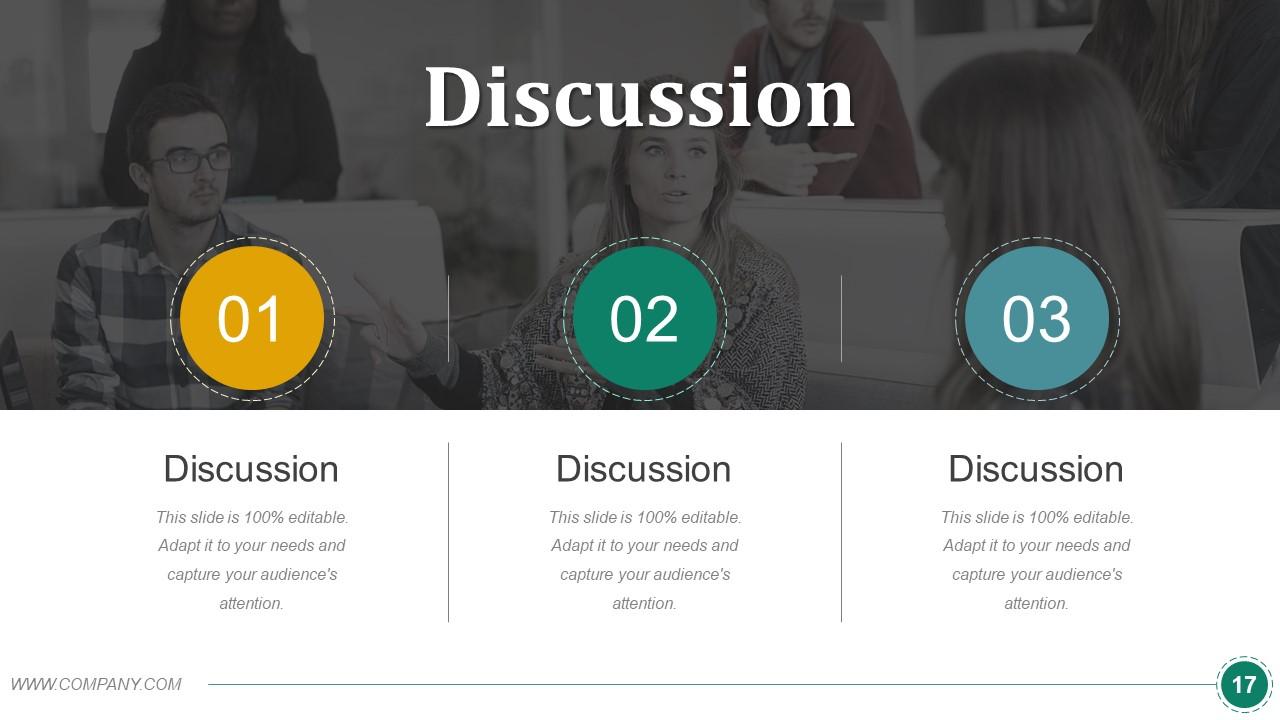
Your research is done, and your results are out, so now what? Well, the next step is to take a deep dive into the implications of your research results. This slide focuses on this. It includes three distinct segments that guide the presentation through key discussion points. This structure provides an organized framework for interpreting the data, exploring the significance of the findings, and considering their impact on the field. The background image sets the stage for an intellectual exchange. It reflects the collaborative and often communal nature of knowledge development. This slide is a platform for critical analysis and promotes thoughtful discussions.
Template #8: Conclusion/Findings
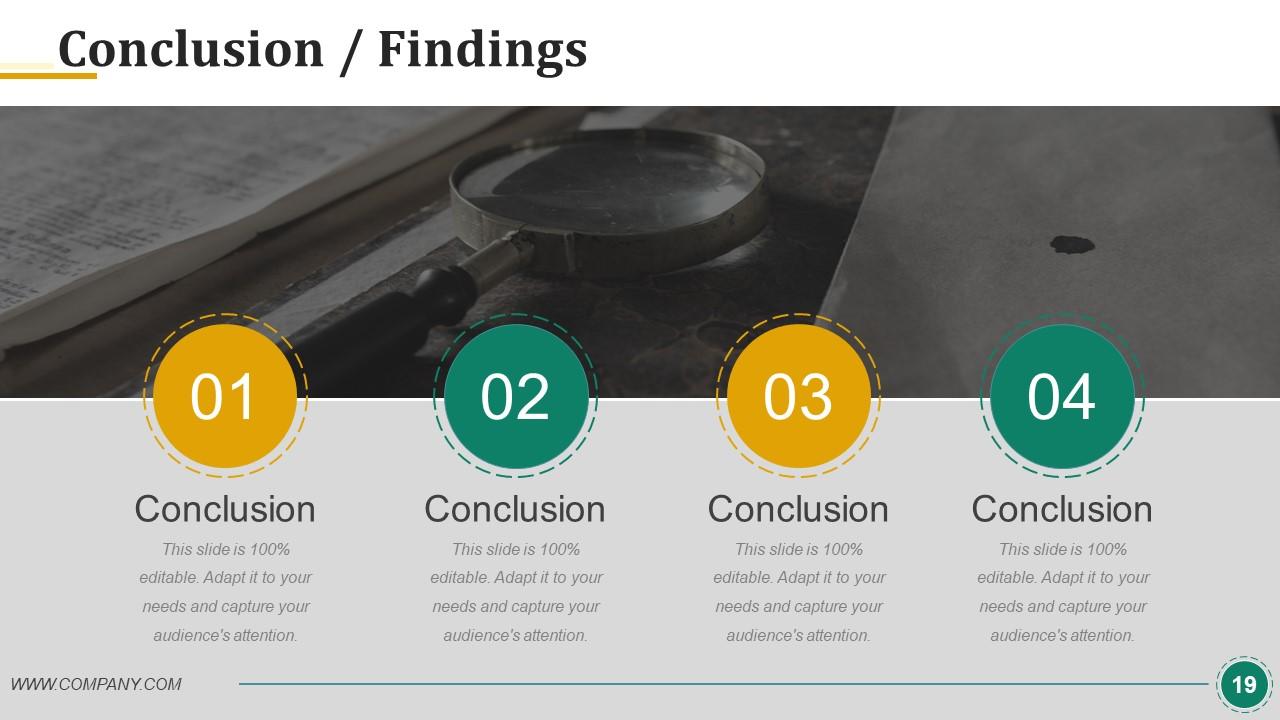
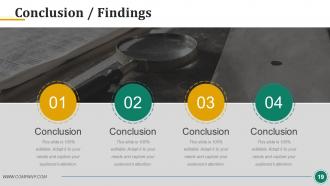
The slide is where the essence of your research is crystallized into key takeaways. It is meant to guide your audience through a sequence of significant revelations. It's segmented into four distinct parts and each one represents a cornerstone of your study's outcomes. The layout facilitates a concise summary of your most impactful results. This leads to a definitive statement of what your work contributes to the field. This slide sums up your presentation, and it is where your research narrative reaches its peak and presents a clear, decisive statement of your findings.
Template #9: Implication for Future Research
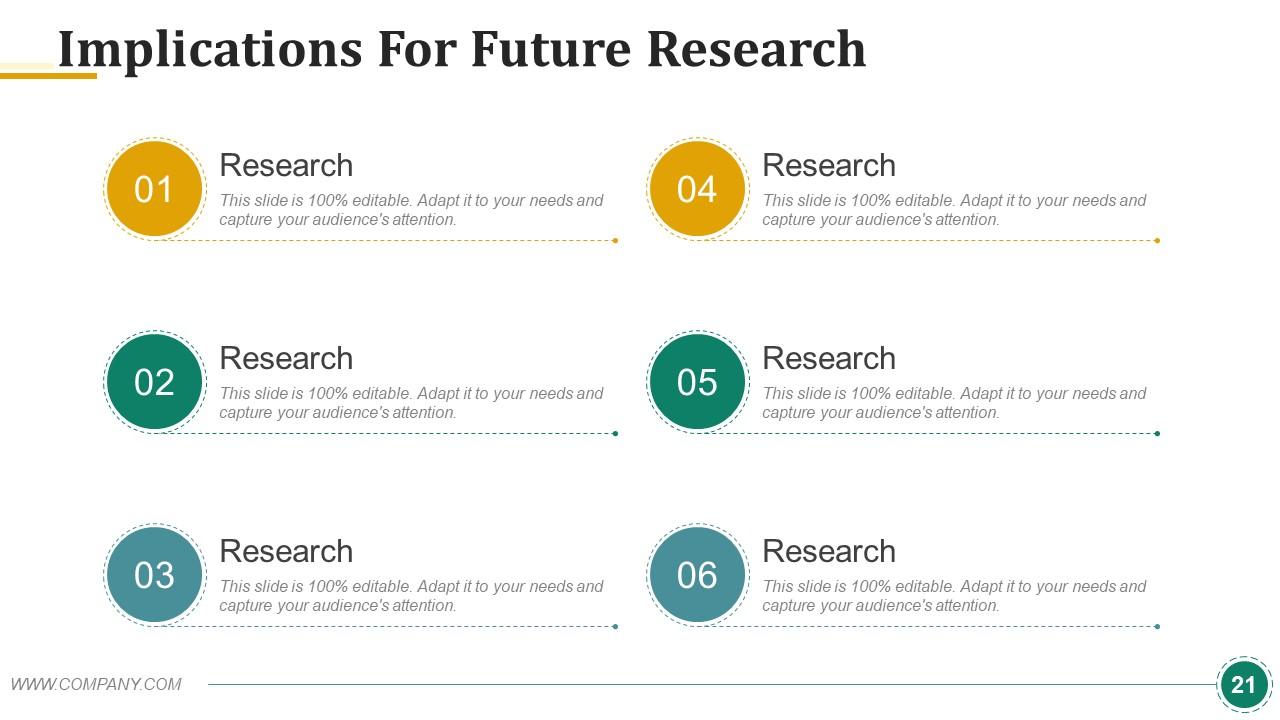
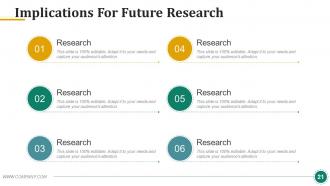
Research is a never-ending field. You reach one conclusion, and multiple potential research can stem from that study. This slide is designed to deal with these research opportunities. It offers six focal areas that highlight where subsequent research can expand upon your work. The slide is organized to prompt consideration of where the academic community can take the insights you've provided. Each segment invites researchers to delve deeper, challenge, or build upon their findings. This ensures the continued evolution of scholarly research in your field.
Template #10: References
This slide is a scholarly nod to the foundational work you have done for your research. It's a testament to the academic integrity and thoroughness of your study. It lists the sources that support your hypotheses, methodology, and conclusions. This slide acts as the final, crucial link in your research chain. It acknowledges the contributions of others and situates your work within the larger context of existing knowledge.
Charting New Horizons
Dissertation is the essence of your entire research and hard work. It can help you get across the myriads of academic scrutiny. A well-crafted dissertation shares your story through data, theories, and hard-won insights. This template acts as a stepping stone towards that end—articulate, precise, and engaging. Now, it's your turn to take this template and cast your story into the world.
PS A 10-week dissertation report timeline helps you be in time and meet deadlines for research submission. Get these slides here.
Example dissertation powerpoint presentation slide with all 60 slides:
Move towards the center of action with our Example Dissertation Powerpoint Presentation Slide. They help you break away from the fringes.
-
Great quality slides in rapid time.
-
Presentation Design is very nice, good work with the content as well.
-
+
