

Sample Dissertation Defense Presentation Powerpoint Presentation Slides






Try Before you Buy Download Free Sample Product
 Impress Your
 Audience
 100%
100% Editable
 Save Hours
 of Time


Introducing Sample Dissertation Défense Presentation PowerPoint Presentation Slides that can help you to gain the panels attention. The dissertation Défense is an important milestone for students as it is required to complete a graduate degree. Thesis and Défense dissertation PPT slides provide the flow of structure to present thesis, it also helps you to keep your data organized. The structure of dissertation PowerPoint complete deck contains templates such as agenda, outline, project title, introduction, literature review, purpose statement, hypothesis, methods, statically analysis, results, bar graph, pie chart, discussion, study limitations, conclusion findings, the implications for future research, reference, etc. MBA students can use this for their final projects, they can save their time and efforts on making their presentation from scratch. Download thesis proposal PPT layout to make a visually appealing presentation. Give them a detailed account of your expertise with our dissertation ppt Slides. They are an excellent briefing aid.
People who downloaded this PowerPoint presentation also viewed the following :
Content of this Powerpoint Presentation
A dissertation exhibits subject competence. It has taken you and your research years of experimentation, results analysis, and extensive literature review to produce unique and creative insights. This lengthy research paper, in the form of a dissertation, is a perfect blend of years of research that contributes to your field of study. Hence, to defend it and prove its usefulness and relevance is stressful. You must not only write a good paper, but also give a dissertation defense that supports your research work.
Designing an effective dissertation presentation that persuades the audience to say the much-needed YES is an art form. Click here to download SlideTeam’s pre-designed templates to captivate the thesis committee.
As you prepare for your dissertation defense, use SlideTeam’s ready-made PPT Templates to guarantee that you have covered all elements. These templates will help you present your dissertation findings, conclusions, and implications in a systematic manner. Use these presentations to better prepare for your dissertation defense.
Check out the “how-to guide” provided by SlideTeam to learn what should be in your dissertation proposal.
Browse and download this well-curated and extremely relevant Dissertation Defense Presentation Templates that include everything you need to make your research stand out.
Template 1: Thesis Outline Presentation
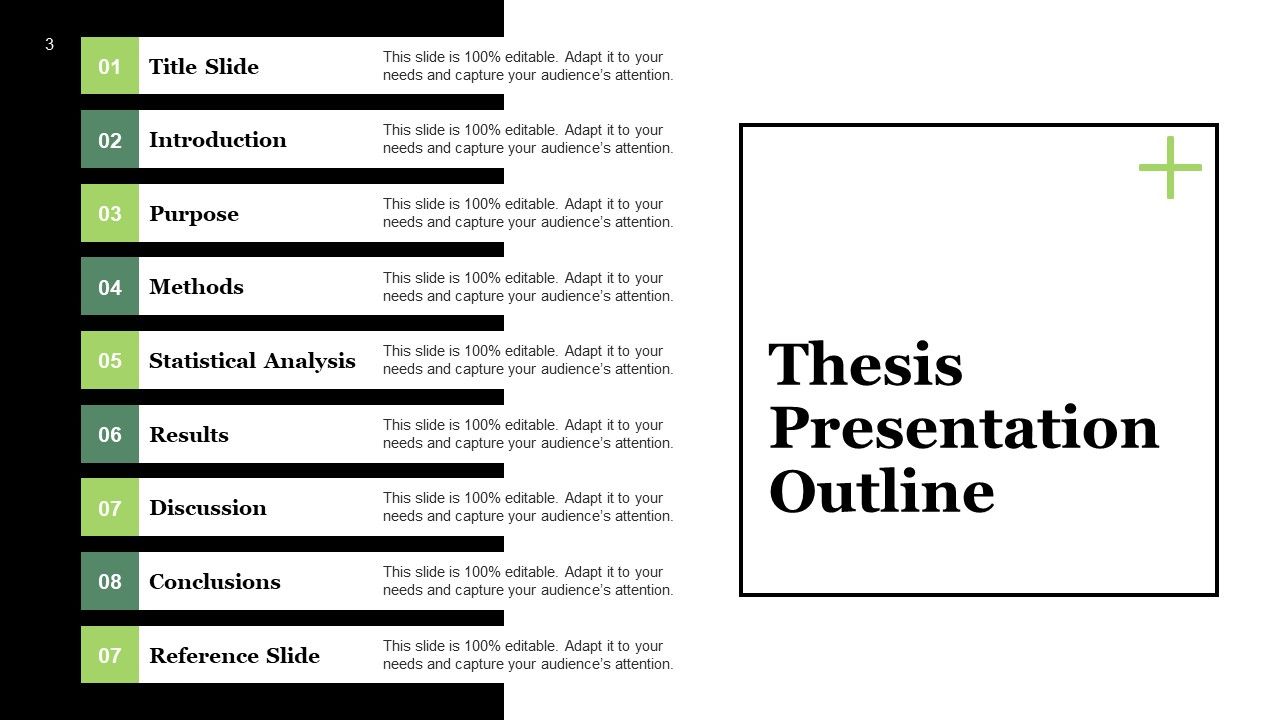
To create a strong thesis, you must plan the content of your presentation. This PowerPoint Template has a ready-made table of contents to help you get started. Use it to better comprehend the flow of your thesis. This will provide you a roadmap before you write and help with arranging your thoughts in a right style.
Template 2: Introduction
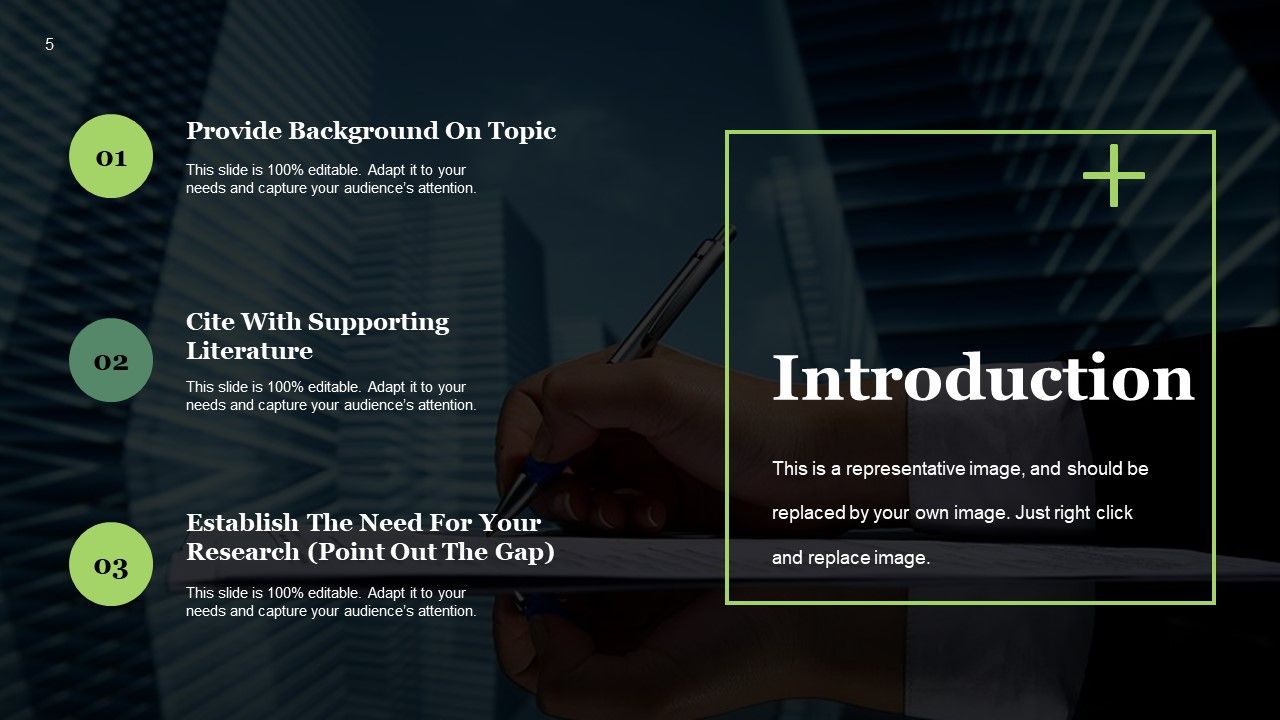
This PPT Layout enables you to show a preview of your thesis. Use this introductory format to create a road map for the body of your work. It has parts on background information on the issue, supporting literature, and establishing the necessity of your research. Use this to showcase your argument, writing style, and quality of work in the best possible light from the very start.
Template 3: Literature Review
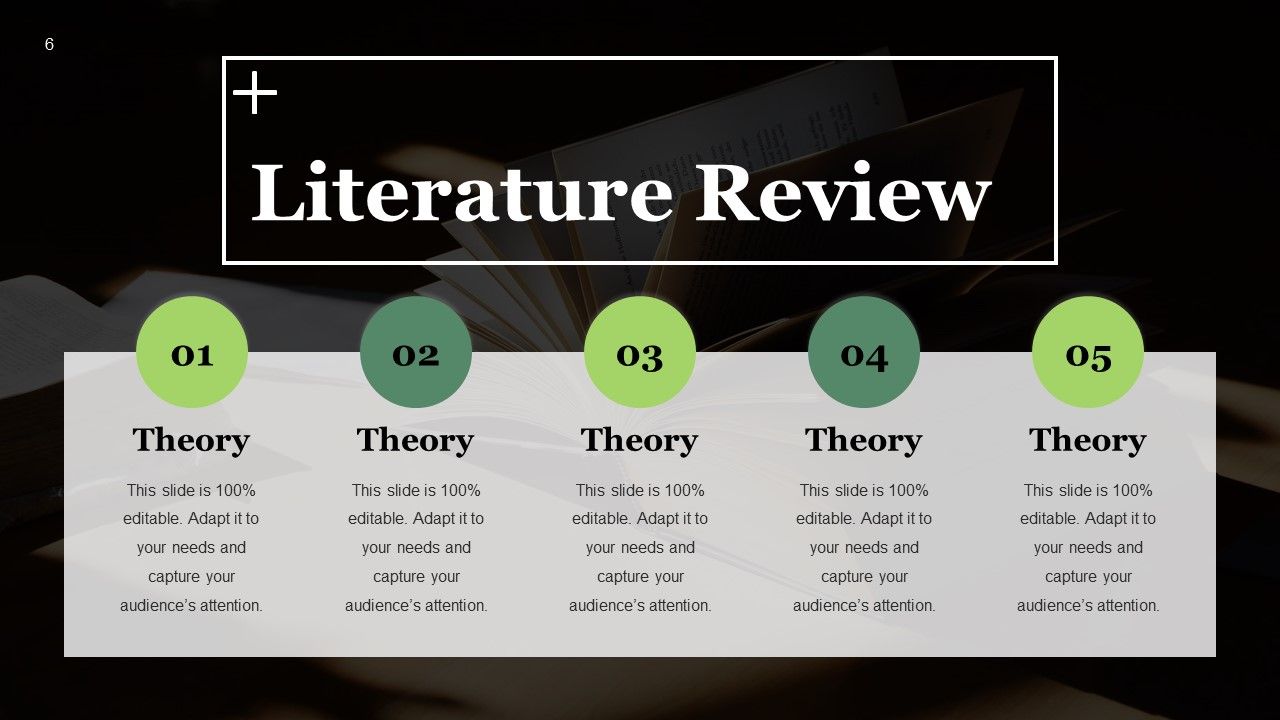
Use this PowerPoint Slide to conduct a literature review for your thesis. You will be able to assess the importance of your further research and provide a thorough summary of the existing body of knowledge on a given topic. An overview of the sources examined during the research will be provided, aiding in the identification of research gaps and avoiding repetition of data. Employ this presentation to set your own research in the context of existing literature.
Template 4: Statistical Analysis: Tukey HSD Test
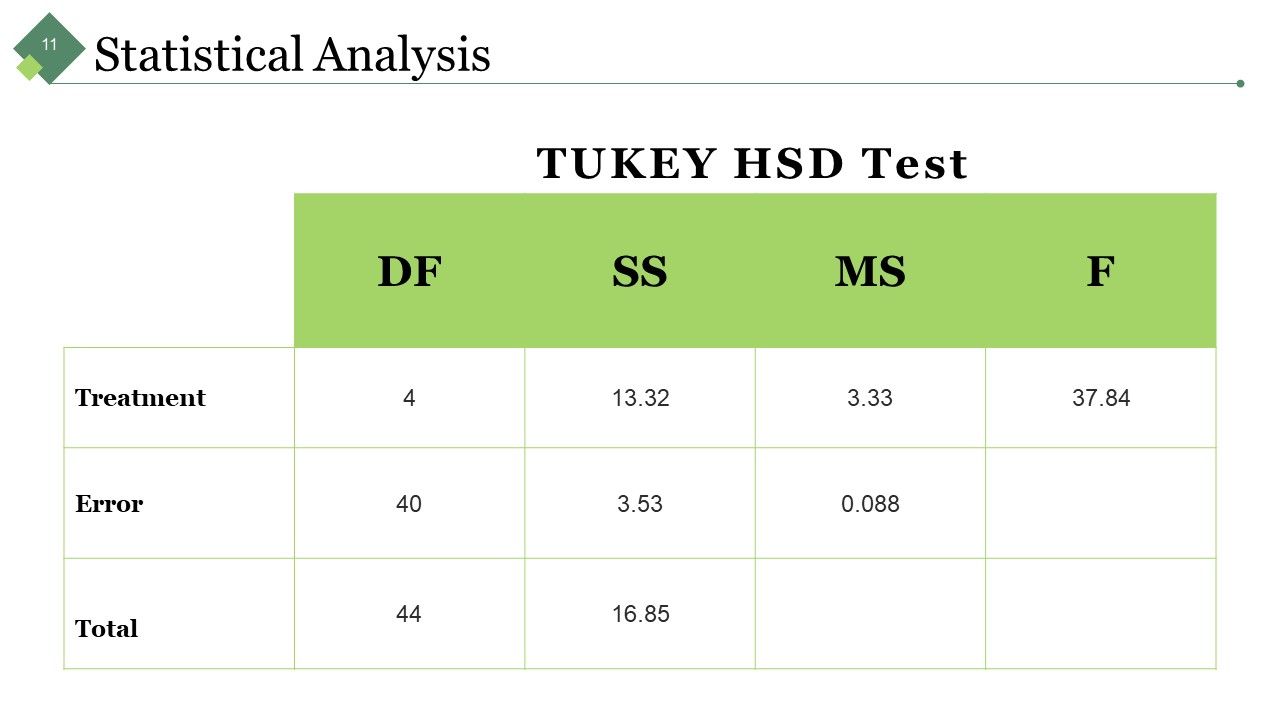
Need to offer a meaningful interpretation and report on your study findings? Use this PPT Framework to present a statistical analysis of your thesis statement. It uses Tukey's HSD (honest significant difference) test to demonstrate a multiple comparison approach. Use this slide as a reference to arrive at the valid findings for your research.
Template 5: Statistical Analysis
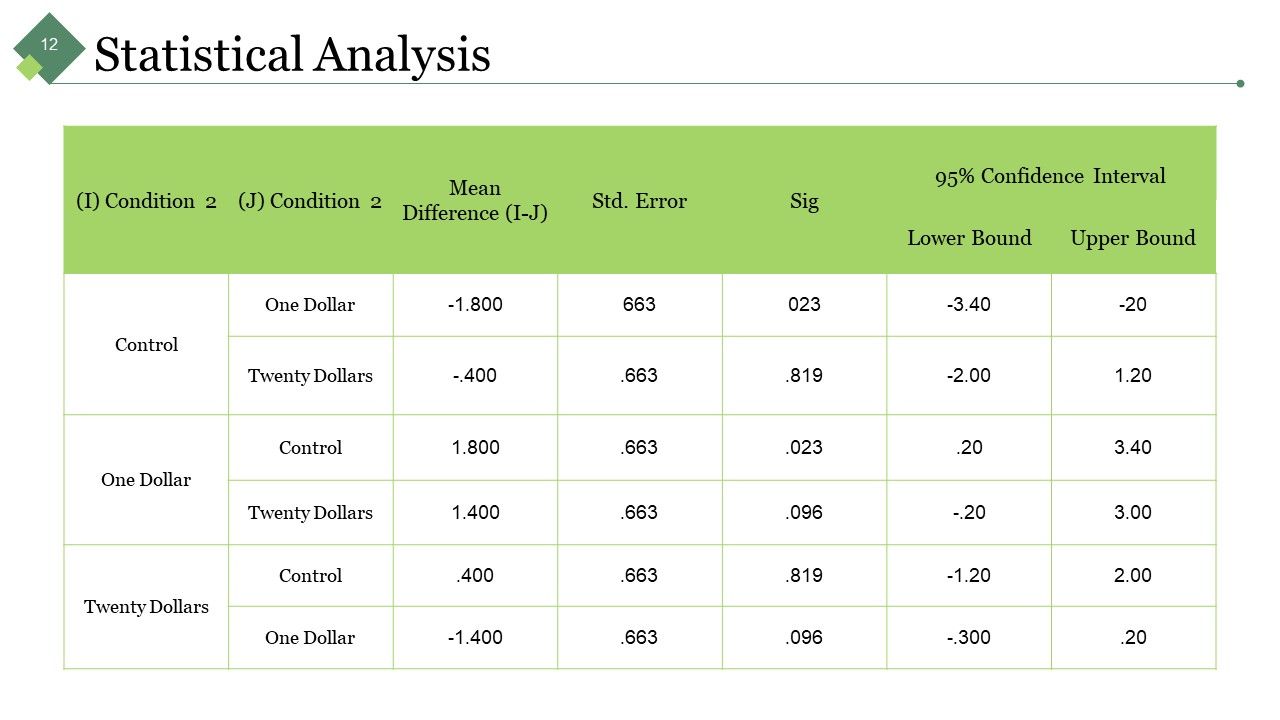
Here’s another statistical analysis template for analyzing data to find patterns and trends. Use this slide to present useful insights that will boost the credibility of your thesis. It depicts the table for control groups, confidence intervals and standard error that you can tolerate in your findings. Conditional research is well carried out using this statistical analysis table.
Template 6: Results
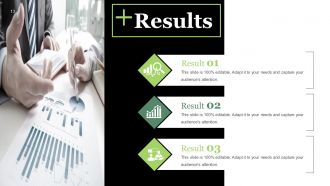
Provide an overview of your dissertation’ findings in this pre-made PowerPoint Design. This form will help you in objectively presenting your significant findings. The logical sequence of your findings will make it easy for readers to traverse the study and understand the hypothesis. Highlight up to three results in this content-ready slide.
Template 7: Discussion
Need to link your findings with your thesis statement? Use this PPT Slide to justify the outcome of the statistical analysis. This will aid in drawing study findings and identifying areas for further investigation. Employ this presentation tool to examine your results and place them within the larger study. Discussion points are very important for you to consider and take note of.
Template 8: Conclusions/Findings
This ready-to-use PPT Layout allows you to reiterate the major ideas of your research report. This conclusion/findings template allows you to conclude the paper and clarify its argument. It expresses the major points and broader implications of your research. To make the best final impression, employ this slide to underline the most important parts of your thesis.
Template 9: Implications for Future Research
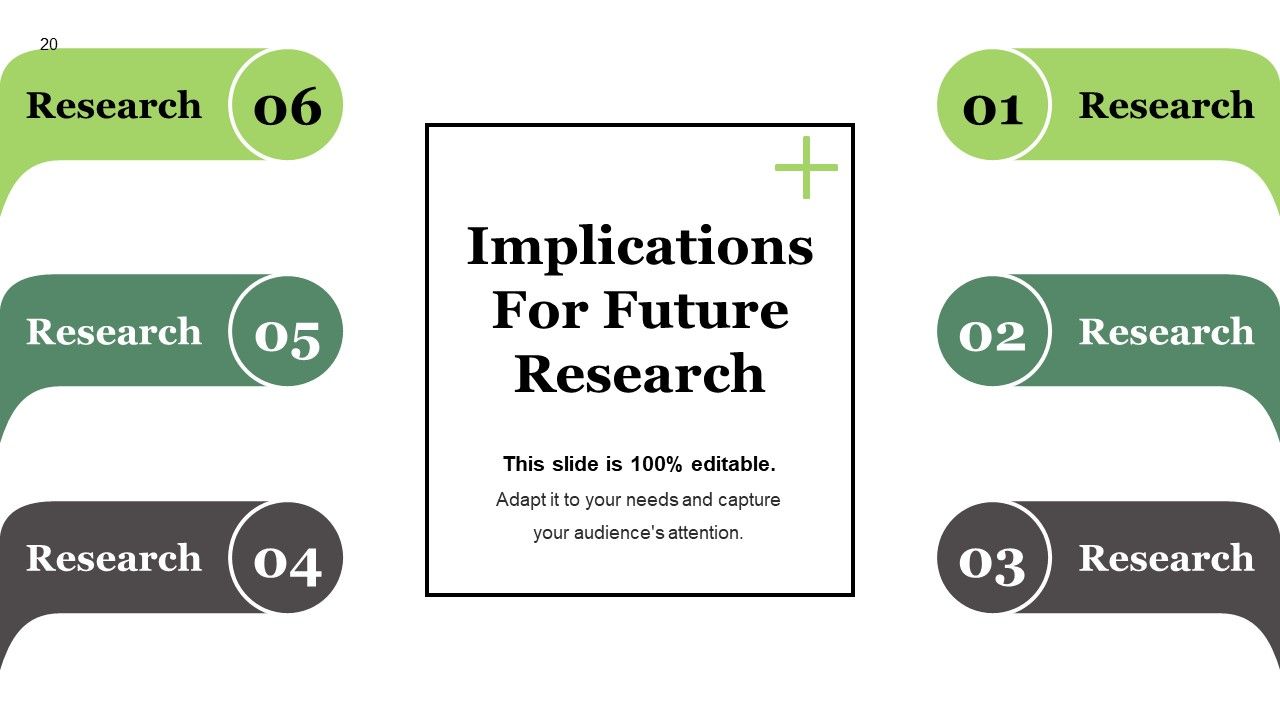
Do you have a thesis or dissertation in progress? Use this PowerPoint Template to highlight the significance of your thesis research. This slide can assist you outline the theoretical or practical implications of your research. It will go into detail on the significance of your findings for the field, as a whole. This slide opens up the doors to greater scientific discoveries.
Template 10: References
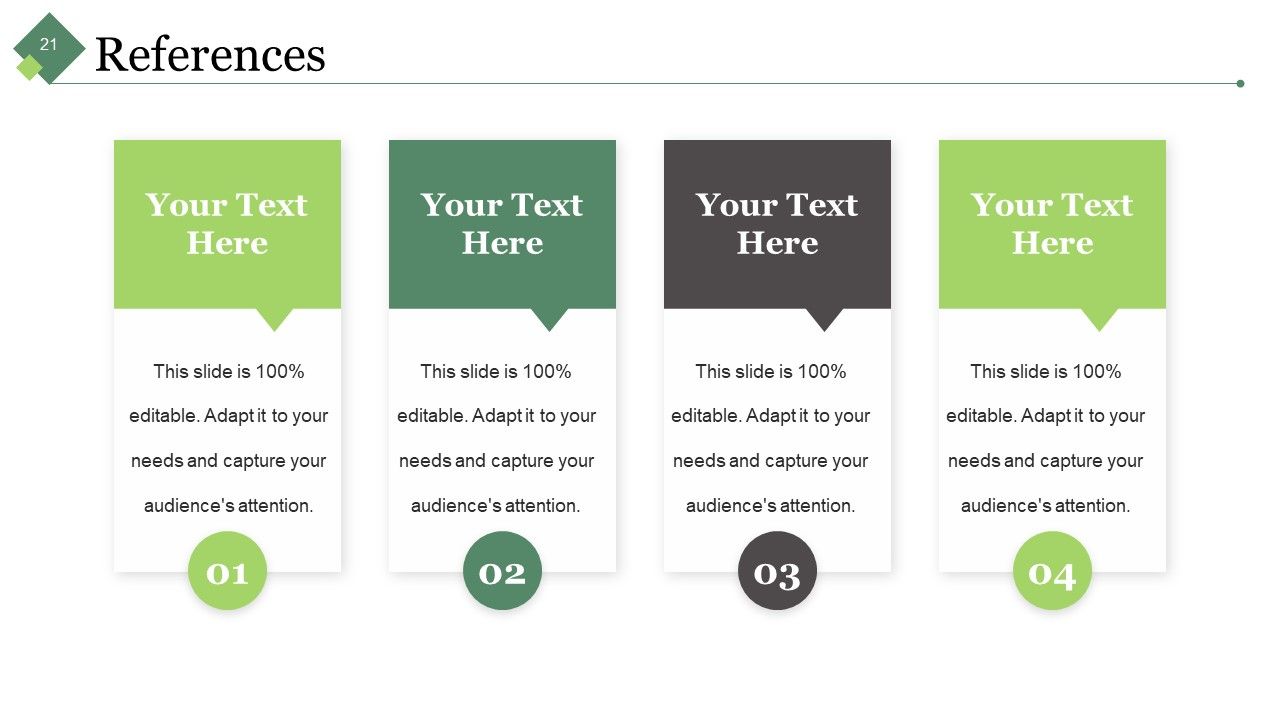
Add references to your thesis to back up the assertions and claims in your study. This PowerPoint Template is a ready-made format for presenting supporting evidence for your theories, arguments, and opinions. This helps in verifying the information's original sources and help prevent claims of plagiarism.
To-Do List.
SlideTeam’s PPT Templates are the ideal toolkit for helping you propose, write, and revise your dissertation. Make better use of these presentations to keep your research well-structured, visually appealing, and well-organized.
PS. Do you need a cover page for your dissertation? Click here to see SlideTeam’s collection of Cover Page Templates.
Sample Dissertation Defense Presentation Powerpoint Presentation Slides with all 43 slides:
Eyes automatically get firmly fixed with our Sample Dissertation Defense Presentation Powerpoint Presentation Slides. They capture attention at first glance.
-

Sample Dissertation Defense Presentation
-
Agenda Slide
-
Thesis Presentation Outline
-
Your Title Project
-
Introduction Slide
-
Literature Review
-

Purpose Statement
-
Dissertation Defense
-
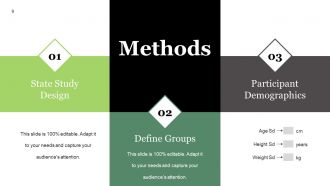
Methods
-
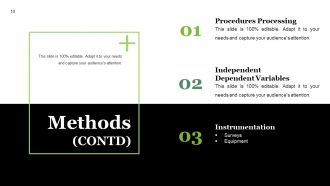
Methods CONTD
-
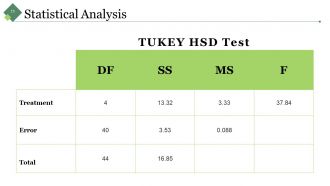
Statistical Analysis
-
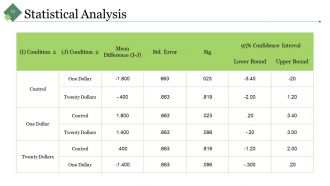
Statistical Analysis
-
Results
-
Column Chart
-
Bar Diagram
-
Pie Chart
-
Discussion
-
Limitations Of Your Study
-
Dissertation Defense
-
Implications For Future Research
-
References
-
Dissertation Defense
-

Additional Slides
-
Vision Mission
-

Our Team
-
About Us
-
Our Goal
-
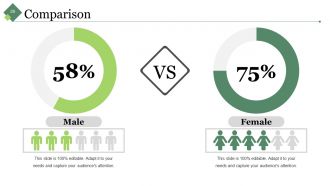
Comparison
-
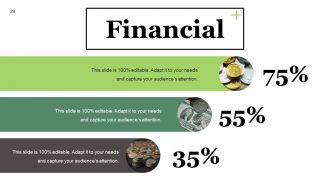
Financial
-

Quotes
-
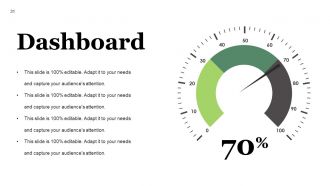
Dashboard
-
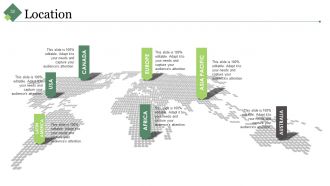
Location
-
Timeline
-
Post It
-

Newspaper
-
Puzzle
-
Target
-
Circular
-
Venn
-
Mind Map
-
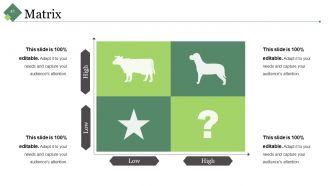
Matrix
-
Bulb With Idea
-

Thank You Slide
FAQs for Sample Dissertation Defense Presentation
So for your defense, you'll want to hit three main things: the problem you tackled and why anyone should care, your methods plus what you found, and what it all means for the field. Committee members already read your whole dissertation anyway, so don't bog them down with every tiny detail. Tell the story instead. Practice explaining why you made certain choices because that's where they'll grill you the most. Oh, and have some future research ideas ready - shows you're not just done and checking out. Definitely do a practice run with friends first. They'll catch stuff that doesn't make sense.
Okay so here's what worked for me - lead with your "so what" moment right away because committees zone out fast if you don't hook them. Then do: research question, lit gap, methods, findings, implications. I know it sounds obvious but seriously practice your timing until you're sick of it! You want tons of time for questions since that's where you actually get to flex. Oh and use clear slide headers so people can follow along - my advisor was big on that. The whole thing should flow like you're telling a story, not just dumping info. Don't make them work to understand why your research matters.
Don't cram your slides with text - they should back up what you're saying, not BE what you're saying. Time management is huge too. I've watched people bomb because they blew 40 minutes just on background stuff. When they grill you with questions, don't take it personal or get snippy. Take a sec, breathe, then respond thoughtfully. They're testing if you actually know your shit. Oh, and definitely prep potential questions with your advisor beforehand - you'll want to pivot smoothly when things go sideways. Which they will.
Look people in the eye and throw in some rhetorical questions to keep them hooked. Visuals over text-heavy slides every time - seriously, no one wants to read while you're talking. I learned that the hard way lol. After you drop your big findings, pause and let it marinate. Show you actually care about your research too! Oh and practice dumbing down the complex stuff since you'll probably have committee members from other fields. Connect each section back to your main question so people don't get lost in the weeds.
Dude, don't sleep on visual design for your defense. Your committee needs to actually follow what you're saying, and messy slides will kill that vibe instantly. I've watched so many smart people bomb because their PowerPoints were straight chaos. Keep it simple - white space is your friend. Limit the text per slide and make your data visualizations actually readable. Honestly, your figures should make sense even if someone zones out during your talk (which they will). Skip the fancy animations and test everything on the real projector first. Trust me on that one - nothing's worse than surprise formatting issues.
Look up each committee member's background first - trust me on this one. When you hit the technical stuff, throw in quick explanations for the non-specialists without dumbing it down too much. I totally bombed this when my lit professor's eyes glazed over during my methods section lol. Try phrases like "For anyone not familiar with X..." or reference their work directly. Give the big picture first, then get into the weeds. The tricky part is smoothly switching between deep technical stuff and broader implications. Oh, and definitely practice those transitions beforehand - you don't want awkward pauses while everyone's staring at you.
Don't panic - just say "great question, let me think about that" and actually take a moment. Honestly, rushing your answer will probably make it worse. If you don't know something? Just say so. Explain how you'd figure it out or what you'd do differently next time. Your committee isn't trying to destroy you (even though it feels like it) - they want to see how your brain works through problems. The trick is staying curious instead of getting all defensive. Oh, and practice saying "I hadn't thought about it that way" beforehand so you don't sound like a deer in headlights.
Honestly? Practice WAY more than feels necessary. Get your friends or lab mates to grill you with questions - they'll probably be meaner than your actual committee lol. I used to hate practicing out loud but it really does help you catch awkward phrasing. Time yourself too because going over is embarrassing. Oh and committee members will definitely interrupt you mid-thought, so get used to that. Recording yourself is weird but useful for spotting nervous tics. The opening and closing are clutch though - nail those parts and you'll feel more confident even when the middle section gets rocky.
Begin with the big picture problem you're tackling - why should anyone care? That context is everything. From there, zoom into your specific question and objectives. Ditch the jargon completely. I usually say imagine explaining it to your smart but non-academic sibling - you'll be amazed how much clearer you get. A good hook helps too, like a wild statistic that makes people go "wait, really?" Practice your opening until it's second nature. Honestly, the intro is where most people's nerves kick in hardest, so nail this part and you'll feel way more confident.
Pick your top 2-3 findings and explain what problem each one actually solves. I'd start with "I found..." or "My research shows..." then jump straight into why anyone should care. Don't bog them down with methodology stuff - save that for when they ask questions later. Connect everything back to those literature gaps you mentioned earlier. Keep the language simple since some committee members might not know your specific jargon. Honestly, the methodology section is where most people lose their audience anyway. Wrap up by being super clear about how this pushes the field forward or what new questions it raises.
Keep your slides super clean - minimal text, lots of white space. Bullet points are fine but don't go crazy with them. Your committee should be listening to you, not reading paragraphs off the screen. Include your best charts and figures, obviously, plus a solid visual of your methodology. I'd skip any fancy transitions or animations - half the time they don't work anyway and you'll just stress yourself out. Make sure everything's high-res so people in back can actually see it. Oh, and practice clicking through beforehand! There's nothing worse than frantically hunting for a slide mid-presentation.
Time yourself practicing each section beforehand - seriously, do this. You'll want about 60-70% for your main content, then save the rest for Q&A. Questions always eat up way more time than you'd expect, it's wild. Your slides should be like a roadmap. Don't get bogged down explaining every tiny detail. Running behind? Skip those extra examples instead of racing through your big findings. Oh, and grab someone from the audience to signal you at halfway and the 5-minute mark. That outside nudge really helps you stay on track since it's so easy to lose track of time when you're presenting.
Honestly, just go with PowerPoint - your committee expects it and it won't randomly crash on you. Google Slides is solid too, especially for the cloud backup thing. I've watched so many people obsess over fancy animations when nobody cares about that stuff. Your research is what matters. Prezi looks cool but can be distracting tbh. If you're already doing LaTeX (and have tons of equations), Beamer works well. Oh, and definitely test whatever you pick on their actual setup beforehand. Always bring a backup USB with a PDF version - trust me on this one.
So first, split up their feedback - like is this about your actual content or just how you're presenting it? Content stuff means fixing slides where they called out your methodology or conclusions. Add examples if they said things were confusing. The presentation feedback is usually about pacing or slide design - honestly feels petty sometimes but whatever, committees care about this stuff. Don't just change everything though without thinking. I'd definitely set up another quick meeting to run through your updated presentation with them first. You don't want any surprises on defense day.
Honestly, practice way more than feels necessary - like, out loud until you're sick of hearing yourself. Your muscle memory saves you when nerves kick in. Get some friends to grill you with random questions beforehand. I swear visualization isn't total BS either - just picture yourself nailing the tough parts. Have backup plans ready because tech always fails at the worst moments. Show up early on defense day to test your setup and breathe for a sec. You've lived with this research forever, so you actually know it better than anyone else there.
-
Much better than the original! Thanks for the quick turnaround.
-
Commendable slides with attractive designs. Extremely pleased with the fact that they are easy to modify. Great work!