

Project management concepts and principles powerpoint presentation slides






Try Before you Buy Download Free Sample Product
 Impress Your
 Audience
 100%
100% Editable
 Save Hours
 of Time


To gain competitive edge in project, you evidently need a readymade PowerPoint presentation to precisely illustrate your project management principles and concepts. Obviously pictorial illustrations like this help employees to comprehend the detailed scope of a project management activity. Going further, you can use our slide presentation as a project management tool to brief your employees about project management principles and techniques for precise control and monitoring. Not only this, our PPT sample helps to clarify employees about the constraints or roadblocks in order to develop a lean project management approach. Besides this a visual communication explaining project management process can easily be crafted. To make this presentation deck more perfect to address principles of management, we have incorporated exclusive PowerPoint presentation slides like project description, project health card, project issue report, budget report etc. Now why to rely on a boring PPT model when you can easily accomplish what you want to. Simply click to download our project management concepts and principles complete PowerPoint slide deck and get the results you wish to have. Our project management ppt Slides are guaranteed to generate all round appreciation. You will be hailed everywhere.
People who downloaded this PowerPoint presentation also viewed the following :
Content of this Powerpoint Presentation
Slide 1: This slide introduces Project Management Concepts & Principles. State Your Company Name and get started.
Slide 2: This is an Agenda slide. State your agendas here.
Slide 3: This slide shows Project Brief. Describe in brief about the project here.
Slide 4: This slide showcases Project Description. State about the project here.
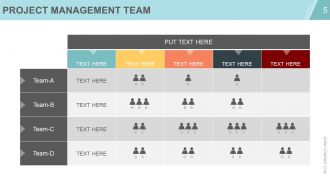
Slide 5: This slide diplays a Project Management Team matrix. State team speicfications here.
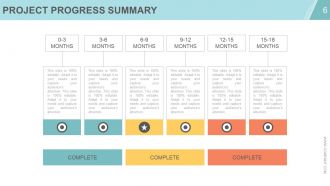
Slide 6: This slide showcases Project Progress Summary. State summarised aspects in terms of complete or incomplete here.
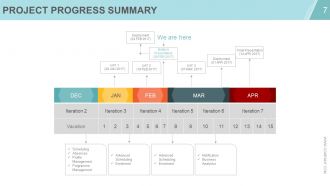
Slide 7: This slide showcases Project Progress Summary. State summarised aspects like- Scheduling, Absences, Profile Management, Programme Management, Advanced Scheduling, Enrolment, Advanced Scheduling, Enrolment, Notification, Business Analytics.
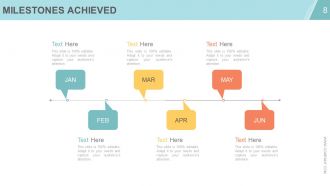
Slide 8: This slide shows Milestones Achieved. State these sort of highlights here.
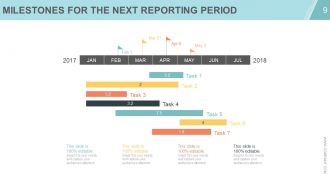
Slide 9: This slide shows Milestones for the Next Reporting Period in Gantt Chart form.
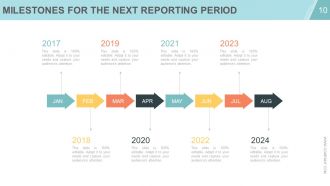
Slide 10: This slide shows Milestones for the Next Reporting Period in arrow imagery form.
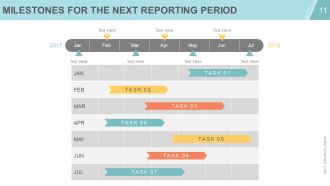
Slide 11: This slide also shows Milestones for the Next Reporting Period. State these sort of highlights here.
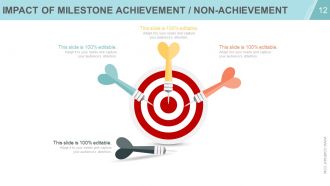
Slide 12: This slide shows Impact of Milestone Achievement/Non-Achievement.
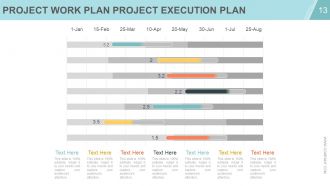
Slide 13: This slide showcases Project Work Plan Project Execution Plan in slide bar graph form.
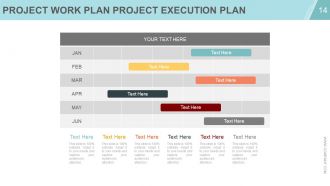
Slide 14: This slide showcases Project Work Plan Project Execution Plan in Gantt form.
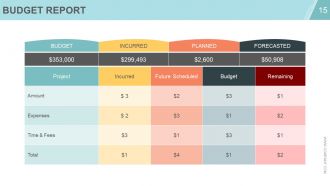
Slide 15: This slide displays Budget Report with- Incurred, Planned, Forecatsed.
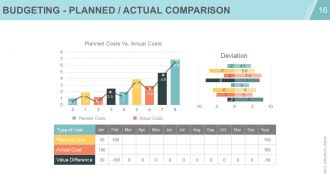
Slide 16: This slide showcases Budgeting - Planned / Actual Comparison with- Planned Costs, Actual Costs.
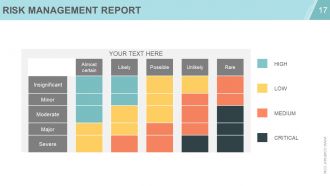
Slide 17: This slide shows a Risk Management Report in terms of - High, Low, Medium and Critical.
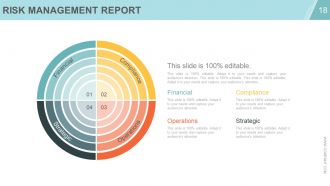
Slide 18: This slide shows a Risk Management Report in terms of - Financial, Compliance, Operations, Strategic.
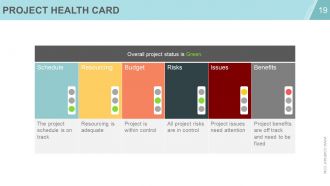
Slide 19: This slide shows a Project Health Card.
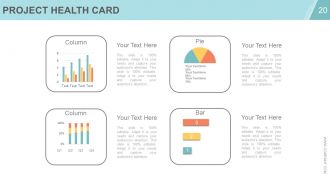
Slide 20: This slide shows a Project Health Card in pie chart, column and bar graph.
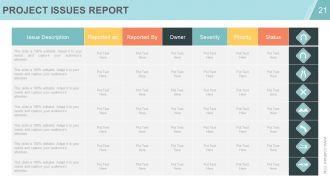
Slide 21: This slide shows Project Issues Report with description and status.
Slide 22: This slide is titled Additional slides to move forward.
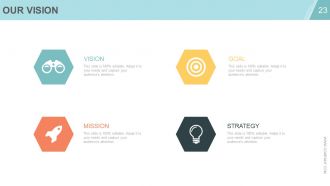
Slide 23: This is Our Vision slide with Goal, Mission and Strategy.
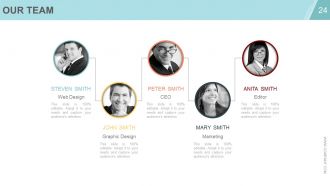
Slide 24: This is Our Team slide with names, designation and image boxes. State team specifications here.
Slide 25: This is an About Us slide. State company/team specifications here.
Slide 26: This slide shows Project Management Team in hierarchy form. State team specifications here.
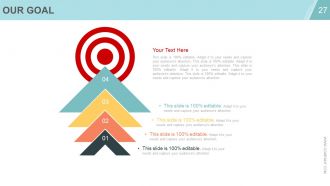
Slide 27: This is an Our Goal slide. State goals etc. here.
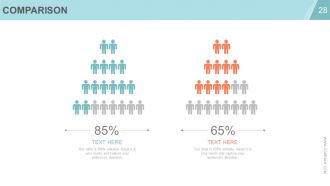
Slide 28: This is a Comparison slide for comparing two/entities slide etc.
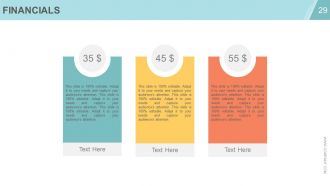
Slide 29: This is a Financial Score slide. State financial aspects etc. here.
Slide 30: This is a Quotes slide to convey company message, beliefs etc.
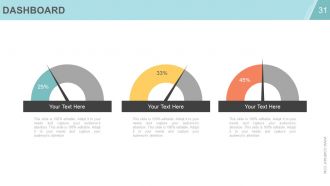
Slide 31: This is a Dashboard slide. State metrics, Kpis etc. here.
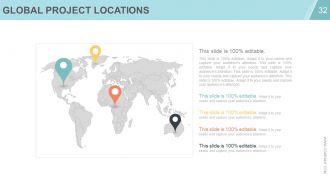
Slide 32: This slide shows Global Project Locations in world map image.
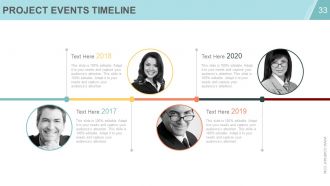
Slide 33: This slide presents a Projects Events Timeline. Present Highlights, growth etc. here.
Slide 34: This slide shows Critical Notes to mark reminders, events, important highlights etc.
Slide 35: This slide shows a Newspaper image to show important news, events etc. You can change the slide contents as per need.
Slide 36: This is a Puzzle image slide to show information, specifications etc.
Slide 37: This is a Target image slide to show information, specifications etc. State targets, goals etc. here.
Slide 38: This is a Circular image slide to show information, specifications etc.
Slide 39: This is a Matrix slide to show information, specifications etc.
Slide 40: This is a Lego image slide to show information, specifications etc.
Slide 41: This is a Silhouettes image slide to show people related information, specifications etc.
Slide 42: This is a Bulb Or Idea image slide to show information, specifications etc.
Slide 43: This is a Magnifying Glass image slide to show information, specifications etc.
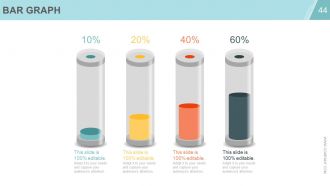
Slide 44: This is a Bar Graph image slide to show product/entity information, specifications etc.
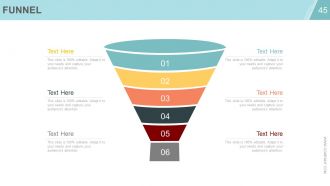
Slide 45: This is a Funnel image slide to show product/entity information, specifications etc.
Slide 46: This is a Thank You slide with Email Address, Address# street number, city, state, Contact Numbers.
Project management concepts and principles powerpoint presentation slides with all 46 slides:
Be able to compare different factors with our Project Management Concepts And Principles Complete Powerpoint Deck With Slides. It enables you to exercise discretion.





FAQs for Project management concepts and principles
So there's five phases: initiation, planning, execution, monitoring, and closure. First you define your scope and goals, then plan out timelines and resources (honestly this part saves you so much headache later). Execution is where the actual work happens - and yeah, things get chaotic fast. While you're executing, you're also constantly monitoring and tweaking stuff. It's not like you do one then the other - they happen together. Closure wraps up with lessons learned and final deliverables. Pro tip: nail down your success criteria right at the start or you'll be arguing about what "done" means forever.
Get super specific with your deliverables from day one - none of that fuzzy "improve user experience" garbage. Make everyone sign off on a detailed scope document, then create a change control process for new requests. Here's the thing though - you'll feel like the bad guy constantly saying "that's out of scope," but you've got to do it. Track every change request and show how it messes with your timeline and budget. I learned this the hard way on my last project. Honestly, treat that scope doc like it's legally binding and don't let people guilt trip you into "quick additions."
Honestly, stakeholders can totally make or break everything. Figure out who they are super early - like, before you even start planning. Map out their influence levels and what they actually care about. Then tailor your communication. Executives want those pretty dashboards, but end users need to see real demos. Don't just send generic updates (nobody reads those anyway). When they give feedback, actually respond and show what you did with it. Oh, and definitely involve them in decisions that'll affect their work. Trust me, surprises later are way worse than extra meetings upfront.
Don't treat risk management like some separate thing you do later. Build it into every project phase from the start. During planning, actually think through what could go wrong - and I mean really think, not just the obvious crap everyone lists. Track probability and impact for each risk. Once you're executing, keep that risk register alive. Monitor it constantly and have your mitigation plans ready to roll when warning signs hit. We always made risk a regular agenda item in our team meetings. The whole point is staying ahead of problems before they blow up your timeline. Short story: be proactive, not reactive.
Okay so first thing - do regular check-ins or stand-ups so nobody's working in the dark. Get your team on Slack, Trello, whatever works for async stuff. Shared docs are honestly a lifesaver (trust me on this one). Set up communication rules early - like response times and which channels to use for what. But here's what really matters: make sure people aren't scared to speak up when something's wrong. Next meeting, just ask what's blocking everyone and actually listen. Oh, and having one source of truth for everything prevents so much drama later.
Break your project into smaller chunks and estimate costs from the ground up - way better than guessing. Always add 5-15% contingency because trust me, weird stuff happens. Check actual vs planned spending every week. I'm a big fan of earned value metrics if you can manage it. Set alerts at 75% and 90% so you don't get blindsided later. Build a simple dashboard showing burn rate, what's left, and where you'll probably end up cost-wise. Your stakeholders won't constantly bug you for updates. Oh, and catch problems early when you can actually fix them instead of just watching everything burn.
Honestly, start with Gantt charts - Microsoft Project, Asana, or Monday.com are solid picks. They make everything visual and super easy to tweak. Critical Path Method is clutch for figuring out which tasks will totally screw your timeline if delayed. I've watched so many project managers get caught up in complicated software when a basic timeline does the trick. Scrum works well if your project requirements keep changing. But here's the thing - pick whatever your team will actually stick with. The fanciest tool means nothing if half your people just ignore it anyway.
Look, the project triangle isn't set in stone - it's more like a rubber band. Something's gotta give when you squeeze one side. First thing? Figure out what your stakeholders actually care about most. Must ship by Q3? Quality can't budge? Once you know that, the trade-offs become way clearer. Timeline's critical? Add people or cut some features. Honestly, most projects try to avoid this conversation, but transparency here saves everyone's sanity later. Just write down whatever you decide so nobody "forgets" what was agreed on three weeks from now.
Do it within 2-3 weeks while everyone still remembers what actually happened. Get all the stakeholders there, not just your usual crew. Frame it as "how do we get better" instead of pointing fingers - I've watched too many of these turn into total shitshows otherwise. Keep the format simple: what worked, what sucked, what we'll do differently. Actually write this stuff down somewhere people can find it later (shocking how often this gets skipped). And here's the thing - assign someone to own each action item. Otherwise you're just complaining for an hour and nothing changes.
Honestly, I'd start small with more frequent check-ins - like every 2-3 weeks instead of waiting for those big milestone meetings. Break your work into bite-sized pieces. Daily standups are a game changer, even in stuffy corporate places (I've watched this work at some pretty old-school companies). Get people talking face-to-face instead of drowning in email chains. You don't have to flip everything overnight. Maybe try retrospectives after each phase? See what's broken, fix it, repeat. The feedback loop thing is huge - stakeholders actually love being in the loop more often than you'd think.
Honestly, just look at what you're actually dealing with first. How complex is this thing? Are your requirements crystal clear or kinda fuzzy? Your team's experience matters a ton - I've seen people try to use frameworks they don't get and it's a disaster. Also consider if your stakeholders are cool with agile or if they're more traditional (some places are just stuck in their ways, you know?). Timeline and budget constraints will narrow things down fast. Oh, and how involved is your client gonna be? Once you map all that out, the right methodology usually becomes pretty obvious. Don't force it.
Honestly, just pick whatever's driving you crazy right now and fix that first. Project management tools like Asana or Monday are solid for tracking everything in one spot. Cloud stuff is pretty much essential these days - your team can work from literally anywhere. I'm obsessed with how Slack connects to everything and kills the email madness. AI's getting decent at predicting problems before they blow up, which is nice. Dashboards show you instantly if things are going sideways. Real-time collaboration saves so much back-and-forth it's ridiculous. Don't try to overhaul everything at once though.
Yeah, cultural stuff can totally wreck international projects if you're not paying attention. Like, Germans are super direct but that'll completely backfire in Japan where everything's way more subtle. I'd start with an honest conversation about how each culture actually works - their meeting styles, how they give feedback, what deadlines really mean to them. Build some relationships first before jumping into the heavy work stuff. Don't just assume everyone operates like you do (learned that one the hard way). Set up communication rules that actually make sense for the whole team, not just your corner of the world.
Track these four things from the start: hitting your deadlines, budget vs actual costs, scope creep, and quality stuff like defect rates. Don't wait until everything's on fire to start measuring. Most PMs I know get obsessed with metrics that look pretty but tell you nothing useful. Focus on what your stakeholders actually care about - if they want it fast and cheap, don't spend forever perfecting every detail. Oh, and seriously, avoid the vanity metrics trap. They're everywhere and completely useless for knowing if you're actually winning.
Honestly, just assume everything's gonna change from the start - saves you so much headache later. Build in extra time and money upfront because scope creep is basically inevitable. Set up simple ways for people to flag issues or new requirements without a million approval hoops. Regular team check-ins help catch problems early. Oh, and make sure everyone knows pivoting isn't failing - it's just being smart about what actually works. I learned this the hard way on my last project when we pretended everything would go perfectly. Spoiler alert: it didn't.
-
Informative presentations that are easily editable.
-
Thanks for all your great templates they have saved me lots of time and accelerate my presentations. Great product, keep them up!
-
Perfect template with attractive color combination.
-
Very well designed and informative templates.