


Project resourcing time management implications powerpoint presentation slides





Try Before you Buy Download Free Sample Product
 Impress Your
 Audience
 100%
100% Editable
 Save Hours
 of Time


Here is our exclusive project resourcing time management implications PowerPoint presentation you need to brief employees about project time management. Using our PowerPoint presentation slides you can give project time management examples to illustrate importance of time management in project management. With help of our pre designed time management ppt slide presentation you can not only share time analysis results of a project, but also reasons for potential delay in completing a project. Well our presentation deck also supports to lay emphasis on basic fundamentals of time management for better project planning and management. In addition, using our PPT sample you can train your employees to perform a time impact analysis for effective project management process. To make it more precise our Powerpoint show comprises of slide templates like project brief, project description, milestones achieved, budget report, risk management report, project progress summary, project health card and many more. In short, the perfect resourcing time management implications visual show is just a click away. So, why to wait? Just click to quick download.Get decisions implemented immediately with our Project Resourcing Time Management Implications Complete Powerpoint Deck With Slides. It helps you accomplish the business.
People who downloaded this PowerPoint presentation also viewed the following :
Content of this Powerpoint Presentation
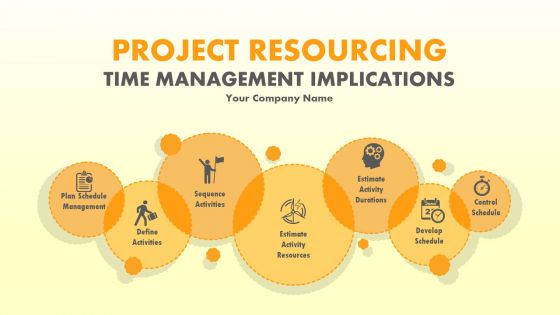
Slide 1: This slide introduces Project Resourcing Time Management Implications. State your company name here and begin.
Slide 2: This slide presents the Agenda. State company agenda here.
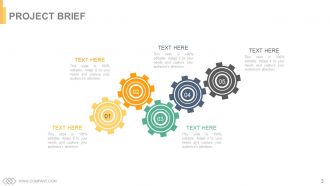
Slide 3: This is a Project Brief slide. You can change/ alter the contents as per need.
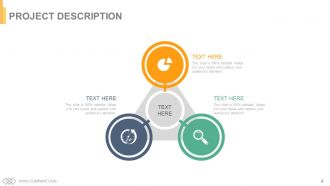
Slide 4: This is Project Description slide. Describe/ introduce your project here.
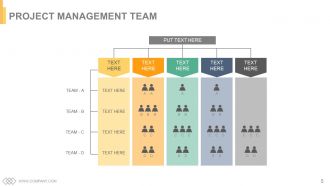
Slide 5: This slide introduces Project Management Team.
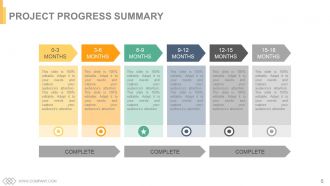
Slide 6: This slide presents Project Progress Summary in months.
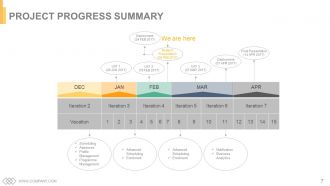
Slide 7: This slide states Project Progress Summary.
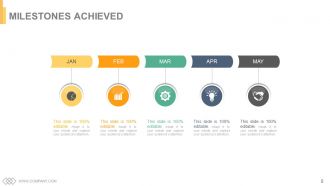
Slide 8: This is Milestones Achieved slide represented with text boxes to be filled as per need.
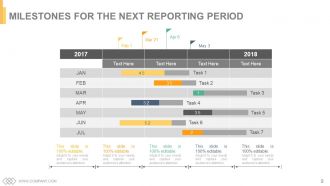
Slide 9: This slide showcases Milestones For The Next Reporting Period.
Slide 10: This is another slide showcasing Milestones For The Next Reporting Period.
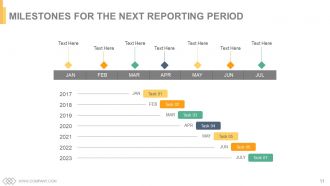
Slide 11: This too is Milestones For The Next Reporting Period slide.
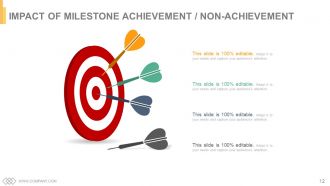
Slide 12: This slide states Impact Of Milestone Achievement / Non Achievement with arrows and target imagery.
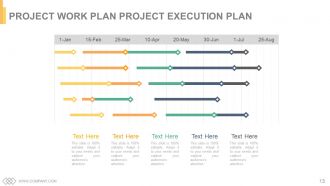
Slide 13: This slide presents Project Work Plan Project Execution Plan.
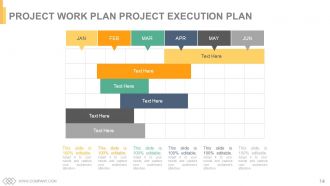
Slide 14: This is yet another slide stating Project Work Plan Project Execution Plan.
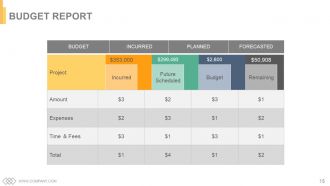
Slide 15: This slide presents the Budget Report which is incurred, planned and forecasted.
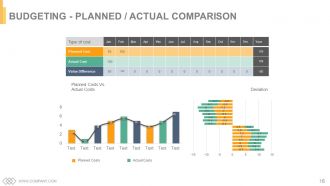
Slide 16: This is Budgeting - Planned / Actual Comparison slide.
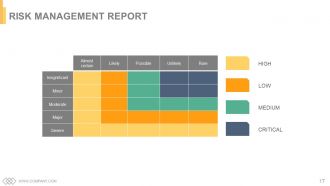
Slide 17: This slide presents Risk Management Report with High, Low, Medium and critical parameters.
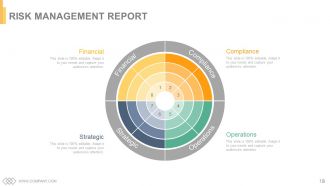
Slide 18: This is yet another Risk Management Report slide. Financial, Compliance, Operations, Strategic.
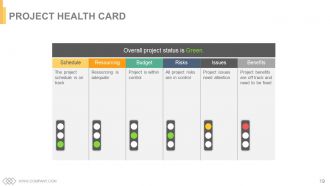
Slide 19: This slide showcases Project Health Card.
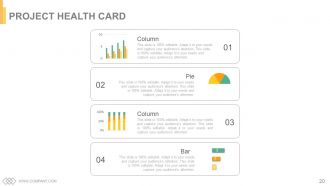
Slide 20: This is another Project Health Card slide represented with a column chart, bar graph and pie chart.
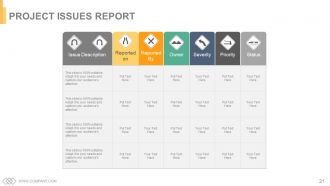
Slide 21: This slide presents Project Issues Report.
Slide 22: This slide is titled Additional Slides to proceed futher. It can be changed as per need.
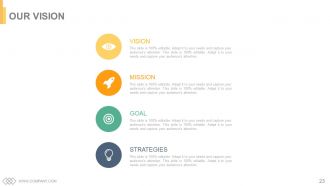
Slide 23: This is Our Vision slide. State your vision, goals, strategies and mission here.
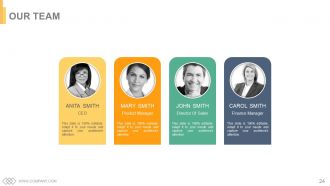
Slide 24: This slide showcases Our Team with image and text boxes.
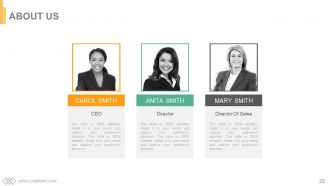
Slide 25: This is an About Us slide with text boxes to be filled based on your requirement.
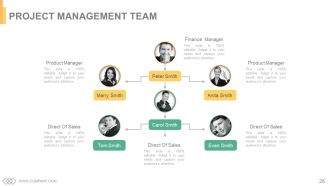
Slide 26: This slide presents Project Management Team with name, designation and images.
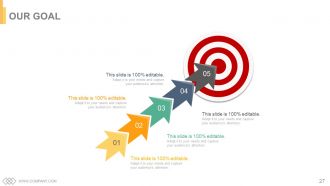
Slide 27: This is an Our Goal slide text boxes to state targets, goals etc.
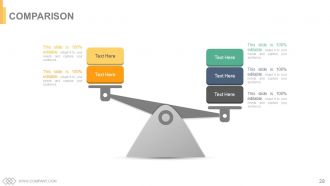
Slide 28: This is a Comparison slide to show comparison of two entities/products etc.
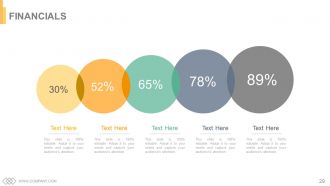
Slide 29: This slide is titled as Financials. Show finance and anything related here.
Slide 30: This slide showcases Quotes, you can modify/use per your own requirement.
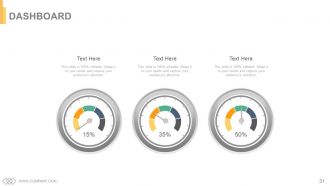
Slide 31: This is a Dashboard slide to state metrics, kpis etc.
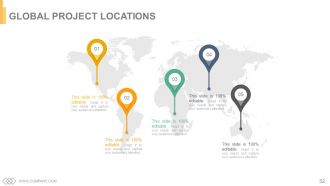
Slide 32: This is a Global Project Locations slide presented on a world map image.
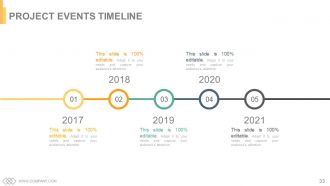
Slide 33: This is Project Events Timeline slide to present milestones, growth etc.
Slide 34: This is a Critical Notes slide to state important information, specifications etc.
Slide 35: This slide presents a Newspaper image with text boxes to flash company news, position etc.
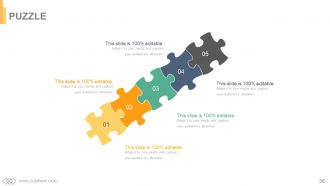
Slide 36: This slide showcases a Puzzle with imagery to show information, specifications etc.
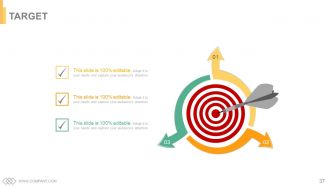
Slide 37: This is a Target slide. State your targets, goals etc. here.
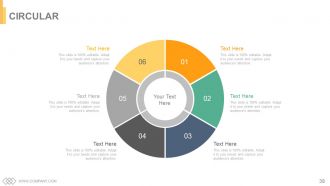
Slide 38: This is a Circular image slide to show information, specifications etc.
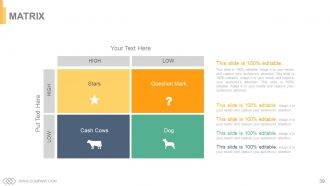
Slide 39: This slide present a matrix from high to low and vice versa.
Slide 40: This is a Lego slide with text boxes to show information, specifications etc.
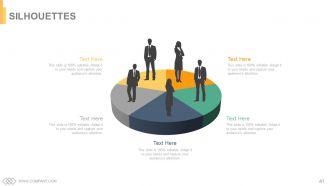
Slide 41: This is a Silhouettes slide to present people oriented information, specifications etc.
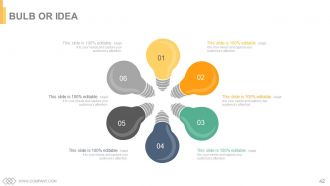
Slide 42: This is a Bulb or Idea slide to state a new idea or highlight specifications/information etc.
Slide 43: This slide displays a Magnifying Glass with icon imagery.
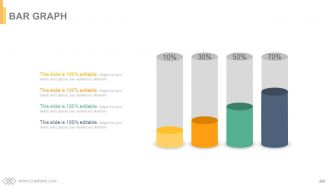
Slide 44: This is a Bar Graph image slide to show product/entity comparison, information etc.
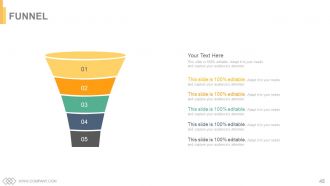
Slide 45: This slide showcases a Funnel with text boxes. State information, process in funnel form here.
Slide 46: This is a THANK YOU acknowledgement slide with Address# street number, city, state, Contact Numbers, Email Address.
Project resourcing time management implications powerpoint presentation slides with all 46 slides:
Brighten up the impression you create with our Project Resourcing Time Management Implications Complete Powerpoint Deck With Slides. It contains bold colour combinations.


FAQs for Project resourcing time management implications
Okay so basically there are five phases: initiation (getting approval and defining what you're actually doing), planning (timeline, resources, all that stuff), execution (the actual work), monitoring (tracking progress), and closure (wrapping everything up). Real talk though - most projects live or die in the monitoring phase. People skip this and then wonder why everything's a disaster at the end. Set up checkpoints early so you can catch problems before they snowball. Oh, and figure out where your current projects are in this cycle first. Makes it way easier to know what to focus on next.
Honestly, you've gotta figure out what each stakeholder actually gives a shit about first - their priorities aren't what you'd expect half the time. Keep everyone updated regularly, even when nothing's happening. I made this mistake once and my sponsor totally lost it over the silence, which was... fun. Don't wait until the last second to mention risks or delays either. Document every single thing you agree on because people have selective memory. Oh, and this sounds obvious but actually listen during meetings instead of just waiting for your turn to talk. Trust me on that one.
Honestly, communication makes or breaks projects. I've seen teams completely implode because nobody talked to each other - like, it gets ugly fast. You want everyone on the same page about deadlines, goals, all that stuff. Regular check-ins are clutch. Document your big decisions too so people can't claim they "never heard about it" later (you know how that goes). The project managers who really crush it? They actually over-communicate rather than leaving people guessing. Set up those weekly touchpoints with your team and stakeholders. Trust me, a few extra meetings beats scrambling to fix disasters.
Honestly, start with something like Asana or Monday for tracking everything - way better than random spreadsheets everywhere. Gantt charts changed my life (I know, sounds dramatic but seriously). For budget stuff, even Excel works if you're just starting out. Toggl's great for time tracking. Oh and don't skip the regular check-ins - people hate them but they actually prevent disasters. My advice? Pick one main tool first. I made the mistake of trying five platforms at once and it was a nightmare. You can always add more later when things get busier.
Ugh, scope creep is the worst! First thing - dig up that original project scope doc whenever someone asks for extras. Seriously, it's like your shield against feature bloat. When new requests pop up, don't just say yes to be nice (learned that the hard way). Break down what it'll actually cost - more time, more money, or we drop something else. Pick one. Write everything down and make them approve it properly before you touch anything. The documentation part is boring but it'll save your butt later when people "forget" what they agreed to.
Risk registers are your friend - they'll help you track everything that could go sideways. I'd also do probability/impact matrices to figure out what's actually worth worrying about. Team risk workshops are honestly game-changers because people will think of stuff you totally missed. SWOT analysis works too, plus scenario planning if you've got time. For bigger projects, Monte Carlo simulations are pretty neat (though maybe overkill for smaller stuff). Oh, and don't forget regular check-ins throughout the project. My advice? Pick 2-3 methods max and actually use them consistently instead of spreading yourself thin.
Honestly, team dynamics can totally make or break everything. I've watched projects with solid plans completely crash just because people couldn't get along - it's wild how fast that happens. Good communication means you actually hit deadlines and the work doesn't suck. Trust me, toxic vibes create so much wasted effort and rework. People stop sharing ideas when the atmosphere is weird. Build psychological safety from day one. Everyone needs to feel heard, and don't let conflicts fester (they spread like wildfire). When teams click, creativity flows way better too.
Okay so first thing - break your project into actual tasks and be honest about timing. I always tack on extra time because I'm terrible at estimates lol. Work backwards from your deadline to figure out the big milestones. Gantt charts are super helpful if you're into that, or just use a spreadsheet. You'll want to check what holidays are coming up and when people are actually available. Oh, and don't forget approval cycles take forever. Once you've got something decent, definitely run it by your team - they'll catch stuff you missed.
First thing - figure out what you've actually got to work with. People, money, equipment, deadlines. Then see what really needs to get done first. I swear, half the time people stress about tasks that barely matter for the big picture. Resource histograms sound boring but they'll save your butt by showing when you're overloading people. Check in weekly because stuff changes constantly. Can't just plan once and walk away. Track how busy everyone is and don't be afraid to move things around when priorities inevitably shift or someone gets yanked onto another project.
Track the obvious stuff first - budget, timeline, scope. But that's honestly just the bare minimum everyone expects anyway. What really matters is whether stakeholders are happy and your team didn't burn out completely. Quality of what you actually delivered counts too. Here's the thing though - don't forget to check back later and see if the project actually fixed what it was supposed to fix. Sometimes things look great at launch but totally miss the mark. Pick maybe 3-4 metrics max and stick with them. Otherwise you'll just drown in spreadsheets.
Honestly, agile is a game changer because you can pivot super fast when things inevitably go sideways. You work in these short 2-week chunks instead of some massive 6-month death march where nobody knows what's happening. Your team actually stays motivated since they're shipping real stuff constantly - not just vanishing into spreadsheet land forever. The feedback loop is clutch too. Stakeholders tell you if you're building total garbage before it's too late lol. Just try it on one project first though. Don't go crazy and flip your whole world upside down immediately.
Honestly, start with regular check-ins but keep them super short and focused. Use tools like Miro or Figma for real-time collaboration - they're game changers. Set up shared dashboards so people aren't constantly asking "what's the status on X?" The human connection part is huge though. Schedule virtual coffee chats or do team retros where you actually talk about life, not just work. Oh, and you'll need to overcommunicate everything since remote teams miss all those random hallway conversations. Pick one thing to try this week and see how it goes. Don't overthink it.
Okay so first thing - write down ALL your deadlines and figure out which ones are actually on the critical path (like, if you're late on these, everything else gets screwed). Then look at impact vs effort. High-impact stuff that unblocks your teammates? Do that first. I'm weird and color-code everything because I'm super visual, but honestly whatever works for you. Also, some deadlines aren't as set in stone as they seem - talk to stakeholders early if you need flexibility. Make a daily list of max 3-5 things and check it every morning. When everything feels urgent (which, ugh, always), just focus on what'll create the biggest bottleneck.
Dude, get that project charter signed before you do ANYTHING else. It's basically proof that your project actually exists and you're not just wasting company time. Shows what you're building, rough timeline, budget estimates, who's involved - all that stuff. Honestly, I learned this the hard way when my manager questioned a project I'd been working on for weeks. Without that charter, you're basically doing unauthorized work that could get axed tomorrow. It gives you the authority to move forward and spend resources. Trust me, it'll save your ass later when people start asking questions.
Honestly, the biggest thing is making sure people aren't scared to throw out crazy ideas. Give your team some dedicated brainstorming time - doesn't have to be much, maybe 30 minutes weekly. One company I heard about actually throws "failure parties" to celebrate experiments that bombed, which sounds nuts but apparently works great for encouraging risks. Cross-functional sessions help too, or bringing in outside speakers for fresh perspectives. Oh, and when someone suggests something totally wild, try asking "how could we make this happen?" instead of shooting it down immediately. That mindset shift alone is huge. Maybe start with one innovation session this month?
-
I discovered this website through a google search, the services matched my needs perfectly and the pricing was very reasonable. I was thrilled with the product and the customer service. I will definitely use their slides again for my presentations and recommend them to other colleagues.
-
Content of slide is easy to understand and edit.