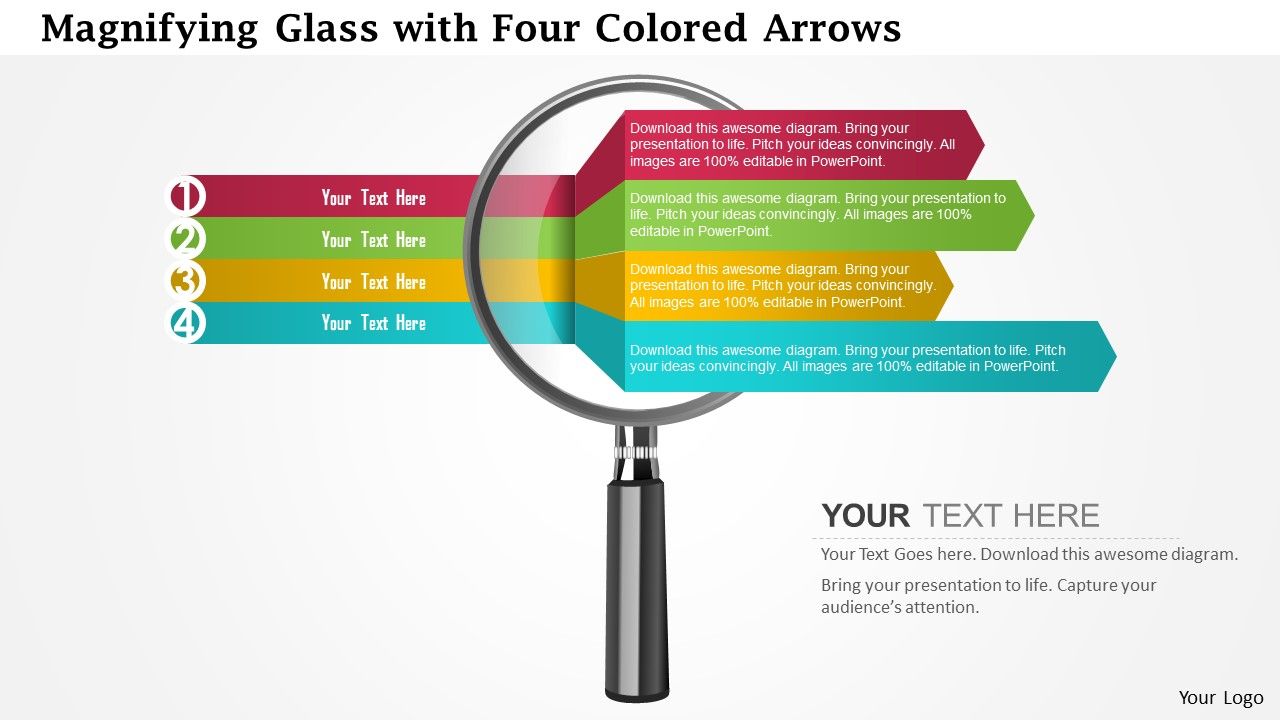
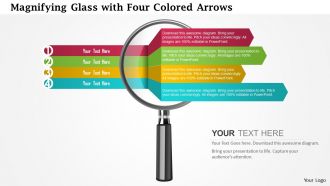
0115 Lupa com modelo de PowerPoint de quatro setas coloridas

Rating:
100%
0115 magnifying glass with four colored arrows powerpoint template
Slide 1 of 5
Favourites Favourites

Try Before you Buy Download Free Sample Product

Audience Impress Your
Audience
Editable 100%
Editable
Time Save Hours
of Time
The Biggest Sale is ending soon in
0
0
:
0
0
:
0
0
Rating:
100%

Recursos desses slides de apresentação do PowerPoint:

Slide de apresentação bem elaborado que representa dados de negócios importantes. As cores, o texto e as fontes podem ser facilmente alterados, pois o modelo de apresentação pode ser facilmente corrigido. Diagrama de PowerPoint de alta resolução para um bom tratamento visual para o seu público. Facilmente transformável em formatos Jpeg ou Pdf. Projeto PPT inovador. Pode ser modificado com detalhes de negócios, ou seja, designação, nome da marca, etc. Processo de download rápido e eficiente que economiza tempo e esforço valiosos. Útil para profissionais de marketing, executivos, gerentes, pesquisadores, etc.

Conteúdo desta apresentação em PowerPoint

FAQs for 0115 magnifying glass with four colored

Okay so first thing - make the lens area really clean with plenty of white/clear space for whatever you're putting inside. The handle should actually match the lens size because those tiny handles on huge magnifying glasses look absolutely ridiculous. Use vector lines so it stays crisp when you resize it. A subtle drop shadow helps it pop off the page too. Simple design works best here - people need to recognize it instantly. Oh and definitely test it at different sizes first! I learned that one the hard way when my design looked great large but turned into mush when shrunk down.

Oh, the magnifying glass thing is actually pretty clever! Your audience automatically looks at whatever you're "zooming in" on - it's like basic human psychology or whatever. Perfect for when you want to highlight specific data or break down something complex. I use it all the time to transition from those big overview slides into the nitty-gritty details. Works great for revealing key insights too. Honestly, it's such a simple trick but people eat it up every time. Just helps your whole story flow better from general concepts to the specifics that actually matter.

Oh, these are great for observation stuff! Kids love using them for science - examining leaves, bugs, whatever. Detective units too - they eat that up. I've seen teachers use them for math word problems (breaking them down step by step) and even art activities. Honestly, the visual just makes sense to kids way more than saying "look closer" a million times. One tip - laminate them and use dry erase markers so students can write observations right on there. Makes cleanup easier too.

Focus on clean lines and make that circular lens the star - size it big enough to actually show off whatever you're magnifying. Handle should be sleek but not flashy (nobody cares about fancy handle details anyway). Add some subtle shadows for depth, but don't go crazy with effects. Stick with neutral colors like silver, black, or white so it works with any brand. Keep everything minimal and scalable since you'll probably need different sizes. Oh, and make sure the proportions look right - a tiny lens on a huge handle just looks weird.

So basically you put your main point right in the center - like the actual lens part. Forces you to figure out what you're really trying to say instead of rambling. Then you add all the supporting stuff around the edges. It's kinda like organizing your closet but for ideas, if that makes sense? Your audience naturally looks at the center first, then works outward, so they don't get hit with information overload. Way better than those awful text walls everyone hates reading. Honestly wish more people used this approach - would save us all some headaches.

Oh man, you'd be surprised how many places use these things! Education is huge - teachers are obsessed with that magnifying glass icon for anything investigation-related. Manufacturing uses them tons for quality control docs. Research labs throw them in presentations all the time. And honestly? The entertainment world goes crazy for them - escape rooms, detective games, mystery shows. They eat that stuff up. If you're doing anything with analysis or detailed work, definitely snag one. Way more useful than it sounds, trust me.

Honestly, color choice makes or breaks magnifying glass templates. You want high contrast - think dark blue background with bright white or yellow elements. Otherwise your "zoom effect" just disappears into nothing (learned this the hard way). Warm colors like red scream "this is urgent!" while blues and greens feel more professional and analytical. I'd avoid anything too matchy-matchy since low contrast kills the whole point. Oh, and definitely test it on your actual presentation screen first - colors look totally different under those harsh projector lights than on your laptop.

Oh totally, they're super useful! I love using magnifying glass templates when I need to call out specific data points or weird anomalies. Perfect for before/after stuff too. The visual just screams "pay attention to this part" without being too obvious about it. I've used them in quarterly reviews to highlight problem KPIs that needed fixing ASAP. Honestly, they work way better than I expected when you're trying to get people focused on the important bits. Sometimes the simple visual tricks are the most effective ones, you know?

Magnifying glass templates are actually pretty smart for pitch decks. Use them to zoom in on your best stats, pain points, or ROI numbers. I've seen some really slick animated ones that "discover" solutions or reveal before/after shots - honestly looks way more professional than you'd expect. They work great for that detective vibe too, like "examining the competition" or "uncovering market gaps." Perfect for research findings or case studies. Oh, and try using them as transitions between slides to keep that whole "taking a closer look" thing going throughout your presentation.

Okay so magnifying glass templates are actually pretty clever - they force people to focus on the stuff that really matters. You zoom in on specific data or details and boom, suddenly everyone's paying attention instead of zoning out. It's like that "ooh what's that?" effect when you point something out to someone. Honestly, there's something weirdly satisfying about the whole reveal thing too. People start actually examining what you're showing them rather than just scrolling past. I'd definitely use it when you've got messy data or some insight that'll get buried otherwise. Works every time.

So basically, traditional magnifying glass templates are just static images - you know, the classic circular lens thing you'd slap onto a print design or whatever. Digital ones actually do stuff when people interact with them. With digital templates, users can hover or click and get real zoom effects, search functions, all that interactive goodness. You can even customize how much magnification happens and link them to specific actions on your site. Honestly, if you're building anything where people will actually use it (not just look at it), go digital. Way better user experience, plus it actually feels modern instead of like... clip art from 2005.

Your audience actually retains way more when you use that magnifying glass layout right. Put your biggest point inside the circle with breathing room around it - cramped designs are honestly the worst for memory. People's eyes follow the magnifying glass shape naturally, so work with that flow. Start with your main takeaway in the "zoomed" section, then scatter the background stuff around the edges. I always tell people this creates a solid info hierarchy without trying too hard. White space is your friend here - don't fill every inch just because you can.

People really dig how these magnifying glass templates break down complicated research stuff. Makes everything way less overwhelming. Teams stay aligned better during those marathon analysis sessions too. Look, most people fumble around the first time trying to figure out what sections matter most - totally normal. But after a couple tries? Their insights get way cleaner and stakeholder presentations actually make sense. The best part is how it stops that annoying scope creep that always happens mid-research. Oh, and definitely start with a basic template before you go crazy customizing it. Trust me on that one.

Dude, hover effects and clickable zoom spots will make your magnifying glass template way more fun to use. Start simple with those hover animations - they're weirdly addictive to play with, honestly. Then add buttons for different zoom levels or hotspots that show extra info when clicked. Drag-and-drop is cool too so people can move it around freely. Oh, and don't forget keyboard shortcuts for accessibility stuff. I'd probably begin with basic hover effects since they're easiest to code, then layer on the fancier features once you've got those working smoothly.

Honestly, I'd go with Canva first if you want something quick and painless. Adobe Illustrator is probably the gold standard for this stuff since it's vector-based, but Inkscape does basically the same thing for free. You can mess with the lens shape, handle, all that without it getting pixelated when you resize. Photoshop works but feels like using a sledgehammer to hang a picture frame, you know? PowerPoint is surprisingly decent if you're just changing colors or slapping some text on there. Oh, and vector programs are clutch because you won't lose quality when scaling up.

Ratings and Reviews

100% of 100
Review Form
Write a review
Most Relevant Reviews
  1. 100%

    by Clayton Sanders

    Best Representation of topics, really appreciable.
  2. 100%

    by Diego Gardner

    Designs have enough space to add content.

2 Item(s)

per page: