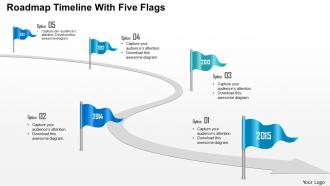
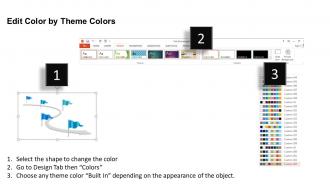
0115 Chronologie de la feuille de route avec cinq indicateurs Modèle PowerPoint
Try Before you Buy Download Free Sample Product
Audience
Editable
of Time
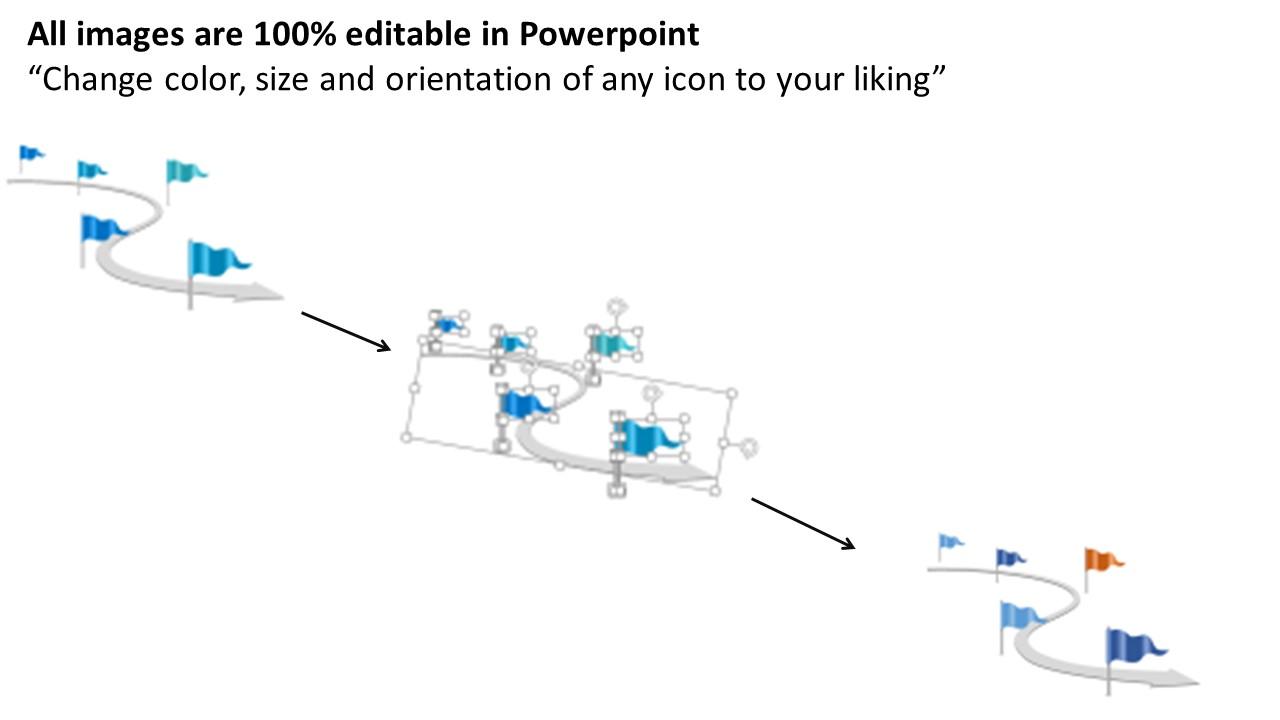
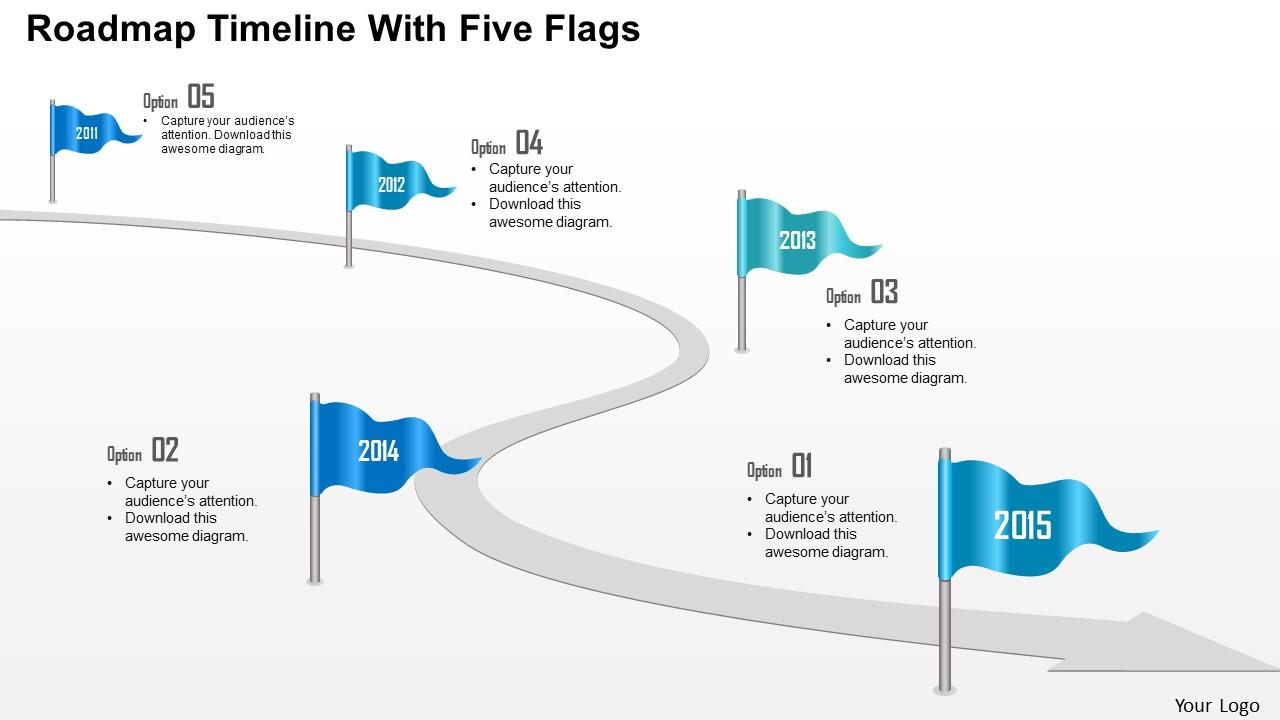
La présentation PowerPoint de la chronologie de la feuille de route avec cinq indicateurs, décrit les objectifs du projet et les résultats de manière graphique. Alors qu'une diapositive de feuille de route présente simplement les buts du travail ou les objectifs avec la chronologie, les professionnels de SlideTeam l'ont intégrée de la meilleure façon dans ce modèle de visée de projet, avec cinq icônes de drapeau. Les cinq images de drapeau bien conçues ou les graphiques, dans cette chronologie de la feuille de route PPT, indiquent clairement les objectifs et les livrables. Quels que soient vos plans ou objectifs, ce modèle de diapositive de chronologie est parfait pour communiquer votre message en une seule fois. Qu'est-ce que tu attends alors? Téléchargez cette conception de scénario de feuille de route pour gagner les intérêts du public souhaité ou créez votre propre conception de modèle de scénario. Surtout, ce modèle de diapositive de scénario de feuille de route n'est pas seulement adapté à la planification de votre projet, il peut être utilisé pour concevoir de nombreux autres PPT de gestion. La présentation PowerPoint est le moyen le plus attrayant et le plus accessible de présenter les idées. Vous pouvez facilement comprendre le concept après l'avoir parcouru. Gardant cela à l'esprit, nous avons conçu des diapositives PowerPoint sur la chronologie de la feuille de route pour illustrer le concept de la formation de la feuille de route commerciale. En utilisant les diapositives PPT, vous pouvez créer et une présentation exclusive sur les cercles de concepteurs pour la représentation des données, la réalisation des objectifs commerciaux et bien d'autres. Nos experts ont mis au point une chronologie de feuille de route prête à l'emploi avec cinq indicateurs, en particulier pour les cadres à la recherche de conceptualisation dans la formation de la feuille de route de l'entreprise.
Caractéristiques de ces diapositives de présentation PowerPoint:
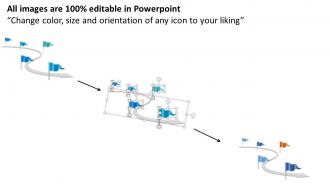
Modèle de présentation PowerPoint pré-conçu axé sur la chronologie. Utilisation d'images haute résolution, de graphiques et des cinq diagrammes de drapeau. Chargé de styles et d'effets pour créer une chronologie. Utilisation extraordinaire des diagrammes chronologiques et des conceptions. Diapositives basées sur un thème, créant une impression de la chronologie. Style de police, design et contenu modifiables des icônes ou des diapositives PPT. Option d'affichage plein écran. Précieux pour les entrepreneurs, les étudiants et les employés.
People who downloaded this PowerPoint presentation also viewed the following :
0115 Chronologie de la feuille de route avec cinq drapeaux Modèle PowerPoint avec les 5 diapositives :
Diffusez la tension avec notre modèle PowerPoint 0115 Roadmap Timeline With Five Flags. Allégez l'ambiance avec vos mots.
FAQs for 0115 roadmap timeline with five
Ok so definitely go for something customizable first - you don't want to be stuck with a template that breaks when you add stuff. Clean fonts are key, plus enough white space so it doesn't look like a hot mess. Color coding is honestly a game changer (stakeholders eat that up). Make sure it plays nice with your brand colors too. Oh, and here's the thing - some templates look amazing but are absolutely brutal to edit later. Test drive it first! Different project lengths need flexibility, so pick something that actually saves you time instead of making you want to throw your laptop out the window.
Okay so timeline templates are basically your story's backbone - they stop people from getting totally lost between point A and B. Way better than just dumping bullet points everywhere, right? Colors and icons really help emphasize the big moments too. Your audience can actually see progress happening, which makes complicated stuff way easier to digest. Honestly, I'm a sucker for anything that looks polished and professional. The visual flow helps you control pacing and shows how one thing led to another. People love following a clear narrative that builds momentum.
Dude, timeline templates are seriously clutch for project management and consulting firms - they're always showing clients what's happening when. Marketing teams are obsessed with them for campaign launches too. But honestly? Pretty much any industry with deadlines benefits. Construction crews use them, event planners live by them, finance teams track budget cycles. I've even seen product dev teams map out entire launches this way. The thing is, timelines just make complicated stuff way easier to understand. If people constantly ask you "so when's this gonna be done?" then yeah, definitely grab a template. Your presentations will be so much clearer.
Oh absolutely! First thing - swap those template colors for your brand ones, it's like night and day difference. Then update the fonts to match what your company uses. Honestly, the color part can be annoying because you'll probably need to test a few combos to make sure everything's still readable. Don't forget to replace all that generic placeholder text with your actual project info. And definitely adjust the timeline to fit your real dates - nothing screams "template" like keeping their random project schedule. Save it as a new template when you're done so you don't have to redo this whole thing next time.
Honestly, Canva's your best bet for making those timelines actually look good. Adobe Creative Suite works too if you're feeling fancy. I always grab icons from Flaticon - way better than PowerPoint's basic ones. Tableau's solid for charts you can drop in, though Excel works fine too. Oh, and Lucidchart is perfect for flowcharts that fit with your timeline slides. Even just pulling some nice images from Unsplash helps a ton. The trick is planning this stuff out first instead of panicking last minute. Pick like two tools max and go from there - don't overwhelm yourself.
Timeline templates are pretty flexible - you can swap out the content but keep the same layout. So for project stuff, just replace historical dates with your milestones and deadlines. History presentations work the same way, just use actual chronological events instead. The structure doesn't change whether it's "Q1 launch" or "moon landing 1969." I'd pick different colors though - corporate blue for work projects, something warmer for history maybe? Oh and start with a clean template first, then customize the text. Way easier that way.
Honestly, keep it simple with horizontal bar charts - they're perfect for showing progress without stealing focus from your timeline. Color-coded milestones and basic icons work really well since people can scan them fast. Skip pie charts completely, they just make everything look messy. Gantt chart pieces are solid if you're doing project phases. Oh, and don't go crazy with data points - just stick to the key stuff that actually matters for each milestone. I learned this the hard way after cramming way too much into one presentation once.
Timeline templates are honestly a lifesaver for project planning. Drop your big deliverables and deadlines right onto the visual timeline - way better than trying to decipher those confusing Gantt charts (seriously, who actually likes those?). Your stakeholders can immediately see what's happening when without squinting at spreadsheets. Color-coding different phases helps too, though I always forget and end up with everything in blue. The chronological layout makes dependencies super obvious at a glance. It's basically project planning for people who don't want to overthink it.
Ugh, the worst thing people do is cram way too much text on each point - nobody's reading a paragraph from across the room. Also tiny fonts are the enemy. Don't go crazy with animations either, they're just distracting. One thing that drives me nuts is when time intervals are all over the place, like going from days to decades randomly. Keep it consistent! Simple colors work best too - that rainbow situation isn't as cool as you think it is. Honestly, just start clean and focus on making it readable over making it "pretty."
Dude, colors totally mess with how people read your timeline! Warm ones like red and orange scream "urgent crisis mode" - I learned that when my last project looked like everything was on fire lol. Blues and greens feel way more chill and trustworthy. Dark colors = serious business vibes, lighter ones seem more approachable. Oh and make sure there's good contrast between your text and background or nobody can read anything. Honestly, just pick colors that match your vibe and test them on a few different screens first. Trust me on this one.
Oh definitely go minimalist - clean fonts, lots of white space, that whole vibe. Interactive stuff is huge right now too, like hover effects that don't suck. Bold single colors work great, or those subtle gradients (though honestly some people overdo the gradient thing). Vertical timelines are everywhere lately instead of horizontal ones. Just avoid those cluttered templates that look like someone threw up decorations all over them. Oh, and make sure whatever you pick lets you flip between vertical/horizontal easily - you might change your mind later!
Use entrance animations to show your timeline events one at a time - keeps people from reading ahead while you're still talking. "Fade In" or "Fly In From Left" work great. Don't go crazy with bouncy effects though, they're honestly just distracting. Set everything to "On Click" so you control when stuff appears. That way you can actually explain each point before moving on. Oh and build some suspense - each new event should feel like you're revealing the next part of the story. It's way more engaging than dumping everything on screen at once.
Templates are seriously such a lifesaver. You'll have something decent in like 5 minutes instead of battling PowerPoint for hours. They already figured out the colors and layouts so you don't end up with some hideous mess (been there). The formatting's consistent and people can actually read your timeline without getting confused. Sure, you can't customize everything exactly how you want, but honestly? For most stuff that doesn't really matter. I always start with a template then just change whatever doesn't fit my content.
Honestly, your audience is gonna give you the best feedback since they're the ones trying to follow along. Ask them straight up about pacing - were they lost during certain parts or totally bored? Also check if your visuals made sense. I hate hearing "I couldn't follow it" but that's gold for fixing things! When people get confused about transitions or can't read your dates, that's your roadmap for what needs work. Make a quick feedback form about clarity and what could be better. Then actually use it - I know, revolutionary concept lol.
Honestly, Microsoft's template gallery is your best bet to start - just search "timeline" in PowerPoint and there's decent free stuff. Canva has some cool options too, plus Template.net and SlideModel if you want more choices. Pinterest is weirdly helpful for inspiration, though you'll have to build them from scratch. If your work has Shutterstock or Creative Market accounts, those templates look way more professional. I'd just stick with the free Microsoft ones first though - why spend money if you don't have to?
-
Helpful product design for delivering presentation.
-
Innovative and Colorful designs.