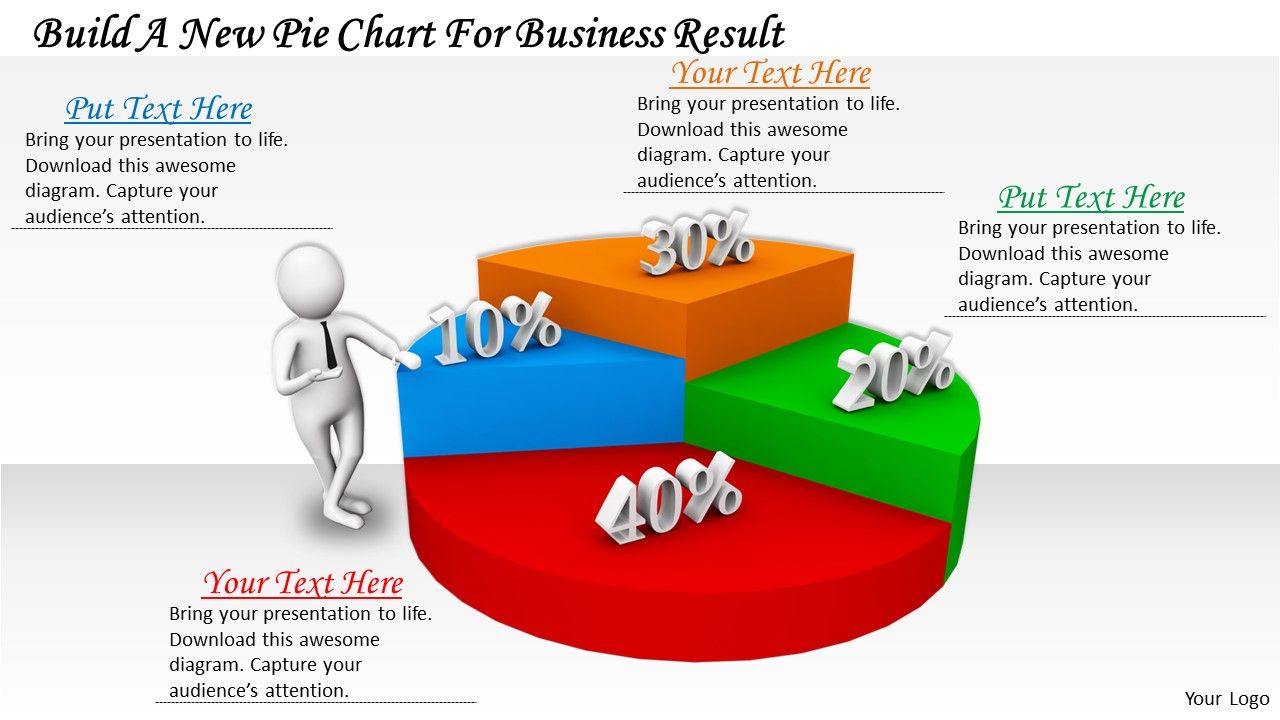
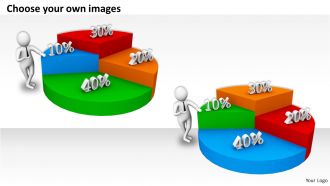
0214 Erstellen Sie ein neues Tortendiagramm für Geschäftsergebnisse Ppt-Grafiksymbole Powerpoint
Try Before you Buy Download Free Sample Product
Audience
Editable
of Time
Verwenden Sie unser 0214 Erstellen Sie ein neues Tortendiagramm für Geschäftsergebnisse Ppt-Grafiksymbole Powerpoint als Ihr Schachzug. Gewinnen Sie die Kontrolle von Anfang an.
Features dieser PowerPoint-Präsentationsfolien:
Wir sind stolz darauf, unseren 0214 zu präsentieren, der ein neues Tortendiagramm für Geschäftsergebnisse mit ppt-Grafiksymbolen erstellt. Unser großartiges Team hat ein Netz von 0214 gezaubert, um ein neues Tortendiagramm für das Geschäftsergebnis Ppt Graphics Icons Powerpoint zu erstellen. Verwenden Sie sie, um Ihre glitzernden Ideen aneinanderzureihen.
People who downloaded this PowerPoint presentation also viewed the following :
0214 Erstellen Sie ein neues Tortendiagramm für Geschäftsergebnisse Ppt-Grafiksymbole Powerpoint mit allen 4 Folien:
Glocken werden zu Ihren Gedanken läuten. Setzen Sie die Notizen mit unserem 0214 Erstellen Sie ein neues Tortendiagramm für Geschäftsergebnisse Ppt-Grafiksymbole Powerpoint.
FAQs for 0214 build a new pie chart for business result ppt
Pie charts in business presentations offer clear visual representation of proportional data, instant comprehension of market share distributions, simplified communication of budget allocations, and effective comparison of categorical information. These visual tools enhance stakeholder understanding by transforming complex numerical data into digestible formats, enabling faster decision-making processes and more persuasive presentations, ultimately delivering clearer insights and improved audience engagement.
Pie charts enhance data visualization by instantly showing proportional relationships within a whole, making percentages and market share distributions immediately clear to audiences. While bar charts excel at comparisons and line graphs track trends over time, pie charts uniquely deliver at-a-glance understanding of composition breakdowns, with many business presentations finding them ideal for budget allocations, demographic splits, and market segmentation analysis.
Pie charts are most appropriate when presenting parts of a whole, such as market share distribution, budget allocation across departments, revenue breakdown by product lines, or demographic composition of customer segments. They excel in board meetings, quarterly reviews, and strategic planning sessions where stakeholders need quick visual understanding of proportional relationships, ultimately enabling faster decision-making and clearer resource allocation discussions.
Common pie chart mistakes include using too many slices, poor color choices, missing labels, starting segments at random positions, and including 3D effects that distort data perception. These errors compromise clarity and audience comprehension, with many presenters finding that limiting slices to five or fewer, using contrasting colors, and starting the largest segment at 12 o'clock ultimately delivers clearer insights and more professional presentations.
Pie charts integrate effectively into presentation templates by maintaining consistent color schemes, strategic slide positioning, and clear data hierarchy that aligns with your brand guidelines. Through thoughtful placement alongside complementary visuals, organizations enhance audience comprehension, streamline complex financial data, and deliver compelling narratives that support decision-making processes, ultimately creating more persuasive and professional presentations.
Effective pie chart design principles include using distinct colors with sufficient contrast, limiting segments to 5-7 categories, starting with the largest segment at 12 o'clock, and providing clear labels with percentage values. These design elements enhance data comprehension by minimizing cognitive load, improving visual hierarchy, and ensuring accessibility across diverse audiences, ultimately delivering more persuasive presentations that drive strategic decision-making.
Color choices in pie charts significantly influence audience perception by creating visual hierarchy, emotional responses, and cognitive associations that guide interpretation. Strategic color selection enhances data comprehension through contrast differentiation, cultural meaning alignment, and brand consistency, with many organizations finding that thoughtful color palettes increase audience engagement and improve decision-making outcomes.
**INPUT**: What tools are recommended for creating pie charts in business presentations? **OUTPUT**: Recommended tools for creating pie charts in business presentations include Microsoft Excel, PowerPoint, Google Sheets, Tableau, and specialized presentation platforms like Canva. These applications streamline data visualization by offering customizable templates, automated calculations, and professional formatting options, with many organizations finding that integrated Office suites deliver seamless workflow efficiency and enhanced stakeholder engagement.
Ensuring pie chart accuracy requires verifying data sources, double-checking calculations, and confirming percentages total 100%. These validation steps streamline data integrity by cross-referencing original datasets, implementing automated calculation checks, and conducting peer reviews, with many organizations finding that systematic verification processes ultimately deliver more credible presentations and enhanced stakeholder confidence.
The ideal pie chart contains 5-7 segments for maximum clarity and comprehension, with some data visualization experts recommending no more than 6 segments to prevent cognitive overload. While fewer segments enhance readability and immediate understanding, business presentations increasingly combine pie charts with complementary visuals like bar charts or tables, ultimately delivering comprehensive data stories that enable stakeholders to make faster, more informed strategic decisions.
Pie charts support business storytelling by visually highlighting key proportions, market share breakdowns, budget allocations, and competitive positioning that reinforce your narrative flow. These visual elements enable presenters to guide audiences through data-driven stories, emphasizing critical segments like revenue distribution or customer demographics, while creating memorable moments that strengthen strategic recommendations and decision-making discussions.
When pie charts prove ineffective, consider bar charts for precise comparisons, line graphs for trends over time, scatter plots for correlations, and treemaps for hierarchical data visualization. These alternatives enhance data clarity by eliminating visual distortion, enabling accurate interpretation, and improving audience comprehension, with many organizations finding that strategic chart selection ultimately delivers clearer insights and more impactful business presentations.
Animated pie charts enhance viewer engagement by drawing attention to data transitions, highlighting key segments through motion, and creating visual storytelling that guides audience focus. These dynamic presentations help presenters emphasize critical insights while maintaining audience attention, with many business professionals finding that animated visualizations significantly improve information retention and make complex data more memorable during stakeholder meetings.
Audience analysis determines pie chart effectiveness by assessing technical expertise, data familiarity, presentation context, and visual preference requirements. Financial executives reviewing budget allocations or marketing teams analyzing market segments often prefer pie charts for immediate proportion visualization, while engineering audiences might favor detailed bar graphs, ultimately ensuring your data storytelling matches audience comprehension and decision-making needs.
Data labels and legends can be optimized by using clear, concise labeling with percentages or values, strategic positioning to avoid overlap, contrasting colors with sufficient white space, and consistent font sizing throughout. These design elements streamline information absorption by eliminating visual clutter, enhancing audience comprehension during presentations, and enabling faster decision-making, with many organizations finding that well-optimized charts significantly improve stakeholder engagement.
-
Qualitative and comprehensive slides.
-
Professional and unique presentations.