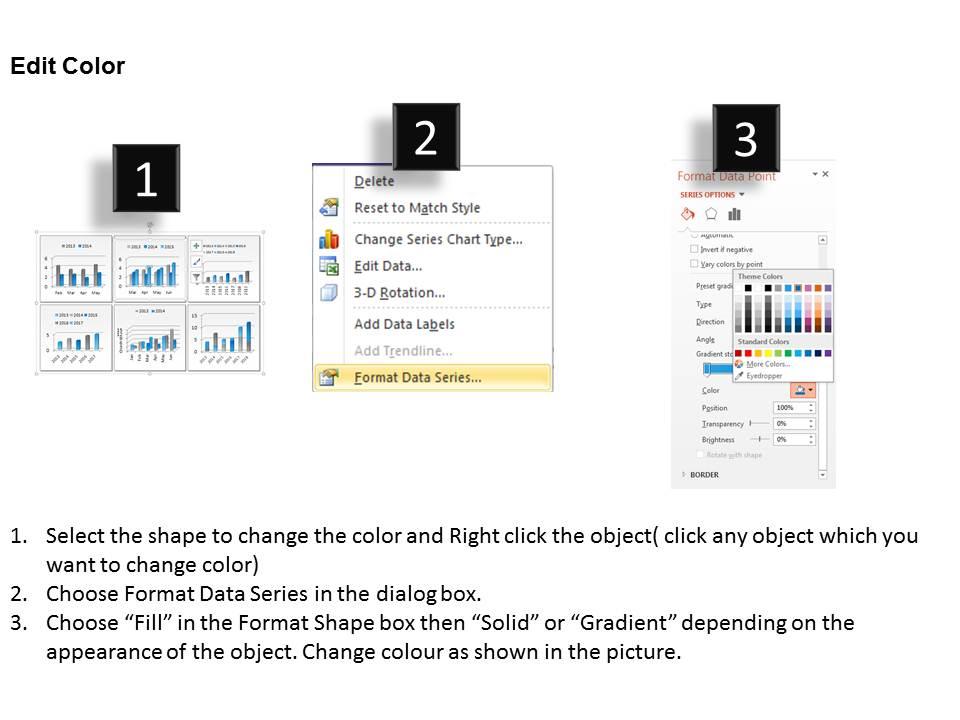
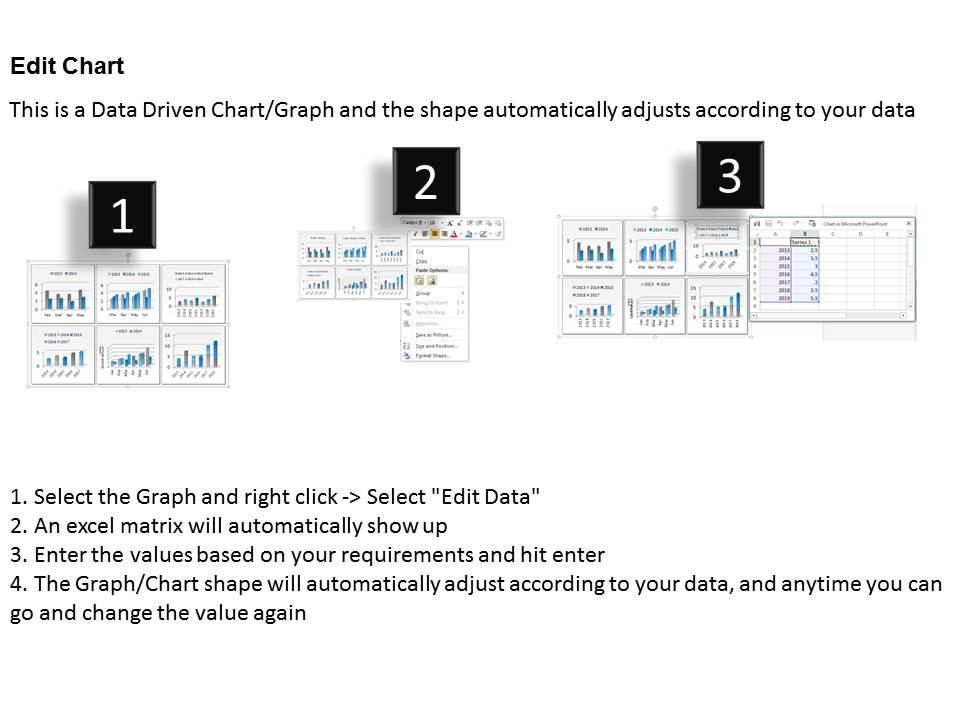
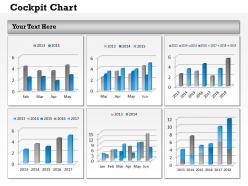
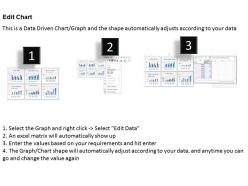
0314 display data in dashboard snapshot layout

Rating:
90%
0314 display data in dashboard snapshot layout
Slide 1 of 3
Favourites Favourites

Try Before you Buy Download Free Sample Product

Audience Impress Your
Audience
Editable 100%
Editable
Time Save Hours
of Time
The Biggest Sale is ending soon in
0
0
:
0
0
:
0
0
Rating:
90%
Useful for manufacturing concerns and other multi-national companies. High resolution graphics prevent pixilation on bigger and wider screens. Small size layout is quick to download and compatible with Google slides. Runs with softwares and can accommodate company’s details with respect to trademarks, name or logo. Easily changeable into PDF and JPEG formats. No space constraints for adding titles and sub-titles.

People who downloaded this PowerPoint presentation also viewed the following :

FAQs for 0314 display data in

Effective dashboard layout components include logical information hierarchy, consistent visual design, intuitive navigation elements, strategic white space utilization, and responsive grid systems. These design principles streamline data interpretation by reducing cognitive load, enhancing user engagement, and ensuring seamless accessibility across devices, with many organizations finding that well-structured layouts improve decision-making speed and operational efficiency.

Color psychology significantly influences dashboard readability by guiding attention, establishing information hierarchy, and reducing cognitive load through strategic color choices. Red typically signals alerts or critical metrics, blue conveys trust and stability for financial data, while green indicates positive performance, with many organizations finding that consistent color coding across departments enhances user comprehension and faster decision-making.

Dashboard data visualization best practices include using consistent color schemes, prioritizing key metrics prominently, selecting appropriate chart types for data relationships, maintaining clean layouts with adequate white space, and ensuring mobile responsiveness. These design principles enhance user comprehension by reducing cognitive load, accelerating decision-making processes, and streamlining data interpretation, with many organizations finding that well-designed dashboards ultimately deliver faster insights and improved operational efficiency.

**INPUT**: How do you prioritize which metrics to display on a dashboard? **OUTPUT**: Prioritize dashboard metrics by identifying key performance indicators aligned with business objectives, user roles, and decision-making frequency, while considering data accuracy and actionability. Focus on metrics that directly impact operational efficiency and strategic outcomes, with many organizations finding that displaying 5-7 core metrics enhances user engagement and delivers faster, more informed business decisions. [Word count: 55 words]

Whitespace enhances dashboard readability by separating visual elements, reducing cognitive load, and guiding user attention to critical metrics and data points. Through strategic spacing, organizations create cleaner interfaces that enable faster decision-making, improved user comprehension, and reduced visual fatigue, with many enterprises finding that well-spaced dashboards increase user engagement and analytical efficiency.

Interactivity enhances dashboard user experience by enabling drill-down capabilities, real-time filtering, customizable views, and dynamic visualizations that respond to user inputs. These features allow users to explore data at different levels of detail, personalize their analytical workflows, and uncover insights more efficiently, with many organizations finding that interactive dashboards significantly improve decision-making speed and user engagement.

Common dashboard layout mistakes include overcrowding with excessive data, poor visual hierarchy, inconsistent design elements, unclear navigation paths, and ineffective color schemes that hinder readability. These design pitfalls can overwhelm users and reduce decision-making effectiveness, with many organizations finding that streamlined layouts, strategic white space, and intuitive data organization ultimately deliver better user engagement and faster insights.

**INPUT**: Which design tools are most effective for creating dashboard layouts? **OUTPUT**: Effective dashboard design tools include Figma, Adobe XD, Sketch, Tableau, and Power BI, each offering specialized features for visualization and user interface creation. These platforms streamline the design process by enabling rapid prototyping, collaborative editing, and seamless integration with data sources, with many organizations finding that strategic tool selection significantly enhances both design efficiency and stakeholder engagement throughout development cycles.

User feedback integrates into dashboard design through surveys, usability testing, click-through analytics, A/B testing different layouts, and direct user interviews during development cycles. These methods enable designers to identify pain points, optimize information hierarchy, and enhance navigation flow, with many organizations finding that incorporating feedback early reduces redesign costs while ultimately delivering more intuitive interfaces and improved user adoption rates.

Dashboards can be customized through role-based access controls, personalized metrics and KPIs, adjustable visualization formats, configurable alert thresholds, and tailored navigation structures. These customization features enable executives to focus on strategic overviews, analysts to access detailed drill-downs, and operational teams to monitor real-time performance indicators, ultimately delivering relevant insights that enhance decision-making efficiency across organizational levels.

Mobile dashboard design prioritizes vertical scrolling, touch-friendly elements, simplified navigation, and condensed data visualization, while desktop interfaces leverage horizontal space, detailed charts, multi-panel layouts, and hover interactions. Mobile dashboards typically feature larger buttons, swipe gestures, and progressive disclosure of information, whereas desktop versions accommodate complex data tables, multiple simultaneous views, and precise cursor-based controls, with many organizations finding that responsive design approaches streamline development while optimizing user experiences across devices.

Data storytelling influences dashboard layout by establishing clear visual hierarchies, logical information flow, and intuitive navigation paths that guide users through insights progressively. Through strategic placement of charts, contextual annotations, and sequential data reveals, designers create compelling narratives that transform raw metrics into actionable business intelligence, ultimately enhancing decision-making speed and organizational alignment.

Industry-specific dashboard layouts include financial services dashboards with real-time trading data and risk metrics, healthcare dashboards displaying patient vitals and treatment timelines, retail dashboards showing inventory levels and sales performance, and manufacturing dashboards tracking production efficiency and quality control metrics. These specialized layouts streamline decision-making by presenting sector-relevant KPIs, operational data, and performance indicators in intuitive formats, ultimately enabling faster responses to industry challenges and enhanced competitive positioning.

Data accuracy and reliability in dashboards can be ensured through automated data validation, real-time source integration, regular quality audits, and establishing clear data governance protocols. Financial services and healthcare organizations increasingly implement these verification systems to maintain compliance standards, minimize reporting errors, and enhance decision-making confidence, ultimately delivering trusted insights and competitive advantage.

Current dashboard trends include AI-powered analytics, voice-activated interfaces, mobile-first responsive design, real-time collaborative features, and predictive visualization capabilities. These innovations enhance decision-making by delivering personalized insights, streamlining user interactions, and enabling seamless cross-device functionality, with organizations across finance, healthcare, and retail finding that adaptive dashboards significantly improve operational efficiency and strategic responsiveness.

Ratings and Reviews

90% of 100
Write a review
Most Relevant Reviews
  1. 80%

    by Claude Price

    Unique and attractive product design.
  2. 100%

    by Clint Perry

    Designs have enough space to add content.

2 Item(s)

per page: