0514 Diagramme de processus de couloir fonctionnel croisé
Try Before you Buy Download Free Sample Product
Audience
Editable
of Time
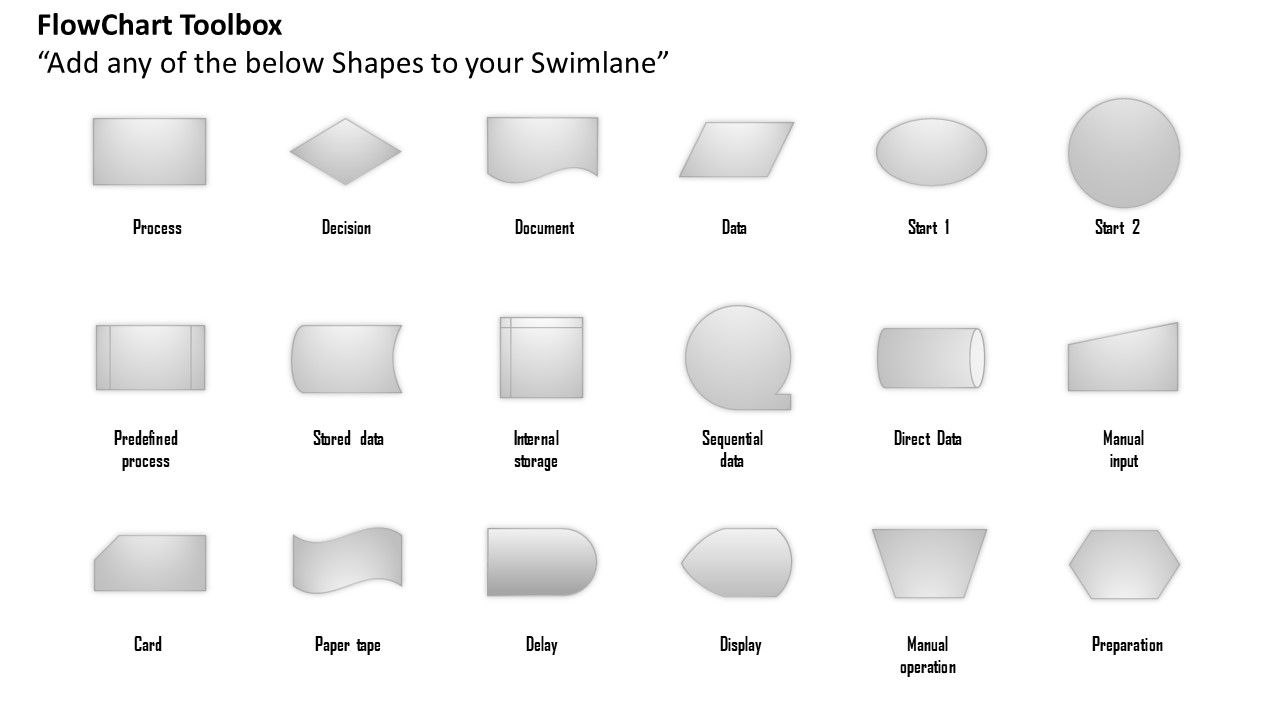
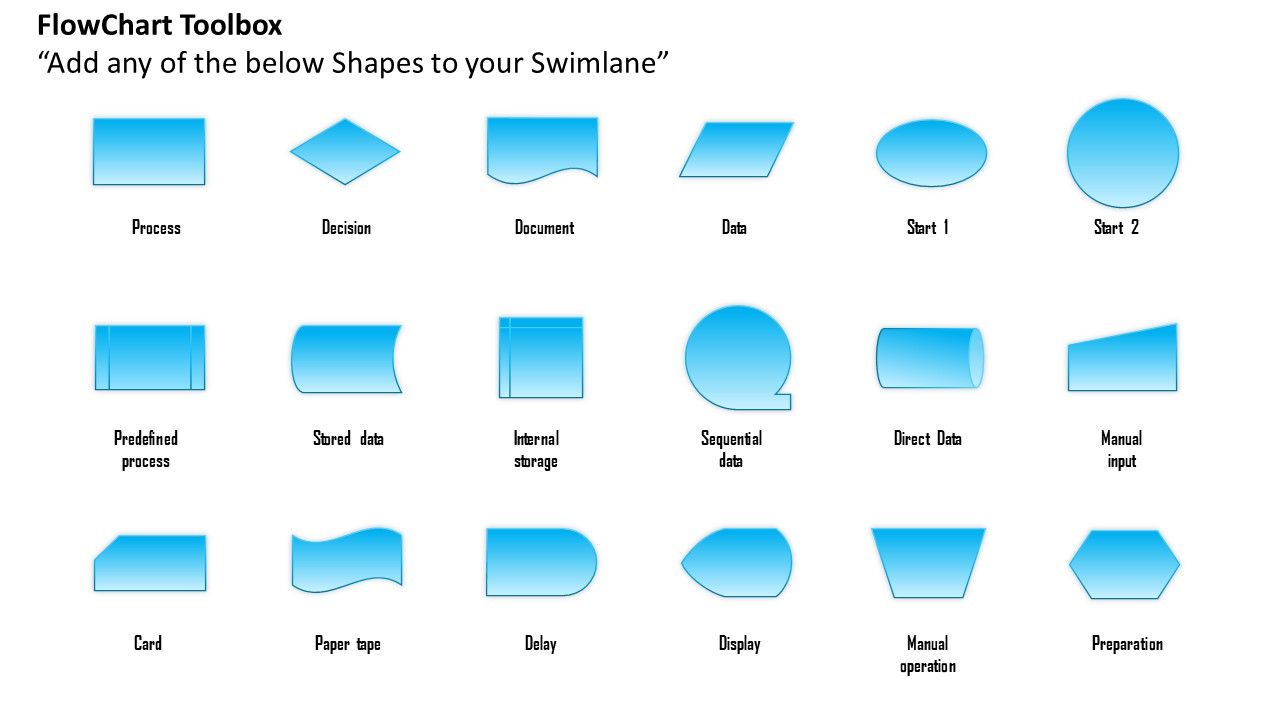
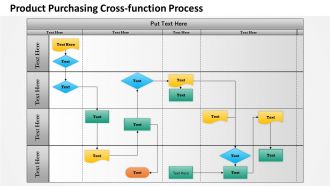
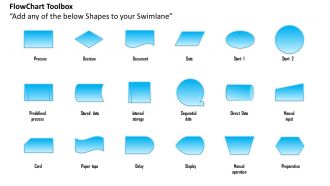
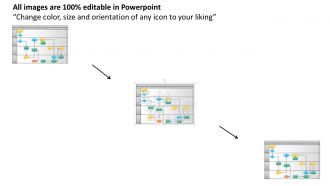
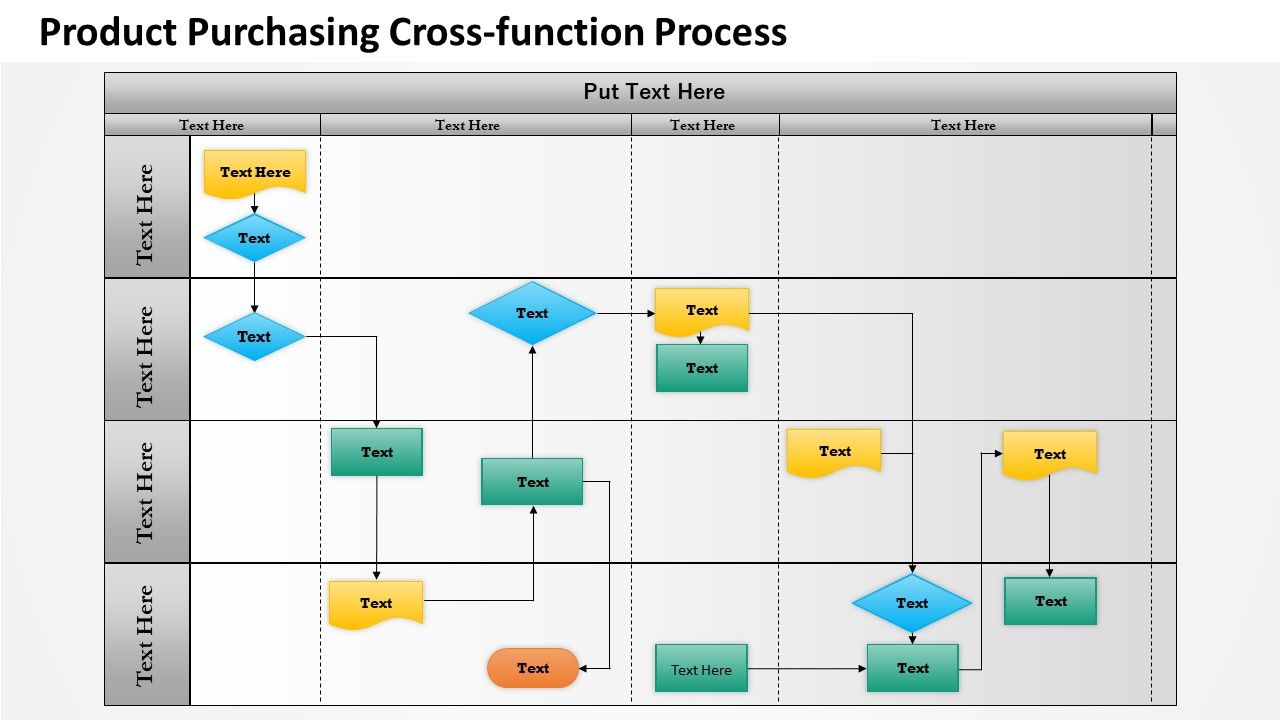
Choisissez notre diapositive modèle de diagramme de processus de couloir fonctionnel croisé pour répondre aux besoins de votre entreprise. Ils sont excellents lorsqu'il s'agit de construire une carte de processus standardisée et intégrée dans toute l'organisation qui peut être analysée pour les inefficacités et les améliorations de l'aide. Dans les cartes de voies de nage, des lignes parallèles divisent la carte en voies, d'où le nom, avec une voie pour chaque personne, groupe ou sous-processus. Les voies sont étiquetées pour montrer comment le graphique est organisé. Notre diaporama contient un simple diagramme de couloir de nage créé dans PowerPoint. Comme vous pouvez le voir, un diagramme de couloir de nage permet la cartographie visuelle des processus et des personnes ou services qui en sont responsables. Le diagramme des couloirs de nage de la diapositive PPT décrit un processus simple dans lequel un point de décision divise le résultat final du processus en deux résultats possibles distincts. Ce graphique permet une compréhension globale de la manière dont les rôles organisationnels, la décision et le processus interagissent pour affecter certains résultats. Alors, téléchargez la diapositive modifiable maintenant. Formez vos pensées avec notre diagramme de processus de couloir de nage fonctionnel transversal 0514. Ils vous guideront tout au long de leur chemin.
Caractéristiques de ces diapositives de présentation PowerPoint:
Les images haute résolution ne se pixellisent pas lorsqu'elles sont projetées sur un écran large. Compatible avec de nombreuses options de logiciels et de formats. Utilisé par les entrepreneurs, les spécialistes du marketing, le service de gestion, les parties prenantes et les étudiants. Personnalisez le PPT avec le nom et le logo de votre entreprise. Modifiez les éléments de présentation selon le besoin d'une heure. Conception de diapositives explicite et intellectuelle. Accès pour modifier le contenu, le style, la taille et l'orientation des diapositives PPT.
People who downloaded this PowerPoint presentation also viewed the following :
Contenu de cette présentation Powerpoint
0514 Diagramme de processus de couloir fonctionnel croisé avec les 8 diapositives :
Notre diagramme de processus de couloirs fonctionnels croisés 0514 donnera du poids à vos mots. Ils feront ressortir la profondeur de votre processus de réflexion.
FAQs for 0514 cross functional
Oh, swimlane diagrams! They're just flowcharts but way more organized. Picture actual swimming lanes - each one represents a different person or department in your process. You drop each step into whoever's lane is responsible for it. Makes handoffs between teams crystal clear. Honestly, they're a game-changer for messy processes. You can instantly see where things get stuck or where people are stepping on each other's toes. I learned this the hard way after trying to map out our approval process without one - total disaster. Just sketch the steps chronologically and you'll wonder how you ever managed without it. Trust me on this one.
Oh swimlane diagrams are perfect for this! You give each person/department their own row, then map out the process steps. Makes it super obvious who does what and when. I used one last month for our product launch - honestly saved us so much back-and-forth confusion. You can spot where things get stuck too, like when three tasks pile up in Sarah's lane while everyone else is waiting. The handoffs between teams become way clearer. Sounds boring but they actually work really well for messy projects where nobody knows whose turn it is.
So basically you've got swimlanes - those are like horizontal rows for different people or departments. Then there's your process steps, decision points, and arrows connecting everything. Oh, and start/end markers obviously. Each lane shows who's responsible for what part of the process. Honestly it's way less complicated than it sounds - just imagine sorting a chaotic workflow into organized sections where everyone can see their piece. Activities go in whoever's lane is doing that work. Makes handoffs between teams crystal clear. I'd start by figuring out all the players first, then just map who does each step.
Dude, these diagrams are everywhere in healthcare, manufacturing, and finance - basically any place where multiple teams handle one process. Hospitals use them for patient flow, banks for loan approvals. Software teams are obsessed with them (they diagram literally everything, it's kinda funny). Manufacturing loves them for quality control stuff. The whole point is when something breaks down, you can immediately see which department screwed up. Trust me, if you're in any industry with complicated processes, learn to read these things. You'll actually understand what's happening in those endless meetings instead of just nodding along.
Honestly, swimlane diagrams are game-changers for team communication. Each person gets their own "lane" so you can actually see who does what at every step. No more of that awkward "wait, I thought you were handling this" stuff during meetings. When teams need to hand things off to each other, it's crystal clear instead of messy. I used one last month and wow - saved us from so many confusing email chains. Everyone's literally looking at the same visual map when you're trying to fix problems or improve things. Seriously worth trying on your next big project with multiple departments involved.
For swimlane diagrams? If your company already has Microsoft stuff, Visio's really solid - tons of templates built in. But honestly, I'm obsessed with Lucidchart. Super easy to use and great when you need multiple people working on it. Draw.io is totally free and way better than it should be for the price point. Miro and Mural are good too, especially for workshop-type situations. My advice? Just go with whatever your team's already using for other diagrams. Why make everyone learn something new, you know?
Honestly, the two biggest traps are cramming way too much detail in there and getting sloppy about who owns what steps. Don't try to map every tiny sub-process - nobody wants to decode a novel when they're just trying to follow a workflow. Each activity needs to live clearly in one swimlane, not floating around confusing everyone. I learned this the hard way on my last project! Keep your arrows flowing left to right logically. And here's my test: grab someone who's never seen it before and watch them try to follow it. If they squint or ask questions, you've probably overdone it.
So basically, swimlane diagrams split everything up by who's doing what - each lane is like a different person or department. Regular flowcharts? They just show the steps in order without telling you who's responsible. Honestly, swimlanes are way more useful when you've got multiple teams involved. You can actually see where work gets passed around and - this is huge - spot exactly where things get stuck or delayed. I learned this the hard way on a project last year. If you're dealing with anything that crosses departments, definitely use the swimlane version. Trust me, it'll make your life so much easier.
Yeah, totally works! Set up each lane for different teams - devs, QA, product folks, DevOps, whatever. Each lane shows what that team's doing at every step, from gathering requirements all the way to deployment. Honestly it's pretty eye-opening for catching bottlenecks and those messy handoffs between teams. You'll spot where work gets stuck or where people are stepping on each other's toes. I'd start with mapping your current sprint - I bet you'll find some weird gaps you never noticed. Makes the whole process way clearer once you see it laid out visually.
Dude, naming your swimlanes properly is honestly a game-changer. Don't just throw "CSR" or "Person A" in there - write out "Customer Service Rep" so everyone knows exactly who does what. I made this mistake once and spent forever explaining my diagram to confused teammates. Short names are tempting but they'll bite you later. Make them descriptive enough that someone can understand your process without you explaining it. Just don't go overboard with super long titles that mess up the whole visual flow. Six months from now, you'll be glad you took the extra seconds to name things clearly.
Dude, swimlanes are honestly game-changers for spotting bottlenecks. They literally show you where stuff gets stuck between teams or people. Look for lanes that are totally packed while others are empty - that's your red flag right there. Long gaps between steps? That's usually a handoff problem. When one lane is drowning in tasks, you've found your bottleneck. It's like having a bird's eye view of all your process drama. Once you spot the mess, dig into whether it's a capacity thing, people don't know who does what, or just crappy communication slowing everything down.
Honestly, swimlane diagrams just make everything click instantly. You can see exactly who's responsible for what without digging through boring paragraphs. When departments hand stuff off to each other, it's right there visually instead of buried in text somewhere. They're also perfect for catching bottlenecks – you know, those annoying spots where everything gets stuck. I used to hate making them but now I'm weirdly obsessed. Once you've got multiple teams involved, text gets confusing super fast. Trust me, convert one messy process doc into a swimlane and you'll spot problems you totally missed before.
Yeah, just make your swimlanes way more flexible than the usual rigid stuff. Set them up around your Agile roles - Product Owner, Scrum Master, Dev Team - then map the sprint activities and handoffs. After each retro, update the diagram to show what actually happened (not your fantasy version). Focus on where people collaborate instead of breaking down every tiny task. Honestly, I'd start with just one for your current sprint - you'll spot bottlenecks pretty quick. Keep it simple though, or you'll spend more time updating diagrams than coding.
Honestly, swimlane diagrams are game-changers for fixing messy processes. They show exactly where work gets stuck in someone's queue or when departments keep passing stuff back and forth like hot potato. Way better than regular flowcharts because you can actually see the redundancies and gaps. I mean, it's basically x-ray vision for broken workflows. When you present to stakeholders, they get it immediately since everyone can spot their own role. Oh, and always map what you're doing now first - then figure out what it should look like. Trust me on this one.
Definitely treat that swimlane diagram like it's gonna change - because it will. Send the draft around and ask people to flag missing steps or confusing handoffs. The folks actually doing this work daily will spot things you totally missed (trust me on this). Their feedback usually helps you add lanes, break down messy steps, or clarify those tricky decision points. Here's the thing though - you've gotta show them what you changed based on their input. Otherwise they'll think you ignored them and won't bother helping next time.
-
Commendable slides with attractive designs. Extremely pleased with the fact that they are easy to modify. Great work!
-
Easily Editable.