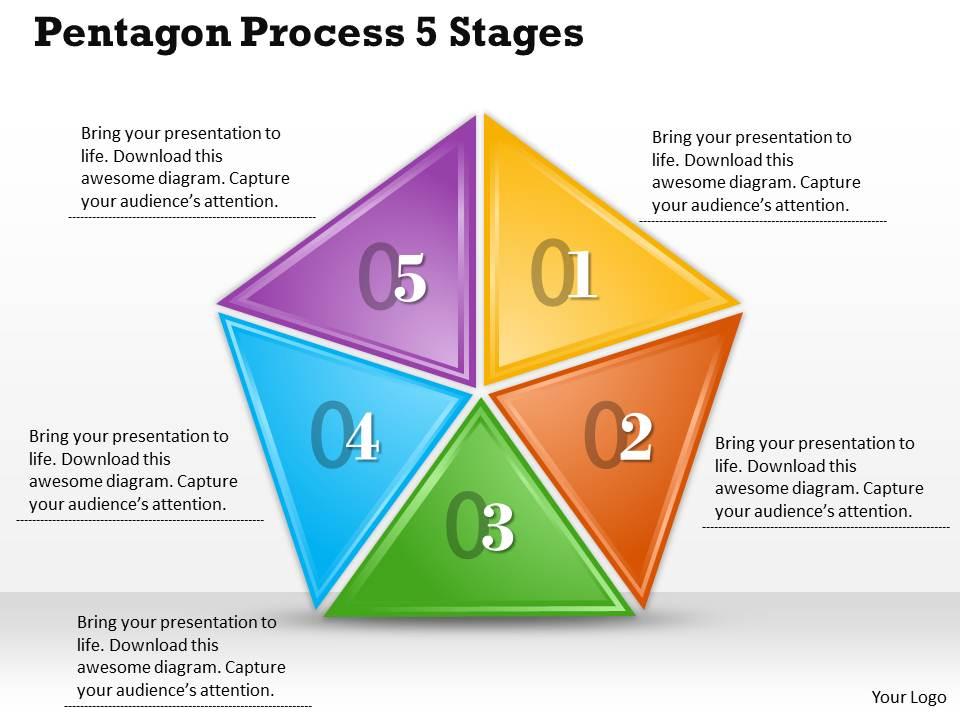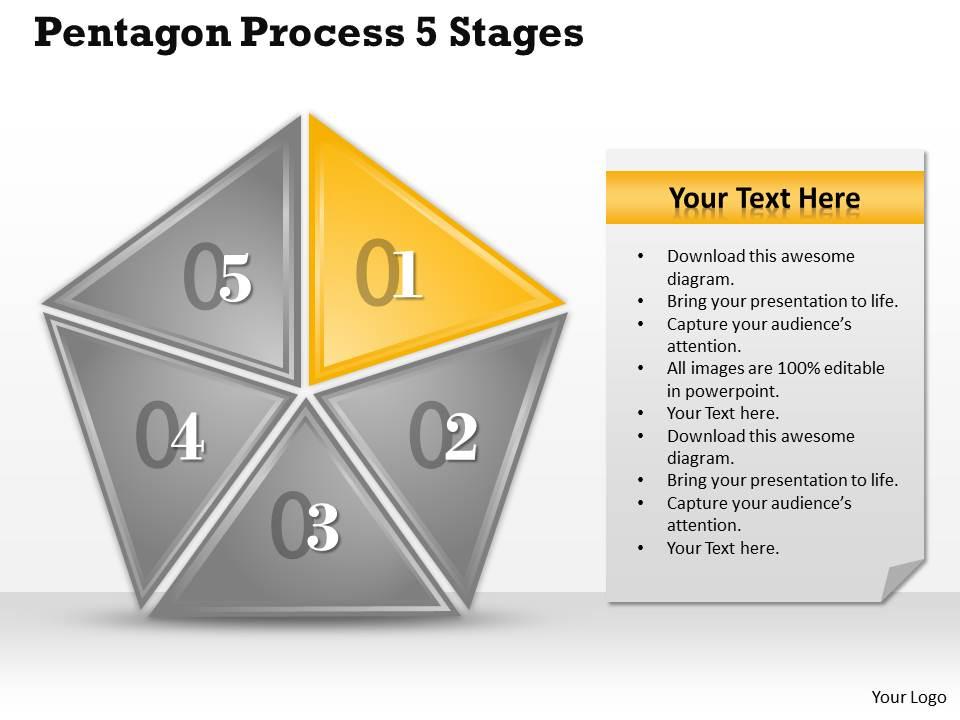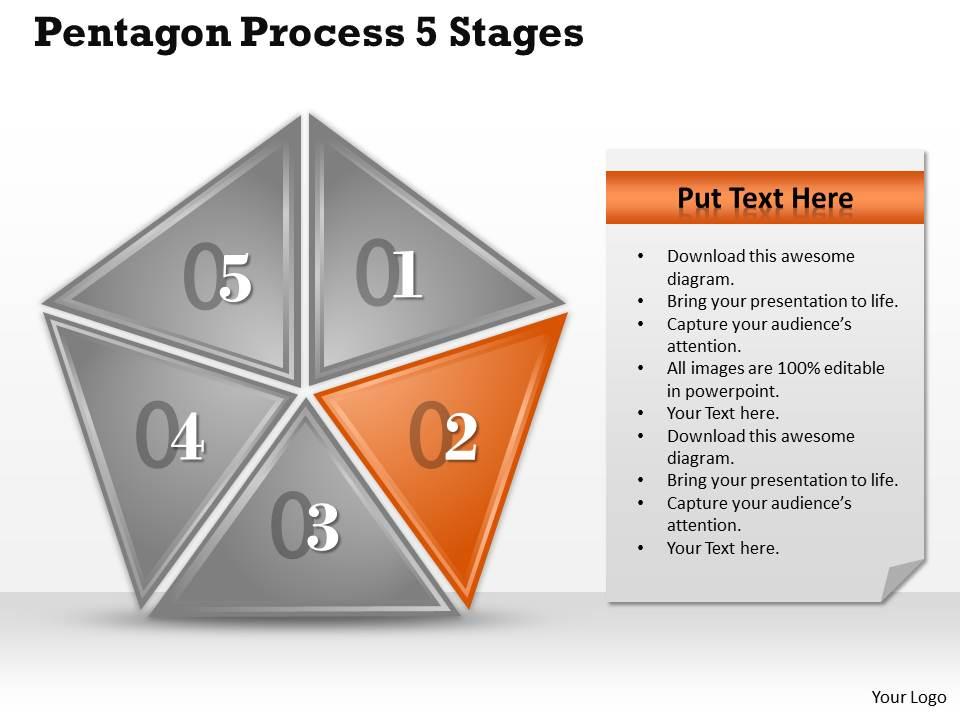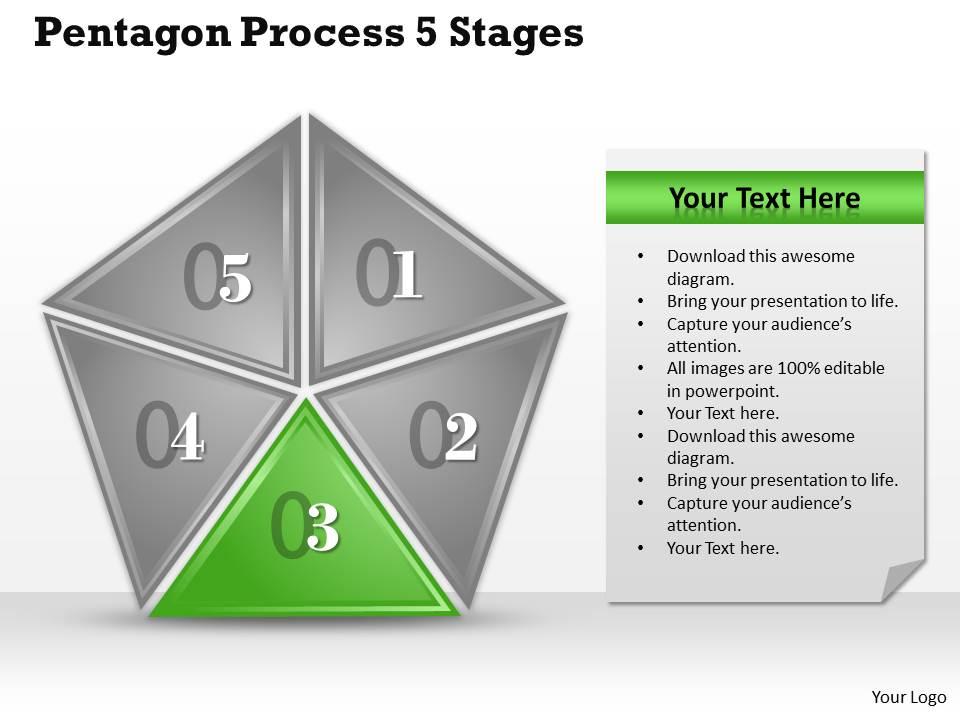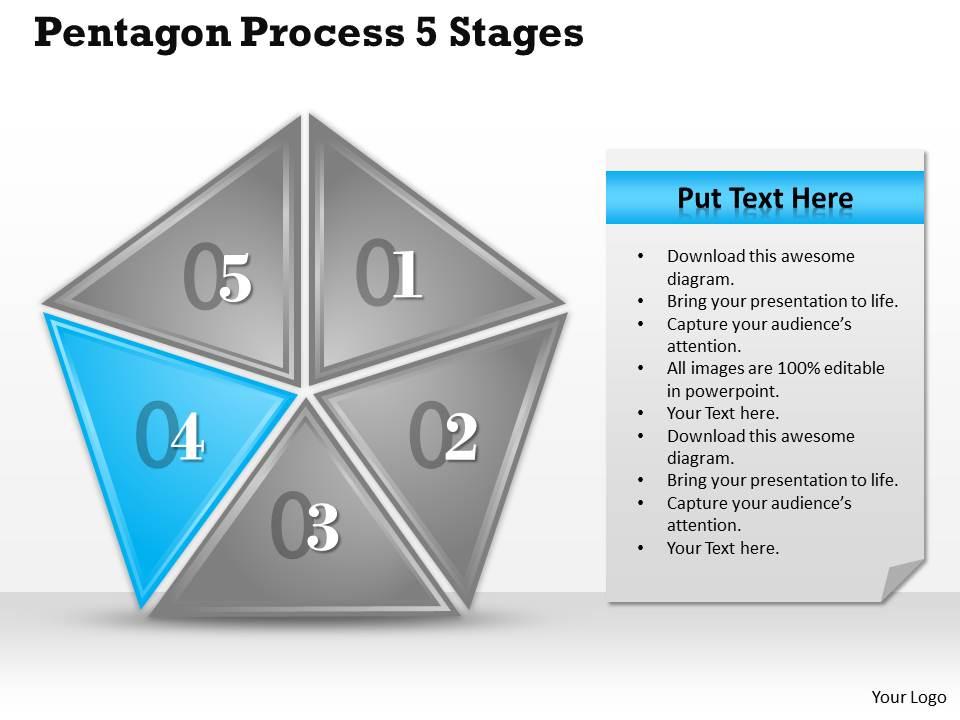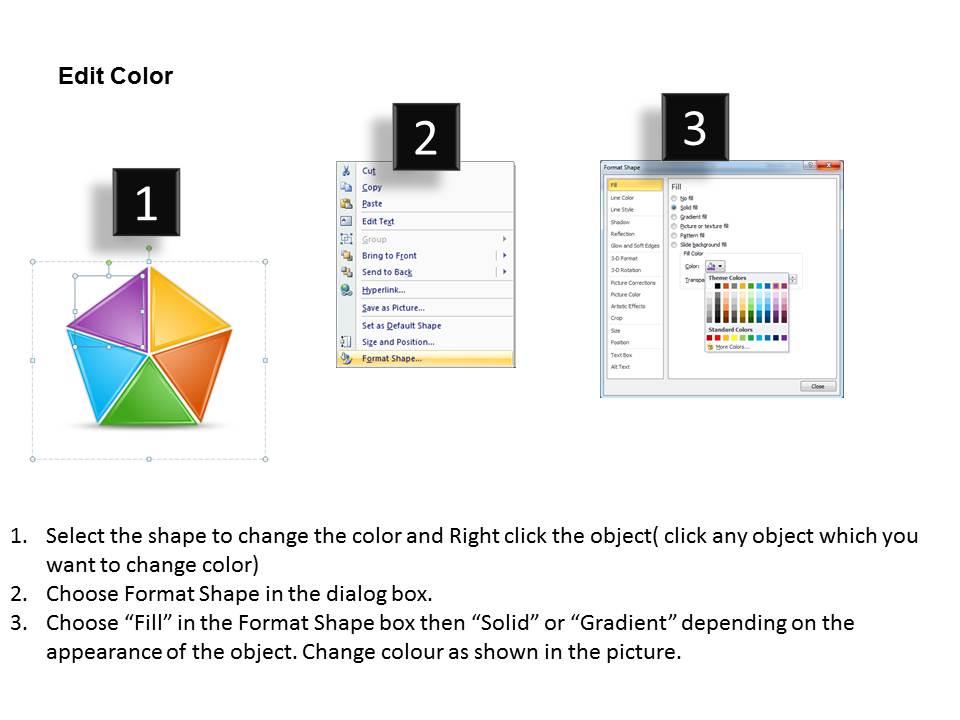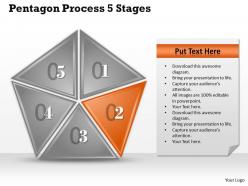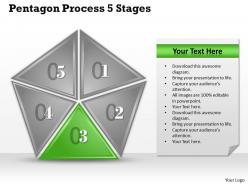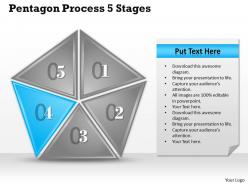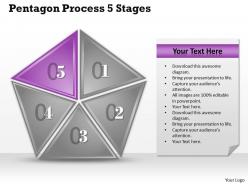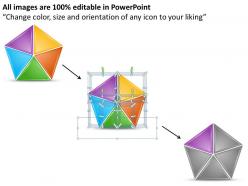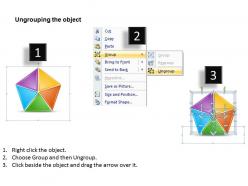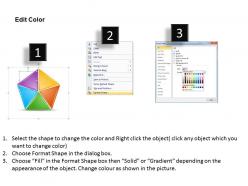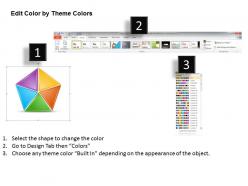
1013 busines ppt diagram pentagon process 5 stages powerpoint template

Rating:
80%
1013 busines ppt diagram pentagon process 5 stages powerpoint template
Slide 1 of 10
Favourites Favourites

Try Before you Buy Download Free Sample Product

Audience Impress Your
Audience
Editable 100%
Editable
Time Save Hours
of Time
The Biggest Sale is ending soon in
0
0
:
0
0
:
0
0
Rating:
80%
We are proud to present our 1013 busines ppt diagram pentagon process 5 stages powerpoint template. Put Your Wonderful Verbal Artistry On Display. Our Shapes Power Point Templates Will Provide You The Necessary Glam And Glitter. You Have The Co-Ordinates For Your Destination Of Success. Let Our Concepts Power Point Templates Map Out Your Journey.

FAQs for 1013 busines ppt diagram pentagon process 5

Pentagon process diagrams typically represent five interconnected components such as planning, implementation, monitoring, evaluation, and optimization within cyclical business processes. These strategic frameworks streamline organizational workflows by visualizing sequential steps, identifying bottlenecks, and enhancing cross-functional coordination, with many companies finding that pentagon models deliver improved process transparency and operational efficiency across departments.

A pentagon process diagram enhances workflow understanding by visualizing five interconnected process stages simultaneously, enabling teams to identify bottlenecks, dependencies, and optimization opportunities more effectively than linear flowcharts. This strategic visualization helps organizations streamline operations across manufacturing, healthcare, and financial services, with many finding that pentagon diagrams significantly improve process transparency and decision-making speed.

Pentagon process diagrams are widely utilized across manufacturing, healthcare, project management, strategic planning, and quality control industries. These visual frameworks streamline complex workflows by organizing five interconnected process stages, with manufacturing companies using them for production optimization, healthcare institutions for patient care protocols, and consulting firms for strategic analysis, ultimately delivering enhanced operational efficiency and clearer process visualization.

Pentagon shapes offer superior visual balance, enhanced information distribution, and natural flow progression compared to traditional squares or circles in process diagrams. This five-sided approach enables clearer stakeholder mapping, comprehensive process stages, and intuitive navigation patterns, with many organizations finding that pentagon visualizations improve team comprehension and strategic decision-making across complex workflows.

Color coding within pentagon process diagrams enhances visual hierarchy, differentiates process stages, identifies priority levels, highlights relationships between elements, and reduces cognitive load for viewers. Strategic color application enables organizations to streamline communication across teams, accelerate decision-making processes, and improve stakeholder engagement, with many businesses finding that consistent color schemes ultimately deliver faster comprehension and more effective presentations.

**INPUT**: What software tools are best suited for creating pentagon process diagrams? **OUTPUT**: Popular software tools for pentagon process diagrams include Microsoft PowerPoint, Visio, Lucidchart, Draw.io, and Canva, each offering distinct template libraries and customization capabilities. These platforms streamline diagram creation by providing pre-built pentagon shapes, automated formatting, and collaborative features, with many organizations finding that PowerPoint delivers the most accessible balance of functionality and ease-of-use for business presentations. [Word count: 60 words]

Ensuring clarity in pentagon process diagrams involves using consistent visual elements, clear labeling, logical flow sequences, appropriate color coding, and balanced spacing between components. These design principles streamline complex workflows by minimizing visual clutter, enhancing readability, and creating intuitive pathways, with many organizations finding that well-designed pentagon diagrams significantly improve team comprehension and process adoption rates.

Pentagon process diagrams can effectively enhance project management by organizing workflows into five interconnected phases, enabling teams to visualize dependencies, track progress systematically, and identify bottlenecks before they impact timelines. Many organizations in construction, software development, and manufacturing find that this approach streamlines resource allocation, improves team coordination, and ultimately delivers faster project completion while maintaining quality standards.

Common mistakes include overcrowding sections with excessive text, using inconsistent formatting across pentagon segments, failing to establish clear logical flow between processes, and choosing colors that reduce readability or accessibility. These design flaws undermine communication effectiveness by creating confusion rather than clarity, with many organizations finding that simplified, consistently formatted pentagon diagrams enhance stakeholder understanding and decision-making processes significantly.

Stakeholders participate in pentagon process diagram development through collaborative workshops, cross-functional interviews, process mapping sessions, validation reviews, and iterative feedback cycles. This inclusive approach ensures comprehensive process understanding across departments, with teams from operations, finance, HR, and management contributing diverse perspectives, ultimately delivering more accurate workflows and stronger organizational buy-in.

A pentagon process diagram enhances team collaboration by providing visual clarity, establishing clear workflows, defining individual roles, facilitating structured discussions, and creating shared understanding across departments. Through this centralized visual framework, teams can identify bottlenecks more efficiently, align on project milestones seamlessly, and communicate complex processes effectively, ultimately delivering improved coordination and faster decision-making in collaborative environments.

**INPUT**: What strategies can help in maintaining the relevance of the pentagon process diagram as a project evolves? **OUTPUT**: Maintaining pentagon process diagram relevance requires regular review cycles, stakeholder feedback integration, milestone-based updates, real-time data incorporation, and flexible structural modifications. These strategies enable project teams to adapt their visual frameworks dynamically, with many organizations finding that quarterly diagram assessments and collaborative revision sessions ultimately deliver enhanced project clarity and sustained stakeholder alignment.

Pentagon process diagrams adapt to diverse audiences through strategic customization of terminology, detail levels, visual complexity, color coding, and supporting explanations. For technical stakeholders, include detailed specifications and process metrics, while non-technical audiences benefit from simplified language, visual icons, and outcome-focused descriptions, ultimately enabling clear communication across organizational levels and ensuring stakeholder alignment.

Feedback enables continuous optimization of pentagon process diagrams by identifying bottlenecks, validating process flow accuracy, and revealing gaps between designed workflows and real-world execution. Through stakeholder input, user testing, and performance data analysis, organizations can refine each pentagon element, streamline interconnections, and enhance operational efficiency, ultimately delivering more effective process management and improved business outcomes.

Measuring pentagon process diagram effectiveness involves tracking audience comprehension rates, engagement metrics, decision-making speed improvements, and feedback quality scores. Through surveys, analytics, and performance assessments, organizations evaluate whether stakeholders accurately interpret the five interconnected elements, with many finding that clear visual communication reduces meeting times by 30-40% and accelerates project approval processes.

Ratings and Reviews

80% of 100
Review Form
Write a review
Most Relevant Reviews
  1. 80%

    by James Rodriguez

    Graphics are very appealing to eyes.
  2. 80%

    by Robert Young

    Professional and unique presentations.

2 Item(s)