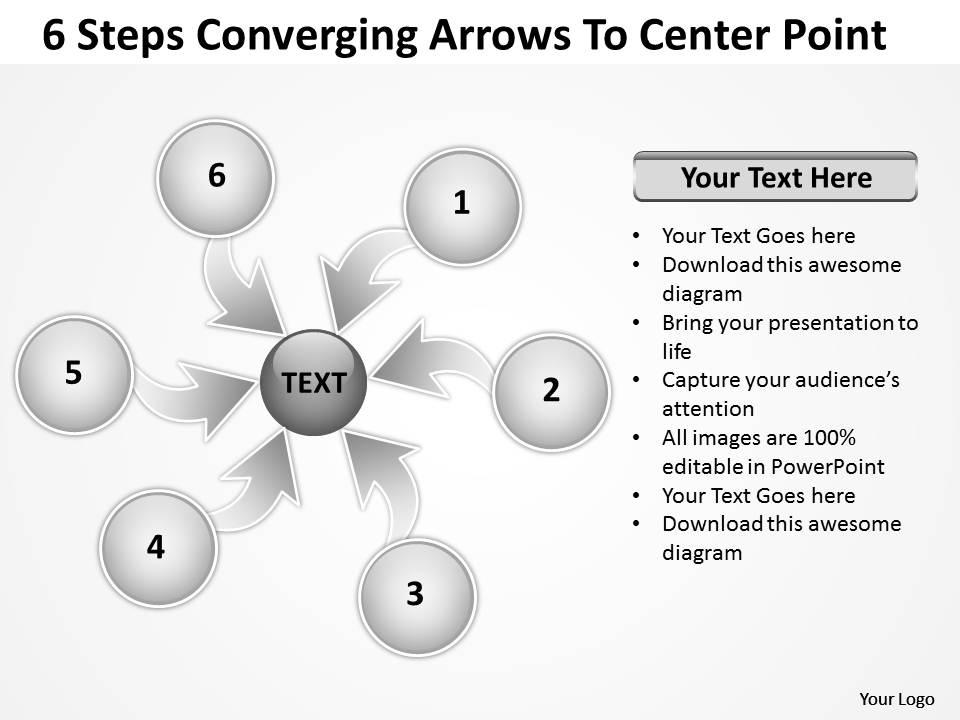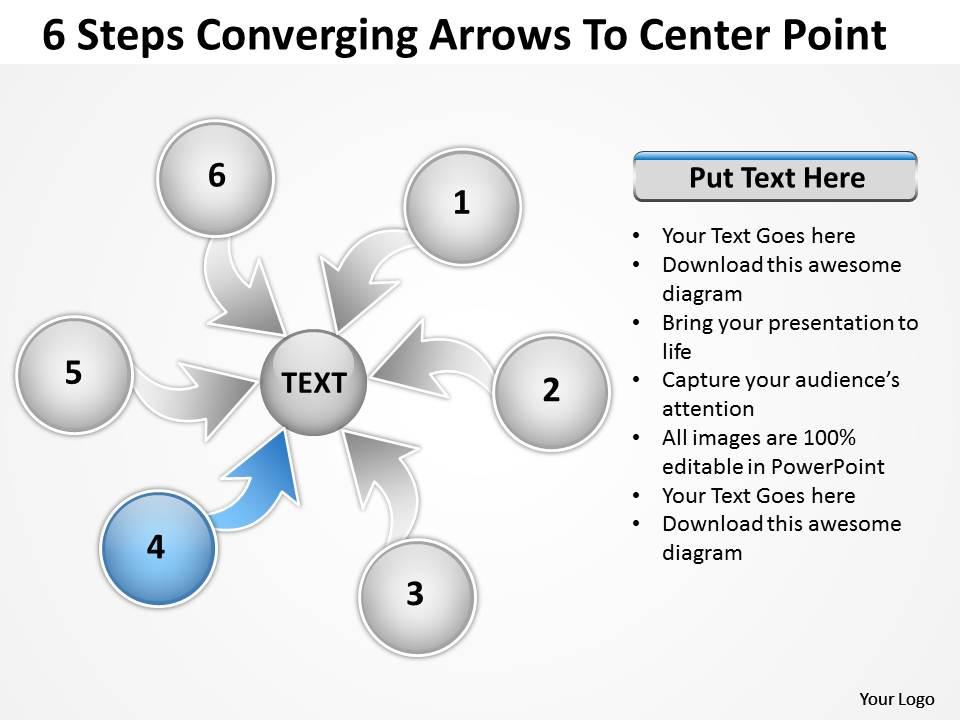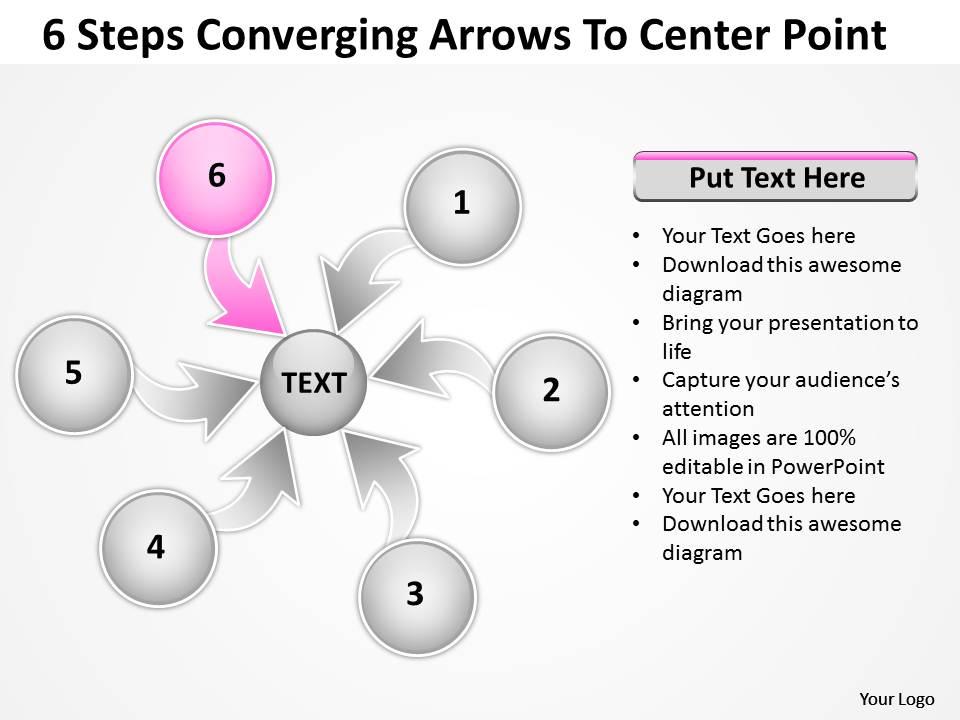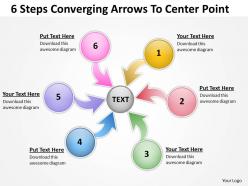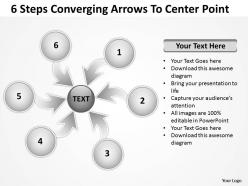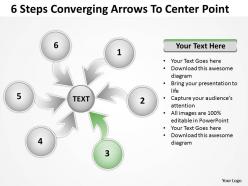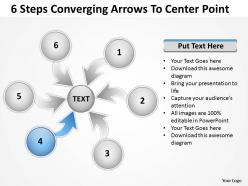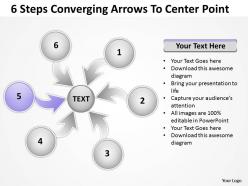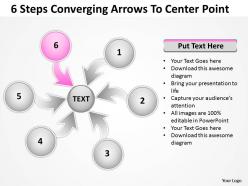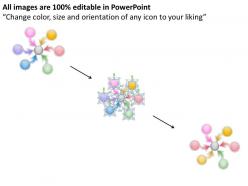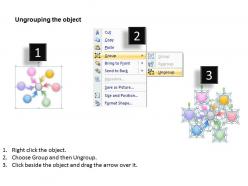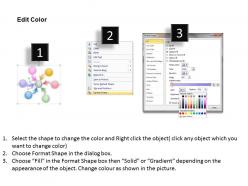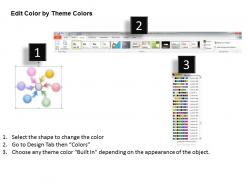
6 steps converging arrows to center point process software powerpoint templates
Try Before you Buy Download Free Sample Product
Audience
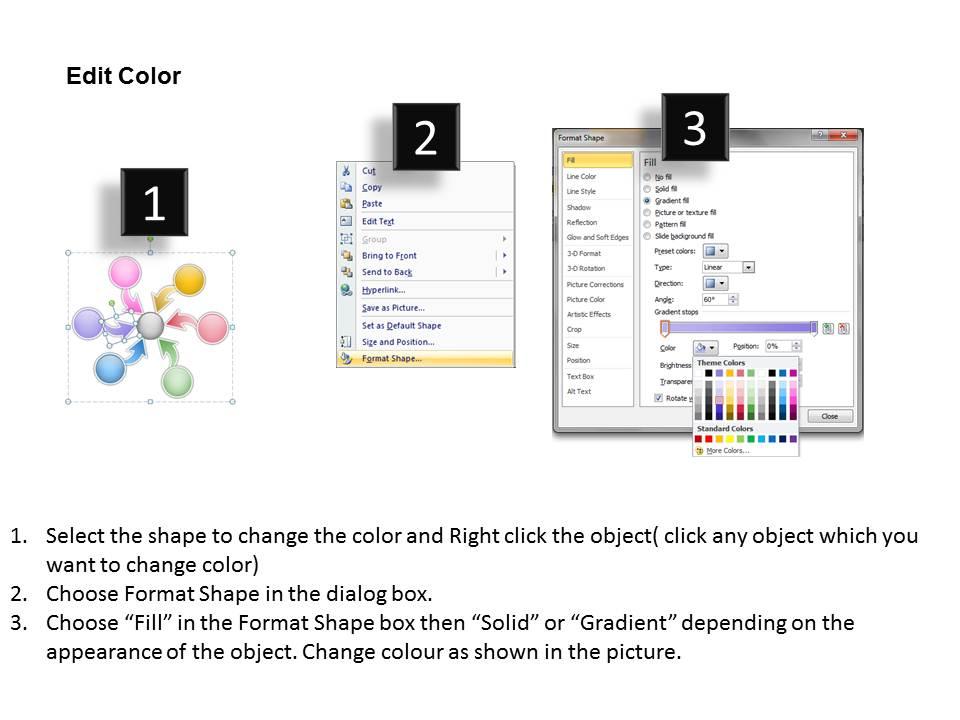
Editable
of Time
Making your presentations look perfect through our ready made 6 steps converging arrows to center point Process Software PowerPoint templates. Timeless design in seconds.
People who downloaded this PowerPoint presentation also viewed the following :
6 steps converging arrows to center point process software powerpoint templates with all 13 slides:
Your thoughts will glow brightly forever. Our 6 steps converging arrows to center point Process Software PowerPoint templates will throw light on them.
FAQs for 6 steps converging arrows to center point process
So you'll need clear start and end points obviously. Decision nodes are crucial - that's where your process can branch off. Assign owners to each action step and throw in some timing estimates. If different teams are involved, swim lanes are a lifesaver (seriously, I learned this the hard way). Build in approval gates where stakeholders sign off, plus any docs or deliverables needed at each step. Keep it visual - nobody wants to read a wall of text. Start simple with a basic template, then tweak it for your specific situation. The whole thing should flow logically when someone new looks at it.
Honestly, just grab a basic template and start tweaking it to fit what you actually do. Map out your current process first - yeah, it's boring but you'll thank yourself later. Most tools let you add custom fields and hook up whatever software you're already using. Look for gaps between the template and your compliance stuff or approval chains, then fill those in. Don't try to do everything at once though. Pick one process, get it working, then expand from there. Way less overwhelming that way.
Honestly, I'd start with Lucidchart - it's super easy to pick up and works great for teams. Visio's more powerful but kinda overkill unless you need fancy features. Miro's solid too, especially if you do brainstorming stuff. Oh, and if money's tight, check out draw.io (they renamed it diagrams.net or something). It's free but actually pretty decent. They all have templates so you won't be staring at a blank page forever. Lucidchart plays nice with everything else you're probably already using, which is why I'd go with that first.
Honestly, think of process flow templates as giving your team a shared vocabulary. You know how frustrating it is when everyone's talking about the same project but clearly thinking of different steps? Templates fix that mess. When someone says "we're at step 3," everyone knows exactly what that means. No more confusing back-and-forth conversations where you're like... wait, are we even discussing the same thing? New people joining your team will actually thank you for having a clear roadmap instead of figuring everything out through trial and error. Just pick your most common workflow first and start there.
Stick with clear icons and consistent shapes - makes everything way easier to follow. Different colors help distinguish action types from decision points. Don't go crazy with arrows though, I've seen flows that look like total chaos. Keep your text short and use the same font sizes throughout. White space is honestly underrated - cramped flowcharts are the worst to read. Pick a simple color palette and don't deviate from it. Oh, and make sure those arrows actually point where they should. Sounds obvious but you'd be surprised how often people mess that up.
Don't overthink the templates - I learned this the hard way after creating a monster 40-step process nobody touched. Get your stakeholders involved early or they'll tear it apart later pointing out obvious gaps. Keep decision points super clear and ditch vague stuff like "review as needed." Handoffs between teams? That's where everything usually breaks down, so be specific there. You'll want fallback plans for when stuff inevitably goes wrong. Oh, and test it on a real scenario first - you'll immediately spot the weird edge cases that looked fine on paper but make zero sense in practice.
Dude, these templates are game-changers for project management. Basically you get this roadmap that shows everyone exactly what needs to happen and when. No more of those "wait, who's doing what?" conversations that waste everyone's time. The best part? You'll spot problems way before they blow up your timeline. Your team knows what's coming next, and you can actually track if things are falling behind. I always tell people to start small though - pick one type of project you do all the time and template that first. Don't try to map out everything at once or you'll go crazy.
Dude, this stuff actually matters way more than you'd think! Use consistent colors to group similar steps - like blue for decisions, green for done tasks. Shapes help too. Diamonds = decision points, rectangles = processes, circles = start/end. I totally used to roll my eyes at this "pretty diagram" nonsense until I watched someone breeze through a well-designed flow in like 30 seconds. Pick your system and stick with it across everything. Otherwise your team's constantly figuring out what means what. Trust me, it's worth the extra few minutes upfront.
Honestly, just embed those process flow templates right into your training modules. Make trainees actually walk through each step in role-playing exercises. Scenario-based stuff works great too - they practice the flows in fake situations. Visual learners absolutely crush this method, especially new hires during onboarding. Oh, and flip them into assessment tools where people fill in missing steps or complete partial templates. The trick is keeping everything hands-on instead of just boring reference sheets. I'd start with your most critical processes first and build training scenarios around those. Way more effective than traditional methods.
Linear templates are like following a recipe - you do step A, then B, then C. Can't really skip around. Non-linear lets you bounce between tasks or tackle multiple things at once, which honestly feels more natural to me. If you're dealing with compliance stuff or anything where order matters, go linear. But when your team needs to be flexible? Non-linear's the way. It's basically rigid control versus being able to adapt on the fly. I'd probably start linear since you get predictable results, then maybe switch later when you've got the hang of things.
Honestly, just bake the feedback right into your templates from the start. Add review checkpoints and approval gates at the big decision points - like pit stops where you actually pause and check if you're on track. Don't make stakeholder reviews just a formality either, give people real input opportunities. After each milestone, capture what bombed and what worked well. The key thing? Make it part of your normal workflow, not something you tack on later because you "should." I'd start small - pick 2-3 spots in your current process where feedback would actually matter and build structured moments around those.
Honestly, go with something cloud-based like Lucidchart or Miro so everyone can jump in and edit together. Just don't give edit access to literally everyone - trust me on this one. Key people get editing rights, others get view-only. You absolutely need version control or you'll lose your mind. Use something like "ProcessName_v2.1_Date" and save before big changes. I once watched someone nuke half our onboarding flow by accident. Not fun. Set up a shared folder for everything and pick one person to own the templates. They approve changes so things don't get messy. Way better than having random versions floating around everywhere.
Honestly, these templates are game-changers for finding bottlenecks. Map out your whole workflow visually and you'll instantly see where stuff gets stuck. Tasks piling up somewhere? Steps taking forever? Handoffs going sideways? It'll be obvious. I always start by documenting the current mess first - then mark where delays usually happen. From there you can redesign problem steps, automate the boring repetitive stuff, or move people around. The visual aspect makes testing solutions way easier too since you can just tweak the diagram. Way better than trying to keep everything in your head, trust me.
Okay so visual clarity is huge - go with high contrast colors and readable fonts. Don't make your flowcharts look like a hot mess (seriously, some templates are just chaos). Add alt text for screen readers too. Navigation-wise, give people options - keyboard shortcuts plus mouse clicks work well. Oh and cognitive load matters - keep things logical without cramming everything together. I'd definitely test with real users if you can swing it, or at least run an accessibility checker first. Users have different needs, so multiple navigation paths help everyone out.
So here's the thing - templates give you this baseline where you can actually see what's broken in your processes. Everyone follows the same steps, right? Then you spot the real issues: bottlenecks, tasks dragging on forever, people going rogue from the plan. Kind of like having a control group - you need that consistent starting point to measure anything meaningful. The cool part is when you find improvements, just update the template once and everyone gets the upgrade automatically. I'd track how your templates perform over time because honestly, the patterns you'll see will basically tell you exactly where to optimize next.
-
Excellent design and quick turnaround.
-
Great product with highly impressive and engaging designs.