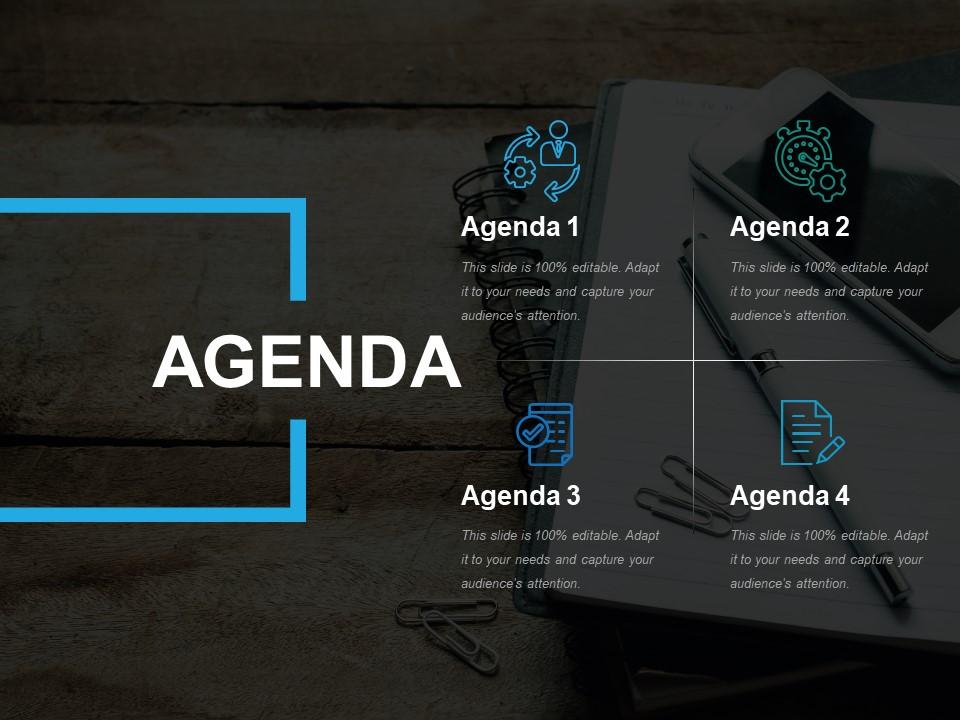
Antecedentes de la Agenda PPT

Rating:
90%
Agenda ppt background
Slide 1 of 5
Favourites Favourites

Try Before you Buy Download Free Sample Product

Audience Impress Your
Audience
Editable 100%
Editable
Time Save Hours
of Time
The Biggest Sale is ending soon in
0
0
:
0
0
:
0
0
Rating:
90%

Características de estas diapositivas de presentación de PowerPoint:

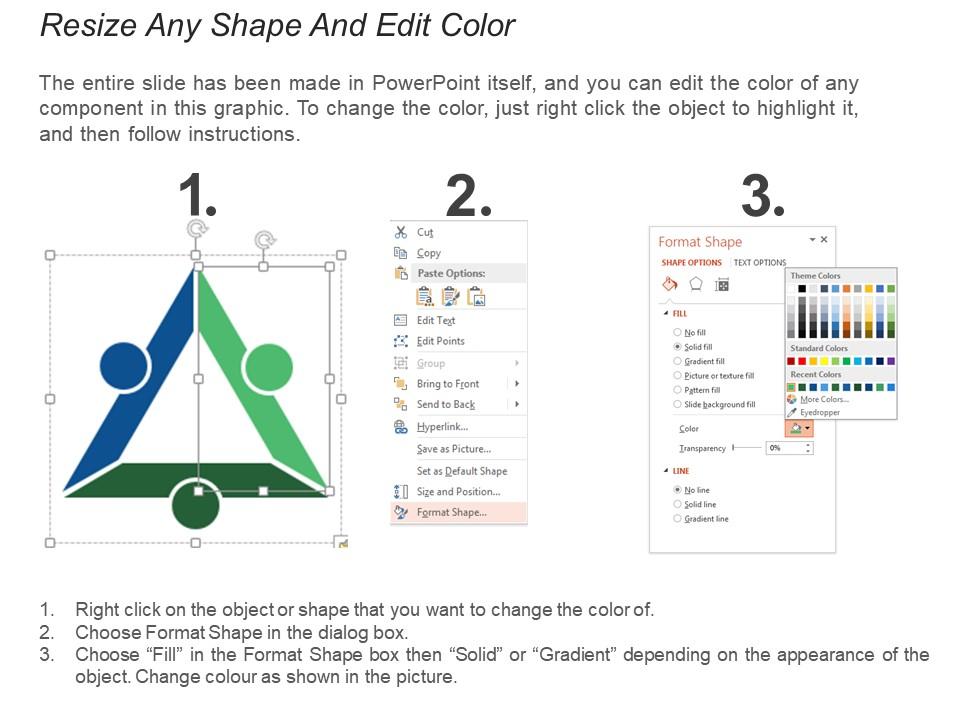
SlideTeam le presenta esta agenda PPT de fondo. La presentación PPT es totalmente editable, lo que le permite realizar numerosos cambios en las diapositivas prediseñadas. Puede cambiar el estilo de fuente, el tamaño de fuente e incluso el color de fuente del texto utilizado. La plantilla se puede guardar en formato JPG o PDF. Puede ver la plataforma de diapositivas en una relación de visualización de tamaño estándar de 4: 3 o una relación de visualización de pantalla ancha de 16: 9 cómodamente. Siguiendo las instrucciones dadas en las diapositivas de muestra, puede realizar todos estos cambios.

FAQs for

Okay so for your agenda slide - you need section titles that are super clear, time estimates for each part, and whoever's presenting what if you're splitting it up. Page numbers help too, especially if it's gonna be long because nobody wants to feel stuck in presentation hell lol. Don't go crazy with tiny fonts or cramming a million words on there. Got more than 7 or 8 things? Group some under bigger themes so it doesn't look overwhelming. Honestly, people just want to know what's coming so they can zone out appropriately during the boring parts. Visual icons are nice if you're feeling fancy but not required.

So basically you want people's eyes to flow through your agenda naturally, right? Make your main topics bigger and bold the key sessions. Then indent the smaller stuff underneath. Colors help too - just don't go crazy with them. Give each section some space to breathe because cramped agendas are honestly the worst. I always do this "squint test" where you blur your vision a bit - whatever still stands out is probably your most important content. The whole point is letting people scan it super quickly and actually understand what's happening. Works every time!

Honestly, just go with high contrast stuff that won't make people squint. Dark blue or charcoal backgrounds with white text work great, or flip it - white background, dark gray text. Blues and grays are clutch because they look professional but aren't putting anyone to sleep. Stay away from anything bright like neon green or orange (learned that one the hard way). Those colors are fine for bullet points or dividers, but nobody wants to stare at a highlighter for 30 minutes straight. Monochromatic schemes are solid too. Oh, and definitely test your colors on whatever screen you'll actually be using - trust me on this one.

Keep it to 3-5 main topics tops, and make your headings actually tell people what they need to do - none of that vague "discussion" nonsense. Hit your biggest item first when everyone's still awake. I swear, half the agendas I see look like someone just dumped their brain onto paper. Time estimates are clutch so people know what they're signing up for. Stick your "would be nice to cover" stuff at the end. One line per bullet point if you can swing it. Oh, and throw your meeting goal at the top - people should look at it and immediately get why you're stealing an hour of their life.

Honestly, just go with Calibri or Arial for agenda slides - nothing fancy. Those clean fonts are way easier to read, especially if you're presenting to a big room. I made the mistake once of using some decorative font and half the audience was squinting the whole time lol. Make your main points at least 24pt and bold them so they pop. Sub-bullets can be smaller. Skip serif fonts completely - they look messy on screens. You want people focusing on what you're saying, not trying to decode your font choices.

Honestly, less is more with agenda slides. Stick to 5-7 items tops and just use the topic names - skip those long descriptions nobody reads anyway. Icons and colors are your friend here. People want to scan what's coming, not decode a novel before the meeting even starts. I'm a big fan of timeline layouts or those little numbered boxes with graphics. Makes everything way more digestible. Oh, and speaking of visuals - don't go overboard with fancy animations or whatever. Simple works best when you're trying to keep people focused from the get-go.

Honestly, whitespace is a game changer for agenda slides. Don't cram everything together - I see people do this ALL the time and it looks awful. Give each item some breathing room so your audience can actually focus on what matters. Space between items helps eyes move naturally from topic to topic. It's like pauses when you're talking, you know? I usually do 1.5x line spacing minimum and always leave decent margins. Your slides will look way cleaner and less chaotic.

Just match your agenda slide to whoever's watching. Corporate crowd? Sans-serif fonts, company colors, short bullet points with business speak. Academic setting needs more detail, maybe Times New Roman, formal tone. Honestly, most people way overthink this stuff. The trick is getting your formality level right for the room. I always start basic then adjust - tweak colors, switch up fonts, make the language more or less complex. Oh, and definitely run it by someone who knows that crowd first. Saves you from looking totally out of place.

Honestly, the worst thing you can do is cram every little detail in there - makes it look like a total mess. Keep it high-level only and save the specifics for your actual slides. Don't get fancy with animations either (seriously, who has time?). Clean bullet points work fine, maybe throw in some time estimates so people know what they're getting into. Oh, and this should be obvious but match your agenda to what you'll actually present. Nothing's more awkward than promising something you don't deliver on.

Try fade-ins or slides to reveal agenda items one at a time - stops people from reading ahead. I usually go with a simple "appear" animation, maybe 0.5 seconds between items. Nothing too crazy though, we're not trying to relive the WordArt era here. You can also dim the other items while highlighting what you're currently talking about. Honestly, the whole point is controlling where people look, not showing off fancy effects. Oh, and definitely test the timing beforehand - I've seen way too many presentations where someone's clicking frantically because their animations are totally off.

For most agenda slides, just stick with PowerPoint or Google Slides - they work and won't give you headaches. Canva's where I'd go if you want something that looks way more polished (seriously, some PowerPoint templates look like they're from 2003). If you're feeling fancy and know your way around design tools, Figma's got everything. But honestly? The tool doesn't matter nearly as much as keeping things clean. Don't overcomplicate it - clear bullet points beat flashy animations every time. Pick whatever you already know and your audience won't be squinting at messy text.

Just throw your brand colors into headers or bullet points - way better than logo-bombing every slide. Stick your company logo in one corner and call it good. I've seen presentations that look like a branding explosion and honestly? It's distracting. Keep fonts readable over fancy (your audience will thank you). A thin accent line in your brand color works great for that professional look. The spacing should feel consistent throughout. Really, less is more with this stuff. Your agenda needs to match your deck but still look clean. Don't overthink it.

Honestly, like 30-60 seconds tops. Short presentations? Go faster since people can remember a few bullet points without getting confused. But if you're doing some marathon 45-minute thing, spend the full minute so nobody zones out halfway through (trust me, they will). I always just watch people's faces - if they look bored or it's the same team you meet with every week, just blast through it. The main thing is giving them enough time to actually read what's on there instead of rushing past like it doesn't matter.

Oh totally, culture makes a huge difference with agenda slides. Japanese audiences want tons of detail and context - like, way more background info than you'd think. Germans? Just give them clean bullet points and stick to the schedule. Honestly, timing expectations are all over the place too. Some cultures are super rigid about it, others are way more chill. Colors can bite you - red screams "danger" here but means good luck in China. I'd definitely ask someone local for a quick sanity check on both the layout and visuals before presenting.

Honestly, just ask 3-4 people after your presentation if the agenda actually helped them follow along. Watch faces during your talk too - if people look lost when you reference agenda items, that's your answer right there. I always notice when someone asks "wait, what section are we in?" because that means my agenda sucked. Post-presentation surveys work great for this stuff - throw in a question about session structure clarity. Also track timing questions. People shouldn't be constantly asking what's next if your agenda's doing its job. I learned this the hard way with some overly fancy agendas that just made everything worse.

Ratings and Reviews

90% of 100
Review Form
Write a review
Most Relevant Reviews
  1. 80%

    by Darren Olson

    Great quality product.
  2. 100%

    by Clarence Mendoza

    Much better than the original! Thanks for the quick turnaround.

2 Item(s)

per page: