


App-Entwicklung Powerpoint-Präsentationsfolien
Ein mobiles Betriebssystem ist ein Software-Framework, mit dem andere Anwendungen, die als Anwendungsprogramm bezeichnet werden, ausgeführt werden können. Hier ist eine professionell gestaltete App-Entwicklungsvorlage, die einen Überblick über das Entwicklungsunternehmen für mobile Apps bietet, das Apps für verschiedene Betriebssysteme herstellt, seine Mission, erfolgreiche Projekte und seine Vision. Diese PowerPoint-Präsentation zur Betriebssystementwicklung behandelt die Gründe für Investitionen in mobile Apps, deren Marktanteil und Umsatz. Darüber hinaus stellt diese PPT zur App-Entwicklung iOS, seine Architektur und die Vorteile der iOS-App-Entwicklung für Unternehmen vor. Darüber hinaus enthält diese Vorlage einen detaillierten Überblick über Android, einschließlich des Entwicklungsprozesses von Apps auf Android, seiner Architektur und der Vorteile von Android-Apps. Außerdem deckt diese PPT für iOS-Apps die Entwicklungsstrategie für mobile Apps ab, die Web-Apps, native Apps und Hybrid-Apps umfasst, zusammen mit ihren jeweiligen Vor- und Nachteilen. Dieses Mobile OS PowerPoint berücksichtigt auch das geschätzte Budget und den Zeitrahmen für die Entwicklung einer App für beide Betriebssysteme. Schließlich umfasst dieses Mobile Development Deck einen 30-60-90-Tage-Plan, eine Roadmap und ein Dashboard für die Überwachung mobiler iOS- und Android-Apps. Jetzt zugreifen.

















-

- Google Slides is a new FREE Presentation software from Google.
- All our content is 100% compatible with Google Slides.
- Just download our designs, and upload them to Google Slides and they will work automatically.
- Amaze your audience with SlideTeam and Google Slides.
-

Want Changes to This PPT Slide? Check out our Presentation Design Services
-

- WideScreen Aspect ratio is becoming a very popular format. When you download this product, the downloaded ZIP will contain this product in both standard and widescreen format.
-

- Some older products that we have may only be in standard format, but they can easily be converted to widescreen.
- To do this, please open the SlideTeam product in Powerpoint, and go to
- Design ( On the top bar) -> Page Setup -> and select "On-screen Show (16:9)” in the drop down for "Slides Sized for".
- The slide or theme will change to widescreen, and all graphics will adjust automatically. You can similarly convert our content to any other desired screen aspect ratio.
Compatible With Google Slides

Get This In WideScreen
You must be logged in to download this presentation.


Do you want to remove this product from your favourites?
Merkmale dieser PowerPoint-Präsentationsfolien :
Stellen Sie dieses vollständige Deck Ihren Teammitgliedern und anderen Mitarbeitern zur Verfügung. Umgeben von stilisierten Folien, die verschiedene Konzepte präsentieren, ist diese Powerpoint-Präsentationsfolie für die App-Entwicklung das beste Tool, das Sie verwenden können. Personalisieren Sie den Inhalt und die Grafiken, um ihn einzigartig und zum Nachdenken anzuregen. Alle vierundsechzig Folien können bearbeitet und geändert werden, Sie können sie also gerne an Ihre Geschäftsumgebung anpassen. Die Schriftart, Farbe und andere Komponenten sind ebenfalls in einem bearbeitbaren Format erhältlich, was dieses PPT-Design zur besten Wahl für Ihre nächste Präsentation macht. Also, jetzt herunterladen.

People who downloaded this PowerPoint presentation also viewed the following :
Inhalt dieser Powerpoint-Präsentation
Folie 1 : Diese Folie stellt die App-Entwicklung vor. Geben Sie Ihren Firmennamen an und beginnen Sie.
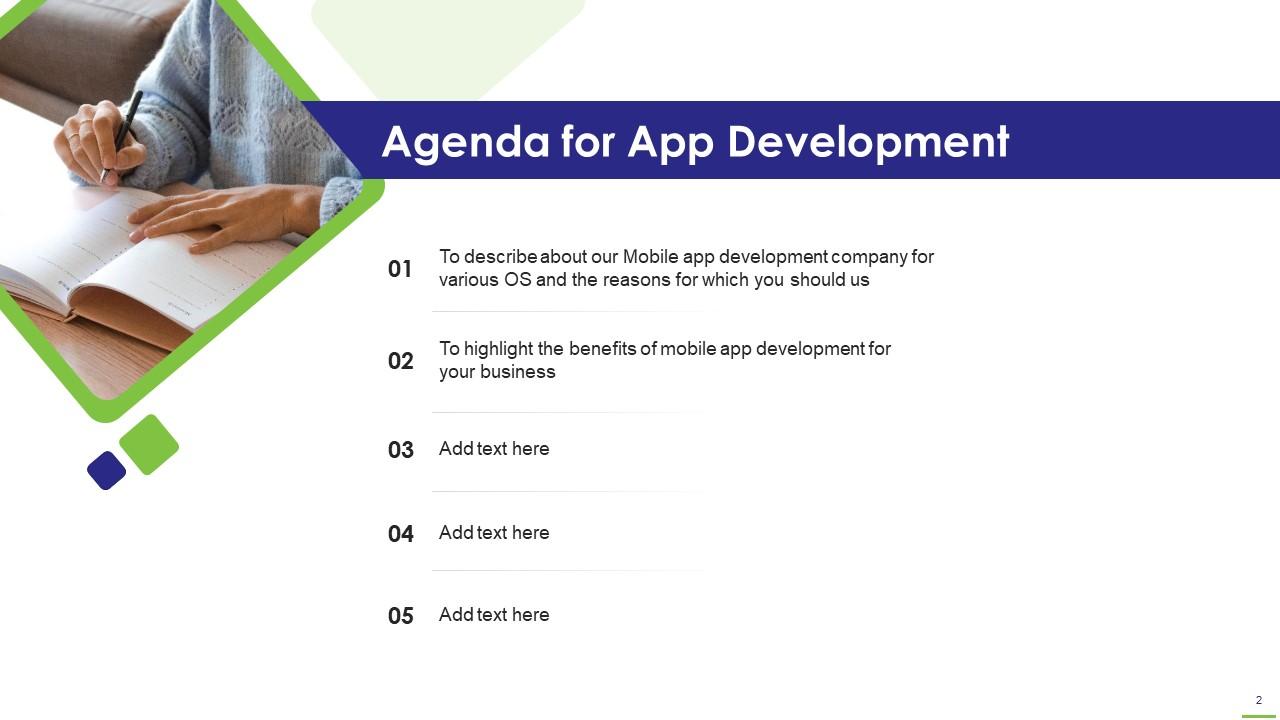
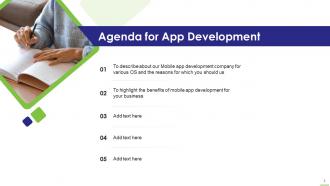
Folie 2 : Diese Folie gibt die Agenda der Präsentation an.
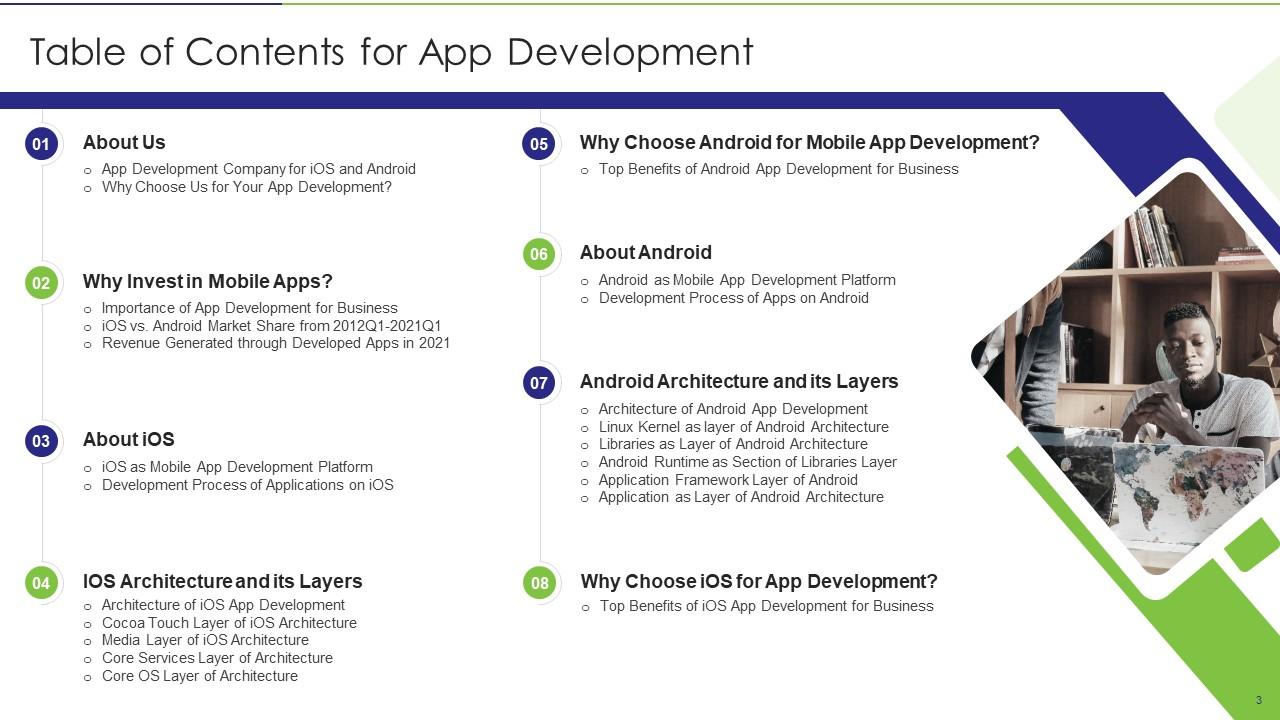
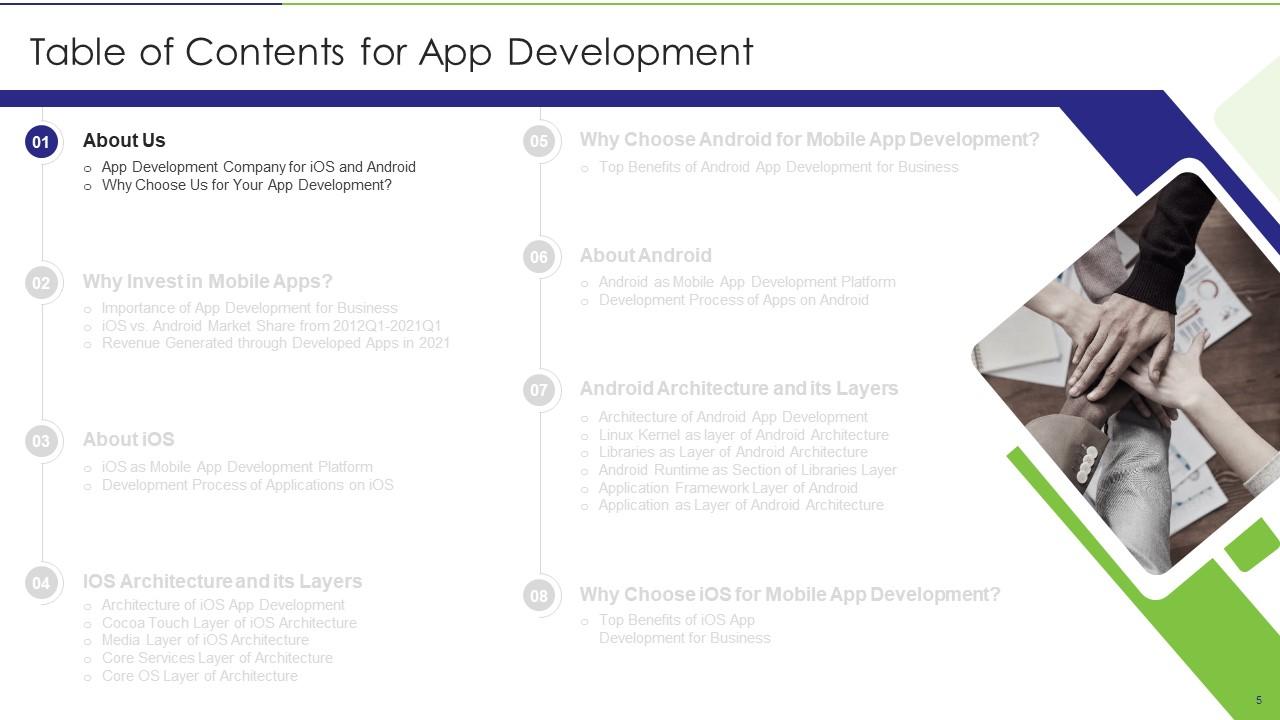
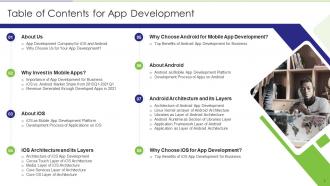
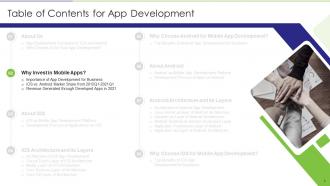
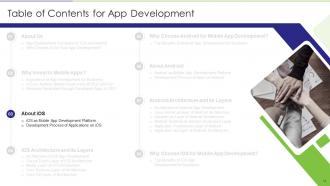
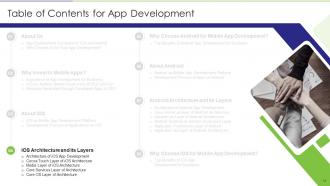
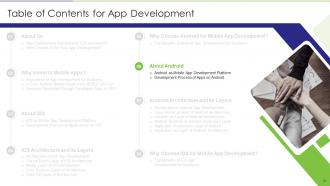
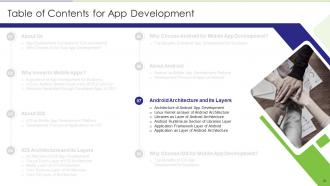
Folie 3 : Diese Folie zeigt das Inhaltsverzeichnis für die Präsentation.
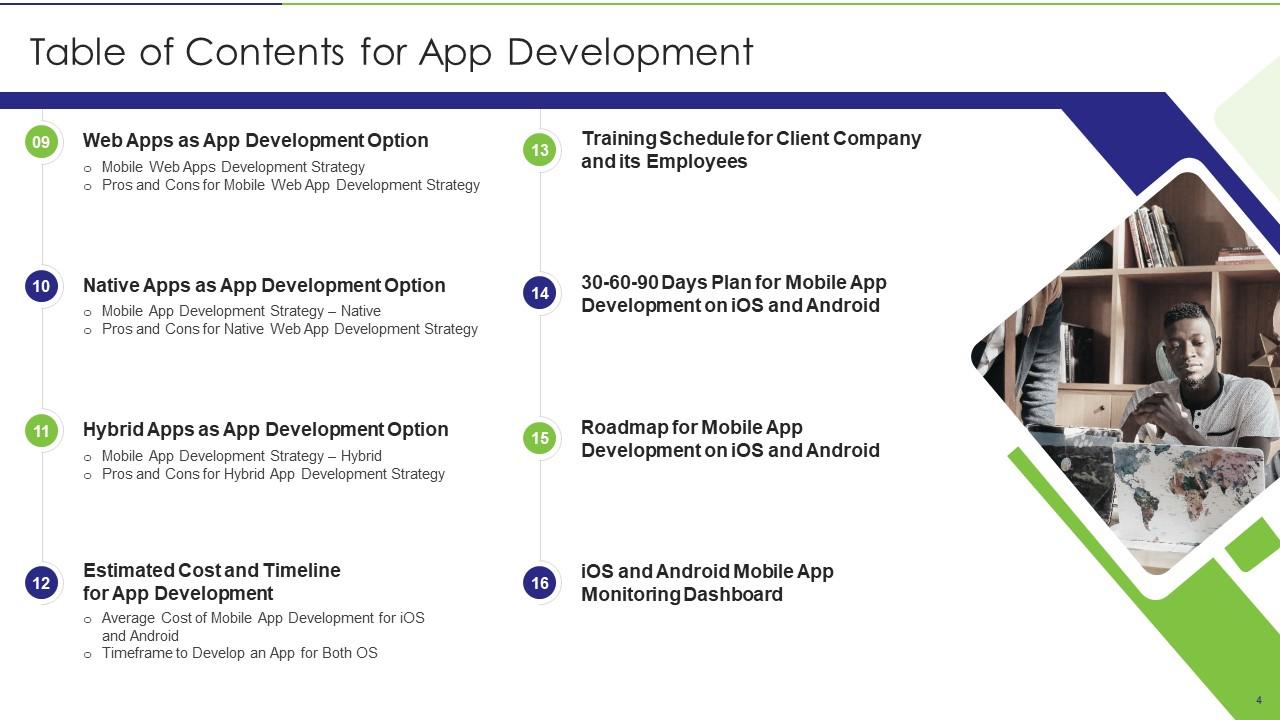
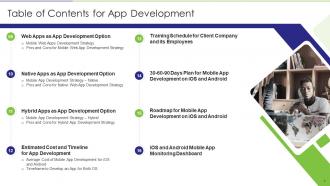
Folie 4 : Dies ist eine weitere Folie, die das Inhaltsverzeichnis der Präsentation fortsetzt.
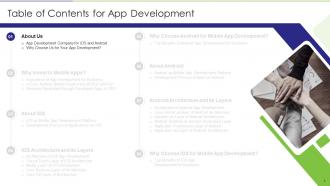
Folie 5 : Diese Folie zeigt Titel für Themen, die als nächstes in der Vorlage behandelt werden sollen.
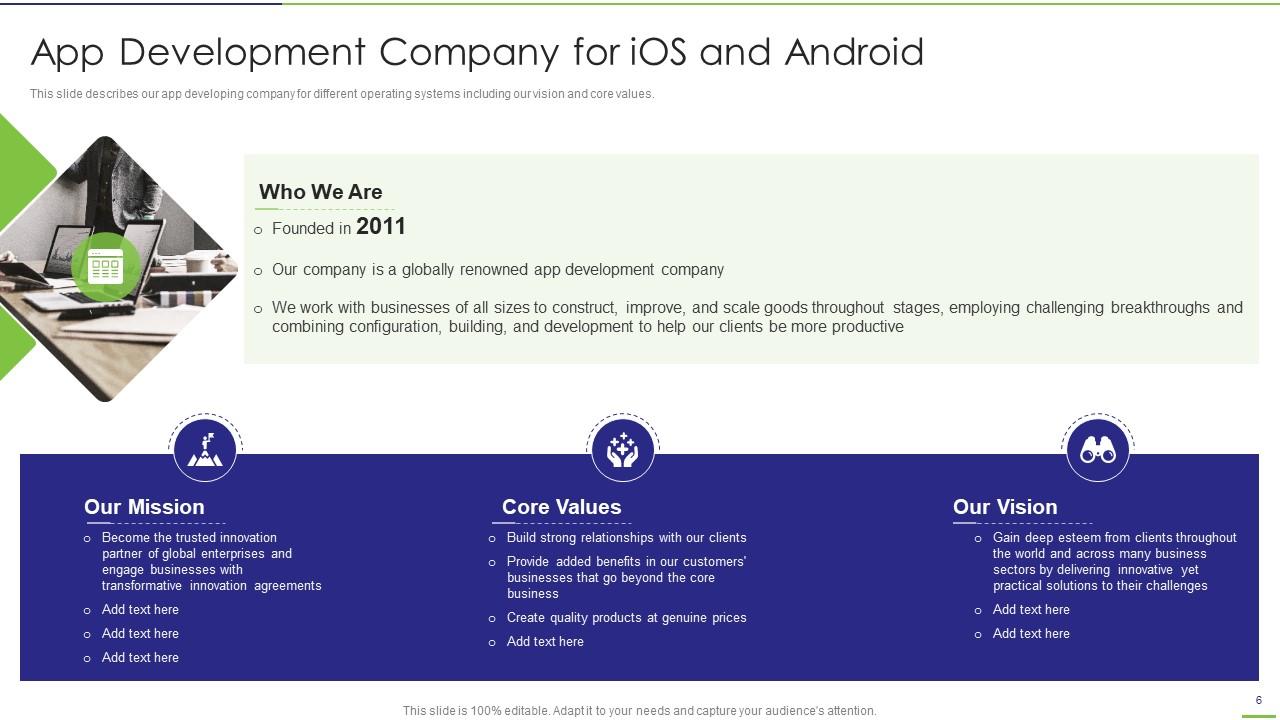
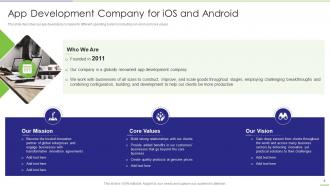
Folie 6 : Diese Folie beschreibt unser App-Entwicklungsunternehmen für verschiedene Betriebssysteme.
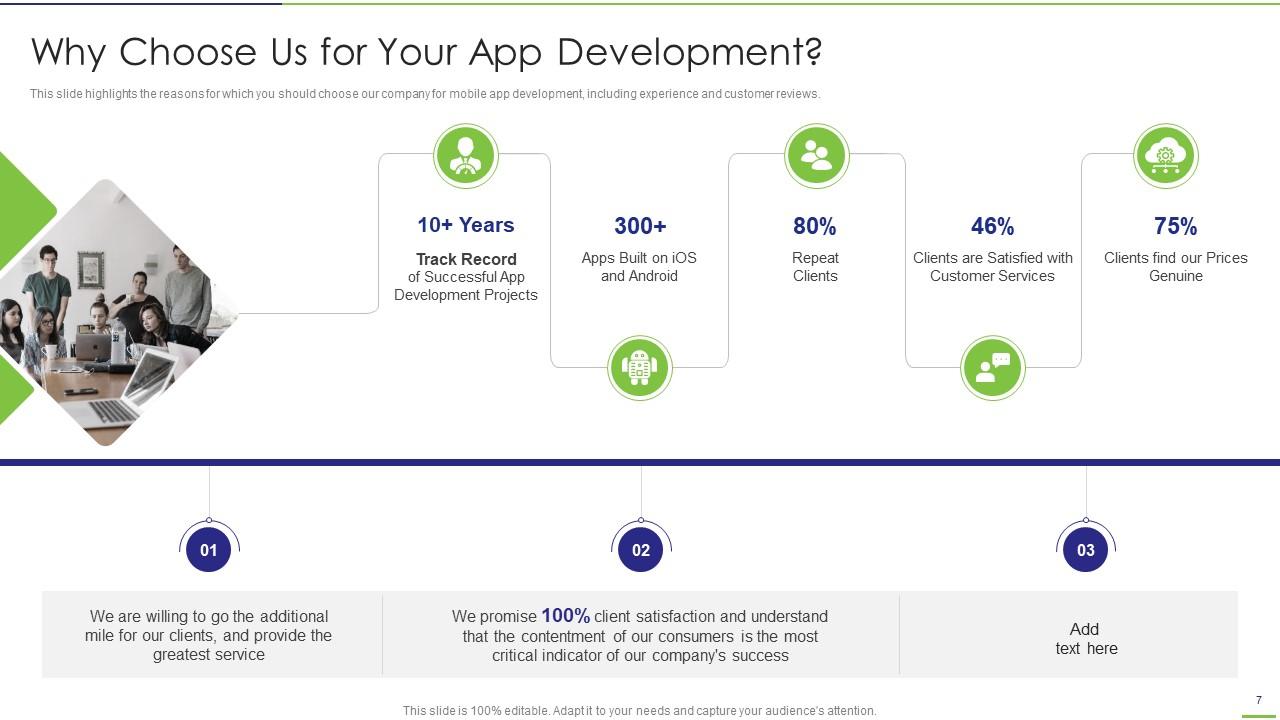
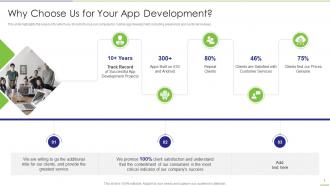
Folie 7 : Diese Folie hebt die Gründe hervor, aus denen Sie unser Unternehmen für die Entwicklung mobiler Apps wählen sollten.
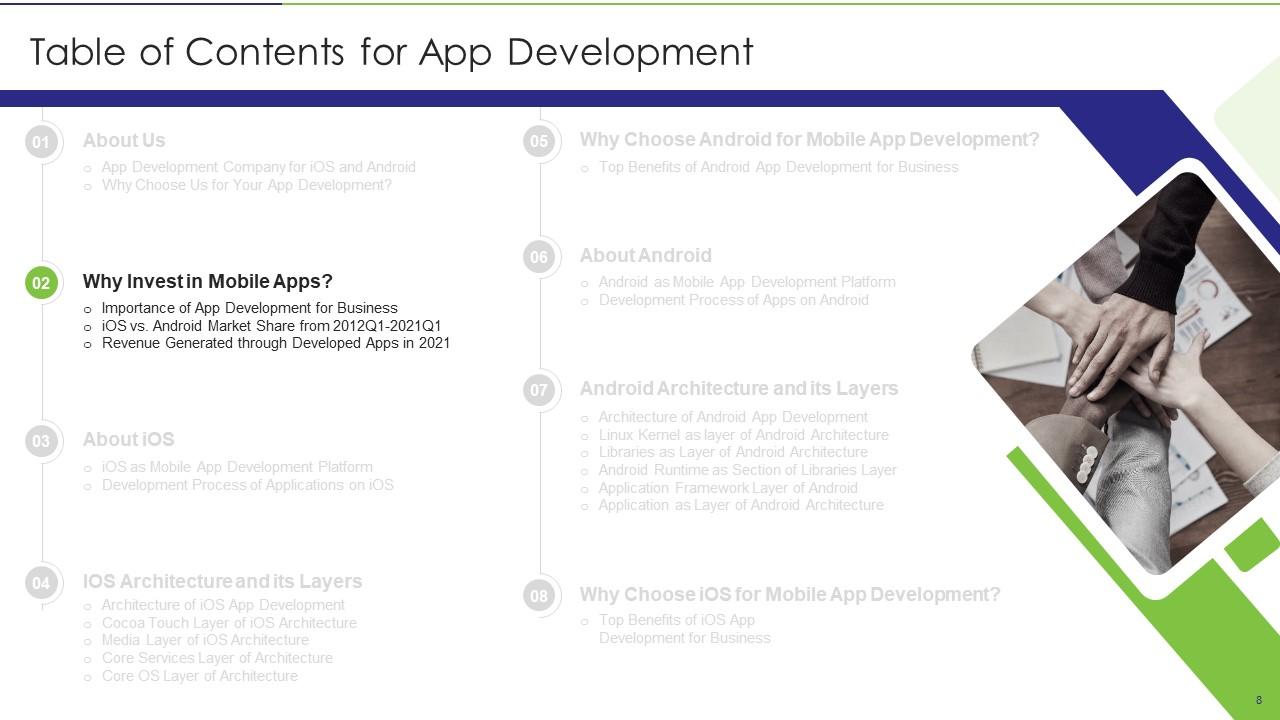
Folie 8 : Diese Folie zeigt Titel für Themen, die als nächstes in der Vorlage behandelt werden sollen.
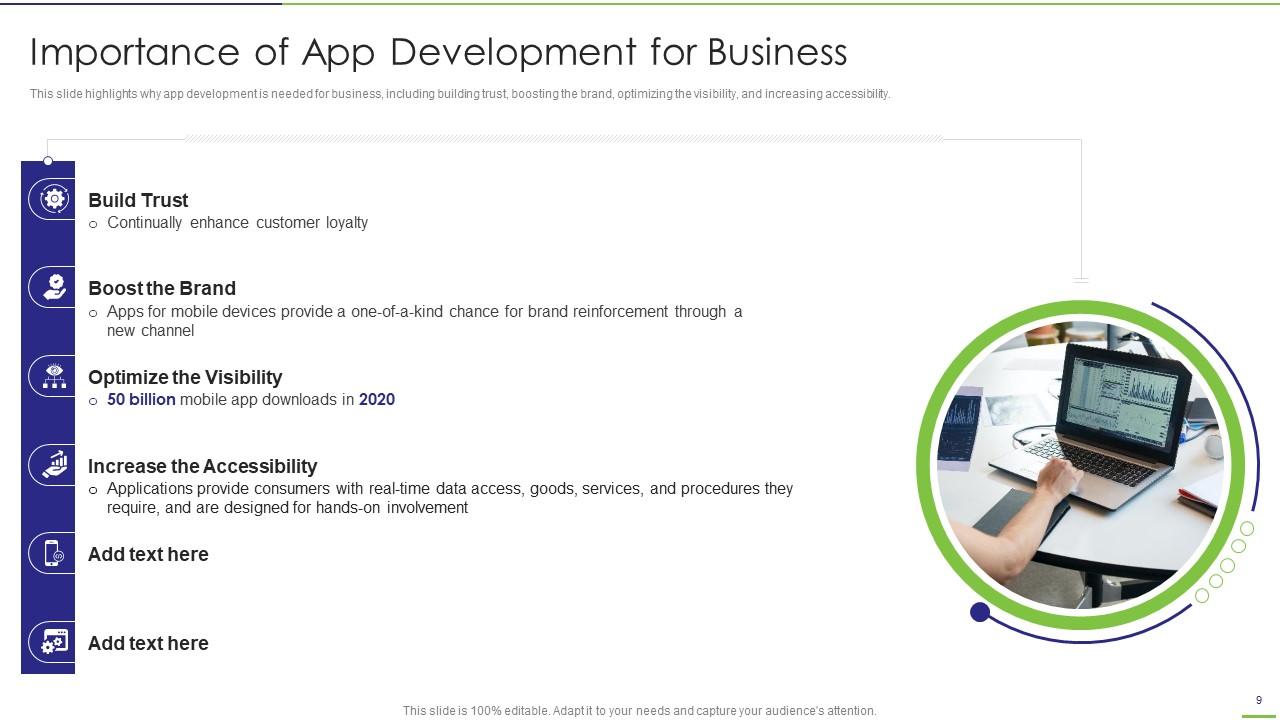
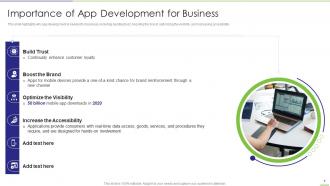
Folie 9 : Diese Folie zeigt, warum App-Entwicklung für Unternehmen erforderlich ist, einschließlich Vertrauensbildung, Stärkung der Marke usw.
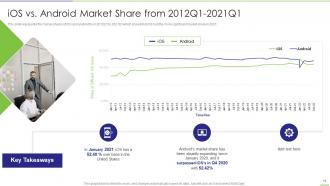
Folie 10 : Diese Folie stellt die Marktanteile von iOS und Android von 2012Q1 bis 2021Q1 dar.
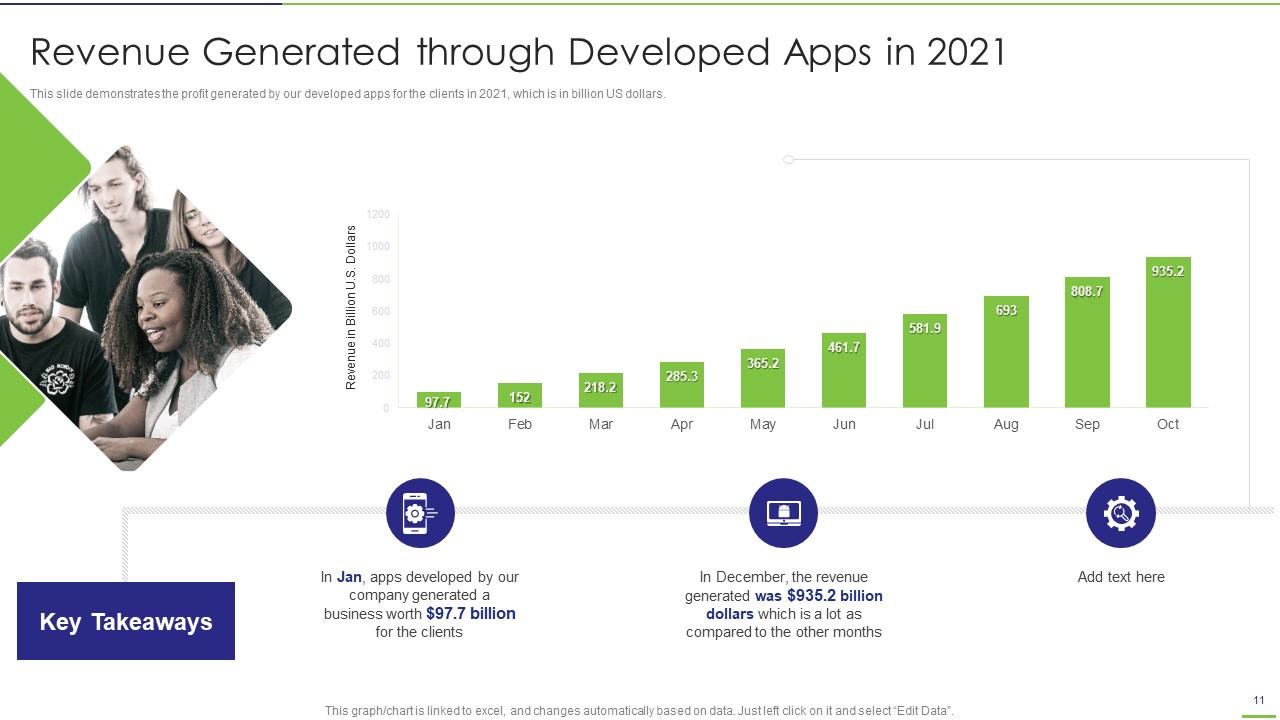
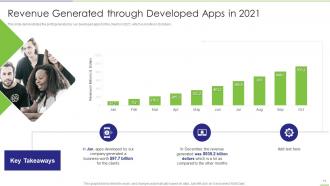
Folie 11 : Diese Folie zeigt den Gewinn, den unsere entwickelten Apps für die Kunden im Jahr 2021 erwirtschaften.
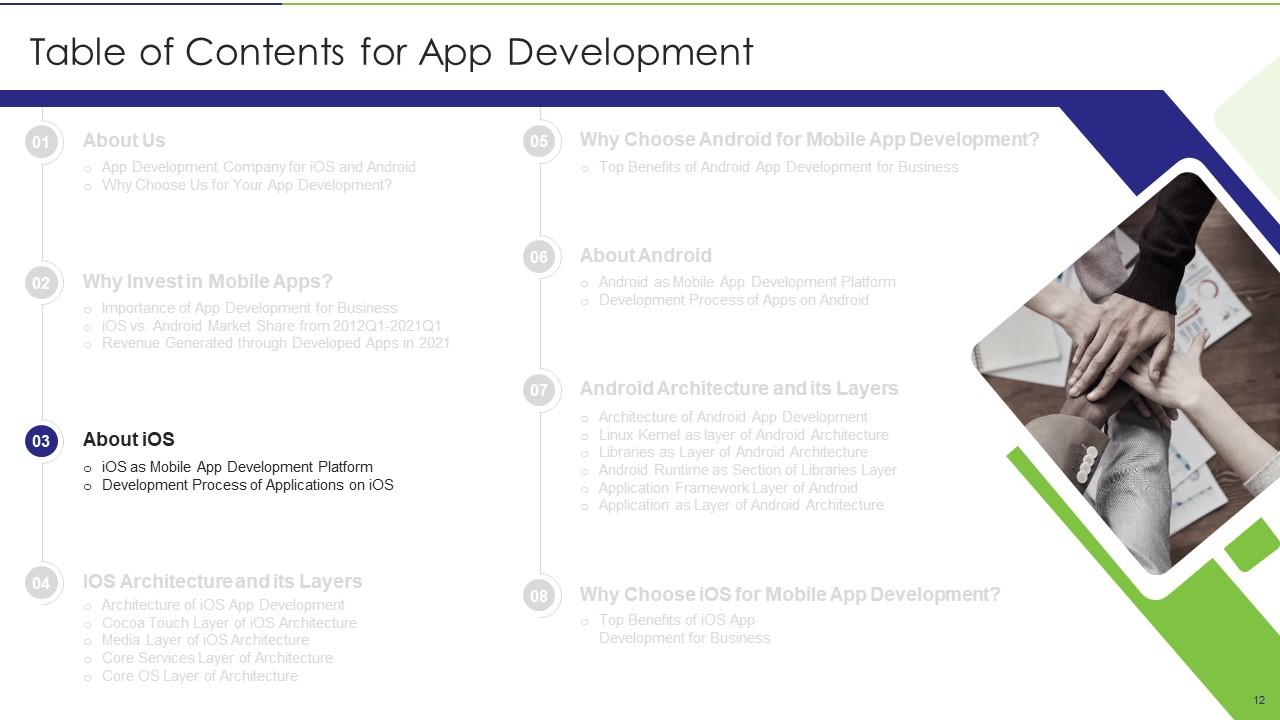
Folie 12 : Diese Folie zeigt Titel für Themen, die als nächstes in der Vorlage behandelt werden sollen.
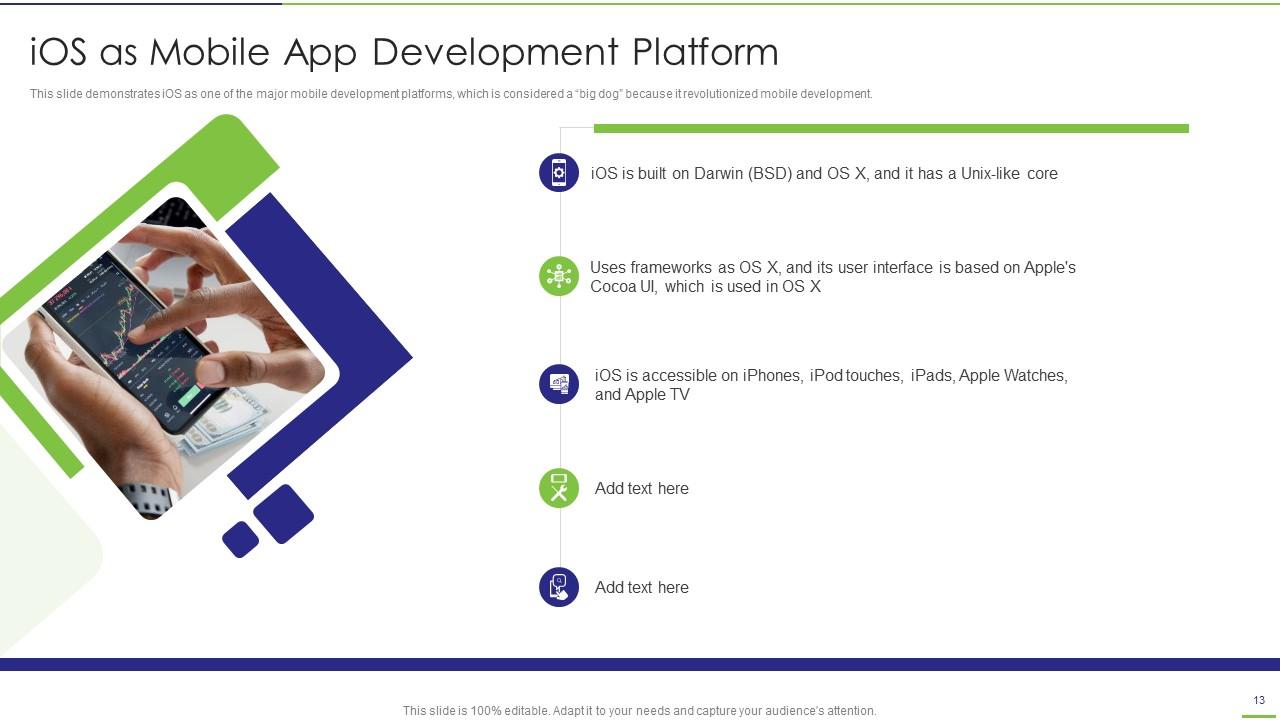
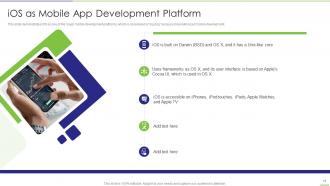
Folie 13 : Diese Folie zeigt iOS als eine der wichtigsten Entwicklungsplattformen für Mobilgeräte.
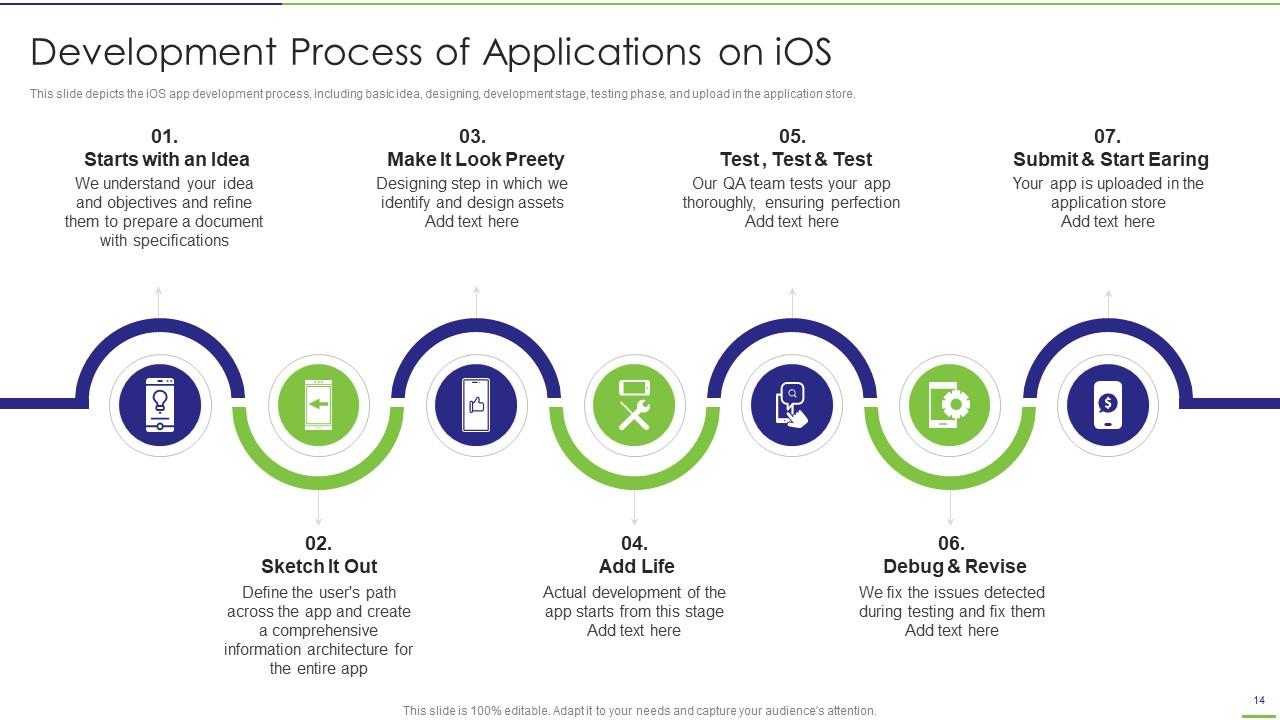
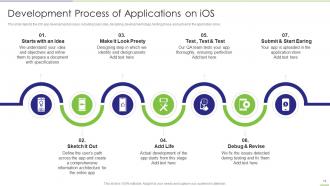
Folie 14 : Diese Folie zeigt den Entwicklungsprozess der iOS-App, einschließlich Grundidee, Design, Entwicklungsphase usw.
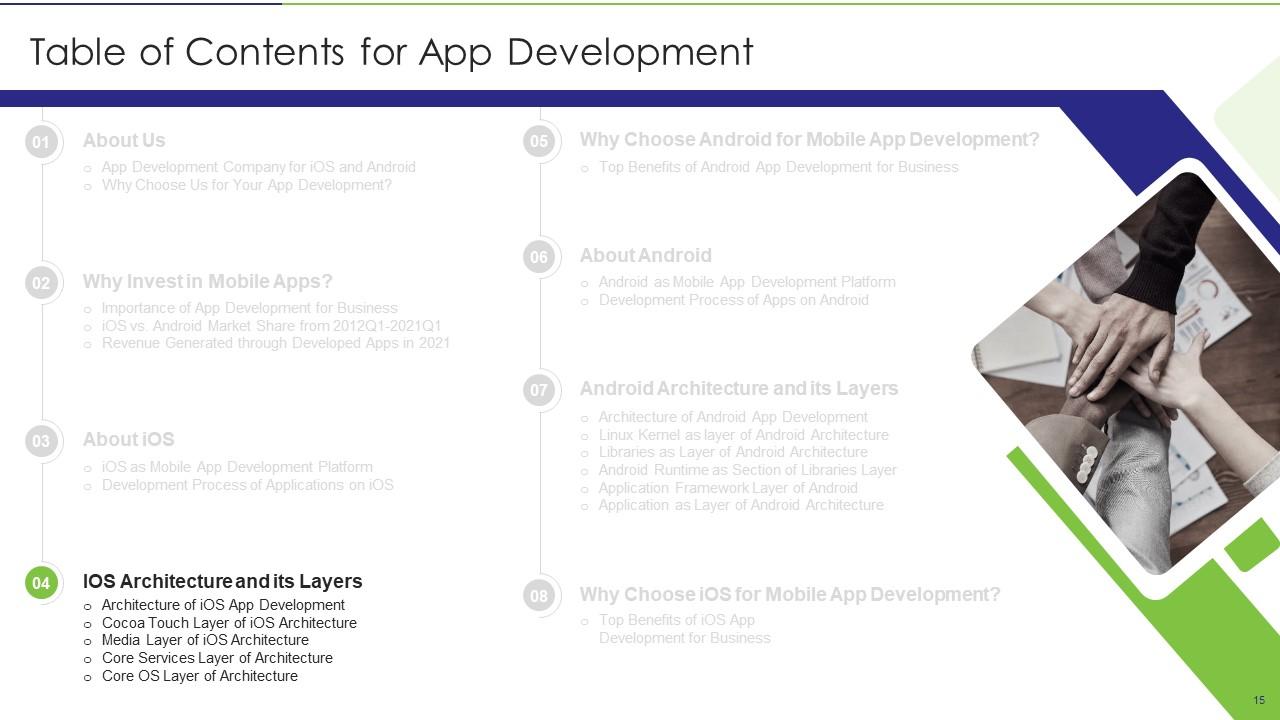
Folie 15 : Diese Folie zeigt Titel für Themen, die als nächstes in der Vorlage behandelt werden sollen.
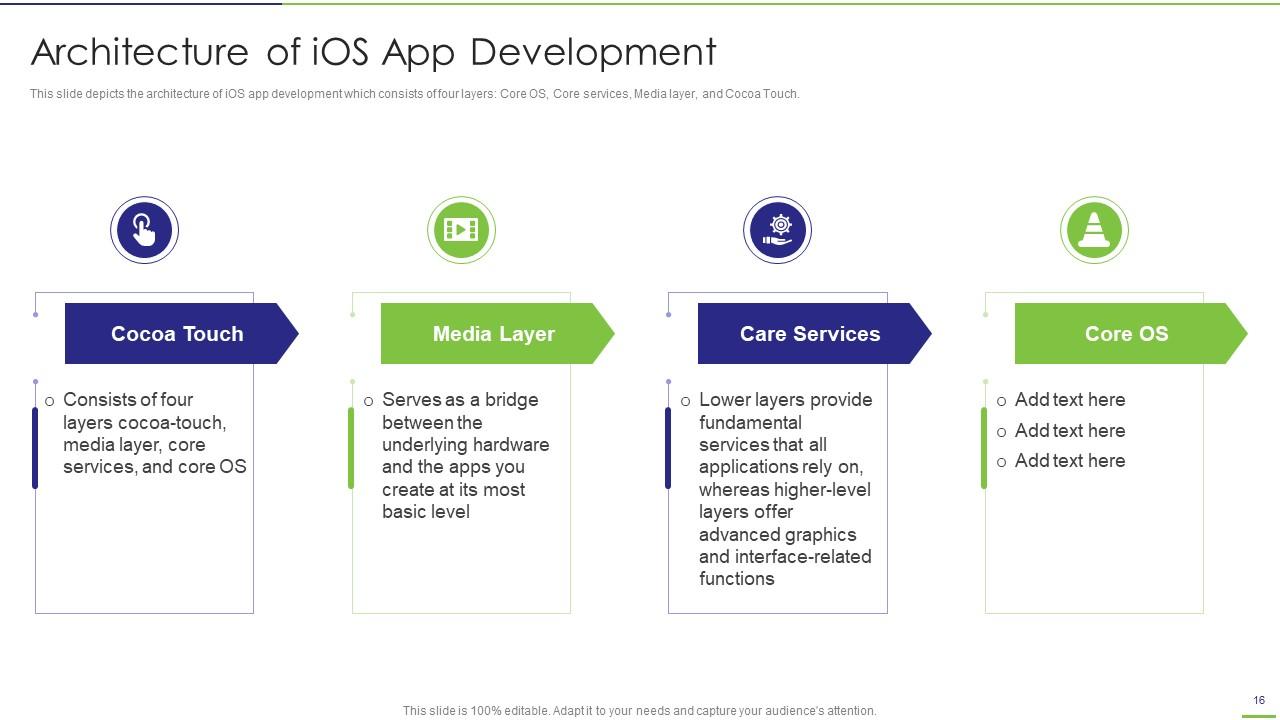
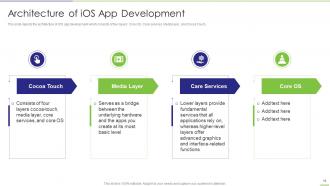
Folie 16 : Diese Folie zeigt die Architektur der iOS-App-Entwicklung, die aus vier Schichten besteht.
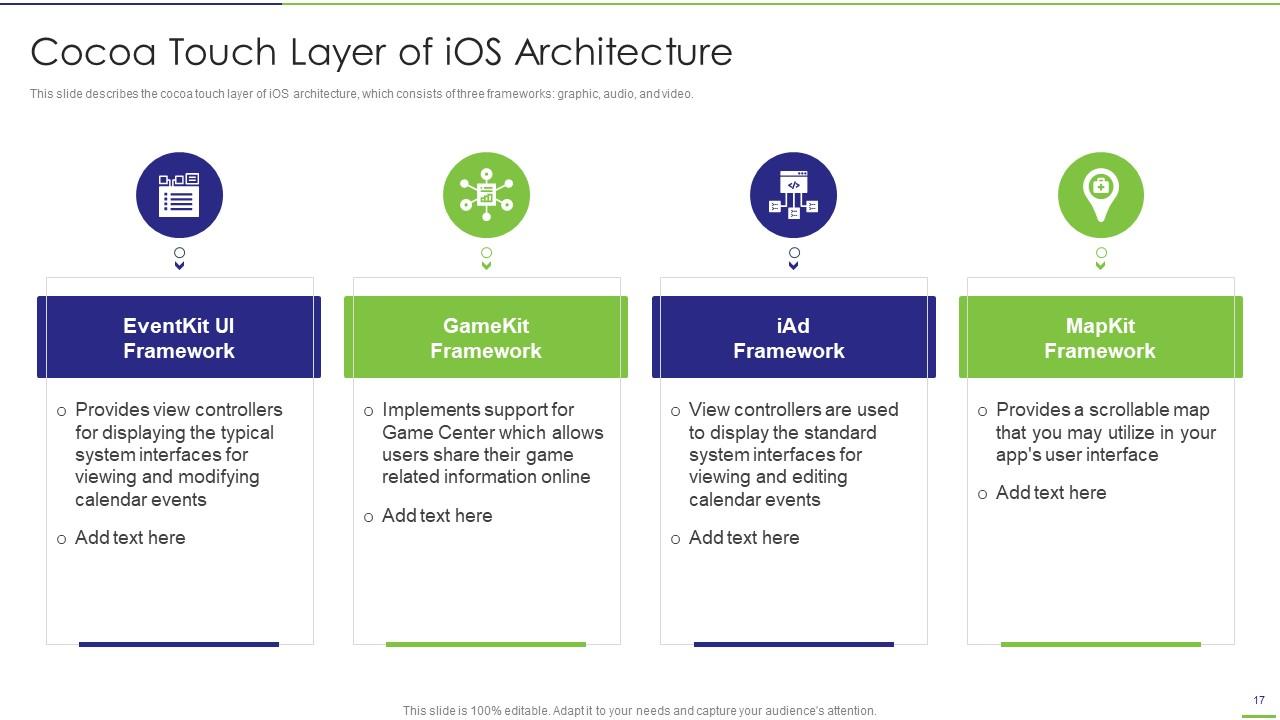
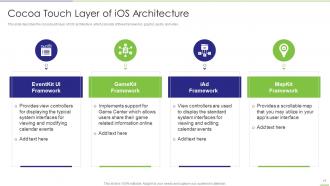
Folie 17 : Diese Folie beschreibt die Kakao-Touch-Schicht der iOS-Architektur, die aus drei Frameworks besteht.
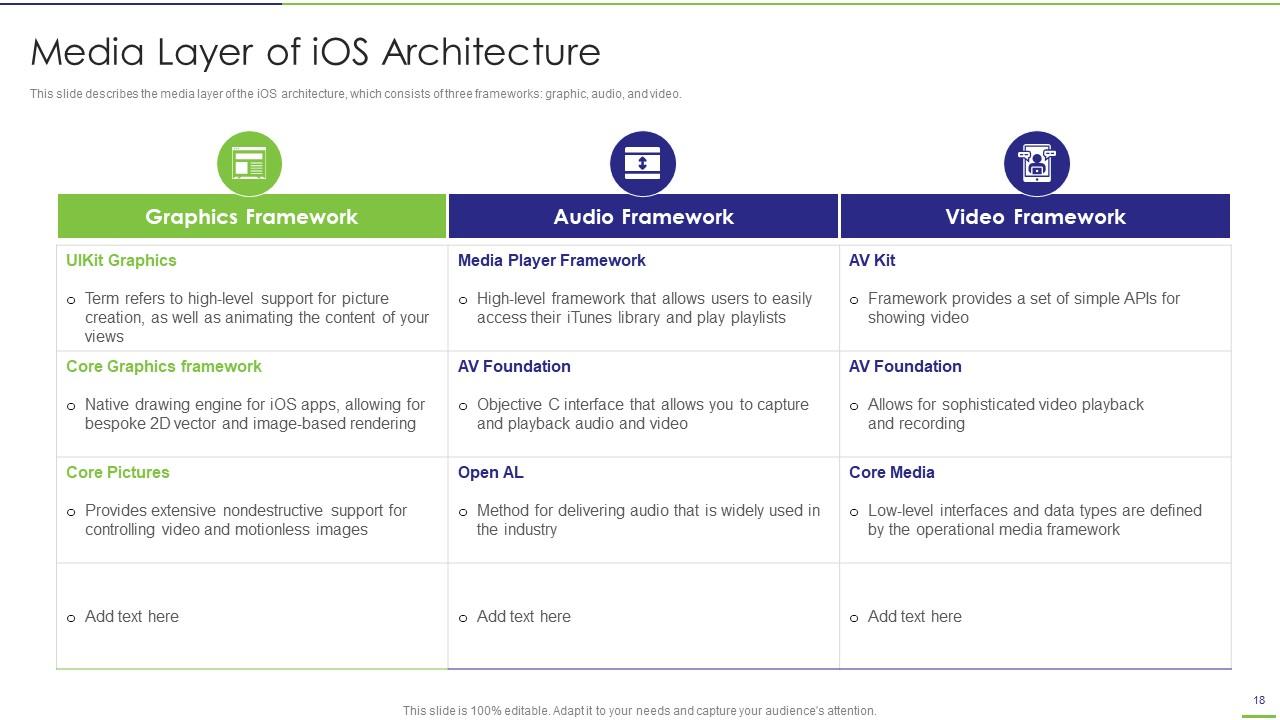
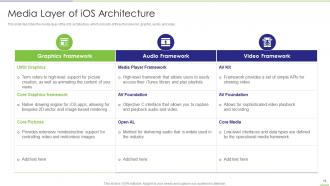
Folie 18 : Diese Folie repräsentiert die Medienschicht der iOS-Architektur.
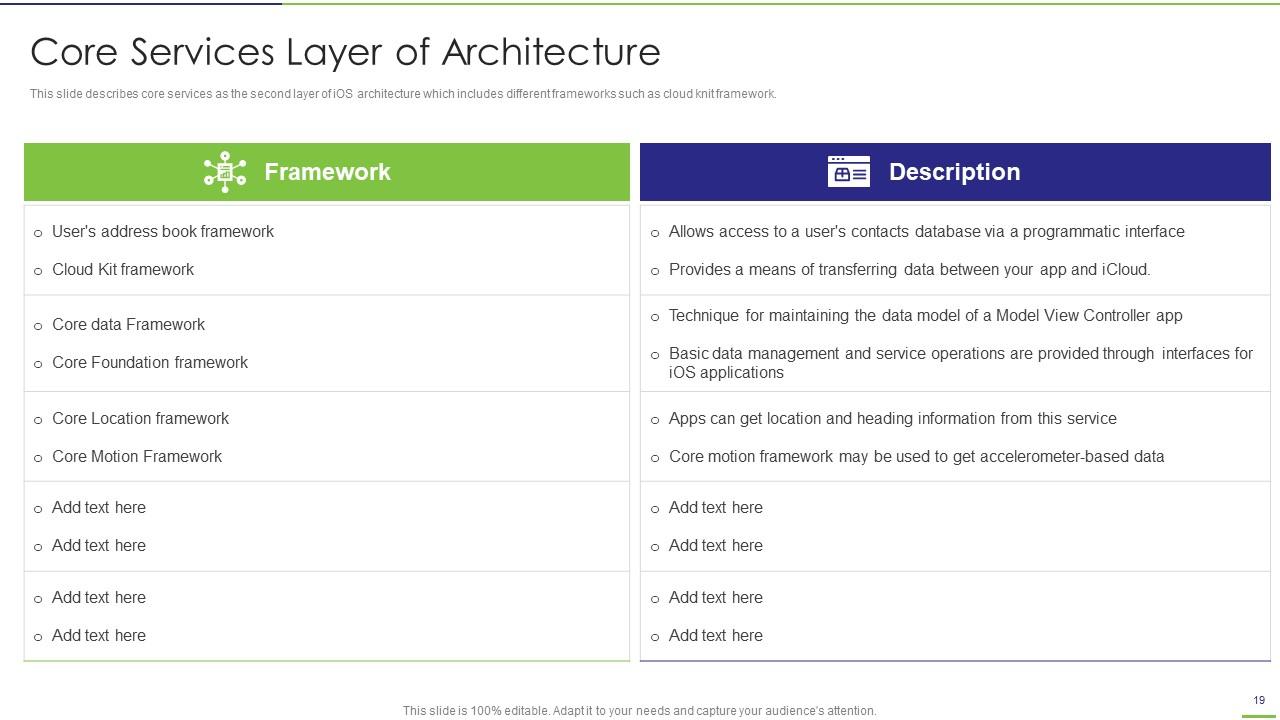
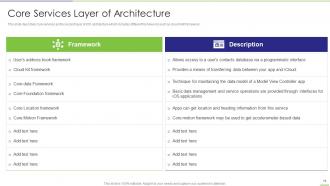
Folie 19 : Diese Folie beschreibt Kerndienste als zweite Ebene der iOS-Architektur, die verschiedene Frameworks umfasst.
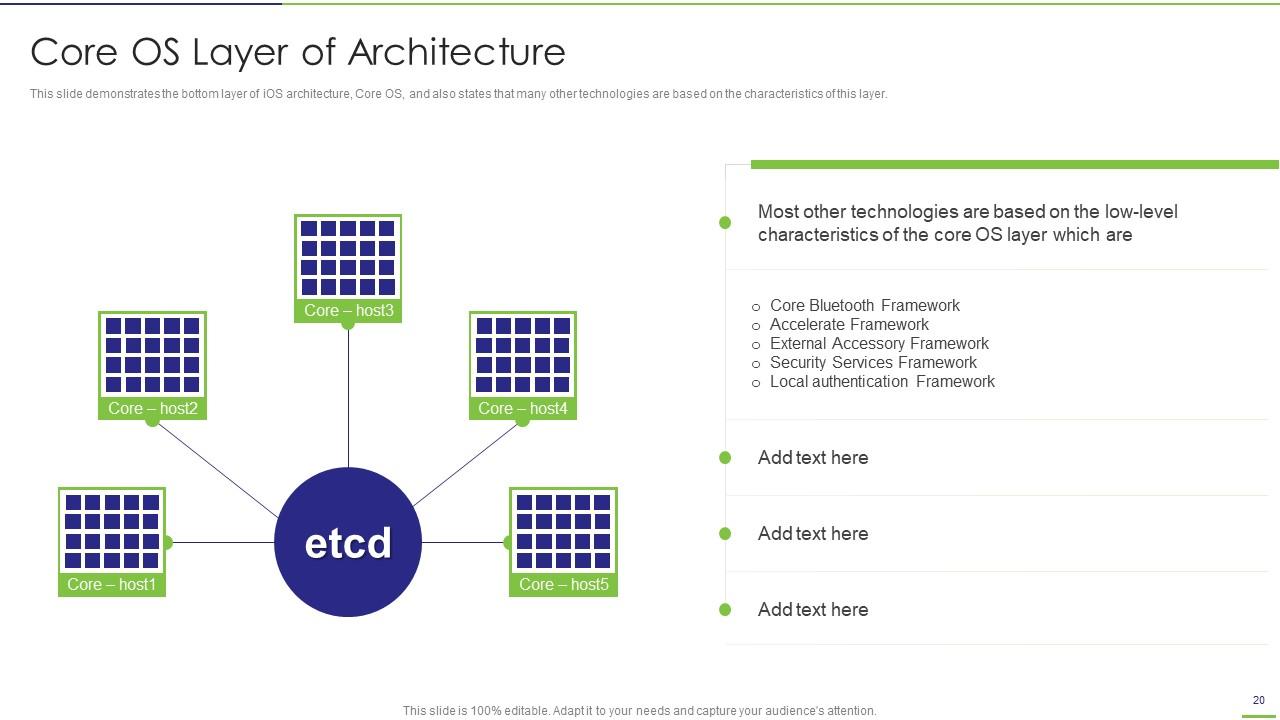
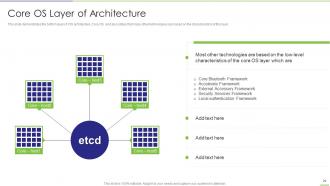
Folie 20 : Diese Folie zeigt die unterste Ebene der iOS-Architektur, dh Core OS.
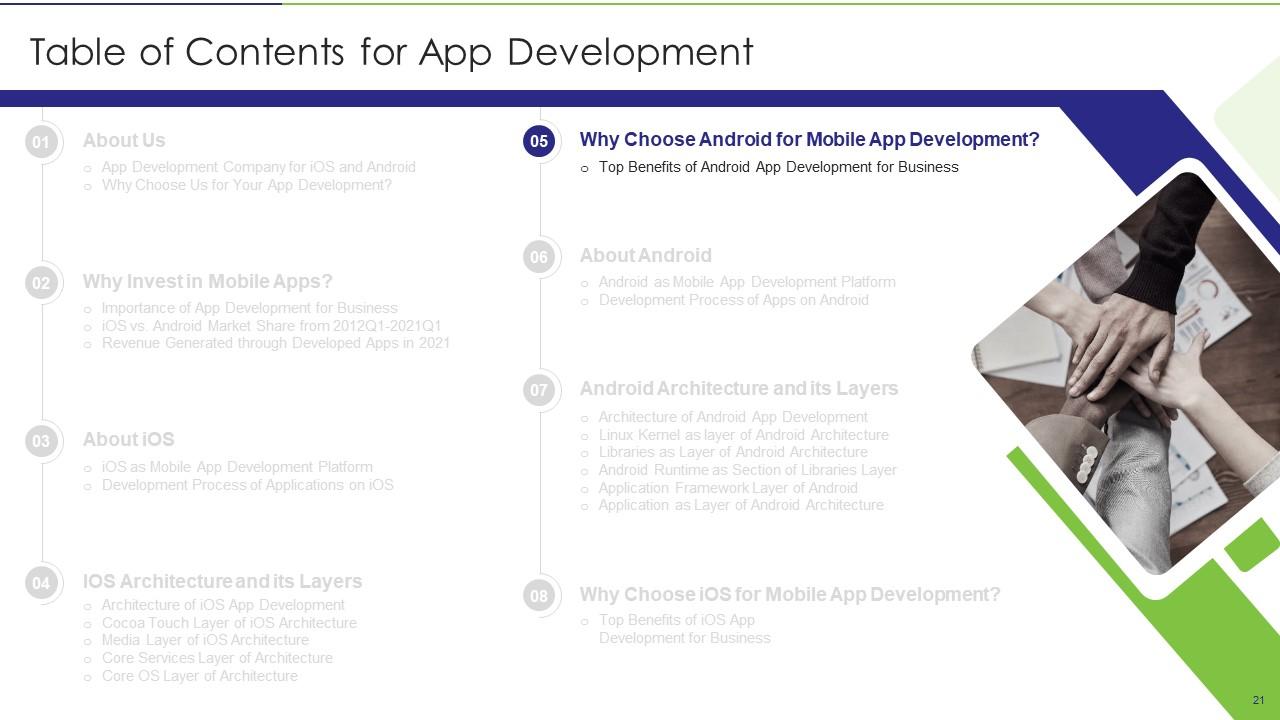
Folie 21 : Diese Folie zeigt Titel für Themen, die als nächstes in der Vorlage behandelt werden sollen.
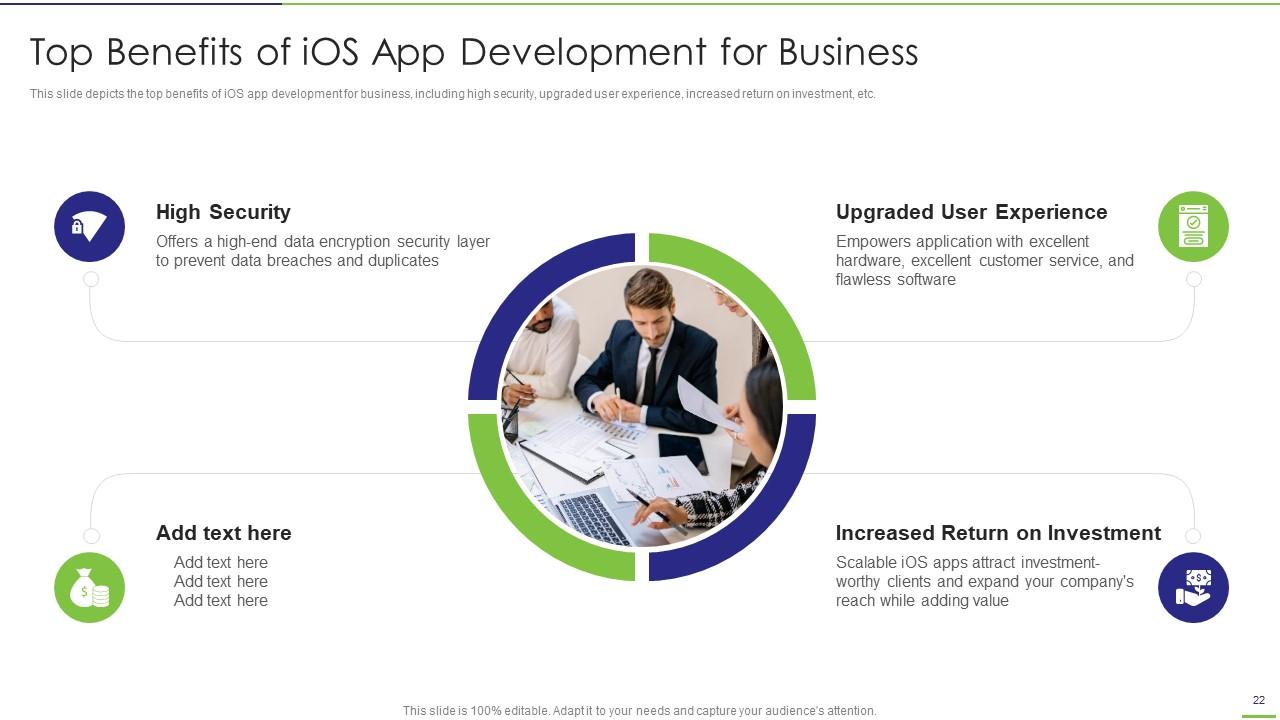
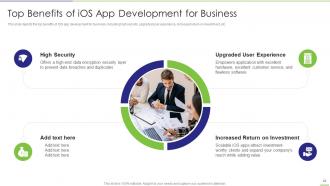
Folie 22 : Diese Folie zeigt die wichtigsten Vorteile der Entwicklung von iOS-Apps für Unternehmen, einschließlich hoher Sicherheit, verbesserter Benutzererfahrung usw.
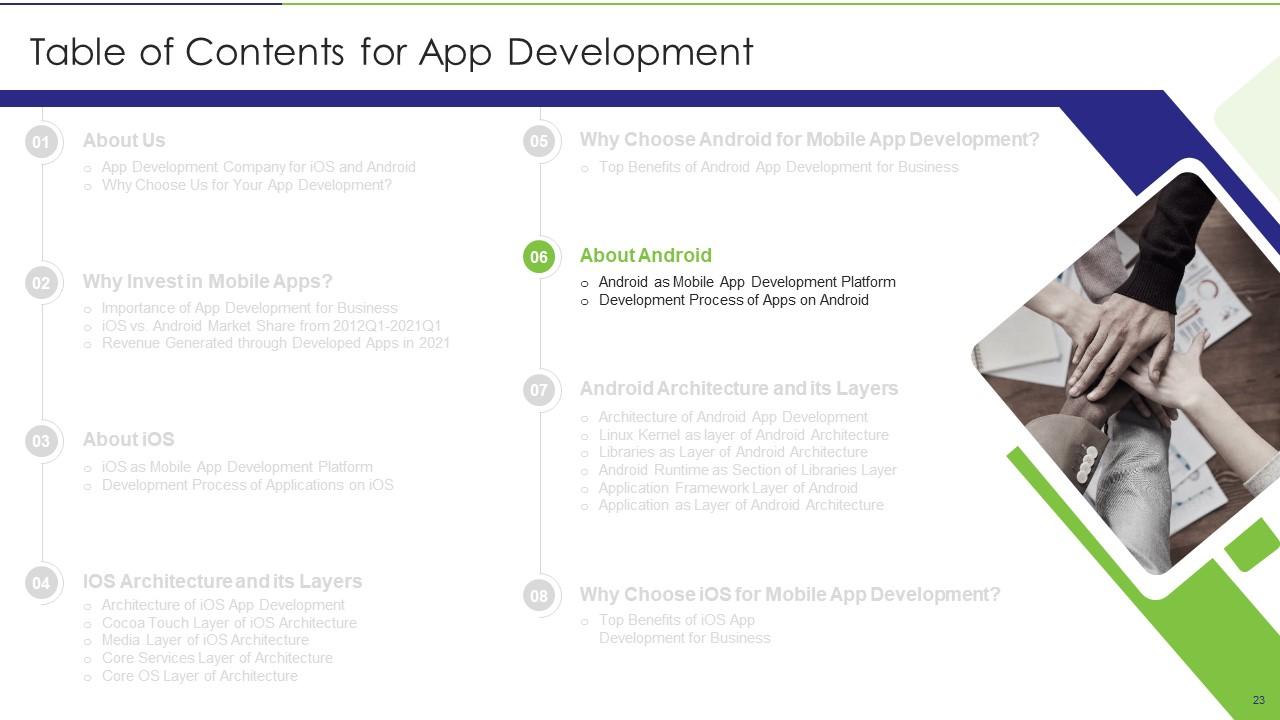
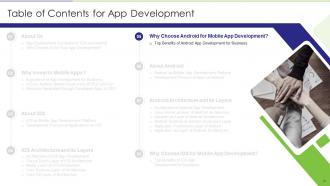
Folie 23 : Diese Folie zeigt Titel für Themen, die als nächstes in der Vorlage behandelt werden sollen.
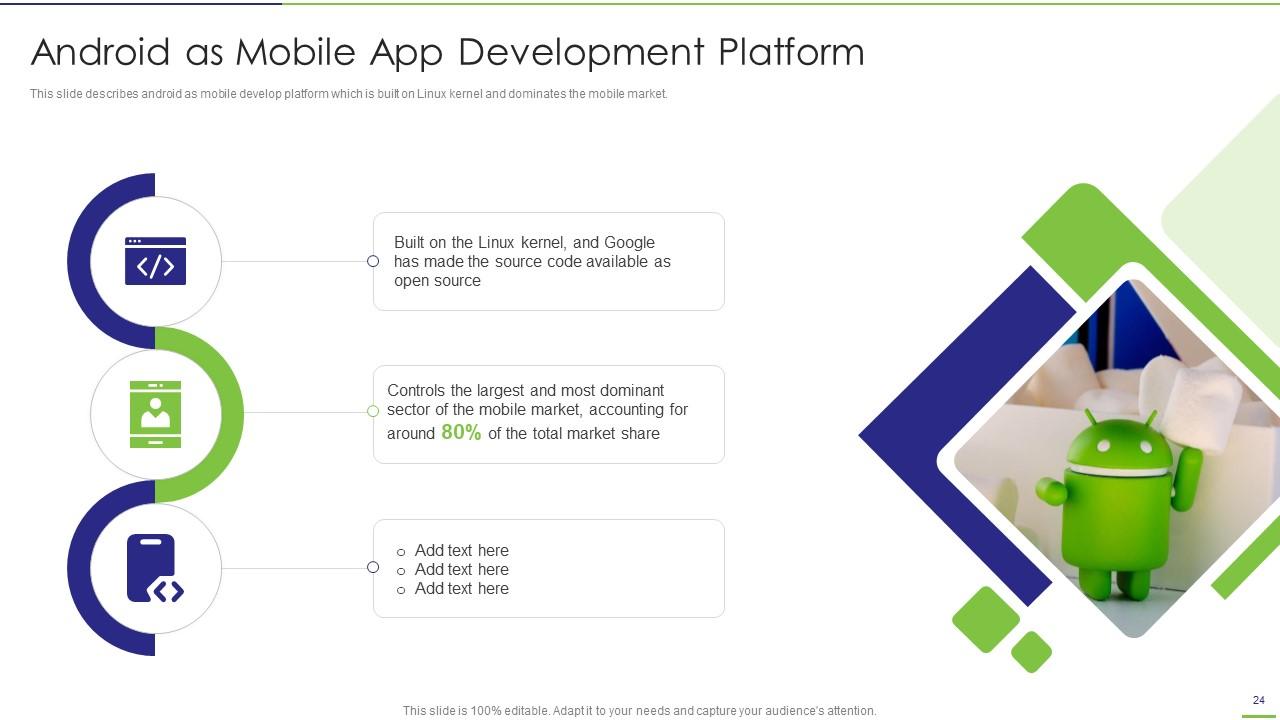
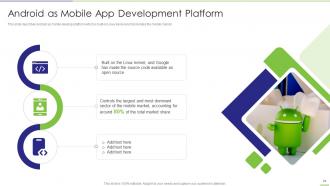
Folie 24 : Diese Folie repräsentiert Android als Entwicklungsplattform für mobile Apps.
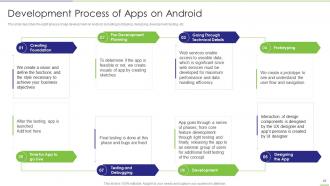
Folie 25 : Diese Folie beschreibt die acht Phasen der App-Entwicklung auf Android, einschließlich Prototyping, Design, Entwicklung usw.
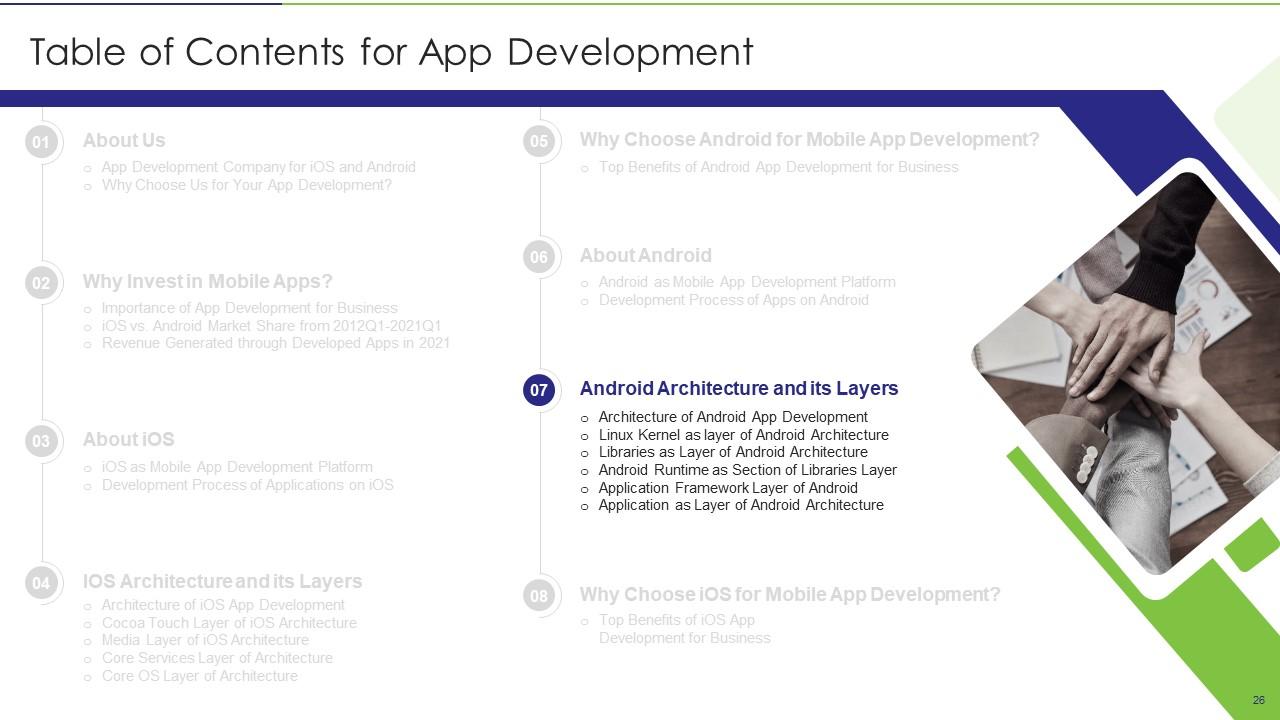
Folie 26 : Diese Folie zeigt Titel für Themen, die als nächstes in der Vorlage behandelt werden sollen.
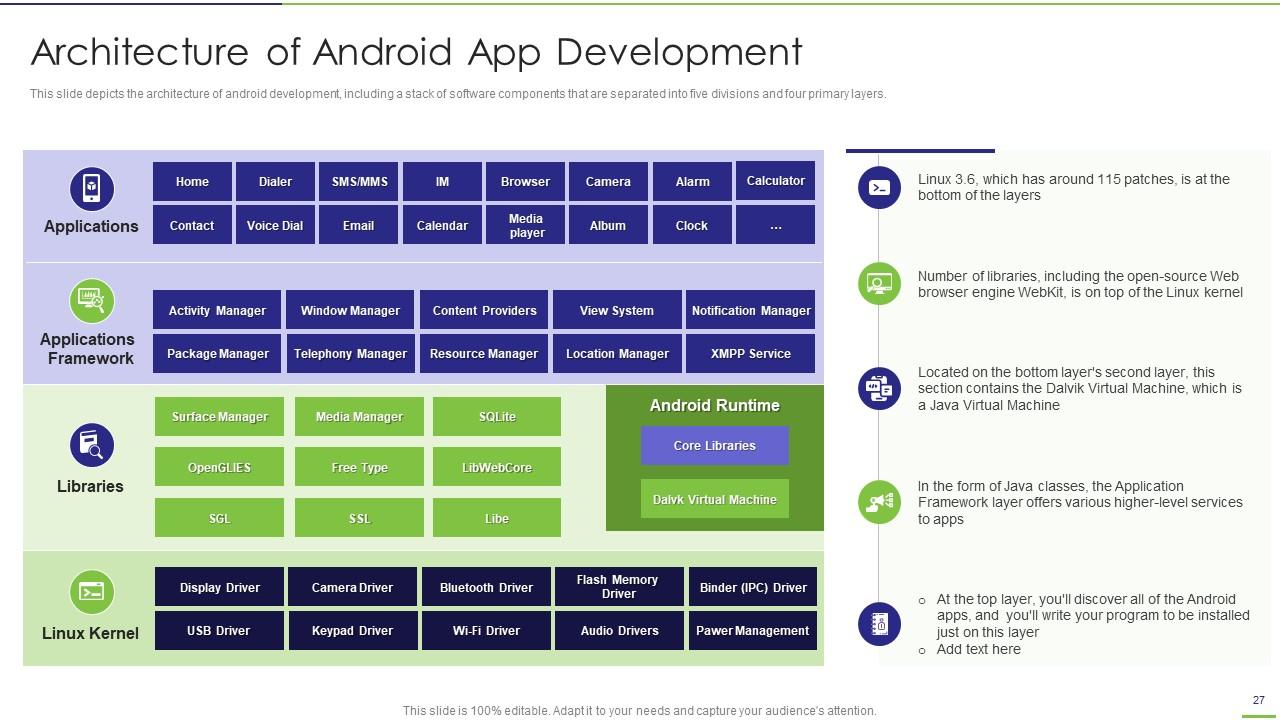
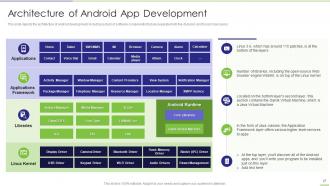
Folie 27 : Diese Folie zeigt die Architektur der Android-Entwicklung, einschließlich eines Stapels von Softwarekomponenten.
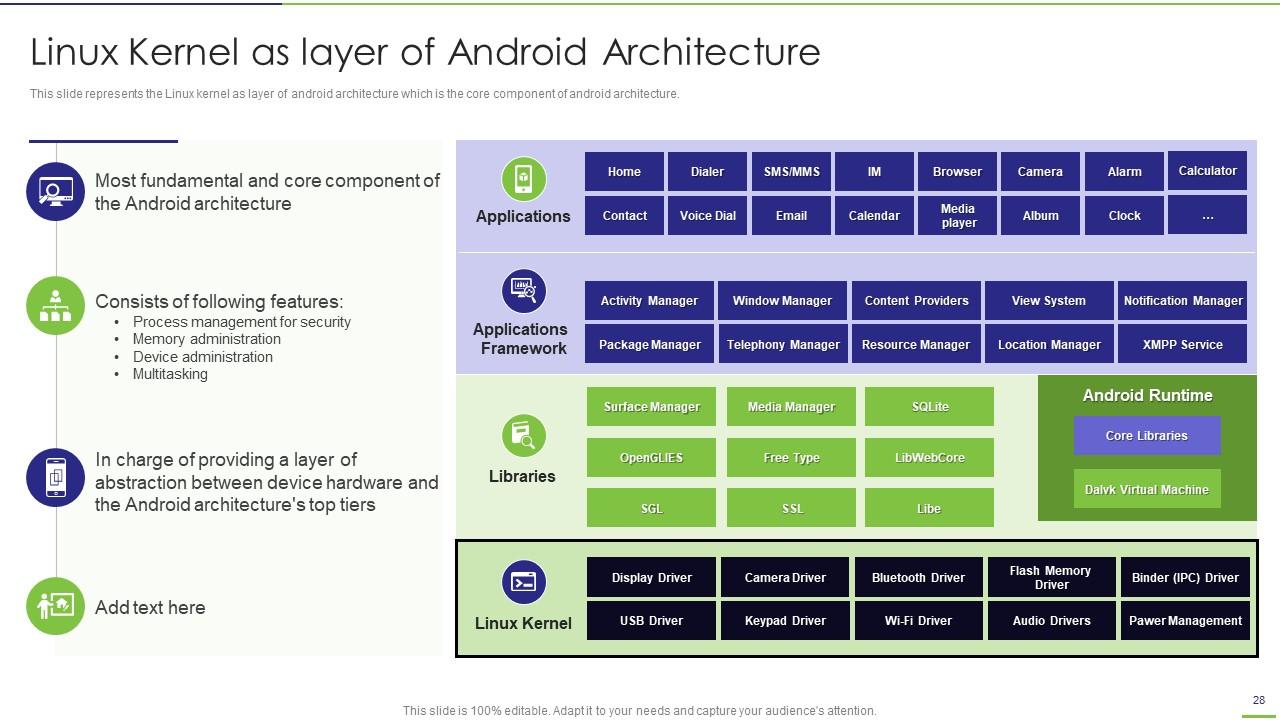
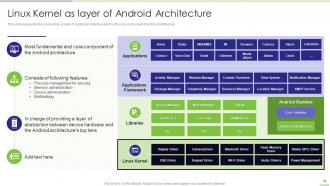
Folie 28 : Diese Folie zeigt den Linux-Kernel als Schicht der Android-Architektur.
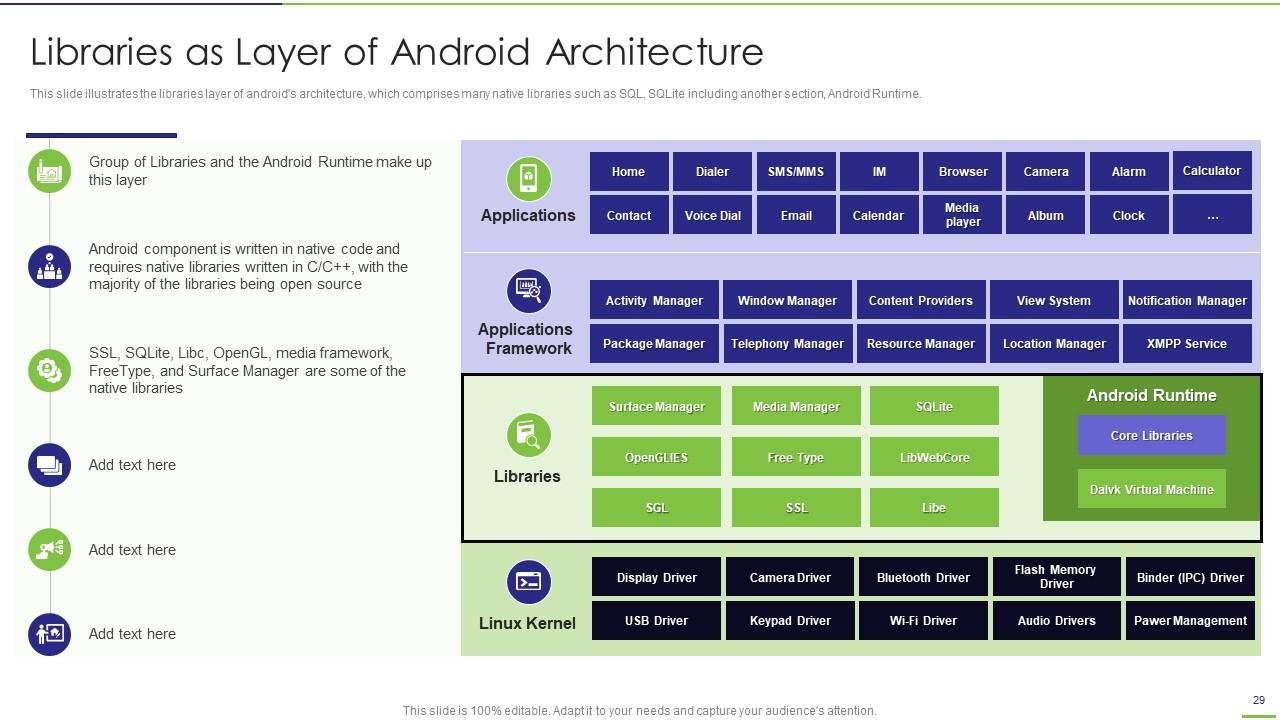
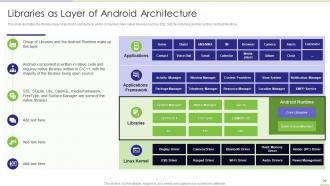
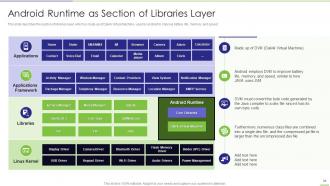
Folie 29 : Diese Folie veranschaulicht die Bibliotheksschicht der Android-Architektur, die viele native Bibliotheken umfasst.
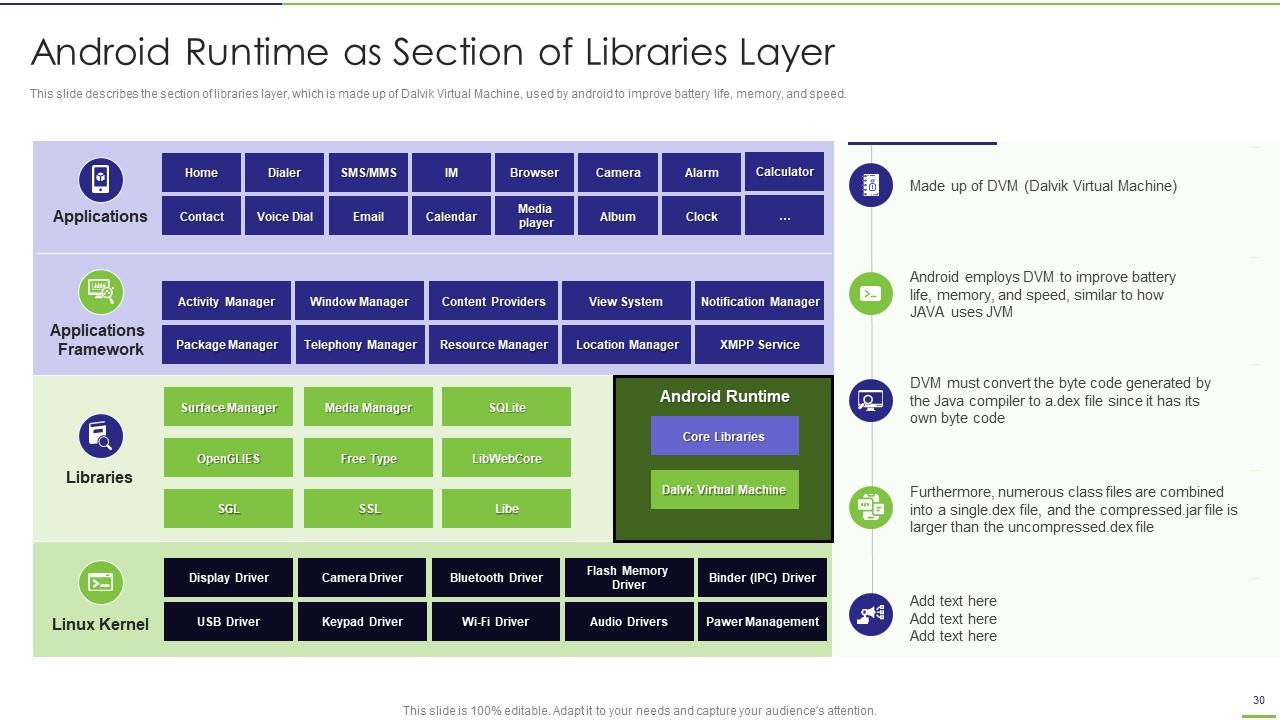
Folie 30 : Diese Folie beschreibt den Abschnitt der Bibliotheksschicht, die aus Dalvik Virtual Machine besteht.
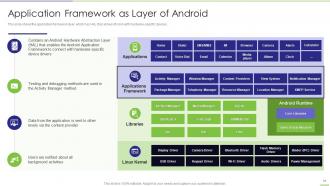
Folie 31 : Diese Folie zeigt die Anwendungs-Framework-Schicht, die über HAL verfügt, die es ihr ermöglicht, sich mit hardwarespezifischen Geräten zu verbinden.
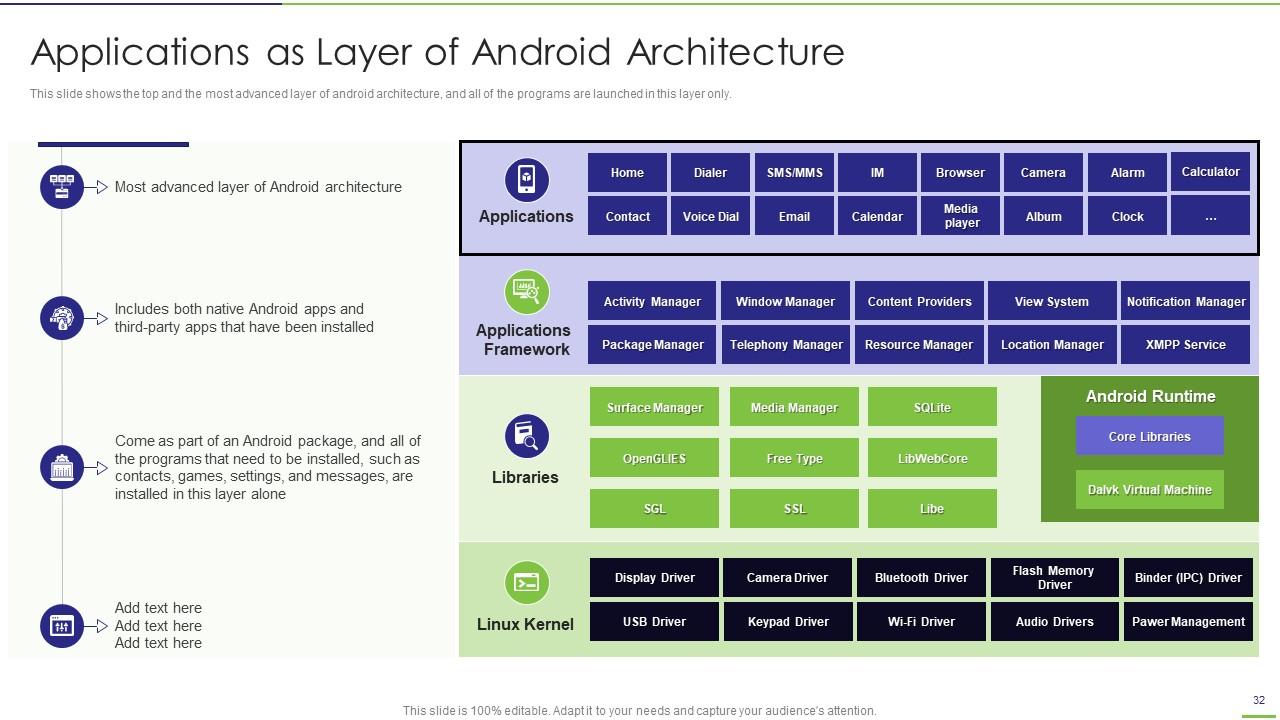
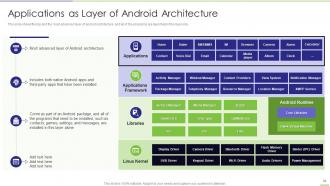
Folie 32 : Diese Folie präsentiert Anwendungen als Schicht der Android-Architektur.
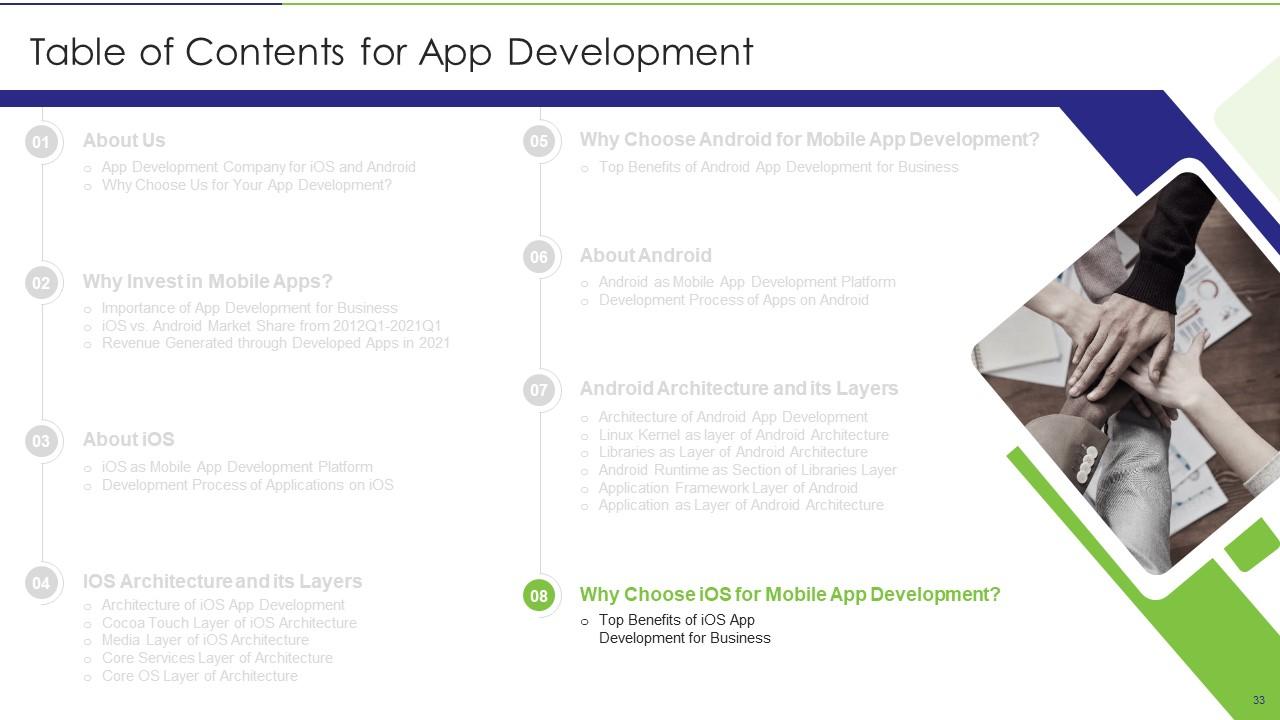
Folie 33 : Diese Folie zeigt Titel für Themen, die als nächstes in der Vorlage behandelt werden sollen.
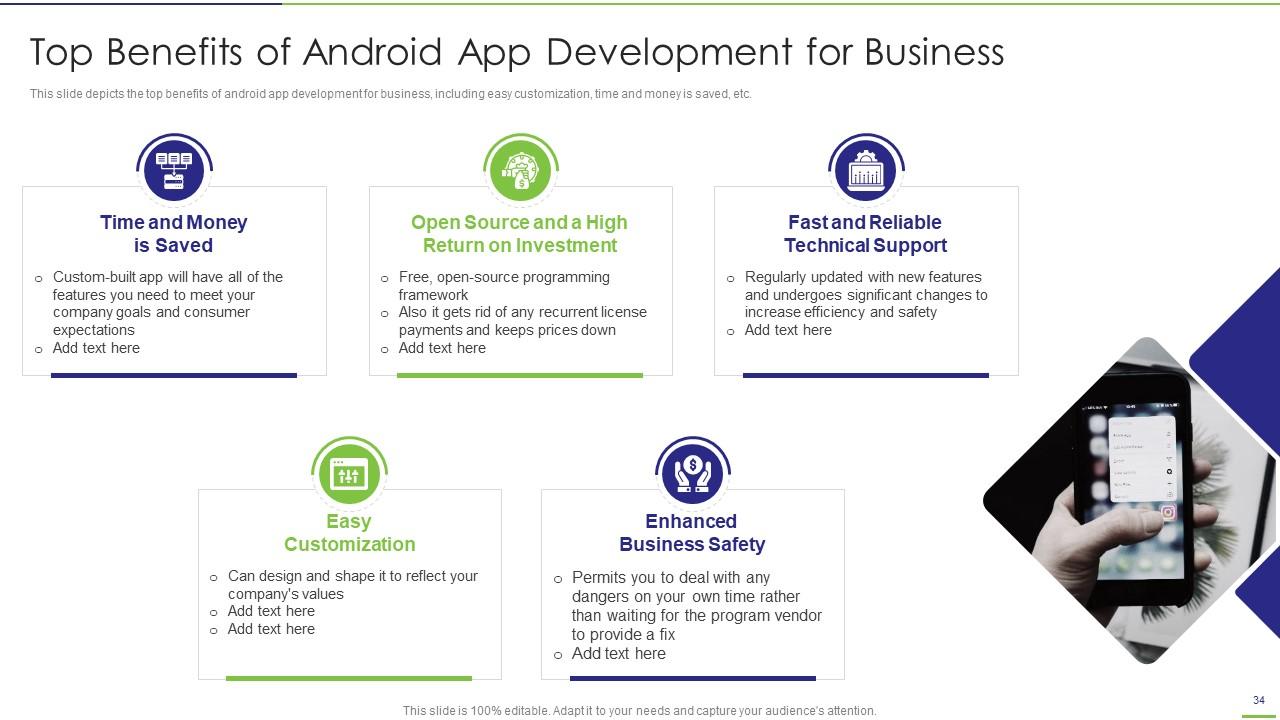
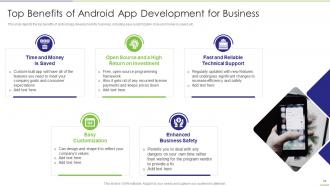
Folie 34 : Diese Folie zeigt die wichtigsten Vorteile der Entwicklung von Android-Apps für Unternehmen.
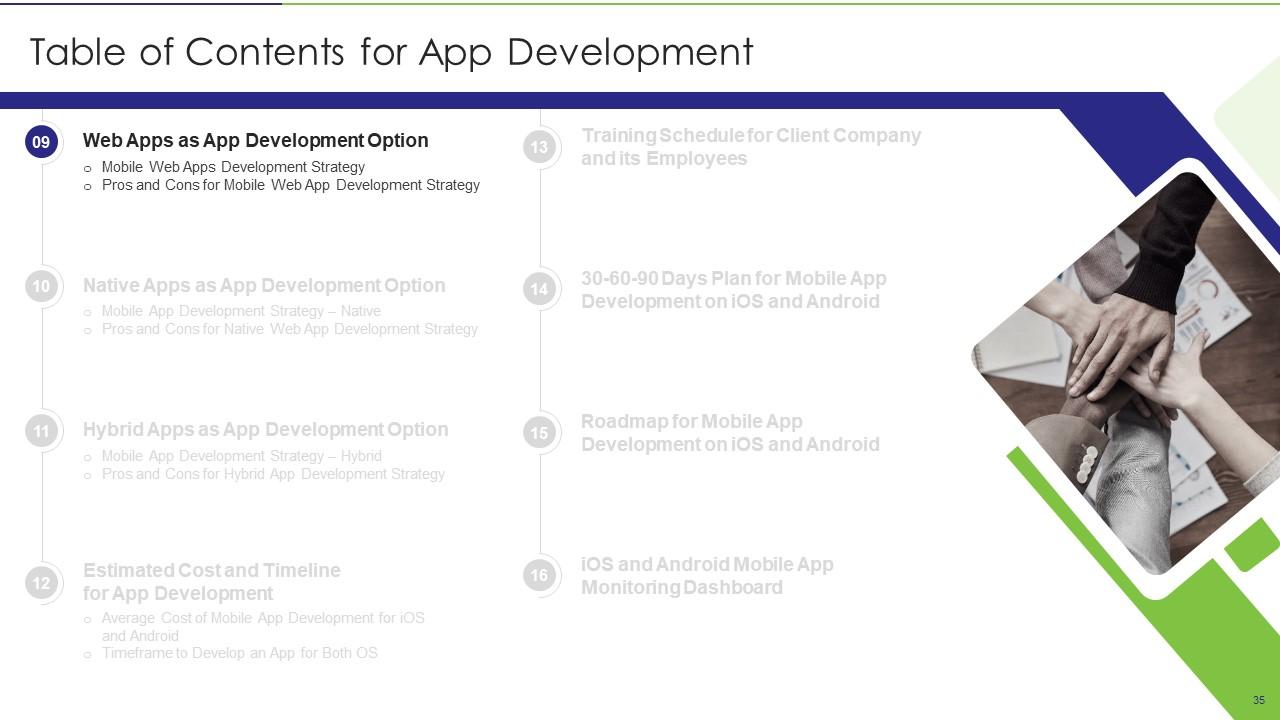
Folie 35 : Diese Folie zeigt Titel für Themen, die als nächstes in der Vorlage behandelt werden sollen.
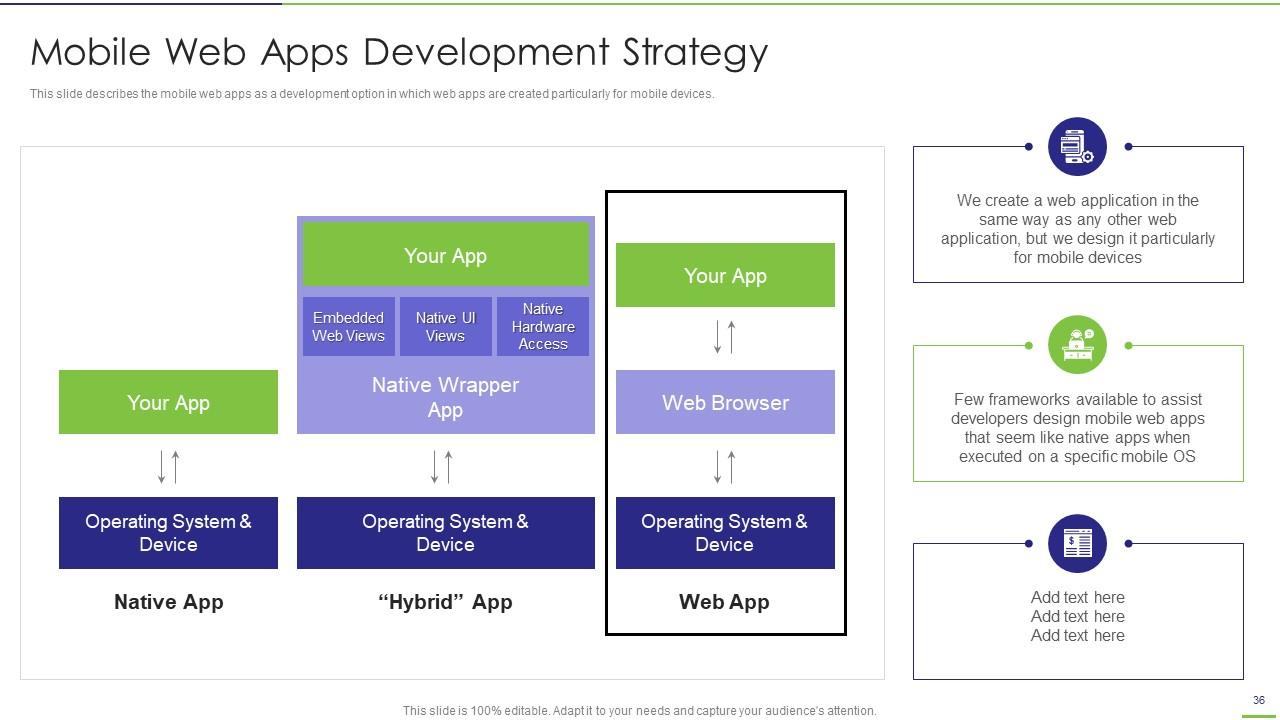
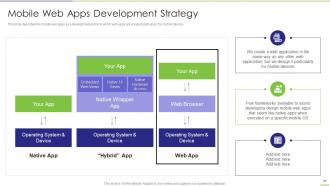
Folie 36 : Diese Folie beschreibt die Mobile Web Apps als Entwicklungsoption, bei der Web Apps speziell für mobile Endgeräte erstellt werden.
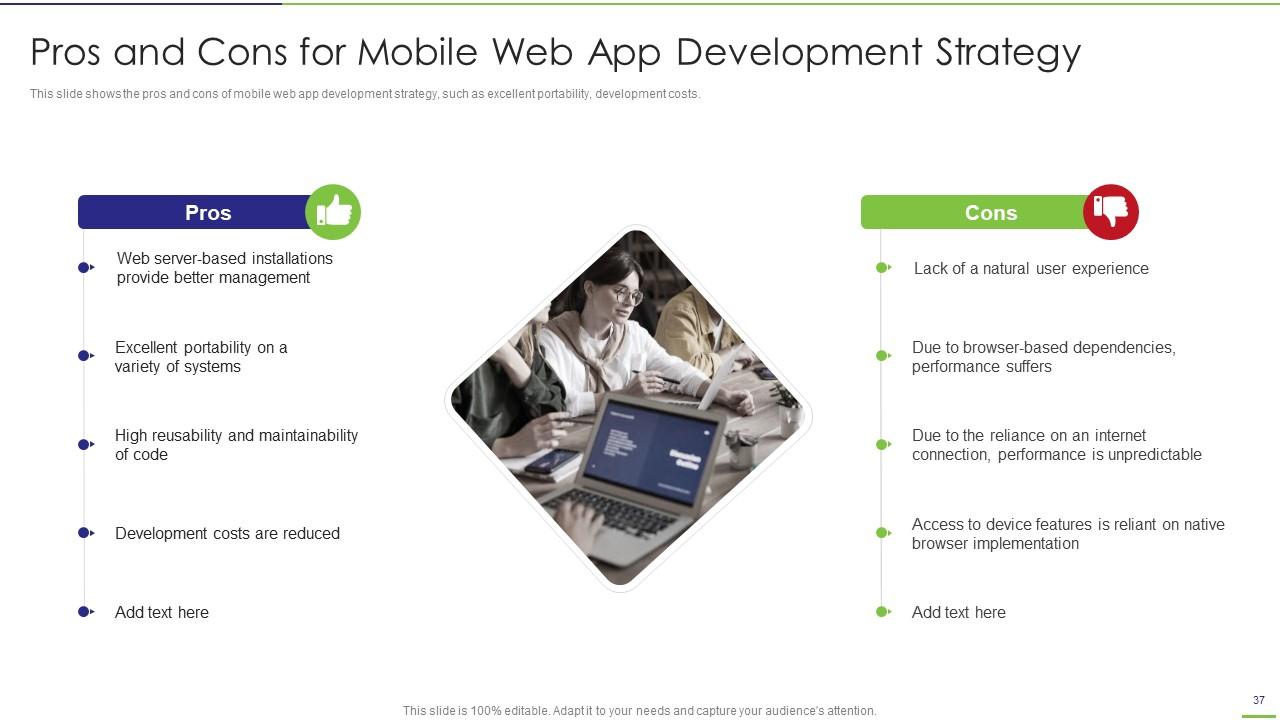
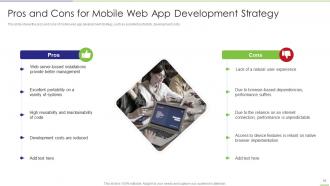
Folie 37 : Diese Folie zeigt die Vor- und Nachteile einer Entwicklungsstrategie für mobile Web-Apps.
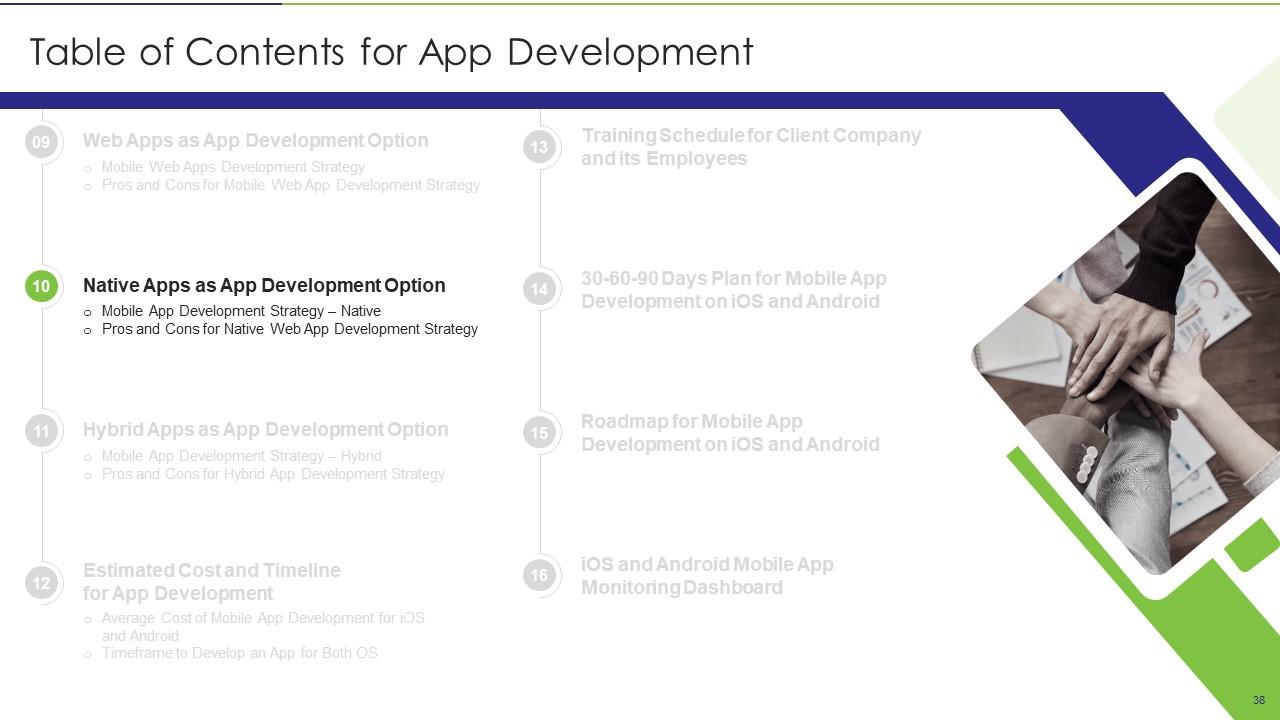
Folie 38 : Diese Folie zeigt Titel für Themen, die als nächstes in der Vorlage behandelt werden sollen.
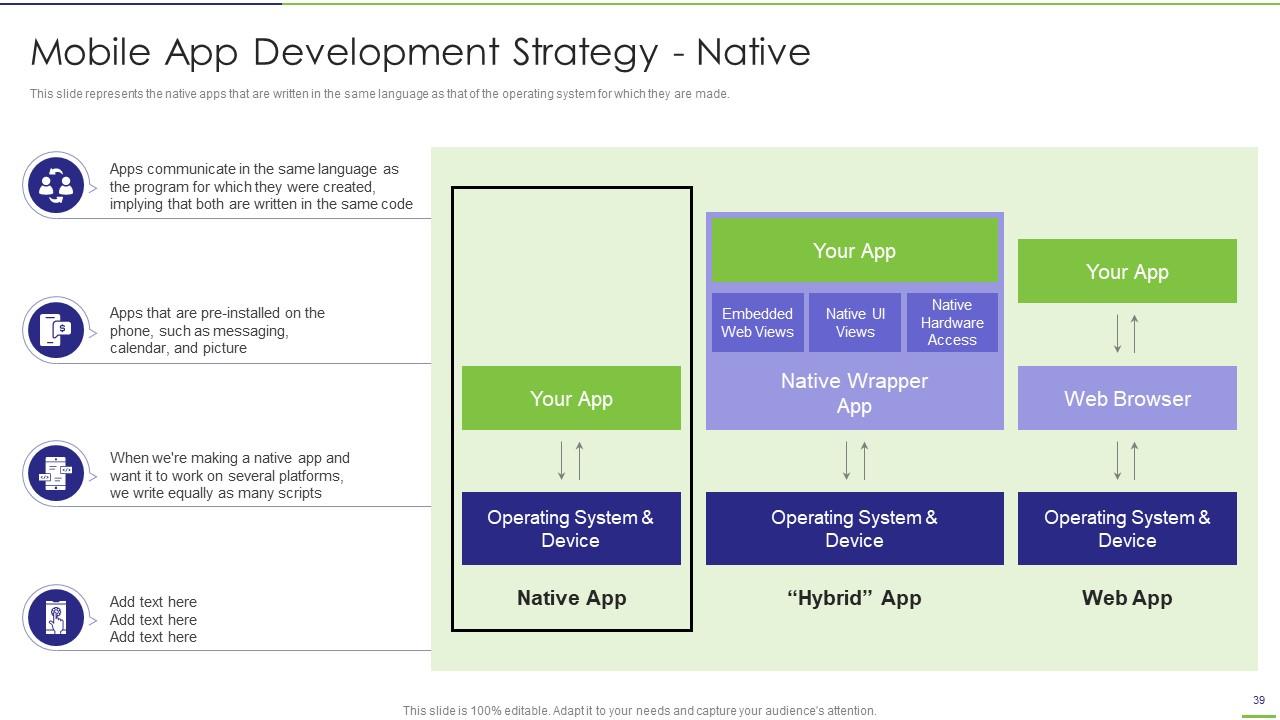
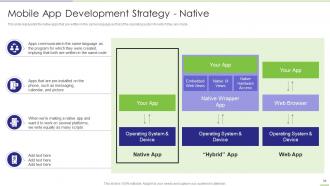
Folie 39 : Diese Folie stellt die nativen Apps dar, die in derselben Sprache wie die des Betriebssystems geschrieben sind.
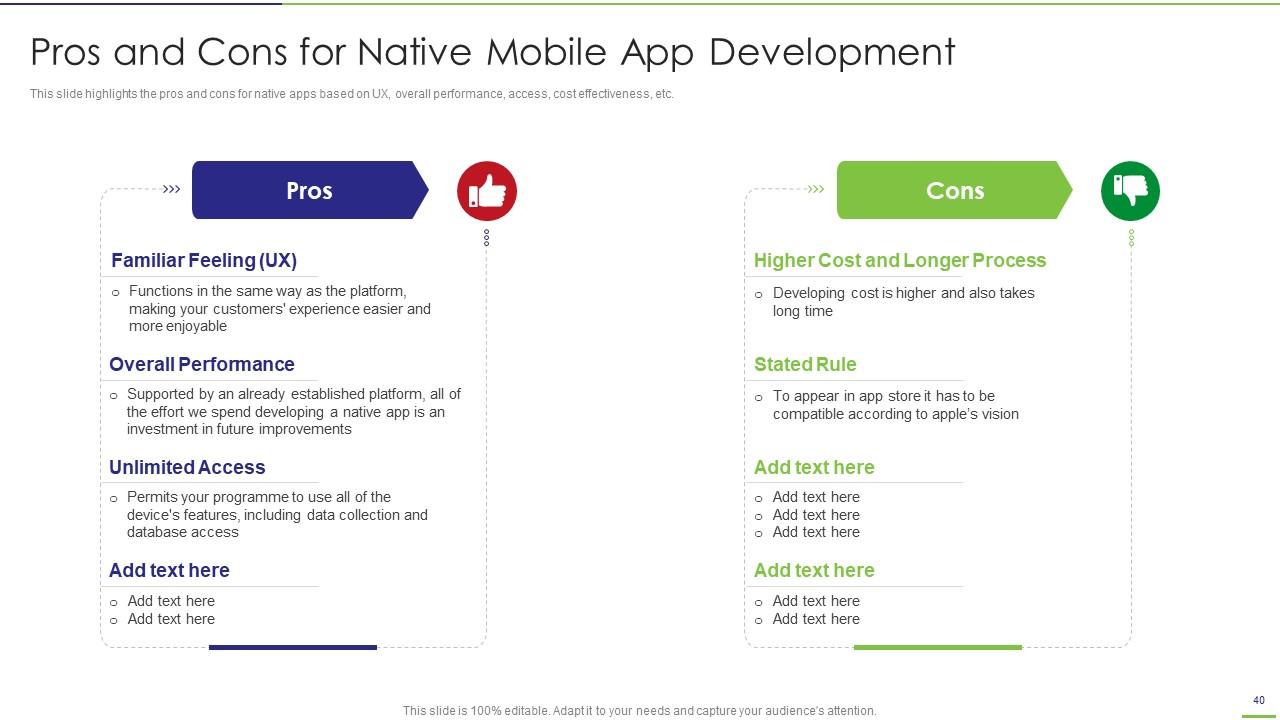
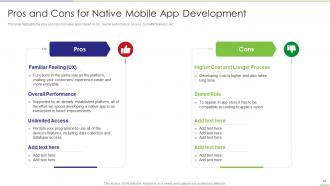
Folie 40 : Diese Folie zeigt die Vor- und Nachteile der nativen Entwicklung mobiler Apps.
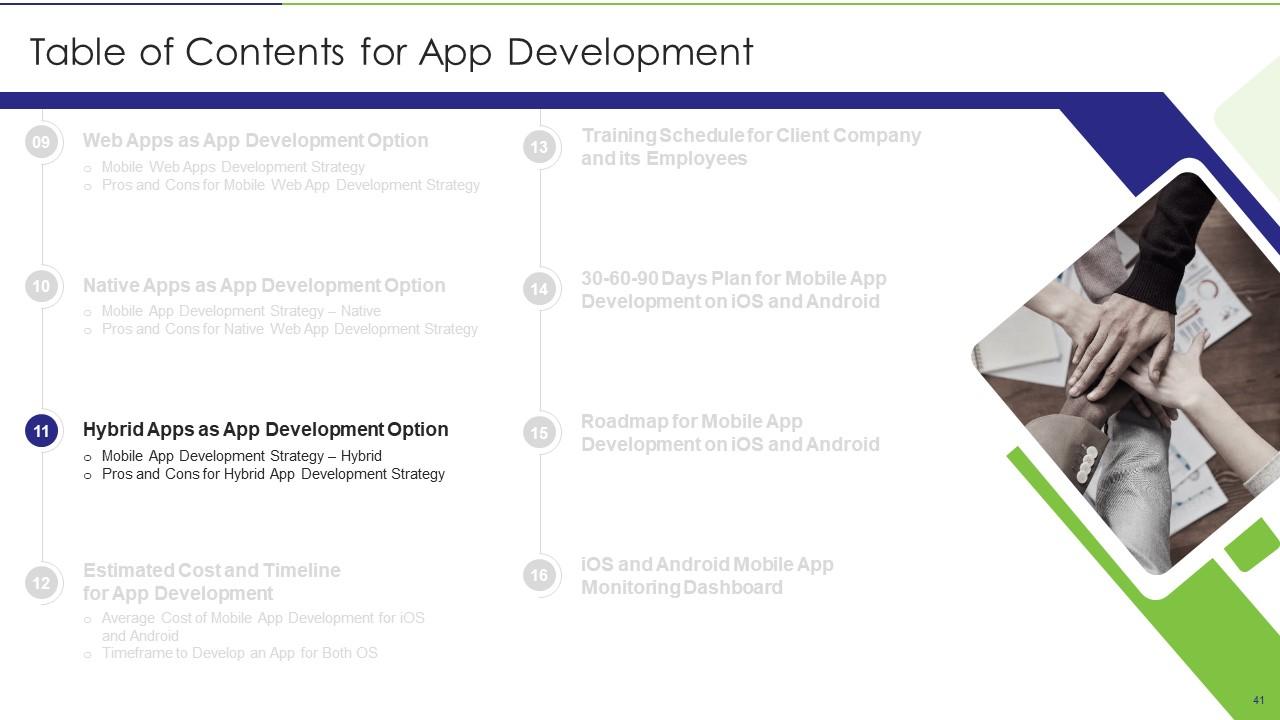
Folie 41 : Diese Folie zeigt das Inhaltsverzeichnis für die Präsentation.
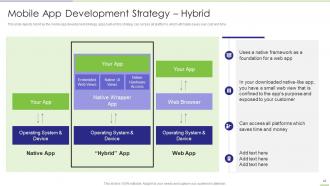
Folie 42 : Diese Folie zeigt Hybrid als Entwicklungsstrategie für mobile Apps mit Zugriff auf alle Plattformen.
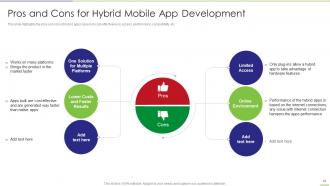
Folie 43 : Diese Folie zeigt Vor- und Nachteile für die Entwicklung hybrider mobiler Apps.
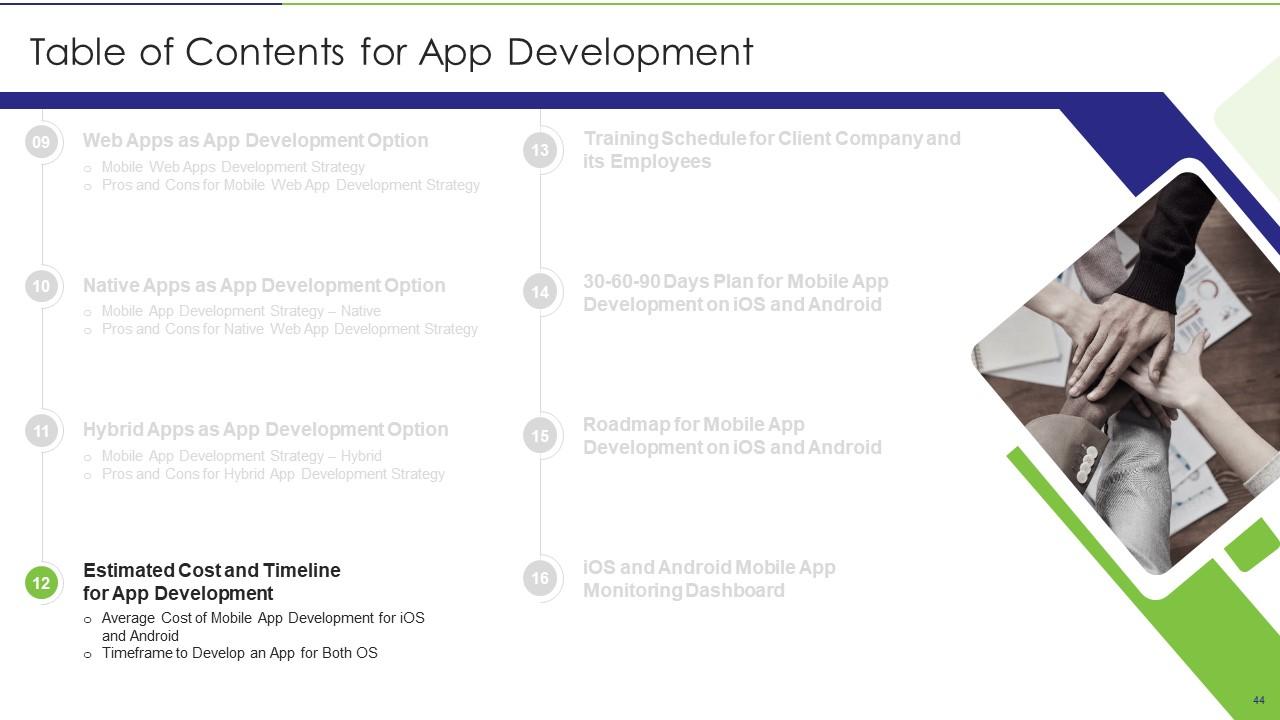
Folie 44 : Diese Folie zeigt Titel für Themen, die als nächstes in der Vorlage behandelt werden sollen.
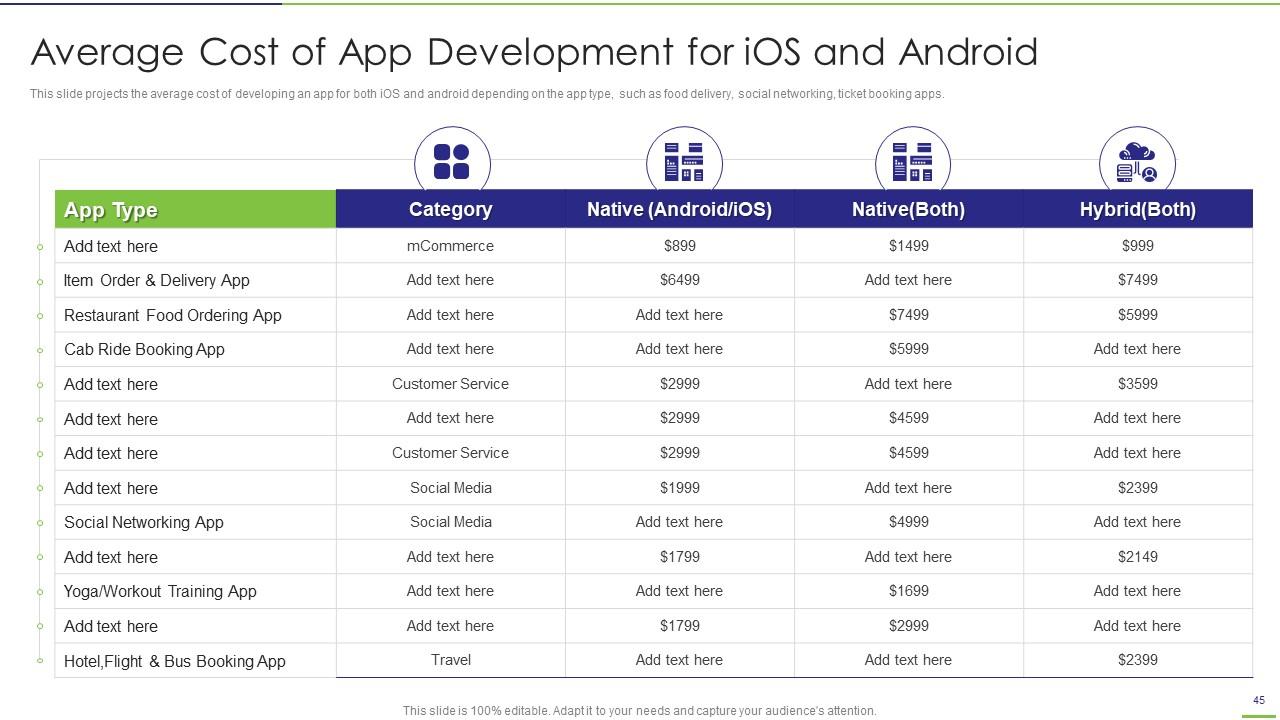
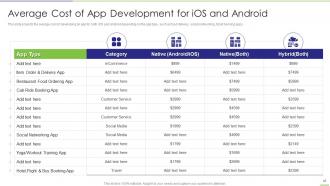
Folie 45 : Diese Folie stellt die durchschnittlichen Kosten der App-Entwicklung für iOS und Android dar.
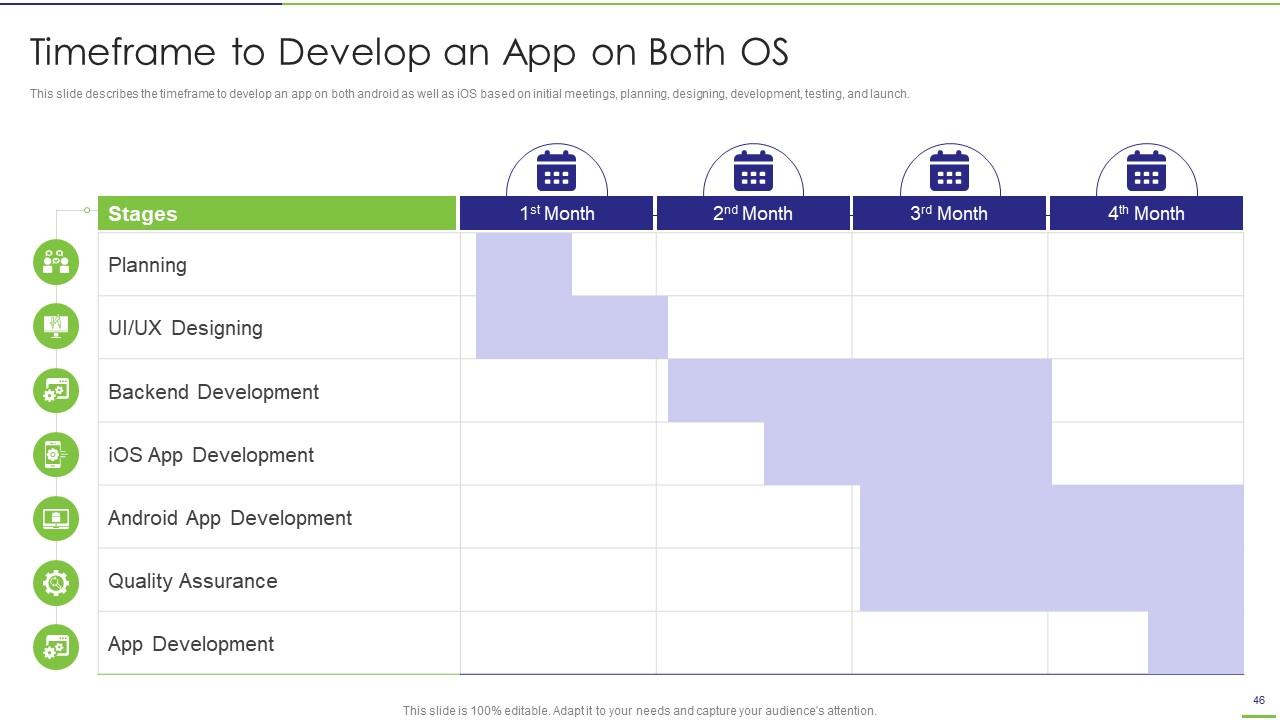
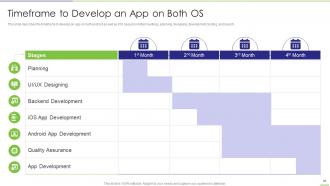
Folie 46 : Diese Folie beschreibt den Zeitrahmen für die Entwicklung einer App sowohl für Android als auch für iOS.
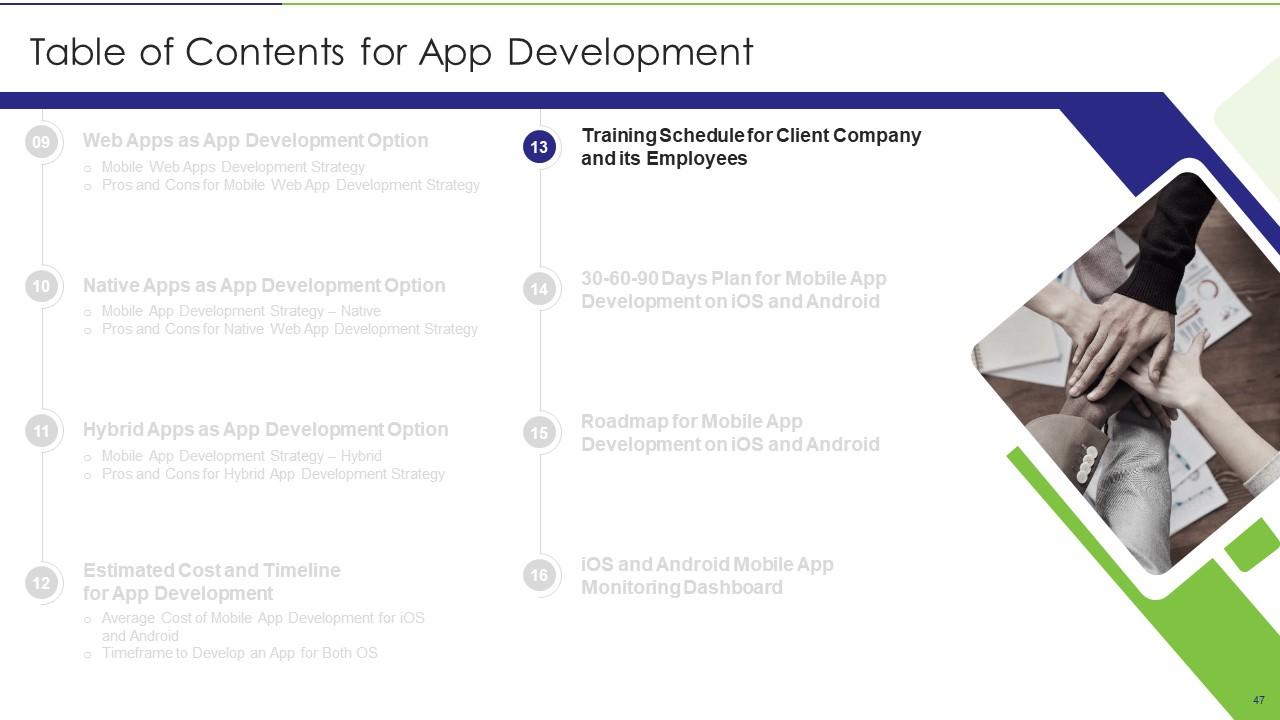
Folie 47 : Diese Folie zeigt Titel für Themen, die als nächstes in der Vorlage behandelt werden sollen.
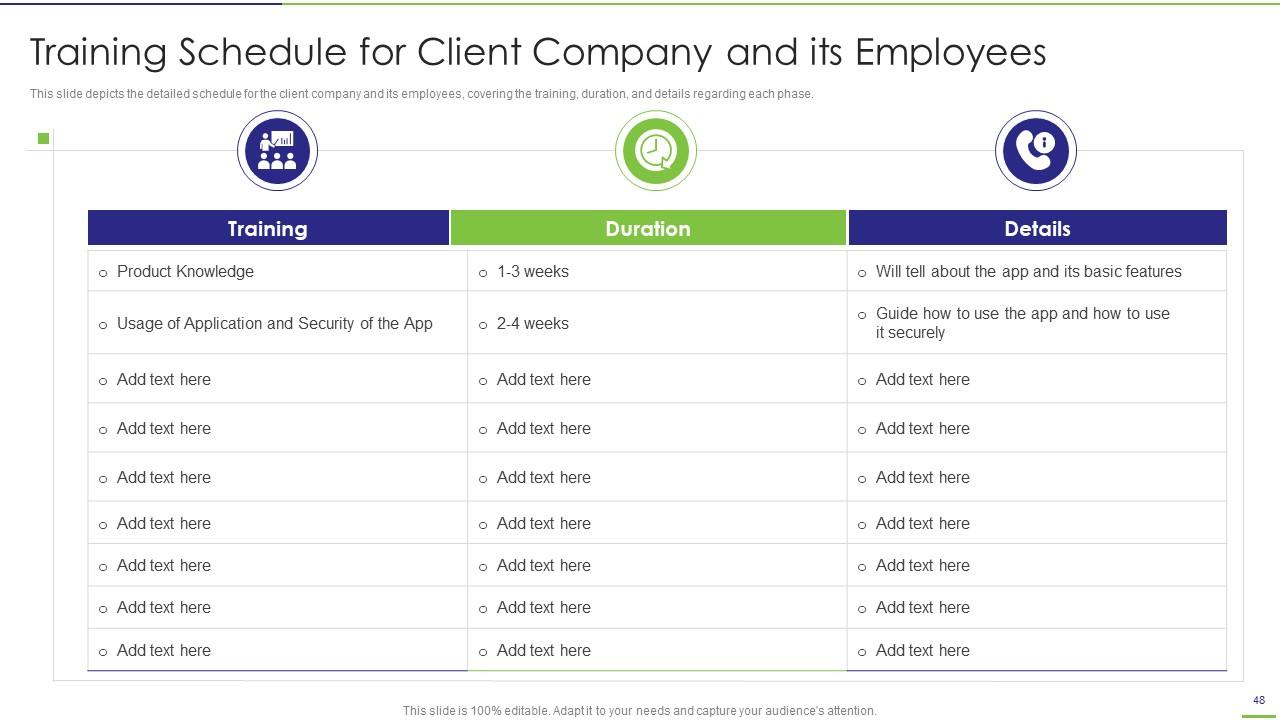
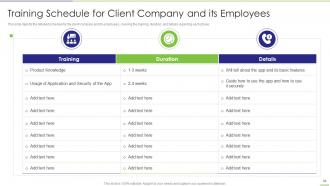
Folie 48 : Diese Folie zeigt den Schulungsplan für das Kundenunternehmen und seine Mitarbeiter.
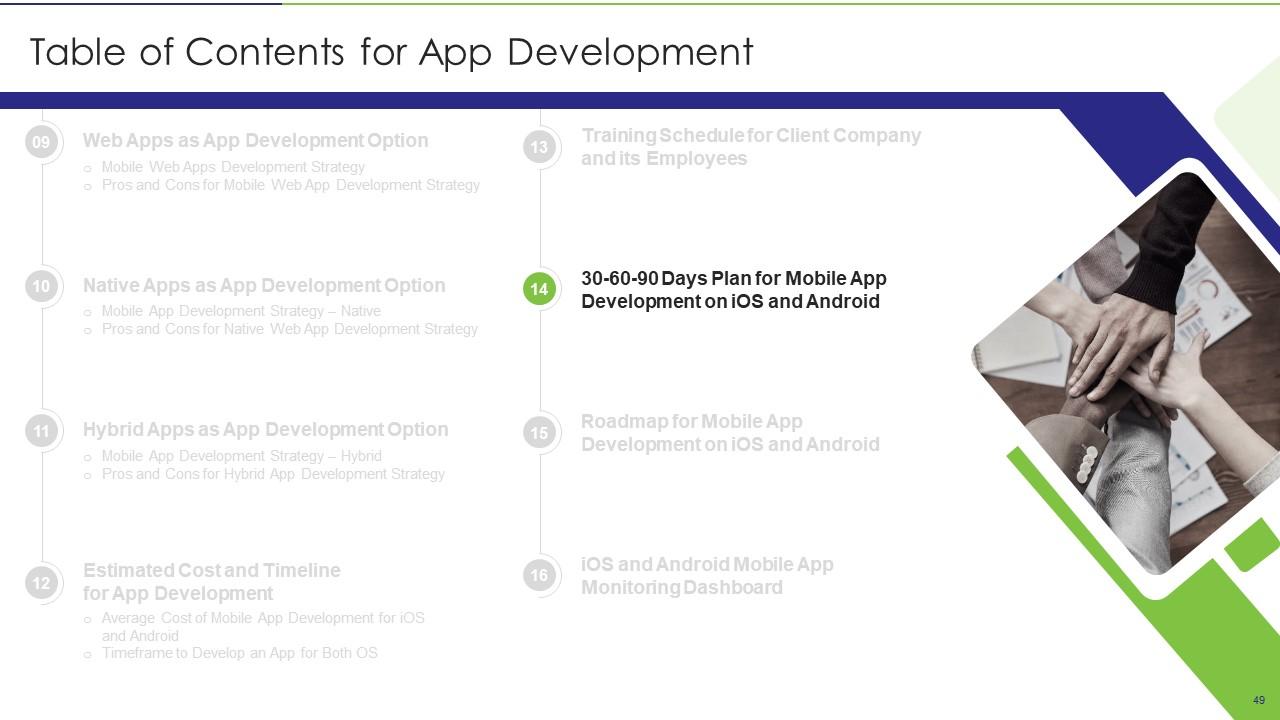
Folie 49 : Diese Folie zeigt Titel für Themen, die als nächstes in der Vorlage behandelt werden sollen.
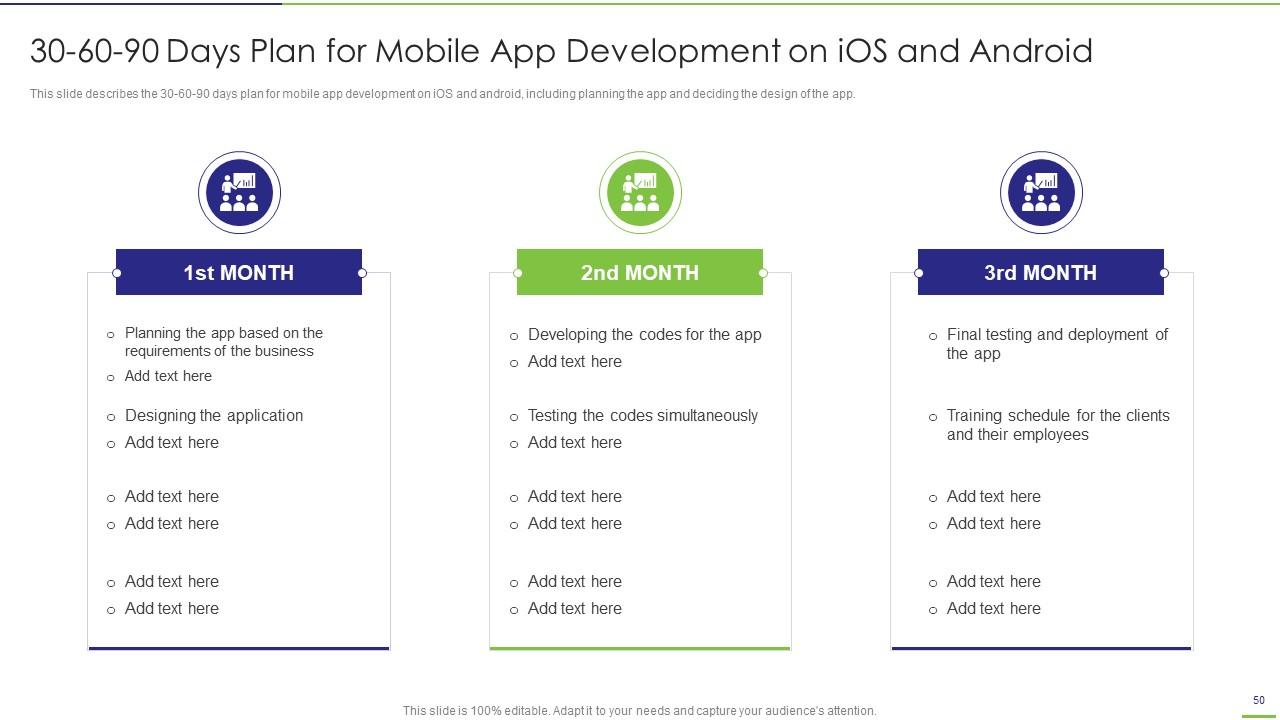
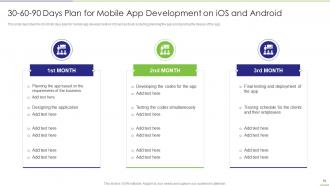
Folie 50 : Diese Folie präsentiert den 30-60-90-Tage-Plan für die Entwicklung mobiler Apps auf iOS und Android.
Folie 51 : Diese Folie zeigt Titel für Themen, die als nächstes in der Vorlage behandelt werden sollen.
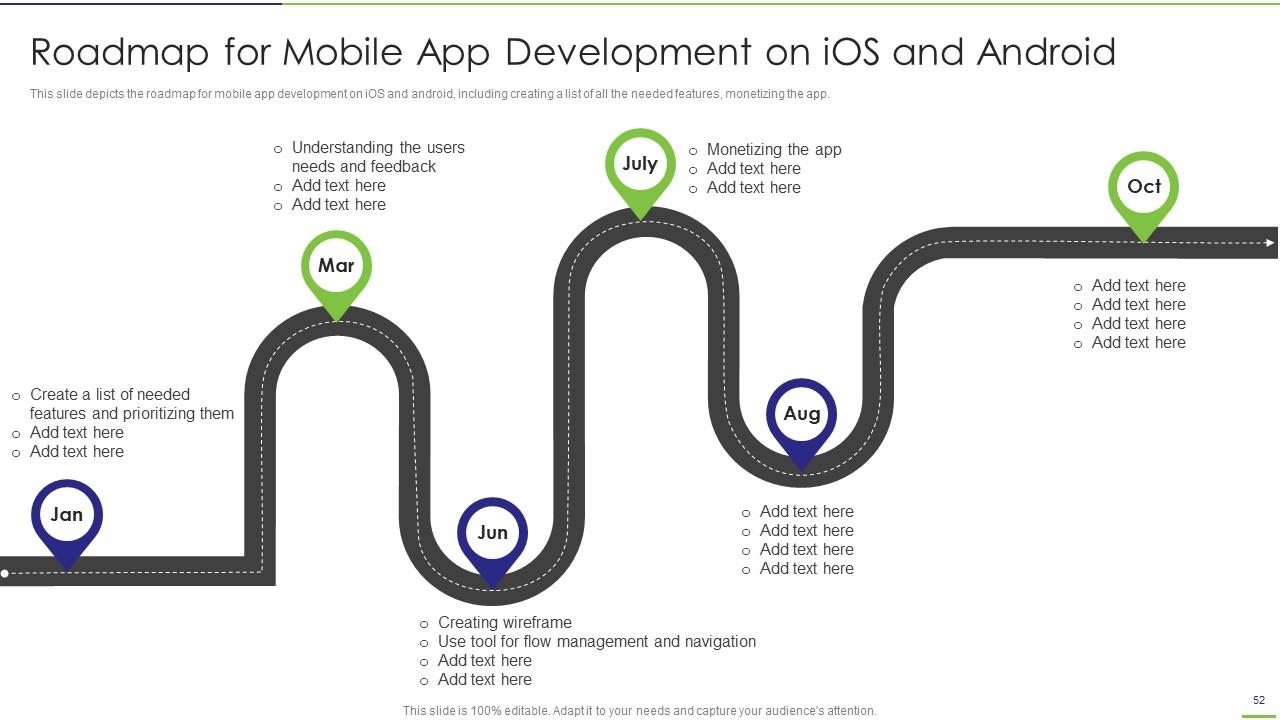
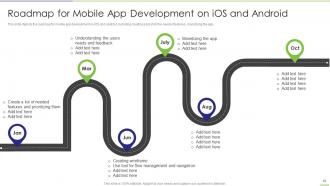
Folie 52 : Diese Folie zeigt die Roadmap für die Entwicklung mobiler Apps auf iOS und Android.
Folie 53 : Diese Folie zeigt Titel für Themen, die als nächstes in der Vorlage behandelt werden sollen.
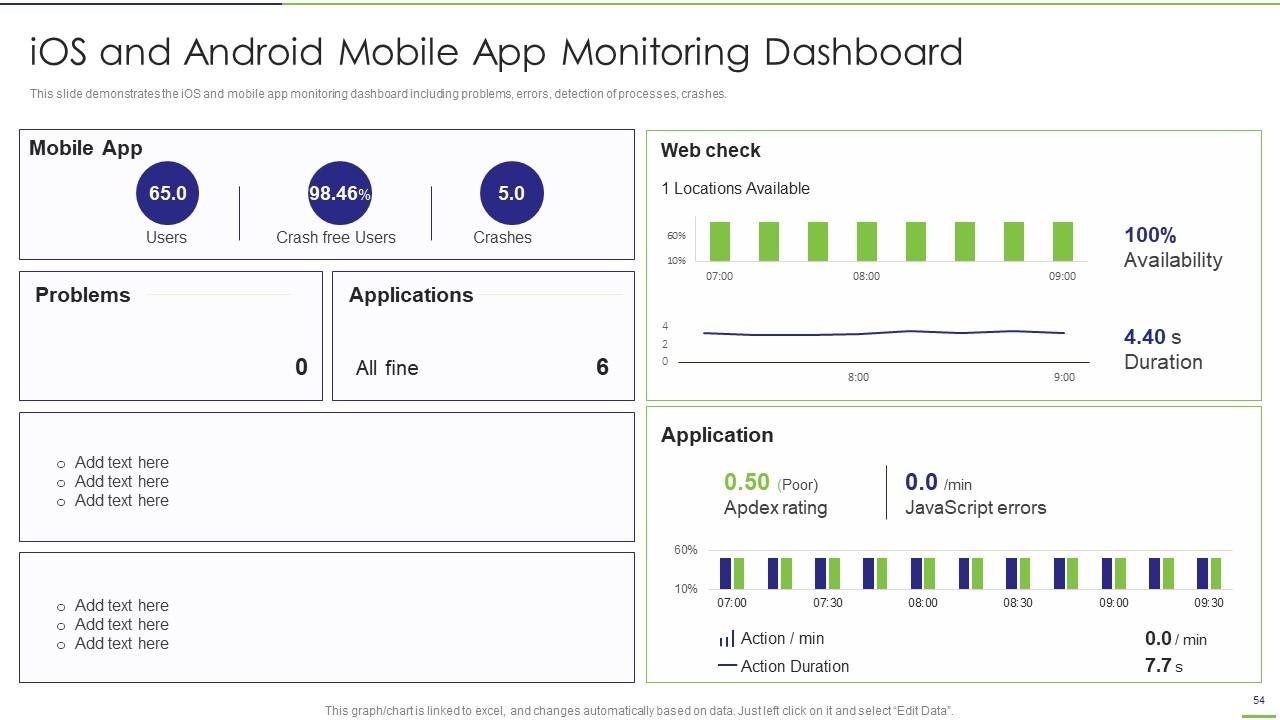
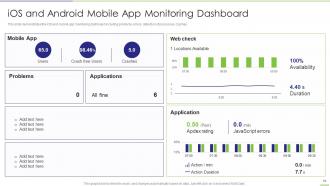
Folie 54 : Diese Folie zeigt das Überwachungs-Dashboard für iOS und mobile Apps.
Folie 55 : Diese Folie trägt den Titel „Zusätzliche Folien“, um voranzukommen.
Folie 56 : Diese Folie zeigt Symbole für die App-Entwicklung.
Folie 57 : Dies ist die Folie „Über uns“, um Unternehmensspezifikationen usw. anzuzeigen.
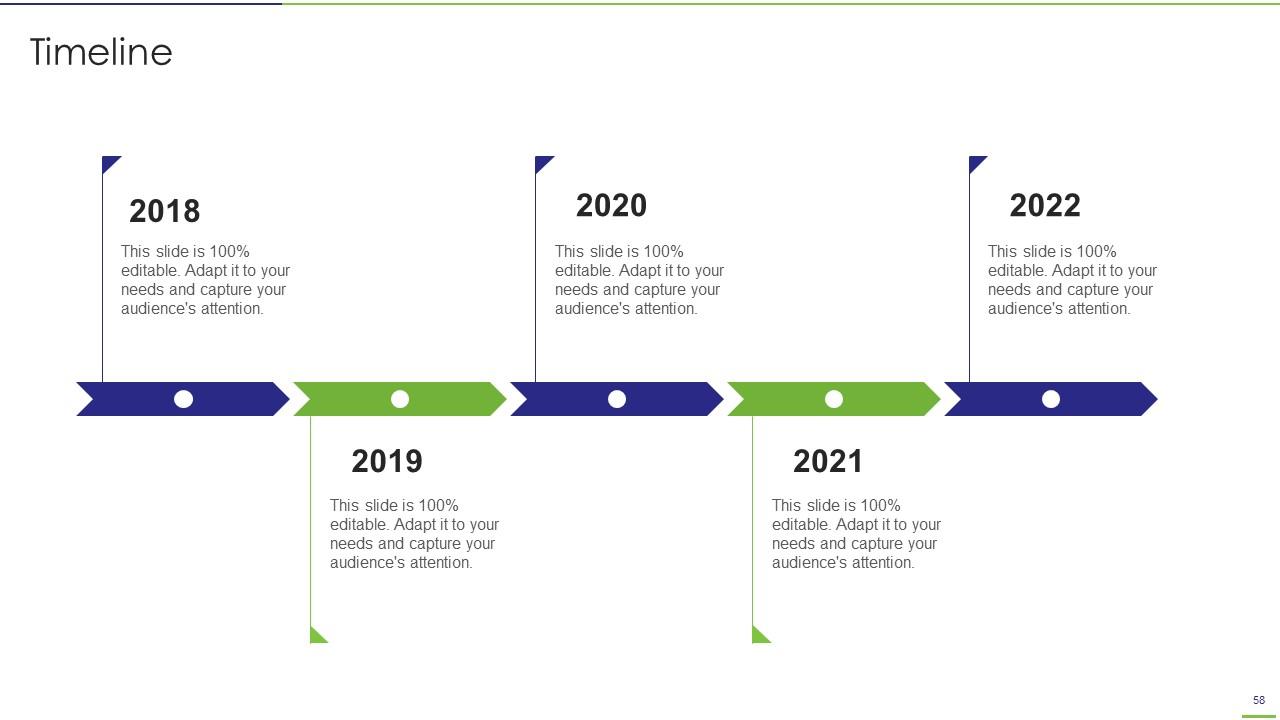
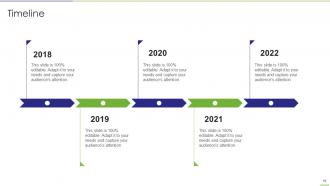
Folie 58 : Dies ist eine Timeline-Folie. Zeigen Sie hier Daten zu Zeitintervallen an.
Folie 59 : Diese Folie zeigt Haftnotizen. Posten Sie hier Ihre wichtigen Notizen.
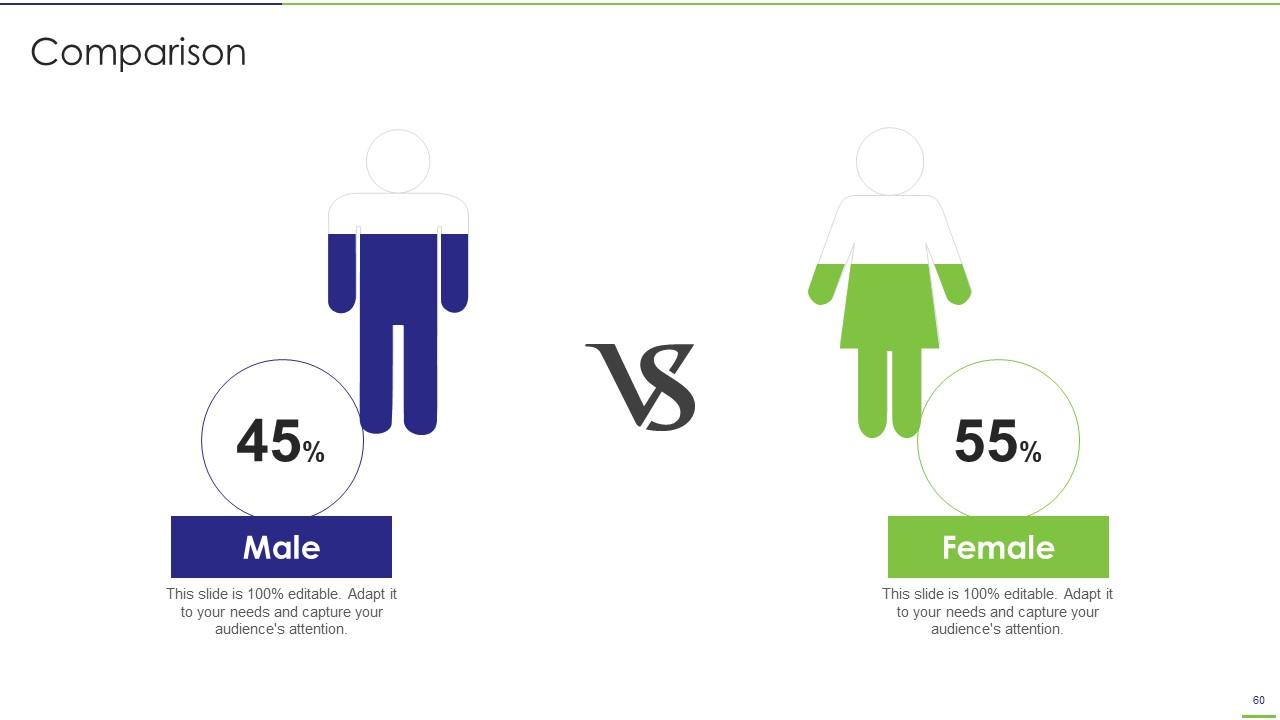
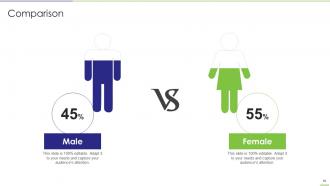
Folie 60 : Dies ist eine Vergleichsfolie zum Vergleich zwischen Waren, Unternehmen usw.
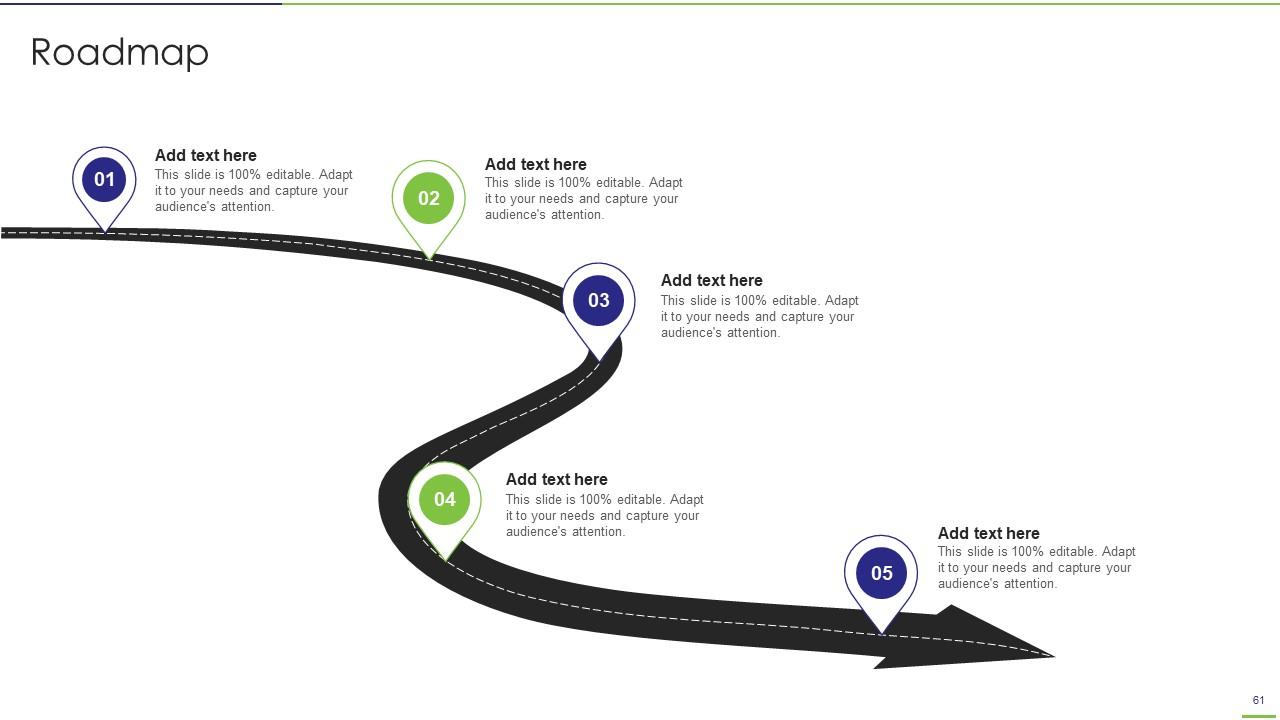
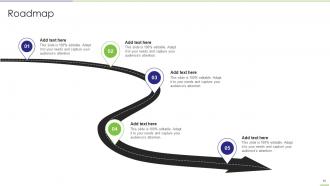
Folie 61 : Diese Folie präsentiert die Roadmap mit zusätzlichen Textfeldern.
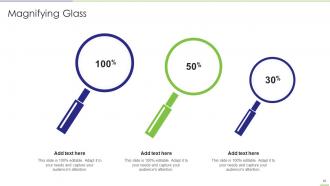
Folie 62 : Diese Folie zeigt eine Lupe, um Informationen, Spezifikationen usw. hervorzuheben.
Folie 63 : Diese Folie zeigt ein Venn-Diagramm mit Textfeldern.
Folie 64 : Dies ist eine Dankeschön-Folie mit Adresse, Kontaktnummern und E-Mail-Adresse.
Powerpoint-Präsentationsfolien zur App-Entwicklung mit allen 69 Folien:
Verwenden Sie unsere Powerpoint-Präsentationsfolien für die App-Entwicklung, um effektiv Ihre wertvolle Zeit zu sparen. Sie sind gebrauchsfertig und passen in jede Präsentationsstruktur.
FAQs
Mobile app development can benefit businesses by building trust, boosting brand awareness, increasing customer engagement, and improving customer service, among other advantages.
The architecture of iOS app development consists of four layers: Cocoa Touch, Media, Core Services, and Core Operating System.
iOS app development offers benefits like high security, better user experience, increased market reach, and more.
The eight phases of app development on Android include prototyping, designing, development, testing, debugging, deployment, maintenance, and updates.
Hybrid mobile app development allows for access to all platforms, but it can be slower and less responsive than native app development.
-
Loved the templates on SlideTeam, I believe I have found the go to place for my presentation needs!
-
Very unique, user-friendly presentation interface.
