


Slides de apresentação em PowerPoint de processos e características de big data
Apresentamos as características de big data prontas para conteúdo e apresentação em PowerPoint de processos que podem ser usados para apresentar técnicas de gerenciamento de conteúdo. Ele pode ser apresentado por empresas de consultoria e análise de TI aos seus clientes ou à gerência da empresa. Este projeto PPT de gerenciamento de banco de dados relacional é composto por 53 slides, incluindo introdução, fatos, quão grande é big data, previsão de mercado, fontes, 3Vs e 5Vs pequeno Vs big data, objetivo, tecnologias, fluxo de trabalho, quatro fases, tipos, processo de análise de informações, impacto , benefícios, futuro, oportunidades e desafios, etc. Nossos modelos de PowerPoint de transformação de dados são adequados para apresentar vários tópicos, como conceitos e tecnologias de gerenciamento de informações, transformando fatos com inteligência, estrutura de análise de dados, mineração de dados, plataformas de tecnologia, transferência e visualização de dados, conteúdo gerenciamento, Internet das coisas, armazenamento e análise de dados, infraestrutura de informações, conjuntos de dados, tecnologia e computação em nuvem. Baixe características de big data e processe gráficos PPT para fazer uma apresentação impressionante. Desenvolva maior boa vontade com nossos slides de apresentação em Powerpoint de características e processos de Big Data. As pessoas se sentem mais amigáveis com você.























-

- Google Slides is a new FREE Presentation software from Google.
- All our content is 100% compatible with Google Slides.
- Just download our designs, and upload them to Google Slides and they will work automatically.
- Amaze your audience with SlideTeam and Google Slides.
-

Want Changes to This PPT Slide? Check out our Presentation Design Services
-

- WideScreen Aspect ratio is becoming a very popular format. When you download this product, the downloaded ZIP will contain this product in both standard and widescreen format.
-

- Some older products that we have may only be in standard format, but they can easily be converted to widescreen.
- To do this, please open the SlideTeam product in Powerpoint, and go to
- Design ( On the top bar) -> Page Setup -> and select "On-screen Show (16:9)” in the drop down for "Slides Sized for".
- The slide or theme will change to widescreen, and all graphics will adjust automatically. You can similarly convert our content to any other desired screen aspect ratio.
Compatible With Google Slides

Get This In WideScreen
You must be logged in to download this presentation.


Do you want to remove this product from your favourites?
Recursos desses slides de apresentação do PowerPoint:
O design do PowerPoint contém 53 slides predefinidos. Os slides PPT são úteis para empresas de consultoria e análise de TI. Processo de download instantâneo e sem riscos. Personalize o fundo da apresentação para atender às necessidades específicas. O modelo PPT vai bem com o Google Slides. Os slides do PowerPoint podem ser acessados nos formatos widescreen e padrão. Os estágios deste processo são análises preditivas, análises do comportamento do usuário, processamento de dados, etc.

People who downloaded this PowerPoint presentation also viewed the following :
Conteúdo desta apresentação em PowerPoint
Slide 1 : Este slide apresenta as características e o processo de Big Data. Indique o nome da sua empresa e comece.
Slide 2 : Este é um slide da agenda. Mostre suas agendas aqui.
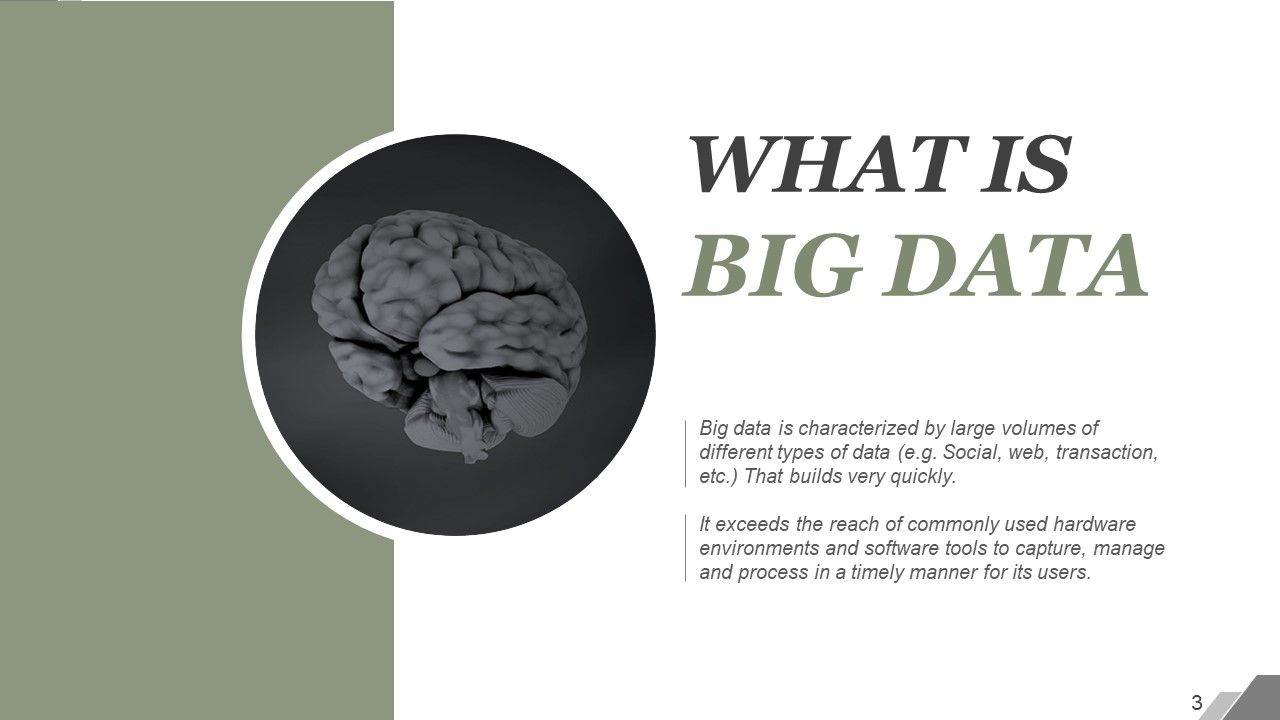
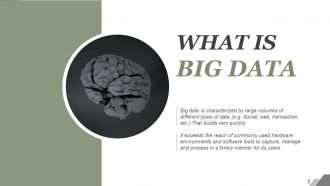
Slide 3 : Este slide apresenta o que é Big Data e sua definição.
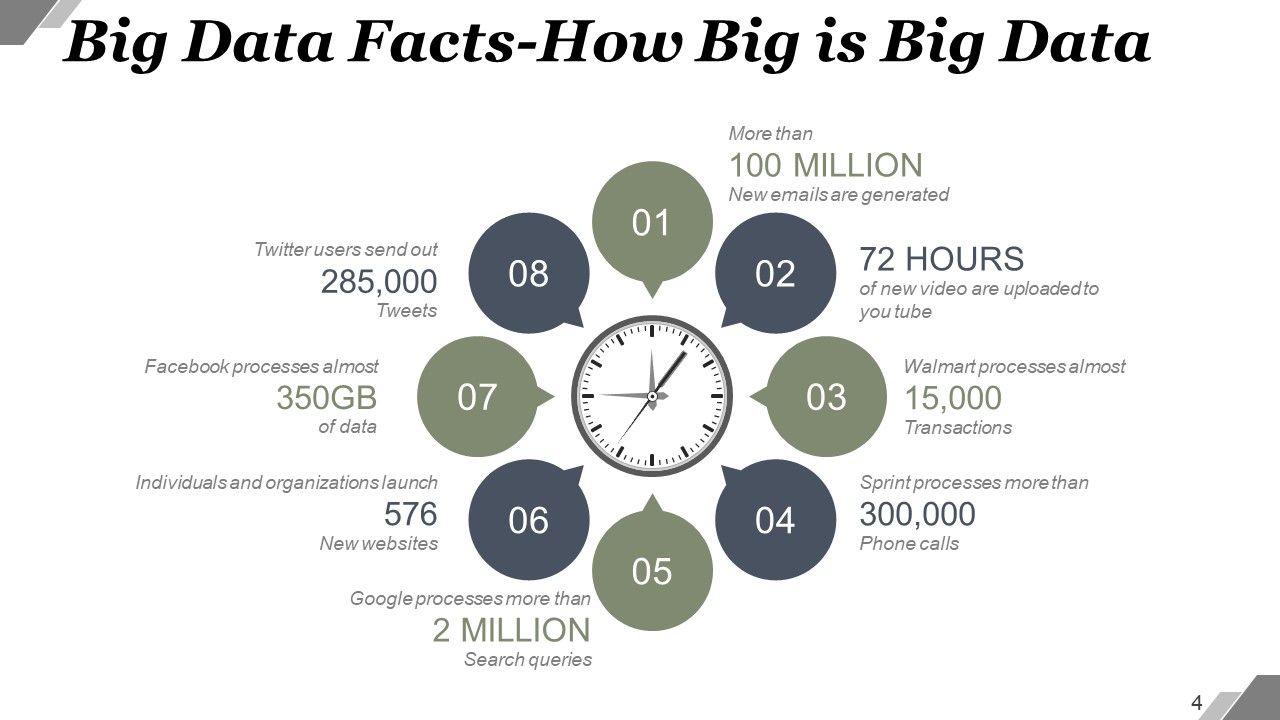
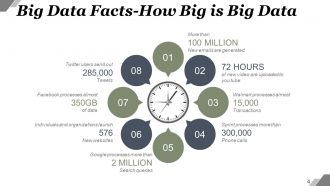
Slide 4 : Este slide apresenta fatos sobre Big Data - Qual é o tamanho do Big Data e assim por diante.
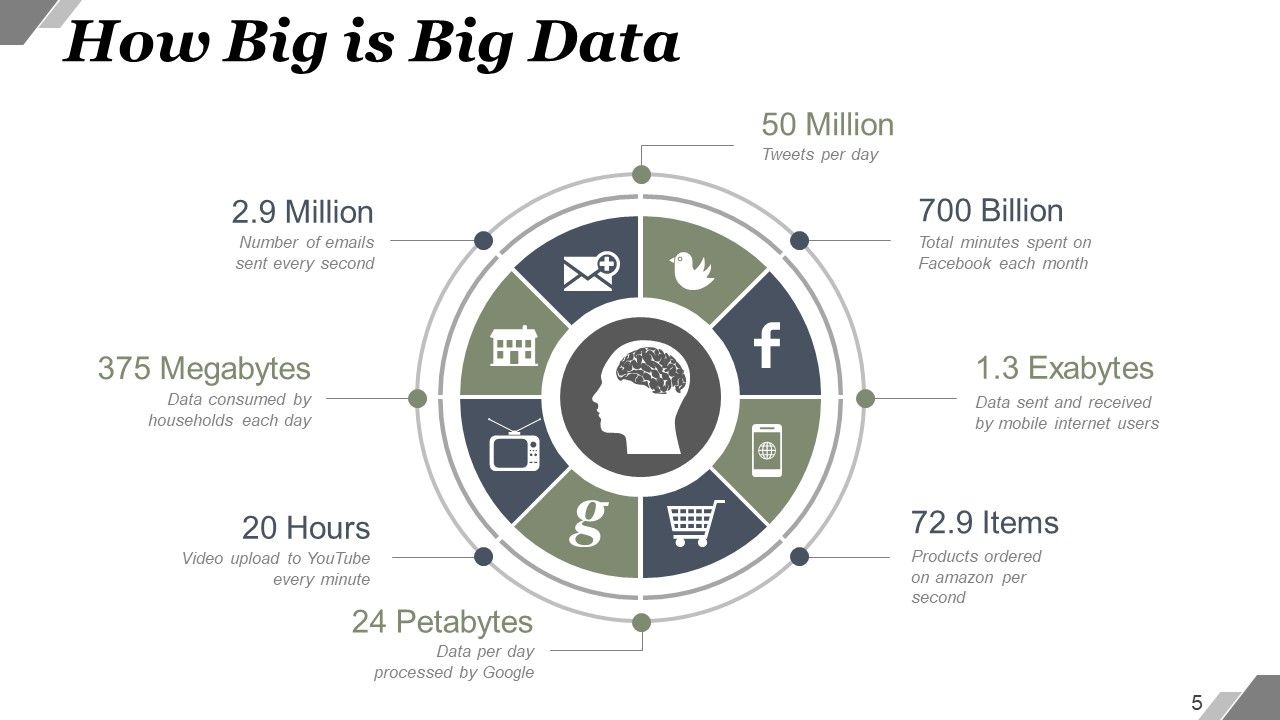
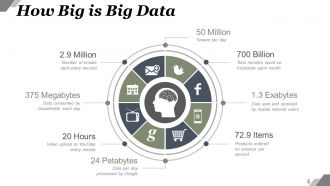
Slide 5 : Este slide mostra o quão grande é o Big Data em termos de dados, números, etc.
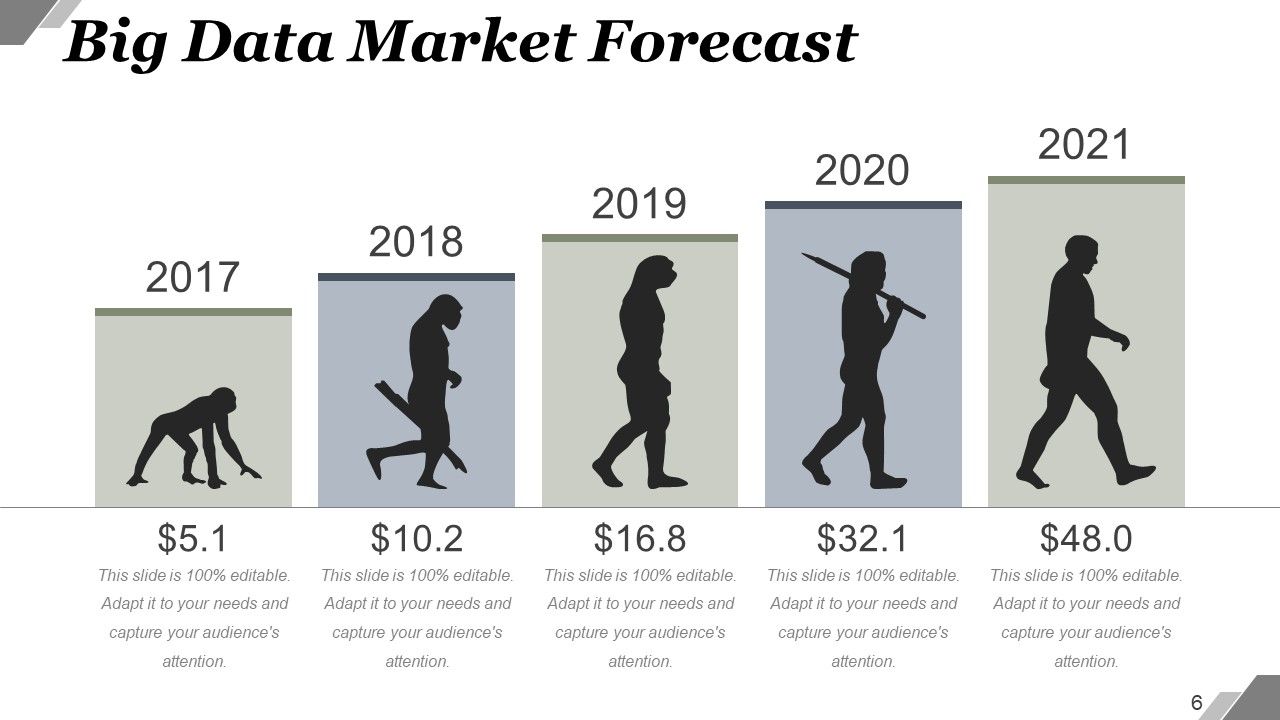
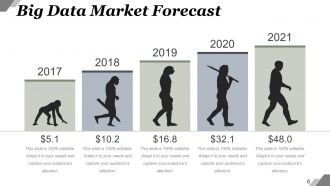
Slide 6 : Este slide mostra a previsão do mercado de Big Data em um gráfico criativo.
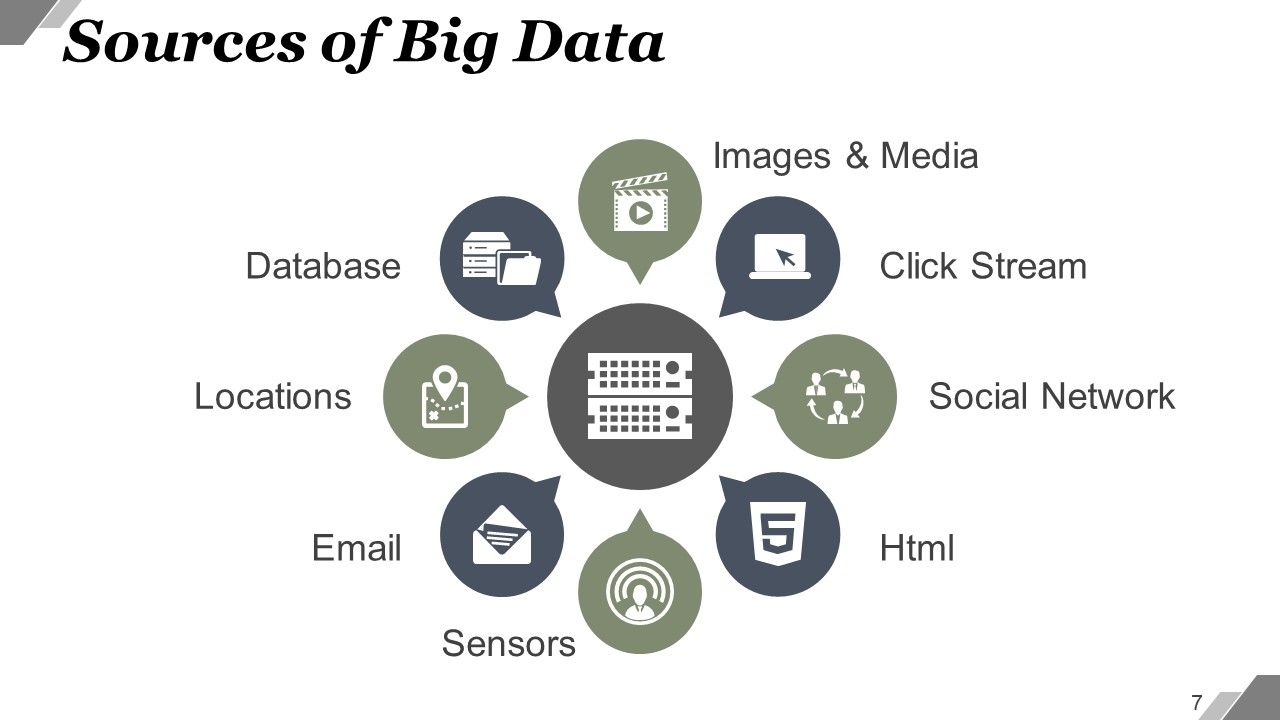
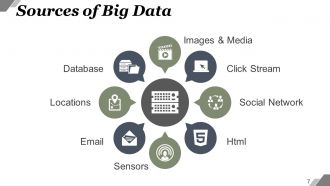
Slide 7 : Este slide mostra as fontes de Big Data. As fontes são: imagens e mídia, banco de dados, locais, e-mail, fluxo de cliques, rede social, html. Sensores
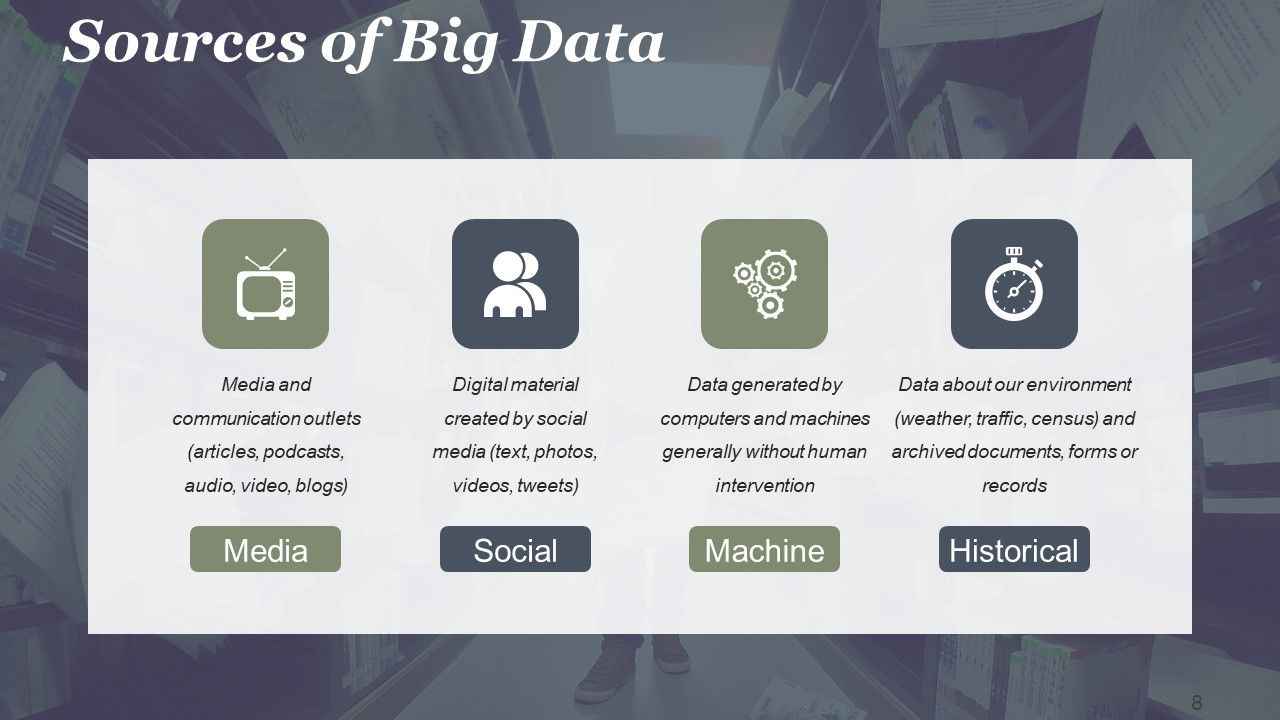
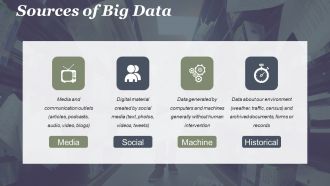
Slide 8 : Este slide mostra as fontes de Big Data categorizadas como- Mídia (meios de comunicação e meios de comunicação (artigos, podcasts, áudio, vídeo, e-mail, blogs)} Máquina (Dados gerados por computadores e máquinas geralmente sem intervenção humana (registros de processos de negócios, sensores, chamadas telefônicas)} Social {Material digital criado por mídia social (texto, fotos, vídeos, tweets)} Histórico (dados sobre nosso meio ambiente (clima, trânsito, censo) e documentos, formulários ou registros arquivados)
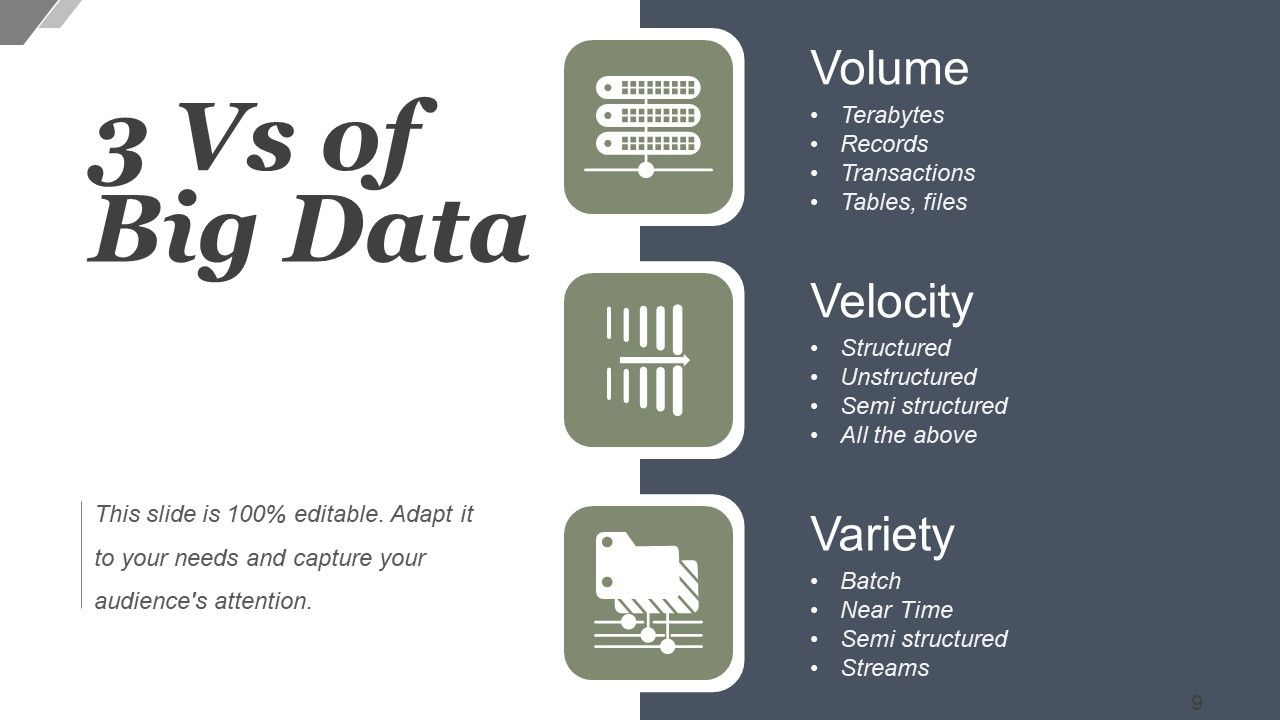
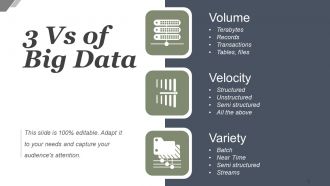
Slide 9 : Este slide mostra 3 Vs de Big Data. Eles são- variedade, velocidade, volume.
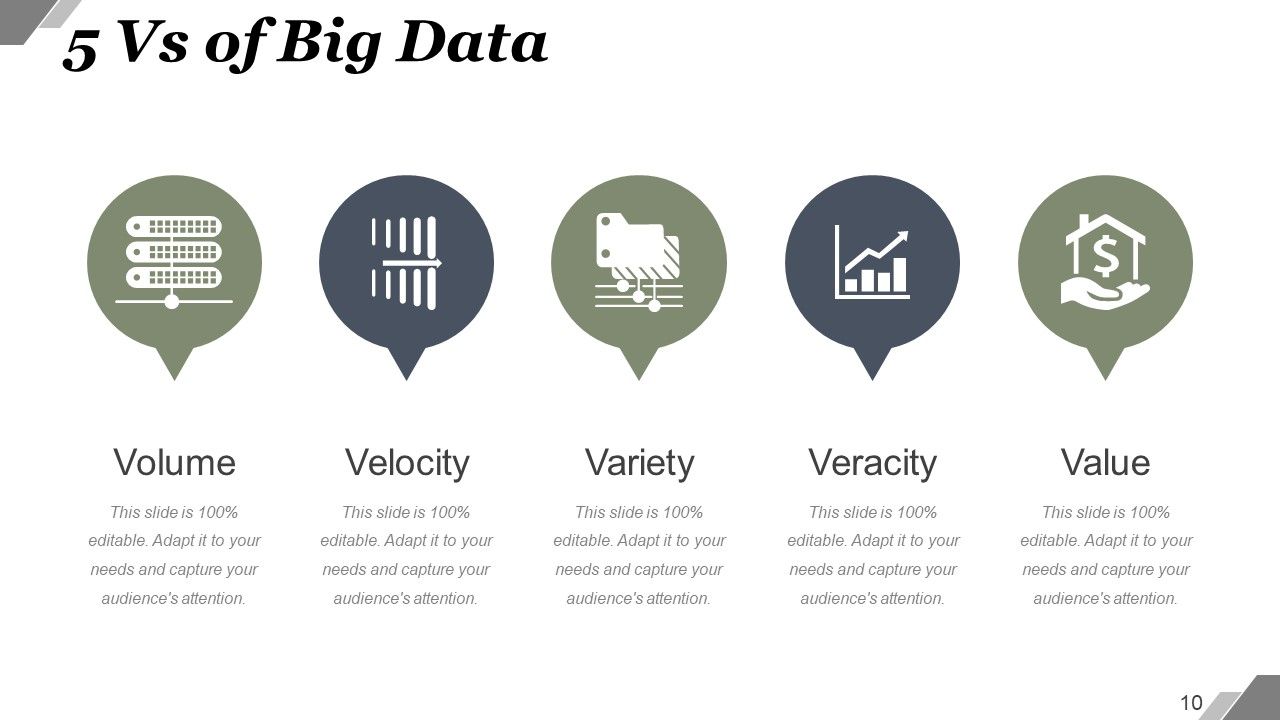
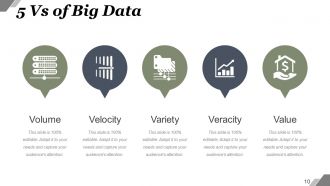
Slide 10 : Este slide apresenta 5 Vs de Variedade, Volume, Velocidade, Valor, Veracidade de Big Data.
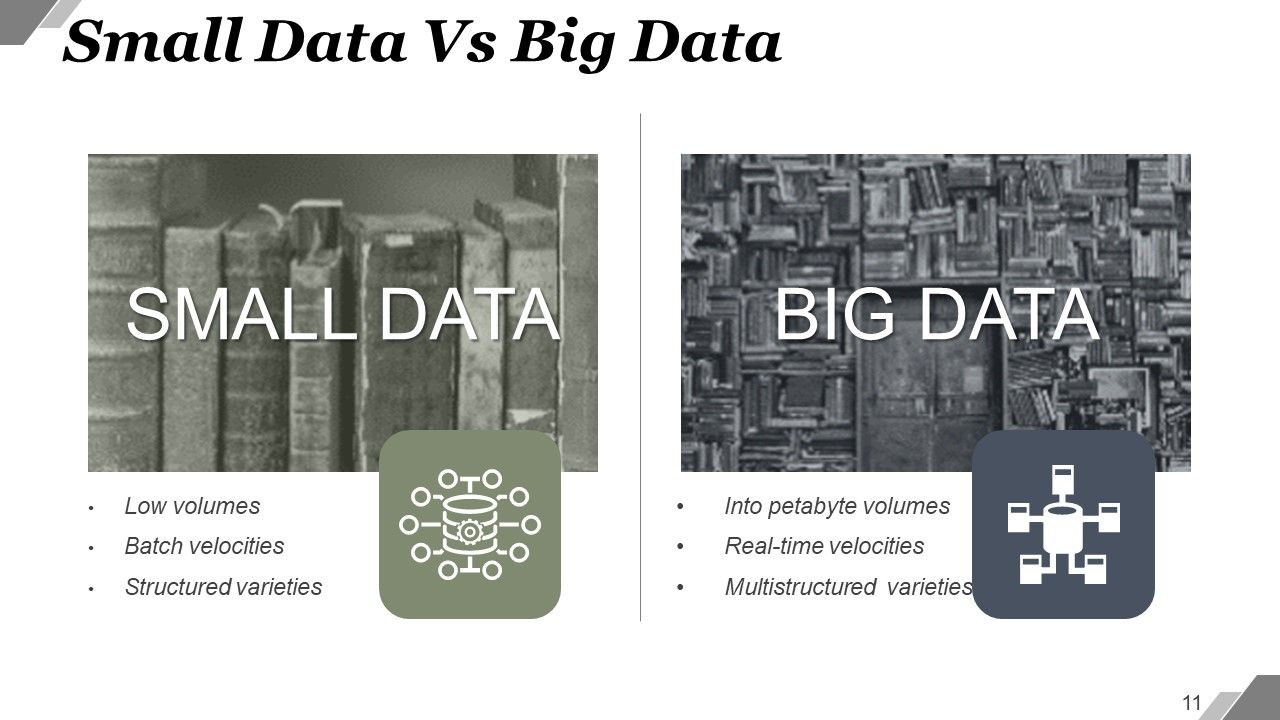
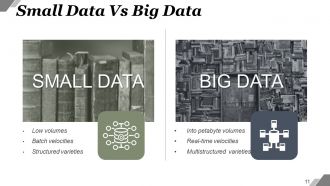
Slide 11 : Este slide mostra a comparação de pequenos dados (baixos volumes, velocidades de lote, variedades estruturadas) e big data (em volumes de petabyte, velocidades em tempo real, variedades multiestruturadas).
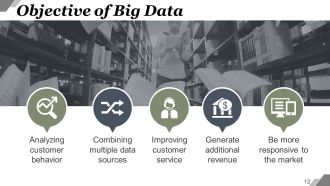
Slide 12 : Este slide apresenta o Objetivo do Big Data - Analisar o comportamento do cliente, Combinar múltiplas fontes de dados, Melhorar o atendimento ao cliente, Gerar receita adicional.
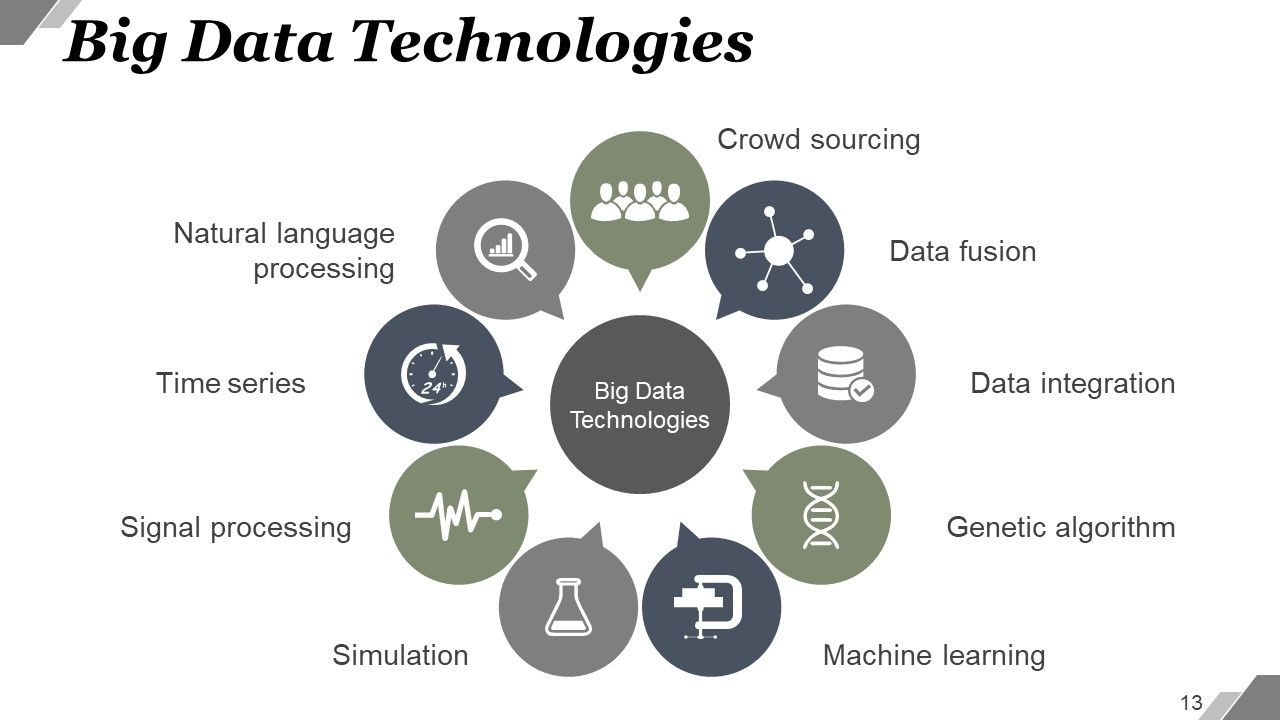
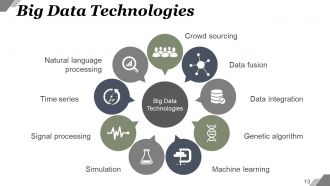
Slide 13 : Este slide mostra as tecnologias de Big Data. Os listados são: Integração de Dados, Algoritmo Genético, Aprendizado de Máquina, Linguagem Natural, Processamento, Processamento de Sinais, Séries Temporais, Simulação, Crowd Sourcing, Fusão de Dados.
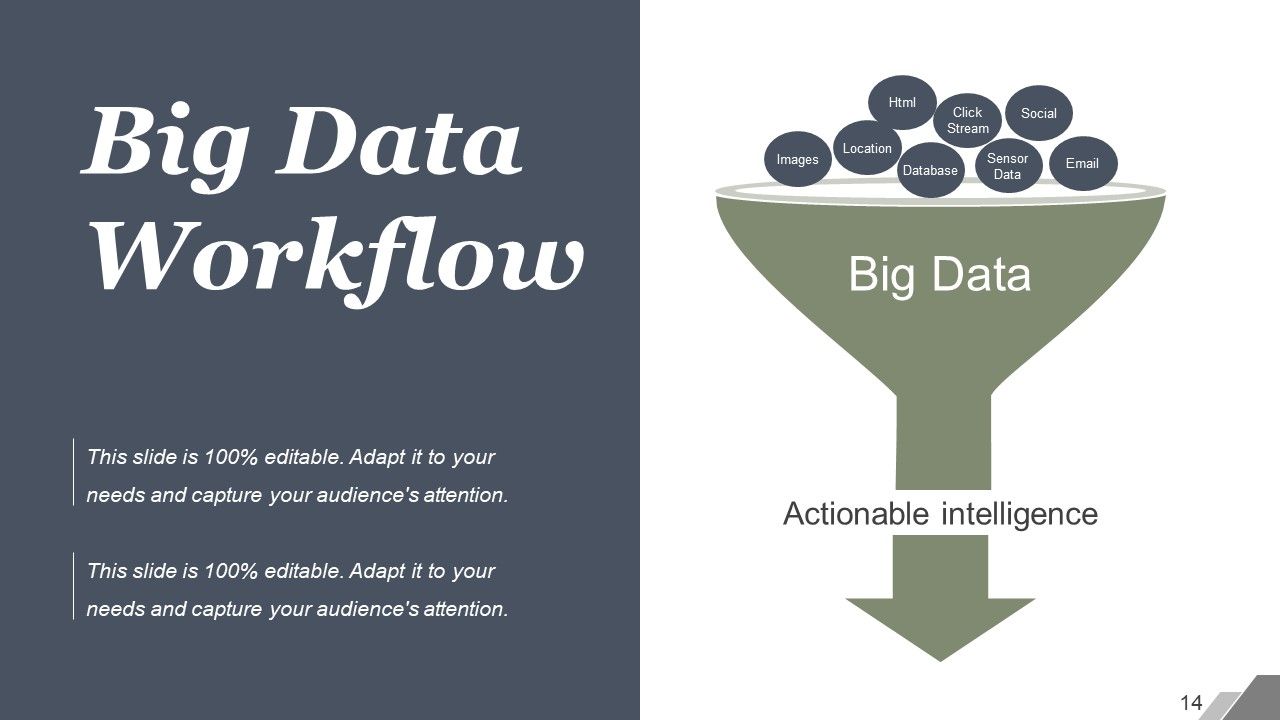
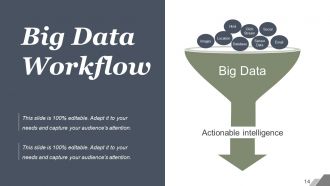
Slide 14 : Este slide apresenta o fluxo de trabalho de Big Data em forma de funil exibindo inteligência acionável, e-mail, fluxo de cliques, html, social, localização, banco de dados, dados do sensor, imagens.
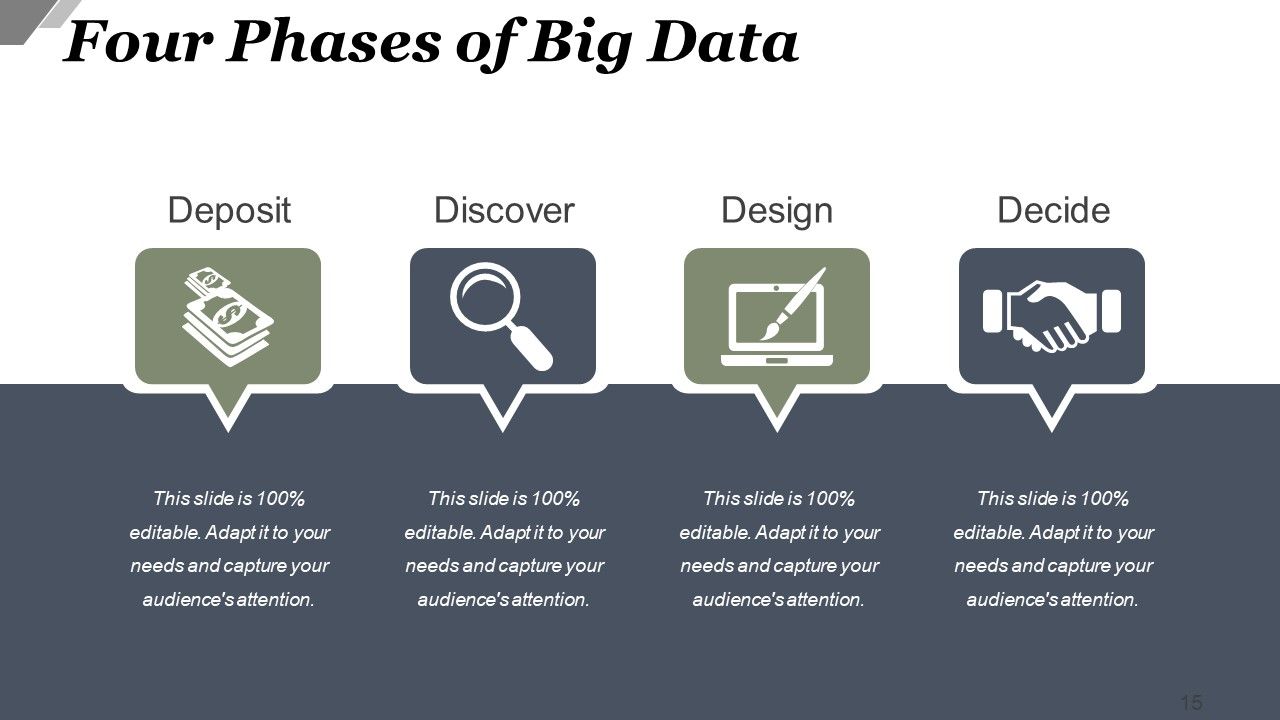
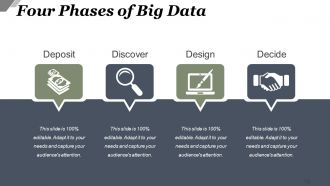
Slide 15 : Este slide apresenta as Quatro Fases do Big Data - Depositar, Descobrir, Decidir, Projetar.
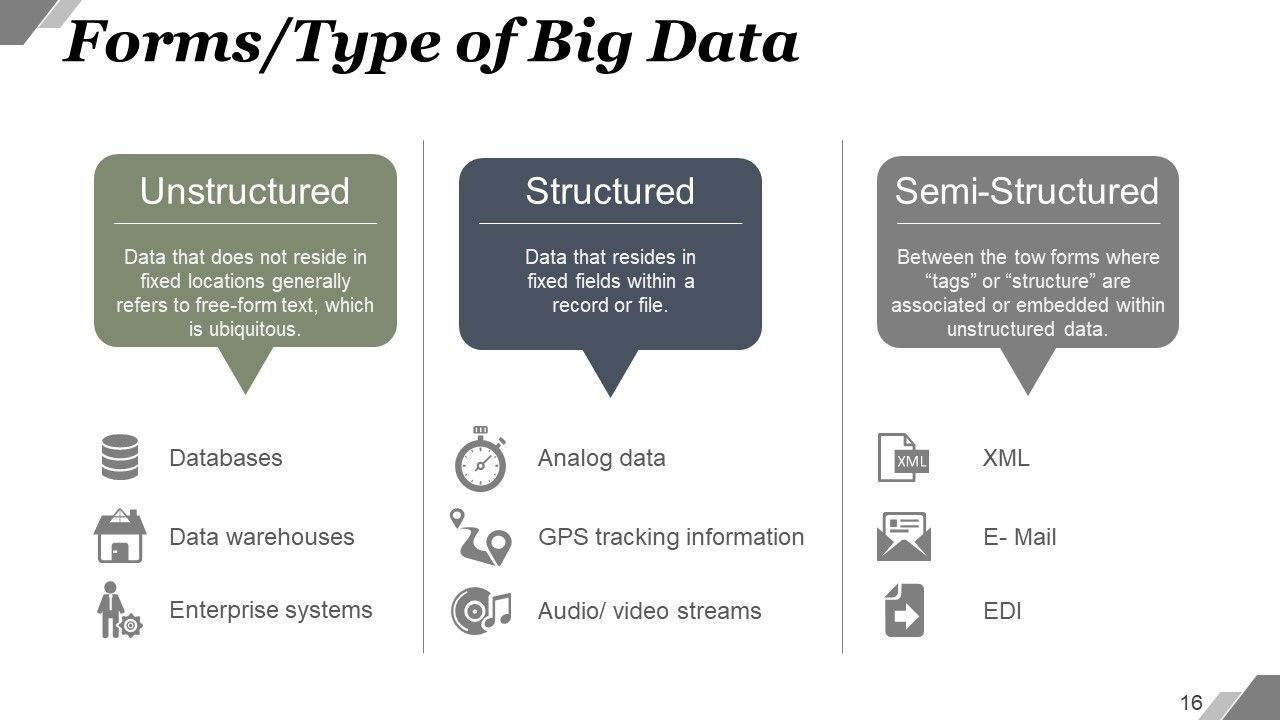
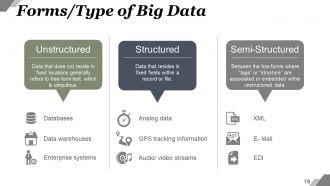
Slide 16 : Este slide mostra Formulários / Tipo de Big Data - Semiestruturado, Não Estruturado, Estruturado.
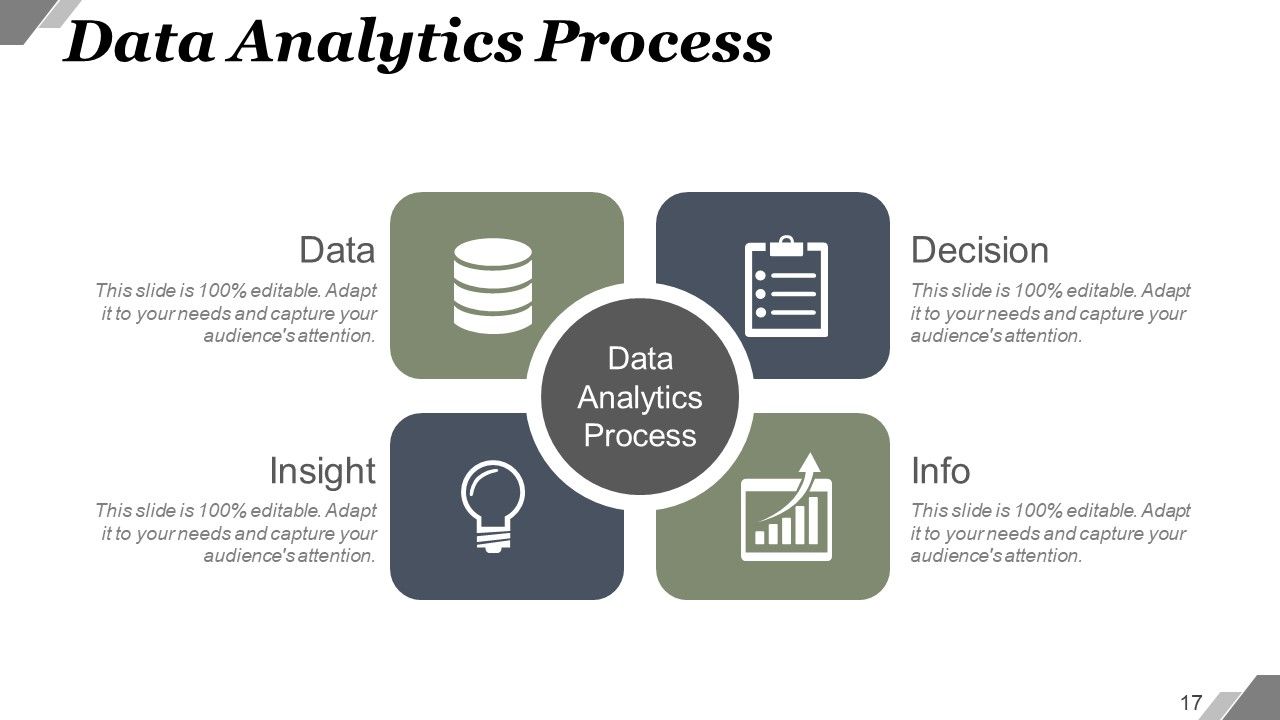
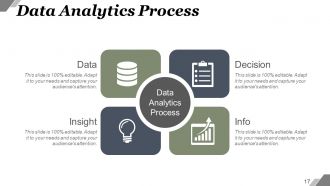
Slide 17 : Este slide apresenta o Processo de Análise de Dados dividido em - Dados, Informações, Decisão, Insight.
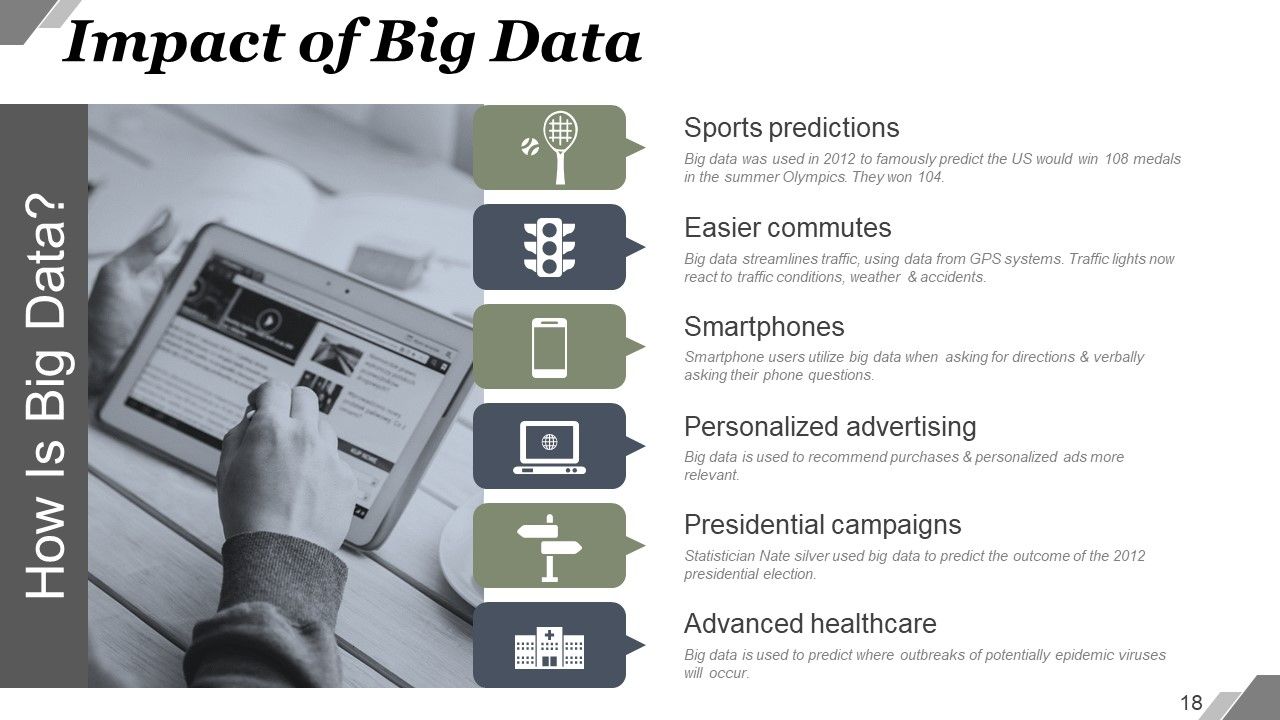
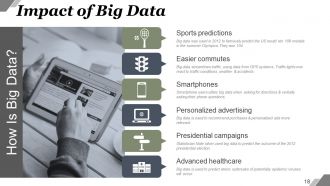
Slide 18 : Este slide mostra o impacto do Big Data. Os exemplos são: previsões de esportes, viagens mais fáceis, smartphones, saúde avançada, campanhas presidenciais, publicidade personalizada.
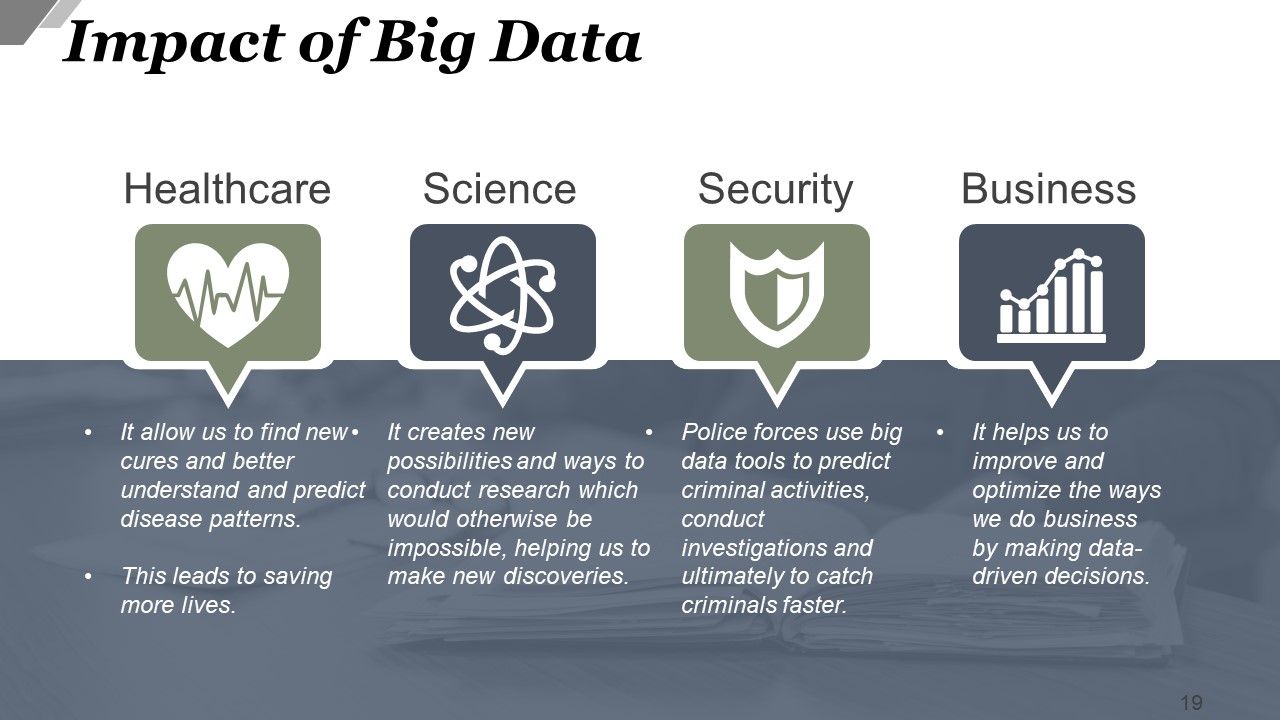
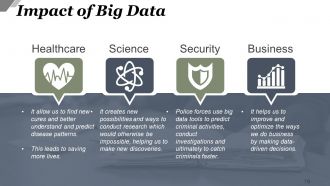
Slide 19 : Este slide mostra o impacto do Big Data usado em saúde, ciência, segurança, negócios.
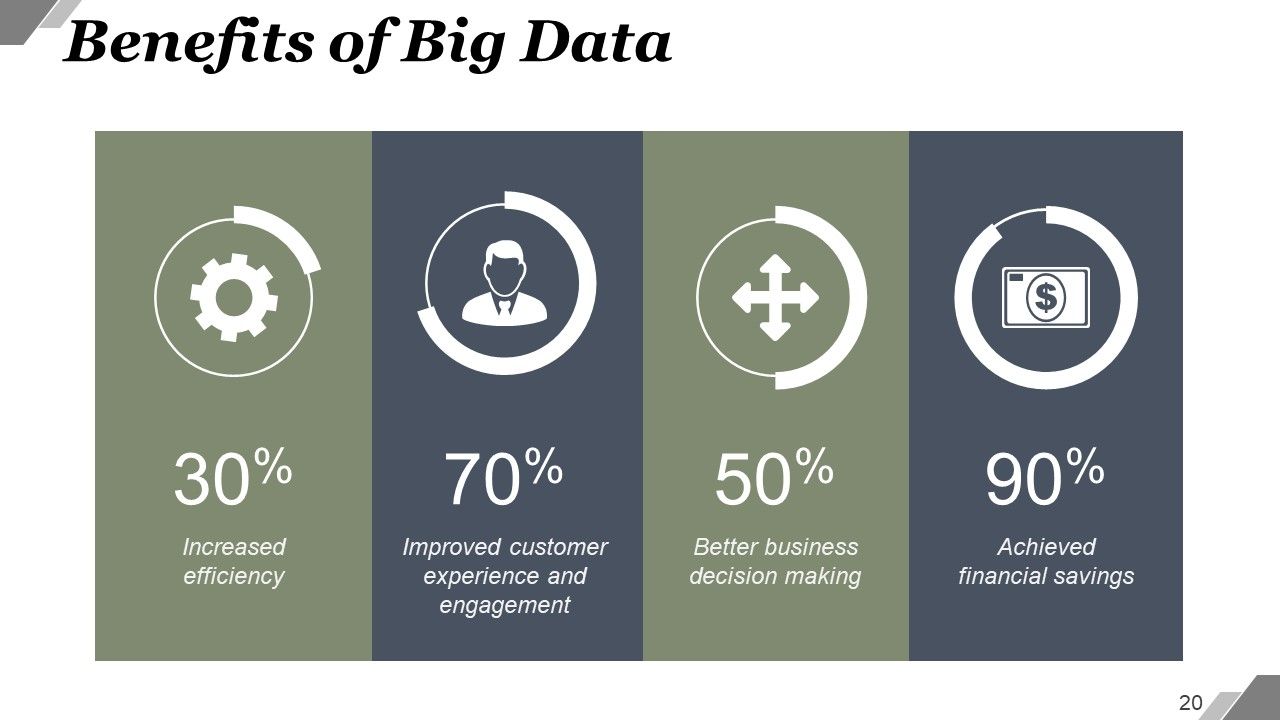
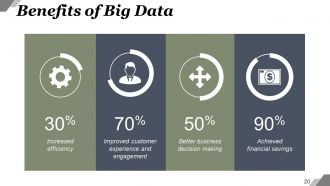
Slide 20 : Este slide mostra os benefícios do Big Data, como - Maior eficiência, melhor tomada de decisões de negócios, melhor experiência e envolvimento do cliente, economia financeira obtida.
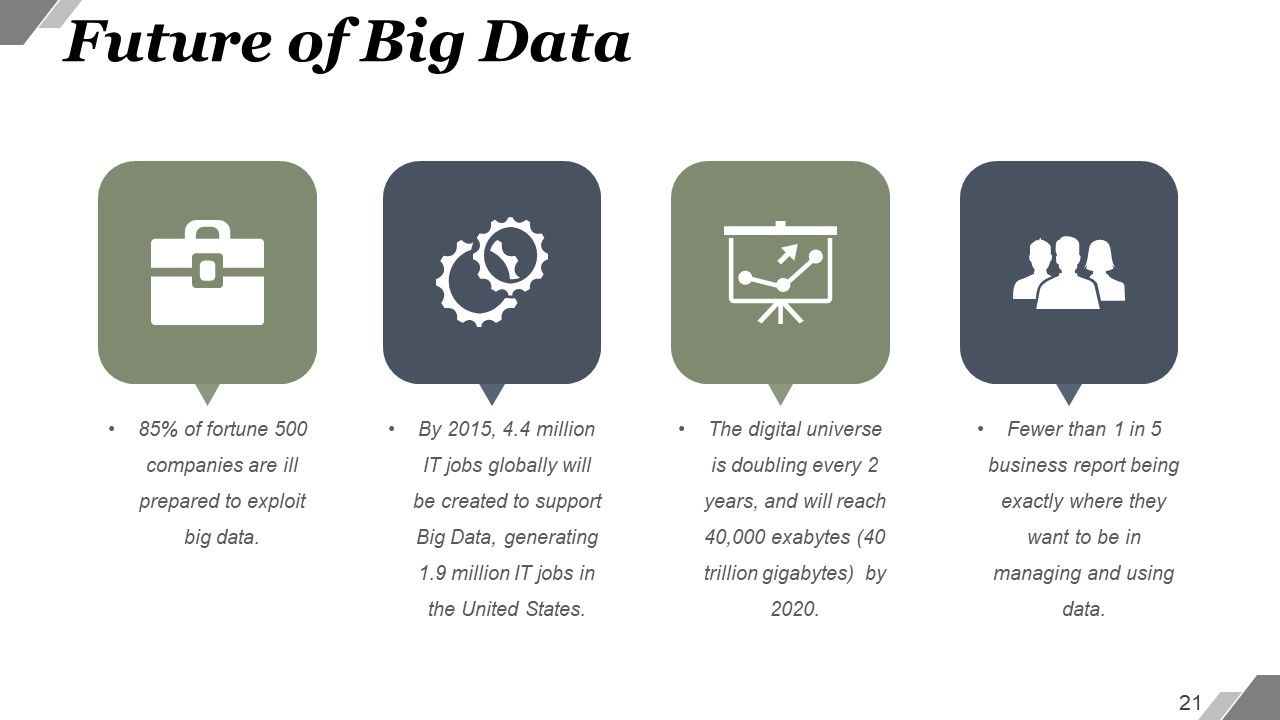
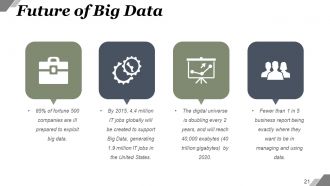
Slide 21 : Este slide apresenta o Futuro do Big Data. Você pode adicionar seus próprios exemplos aqui.
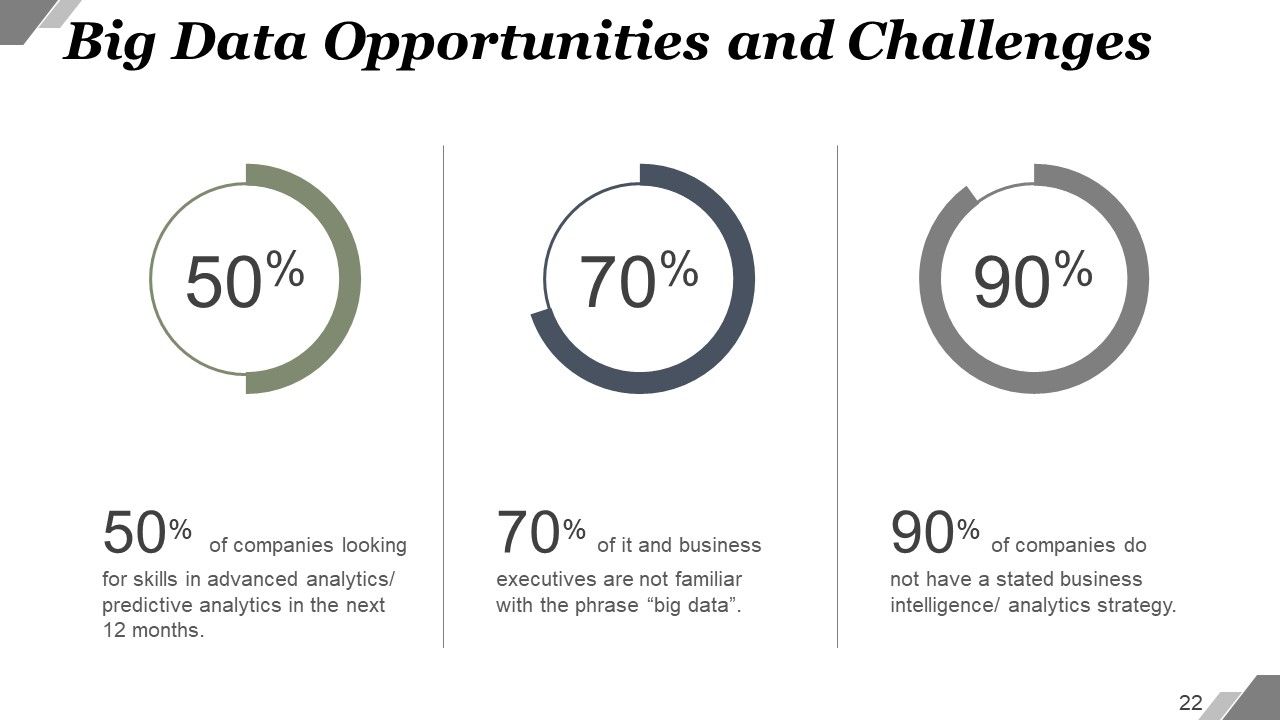
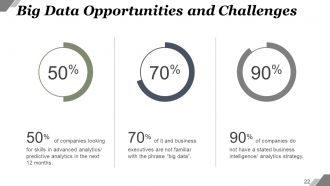
Slide 22 : Este slide mostra oportunidades e desafios de Big Data. Declare-os aqui.
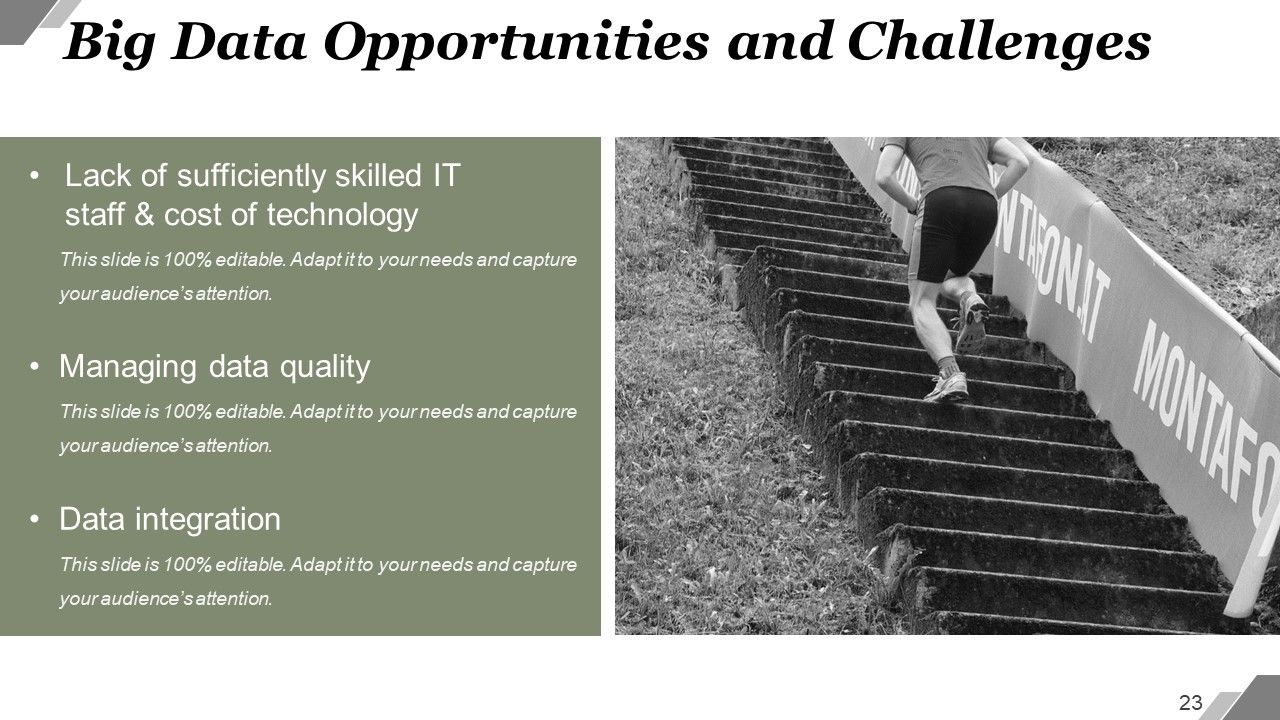
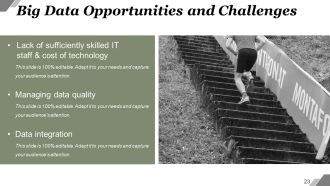
Slide 23 : Este slide mostra oportunidades e desafios de Big Data. Os exemplos dados são: Falta de equipe de TI suficientemente qualificada e custo de tecnologia, gerenciamento de qualidade de dados e integração.
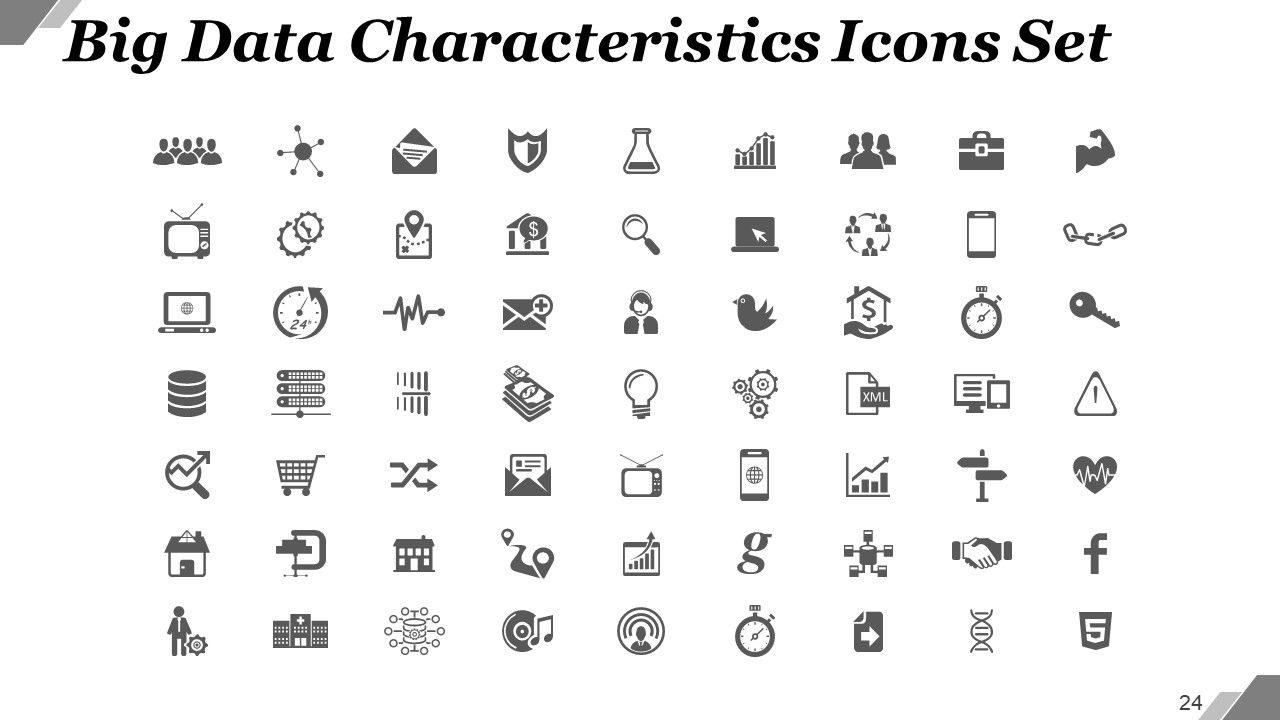
Slide 24 : Este é o slide Conjunto de ícones de características de Big Data. Você pode usar os ícones conforme a necessidade.
Slide 25 : Este slide é intitulado Slides adicionais para avançar. Você pode alterar o conteúdo do slide conforme a necessidade.
Slide 26 : Este é o slide Nossa Missão. Declare isso aqui.
Slide 27 : Este é o slide Conheça Nossa Equipe com nomes, designação e caixas de imagem para preencher as informações.
Slide 28 : Este é um slide sobre nós. Indique as especificações da empresa / equipe aqui.
Slide 29 : Este é o slide Nossa Meta. Declare-os aqui.
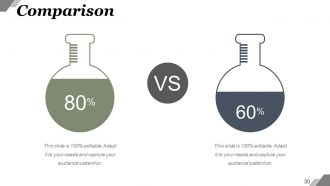
Slide 30 : Este slide mostra a comparação em imagens em flash. Indique os aspectos de comparação etc. aqui.
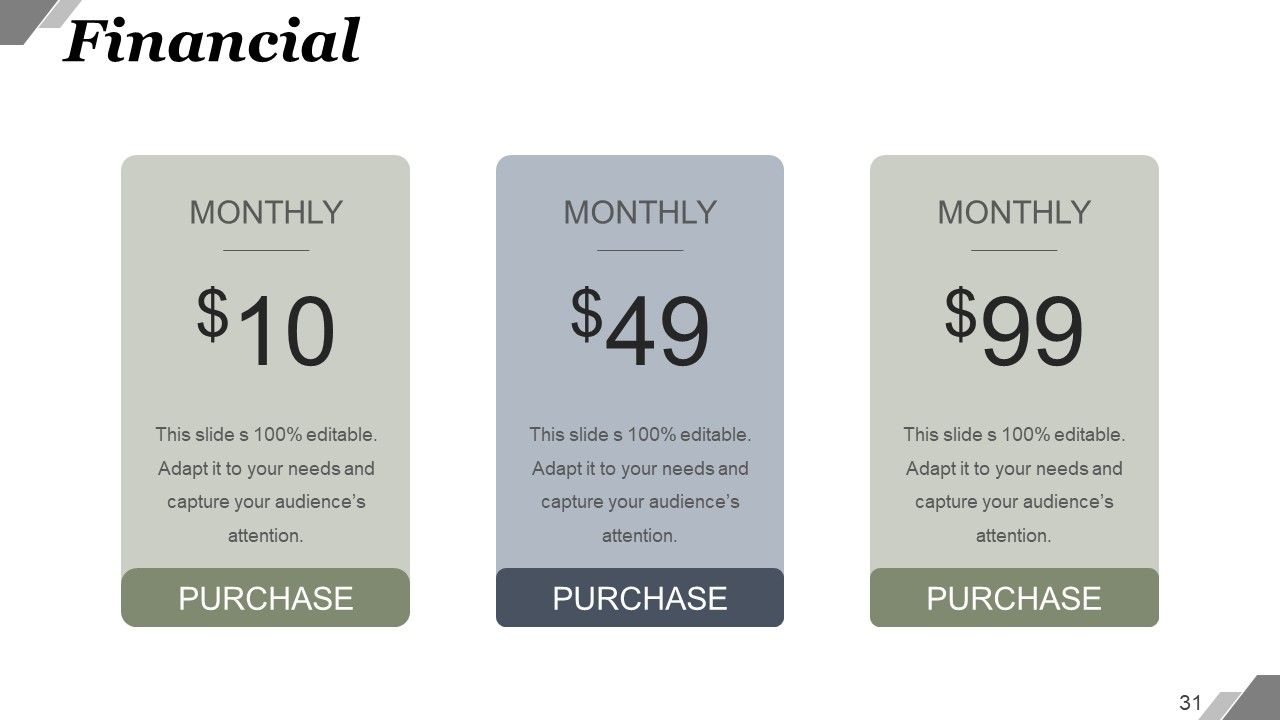
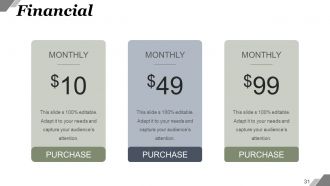
Slide 31 : Este é um slide de pontuação financeira. Indique aqui os aspectos financeiros.
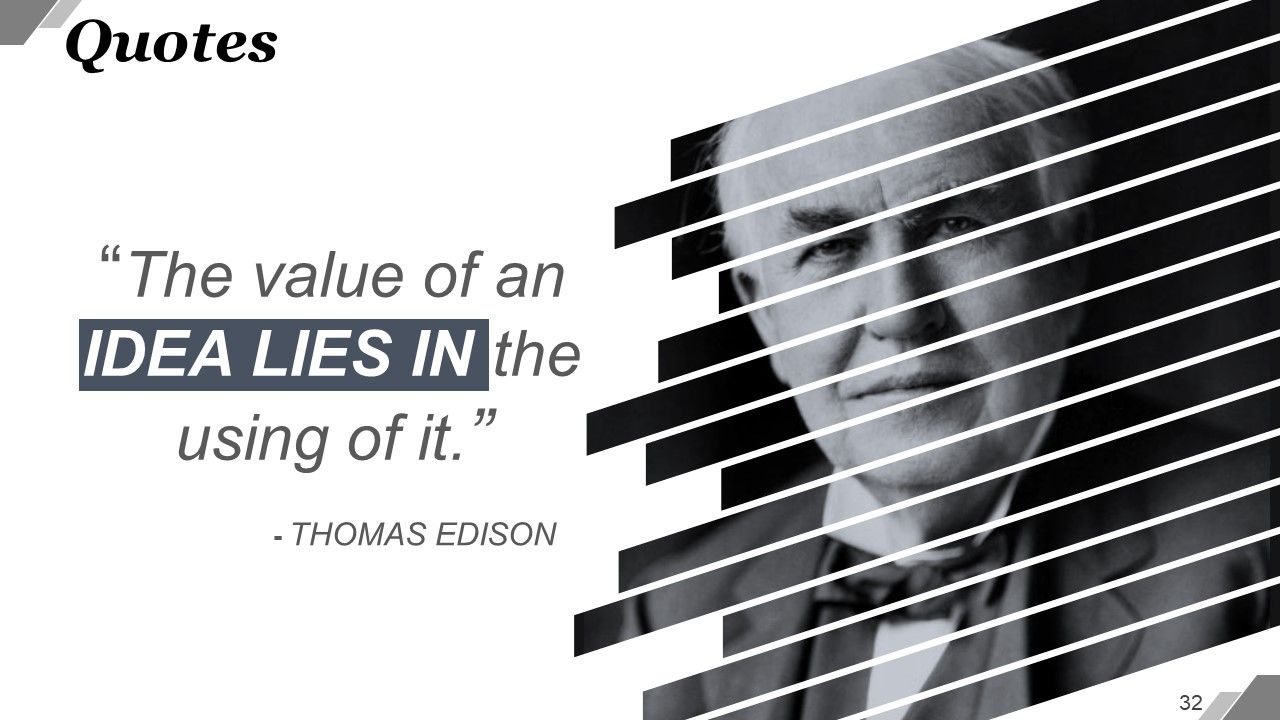
Slide 32 : Este slide mostra as citações. Exiba sua mensagem, crenças, etc. aqui.
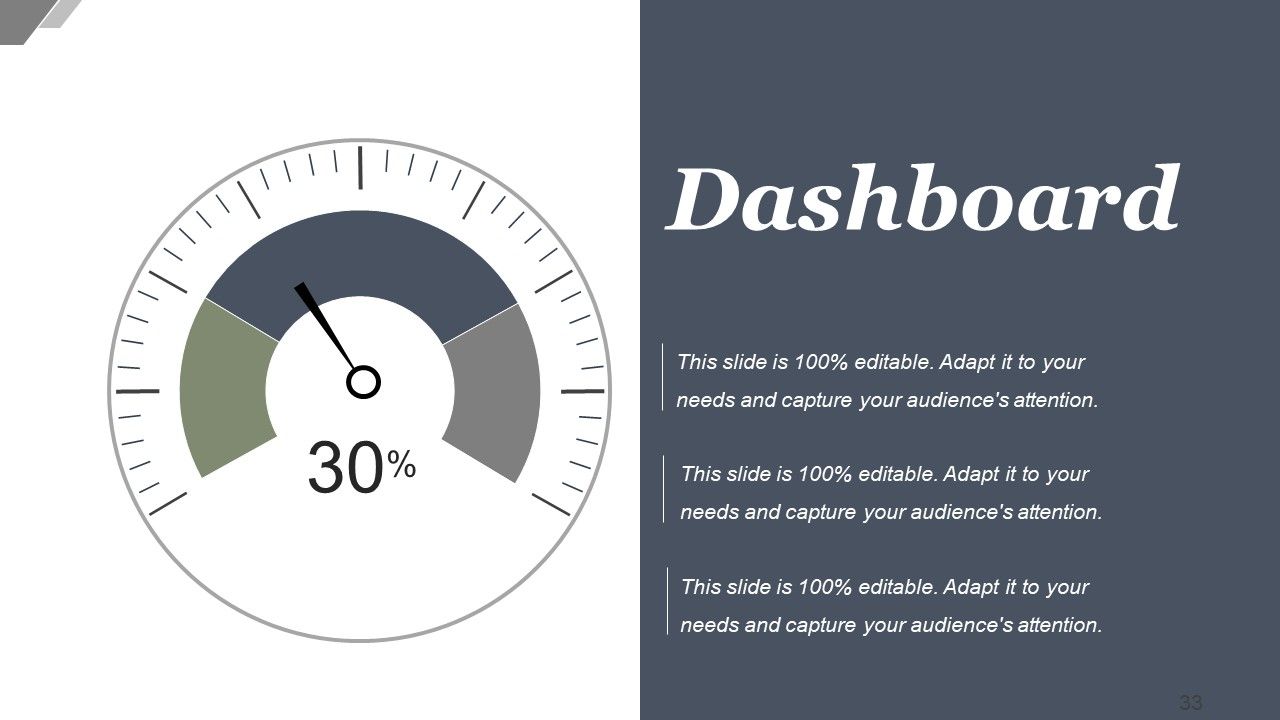
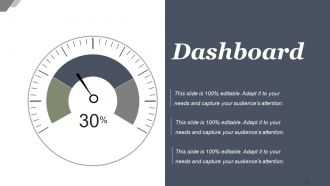
Slide 33 : Este slide exibe o Dashboard com imagens e caixas de texto.
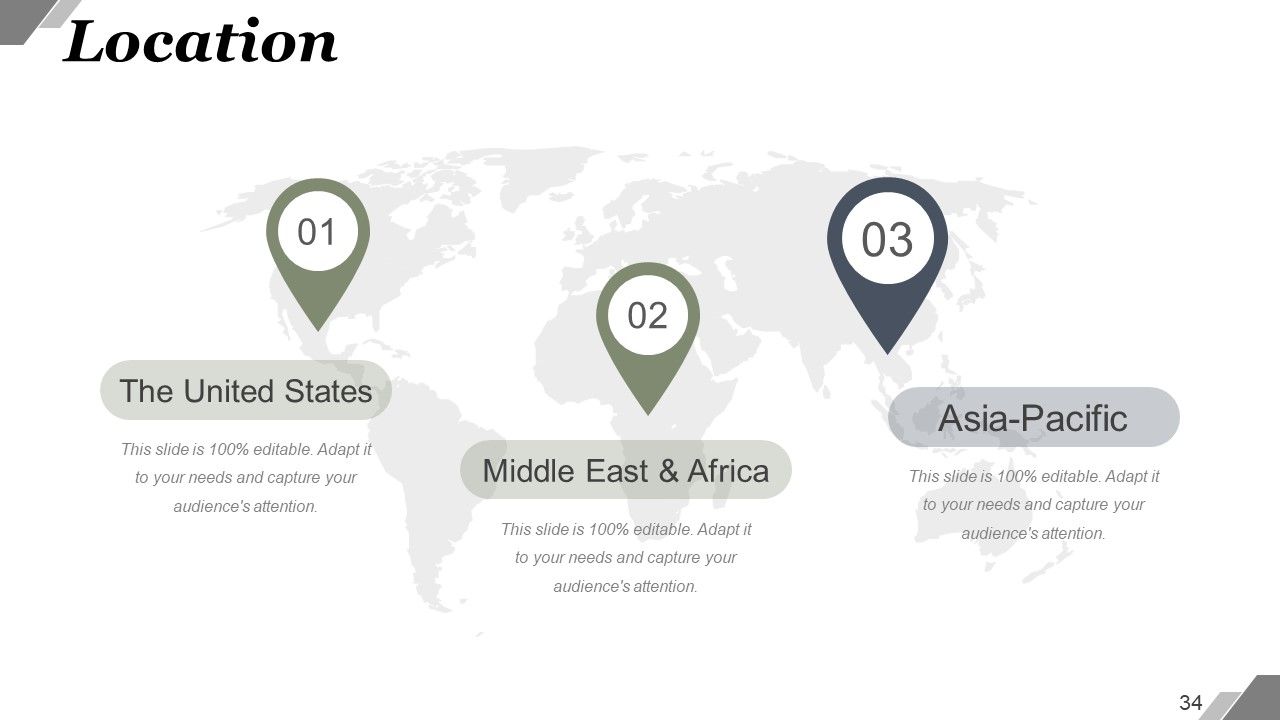
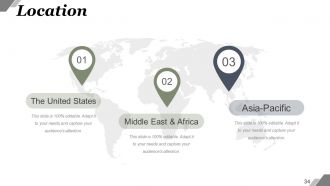
Slide 34 : Este slide mostra a localização na imagem do mapa mundial. Mostre presença global, crescimento etc. aqui.
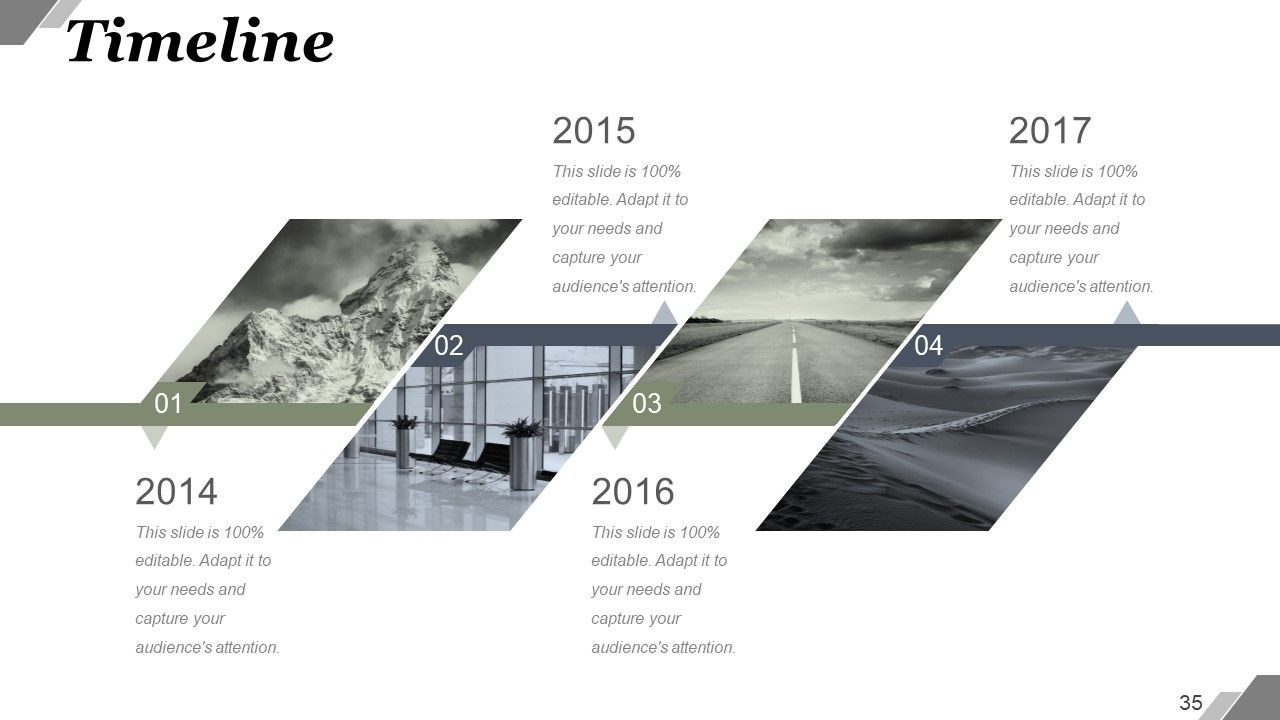
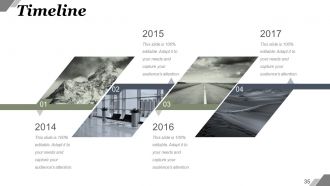
Slide 35 : Este é um slide da linha do tempo. Mostre marcos, conquistas, crescimento, jornada etc. aqui.
Slide 36 : Este é um slide Post It para marcar lembretes, eventos, etc.
Slide 37 : Este é um slide de imagem de jornal para mostrar eventos, destaques, etc.
Slide 38 : Este é um slide de imagem de quebra-cabeça para mostrar informações, especificações, etc.
Slide 39 : Este slide mostra o Target. Declare-os aqui.
Slide 40 : Este é um slide de imagem circular. Informações de estado, especificações, etc. aqui.
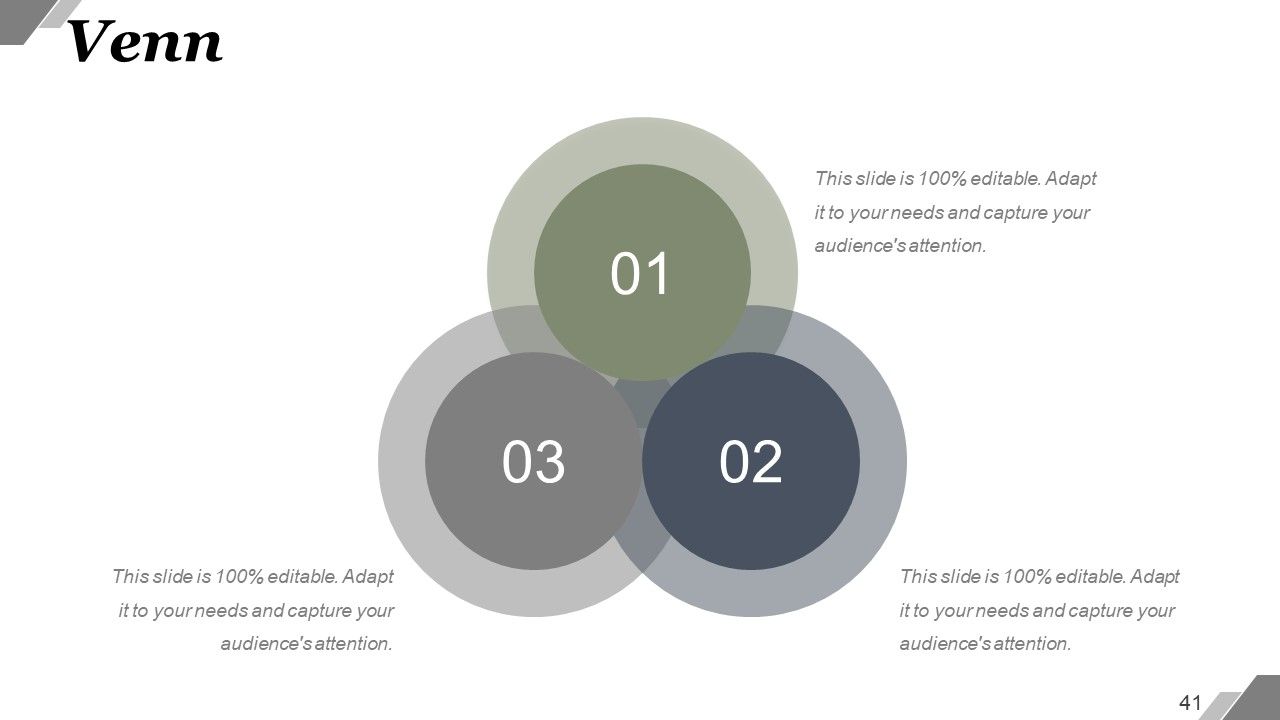
Slide 41 : Este é um slide de diagrama de Venn. Informações de estado, especificações, etc. aqui.
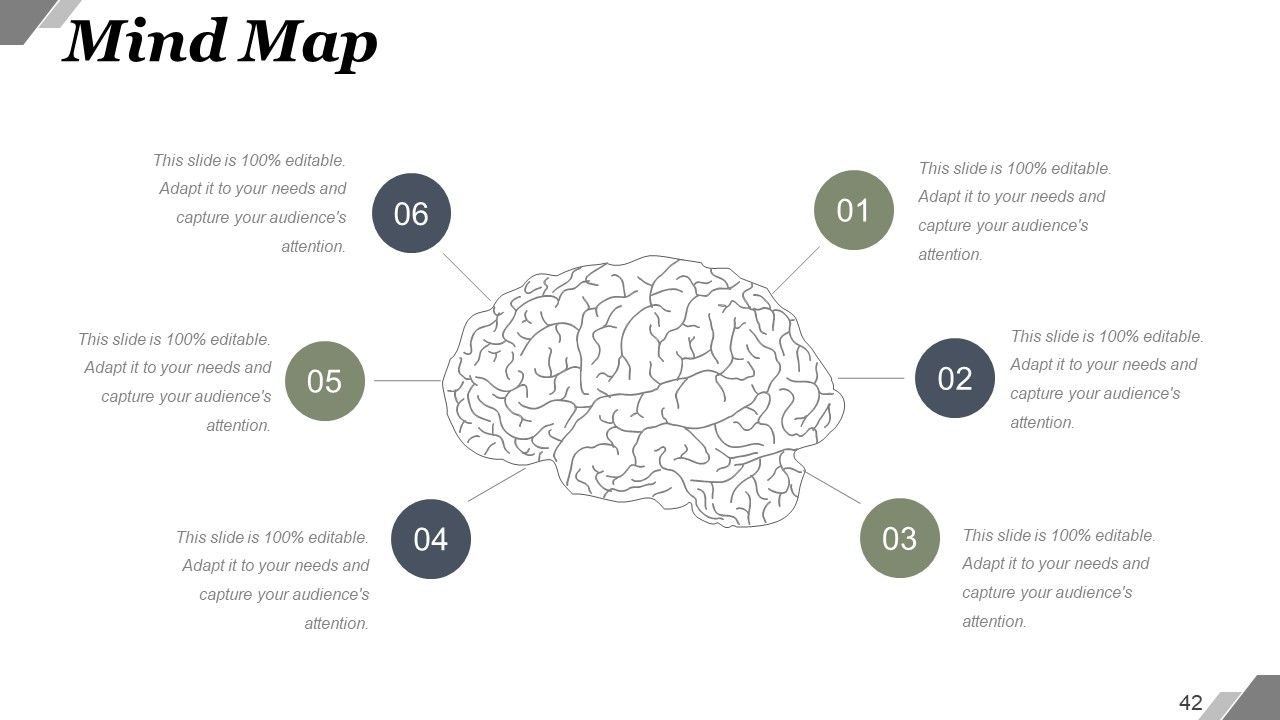
Slide 42 : Este é um slide de mapa mental. Informações de estado, especificações, etc. aqui.
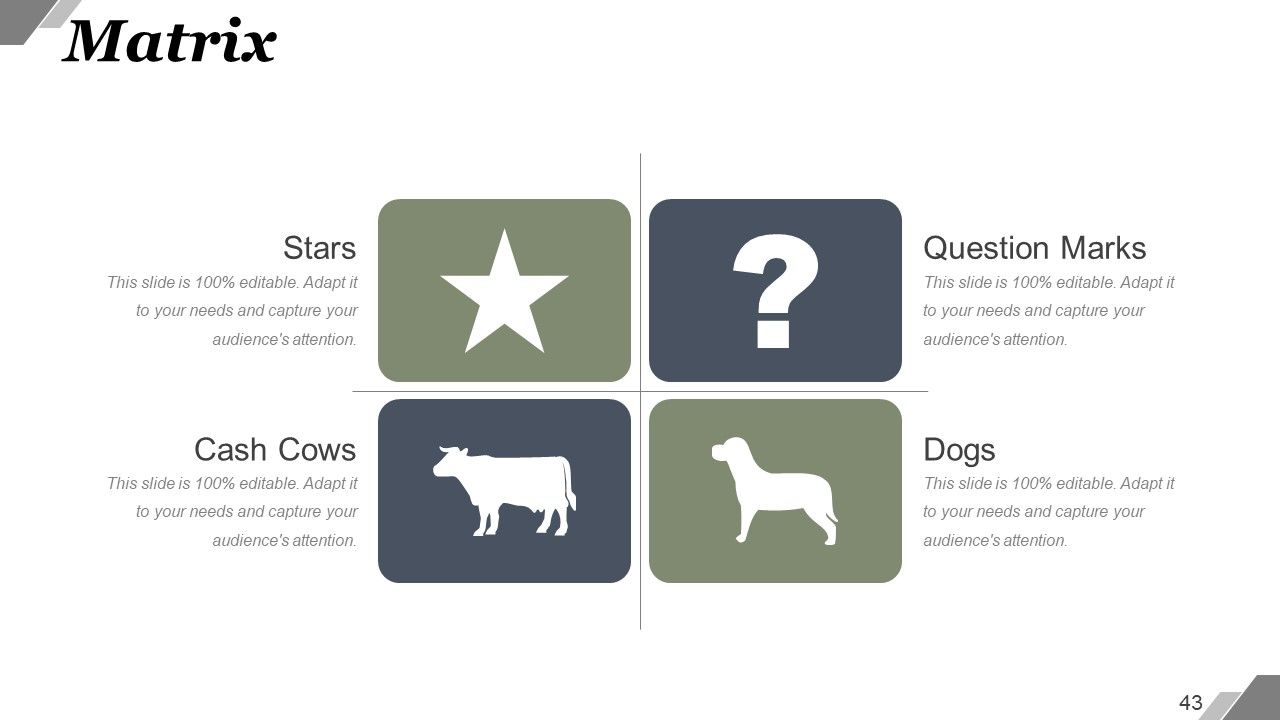
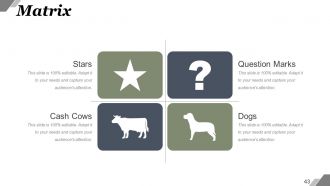
Slide 43 : Este é um slide Matrix. Informações de estado, especificações, etc. aqui.
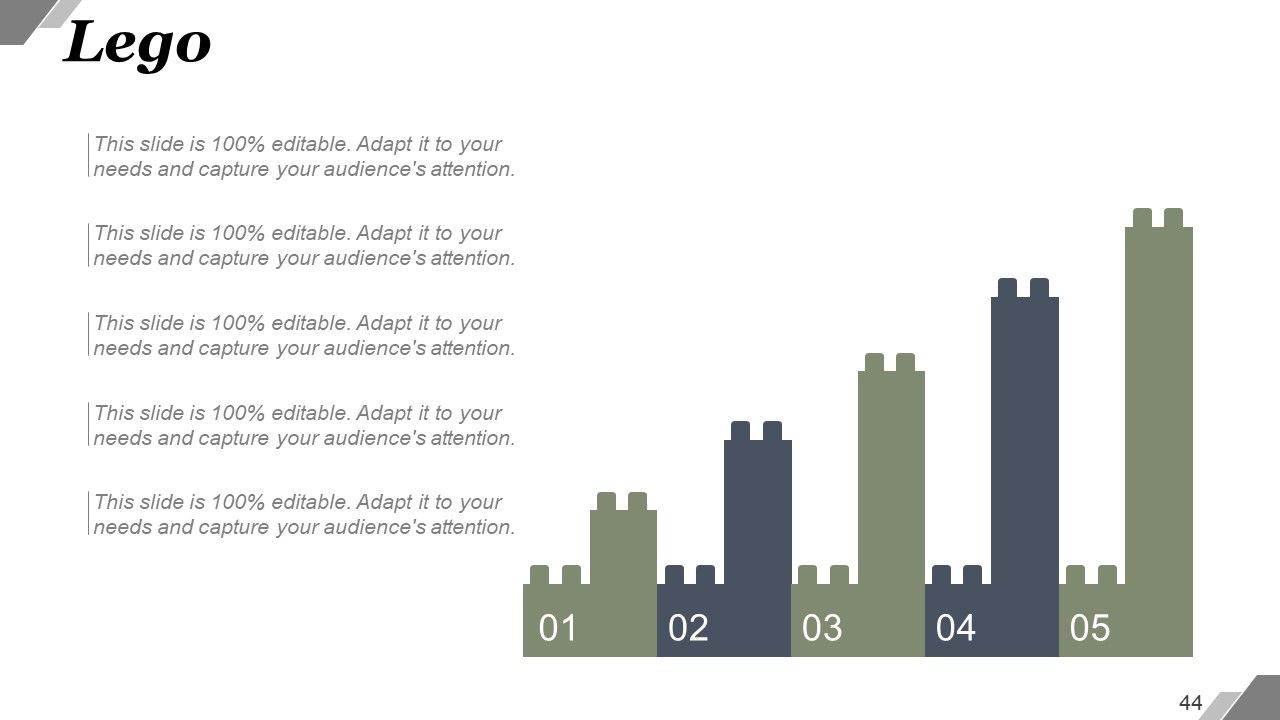
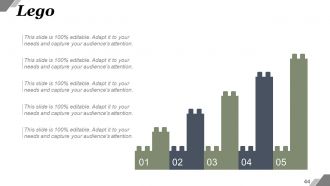
Slide 44 : Este é um slide Lego Box. Informações de estado, especificações, etc. aqui.
Slide 45 : Este slide mostra silhuetas com caixas de texto. Indique as informações relacionadas às pessoas, especificações, etc. aqui.
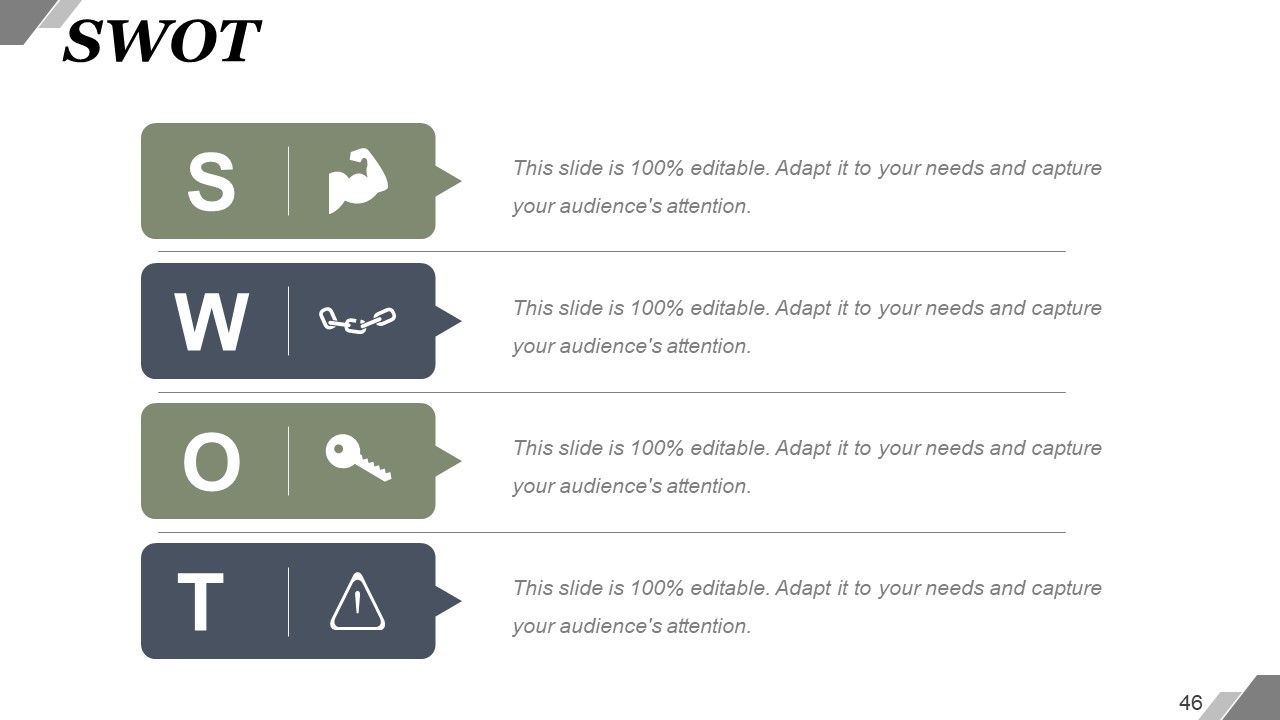
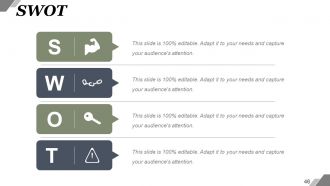
Slide 46 : Este é um slide de análise SWOT.
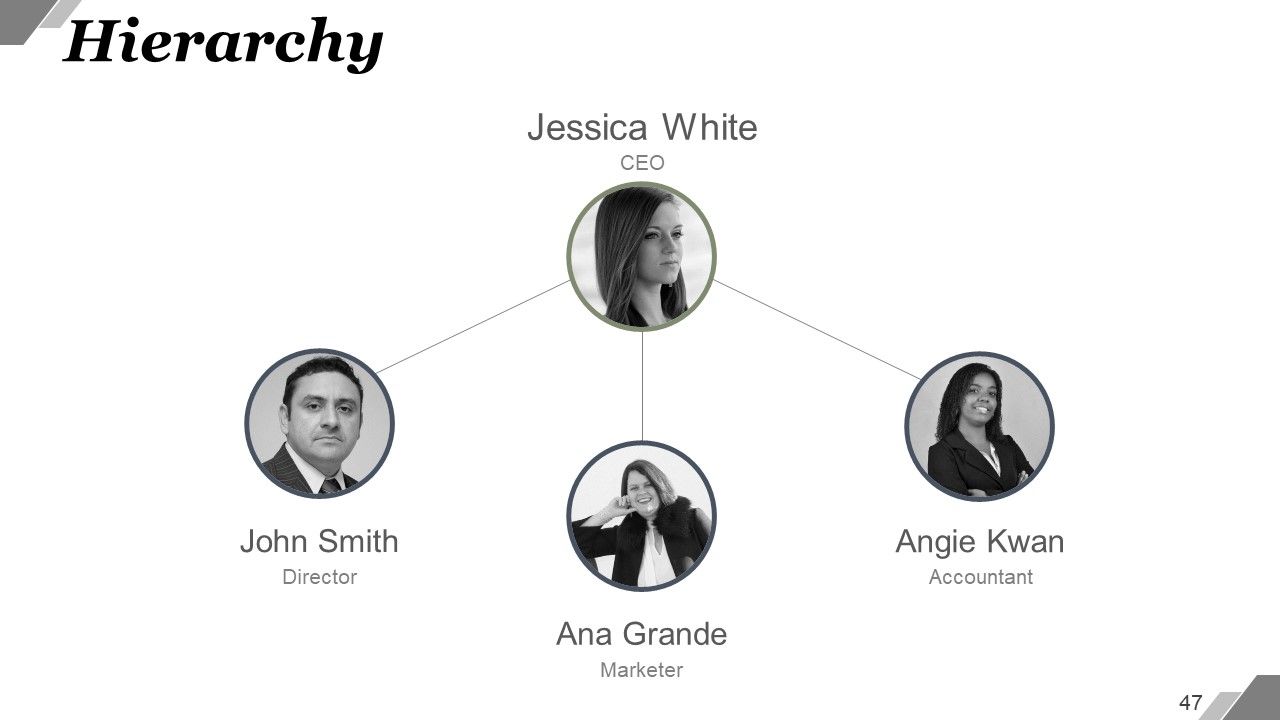
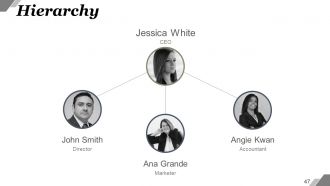
Slide 47 : Este é um slide de hierarquia. Informações de estado, especificação da estrutura da organização, etc. aqui.
Slide 48 : Este é o slide Gerar ideia. Indique informações, especificações, aspectos inovadores, etc. aqui.
Slide 49 : Este é um slide de imagem de lupa. Informações de estado, especificações, aspectos de escopo etc. aqui.
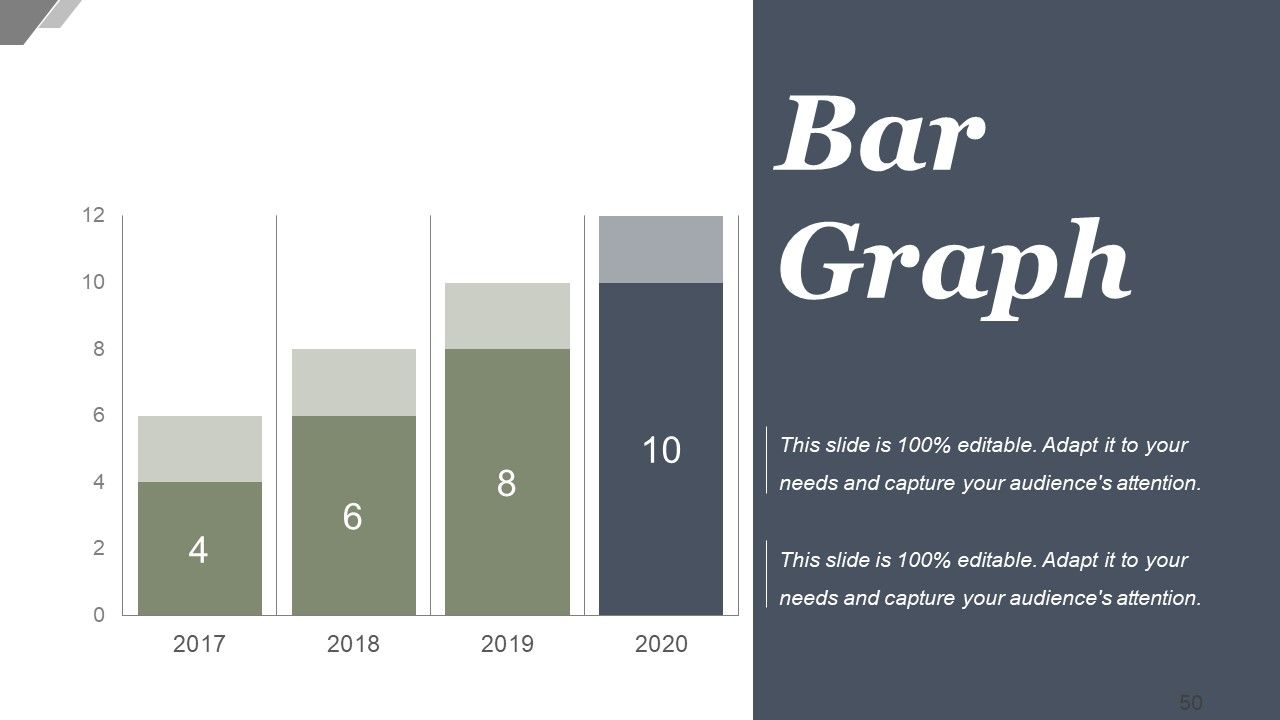
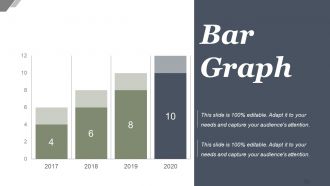
Slide 50 : Este é um slide de gráfico de barras para mostrar informações do produto / entidade, especificações, comparação, etc. aqui.
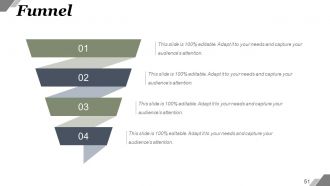
Slide 51 : Este é um slide de imagem de funil. Indique informações, especificações, aspectos / nuances de afunilamento aqui.
Slide 52 : Este é um slide "Fale conosco" com o número do endereço, número da rua, cidade, estado, números de contato, endereço de e-mail.
Slide 53 : Este é um slide de agradecimento pelo reconhecimento.
Características de Big Data e slides de apresentação em PowerPoint do processo com todos os 53 slides:
Deixe-os transparecer com nossos slides de apresentação em PowerPoint de características e processos de Big Data. Em breve, eles estarão bajulando você.
-
Excellent work done on template design and graphics.
-
Very well designed and informative templates.
