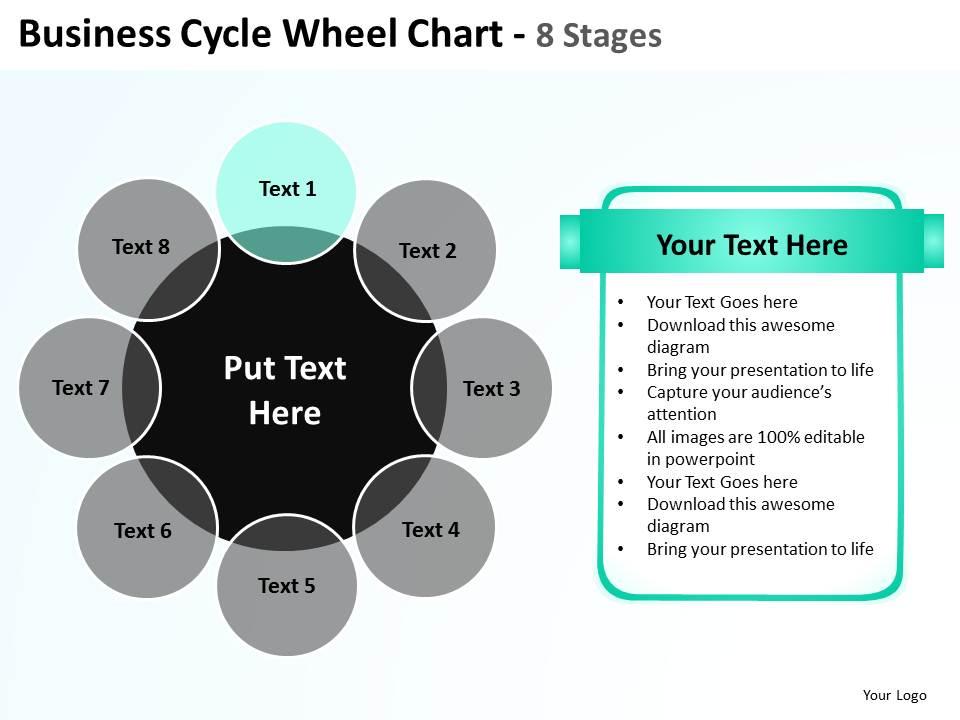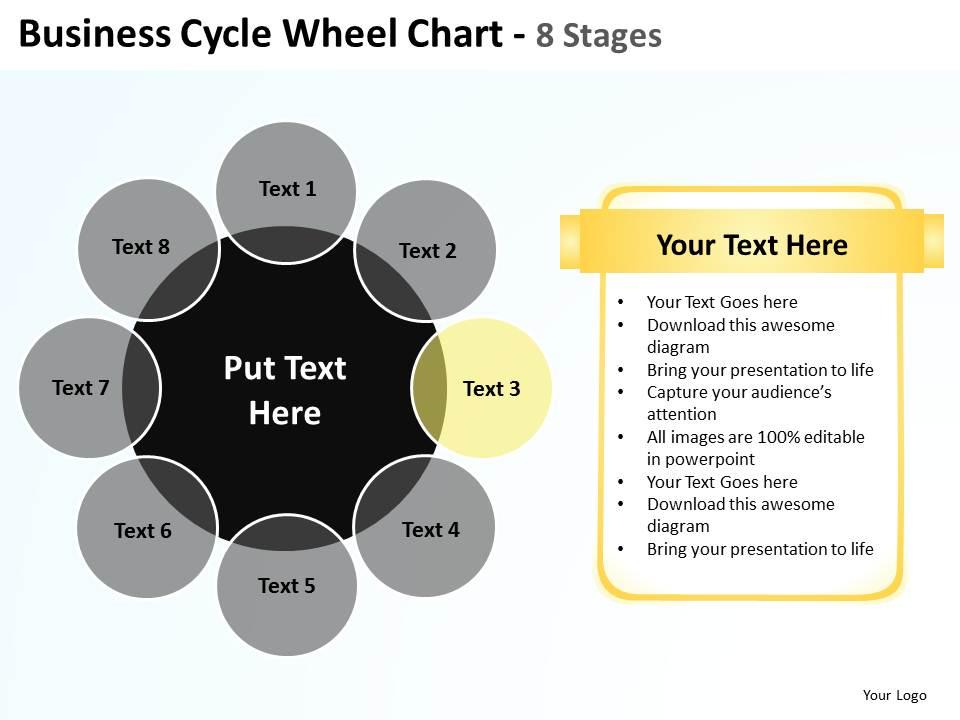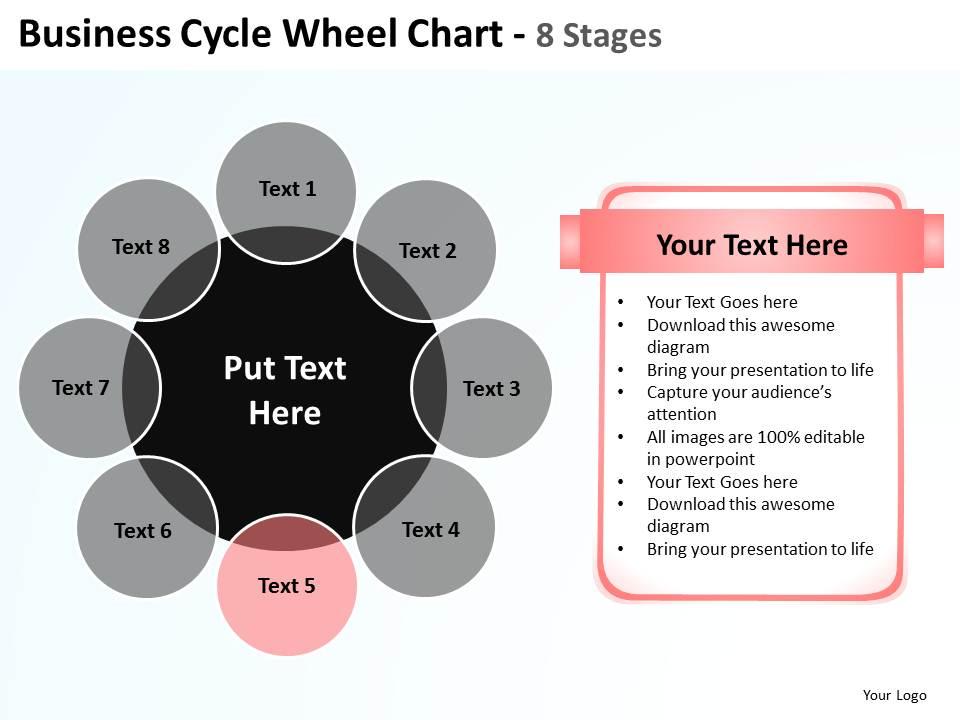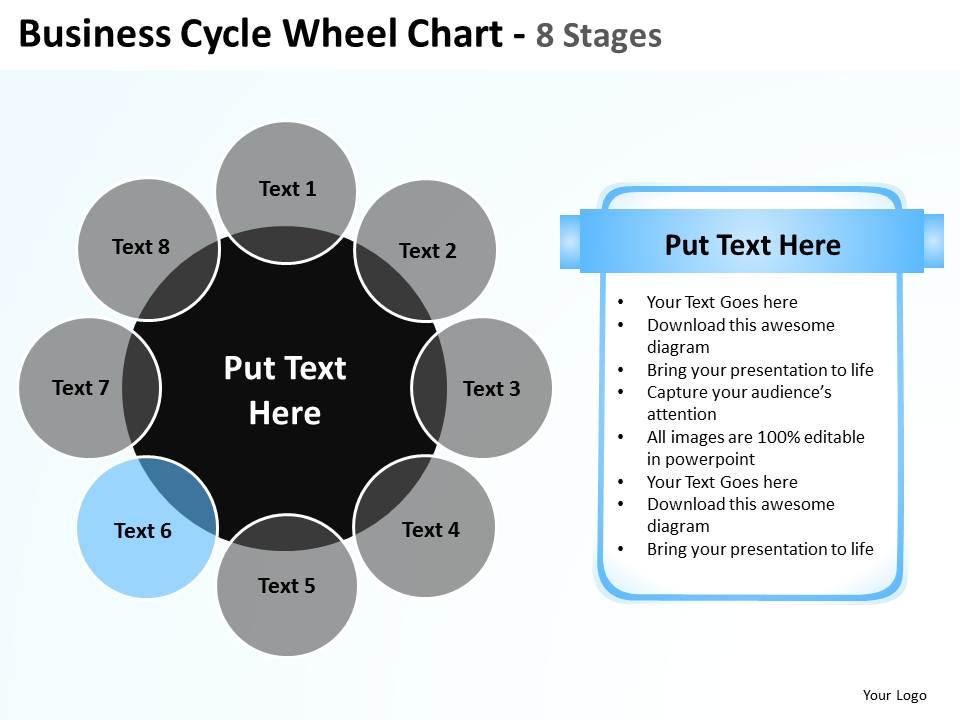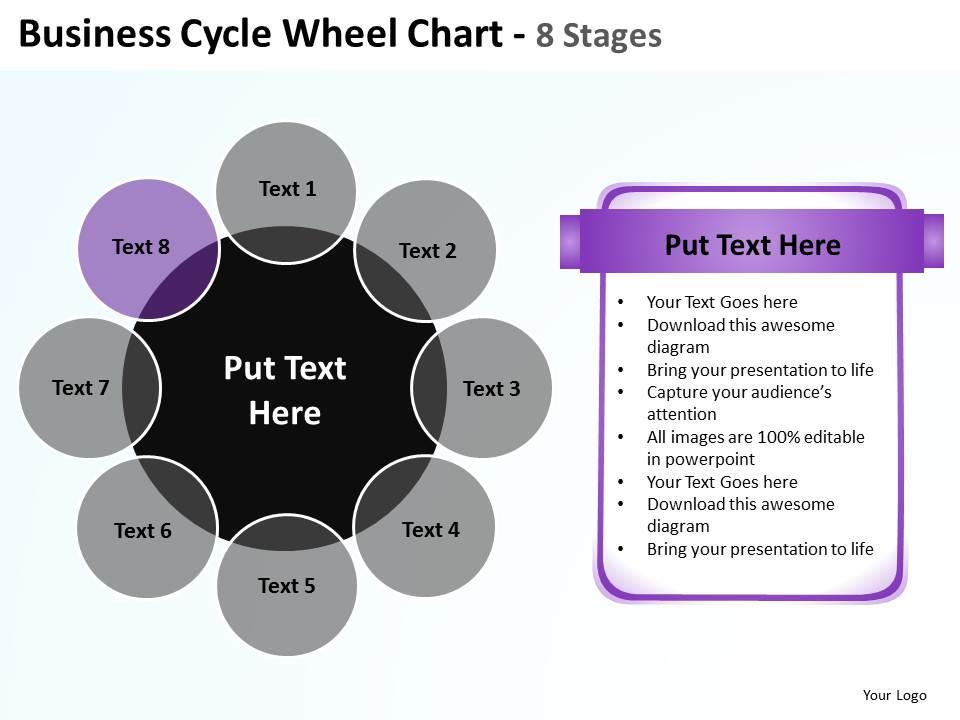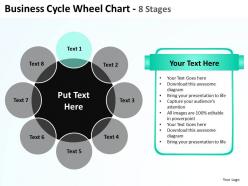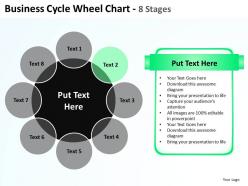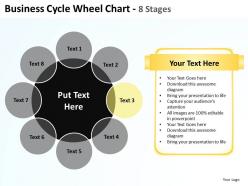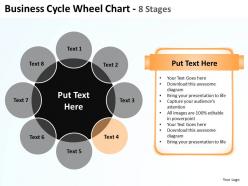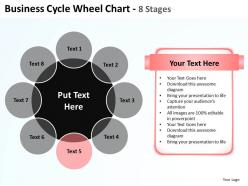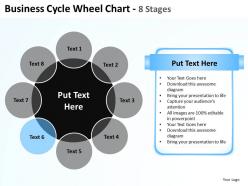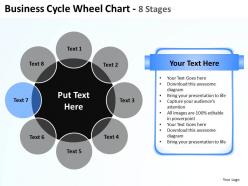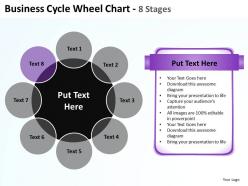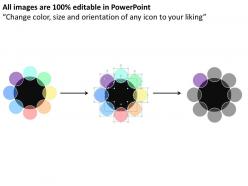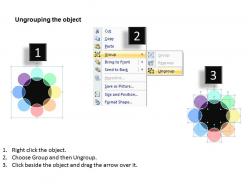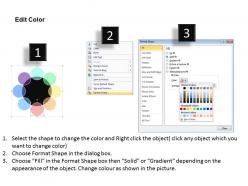
Business cycle wheel chart 8 sgates with big black circle powerpoint templates 0712
Try Before you Buy Download Free Sample Product
Audience
Editable
of Time
Buy time with our business cycle wheel chart 8 sgates with big black circle powerpoint templates 0712. Get that extra moment to think big.
People who downloaded this PowerPoint presentation also viewed the following :
Business cycle wheel chart 8 sgates with big black circle powerpoint templates 0712 with all 12 slides:
Set benchmarks with our business cycle wheel chart 8 sgates with big black circle powerpoint templates 0712. Your thoughts will raise the standards for all.
FAQs for Business cycle wheel chart 8 sgates with big black circle
So there are four main phases on the business cycle wheel - expansion, peak, contraction, and trough. Picture it like a clock. Expansion is when the economy's doing well and growing. Then you hit the peak at the top. After that comes contraction where everything slows down or shrinks. Finally there's the trough at the bottom before it starts going up again. Some models get more detailed, but honestly those four cover the basics. The wheel thing is pretty clever because you can actually see where we are in the cycle right now.
So picture this - instead of those confusing linear graphs that make business cycles look totally random, a wheel chart actually shows you the flow. Expansion leads to peak, then contraction, then trough, and back around. It's like... you know how you can glance at a clock and instantly know the time? Same thing here. You'll spot exactly where your business is right now and what's probably coming next. Honestly, I think linear charts are kind of misleading. Try plotting your last couple years on a wheel - bet you'll notice patterns that were invisible before.
Honestly, wheel charts are perfect for business cycles because you can actually *see* the circular pattern. Bar graphs just give you random data points, but with wheels you watch the economy flow through expansion, peak, contraction, trough - then back around again. Makes total sense since cycles literally repeat, right? You can quickly spot where you are now and what's probably coming next. For your quarterly thing, stakeholders will get the big picture instead of just staring at boring individual numbers. Way more intuitive than traditional charts, trust me.
So the circle thing actually makes sense because business cycles don't have a real start or finish - they just keep rolling. Your brain gets it faster than those boring linear charts. What's cool is you can spot how boom times relate to recessions since they sit opposite each other, kinda like a clock face. Each phase gets its own spot that sticks in your head way better. Honestly, the whole "visual memory" thing works here - try drawing it from scratch after staring at one for a minute. You'll probably nail the layout without even thinking about it.
Honestly, just nail the basics first. Use different colors for each phase - recession, recovery, expansion, peak - so people can tell them apart instantly. Your labels need to be readable, not tiny text nobody can see. Here's the thing that trips everyone up: don't make each section the same size just because it looks balanced. Base the proportions on real timeframes from your data. Throw in some arrows showing which direction it flows, maybe add key dates or indicators for context. I learned this the hard way - keep it simple enough that someone gets it in like 3 seconds during a presentation.
I'd go with different colors for each phase - green for growth, red for recession, yellow for peaks, blue for recovery. Way easier than drowning in spreadsheets, trust me. You could even play with color intensity too, like dark green for strong growth vs light green for slower expansion. Oh, and definitely stick to one color scheme across everything so your team isn't constantly confused about what phase you're in. Makes those investment timing calls way clearer when everyone's looking at the same visual language.
Wheel charts are actually pretty cool for tracking economic trends - way better than drowning in spreadsheets, trust me. Plot your key stuff like GDP, unemployment, inflation around the cycle phases (expansion, peak, contraction, trough). Different indicators act predictably at each stage, so you'll start noticing patterns when you map where your industry sits on the wheel. The visual thing makes it obvious when everything's shifting between phases. I'd grab your last 2-3 years of data first to figure out where you are right now in the cycle.
Honestly, wheel charts are a game-changer for this stuff. Most execs won't touch spreadsheets but they'll stare at visuals all day. The circular format shows your business cycle phases - expansion, peak, contraction, recovery - in a way that actually makes sense. Plus it hammers home that cycles repeat instead of just going up and down randomly. Color-code each phase to keep it simple. I swear, once stakeholders can see where they are in the cycle visually, decisions get so much better. Way better than drowning them in data they'll ignore anyway.
Think of it like having a weather forecast for the economy - you can see if we're heading into expansion, peak, contraction, or recovery. Pretty useful for timing your big moves. You'll spot demand changes coming, figure out inventory timing, and know when to spend or hold back. I overlay our industry trends with the broader cycle to predict revenue (works most of the time). Obviously don't treat it like gospel, but honestly? Way better than just winging major decisions. Just one tool in the toolkit, but a solid one.
Honestly, if you're in construction, automotive, retail, or manufacturing, these business cycle charts are gold. Banking and real estate too - those guys live and die by interest rate cycles. Your demand probably swings like crazy with the economy, right? Commodities and energy companies swear by them since their pricing is so predictable across economic phases. I'd definitely throw one into your quarterly reports. Makes it super easy to explain to stakeholders why your numbers tanked or soared. Plus it helps time big decisions way better than just winging it.
So I'd put the business cycle phases around the edge - expansion, peak, contraction, trough. Then slice it up with time periods going out from center like pizza slices. Color coding works great here, green for growth, red for recessions, whatever makes sense to you. Start at 12 o'clock with your newest data and go clockwise through time. Honestly, it's pretty satisfying once you see the patterns emerge. You can even stack multiple cycles on one wheel if you want to compare different eras. Quarterly data hits the sweet spot - detailed enough but won't make your chart look like a mess.
So here's the thing - most people think business cycles are just random chaos, but wheel charts actually show clear patterns. Recessions don't just appear overnight either. There's this whole sequence: expansion, peak, contraction, then trough. What really surprised me was learning that industries don't all move together. Some sectors peak while others are still climbing or already bottoming out. The wheel makes this super obvious visually. You can use this timing stuff for better decisions instead of just scrambling to react when things go sideways.
So executives just want the big picture stuff - what phase are we in, should we hire more people, where's the budget going. Pretty straightforward. Analysts though? They're all about the nitty-gritty details and timing within each phase. They'll dig into every indicator trying to predict when things might shift. It's honestly like executives see the whole forest while analysts are out there checking individual trees and testing the soil. Just match your vibe to whoever you're presenting to - keep it high-level for the C-suite, but bring all your methodology and data for the analyst crowd.
Honestly, skip Excel for this - you'll just frustrate yourself. Tableau's probably your easiest bet since it handles circular charts really well. Power BI works too if that's what your company already uses. Adobe Illustrator is amazing if you want something that looks super polished, but you'll be starting from scratch. There's also D3.js which can create incredible stuff, though that might be way more coding than you want to deal with. I'd just go with Tableau first - it's pretty intuitive and you can actually connect your data directly instead of manually updating everything.
Set up automated feeds for the big stuff - GDP, employment, inflation, plus whatever's specific to your industry. Tableau and Power BI are solid for pulling this data and updating your charts weekly. Here's the annoying part: government data is always behind by months. So frustrating when you need current info. I'd grab a subscription to economic research services or use APIs from Bloomberg/FRED if budget allows. The real value comes from setting alerts when your chart shows phase transitions. That's your cue to actually pay attention and maybe pivot strategy.
-
It saves your time and decrease your efforts in half.
-
Use of different colors is good. It's simple and attractive.