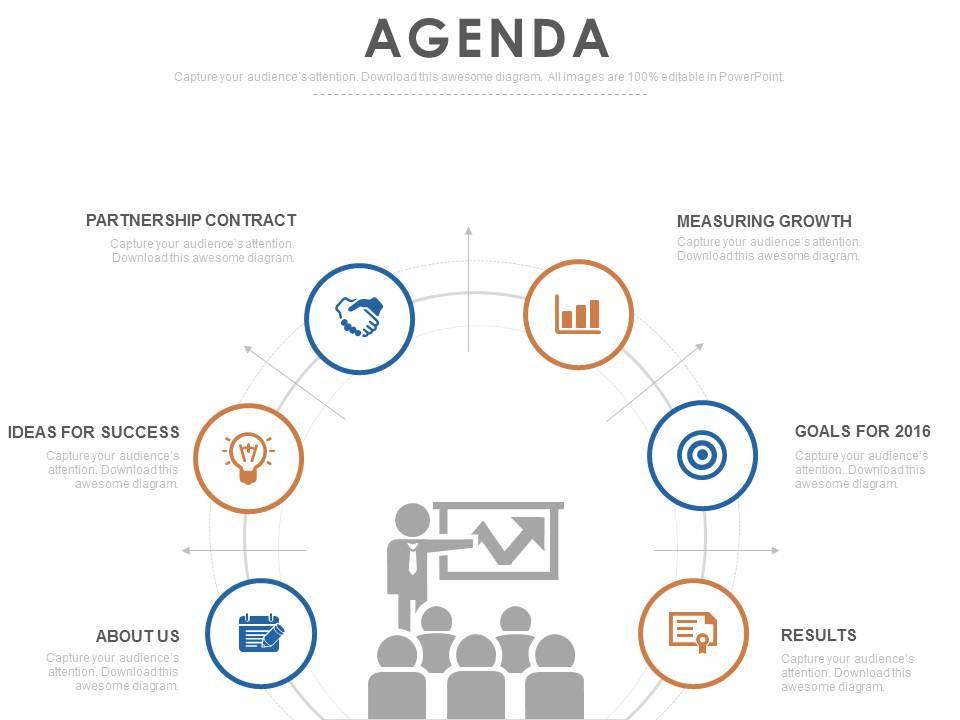
14941044 style essentials 1 agenda 6 piece powerpoint presentation diagram infographic slide

Rating:
80%
14941044 style essentials 1 agenda 6 piece powerpoint presentation diagram infographic slide
Slide 1 of 4
Favourites Favourites

Try Before you Buy Download Free Sample Product

Audience Impress Your
Audience
Editable 100%
Editable
Time Save Hours
of Time
The Biggest Sale is ending soon in
0
0
:
0
0
:
0
0
Rating:
80%
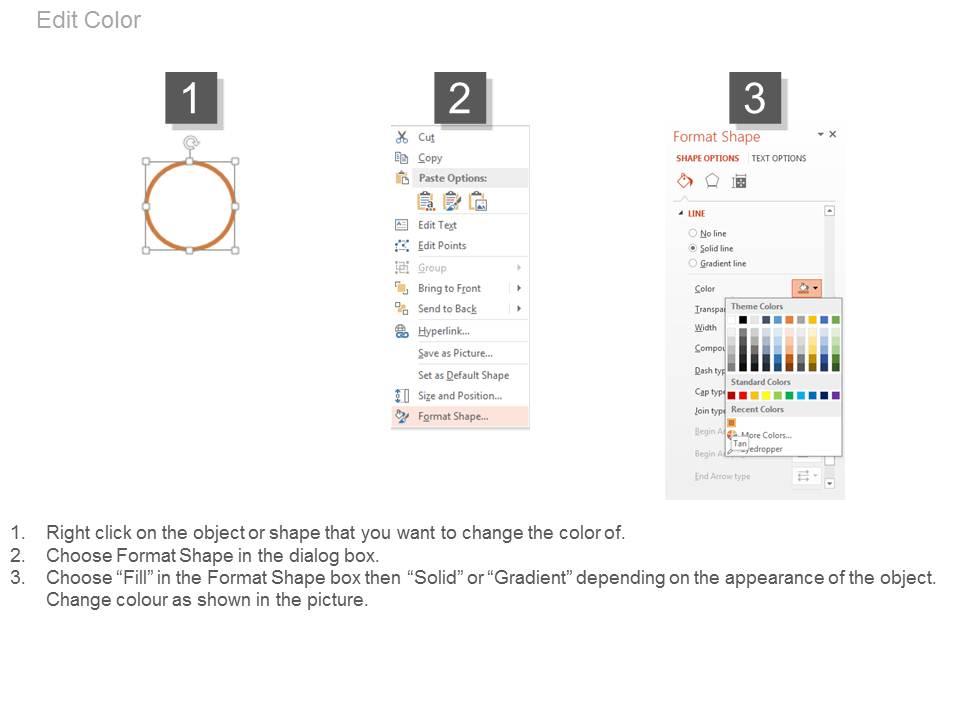
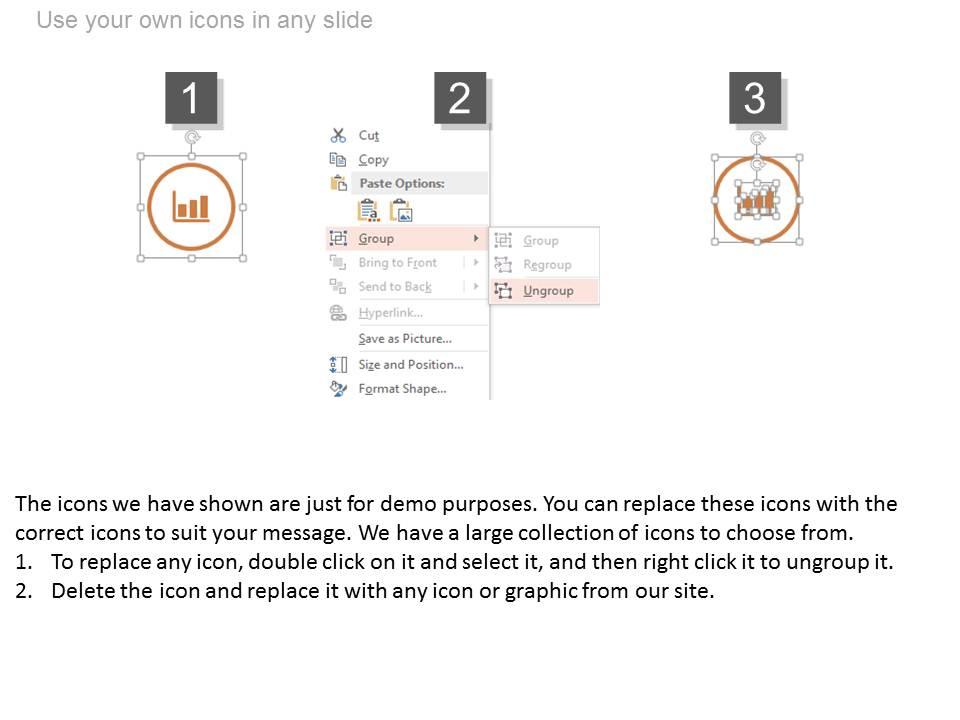
Slides highly employable in business environment and other setups where up-front strategy plays a big role. Hassle free conversion of slides into JPG and PDF formats. Slides available in widescreen also. PPT template compatible with google slides for anytime, anywhere usage. Customizing slides becomes very easy with option to change many features of the PowerPoint slide presentation sample.

FAQs for 14941044 style essentials 1 agenda 6 piece powerpoint presentation

So you'll need the basics - meeting title, date/time, who's coming, and agenda items with rough time limits. I always throw in an "action items" section at the bottom because it cuts down on all those "wait, what was I supposed to do?" emails later. Number your agenda points (trust me on this one) and leave room for notes next to each topic. Pretty important to list any docs people should read ahead of time too. The format should be clean enough that people can actually use it during the meeting without squinting. Honestly, just start simple and tweak it based on what works for your group.

Think of it like a roadmap for people's eyes. Make your main topics big and bold, then shrink down the sub-details underneath. Different font weights and colors help tons too - honestly, most people just scan these things anyway, so you want the important stuff to jump out. Give everything room to breathe with white space or it'll look like a hot mess. Oh, and stick to the same styling patterns throughout so people don't have to think too hard about where to look next.

Colors totally mess with people's heads during meetings - in a good way though! Blue keeps everyone focused and builds trust, perfect for serious stuff. Green's amazing for long sessions since it won't fry your eyes. I'd avoid too much red unless you want people stressed out (learned that mistake early on). Orange gets creative juices flowing for brainstorming, while cooler colors work better when you need calm, analytical thinking. Honestly, just pick 2-3 colors that match your meeting's energy and don't overthink it. Consistency matters more than being perfect.

So basically make your template modular - have sections you can swap out depending on the vibe. Formal meetings need detailed time slots, proper titles, structured discussion points. Casual ones? Drop all that and go broader with the timing. Like, nobody needs to see "10:47-10:53 AM" for a brainstorm session lol. I'd create two versions of key parts - maybe "objectives" for formal stuff vs "what we're tackling today" for relaxed meetings. Honestly the best trick is adding optional fields you can just delete based on what type of meeting it is. Design it so you can strip things out without the whole format looking weird.

Hit them with your best stuff upfront - seriously, people's brains check out after like 20 minutes max. I learned that one the hard way at a disastrous quarterly review lol. Mix heavy topics with lighter, interactive bits so nobody falls asleep. Cap each agenda item at 15 minutes if you can swing it. Build in real discussion breaks, not just "any questions?" Oh, and definitely send the agenda ahead of time. People actually show up more engaged when they know what's coming. End with concrete next steps - vague wrap-ups are the worst. Just think about what'd make you pay attention versus scroll Instagram under the table.

Honestly, just ditch the generic sections for stuff that actually makes sense for your field. Like if you're in education, throw in "Student Outcomes Review" instead of some vague corporate nonsense. For business meetings, people expect the usual suspects - "KPI Dashboard" or "Budget Review" (yeah, I know, so many buzzwords but whatever). Start with your basic template and swap out 2-3 sections. Match the language your colleagues actually use - you want them paying attention, not checking their phones. It's really about speaking their language instead of using one-size-fits-all meeting speak.

Honestly, just go with Arial, Calibri, or Helvetica – they're so much cleaner than anything with those little serif flourishes. Make it 11-12pt minimum because nobody wants to squint at tiny text in meetings. Bold your headers to break things up visually. Oh, and check the contrast between your text and background colors! I've seen way too many agendas where people use gray text on white and it's basically invisible. Times New Roman is the worst offender here – looks cramped and outdated. Print a test copy first or check it on different screens. Trust me, your coworkers will thank you.

Just put time slots right next to each agenda item - super simple. Oh, and don't forget buffer time between topics (literally everyone skips this part and then wonders why meetings drag on forever). Pick someone to be timekeeper, or if you're going digital, Notion has these countdown timer add-ons that are pretty neat. For regular meetings, just have someone call out 5-minute warnings. Here's the thing though - you've gotta be realistic about timing. I always tack on an extra 20% because discussions inevitably go longer than expected.

So many good options! I'd start with whatever your team's already using - way less hassle that way. Canva and Adobe Express are amazing if you want something that looks professional without the headache. Google Docs is honestly my go-to even though it's probably overkill... but the sharing is just too easy. PowerPoint and Google Slides work perfectly for straightforward stuff. Oh, and if you're feeling fancy, Figma lets you get really creative with layouts. Notion has some decent templates too, though I forget about it half the time.

Honestly, most people just ignore feedback but it's actually super useful for fixing agenda problems. Look through past comments for patterns - like if everyone always says meetings drag on, build in buffer time or cut topics short. Missing more discussion? Add Q&A blocks. I swear, half the agendas I've seen could've been way better if they just listened to what people said. Also check for stuff about unclear goals or rushed topics. Set up a simple spreadsheet to track the common complaints after each meeting. Then just tweak your template based on what keeps coming up.

Oh man, the worst thing you can do is pack way too much stuff in without realistic timing - your meetings will drag on forever. Share the agenda early so people can actually prep, not like 10 minutes before. Make your agenda items specific too, not vague garbage like "project updates." What does that even mean? Put your big decisions first when everyone's still awake and focused. Don't forget bathroom breaks between topics - seriously, people get cranky. I always use a basic template with clear goals and who's responsible for what. Makes everything way smoother.

Dude, interactive agendas are a game changer. Instead of just listing times and topics, you can embed actual Zoom links and hyperlinks to documents right in there. QR codes work great too - people just scan and boom, they've got the slides or whatever on their phone. Way better than watching everyone frantically dig through emails looking for meeting links (honestly the worst). Start simple with clickable room links or meeting URLs. Once you see how much smoother everything runs, you'll never go back to those boring static PDFs. It's like turning your agenda into an actual roadmap instead of just a schedule.

Honestly, the biggest game-changer is mixing up participation styles. Give people discussion time but also build in quiet moments for the introverts - otherwise the loud voices just take over everything. Send materials ahead so folks can actually prep (some people need that processing time). When you're setting topics, loop in different perspectives instead of the usual suspects deciding everything. Time zones matter too if you've got remote people. Oh and just straight up ask your team what's blocking them from contributing - you'll probably learn stuff you never thought of. Way easier than trying to fix things after the fact.

Honestly, goals at the top of your agenda are a game-changer. You'll avoid those painful hour-long meetings where everyone sits around wondering what they just accomplished. When people know exactly what you're trying to do, they actually show up prepared. Conversations don't spiral into random tangents either. I always put a "Meeting Purpose" section right at the beginning - helps me figure out what agenda items actually matter. Oh, and if someone starts rambling about their weekend plans or whatever, you can just point back to those objectives. Works every time.

Look, templates make you actually plan what needs to happen before people show up. No more winging it (which let's be honest, we've all done). You'll get way less rambling because everyone knows the agenda upfront. People come prepared since they see what's expected - time slots, objectives, all that stuff. Your team starts expecting this kind of organization from every meeting, which is honestly a game changer. I'd say try the same template for like a month. You'll be shocked how much more focused everything gets. It's one of those simple fixes that actually works.

Ratings and Reviews

80% of 100
Review Form
Write a review
Most Relevant Reviews
  1. 80%

    by Jones Adams

    Use of icon with content is very relateable, informative and appealing.
  2. 80%

    by Dewayne Nichols

    Good research work and creative work done on every template.

2 Item(s)

per page: