41330733 style essentials 1 agenda 4 piece powerpoint presentation diagram infographic slide

Rating:
100%
41330733 style essentials 1 agenda 4 piece powerpoint presentation diagram infographic slide
Slide 1 of 4
Favourites Favourites

Try Before you Buy Download Free Sample Product

Audience Impress Your
Audience
Editable 100%
Editable
Time Save Hours
of Time
The Biggest Sale is ending soon in
0
0
:
0
0
:
0
0
Rating:
100%
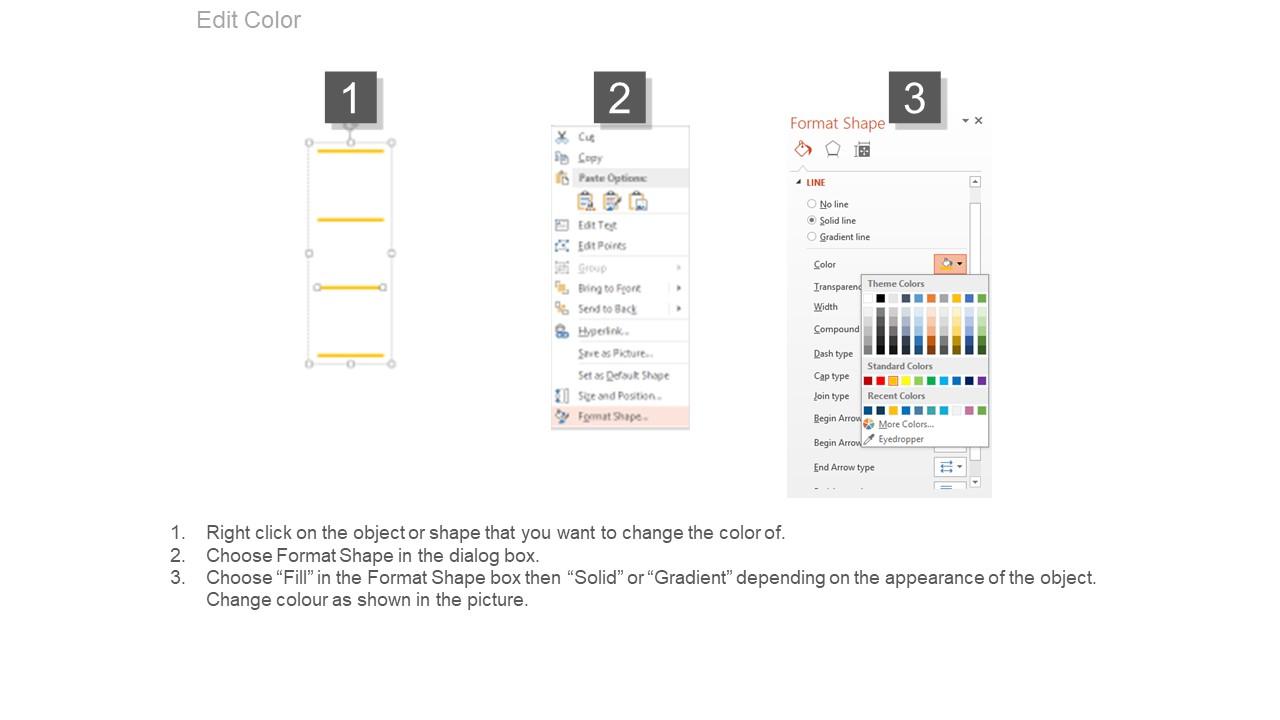
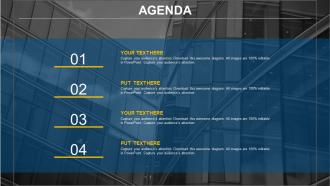
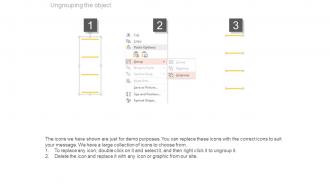
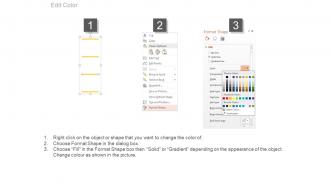
Sharp and highly detailed pictures of the PPT slide template model. PowerPoint text, graphics, colors and more can be tailored to need. These PPT templates can be saved in any of the desired format options. If desired the company name/logo can be added to the PPT slide background. Valuable presentation slide design for business professionals, teachers, marketing students and company’s stakeholders. Advice for making manual changes on PowerPoint templates is also provided. PowerPoint slide graphics are compatible with all software.

FAQs for 41330733 style essentials 1 agenda 4 piece powerpoint presentation

Okay so first thing - put your main objectives right at the top, then add time slots for each topic. Assign who's leading what discussion too. I literally always forget this part, but build in buffer time because meetings NEVER run on schedule, trust me. Also include any prep work people need to do beforehand and leave space for notes. Honestly, the visual layout matters way more than you'd think - use a simple table or timeline so everyone can scan it quickly. Short agenda items work better than long ones. Don't overthink it!

Honestly, it totally depends on who's in the room and what you're trying to get done. Client meetings? Skip the boring internal stuff and focus on decisions they actually care about. Board meetings are way more formal - you need structured time blocks and proper language. But team brainstorms are the opposite - keep those loose with flexible timing. I always add a "parking lot" section because people will go off-topic no matter what you do (learned that the hard way). Strategy sessions need longer chunks for real discussion, while status updates should move fast. Just think about your main goal first, then build around that.

Keep it super clean - just basic timelines or simple flowcharts with lots of white space. Your company's brand colors are fine, but don't go crazy with more than 2-3. I actually don't hate PowerPoint's default templates if you strip out the weird decorative stuff they always add. Make each agenda item clearly separated so people can scan it fast. Honestly, the biggest thing is testing it on someone else first. If they have to squint or look confused, you've overcomplicated it. People just want to know what's happening when - they're not there to admire your design skills.

Honestly, colors matter way more than you'd think for business agendas. Bad contrast makes everyone strain their eyes - I've sat through so many meetings squinting at gray text on white backgrounds, ugh. Use your company colors but make sure stuff actually stands out. 2-3 colors tops or it gets messy. Different colors help separate agenda sections and draw attention to the important bits. Oh, and definitely test it on the projector first! What looks good on your laptop screen might be totally washed out when projected.

Oh man, the worst thing you can do is cram every tiny detail in there - like seriously, nobody needs to see "review Q3 spreadsheet tabs 1-7." Keep it high-level instead. Also dodge those super vague items like "discuss marketing" because what does that even accomplish? Be specific about what you're deciding. Time estimates are huge too - I've sat through way too many meetings that should've been 30 minutes but dragged on forever. Always note who's running each part and what you're trying to get out of it. Honestly, just run it by someone first to make sure it makes sense.

Honestly, those agenda charts are game-changers for meetings. Instead of rambling forever about random stuff, everyone can see what you're covering and how long each topic should take. People actually come prepared because they know what's coming up. The visual aspect is clutch – you can literally watch yourself make progress through each item instead of wondering if you're getting anywhere. I used to hate running meetings but these keep me on track way better. Your team will probably thank you because nobody wants to sit through another two-hour discussion that could've been 30 minutes. Just try it once and see what happens.

Honestly, Microsoft Visio is probably your best bet - it's literally made for this stuff and has tons of templates. PowerPoint works too if you're already using it and need something fast. I'm kinda obsessed with Lucidchart though, especially for team projects since it's all cloud-based. Super easy to use. You'd be surprised how decent Google Drawings can be too! My advice? Just start with whatever you already have on your computer, then switch to something fancier if you end up doing this a lot. No point paying for software you'll use once, you know?

Honestly, make your agenda visual with colors or icons - walls of text kill meetings instantly. I bombed a quarterly review once because everyone just zoned out staring at boring bullet points. Mix in polls or quick discussions to keep people awake. Stick to your timeline religiously though, because nothing makes people check out faster than a meeting that drags on forever. Oh, and front-load the important stuff when everyone's still caffeinated. Always wrap up with what happens next, otherwise you'll get that awkward "so... are we done?" moment.

Honestly, audience analysis makes or breaks your agenda chart. Think about it - are you presenting to busy executives who want the bare minimum, or project teams who need all the nitty-gritty details? C-suite folks just want high-level timing and key decisions. Your project team though? They'll want dependencies, specifics, maybe even backup plans. Don't make the mistake of using the same format for everyone. Match your chart's complexity to who's actually sitting there - some people have zero patience for dense info, others get frustrated when you oversimplify. It's really about reading the room before you even get there.

Just build feedback right into your chart structure - add a "Review & Adjust" spot after each agenda item to note what worked and what bombed. Honestly, most people skip this part but it's gold. Rate how effective each agenda was and track it. I swear, you'll start seeing patterns like certain topics always run long or confuse everyone. Then actually change your chart based on what you learn! Oh, and spend 5 minutes after meetings jotting down feedback trends. Your chart should grow with your team's weird quirks and needs.

Ugh, yeah those bullet point agendas are soul-crushing. Timeline formats work really well - just map out your meeting like milestones on a journey. Interactive flowcharts are solid too, especially when topics actually connect to each other. I've seen teams do Kanban boards which is kinda random but people seem to love it? Progress bars for each discussion topic can gamify things if your crowd's into that. Journey mapping is another route - basically tell your meeting like it's a story. Just pick whatever won't make your team's eyes glaze over, you know?

Timeline sections work really well for this - just add them right next to your agenda items. Color-coding is honestly a game changer when you show which past initiatives worked vs bombed. Small graphs in the chart cells look clean too, especially for percentage changes. Oh and try a "lessons learned" column - you'll be shocked at the patterns that pop up. Before/after comparisons help people connect old outcomes to current decisions super fast. Start small though, maybe just one historical data point per item so it doesn't get overwhelming.

Static charts are basically just fancy PDFs - you look at them but can't really do much else. With interactive ones though, you can click around, expand stuff, check things off, add notes. Way more useful honestly. It's like the difference between a screenshot and actually using the app, if that makes sense? For emails or printed handouts, static works totally fine. But if you're running a meeting or doing virtual presentations, interactive is definitely the way to go. Your team can actually engage with it instead of just staring at a slide.

Put your main agenda topics first, then indent the supporting stuff underneath. Most people's eyes glaze over with too much text - I learned this the hard way in way too many boring meetings. Each main point should be one clear topic or action item. Add just enough context so people aren't walking in blind, but don't overdo it. White space is your friend here. Make it easy to scan. Honestly, if someone can't figure out what your meeting's about in 30 seconds of looking at the agenda, you've probably made it too complicated. Keep the formatting consistent throughout.

Send it 24-48 hours ahead so people can actually read it (instead of pretending to during your intro). Attach as PDF to the meeting invite. Honestly, I'd also put key points in the email body - makes it easier to reference. Call out who needs to prep what or bring materials. Oh, and here's something I learned the hard way - send a reminder the day before with the agenda attached again. People lose stuff constantly. Saves you from that whole "wait, what's this meeting about?" thing when everyone joins. Trust me on this one.

Ratings and Reviews

100% of 100
Review Form
Write a review
Most Relevant Reviews
  1. 100%

    by Donnell Bradley

    Excellent template with unique design.
  2. 100%

    by Edgar George

    Best Representation of topics, really appreciable.

2 Item(s)

per page: