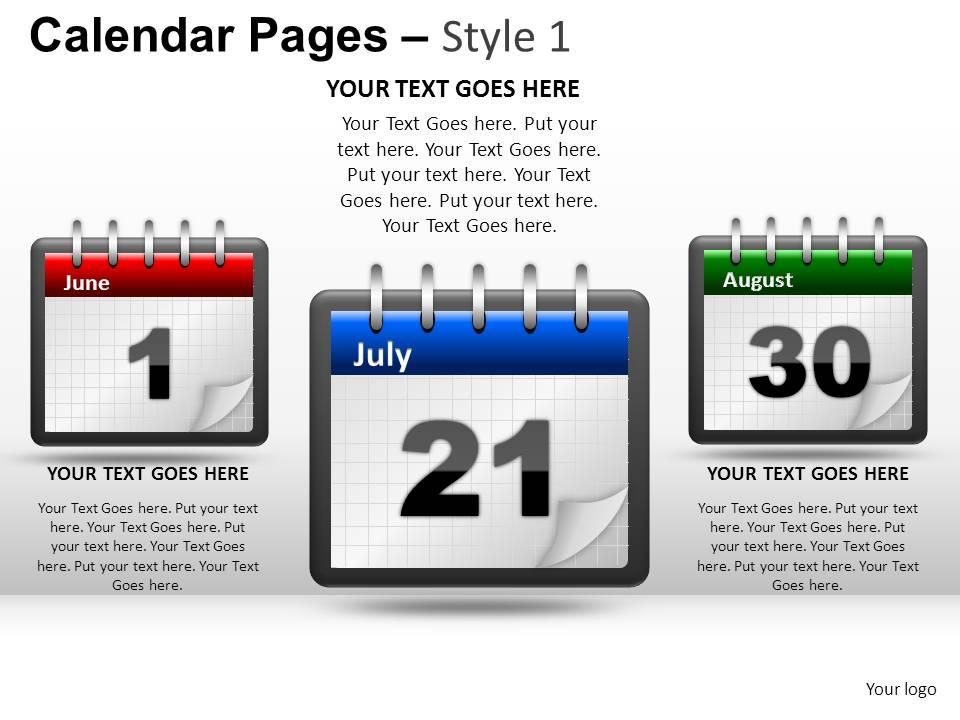
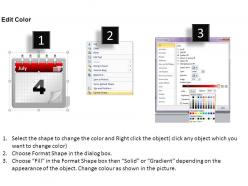
Slides de apresentação em PowerPoint do estilo 1 do Calendar Pages

Rating:
100%
Calendar pages style 1 powerpoint presentation slides
Slide 1 of 20
Favourites Favourites

Try Before you Buy Download Free Sample Product

Audience Impress Your
Audience
Editable 100%
Editable
Time Save Hours
of Time
The Biggest Sale is ending soon in
0
0
:
0
0
:
0
0
Rating:
100%

Recursos destes slides de apresentação do PowerPoint:

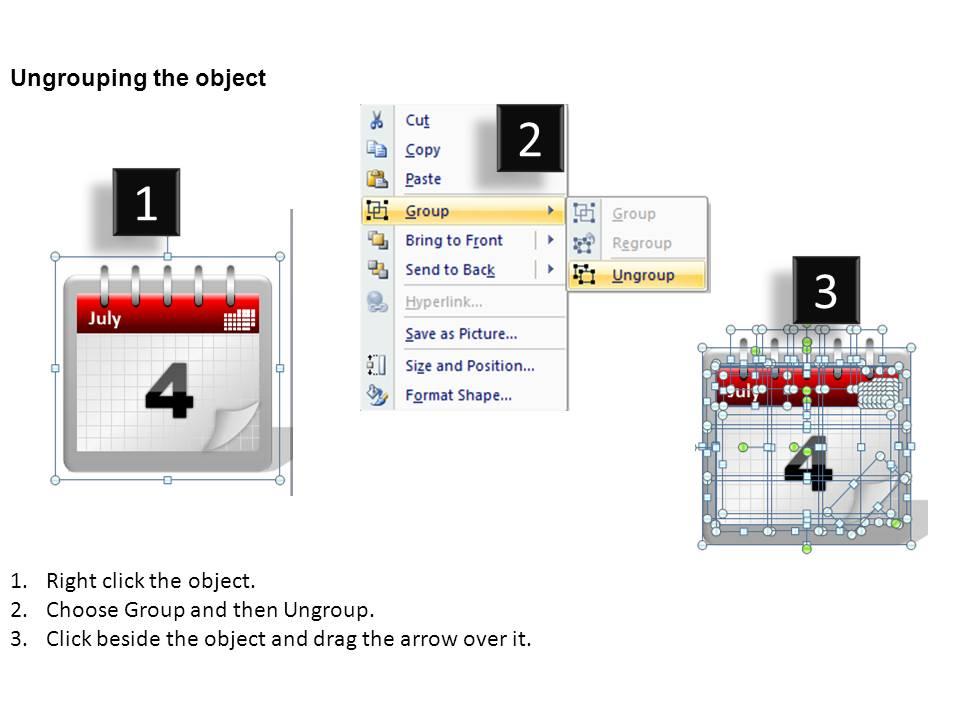
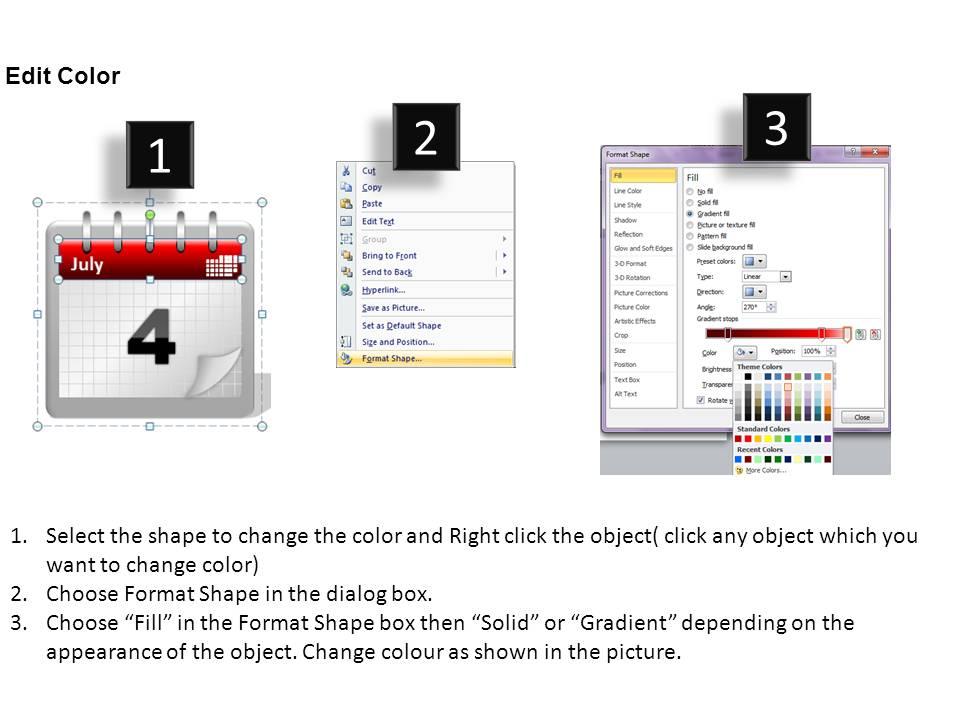
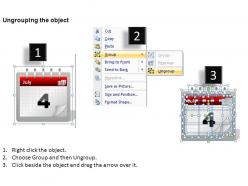
Crie apresentações do PowerPoint vibrantes para convencer e ajudar seu público a melhorar a eficiência e oferecer maior produtividade com nossos slides especiais do PowerPoint do Calendário, gráficos do PowerPoint do Calendário, diagramas PPT do Calendário e nossos modelos de calendário. Nossos sofisticados calendários PPT slideshows e calendários PowerPoint designs foram criados por nossa equipe profissional de design PPT para fornecer a você uma ferramenta simples e poderosa para você transmitir suas idéias com eficácia. Cada gráfico em cada slide é baseado em vetor e é 100% editável em PowerPoint. Cada propriedade de qualquer slide - cor, tamanho, sombreamento, etc. pode ser modificada para construir uma apresentação de PowerPoint eficaz. Basta BAIXAR, DIGITAR e APRESENTAR!
FAQs for Calendar pages style 1

Calendar PowerPoint slide templates should include customizable date layouts, multiple view options like monthly and yearly formats, color-coded categorization for events or deadlines, and editable text fields for appointments. These features streamline project planning, deadline tracking, and scheduling presentations across industries, with many organizations finding that visual calendar integration enhances meeting efficiency and team coordination.

Calendar slides can be customized by modifying color schemes, fonts, layouts, and visual elements to align with your brand identity, incorporating your logo, brand colors, and preferred typography. Most presentation software enables you to adjust backgrounds, borders, text styling, and graphic elements seamlessly, with many organizations finding that consistent brand application across calendar templates enhances professional credibility and reinforces brand recognition.

Digital calendar templates offer superior flexibility, real-time updates, easy sharing capabilities, automatic synchronization across devices, and seamless integration with other business applications. These templates streamline scheduling workflows by enabling instant modifications, collaborative planning, and automated reminders, with many organizations finding that digital calendars significantly reduce administrative overhead while enhancing team coordination and operational efficiency.

Calendar slides enable effective project planning by displaying key milestones, deadlines, task sequences, resource allocation periods, and critical path dependencies in a visual timeline format. These presentations streamline stakeholder communication and team coordination by providing clear project phases, deliverable dates, and progress tracking mechanisms, with many project managers finding that visual calendar layouts significantly enhance timeline comprehension and accountability across complex initiatives.

Monthly grid layouts, quarterly overviews, timeline calendars, milestone trackers, and Gantt-style formats are most effective for business presentations. These layouts enhance project planning by clearly displaying deadlines, deliverables, and key milestones, with many organizations finding that visual calendar formats streamline stakeholder communication and ultimately deliver better project alignment.

Incorporate holidays and important dates by adding dedicated holiday markers, color-coding significant events, including federal and international observances, and highlighting company-specific milestones or deadlines. These visual elements enhance organizational planning by improving schedule awareness, facilitating better resource allocation, and ensuring teams anticipate key dates, ultimately delivering more strategic timeline management and reduced scheduling conflicts.

Calendar slides can showcase campaign timelines, product launch sequences, seasonal promotions, content marketing schedules, and event planning roadmaps. These visual tools streamline complex marketing strategies by highlighting key milestones, coordinating cross-channel activities, and demonstrating resource allocation, with many marketing teams finding that timeline presentations enhance stakeholder buy-in and execution clarity.

Integrate images and icons by adding relevant visuals to calendar headers, using seasonal imagery for monthly themes, incorporating brand icons for company events, and placing decorative elements around date cells. These visual enhancements streamline information processing, create memorable presentations, and deliver professional aesthetics, with many organizations finding that well-designed calendar slides significantly improve audience engagement and retention.

Use clear, high-contrast colors, maintain consistent font sizes of at least 14 points, and organize information with visual hierarchy through bold headers and strategic white space. Incorporate icons, color coding for different event types, and interactive elements like clickable dates, while keeping text concise and highlighting key dates or deadlines prominently to ensure audiences can quickly scan and absorb critical scheduling information during presentations.

Present recurring events by using color-coding systems, visual patterns like icons or borders, and consistent positioning across multiple calendar views to show frequency patterns. Effective techniques include highlighting quarterly reviews in blue, monthly deadlines with bold borders, and weekly meetings with distinctive icons, enabling audiences to quickly identify patterns and plan strategically around predictable commitments.

**INPUT**: What software features can enhance the functionality of my calendar PowerPoint slides? **OUTPUT**: Software features that enhance calendar PowerPoint slides include smart templates, automated date population, interactive navigation buttons, conditional formatting, and integration capabilities with scheduling platforms. These functionalities streamline presentation development by enabling dynamic updates, visual hierarchy through color coding, and seamless connectivity with project management tools, ultimately delivering more engaging stakeholder communications and efficient timeline presentations. *[Word count: 58 words]*

Create a yearly overview calendar using bold visual hierarchy with color-coded themes, strategic white space, and key milestone highlighting to guide attention naturally. Incorporate interactive elements like clickable quarters or animated monthly reveals, while maintaining clean typography and consistent branding that enhances readability, ultimately delivering memorable presentations that keep audiences engaged and informed.

**INPUT**: What are some inspiring examples of calendar presentations in various industries? **OUTPUT**: Inspiring calendar presentations include project roadmaps in construction, product launch timelines in technology, seasonal campaigns in retail, regulatory compliance schedules in healthcare, and academic program planning in education. These strategic presentations enhance stakeholder alignment by visualizing critical milestones, streamlining resource allocation, and establishing accountability frameworks, with many organizations finding that well-designed calendar slides significantly improve project coordination and deadline management. **Word count: 59 words**

Interactive calendar slides can be achieved through hyperlinks between dates and content sections, clickable buttons for navigation, embedded videos or animations, and animated transitions between months or events. These features enable audiences to explore specific dates, access detailed information on demand, and participate actively in presentations, with many organizations finding that interactive calendars significantly improve audience retention and engagement during project timelines and scheduling discussions.

**INPUT**: What best practices exist for synchronizing calendar slides with real-time updates? **OUTPUT**: Best practices for synchronizing calendar slides include automated data connections, cloud-based integration platforms, standardized update protocols, and version control systems. These approaches streamline accuracy by eliminating manual updates, reducing errors, and ensuring consistency across presentations, with many organizations finding that real-time synchronization enhances meeting efficiency and strategic planning outcomes.

Ratings and Reviews

100% of 100
Review Form
Write a review
Most Relevant Reviews
  1. 100%

    by Smith Flores

    Great product with highly impressive and engaging designs.
  2. 100%

    by Chuck James

    Colors used are bright and distinctive.

2 Item(s)

per page: