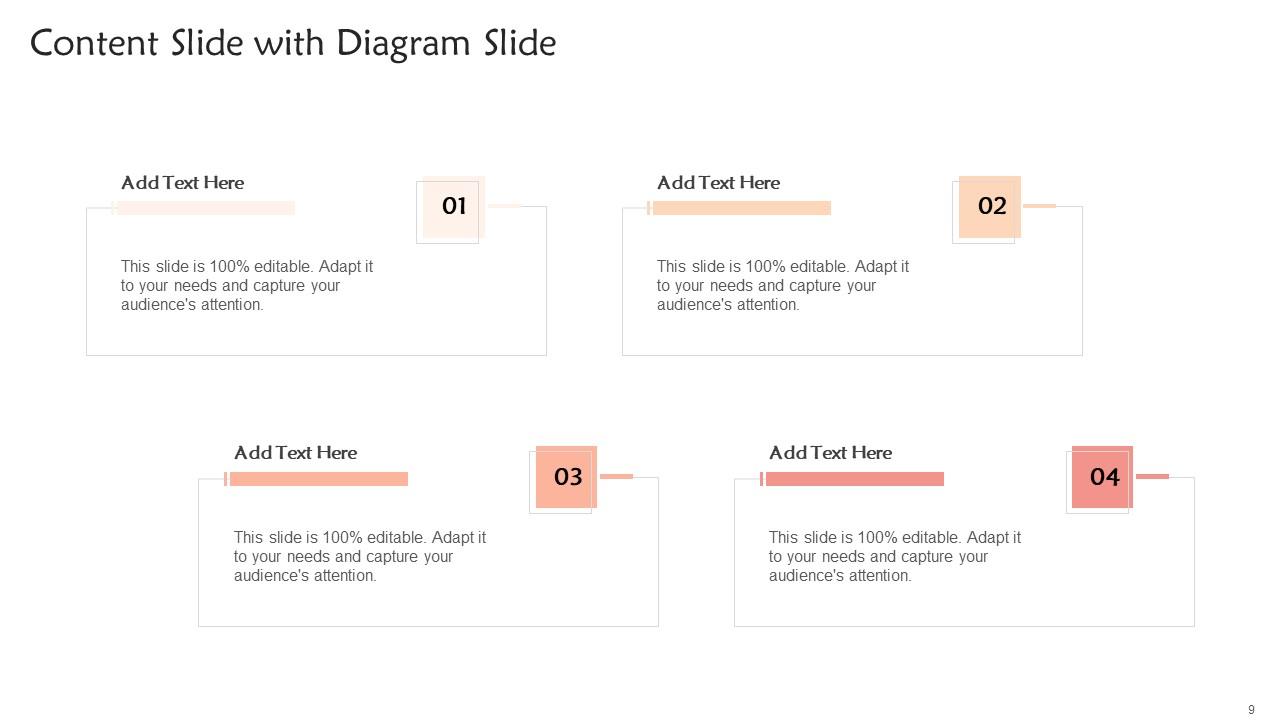
Color Palette With Five Shade White Seashell Peach Romantic Rose Bud Mauvelous
Try Before you Buy Download Free Sample Product
Audience
Editable
of Time
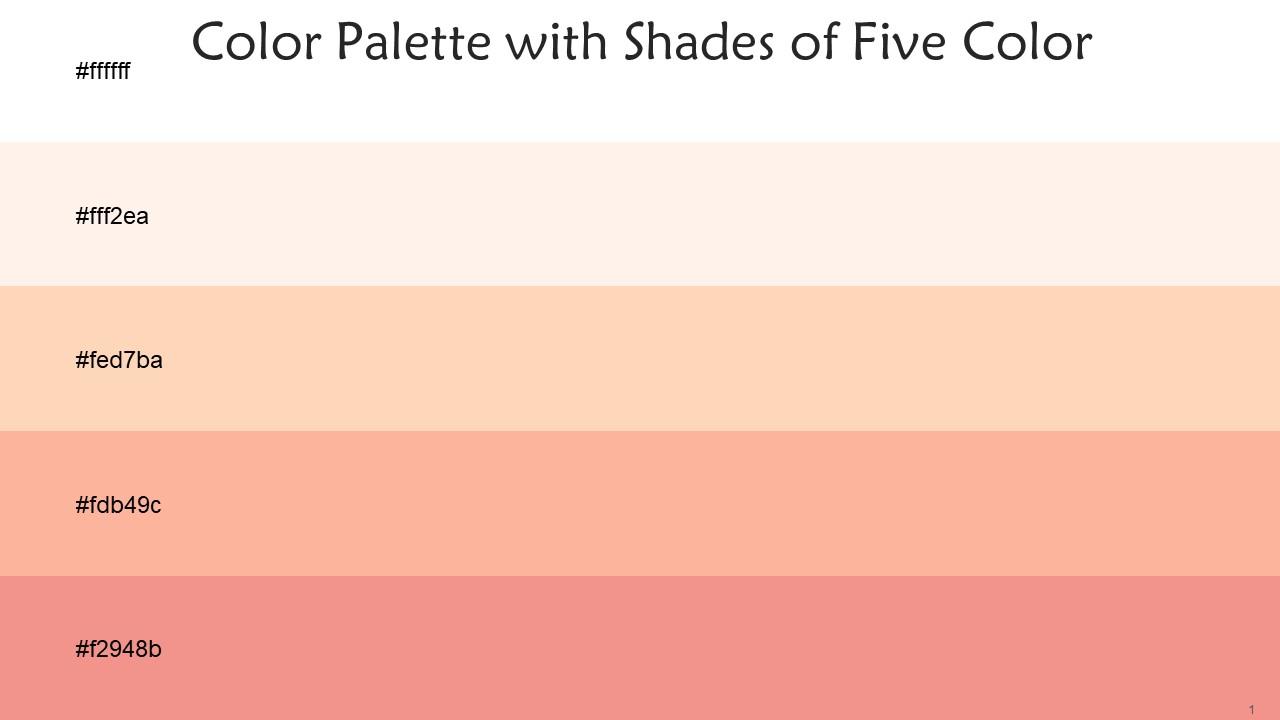
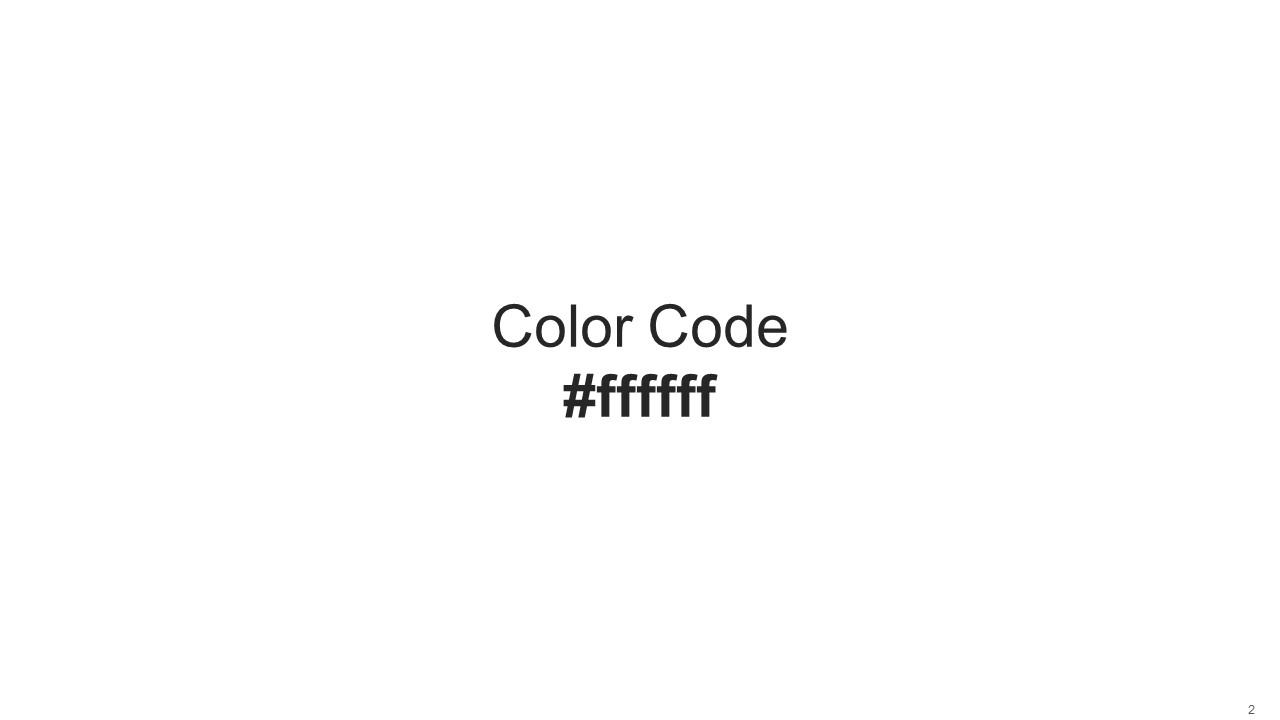
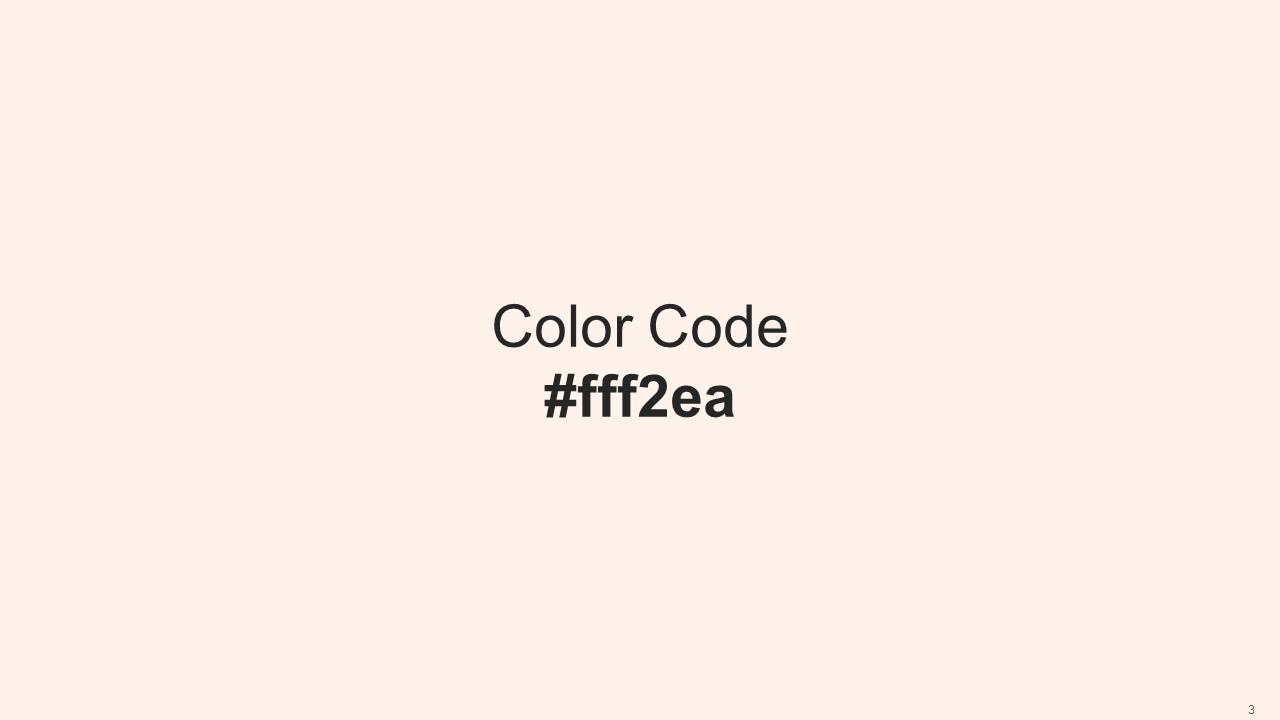
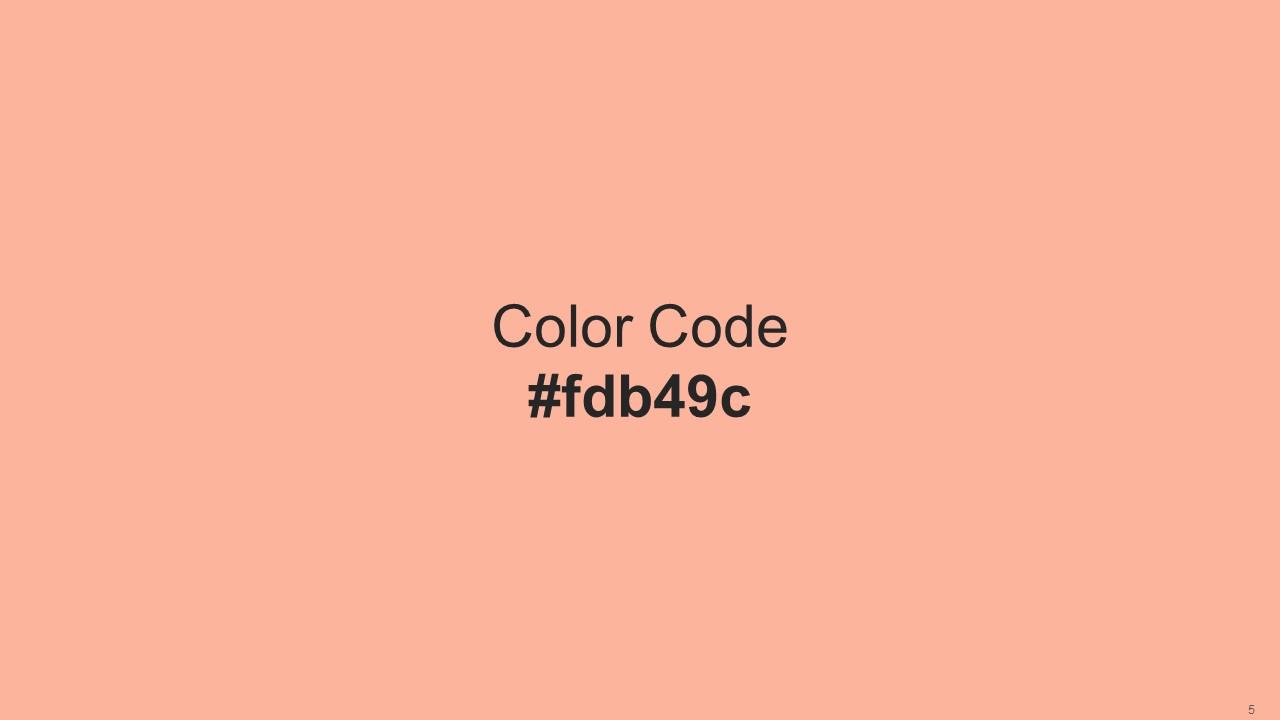
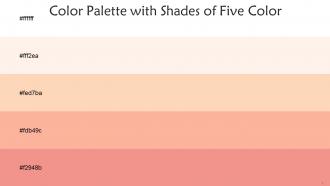
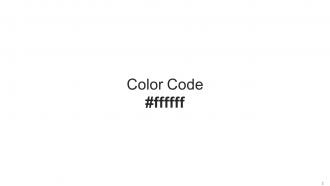
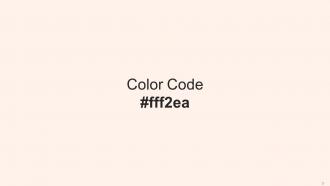
Heres a visually-pleasing color palette with Five Color Shades With Hex Code ffffff, fff2ea, fed7ba, fdb49c, f2948b. These colors are intuitively picked to ignite the spark of brilliance in your designs and creativity.
People who downloaded this PowerPoint presentation also viewed the following :
Color Palette With Five Shade White Seashell Peach Romantic Rose Bud Mauvelous with all 14 slides:
Use our Color Palette With Five Shade White Seashell Peach Romantic Rose Bud Mauvelous to effectively help you save your valuable time. They are readymade to fit into any presentation structure.
FAQs for Color Palette With Five Shade White Seashell Peach Romantic
Colors totally mess with people's heads in presentations. Red screams "pay attention!" but can come off aggressive. Blue's the safe choice - builds trust, which is why literally every tech company uses it (so boring but it works). Green feels natural and positive, orange is energetic, purple says luxury or creativity. Yellow grabs attention but honestly hurts your eyes after a while. Match your colors to your vibe and audience. Corporate folks want boring blues and grays, not neon madness. Stick to 2-3 colors max or it'll look like a rainbow threw up.
Honestly, picking colors that actually work together is huge for keeping people's attention. When your palette's all over the place, it's super distracting - I've watched presentations bomb just because the colors were fighting each other. Your audience will subconsciously trust what they're seeing more when everything feels cohesive. It just looks intentional, you know? Stick to maybe 3-5 colors tops. Oh, and definitely test them together across your stuff before you commit to anything. Trust me on that one.
Adobe Color and Coolors.io are honestly your best bet - you can generate palettes or just upload an image to pull colors from it. Coolors is weirdly addictive though, fair warning. Canva's got some decent presets too if you're in a rush. Keep it simple with 3-4 colors max: main color, secondary, maybe an accent, plus whatever you're using for text. The contrast thing between text and background is actually crucial or people won't be able to read anything. Oh, and if you've got company brand colors, start there first then build around them.
Definitely research your audience first - colors hit different across cultures. In China, red's lucky, but Western people see danger. White means purity here but mourning in parts of Asia. Purple still feels fancy since it used to cost a fortune (though Gen Z probably doesn't care as much). Blue's your safest bet honestly - pretty much everyone trusts it and sees it as professional. I'd stick with blues and greens for international stuff. Or even better, get a local colleague to check your colors beforehand. Trust me, it's worth avoiding those awkward cultural mix-ups.
Shoot for at least 4.5:1 contrast ratio - that's the WCAG standard. Dark on light usually wins, though I'm totally guilty of using gray text when black would work better lol. Skip red/green combos since colorblind folks can't distinguish them well. WebAIM has this contrast checker that's super handy for testing. Trust me, high contrast saves everyone's eyes, especially when they're squinting at phones outside. Oh and honestly? Go way higher contrast than feels necessary. Better safe than sorry when people are actually trying to read your stuff.
Honestly, just stick with your brand colors for everything - headers, charts, the works. I've seen way too many presentations where someone thought a random purple would look "nice" and it completely threw off their branding. Here's what works: set up a custom color palette in PowerPoint with your actual hex codes so you're not guessing. The 60-30-10 rule is solid too - main brand color takes up 60%, secondary gets 30%, accent color just 10%. Oh and definitely make a template you can reuse. Future you will thank you for not having to rebuild everything from scratch every time.
Keep it simple - 2-3 colors tops. Red and green combo? Don't do it, colorblind people can't tell them apart. Also skip anything super neon because honestly, nobody wants their eyes assaulted during a presentation. You'll want decent contrast between text and background so people can actually read your stuff. Here's the thing though - test it on the actual projector first! I learned this the hard way when my "perfect" blue looked like muddy purple on the screen. Colors that are too similar in brightness just blend together anyway.
So color accessibility is about making sure your design works for everyone, including people with color blindness. You'll want to check contrast ratios - shoot for 4.5:1 minimum between text and backgrounds. Don't rely just on color for important info (like red for errors) since some users won't catch that distinction. I always run my palettes through a colorblind simulator first - honestly it's eye-opening how different things look. WebAIM has this great contrast checker tool. Start with high-contrast base colors, then expand from there. Way easier than fixing everything later!
Yeah, color trends totally matter for presentations! Audiences can smell outdated palettes from a mile away - makes good content feel stale. Right now everyone's obsessing over muted earth tones and clean high-contrast looks. Those chunky gradients from 2019? Dead and buried, thank god. But don't let trends hijack your actual message. Pick 2-3 current colors that actually fit your brand vibe. Coolors and Adobe Color are solid for finding what's hot right now. Honestly, fresh colors make people think your ideas are fresh too.
Think of contrast as your attention director. Dark text on white backgrounds? That's your headline grabber. Subtle, low-contrast stuff fades into the background - perfect for secondary info. I learned this the hard way after creating slides that looked like beige soup lol. Your main message should have the strongest contrast on each slide. Supporting points get medium contrast. Less important details? Keep them subtle. Pretty much creates a visual hierarchy without being obvious about it. Once you start noticing contrast patterns, you'll see them everywhere.
Yeah, you definitely want to think about what your industry expects. Healthcare and finance both love blues - one for trust, the other for that "we're stable and serious" vibe. Tech companies are all over the place honestly, but you see a lot of bright oranges and that weird purple everyone uses now. Food brands are obsessed with red and yellow because apparently it makes us hungrier (which... fair). Luxury stuff sticks to black, gold, and those fancy muted colors that scream expensive. I'd dig into what emotions your audience connects with different colors, then maybe test a few options to see what actually works.
Honestly, less is more with gradients. I'd stick to just backgrounds or headers - maybe an accent here and there. When you go overboard, slides end up looking super dated (trust me, I've been there lol). Two or three colors tops, and make sure they actually match your brand colors. Keep transitions really subtle too. The whole point is guiding people's eyes to your key content, not blinding them with rainbow explosions. Try one gradient per slide first - you can always add more if it feels too plain. But seriously, subtlety wins every time with this stuff.
Honestly, check out Apple's keynotes first - they nail it with tons of white space and just one pop of color that matches whatever product they're showing. TED talks are amazing too, especially Brené Brown's vulnerability one with those warm earthy tones. Makes heavy topics feel so much more digestible somehow. Oh, and Airbnb's original pitch deck is a classic for a reason - three colors max that actually built trust instead of screaming "look at me!" The trick is keeping it simple. Two or three colors tops, and they should back up what you're trying to say, not fight against it.
Color psychology is basically your secret weapon for manipulating emotions - and yeah, that sounds kinda evil but it works! Movie posters do this constantly. Warm colors (reds, oranges) amp up energy and tension, while cool blues and greens hit those calmer, sadder, or hopeful notes. Start by thinking about where your protagonist is emotionally, then shift your palette as their story progresses. Like, maybe you're working with those depressing grays during the rough patches, then gradually introduce brighter yellows when things turn around. Just make sure your colors actually match the story beats - nothing worse than accidentally making a tragic scene look cheerful.
So basically, print uses CMYK colors while screens use RGB - totally different systems. Your print palette will look weird on screen and vice versa. Digital always seems more vibrant, which is why print versions sometimes look dull. Also every screen shows colors differently depending on settings and stuff. I learned this the hard way on a project last year! Just make two separate palettes from the start - one for print, one for digital. Test your digital colors on different devices before you commit to anything.
-
I faced no difficulty while searching for the slide I wanted. Honestly, the website’s interface is easy to use and can be navigated easily!
-
I am a big fan of their newsletters because that is how I found my perfect requirement at the time of urgency. Thank God, I kept opening those.