


Descripción general de la empresa Diapositivas de presentación en PowerPoint
Nos complace presentar nuestras diapositivas personalizadas de presentación en PowerPoint con descripción general de la empresa diseñadas por profesionales. Las diapositivas de esta presentación de perfiles de la empresa le ayudan a demostrar la opinión de su empresa a los clientes. Nuestras plantillas PPT de descripción corporativa cubren el perfil corporativo, resumen ejecutivo, estructura organizacional, valor central de la empresa, perfil de los miembros, descripción del equipo, visión y misión de la empresa, descripción del cliente, estrategia de inversión, gestión de riesgos corporativos. También cubre ofertas de servicios, panorama competitivo, exhibición de un proyecto, aspectos operativos destacados, proyectos futuros, participación de mercado de las empresas, estado de resultados, reseñas de clientes, etc. -up empresa, instantánea de la empresa, etc., nuestra presentación de perfiles corporativos será útil. Las diapositivas PPT de resumen de nuestra empresa son totalmente editables para que pueda moldearlas en consecuencia. Descargue esta presentación de PowerPoint de descripción general de la empresa y capte la atención de su audiencia. Confíe sus pensamientos al cuidado de las diapositivas de presentación de Powerpoint de la descripción general de nuestra empresa. Serán dignos cuidadores.





























You must be logged in to download this presentation.


Do you want to remove this product from your favourites?
Características de estas diapositivas de presentación de PowerPoint:
Las diapositivas son compatibles tanto con la pantalla estándar como con la panorámica. Disponemos de presentaciones 100% libres de riesgos. Esta plataforma es útil para empresas corporativas, inversores comerciales o cualquier otro grupo corporativo, administración de la empresa. Los PPT son compatibles con las diapositivas de Google. Soporte premium a nuestros clientes. Completo consta de 65 diapositivas. Gráficos 100% editables en PowerPoint. Las etapas de este proceso son resumen de la empresa, descripción general de la empresa y resumen ejecutivo.

People who downloaded this PowerPoint presentation also viewed the following :
Contenido de esta presentación de Powerpoint
Diapositiva 1 : Esta diapositiva presenta la descripción general de la empresa con el nombre de su empresa.
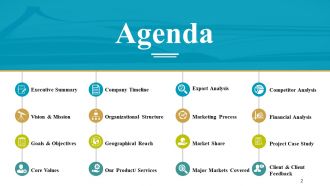
Diapositiva 2 : Esta es una diapositiva de Agenda con: Resumen ejecutivo, Visión y misión, Metas y objetivos, Valores fundamentales, Cronología de la empresa, Estructura organizativa, Alcance geográfico.
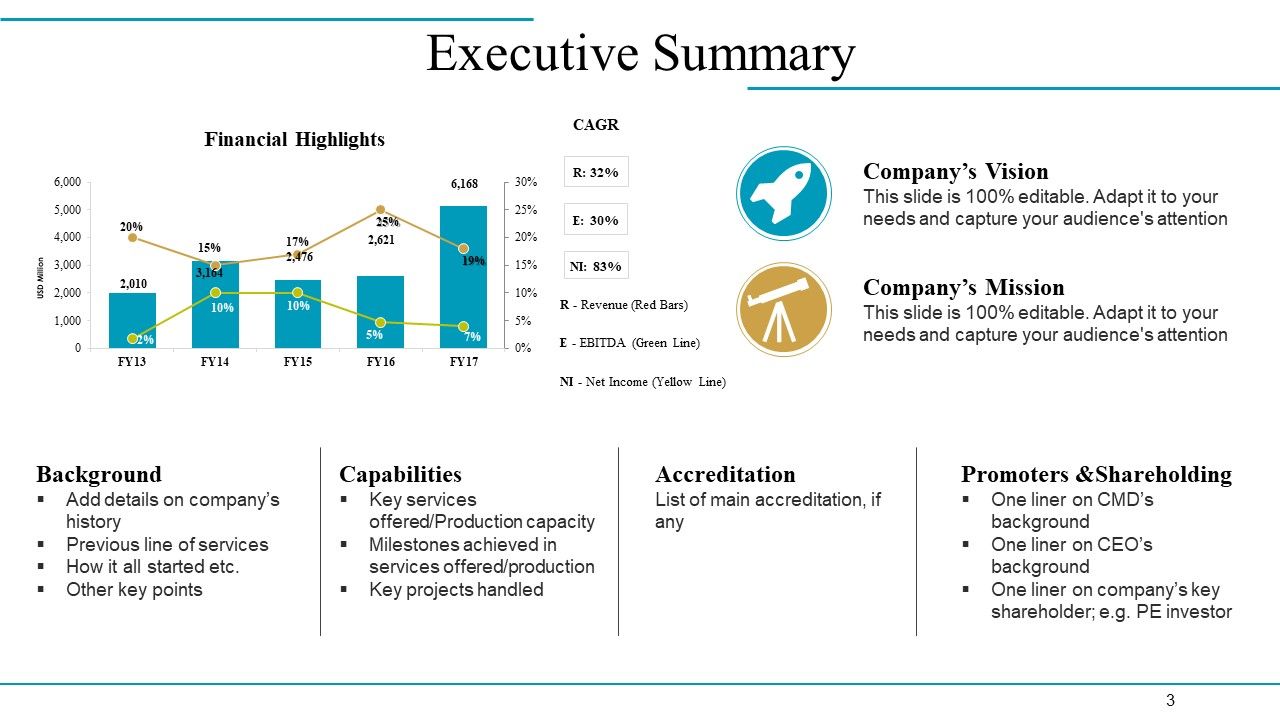
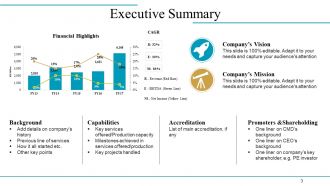
Diapositiva 3 : Esta diapositiva presenta el Resumen ejecutivo en cuadros y gráficos.
Diapositiva 4 : Esta es la diapositiva Nuestra visión y misión con cuadros de texto para indicar.
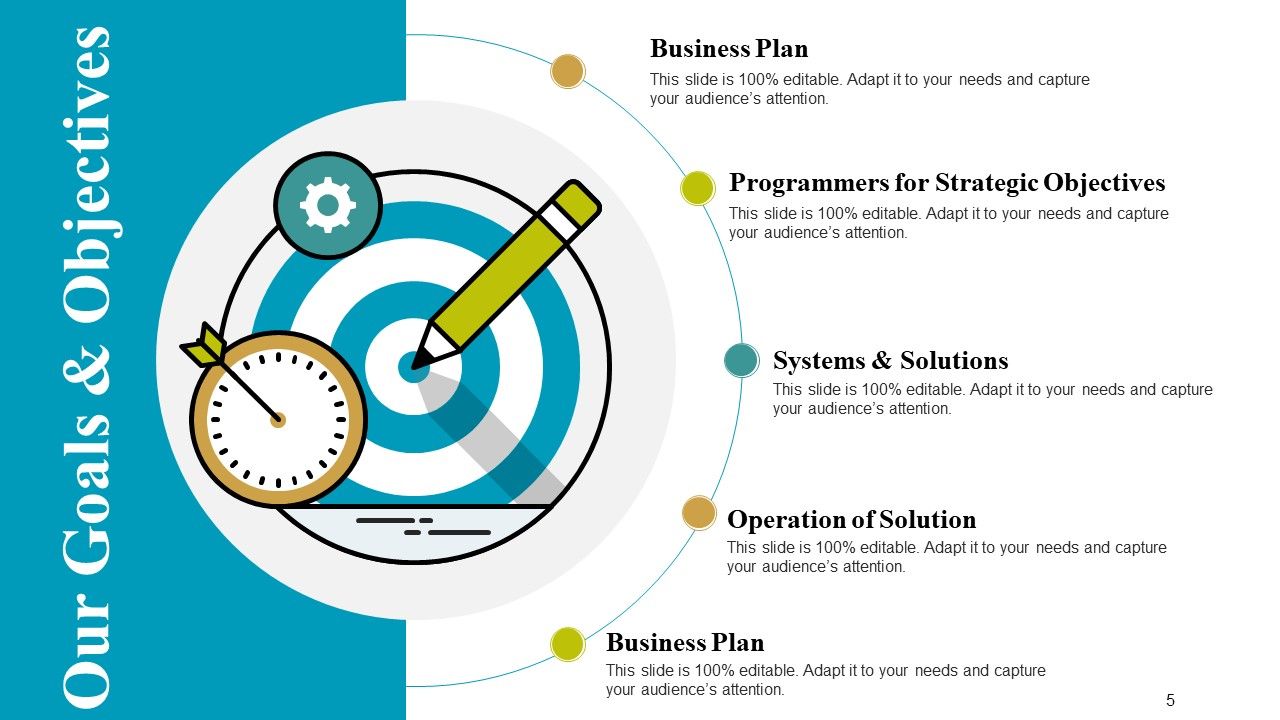
Diapositiva 5 : Esta es la diapositiva Nuestras metas y objetivos con imágenes creativas y cuadros de texto. Incluye: plan de negocios, programadores para objetivos estratégicos, sistemas y soluciones, operación de la solución,
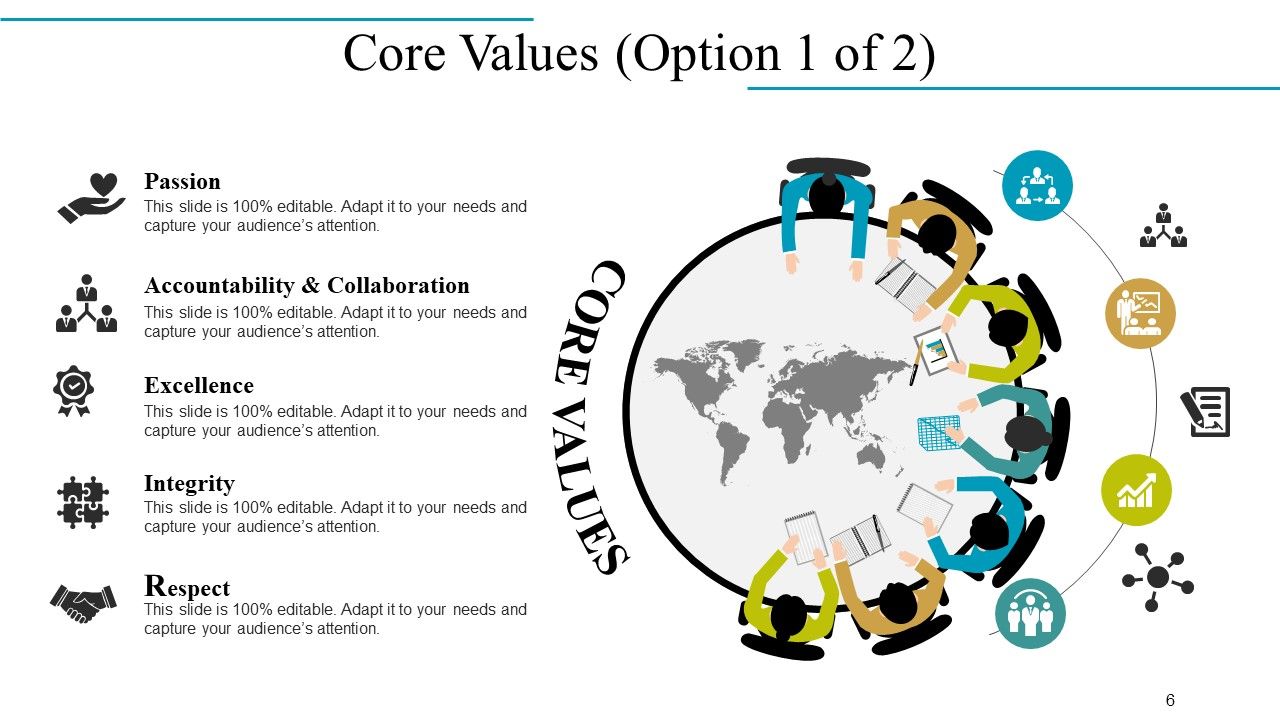
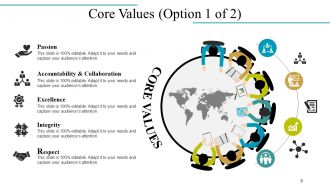
Diapositiva 6 : Esta diapositiva muestra los valores fundamentales de la empresa, que son: pasión, responsabilidad y colaboración, excelencia, integridad y respeto.
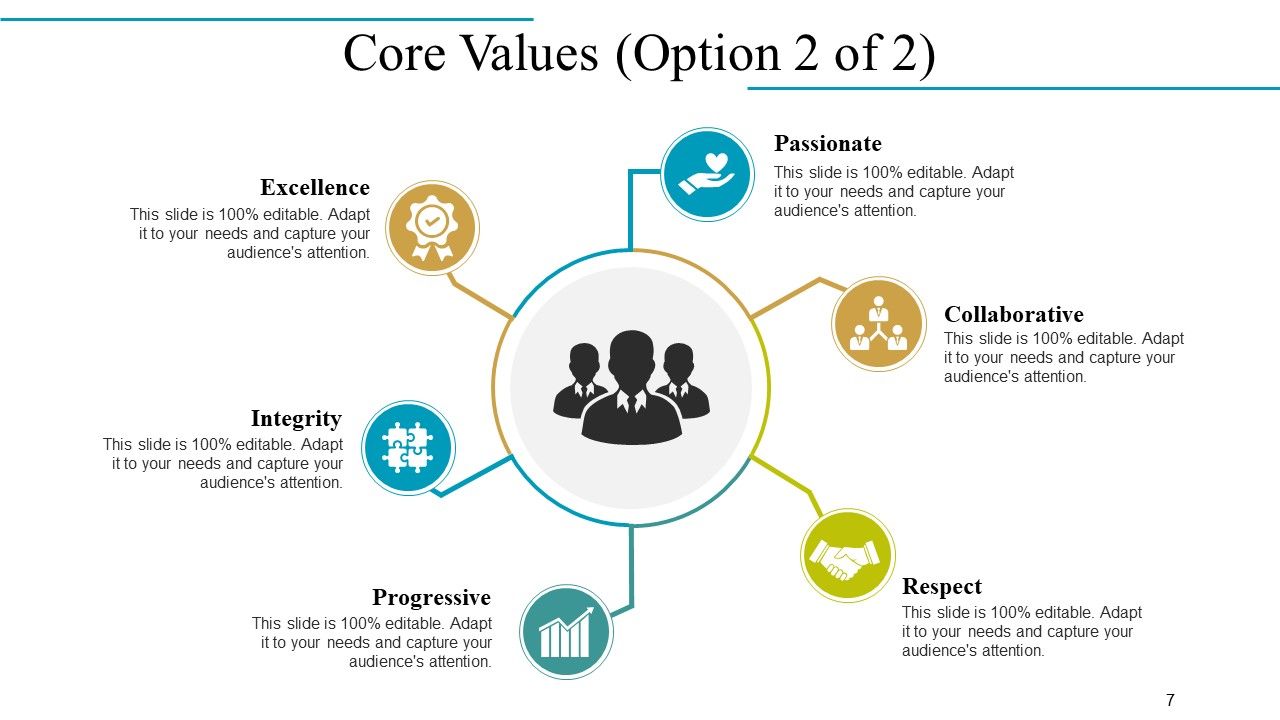
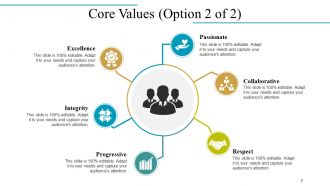
Diapositiva 7 : Esta diapositiva también muestra los valores fundamentales de la empresa en forma de imagen circular.
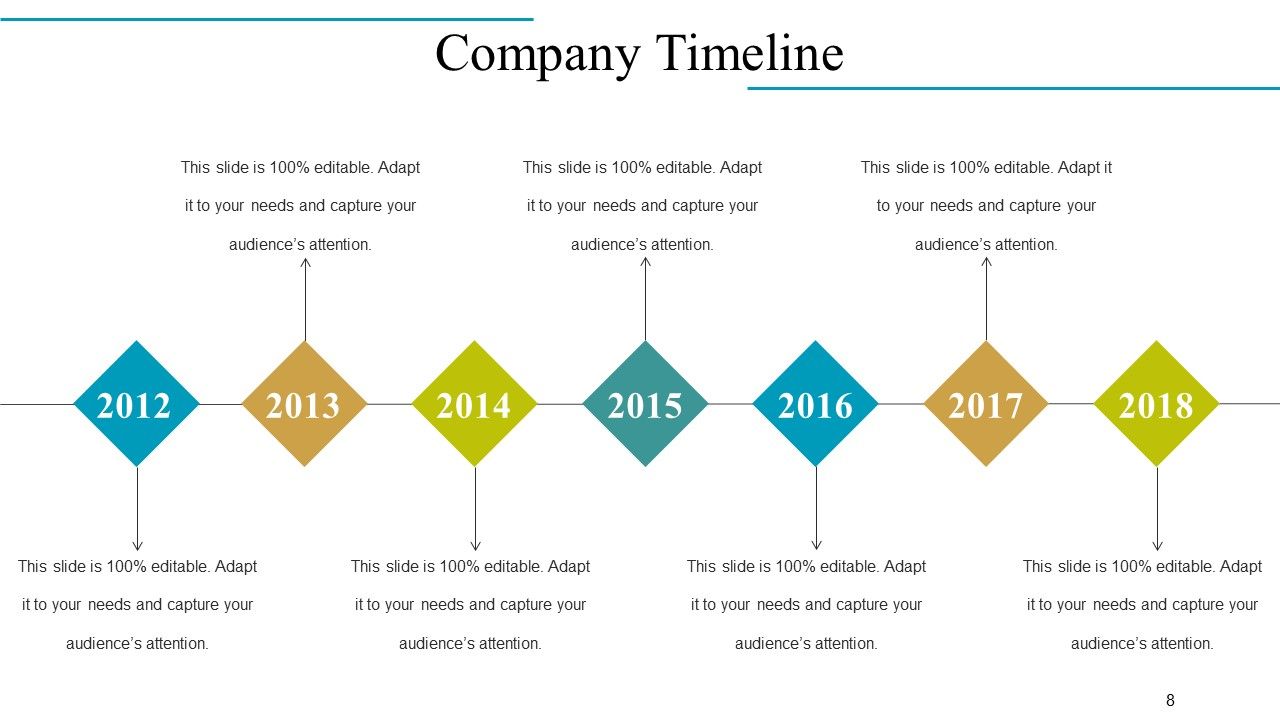
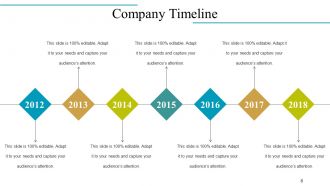
Diapositiva 8 : Esta es la diapositiva de la cronología de la empresa para el crecimiento de la empresa estatal, los hitos, etc.
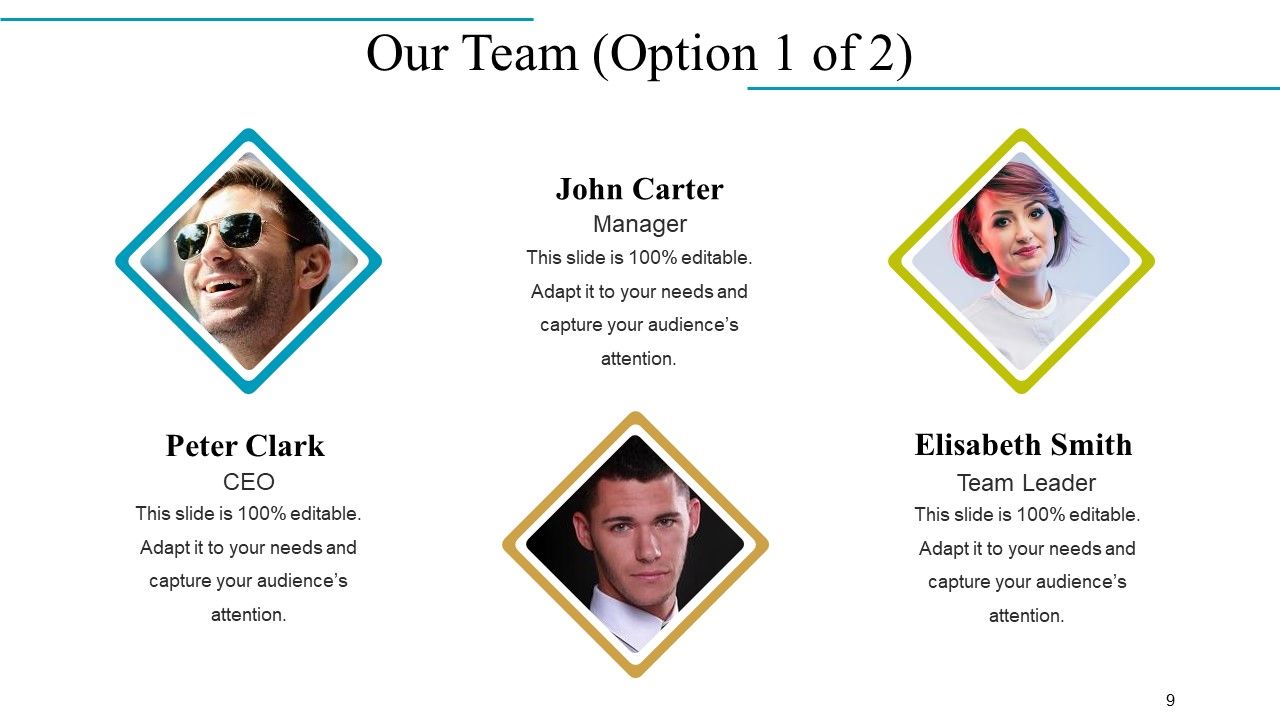
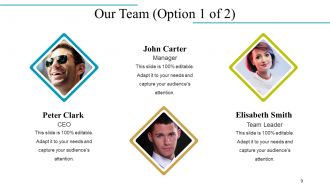
Diapositiva 9 : Esta diapositiva presenta a Nuestro equipo con el nombre y la designación para completar.
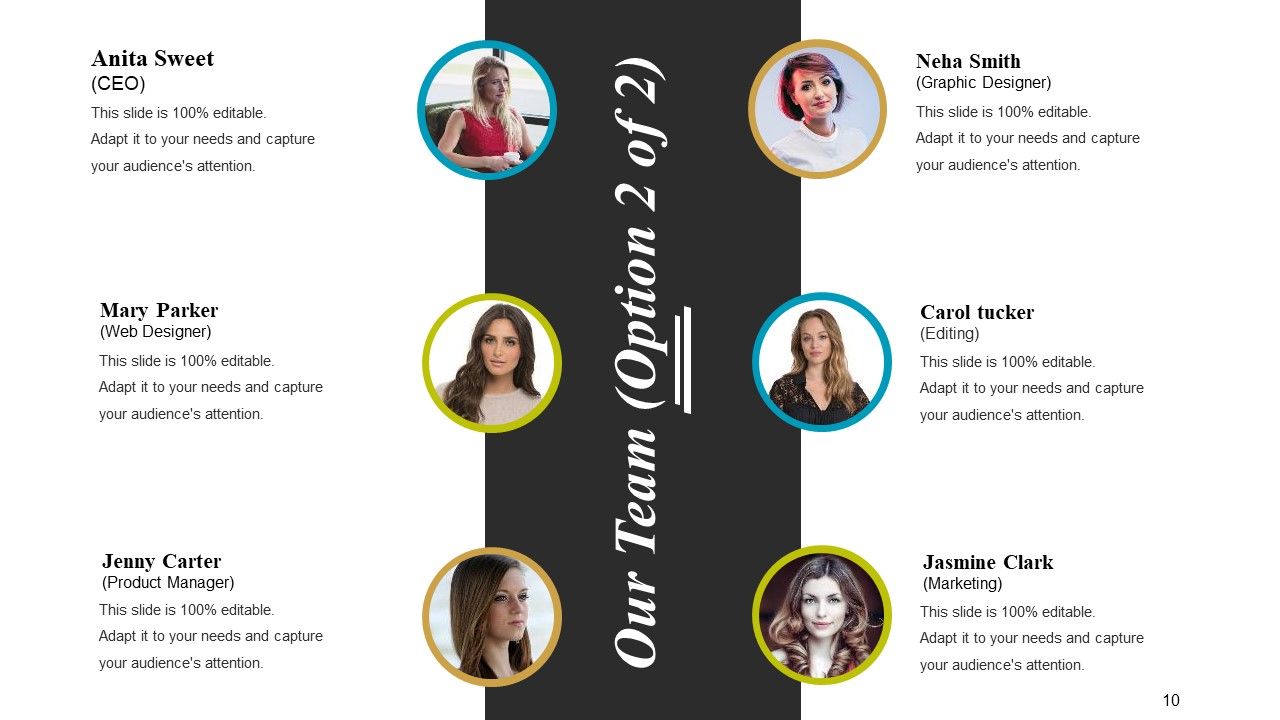
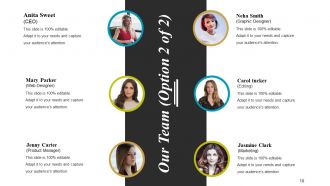
Diapositiva 10 : Esta diapositiva también presenta las especificaciones, información, etc. de Nuestro equipo.
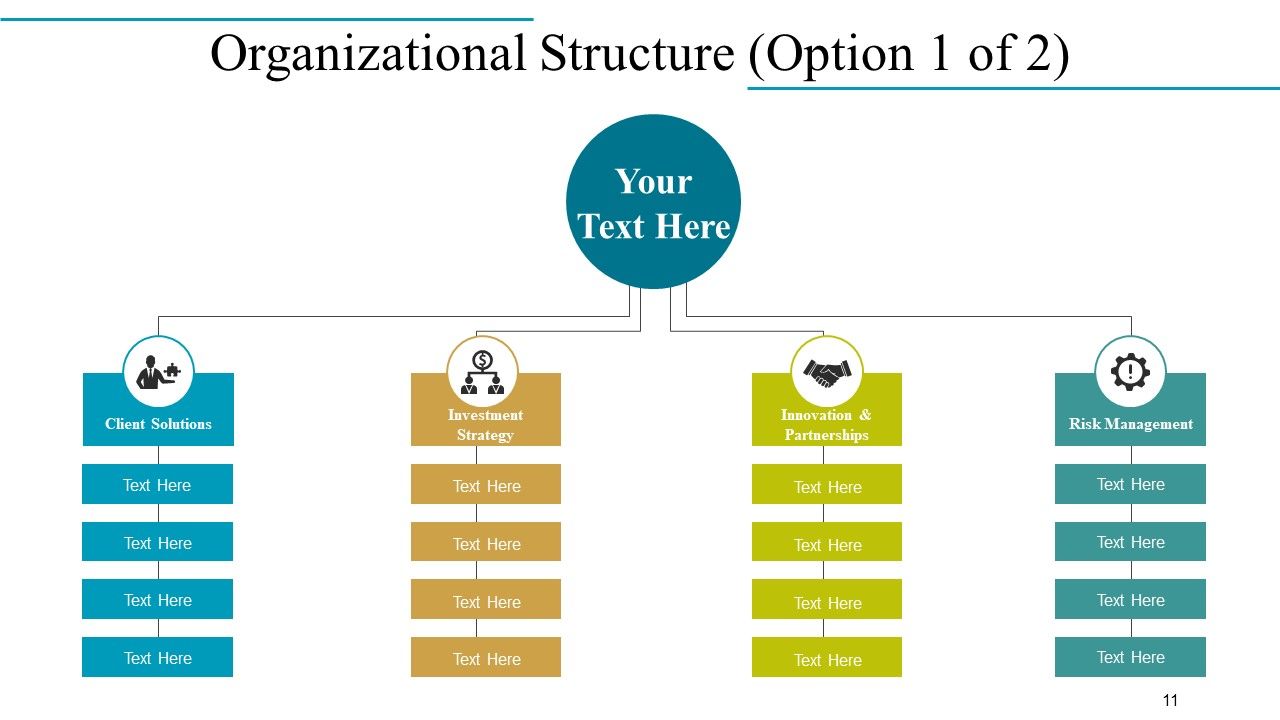
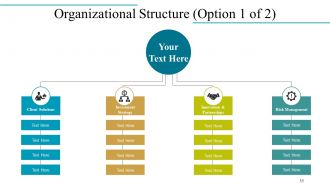
Diapositiva 11 : Esta diapositiva muestra la estructura organizativa en forma de diagrama de flujo con cuadros de texto.
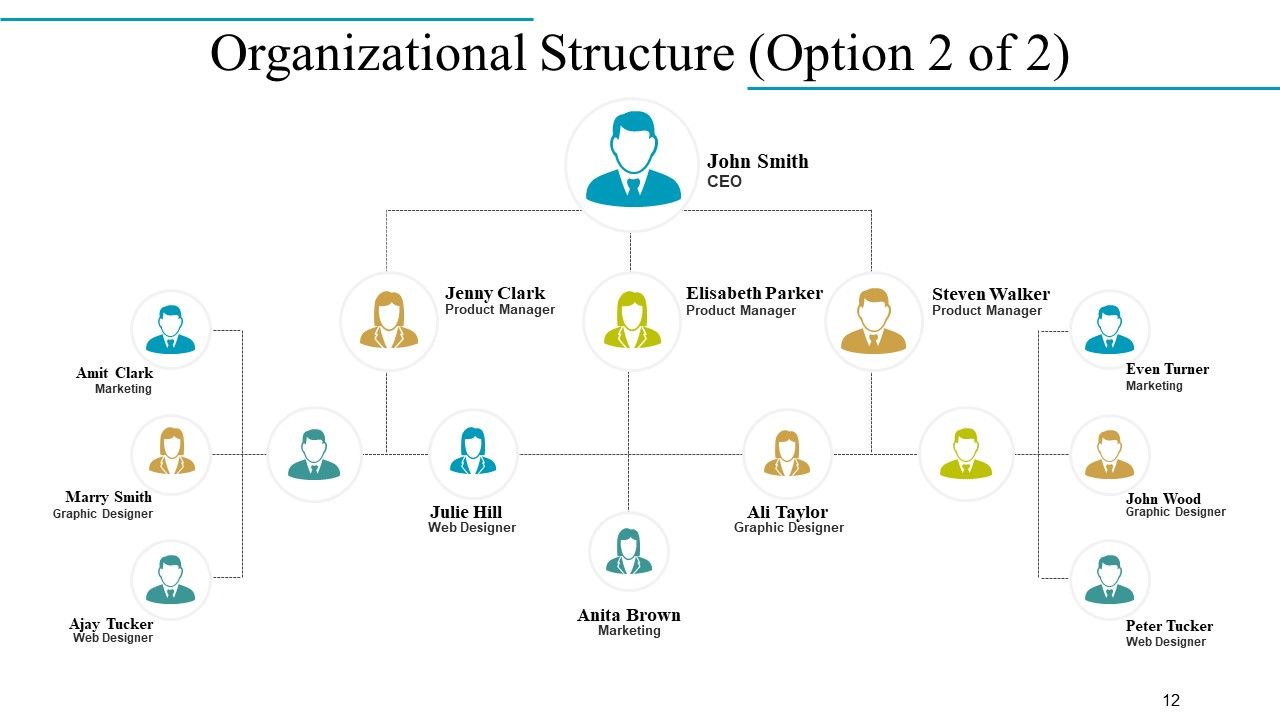
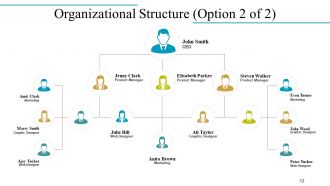
Diapositiva 12 : Esta diapositiva también muestra la estructura organizativa de la empresa con nombre y designación.
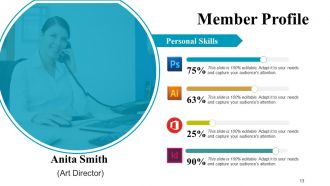
Diapositiva 13 : Esta diapositiva presenta el perfil del miembro con nombre, designación, habilidades personales, etc.
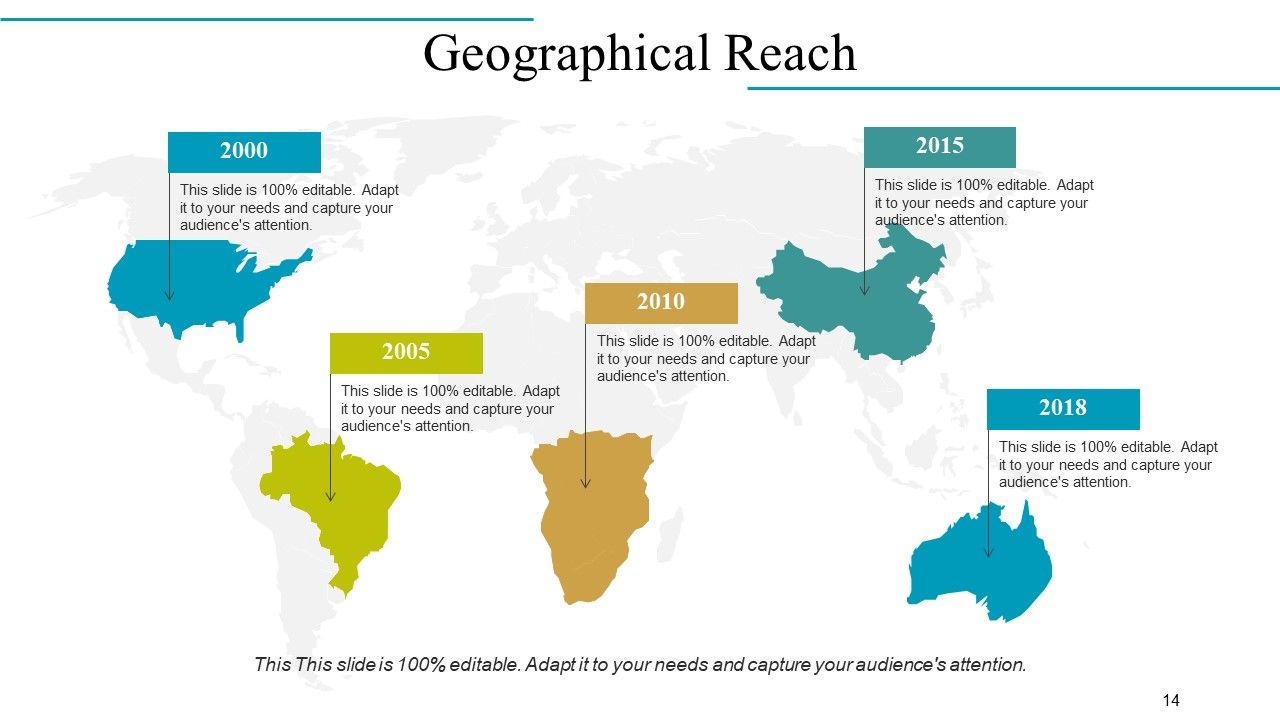
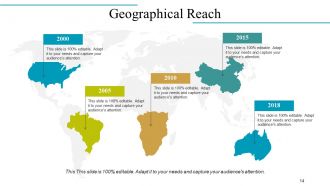
Diapositiva 14 : Esta es la diapositiva de Alcance geográfico en una imagen de mapa mundial para mostrar crecimiento, presencia, etc.
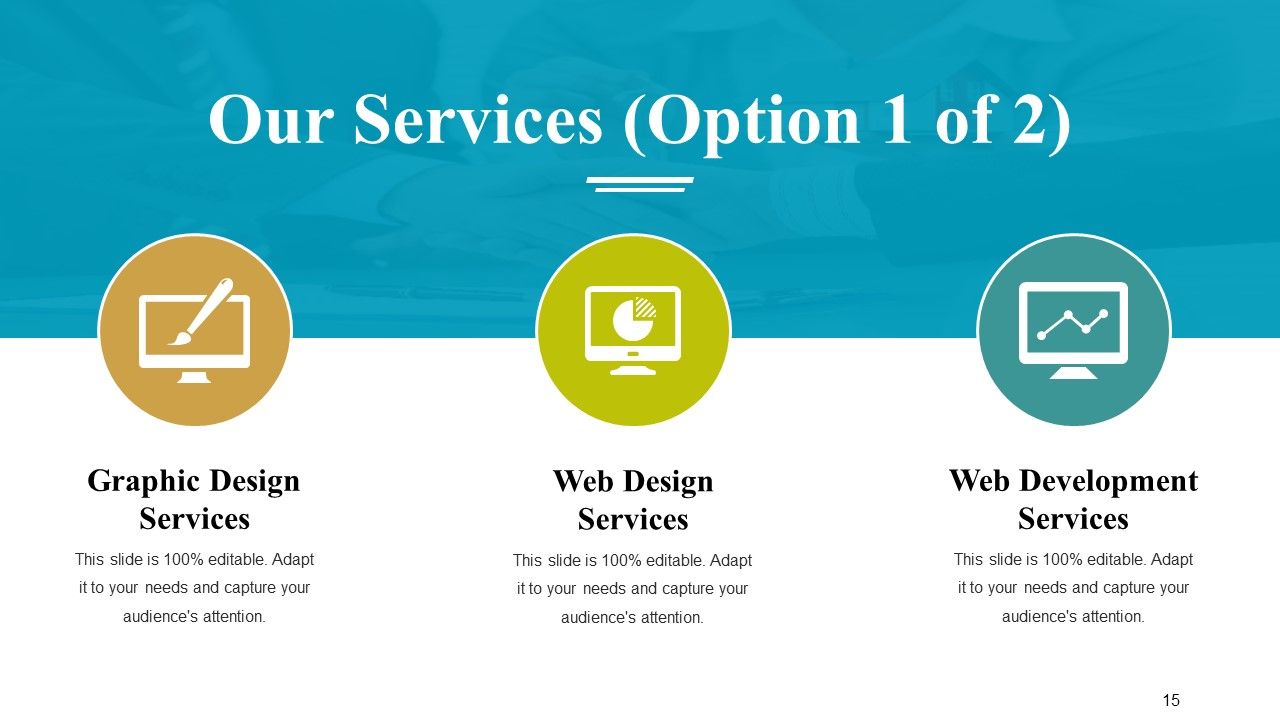
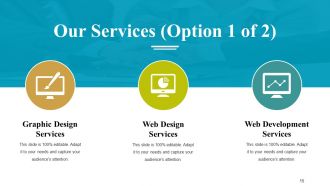
Diapositiva 15 : Esta diapositiva muestra Nuestros servicios con sus respectivos iconos. Estos incluyen: servicios de diseño gráfico, servicios de desarrollo web, servicios de diseño web.
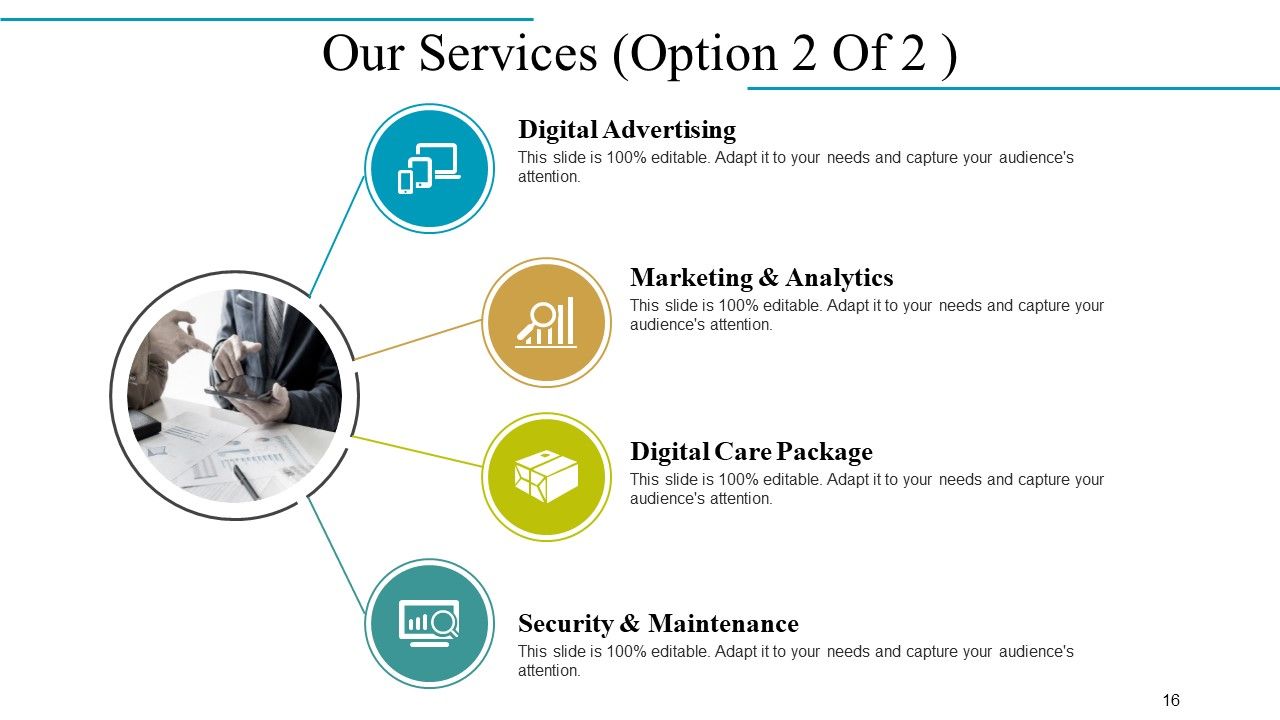
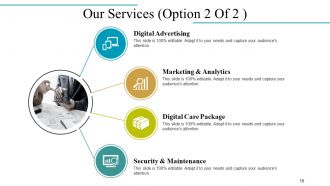
Diapositiva 16 : Esta diapositiva también muestra nuestros servicios, que son: marketing y análisis, paquete de atención digital, publicidad digital, seguridad y mantenimiento.
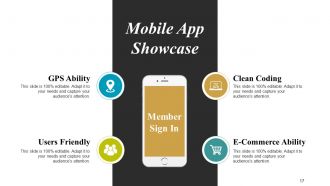
Diapositiva 17 : Esta es la diapositiva de exhibición de aplicaciones móviles con imágenes. Muestra: capacidad de GPS, codificación limpia, capacidad de comercio electrónico, fácil de usar.
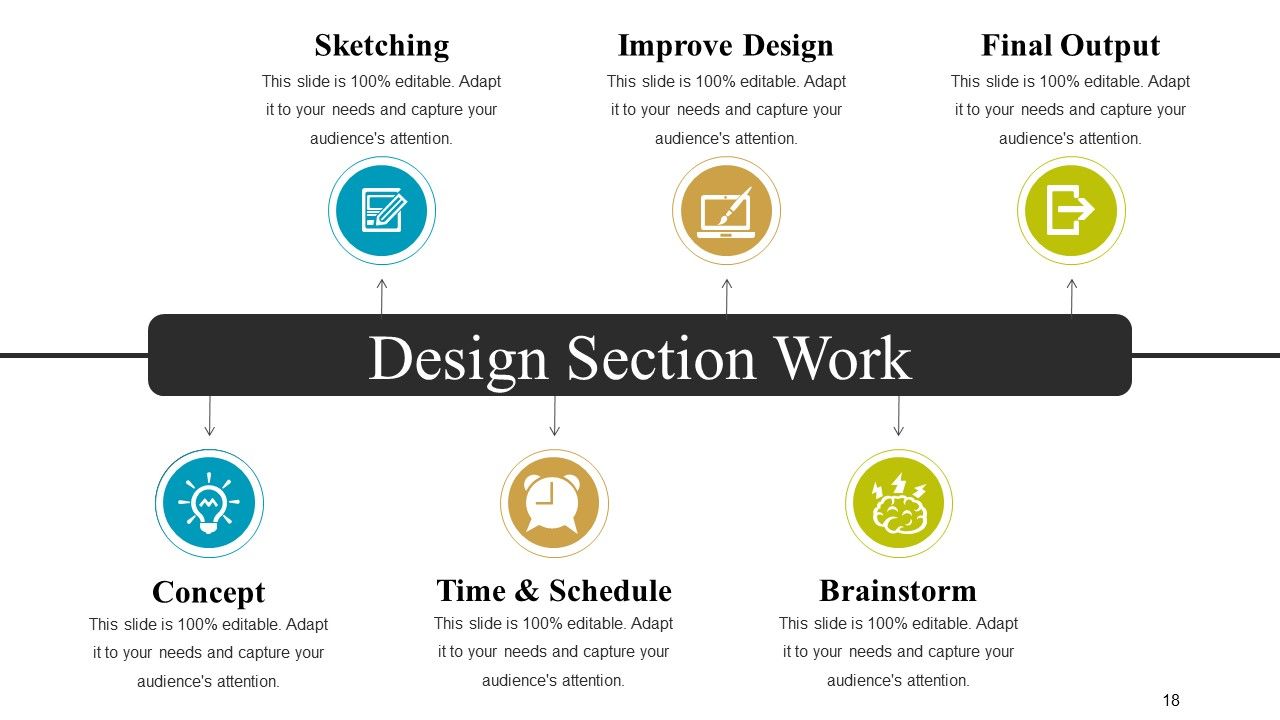
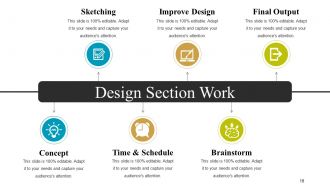
Diapositiva 18 : Esta es la diapositiva de Trabajo de la sección de diseño que incluye: bosquejar, mejorar el diseño, resultado final, lluvia de ideas, tiempo y programación, concepto.
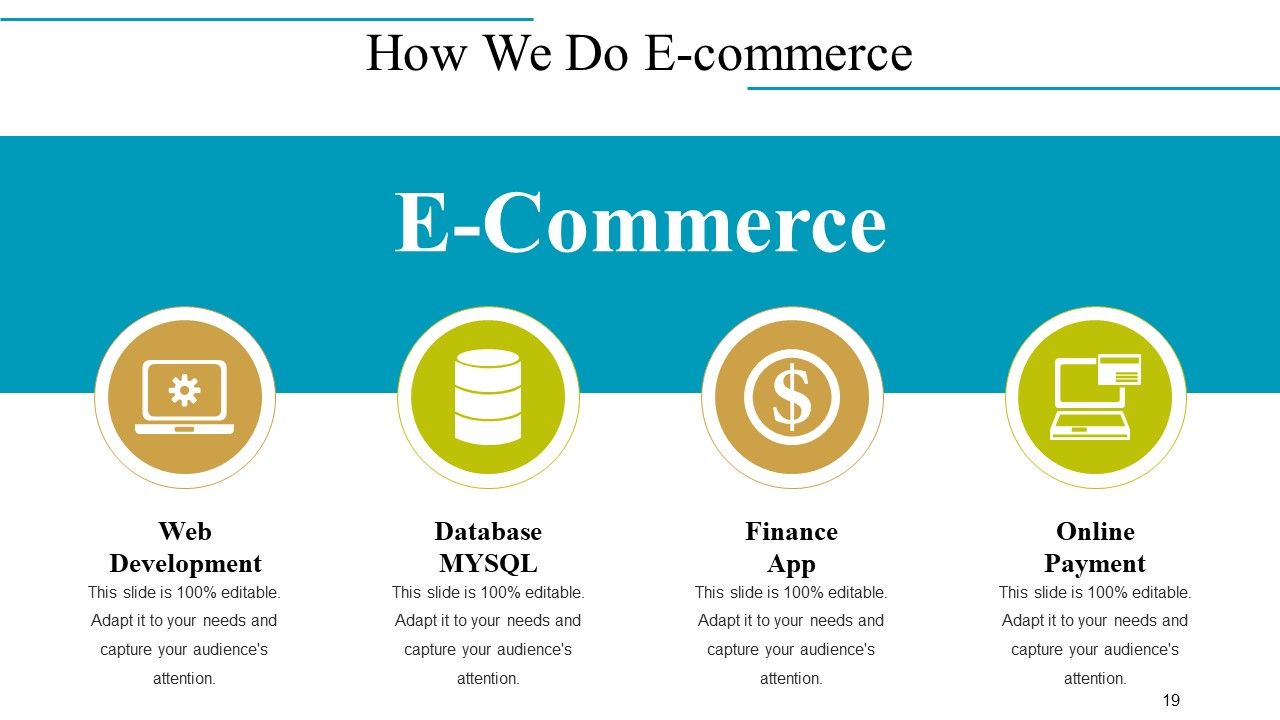
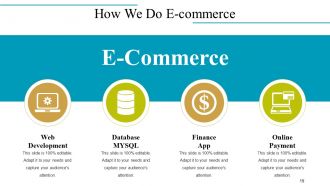
Diapositiva 19 : Esta diapositiva muestra cómo hacemos el comercio electrónico que incluye: desarrollo web, base de datos MYSQL, pago en línea, aplicación de finanzas.
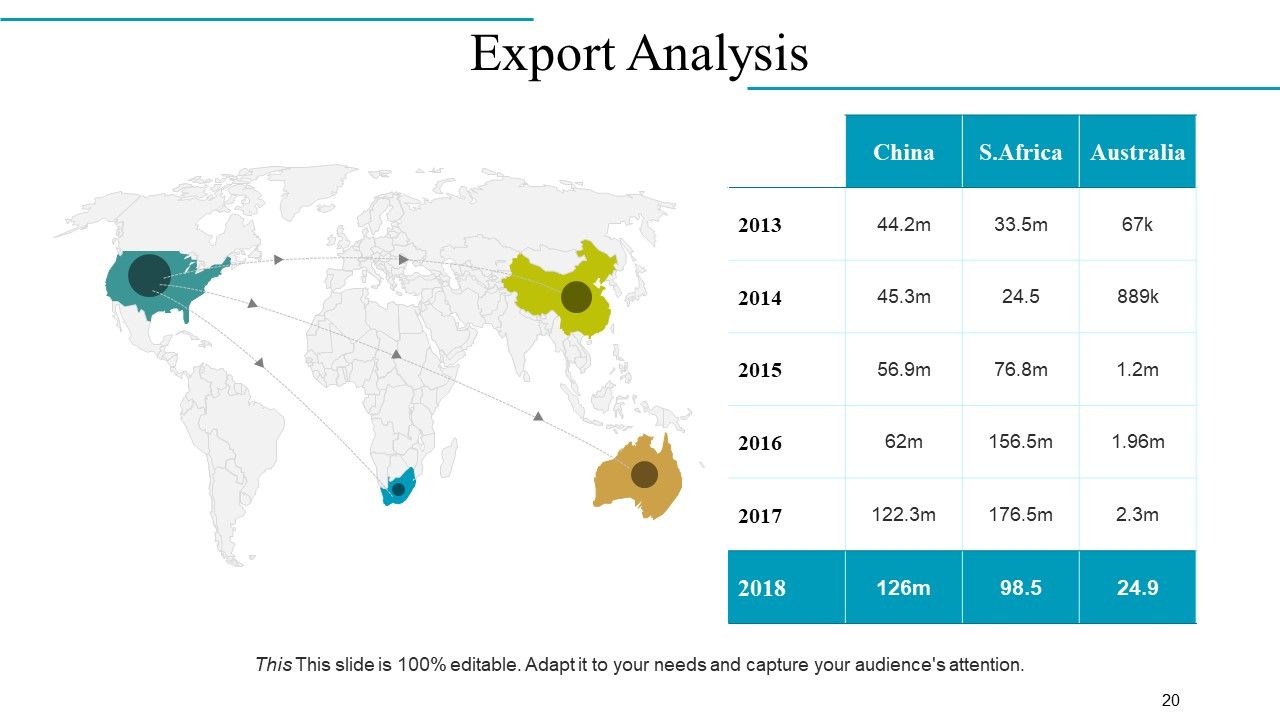
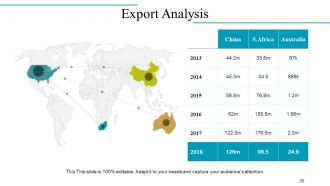
Diapositiva 20 : esta diapositiva muestra Análisis de exportación en una imagen de mapa mundial.
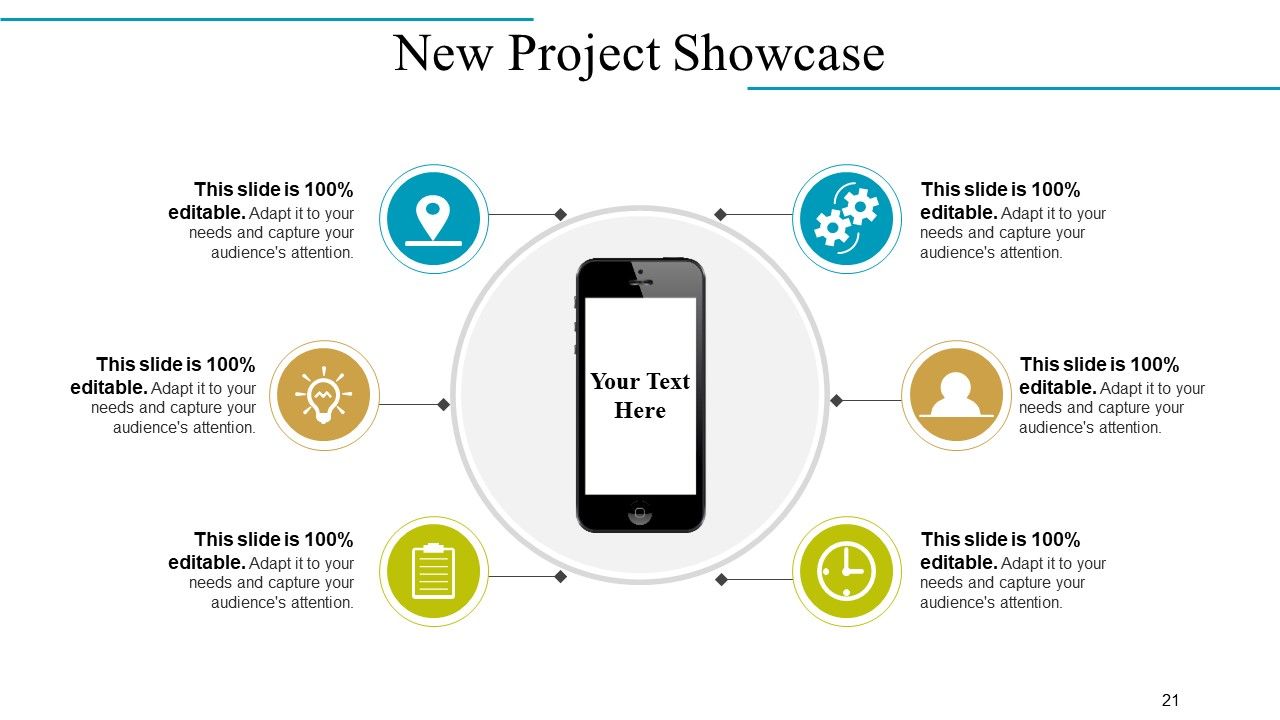
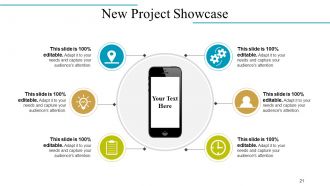
Diapositiva 21: Esta es la diapositiva de Presentación de proyectos nuevos con iconos e imágenes.
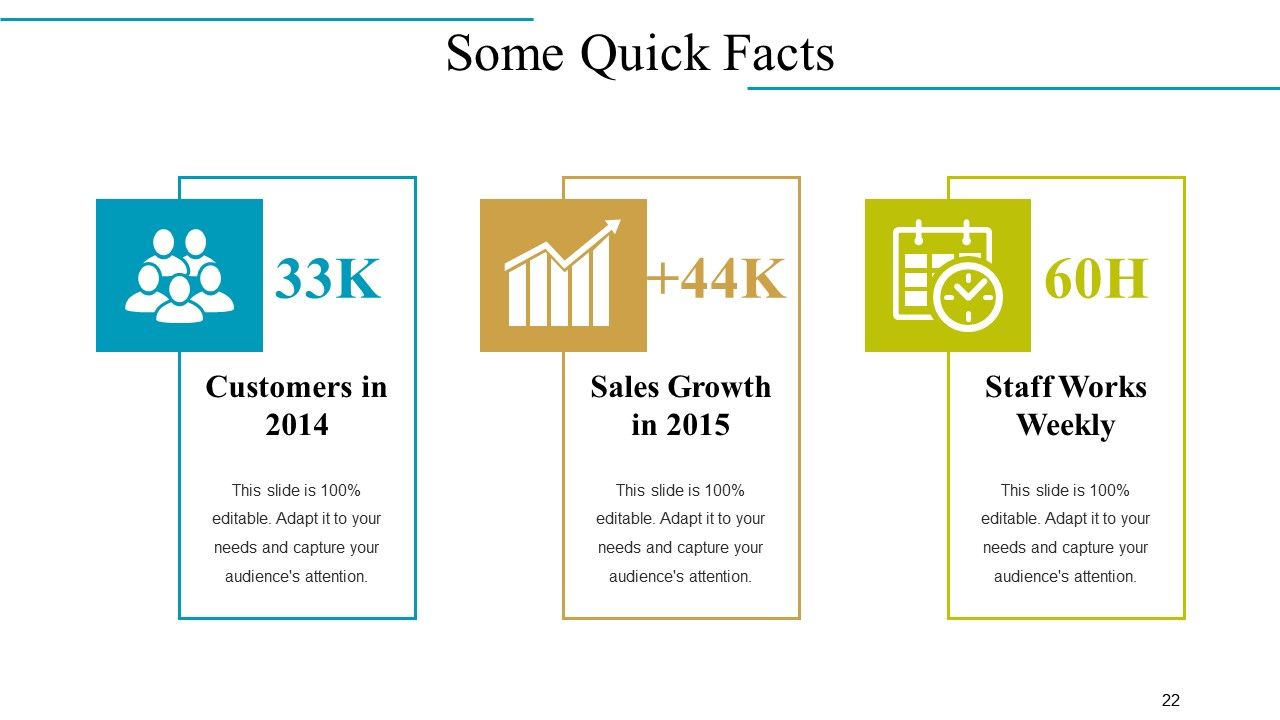
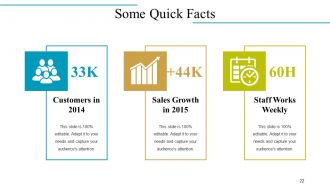
Diapositiva 22 : Esta es la diapositiva Algunos datos breves con Clientes en 2014, Crecimiento de ventas en 2015 y Staff Works Weekly como ejemplos. Indique sus propios hechos aquí.
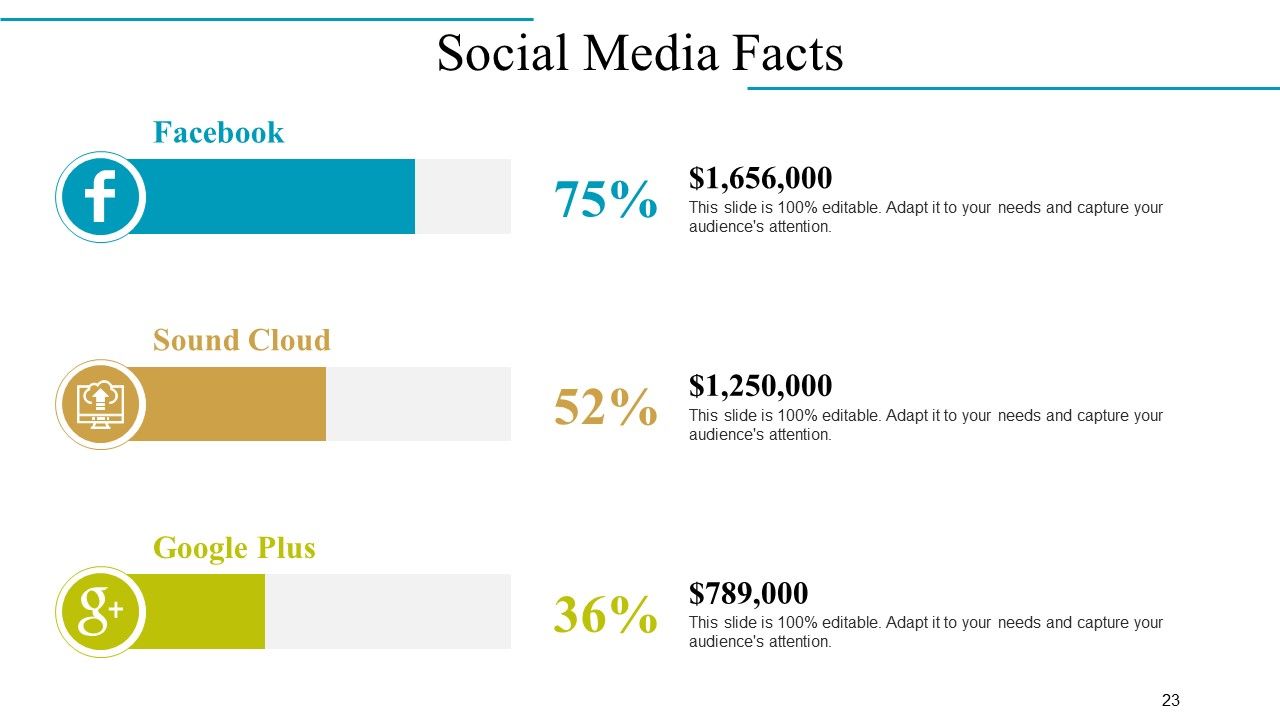
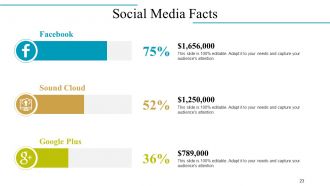
Diapositiva 23 : Esta diapositiva muestra los datos de las redes sociales con sus respectivos iconos.
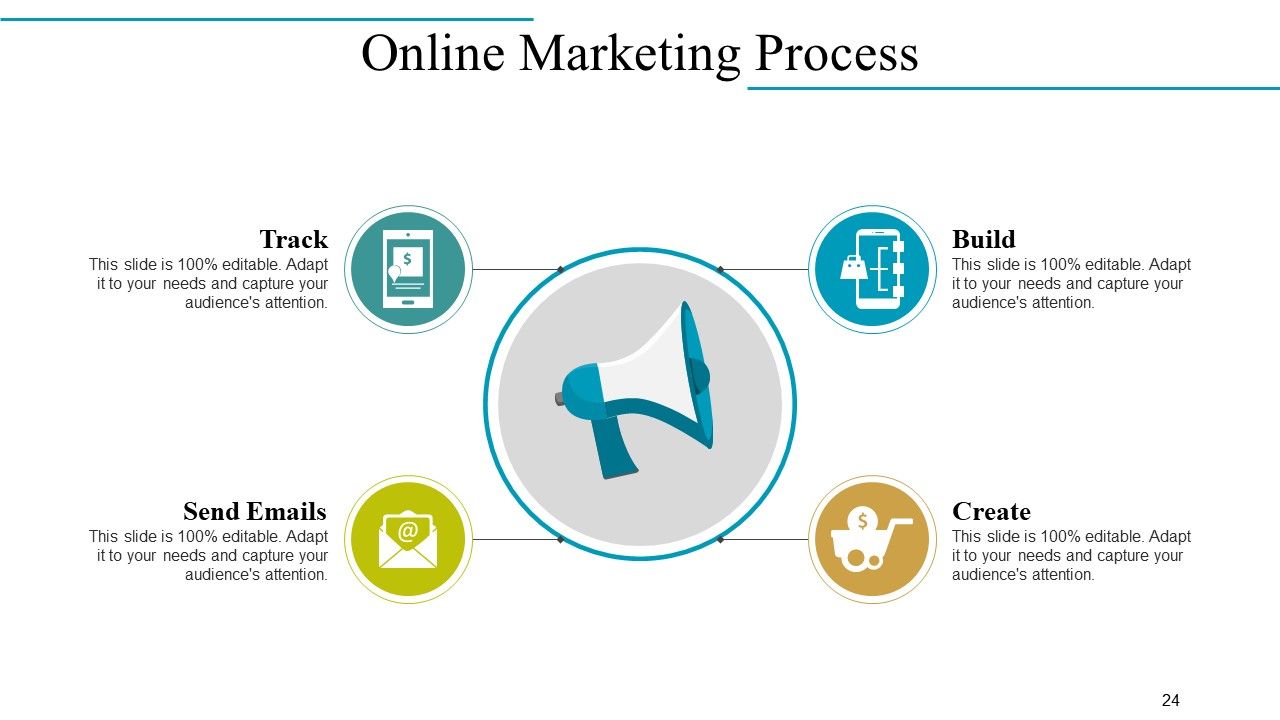
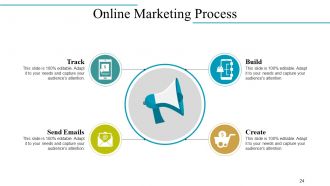
Diapositiva 24 : Esta diapositiva establece el proceso de marketing en línea en términos de: construir, crear, rastrear y enviar correos electrónicos.
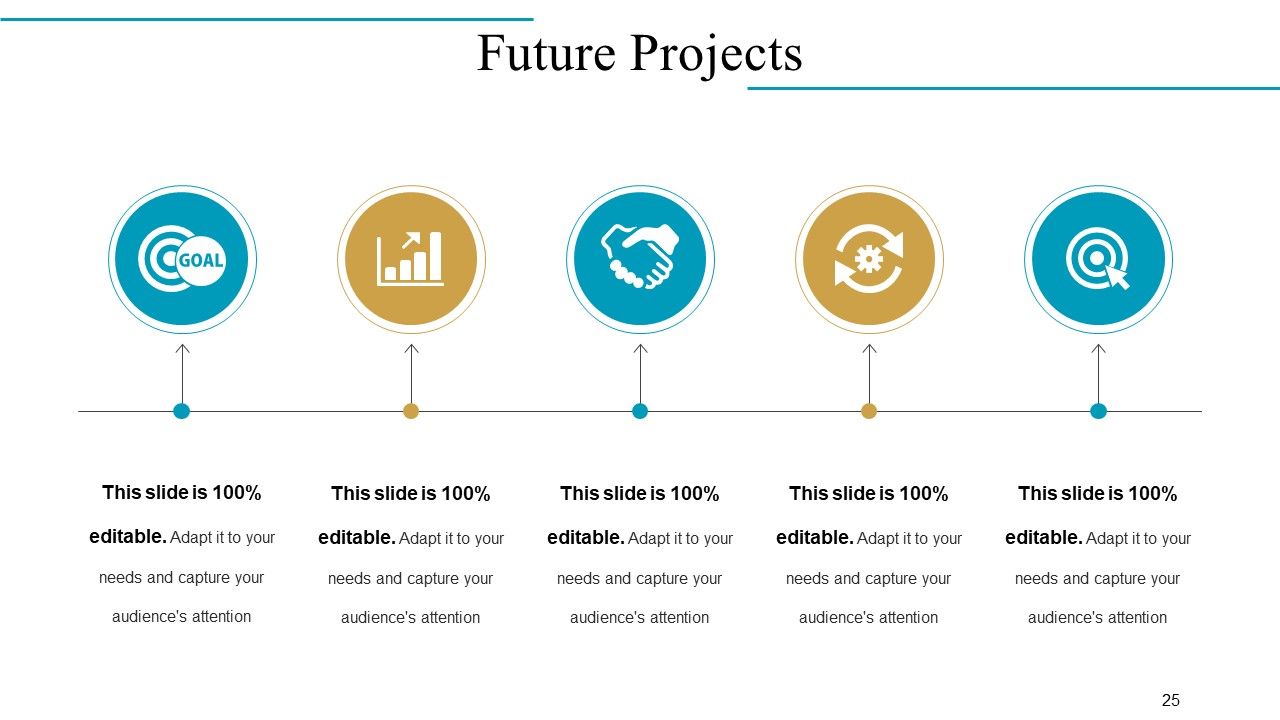
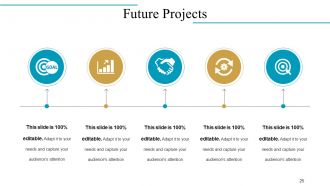
Diapositiva 25 : Esta diapositiva muestra los proyectos futuros en forma de línea de tiempo.
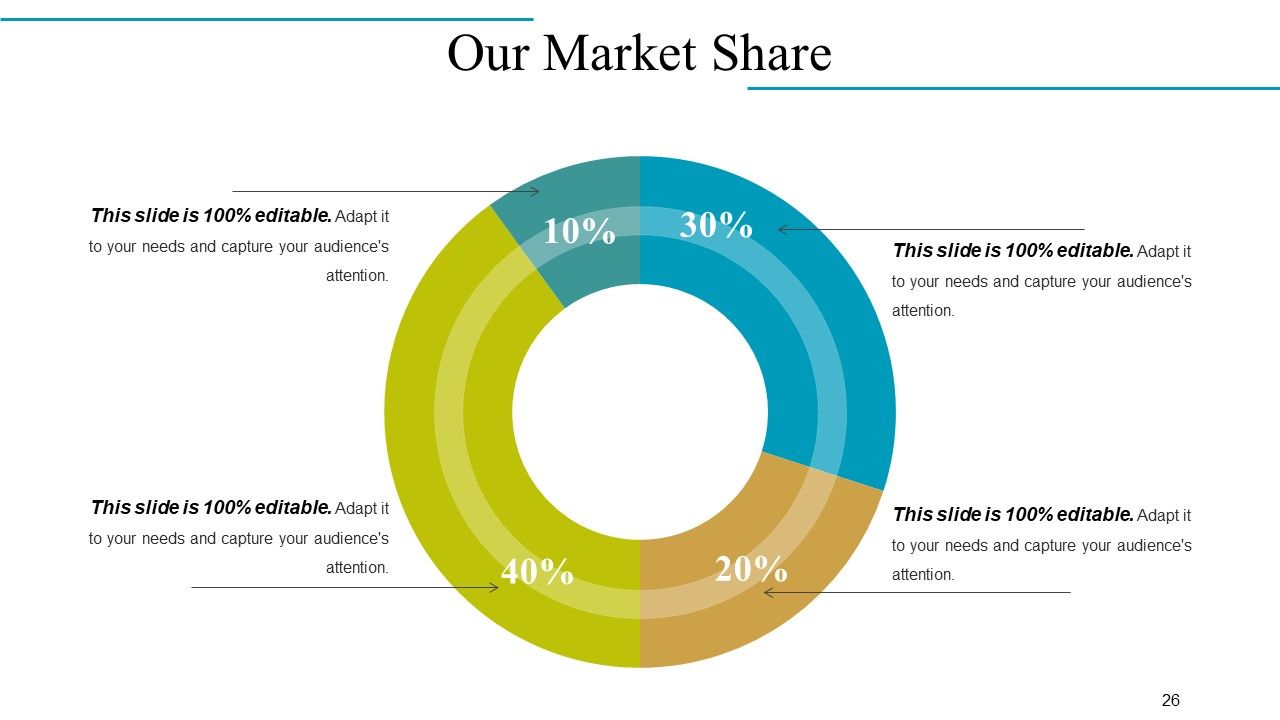
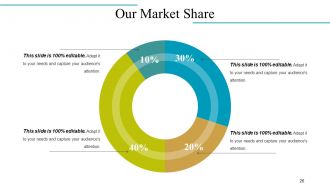
Diapositiva 26 : Esta es la diapositiva Nuestra participación de mercado en forma de gráfico circular.
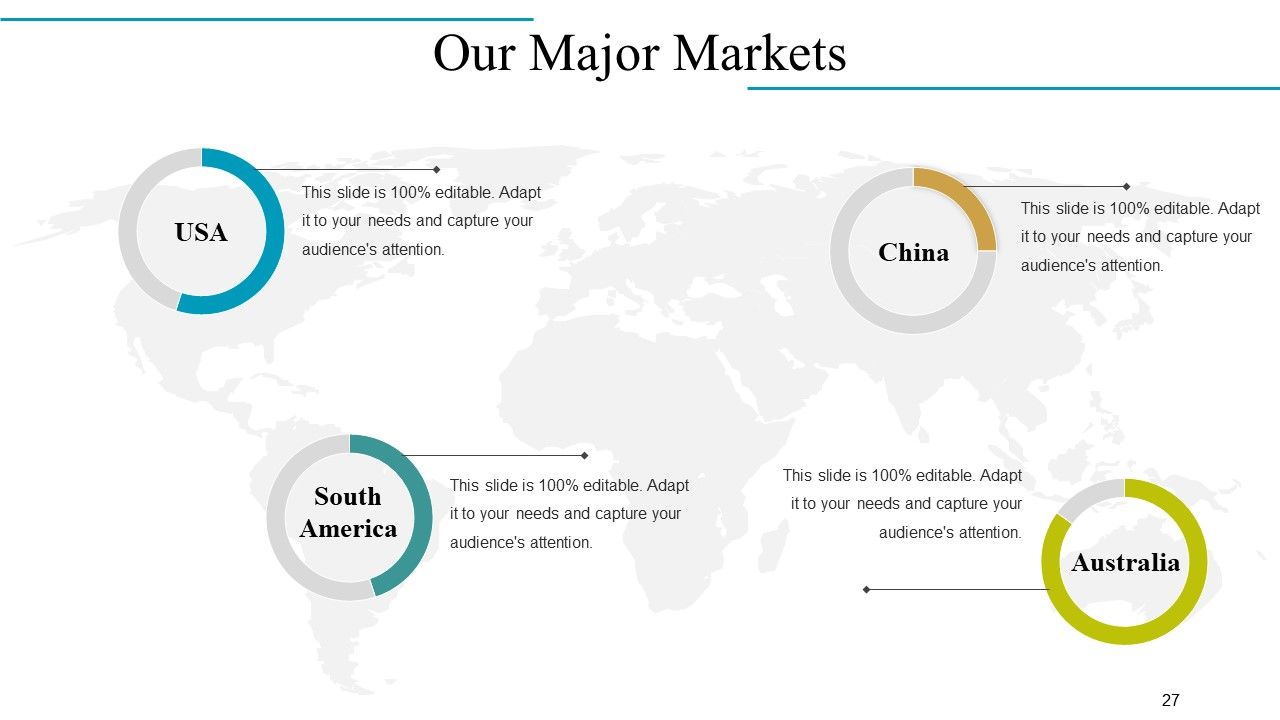
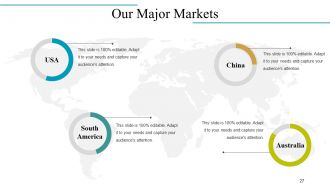
Diapositiva 27 : Esta diapositiva muestra Nuestros principales mercados en una imagen de mapa mundial.
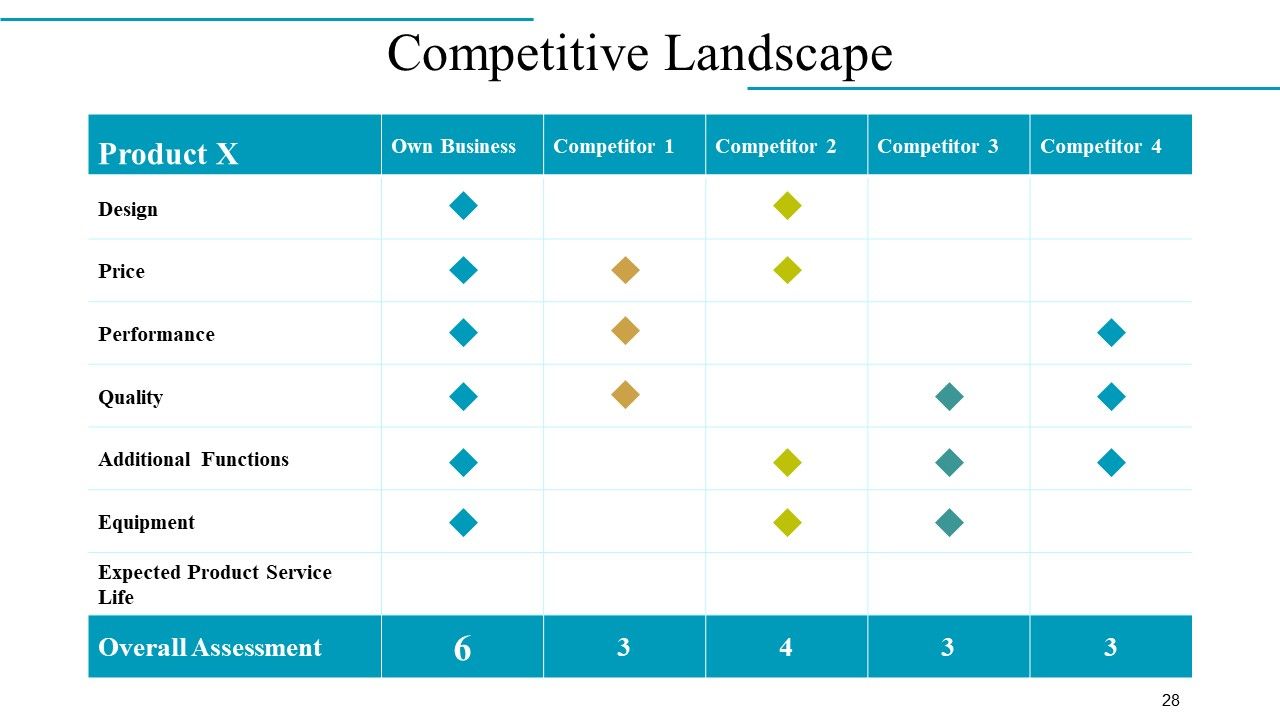
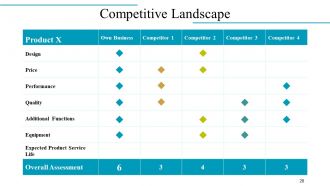
Diapositiva 28 : Esta es la diapositiva del panorama competitivo con respecto al producto y los competidores.
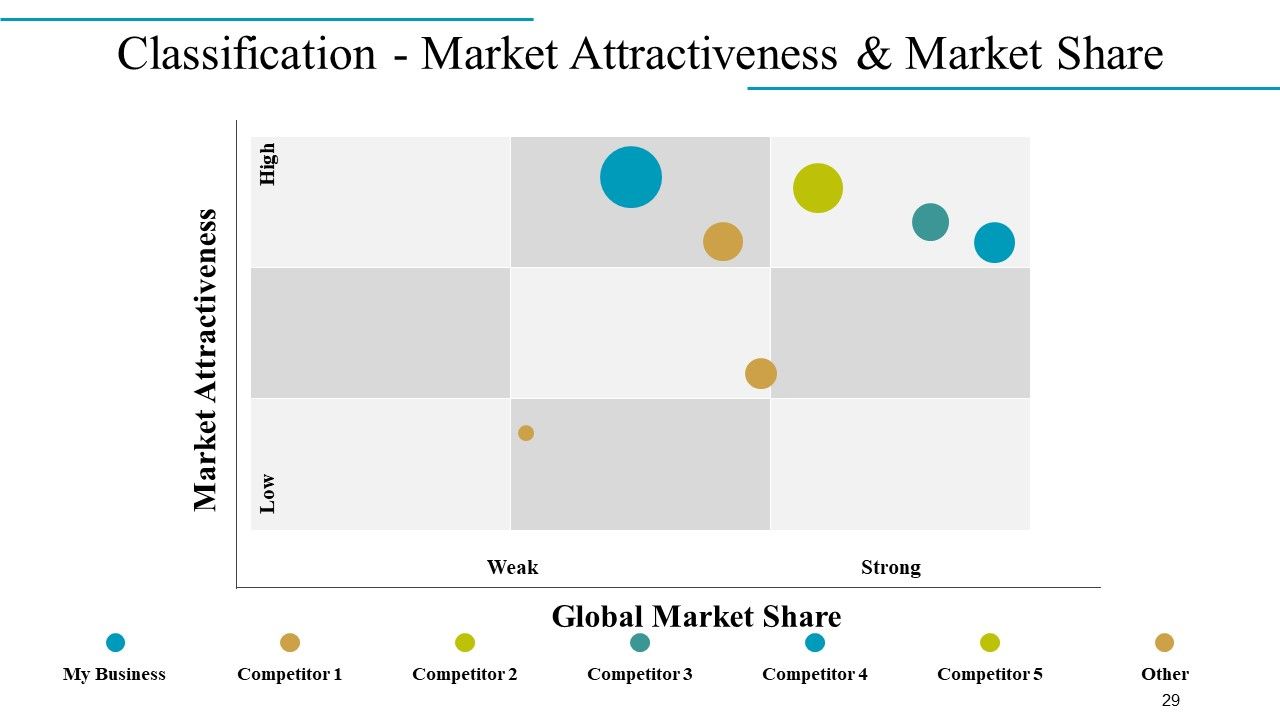
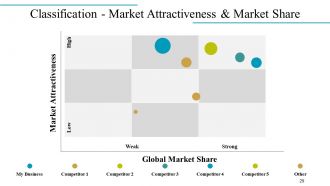
Diapositiva 29 : Esta es la diapositiva Clasificación: atractivo del mercado y participación de mercado en una matriz.
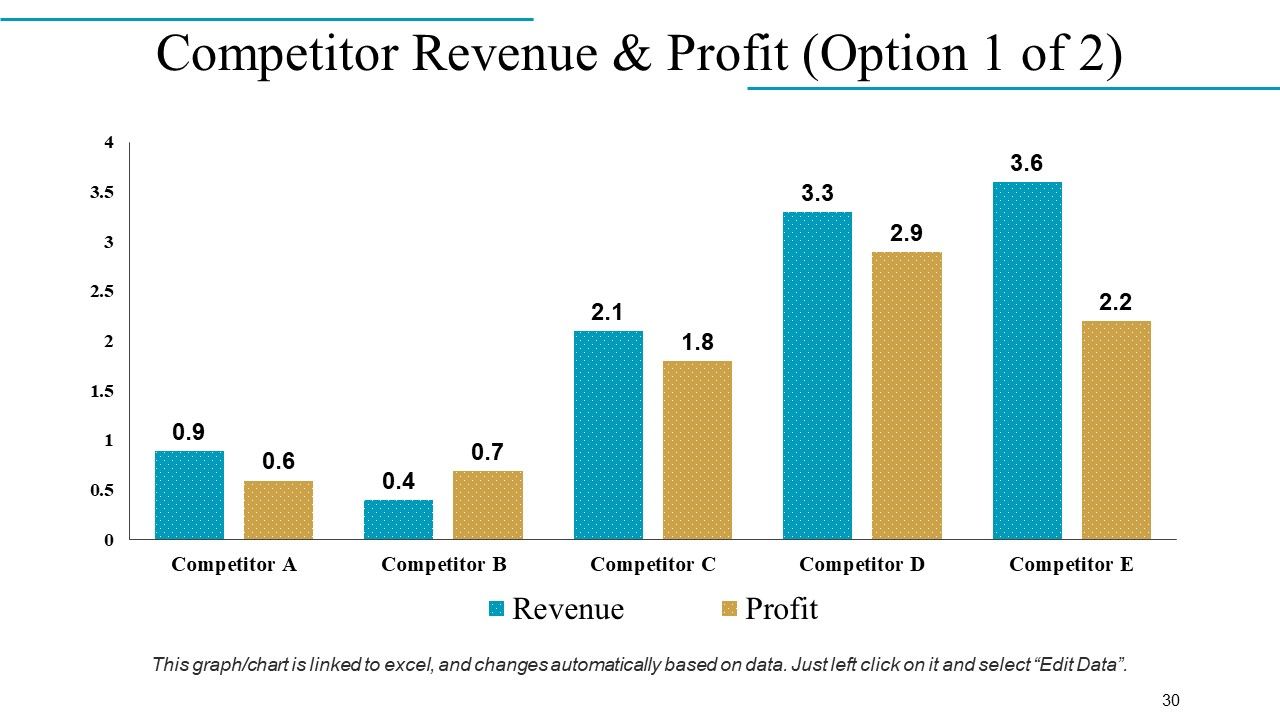
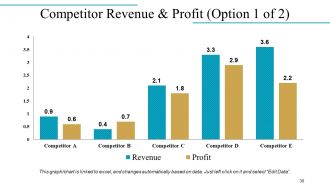
Diapositiva 30 : Esta diapositiva muestra los ingresos y beneficios de la competencia en forma de gráfico de barras.
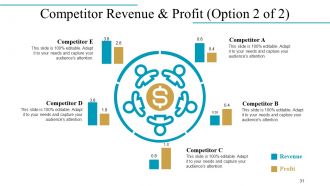
Diapositiva 31 : Esta diapositiva también presenta Ingresos y ganancias de la competencia en forma de imagen circular.
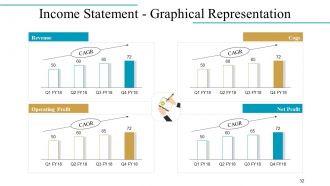
Diapositiva 32 : Esta es una declaración de ingresos - Diapositiva de representación gráfica en un gráfico de barras / gráfico que muestra - Ingresos, beneficio operativo, engranajes, beneficio neto.
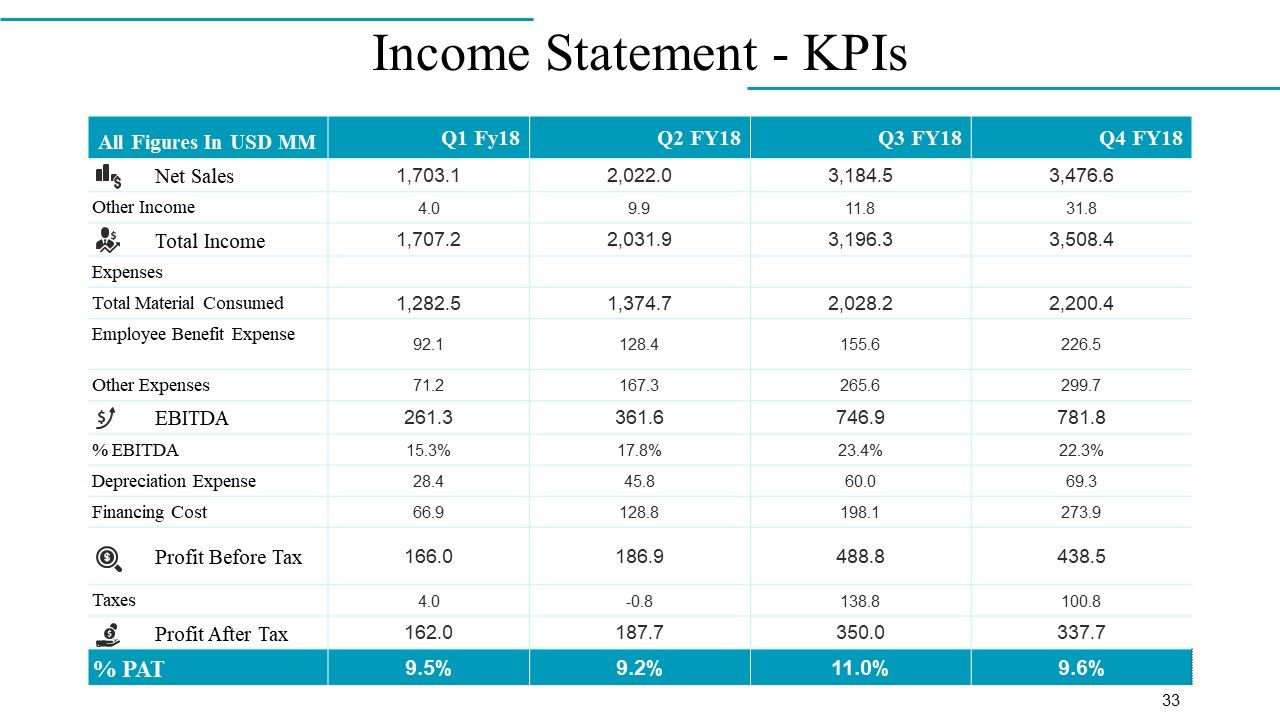
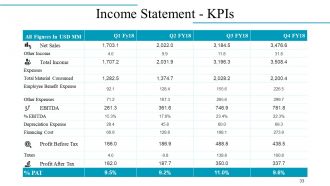
Diapositiva 33 : Esta diapositiva presenta el Estado de resultados: KPI en forma de tabla.
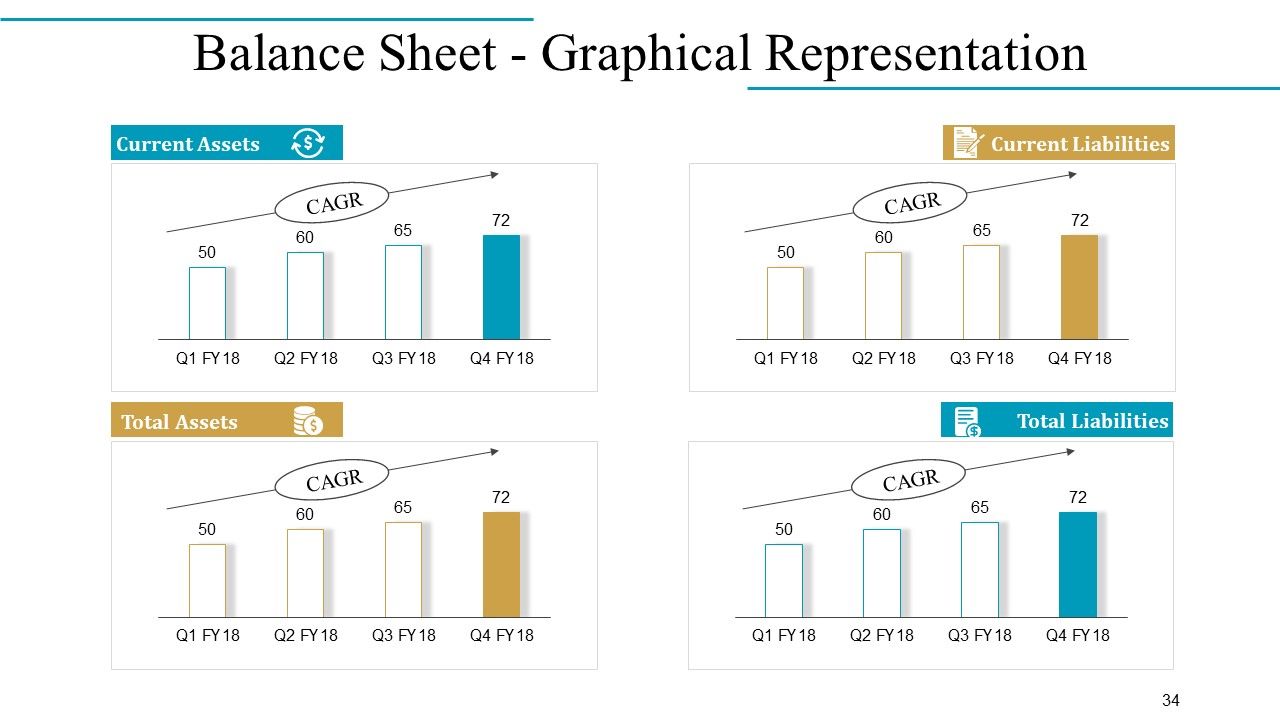
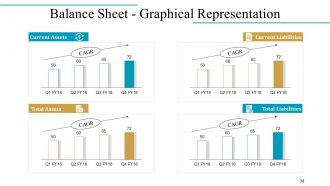
Diapositiva 34 : Esta diapositiva presenta el balance general - Representación gráfica de activos corrientes, activos totales, pasivos corrientes, pasivos totales.
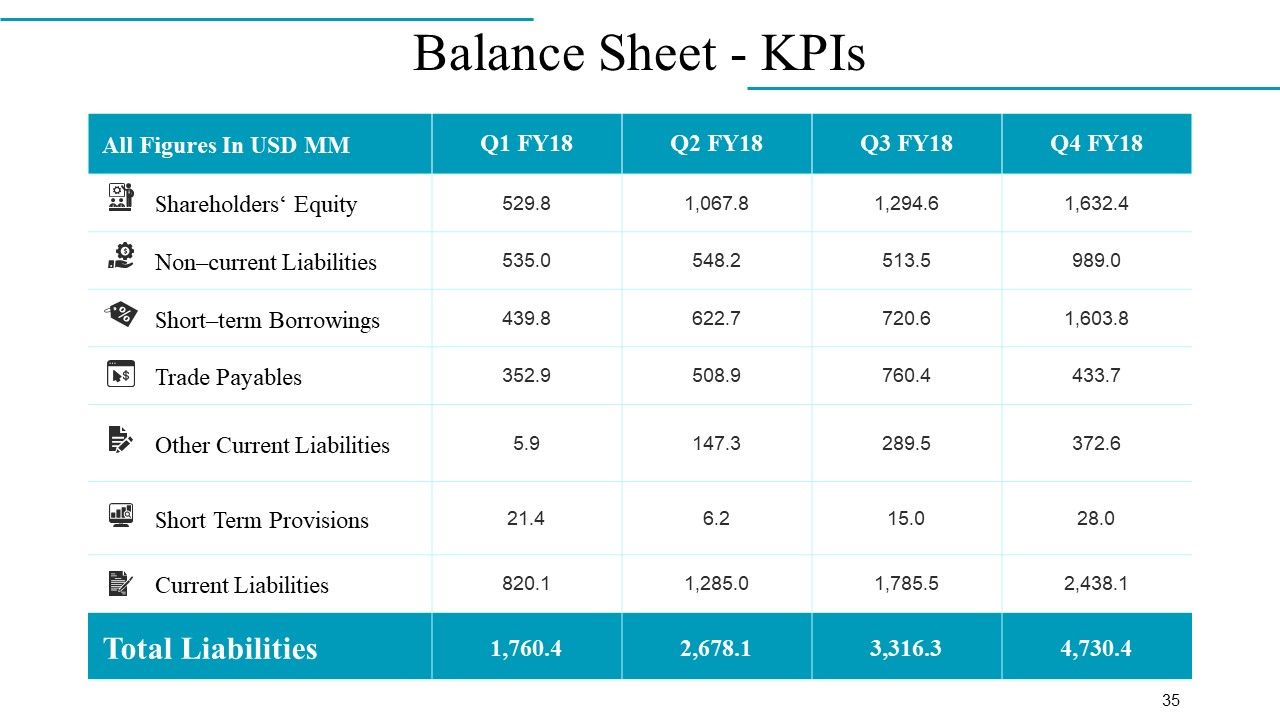
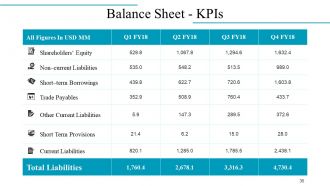
Diapositiva 35 : Esta diapositiva muestra el Balance general - KPI.
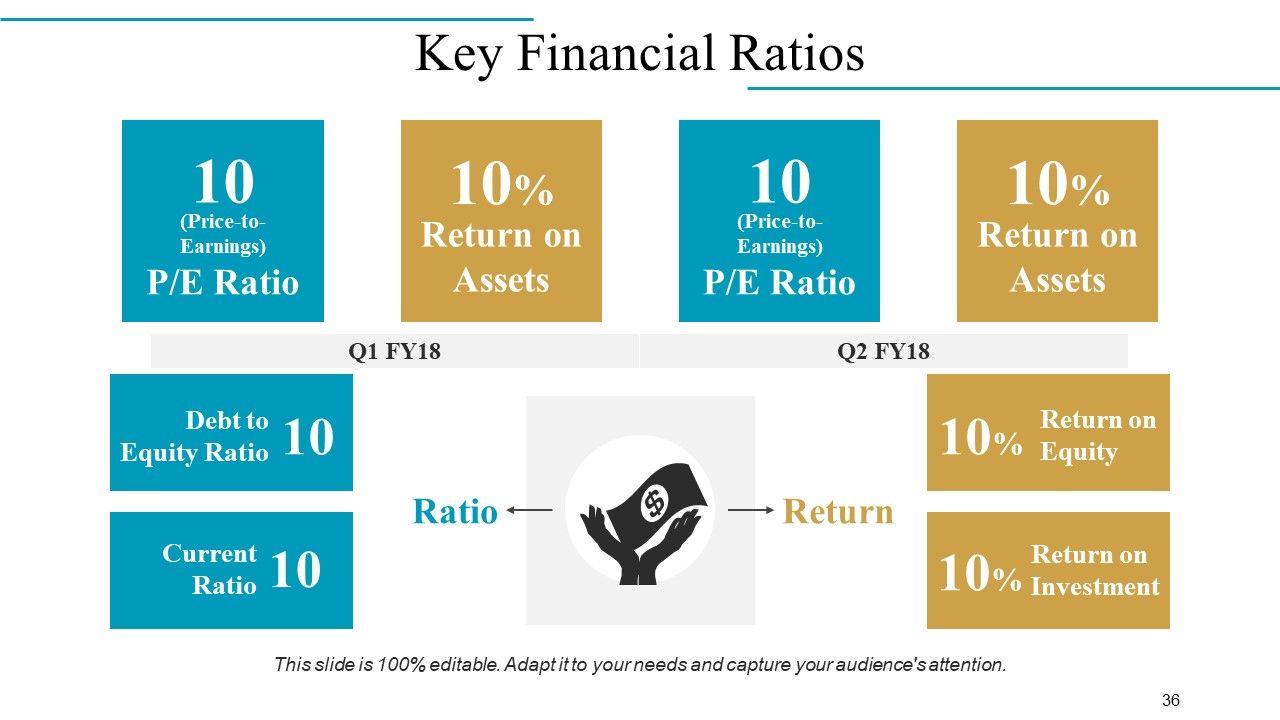
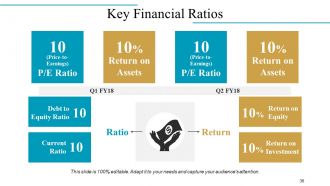
Diapositiva 36 : En esta diapositiva se indican los índices financieros clave de la empresa.
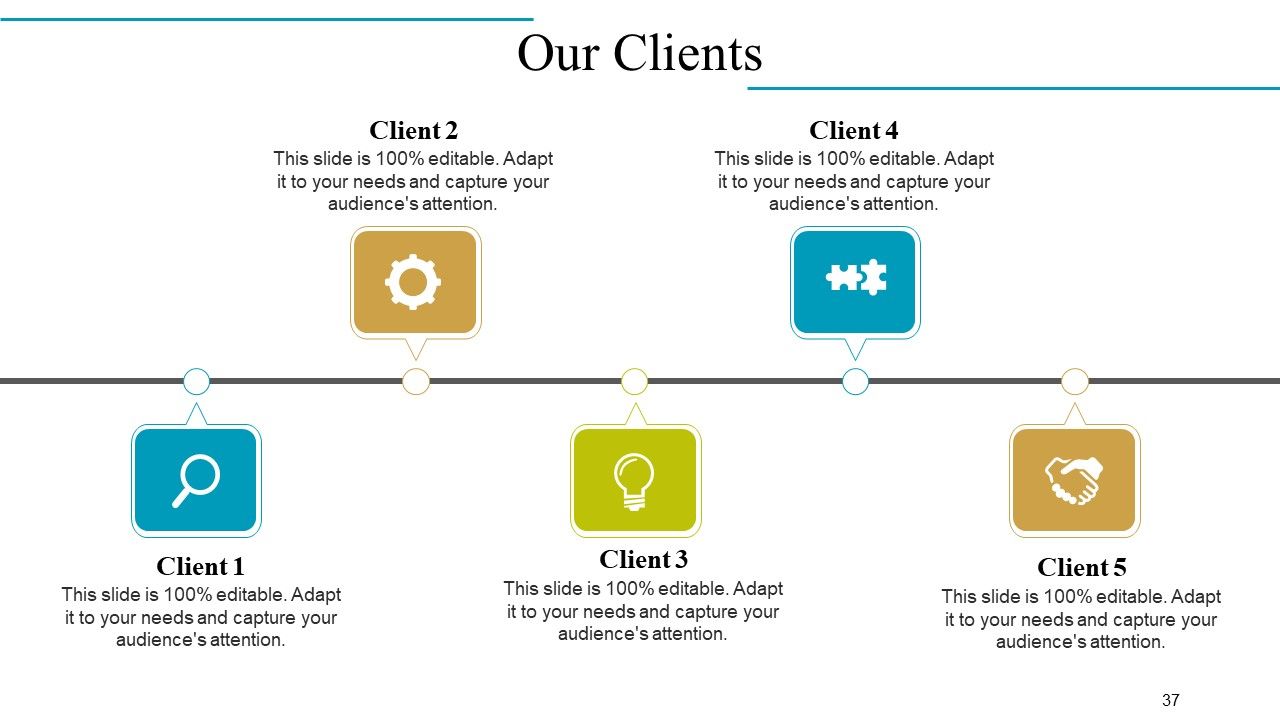
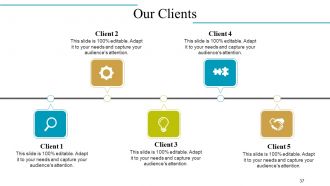
Diapositiva 37 : Esta es la diapositiva Nuestros clientes en forma de línea de tiempo. Agregue los detalles de su cliente aquí.
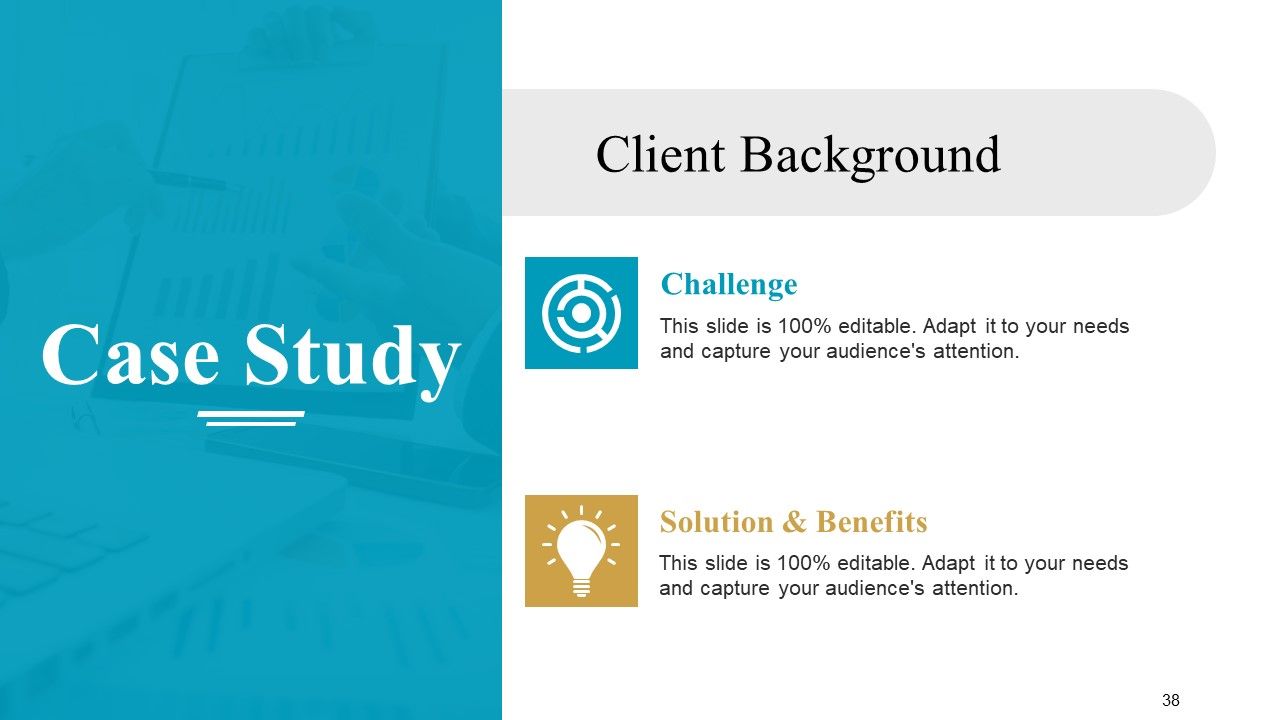
Diapositiva 38 : Esta diapositiva presenta un estudio de caso sobre los antecedentes del cliente.
Diapositiva 39 : Esta diapositiva presenta los testimonios de clientes / clientes con nombre, imagen y cuadros de texto.
Diapositiva 40 : Esta diapositiva también presenta los testimonios de clientes con nombre y designación.
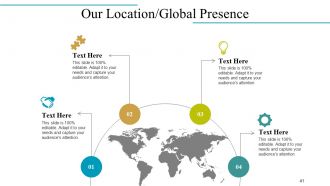
Diapositiva 41 : Esta es la diapositiva Nuestra ubicación / presencia global en una imagen de mapa mundial.
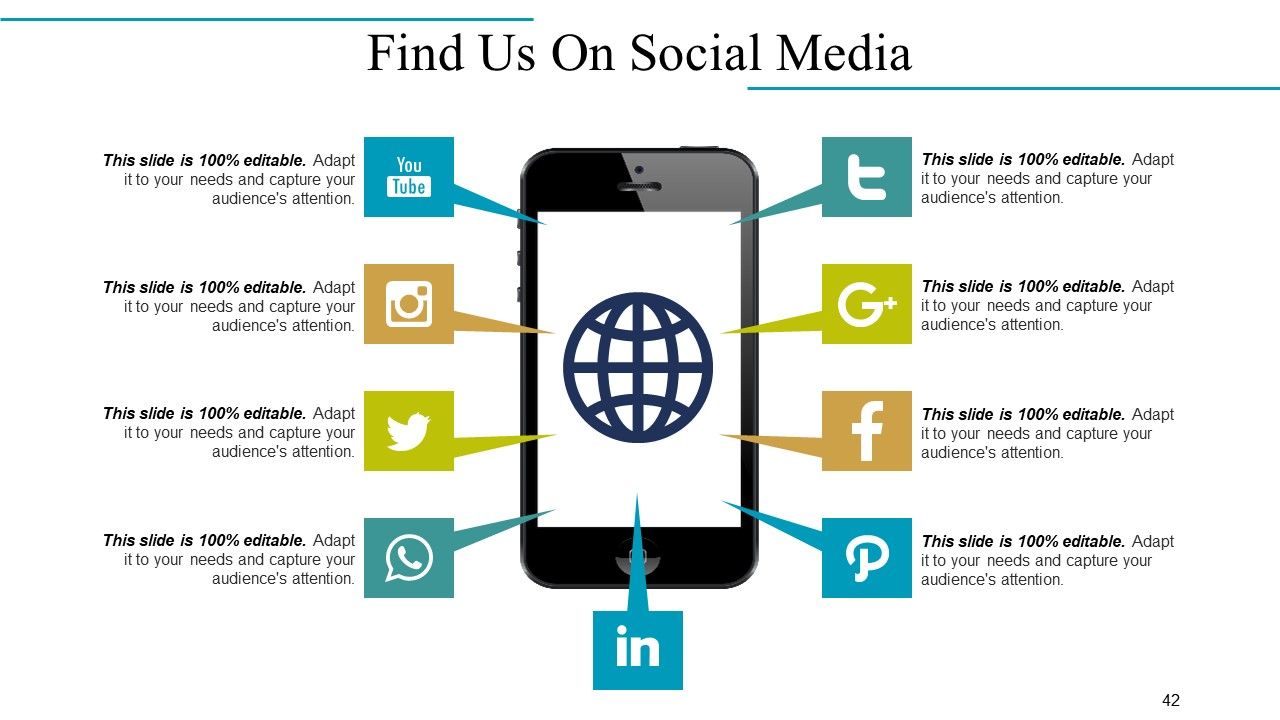
Diapositiva 42 : Esta es la diapositiva Find Us On Social Media con imágenes e íconos relevantes.
Diapositiva 43 : Esta es la diapositiva Contáctenos con dirección, dirección de correo electrónico, etc.
Diapositiva 44 : Esta es la diapositiva de iconos con varios iconos. Utilizar según necesidad y requisito.
Diapositiva 45 : Esta es también una diapositiva de iconos. Use / agregue según sea necesario.
Diapositiva 46 : Esta es la diapositiva de Coffee Break con imágenes. Altere / cambie la imagen según sus necesidades.
Diapositiva 47 : esta diapositiva se titula Cuadros y gráficos para avanzar. Cambiar / editar según sea necesario.
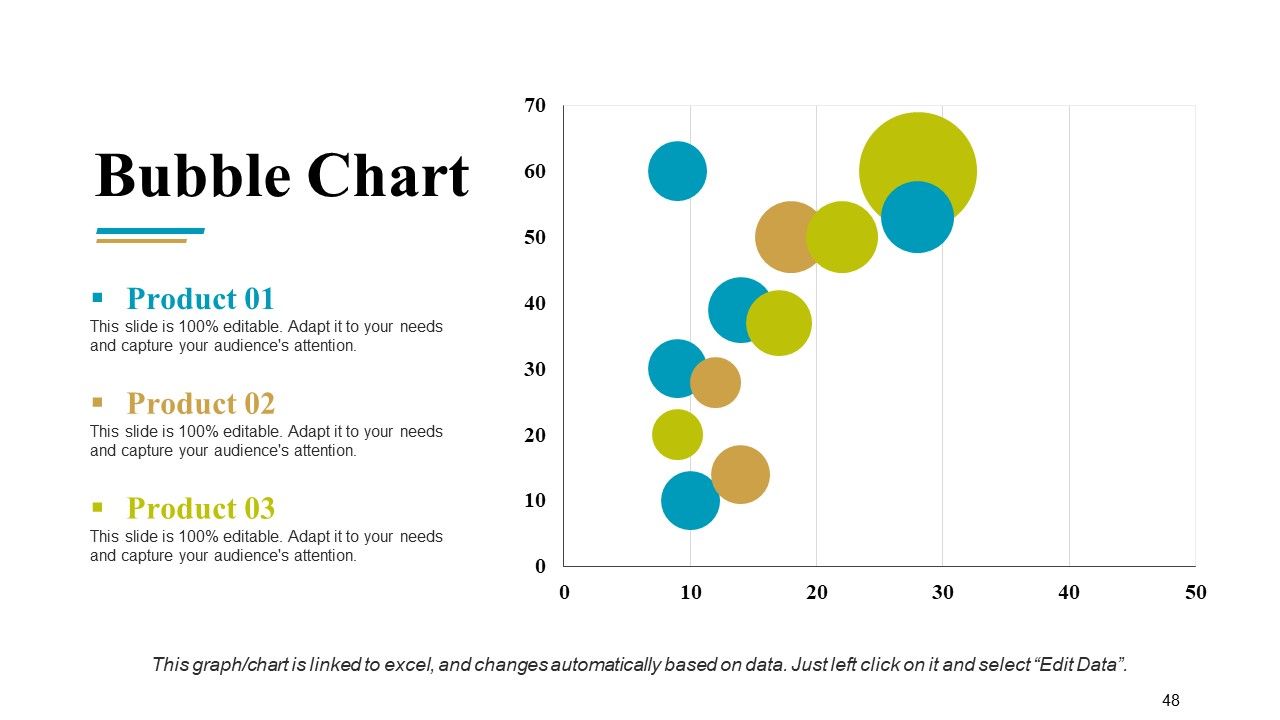
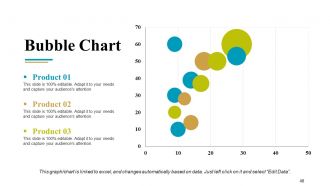
Diapositiva 48 : Esta es una diapositiva de gráfico de burbujas para mostrar las especificaciones del producto.
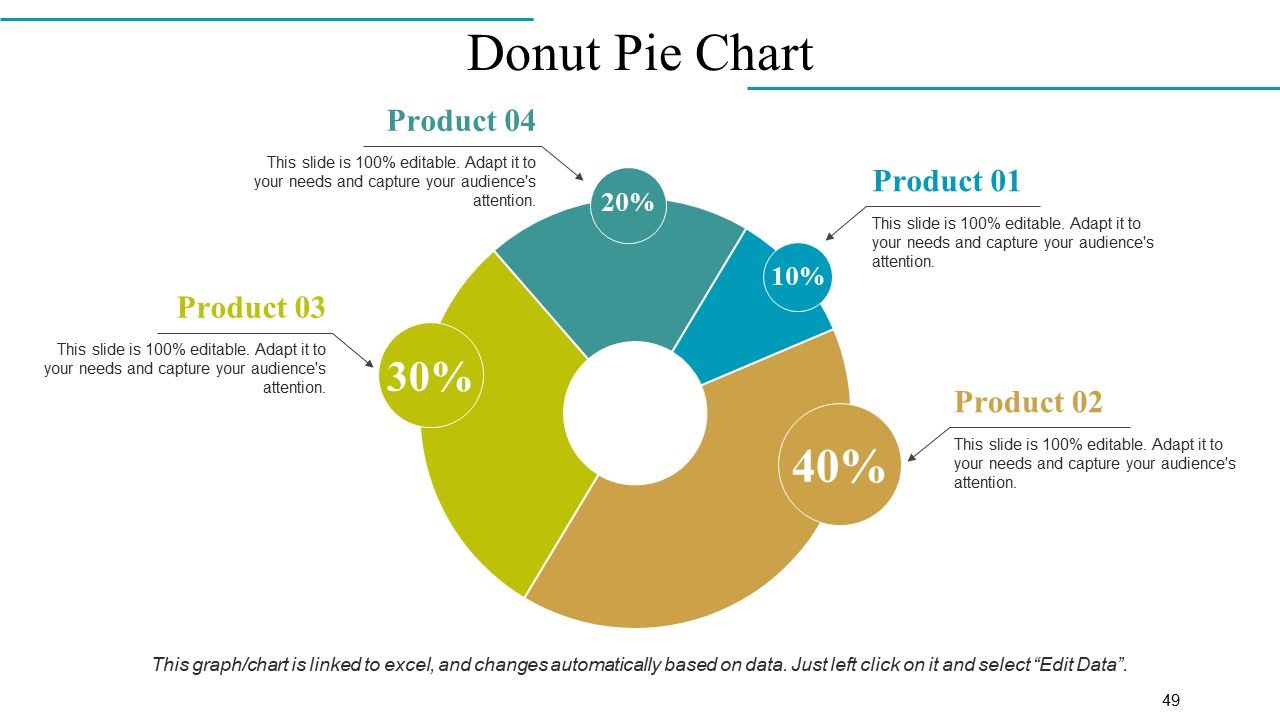
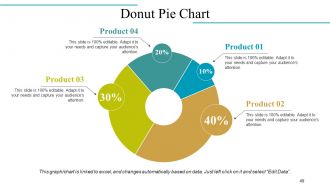
Diapositiva 49 : Este es un gráfico circular de anillos para comparar productos / entidades, etc.
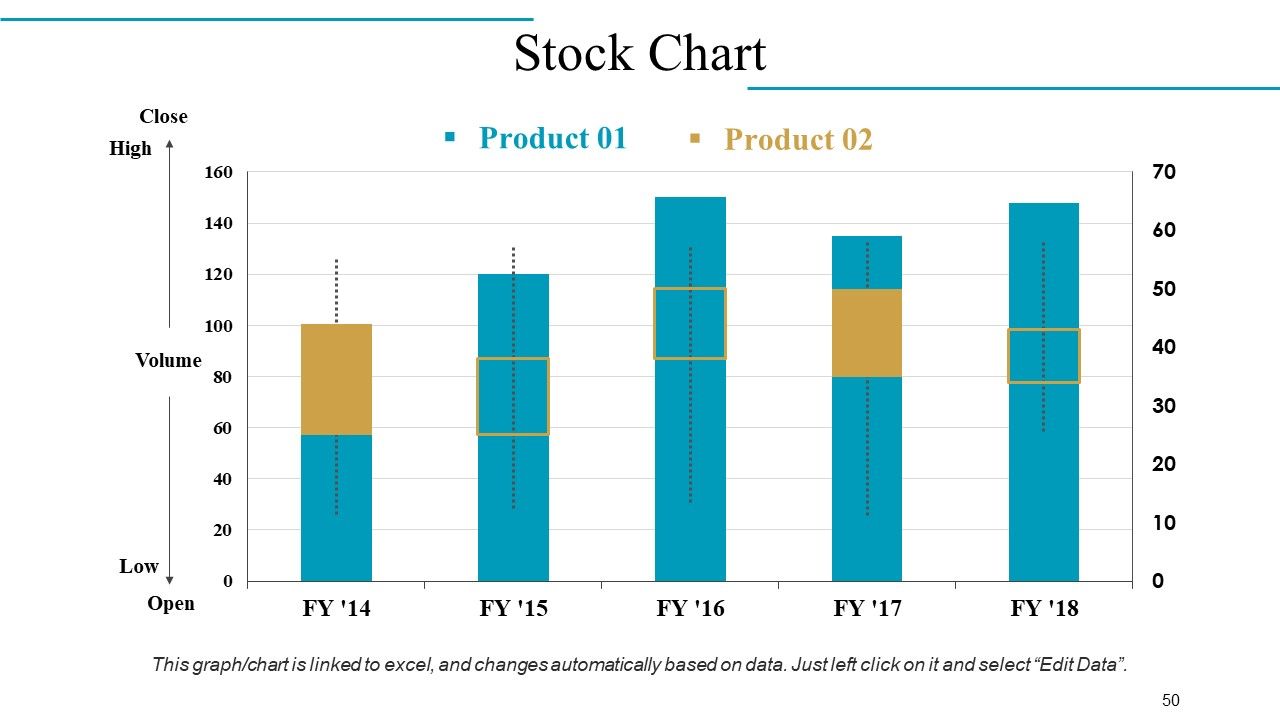
Diapositiva 50 : Este es un gráfico de acciones para la comparación de productos / entidades, etc. con parámetros altos y bajos.
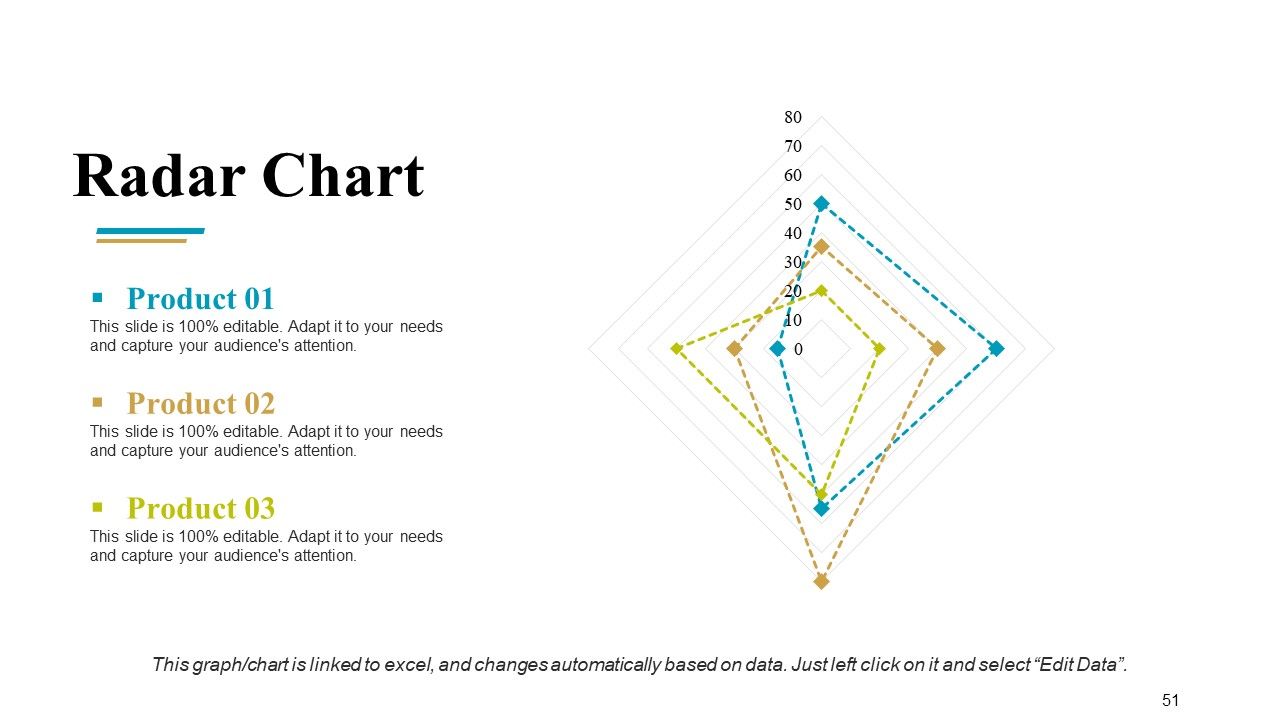
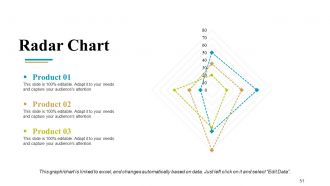
Diapositiva 51 : Esta diapositiva presenta un gráfico / gráfico de gráfico de radar. Compare el Producto 01, Producto 02, Producto 03 y utilícelo según se requiera.
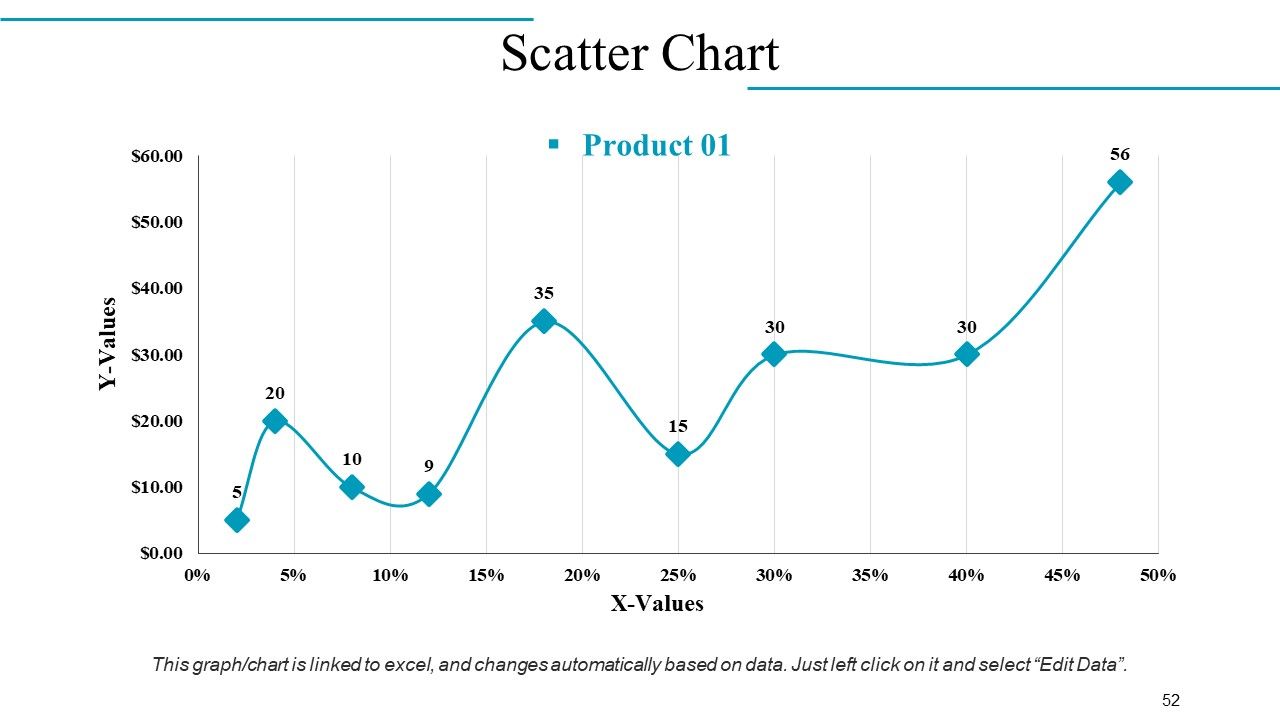
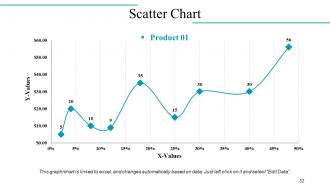
Diapositiva 52 : Este es un gráfico de dispersión para presentar la comparación de productos / entidades, especificaciones, etc.
Diapositiva 53 : esta diapositiva se titula Diapositivas adicionales para avanzar. Cambiar / alterar el contenido según sea necesario.
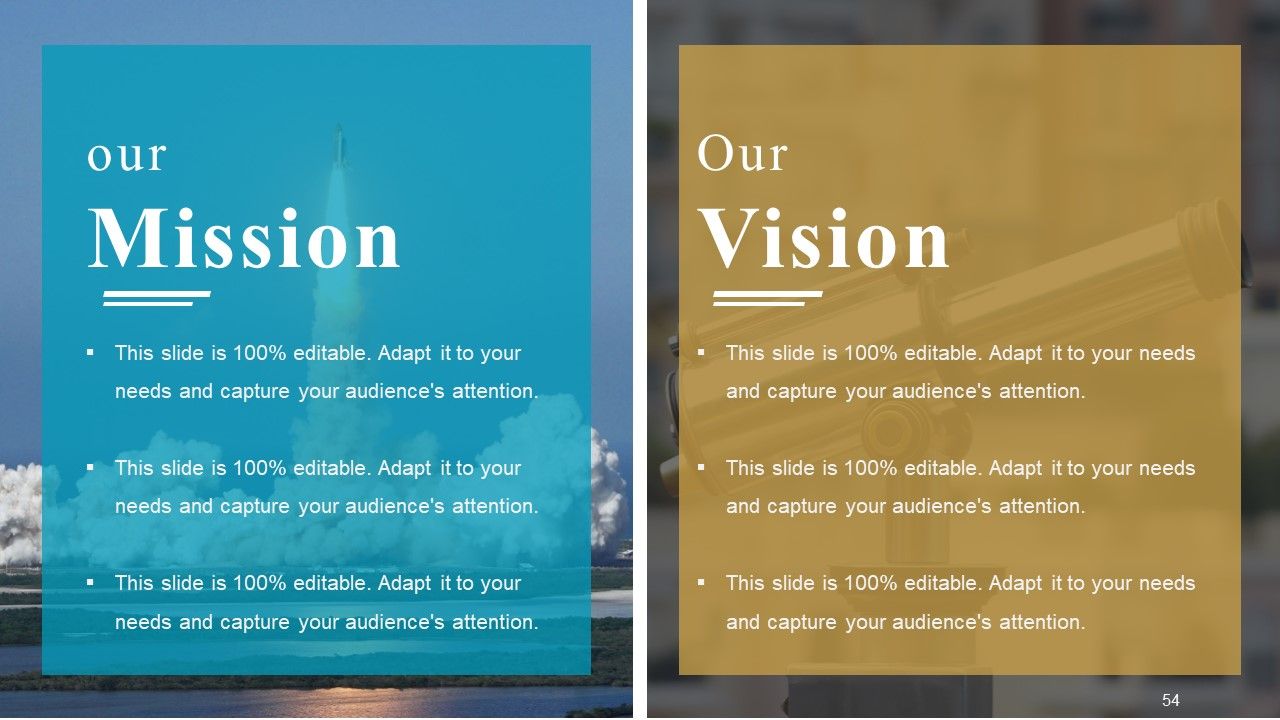
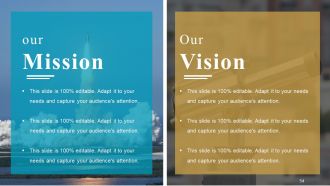
Diapositiva 54 : Esta es nuestra misión Nuestra visión deslice para indicar su misión, visión, etc.
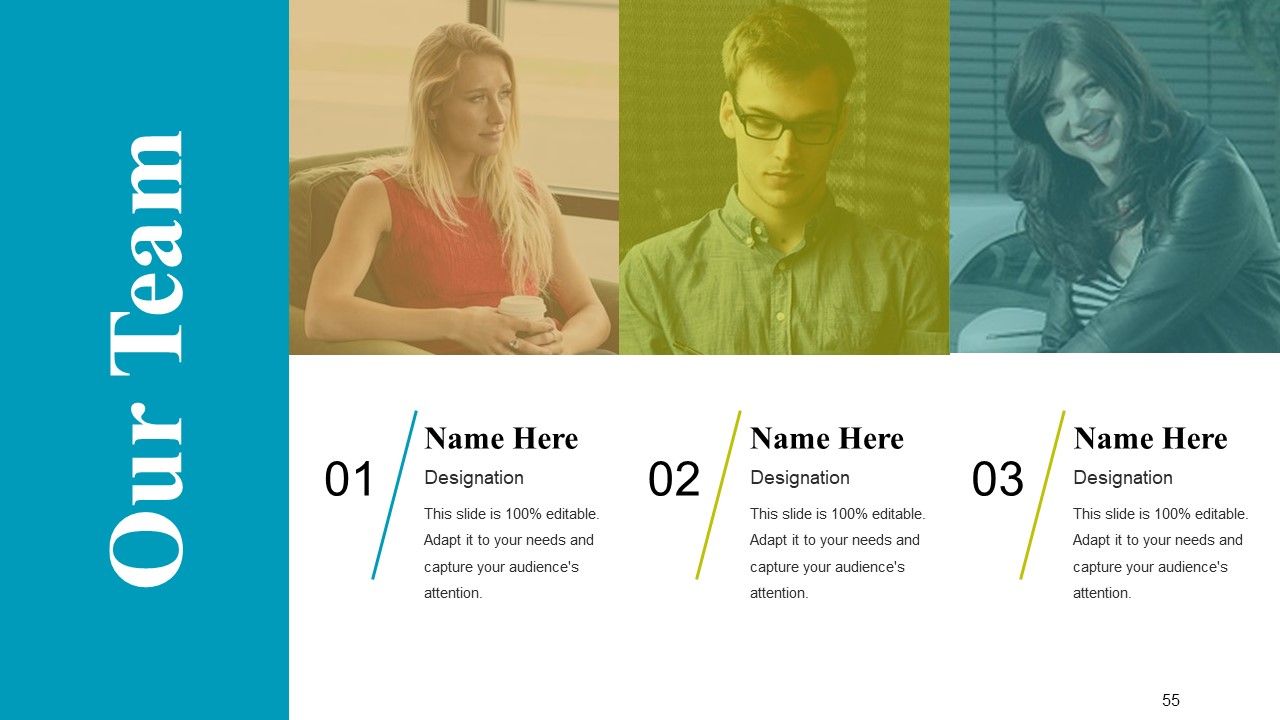
Diapositiva 55 : Esta es la diapositiva de Nuestro equipo con el nombre y la designación para completar.
Diapositiva 56 : Esta es una diapositiva Acerca de mí. Indique aquí las especificaciones de la empresa / equipo, etc.
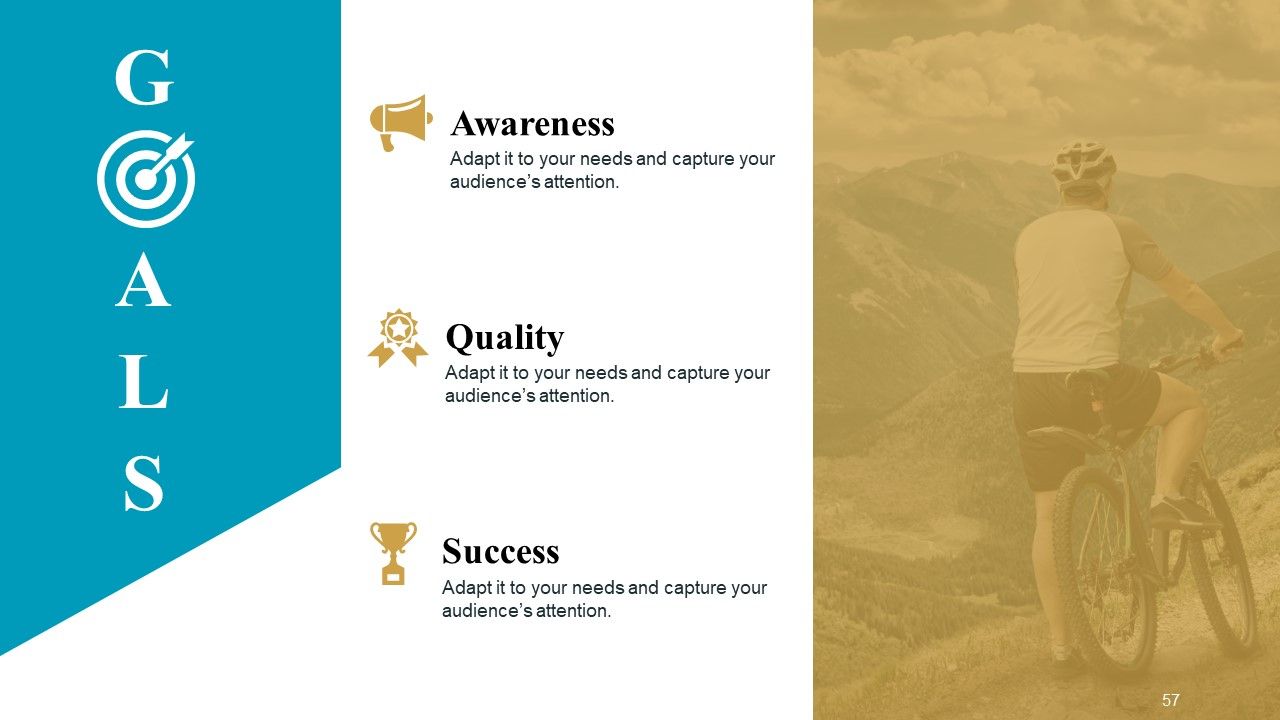
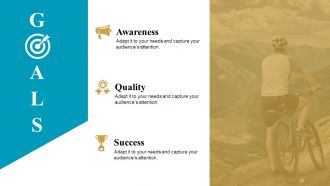
Diapositiva 57 : Esta es la diapositiva de METAS. Indique aquí sus metas, aspiraciones, etc.
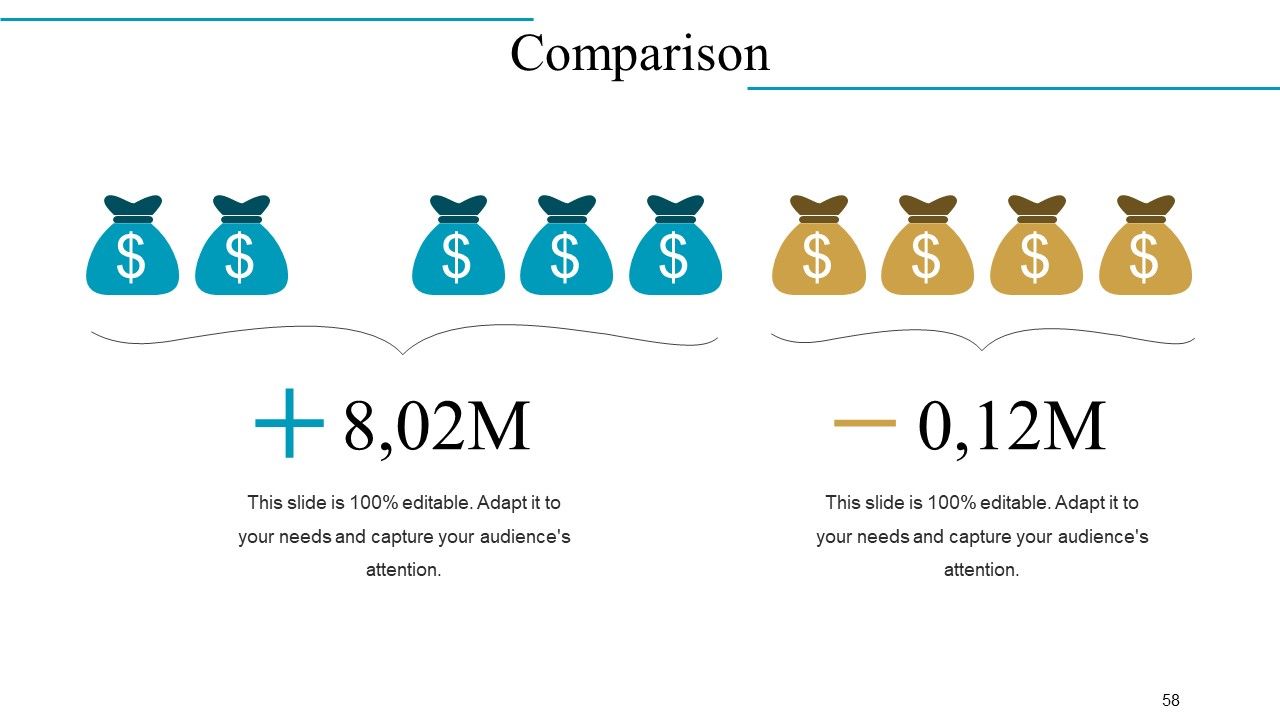
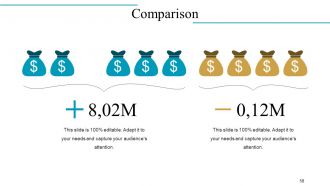
Diapositiva 58 : Esta es la diapositiva de comparación para comparar dos productos / entidades, etc.
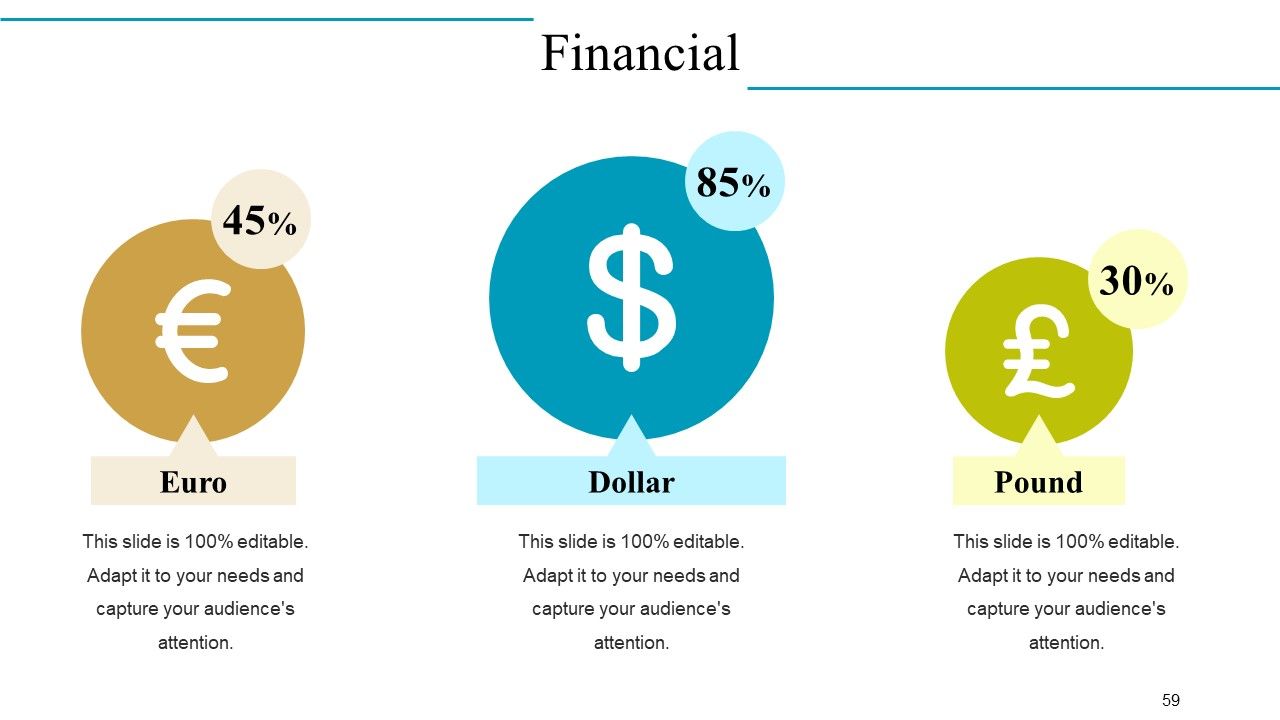
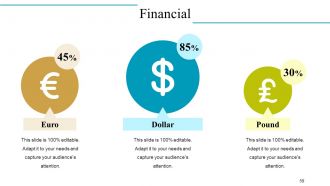
Diapositiva 59 : Esta es la diapositiva de puntajes financieros. Indique aquí sus aspectos financieros, etc.
Diapositiva 60 : Esta es una diapositiva de Citas para indicar citas o cualquier cosa en la que crea.
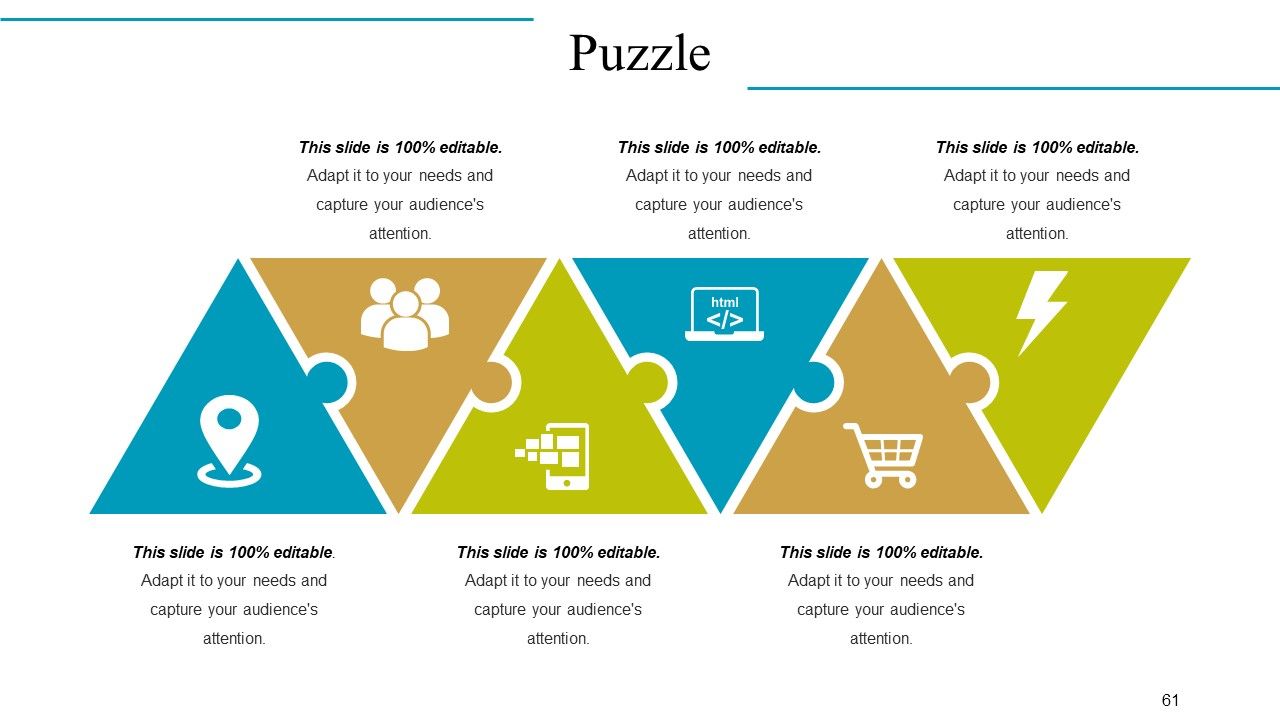
Diapositiva 61 : Esta es una diapositiva de imagen de rompecabezas creativo para indicar información, especificaciones, etc.
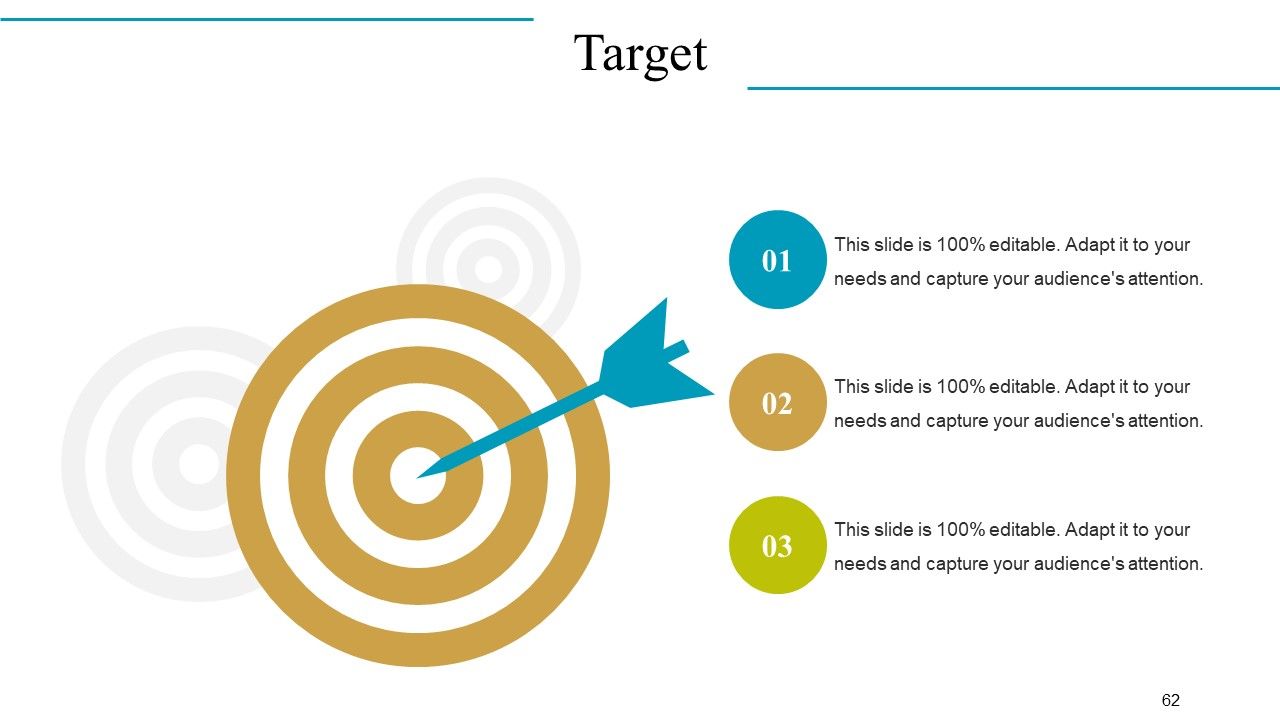
Diapositiva 62 : Esta es la diapositiva de la imagen de destino para presentar el producto / entidad, información, etc.
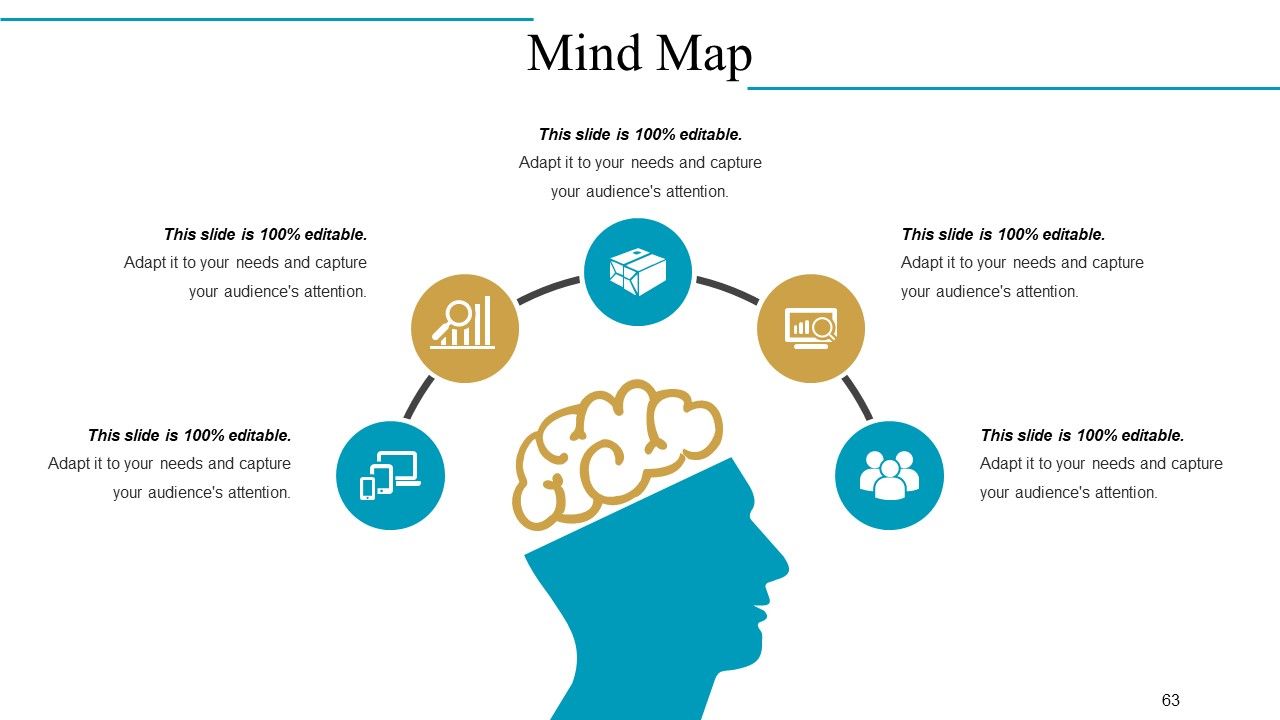
Diapositiva 63 : Esta es una diapositiva de mapa mental para mostrar la segmentación del comportamiento, información o cualquier cosa relativa.
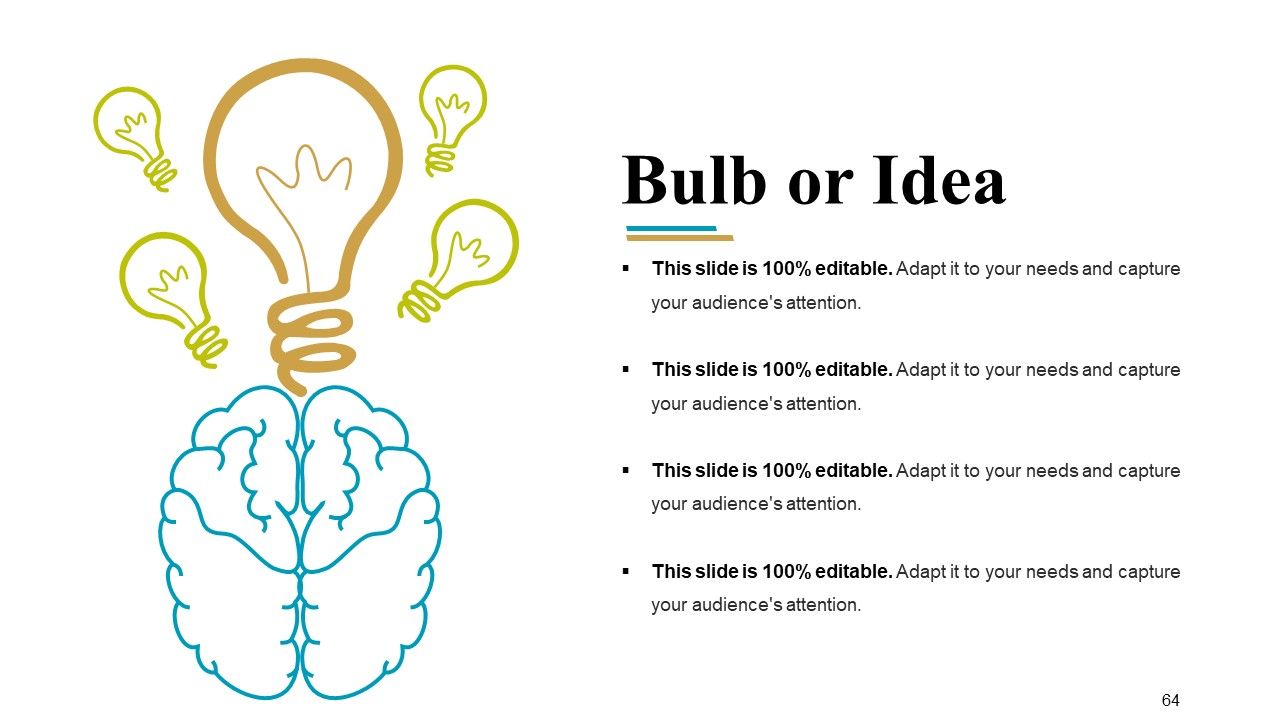
Diapositiva 64 : Esta es una diapositiva de imagen Blub o Idea para presentar aspectos innovadores / creativos.
Diapositiva 65 : Esta es una diapositiva de agradecimiento como agradecimiento.
Descripción general de la empresa Presentación de diapositivas en PowerPoint con las 65 diapositivas:
Mejore la competencia colectiva con nuestras diapositivas de presentación en Powerpoint de descripción general de la empresa. Facilite actos de colaboración eficientes.
FAQs
The core values of the company are passion, accountability & collaboration, excellence, integrity, and respect.
The company offers graphic design services, web development services, web design services, marketing & analytics, digital care package, digital advertising, security & maintenance.
The company does e-commerce through web development, database MYSQL, online payment, and finance app.
The company's geographical reach is shown on a world map image, indicating its growth and presence globally.
The company measures its financial performance through income statements and balance sheets presented in graphical and tabular forms.
-
Professional and unique presentations.
-
Best Representation of topics, really appreciable.
-
I love the content and data presented in the slides.
