


PowerPoint-Präsentationsfolien für Firmenprofile
Das Präsentieren eines Firmenprofils ist eine etwas komplizierte Aufgabe. Um Ihnen zu helfen, haben wir diese inhaltsbereite PowerPoint-Präsentation für Firmenprofile erstellt. Es kann vom mittleren / oberen Management des Unternehmens Dritten wie Banken, Kunden und Investoren präsentiert werden. Die PPT-Vorlage für die Unternehmensübersicht umfasst 59 Folien, darunter Agenda, Informationen zu uns, Unternehmensgründer, Übersicht, Vision und Mission, Abteilungen und Teams, Ziele und Vorgaben, Grundwerte, unser Team, Organisationsstruktur, Mitgliederprofil, Unternehmensdienstleistungen und Lösungen , Workflow in Organisation, Projektzeitplan, zukünftige Projekte, Marktwettbewerb, Geschäftswachstum, Umsatzgenerierung, Leistung, Kunden, Fallstudie, Kundenreferenzen, Standort, globale Präsenz, wichtige Finanzdaten, finanzielle Momentaufnahmen, Links zu sozialen Medien, Kontakt und vieles mehr . Diese Präsentationsgrafiken für Unternehmenszusammenfassungen sollen Themen wie Geschäftskomponenten, Geschäftsinformationen, Unternehmenszusammenfassung, Organisationsstruktur, Unternehmensimage, Funktionen und Einführung darstellen. Laden Sie die PPT-Folien unseres Firmenprofils herunter, um das Publikum bis zum Ende zu beschäftigen. Galvanisieren Sie sie mit unseren PowerPoint-Präsentationsfolien für Unternehmensprofile. Sie fühlen sich alle aufgeladen.






















You must be logged in to download this presentation.


Do you want to remove this product from your favourites?
Funktionen dieser PowerPoint-Präsentationsfolien:
Die PowerPoint-Präsentation enthält 59 Folien. PPT-Vorlagen sind nützlich für Managementteams und Geschäftsinhaber. Vorlageninhalte und -designs können zu 100% bearbeitet werden. Auf PPT-Folien kann sowohl im Breitbild- als auch im Standardformat zugegriffen werden. Alle PowerPoint-Vorlagen sind mit Google Slides kompatibel. Wir bieten erstklassigen Kundensupport. Die Hauptbestandteile des Decks sind Vision und Mission, Ziele und Vorgaben, Organisationsstruktur, Unternehmensübersicht, Abteilungen und Teams.

People who downloaded this PowerPoint presentation also viewed the following :
Inhalt dieser Powerpoint-Präsentation
Folie 1 : Diese Folie stellt Ihr Firmenprofil vor. Geben Sie den Firmennamen an, um loszulegen.
Folie 2 : Dies ist eine Agenda-Folie. Geben Sie hier Ihre Agenden etc. an.
Folie 3 : Dies ist eine Über uns-Folie, um die Spezifikationen des Unternehmens/Teams, Informationen usw.
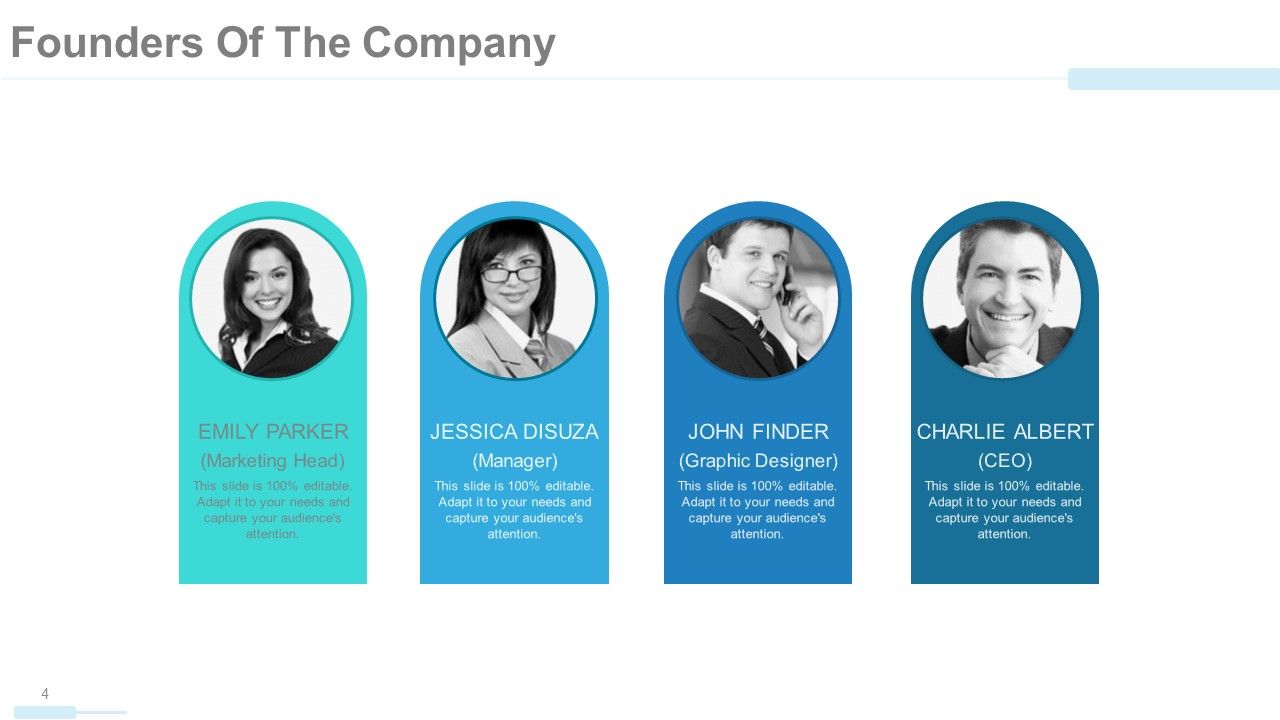
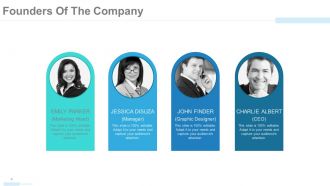
Folie 4 : Diese Folie zeigt die Gründer des Unternehmens mit Namen, Bezeichnung usw.
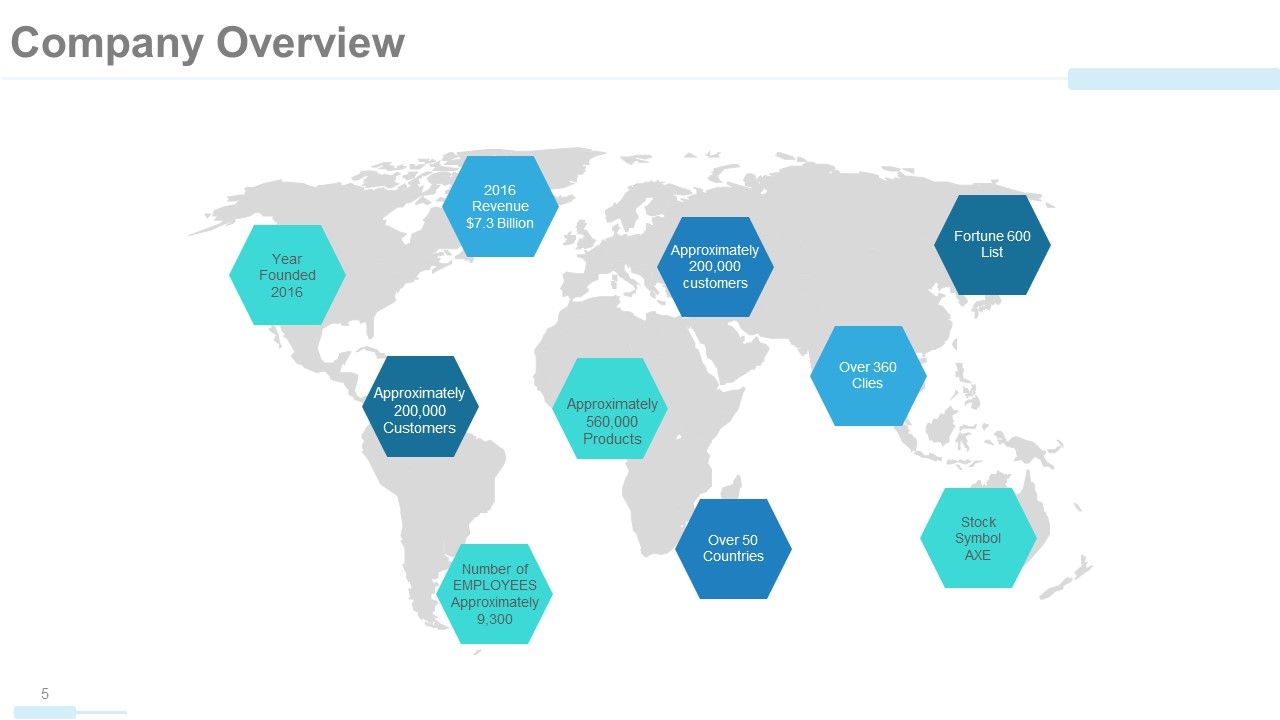
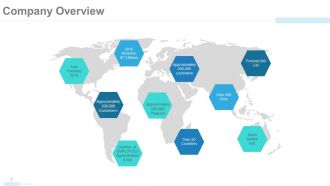
Folie 5 : Diese Folie zeigt die Unternehmensübersicht auf einem Weltkartenbild an. Sie können Inhalte nach Bedarf ändern/bearbeiten.
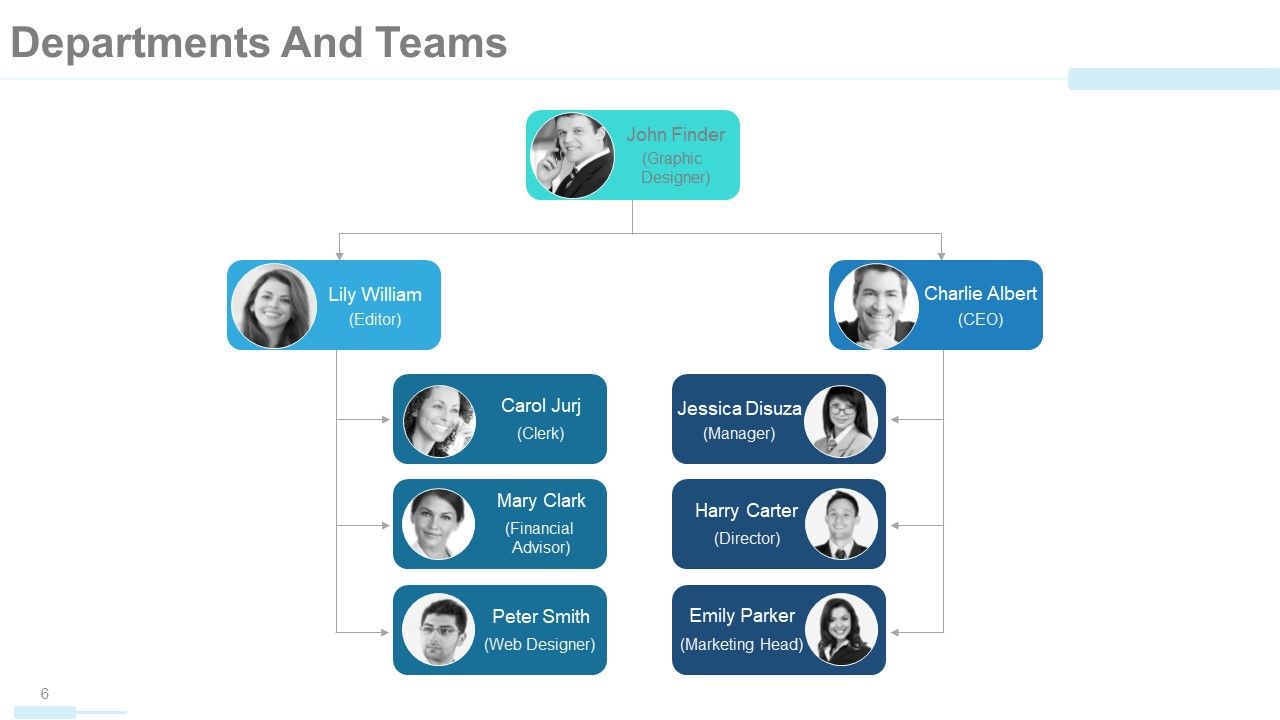
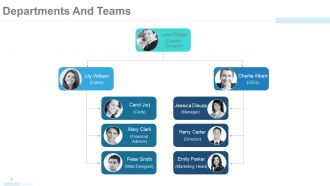
Folie 6 : Diese Folie zeigt Abteilungen und Teams mit Namen, Bezeichnung usw. in Form eines Baumdiagramms/Grafik an.
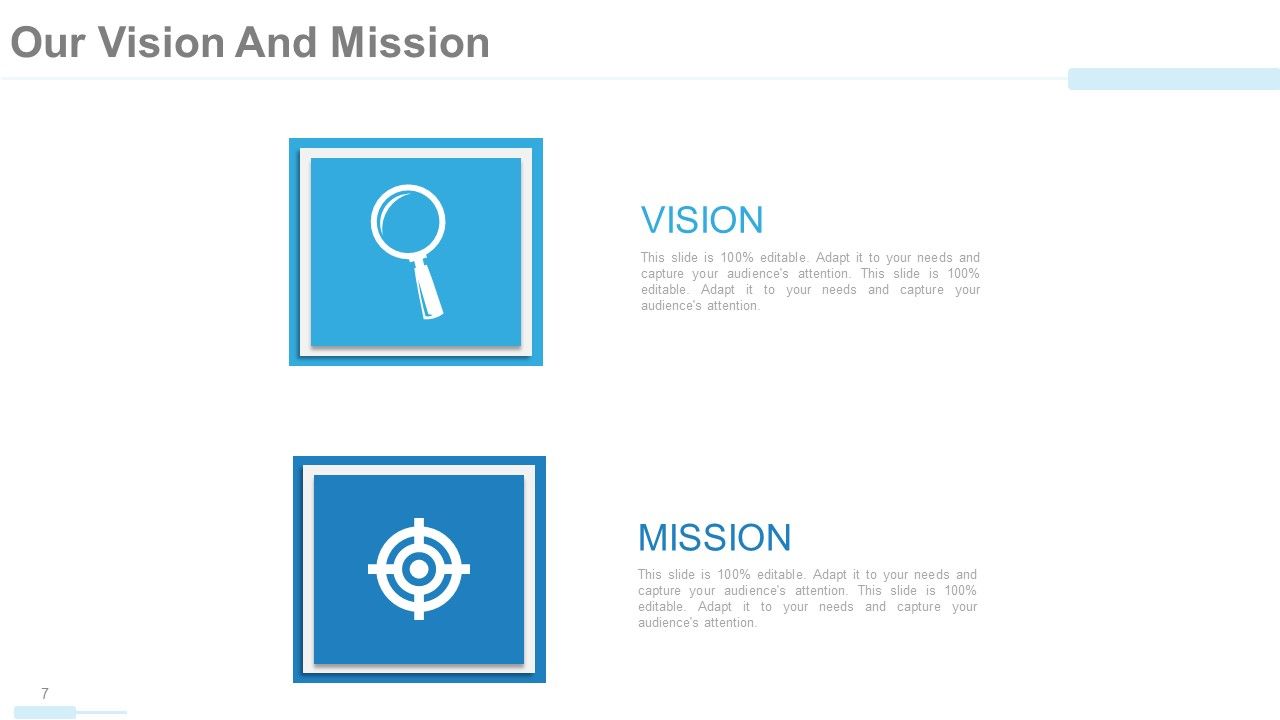
Folie 7 : Dies ist unsere Vision und Mission.
Folie 8 : Diese Folie enthält auch unsere Vision und Mission.
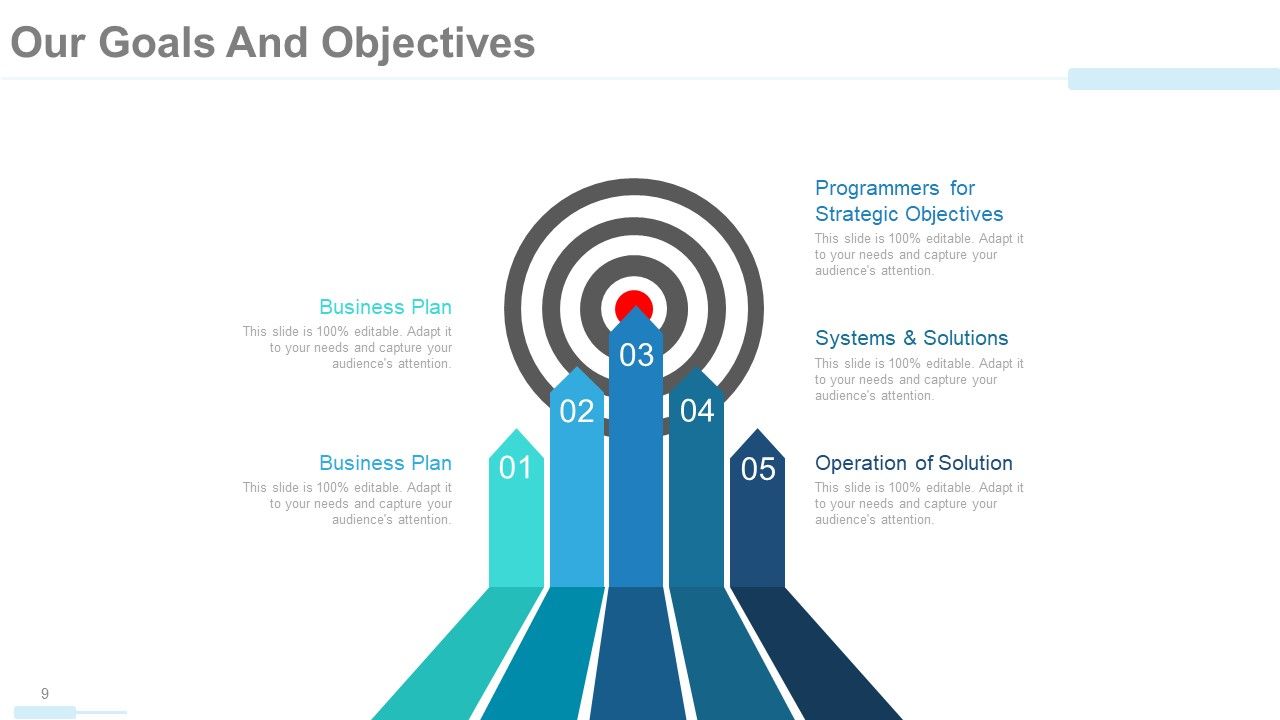
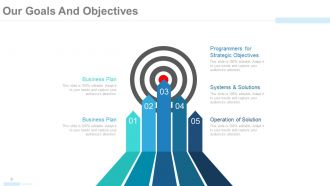
Folie 9 : Diese Folie enthält unsere Ziele und Ziele. Dazu gehören Programmierer für strategische Ziele, Systeme und Lösungen, Betrieb der Lösung, Geschäftsplan.
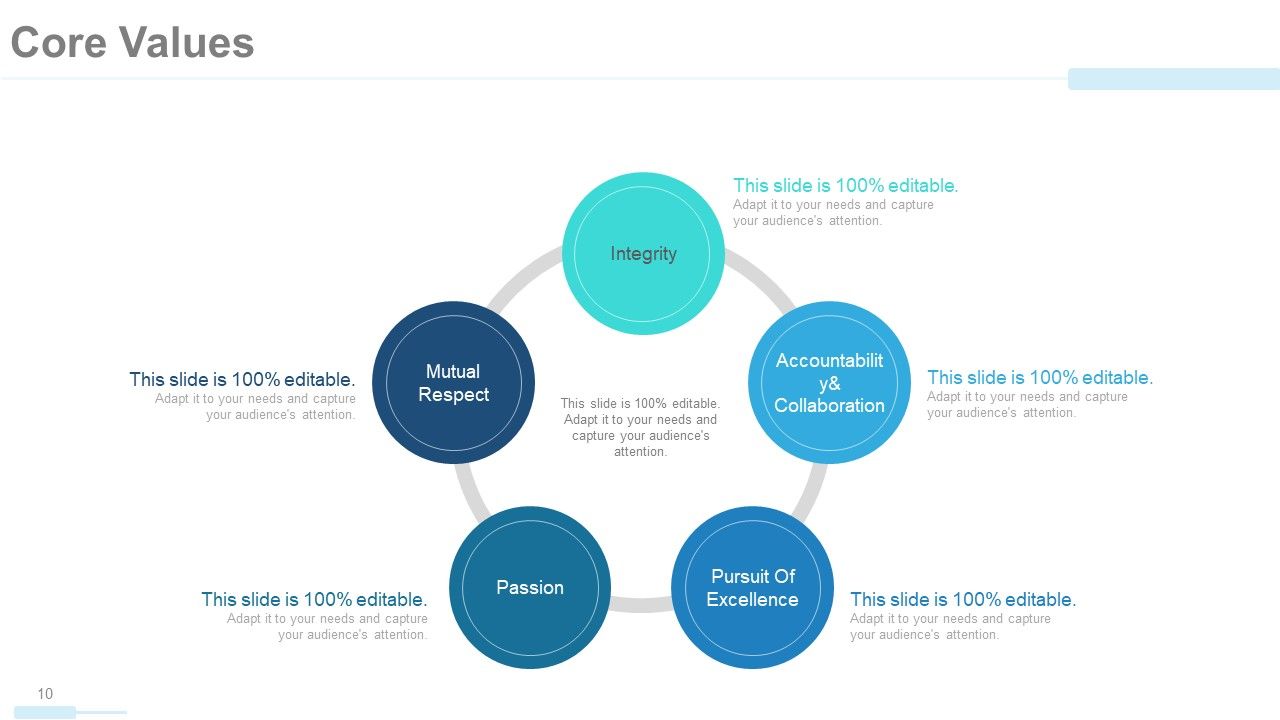
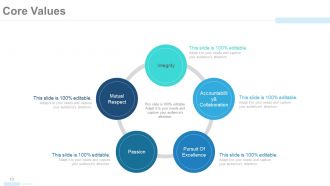
Folie 10 : Diese Folie zeigt die Kernwerte in einer kreisförmigen Bildform. Diese sind- Integrität, Verantwortlichkeit und Zusammenarbeit, Gegenseitigkeit, Respekt, Leidenschaft, Streben nach Exzellenz.
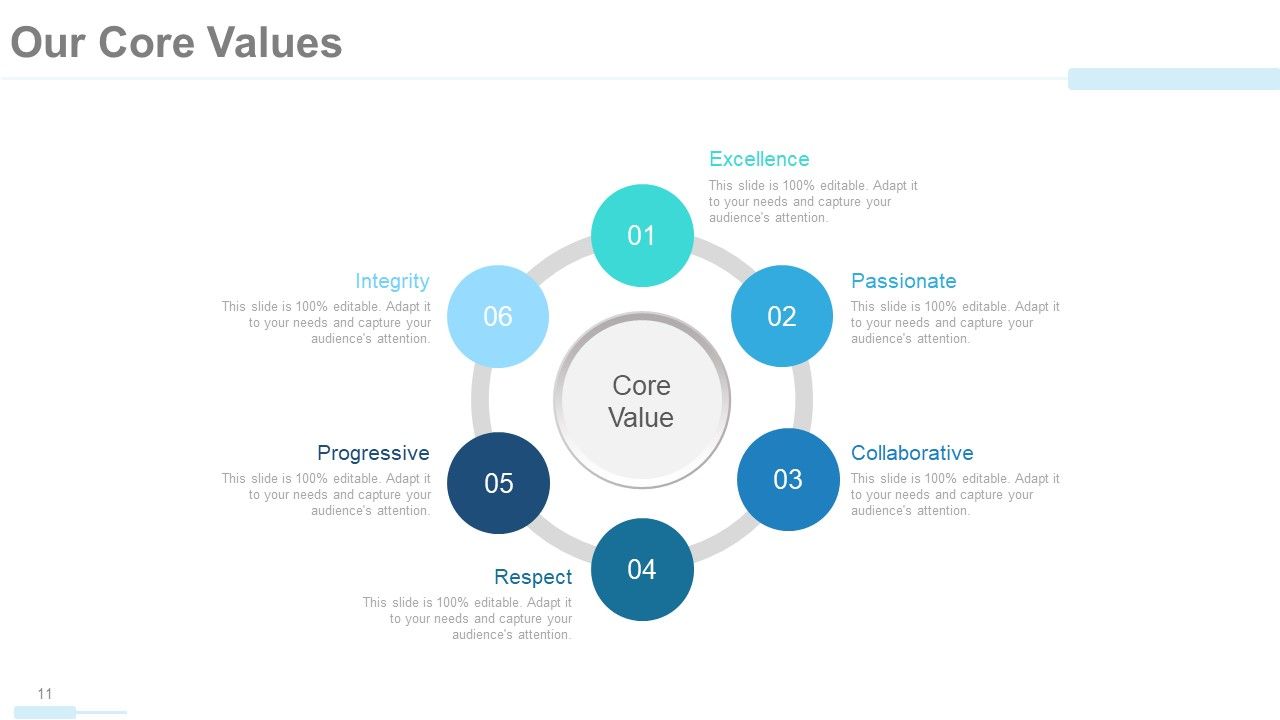
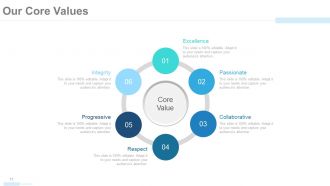
Folie 11 : Diese Folie zeigt unsere Grundwerte in einer kreisförmigen Bildform. Dazu gehören Exzellenz, Leidenschaftlich, Zusammenarbeit, Respekt, Fortschritt, Integrität.
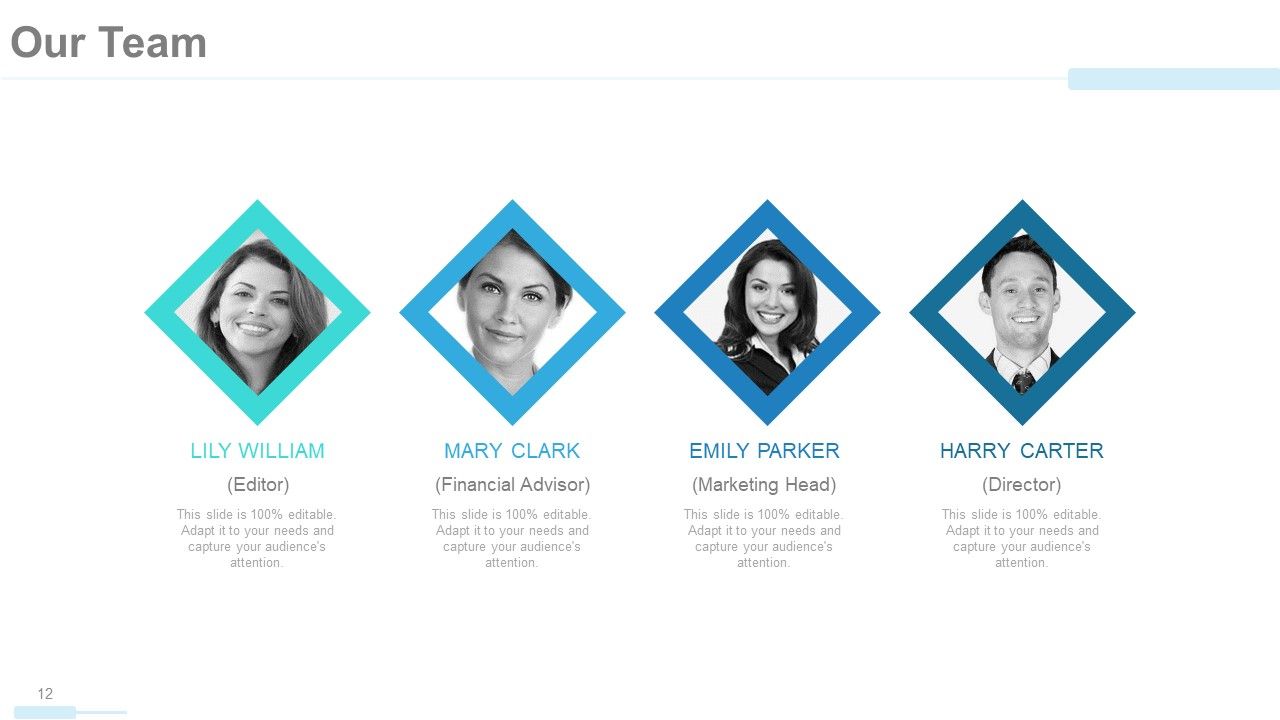
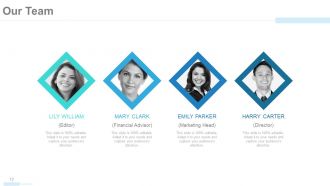
Folie 12 : Diese Folie zeigt unser Team mit Namen und Bildfeldern zum Ausfüllen von Informationen.
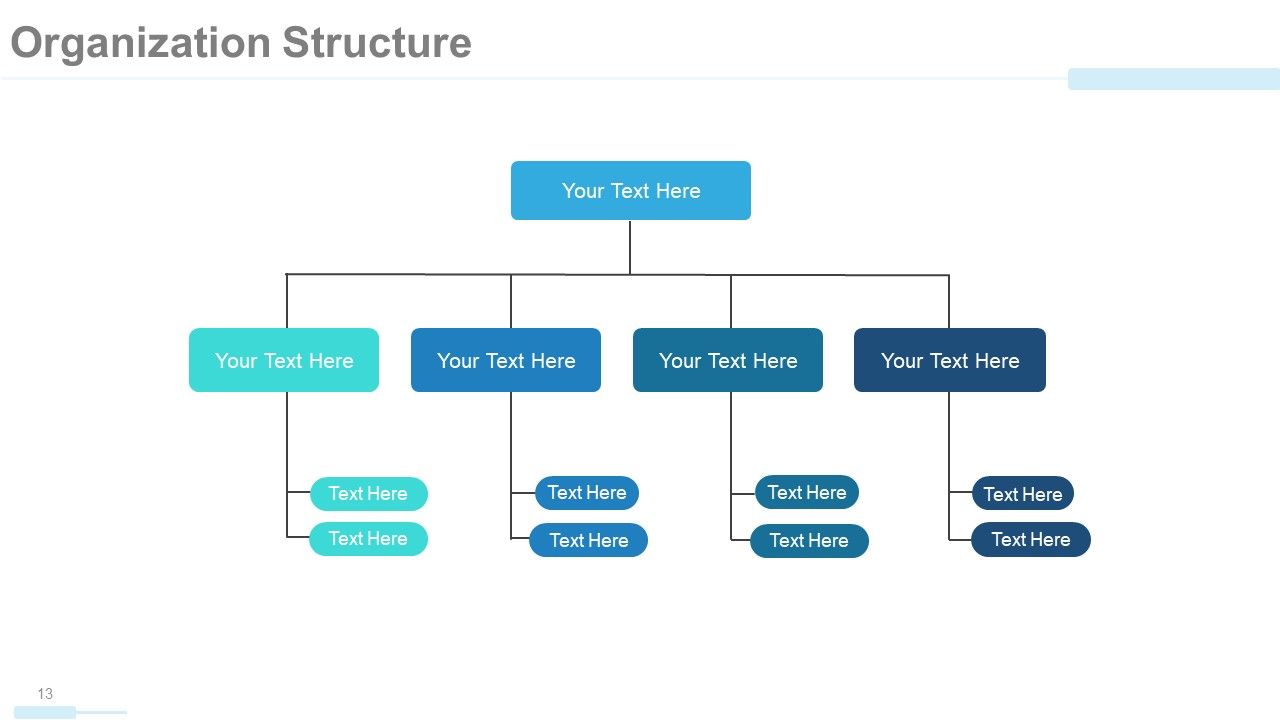
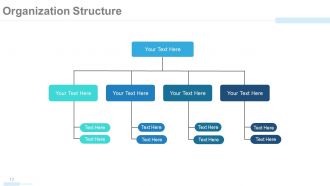
Folie 13 : Diese Folie zeigt die Organisationsstruktur des Unternehmens in Form eines Baumdiagramms.
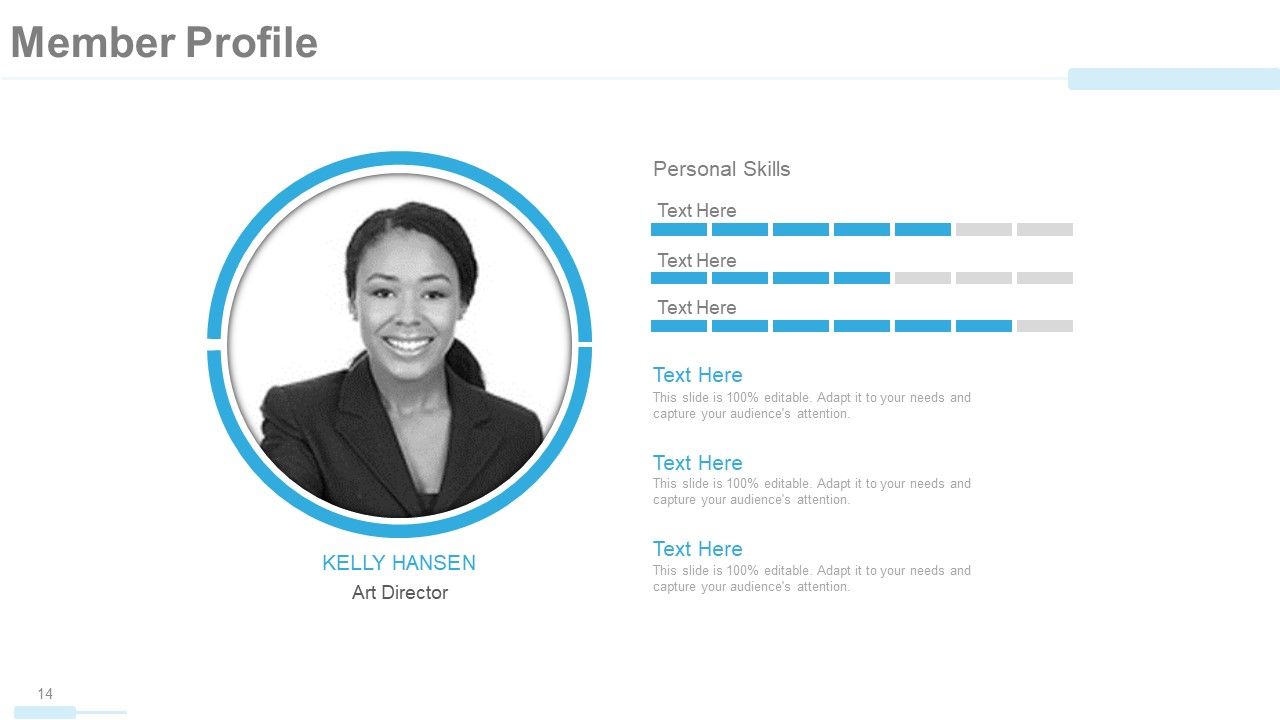
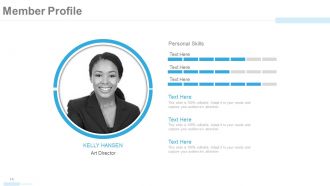
Folie 14 : Diese Folie zeigt das Mitgliedsprofil mit Namen und anderen relevanten Details an.
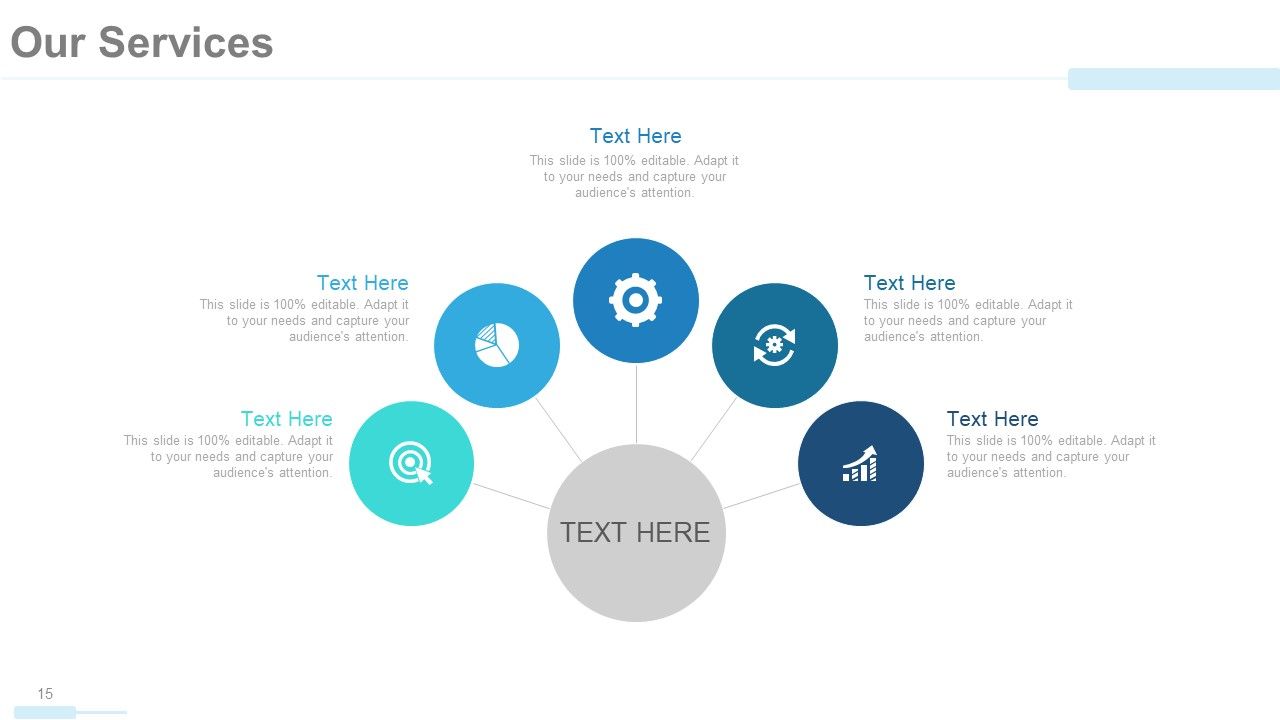
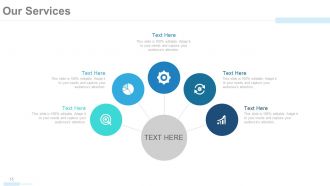
Folie 15 : Diese Folie präsentiert unsere Dienstleistungen mit entsprechenden Bildern.
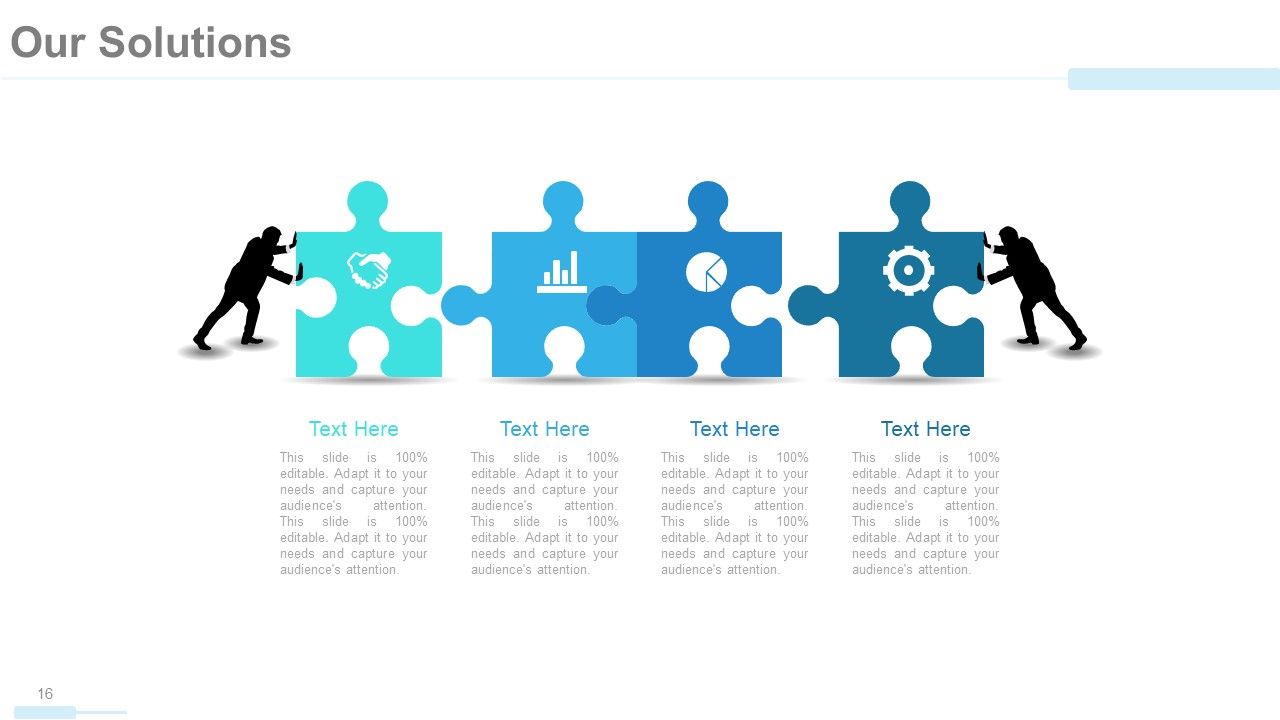
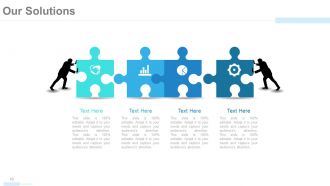
Folie 16 : Diese Folie präsentiert unsere Lösungen mit Puzzle und menschlichen Bildern.
Folie 17 : Dies ist eine weitere Folie, die unsere Lösungen mit ihren jeweiligen Symbolen zeigt.
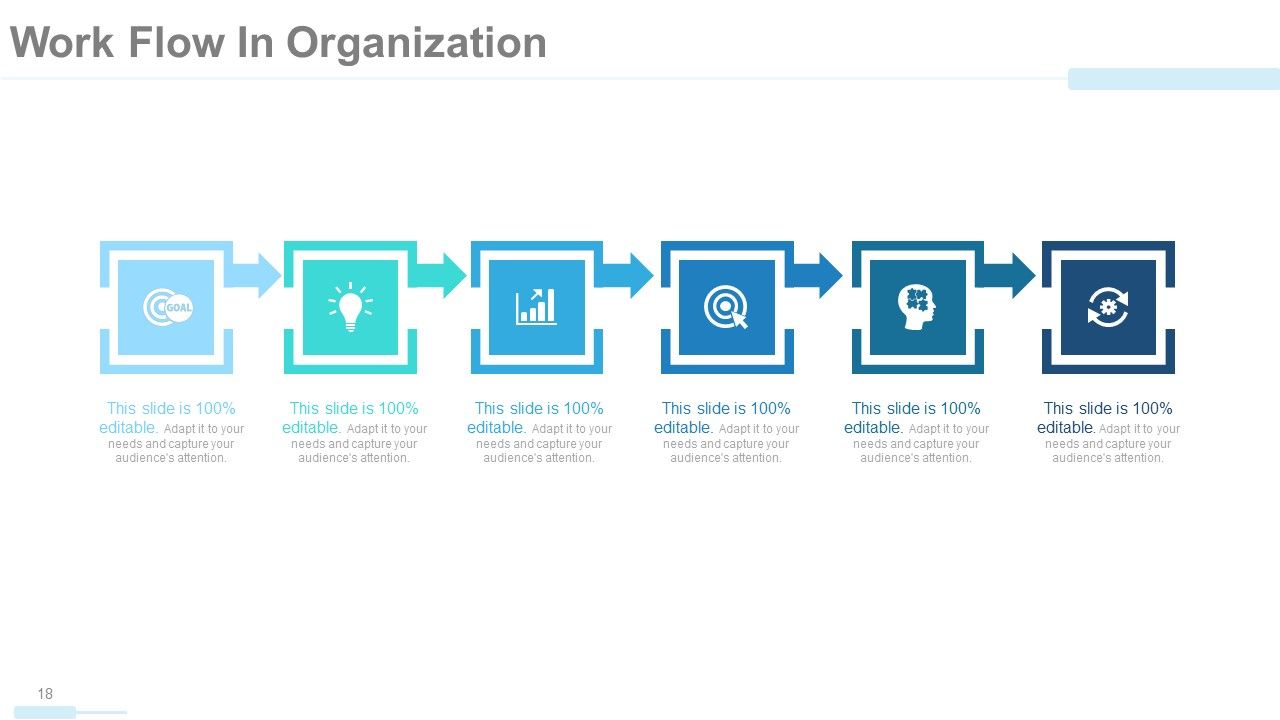
Folie 18 : Dies ist die Folie „Workflow in Organization“ mit Symbolen.
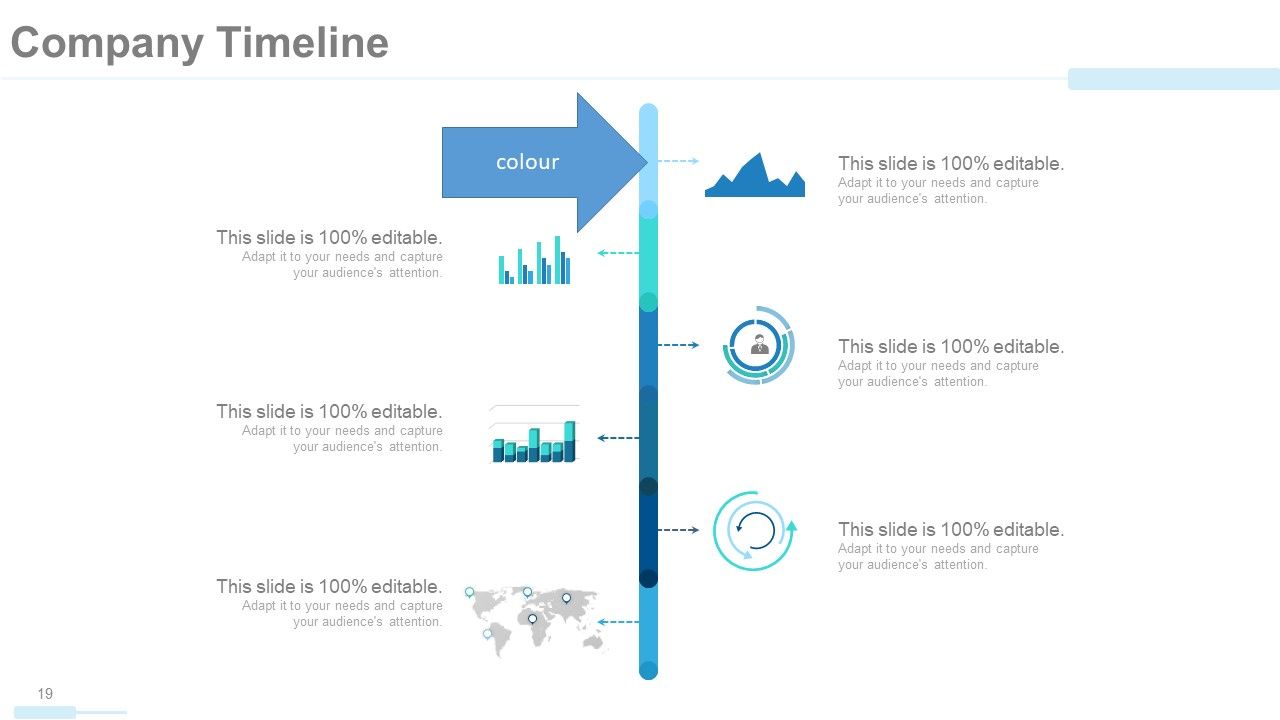
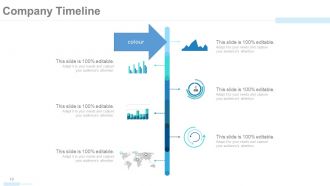
Folie 19 : Diese Folie präsentiert die Unternehmenszeitleiste, um Wachstum, Meilensteine usw. darzustellen.
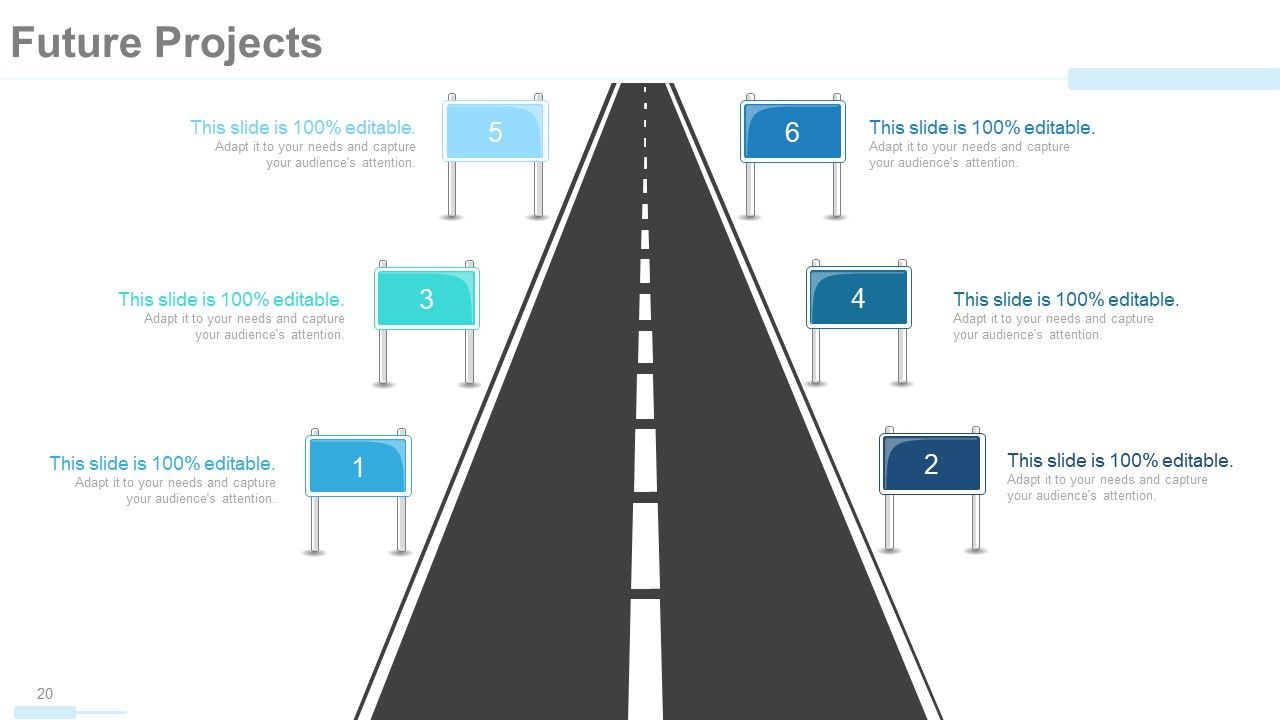
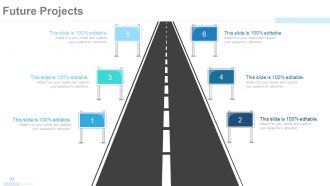
Folie 20 : Diese Folie präsentiert Zukunftsprojekte des Unternehmens mit Roadmap und Textfeldern.
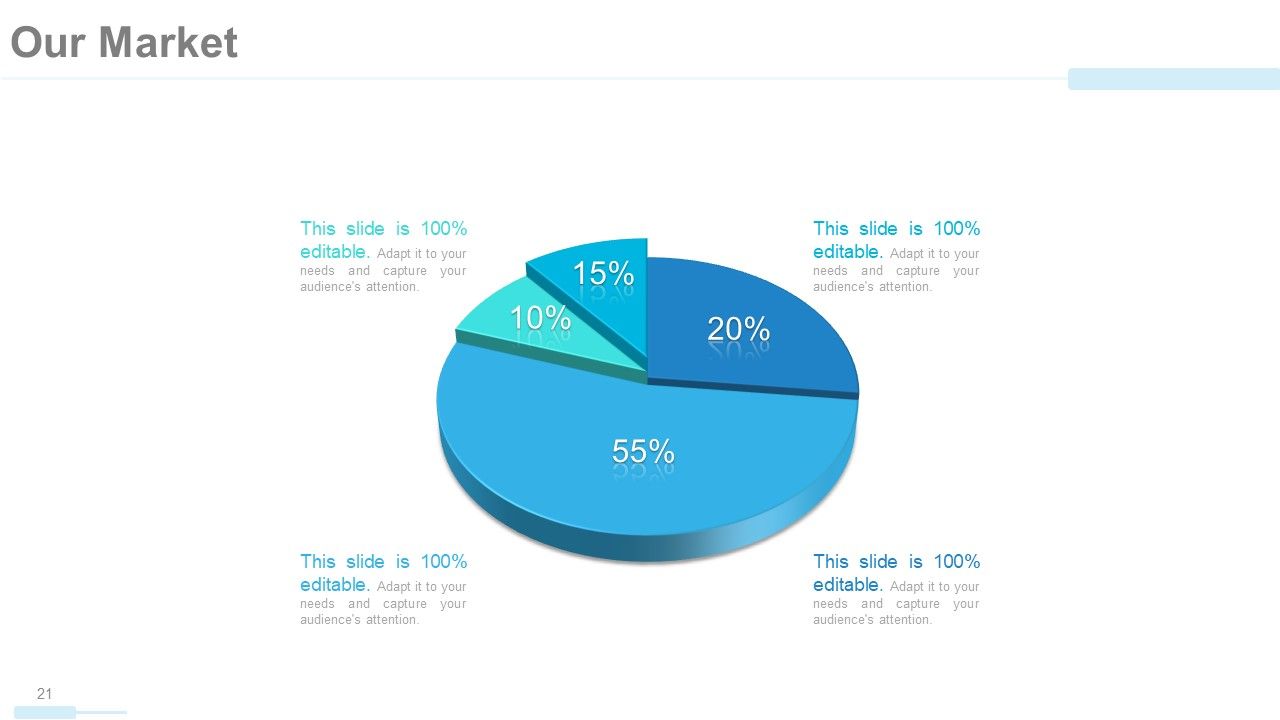
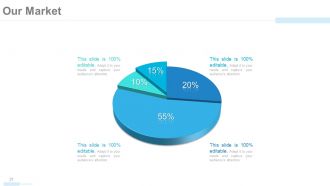
Folie 21 : Dies ist unsere Marktfolie in Form eines Kreisdiagramms.
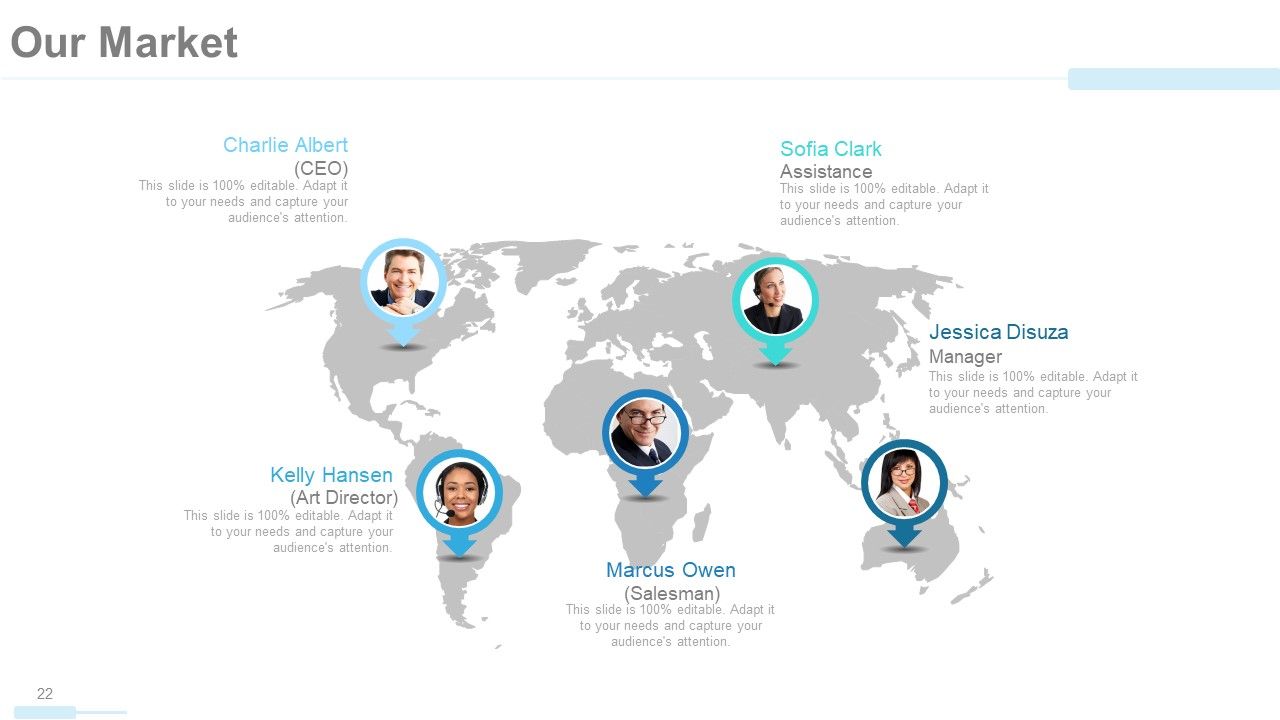
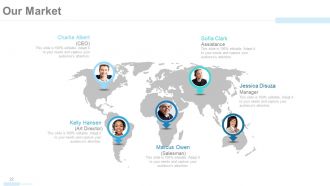
Folie 22 : Diese Folie präsentiert auch Unseren Markt mit Namen, Bezeichnung usw. auf einem Weltkartenbild.
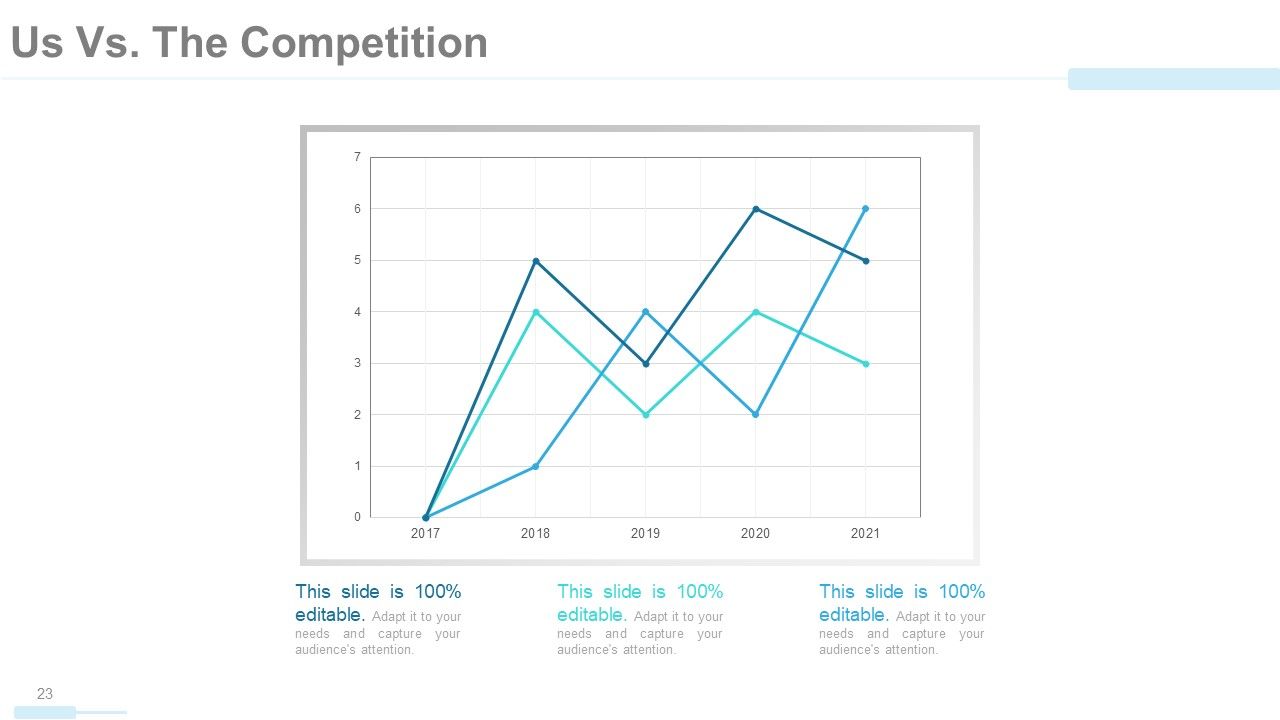
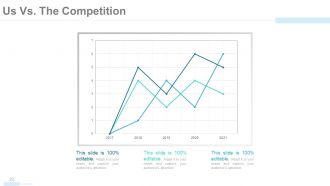
Folie 23 : Das sind wir vs. Die Wettbewerbsfolie in einem Liniendiagramm/Diagramm zum Vergleich zwischen Waren/Entitäten usw.
Folie 24 : Diese Folie zeigt auch Us Vs. Der Wettbewerb in Menschensilhouetten.
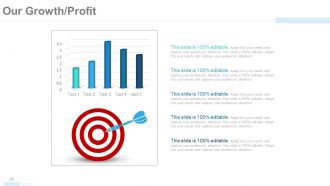
Folie 25 : Diese Folie zeigt unser Wachstum/Gewinn in Diagrammen und Grafiken und Zielbildern.
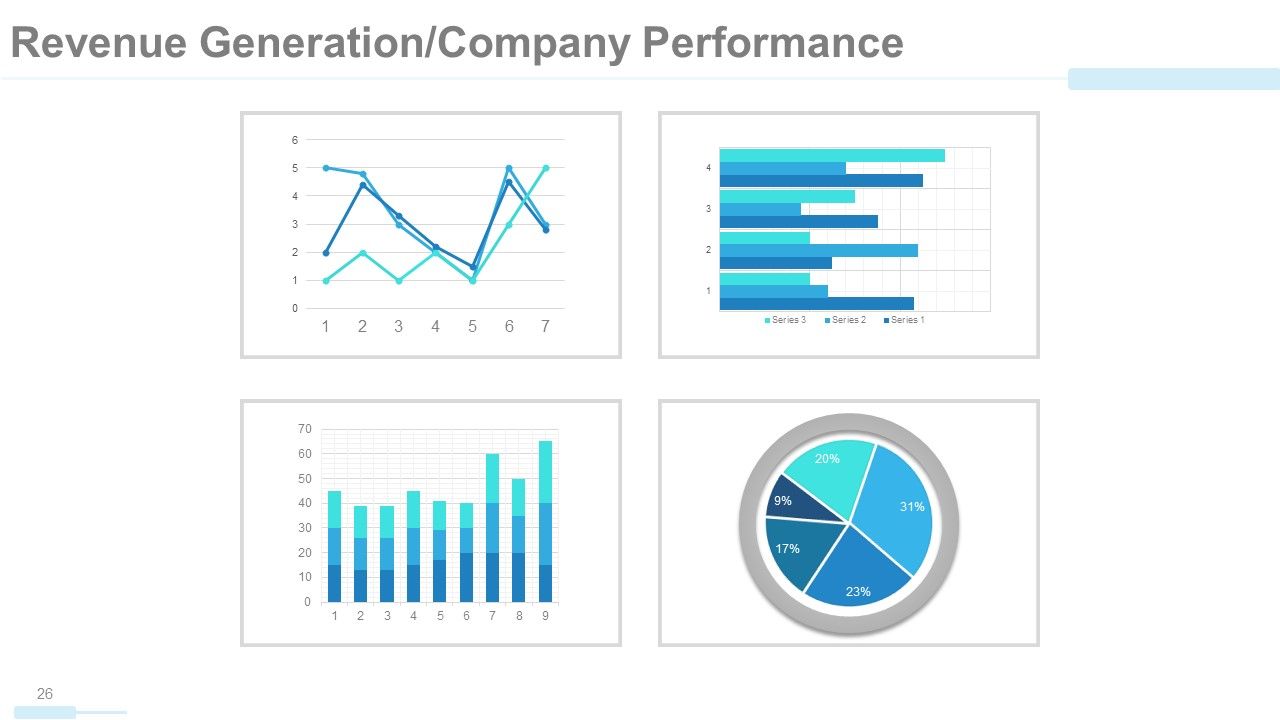
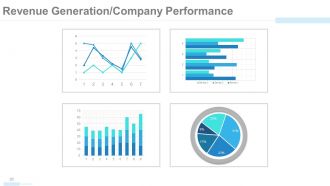
Folie 26 : Diese Folie zeigt die Umsatzgenerierung/Unternehmensleistung in Diagrammen und Grafiken.
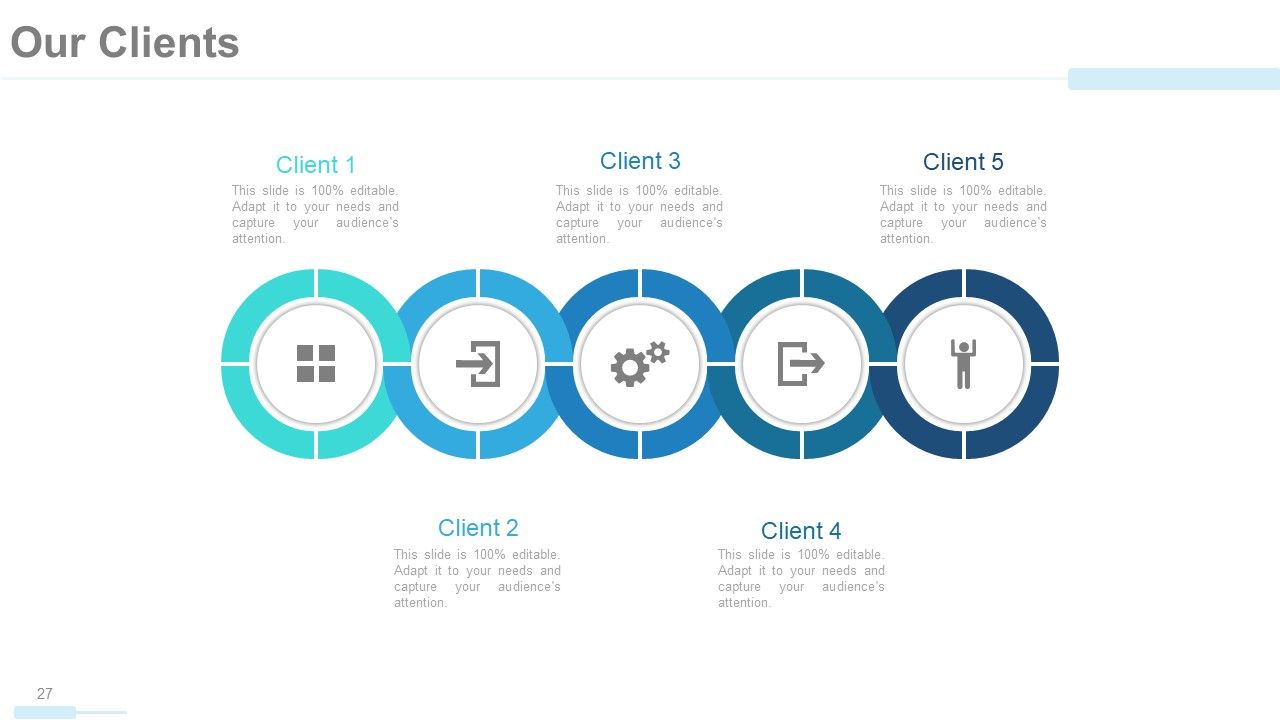
Folie 27 : Diese Folie präsentiert unsere Kunden in einer kreisförmigen Bildform und passenden Symbolen.
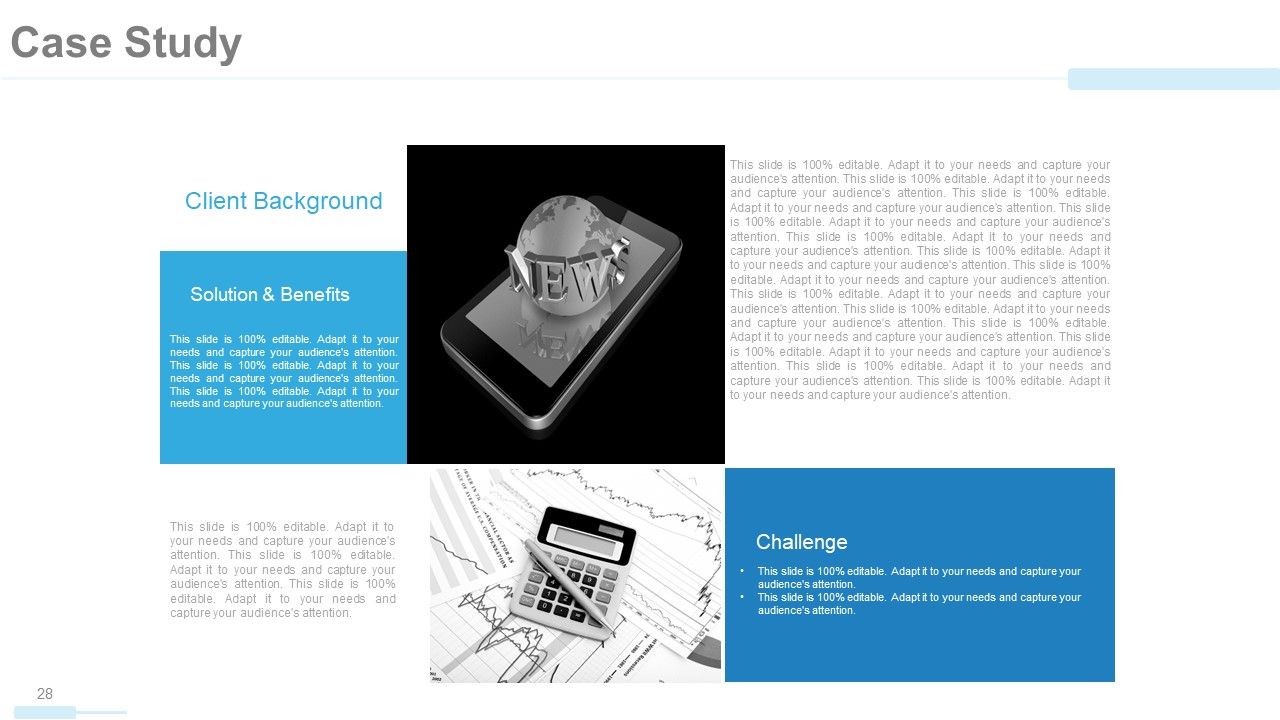
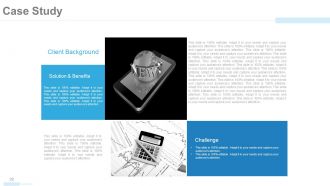
Folie 28 : Dies ist eine Fallstudienfolie zur Präsentation des Kundenhintergrunds. Es enthält auch Lösung und Nutzen und Herausforderungen.
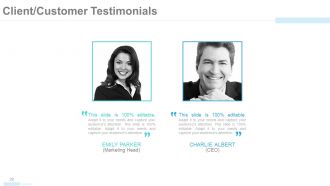
Folie 29 : Diese Folie präsentiert Kunden-/Kundenreferenzen mit Namen, Bild und Textfeldern.
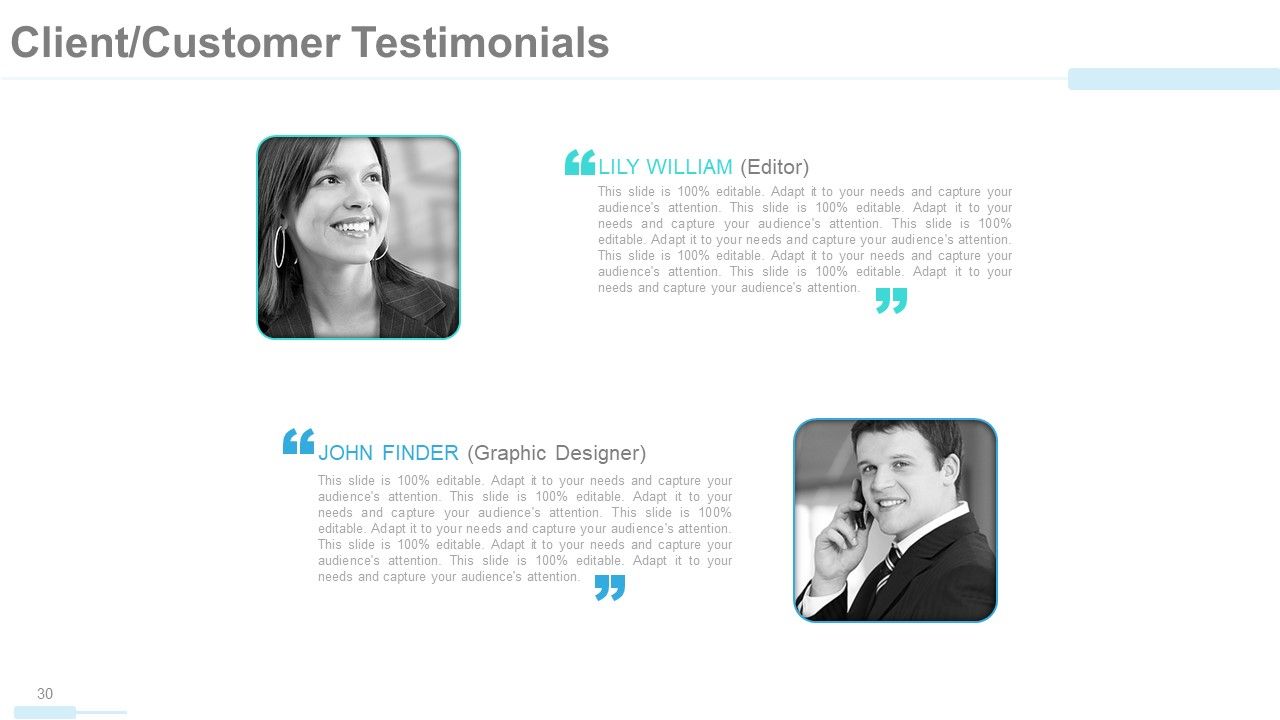
Folie 30 : Dies ist eine weitere Folie mit Kunden-/Kundenstimmen.
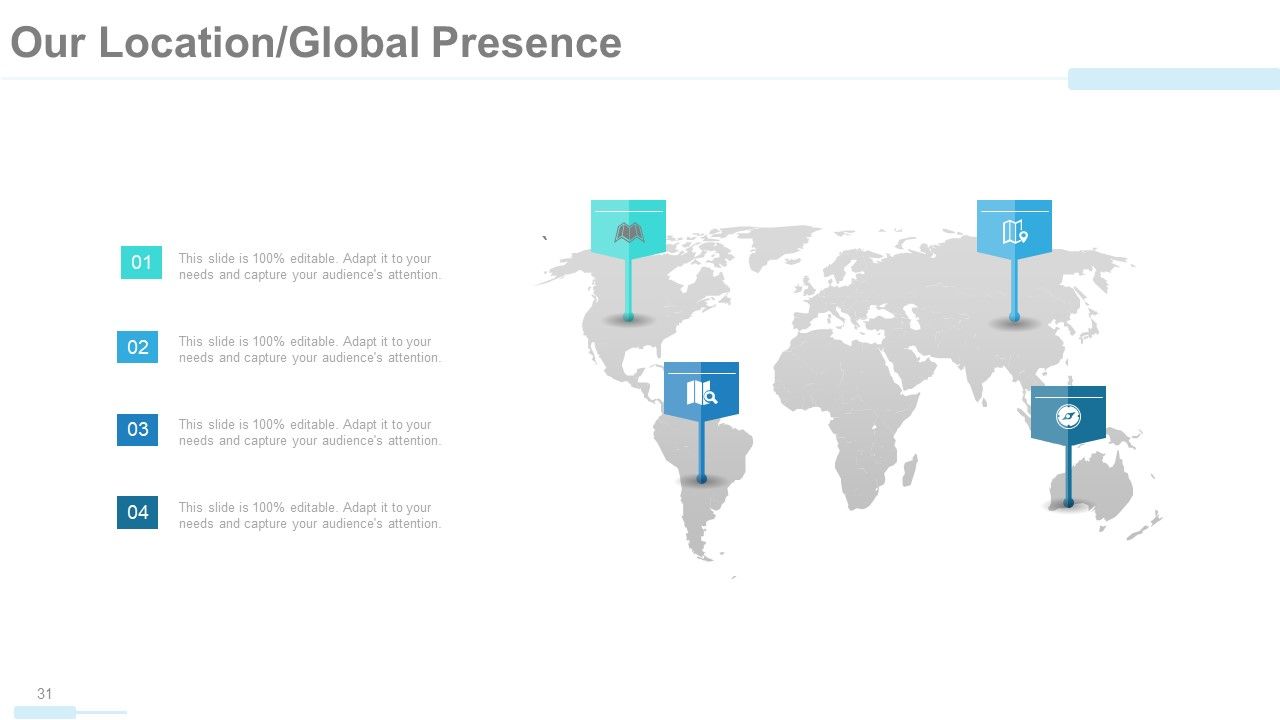
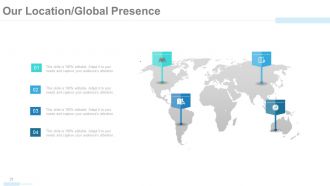
Folie 31 : Diese Folie zeigt unseren Standort/globale Präsenz auf einem Weltkarten-Bildformular an.
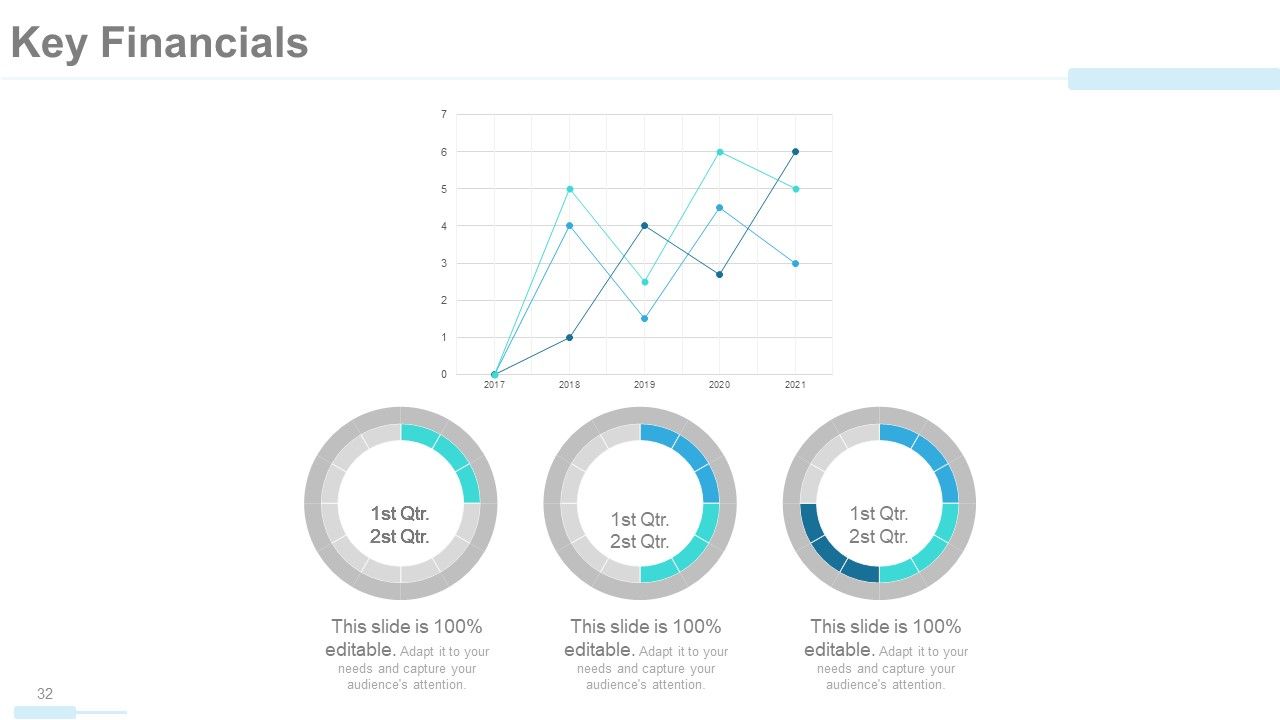
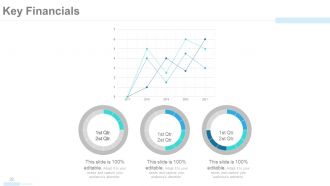
Folie 32 : Diese Folie zeigt wichtige Finanzwerte, Aspekte usw. in Diagrammen und Grafiken an.
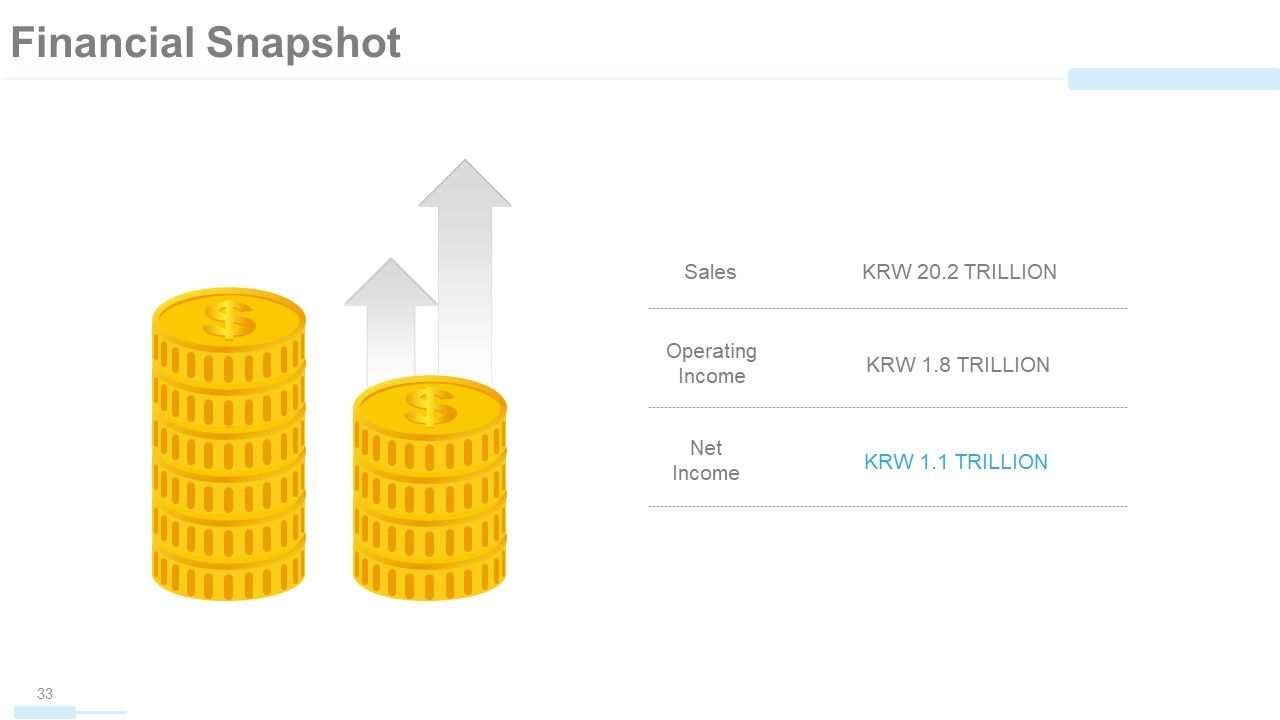
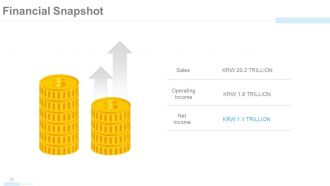
Folie 33 : Diese Folie zeigt eine finanzielle Momentaufnahme von Umsatz, Betriebsgewinn und Nettoeinkommen mit relevanten Bildern.
Folie 34 : Dies ist die Folie „Finde uns in sozialen Medien“ mit den entsprechenden Symbolen.
Folie 35 : Dies ist die Folie „Kontaktieren Sie uns“. Geben Sie hier Ihre Daten etc. an.
Folie 36 : Diese Folie geht weiter zu weiteren Folien. Sie können Inhalte nach Bedarf ändern/bearbeiten.
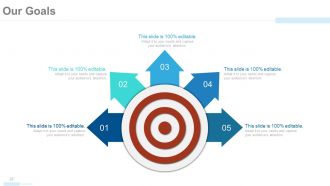
Folie 37 : Diese Folie zeigt Unsere Ziele mit Pfeil- und Zielbildern. Geben Sie hier Ihre Ziele, Wünsche etc. an.
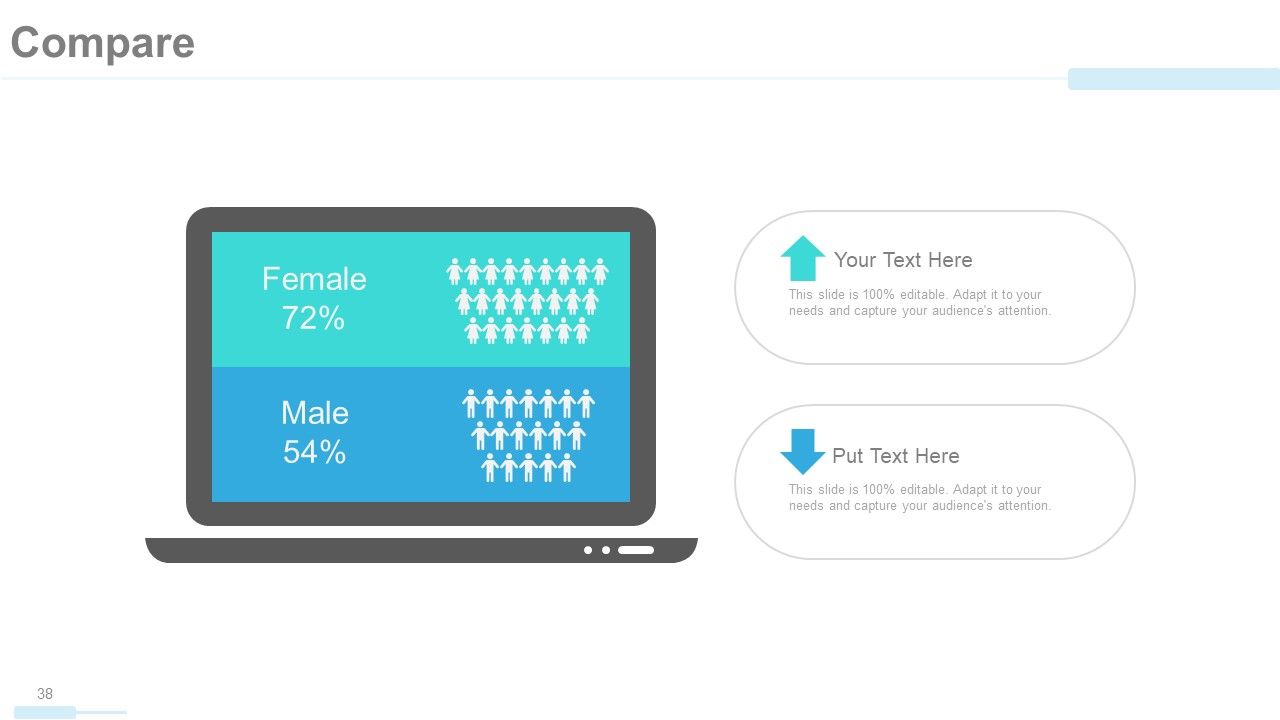
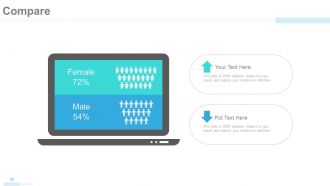
Folie 38 : Diese Folie trägt den Titel Vergleich, um einen Vergleich zwischen Entitäten/Produkten usw.
Folie 39 : Dies ist eine Zitate-Folie, um Botschaften, Überzeugungen usw. zu vermitteln. Sie können den Inhalt nach Bedarf ändern / bearbeiten.
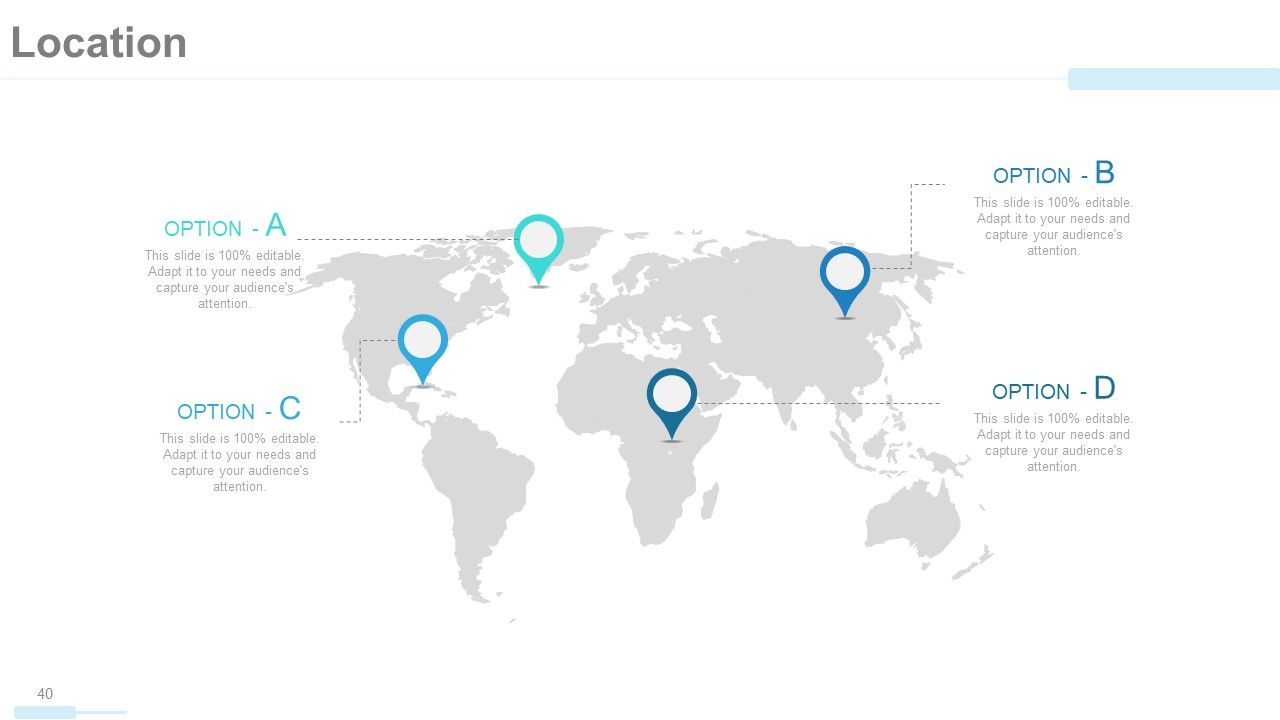
Folie 40 : Dies ist eine Standortfolie auf einem Weltkartenbild, um das globale Wachstum, die Präsenz usw.
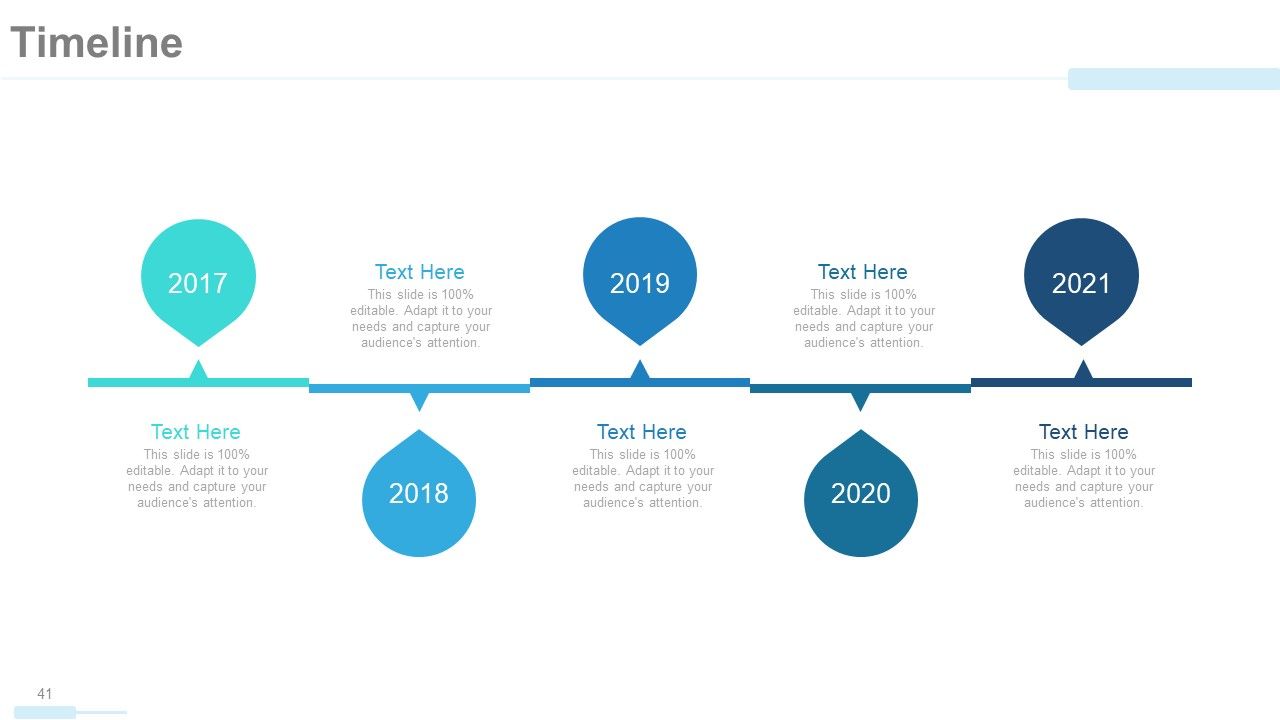
Folie 41 : Diese Folie präsentiert eine Zeitleiste, um Wachstum, Meilensteine usw.
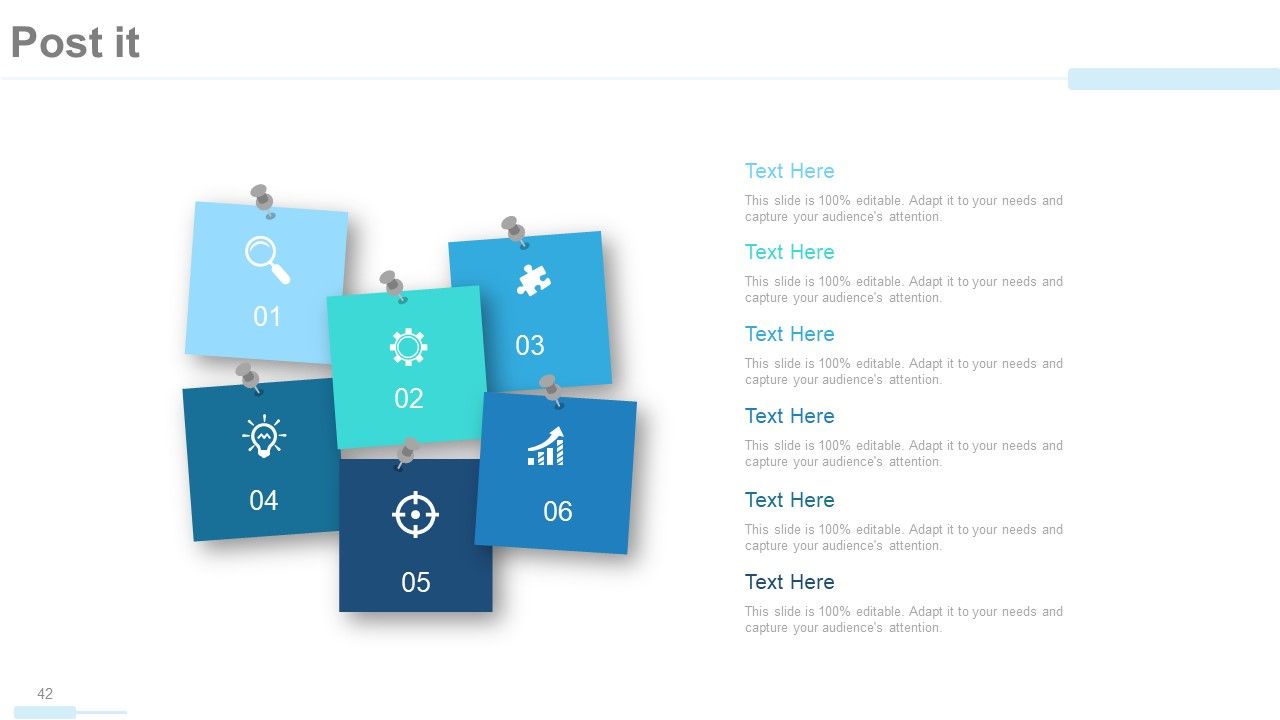
Folie 42 : Dies ist eine Post-it-Folie, um Erinnerungen, Ereignisse usw.
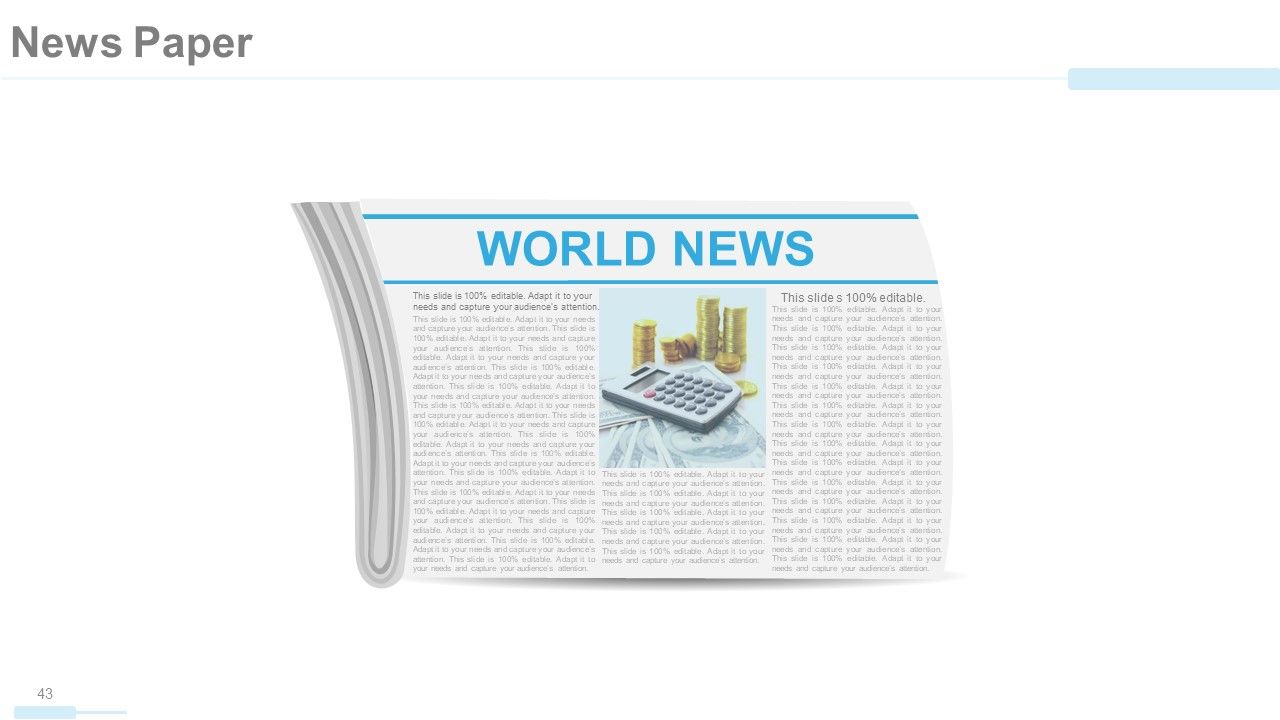
Folie 43 : Dies ist eine Zeitungsfolie zum Anzeigen von Nachrichten, Ereignissen usw. Sie können den Folieninhalt nach Bedarf ändern.
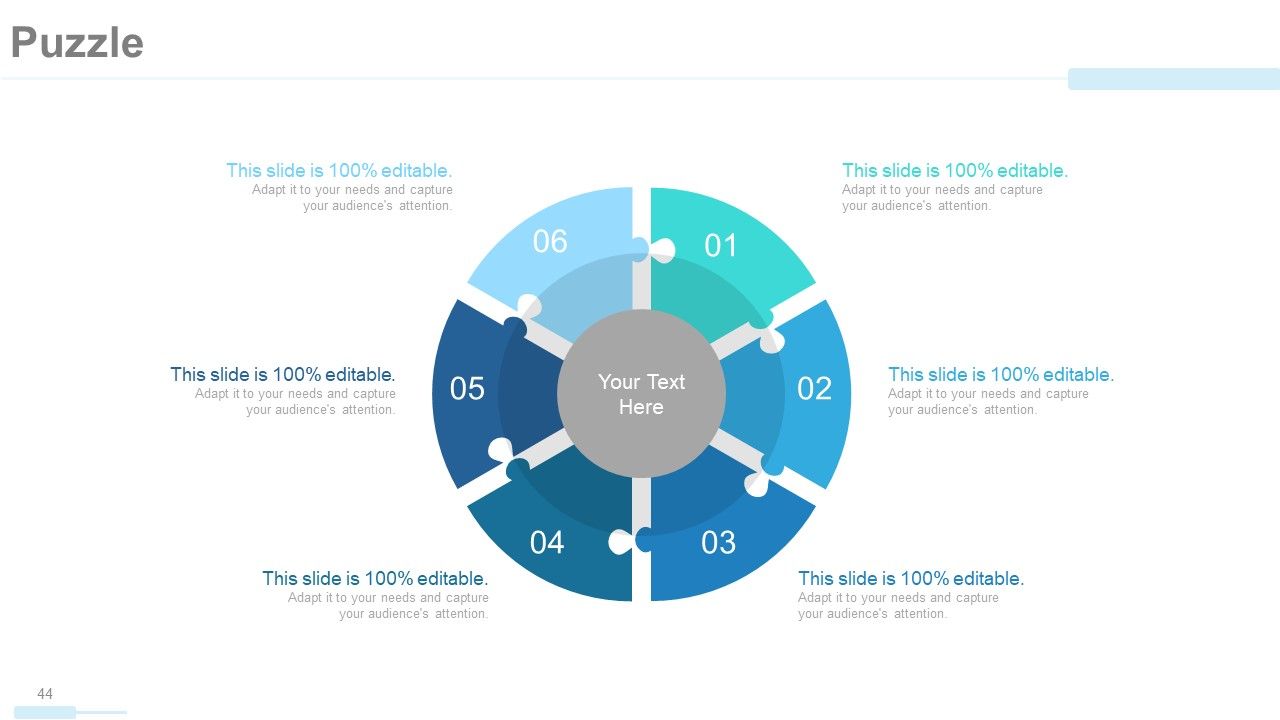
Folie 44 : Dies ist eine Puzzle-Bildfolie, um Informationen, Spezifikationen usw. anzuzeigen.
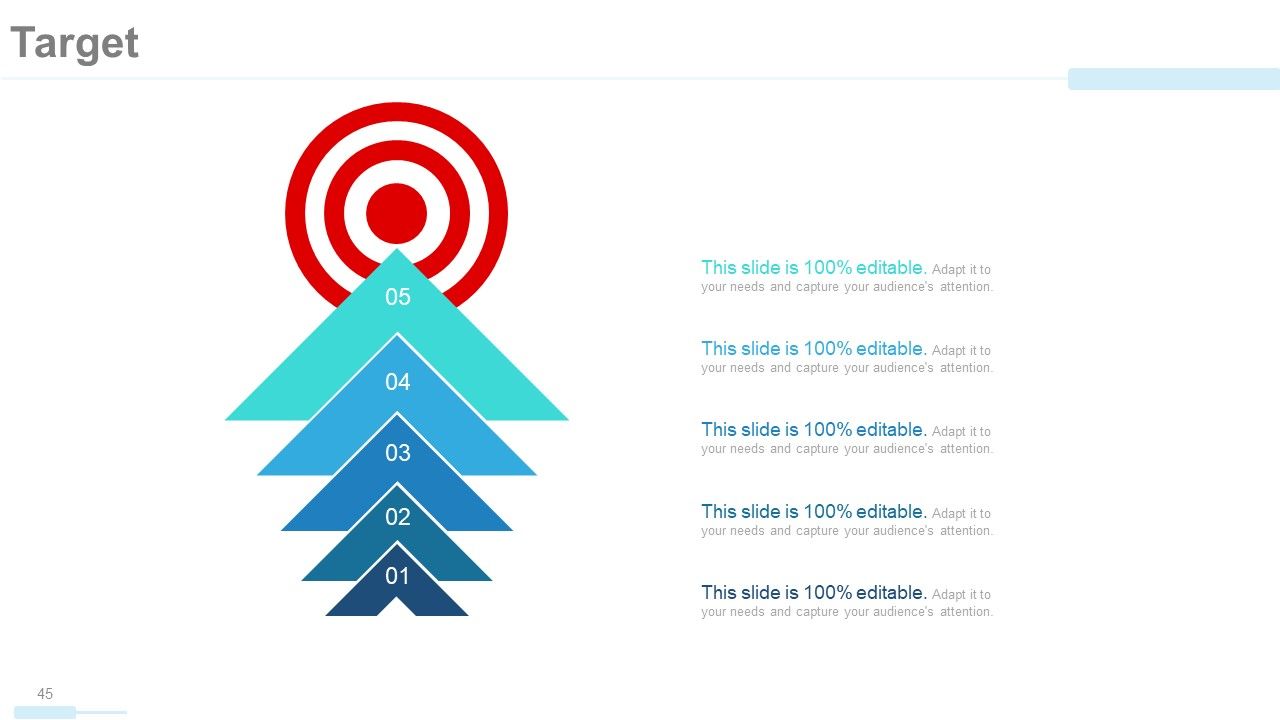
Folie 45 : Dies ist eine Zielfolie mit Pfeil- und Zielbildern. Geben Sie hier Ihre Ziele etc. an.
Folie 46 : Diese Folie präsentiert Finanzwerte in einem Kombinationsdiagramm/Garph.
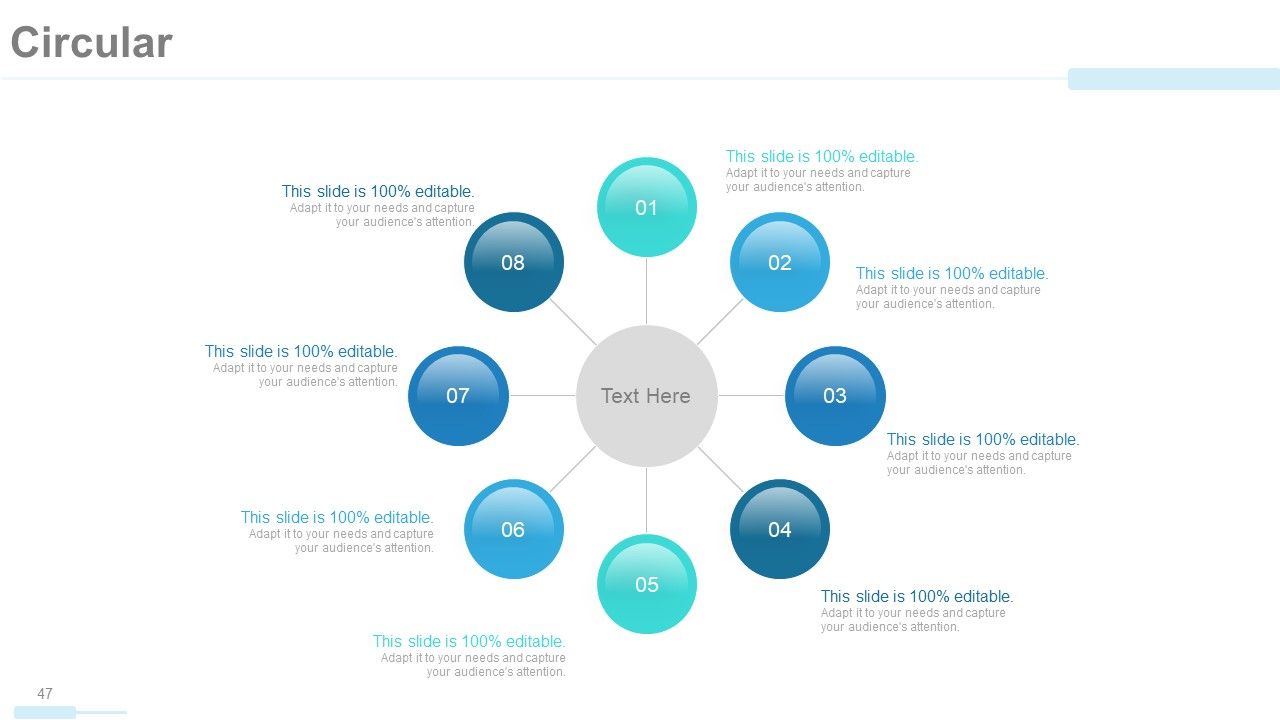
Folie 47 : Dies ist eine kreisförmige Bildfolie zur Anzeige von Informationen, Spezifikationen usw.
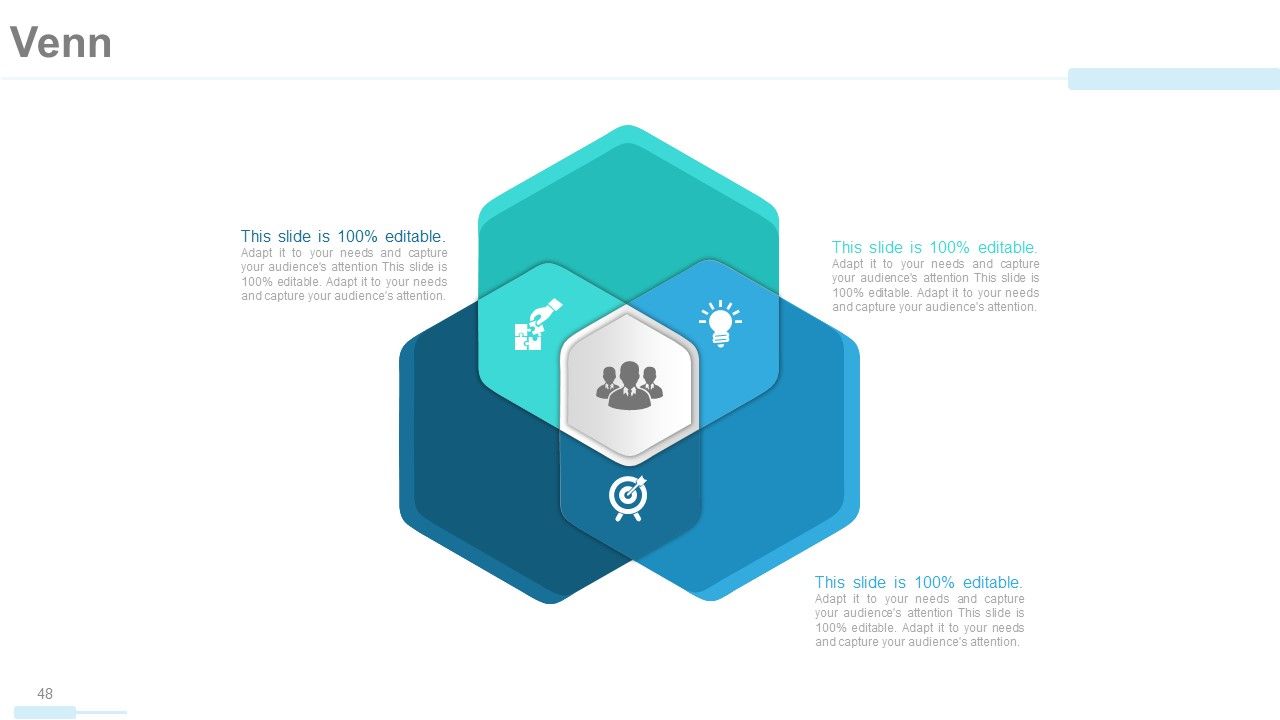
Folie 48 : Dies ist eine Venn-Diagramm-Bildfolie zur Angabe von Informationen, Spezifikationen usw.
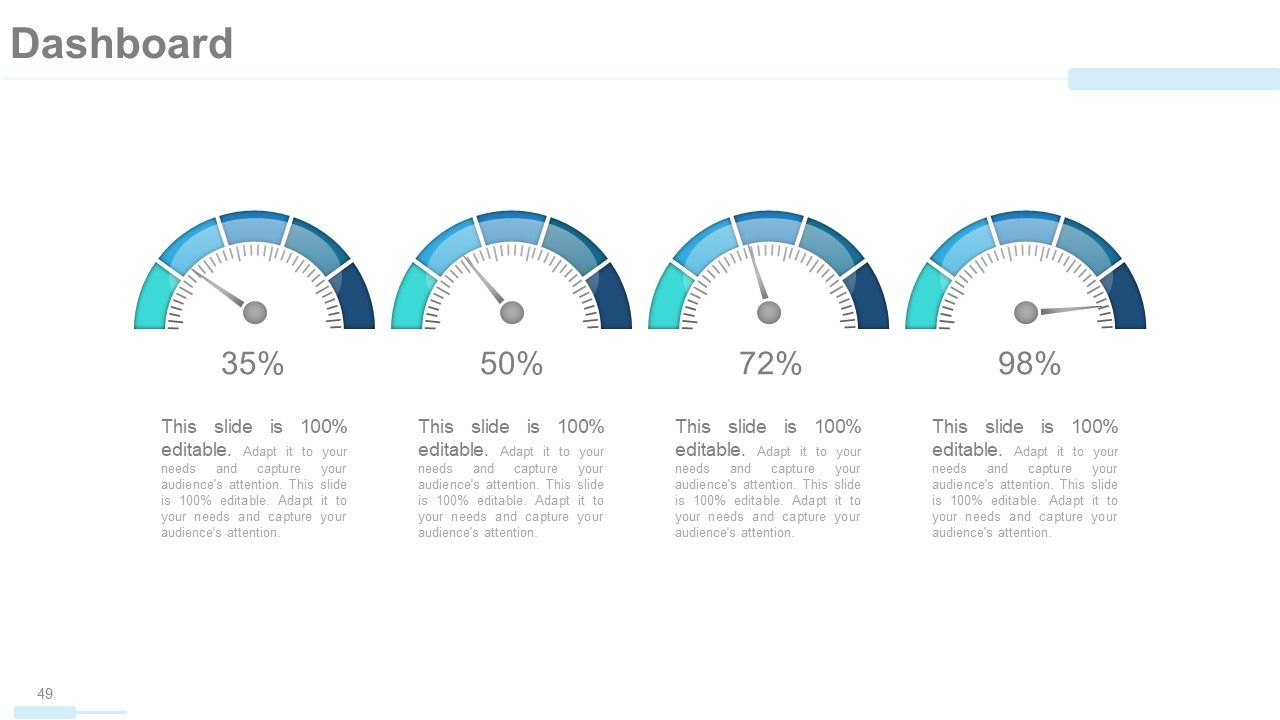
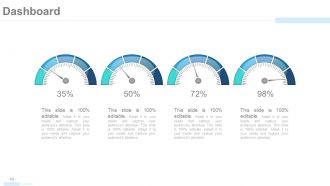
Folie 49 : Diese Folie zeigt ein Dashboard mit metrischen Bildern an. Hier können Sie Kpis, Metriken etc. präsentieren.
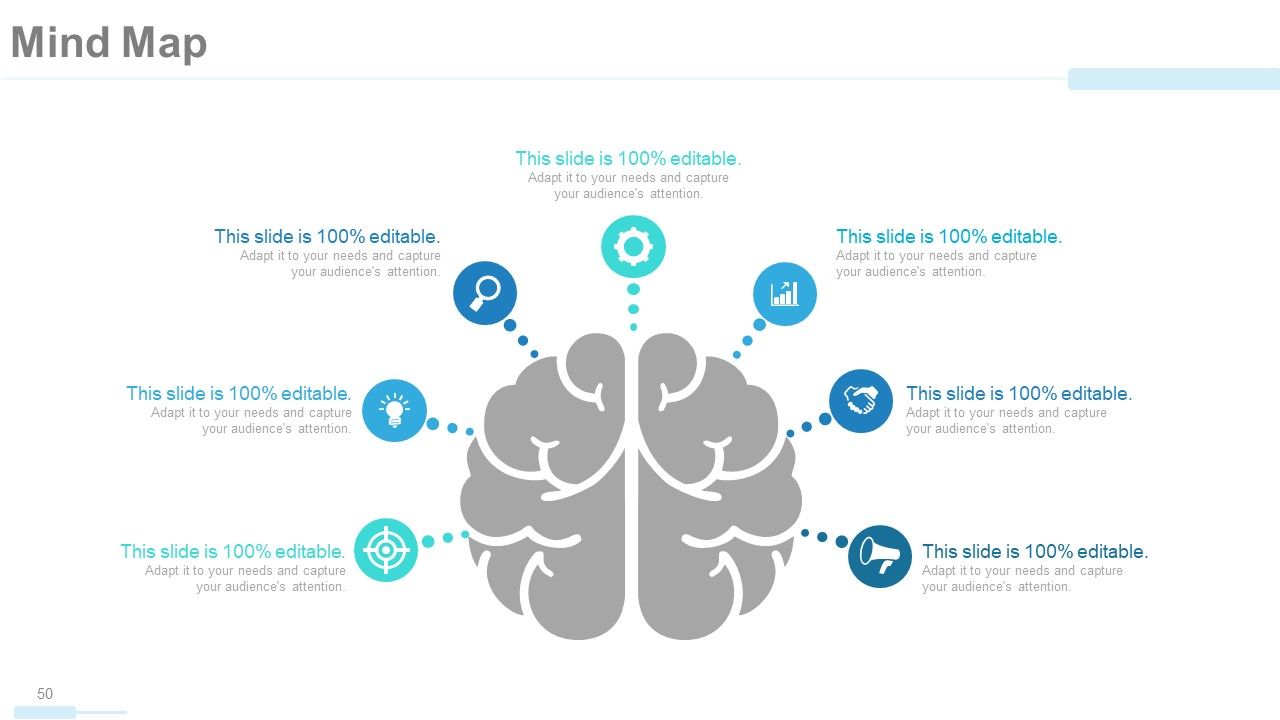
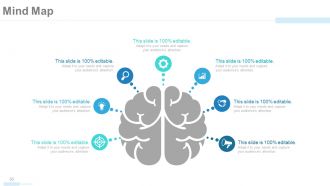
Folie 50 : Dies ist eine Mind Map-Folie, um Verhaltenssegmentierung, Informationen oder etwas Spezifisches zu zeigen.
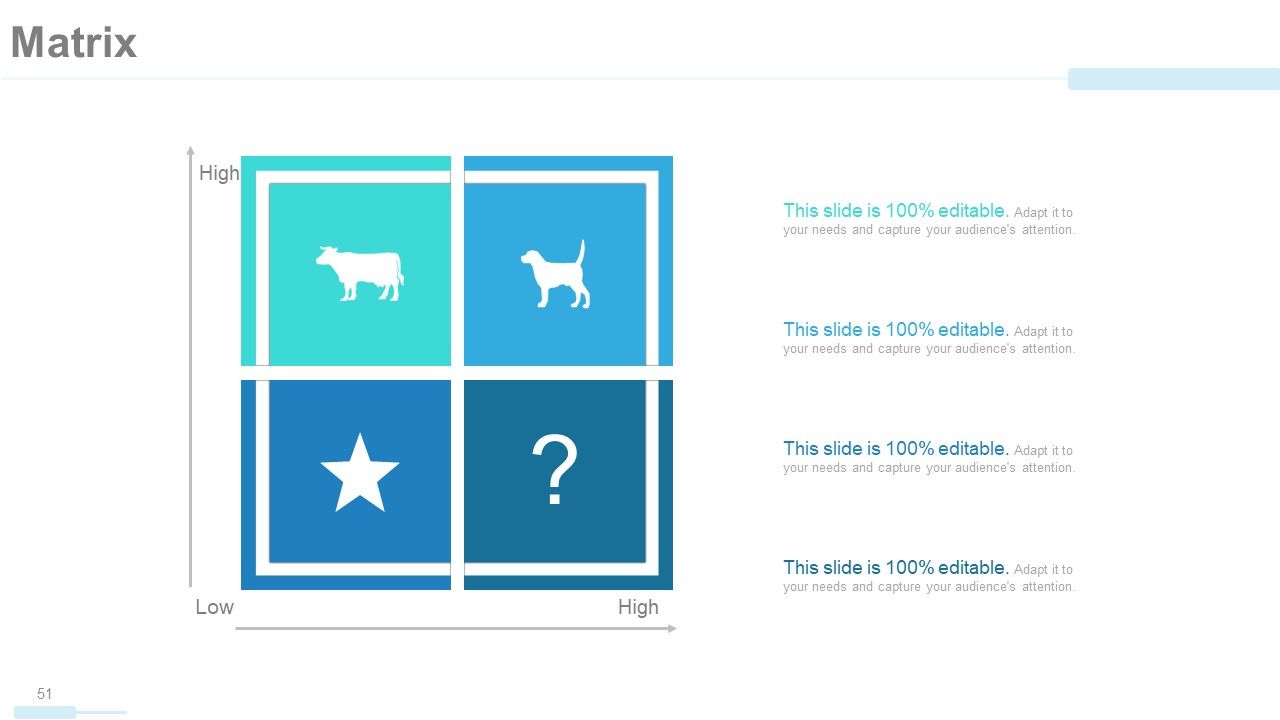
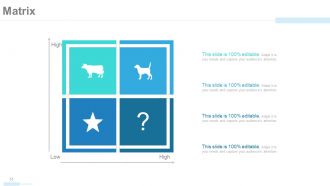
Folie 51 : Diese Folie zeigt eine Matrix in Bezug auf High und Low. Sie können den Inhalt nach Bedarf ändern/modifizieren.
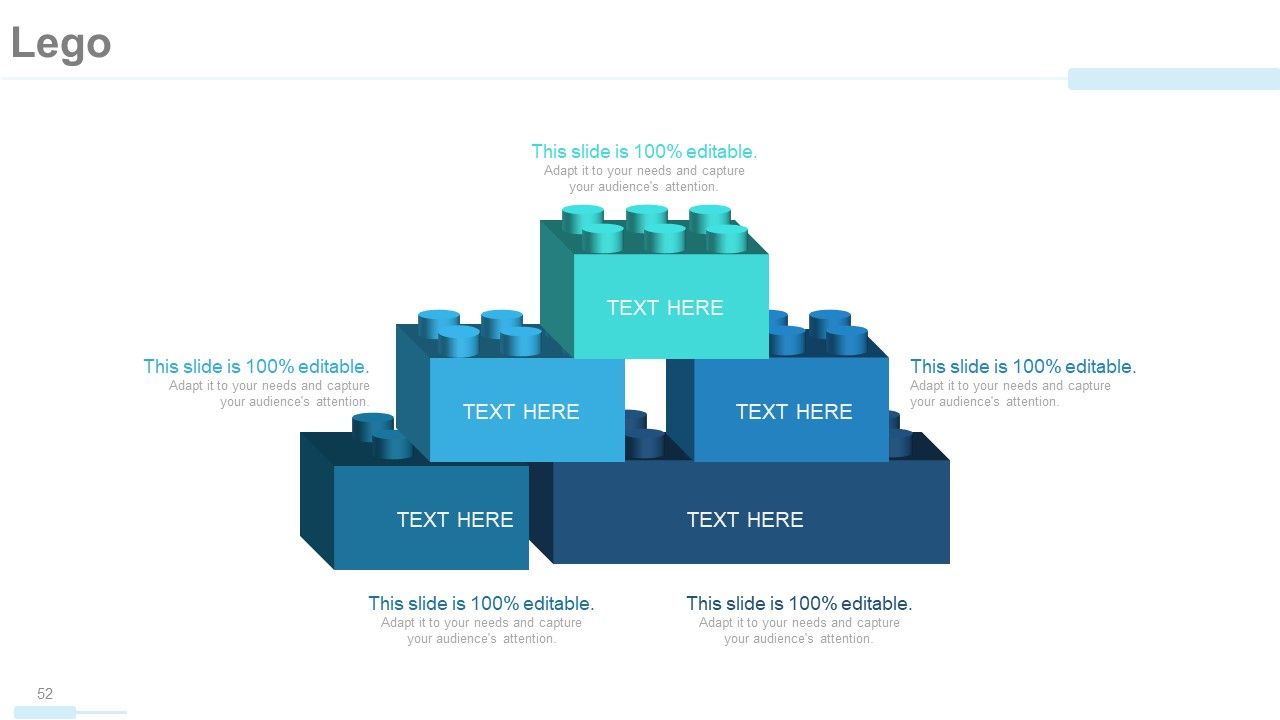
Folie 52 : Dies ist eine Lego-Block-Folie zur Präsentation von Informationen, Spezifikationen usw.
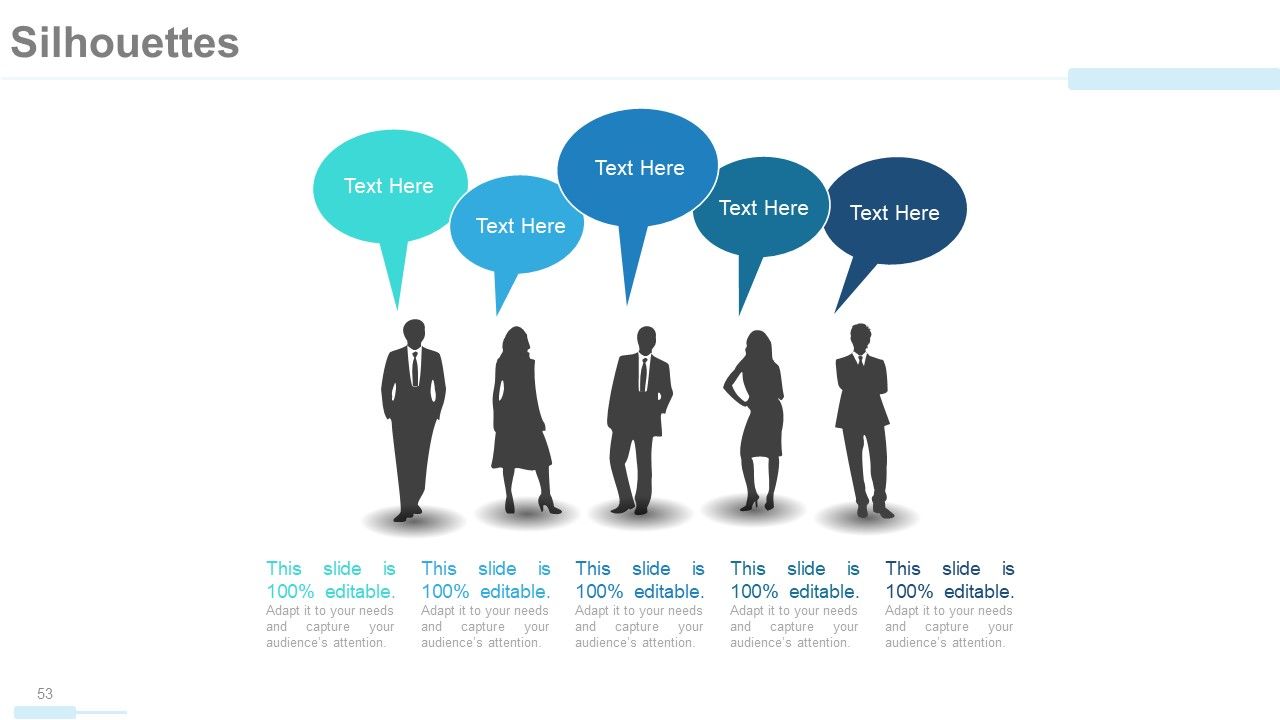
Folie 53 : Dies ist eine Silhouetten-Folie, um personenorientierte Informationen, Spezifikationen usw.
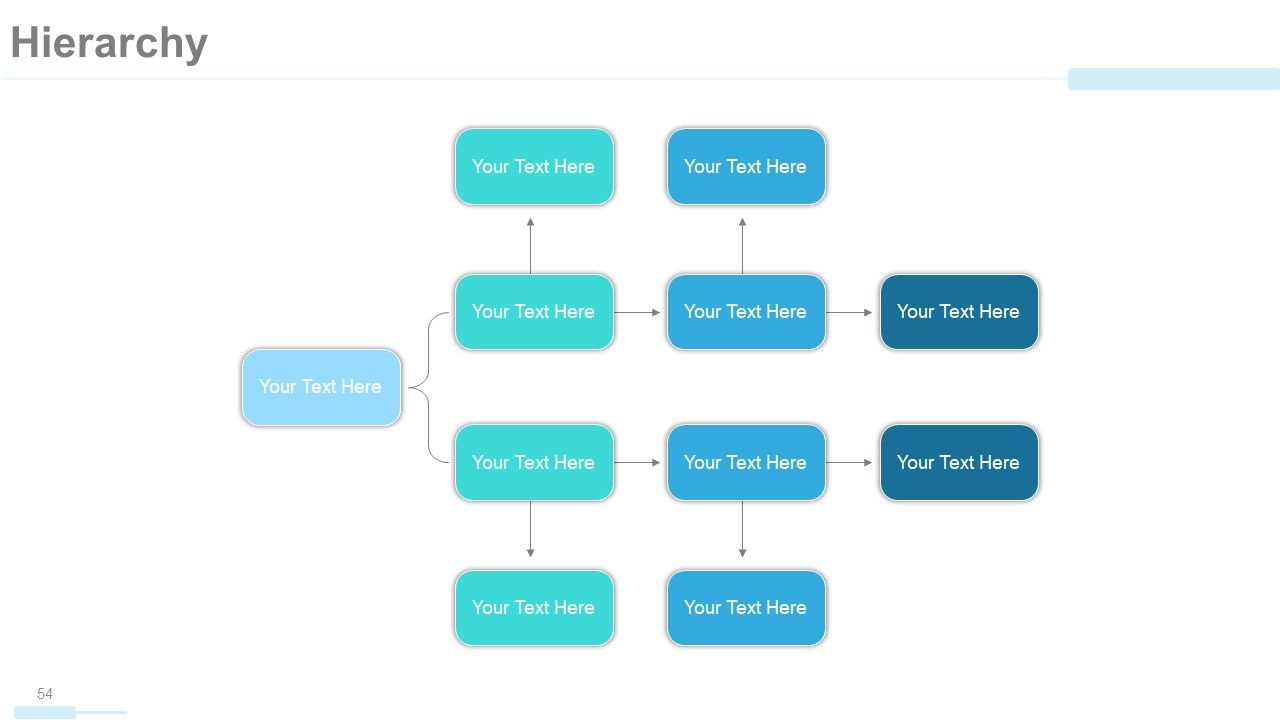
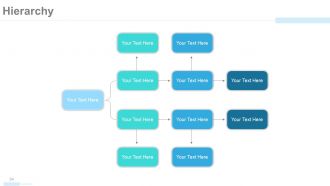
Folie 54 : Dies ist eine Hierarchiefolie zur Präsentation von Team, Spezifikationen usw. in Form eines Baumdiagramms.
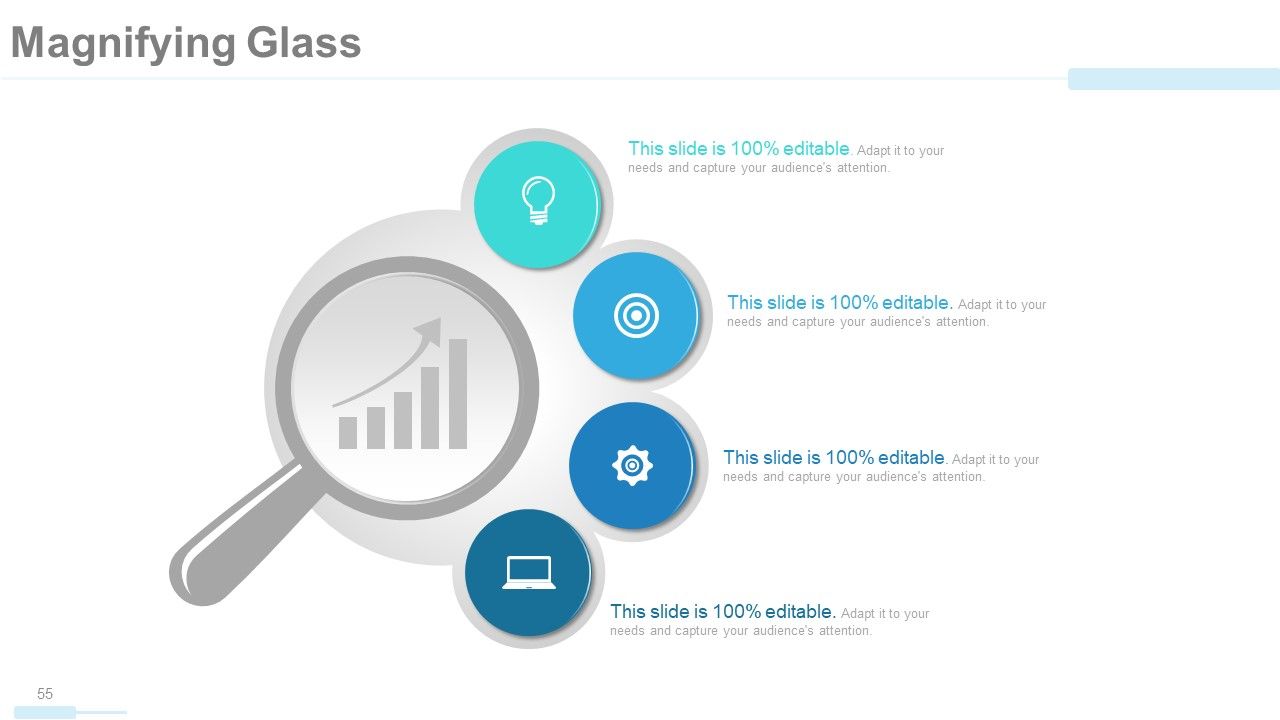
Folie 55 : Dies ist eine Lupenbildfolie zur Anzeige von Informationen, Spezifikationen usw.
Folie 56 : Dies ist eine Balkendiagramm-Bildfolie, die den Produktvergleich, das Wachstum usw. zeigt.
Folie 57 : Dies ist eine Bildfolie von Glühbirnen oder Ideen zur Präsentation von Informationen, innovativen Aspekten usw.
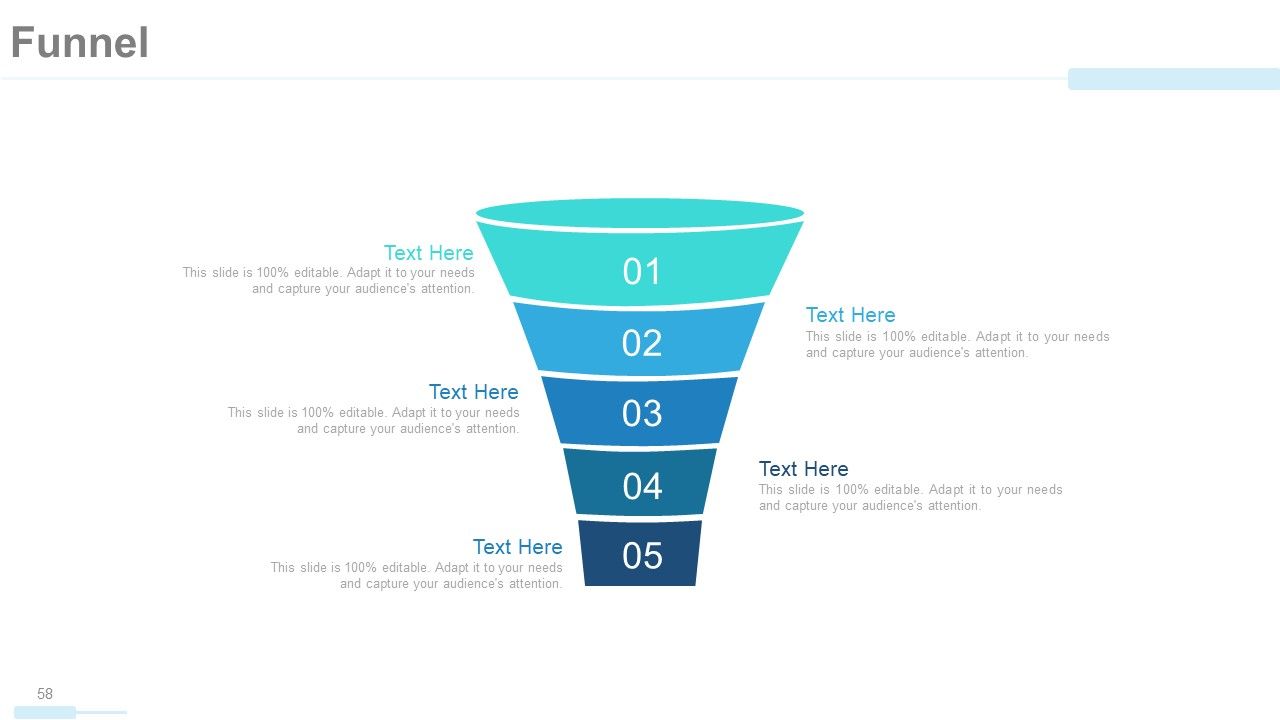
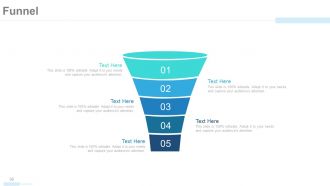
Folie 58 : Diese Folie zeigt ein Trichterbild mit Textfeldern. Zustandsinformationen, Prozess in Trichterform hier.
Folie 59 : Dies ist eine Dankes-Bestätigungsfolie mit Adresse# Hausnummer, Stadt, Bundesland, Kontaktnummern, E-Mail-Adresse.
Firmenprofil Powerpoint-Präsentationsfolien mit allen 59 Folien:
Entdecken Sie geniale Wege mit unseren Powerpoint-Präsentationsfolien zum Firmenprofil. Hürden clever meistern.
FAQs
You can expect to find a statement of the company's overarching goals and aspirations, including its purpose and values.
The organizational structure is presented in a tree chart or graph form, with departments and teams listed along with their respective roles and responsibilities.
The Client/Customer Testimonial slides feature quotes or statements from satisfied clients or customers, along with their names and image.
The presentation features several slides with charts and graphs that display the company's revenue generation, financial performance, and growth over time.
The Work Flow In Organization slide typically features icons or graphics illustrating the steps involved in the company's workflow or business processes.
-
absolutely is perfect
-
convenient for design. I can save time
-
very good
-
Editable templates with innovative design and color combination.
-
Enough space for editing and adding your own content.
-
This is a great template. It generates many 8deas and resembles our dashboards.
