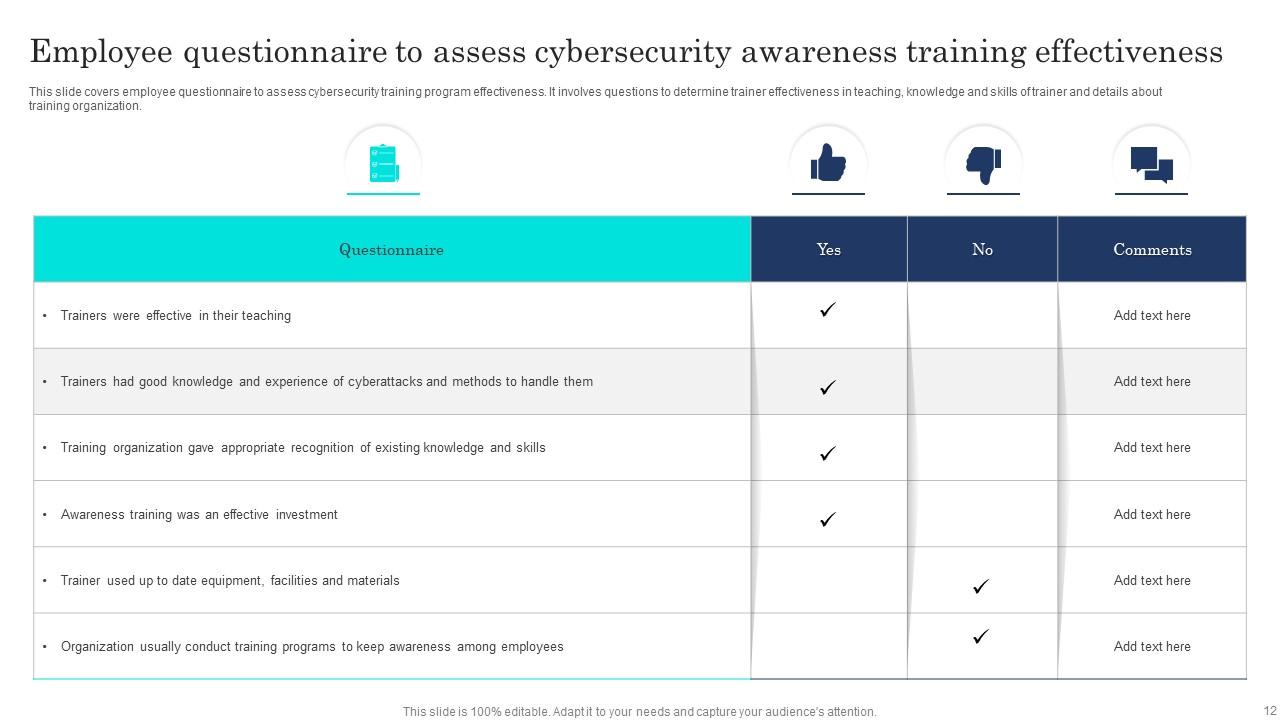
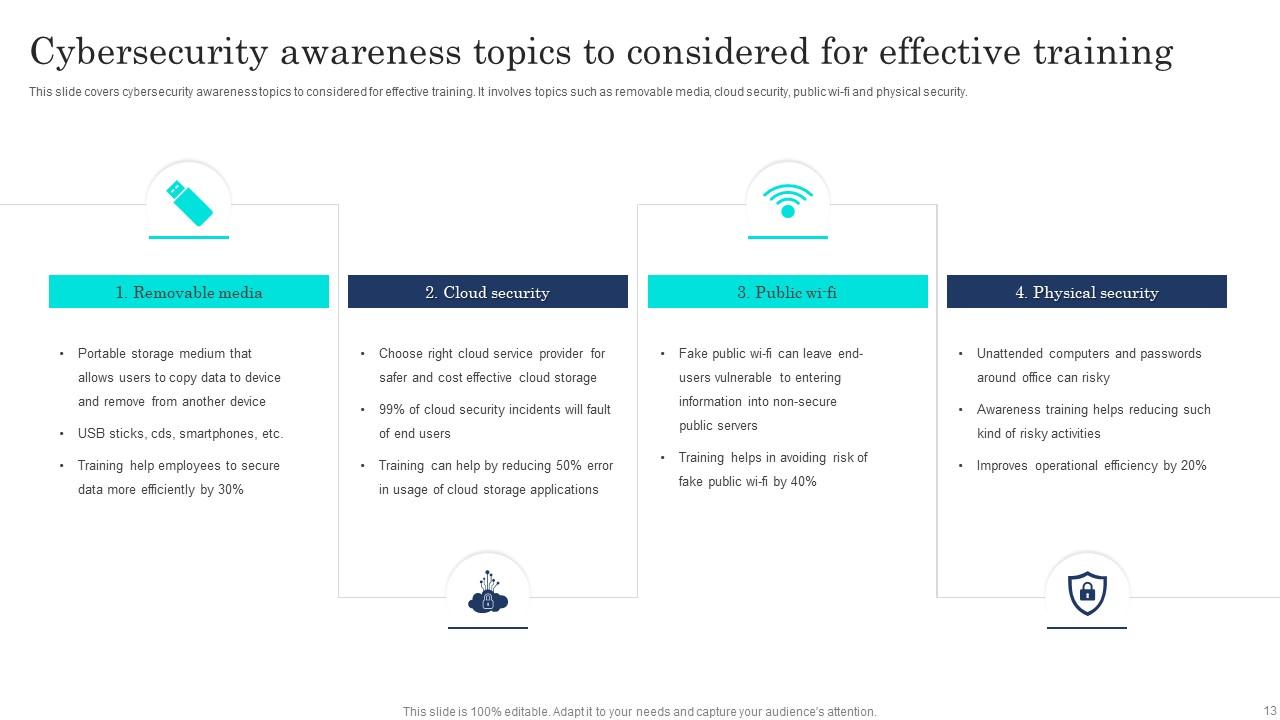
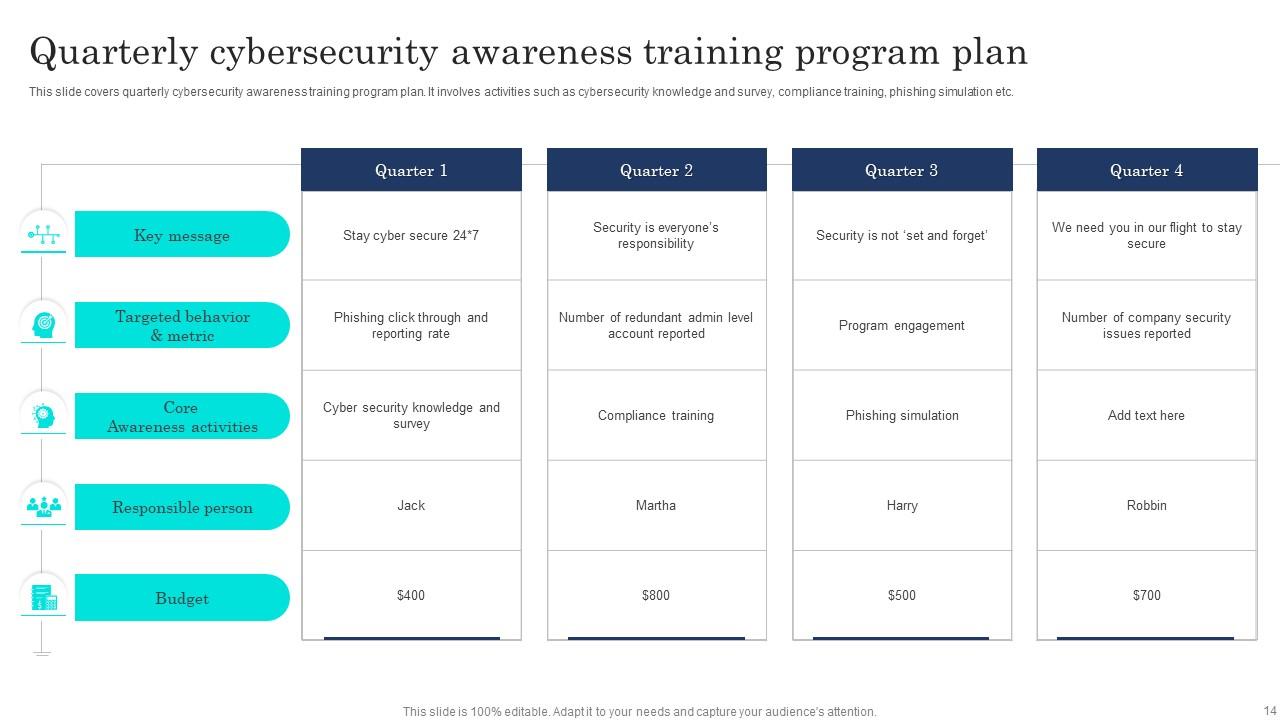
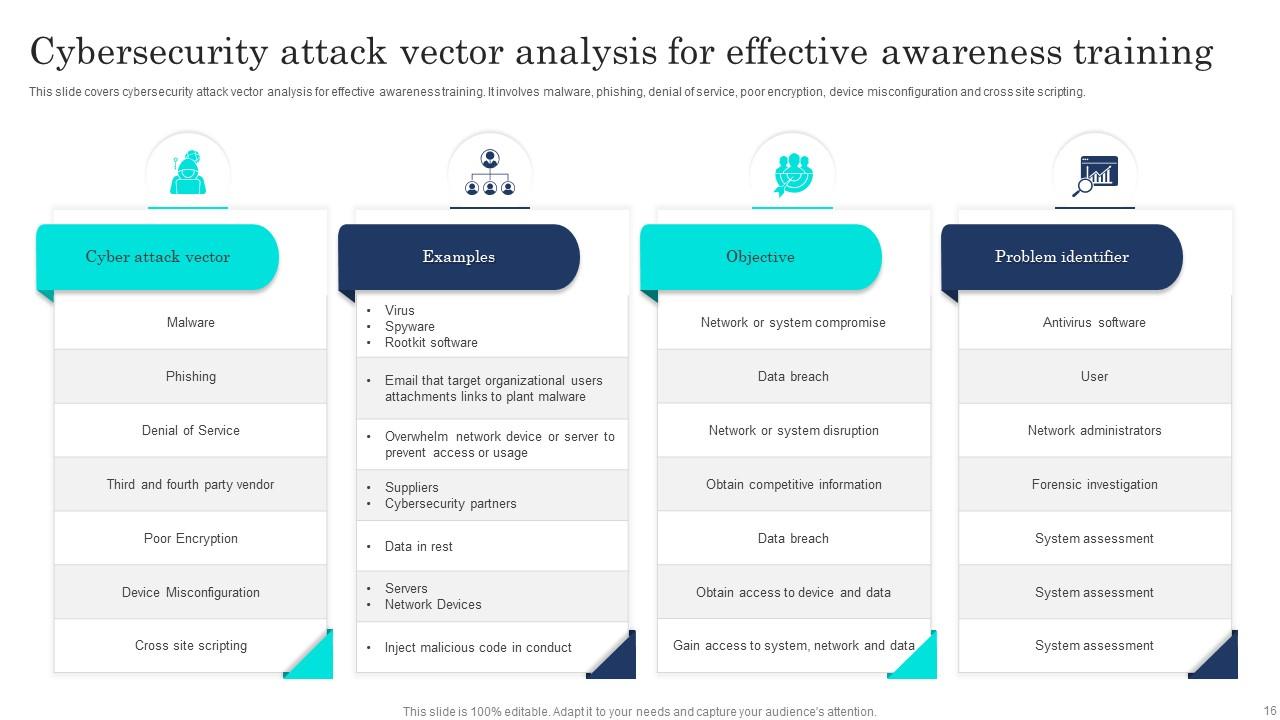
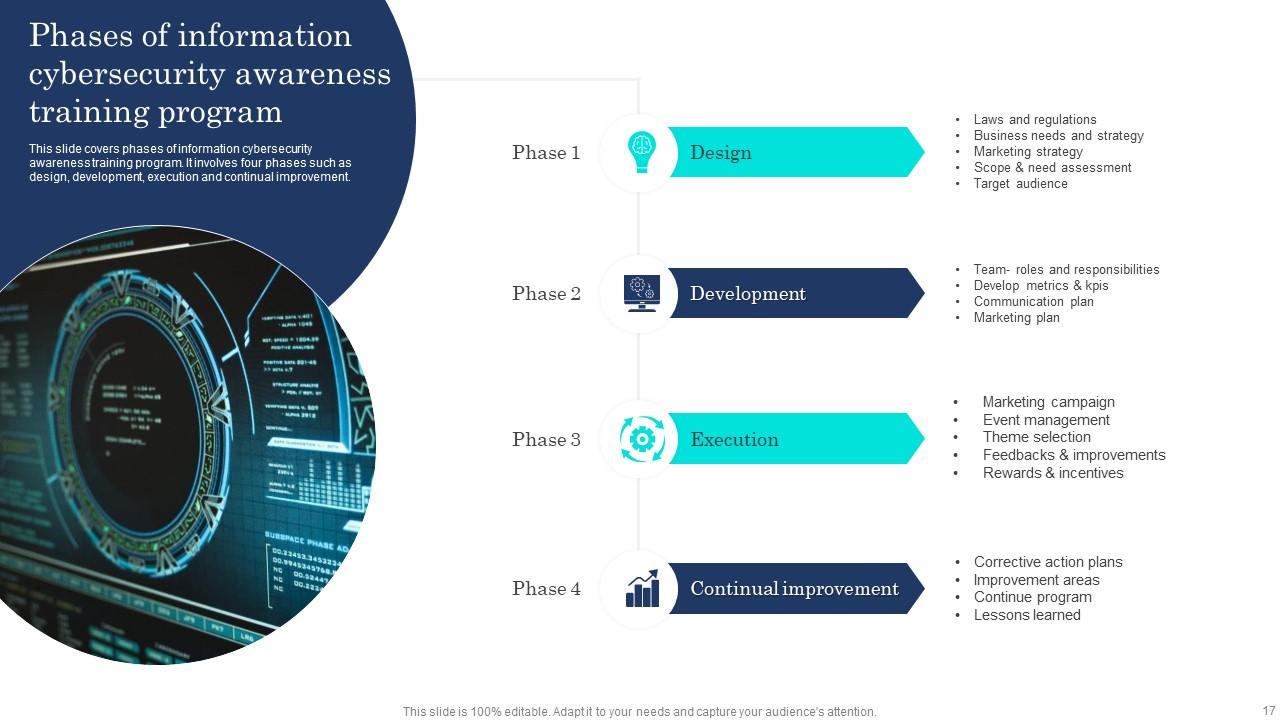
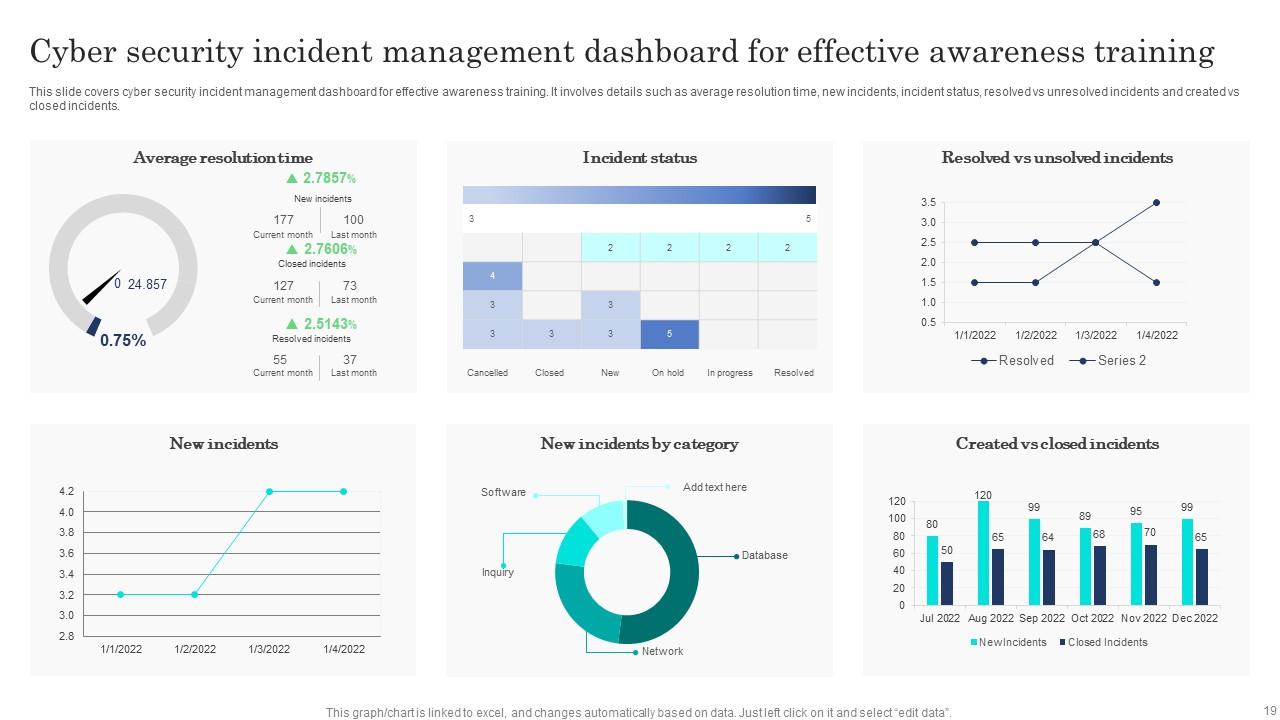
Cybersecurity Awareness Training Powerpoint Ppt Template Bundles
Try Before you Buy Download Free Sample Product
Audience
Editable
of Time
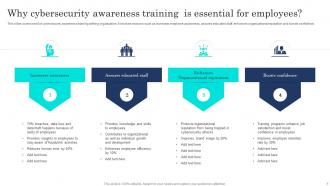
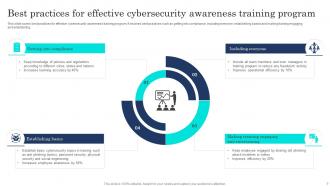
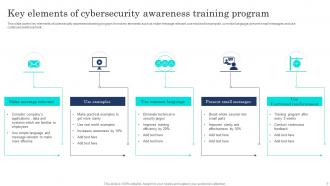
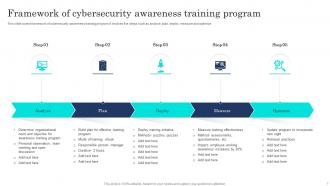
Our Cybersecurity Awareness Training Powerpoint Ppt Template Bundles are topically designed to provide an attractive backdrop to any subject. Use them to look like a presentation pro.
People who downloaded this PowerPoint presentation also viewed the following :
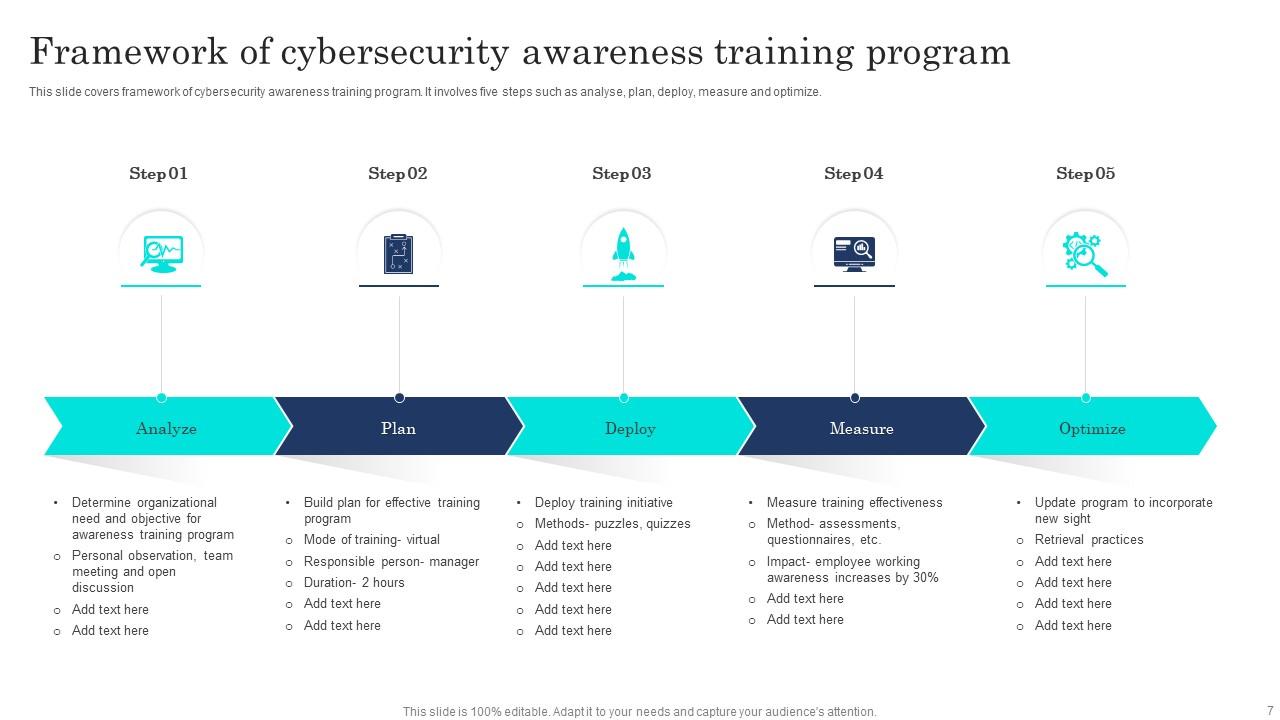
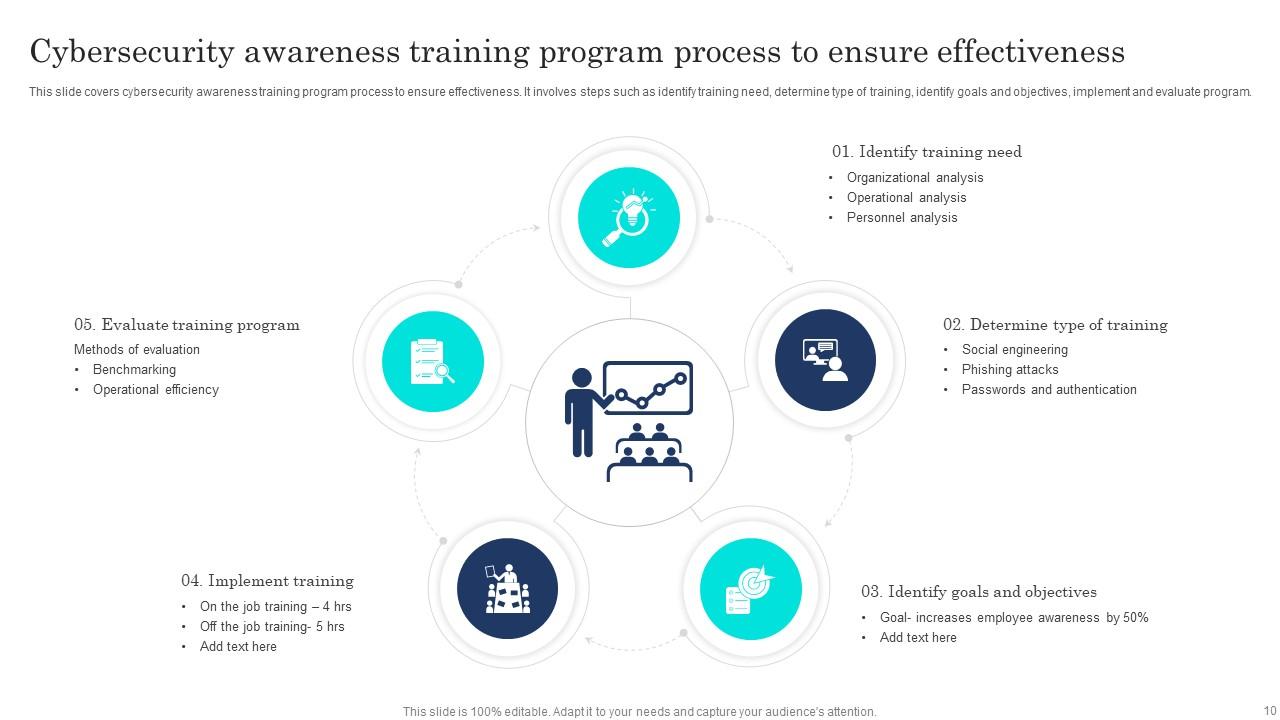
Cybersecurity Awareness Training Powerpoint Ppt Template Bundles with all 29 slides:
Use our Cybersecurity Awareness Training Powerpoint Ppt Template Bundles to effectively help you save your valuable time. They are readymade to fit into any presentation structure.
FAQs for Cybersecurity Awareness Training Powerpoint
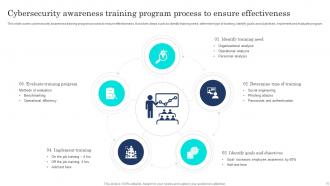
Start with phishing simulations and password basics - that's your bread and butter. Those fake phishing emails are honestly pretty hilarious sometimes, but they work. Make sure everyone knows how to report sketchy stuff when they see it. Interactive training beats death by PowerPoint every time, trust me on that. Different departments need different approaches since IT deals with way different threats than, say, accounting. Oh and don't make it some annual checkbox thing - keep it regular so people actually retain this stuff. Do a quick assessment first to see where you're starting from.
Honestly? Once a year is pretty much useless now. Threats change way too fast for annual training to matter. I'd go quarterly for your main team, then throw in monthly phishing tests or quick updates. Nobody wants to sit through that same boring "don't click bad links" slideshow again - been there. Mix it up with actual recent scams, maybe some interactive stuff. Oh, and real examples always hit harder than generic warnings. Start quarterly and see how people react, then tweak it. Your team will actually pay attention if it doesn't feel like the same old corporate training.
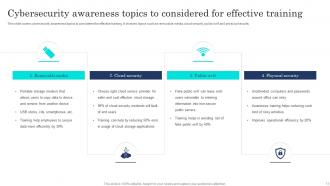
Start with phishing emails - honestly, that's how most breaches happen anyway. Cover social engineering tricks, password basics, and sketchy links/attachments. Physical security matters too (seriously, people just abandon laptops everywhere). Safe browsing habits are huge, plus teaching them to spot fake websites. Oh, and make sure they know what to do if something goes wrong. The trick is using examples they'd actually see at work, not those boring generic scenarios that make everyone zone out. Real-world stuff hits different.
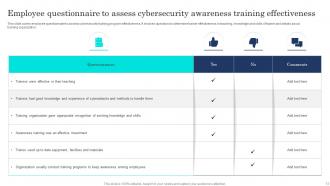
Look at your phishing sim results first - way easier to set up than other stuff. Are people clicking sketchy links less over time? That's your main indicator right there. Also check if security incidents from human error are dropping. Pre/post assessments help too, but honestly they're kind of a pain to organize initially. Here's what I'd really watch for though - are employees actually reporting suspicious emails to IT instead of just trashing them? That shows they're thinking differently. Forget perfect test scores. Real behavior change is what matters, and phishing sims give you that data fast.
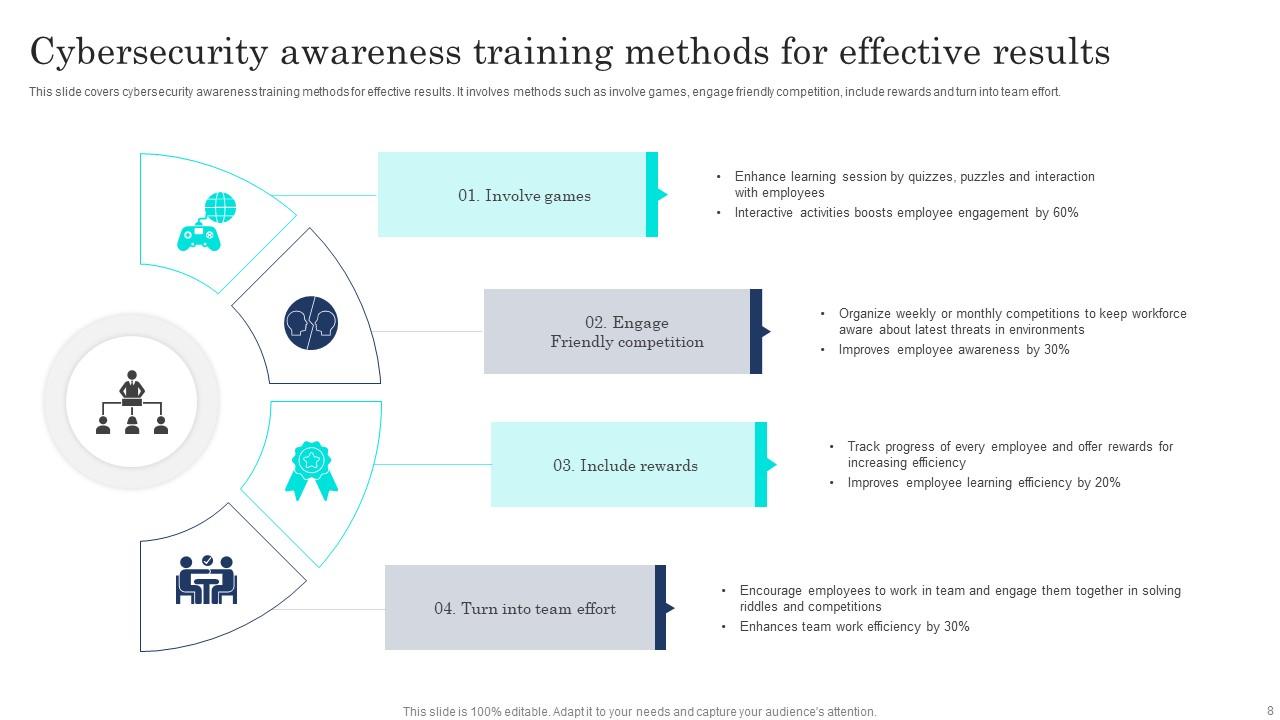
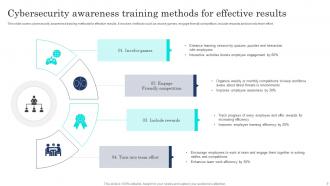
Honestly, gamification totally changes the game for cybersecurity training. People actually pay attention when you turn those mind-numbing phishing lessons into competitions or point-based challenges. Our brains just work better when we're having fun - it's science, basically. Leaderboards bring out everyone's competitive side (sometimes a little too much, but whatever). You can see real-time progress and figure out where your team's struggling. Instead of death-by-PowerPoint, they're racing to spot fake emails or unlock badges. Just start small with basic scoring in your next session and build from there.
Honestly, just tailor it to what people actually do at work. Finance folks need to focus hard on invoice fraud and wire transfer scams - that's where they'll get hit. HR should drill down on phishing for employee data. IT already knows most of the technical stuff about vulnerabilities and patches, but you still gotta do it for compliance reasons. Sales teams? Train them on keeping client info safe when they're traveling or doing presentations. Way better than making everyone sit through the same boring "don't click bad links" thing. Match the threats to their actual jobs.
Honestly, ditch those boring hour-long presentations - nobody's paying attention anyway. Break it into 5-10 minute chunks with real stuff they'll actually see, like fake CEO emails or sketchy IT calls asking for passwords. Those 2015 examples are useless now! Interactive simulations work way better than lectures. I'd throw in some actual breach stories to scare them a little (in a good way). Here's the thing though - don't just focus on protecting the company. Show them how this protects their personal info too. Start small with one module and test it on a few people first. You'll probably need to tweak it based on their feedback.
Okay so with adults, you've gotta make it super practical - connect everything to stuff they'll actually face at work. Don't treat them like blank slates either, they've got years of experience you can build on. I'd focus on real scenarios like "here's what a sketchy phishing email looks like in YOUR inbox." Case studies work way better than theory. Also, they hate being micromanaged (honestly, who doesn't?), so let them control the pace when you can. The key is showing immediate value - they need to walk away thinking "I can actually use this tomorrow." Make it problem-solving focused and respect what they already bring to the table.
Ugh, compliance training is such a headache but here's the deal. GDPR hits you if you're handling any EU customer data - everyone needs those privacy trainings. Healthcare? HIPAA security awareness is non-negotiable. Financial companies get slammed with SOX and PCI DSS requirements on top of everything else. California has its own breach notification rules too, which honestly just adds to the confusion. The trick is figuring out which regs actually apply to you first, then making sure your training content matches what those frameworks want. Document everything because auditors love that stuff. It's basically connecting the dots between what you teach and what compliance says you need to cover.
Honestly, just weave security into your regular day-to-day stuff instead of making it this big scary quarterly thing. When someone spots a phishing email or has a good security idea, actually celebrate that - way more effective than scaring people. Get your managers talking about security wins in normal meetings, and make it super easy for people to ask questions without feeling stupid about it. Oh, and try kicking off your next project by asking "what could go wrong security-wise?" - you'll be surprised how it shifts the whole conversation. It's really about making security feel normal, not like this separate intimidating thing.
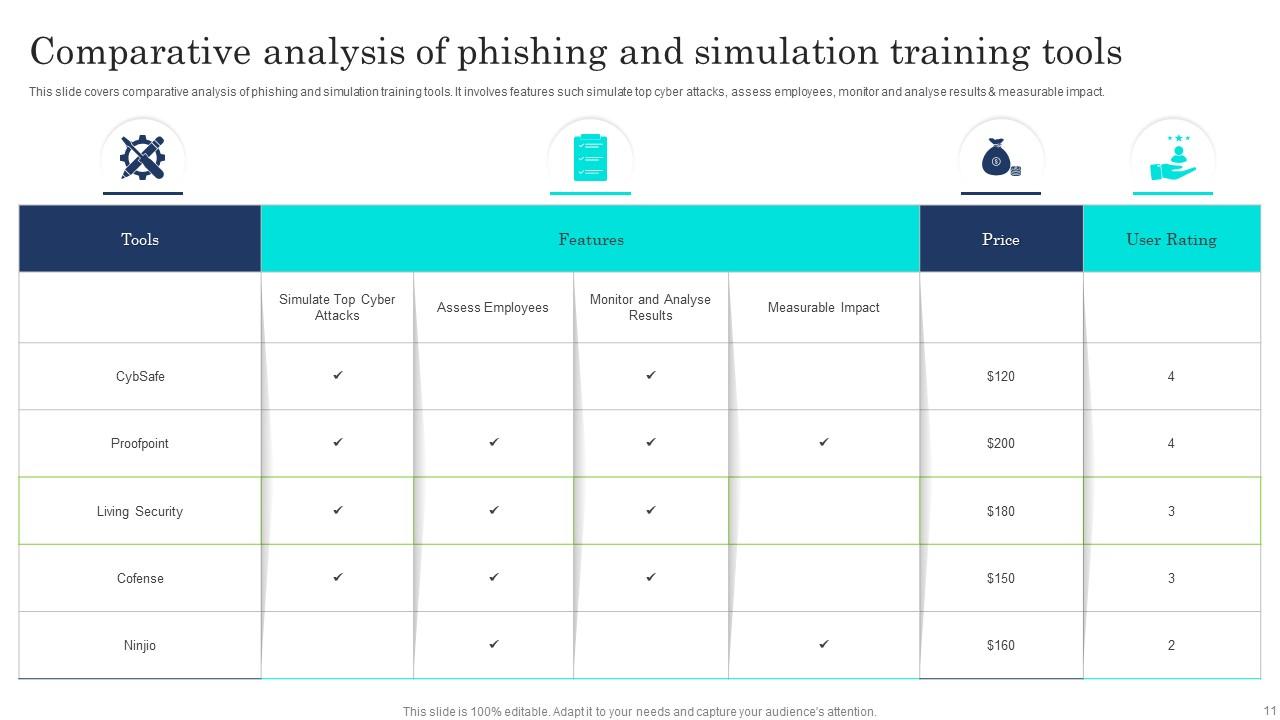
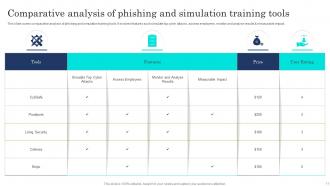
KnowBe4 and Proofpoint are solid if you've got the budget - they do phishing sims and track everything. Honestly though, gamified stuff like CybSafe works way better because people actually care about beating their coworkers on leaderboards lol. SANS is great too but pricey. For smaller teams? PowerPoint with real examples isn't sexy but it works. CISA has free resources that are actually decent. The trick is finding something people won't just click through to get it over with. Oh, and skip anything that feels like those boring compliance videos from the 90s.
Honestly, get an LMS that does the heavy lifting for you - KnowBe4 or Proofpoint are solid choices. They'll track completion rates, quiz scores, time spent, all that stuff automatically. Set up dashboards so you can see departmental progress in real-time. The automated reminders for overdue training are a lifesaver too. Manual tracking sounds like actual torture at this point! Export those detailed reports for audits and flag anyone bombing quizzes for refresher courses. Oh, and figure out your must-have metrics first before shopping around for platforms.
Honestly, the worst thing you can do is make it boring as hell - people will just click through mindlessly. Skip the technical jargon that confuses everyone who isn't in IT. Don't turn it into some generic "scary hacker" scenario either. Use stuff that actually happens at your company. Break it up too - nobody wants to sit through a 2-hour marathon session. Oh, and definitely don't make it feel like just another compliance thing to check off (even though... yeah, it usually is). Test if they're actually getting it with quizzes or something interactive, not just "congrats, you watched a video."
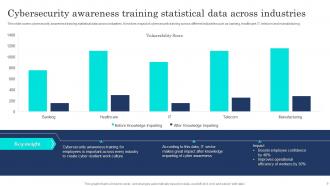
Dude, real case studies are a total game changer for cybersecurity training. Generic "don't click bad links" talks put everyone to sleep, but mention how Target got breached or that ransomware attack that knocked out a whole hospital? Suddenly people actually listen. Walking through exactly how someone at Equifax fell for a phishing scam hits different than vague warnings. Pick examples that match your company size or industry - that's when employees go "oh shit, that could be us." Recent cases work best. Break down the attack AND the human mistakes that let it happen. Way more effective than boring theoretical stuff.
Yeah so phishing simulations are fake attack emails you send to your own team - sounds weird but hear me out. You'll quickly spot who's clicking on sketchy links and what tricks actually work on people. Way better than learning this during a real breach, trust me. Don't use it to call people out though, that's just mean. Instead, give extra training to whoever needs it. The click rates actually drop pretty fast once people know what to look for. Run them every few months and you'll see real improvement.
-
No second thoughts when I’m looking for excellent templates. SlideTeam is definitely my go-to website for well-designed slides.
-
Thrilled to see several customizable templates catering various verticals and industries.