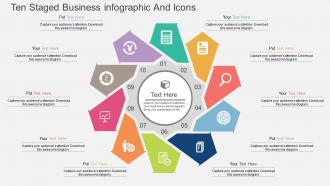
Cz Ten Staged Business Infographic And Icons Flat Powerpoint Design
Try Before you Buy Download Free Sample Product
Audience
Editable
of Time
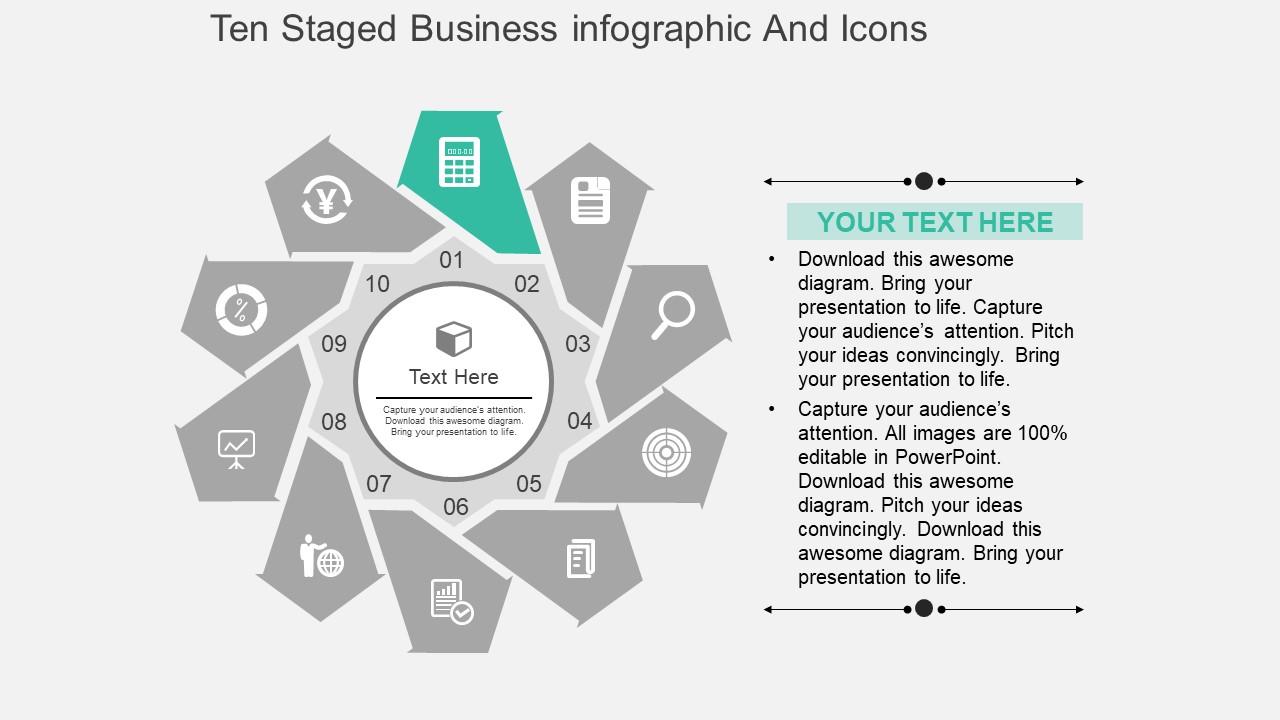
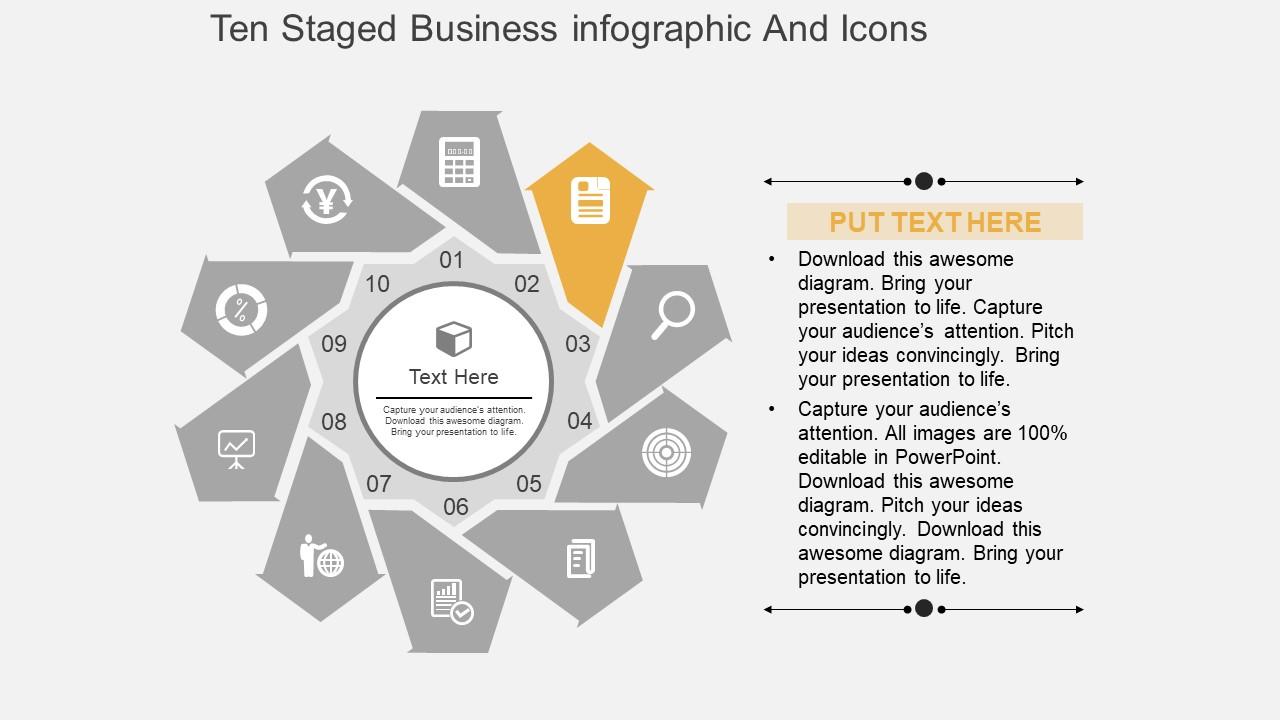
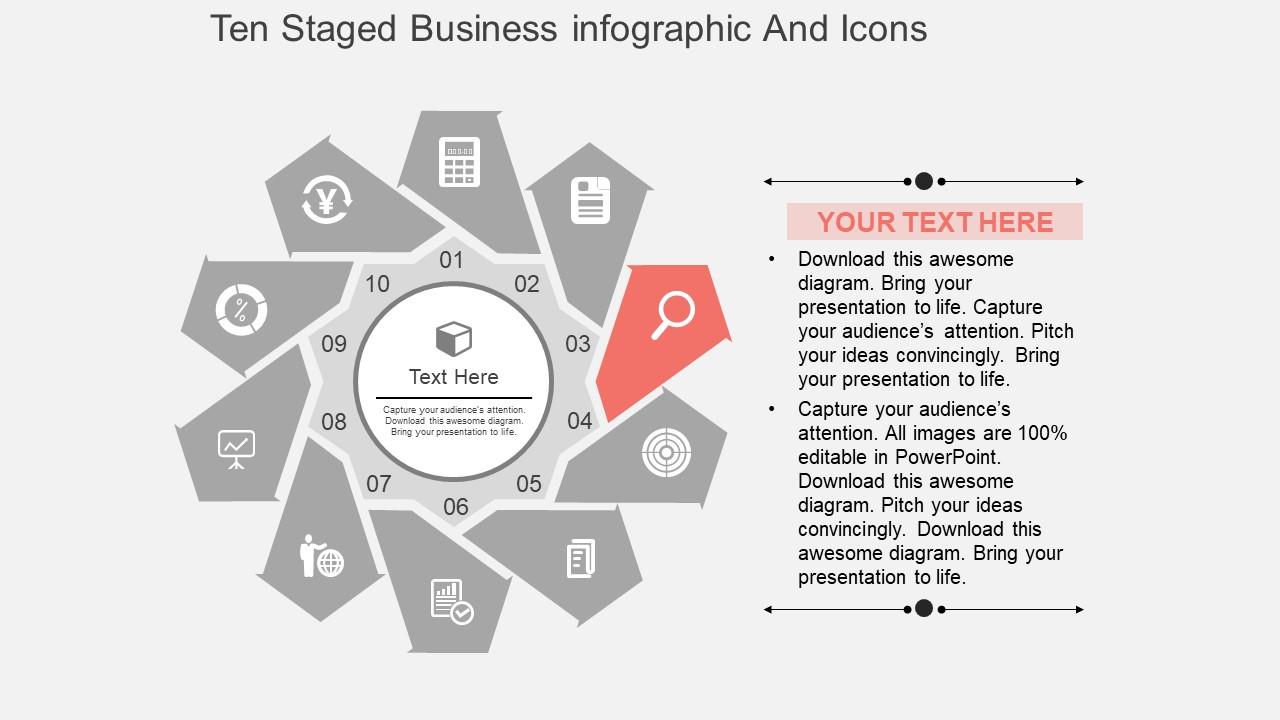
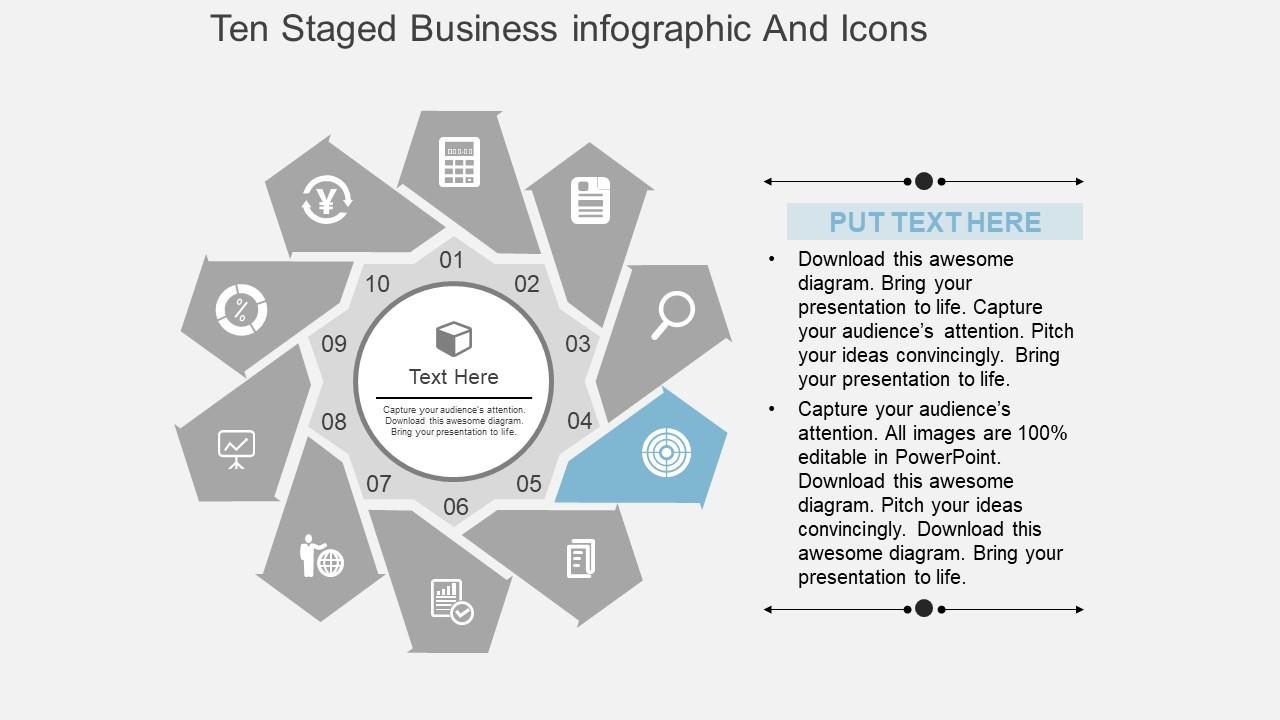
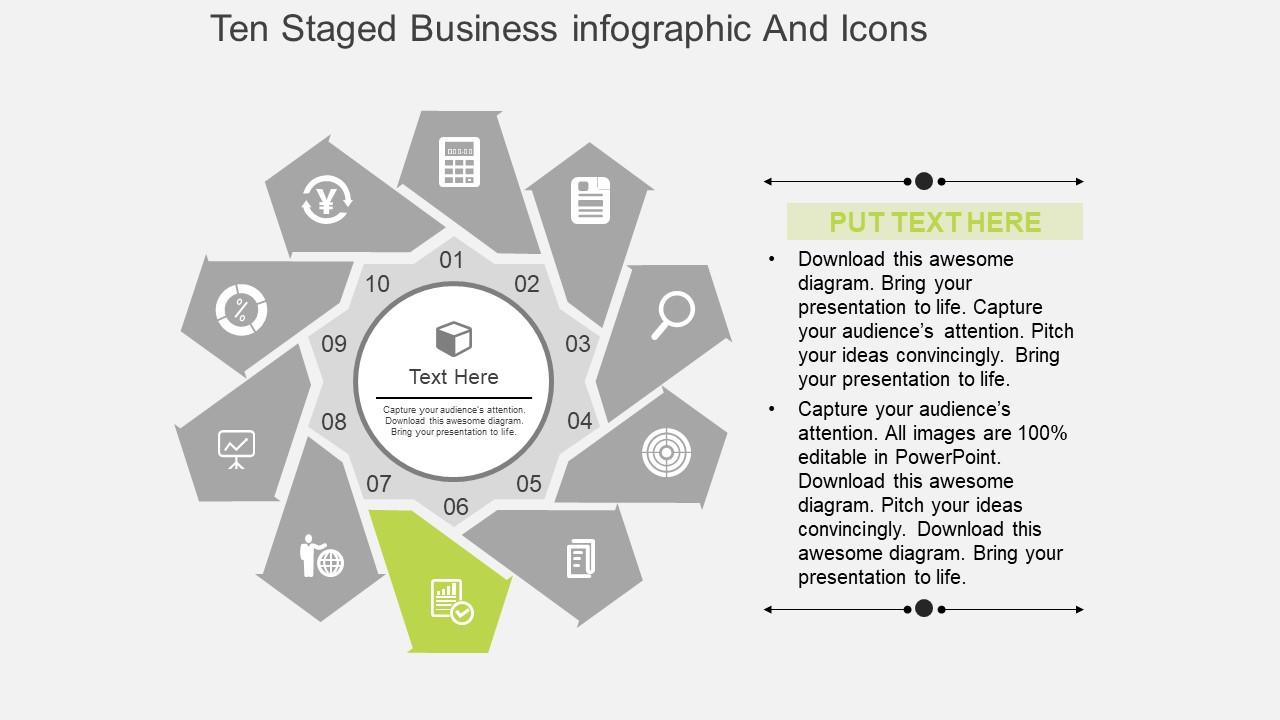
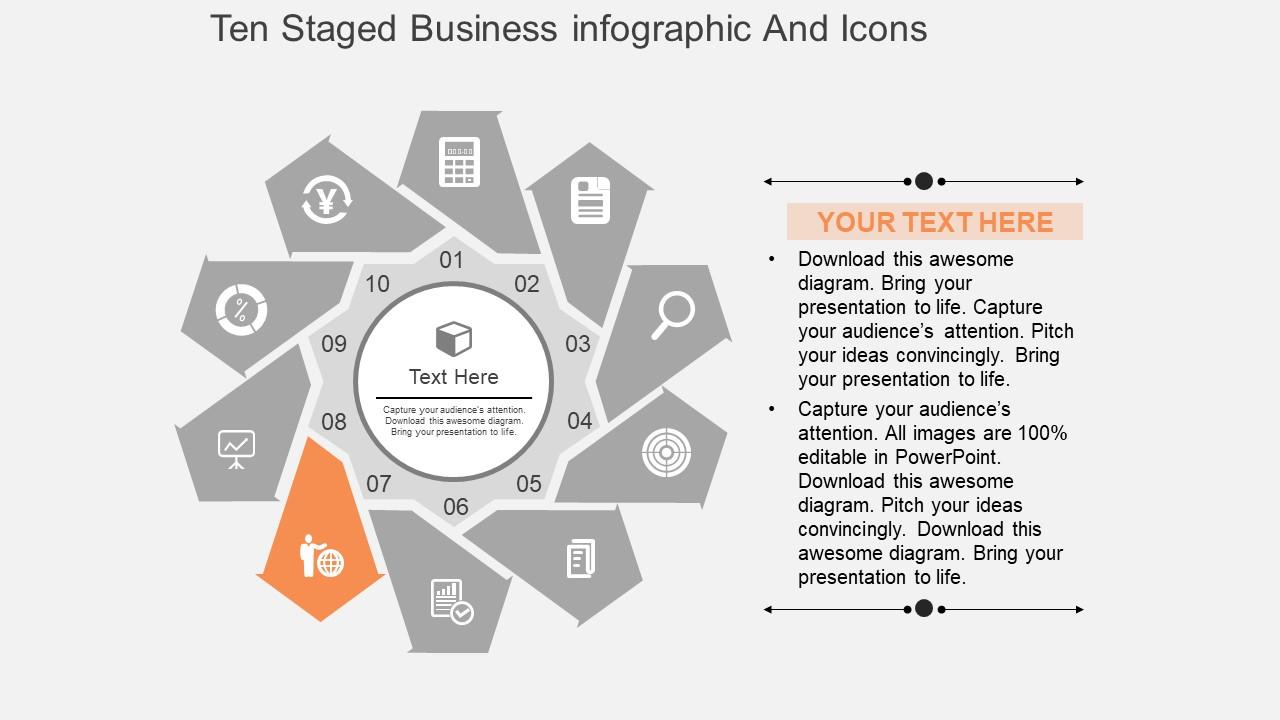
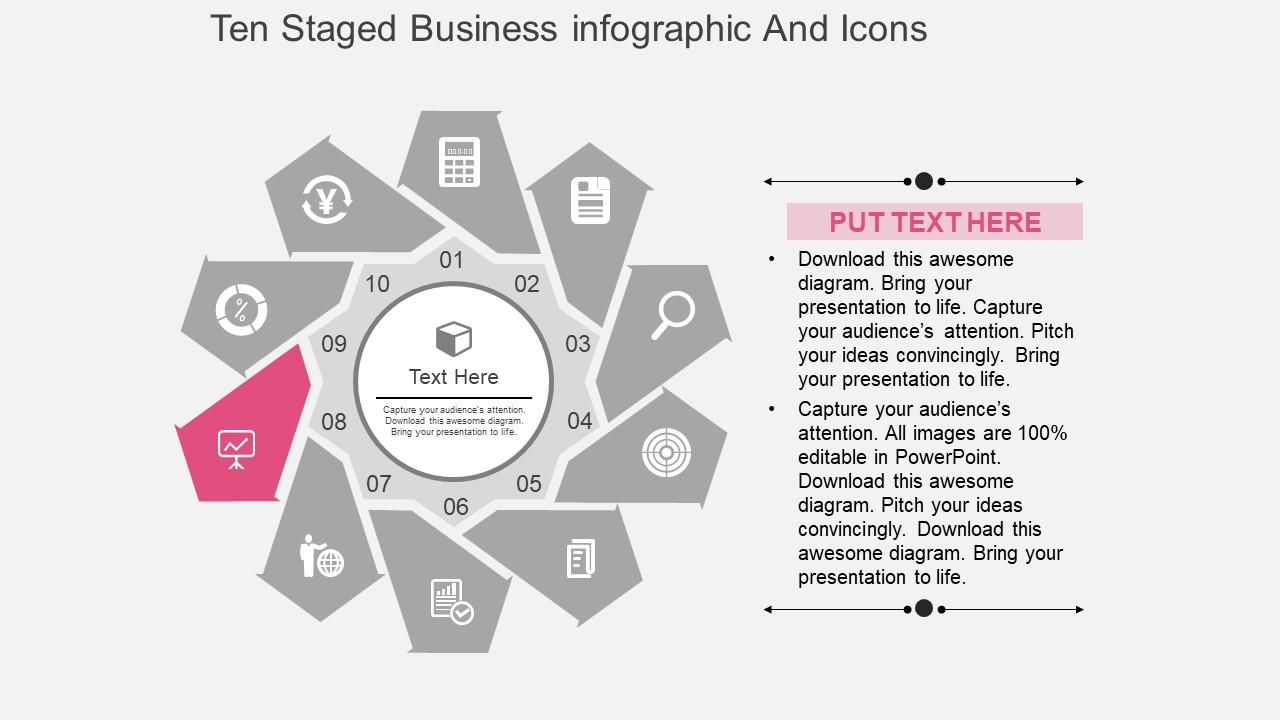
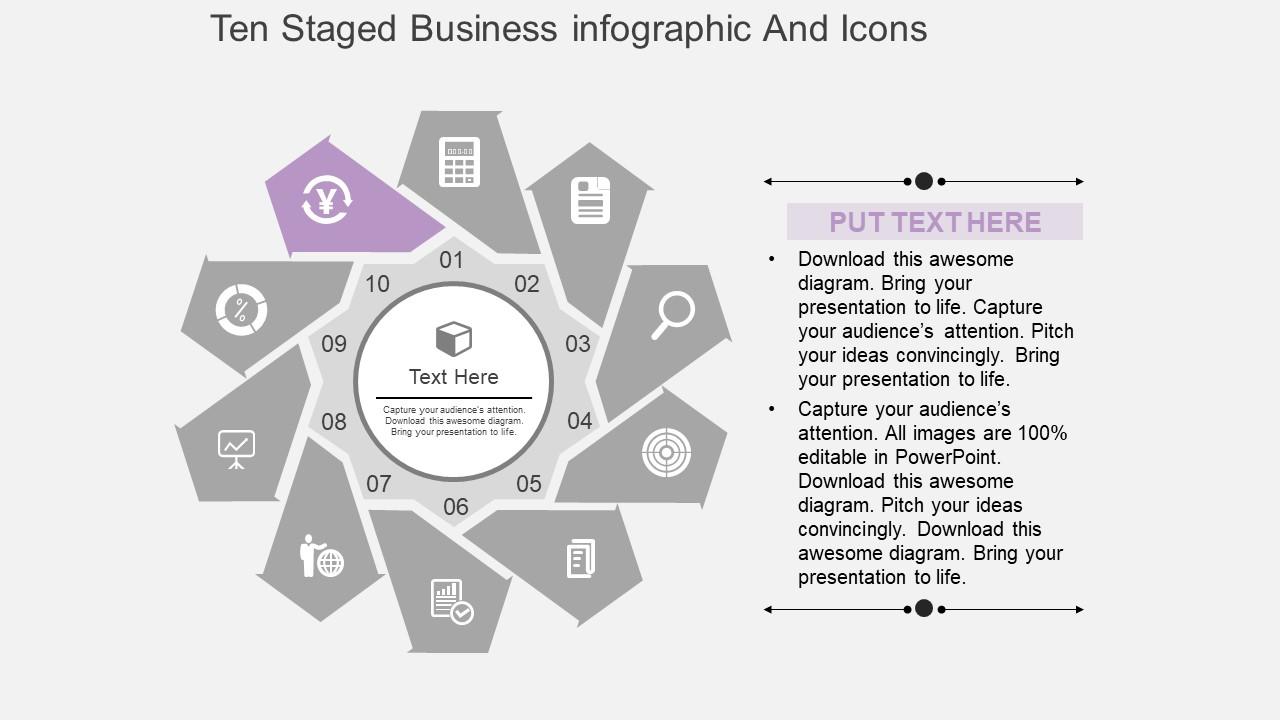
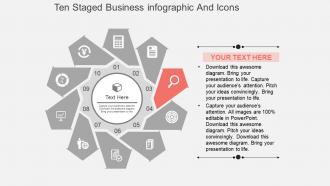
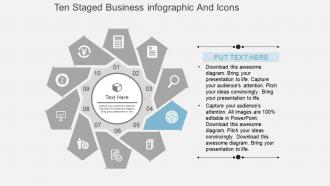
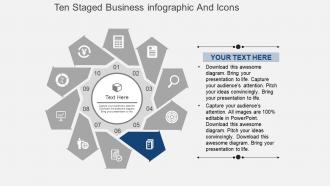
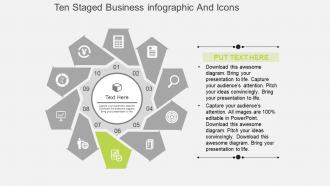
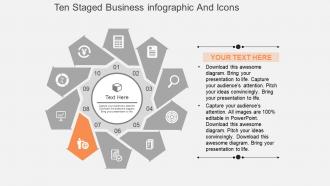
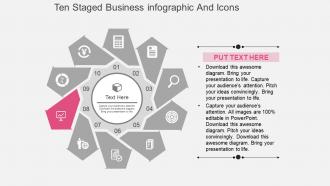
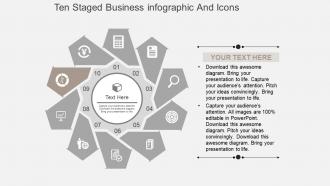
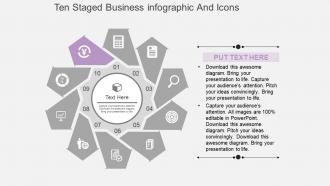
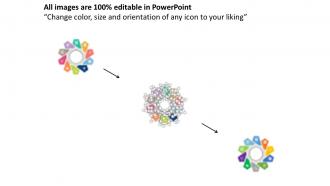
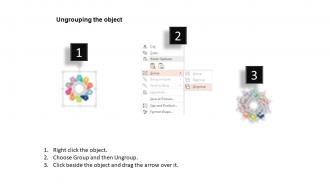
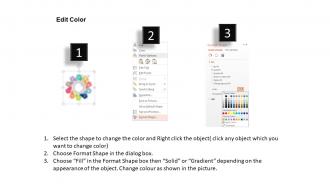
Avez-vous besoin d'un design professionnel pour votre prochaine présentation d'entreprise ? Si oui, consultez notre conception PowerPoint à plat d'infographie et d'icônes d'entreprise en dix étapes. Le modèle PPT innovant peut être utilisé pour mettre en évidence les informations importantes liées à votre entreprise. Lorsque vous partagez les informations commerciales avec vos parties prenantes, vos associés, vos collègues, etc., vous devez comprendre que la conception doit être créative et engageante. Notre diapositive de présentation vous aide à impliquer vos collaborateurs dans votre présentation car elle a été conçue de manière artistique par nos concepteurs expérimentés et professionnels. Le diagramme PowerPoint préconçu est facilement modifiable et vous pouvez modifier la couleur, le texte ou même la mise en page selon les besoins de votre entreprise. Les icônes sont conçues par des professionnels pour vous donner un avantage sur vos concurrents. Si vous êtes à la recherche du design qui peut répondre à vos attentes, ce modèle PPT sera sûrement pour vous. Téléchargez-le puis partagez-le avec votre public. En plus de cela, il existe d'autres modèles disponibles qui peuvent faire partie de votre présentation. Montez facilement les échelons du succès. Notre conception Powerpoint plate d'infographie et d'icônes d'entreprise Cz Ten Staged fournira des étapes solides et robustes.
Caractéristiques de ces diapositives de présentation PowerPoint :
Modèles de présentation préconçus. Assez d'espace disponible pour saisir du texte et ses points connexes dans la diapositive PPT. Contenu entièrement modifiable. Les images ne sont pas pixelisées lorsqu'elles sont projetées sur un écran large. Facile à insérer le logo, la marque ou le nom de l'entreprise. Cette diapositive PPT est disponible en taille de diapositive standard et grand écran. Processus de téléchargement simple et rapide. Compatible avec plusieurs formats comme les diapositives JPEG, PDF et Google.
People who downloaded this PowerPoint presentation also viewed the following :
Cz Ten Staged Business Infographic And Icons Flat Powerpoint Design avec les 4 diapositives :
Comptez sur notre conception Powerpoint plate d'infographie et d'icônes commerciales Cz Ten Staged pour toujours livrer. Soyez certain qu'ils feront leur part.
FAQs for Cz ten staged business infographic and icons
So staged infographics are perfect for breaking down complicated stuff into bite-sized pieces people can actually follow. You're not dumping everything at once - instead you walk them through step by step. Way better than handing someone a confusing mess and hoping for the best, honestly. People stay engaged because they see how everything connects and flows together. Your presentations become so much more convincing when stakeholders can picture the whole journey. Works great for project timelines, sales processes, basically anything with multiple steps where you need people on board.
Honestly, flat design is a game-changer for presentations. It cuts out all the visual noise – no shadows or gradients competing for attention. People can actually focus on your data instead of getting distracted by fancy effects. I've sat through way too many presentations with "cool" charts that made zero sense! Clean layouts and simple colors make the relationships between data points way clearer. Plus, flat infographic elements are perfect for breaking down complex stuff into steps that don't make people's brains hurt. Your audience will definitely appreciate not having to decode visual chaos.
Okay so for business infographics - start with clean data hierarchy and stick to one color scheme throughout. Make sure your info flows like a story, either top-down or left-right. Keep icons super simple (I've seen too many "creative" ones that just confuse people honestly). Don't fill every inch of space just because it's there - white space actually helps. Typography needs to be readable, obviously. Here's the real test though: show it to someone who doesn't know your company. If they can't get the main point in 10 seconds, you need to cut more stuff out.
Look, contrasting colors between stages is clutch - helps people actually follow along instead of getting lost. Bold colors grab attention at first, but don't go crazy with like 8 different shades or you'll fry everyone's eyeballs (learned this the hard way). Stick with 3-4 colors tops, maybe use your brand colors as the base. Each stage needs to stand out without fighting the others for attention. Quick test: back away from your screen and squint - if the stages all blend together, yeah, your audience will zone out too. Trust me on this one.
Oh man, definitely stick with one icon style throughout - mixing them looks super sloppy. I made the mistake of tiny icons once and nobody could see them from the back rows, so go bigger than you think. Make sure there's good contrast with your background too. The worst thing though? Using random icons that have nothing to do with what you're saying. People just get confused. Oh and always test on a projector first if you can - what looks good on your laptop screen doesn't always translate. Keep it straightforward and you'll be fine!
Oh dude, staged infographics are a game changer! Instead of throwing all your data at people like a fire hose, you reveal stuff piece by piece. Show Q1 numbers first, then Q2, then boom - the whole year's trend. People actually stick with you instead of zoning out immediately. Break your next big presentation into maybe 3 or 4 reveals rather than one monster slide that makes everyone's eyes glaze over. I learned this the hard way after watching half my team check their phones during my last quarterly review. Progressive reveals let you control how the story unfolds, and honestly? Complex business stuff becomes way less intimidating when you don't dump it all at once.
Honestly, just watch your audience during the presentation. Are they leaning in? Taking pics of your slides? That's your first clue it's working. I always do quick polls afterward to see if people actually absorbed the main points - you'd be surprised how much flies over heads even with great visuals. Track time on each slide if you're presenting digitally. When it goes online later, check your click-throughs and shares. But here's the real test: can people repeat your key message a week later? That's when you know you nailed it.
Oh man, you're so right to think about this! Colors are tricky - red screams "danger" to us but it's lucky in China. Then there's reading flow since some places go right-to-left. Icons get weird too... what looks obvious here might confuse people elsewhere. Don't even get me started on hand gestures - yikes. I actually messed this up once and felt terrible about it! Research your audience first if you can. Test locally, stick with super universal symbols. Honestly? Just have someone from that culture give it a quick look before you publish.
Honestly, just start with PowerPoint's built-in stuff. The Icons library under Insert has tons of flat designs that look pretty professional. Shape tools are actually way better than people give them credit for. Canva's got solid templates if you want something fancier, and obviously Illustrator is amazing if your work pays for it. Figma's free tier is decent too - I've been using it more lately. But real talk, PowerPoint has gotten so much better at this. Stick with clean colors and good fonts, and you'll be shocked how nice it looks. Sometimes simple wins.
Three main things to nail: visual design, clear content, and tech accessibility. High contrast colors are your friend, plus readable fonts. Don't make color the only way people understand your info. Simple language beats jargon every time - honestly saves everyone from confusion, not just diverse audiences. Make sure it looks good big or small, and don't forget alt text for screen readers. Here's the thing though - test with real people from your audience before you're done. Their feedback will catch stuff you'd never think of. Short sentences work. So do longer ones that actually flow naturally when you read them.
Honestly, icons are game-changers for presentations. They work like visual hooks - when you pair them with text, people remember about 65% more info because you're hitting both their visual and reading brain circuits. Nobody wants to stare at endless bullet points anyway, right? Icons break things up and give your audience's eyes somewhere to rest. The visual hierarchy thing is real too - it guides people through your content naturally. Next time you're building a deck, swap out some of those boring bullets for simple icons that match your points. Trust me, your audience will actually stay awake.
Okay so brand consistency with infographics is huge - people need to instantly know it's yours when they see it. Use the same colors, fonts, and style every time. I've watched companies totally confuse their audience by randomly switching up their look (major mistake). Your infographic should feel like it belongs with all your other stuff. Honestly, just stick to your brand guidelines like glue. Same palette, same fonts, same vibe. Oh and make a template you can reuse - saves you from starting over each time which is honestly such a pain.
Here's my take: animations in business infographics are clutch because they let you drip-feed info instead of dumping everything at once. People's brains handle that way better. Guide their eyes where you want them to go, build complex stuff piece by piece. Static slides just feel dated now, honestly. Keep it clean though - subtle fade-ins and builds work perfectly for most presentations. Don't go overboard with flashy transitions (learned that the hard way). The timing's crucial too. Go too slow and you'll lose people scrolling their phones. Progressive reveals genuinely help with retention.
Okay so you'll want to use smooth transitions between sections - stuff like "moving to the next phase" or "this brings us to stage three." Don't just randomly jump around! I cringe every time I see someone click through slides with zero context. Before moving on, quickly recap the main point from each stage, then give a heads up about what's next. Your flat PowerPoint design is actually helping here since it's consistent, but honestly your voice is doing the heavy lifting to connect everything. Oh and definitely practice those transitions out loud first - you want them to sound natural, not like you're reading a script.
Break your complex stuff into smaller pieces - use icons and short text for each point. Think of it like telling a visual story that flows naturally. Don't crowd everything together, white space actually makes things look way better. Stick to 2-3 fonts and use the same colors for related info. For your ten-stage thing, maybe try a timeline format? Each step should build on the last one. Honestly, the best test is explaining it to someone else - if they look confused, you probably need to simplify more. Oh, and arrange it left-to-right or top-to-bottom so people don't get lost following along.
-
Visually stunning presentation, love the content.
-
Informative design.