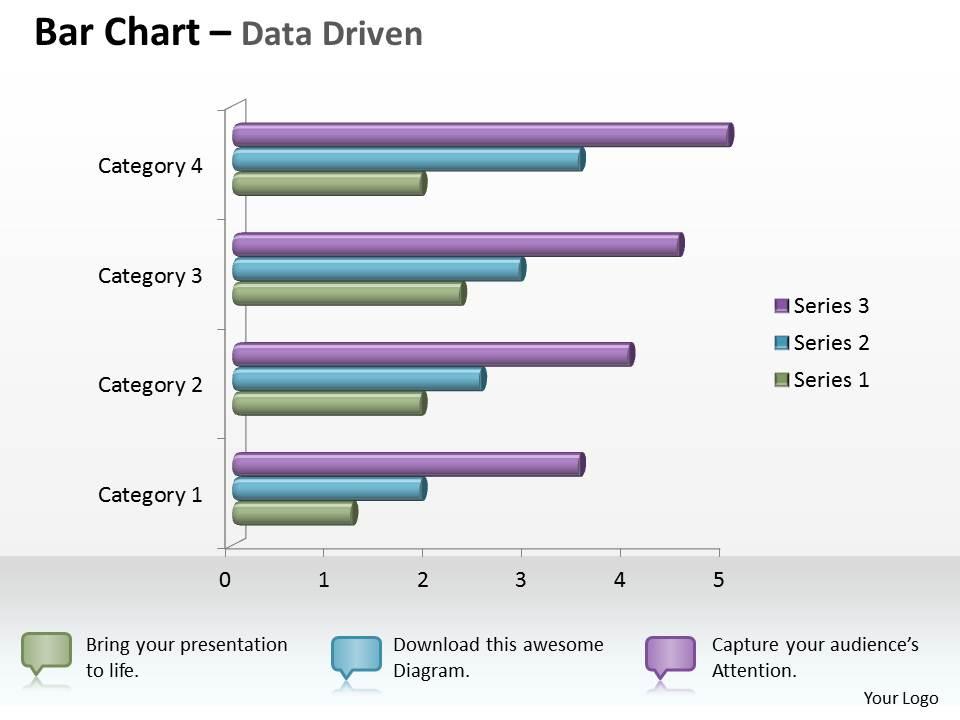
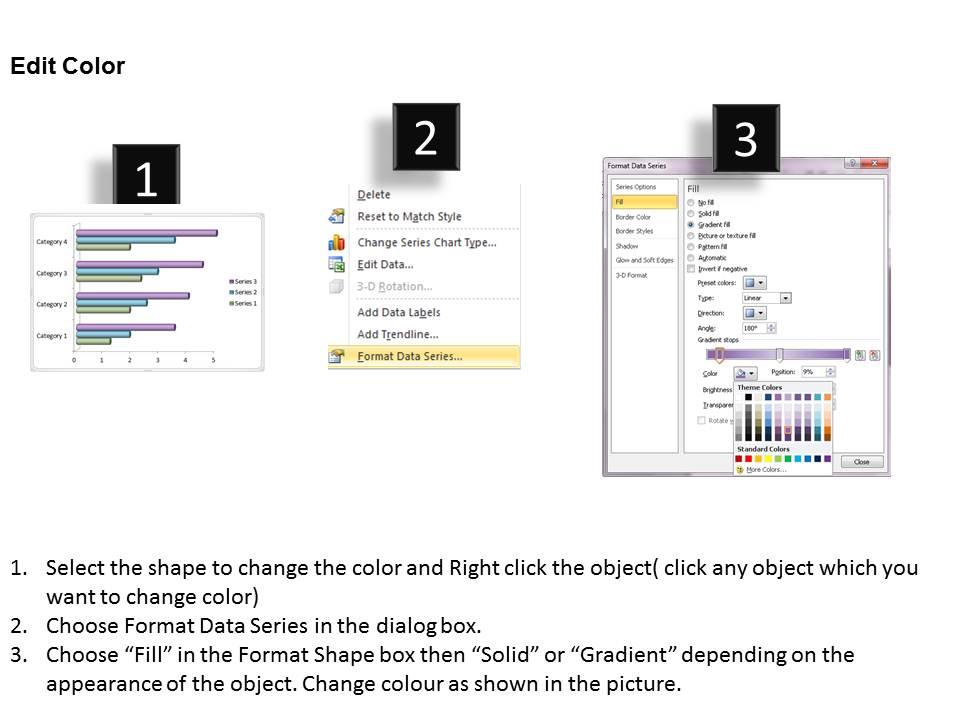
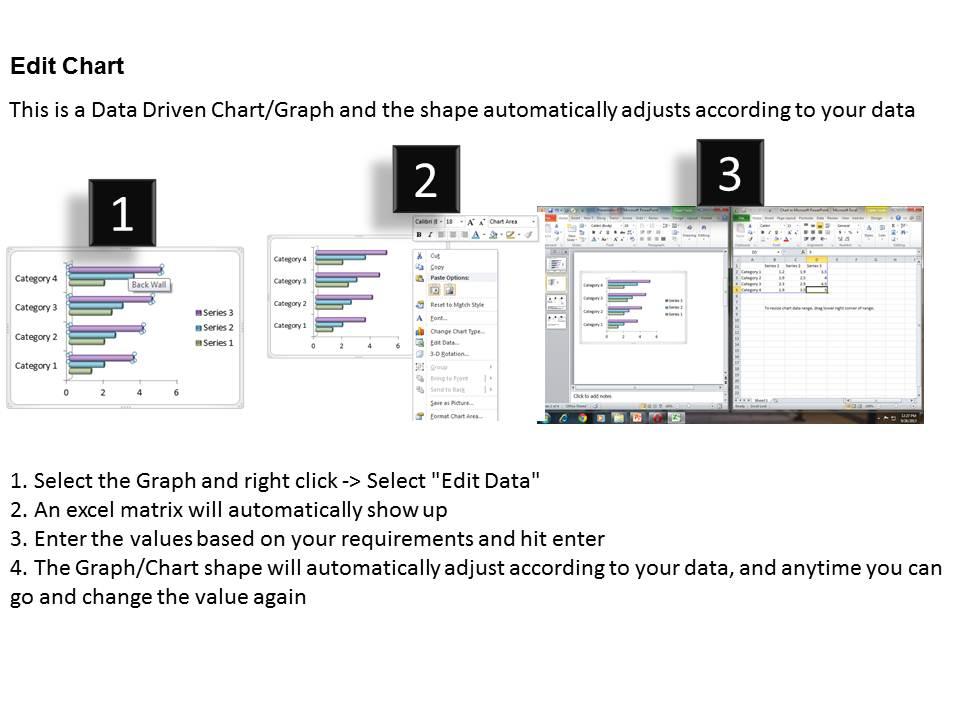
Data driven 3d bar chart for business statistics powerpoint slides

Rating:
90%
Data driven 3d bar chart for business statistics powerpoint slides
Slide 1 of 3
Favourites Favourites

Try Before you Buy Download Free Sample Product

Audience Impress Your
Audience
Editable 100%
Editable
Time Save Hours
of Time
The Biggest Sale is ending soon in
0
0
:
0
0
:
0
0
Rating:
90%
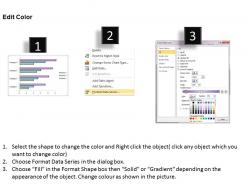
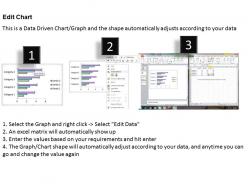
We are proud to present our data driven 3d bar chart for business statistics powerpoint slides. This Professionally designed PowerPoint template shows bar chart for business statistics. Using visual representations to present data and evaluation of activities makes audience easier to understand.

People who downloaded this PowerPoint presentation also viewed the following :

FAQs for Data driven 3d bar chart for business

Data-driven 3D bar charts enhance visual impact, improve data comprehension, enable multi-dimensional analysis, facilitate comparative insights, and create memorable presentation moments. These visualization tools streamline complex data interpretation by adding depth perception, highlighting value relationships, and engaging audiences more effectively, with many organizations finding that strategic use of 3D elements ultimately delivers stronger stakeholder buy-in and clearer decision-making outcomes.

Integrating 3D bar charts enhances complex data visualization by adding depth perception, enabling multi-dimensional comparisons, and improving pattern recognition across large datasets. These visualizations streamline data interpretation for stakeholders by making trends more intuitive, facilitating faster decision-making in sectors like financial services and healthcare analytics, ultimately delivering clearer insights and enhanced presentation impact.

Best practices for 3D bar chart clarity include maintaining consistent axis scaling, using appropriate viewing angles, ensuring readable labels, selecting distinct colors, and avoiding excessive depth effects. These design principles enhance data comprehension by minimizing visual distortion, improving label visibility, and reducing cognitive load, with many organizations finding that simplified 3D presentations deliver clearer insights and more effective stakeholder communications.

Different colors in 3D bar charts significantly influence viewer perception through psychological associations, visual hierarchy, and cognitive processing patterns. Strategic color choices enhance data interpretation by creating intuitive groupings, emphasizing key metrics, and reducing cognitive load, with many organizations finding that consistent color schemes across dashboards improve decision-making speed and accuracy.

3D bar charts prove more beneficial when presenting data to executive audiences, creating impactful presentations for stakeholders, or showcasing comparative performance across multiple dimensions like regional sales, quarterly growth, or product categories. These enhanced visualizations deliver greater visual engagement and memorability in boardroom settings, marketing materials, and client presentations, with many organizations finding that the dimensional depth helps emphasize key achievements and competitive advantages more effectively than traditional flat charts.

**INPUT**: What tools and software are recommended for creating effective data-driven 3D bar charts? **OUTPUT**: Recommended tools include Tableau, Power BI, Excel with advanced charting, D3.js for web development, and specialized platforms like Plotly and Chart.js. These solutions streamline data visualization by offering intuitive interfaces, real-time data integration, and customizable 3D rendering capabilities, with many organizations finding that interactive dashboards enhance stakeholder engagement and accelerate decision-making processes.

Interactivity can be incorporated through hover effects for data details, clickable segments for drill-down analysis, rotation controls for viewing angles, animated transitions between data sets, and filtering options for specific categories. These interactive features transform static presentations into dynamic experiences, enabling audiences to explore data independently while facilitating deeper understanding and retention, ultimately delivering more engaging and memorable business presentations.

Common mistakes include using excessive 3D depth that distorts proportions, choosing inappropriate color schemes that reduce readability, overcrowding charts with too much data, and neglecting proper axis labeling. These visualization errors compromise data accuracy and audience comprehension, with many organizations finding that streamlined 3D design, strategic color contrast, and clear scaling ultimately deliver more impactful presentations and better decision-making outcomes.

Depth in 3D bar charts can compromise data accuracy by creating visual distortions, perspective effects, and occlusion issues that make precise value comparison challenging. While these charts enhance visual appeal, many data analysts find that the depth dimension introduces measurement ambiguity, especially when bars overlap or appear at different viewing angles, ultimately requiring careful design considerations to maintain interpretive precision.

The ideal number of categories for a 3D bar chart is typically 5-8 categories, as this range balances comprehensive data presentation with visual clarity and audience comprehension. Beyond eight categories, charts become cluttered and harder to interpret, while fewer than five may oversimplify complex datasets, with many organizations finding that strategic category grouping and thoughtful data segmentation ultimately delivers more impactful presentations and clearer decision-making insights.

3D bar charts adapt to different data types through customized axes, color coding, and categorical groupings that highlight specific metrics like revenue trends, population segments, or performance indicators. Financial data benefits from time-series comparisons and variance visualization, while demographic data leverages geographic clustering and age-income correlations, ultimately enabling organizations to present complex datasets with enhanced visual depth and stakeholder comprehension.

Animation in data-driven 3D bar charts enhances audience engagement by revealing data progressively, highlighting key trends, and guiding viewer attention through complex datasets. These dynamic presentations enable presenters to tell compelling data stories, demonstrate growth patterns over time, and emphasize critical insights, with many organizations finding that animated visualizations significantly improve comprehension and retention during stakeholder meetings.

Effective 3D bar chart annotation involves strategic data labeling, directional callouts, color-coded legends, and contextual text boxes that guide viewer attention to critical patterns and outliers. These visual enhancement techniques streamline data interpretation by emphasizing comparative values, trend indicators, and significant variances, with many organizations finding that well-annotated charts deliver clearer stakeholder communication and faster decision-making processes.

3D bar charts present depth perception challenges, visual distortion of data values, increased complexity that can confuse audiences, and potential misinterpretation of proportional relationships between data points. These limitations can be addressed through careful angle selection, consistent lighting and shading, supplementary data labels for clarity, and strategic use of color coding, with many presentation designers finding that combining 3D elements with clear numerical indicators ultimately delivers visual impact while maintaining data accuracy.

Responsive 3D bar charts adapt to mobile and tablet presentations through flexible scaling, touch-optimized interactions, and simplified visual hierarchies that maintain data clarity across screen sizes. These implementations streamline by adjusting bar thickness, reducing visual complexity, and enabling gesture-based navigation, with many presentation teams finding that responsive charts deliver enhanced audience engagement and seamless cross-device accessibility.

Ratings and Reviews

90% of 100
Write a review
Most Relevant Reviews
  1. 80%

    by Curtis Herrera

    Informative presentations that are easily editable.
  2. 100%

    by Collin Gonzales

    Excellent Designs.

2 Item(s)

per page: