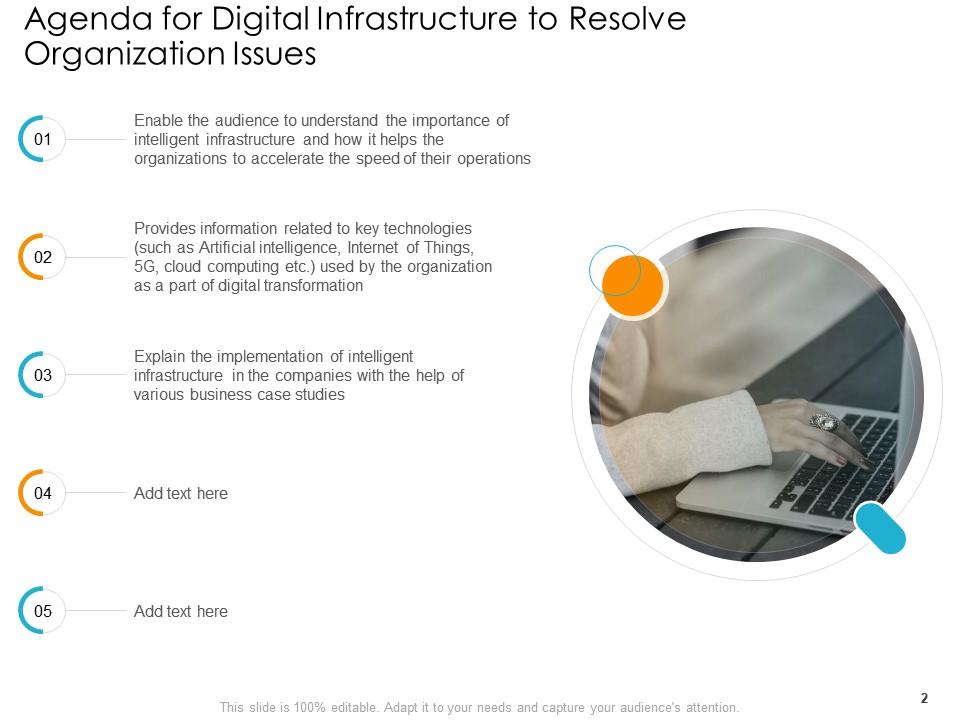
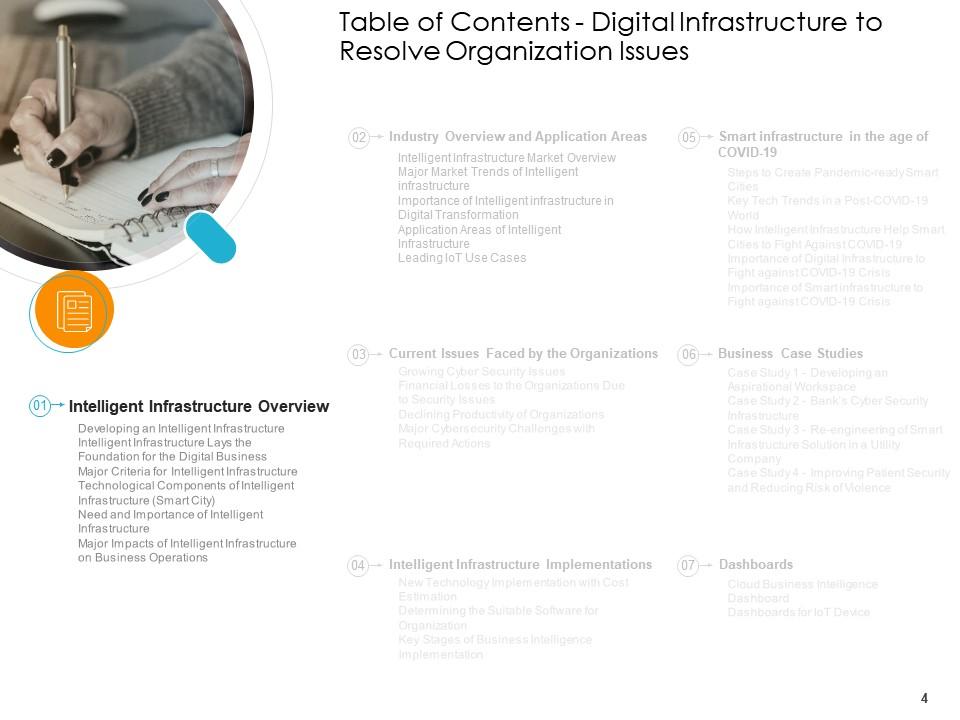
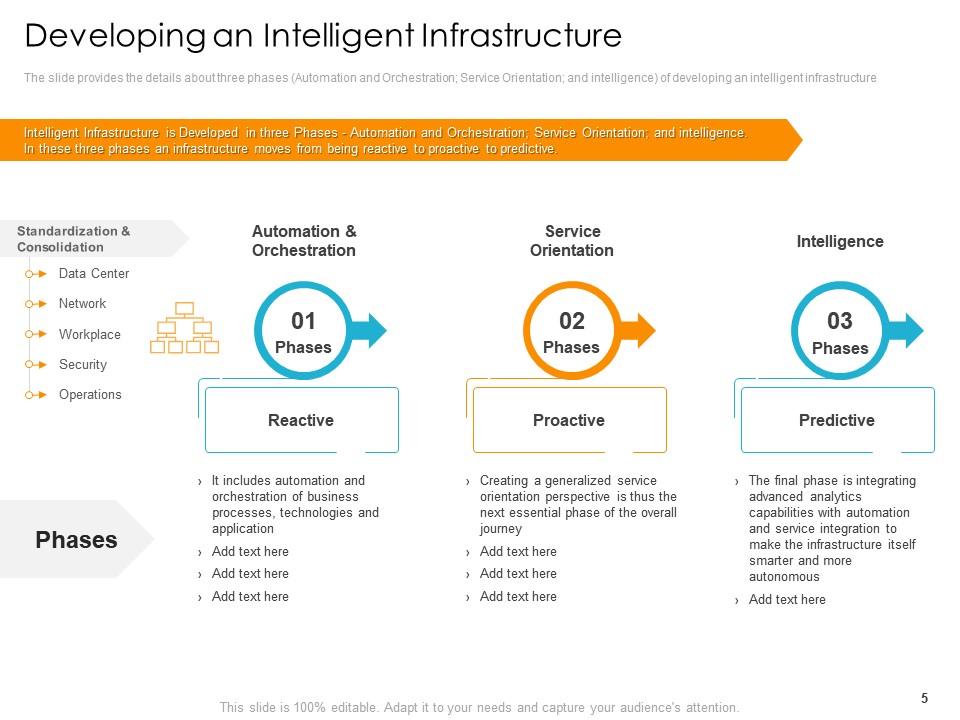
Infrastructure numérique pour résoudre les problèmes d'organisation Diapositives de présentation Powerpoint

Rating:
80%
Digital infrastructure to resolve organization issues powerpoint presentation slides
Slide 1 of 49
Favourites Favourites

Try Before you Buy Download Free Sample Product

Audience Impress Your
Audience
Editable 100%
Editable
Time Save Hours
of Time
The Biggest Sale is ending soon in
0
0
:
0
0
:
0
0
Rating:
80%

Caractéristiques de ces diapositives de présentation PowerPoint :

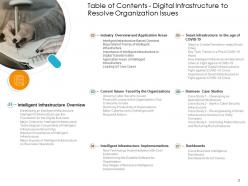
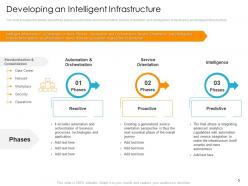
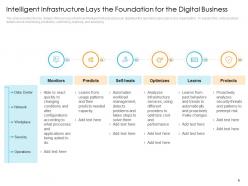
Fournissez ce deck complet aux membres de votre équipe et aux autres collaborateurs. Entouré de diapositives stylisées présentant divers concepts, cette infrastructure numérique pour résoudre les problèmes d'organisation diapositives de présentation Powerpoint est le meilleur outil que vous pouvez utiliser. Personnalisez son contenu et ses graphiques pour le rendre unique et stimulant. Les quarante-neuf diapositives sont modifiables et modifiables, alors n'hésitez pas à les ajuster à votre environnement professionnel. La police, la couleur et d'autres composants sont également disponibles dans un format modifiable, ce qui fait de cette conception PPT le meilleur choix pour votre prochaine présentation. Alors, téléchargez maintenant.
FAQs for Digital infrastructure to resolve organization issues

You'll definitely need solid network infrastructure and decent data storage - that's like your foundation. Cybersecurity can't be an afterthought either, trust me on that one. Cloud computing and analytics tools are pretty much non-negotiable these days for actually making sense of your data. Oh, and backup/disaster recovery saved my butt once so don't skip it! Hardware that can scale up when you need it, plus making sure all your systems can actually communicate with each other. Honestly, I'd start by looking at what's currently driving your team crazy on a daily basis - those pain points will tell you where to focus first.
Dude, cloud computing is a game changer. You can spin up servers in minutes when traffic spikes instead of waiting months for hardware orders. No more guessing how much capacity you'll need! I used to work somewhere that had servers just collecting dust because we over-bought everything. With cloud, you pay for exactly what you use. Short burst of traffic? Scale up fast, then back down. Want to go global? Deploy across regions with a few clicks. Honestly once you go cloud-first, you'll wonder why anyone still buys physical servers.
So cybersecurity is like your digital immune system - it spots threats and fights them off before they can mess with your networks and data. You've got firewalls, encryption, access controls, all that stuff working together. Honestly, skip this and you're basically inviting hackers to walk right in and wreck everything. The tricky part? These threats keep changing, so your defenses can't just sit there. I'd start with a security audit to figure out where you're most vulnerable first. Makes way more sense than trying to fix everything at once.

Honestly, start tracking the basics first - network latency, server uptime, response times. That's what actually shows if users are having issues. Tools like Datadog or New Relic handle most of the heavy lifting automatically, which is nice because who has time to babysit dashboards all day? Load testing is huge too - you need to know your breaking point before you hit it during Black Friday or whatever. Oh, and don't just look at the technical stuff. Sometimes everything looks perfect on your end but users are still complaining. Set up alerts so problems wake you up at 3am instead of your boss doing it.

Dude, edge computing is blowing up right now - basically moving all that processing power closer to where people actually are. 5G is finally real too, not just hype. Most companies are going hybrid cloud because honestly, who wants to be locked into one thing? The AI infrastructure thing is nuts though - literally everyone's freaking out trying to get their systems ready for it. Zero-trust security isn't optional anymore either. Oh, and data centers are going green because energy costs are insane. Automation's handling everything from networks to deployments now. You should probably check where your current setup stands against this stuff, especially the edge and AI parts.

Honestly, your internet connection will make or break everything. I found out the hard way when mine kept dying during important calls - so embarrassing. You'll need solid speeds for video meetings and file uploads. Cloud access becomes impossible with spotty wifi. VPN stability matters too, though that's kinda boring to think about. Test your current speed first, then upgrade if it's trash. Good collaboration tools help, but they're useless if your connection can't handle them. Oh, and make sure everything plays nice together - some apps are weirdly incompatible.

So basically, on-premises means you own all the servers and stuff in your own building. Cloud is renting space from Amazon or Microsoft instead. Your own setup gives you complete control and better security, but wow the upfront costs are brutal. Plus you're dealing with all the maintenance yourself. Cloud's nice because you can instantly add more power when you need it and just pay monthly - though you're trusting their systems. Honestly, most places I know mix both now. They'll keep the really sensitive data in-house but throw everything else in the cloud. Just figure out what matters most to you - budget, security requirements, that kind of thing.

First thing - get your APIs and data formats on the same page. REST or GraphQL work great, and JSON's usually your best bet for data exchange. Trust me, this is where most people mess up because they skip the planning phase. Document everything clearly and pick one authentication method that works across all your systems. What you're basically building is a translator layer between platforms. Oh, and definitely map out your current systems first - you'll want to see exactly where they need to talk to each other. It's way easier than trying to figure it out later.

Ugh, budget's always the first nightmare. Then you've got compatibility issues between old and new systems - seriously, legacy stuff is like that ancient printer everyone's scared to touch but it keeps jamming. Your team needs training time, which costs money you don't have. Data migration's terrifying because you can't afford to lose anything important. Oh, and somehow you've got to keep customers happy while everything's potentially broken. Security gets sketchy during transitions too. I'd start by figuring out what you actually have, then tackle the most critical stuff first.

Honestly, data analytics is huge for this stuff. You can catch bottlenecks before they wreck your day and predict when things might fail. Traffic patterns show you where you need more juice, and performance metrics help you spot issues early - way better than getting woken up at 3am, trust me. Plus you'll see which parts of your setup are just sitting there doing nothing, so you can move resources around and actually save money. I'd start with some basic dashboards for your main systems. The patterns pop up faster than you'd think, and then you're golden.

Data centers eat up about 1% of global electricity - crazy right? That number's climbing as we all binge Netflix and hoard photos in the cloud. Manufacturing all those servers needs rare earth minerals, which isn't great for carbon emissions. Then there's cooling costs because those things run ridiculously hot 24/7. You can help by choosing cloud providers that actually use renewable energy. Also worth optimizing your apps to transfer less data. Sounds small, but multiply tiny improvements across millions of users and it adds up fast.

Honestly, you've gotta build compliance right into your system from the start - retrofitting is a nightmare. Map out which regulations hit your industry first. GDPR will completely change how you handle data storage and user info (learned that the hard way). Design for data residency rules, encryption standards, audit trails, all that fun stuff. The annoying part? Regulations keep changing, so your architecture needs to be flexible enough to adapt. I'd work backwards from your compliance requirements when picking your tech stack - saves you major headaches later.

Honestly, I'd go with Datadog or New Relic first - their dashboards are pretty solid for tracking performance stuff. Pingdom's great for uptime alerts too, though getting woken up at 3am still sucks. For logs, ELK stack works well when you need to dig into what broke. Oh, and grab something like PRTG for network monitoring. I learned this the hard way, but don't try to set up like six different tools at once. Pick one good platform and expand from there - way less headache that way.

Look, good digital infrastructure is basically what lets you actually build cool stuff instead of just fixing broken things all day. Your team can focus on new products when the cloud systems and networks aren't constantly crashing. Think of it like having decent plumbing - works fine until it doesn't, then everything's a nightmare. The cool part? You can try new ideas without dropping huge money upfront. Scale fast when something works. First step is honestly just looking at what's slowing everyone down right now and fixing those pain points first.

Look, start with an audit of what you've got - find those weak spots that'll kill everything if they fail. Multiple backups are your best friend here. Real-time monitoring catches problems early (seriously wish I'd learned this sooner). Your incident response plan? Actually test it with fake outages or you're just crossing your fingers. Oh and keep everything patched - cybersecurity stuff can't wait. Basically build redundancy everywhere so when something breaks, other systems jump in automatically. Focus on the biggest risks first since you can't fix everything at once.

Ratings and Reviews

80% of 100
Review Form
Write a review
Most Relevant Reviews
  1. 80%

    by Donnie Knight

    Much better than the original! Thanks for the quick turnaround.
  2. 80%

    by Wilson Campbell

    Presentation Design is very nice, good work with the content as well.
  3. 80%

    by Mason Thompson

    Visually stunning presentation, love the content.

3 Item(s)

per page: