Dissertationspräsentation Powerpoint-Präsentationsfolien
Try Before you Buy Download Free Sample Product
Audience
Editable
of Time
Erarbeiten Sie die einstweilige Verfügung mit unseren Powerpoint-Präsentationsfolien für Dissertationspräsentationen. Überzeugen Sie die Leute von der Entscheidung des Gerichts.
Merkmale dieser PowerPoint-Präsentationsfolien :
Diesen Foliensatz mit Namen präsentieren - Präsentations-Präsentation Powerpoint-Präsentationsfolien. Die Phasen in diesem Prozess sind Präsentation der Dissertation, Präsentation des Aufsatzes, Präsentation der Abschlussarbeit.
People who downloaded this PowerPoint presentation also viewed the following :
Inhalt dieser Powerpoint-Präsentation
Folie 1 : Diese Folie stellt die Präsentation der Dissertation vor. Geben Sie Ihren Firmennamen an und beginnt.
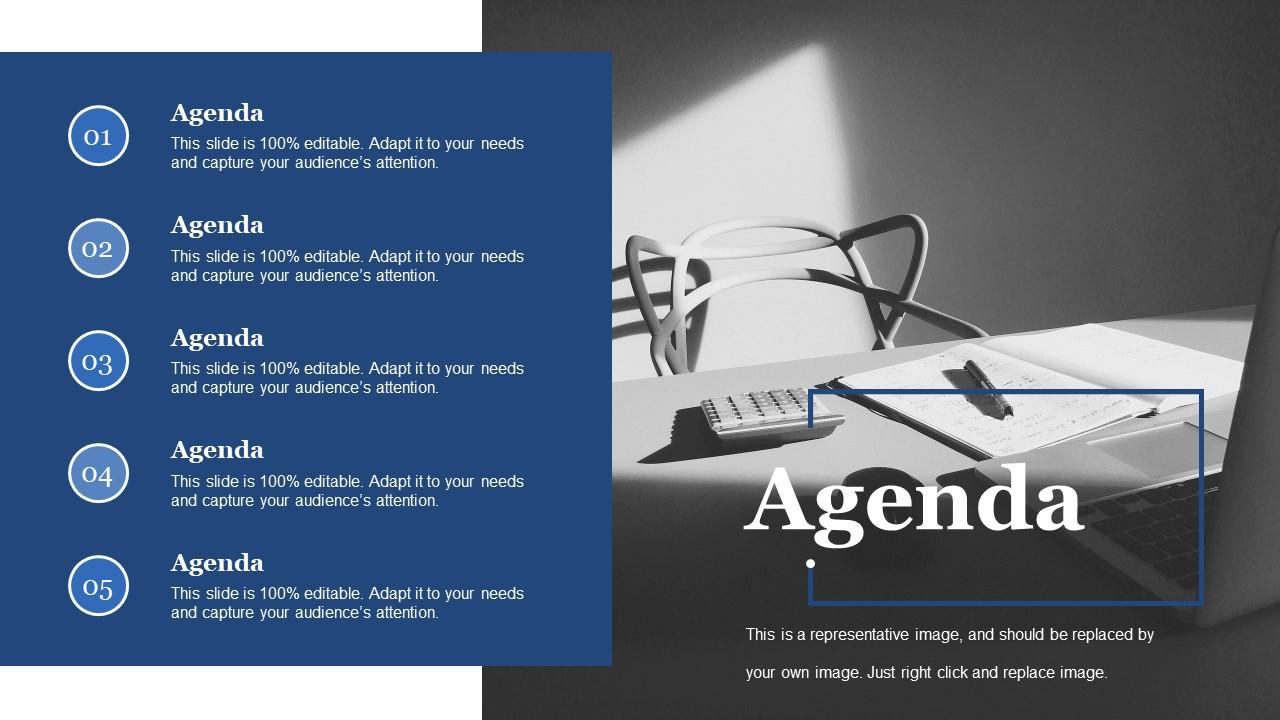
Folie 2 : Diese Folie zeigt die Agenda. Sie können für Ihre Firmenagenda verwenden.
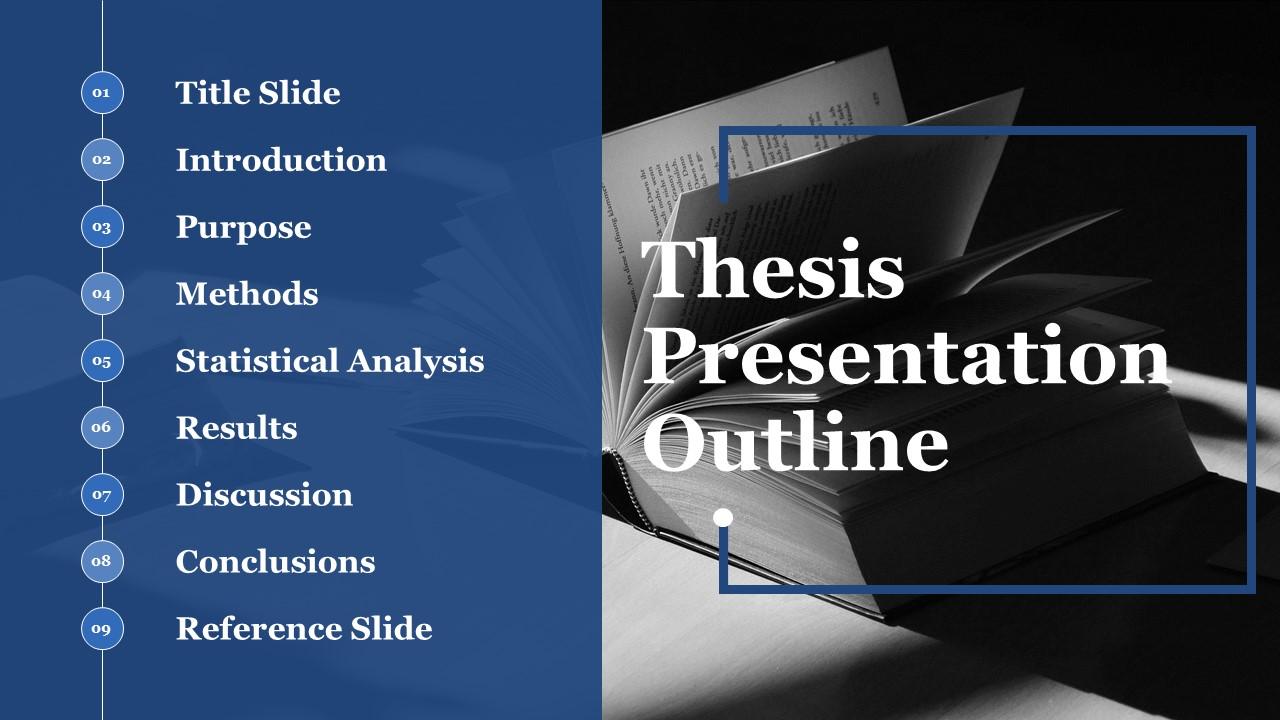
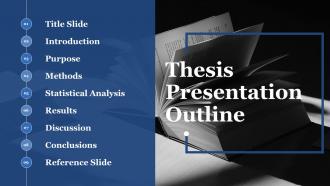
Folie 3 : Diese Folie zeigt die Gliederung der Dissertation mit diesen Punkten – Titelfolie, Einführung, Zweck, Methoden, Statistische Analyse, Ergebnisse, Diskussion, Schlussfolgerungen, Referenzfolie.
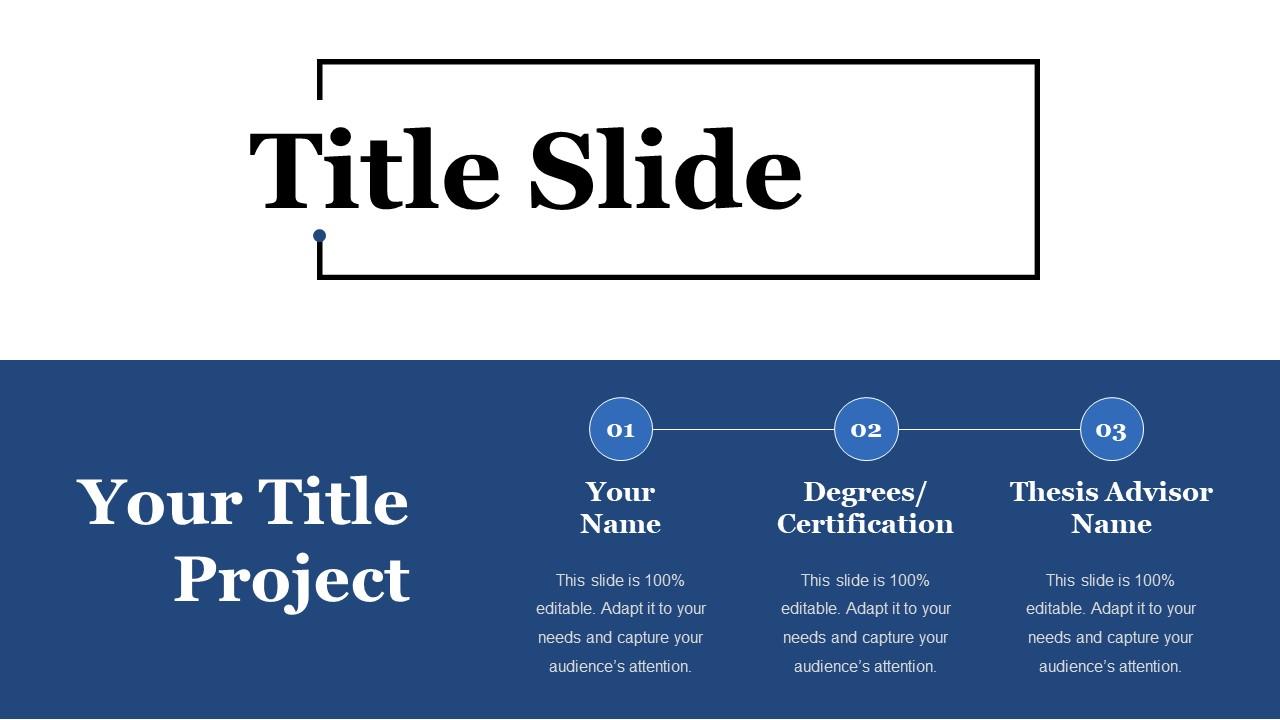
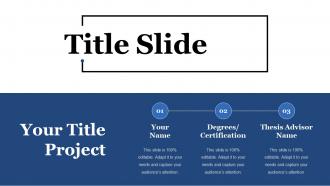
Folie 4 : Dies ist eine Titelfolie mit diesen drei wichtigen Punkten, die Sie berücksichtigen sollten: Ihr Name, Abschlüsse/Zertifizierung, Name des Betreuers der Abschlussarbeit.
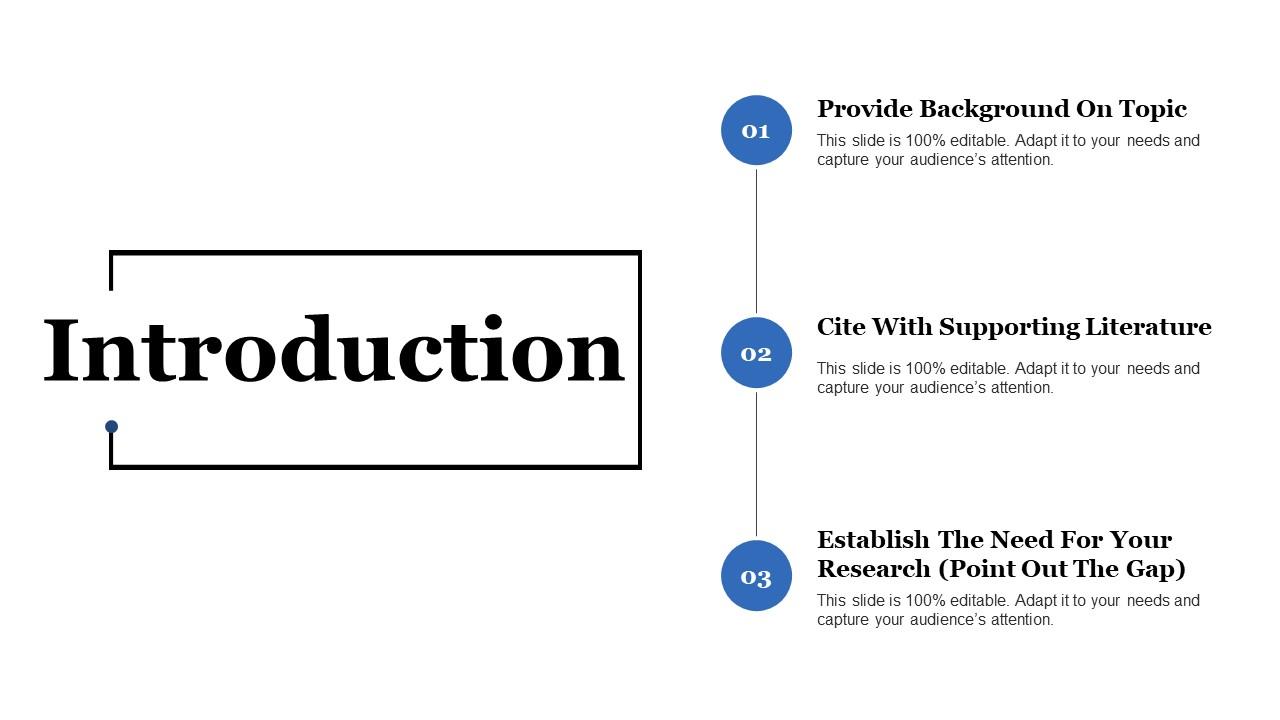
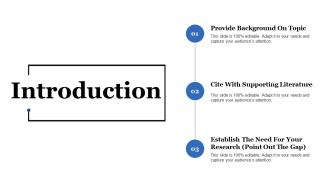
Folie 5 : Diese Folie zeigt die Einführung mit diesen drei wichtigen Funktionen, mit denen Sie schreiben können – Hintergrund zum Thema bereitstellen, mit unterstützender Literatur zitieren, den Bedarf für Ihre Forschung feststellen (auf die Lücke hinweisen).
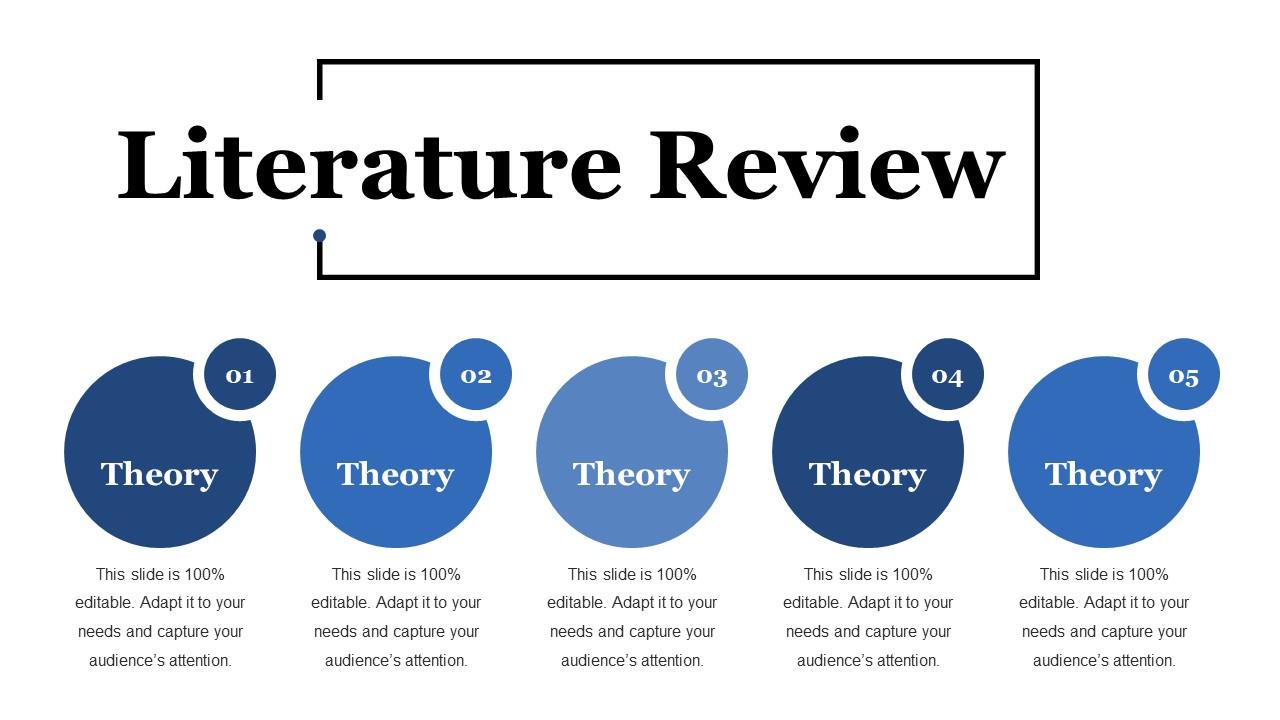
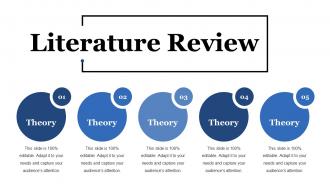
Folie 6 : Diese Folie präsentiert Literaturübersicht. Sie können die Theorie in diesen fünf Schritten hinzufügen.
Folie 7 : Diese Folie zeigt eine Zweckerklärung. Sie können die Anweisung hinzufügen.
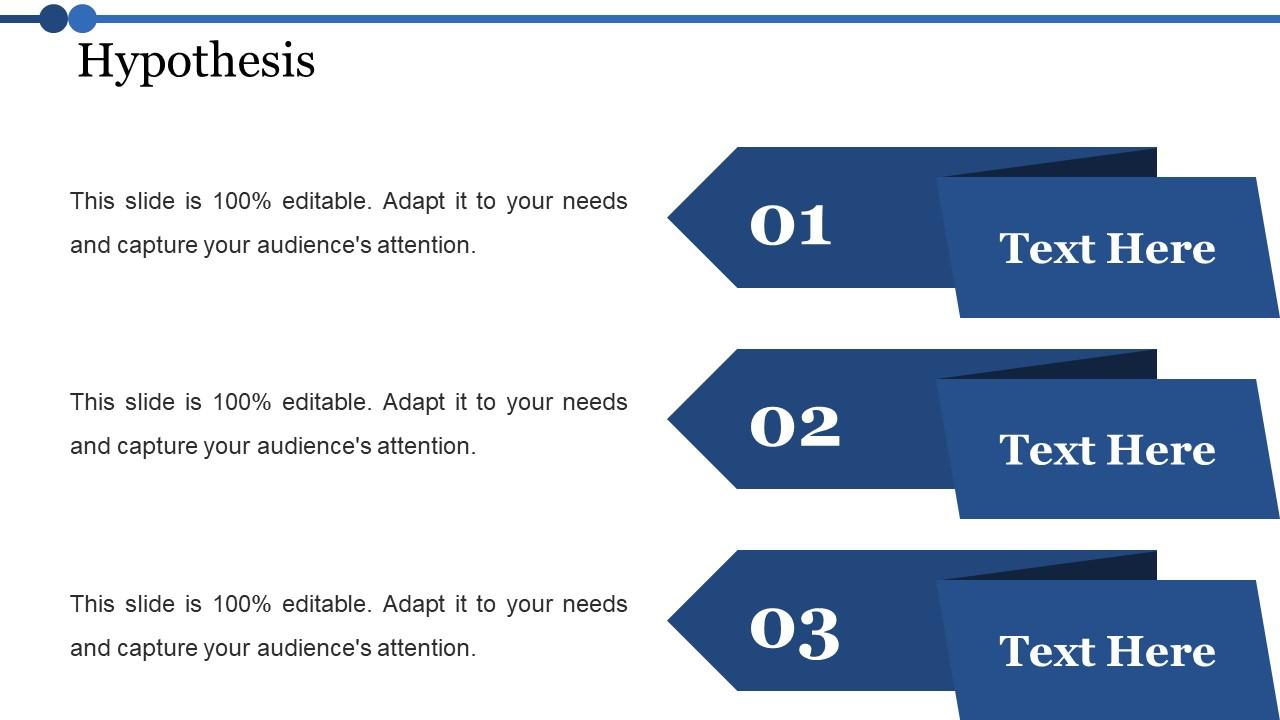
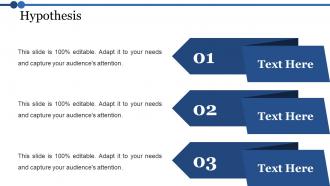
Folie 8 : Diese Folie zeigt die Hypothese. Sie können die Hypothese in diesem nach Ihren Anforderungen hinzufügen.
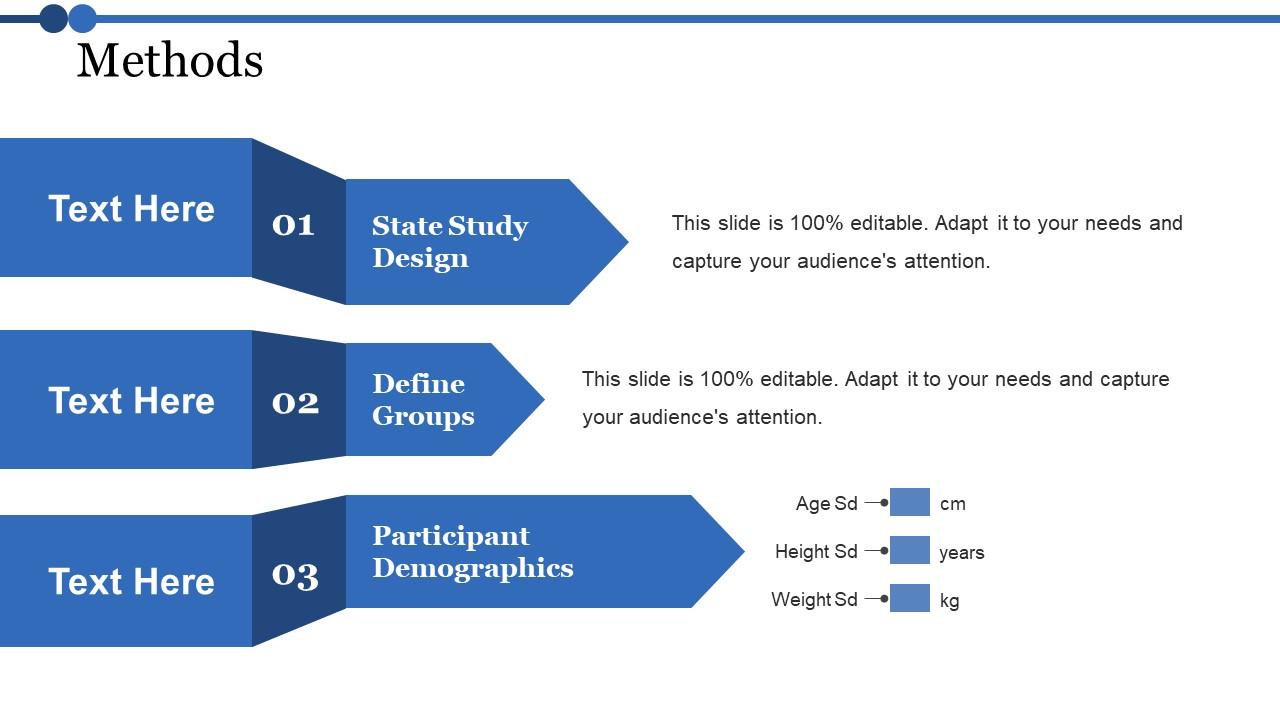
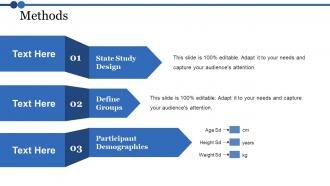
Folie 9 : Diese Folie präsentiert Methoden mit diesen drei Hauptstudiendesign, Gruppen definieren, Teilnehmerdemografie.
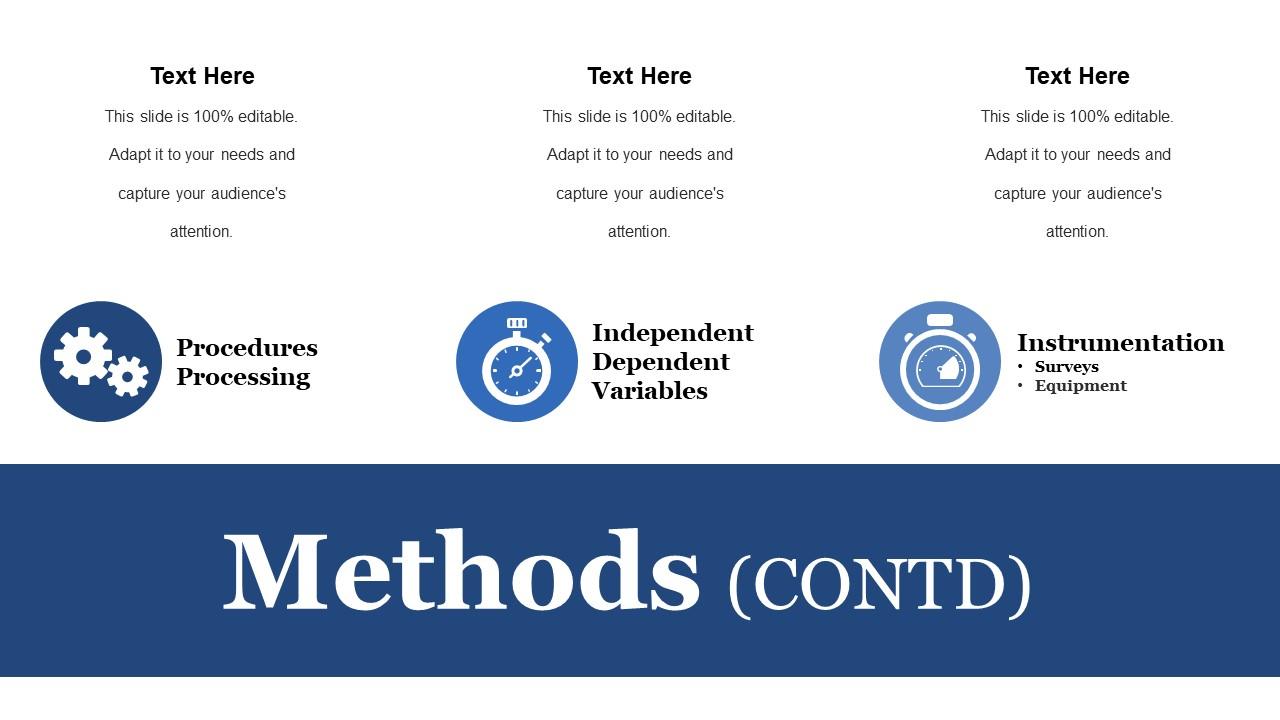
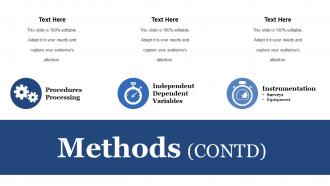
Folie 10 : Diese Folie Methoden mit diesen drei Parametern – Verfahrensverarbeitung, unabhängige abhängige Variablen, Instrumentierung.
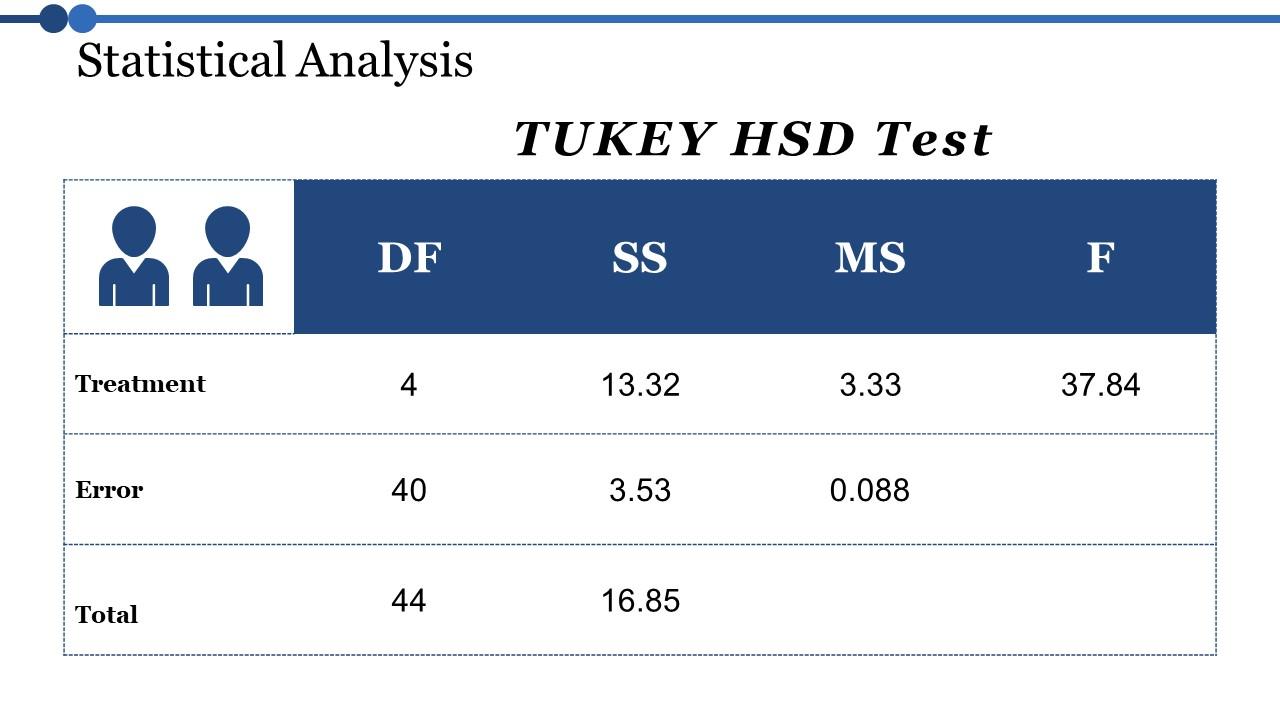
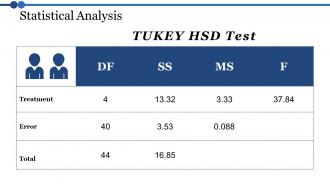
Folie 11 : Diese Folie zeigt die statistische Analyse mit einer Tabelle namens TUKEY HSD-Test.
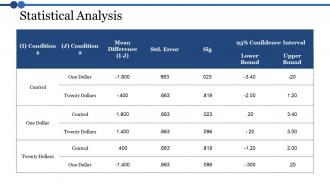
Folie 12 : Diese Folie zeigt die Tabelle der statistischen Analyse. Sie können die Daten oder Informationen nach Ihren Wünschen hinzufügen.
Folie 13 : Diese Folie zeigt die Ergebnisse. Mit dieser Folie können Sie Ihre Ergebnisse präsentieren.
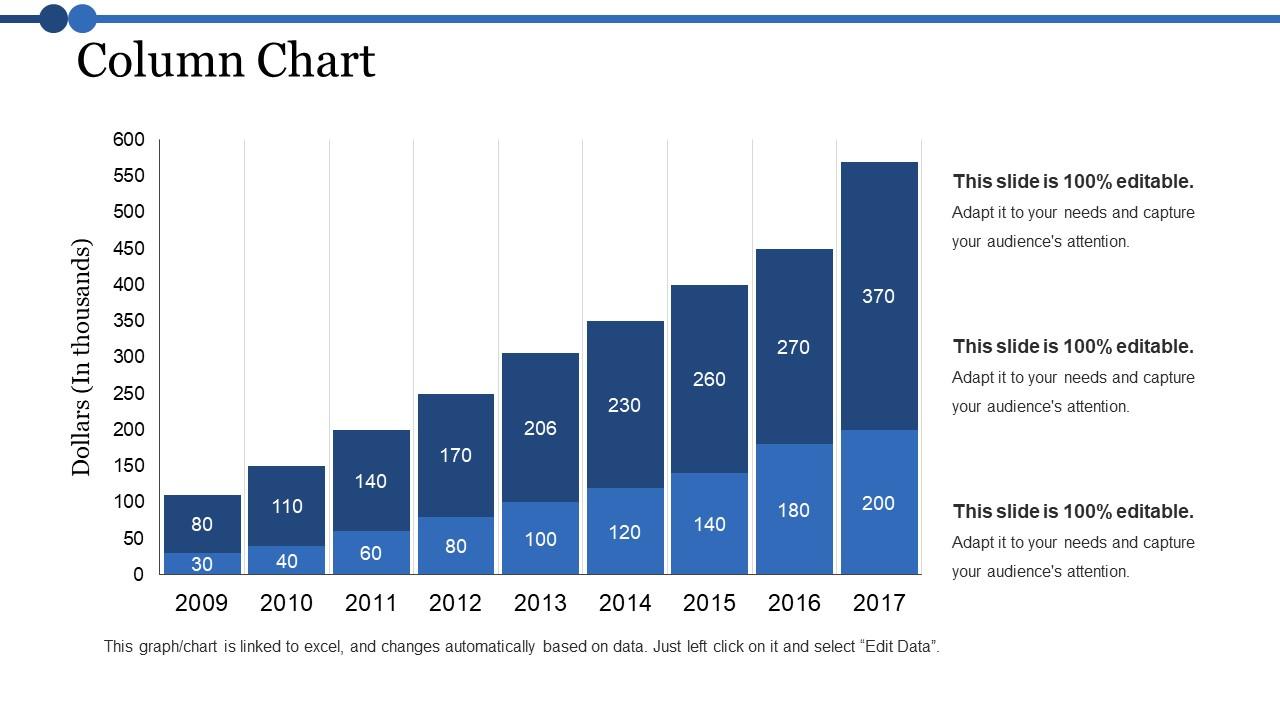
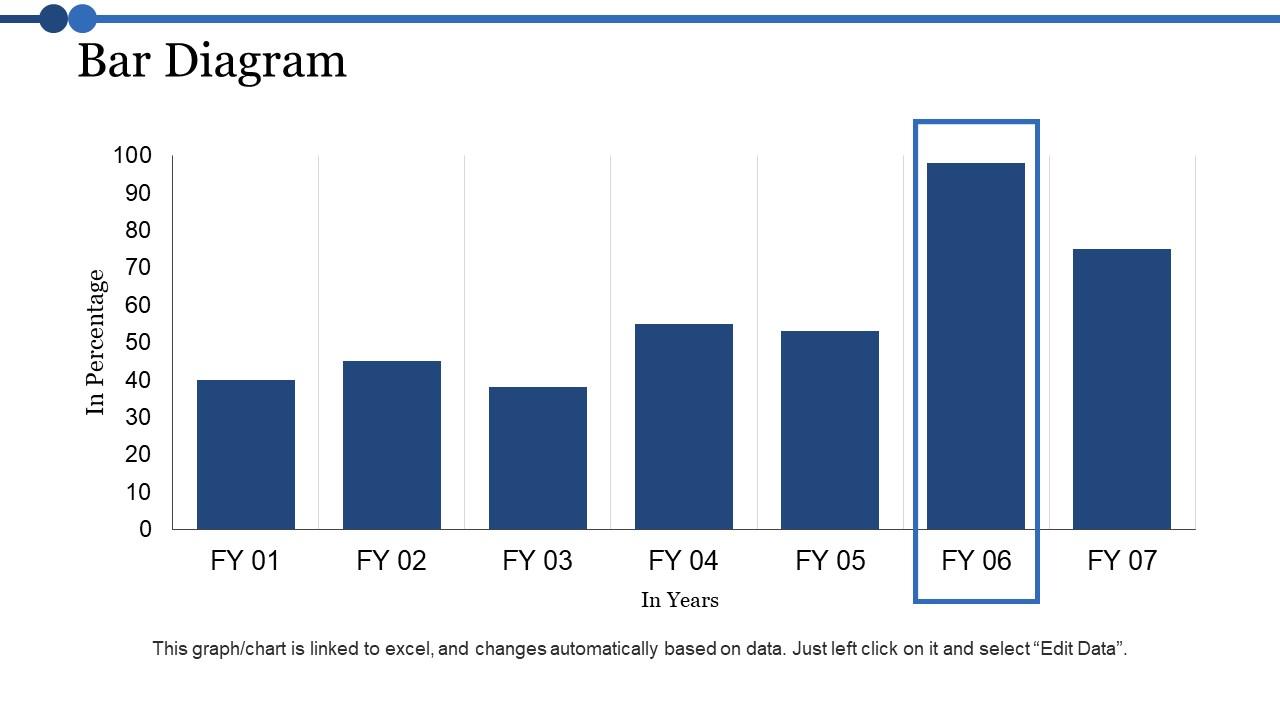
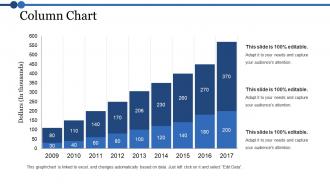
Folie 14 : Diese Folie Säulendiagramm Mit diesem Balkendiagramm-Vergleich können Sie die verschiedenen Jahre analysieren.
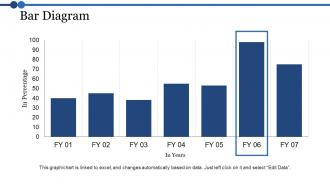
Folie 15 : Diese Folie zeigt ein Balkendiagramm mit dem Vergleich der Geschäftsjahre.
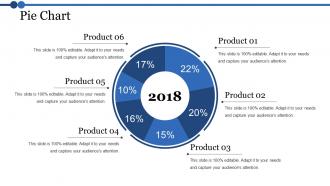
Folie 16 : Diese Folie zeigt ein Kreisdiagramm. Sie können das Produkt analysieren
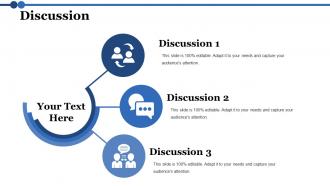
Folie 17 : Diese Folie zeigt die Diskussion. Sie können den Inhalt Ihrer Diskussion hinzufügen.
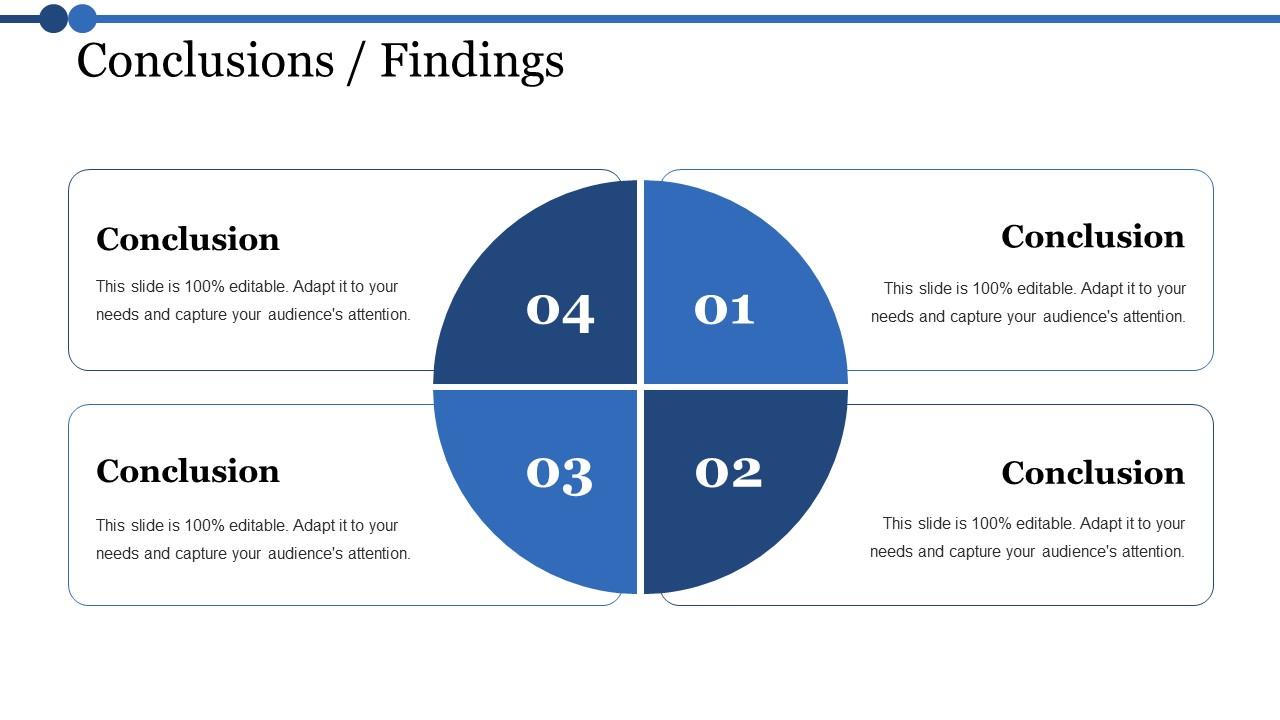
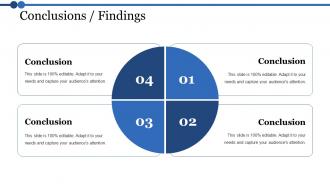
Folie 18 : Diese Folie präsentiert die Abschlussfolie. Sie können Ihre geschäftlichen Schlussfolgerungen hinzufügen und verwenden.
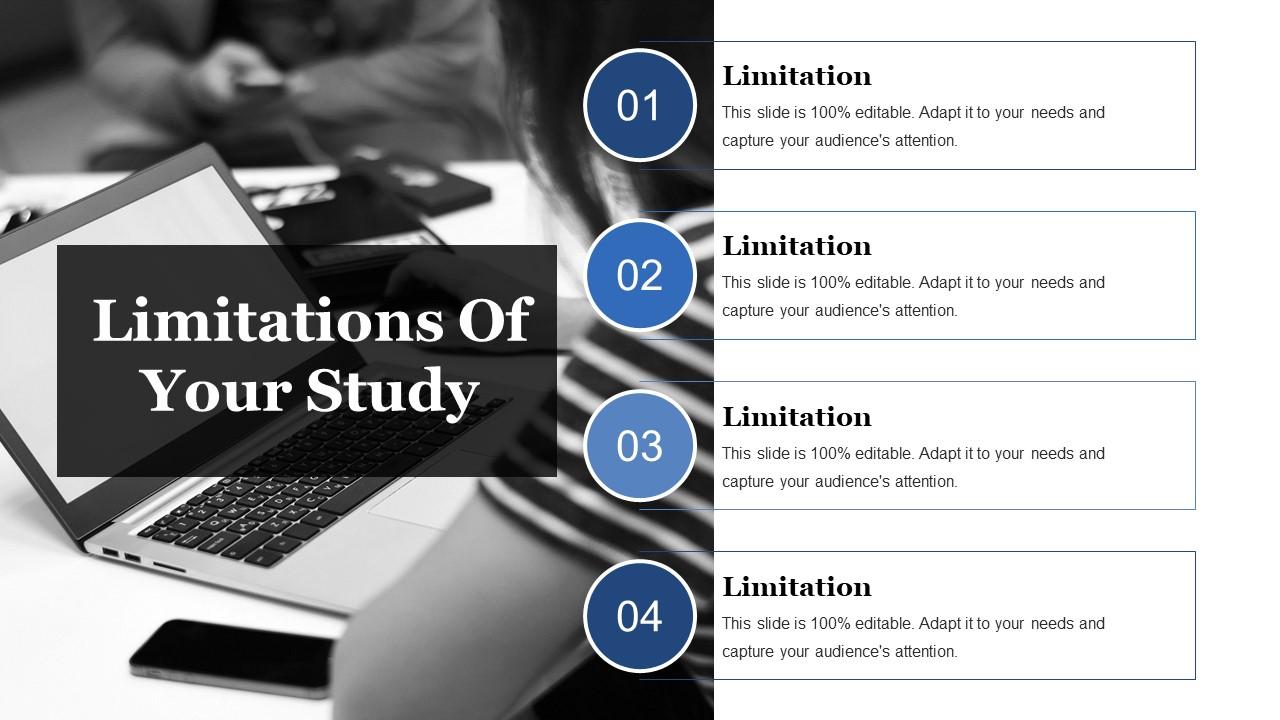
Folie 19 : Diese Folie zeigt die Einschränkungen Ihres Studiums. Sie können die Einschränkungen hinzufügen und nach Bedarf verwenden.
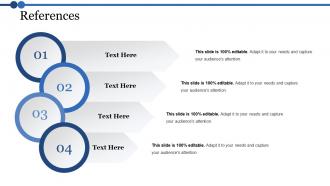
Folie 20 : Diese Folie zeigt Referenzen. Fügen Sie in diesen vier Schritten Ihre Referenzen hinzu.
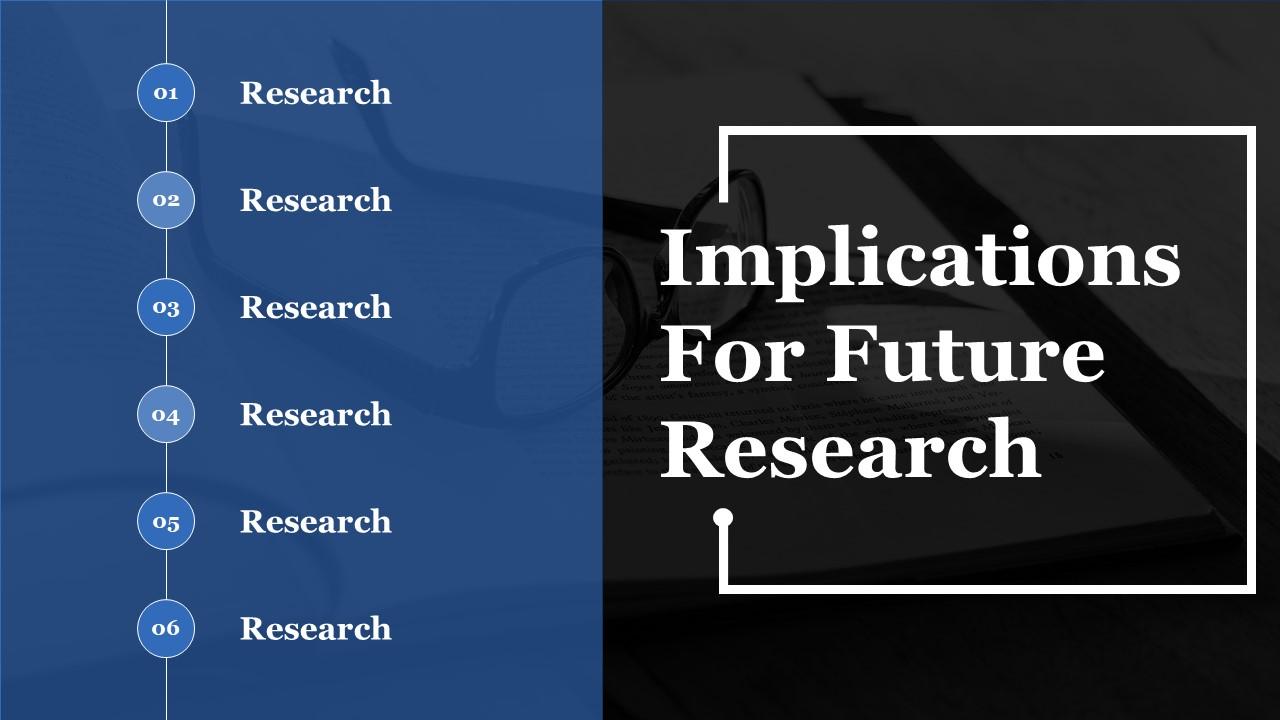
Folie 21 : Diese Folie präsentiert Implikationen für die zukünftige Forschung. Sie können es für die Forschungsarbeit verwenden.
Folie 22 : Diese Folie zeigt alle Fragen. Sie können Ihre Anfrage stellen.
Folie 23 : Diese Folie trägt den Titel Zusätzliche Folien.
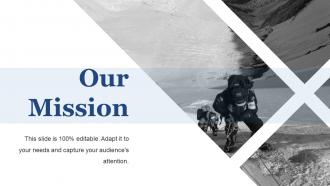
Folie 24 : Diese Folie enthält Unsere Mission mit Textfeldern.
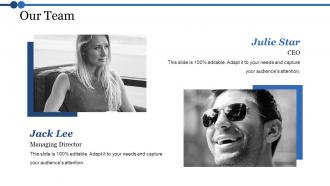
Folie 25 : Diese Folie hilft, unser Team mit Textfeldern darzustellen.
Folie 26 : Diese Folie hilft dabei, Über unser Unternehmen zu zeigen. Die Unterüberschriften umfassen: Kreatives Design, Kundenbetreuung, Unternehmen erweitern.
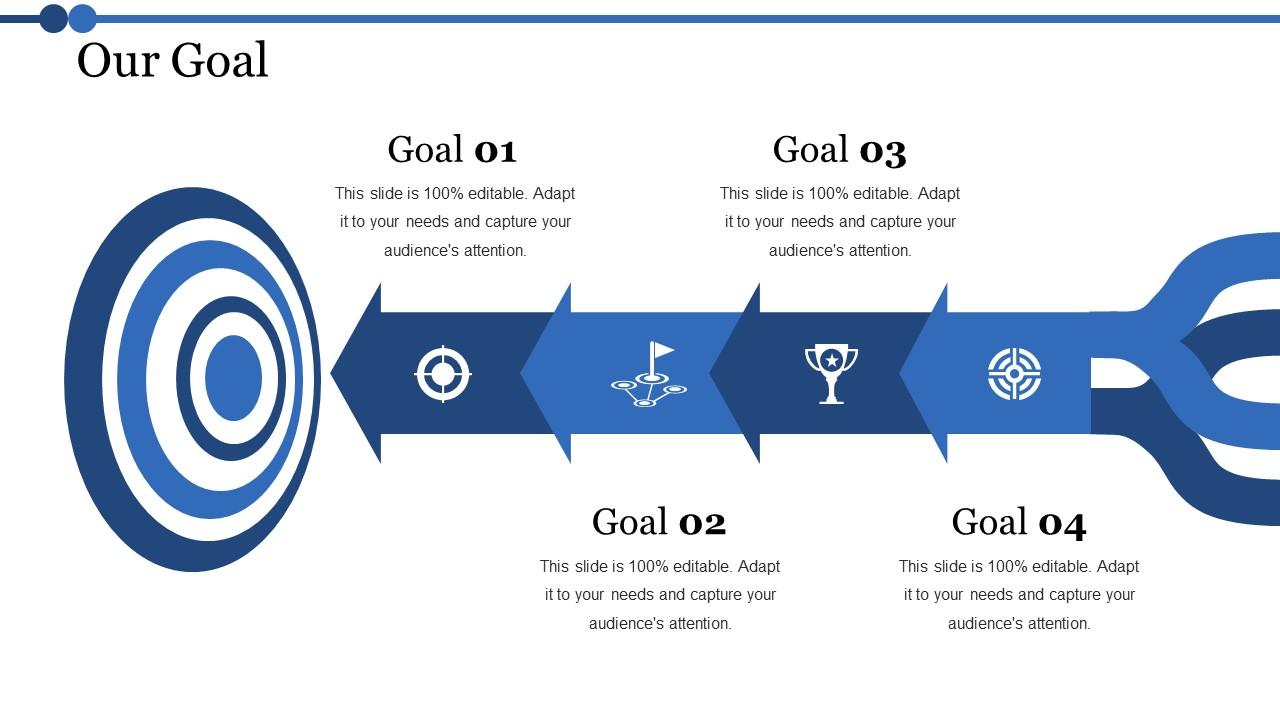
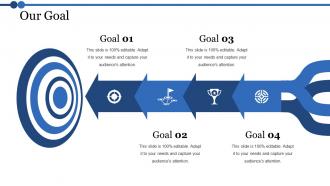
Folie 27 : Diese Folie zeigt unsere Ziele für Ihr Unternehmen.
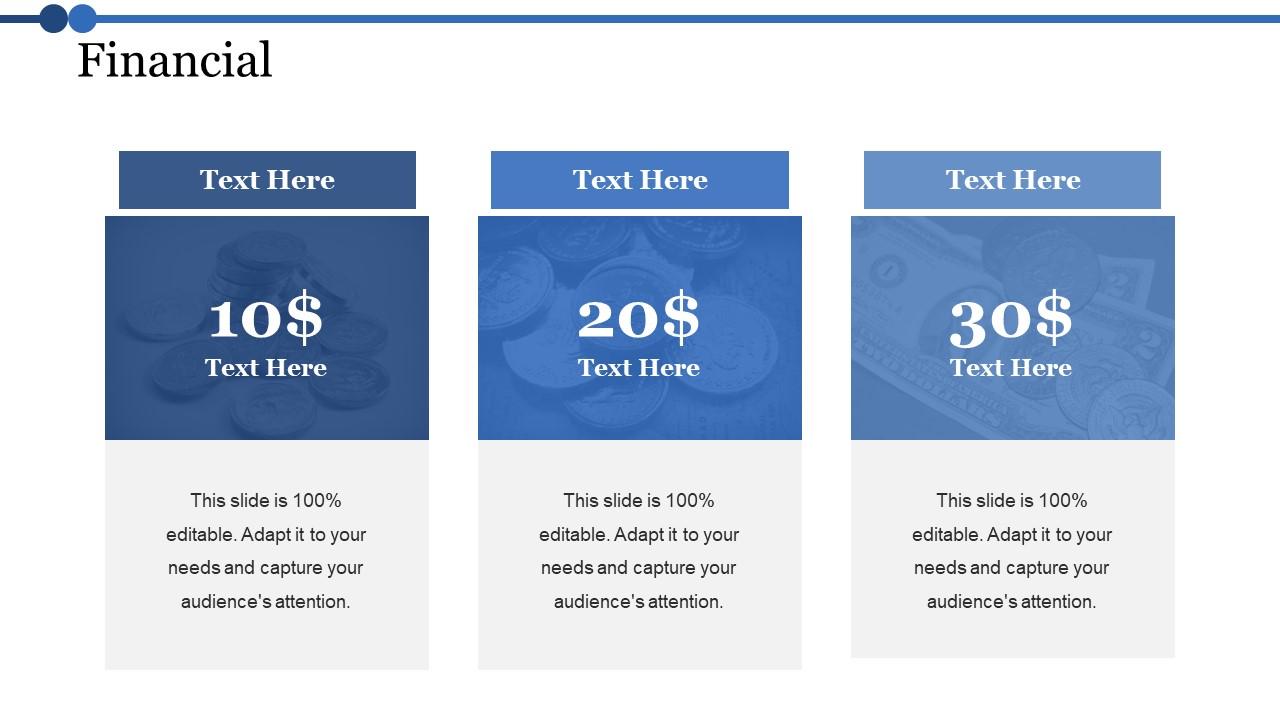
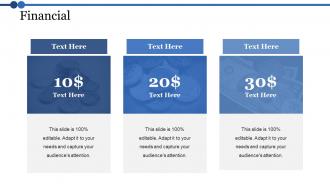
Folie 28 : Geben Sie auf dieser Folie Ihre Finanzbewertung mit relevanten Bildern und Texten an.
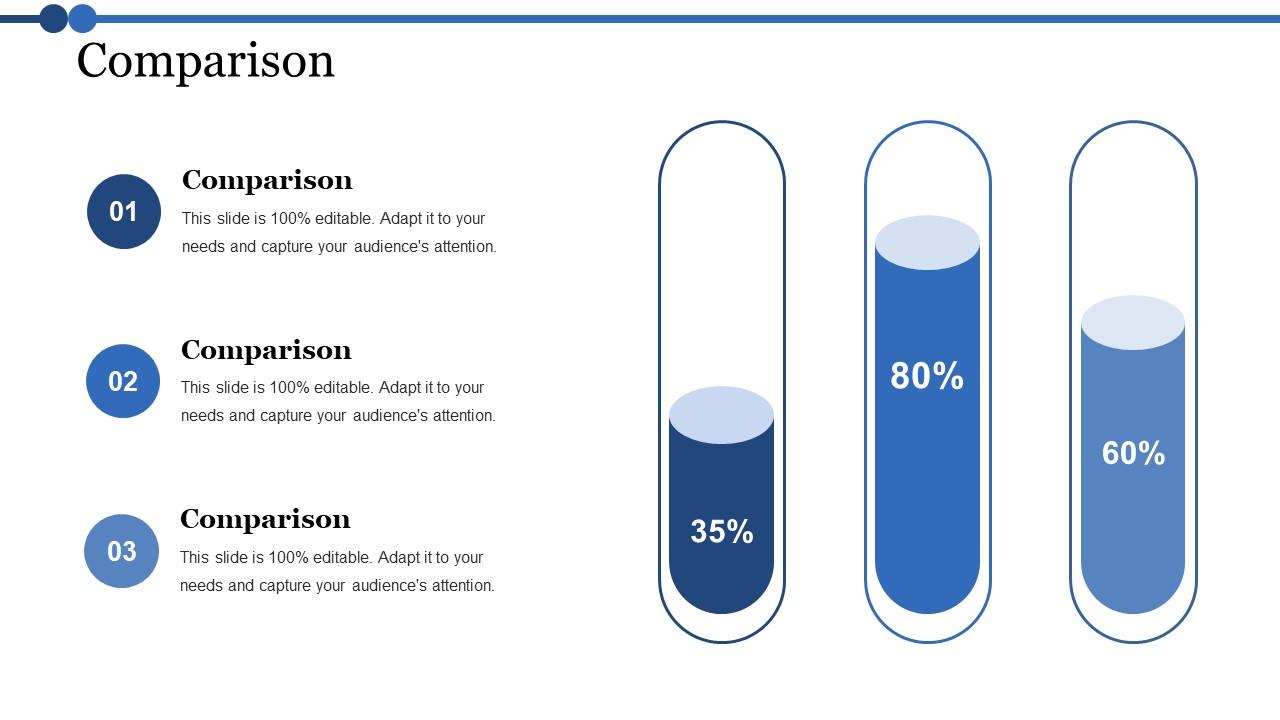
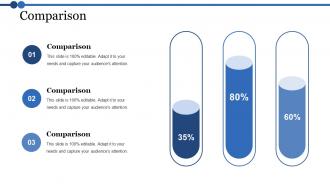
Folie 29 : Diese Folie zeigt den Vergleich. Damit können Sie Produkte vergleichen.
Folie 30 : Es geht nicht nur darum, besser zu werden. Es geht darum, anders zu sein. Sie müssen den Leuten einen Grund geben, sich für Ihr Unternehmen zu entscheiden.
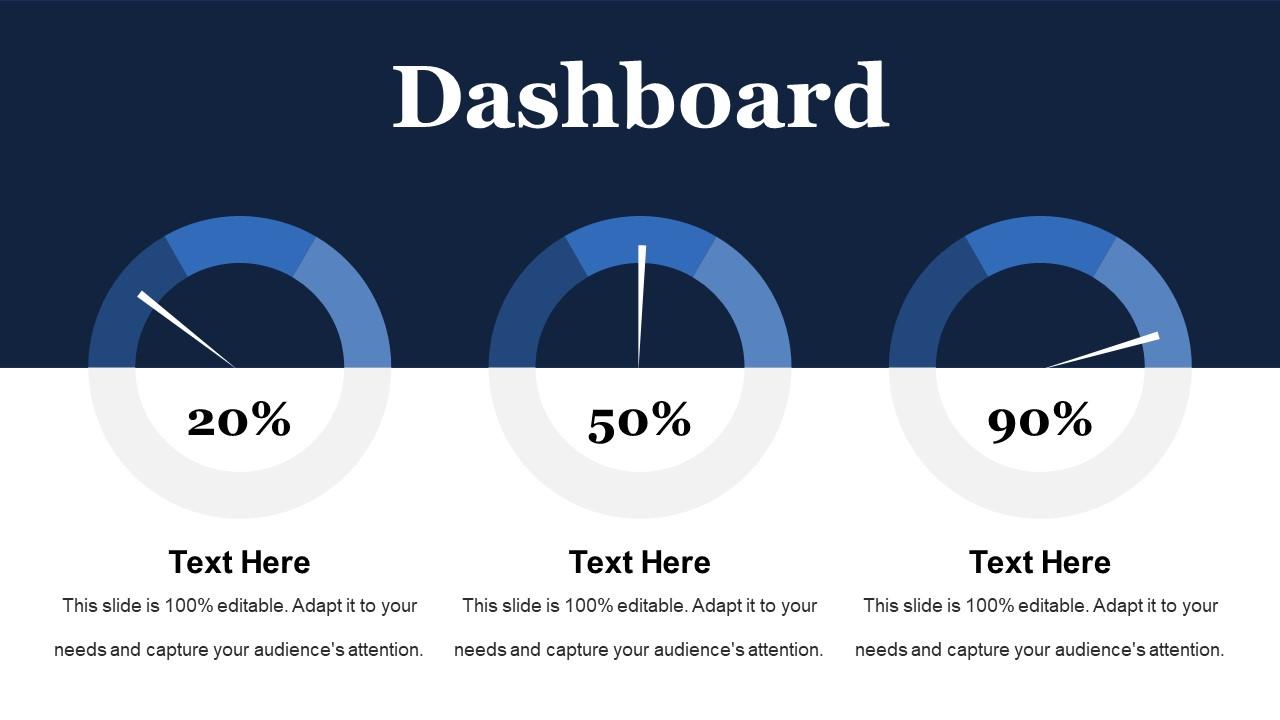
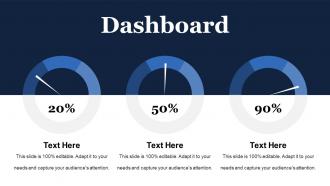
Folie 31 : Dies ist eine Dashboard-Folie zur Darstellung von Strategischem System, Erfolg, Zielprozess, Verkaufsreview, Kommunikationsstudie.
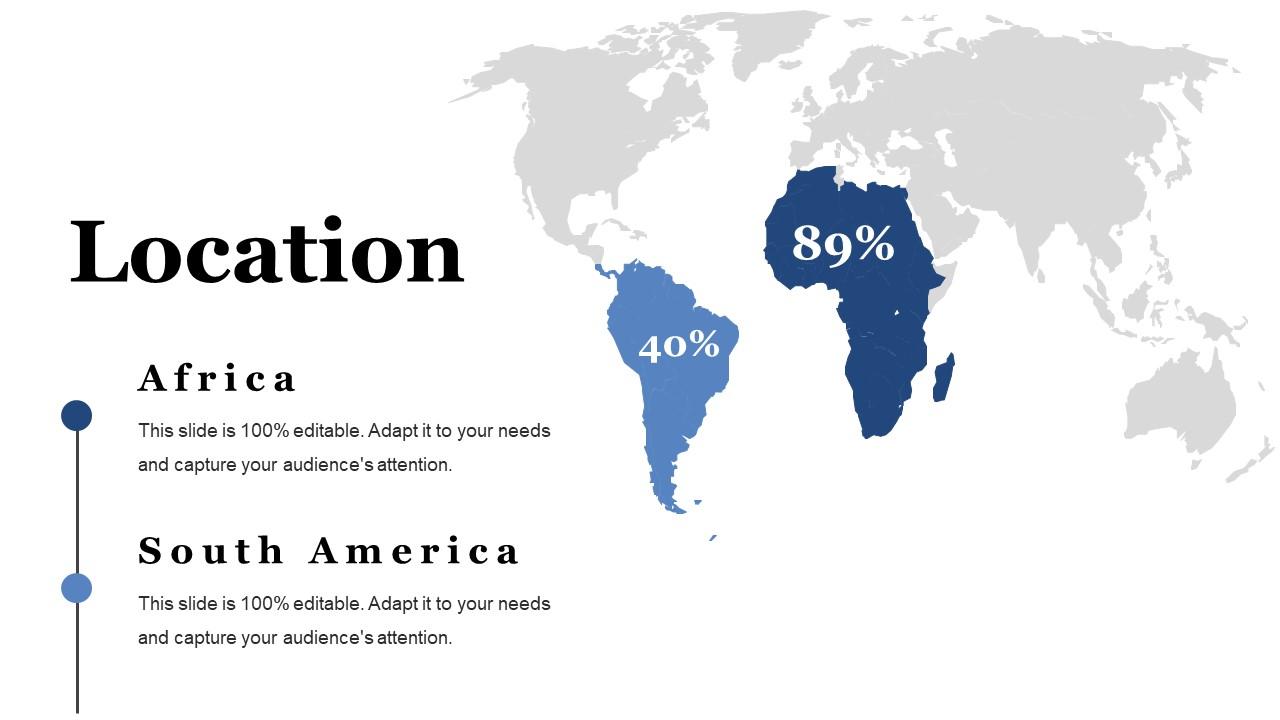
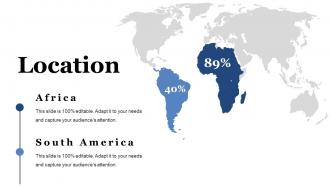
Folie 32 : Dies ist eine Standortfolie, um das globale Wachstum, die Präsenz usw. auf der Weltkarte zu zeigen.
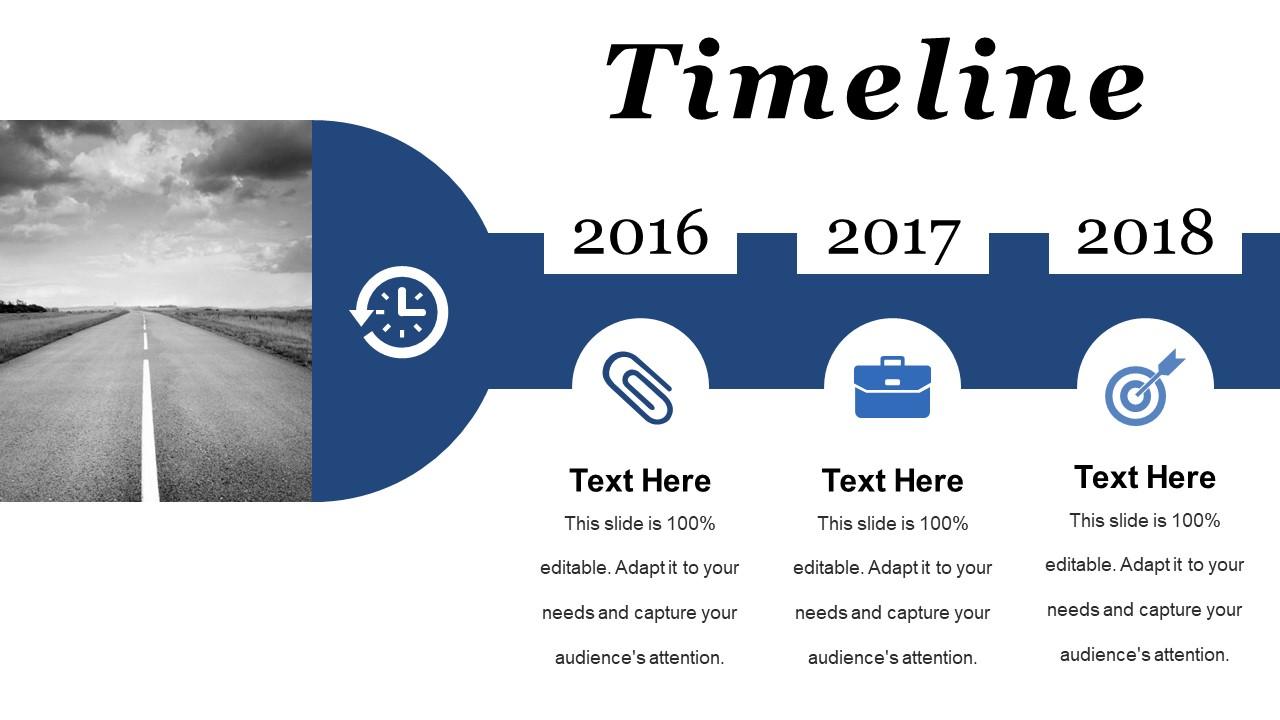
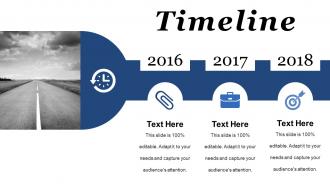
Folie 33 : Dies ist eine Timelines-Folie zum Anzeigen von Plan, Budget, Zeitplan, Überprüfung.
Folie 34 : Dies ist eine Post-It-Folie zur Erinnerung an Direktmarketing.
Folie 35 : Diese Folie trägt den Titel „Community“, um Unternehmensnachrichten, Veranstaltungen, Highlights usw. anzuzeigen.
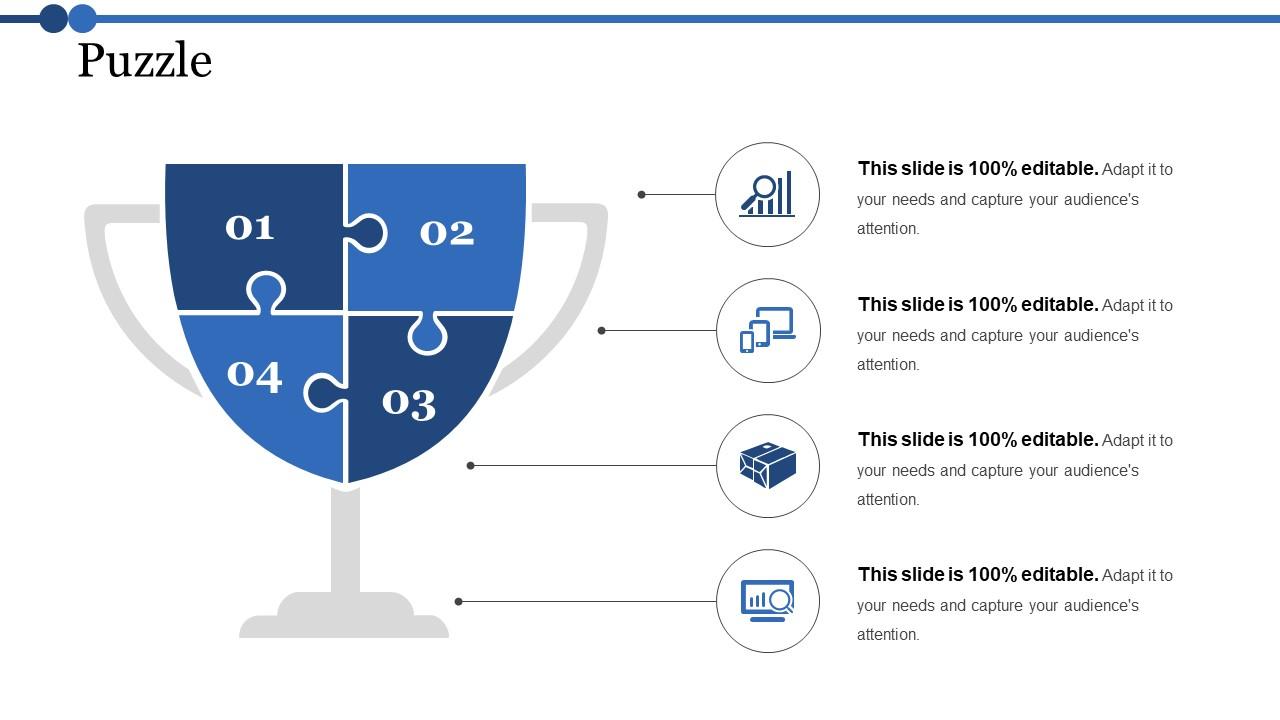
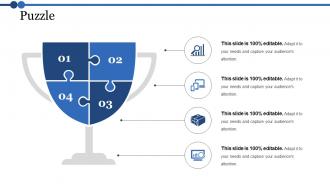
Folie 36 : Dies ist eine Puzzle-Folie mit den folgenden Unterüberschriften – PPC-Werbung, Medienmarketing, Printmarketing, E-Mail-Kampagnen
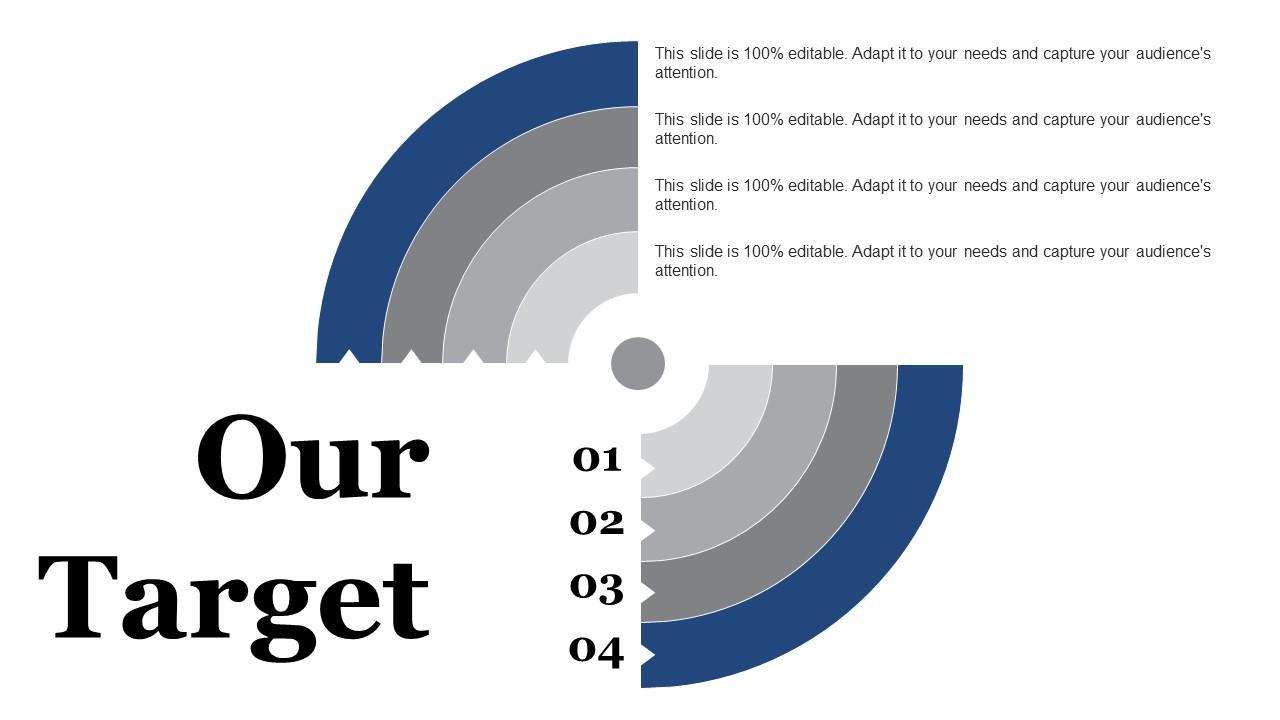
Folie 37 : Diese Folie zeigt Unser Ziel mit einem Hintergrundbild
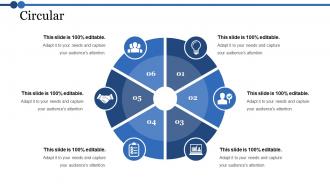
Folie 38 : Dies ist eine kreisförmige Bildfolie zur Anzeige von Informationen, Spezifikationen usw.
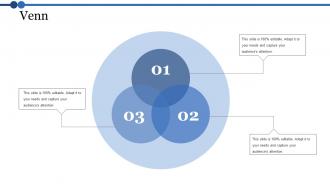
Folie 39 : Dies ist eine Venn-Diagramm-Bildfolie zur Anzeige von Informationen, Spezifikationen usw.
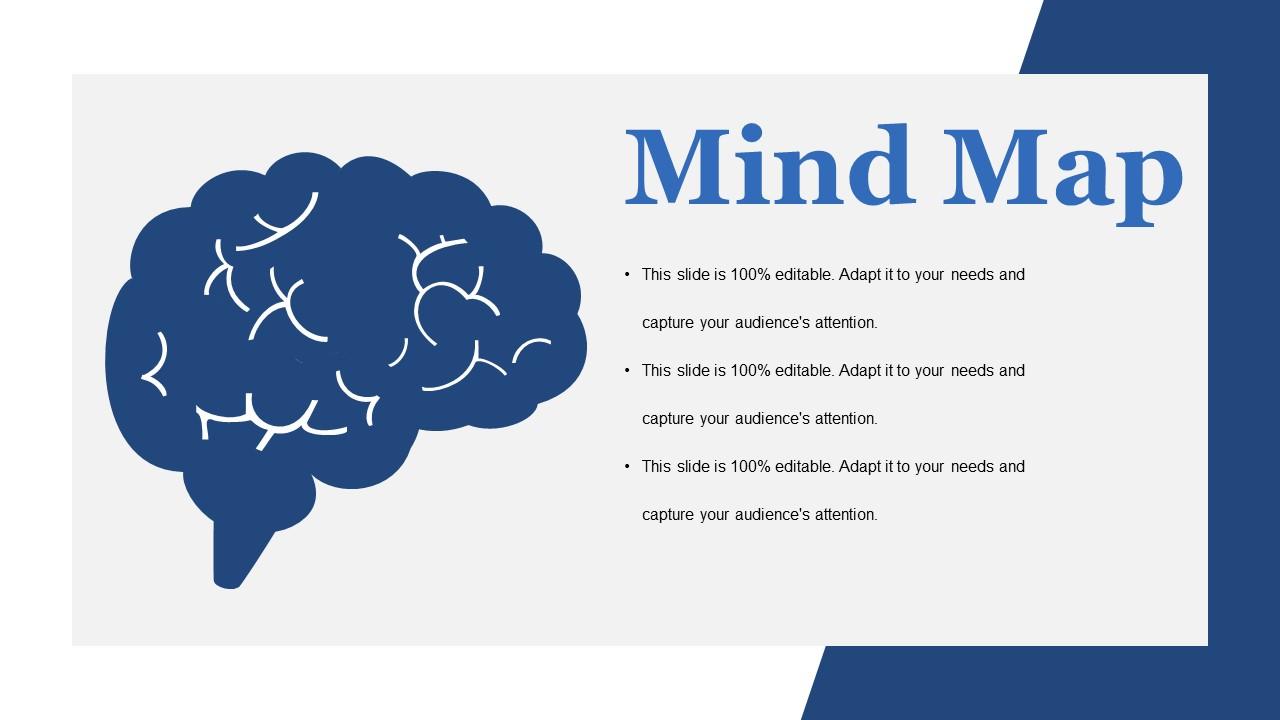
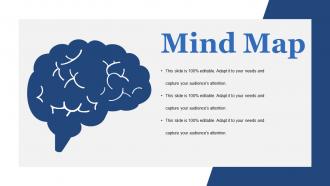
Folie 40 : Diese Folie zeigt eine Mindmap zur Darstellung von Entitäten
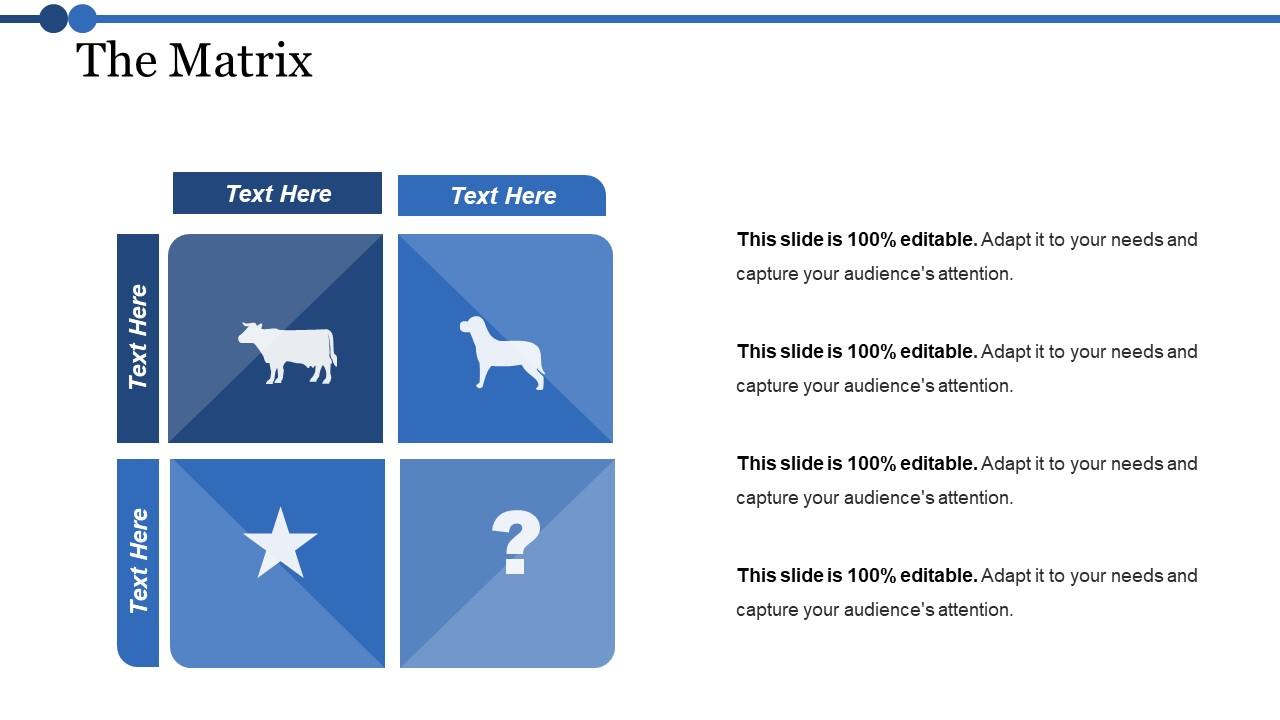
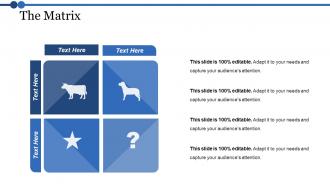
Folie 41 : Diese Folie zeigt eine Matrix mit den folgenden Inhalten – Entwicklungs-Clients, Dilemna-Clients, Star-Clients, High Value Clients.
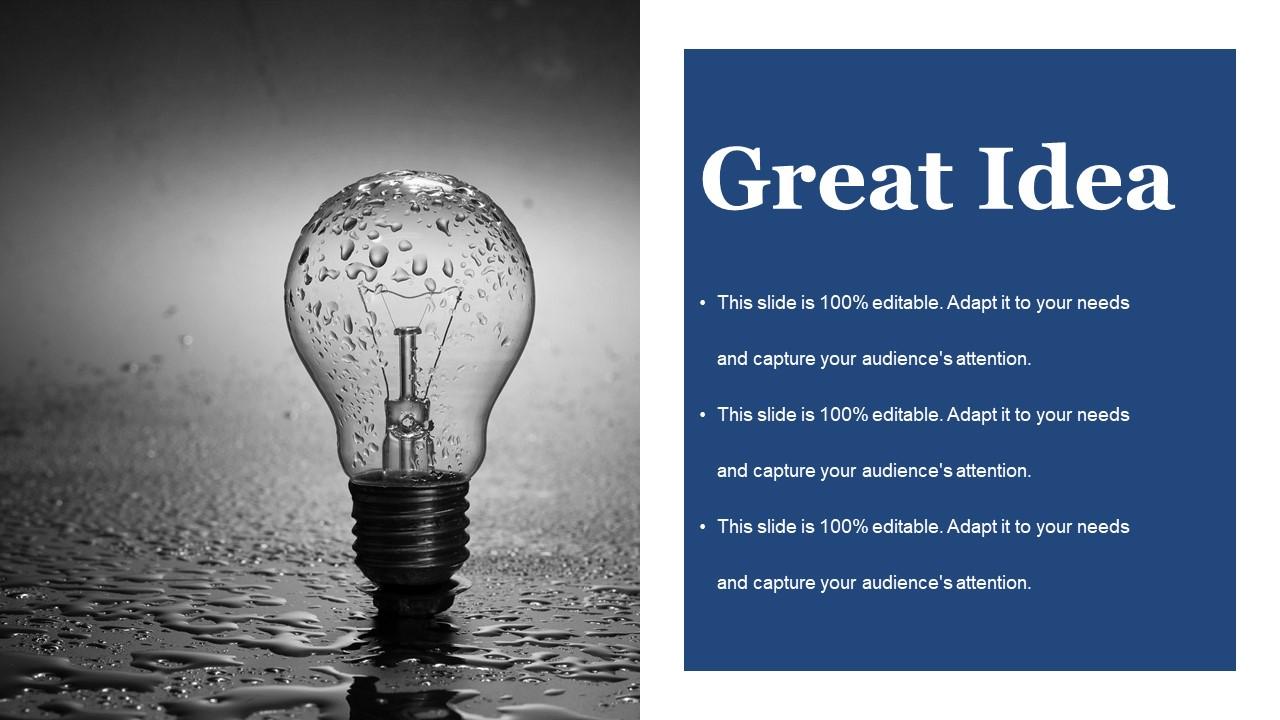
Folie 42 : Dies ist eine Ideen-Bildfolie zur Darstellung von Informationen, innovativen Aspekten usw.
Folie 43 : Dies ist eine Dankeschön-Bildfolie mit Adresse, E-Mail und Kontaktnummer.
Dissertationspräsentation Powerpoint-Präsentationsfolien mit allen 43 Folien:
Steigern Sie Ihre Einnahmen mit unseren Powerpoint-Präsentationsfolien für Dissertationen. Sie ermöglichen es Ihnen, es einzuholen.
FAQs for Dissertation Presentation
Okay so for your defense slides, start with the basics - title slide, problem statement, lit review highlights, methodology, findings, and conclusions. Throw in an acknowledgments slide too (your advisor will love you for it). Also add limitations and future research stuff. Keep it around 15-20 slides max depending on time. Honestly, less text is better since you'll be talking through everything anyway. Use visuals when you can - way more engaging than bullet points everywhere. Oh and definitely practice with your template first so the flow feels natural. The opening slide is super important too, you want to hook people right away instead of losing them in the first 30 seconds.
Start each slide with your biggest finding right up top. Break down the complicated stuff with bullet points - way easier to follow. Charts and graphs are your best friend here, trust me. Ditch the academic speak and talk like you would to your neighbor. Big fonts only (people squint enough already). Practice actually telling the story behind your data instead of just reading slides word for word. Oh, and one slide = one main point. Your audience will actually stay awake if you make it digestible instead of cramming everything together.
One thing per slide, seriously. Big fonts too - 24pt minimum or people will squint and hate you. I learned this the hard way watching someone's amazing research get ignored because nobody could read their slides from the back row. High contrast colors are your friend. Don't go crazy with bullet points either - maybe 3-5 max per slide. Visuals should actually mean something, not just look pretty. Practice how you'll move between slides so you're not fumbling around. Trust me, smooth transitions let you actually connect with your committee instead of staring at your laptop the whole time.
Honestly, less is more with visuals. Make each chart actually mean something instead of just filling slides. I've sat through so many presentations with tiny, impossible-to-read graphs - it's painful. Go big and clean with your visuals, then walk people through them step by step. Here's what works: tell them what they're about to see first, show it, then give them a second to actually look at it. Oh and definitely practice explaining each one out loud beforehand. You'll sound way smoother when you can guide their eyes to the important stuff naturally.
Dude, stick to like 1 slide per minute - so 20 minutes means roughly 20 slides. Don't be that person who squeezes everything onto 8 impossibly dense slides (my advisor did this once and it was painful). Your slides are there to back you up, not do all the talking. Short bursts work better anyway. Focus on your big findings and key visuals instead of paragraph dumps. Oh and if you're camping on one slide for like 2+ minutes, definitely split it up. People zone out fast during these things, trust me.
Honestly, figure out who you're talking to first - makes all the difference. Experts want the nitty-gritty methodology stuff, but mixed crowds need you to start broad and explain terms as you go. I totally bombed once by jumping straight into statistical analysis... half the room just glazed over. Watch people's faces while you're talking - if they look lost, switch gears and use analogies or something. Non-specialists especially need those comparisons to get complex ideas. Oh, and definitely prep multiple ways to explain your main point. You'll probably need them! Reading the room is everything.
Honestly, just drill it with a timer beforehand - like, obsessively. Map out your chunks (intro gets 5 min, methodology 15, whatever) and actually stick to those limits. Practice those transitions until they're second nature because weird pauses will kill your timing. I always have backup sections I can cut if I'm running behind. Oh, and practice your ending separately! That way even if you mess up earlier, you can still nail the conclusion. Use your slide count to track pace without being obvious about checking the time constantly.
Don't interrupt even when you think you know what they're asking - just listen. Taking a pause before answering is totally normal, and honestly saying "great question, give me a sec to think" buys you time. If you don't know something, just say so. Trust me, trying to bullshit your way through is way worse and they'll catch it immediately. Write down their feedback because you'll probably be too anxious to remember later. I know it feels scary, but they actually want you to pass! Try thinking of it more like a conversation than some brutal interrogation.
Dude, storytelling is a game-changer for dissertation presentations! Don't just dump data on people - tell them the story of your research. Open with the specific moment or problem that got you curious in the first place. Then walk them through your detective work (way less exciting than it sounds, but still). Real examples make abstract stuff click way better than bullet points ever will. Structure it like any good story: problem, journey, discovery. Your audience will actually remember what you found instead of zoning out halfway through. Trust me, even the driest research becomes interesting when there's a narrative holding it together.
Dark text on light backgrounds works best for readability - trust me on this one. Stick to max 2 fonts so you don't look all over the place. I made the mistake once of using this bright neon green that literally hurt people's eyes (oops). But you can totally use color strategically to highlight your main points. Keep it clean and simple. Your research should be the star, not your font choices. Oh, and contractions are fine in most presentations these days - makes you sound less robotic. Clean design just makes everything more professional without trying too hard.
Practice your opening and closing lines until they're second nature - that's when nerves hit hardest. Do a complete run-through with friends beforehand, not just pieces. Your audience genuinely wants you to do well, so they're not sitting there waiting for you to mess up. Show up early to check your tech and get familiar with the room. Keep water handy and don't forget to breathe between sections. Oh, and know your stuff inside out - when anxiety kicks in (and it will), you can cruise on that knowledge alone.
Don't let people guess what's new about your research - spell it out! Lead with the gap you're filling, then hit them with "for the first time" when you present findings. Honestly, nothing bugs me more than buried contributions. Make a whole slide just listing your key points as bullets. Show concrete improvements with real numbers and percentages - way more convincing than vague claims. Also, comparisons to existing work are clutch. Wrap up by explaining why it matters outside academia. What future research does this unlock? People need to walk away knowing exactly what you achieved.
Don't cram everything onto your slides - seriously, less is more. People read way faster than you talk anyway. Practice out loud beforehand (trust me on this one, I bombed a presentation once because I didn't). Use visuals instead of walls of text. Oh, and explain why anyone should care about your research beyond just academia. Connect it to real stuff that matters. Prep for questions too - they'll definitely ask about your methods or what went wrong. Honestly, finishing a few minutes early beats running over every single time. Your committee will thank you for it.
Dude, just pretend you're explaining it to someone who's never heard any of this stuff before. I bomb every time I assume people know what I'm talking about. Use normal words instead of fancy ones - like, if you have to say "algorithm," follow it up with "basically just a set of instructions the computer follows." My mom came to my practice presentation once and I could tell she was totally confused lol. Test it on someone random first. They'll shut down the second something doesn't click. Honestly? If a middle schooler would be lost, you're being too complicated.
Check your grad school's website first - they usually have templates that'll match their formatting rules. PowerPoint and Google Slides both have decent academic ones built in too. Ask other students what they used (don't steal content obvs, just see the layout). Your advisor's probably your best bet though - mine had strong opinions about what looked "professional" vs amateur. SlideModel's got some options if you want something fancier. LaTeX works great if you're into that, but honestly might be overkill for a defense. Start simple and go from there!
-
Awesome use of colors and designs in product templates.
-
Good research work and creative work done on every template.
-
cool