


EdTech Pitch Deck Ppt Template
Hemos creado un pitch deck de EdTech para comprender cómo las nuevas empresas de tecnología educativa obtienen sus inversiones. Esta presentación está diseñada para dar un resumen de la empresa. En esta plataforma, hemos cubierto diferentes diapositivas que hablan sobre la empresa, los problemas que enfrentan los clientes junto con la solución proporcionada por nuestra empresa. También nos hemos centrado en la necesidad de EdTech en el sector de la educación y la consultoría. En esta presentación de PowerPoint se analizan las fases involucradas en el marco de la educación, como analizar, aclarar, elaborar estrategias, planificar, actuar y realizar. El alcance del sector de la educación, la audiencia para el sector de la educación y la consultoría, los servicios ofrecidos por la empresa se discuten aquí. Para una mejor comercialización, la estrategia de lanzamiento al mercado, el plan de lanzamiento, los costos e ingresos incurridos, la inversión del fondo semilla y el plan de expansión se enfocan en esta plataforma. También hemos cubierto los clientes y sus testimonios, la gestión del equipo y la razón por la que eligieron nuestra empresa. Empaque esta plantilla ahora para brindarles a sus estudiantes un fácil acceso a la información.





-

- Google Slides is a new FREE Presentation software from Google.
- All our content is 100% compatible with Google Slides.
- Just download our designs, and upload them to Google Slides and they will work automatically.
- Amaze your audience with SlideTeam and Google Slides.
-

Want Changes to This PPT Slide? Check out our Presentation Design Services
-

- WideScreen Aspect ratio is becoming a very popular format. When you download this product, the downloaded ZIP will contain this product in both standard and widescreen format.
-

- Some older products that we have may only be in standard format, but they can easily be converted to widescreen.
- To do this, please open the SlideTeam product in Powerpoint, and go to
- Design ( On the top bar) -> Page Setup -> and select "On-screen Show (16:9)” in the drop down for "Slides Sized for".
- The slide or theme will change to widescreen, and all graphics will adjust automatically. You can similarly convert our content to any other desired screen aspect ratio.
Compatible With Google Slides

Get This In WideScreen
You must be logged in to download this presentation.


Do you want to remove this product from your favourites?
Características de estas diapositivas de presentación de PowerPoint:
Dé una introducción de su negocio a sus inversionistas potenciales y obtenga fondos con nuestra Plantilla Ppt de Pitch Deck de EdTech. Esta es una presentación PPT de pitch deck que puede usar para proporcionar un desglose de varios aspectos. Esto involucra temas como el resumen ejecutivo, la visión, los modelos de negocios, etc. Consta de treinta y tres diapositivas, cada una con información invaluable, esta es una herramienta ingeniosa para usar en todas sus presentaciones. Úselo para resaltar y brindar una vista amplia de su producto, servicio, proyecto o negocio. Esta plataforma completa se ajusta a las necesidades y el estilo de experiencia de cada presentador, ya que viene en un formato editable. Los gráficos visuales y el diseño están estructurados de tal manera que le brinda un amplio espacio para agregar personalización y crear una presentación única cada vez que la presenta. No solo eso, proporciona detalles concisos sobre diferentes aspectos, lo que induce al pensamiento estratégico. Por lo tanto, tome este PPT ahora.

People who downloaded this PowerPoint presentation also viewed the following :
Contenido de esta presentación de Powerpoint
Diapositiva 1 : Esta es la diapositiva de portada de EdTech Pitch deck
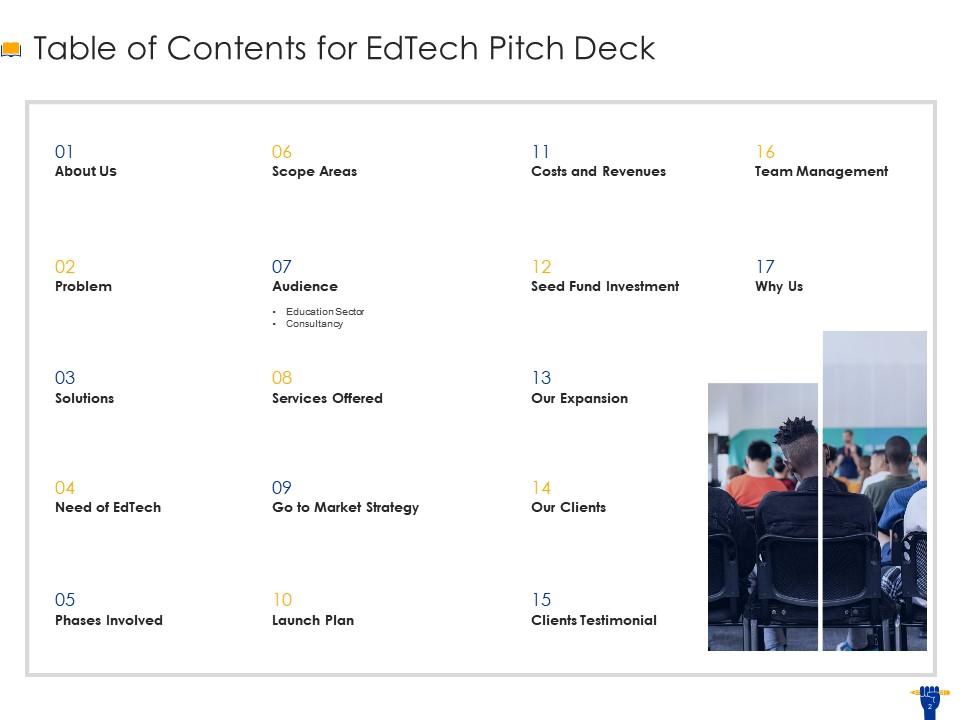
Diapositiva 2 : esta es la diapositiva de tabla de contenido que enumera todos los elementos cubiertos en la plataforma.
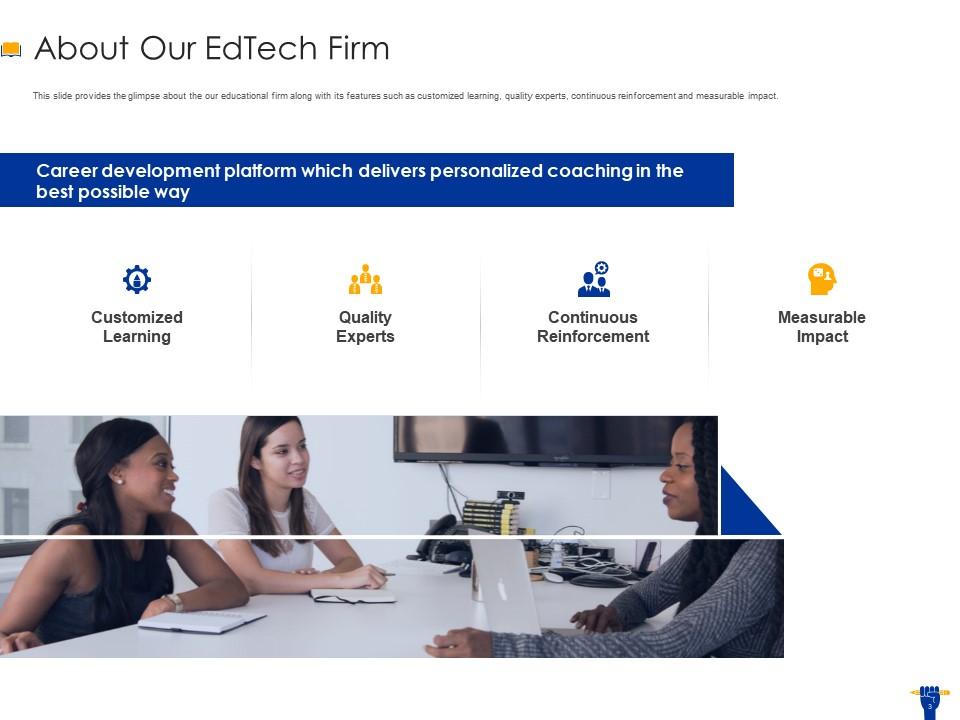
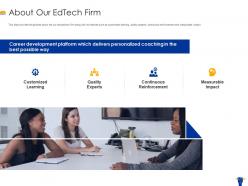
Diapositiva 3 : esta diapositiva brinda una idea de nuestra empresa educativa junto con sus características, como aprendizaje personalizado, expertos de calidad, refuerzo continuo e impacto medible.
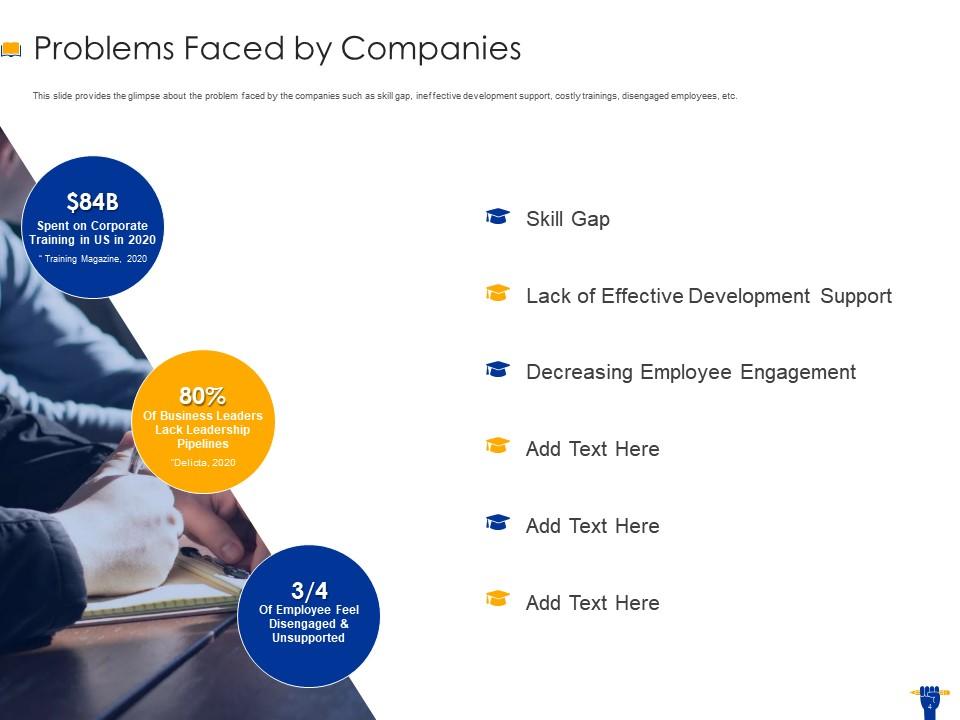
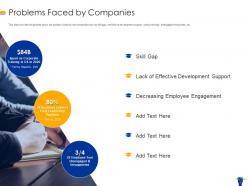
Diapositiva 4 : esta diapositiva brinda una idea del problema que enfrentan las empresas, como la brecha de habilidades, el apoyo ineficaz al desarrollo, las capacitaciones costosas, los empleados poco comprometidos, etc.
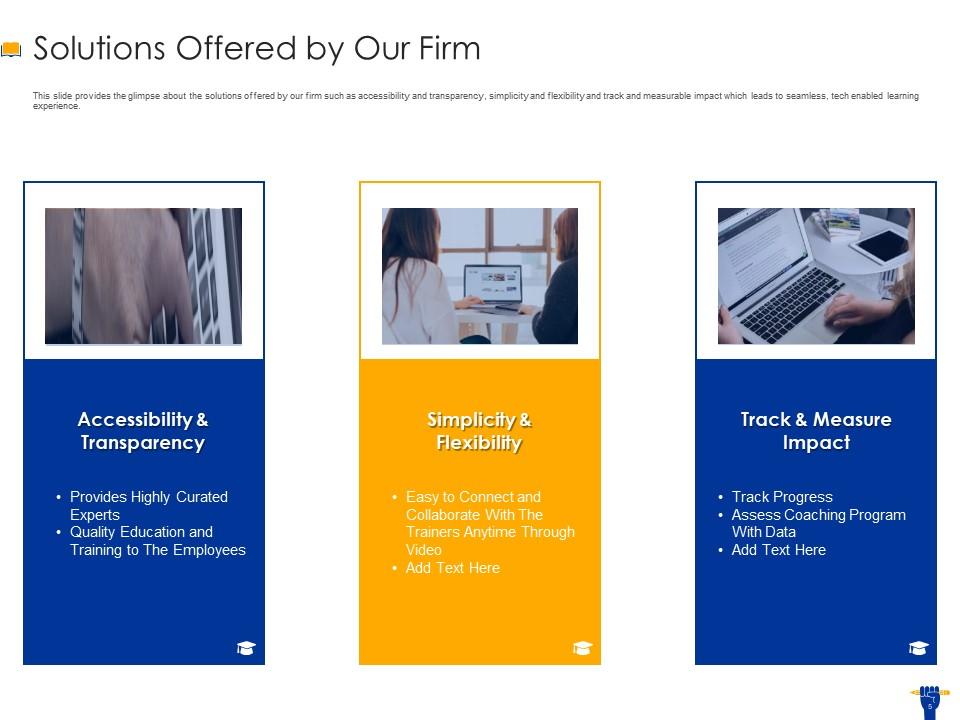
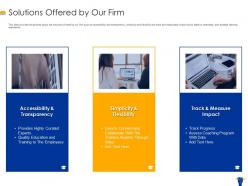
Diapositiva 5 : esta diapositiva brinda una idea de las soluciones que ofrece nuestra empresa, como la accesibilidad y la transparencia, la simplicidad y la flexibilidad, y el seguimiento y el impacto medible que conduce a una experiencia de aprendizaje perfecta y habilitada por la tecnología.
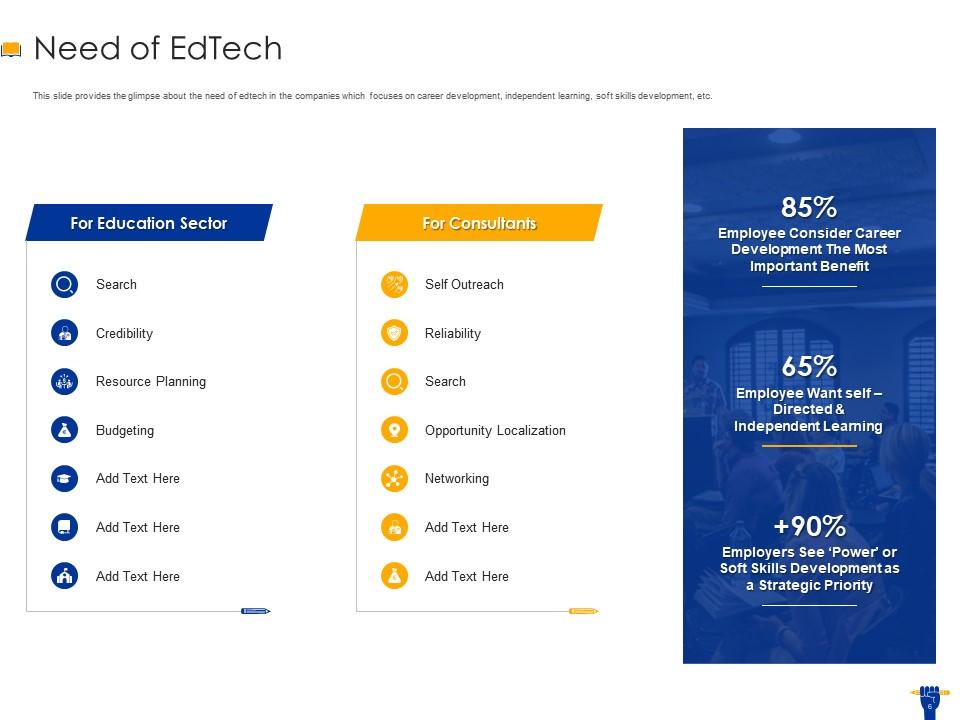
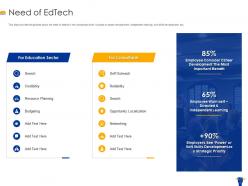
Diapositiva 6 : esta diapositiva brinda una idea de la necesidad de edtech en las empresas que se enfoca en el desarrollo profesional, el aprendizaje independiente, el desarrollo de habilidades blandas, etc.
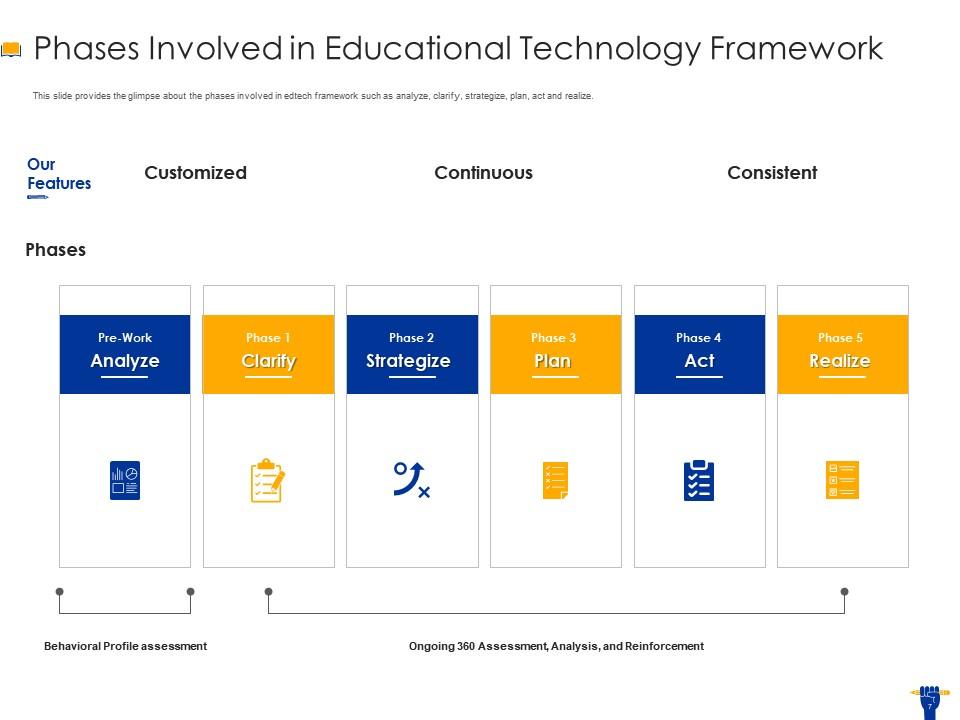
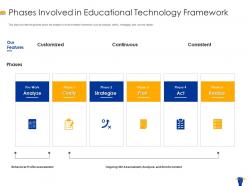
Diapositiva 7 : esta diapositiva brinda una idea de las fases involucradas en el marco de edtech, como analizar, aclarar, elaborar estrategias, planificar, actuar y realizar.
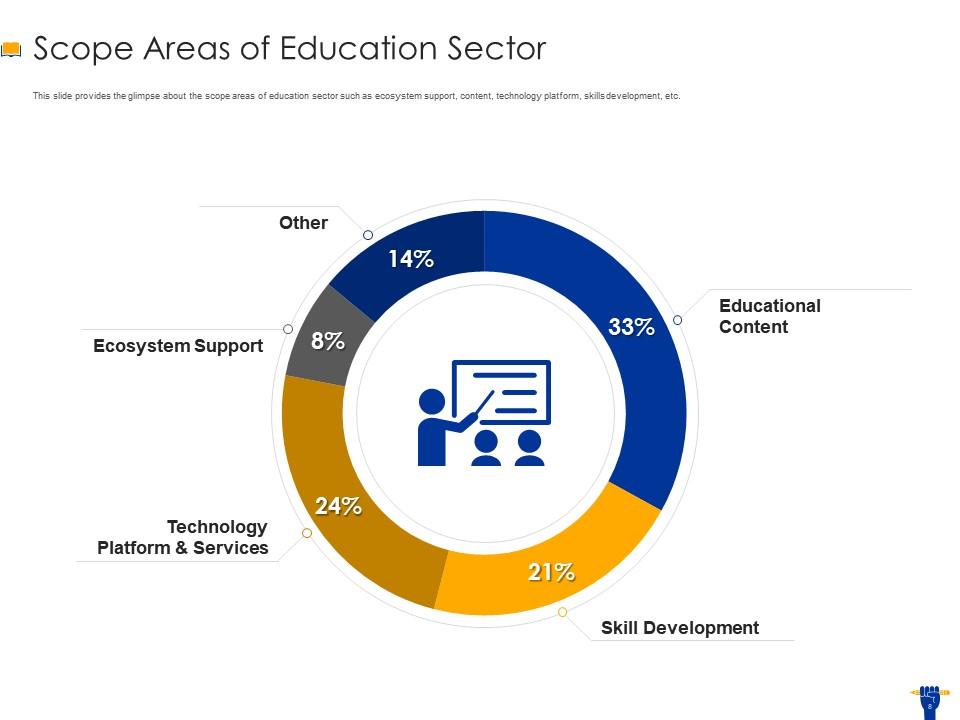
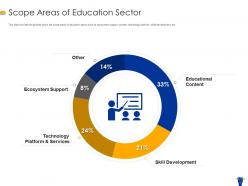
Diapositiva 8 : esta diapositiva brinda una idea de las áreas de alcance del sector educativo, como el soporte del ecosistema, el contenido, la plataforma tecnológica, el desarrollo de habilidades, etc.
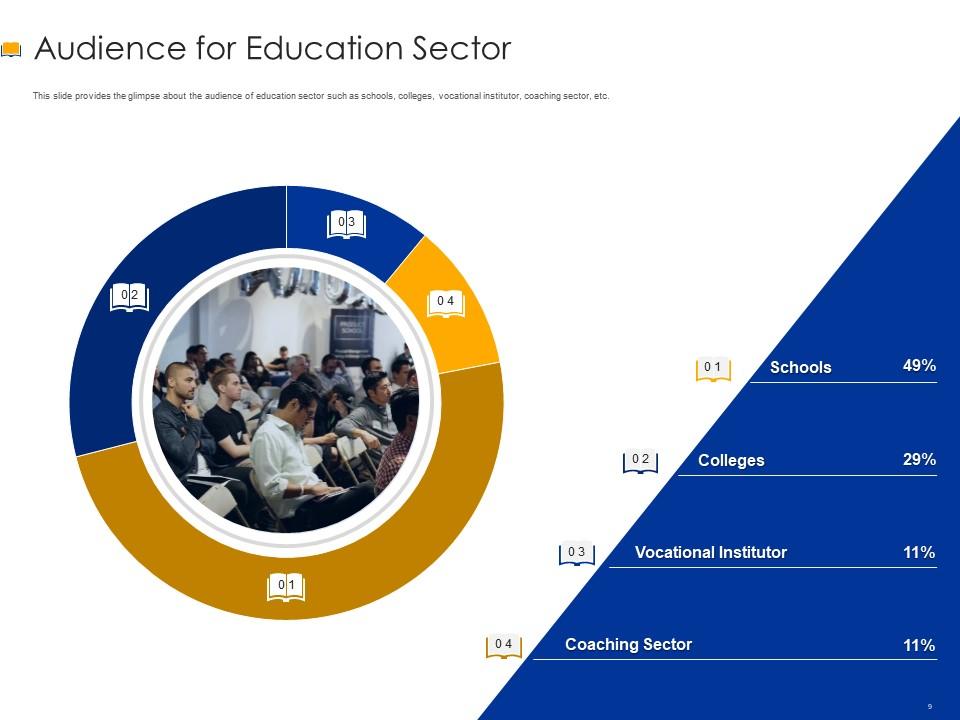
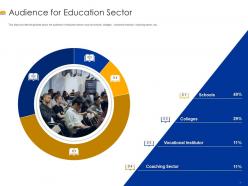
Diapositiva 9 : esta diapositiva brinda una idea de la audiencia del sector educativo, como escuelas, colegios, institutos vocacionales, sector de entrenamiento, etc.
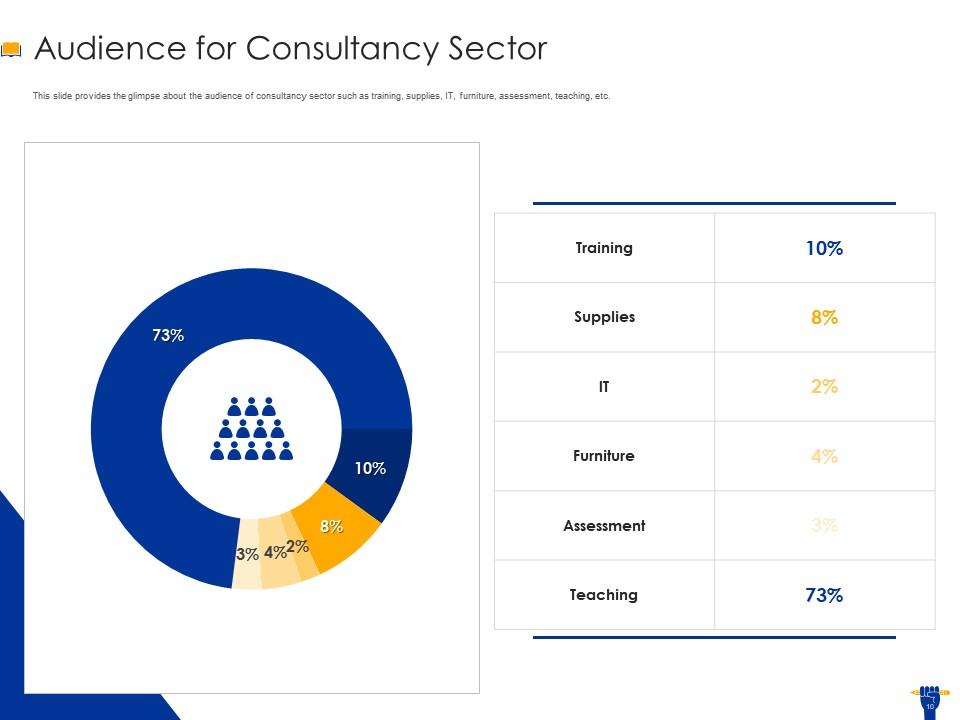
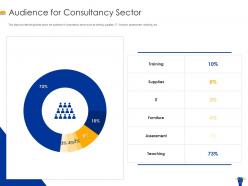
Diapositiva 10 : esta diapositiva brinda una idea de la audiencia del sector de la consultoría, como capacitación, suministros, TI, muebles, evaluación, enseñanza, etc.
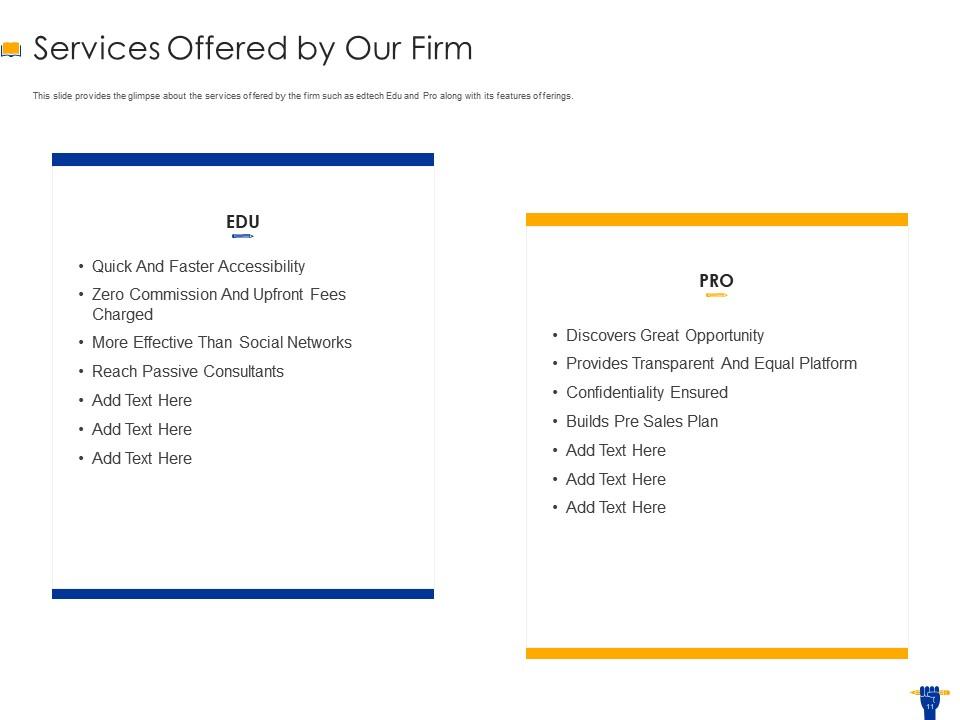
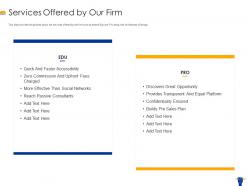
Diapositiva 11 : esta diapositiva brinda una idea de los servicios ofrecidos por la empresa, como edtech Edu y Pro, junto con sus ofertas de funciones.
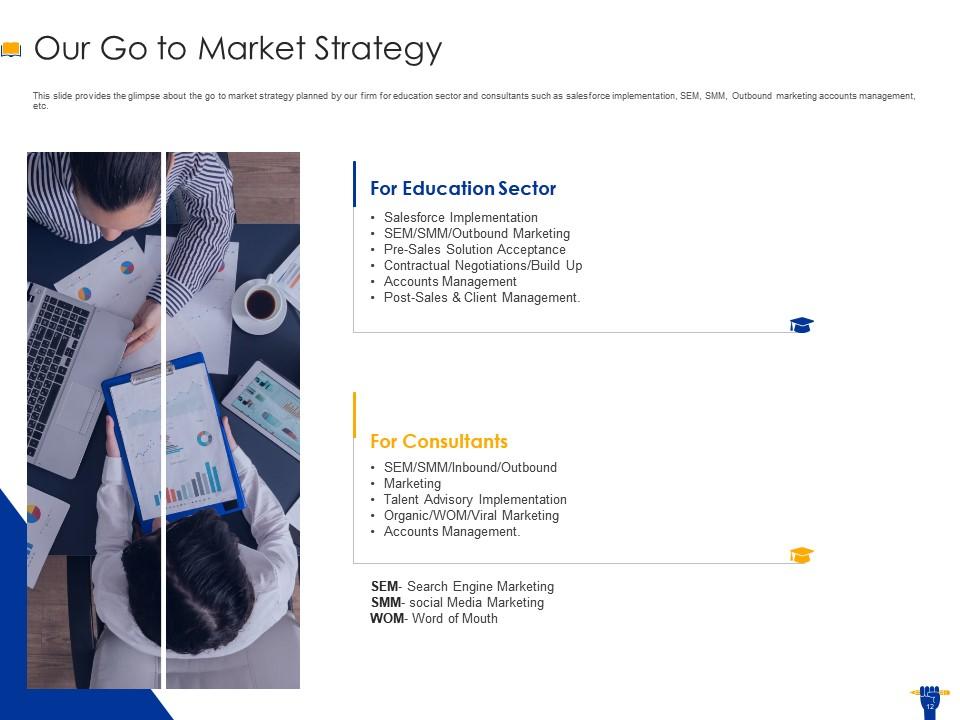
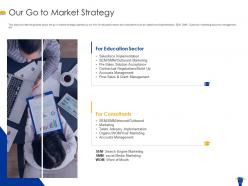
Diapositiva 12 : esta diapositiva brinda una idea de la estrategia de comercialización planificada por nuestra firma para el sector educativo y consultores, como implementación de fuerza de ventas, SEM, SMM, gestión de cuentas de marketing saliente, etc.
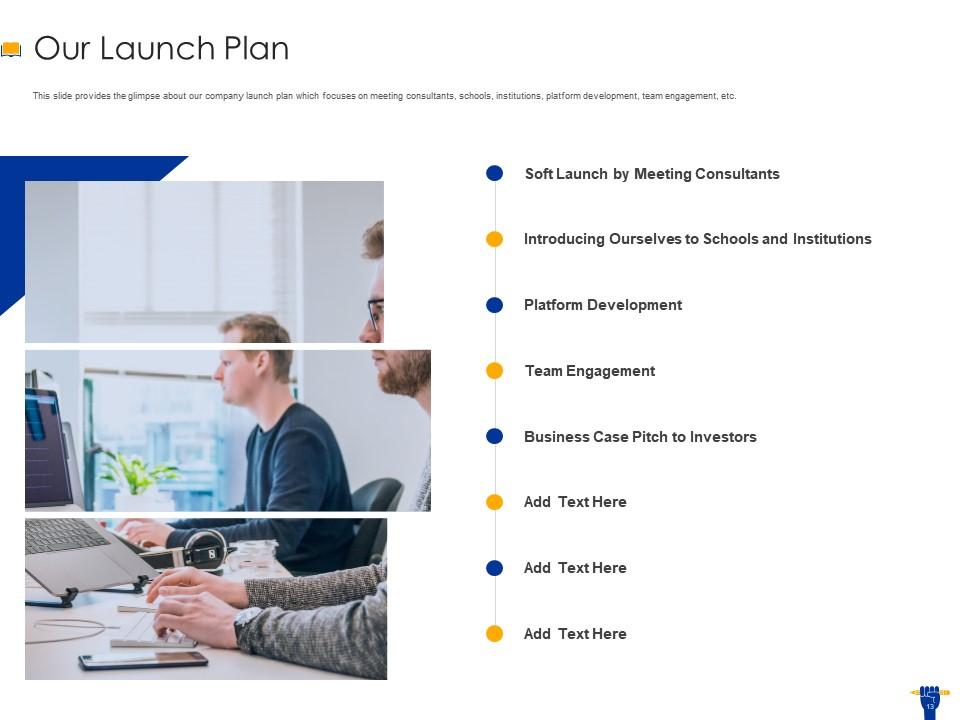
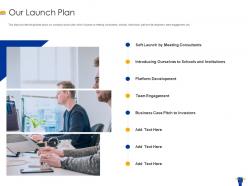
Diapositiva 13 : esta diapositiva brinda una idea del plan de lanzamiento de nuestra empresa, que se enfoca en reunirse con consultores, escuelas, instituciones, desarrollo de plataformas, participación de equipos, etc.
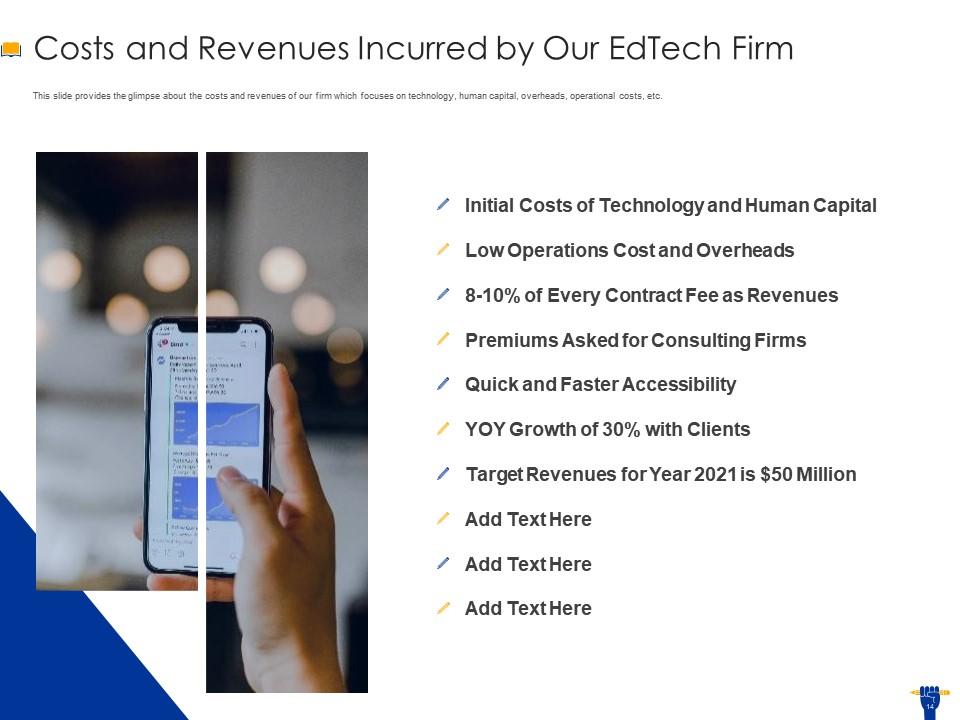
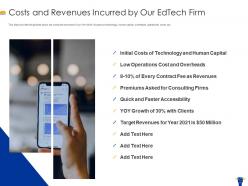
Diapositiva 14 : Esta diapositiva brinda una idea de los costos e ingresos de nuestra empresa que se enfoca en tecnología, capital humano, gastos generales, costos operativos, etc.
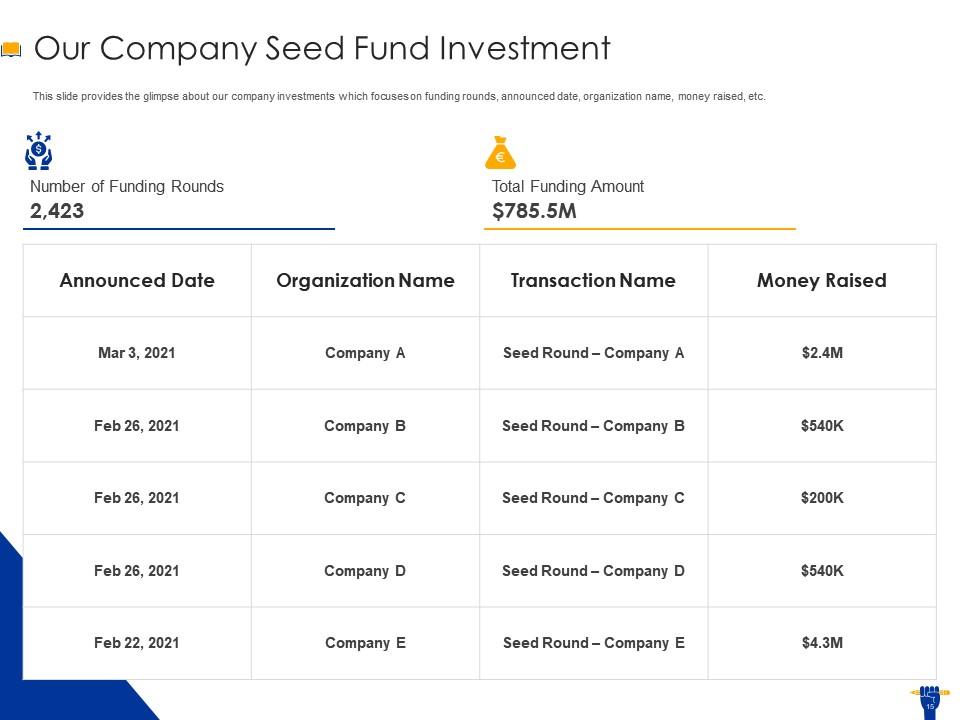
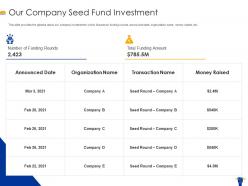
Diapositiva 15 : esta diapositiva brinda una idea de las inversiones de nuestra empresa que se centra en las rondas de financiación, la fecha anunciada, el nombre de la organización, el dinero recaudado, etc.
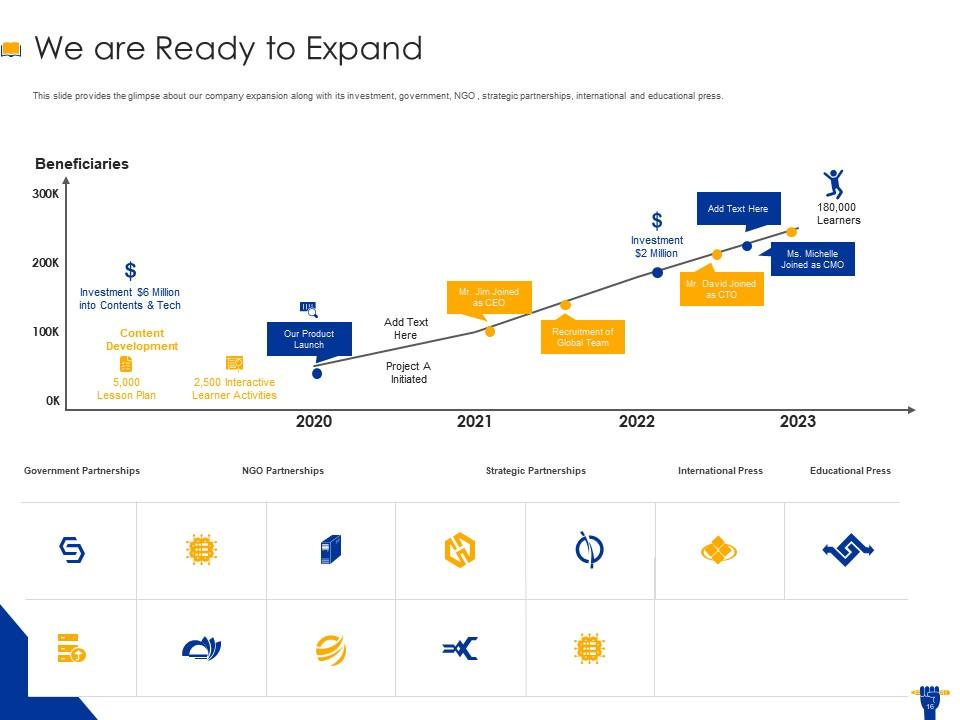
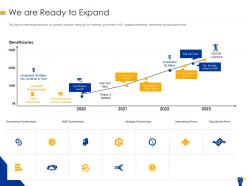
Diapositiva 16 : esta diapositiva brinda una idea de la expansión de nuestra empresa junto con su inversión, gobierno, ONG, asociaciones estratégicas, prensa internacional y educativa.
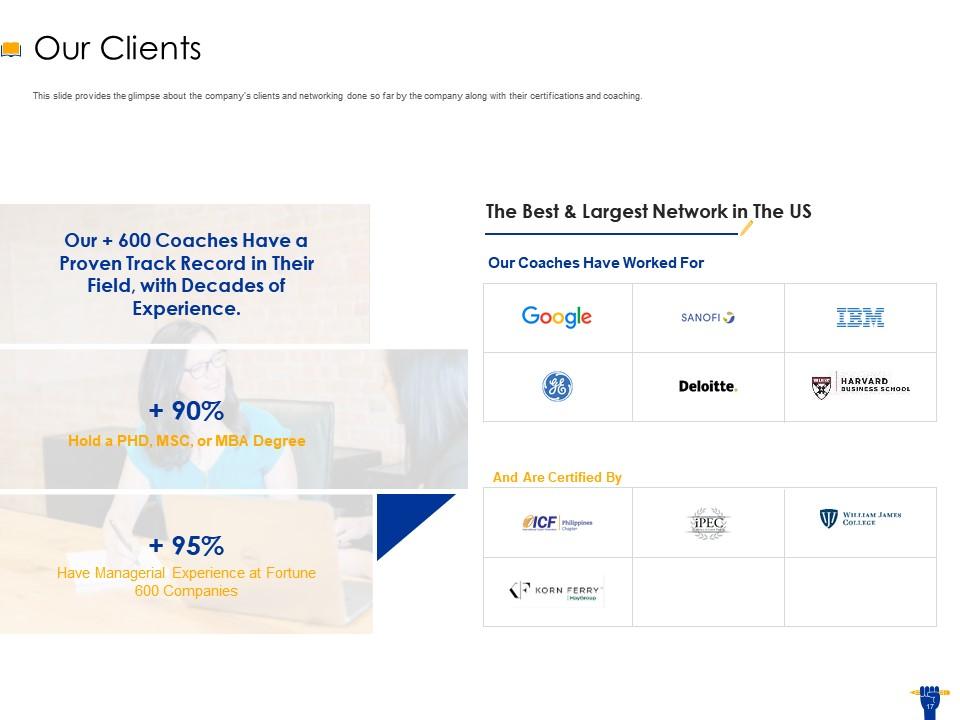
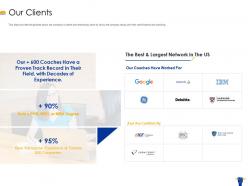
Diapositiva 17 : Esta diapositiva brinda una idea de los clientes de la empresa y la creación de redes realizadas hasta ahora por la empresa junto con sus certificaciones y capacitación.
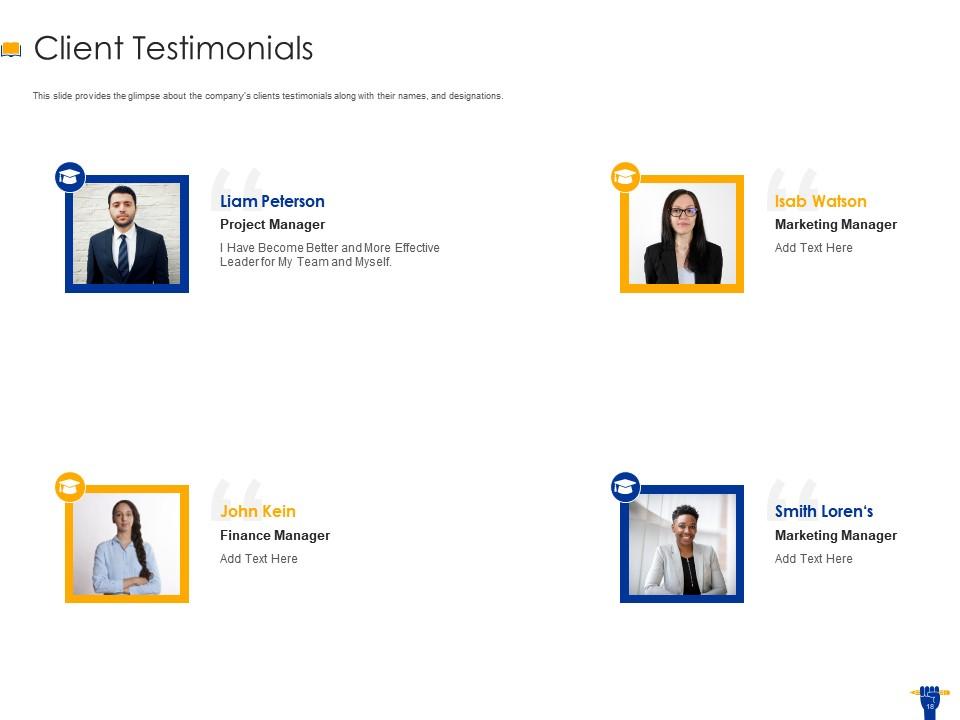
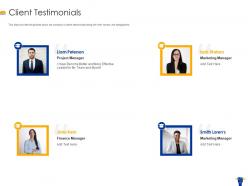
Diapositiva 18 : esta diapositiva brinda una idea de los testimonios de los clientes de la empresa junto con sus nombres y designaciones.
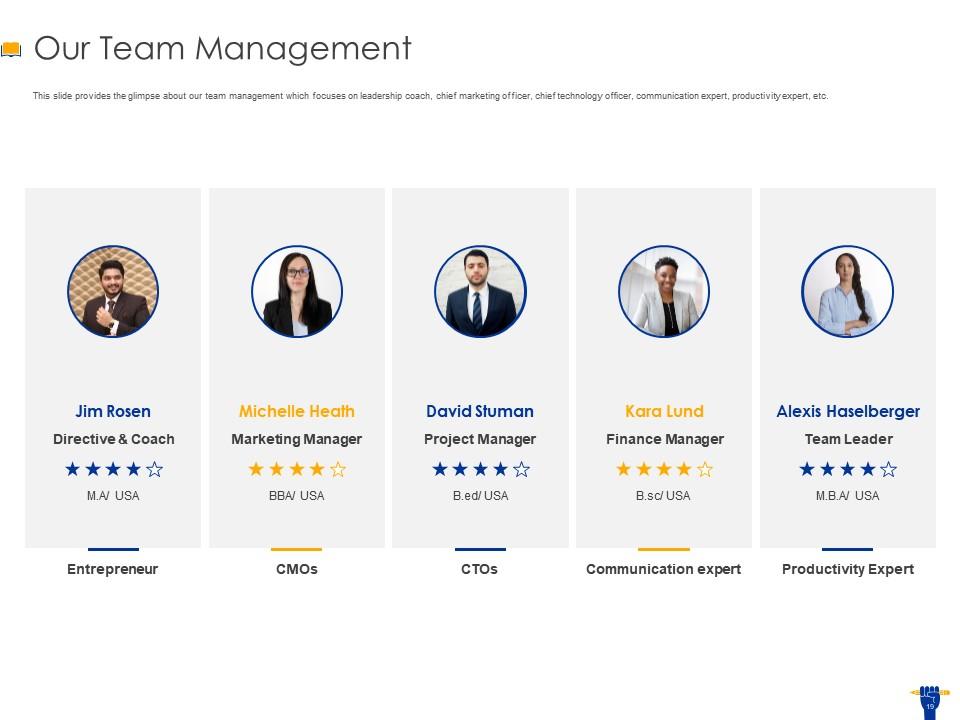
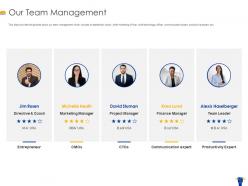
Diapositiva 19 : esta diapositiva brinda una idea de la gestión de nuestro equipo, que se centra en el entrenador de liderazgo, el director de marketing, el director de tecnología, el experto en comunicación, el experto en productividad, etc.
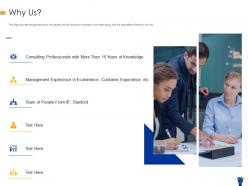
Diapositiva 20 : Esta diapositiva brinda una idea de por qué las personas deberían elegir nuestra empresa sobre otras junto con las especialidades que ofrece nuestra firma.
Diapositiva 21 : Esta es una diapositiva de icono. Úselo según sus necesidades.
Diapositiva 22 : Esta es una diapositiva adicional.
Diapositiva 23 : Esta es la diapositiva Nuestra misión, nuestra visión para exponer su misión, visión, etc.
Diapositiva 24 : esta es la diapositiva del equipo con el nombre y la designación para completar.
Diapositiva 25 : Esta es la diapositiva Acerca de nosotros que se puede usar para brindar una descripción general de su negocio.
Diapositiva 26 : Este es un plan de 30 60 90 días que se puede usar para formular planes sólidos.
Diapositiva 27 : esta es una diapositiva de notas adhesivas que se puede usar para mantener los datos importantes en un solo lugar.
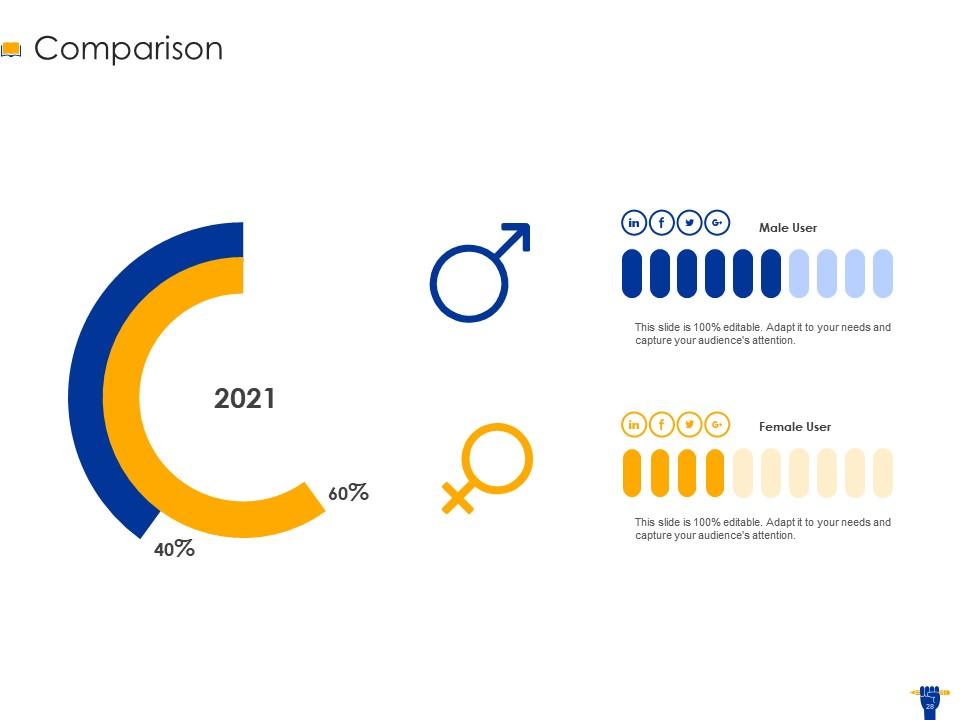
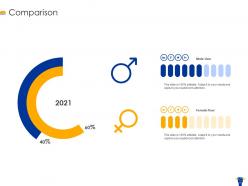
Diapositiva 28 : esta es una diapositiva de comparación que se puede usar para realizar un análisis comparativo.
Diapositiva 29 : Esta es la diapositiva de OBJETIVOS. Indique sus metas, aspiraciones, etc. aquí.
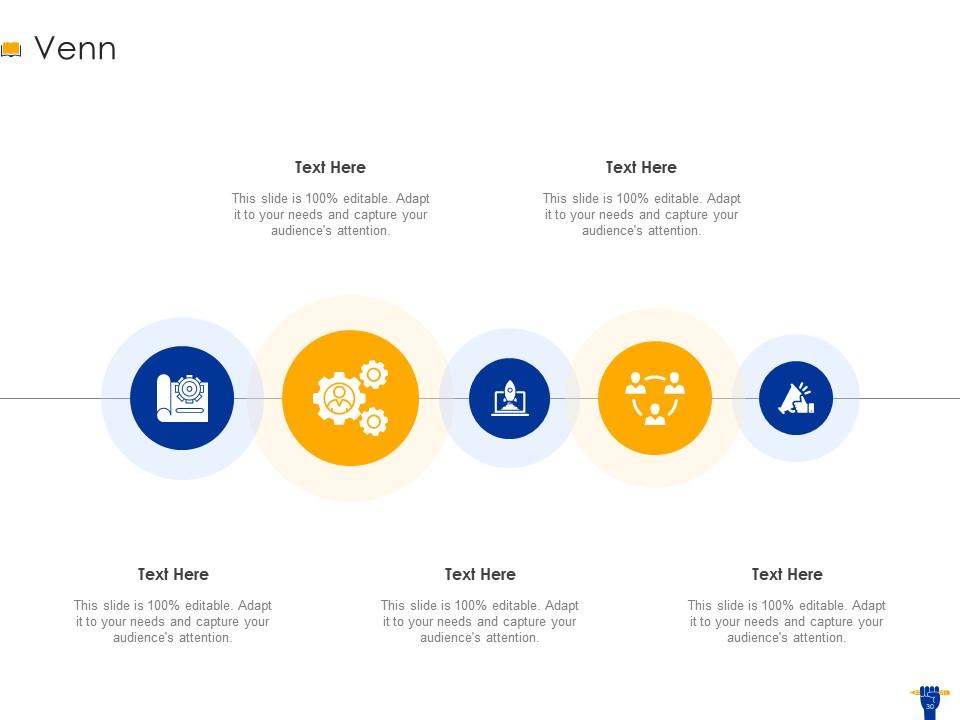
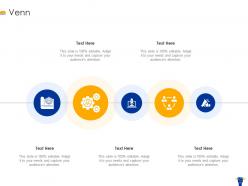
Diapositiva 30 : esta es una diapositiva de diagrama de Venn que se puede usar para representar la comparación entre tres elementos.
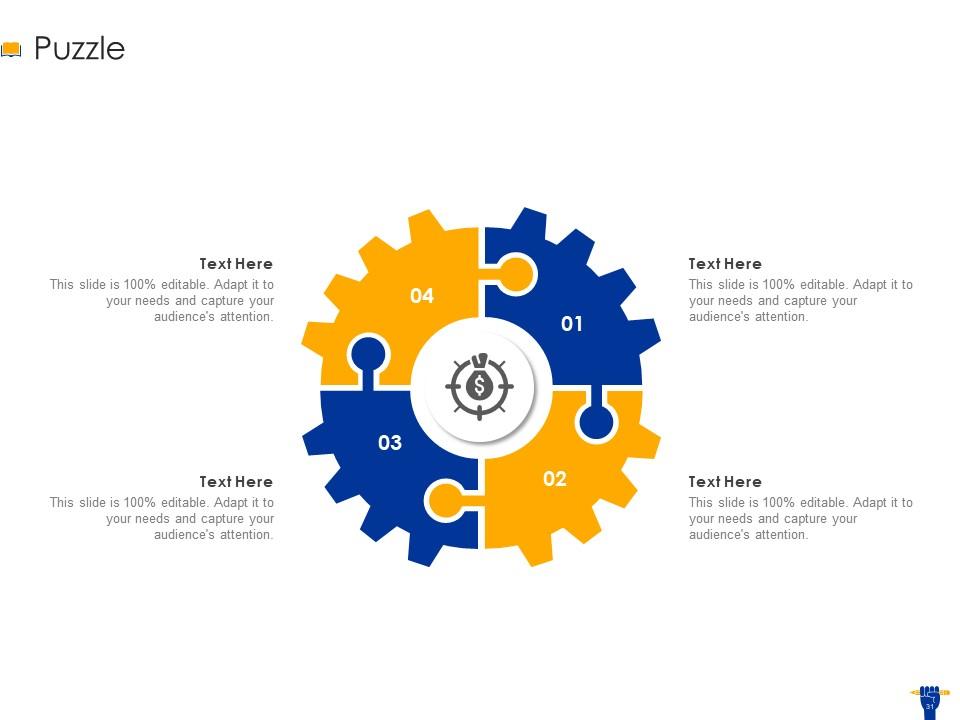
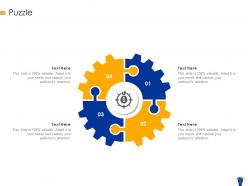
Diapositiva 31 : esta es una diapositiva de imagen de rompecabezas creativa para indicar información, especificaciones, etc.
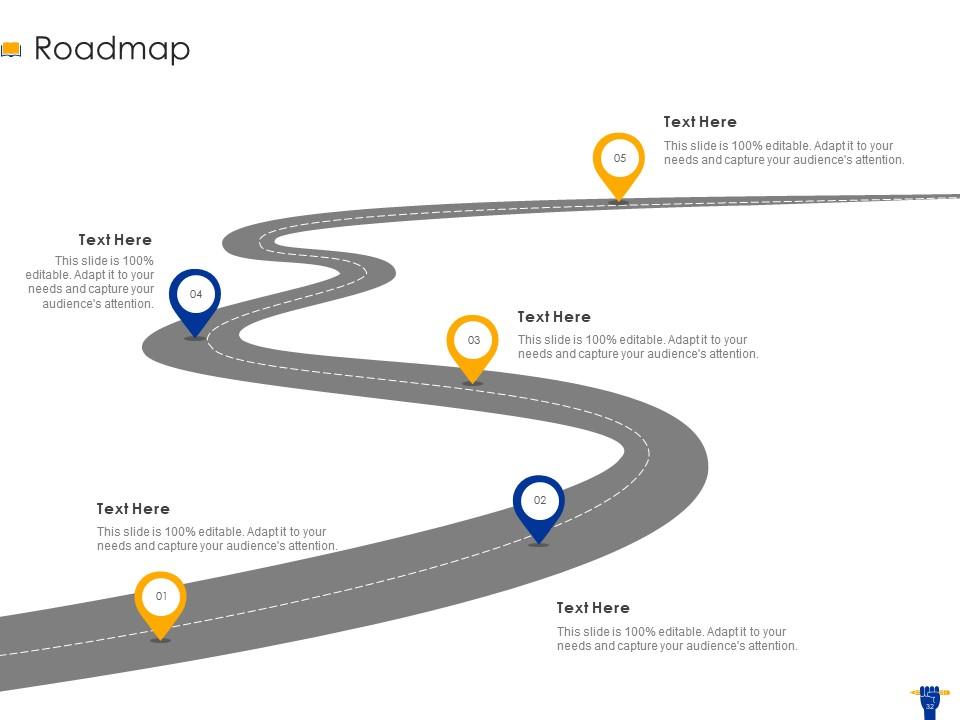
Diapositiva 32 : esta es una diapositiva de hoja de ruta para mostrar la secuencia cronológica de eventos.
Diapositiva 33 : Esta es una diapositiva de agradecimiento por reconocimiento. Puede compartir sus datos de contacto aquí.
EdTech Pitch Deck Ppt Template con las 33 diapositivas:
Utilice nuestra Plantilla Ppt de Pitch Deck de EdTech para ayudarlo de manera efectiva a ahorrar su valioso tiempo. Están listos para encajar en cualquier estructura de presentación.
-
The Designed Graphic are very professional and classic.
