


Diapositiva de presentación de PowerPoint de disertación de ejemplo
Descargue y elabore esta diapositiva de presentación de PowerPoint de disertación de ejemplo para hacer que su propuesta sea convincente y atractiva. Este es uno de los mejores diseños de PPT de proceso para planificar, investigar y escribir las cosas en una secuencia. Una plantilla PPT de disertación profesional acumula todas las ideas, notas y garabatos para elaborar nuevos planes o dar un desglose detallado del capítulo específico. Este ícono de presentación de disertación ofrece un diseño que trabaja en la planificación efectiva, que es un proceso continuo y se intensifica al escribir su disertación y no algo que se desvanece en un segundo plano. Un usuario puede diseñar una pregunta clara que la disertación busca responder. Este plan de plantilla diseñado profesionalmente es útil para imponer orden en procesos inmanejables. El diseño de PPT de disertación de ejemplo es una de las estructuras indicativas que ayudan a su gente con el plan inicial. El usuario debe consultar las pautas del módulo y abordar los criterios de evaluación en esta diapositiva de presentación de PowerPoint de disertación editable. Confunda a sus críticos con nuestra Diapositiva de presentación de PowerPoint de disertación de ejemplo. Oblígalos a modificar su impresión.





























-

- Google Slides is a new FREE Presentation software from Google.
- All our content is 100% compatible with Google Slides.
- Just download our designs, and upload them to Google Slides and they will work automatically.
- Amaze your audience with SlideTeam and Google Slides.
-

Want Changes to This PPT Slide? Check out our Presentation Design Services
-

- WideScreen Aspect ratio is becoming a very popular format. When you download this product, the downloaded ZIP will contain this product in both standard and widescreen format.
-

- Some older products that we have may only be in standard format, but they can easily be converted to widescreen.
- To do this, please open the SlideTeam product in Powerpoint, and go to
- Design ( On the top bar) -> Page Setup -> and select "On-screen Show (16:9)” in the drop down for "Slides Sized for".
- The slide or theme will change to widescreen, and all graphics will adjust automatically. You can similarly convert our content to any other desired screen aspect ratio.
Compatible With Google Slides

Get This In WideScreen
You must be logged in to download this presentation.


Do you want to remove this product from your favourites?
Características de estas diapositivas de presentación de PowerPoint:
Calidad rica en píxeles de las imágenes y los gráficos de las diapositivas. Descarga y guardado instantáneos del diseño de la diapositiva. Contenido visualmente atractivo y gráficos de diapositivas. Compatible con Google Slides y software de PowerPoint sin conexión. Útil para investigadores académicos y estudiantes que cursan estudios superiores y doctorados.

People who downloaded this PowerPoint presentation also viewed the following :
Contenido de esta presentación de Powerpoint
Diapositiva 1 : Esta diapositiva presenta un ejemplo de presentación de disertación. Indique el nombre de su empresa y comience.
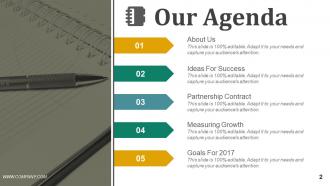
Diapositiva 2 : Esta es la diapositiva de Nuestra agenda que constituye: Acerca de nosotros Ideas para el éxito Contrato de asociación Medición de los objetivos de crecimiento para 2017
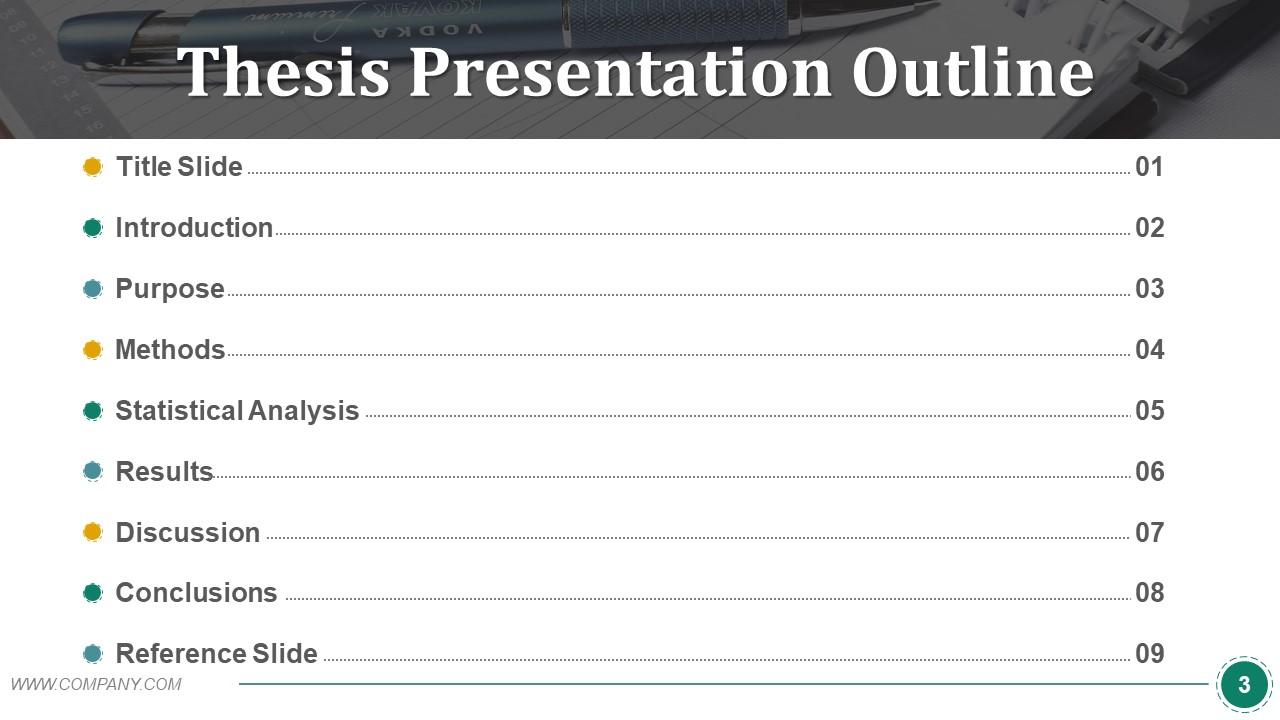
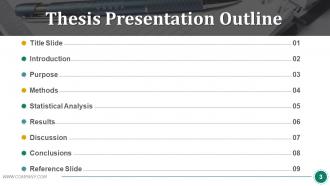
Diapositiva 3 : Esta diapositiva presenta el esquema de la presentación de tesis con estos nueve componentes: diapositiva de título, introducción, propósito, métodos, análisis estadístico, resultados, discusión, conclusiones, diapositiva de referencia.
Diapositiva 4 : Esta es una diapositiva de título para mostrar: su proyecto de título, su nombre, títulos / certificación, nombre del asesor de tesis.
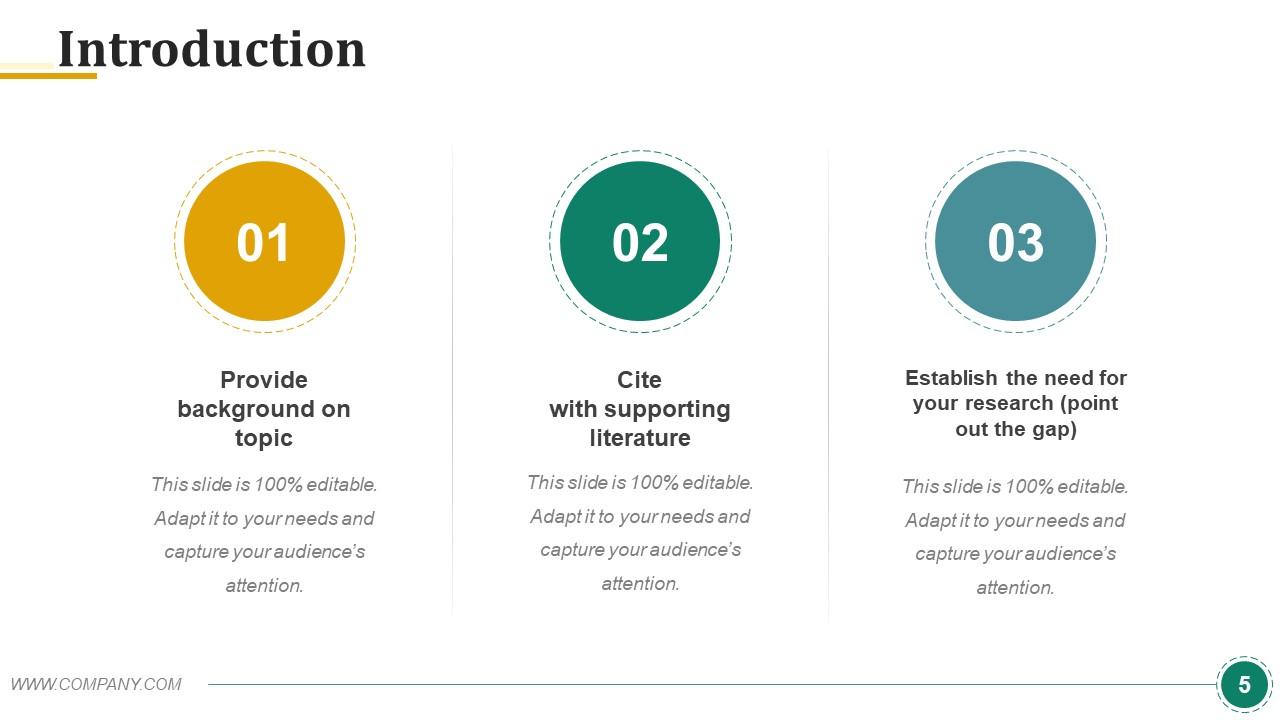
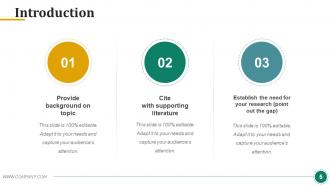
Diapositiva 5 : Esta es una diapositiva de introducción con tres puntos para indicar: proporcionar antecedentes sobre el tema, citar con literatura de apoyo, establecer la necesidad de su investigación (señalar la brecha).
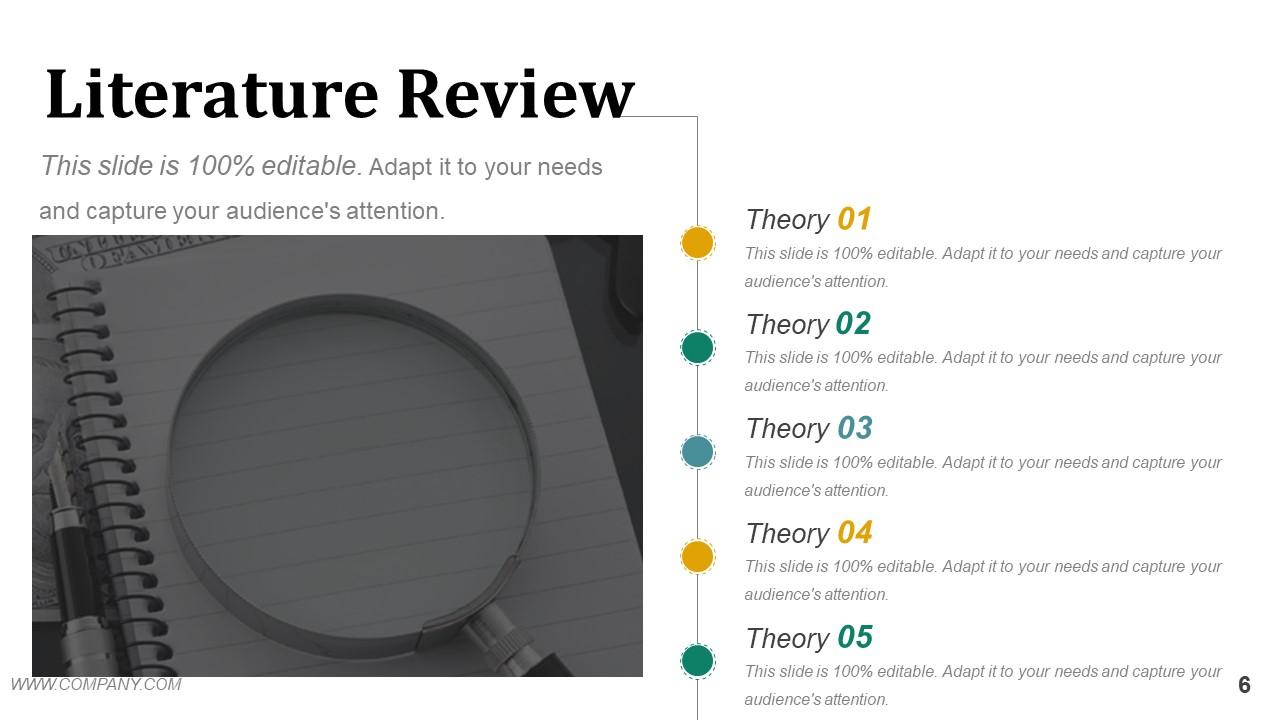
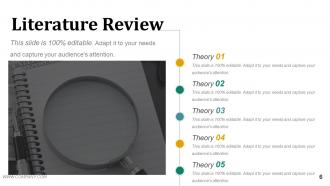
Diapositiva 6 : Esta diapositiva muestra Revisión de literatura con teorías para enunciar.
Diapositiva 7 : Esta diapositiva presenta una DECLARACIÓN DE PROPÓSITO con imágenes de manos y cuadros de texto.
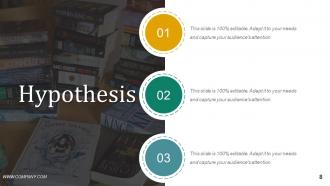
Diapositiva 8 : Esta es una diapositiva de hipótesis. Puede enunciar su hipótesis en estos recuadros.
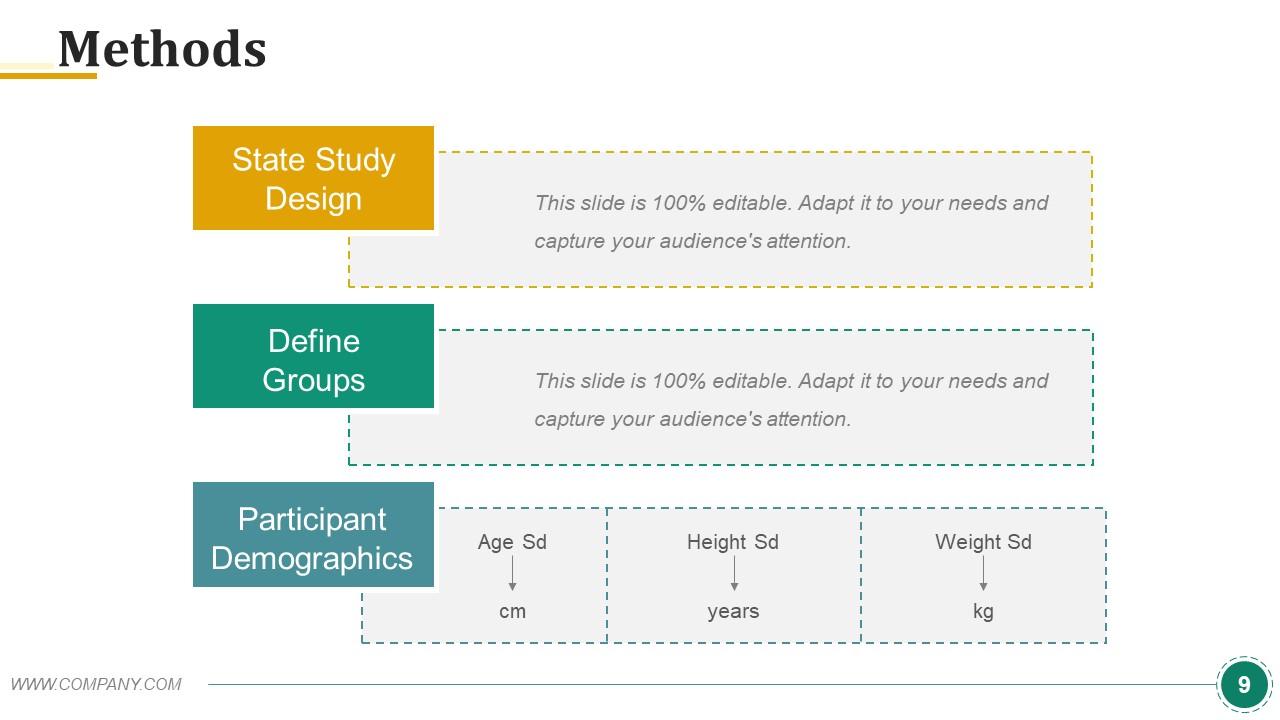
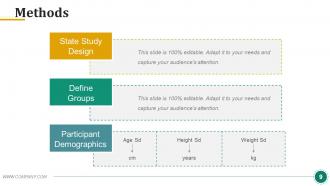
Diapositiva 9 : esta diapositiva muestra tres métodos con cuadros de texto. Estos son: Demografía de los participantes, Definir grupos, Diseño de estudios estatales.
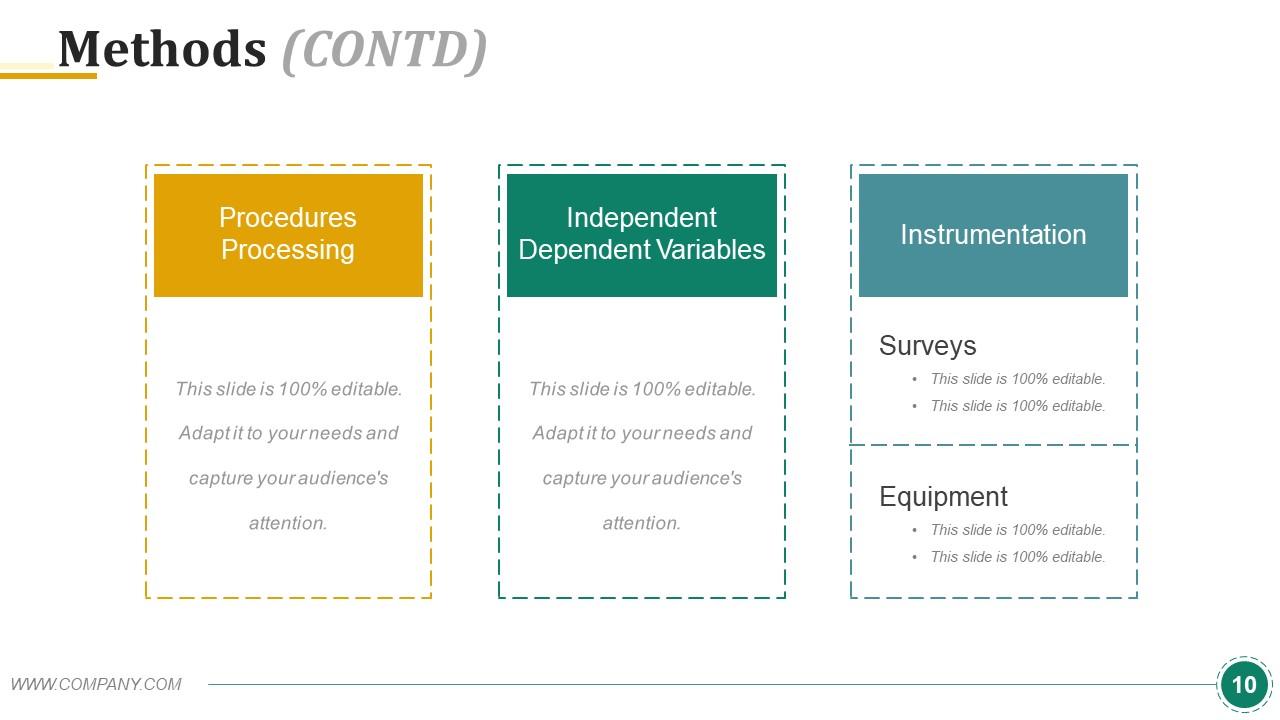
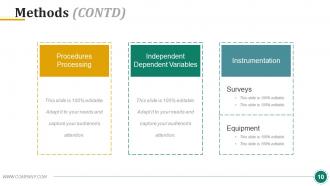
Diapositiva 10 : Esta diapositiva también muestra tres métodos que son: Procesamiento de procedimientos, Variables dependientes independientes, Instrumentación.
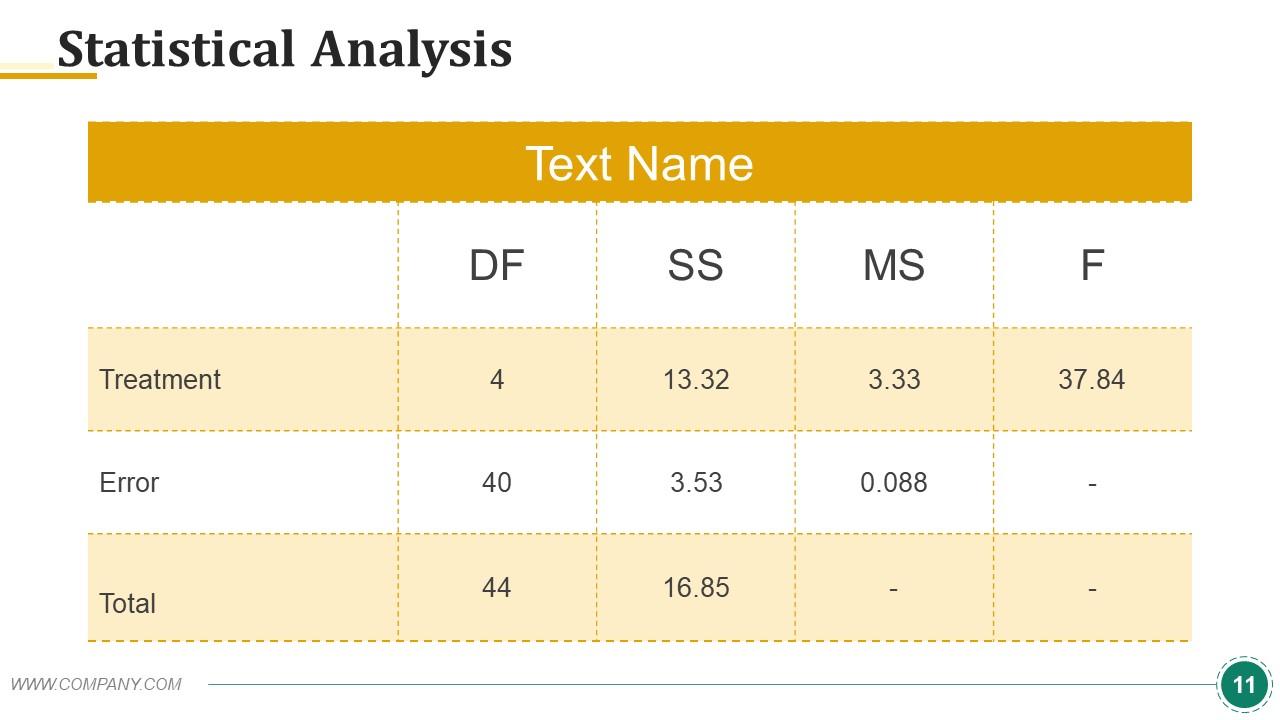
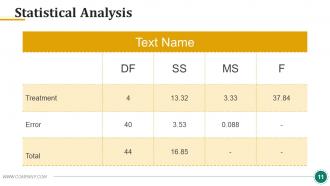
Diapositiva 11 : Esta diapositiva muestra la tabla de análisis estadístico. Puede agregar los datos o la información según sus necesidades.
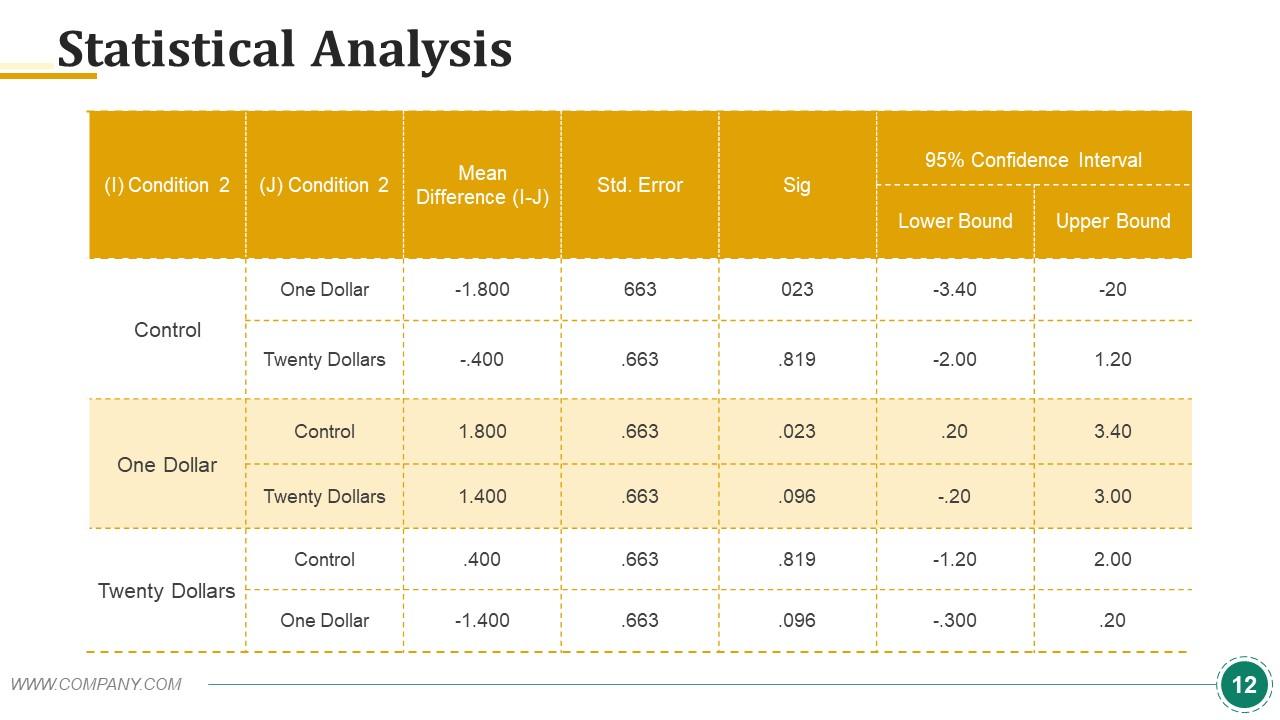
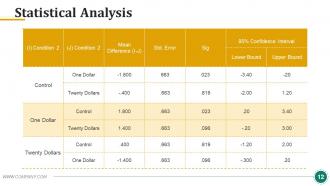
Diapositiva 12 : esta diapositiva también muestra la tabla de análisis estadístico. Utilice según su requisito.
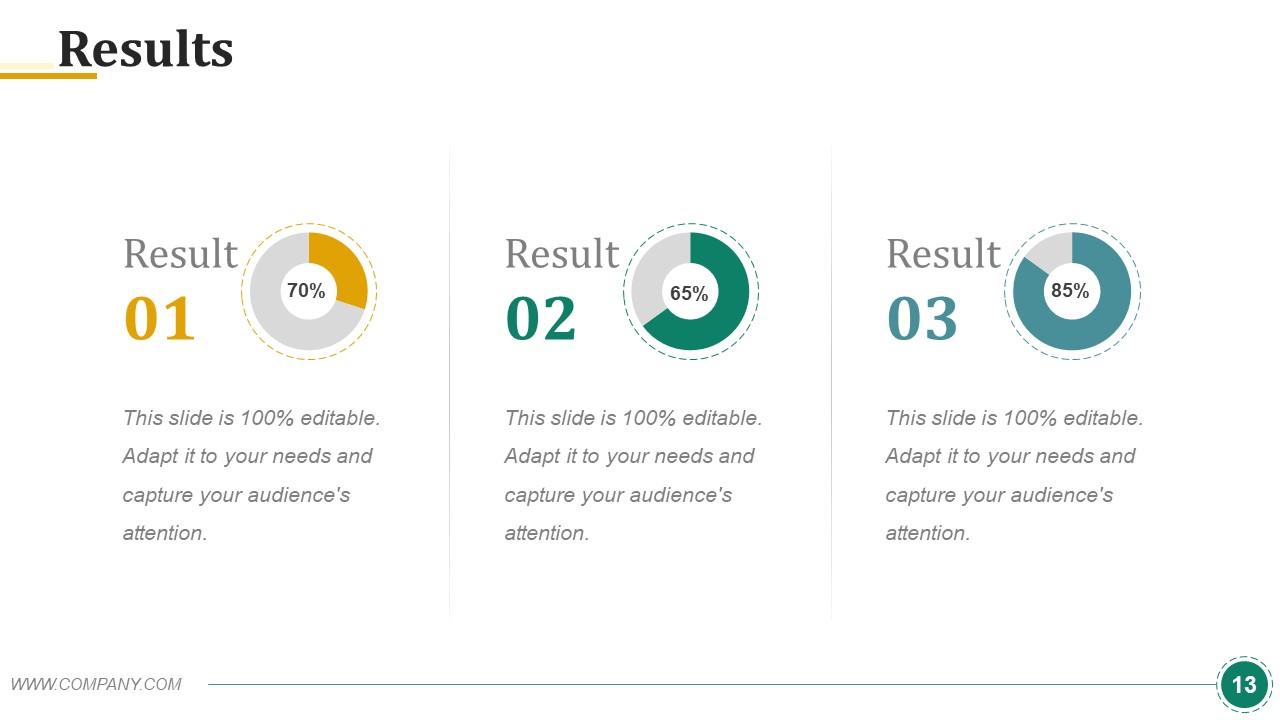
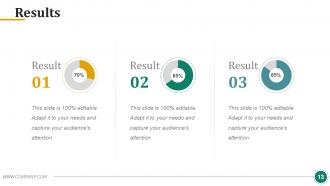
Diapositiva 13 : Esta es la diapositiva de Resultados. Puede presentar los resultados de su empresa con esta diapositiva.
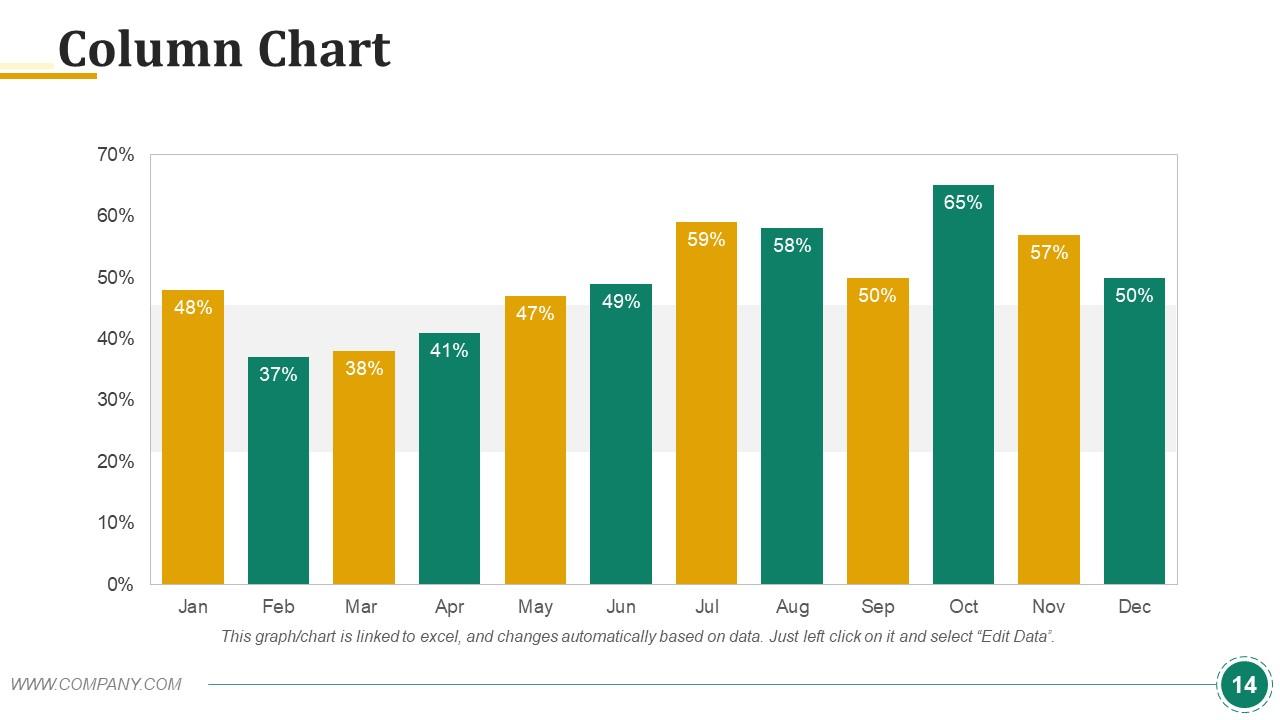
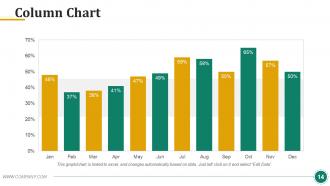
Diapositiva 14 : Esta diapositiva muestra el gráfico de columnas con el que puede comparar los productos.
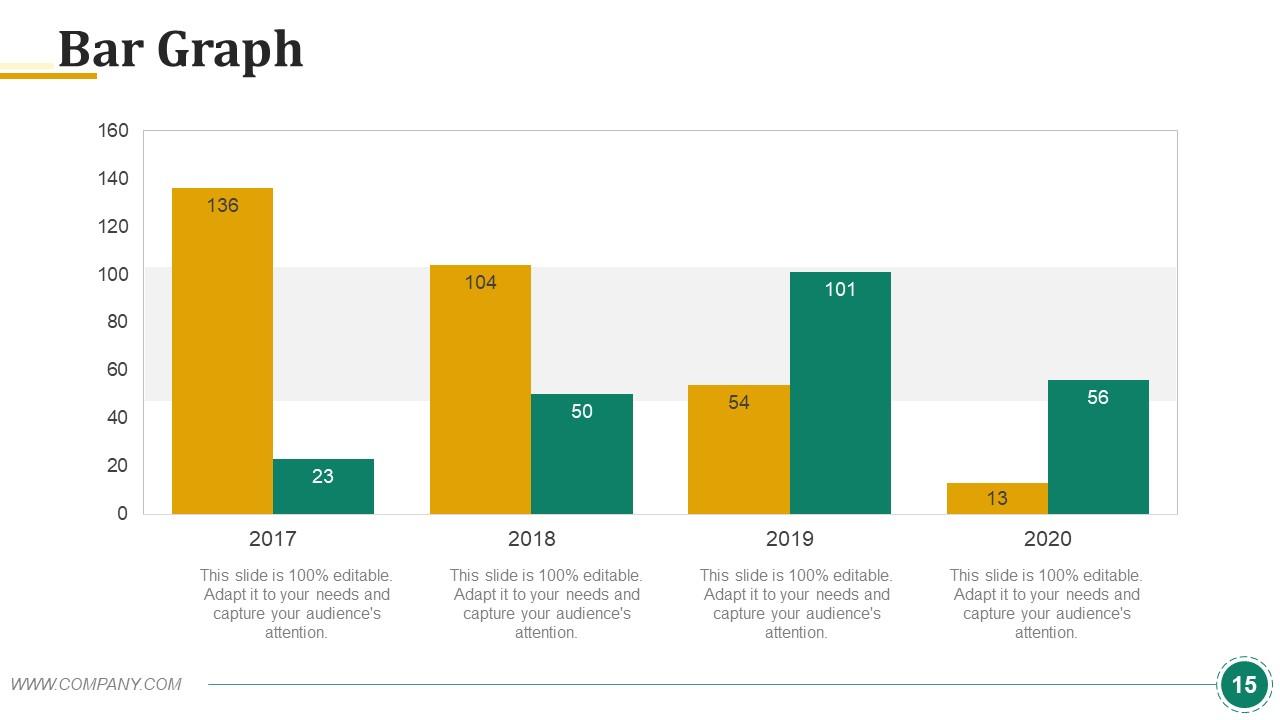
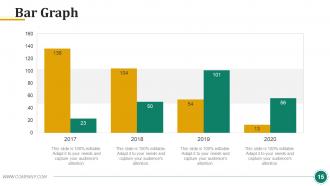
Diapositiva 15 : Esta es una diapositiva de imagen de gráfico de barras para mostrar la comparación de productos, el crecimiento, etc.
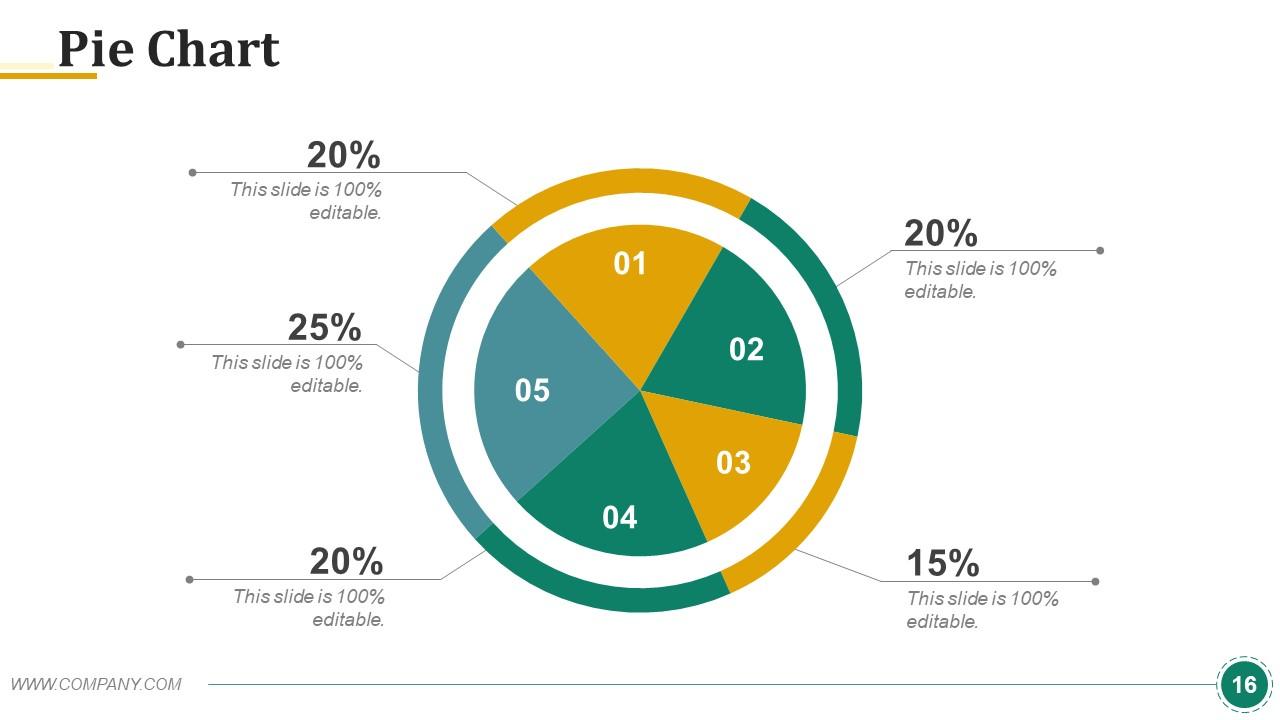
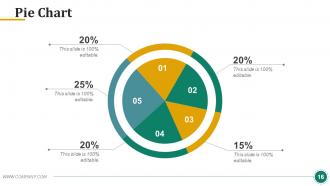
Diapositiva 16 : Esta es una diapositiva de gráfico circular para mostrar la comparación de productos / entidades, especificaciones, etc.
Diapositiva 17 : Esta es una diapositiva de debate. Puede discutir sobre su empresa aquí.
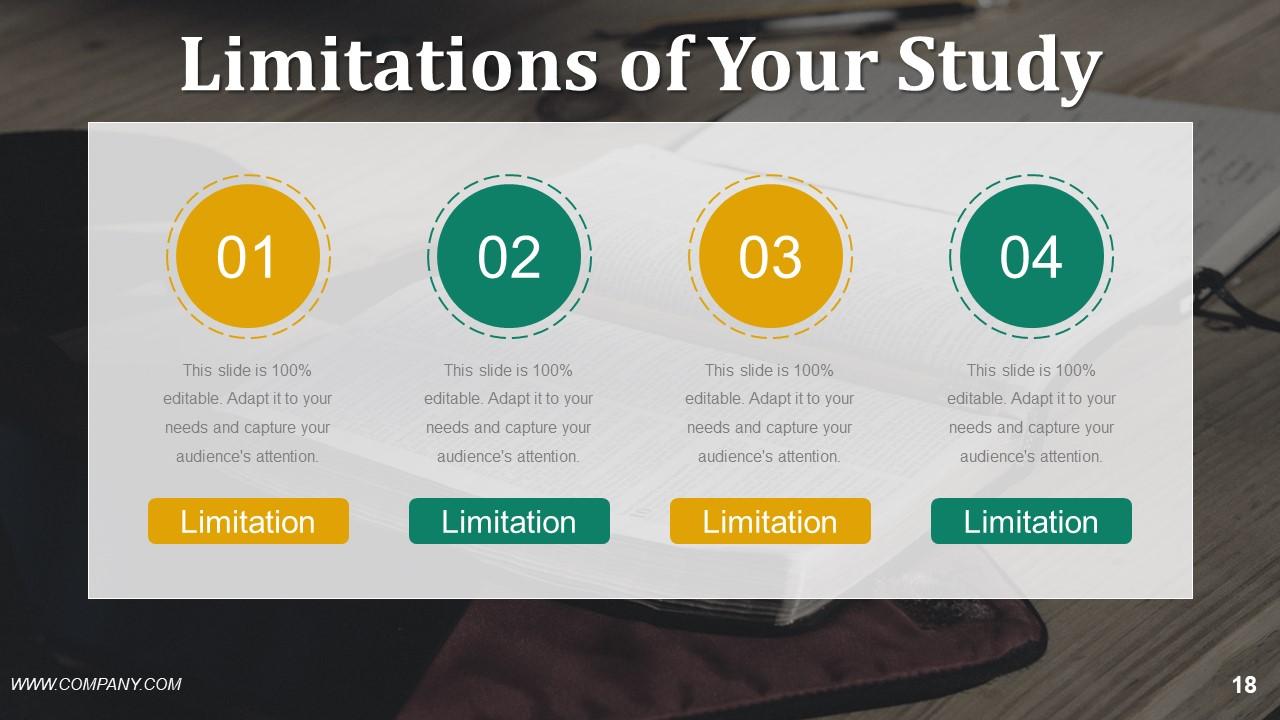
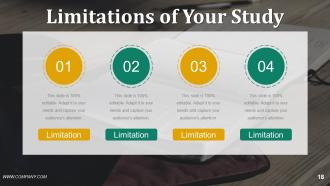
Diapositiva 18 : Esta diapositiva muestra las limitaciones de su estudio. Puede agregar las limitaciones de su empresa y utilizarlas en consecuencia.
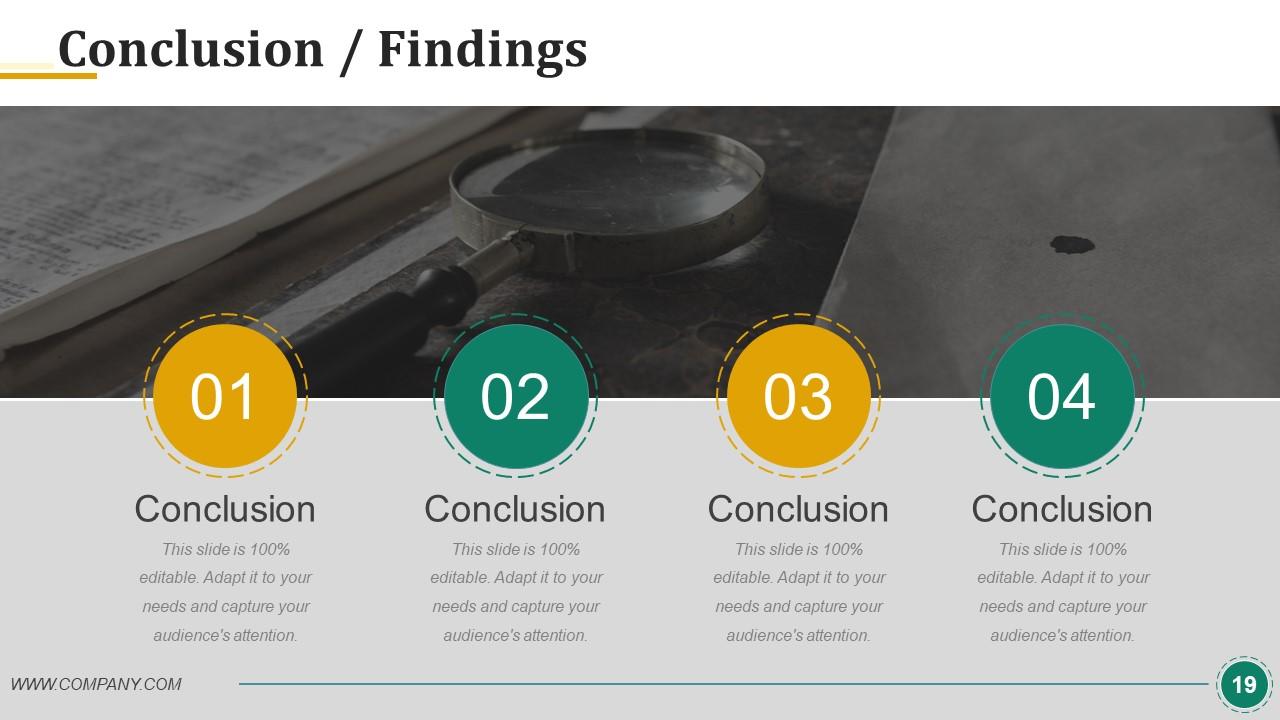
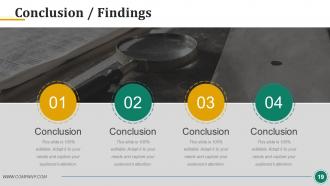
Diapositiva 19 : Estas son las Conclusiones / Hallazgos, diapositiva en estado. Agregue datos relevantes y utilícelos.
Diapositiva 20 : Esta diapositiva muestra la imagen de Coffee Break. Altere / modifique según sea necesario.
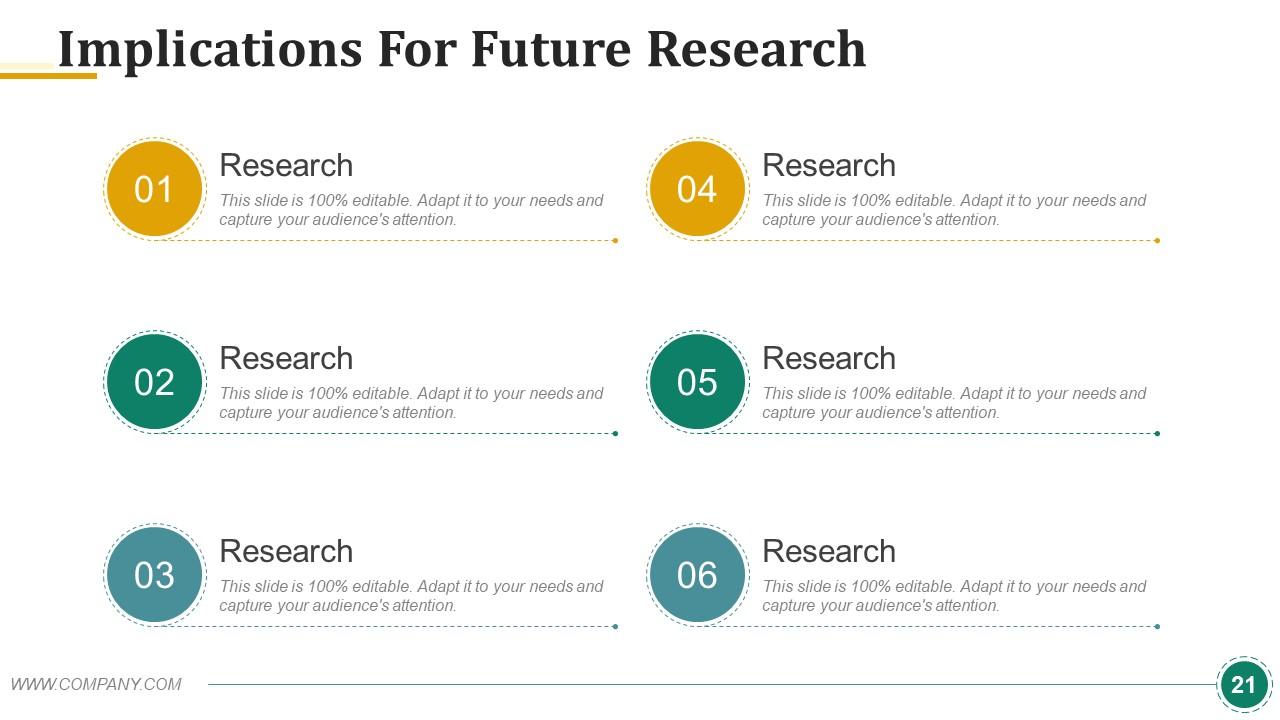
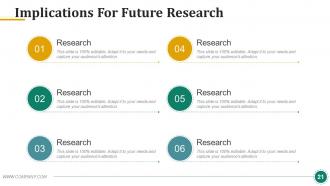
Diapositiva 21 : Esta diapositiva establece las implicaciones para la investigación futura.
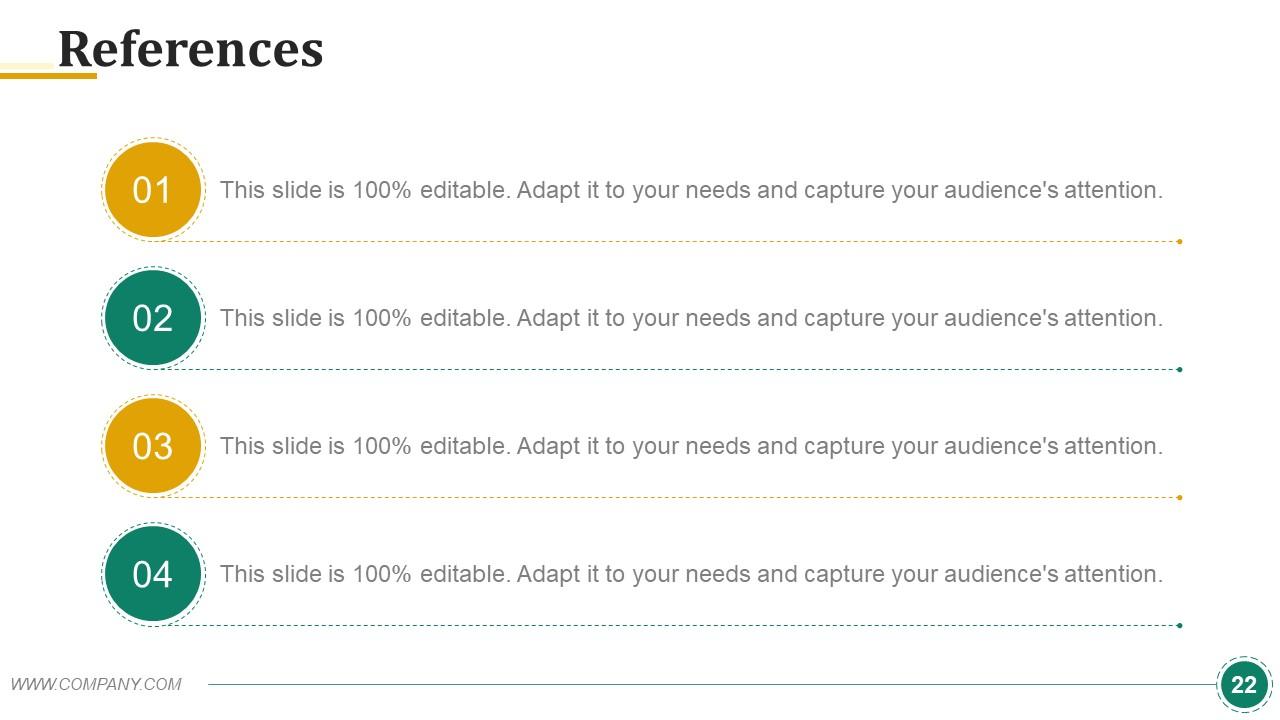
Diapositiva 22 : Esta es la diapositiva de Referencias. Indique sus referencias aquí.
Diapositiva 23 : Esta es la diapositiva Cualquier pregunta para presentar sus consultas, preguntas, etc.
Diapositiva 24 : esta diapositiva se titula Diapositivas adicionales para avanzar. Puede cambiar el contenido de la diapositiva según sus necesidades.
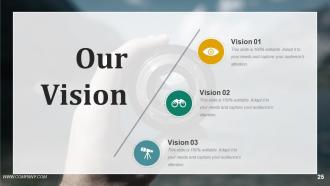
Diapositiva 25 : Esta es la diapositiva de Nuestra visión. Exprese aquí la visión de su empresa.
Diapositiva 26 : Se trata de la diapositiva Acerca de nuestra empresa. Indique aquí las especificaciones del equipo / empresa, etc.
Diapositiva 27 : Esta es la diapositiva Conozca a nuestro equipo con el nombre y la designación para completar.
Diapositiva 28 : Esta diapositiva se titula Objetivos y metas.
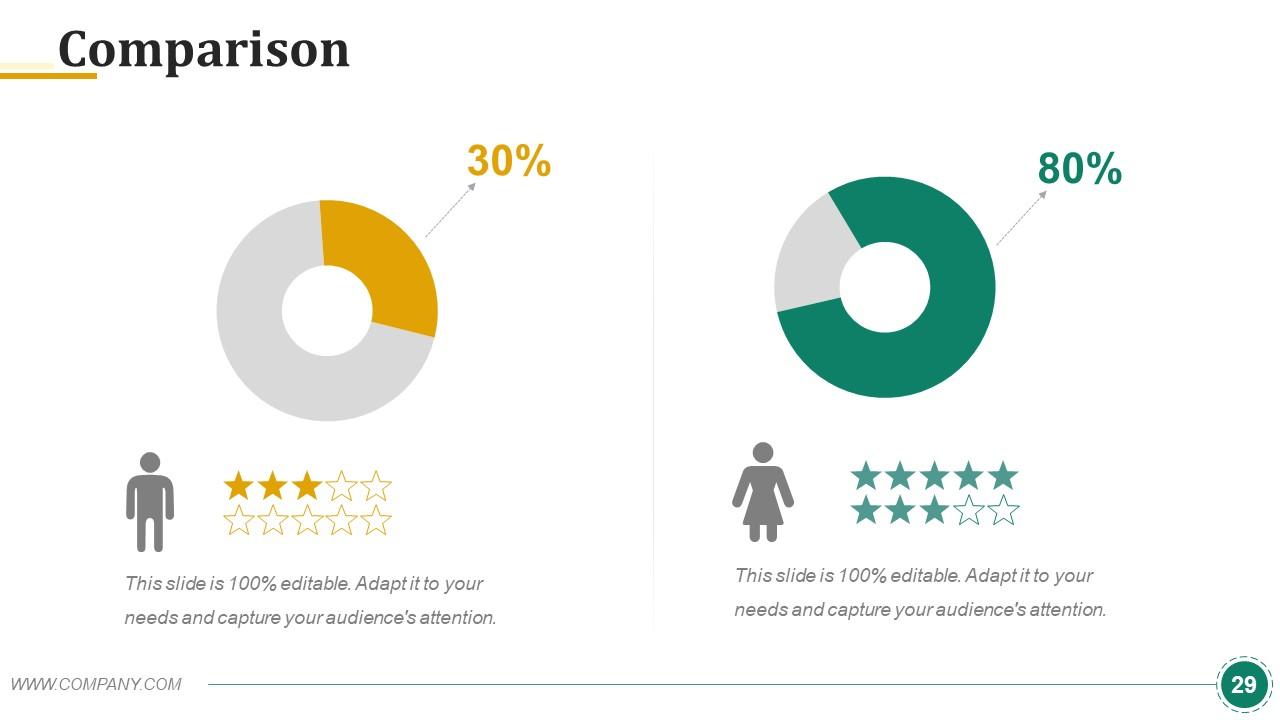
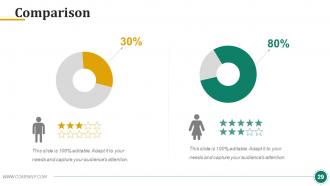
Diapositiva 29 : Esta es una diapositiva de comparación para comparar productos / enidades, etc.
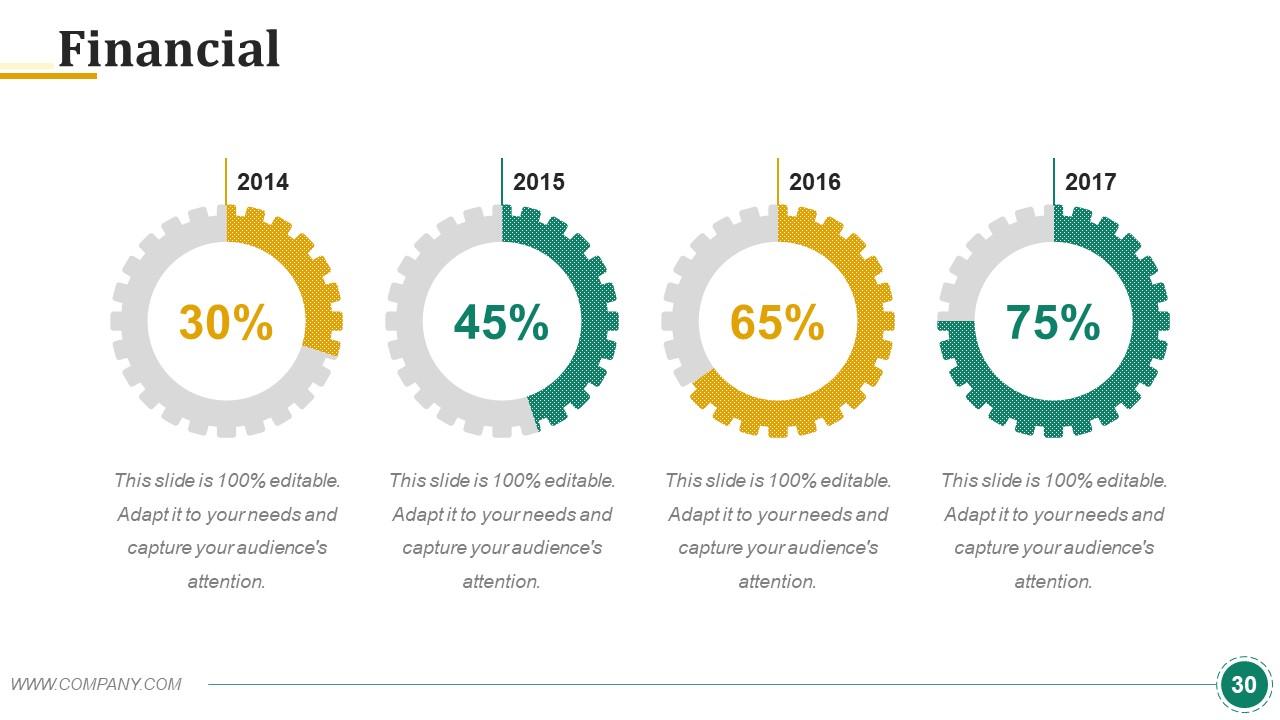
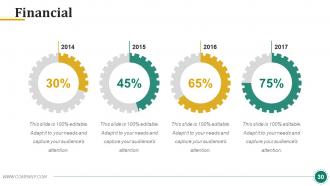
Diapositiva 30 : Esta es una diapositiva de puntuación financiera. Indique aquí los aspectos financieros, etc.
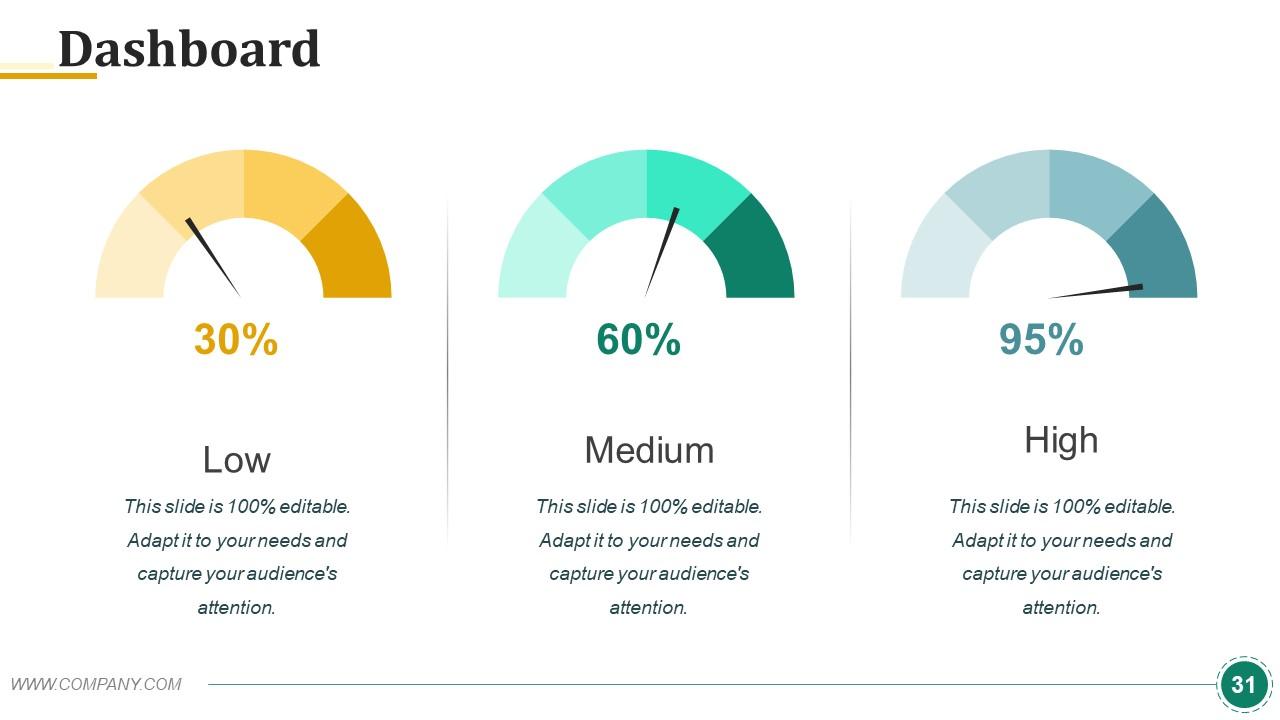
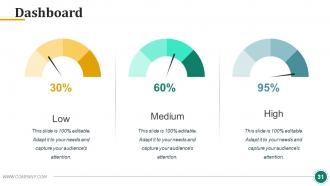
Diapositiva 31 : Esta es una diapositiva del Panel de control para mostrar los factores de crecimiento en términos de Alto, Bajo, Medio.
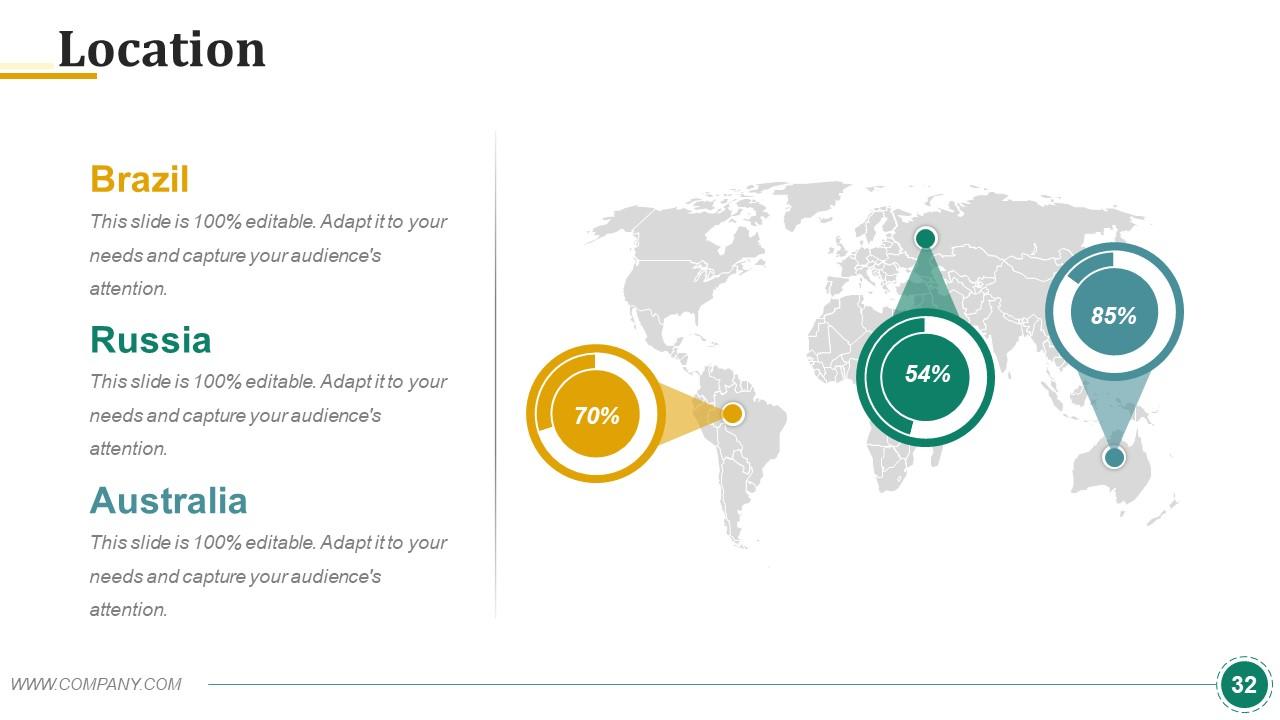
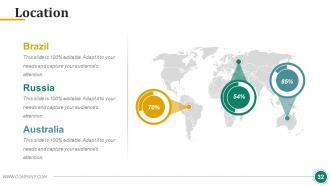
Diapositiva 32 : Esta es la diapositiva de Ubicación en una imagen de mapa mundial para mostrar el crecimiento global, la presencia, etc.
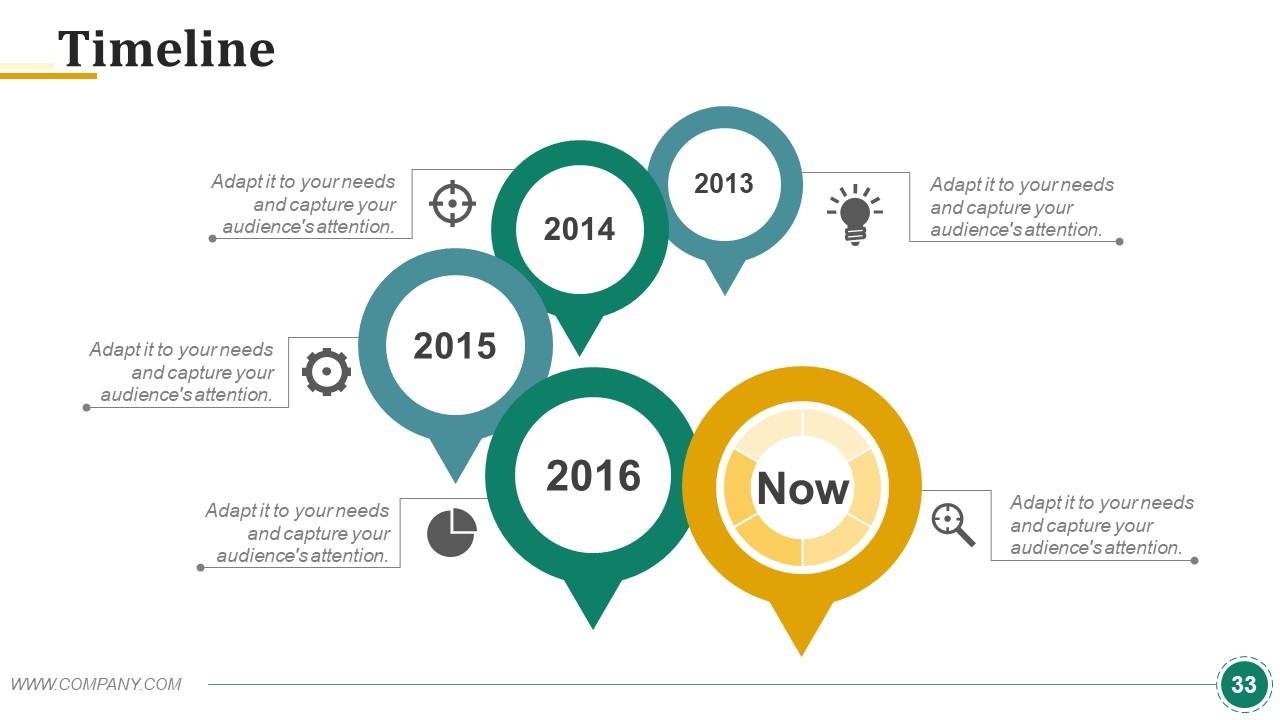
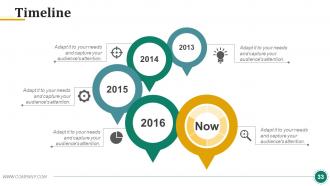
Diapositiva 33 : Esta es una diapositiva de la línea de tiempo para presentar fechas importantes, viaje, evolución, hitos, etc.
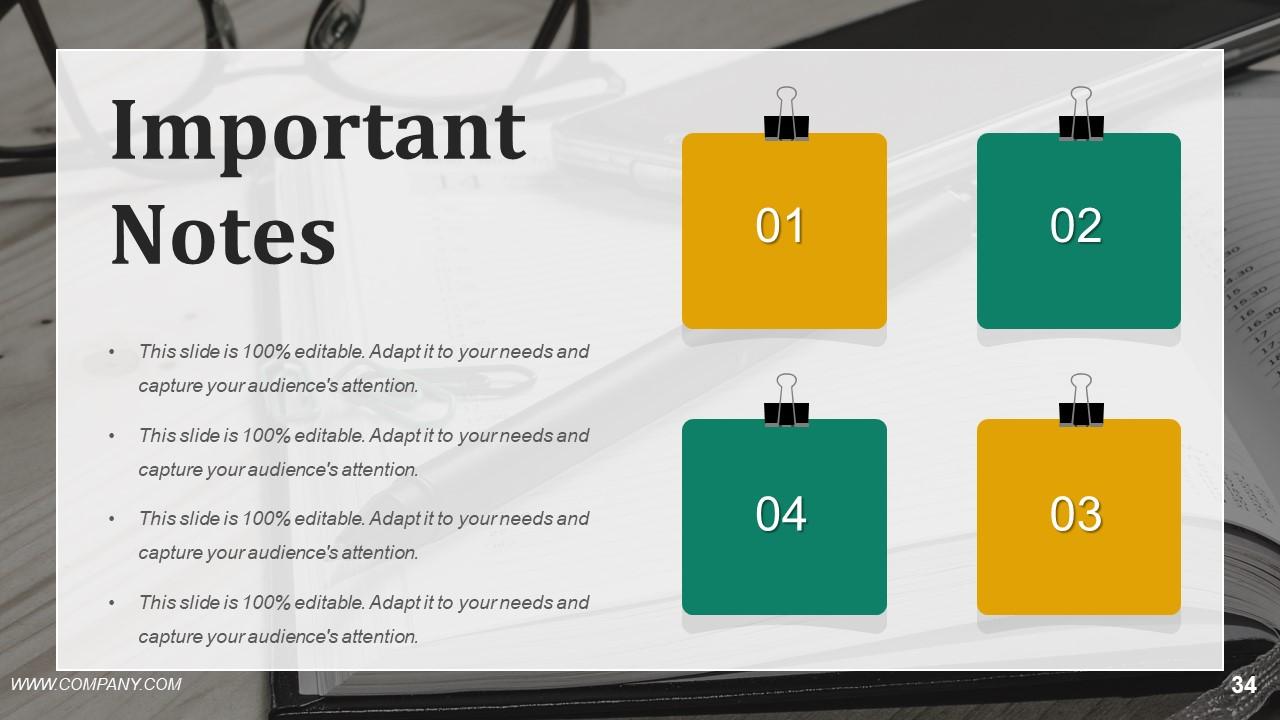
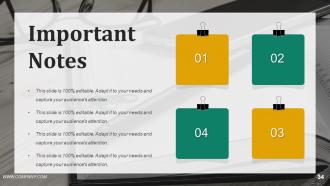
Diapositiva 34 : Esta diapositiva muestra las notas importantes que se mostrarán. Muestre eventos, información importante, eventos, etc. aquí.
Diapositiva 35 : Esta diapositiva muestra la imagen del periódico. Muestre eventos, información importante, eventos, etc. aquí.
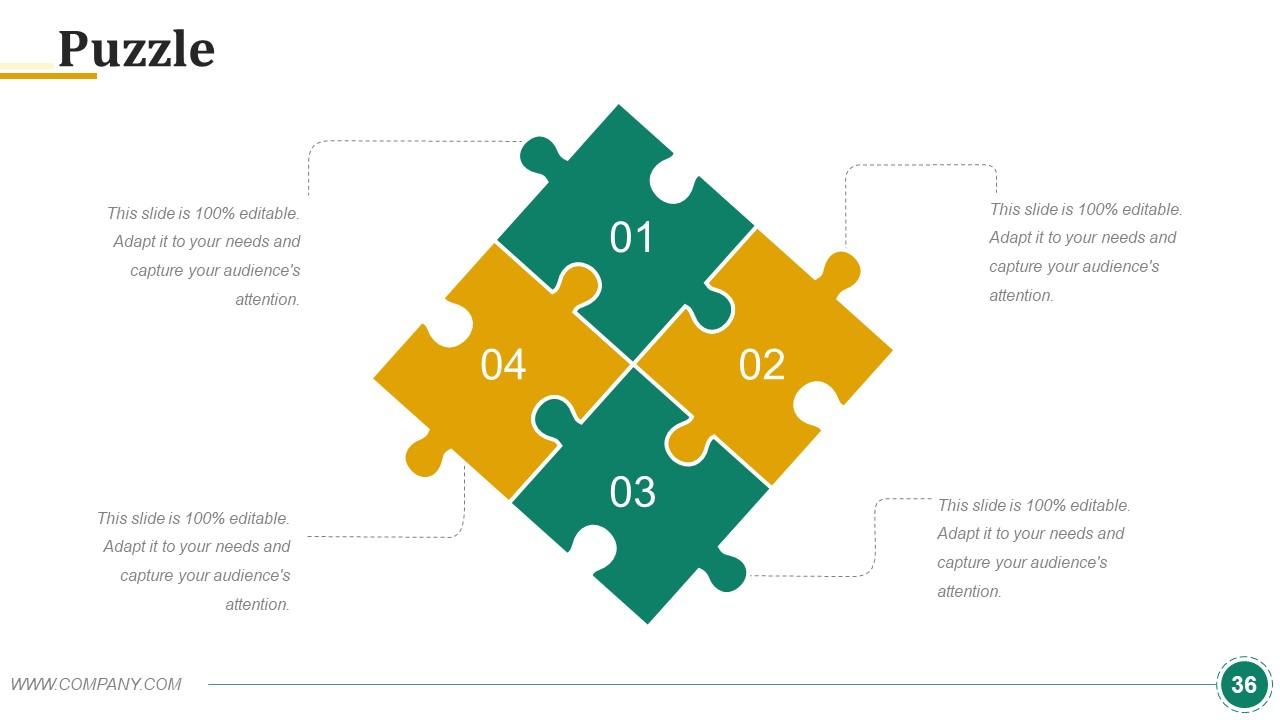
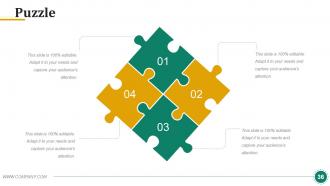
Diapositiva 36 : Esta es una diapositiva de imagen de rompecabezas para mostrar información, especificaciones, etc.
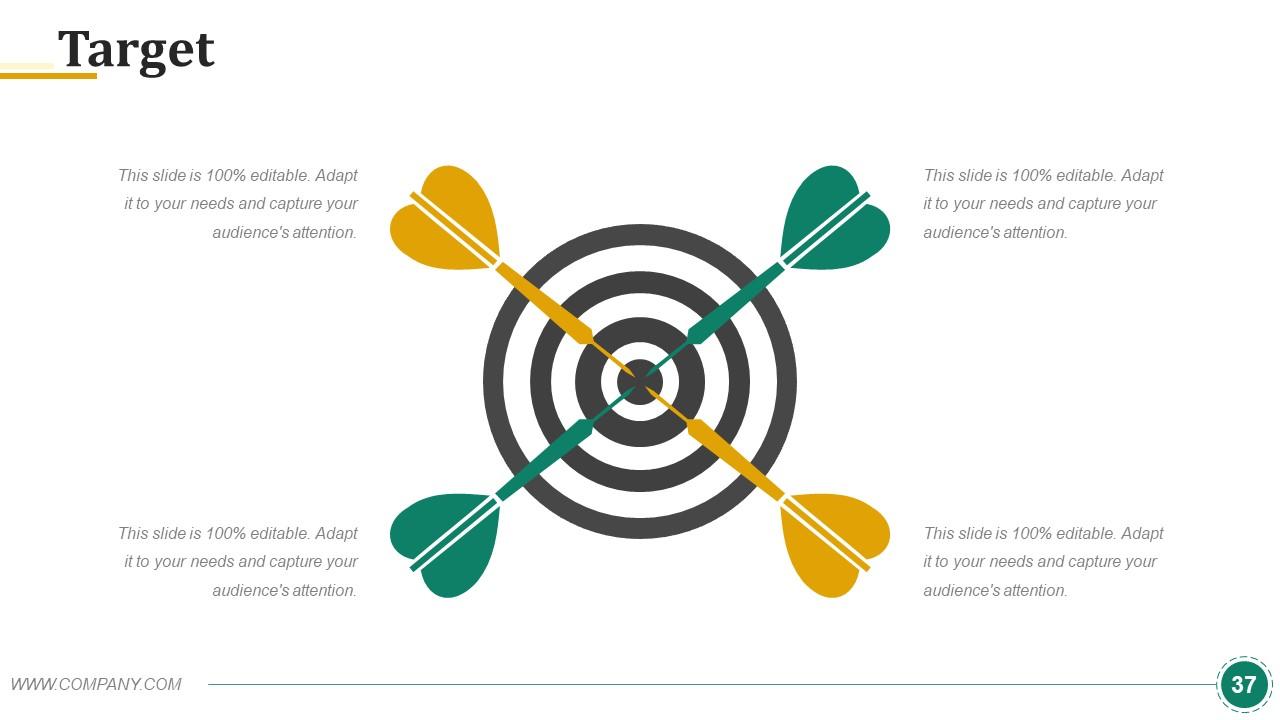
Diapositiva 37 : Esta es una diapositiva de imagen de destino para mostrar objetivos, metas, información, especificaciones, etc.
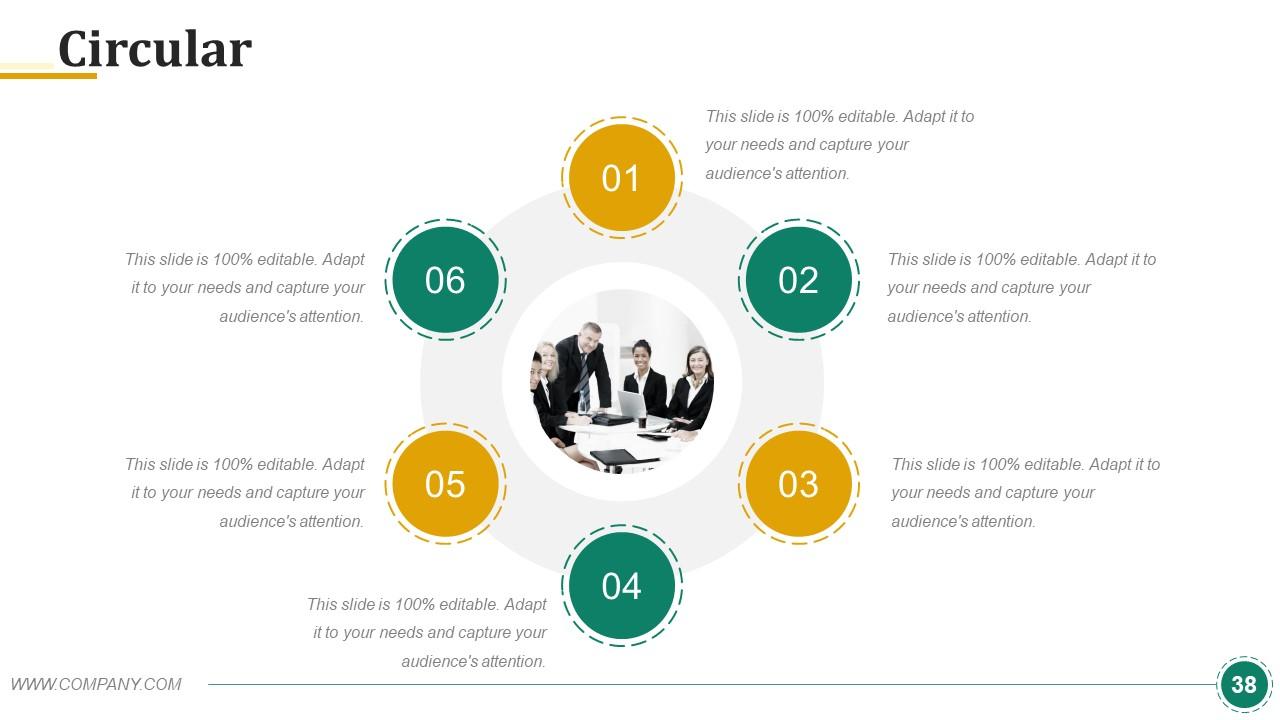
Diapositiva 38 : Esta es una diapositiva de imagen circular. Indique información, especificaciones, etc. aquí.
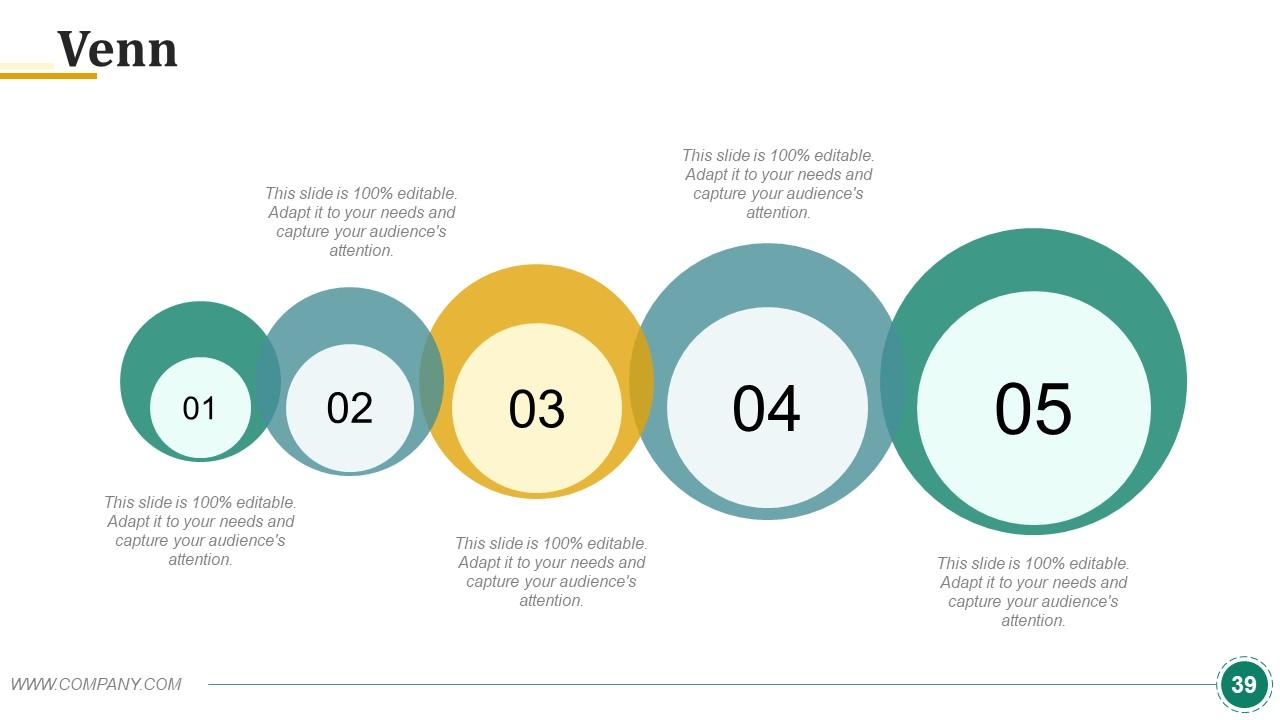
Diapositiva 39 : Esta es una diapositiva de imagen de diagrama de Venn para mostrar información, especificaciones, etc.
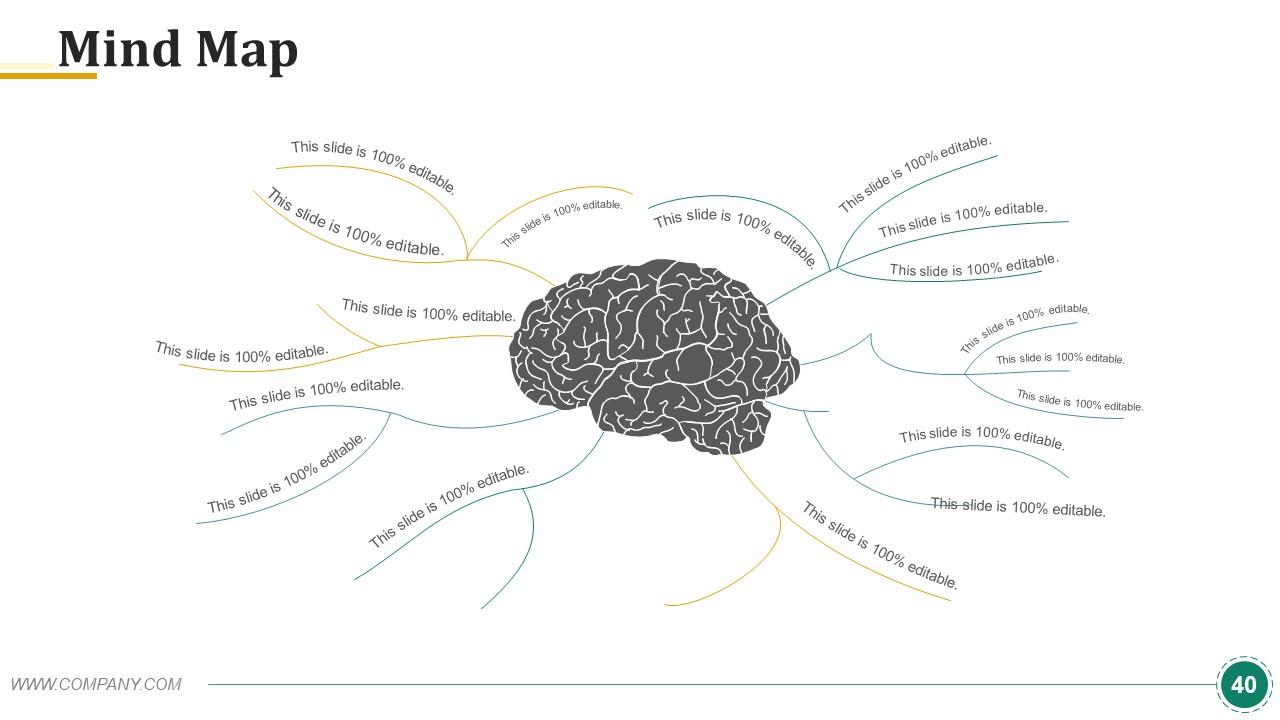
Diapositiva 40 : Esta es una diapositiva de imagen de mapa mental para mostrar información, segregación, especificaciones, etc.
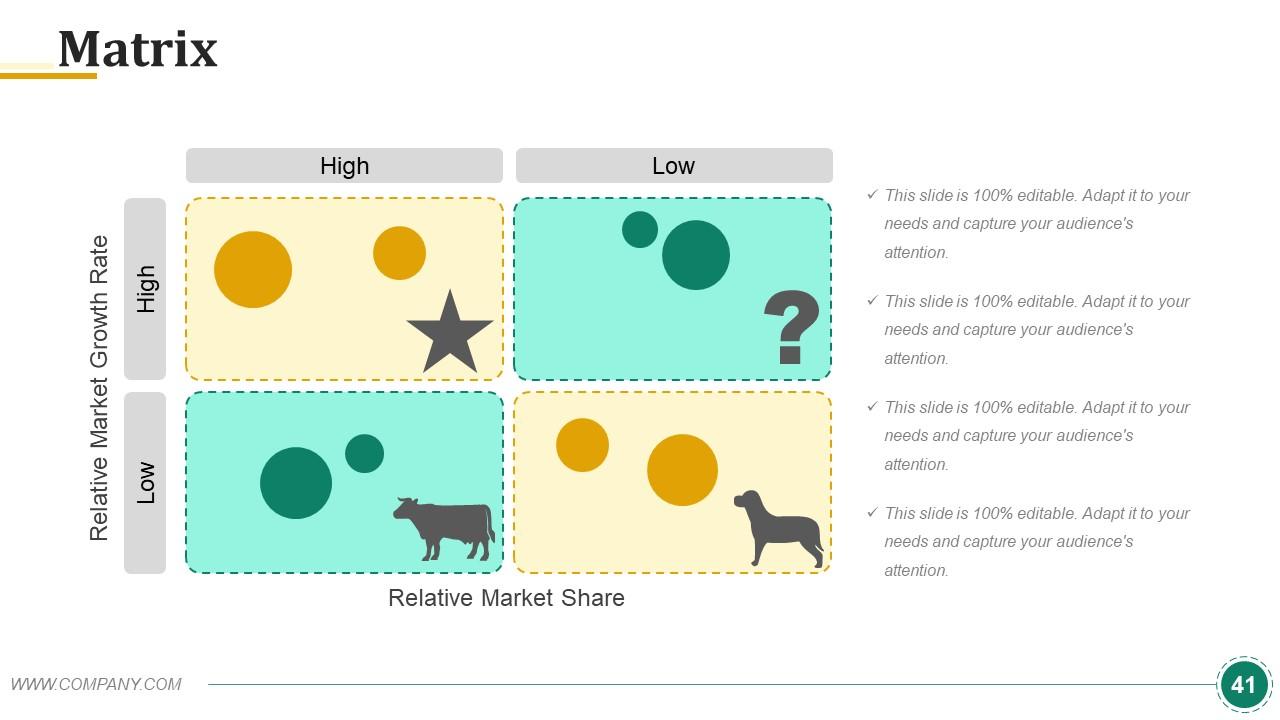
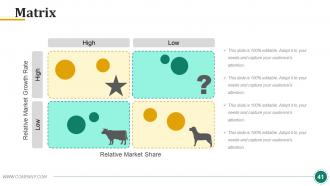
Diapositiva 41 : Esta es una diapositiva de matriz que varía de alta a baja y viceversa.
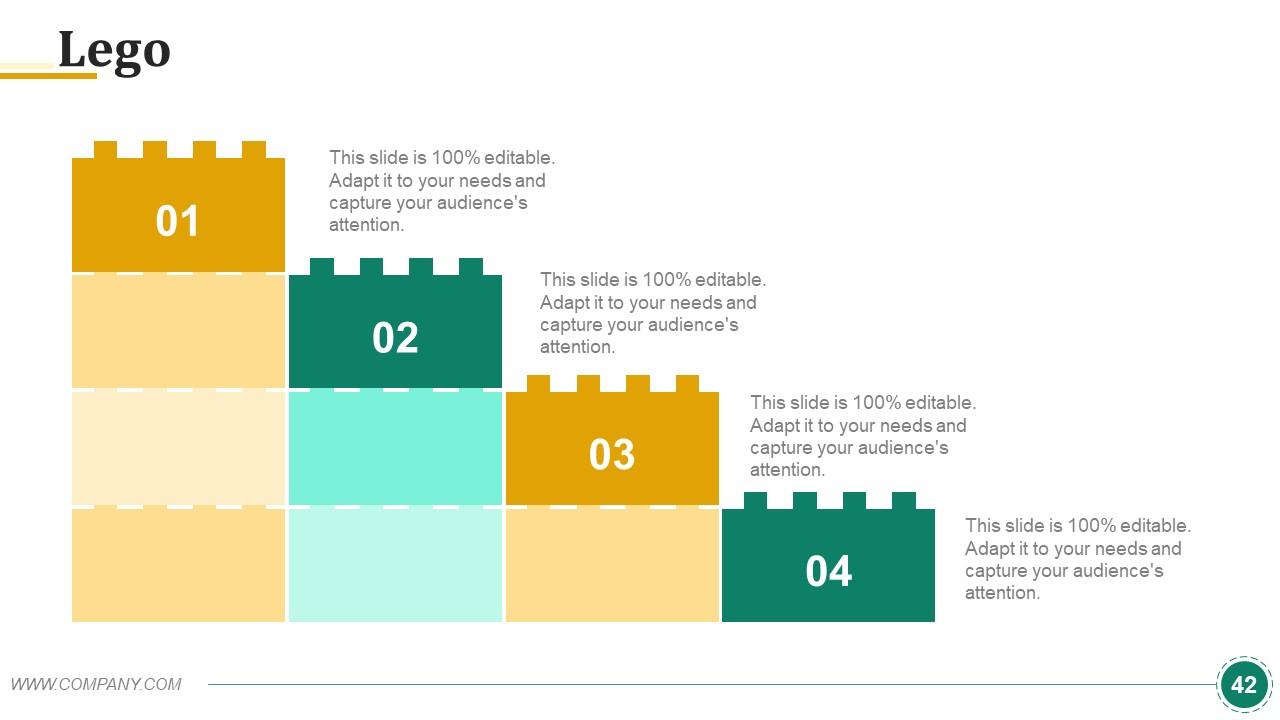
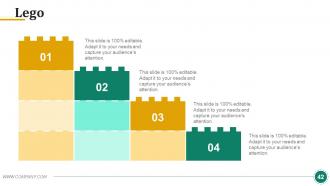
Diapositiva 42 : Esta es una diapositiva de imagen de Lego para mostrar información, especificaciones, etc.
Diapositiva 43 : Esta es una diapositiva de imagen de bombilla Generate Idea para mostrar información, especificaciones de innovación, etc.
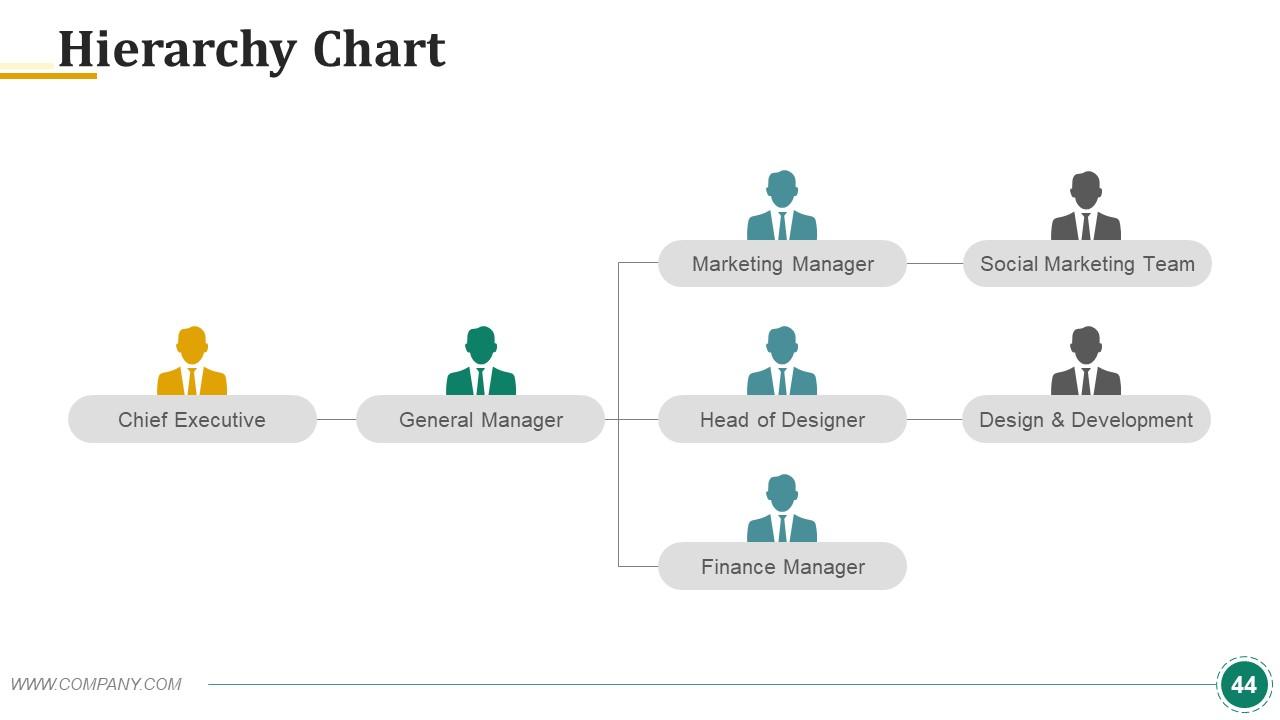
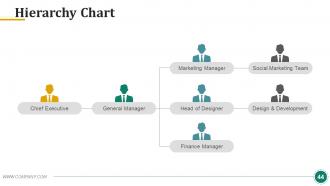
Diapositiva 44 : Esta es una diapositiva de Gráfico de jerarquía para mostrar información, especificaciones, etc.
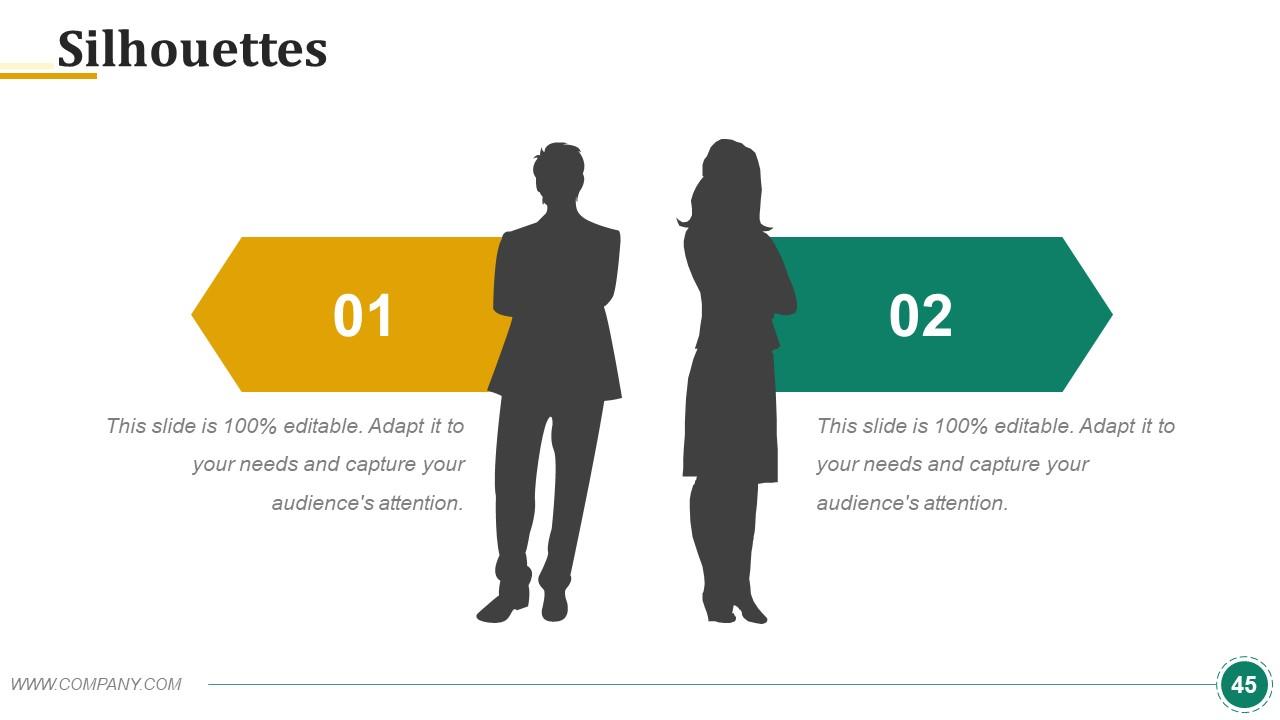
Diapositiva 45 : Esta es una diapositiva de siluetas de personas. Úselo de la manera que desee para mostrar soluciones, etc.
Diapositiva 46 : Esta es una diapositiva de Cotizaciones comerciales para citar algo en lo que cree.
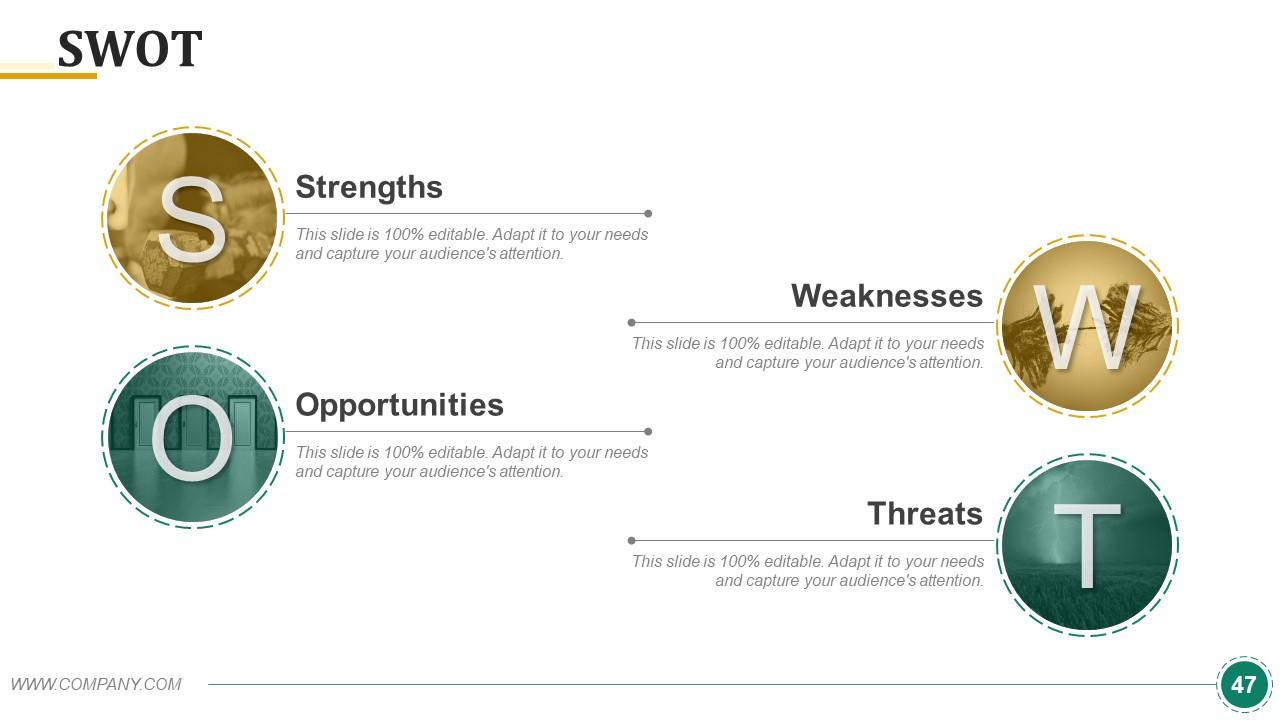
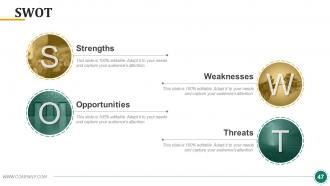
Diapositiva 47 : Esta diapositiva presenta el análisis FODA.
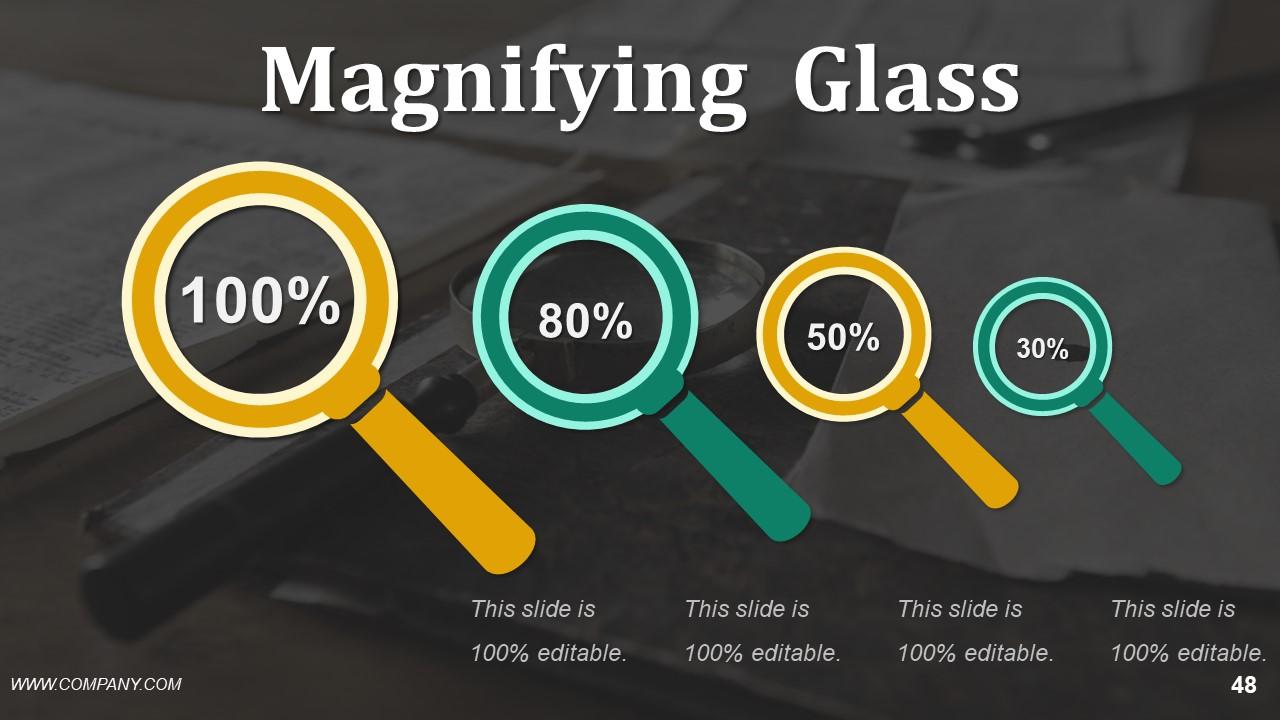
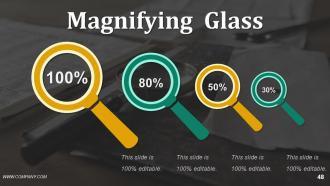
Diapositiva 48 : Esta es una diapositiva con imagen de lupa para mostrar información, aspectos del alcance, etc.
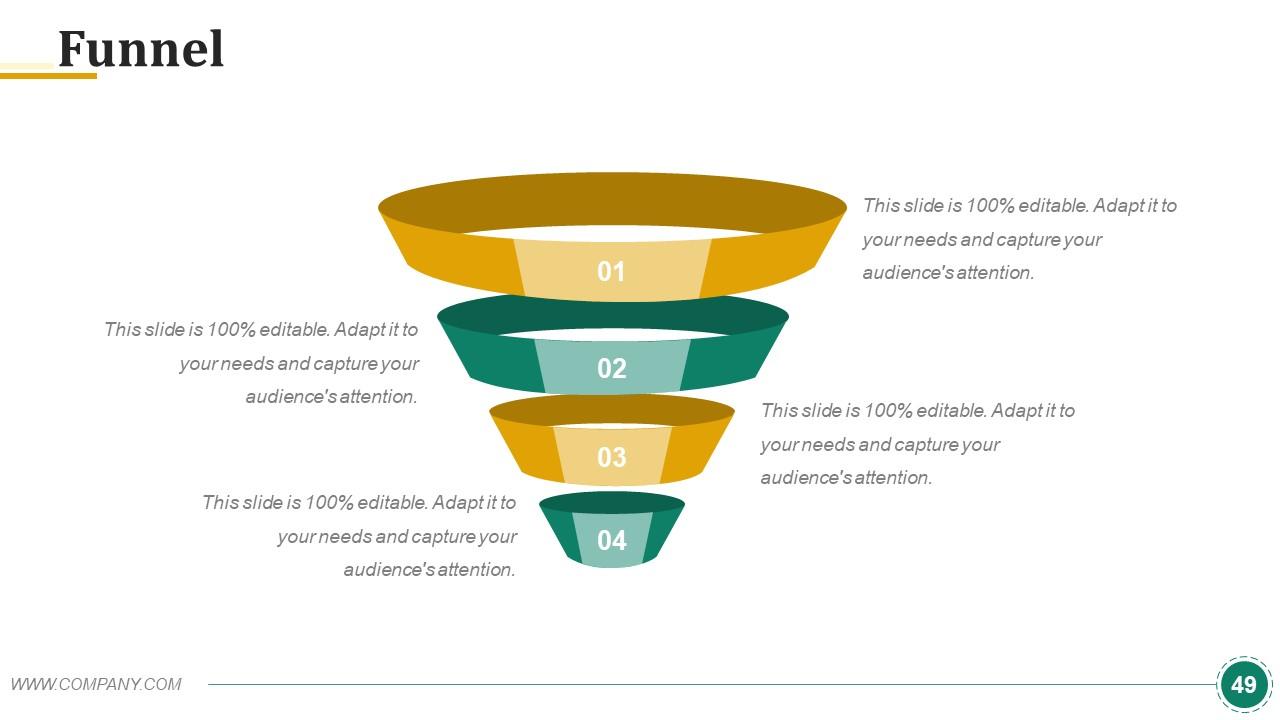
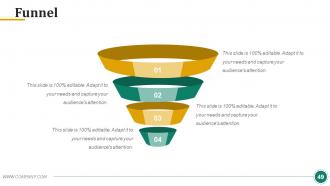
Diapositiva 49 : Esta es una diapositiva de imagen de embudo para mostrar información, aspectos de canalización, especificaciones, etc.
Diapositiva 50 : Esta diapositiva remite a Nuestras tablas y gráficos. Puede cambiar el contenido según sus necesidades.
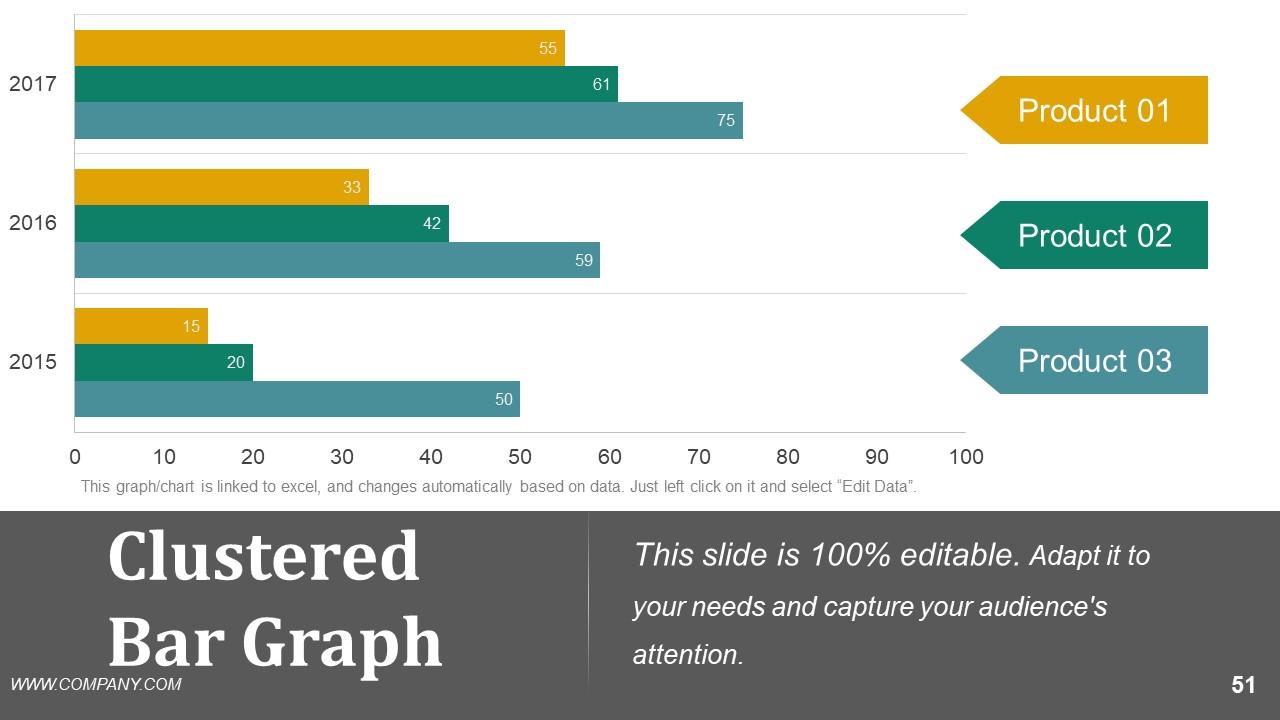
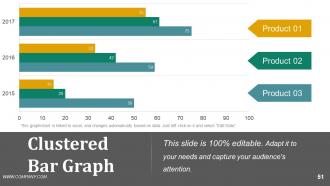
Diapositiva 51 : Esta es una diapositiva de gráfico de barras agrupadas para mostrar la comparación de productos / entidades, especificaciones, etc.
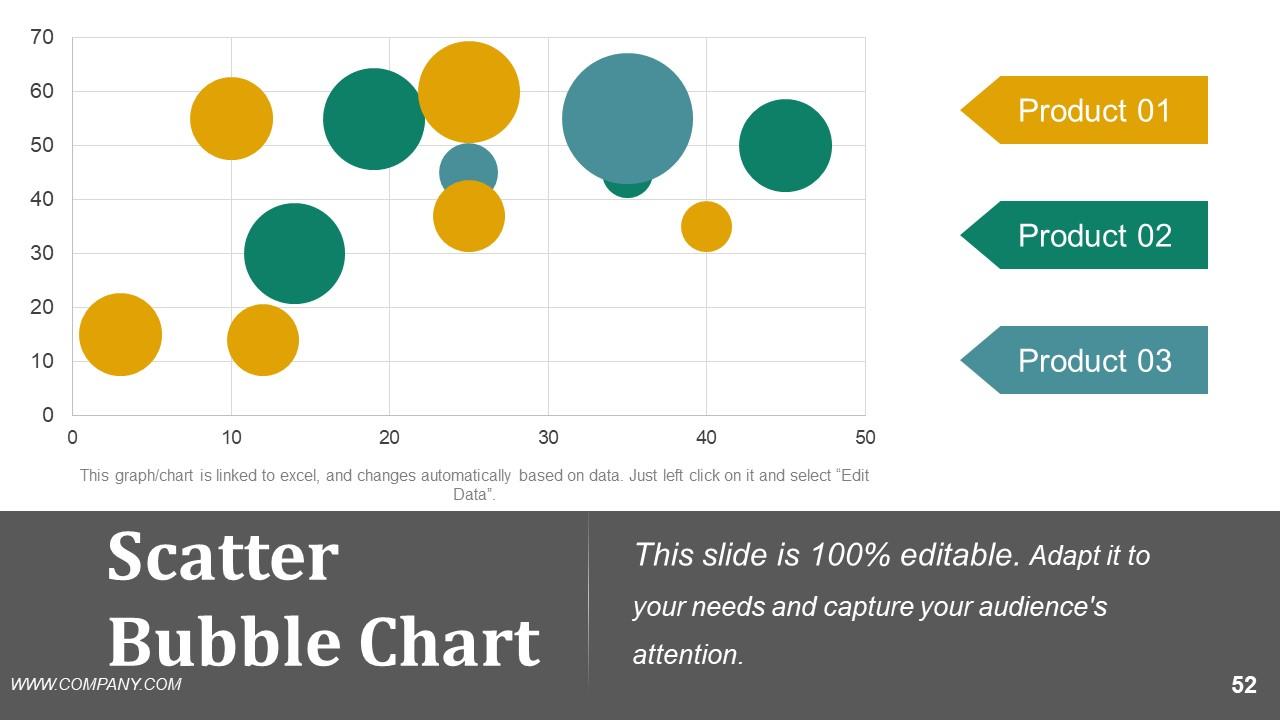
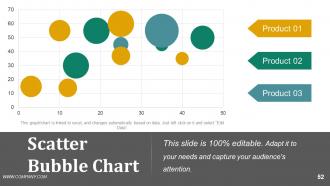
Diapositiva 52 : Esta diapositiva presenta un gráfico de burbujas de dispersión para mostrar la comparación de productos / entidades, especificaciones, etc.
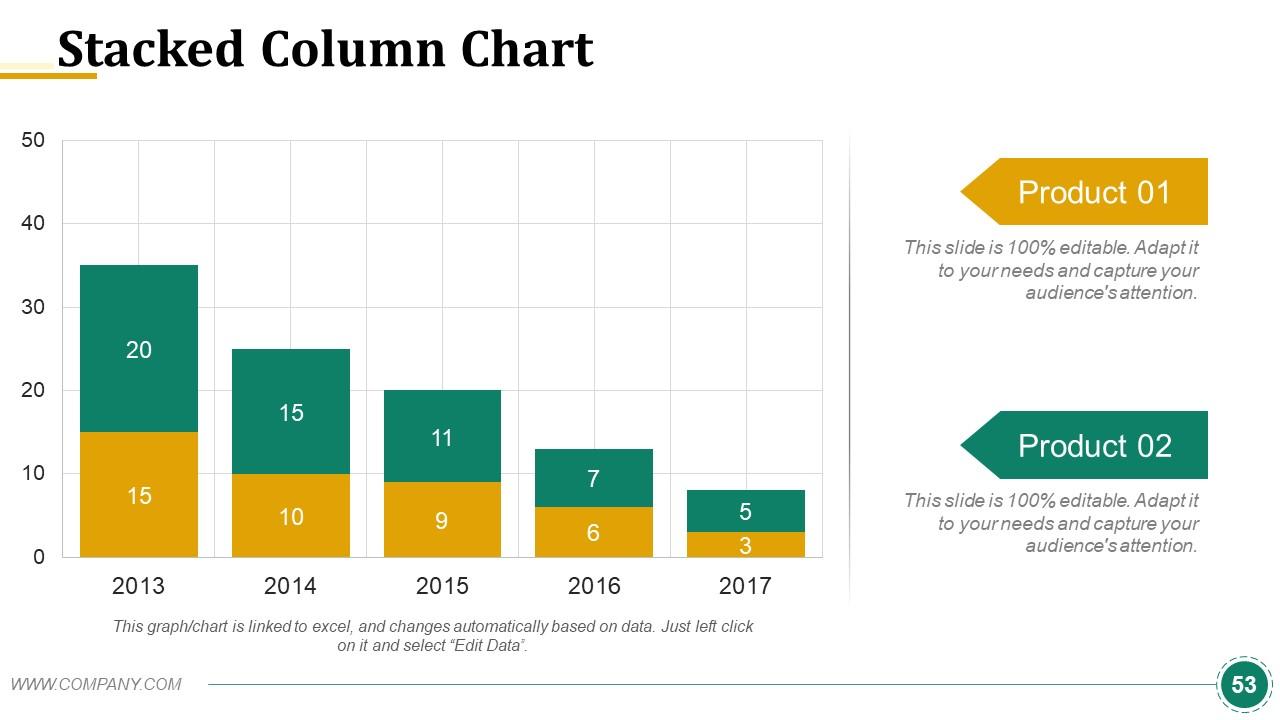
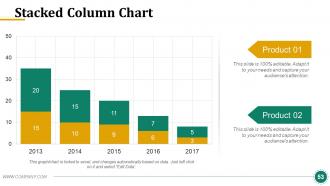
Diapositiva 53 : Esta es una diapositiva de gráfico de gráfico de columnas apiladas para mostrar la comparación de productos / entidades, especificaciones, etc.
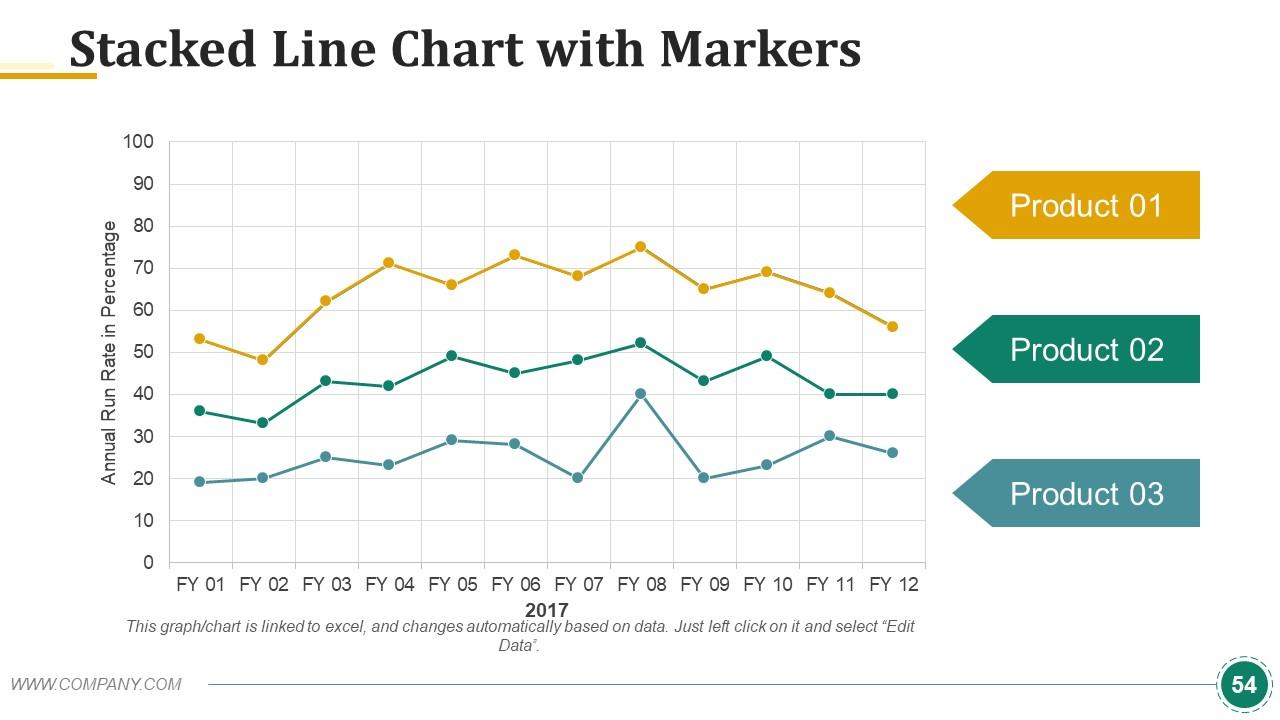
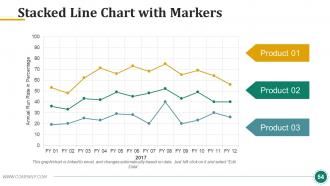
Diapositiva 54 : Esta diapositiva muestra un gráfico de líneas apiladas con marcadores para presentar la comparación de productos / entidades, especificaciones, etc.
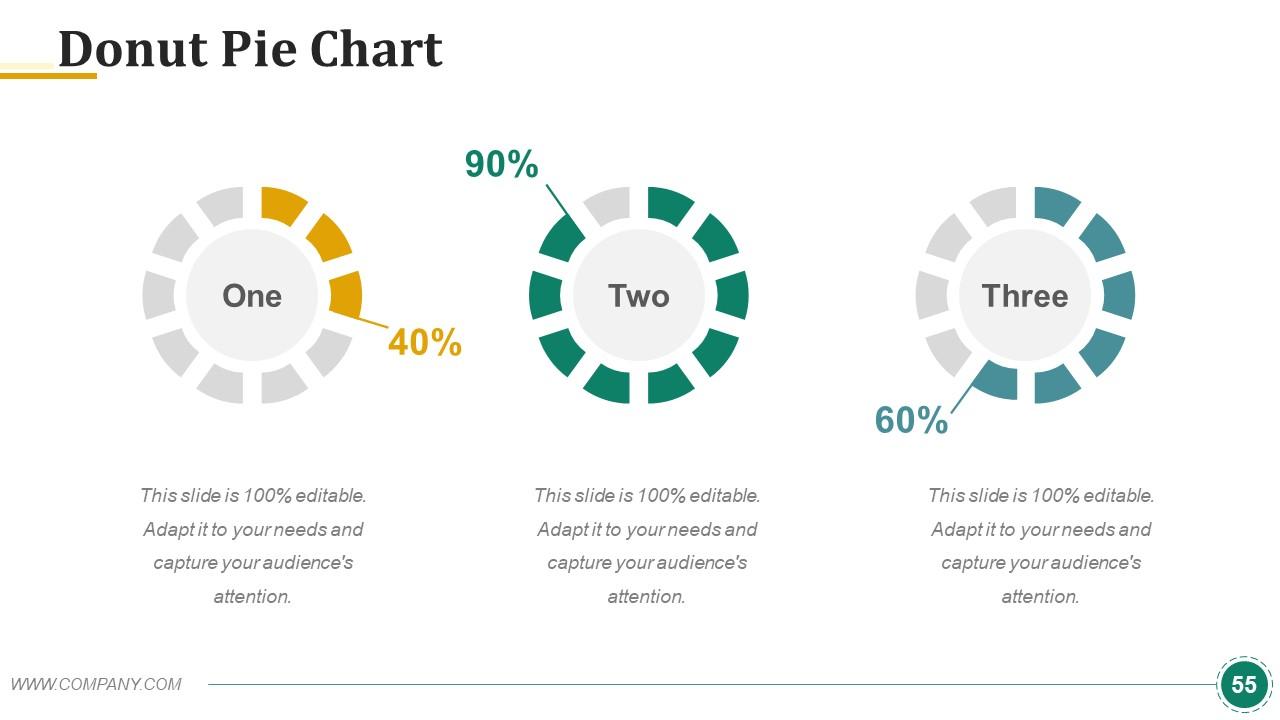
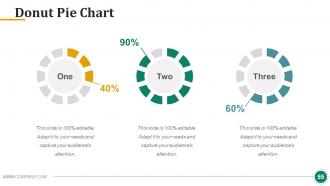
Diapositiva 55 : Esta es una diapositiva de gráfico circular de anillos para presentar la comparación de productos / entidades, especificaciones, etc.
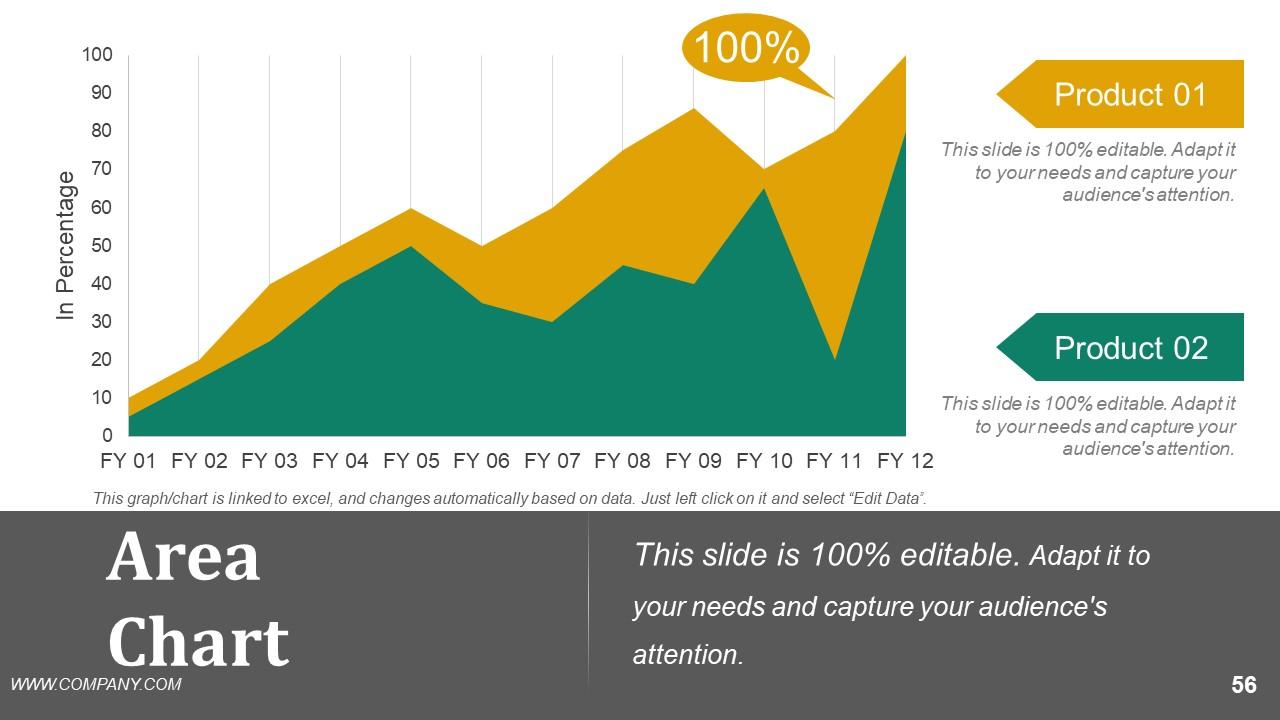
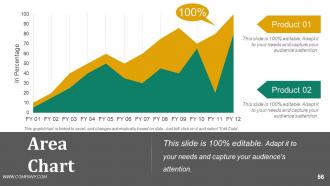
Diapositiva 56 : Esta es una diapositiva de Gráfico de áreas para presentar la comparación de productos / entidades, especificaciones, etc.
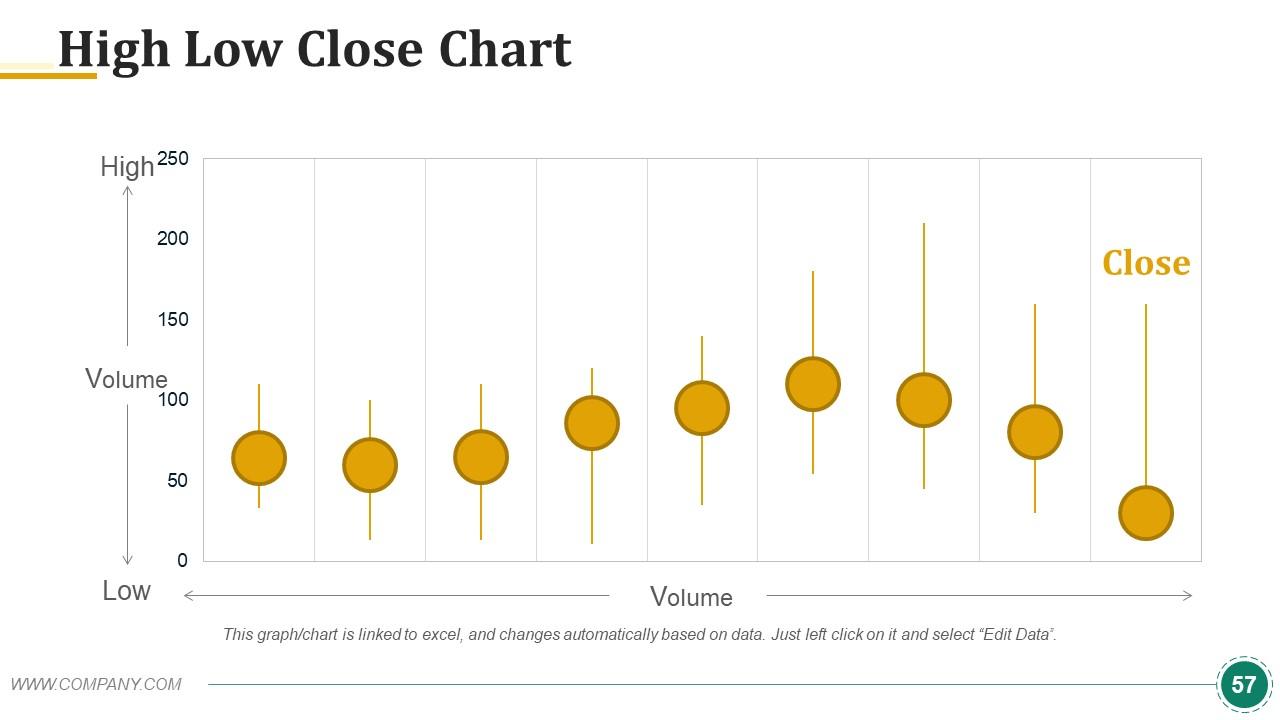
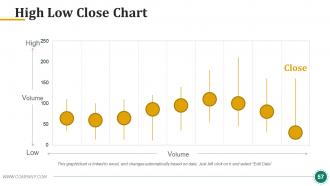
Diapositiva 57 : Esta diapositiva presenta el gráfico de cierre alto bajo para mostrar la comparación de productos / entidades, especificaciones, etc.
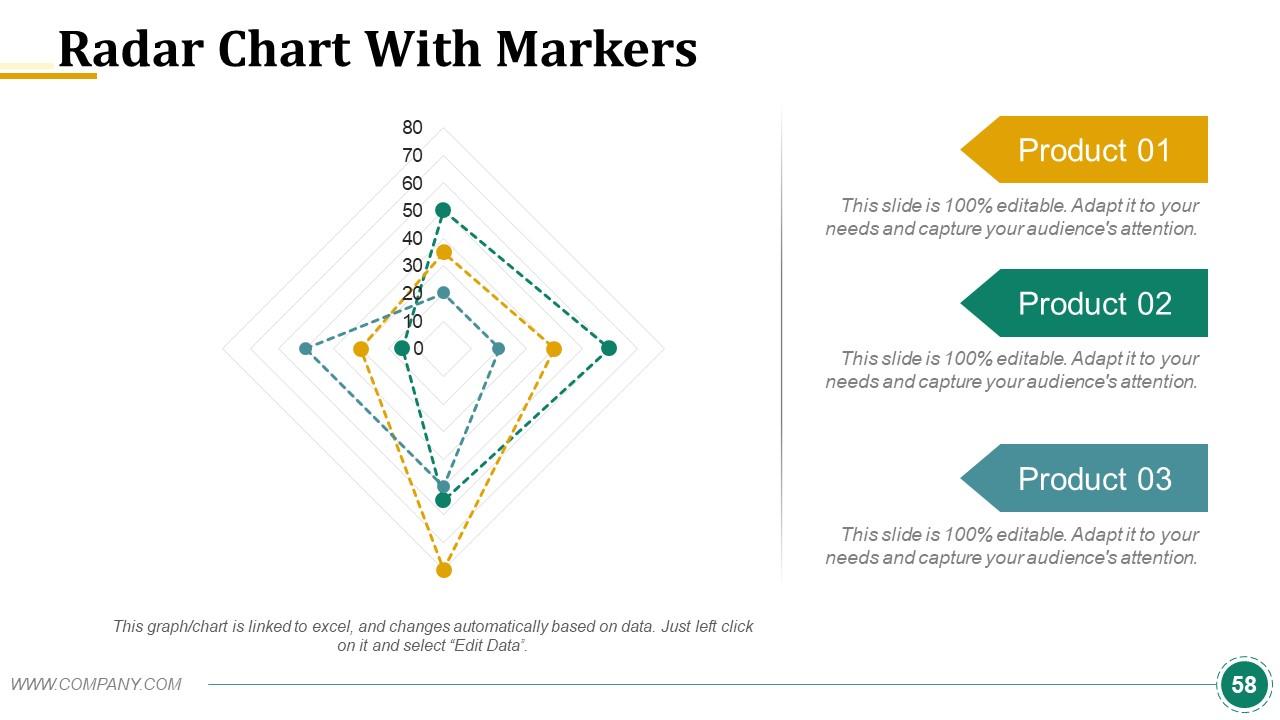
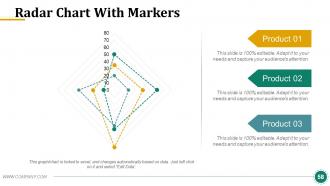
Diapositiva 58 : Esta diapositiva presenta un gráfico de radar con marcadores para mostrar la comparación de productos / entidades, especificaciones, etc.
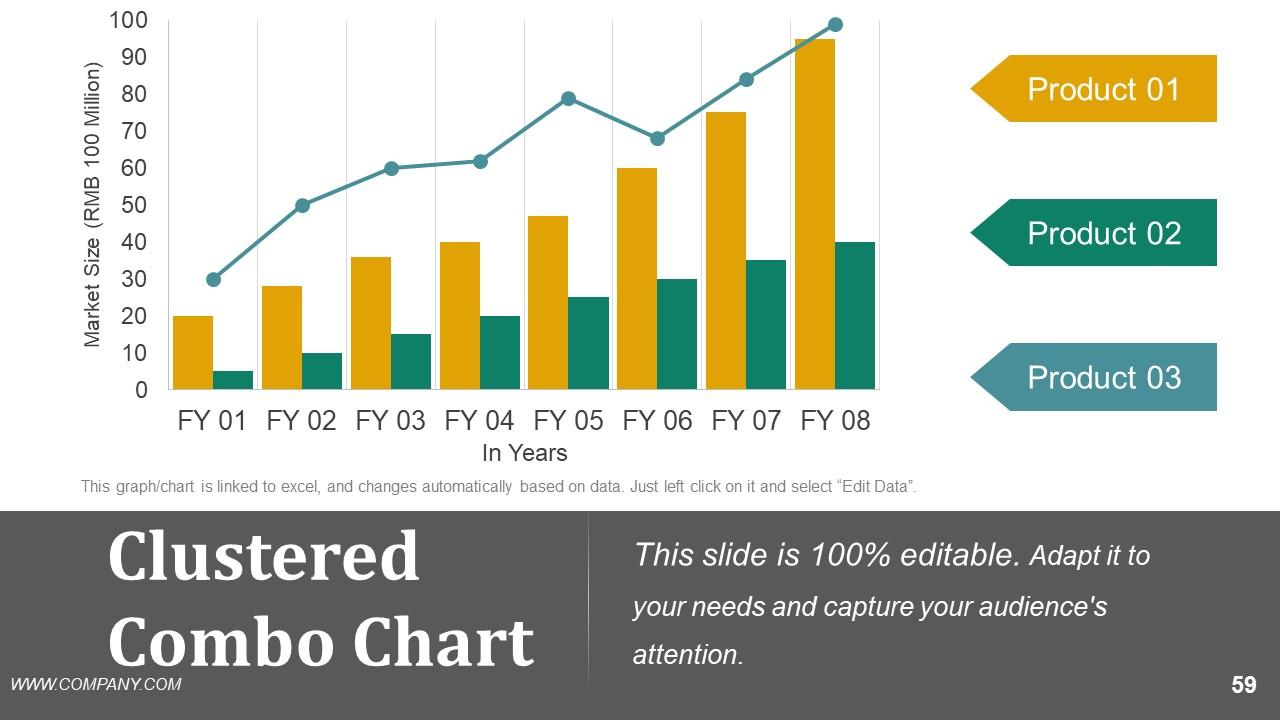
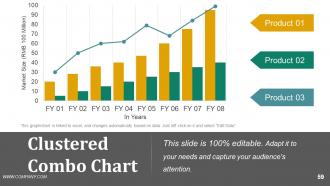
Diapositiva 59 : Esta diapositiva presenta un Cuadro combinado agrupado para mostrar la comparación de producto / entidad, especificaciones, etc.
Diapositiva 60 : Esta es una diapositiva de agradecimiento con dirección # número de calle, ciudad, estado, número de contacto, dirección de correo electrónico.
Diapositiva de presentación de PowerPoint de disertación de ejemplo con las 60 diapositivas:
Muévase hacia el centro de acción con nuestra diapositiva de presentación de PowerPoint de disertación de ejemplo. Te ayudan a salir de los márgenes.
-
Great quality slides in rapid time.
-
Presentation Design is very nice, good work with the content as well.
-
+
