Slides de apresentação de resumo executivo em PowerPoint
Try Before you Buy Download Free Sample Product
Audience
Editable
of Time
Se você é um orador principal e deseja apresentar um discurso orientado a negócios para o seu público, baixe nossos slides de apresentação em PowerPoint de resumo executivo, que oferecem uma solução completa. Este slide PPT de sumário executivo foi elaborado por nossa equipe que possui diferentes figuras e formatos para abordar seu sumário de negócios de forma impecável. Esta apresentação de slides permite que você resuma muitos aspectos do seu negócio, como parcerias exclusivas, clientes e transações, novos planos de tecnologia e gradação de crescimento, e suas propostas de investimento. Com a ajuda desta apresentação de resumo executivo, você pode resumir o que você faz, quais são eles os principais diferenciais, quais são as diferentes áreas de problemas que são abordadas por sua empresa, seu mercado-alvo, planos de negócios e suas metas de negócios para os próximos 3 a 5 anos. Portanto, se você está tentando chamar a atenção de bancos, capitalistas de risco ou investidores anjos, este modelo de apresentação é o design perfeito para intrigar seus leitores ou ouvintes. Os gourmets se deliciam com a habilidade gastronômica. Os empreendedores adoram a excelência de nossos slides de apresentação em PowerPoint de resumo executivo.

Recursos desses slides de apresentação em PowerPoint:
Apresentação de slides de apresentação em PowerPoint de resumo executivo. Os slides do PowerPoint são totalmente compatíveis com os slides do Google. Simples de inserir dados do logotipo, marca ou nome da empresa. A velocidade e os formatos de download rápido podem ser alterados para JPEG e PDF. Faça alterações na fonte, no texto, na cor e no design do slide da apresentação de acordo com sua maneira. Compartilhe informações com empresários, usuários corporativos e profissionais de marketing. Tema baseado em alta resolução, não varia em tamanho, mesmo quando projetado em uma tela grande.
People who downloaded this PowerPoint presentation also viewed the following :
Conteúdo desta apresentação em PowerPoint
Slide 1 : Este é um slide introdutório ao SUMÁRIO EXECUTIVO. Indique o nome da sua empresa e comece.
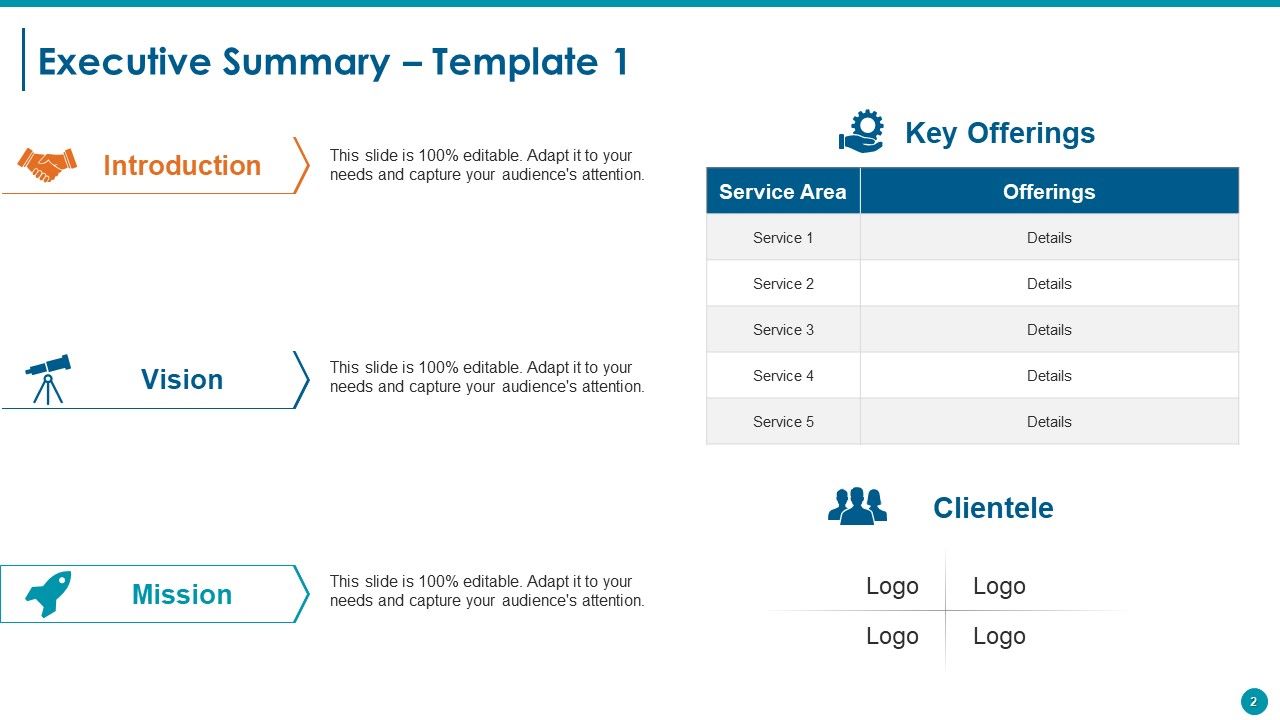
Slide 2 : Este é o primeiro modelo de Resumo Executivo com - Introdução, Visão, Missão, Ofertas-chave (Serviço, Detalhe), Clientela (Logotipo).
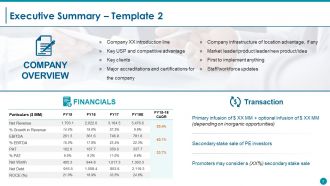
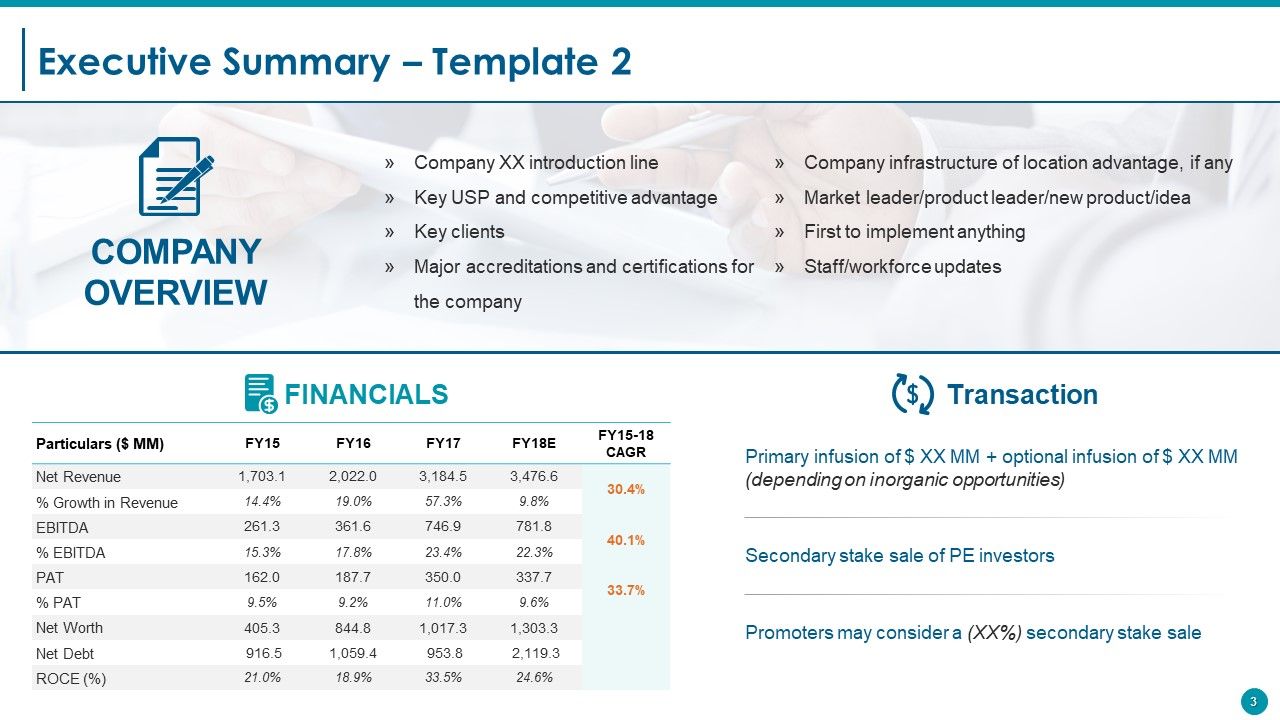
Slide 3 : Este é o segundo slide de Resumo Executivo com - Visão Geral da Empresa: (Linha de introdução da Empresa XX, USP principal e vantagem competitiva, Principais clientes, Principais credenciamentos e certificações para a empresa, Infraestrutura da empresa de vantagem de localização, se houver, Líder de mercado / líder do produto / novo produto / ideia, primeiro a implementar qualquer coisa, atualizações da equipe / força de trabalho), Transação: {(os promotores podem considerar uma venda de participação secundária (XX%), infusão primária + infusão opcional (dependendo das oportunidades inorgânicas), venda de participação secundária de investidores de PE). e finanças (receita, EBITDA, etc.)}
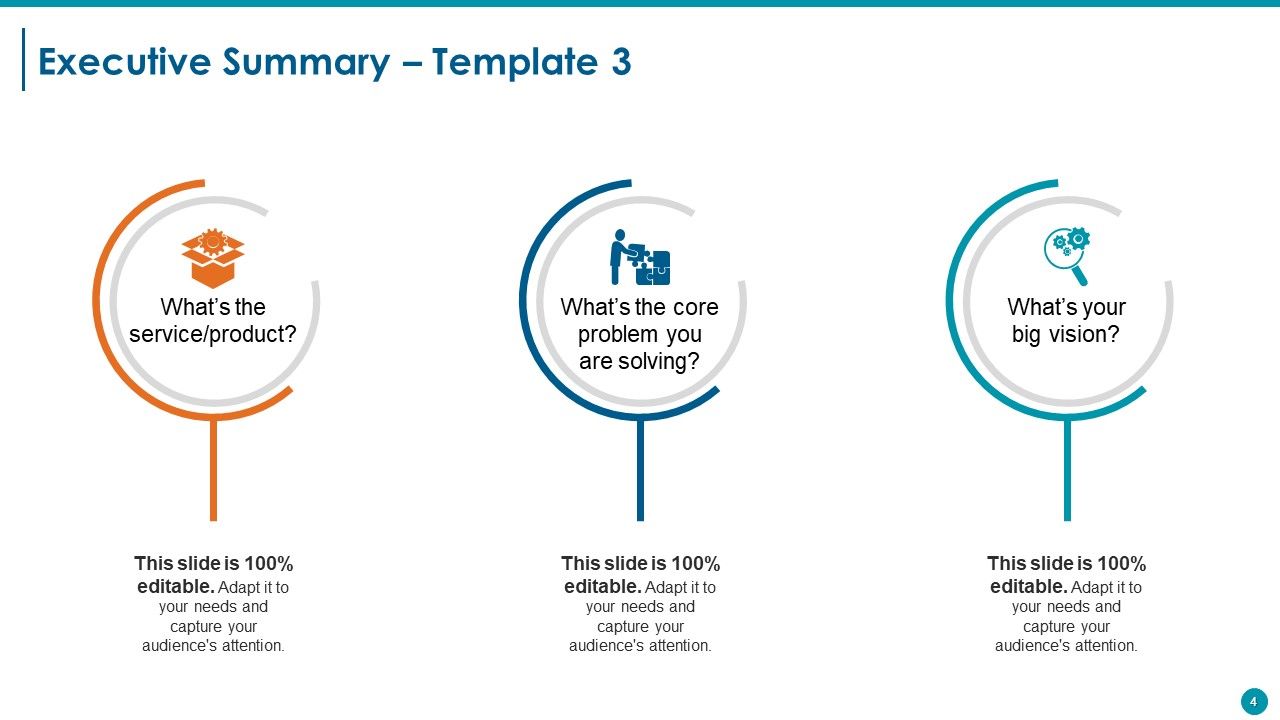
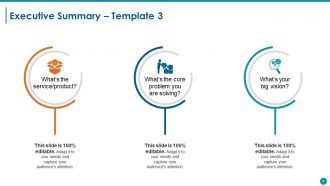
Slide 4 : Este é o terceiro slide apresentando o Resumo Executivo com os seguintes títulos- a: Qual é o serviço / produto? b: Qual é o problema principal que você está resolvendo? c: Qual é a sua grande visão? Use esses títulos para responder às suas perguntas.
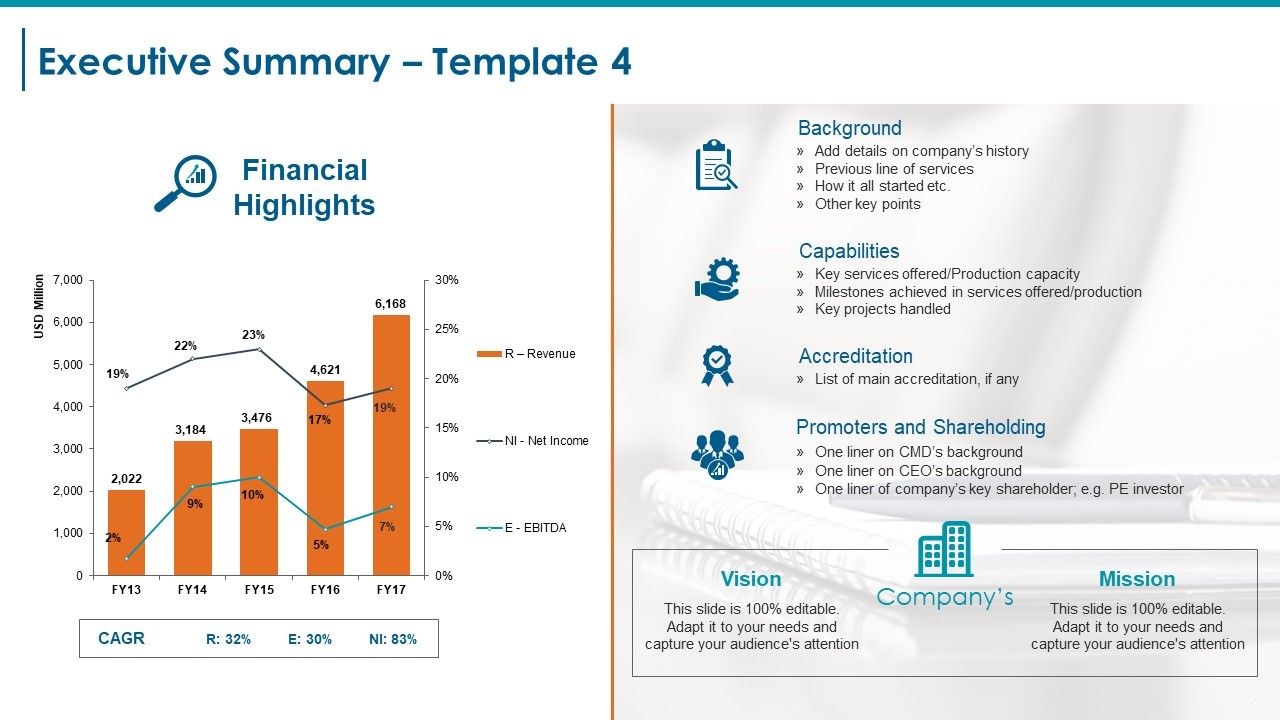
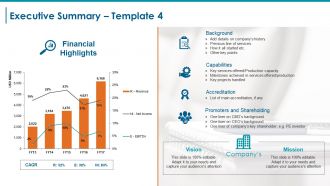
Slide 5 : Este é o quarto slide que mostra o Resumo Executivo com a Visão e Missão da Empresa. Ele também exibe o gráfico de destaques financeiros com CAGR (Receita, EBITDA, Lucro líquido). Outros subtítulos incluem - Histórico (adicionar detalhes sobre a história da empresa, linha de serviços anterior, como tudo começou, etc. Outros pontos-chave). Credenciamento (Lista de credenciamento principal, se houver Capacidades (Principais serviços oferecidos / Capacidade de produção Marcos alcançados nos serviços oferecidos / Projetos-chave de produção administrados) (Promotores e Acionistas Uma linha no histórico do CMD Uma linha no histórico do CEO Uma linha do principal acionista da empresa; por exemplo, Investidor PE).
Slide 6 : Este slide mostra Nossa Visão e Missão. Declare sua visão e missão aqui.
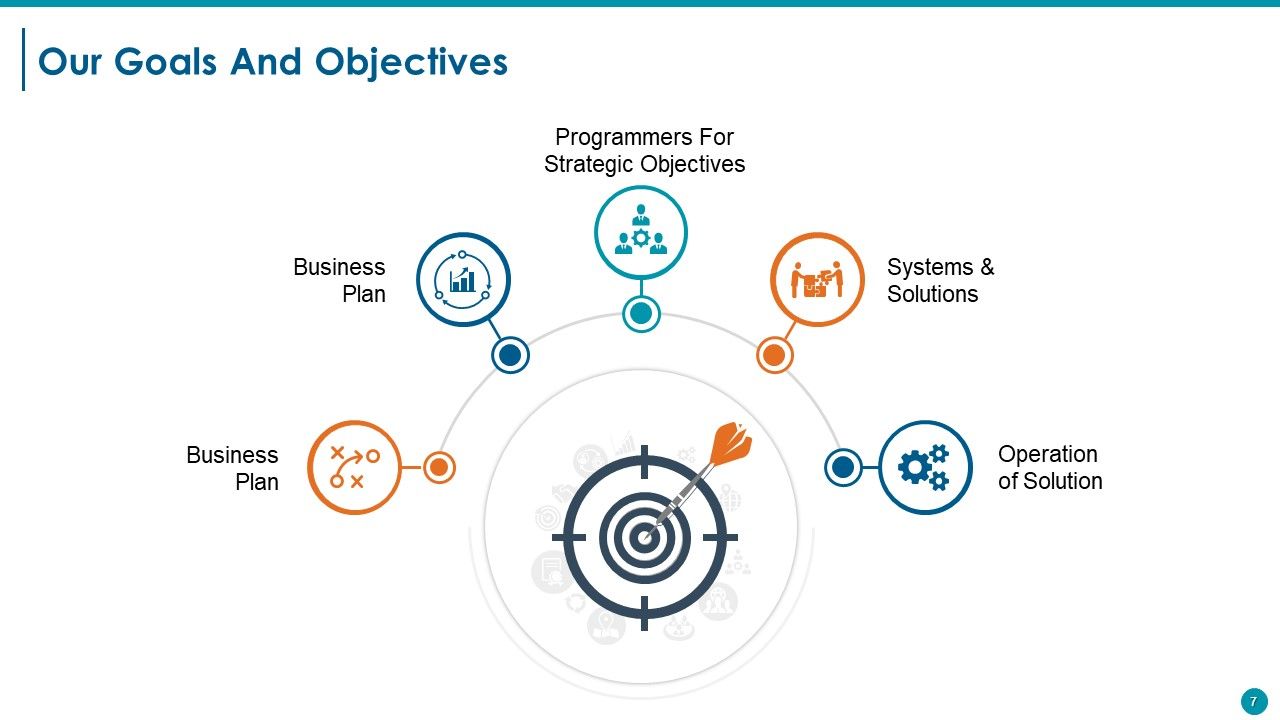
Slide 7 : Este slide apresenta Nossas Metas e Objetivos. Ele pode ser exibido pelos seguintes títulos - Sistemas e Soluções, Operação da Solução, Programadores para Objetivos Estratégicos, Plano de Negócios, Plano de Negócios. Indique-os com a ajuda destes subtítulos.
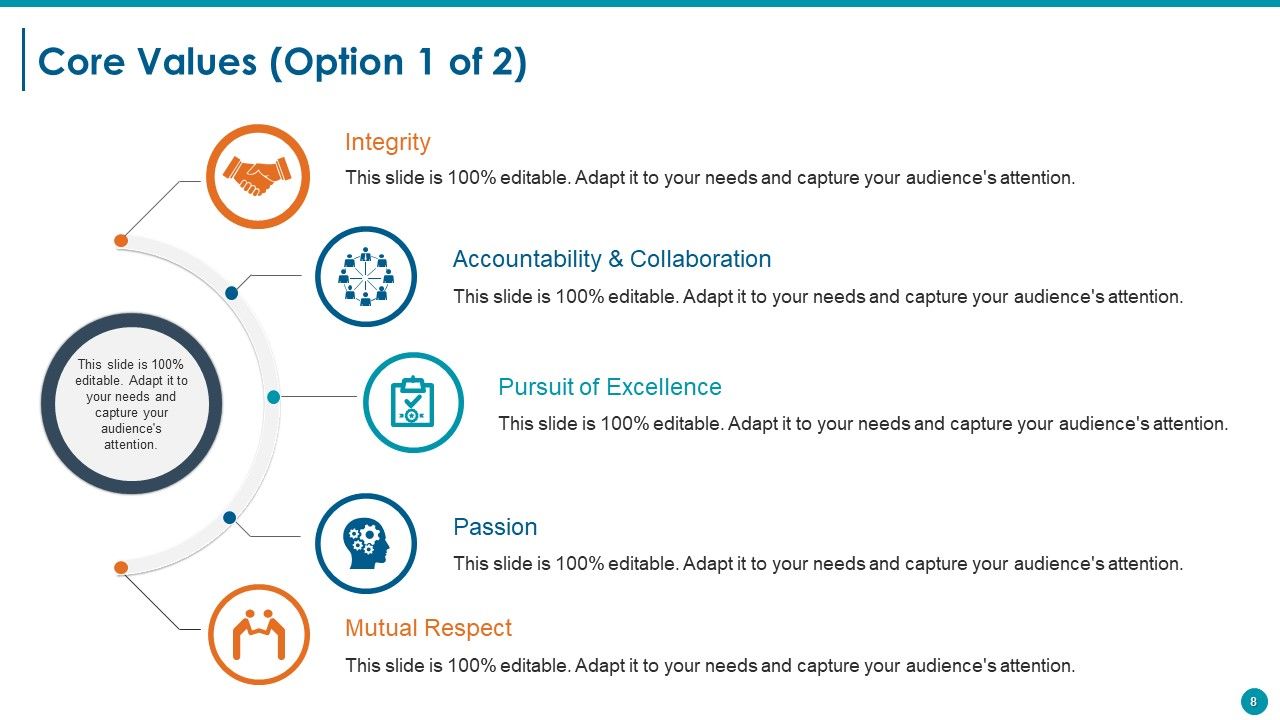
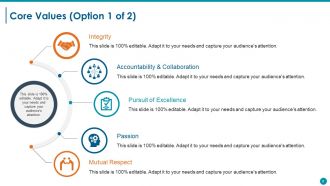
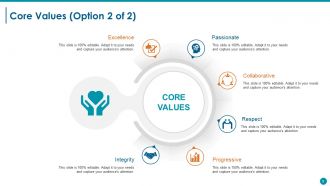
Slide 8 : Este slide apresenta os Valores Essenciais da empresa / organização. Alguns exemplos dados são - Integridade, Busca pela Excelência, Responsabilidade e Colaboração, Paixão, Respeito Mútuo.
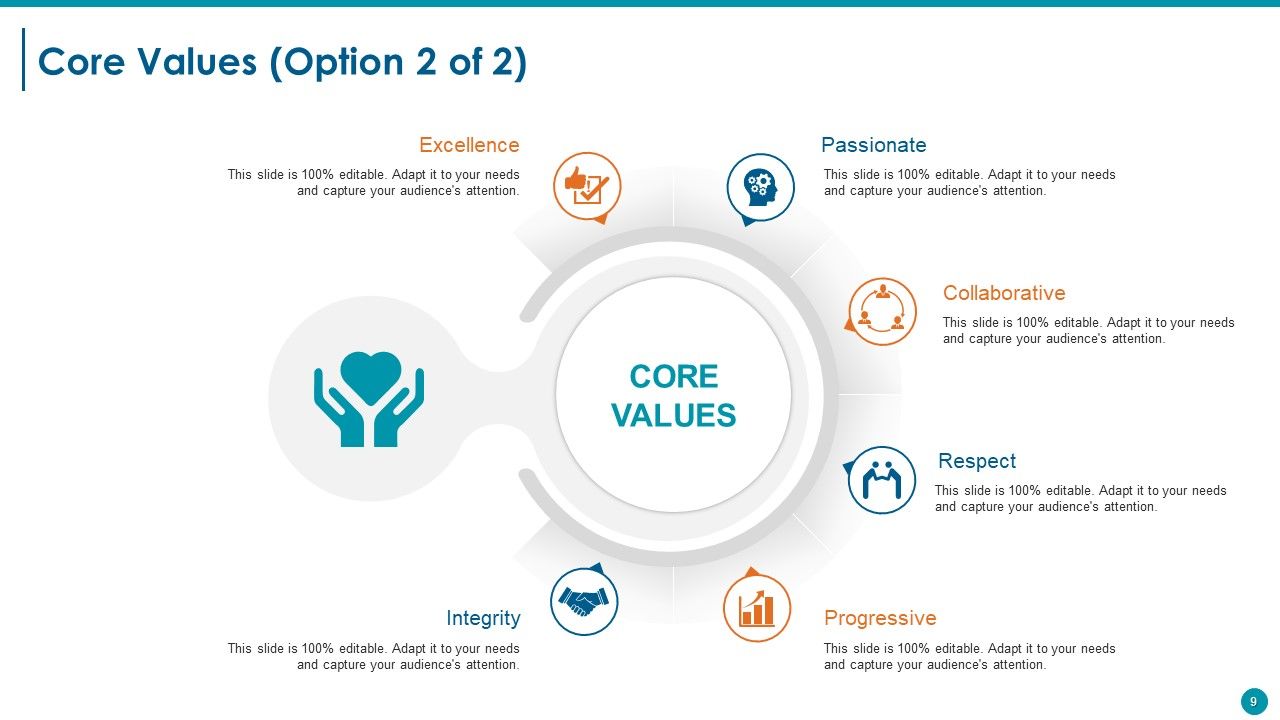
Slide 9 : Este é outro slide sobre Valores Essenciais com exemplos, como Colaborativo, Apaixonado, Excelência, Integridade, Progressivo, Respeito.
Slide 10 : Este é um slide de pausa para o café. Você pode alterar / modificar o conteúdo conforme a necessidade.
Slide 11 : Este slide é intitulado Tabelas e gráficos para prosseguir.
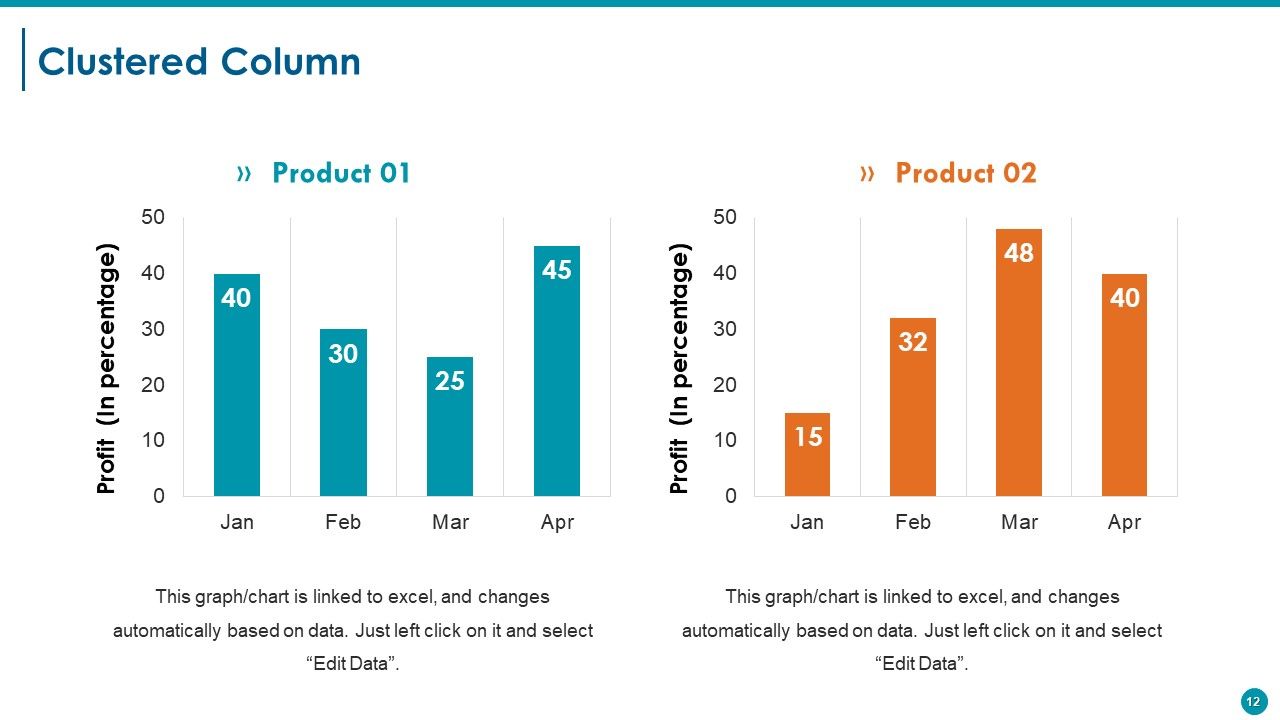
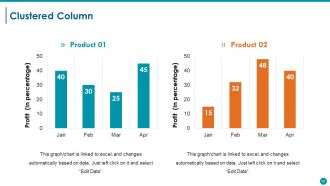
Slide 12 : Este slide apresenta um gráfico de colunas agrupadas para mostrar dois produtos em comparação.
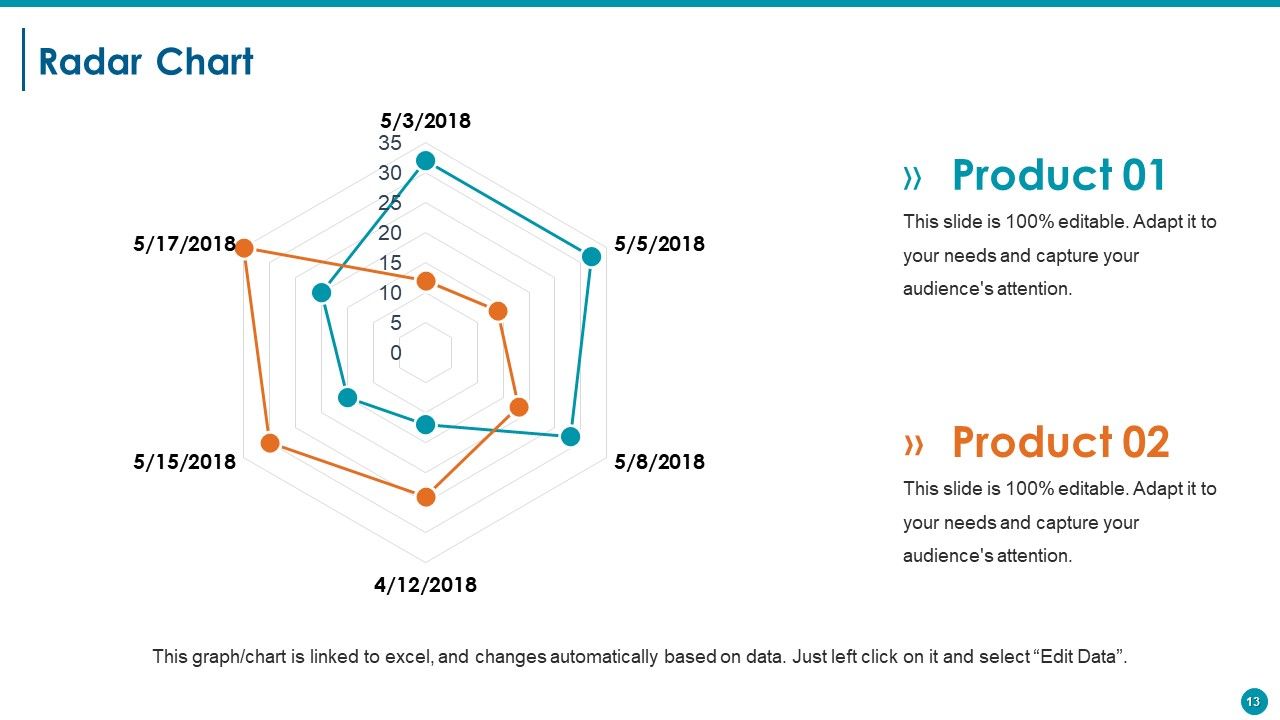
Slide 13 : Este slide apresenta um gráfico de radar para dois produtos / entidades a serem comparados.
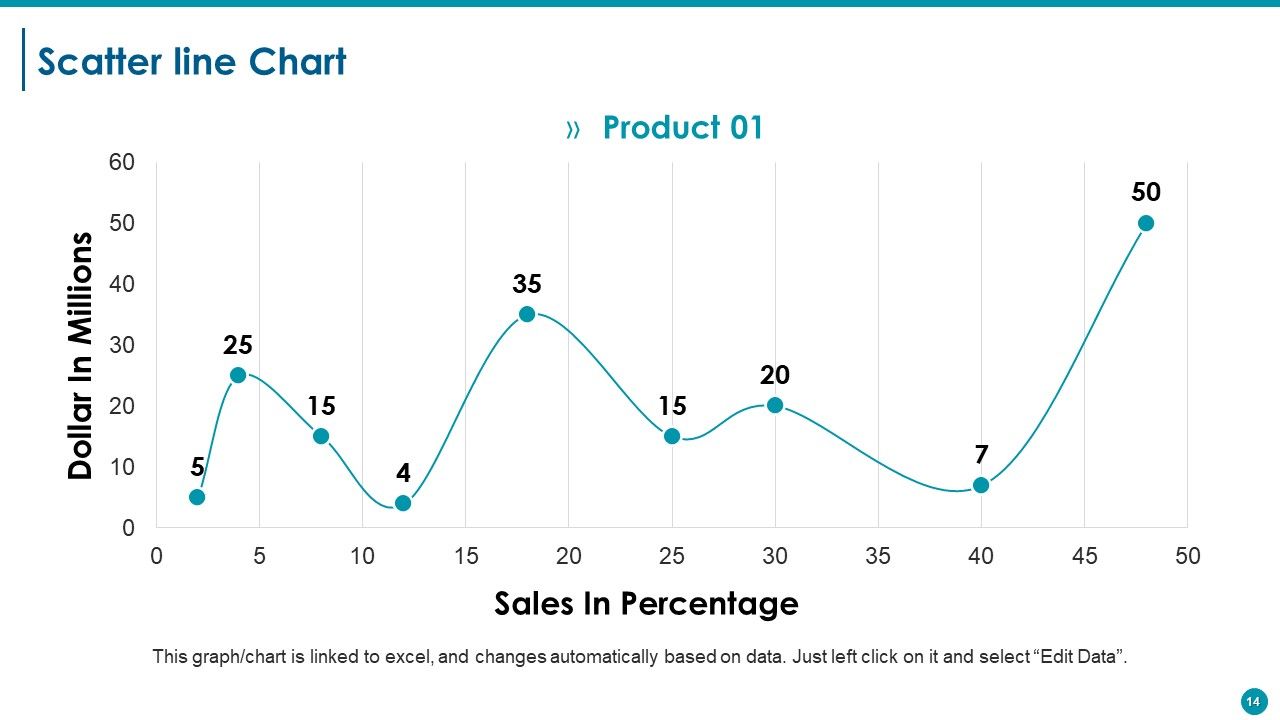
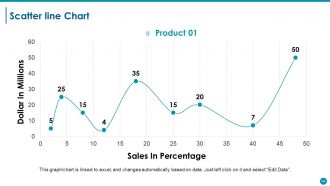
Slide 14 : Este é um slide de Gráfico de Linha de Dispersão para mostrar comparação de produto / entidade, especificações, etc.
Slide 15 : Este slide é intitulado Slides adicionais para avançar. Você pode alterar / modificar o conteúdo conforme a necessidade.
Slide 16 : Este slide mostra Nossa Missão. Declare isso aqui.
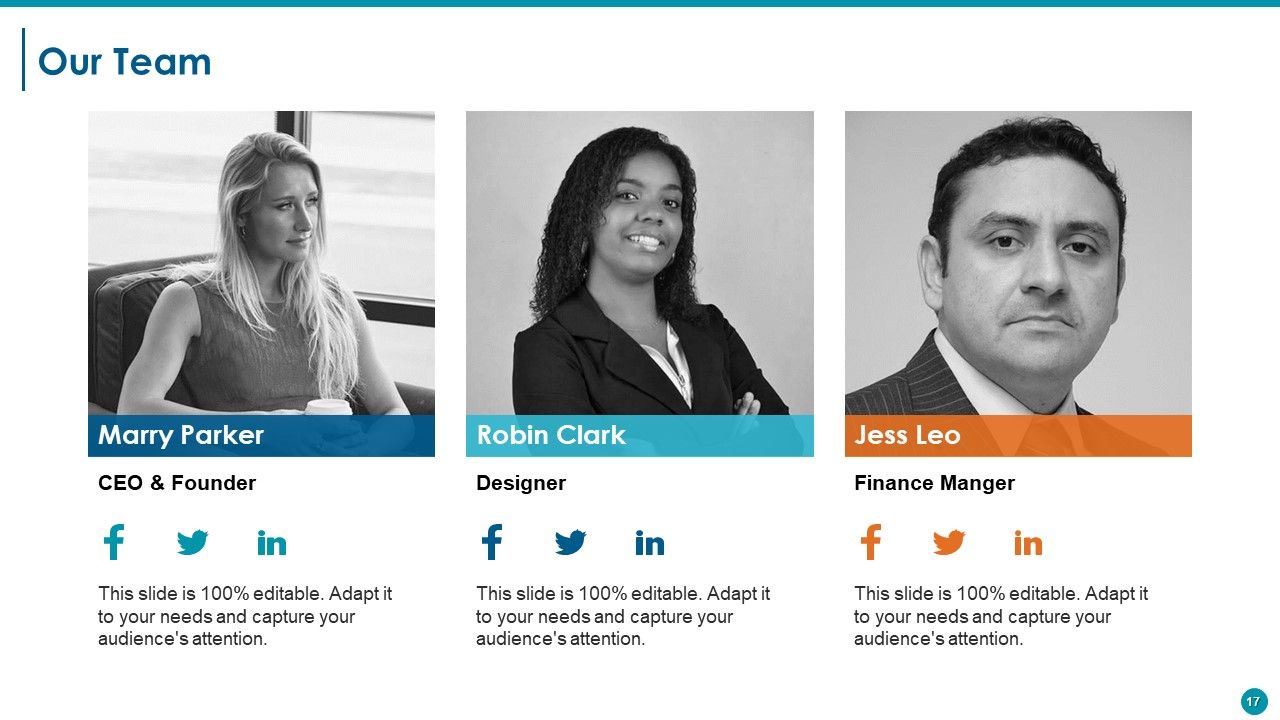
Slide 17 : Este slide apresenta Nossa equipe com caixas de texto e imagens para acompanhar. Fale sobre sua equipe aqui.
Slide 18 : Este slide apresenta Nosso Objetivo com imagens de ícones. Declare seus objetivos aqui.
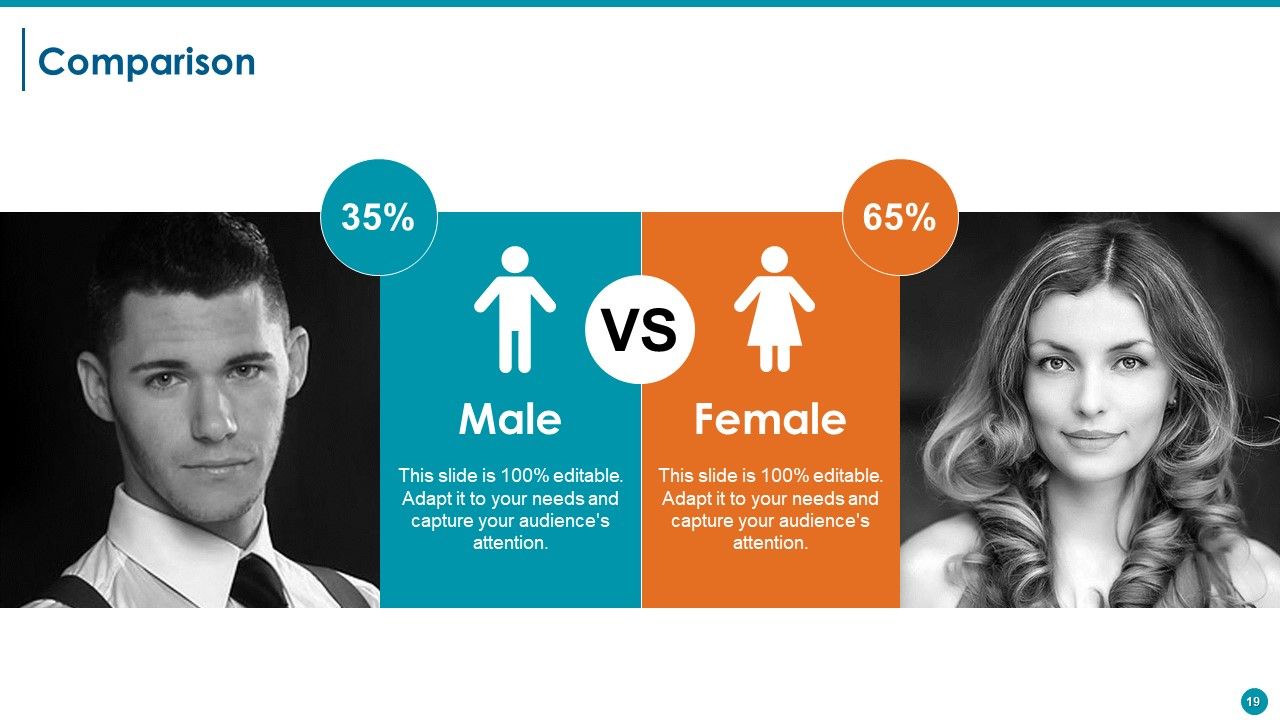
Slide 19 : Este slide mostra a comparação em termos de - Masculino e Feminino.
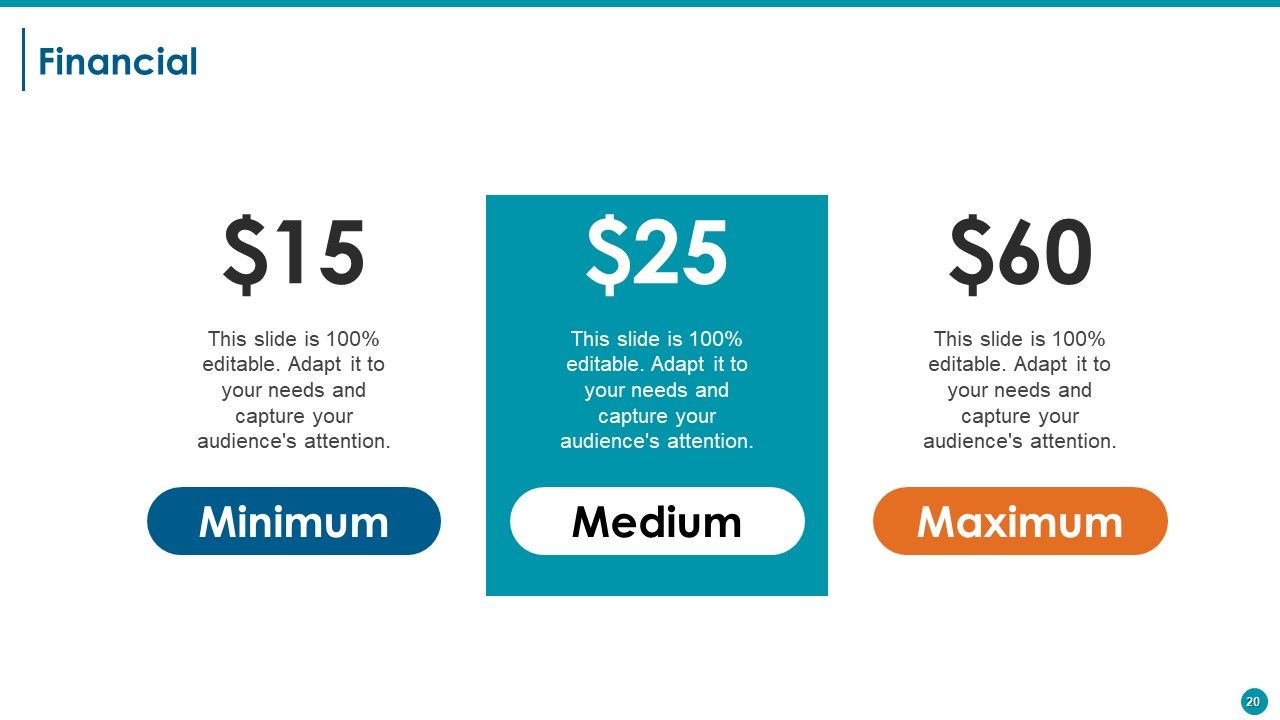
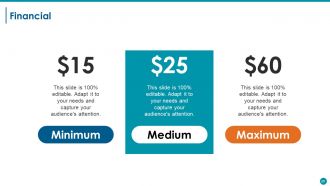
Slide 20 : Este slide mostra o aspecto de pontuações financeiras com caixas de texto. Declare-os aqui.
Slide 21 : Este é um slide de cotações. Indique destaques, especificações, mensagem, crenças, etc. por citação aqui. Você pode alterar / modificar o conteúdo conforme a necessidade.
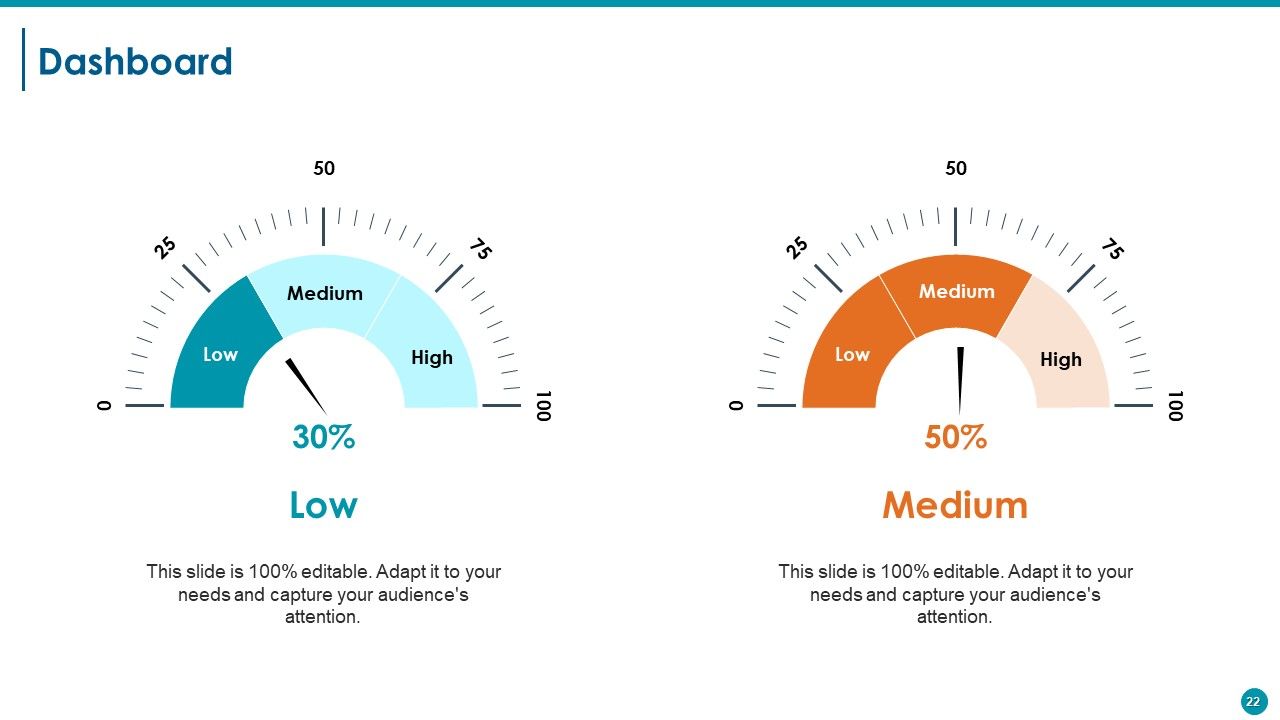
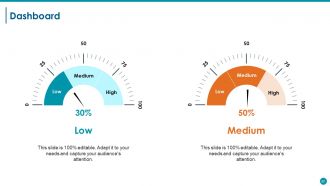
Slide 22 : Este slide mostra o painel com imagem do painel e caixas de texto para indicar kpis, métricas, etc.
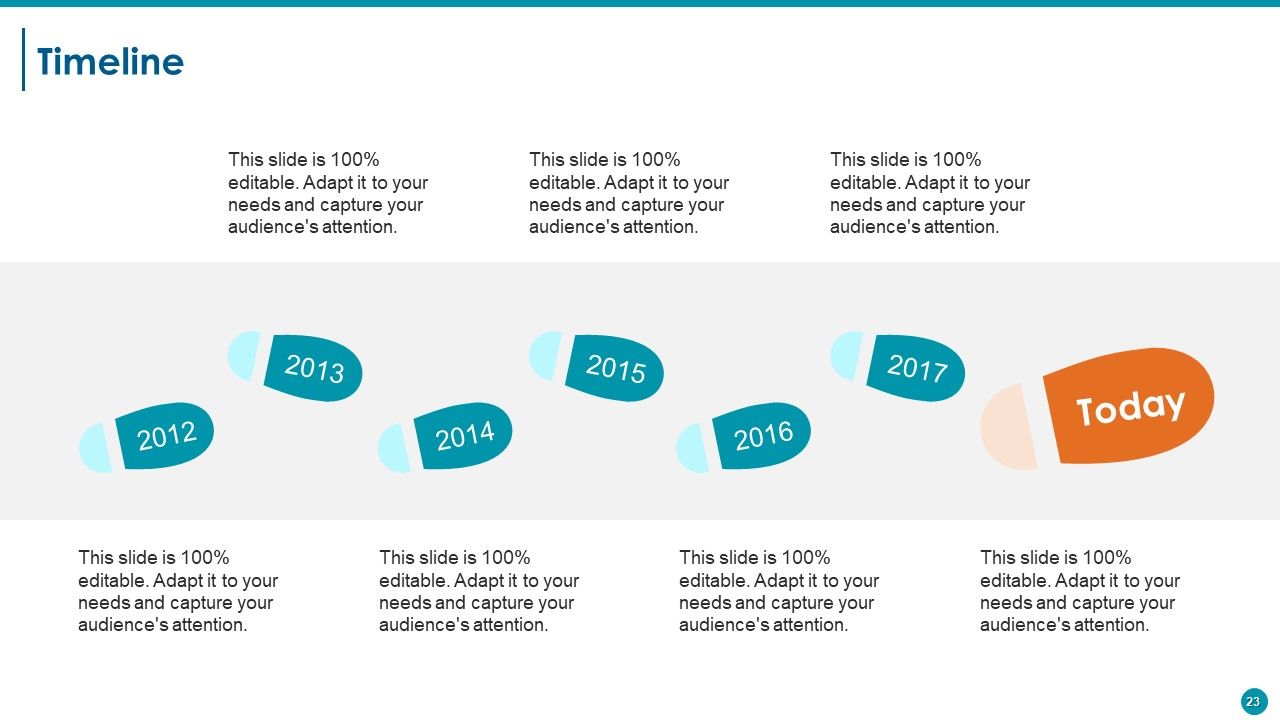
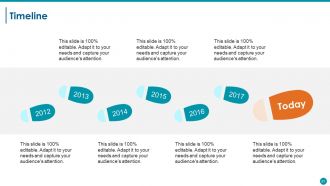
Slide 23 : Este é um slide da linha do tempo para mostrar a evolução, crescimento, marcos etc.
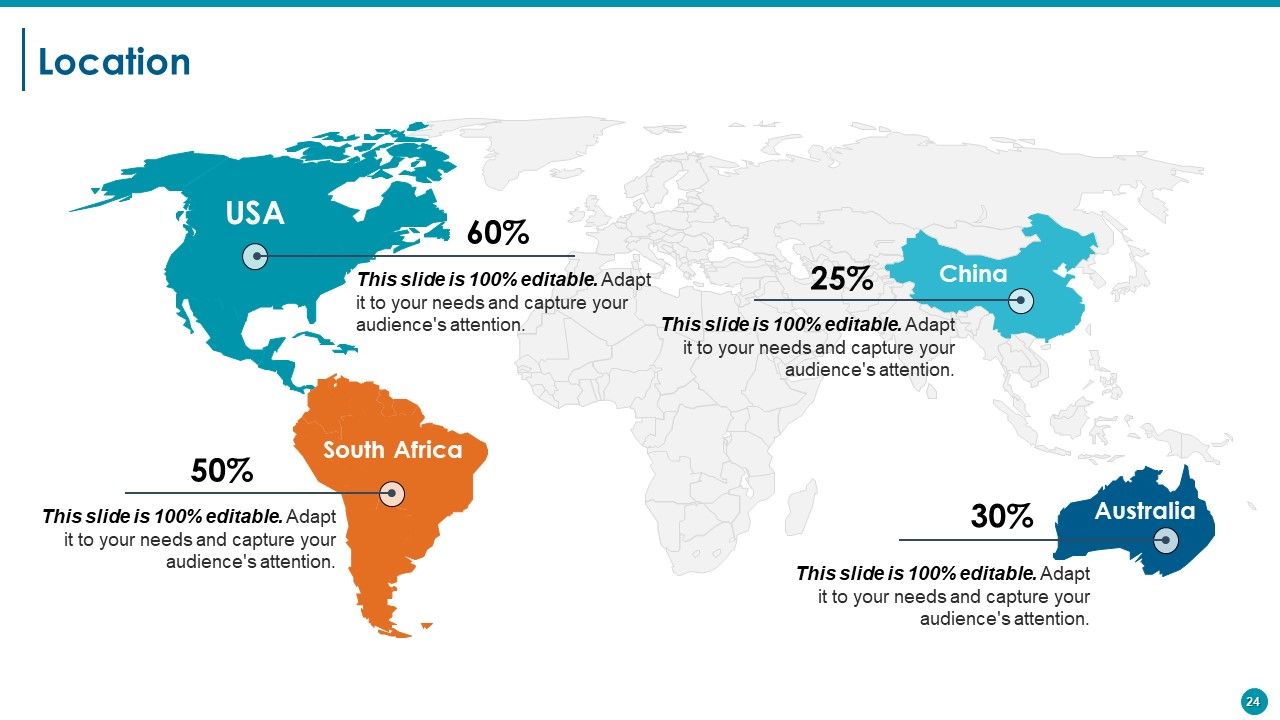
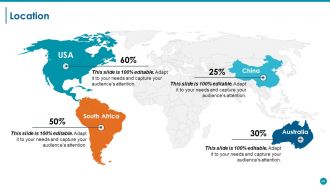
Slide 24 : Este é um slide de localização da imagem do mapa mundial para mostrar a presença global, crescimento etc.
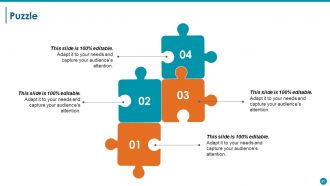
Slide 25 : Este é um slide de imagem de quebra-cabeça para mostrar informações, especificações, etc.
Slide 26 : Este é um slide de imagem circular para mostrar informações, especificações, etc. 3
Slide 27 : Este é um slide Nosso objetivo. Declare seus objetivos, aspirações e metas aqui.
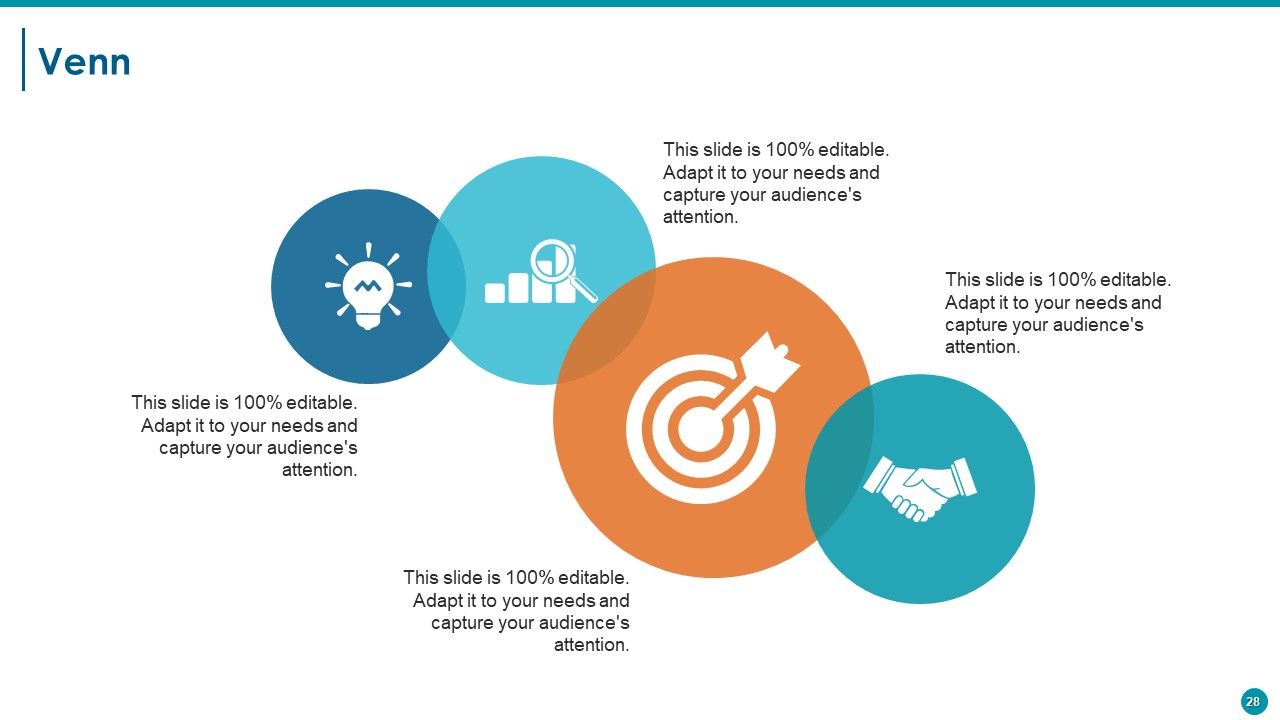
Slide 28 : Este é um slide de imagem do diagrama de Venn para mostrar informações, especificações, etc.
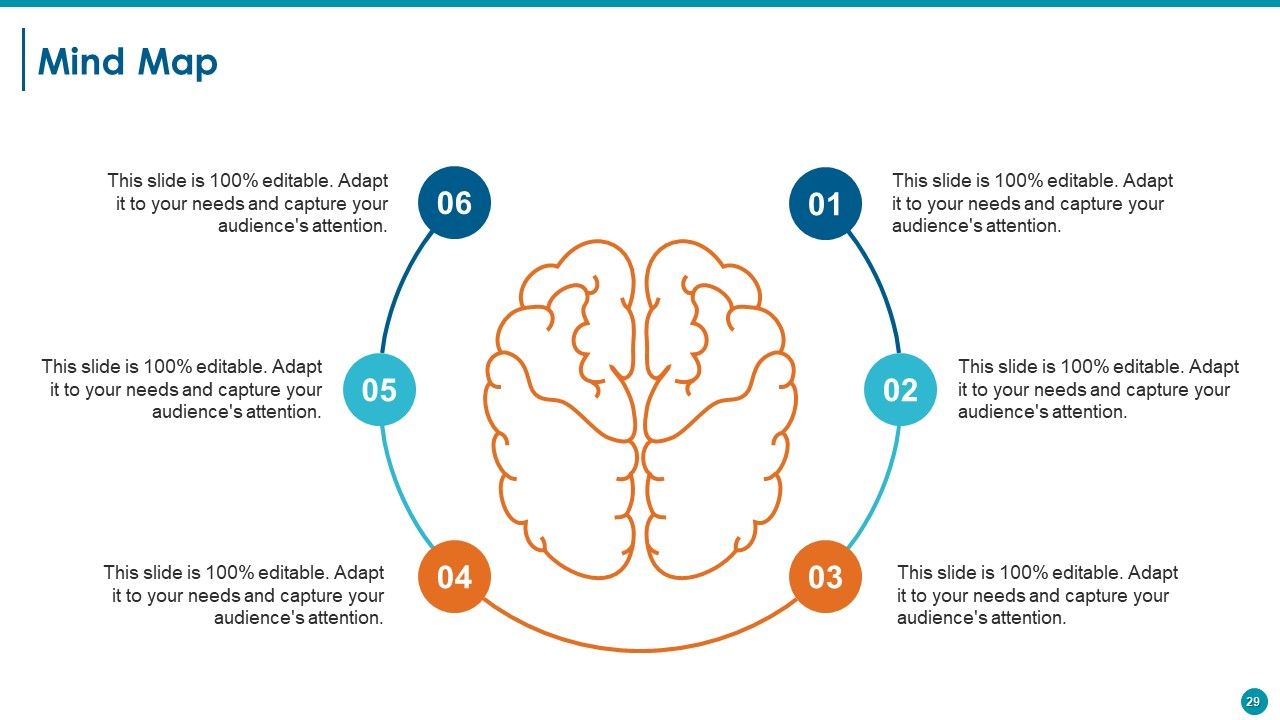
Slide 29 : Este é um slide de imagem de mapa mental para mostrar informações, especificações, etc.
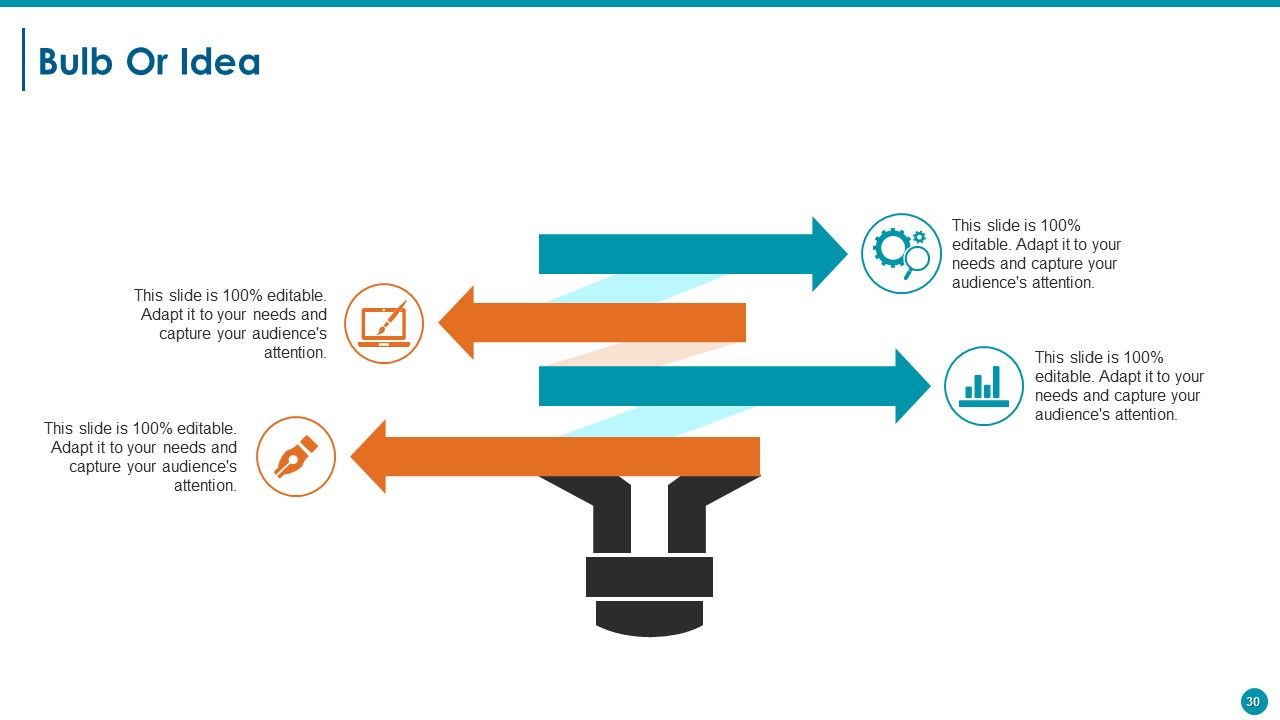
Slide 30 : Este é um slide de lâmpada ou ideia. Apresente quaisquer novas informações, dados aqui.
Slide 31 : Este é um slide de agradecimento com endereço #, rua, cidade, estado, números de contato e endereço de e-mail a serem colocados e exibidos.
Resumo executivo Slides de apresentação em PowerPoint com todos os 31 slides:
Incentive a geração contínua de ideias com nossos slides de apresentação em PowerPoint de resumo executivo. Isso aumentará o fluxo de entrada.
FAQs for Executive Summary
So for your exec summary slide, lead with the problem, your solution, and what it means for the business. Honestly, I'd put the biggest win right at the top - these meetings are brutal and people zone out fast. Also throw in next steps or whatever decisions they need to make. Bullet points are your friend here, not paragraphs. I always do this test: if someone walked in late and only caught this slide, would they still get it? Oh, and don't overthink the design - just make sure it's not a wall of text.
Honestly, charts and graphs are your best friend here - way better than drowning executives in paragraphs of numbers. They're already swamped, so make it visual. Throw in some icons for your key recommendations, maybe use color to highlight the big wins. But don't go overboard with it (I've seen presentations that looked like a rainbow exploded). The trick is doing a quick "glance test" - can someone walking by your laptop screen get the gist in like 10 seconds? If not, you need fewer elements. Short sentences work. So do slightly longer ones that actually flow together naturally.
Okay so biggest thing - don't dump everything into your exec summary slides. Hit the main points only. Skip the boring "Executive Summary" title too, nobody cares. Make sure someone could forward just those slides and they'd actually make sense on their own. Lead with your big recommendation right away instead of burying it somewhere random. Short bullet points work best since execs skim everything anyway. Honestly, I've seen so many people mess this up by overthinking it. Quick test: would this slide deck make sense to someone who wasn't even in the room? If not, you're probably missing something important.
Honestly, it all comes down to speaking their language. When I'm talking to executives, I start with revenue impact and big picture strategy stuff. Board members? They're obsessed with risk and staying ahead of competitors. But here's the thing - you've gotta do your research first. Like, actually know who you're talking to before you walk in there. Same facts, totally different angle depending on the room. Tech teams want all the nitty-gritty details while investors just care about market size. Always open with whatever keeps them up at night, then back it up with numbers.
Dude, you've got to tell a story with your exec summary. Nobody wants to read a boring data dump. Start with the problem you're facing, then walk them through what you figured out, and boom - here's where we go next. It's like explaining drama to a friend, except your job depends on it lol. The story structure helps those crazy busy execs actually remember your points later. Makes your recommendations feel obvious instead of random. Trust me, they'll follow along way better when there's an actual narrative instead of just bullet points and charts.
Honestly, charts and graphs are game-changers for exec summaries. Nobody wants to dig through walls of text to find the important stuff. A quick bar chart showing quarterly growth? Way more powerful than burying that info in some random paragraph. Plus visuals naturally draw the eye to what actually matters on your slides. I always pick my top three data points first, then figure out the cleanest way to show them - sometimes I overthink it and go too fancy when simple works better. The goal is letting executives spot patterns and comparisons instantly instead of making them work for it.
One page max for your exec summary - treat it like your elevator pitch but in slide form. Hit them with 3-5 bullet points covering your main findings or recommendations. Each bullet = one sentence, not a novel. The whole slide should take 30-60 seconds to read because execs are busy as hell. Save the deep dive stuff for appendix slides. Here's the thing - if someone only saw this one slide, would they actually get why your work matters? That's your test. Give them the "so what" right up front, and honestly, most of the time that's all they'll remember anyway.
Go for like 70% visuals, 30% text on those exec summary slides. Charts and graphs should carry most of the weight - not paragraphs of bullet points. I swear, half the presentations I see look like someone copy-pasted from a Word doc and slapped a random chart on there. Keep your text super tight. Just key phrases, not full sentences. Your visuals and words need to work as a team, not fight each other for space. Here's my test: can someone get your main point in 10 seconds? If not, you've got too much text and not enough visual punch.
Dude, go with boring fonts like Arial or Calibri - trust me on this. Make your text huge, like 24pt minimum, because half these people are squinting from the back of the room. Headers? Go even bigger, 36pt easy. I once watched a whole room struggle to read tiny text and it was painful. High contrast is clutch - dark text, light background. Don't get cute with it. Oh, and here's the thing everyone screws up: cramming everything on one slide. White space isn't wasted space, it's what makes people actually want to read your stuff instead of zoning out.
Keep your executive summary looking exactly like the rest of your deck - same fonts, colors, all that visual stuff. Don't switch up your tone either. If you've been data-focused and analytical throughout, don't randomly get all flowery in the summary (honestly, this drives me crazy when I see it). Pull the same key phrases from your main slides. Structure it following your presentation's flow too. Oh, and do the summary dead last after everything else is done - way easier to match everything when it's already finalized. Trust me on this one.

Honestly, just stick with PowerPoint for exec stuff - those C-suite people expect it and it won't randomly break in corporate settings. Google Slides is clutch for team projects since everyone can jump in and edit together. Oh, and Canva? Total game changer if you suck at design like I do. Keynote looks amazing but good luck opening it on a PC (learned that the hard way). Don't get obsessed with animations though. Focus on your actual message first, then make it pretty. Grab a clean template and nail your story - the fancy stuff can wait.
Okay so feedback is literally your lifeline for exec summary slides. Don't just ask "thoughts?" though - that gets you nowhere. Be specific: "Is my main point clear?" or "What part feels cluttered?" Way better responses that way. Fix clarity issues first, then worry about how it looks. If three people say the same thing is confusing, listen to them! Oh and here's a trick I learned - test your updated slide with someone fresh who didn't see the original. They'll catch stuff you missed. Short sentences work. But mix them up with longer ones so it doesn't sound robotic.
Honestly, keep it simple - hit the problem, your solution, and actual numbers for business impact. Don't just regurgitate your whole presentation (I see this mistake constantly). You want someone to finish reading and think "okay, I need to hear more about this." Lead with your most surprising stat or biggest win. Visuals over text every time. Also super important - always end with clear next steps. The whole thing should tell a story in like 30 seconds max. Think of it as a teaser trailer, not the full movie. Your exec summary should create curiosity, not satisfy it completely.
Oh totally, culture makes a huge difference with exec slides. Japanese audiences want way more context and softer messaging - they don't love the direct approach. Germans? Complete opposite - hit them with data and get straight to the point. Colors are weirdly important too (red = bad luck in some places, good fortune in others). Americans usually want those quick bullet points they can scan fast. But honestly, other cultures expect you to actually explain things properly. I always stalk the audience beforehand - sounds creepy but you've gotta know their style before you build anything.
Honestly, just break everything into bullet points or lists - way easier to scan. Put your big conclusion right at the top too. Use bigger fonts for the important stuff, smaller for details. Ditch the corporate speak for normal words people actually use. White space is clutch here, don't pack everything together like you're running out of room. Maybe throw in some simple icons if it makes sense? Oh and definitely test it on someone who wasn't involved - if they look confused, you've got more work to do.
-
amazing
-
Really like the color and design of the presentation.
-
Really like the color and design of the presentation.