Fünf inszenierte Infografiken für Business Data Flat Powerpoint-Design
Try Before you Buy Download Free Sample Product
Audience
Editable
of Time
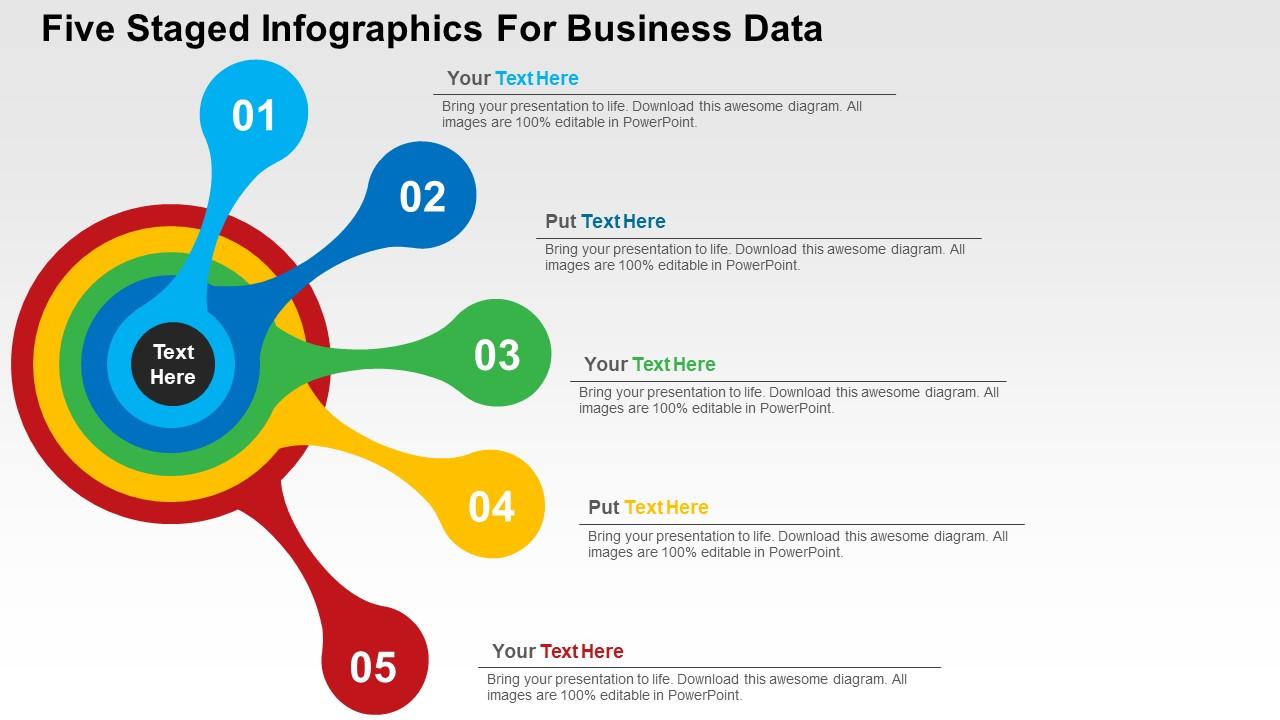
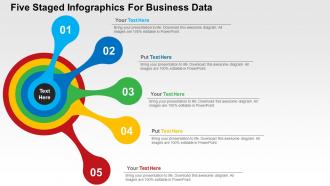
Wenn Sie ein professionelles und kreatives Muster suchen, das Sie mit Ihrer Präsentation verschmelzen können, um Ihre Geschäftsinformationen vorzuschlagen, dann nutzen Sie unsere fünf inszenierten Infografiken für Business Data Flat PPT-Vorlage. Das Dia-Visual kann äußerst nützlich sein, um den Mitgliedern des Publikums relevante und detaillierte Informationen auf effektive und auffällige Weise anzuzeigen. Unser PowerPoint-Diagramm enthält die Grafik von fünf inszenierten Infografiken. Verwenden Sie dieses PPT-Visual für geschäftliche und datenbezogene Präsentationen. Mit unserem Foliendesign können Sie Ihre Geschäftsaktivitäten und neue Ideen planen. Die Folie wird durch die Verwendung von schönen professionellen Farben hervorgehoben, die auch nach Ihren Anforderungen und Verwendung geändert werden können. Das Folien-Visual hilft dabei, die Bedeutung jedes Punktes klar und in einem visuell ansprechenden Stil zu verstehen. Werden Sie mit unseren fünf inszenierten Infografiken für Geschäftsdaten Flat Powerpoint Design zum Champion gekrönt. Ihre Ideen werden zu den besten erklärt.
Eigenschaften dieser PowerPoint-Präsentationsfolien:
Optisch ansprechendes PowerPoint-Präsentationsmuster. Hochwertige Bilder und Grafiken, die im PPT-Design verwendet werden. Anpassbare PPT-Folien, da vollständig kompatibel mit Google-Folien. Vorteilhaft für Branchenprofis, Manager, Führungskräfte, Forscher, Verkäufer usw. Die Präsentationsvorlage kann heruntergeladen und in jedem gewünschten Format gespeichert werden. Privileg der Einfügung von Logos und Marken für mehr Personalisierung.
People who downloaded this PowerPoint presentation also viewed the following :
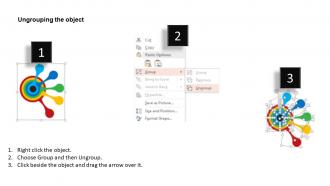
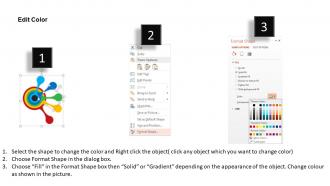
Fünf inszenierten Infografiken für das flache Powerpoint-Design für Geschäftsdaten mit allen 4 Folien:
Ihre Gedanken sind bereit auf dem Laufsteg. Steigern Sie die Power mit unseren fünf inszenierten Infografiken für das flache Powerpoint-Design für Geschäftsdaten.
FAQs for Five staged infographics for business data
Effective five-staged infographics for business data feature logical flow progression, clear visual hierarchy, consistent color coding, balanced information distribution, and compelling data storytelling elements. These characteristics streamline complex business processes by enhancing comprehension, reducing cognitive load, and facilitating decision-making across organizations, with many companies finding that well-designed staged presentations ultimately deliver improved stakeholder engagement and faster strategic alignment.
Businesses can determine relevant data points by identifying key performance indicators that align with their strategic objectives, analyzing customer journey touchpoints, and selecting metrics that demonstrate clear progression across each stage. Manufacturing companies often track production efficiency, quality control, delivery timelines, customer satisfaction, and revenue impact, while financial services might focus on lead generation, application processing, approval rates, customer onboarding, and lifetime value, ultimately delivering compelling narratives that drive stakeholder engagement.
Crucial design elements include consistent color coding, progressive visual hierarchy, balanced white space, clear directional flow indicators, and uniform typography throughout all stages. These elements work together by guiding viewer attention systematically, reducing cognitive load, and maintaining professional credibility, with many organizations finding that strategic visual consistency ultimately delivers enhanced comprehension and stronger stakeholder engagement across complex business presentations.
A five-staged infographic facilitates business storytelling by creating a clear narrative arc that guides audiences through problem identification, analysis, solution development, implementation, and measurable outcomes. This structured approach enables organizations to present complex initiatives like digital transformations, market expansions, or process improvements in compelling visual narratives, with many companies finding that sequential storytelling enhances stakeholder buy-in and strategic alignment.
Color theory enhances five-staged infographics through strategic hue progression, contrast optimization, and psychological color associations that guide viewers through sequential data flow. By implementing complementary color schemes, maintaining consistent saturation levels, and using warm-to-cool progressions, businesses create visually compelling narratives that improve data comprehension and retention rates significantly.
**INPUT**: What tools or software are recommended for creating professional-looking five-staged infographics? **OUTPUT**: Professional five-staged infographic tools include Canva, Adobe Illustrator, Piktochart, Venngage, and PowerPoint with advanced templates. These platforms streamline design processes by offering pre-built frameworks, customizable icons, and data visualization features, with many organizations finding that template-based solutions like SlideTeam deliver faster turnaround times while maintaining visual consistency across presentations. [Word count: 54 words]
Businesses can integrate branding elements through strategic color palettes matching brand guidelines, subtle logo placement in headers or footers, consistent typography reflecting brand voice, and branded icons representing each stage. These elements enhance visual cohesion while maintaining data clarity, with many organizations finding that thoughtful brand integration actually improves audience engagement and information retention across their infographic presentations.
Common pitfalls include overcrowding stages with excessive data, using inconsistent visual elements across stages, creating unclear progression flows, choosing poor color schemes that hinder readability, and failing to maintain proportional spacing. These design errors significantly impact comprehension and audience engagement, with many organizations finding that streamlined layouts, consistent typography, and logical visual hierarchies ultimately deliver clearer communication and enhanced data storytelling effectiveness.
Interactivity can be incorporated through clickable stages that reveal detailed data, hover effects displaying additional insights, animated transitions between phases, and interactive filters allowing users to customize views. These features transform static presentations into dynamic experiences, enabling audiences to explore business data at their own pace, focus on relevant segments, and ultimately deliver deeper understanding and retention, with many organizations finding that interactive infographics significantly enhance stakeholder engagement and decision-making processes.
Typography significantly influences readability, hierarchy, and visual flow in five-staged infographics by establishing clear distinctions between stages, ensuring consistent branding, and guiding viewer progression through strategic font choices and sizing. Well-executed typography enhances comprehension across complex business data presentations, with many organizations finding that strategic font selection streamlines information processing and ultimately delivers more impactful stakeholder communications.
Statistical information can be effectively visualized through progressive data revelation, comparative charts, trend analysis, key metric highlights, and conclusive insights that build upon each stage. This sequential approach enables businesses to guide audiences through complex datasets systematically, with sectors like financial services and healthcare finding that staged visualization enhances comprehension, reduces cognitive load, and ultimately delivers clearer decision-making frameworks for stakeholders.
Successful case studies include McKinsey's client transformation journeys, Salesforce's customer onboarding processes, healthcare organizations tracking patient care pathways, financial services illustrating loan approval workflows, and manufacturing companies showcasing production optimization stages. These five-staged infographics streamline complex data communication by breaking information into digestible phases, enhancing stakeholder understanding, and improving decision-making processes, with many organizations finding that structured visual storytelling significantly increases audience engagement and strategic buy-in.
Feedback from target audiences helps refine five-staged infographics by identifying unclear data flows, confusing visual elements, missing contextual information, and ineffective design choices that hinder comprehension. Through user testing and surveys, businesses can streamline content hierarchy, enhance visual storytelling, and optimize color schemes, ultimately delivering more compelling presentations that resonate with stakeholders and drive better decision-making outcomes.
Best practices for sharing five-staged infographics include optimizing resolution for each platform, maintaining consistent branding elements, adapting dimensions to platform specifications, using compelling captions that highlight key insights, and timing posts strategically for maximum engagement. These approaches enhance visibility by ensuring professional presentation across LinkedIn, Twitter, and Instagram, driving higher engagement rates, while many organizations find that platform-specific customization significantly amplifies their data storytelling impact and audience reach.
A five-staged infographic adapts through customized messaging, visual emphasis, and detail levels tailored to each stakeholder's priorities and decision-making needs. For executives, it emphasizes strategic outcomes and ROI, while operational teams receive detailed implementation steps, and clients see simplified benefits and timelines, ultimately delivering targeted communication that enhances understanding and accelerates buy-in across organizational levels.
-
Enough space for editing and adding your own content.
-
Enough space for editing and adding your own content.