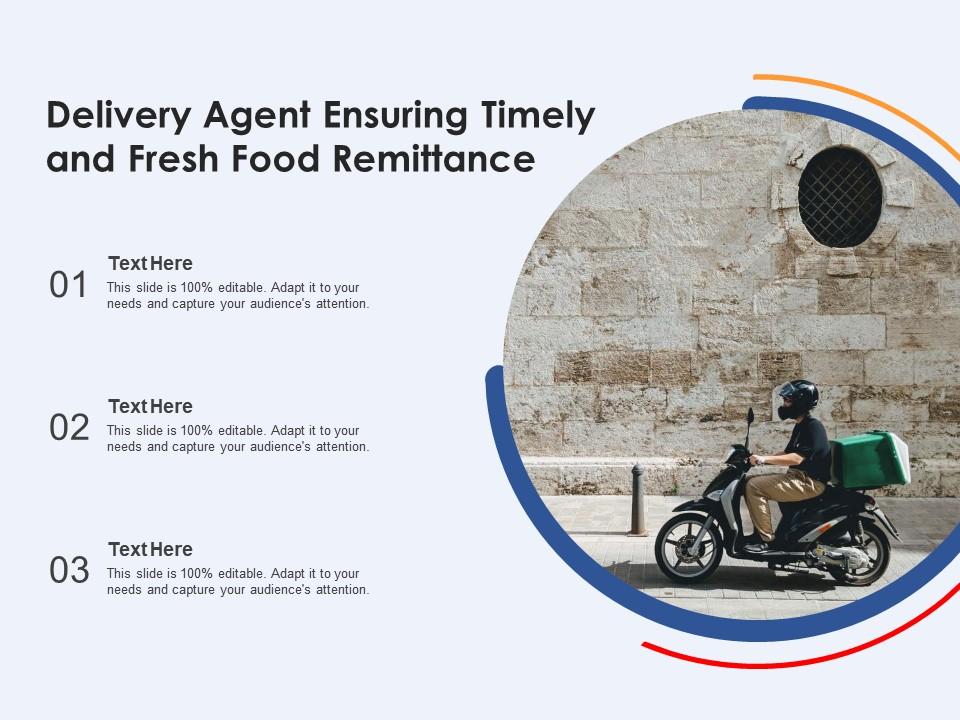
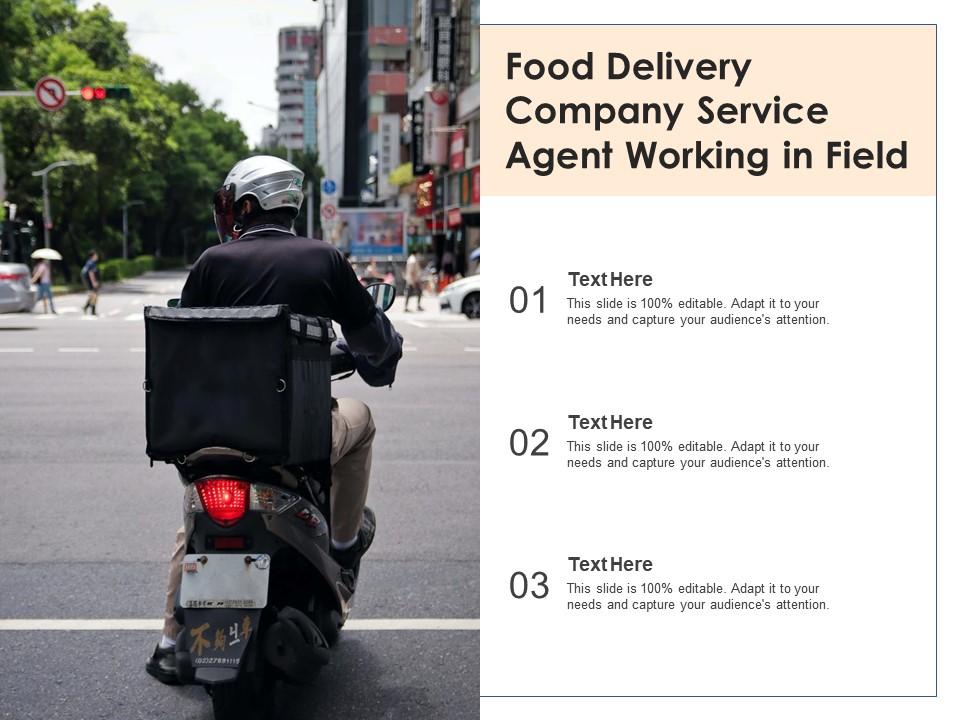
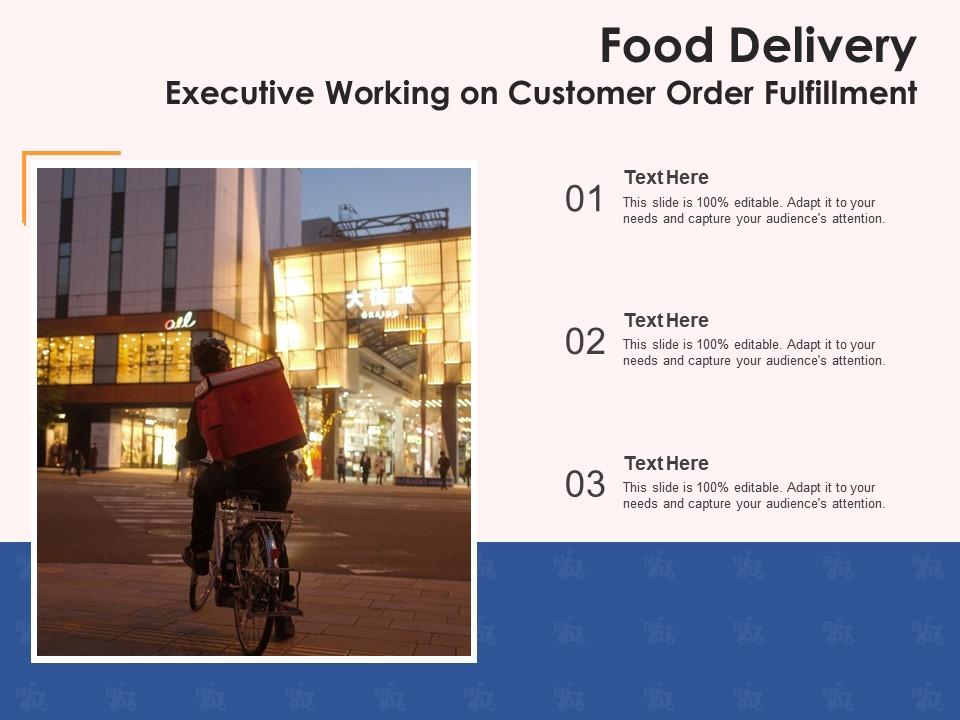
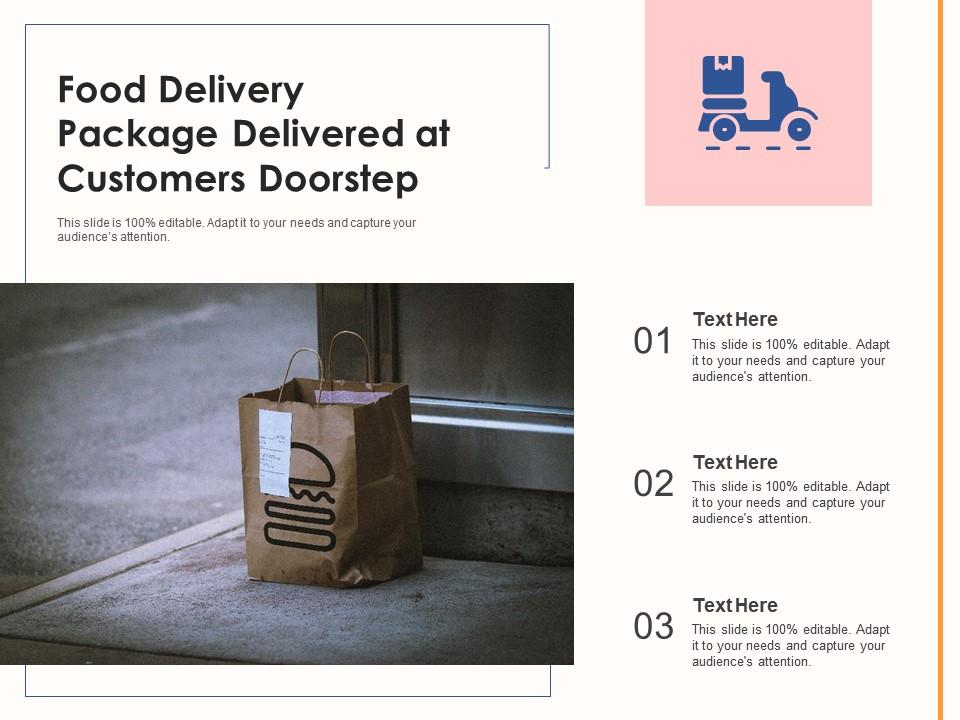
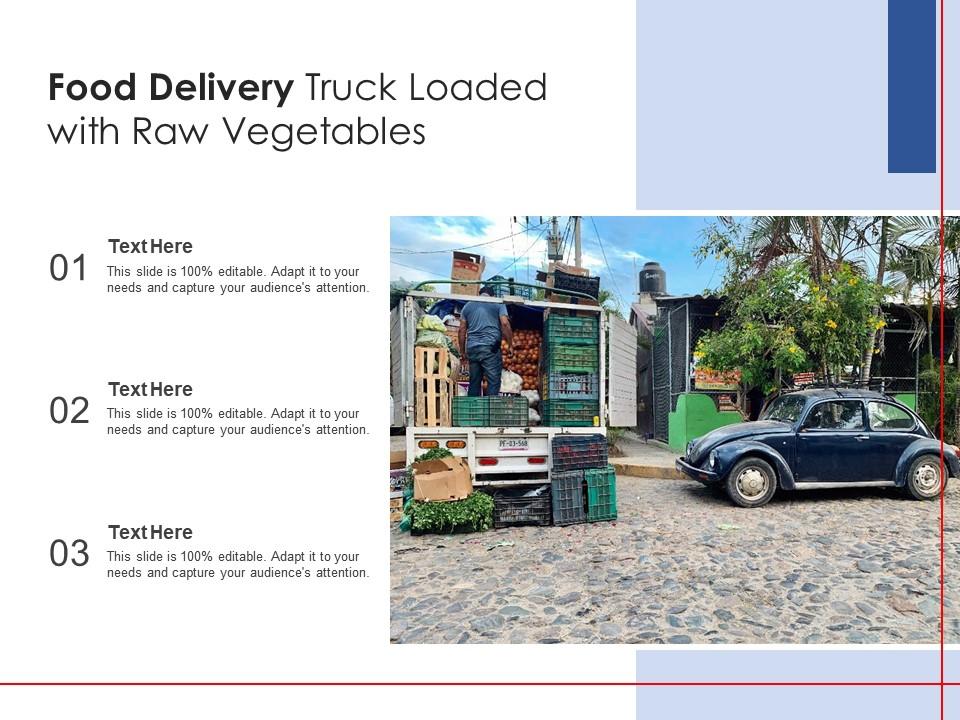
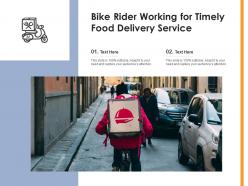
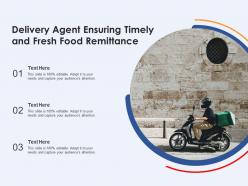
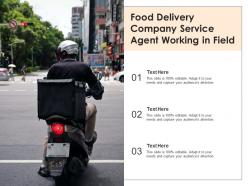
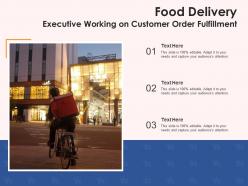
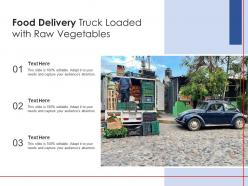
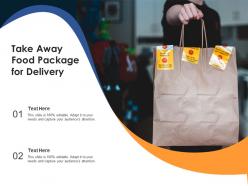
Food delivery service customer order rider working timely
Try Before you Buy Download Free Sample Product
Audience
Editable
of Time
Our Food Delivery Service Customer Order Rider Working Timely are topically designed to provide an attractive backdrop to any subject. Use them to look like a presentation pro.
People who downloaded this PowerPoint presentation also viewed the following :
Food delivery service customer order rider working timely with all 12 slides:
Use our Food Delivery Service Customer Order Rider Working Timely to effectively help you save your valuable time. They are readymade to fit into any presentation structure.
FAQs for Food delivery service customer order
Honestly, you've gotta stay plugged into what's happening right now - set up Google alerts for your industry and scroll through trending topics regularly. The key is finding natural ways to weave current events into your message. Don't force it though, because awkward news references are painful to watch. I always keep a running doc of fresh examples I can swap in last-minute. Opening with something like "Given yesterday's announcement..." instantly shows you're on top of things. Reference specific dates or headlines your audience will actually recognize. It's way more effective than generic examples from like 2019.
Knowing your audience demographics is honestly a game changer for timing and relevance. Their age, industry background, and current pain points tell you exactly which trends to mention and what examples will actually land. You wouldn't drop TikTok strategies on traditional finance execs - instant death, right? Demographics also reveal their info preferences. Tech crowds want rapid-fire updates, but senior leadership? They need deeper dives. Oh, and always check your audience profile beforehand so you can swap out examples that fit their world. Makes such a difference.
Get live data feeds running - Google Sheets with APIs, Tableau, whatever works. Stale numbers make you look amateur, honestly. Bookmark Google Trends and industry news sites so you can grab fresh stats right before presenting. Build this stuff into templates now or you'll be panicking later. Quick tip that saved me tons of times: always put timestamps on slides and call out when data was last updated. People actually notice this more than you'd think. Also set up some basic web scrapers if you're feeling ambitious - they're easier than they sound.
Oh man, timing can totally screw you over before you even open your mouth! Like, Germans and Swiss people? They want you there at 2:00 PM sharp, not 2:01. But I've been to presentations in Mexico where half the audience rolls in 15 minutes "late" and nobody bats an eye. Actually learned this lesson the embarrassing way in Brazil once - started right on time to basically an empty room. Some cultures think showing up super early makes you look desperate or pushy. My advice? Hit up someone local beforehand and just ask what's normal there.
Dude, social media is perfect for this! You can grab live tweets, trending hashtags, whatever's blowing up in your field right now. I actually got obsessed with doing this last year - there's always fresh stuff happening. Morning of your presentation? Perfect time to snag breaking news or viral posts that dropped overnight. Screenshots are your friend though since posts vanish randomly. Twitter's especially good for real-time industry chatter. Just keep some backup slides ready in case the internet decides to be weird that day or something falls through.
Build everything around your main message first - that's what sticks with people anyway. Then sprinkle in current examples and trending stuff to make it feel urgent right now. I always think of timely content as the seasoning, not the actual meal (weird analogy but whatever). Your audience needs to connect timeless ideas to what's happening today, so throw in recent case studies or whatever's blowing up online. Just make sure you can swap those examples out later without your whole point falling apart. The core message does the heavy lifting. Current events just make it pop.
Honestly, the speed difference is insane - what used to take days or weeks now happens instantly. Upload to cloud platforms, drop a link in Slack, boom you're done. Virtual presentations let you reach people anywhere, which is pretty cool. Real-time collaboration is where things get really smooth though. Your whole team can jump in, edit stuff, leave comments all at once instead of those annoying back-and-forth email chains. Oh and pro tip - set up your shared folders beforehand! Trust me, you don't want to be fumbling with permissions when everyone's waiting on you.
Honestly, keeping your slides looking current makes a huge difference. People just trust you more when your presentation doesn't scream 2015. Clean fonts and good white space help too - way easier to read than those cluttered old templates everyone's probably sick of seeing. You'll definitely stand out in meetings. The trick is not going overboard with trendy stuff that distracts from your actual point. Stick with updated color schemes and typography instead of crazy animations. Oh, and current design trends genuinely make your ideas feel more relevant, which is half the battle.
Dude, feedback loops are honestly a lifesaver - you get real intel on what landed while it's still fresh in everyone's mind. I grab input right after through quick surveys or just casual chats. Sometimes I'll even watch how people react during Q&A (you can tell so much from body language). Used to totally skip this part and just wing it... terrible idea lol. Ask specific stuff like pacing, what they wanted more of, relevance to their actual problems. Then - and this is crucial - actually USE that info next time. I set calendar reminders to review feedback before building new decks. Trust me, it'll change everything.
Ugh, the worst part is how your data goes stale immediately. Like you'll spend hours pulling numbers and then boom - new competitor launches something or quarterly results drop while you're still formatting slides. Stakeholders want real-time insights but won't give you real-time data access, which is honestly backwards if you ask me. So you're stuck making educated guesses with incomplete info. What's helped me? I build flexible templates beforehand and always timestamp everything. That way at least everyone knows how old the data is when they're making decisions with it.
Honestly, the best way is to share a story where waiting actually screwed someone over. People tune out statistics but they'll listen to real consequences. I always use the "ticking clock" approach - like when I had 24 hours to submit that proposal and almost lost the client because I procrastinated. Paint the disaster scenario first, then show what happens when they act fast. Before/after works great too. Make it feel personal, not some abstract "what if." End with something that makes them want to move NOW. Works way better than just telling people to hurry up.
Dude, you've gotta use specific dates in your presentations. People actually trust you when you say "Q3 data" instead of some vague "recent studies" nonsense. I've watched so many speakers bomb because they're still talking about 2021 COVID stuff - it's painful. Your audience wants to know you're plugged into what's happening now. Even switching from "last month" to "September" makes you sound way more credible. Fresh examples = engaged audience. It's honestly one of the easiest ways to level up your content without doing much extra work.
Ugh, jargon is the worst for this! People literally zone out when they can't follow what you're saying. I've watched so many pitches crash and burn because someone threw around technical terms like everyone was an insider. Your brain just hits a wall trying to decode unfamiliar words, which totally kills any momentum you had going. Short sentences work better anyway. If you absolutely have to use industry speak, just explain it fast or throw in a quick comparison. Honestly though? Just talk like your audience talks. Way more effective than trying to sound smart with insider language that leaves half the room confused.
Definitely audit your visuals every three months or so. Swap out those crusty old stock photos and update your color schemes. Data visualizations need fresh stats too - nobody wants to see 2019 numbers anymore, it's honestly embarrassing. Make sure everything feels seasonal and current. Your hero images should match what's happening now, not last year's vibe. Also peek at what competitors are doing (don't copy, just get inspired). Oh and here's what I'd do first - pick your three biggest visual elements and start there. Way less overwhelming than redoing everything at once.
Dude, timing is absolutely everything. Don't present quarterly numbers right after layoffs - your audience will be way too distracted. Morning slots are clutch because people actually pay attention, unlike that post-lunch dead zone when everyone's fighting off a food coma. Check what else is happening too - major industry news or company drama can totally derail your message. I learned this the hard way once. Before booking that room, just ask yourself: is this actually the right moment? Sometimes waiting a week makes all the difference.
-
Enough space for editing and adding your own content.