Frankreich Land und Staaten Karte Powerpoint-Vorlage
Try Before you Buy Download Free Sample Product
Audience
Editable
of Time
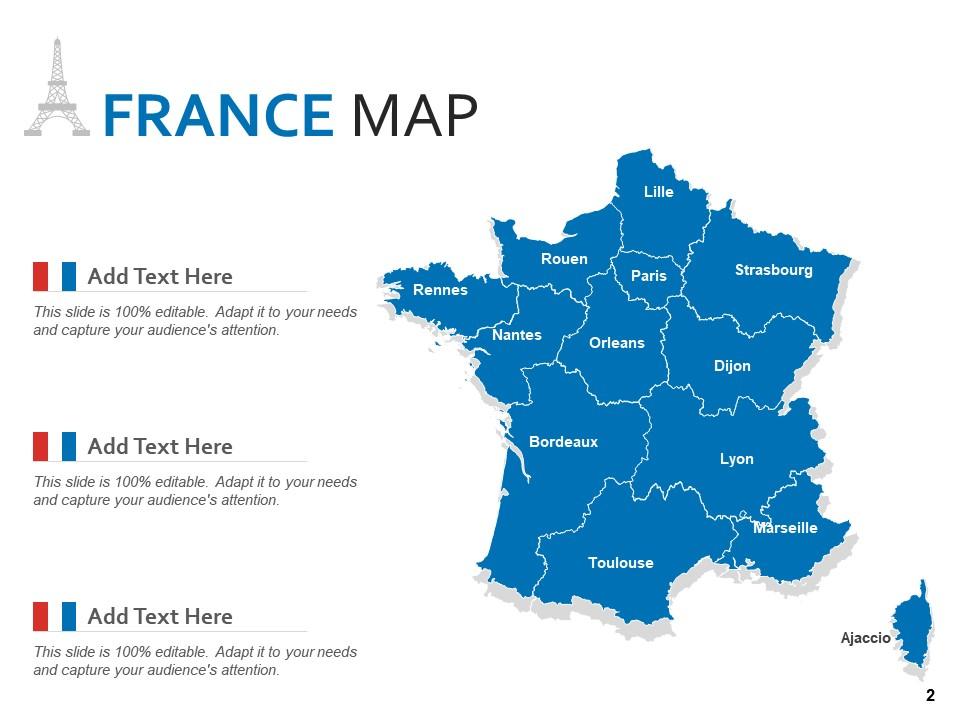
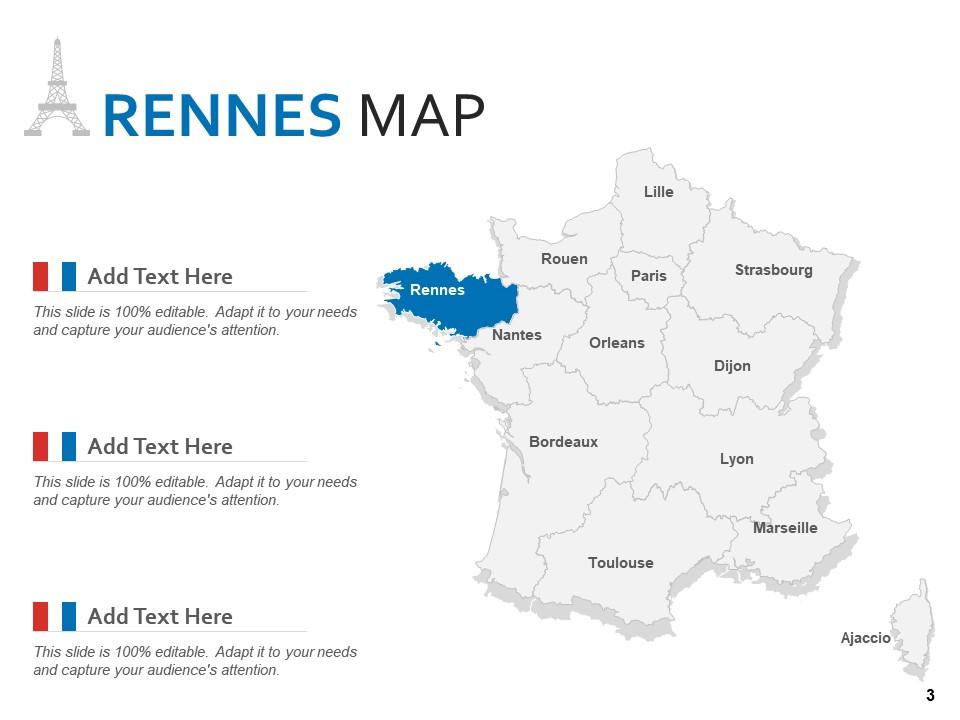
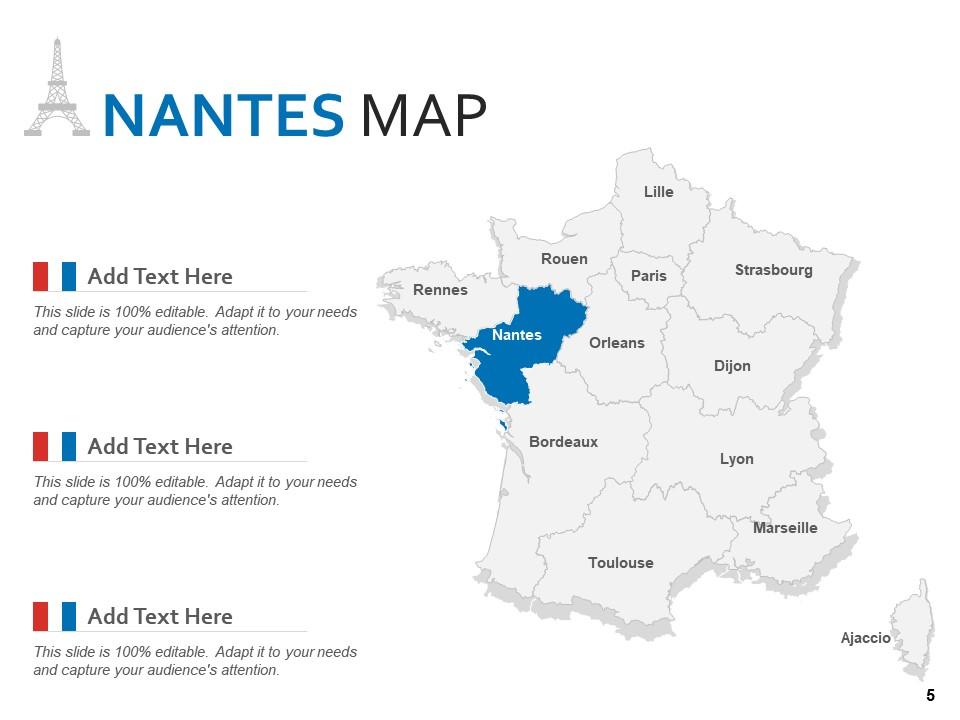
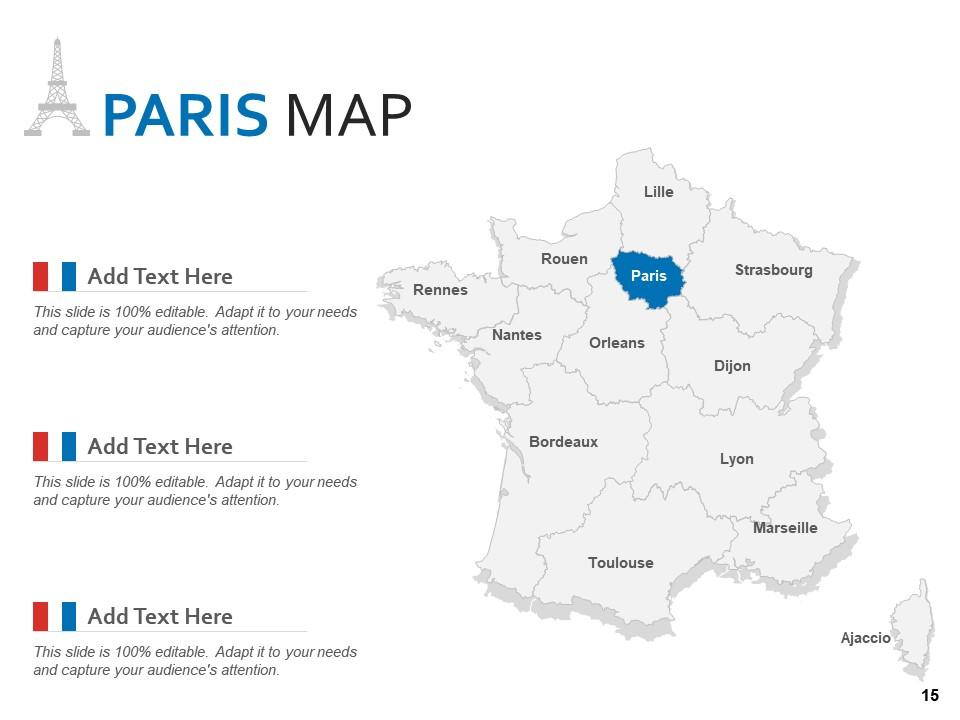
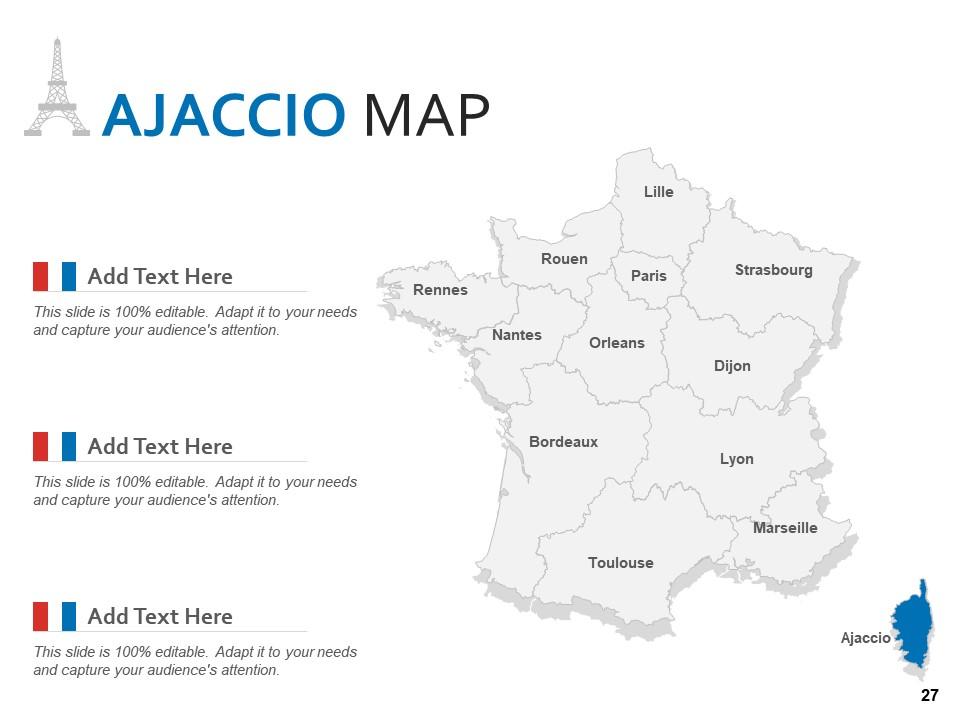
Diese PowerPoint-Präsentationsvorlage zeigt die Karten der wichtigsten Städte Frankreichs. Das Hauptziel dieses PPT besteht darin, die Kartenvorlage mit Staatsgrenzen bereitzustellen. Dieses Deck umfasst die hervorgehobene Karte von Frankreich-Städten mit einer eigenständigen Karte einer bestimmten Stadt. Beliebte Städte, die in dieser Präsentation behandelt werden, sind Rennes, Nantes, Bordeaux, Orleans, Rouen, Lille, Paris, Straßburg, Dijon, Lyon, Toulouse, Marseille, Ajaccio usw. Der Kunde kann dieses Deck verwenden, um die statistischen Daten von Wirtschaft, Geografie bereitzustellen , Energie, Landnutzung, Verkehr und Landwirtschaft beliebter Städte Frankreichs. Unsere Vorlagen sind vollständig anpassbar und mit Google-Folien kompatibel, sodass der Benutzer je nach Bedarf leicht ändern, benutzerdefinierte Farben oder Texthalter hinzufügen kann.
Funktionen dieser PowerPoint-Präsentationsfolien:
Dies ist eine Powerpoint-Vorlage für die Land- und Bundesstaatenkarte von Frankreich. Präsentieren Sie die aufkommenden wirtschaftlichen Parameter Ihres Landes mit diesem PowerPoint-Komplettdeck. Dies ist ein umfassendes Set mit einem optisch ansprechenden ästhetischen Design, das unbestreitbar das Engagement des Publikums erhöht. Verwenden Sie es, um die wichtigsten Sehenswürdigkeiten Ihres Landes, seine traditionellen Merkmale und demografischen Merkmale mit neunundzwanzig Folien hervorzuheben, die in diesem Set enthalten sind. Sie können auch die Karten, Diagramme, Grafiken, Themen und andere Komponenten dieses Decks verwenden, um mehr Aufmerksamkeit auf die Länderdynamik zu lenken und es weltweit beliebt zu machen. In Anbetracht der präsentierten und präsentierten Informationen kann diese PowerPoint-Vorlage mit lebendigen Farben, Grafiken und visuellen Elementen für die globale Erweiterung Ihres Betriebs verwendet werden. Diese PPT-Vorlage kann in den Formaten PDF, PNG und JPG reproduziert werden, sodass Sie ein hohes Maß an Kontrolle über ihre Anwendung und Verwendung haben.
People who downloaded this PowerPoint presentation also viewed the following :
Inhalt dieser Powerpoint-Präsentation
Folie 1 : Diese Folie stellt die Karte von FRANKREICH Land und Staaten vor. Geben Sie Ihren Firmennamen an und beginnen Sie.
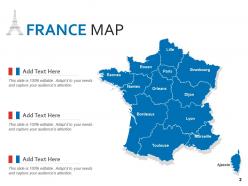
Folie 2 : Diese Folie zeigt die FRANKREICH-KARTE mit Straßburg, Dijon, Lyon, Marseille usw.
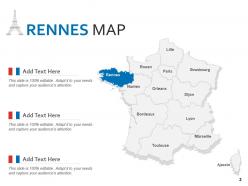
Folie 3 : Diese Folie zeigt die RENNES-KARTE mit Toulouse, Bordeaux, Nantes usw.
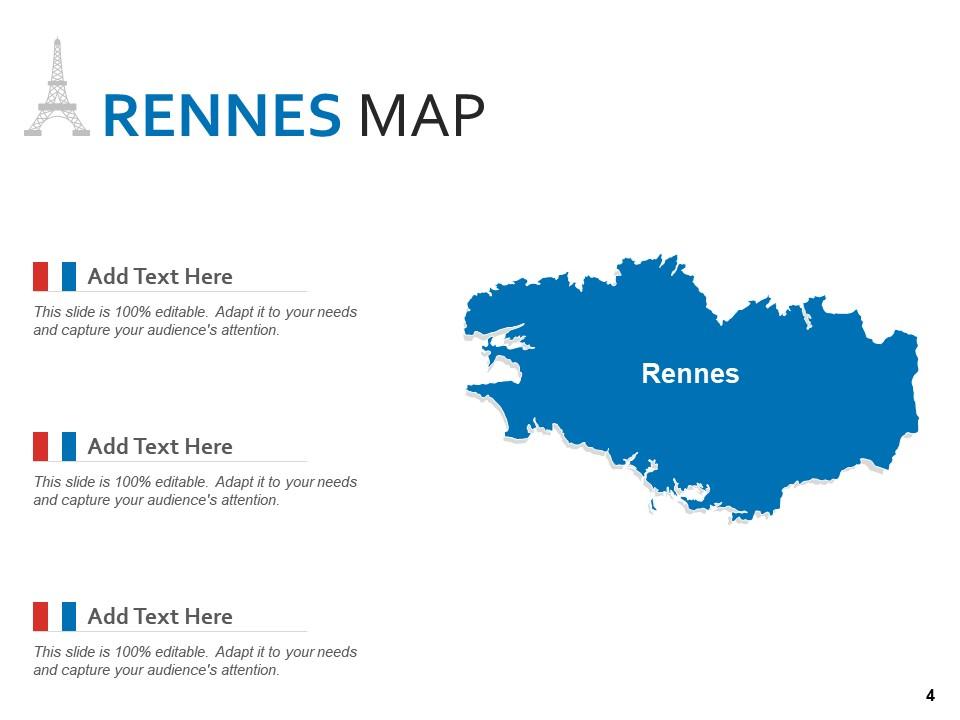
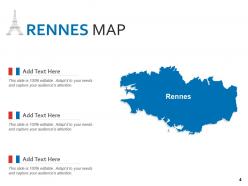
Folie 4 : Dies ist eine weitere Folie, die die RENNES-KARTE zeigt.
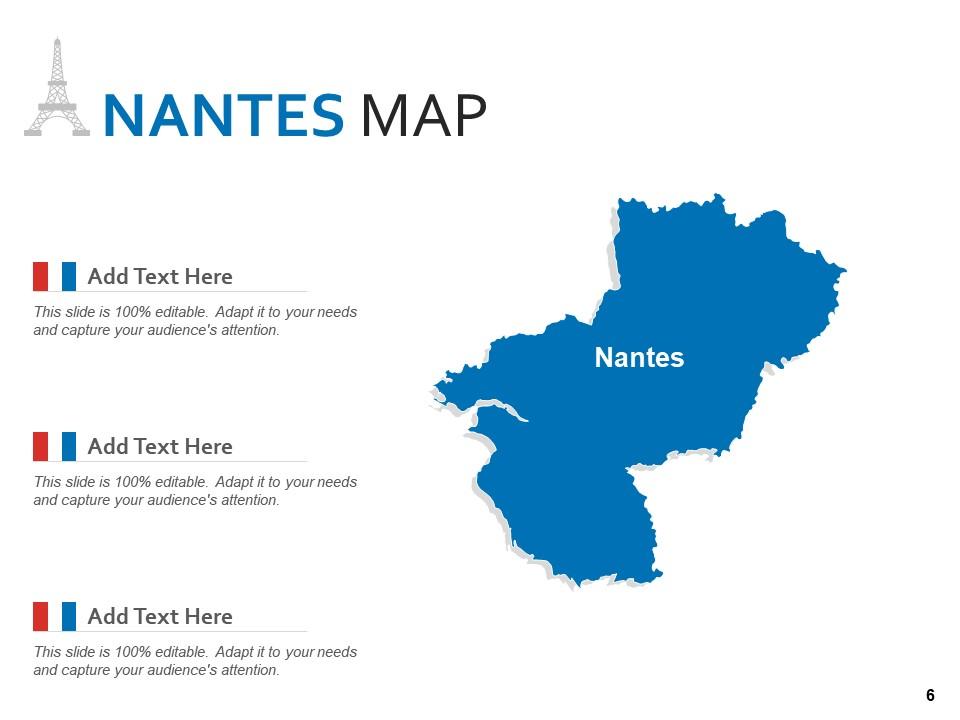
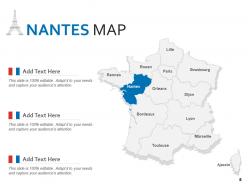
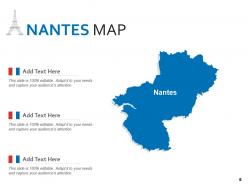
Folie 5 : Diese Folie zeigt die NANTES-KARTE mit Lyon, Toulouse, Nantes usw.
Folie 6 : Dies ist eine weitere Folie, die die NANTES-KARTE zeigt.
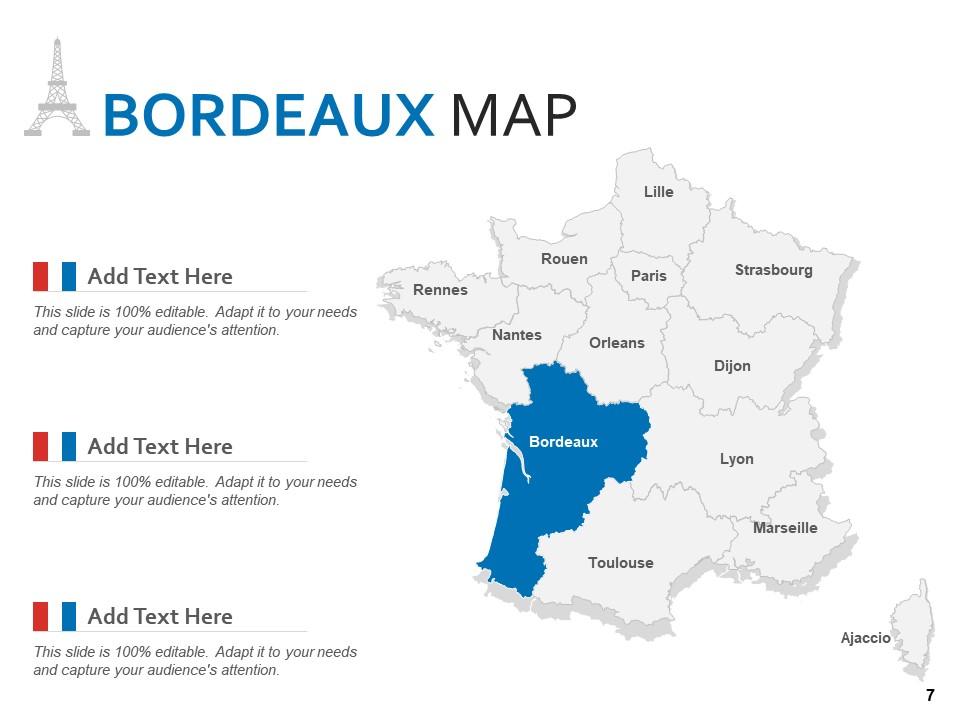
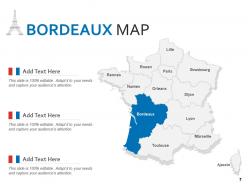
Folie 7 : Diese Folie stellt die BORDEAUX-KARTE dar, die Paris, Orleans, Ajaccio usw. beschreibt.
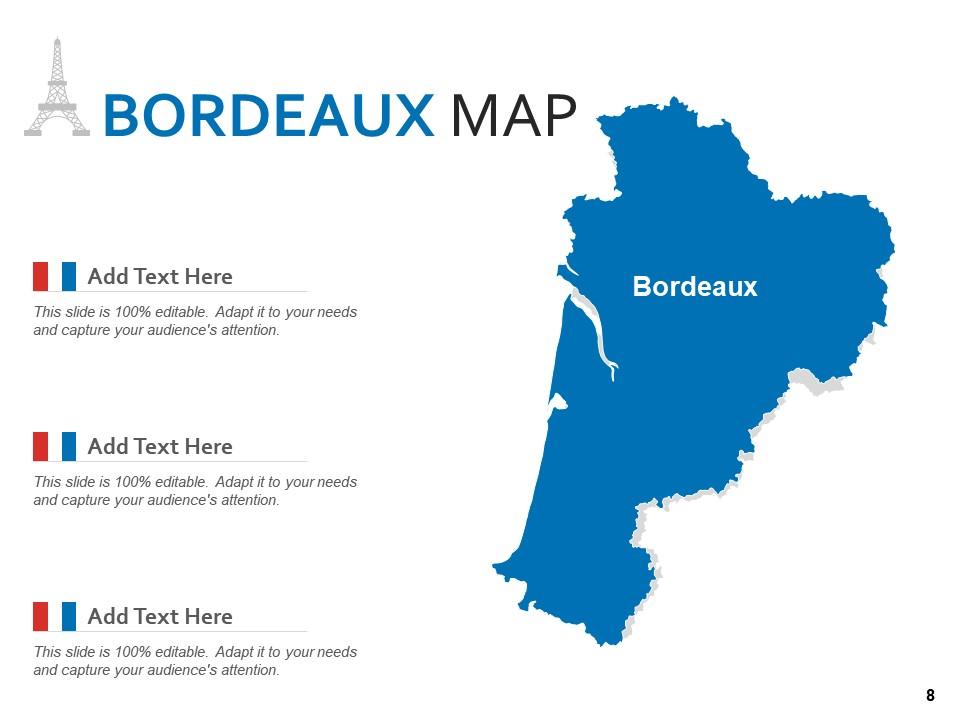
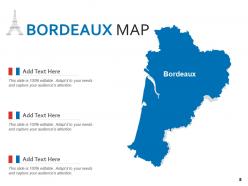
Folie 8 : Dies ist eine weitere Folie, die die BORDEAUX-KARTE zeigt.
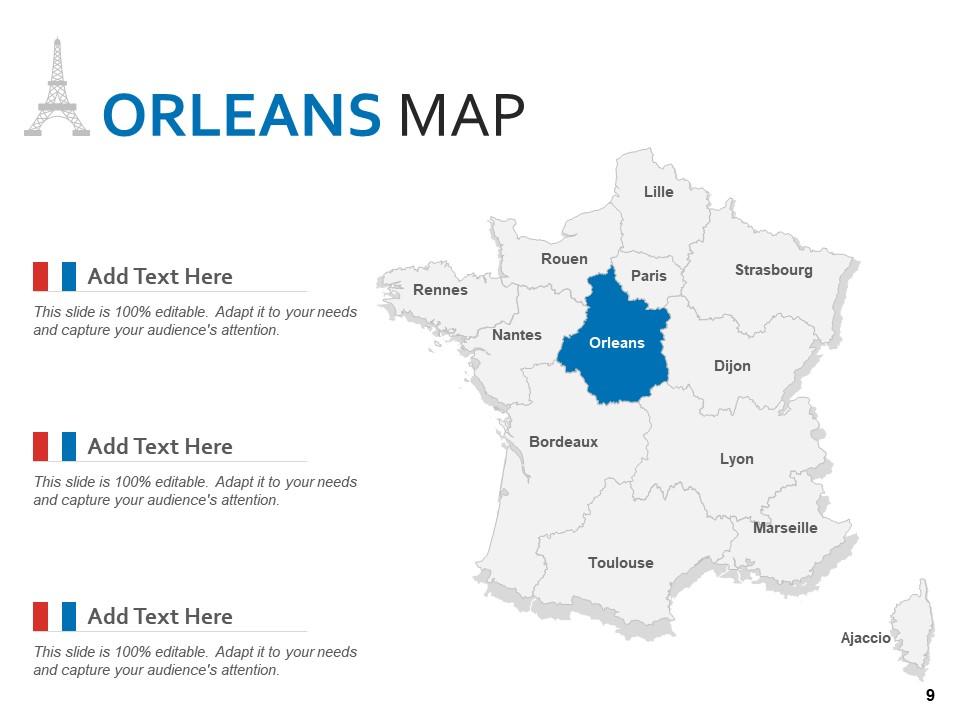
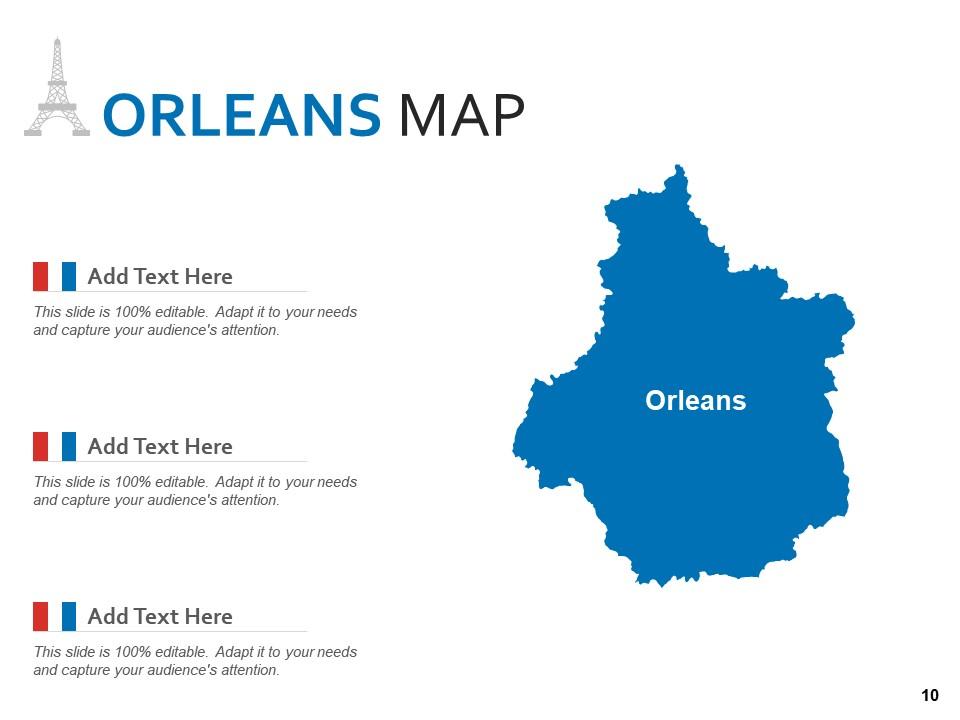
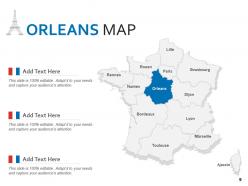
Folie 9 : Diese Folie zeigt die ORLEANS MAP mit Straßburg, Toulouse, Orleans usw.
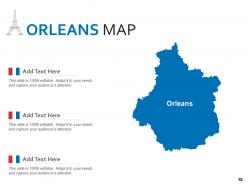
Folie 10 : Dies ist eine weitere Folie, die die ORLEANS-KARTE zeigt.
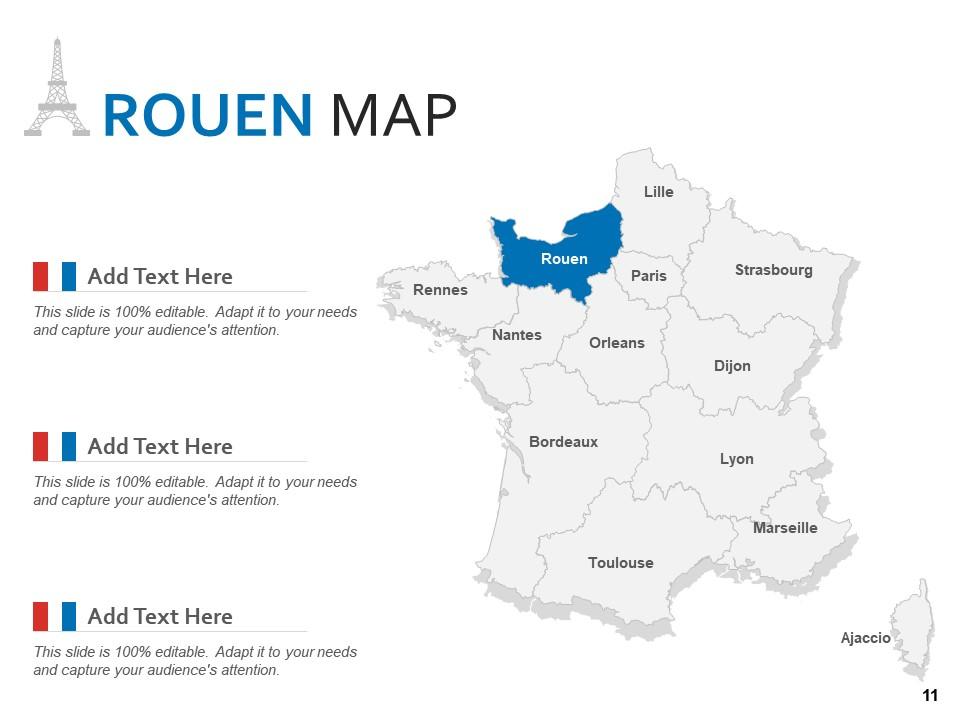
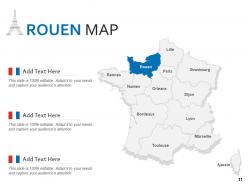
Folie 11 : Diese Folie zeigt ROUEN MAP mit Dijon, Marseille, Ajaccio usw.
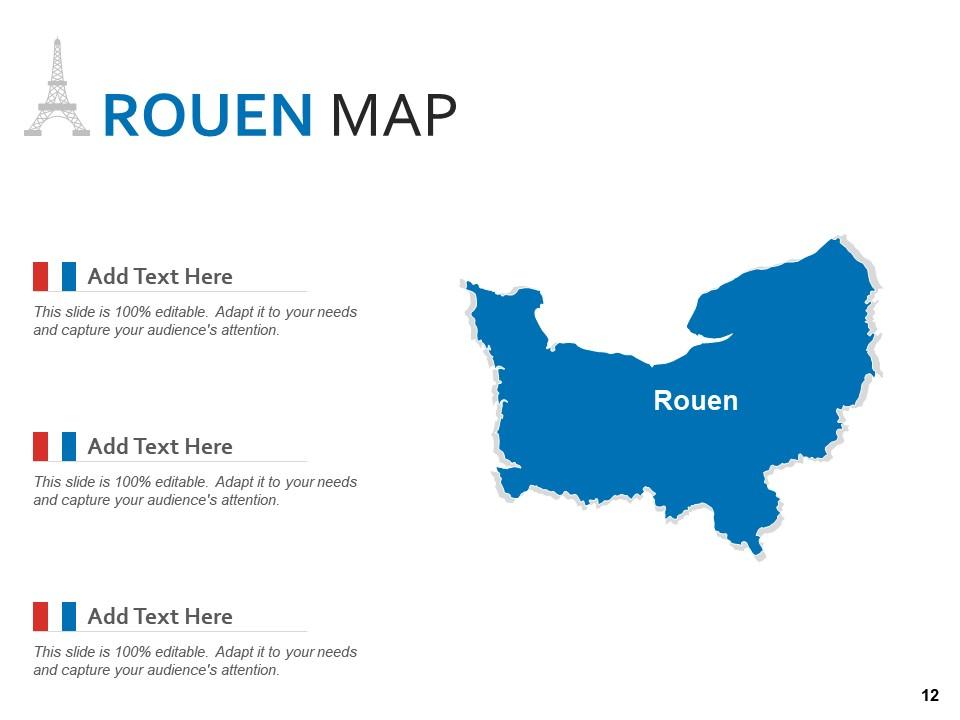
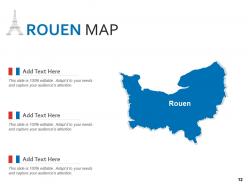
Folie 12 : Dies ist eine weitere Folie, die ROUEN MAP zeigt.
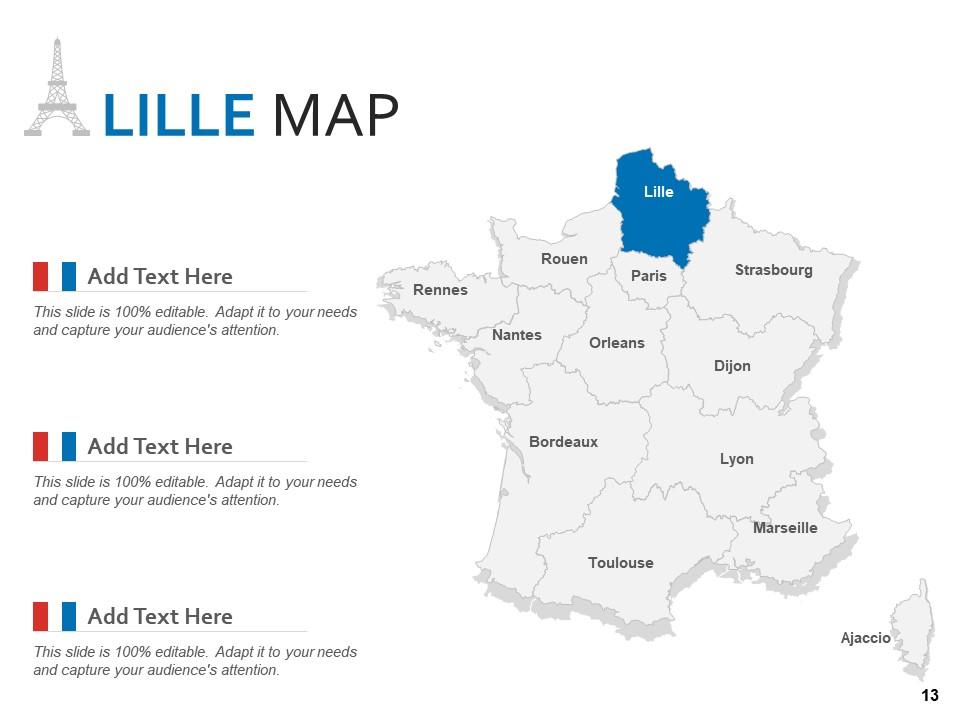
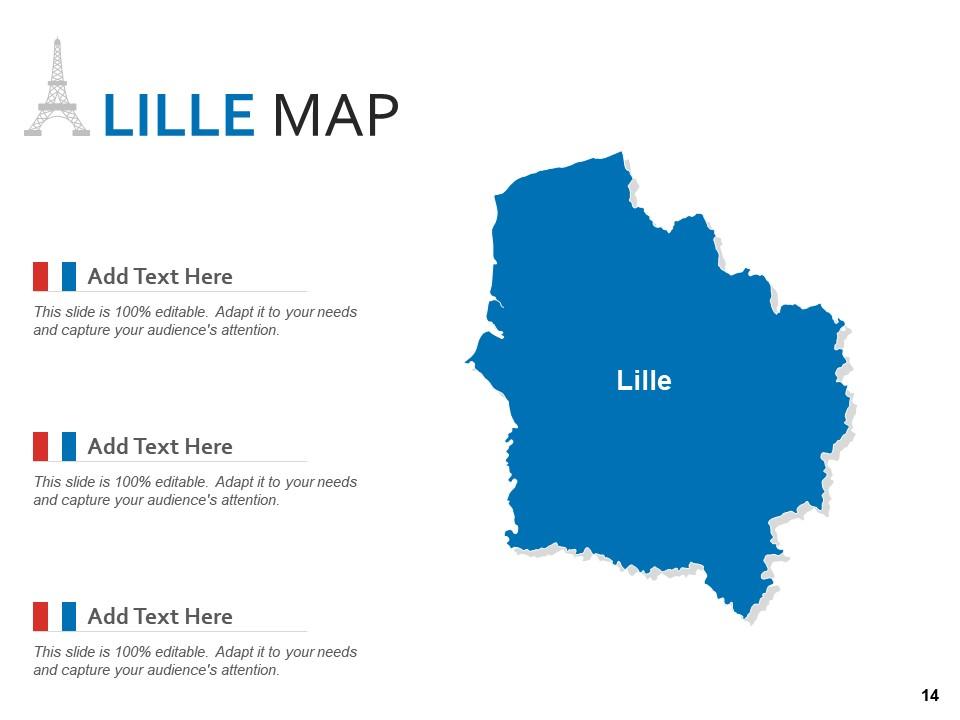
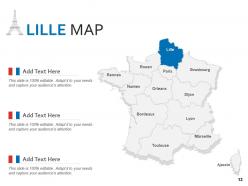
Folie 13 : Diese Folie enthält LILLE MAP mit Lyon, Marseille, Nantes usw.
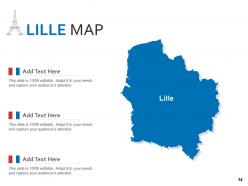
Folie 14 : Dies ist eine weitere Folie, die die KARTE VON LILLE zeigt.
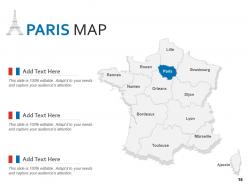
Folie 15 : Diese Folie präsentiert PARIS MAP mit Rennes, Rouen, Orleans usw.
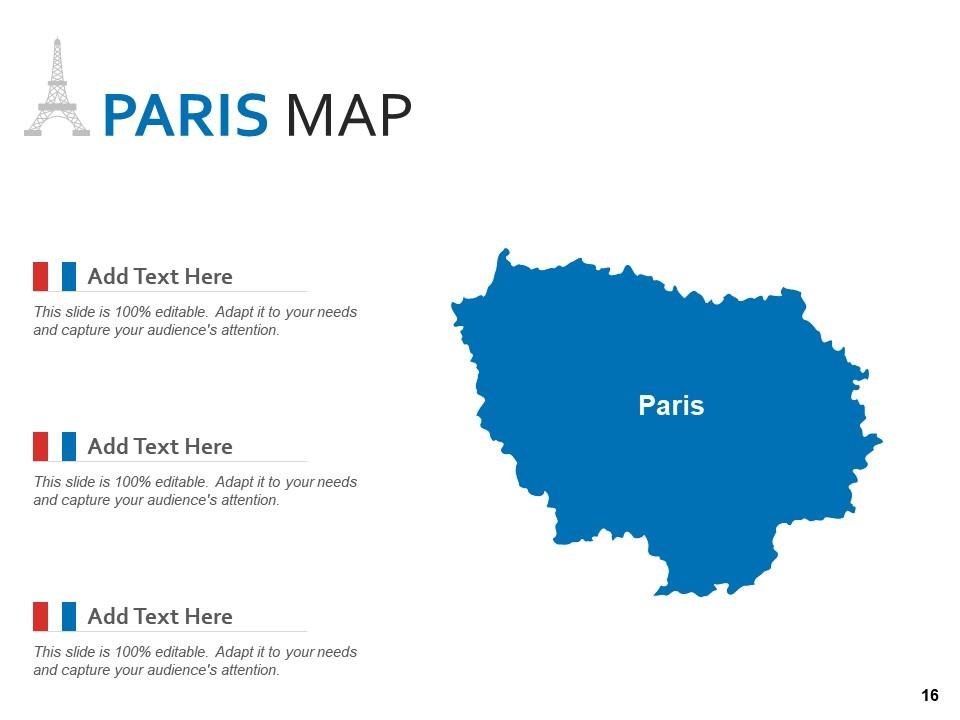
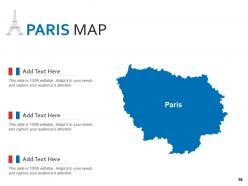
Folie 16 : Dies ist eine weitere Folie, die PARIS MAP zeigt.
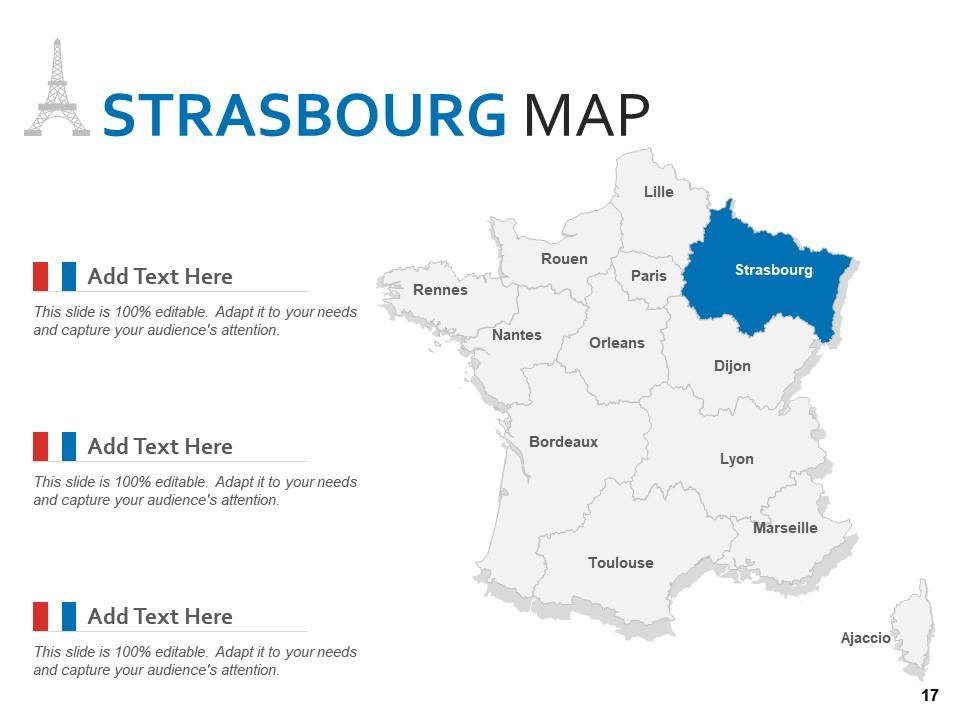
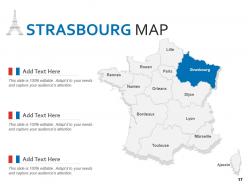
Folie 17 : Diese Folie zeigt die STRAßBURG KARTE mit Marseille, Nantes, Paris usw.
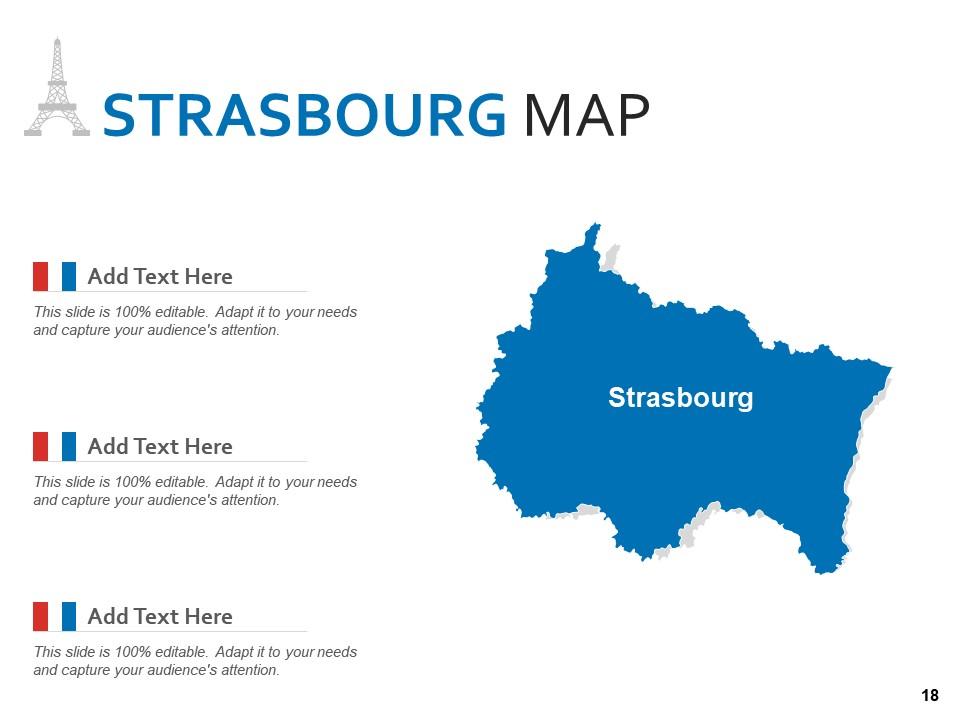
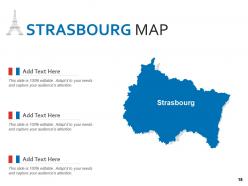
Folie 18 : Dies ist eine weitere Folie mit der STRAßBURG KARTE.
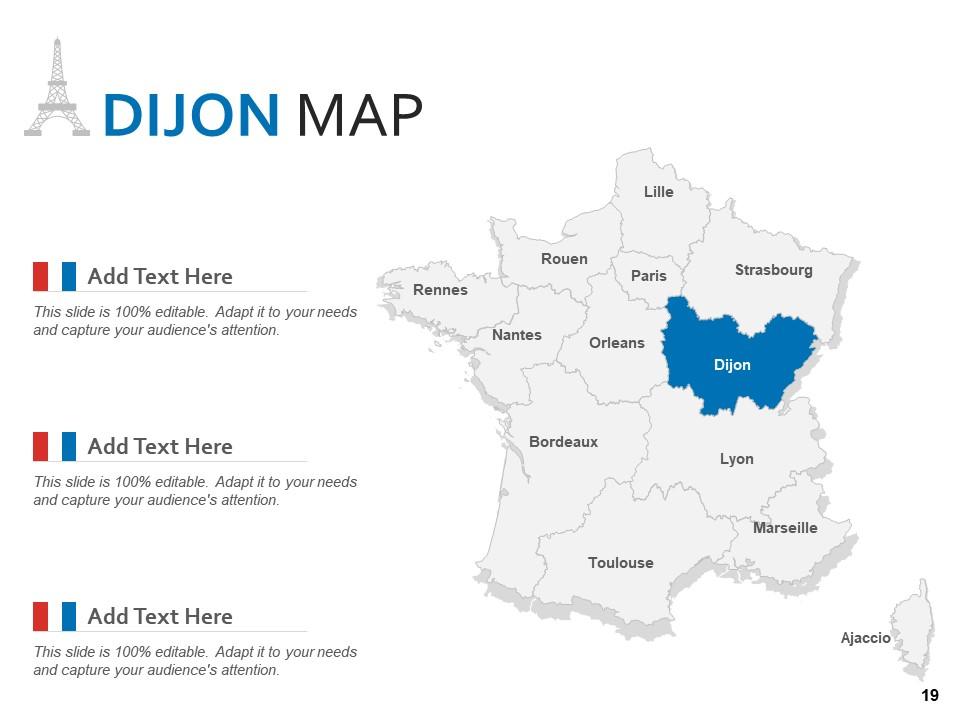
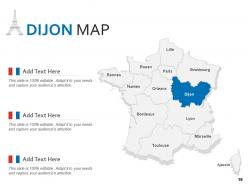
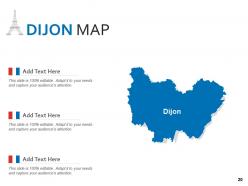
Folie 19 : Diese Folie stellt DIJON MAP mit Lille, Lyon, Rouen usw. dar.
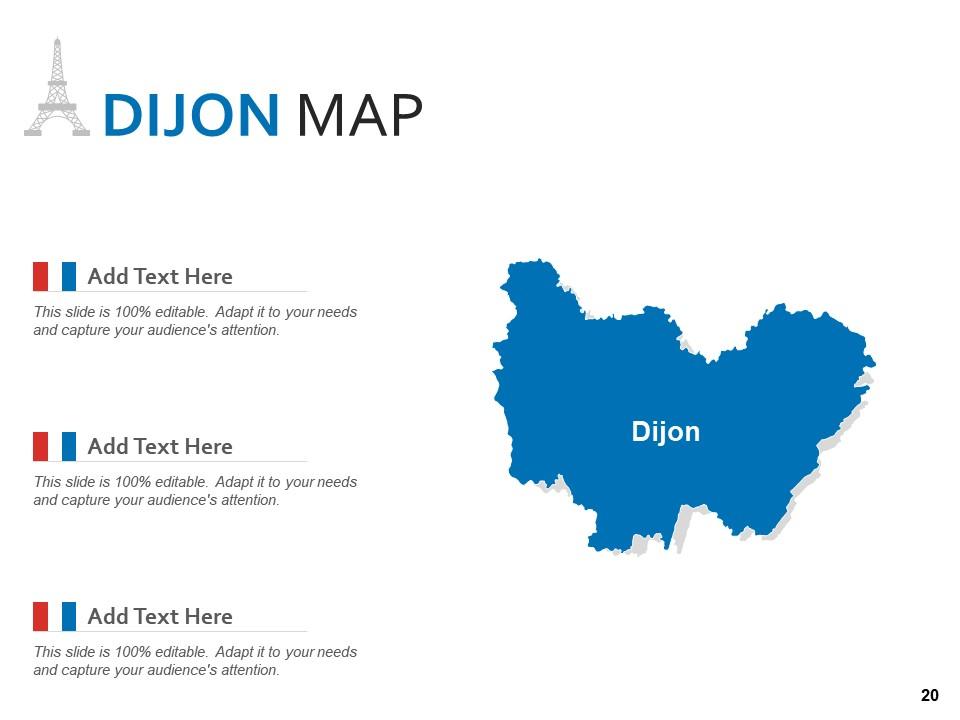
Folie 20 : Dies ist eine weitere Folie, die DIJON MAP zeigt.
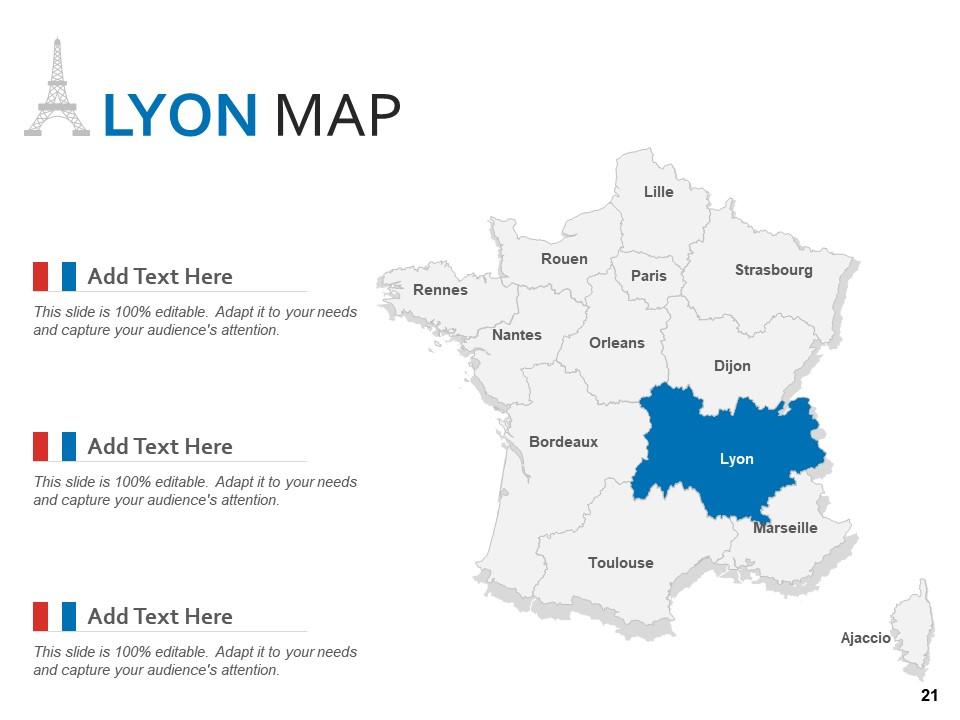
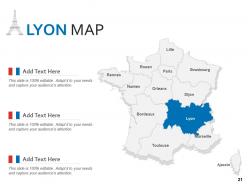
Folie 21 : Diese Folie zeigt LYON MAP mit Bordeaux, Orleans, Ajaccio usw.
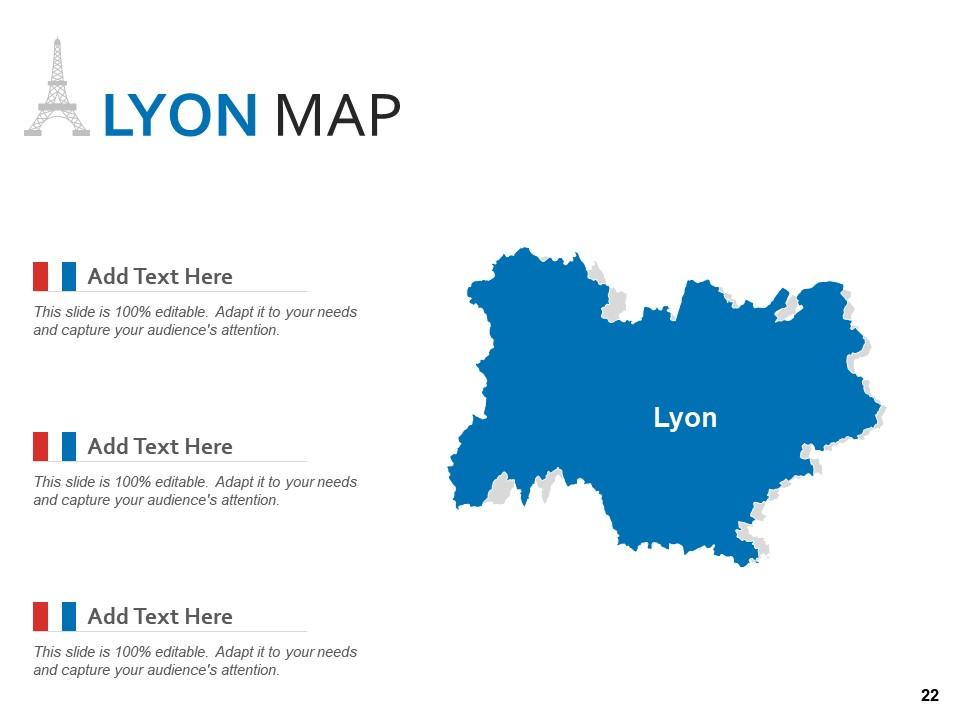
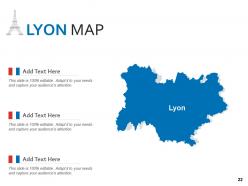
Folie 22 : Dies ist eine weitere Folie, die LYON MAP zeigt.
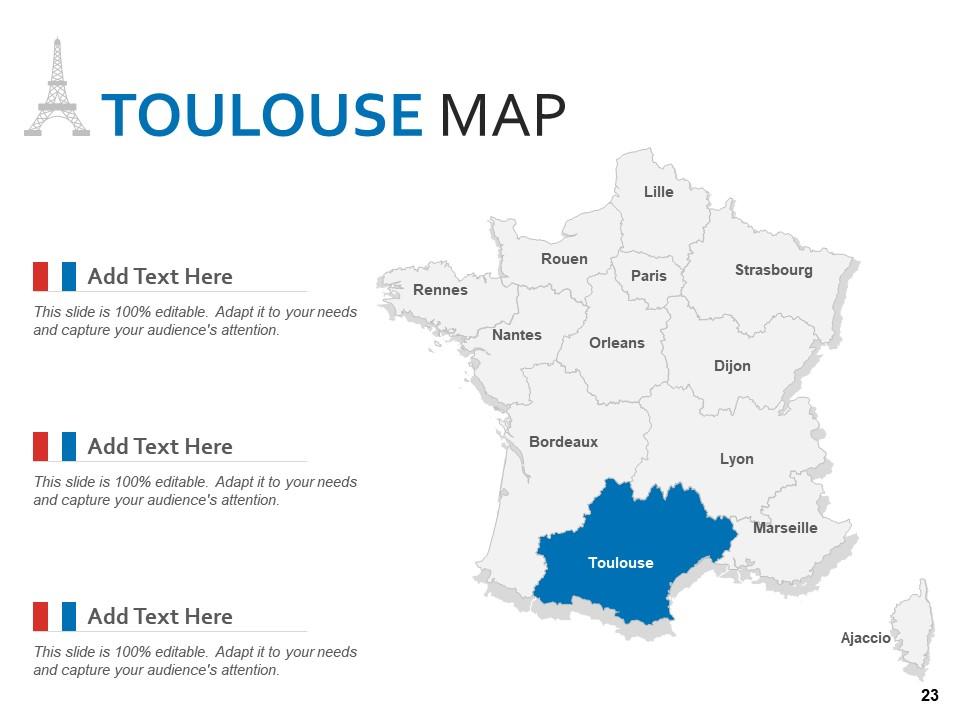
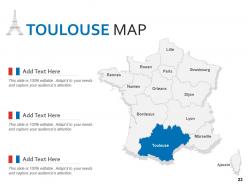
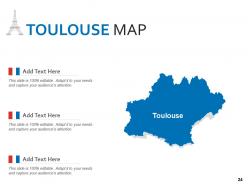
Folie 23 : Diese Folie zeigt TOULOUSE MAP mit Marseille, Rennes, Paris usw.
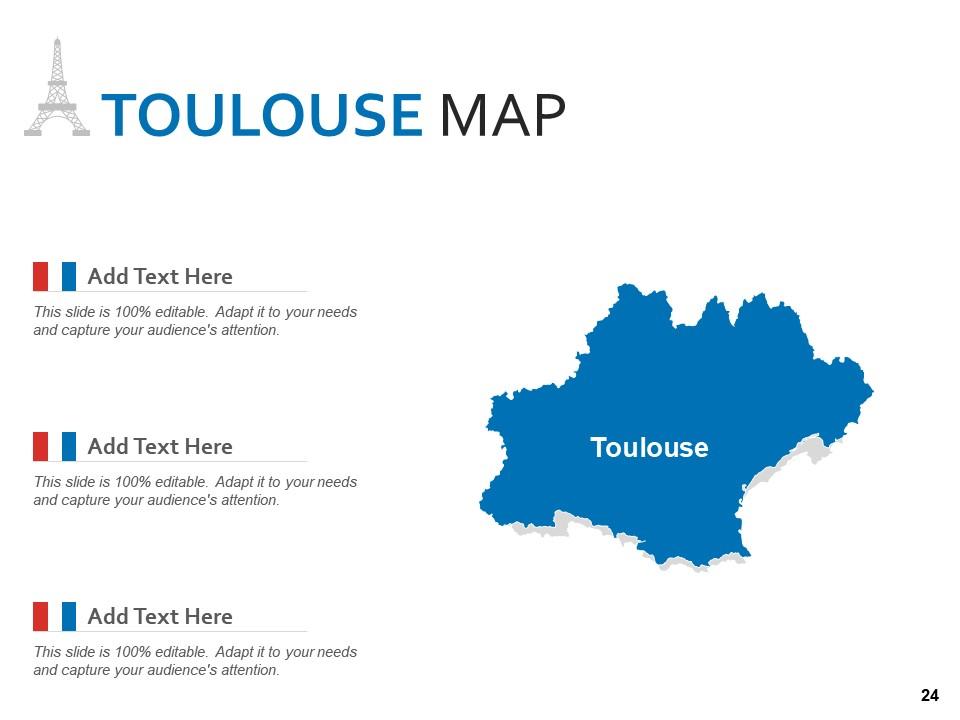
Folie 24 : Dies ist eine weitere Folie, die die TOULOUSE MAP zeigt.
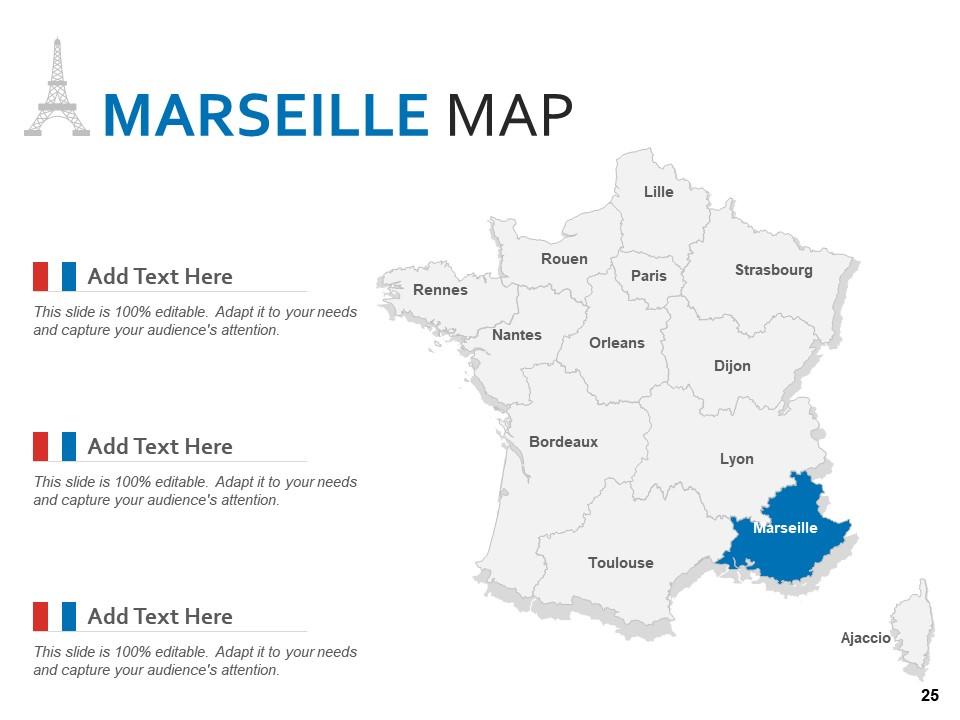
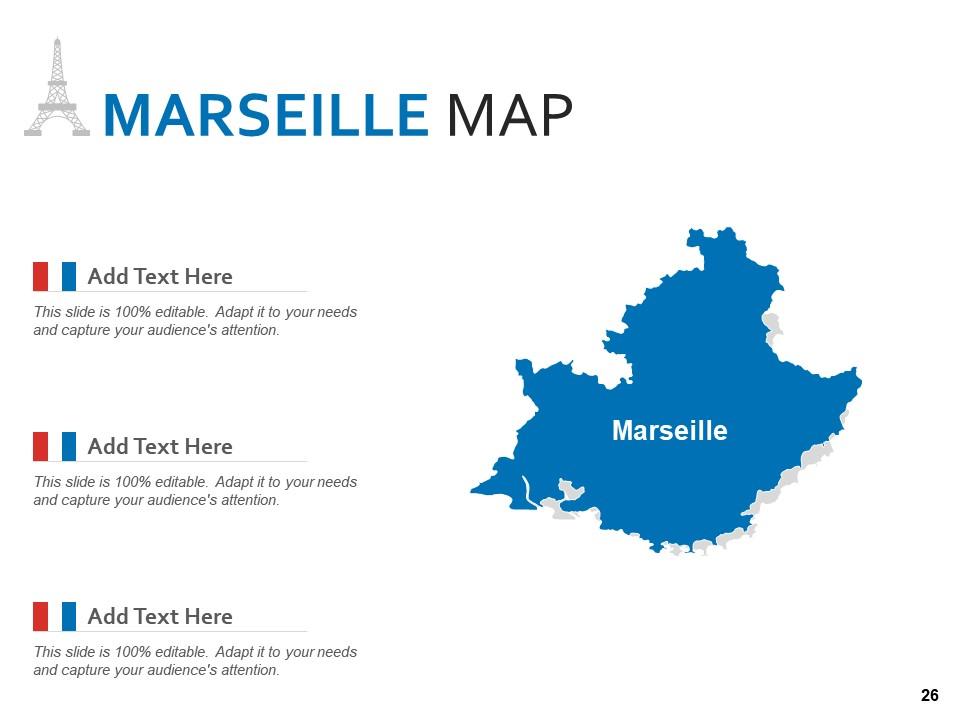
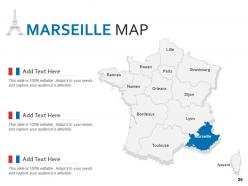
Folie 25 : Diese Folie präsentiert MARSEILLE MAP mit Straßburg, Toulouse, Ajaccio usw.
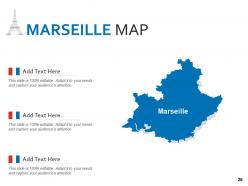
Folie 26 : Dies ist eine weitere Folie, die MARSEILLE MAP zeigt.
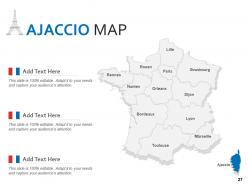
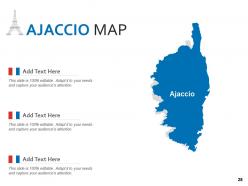
Folie 27 : Diese Folie zeigt AJACCIO MAP mit- Lille, Marseille, Rouen usw.
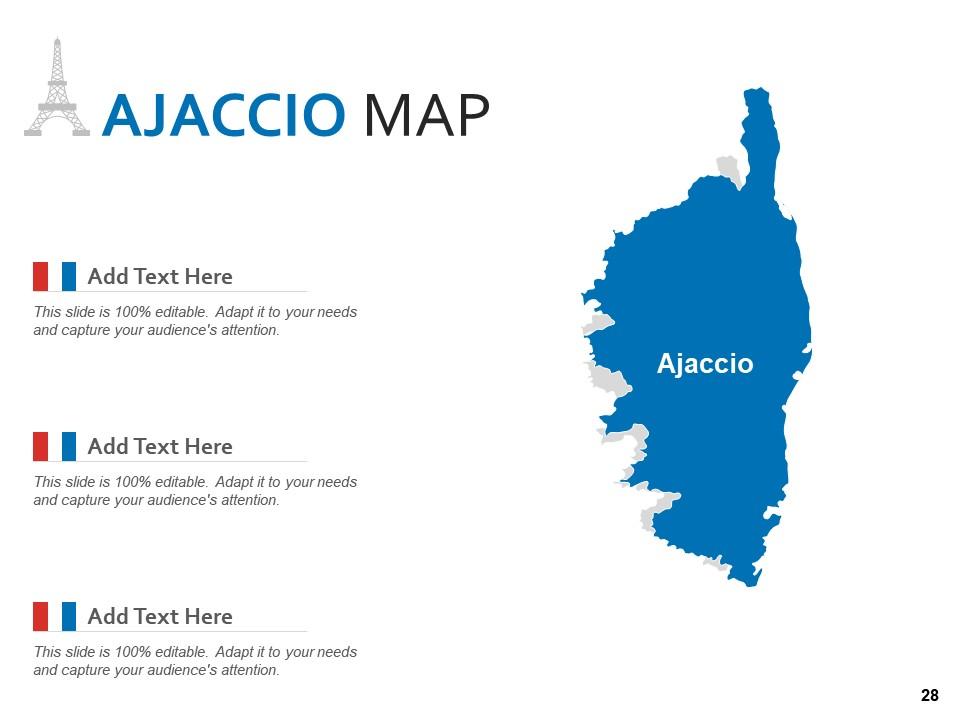
Folie 28 : Dies ist eine weitere Folie, die AJACCIO MAP zeigt.
Folie 29 : Dies ist eine Dankesfolie mit Adresse, Kontaktnummern und E-Mail-Adresse.
France Country And States Map Powerpoint-Vorlage mit allen 29 Folien:
Verwenden Sie unsere Powerpoint-Vorlage für die Land- und Bundesstaatenkarte von Frankreich, um Ihre wertvolle Zeit effektiv zu sparen. Sie sind vorgefertigt, um in jede Präsentationsstruktur zu passen.
FAQs for France country and states
Definitely grab one with the big cities marked - Paris, Lyon, Marseille for sure. Regional boundaries for all 18 regions are pretty essential too. The coastlines need to be accurate since France's got some really distinctive coastal shapes that actually matter for context. Neighboring countries should be on there as well, helps with orientation. Major rivers like the Seine and Loire are good to have, plus mountain ranges - Alps, Pyrenees, you know the deal. Oh and pick based on what you're using it for. Simple outline's fine for presentations, but if it's educational stuff you'll want more detail.
Honestly, maps are so much better than cramming bullet points everywhere. Your audience will actually pay attention instead of zoning out at another text wall. Geographic relationships just make more sense visually - people remember where things are way easier than random data points. Color-code different regions or add your data right on top. I always think maps make you look like you actually planned ahead instead of just copying from Excel. Oh, and they're perfect for showing location-based stuff obviously. Way more professional than those spreadsheet screenshots everyone dumps in their slides.
Definitely get blank outline maps - kids can fill them in for quizzes and stuff. You'll also want labeled reference ones so they can check their work. Simple is key here, trust me. Thematic maps are super useful too, like ones showing population or climate patterns. Way better than just memorizing city names all day. Make sure whatever you print is high-res though, nothing worse than fuzzy coastlines. I'd start with basic departmental outlines since those cover most of what you'll need in class.
So basically you just use layers and selection tools to pick out whatever regions you want to highlight. I always duplicate the base layer first - learned that the hard way after accidentally ruining a template once. PowerPoint's honestly pretty decent for this stuff, or Illustrator if you want to get fancy. Just select the départements or cities you need and change colors, add labels, whatever. You can totally remove areas too if they're not relevant. Way better than making a map from zero. Figure out which regions matter first, then modify those while keeping the rest as background.
Adobe Illustrator is honestly your best bet for editing France map templates - it handles all that complex vector stuff really well. Most map templates come in SVG or AI format anyway. If you don't want to pay for Adobe, try Inkscape instead. It's free and does pretty much everything Illustrator can do, though the interface is kind of clunky at first. You could use Canva I guess, but it's super basic. Like you can change colors and add simple text, but that's about it. Really depends how detailed you want to get with your edits, but I'd definitely stick with vector-based software either way.
Interactive France maps are totally different - people can click around, zoom in on regions, hover for data popups, filter stuff. Way more engaging than static maps that just sit there looking nice but doing nothing. You can layer different datasets, throw in some animations, make it actually respond to what users want to see. Honestly, static maps feel pretty outdated now unless you're just doing a basic presentation. For websites or dashboards where you want people to actually explore your French regional data instead of zoning out? Go interactive every time.
Oh these are perfect for sales stuff - breaking down where your customers are by region or department. Marketing teams love them for showing campaign performance across France too. Distribution routes, delivery zones, that kind of logistics thing works great. Honestly, I've seen some really clean competitive analysis maps where you color-code your market share vs competitors by area. The key is finding one that makes data points super obvious - you don't want people squinting at tiny details. Also works well for office locations if you're doing internal presentations. Just pick colors that actually make sense together!
Oh man, France map templates are perfect for this kind of thing! You just drop your data onto the geographic layout and boom - patterns jump out immediately. Way better than staring at endless spreadsheet rows. Color-code different regions based on whatever you're tracking - sales numbers, population stuff, you name it. Honestly beats tables every time for spotting weird outliers or trends. Your boss will actually understand what's happening geographically instead of glazing over. Just grab one with the right boundaries (département vs région depends on your data detail) and you'll skip hours of annoying setup work.
Match your France map to whatever colors you're already using - looks way more professional that way. Size it so people can actually read it without squinting. Contrasting colors work great if you're highlighting certain regions. Oh, and seriously don't overdo the animations! I've sat through too many presentations with spinning maps that made me dizzy. A simple fade-in is perfect. Test everything on the actual screen you'll use since colors always look different than your laptop. Trust me on that one.
So basically, French map templates are super influenced by cultural stuff. Different regions get their own color schemes - like Provence has that Mediterranean vibe while Brittany goes full Celtic. Designers love throwing in landmarks (hello, Eiffel Tower) and highlighting wine regions because... France. The typography is usually pretty traditional too. What's interesting is they'll show cultural boundaries that don't actually match the official administrative lines. Regional pride is no joke over there. When you're picking a template, just think about what story you want your map to tell first.
You'll usually find France map templates in SVG, PNG, PDF, and AI formats. Go with SVG for web stuff - scales perfectly without getting blurry. PNG's fine for presentations but looks terrible when you blow it up (learned that the hard way). PDF works well for printing and keeps everything crisp. AI files are only worth it if you actually have Illustrator and want to mess around with customization. Honestly though, SVG handles most situations. It's lightweight and works for both web and print, so you won't need to hunt down different versions later.
Honestly, France map templates are pretty genius for presentations. Instead of drowning people in bullet points, you're showing them actual geographic patterns. Color-code regions by performance - way easier to spot where you're crushing it vs. struggling. You can track expansion over time, highlight your biggest wins by location, or show market penetration across different areas. People love visual stories they can follow along with. Plus regional breakdowns make growth patterns super obvious at a glance. Way better than just rattling off numbers. Maybe add some icons for major milestones too.
Honestly, go with vector every time. They resize without getting all pixelated like regular images do - you know that gross blurry effect when you zoom in too much? Vector maps stay crisp no matter what size. File sizes are smaller too, which is clutch for websites. The best part though is editing individual pieces. Want to highlight just Provence or change the border color? Easy. You can tweak specific regions without messing up the whole map. Perfect for presentations where you might need different versions. Raster images are just too limiting once you start customizing stuff.
You'll definitely want the big tourist spots - Paris, Lyon, Nice, Bordeaux. Transportation stuff is key too: highways, TGV lines, airports. Regional boundaries help clients visualize everything. Loire Valley and French Riviera are must-haves, obviously. Wine regions are honestly goldmines for bookings - people go crazy for those. Oh, and ferry ports if you're doing UK connections. The whole point is making clients look at it and think "yeah, we can totally pull this trip off." Keep a legend for different attractions. Clean but not boring, you know?
Honestly, maps just make everything better than boring bullet points. Your audience can actually *see* what you're talking about instead of zoning out. People absorb visual stuff way faster anyway. You can color-code regions, drop pins on cities, highlight areas as you go - makes you look way more professional. Oh, and don't just let it sit there looking pretty. Point to different sections while you're presenting and use it like you're telling a story. Trust me, it'll keep people awake way better than another text-heavy slide.
-
Out of the box and creative design.
-
Excellent work done on template design and graphics.
-
Designs have enough space to add content.
-
Great quality product.