


GPT 4 Latest Generative AI Revolution Powerpoint Presentation Slides ChatGPT CD
The GPT-4 Latest Generative AI Revolution PowerPoint presentation offers a comprehensive overview of the fourth-generation Generative Pre-trained Transformer by OpenAI. With advanced neural networks surpassing its predecessor GPT-3.5, GPT-4 excels in generating diverse text and visuals on the internet. The professionally curated Capabilities and use cases of GPT4 deck explains its working, market accessibility, and companies using this technology. It also compares GPT-4 with Bard and Bing AI and highlights the major improvements over GPT-3. Additionally, our Chat GPT4 presentation showcases various applications, such as content generation, customer support, multilingual translation, text summarization, software development, and more. It also outlines department-specific use cases, from Marketing to Healthcare. While addressing potential downsides and challenges, the deck provides insights into GPT-4s promising future in the realm of artificial intelligence, making it a valuable resource for understanding this revolutionary AI model. Get access to this powerful template now.
The GPT-4 Latest Generative AI Revolution PowerPoint presentation offers a comprehensive overview of the fourth-generation ..




































-

- Google Slides is a new FREE Presentation software from Google.
- All our content is 100% compatible with Google Slides.
- Just download our designs, and upload them to Google Slides and they will work automatically.
- Amaze your audience with SlideTeam and Google Slides.
-

Want Changes to This PPT Slide? Check out our Presentation Design Services
-

- WideScreen Aspect ratio is becoming a very popular format. When you download this product, the downloaded ZIP will contain this product in both standard and widescreen format.
-

- Some older products that we have may only be in standard format, but they can easily be converted to widescreen.
- To do this, please open the SlideTeam product in Powerpoint, and go to
- Design ( On the top bar) -> Page Setup -> and select "On-screen Show (16:9)” in the drop down for "Slides Sized for".
- The slide or theme will change to widescreen, and all graphics will adjust automatically. You can similarly convert our content to any other desired screen aspect ratio.
Compatible With Google Slides

Get This In WideScreen
You must be logged in to download this presentation.


Do you want to remove this product from your favourites?
PowerPoint presentation slides
This complete deck covers various topics and highlights important concepts. It has PPT slides which cater to your business needs. This complete deck presentation emphasizes GPT 4 Latest Generative AI Revolution Powerpoint Presentation Slides ChatGPT CD and has templates with professional background images and relevant content. This deck consists of total of fifty eight slides. Our designers have created customizable templates, keeping your convenience in mind. You can edit the color, text and font size with ease. Not just this, you can also add or delete the content if needed. Get access to this fully editable complete presentation by clicking the download button below.

People who downloaded this PowerPoint presentation also viewed the following :
Content of this Powerpoint Presentation
Slide 1: This slide introduces GPT-4: Latest Generative AI Revolution. State your company name and begin.
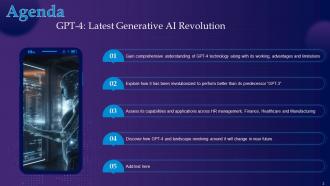
Slide 2: This slide states Agenda of the presentation.
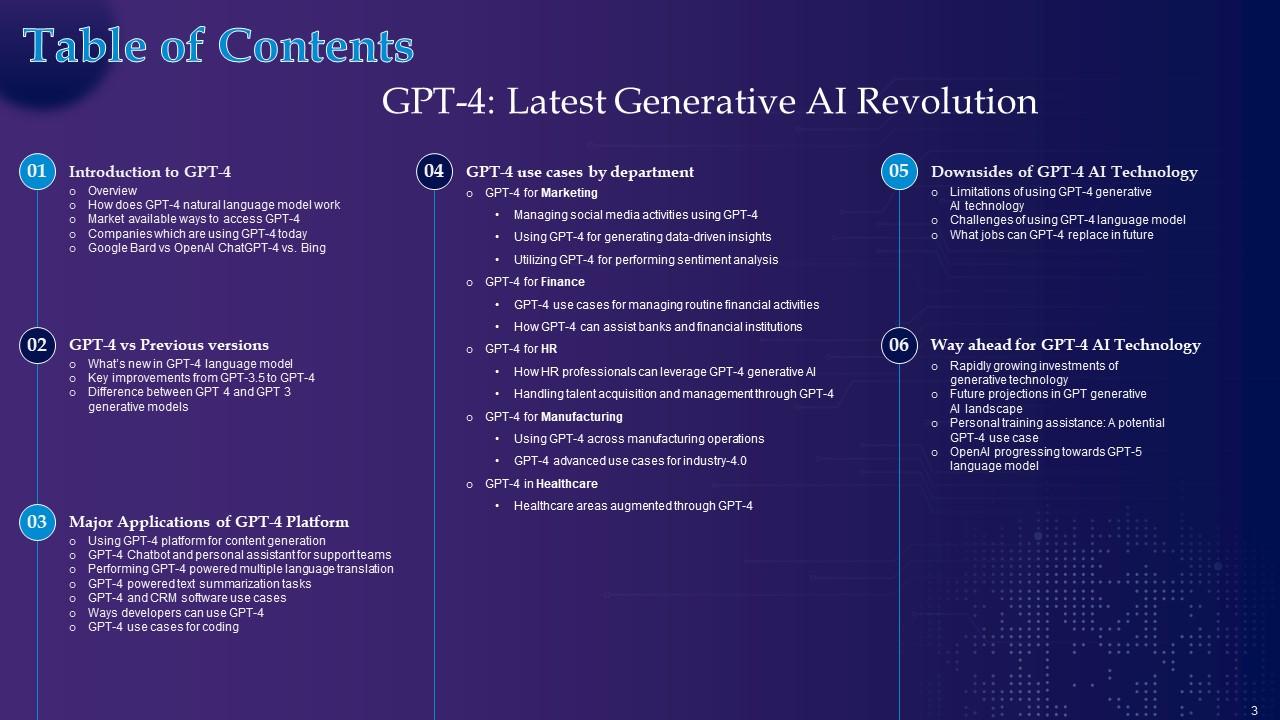
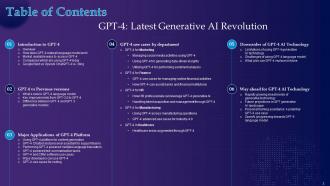
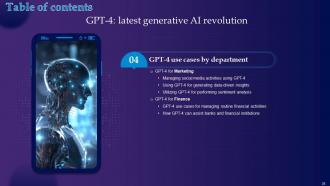
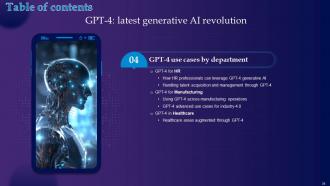
Slide 3: This slide shows Table of Content for the presentation.
Slide 4: This slide highlights title for topics that are to be covered next in the template.
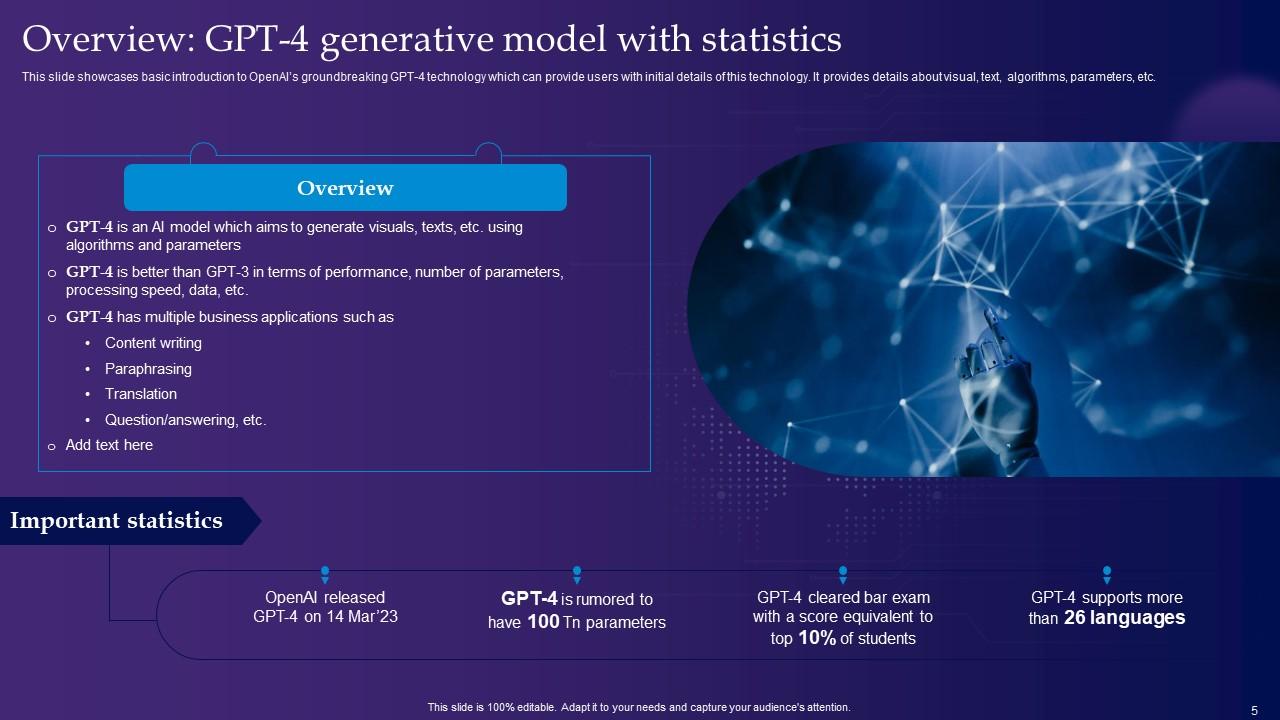
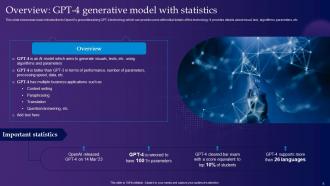
Slide 5: This slide showcases basic introduction to OpenAI’s groundbreaking GPT-4 technology.
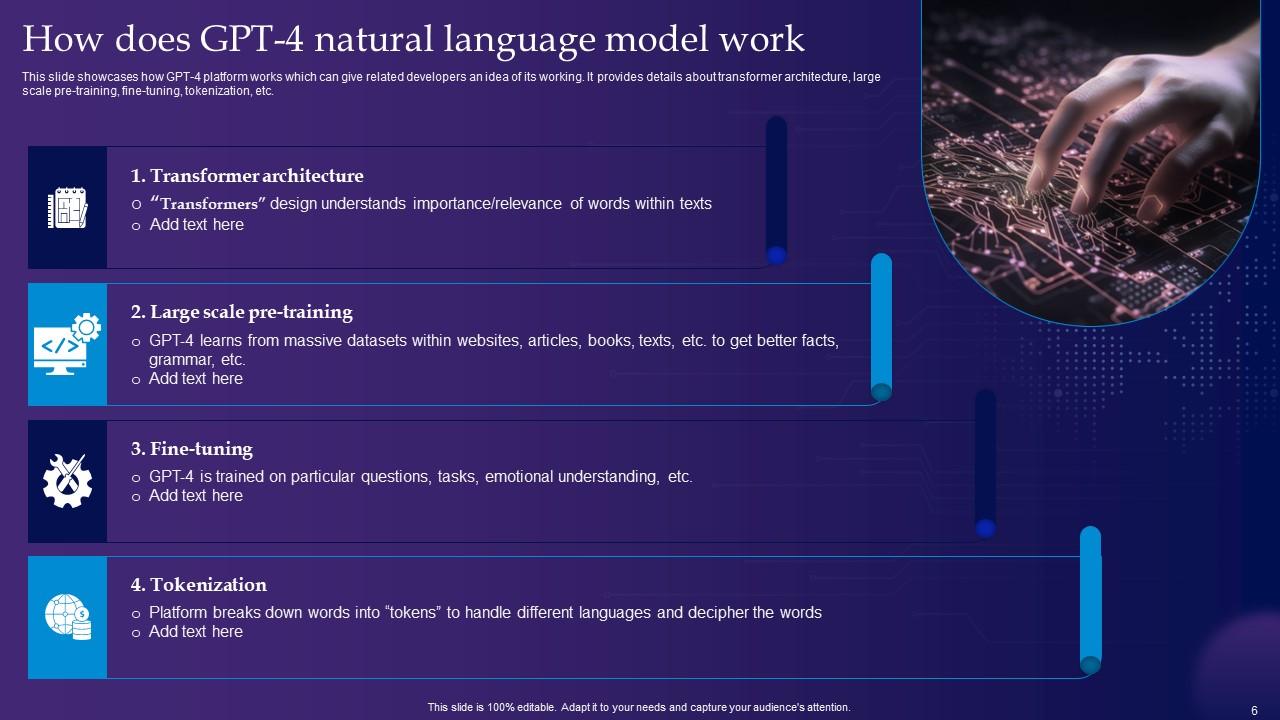
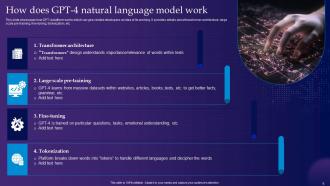
Slide 6: This slide shows How does GPT-4 natural language model work.
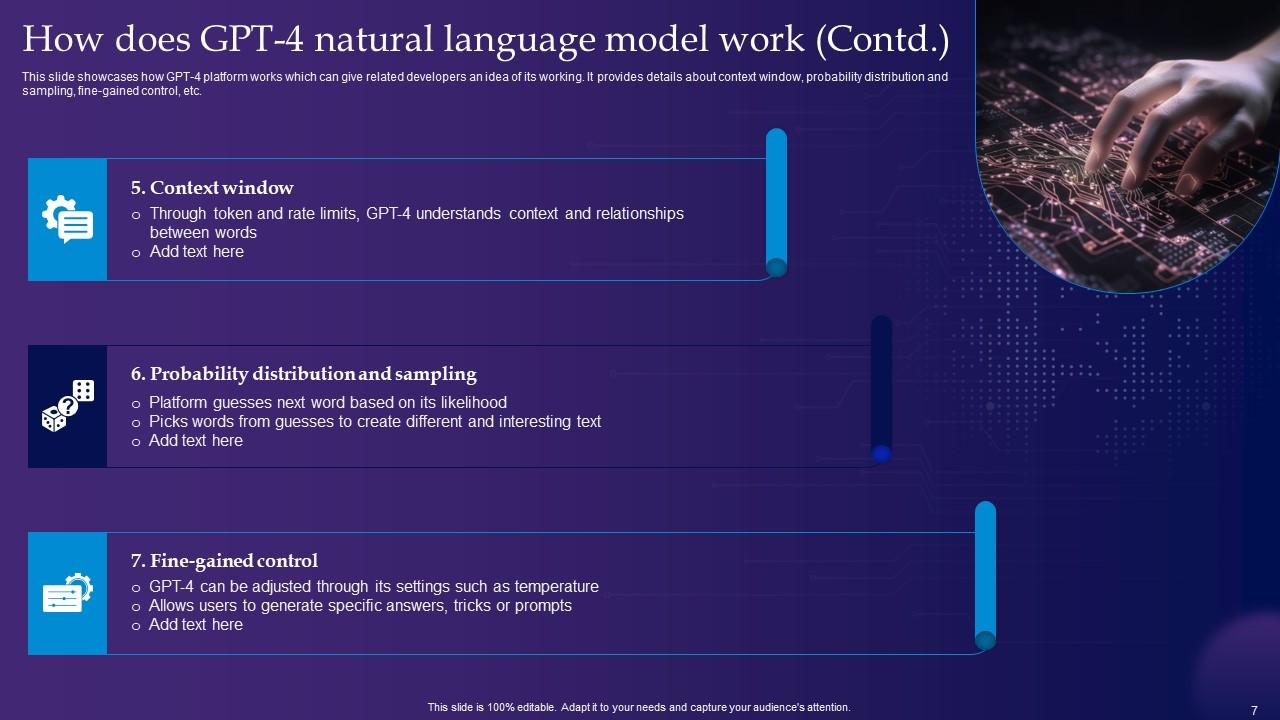
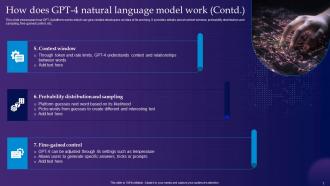
Slide 7: This is another slide continuing How does GPT-4 natural language model work.
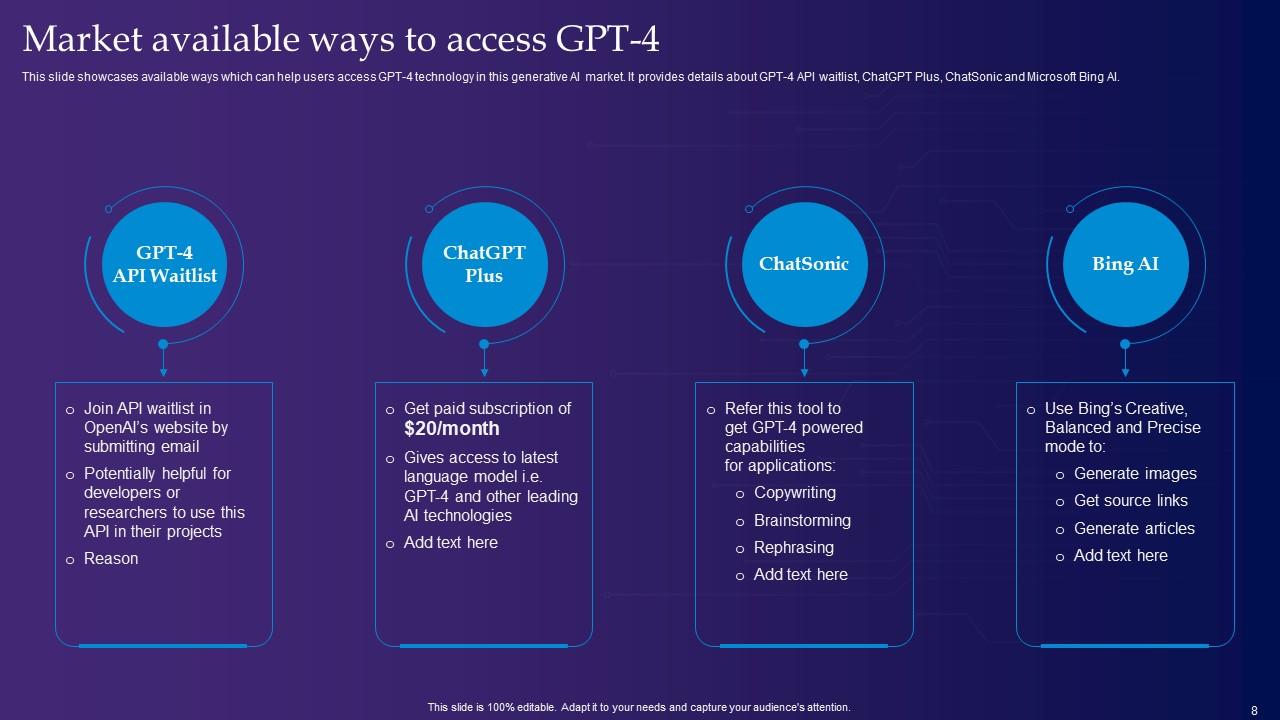
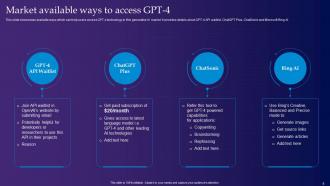
Slide 8: This slide presents Market available ways to access GPT-4.
Slide 9: This slide displays Companies which are using GPT-4 today.
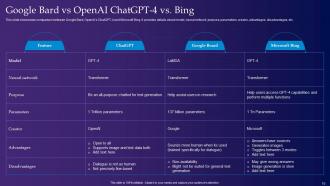
Slide 10: This slide showcases comparison between Google Bard, OpenAI’s ChatGPT-4 and Microsoft Bing.
Slide 11: This slide highlights title for topics that are to be covered next in the template.
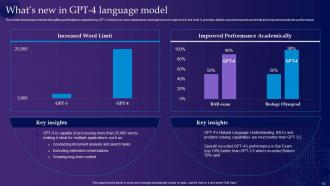
Slide 12: This slide shows What’s new in GPT-4 language model.
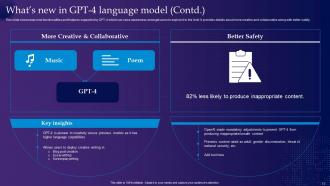
Slide 13: This is another slide continuing What’s new in GPT-4 language model.
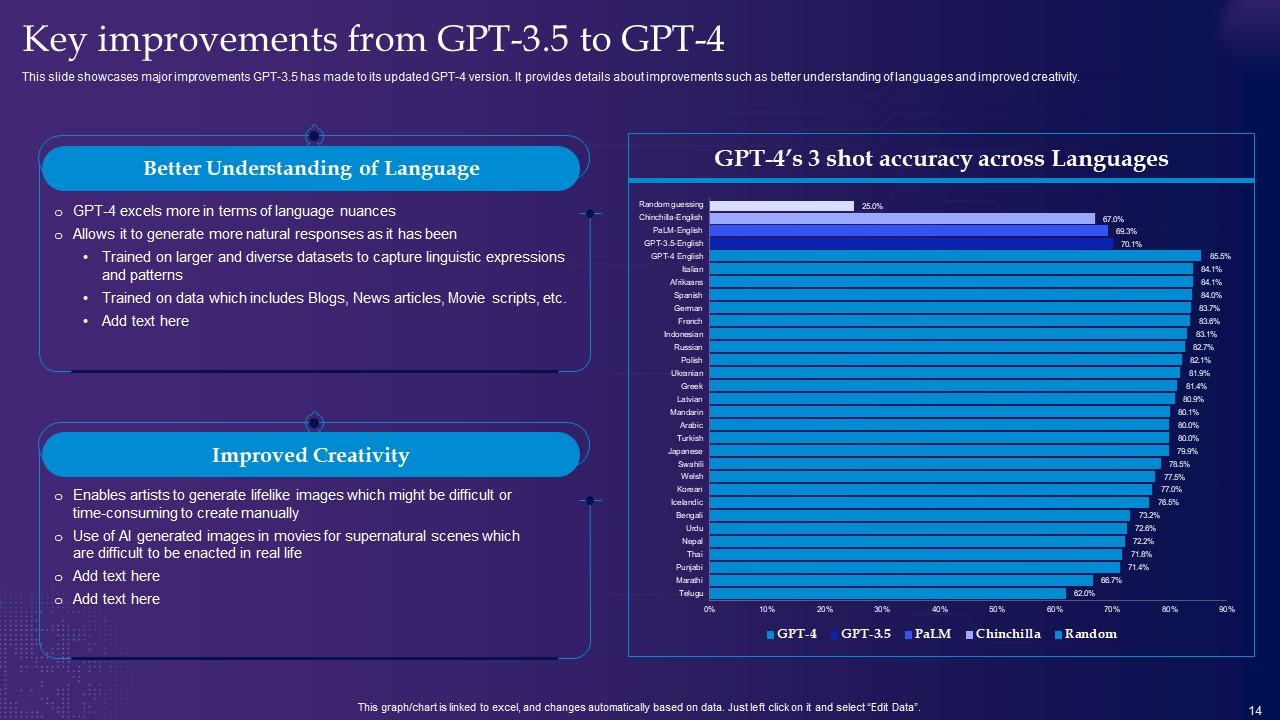
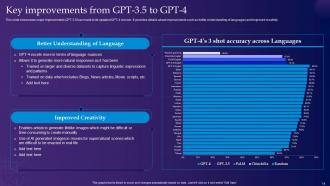
Slide 14: This slide presents Key improvements from GPT-3.5 to GPT-4.
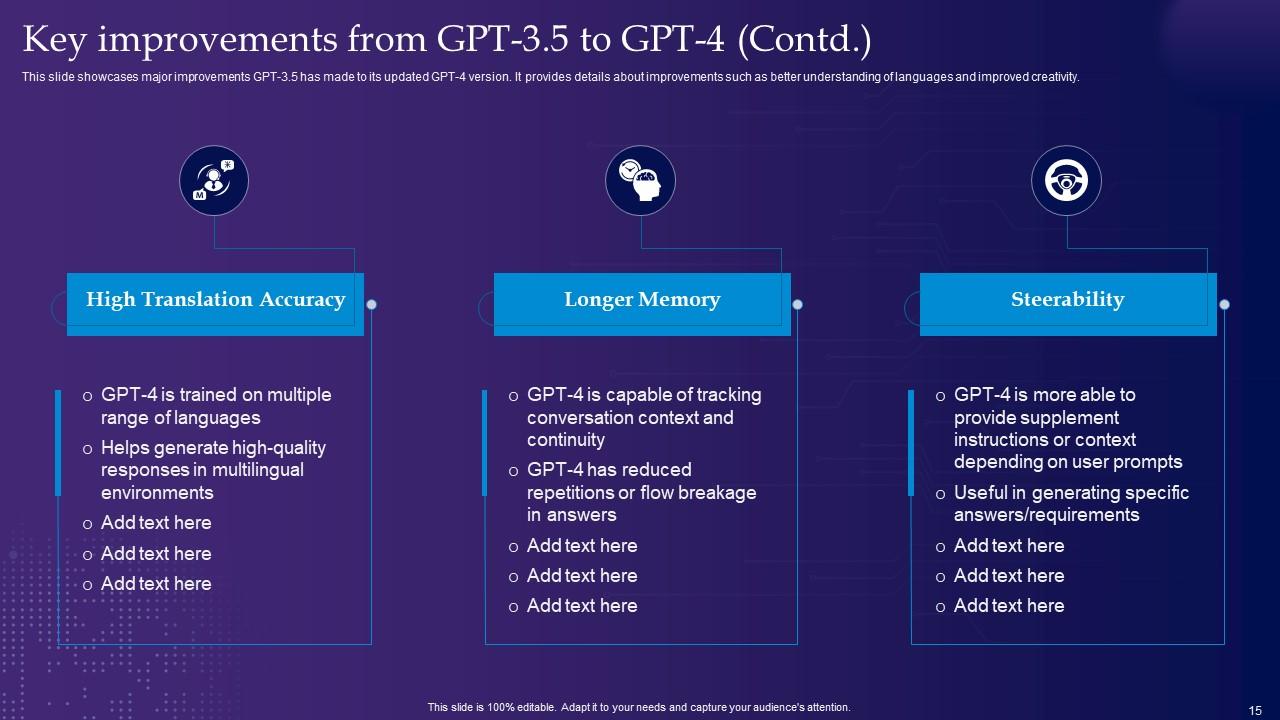
Slide 15: This is another slide continuing Key improvements from GPT-3.5 to GPT-4.
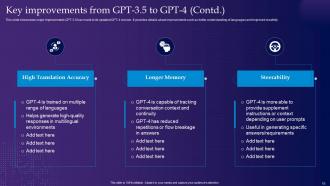
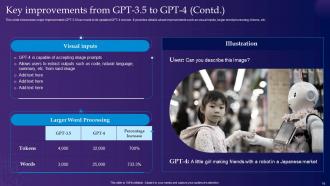
Slide 16: This is another slide continuing Key improvements from GPT-3.5 to GPT-4.
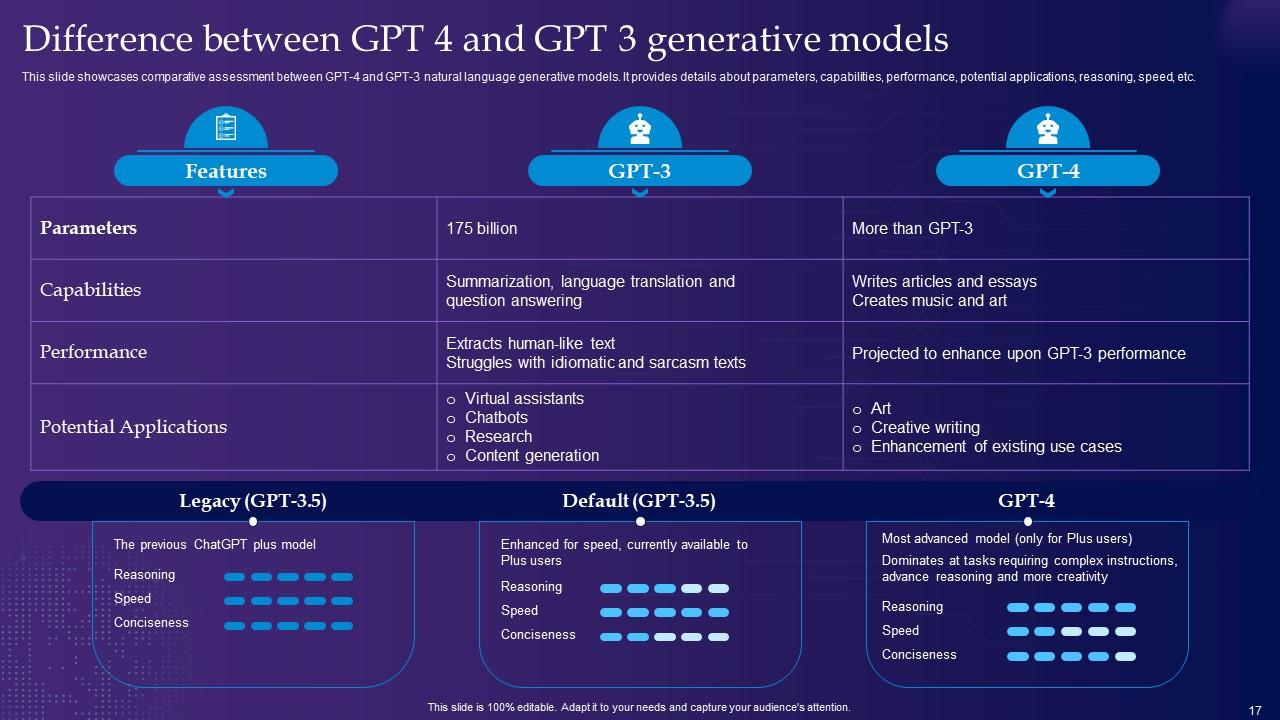
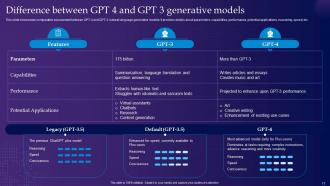
Slide 17: This slide displays Difference between GPT 4 and GPT 3 generative models.
Slide 18: This slide highlights title for topics that are to be covered next in the template.
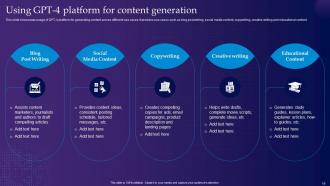
Slide 19: This slide represents Using GPT-4 platform for content generation.
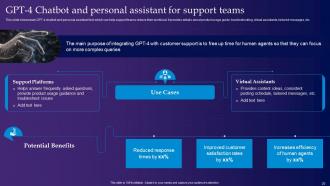
Slide 20: This slide showcases GPT-4 Chatbot and personal assistant for support teams.
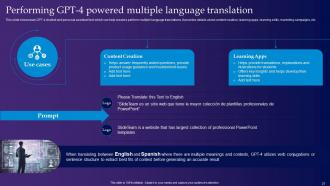
Slide 21: This slide shows Performing GPT-4 powered multiple language translation.
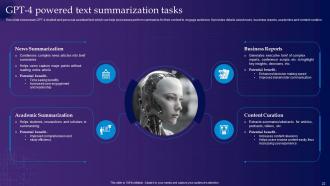
Slide 22: This slide presents GPT-4 powered text summarization tasks.
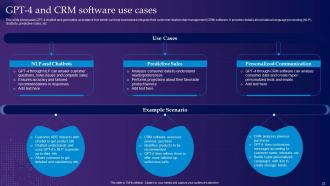
Slide 23: This slide displays GPT-4 and CRM software use cases.
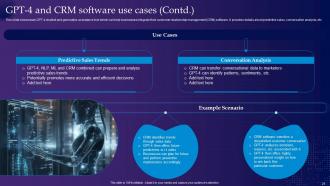
Slide 24: This is another slide continuing GPT-4 and CRM software use cases.
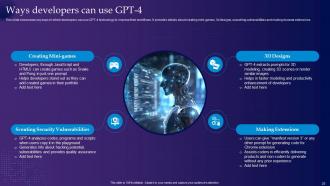
Slide 25: This slide represents Ways developers can use GPT-4.
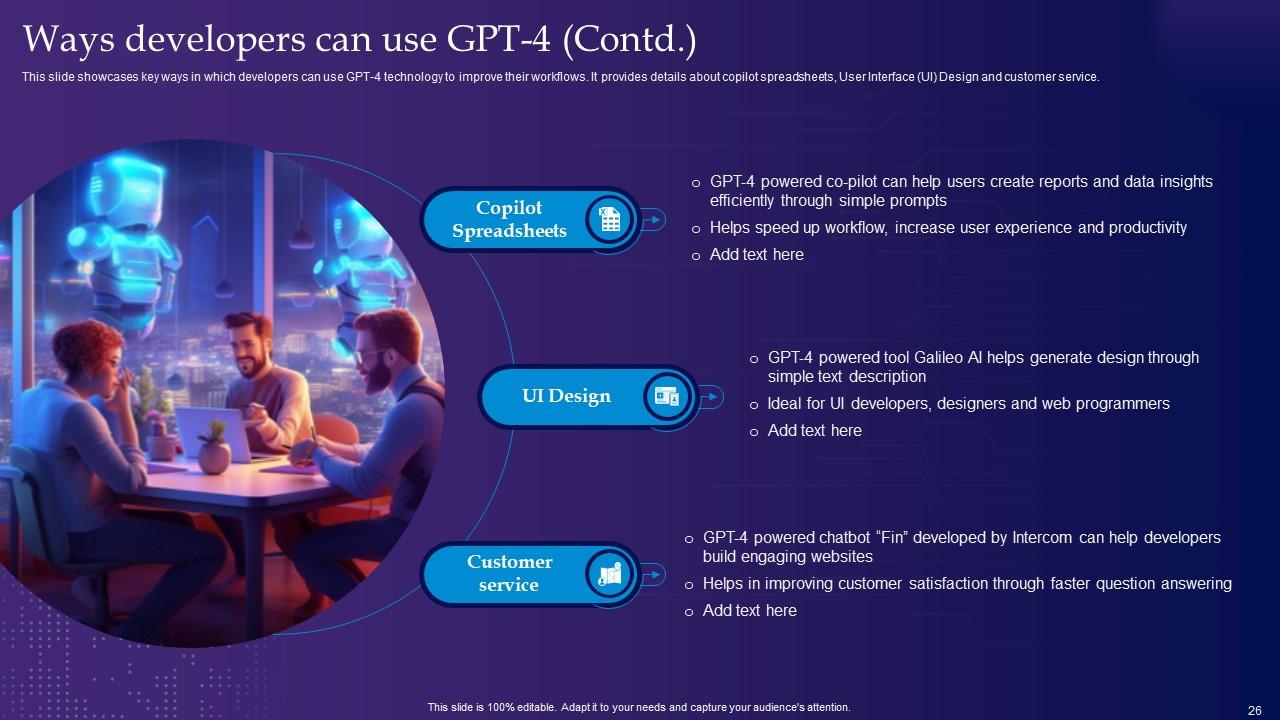
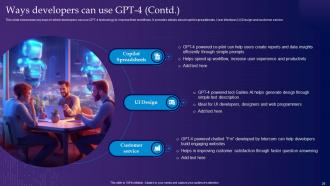
Slide 26: This is another slide continuing Ways developers can use GPT-4.
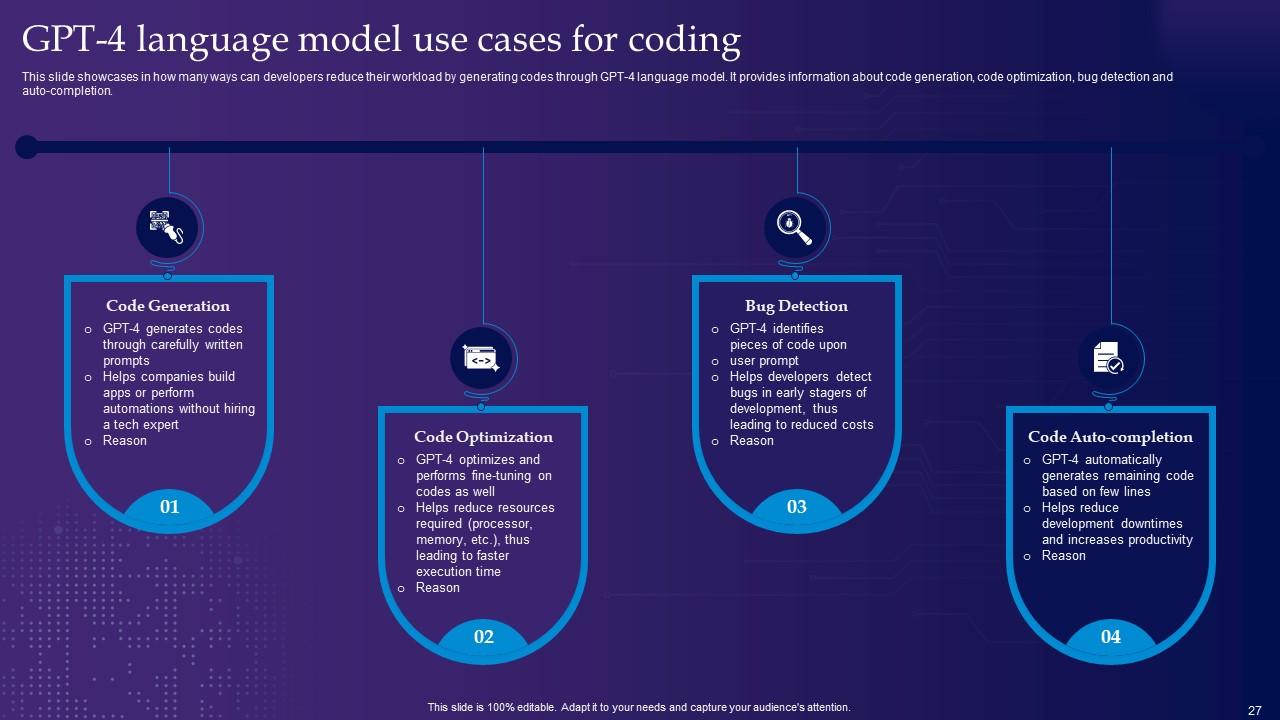
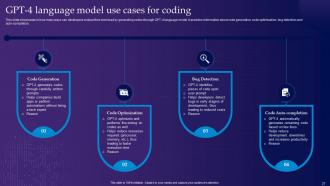
Slide 27: This slide showcases GPT-4 language model use cases for coding.
Slide 28: This slide highlights title for topics that are to be covered next in the template.
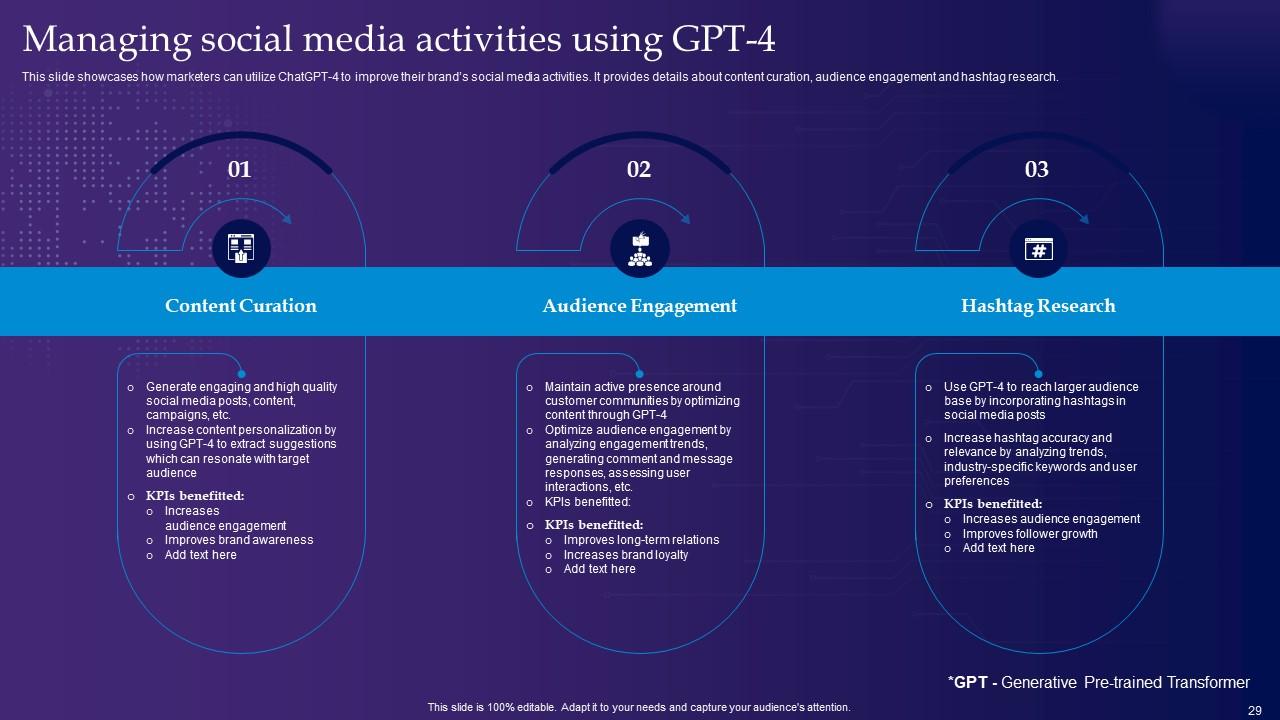
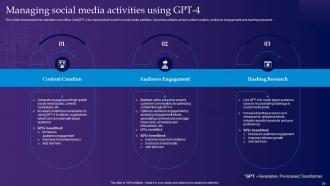
Slide 29: This slide shows Managing social media activities using GPT-4.
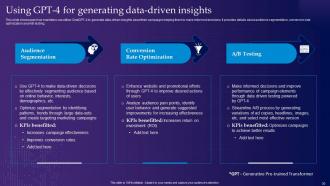
Slide 30: This slide presents Using GPT-4 for generating data-driven insights.
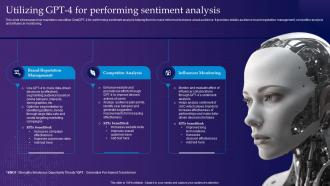
Slide 31: This slide displays Utilizing GPT-4 for performing sentiment analysis.
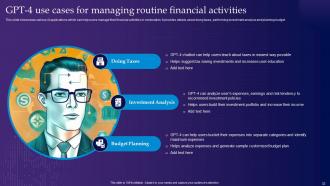
Slide 32: This slide represents GPT-4 use cases for managing routine financial activities.
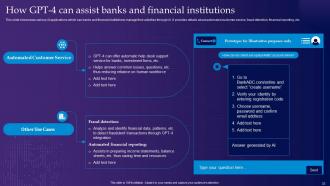
Slide 33: This slide showcases How GPT-4 can assist banks and financial institutions.
Slide 34: This slide highlights title for topics that are to be covered next in the template.
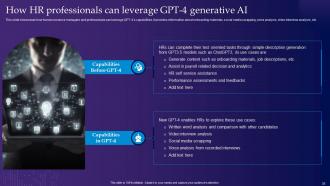
Slide 35: This slide shows How HR professionals can leverage GPT-4 generative AI.
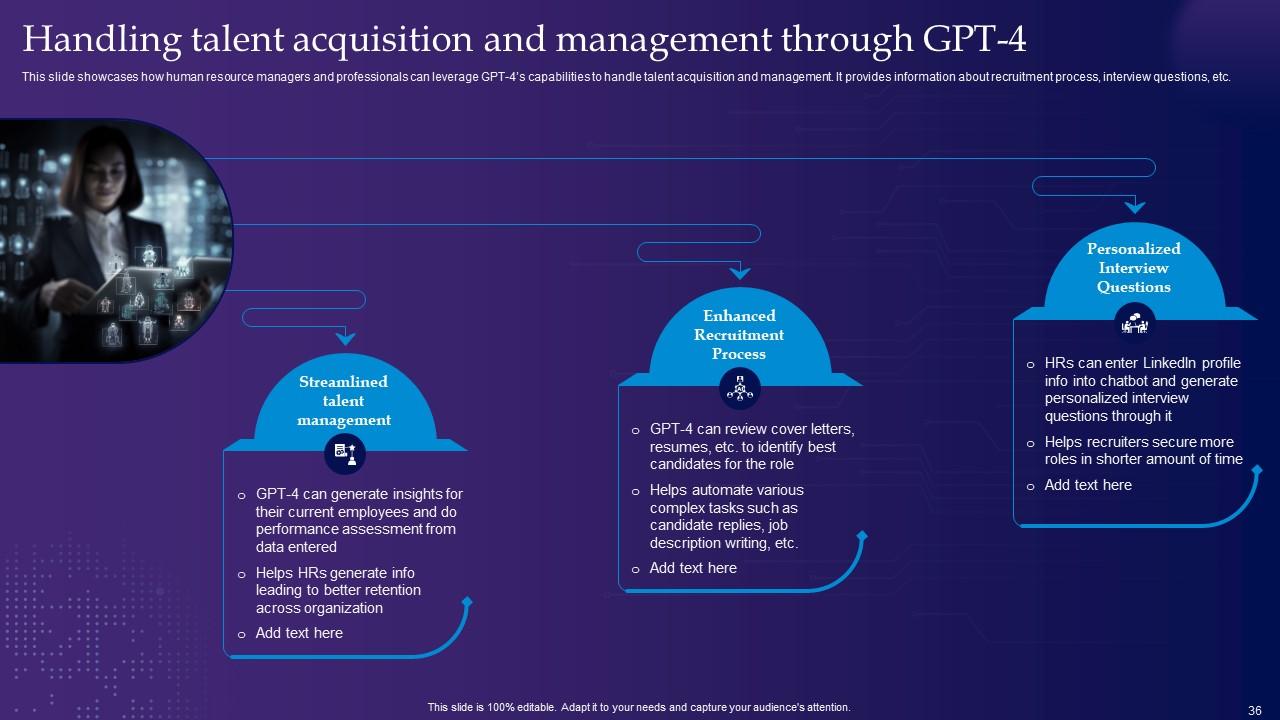
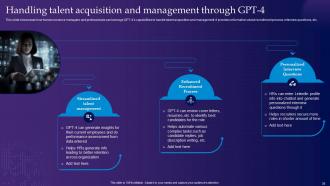
Slide 36: This slide presents Handling talent acquisition and management through GPT-4.
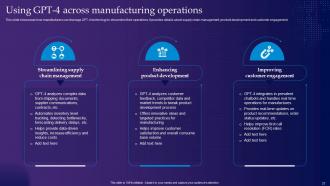
Slide 37: This slide displays Using GPT-4 across manufacturing operations.
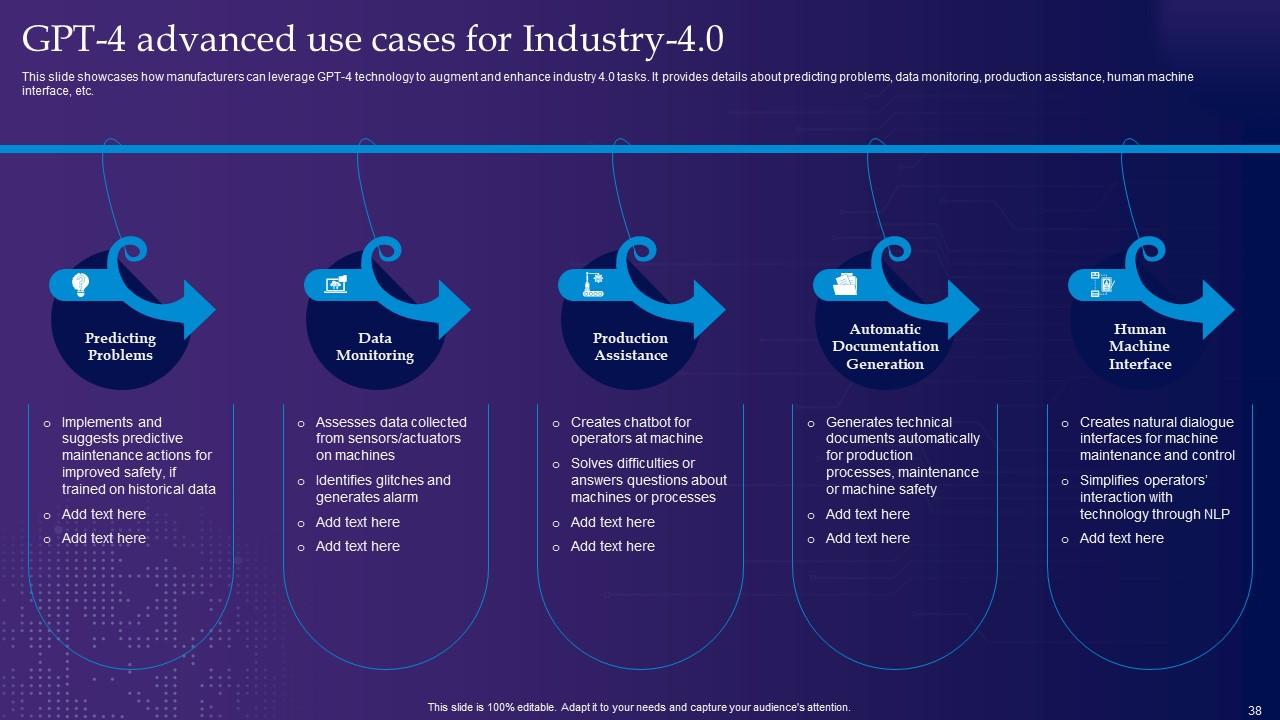
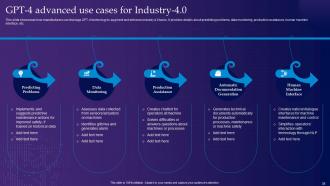
Slide 38: This slide represents GPT-4 advanced use cases for Industry-4.0.
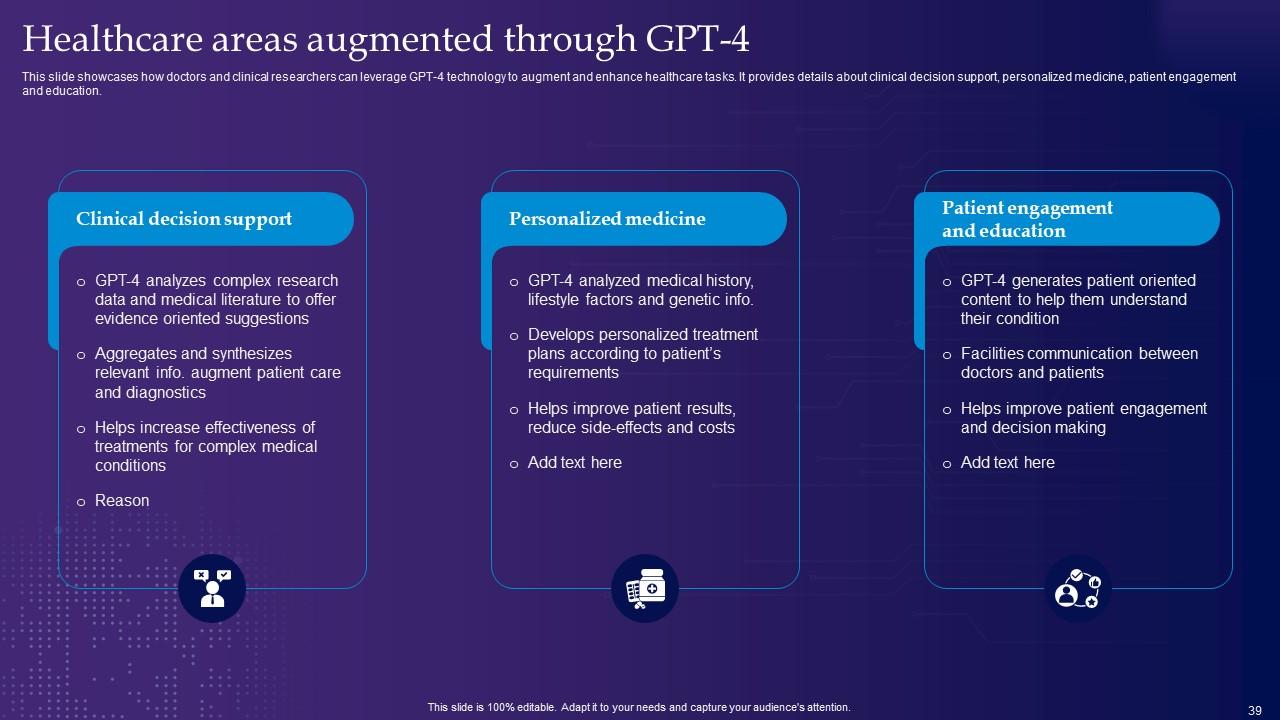
Slide 39: This slide showcases Healthcare areas augmented through GPT-4.
Slide 40: This slide highlights title for topics that are to be covered next in the template.
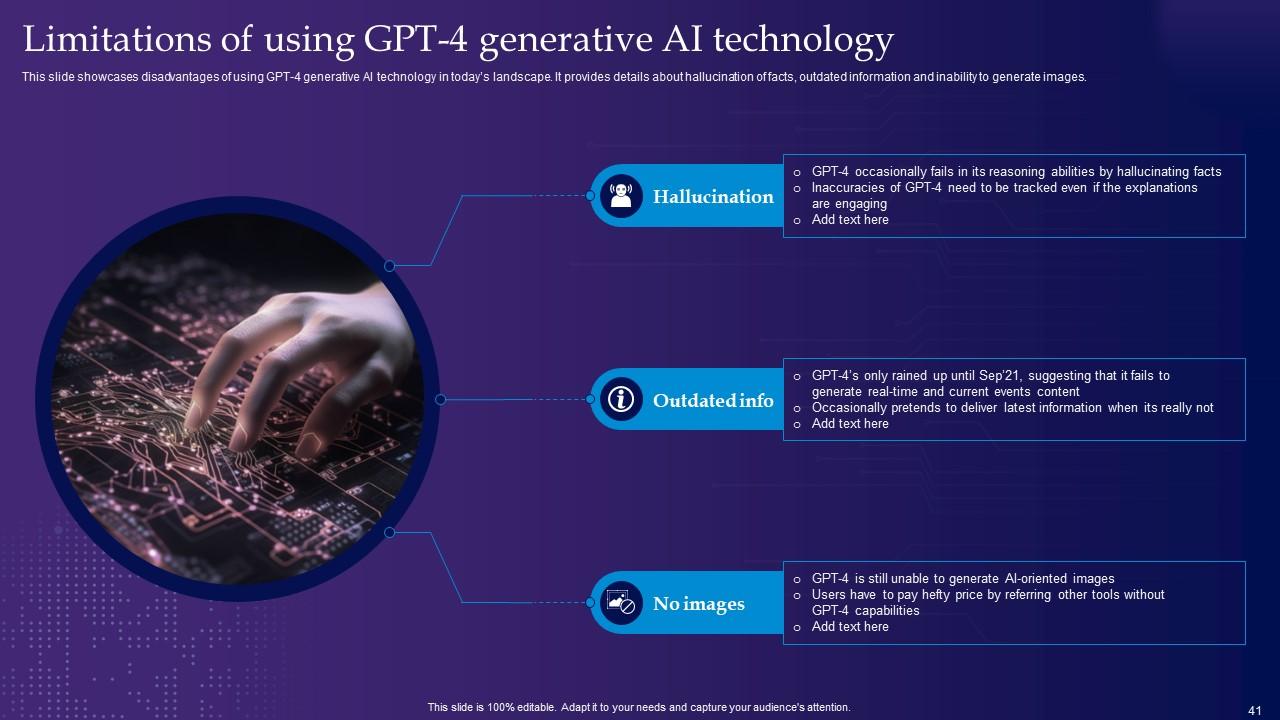
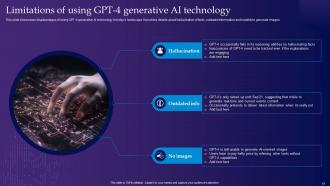
Slide 41: This slide shows Limitations of using GPT-4 generative AI technology.
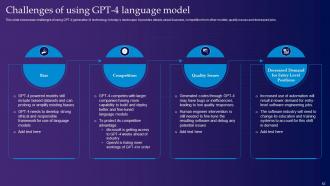
Slide 42: This slide presents Challenges of using GPT-4 language model.
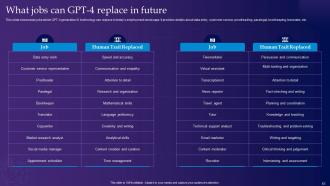
Slide 43: This slide displays What jobs can GPT-4 replace in future.
Slide 44: This slide highlights title for topics that are to be covered next in the template.
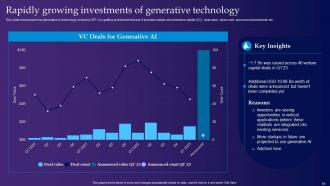
Slide 45: This slide represents Rapidly growing investments of generative technology.
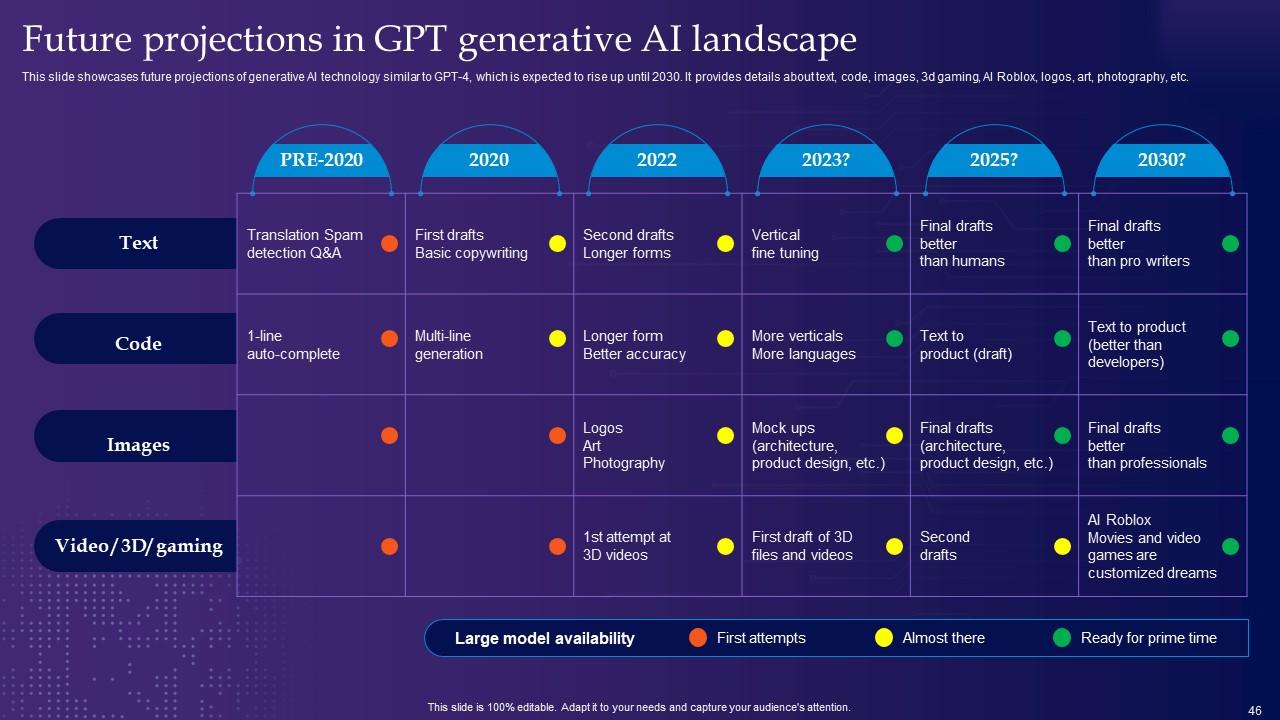
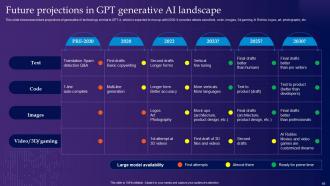
Slide 46: This slide showcases Future projections in GPT generative AI landscape.
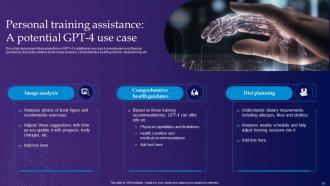
Slide 47: This slide shows Personal training assistance: A potential GPT-4 use case.
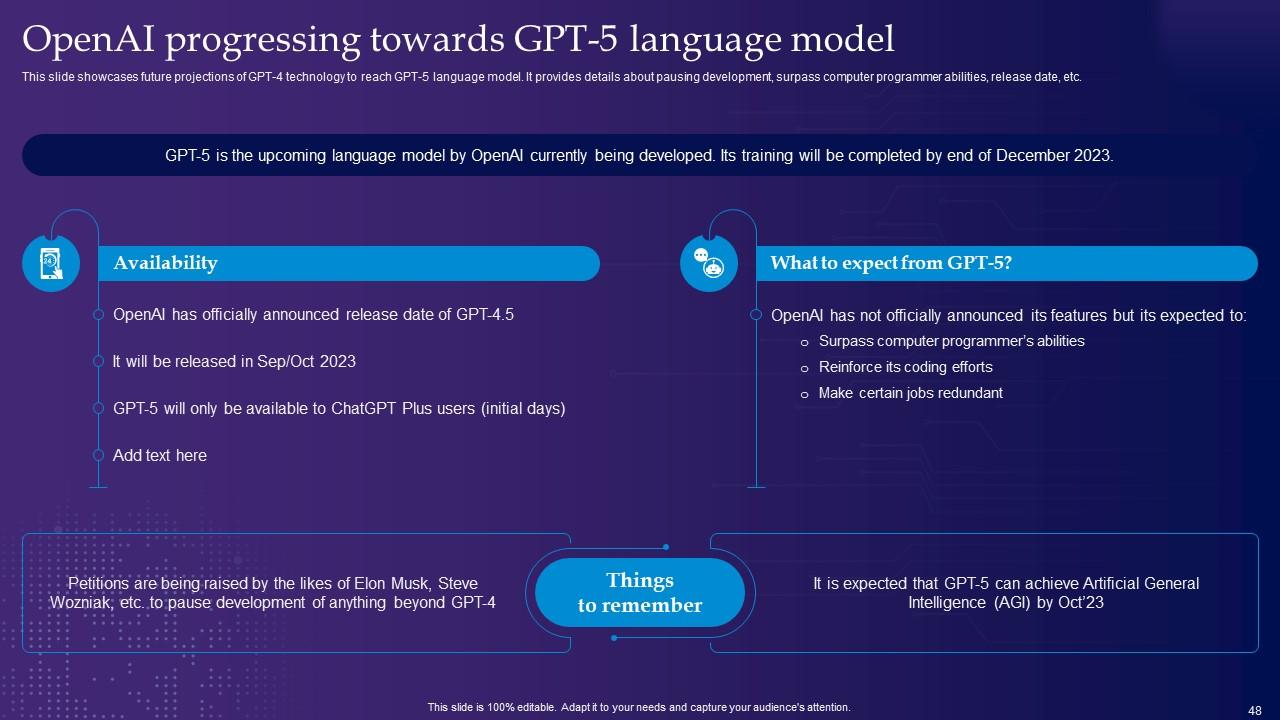
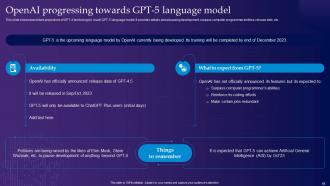
Slide 48: This slide presents OpenAI progressing towards GPT-5 language model.
Slide 49: This slide contains all the icons used in this presentation.
Slide 50: This slide is titled as Additional Slides for moving forward.
Slide 51: This is Our Mission slide with related imagery and text.
Slide 52: This is an Idea Generation slide to state a new idea or highlight information, specifications etc.
Slide 53: This slide depicts Venn diagram with text boxes.
Slide 54: This slide contains Puzzle with related icons and text.
Slide 55: This slide provides 30 60 90 Days Plan with text boxes.
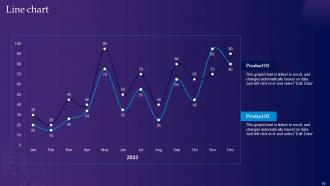
Slide 56: This slide describes Line chart with two products comparison.
Slide 57: This is a Timeline slide. Show data related to time intervals here.
Slide 58: This is a Thank You slide with address, contact numbers and email address.
GPT 4 Latest Generative AI Revolution Powerpoint Presentation Slides ChatGPT CD with all 63 slides:
Use our GPT 4 Latest Generative AI Revolution Powerpoint Presentation Slides ChatGPT CD to effectively help you save your valuable time. They are readymade to fit into any presentation structure.
-
SlideTeam just saved my project! Thank you so much. The variety of templates helped me showcase multiple perspectives easily.
-
Content of slide is easy to understand and edit.
