


How To Use OpenAI API In Business Powerpoint Presentation Slides ChatGPT CD
OpenAIs API Application Programming Interface is a cloud platform that offers industry-best ML model access to developers. Here is a competently designed How to use OpenAI API in business PowerPoint Presentation. This AI PPT slideshow offers brief information about OpenAI, including executive summary, significant milestones, notable projects, and funding raised. Additionally, Beta OpenAI API PPT template also showers light on basic introduction of APIs, their benefits, trends and why AI-based APIs are becoming increasingly popular. Furthermore, ChatGPT OpenAI Presentation consists of slides that can help companies gain knowledge about concepts, opportunities, challenges, and models associated with OpenAI API such as CLIP, Whisper, Jukebox, and Point-E. Moreover, OpenAPI Key PPT presentation also includes details about ChatGPT API with its access information, capabilities, alternatives, integration tips, etc. Lastly, ChatGPT API PPT slides offer guidance to users for DALL-E API along with OpenAI API business applications such as text generation, chat completion, and speech-to-text, etc. Get your hands on this invaluable PowerPoint presentation now.
OpenAIs API Application Programming Interface is a cloud platform that offers industry-best ML model access to developers. ..





















-

- Google Slides is a new FREE Presentation software from Google.
- All our content is 100% compatible with Google Slides.
- Just download our designs, and upload them to Google Slides and they will work automatically.
- Amaze your audience with SlideTeam and Google Slides.
-

Want Changes to This PPT Slide? Check out our Presentation Design Services
-

- WideScreen Aspect ratio is becoming a very popular format. When you download this product, the downloaded ZIP will contain this product in both standard and widescreen format.
-

- Some older products that we have may only be in standard format, but they can easily be converted to widescreen.
- To do this, please open the SlideTeam product in Powerpoint, and go to
- Design ( On the top bar) -> Page Setup -> and select "On-screen Show (16:9)” in the drop down for "Slides Sized for".
- The slide or theme will change to widescreen, and all graphics will adjust automatically. You can similarly convert our content to any other desired screen aspect ratio.
Compatible With Google Slides

Get This In WideScreen
You must be logged in to download this presentation.


Do you want to remove this product from your favourites?
PowerPoint presentation slides
Deliver an informational PPT on various topics by using this How To Use OpenAI API In Business Powerpoint Presentation Slides ChatGPT CD. This deck focuses and implements best industry practices, thus providing a birds-eye view of the topic. Encompassed with sixty three slides, designed using high-quality visuals and graphics, this deck is a complete package to use and download. All the slides offered in this deck are subjective to innumerable alterations, thus making you a pro at delivering and educating. You can modify the color of the graphics, background, or anything else as per your needs and requirements. It suits every business vertical because of its adaptable layout.

People who downloaded this PowerPoint presentation also viewed the following :
Content of this Powerpoint Presentation
Slide 1: This slide introduces How to use OpenAI API in Business. State your company name and begin.
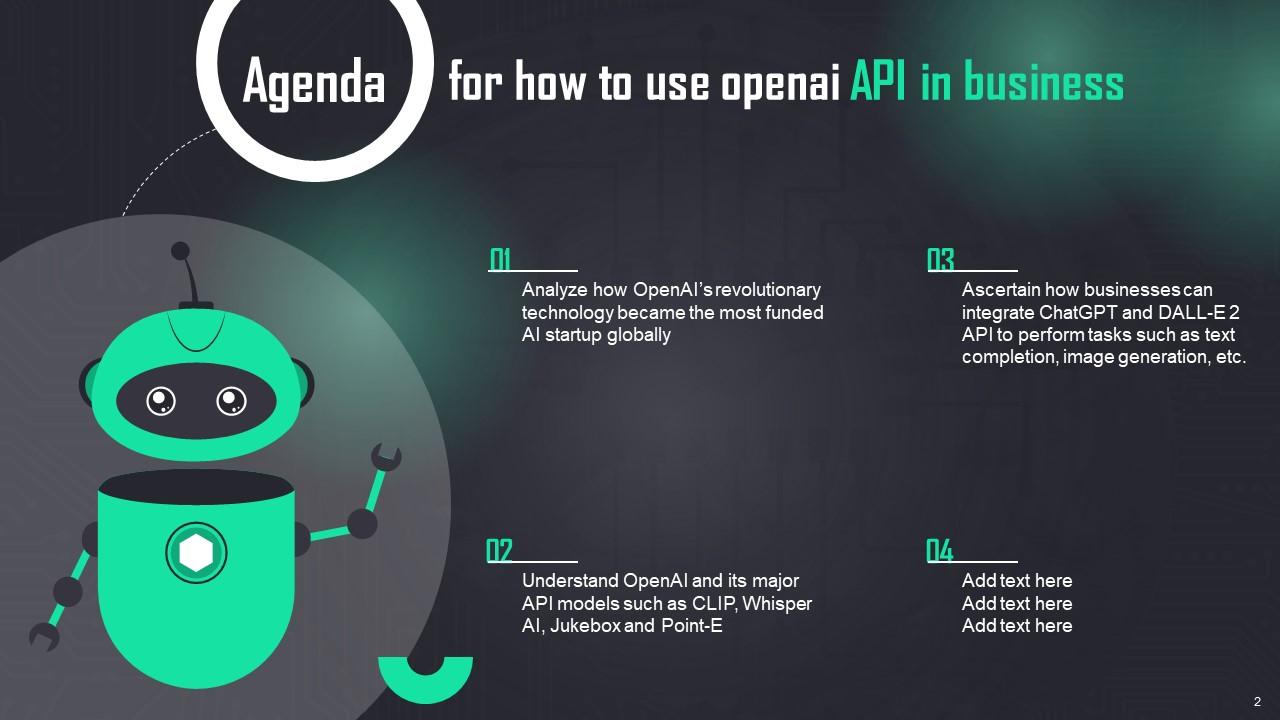
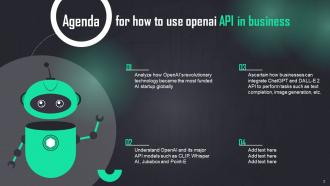
Slide 2: This slide states Agenda of the presentation.
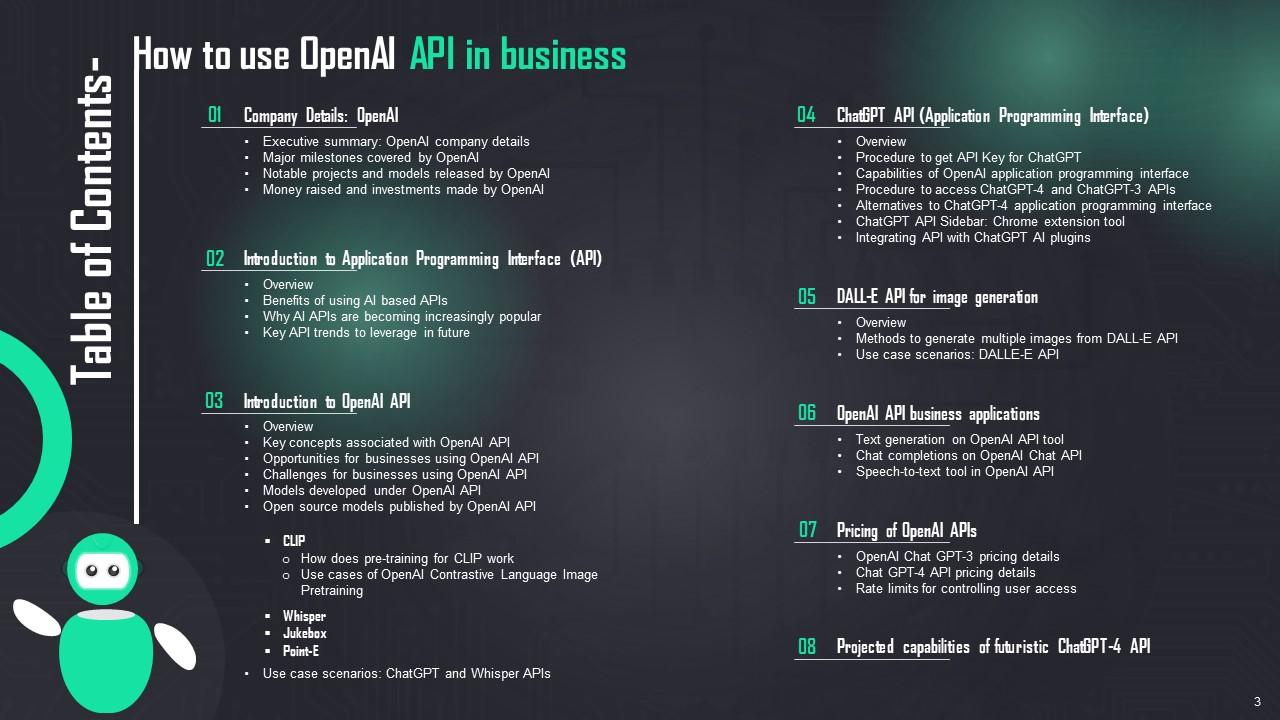
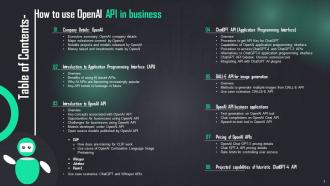
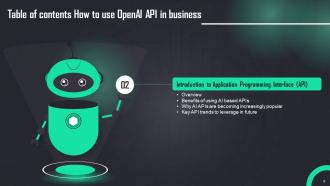
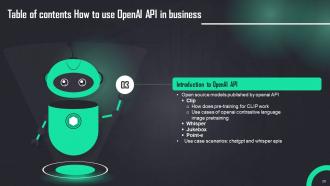
Slide 3: This slide shows Table of Content for the presentation.
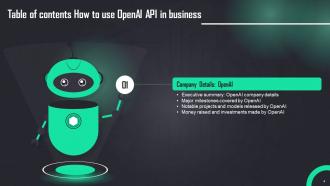
Slide 4: This slide highlights title for topics that are to be covered next in the template.
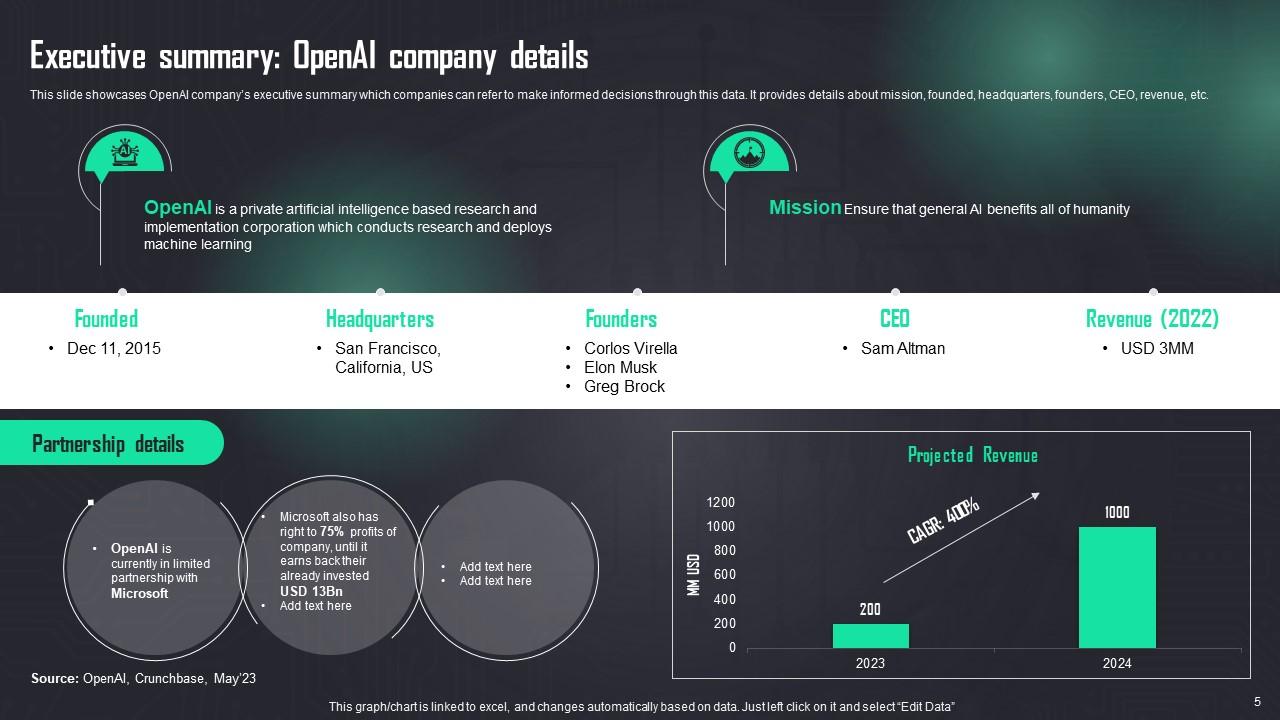
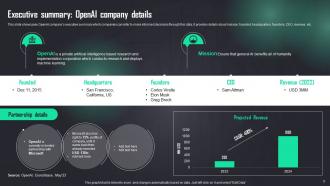
Slide 5: This slide showcases OpenAI company’s executive summary which companies can refer to make informed decisions through this data.
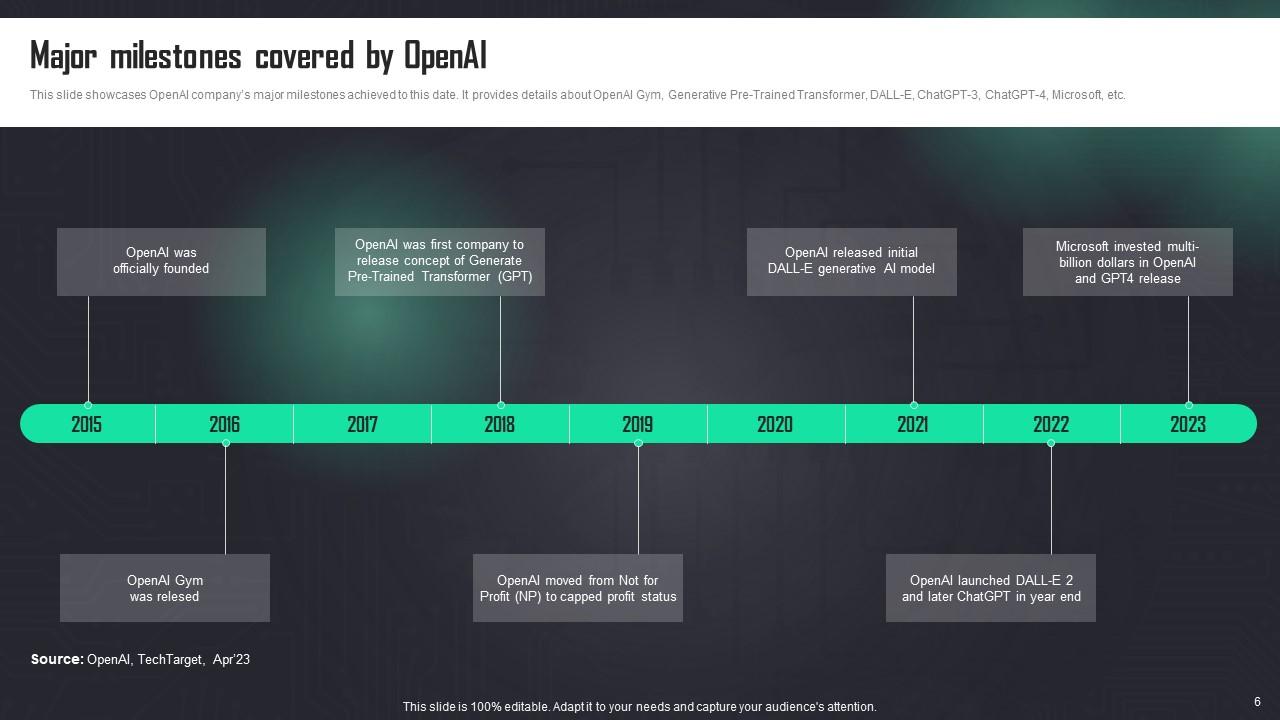
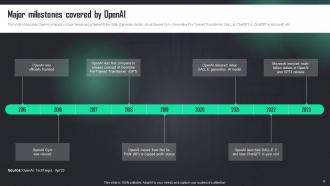
Slide 6: This slide displays OpenAI company’s major milestones achieved to this date.
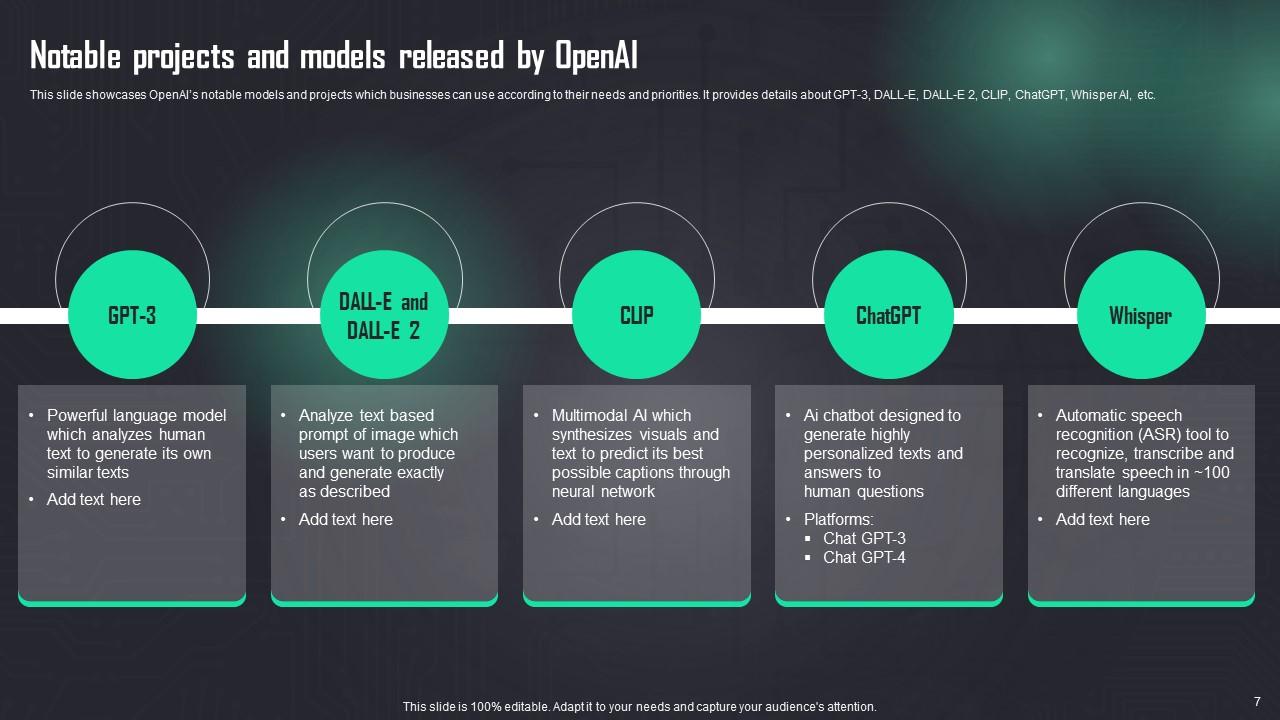
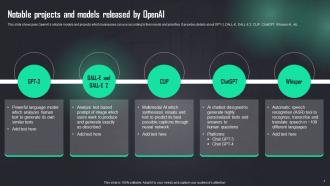
Slide 7: This slide describes OpenAI’s notable models and projects which businesses can use according to their needs and priorities.
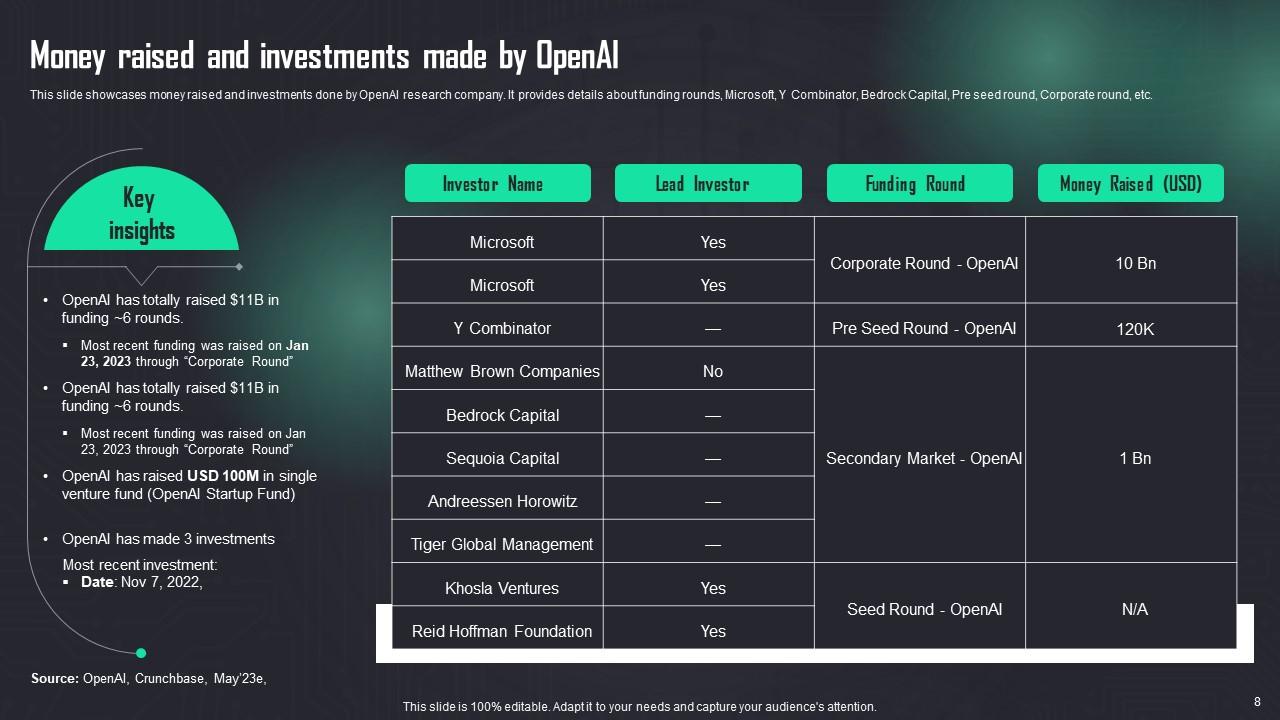
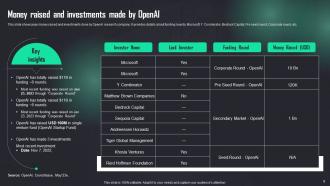
Slide 8: This slide displays money raised and investments done by OpenAI research company.
Slide 9: This slide shows title for topics that are to be covered next in the template.
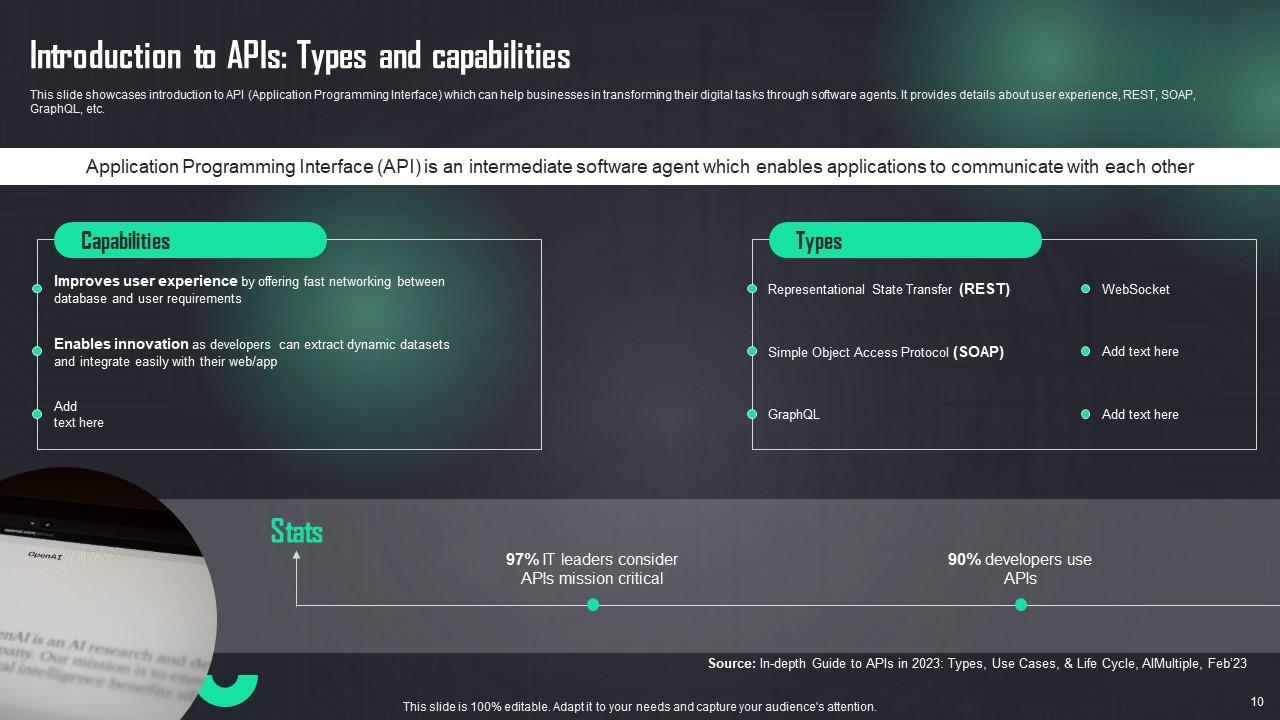
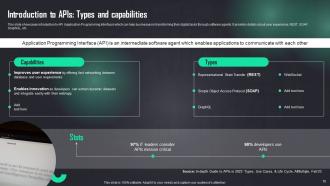
Slide 10: This slide presents introduction to API (Application Programming Interface) which can help businesses in transforming their digital tasks through software agents.
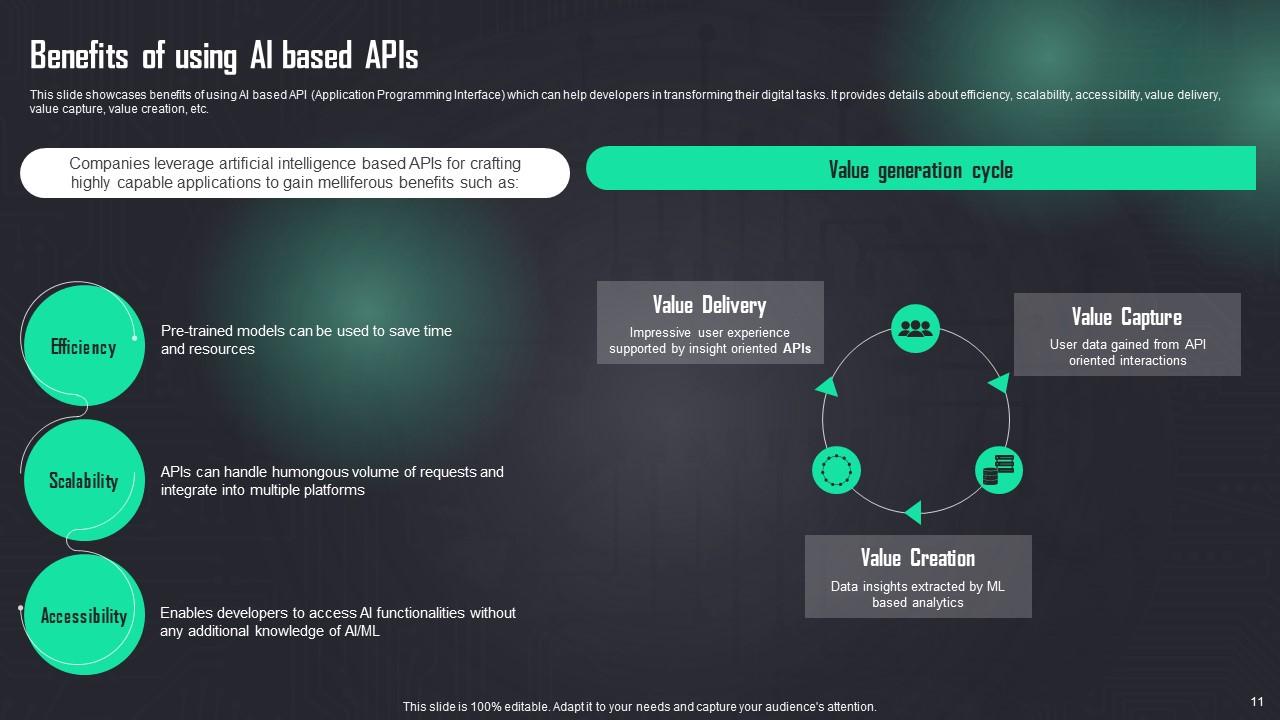
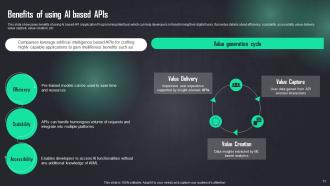
Slide 11: This slide describes benefits of using AI based API (Application Programming Interface) which can help developers in transforming their digital tasks.
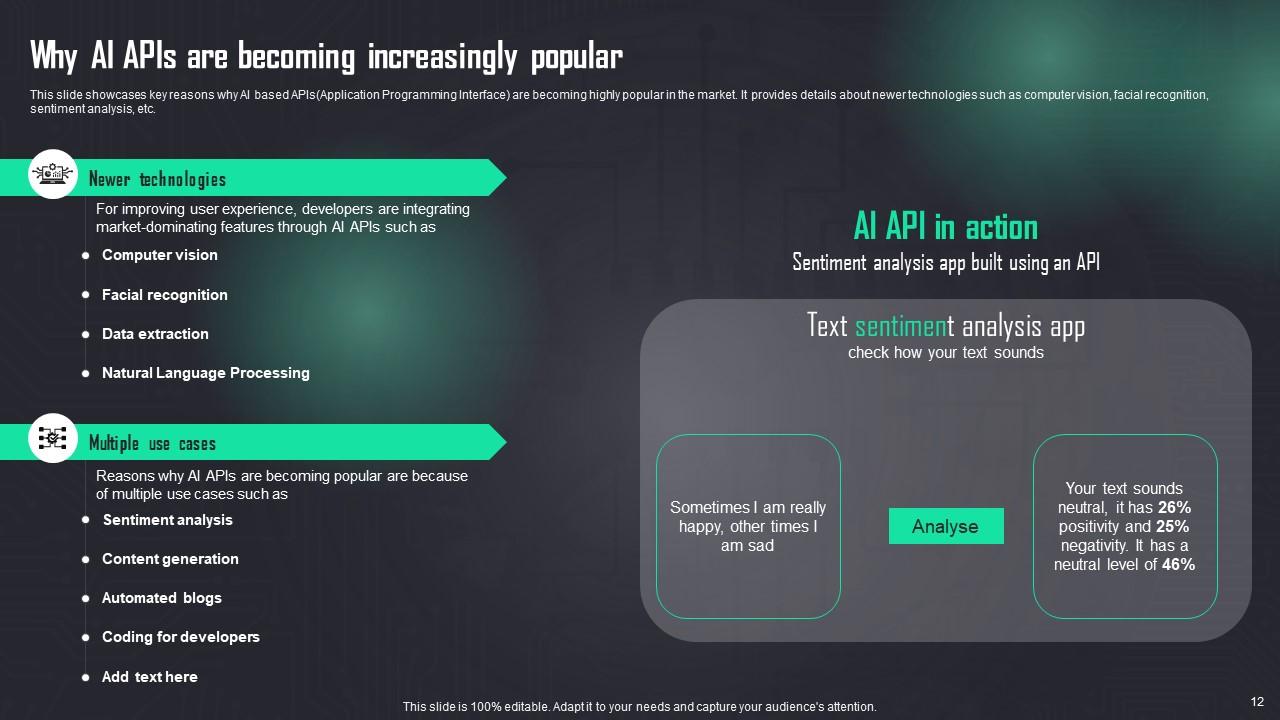
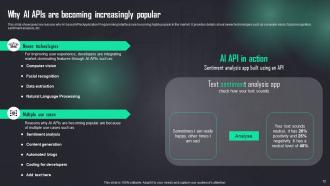
Slide 12: This slide presents key reasons why AI based APIs(Application Programming Interface) are becoming highly popular in the market.
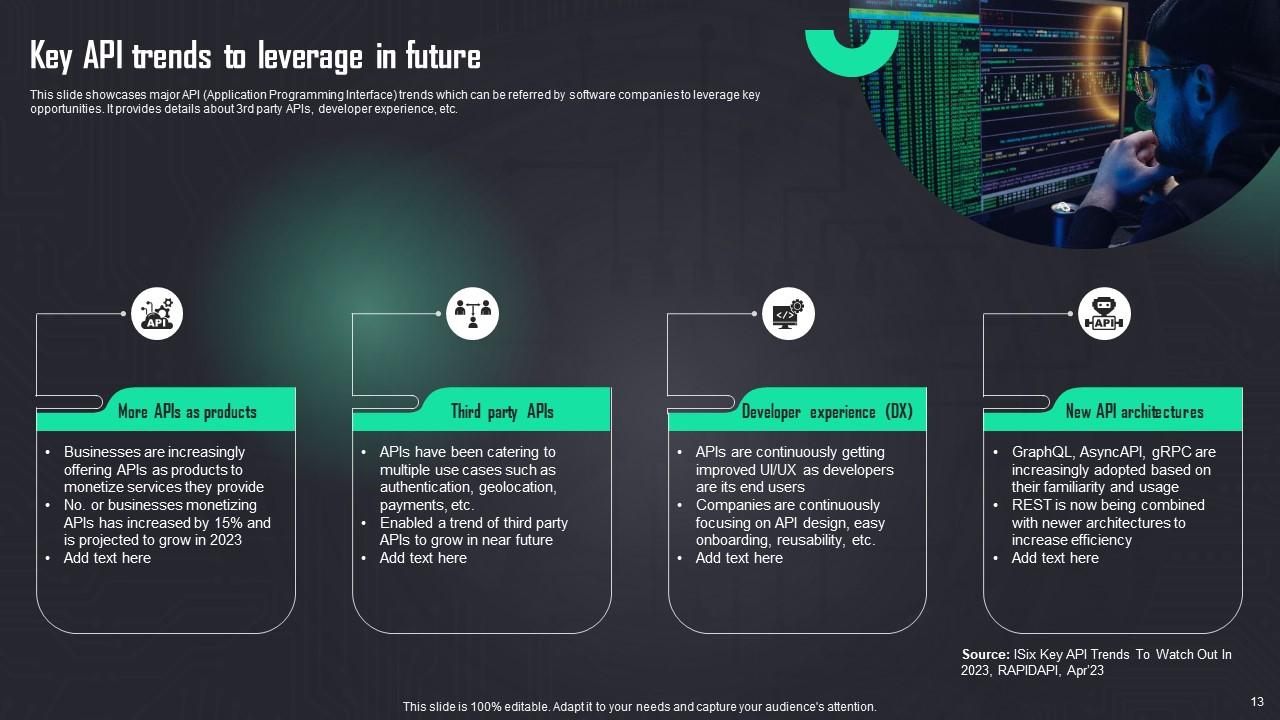
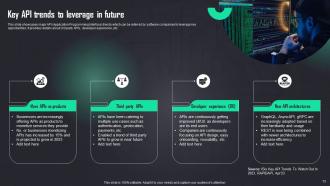
Slide 13: This slide displays major API (Application Programming Interface) trends which can be referred by software companies to leverage key opportunities.
Slide 14: This slide shows title for topics that are to be covered next in the template.
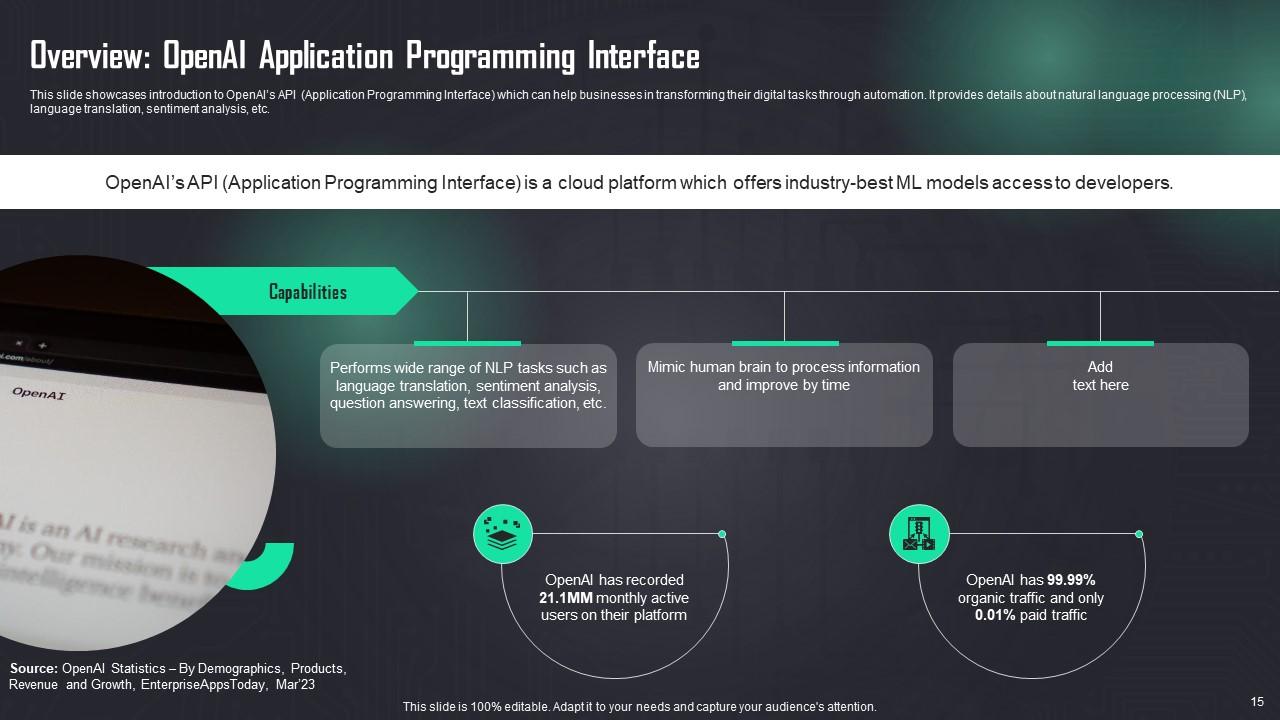
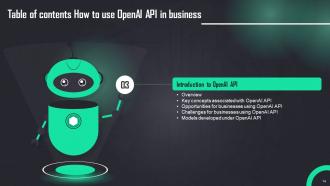
Slide 15: This slide presents introduction to OpenAI’s API (Application Programming Interface) which can help businesses in transforming their digital tasks through automation.
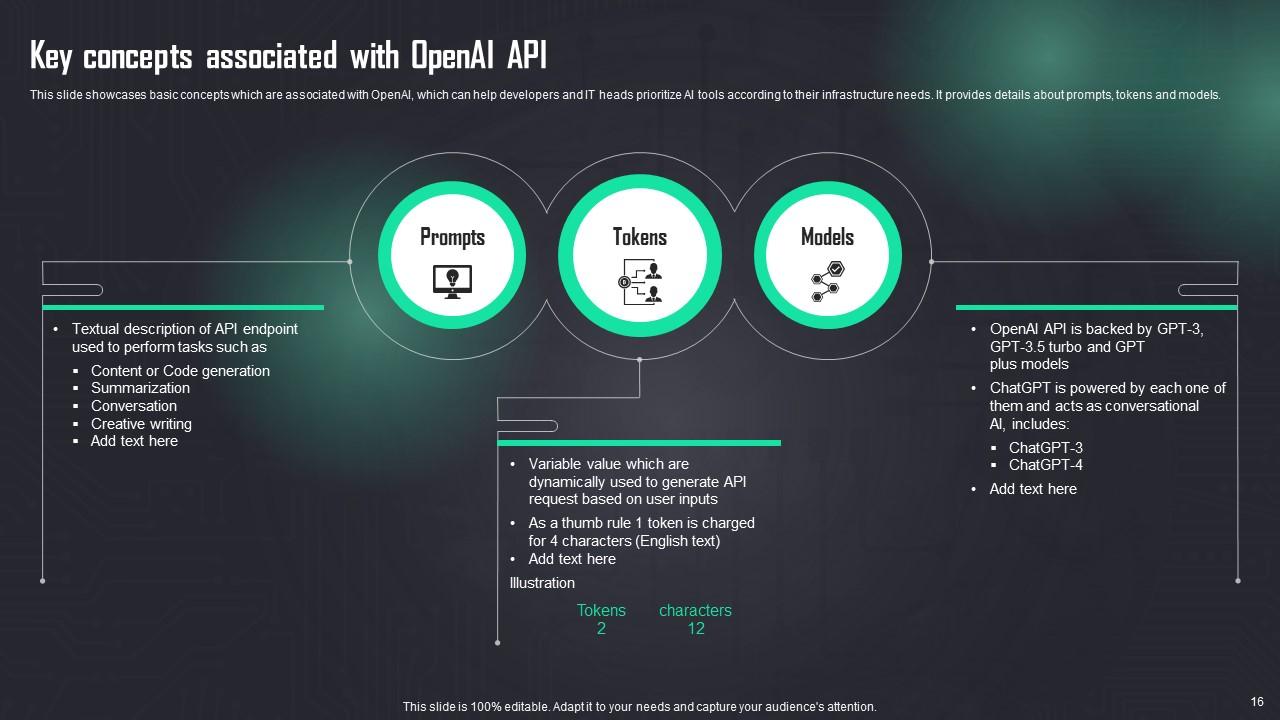
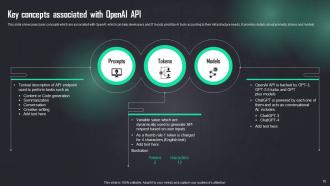
Slide 16: This slide contains basic concepts which are associated with OpenAI.
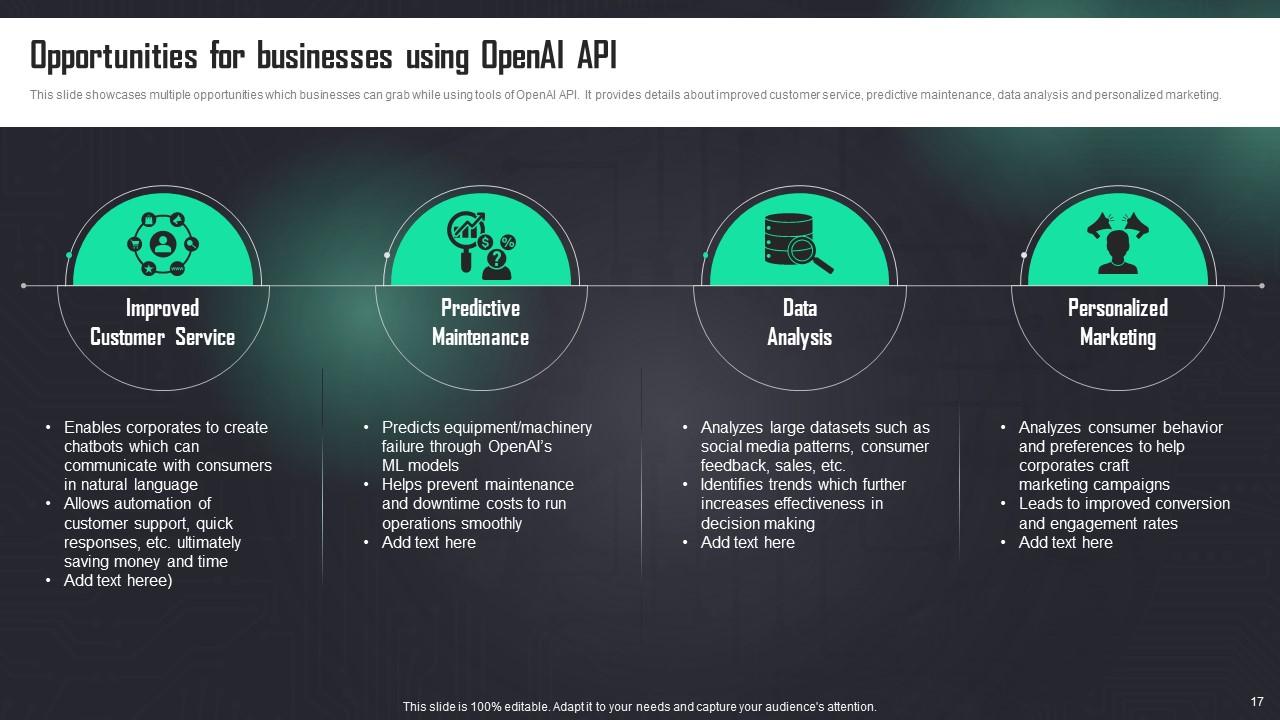
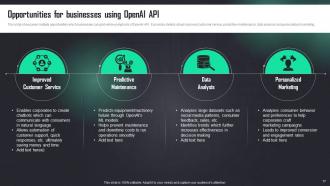
Slide 17: This slide presents multiple opportunities which businesses can grab while using tools of OpenAI API.
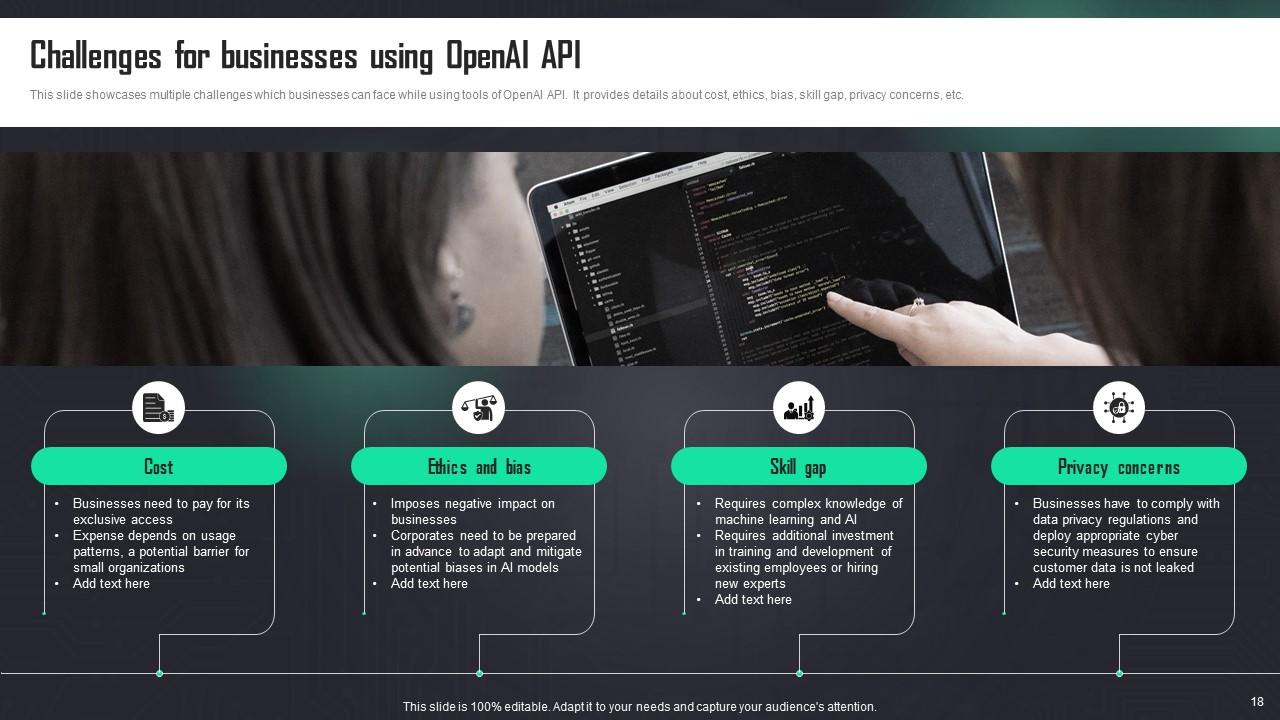
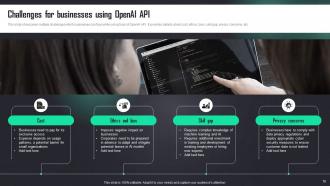
Slide 18: This slide describes multiple challenges which businesses can face while using tools of OpenAI API.
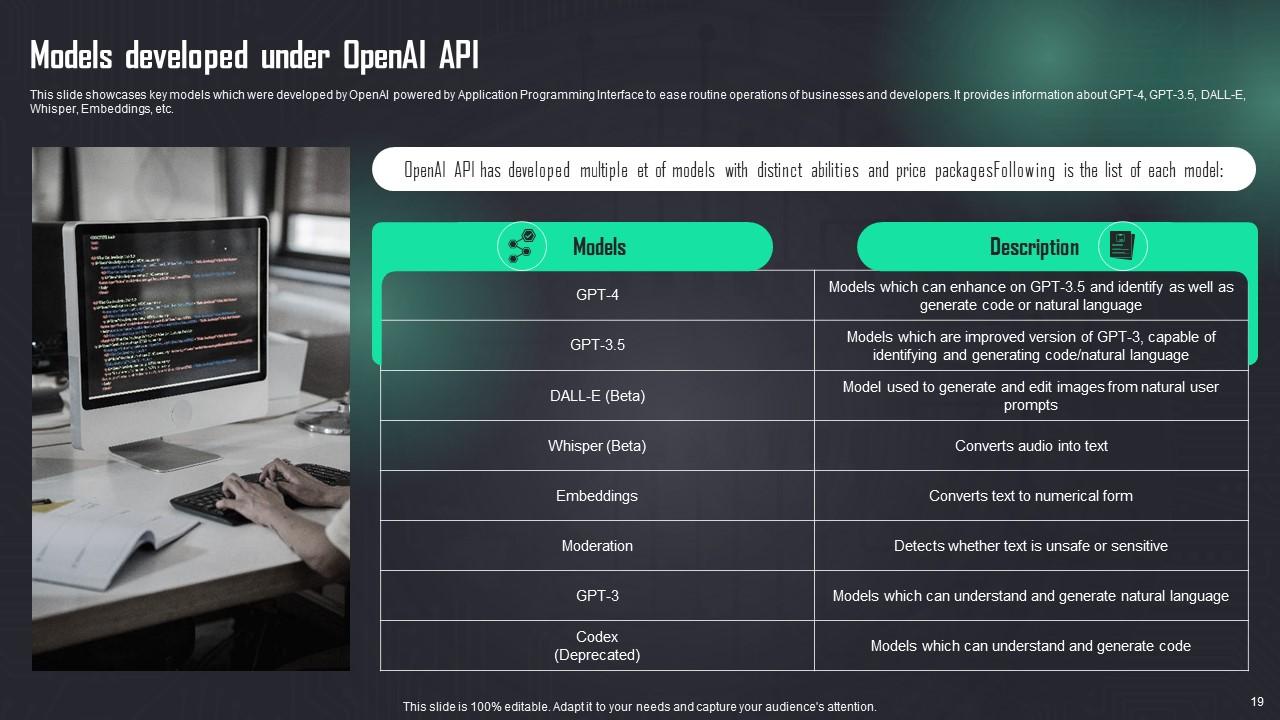
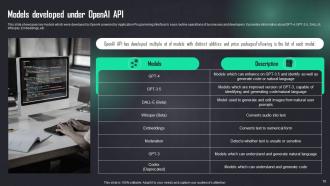
Slide 19: This slide showcases key models which were developed by OpenAI powered by Application Programming Interface to ease routine operations of businesses and developers.
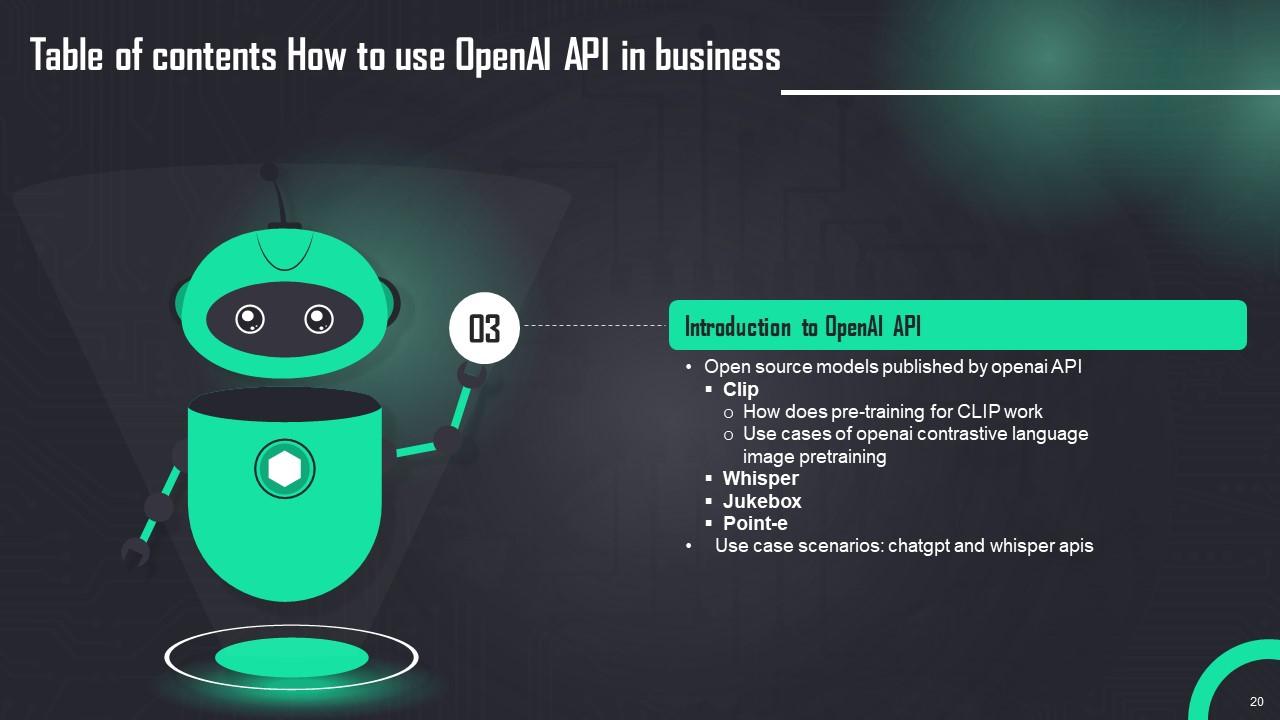
Slide 20: This slide shows title for topics that are to be covered next in the template.
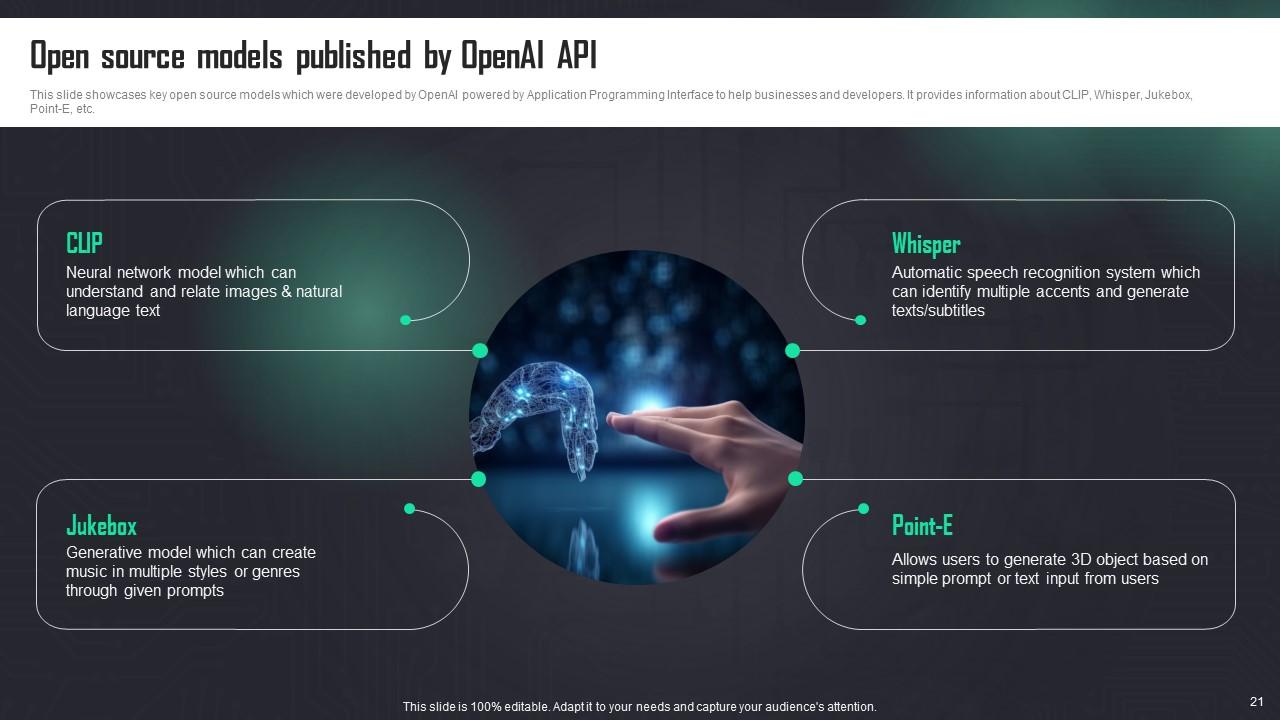
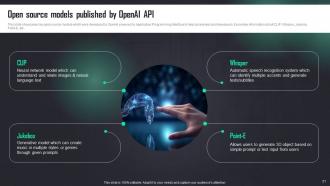
Slide 21: This slide presents key open source models which were developed by OpenAI powered by Application Programming Interface to help businesses and developers.
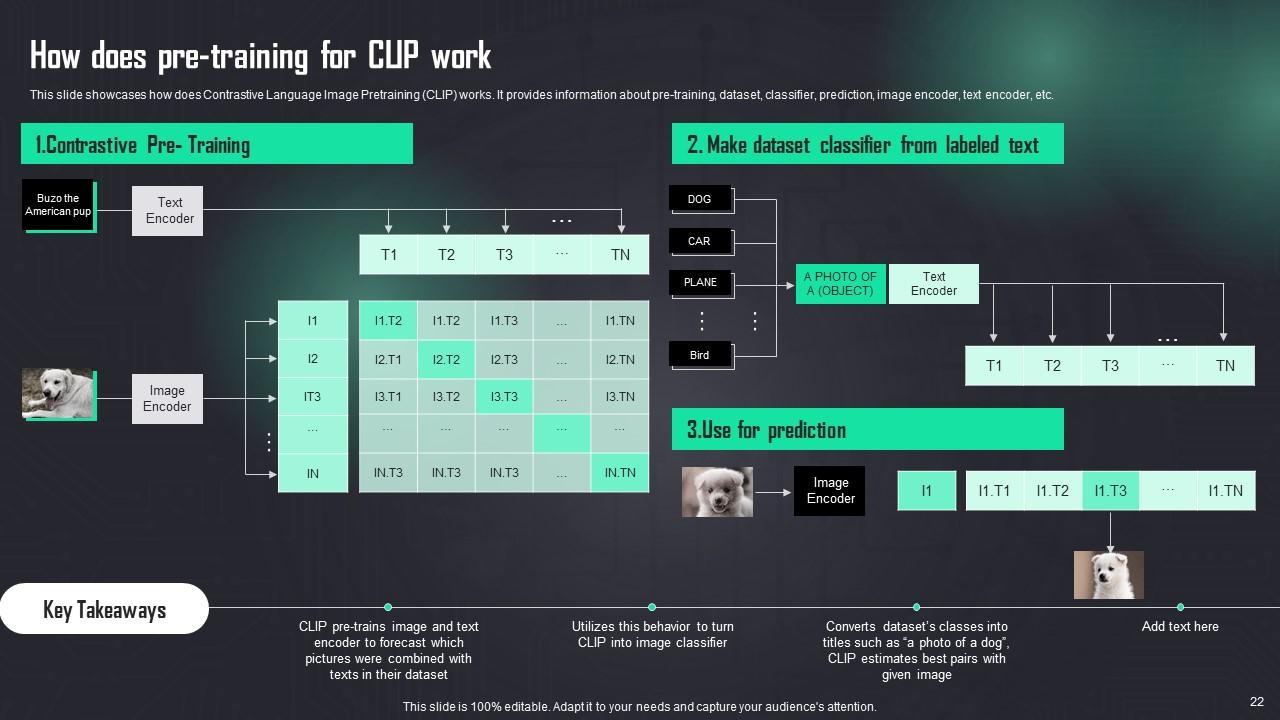
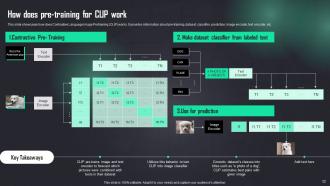
Slide 22: This slide describes how Contrastive Language Image Pretraining (CLIP) works.
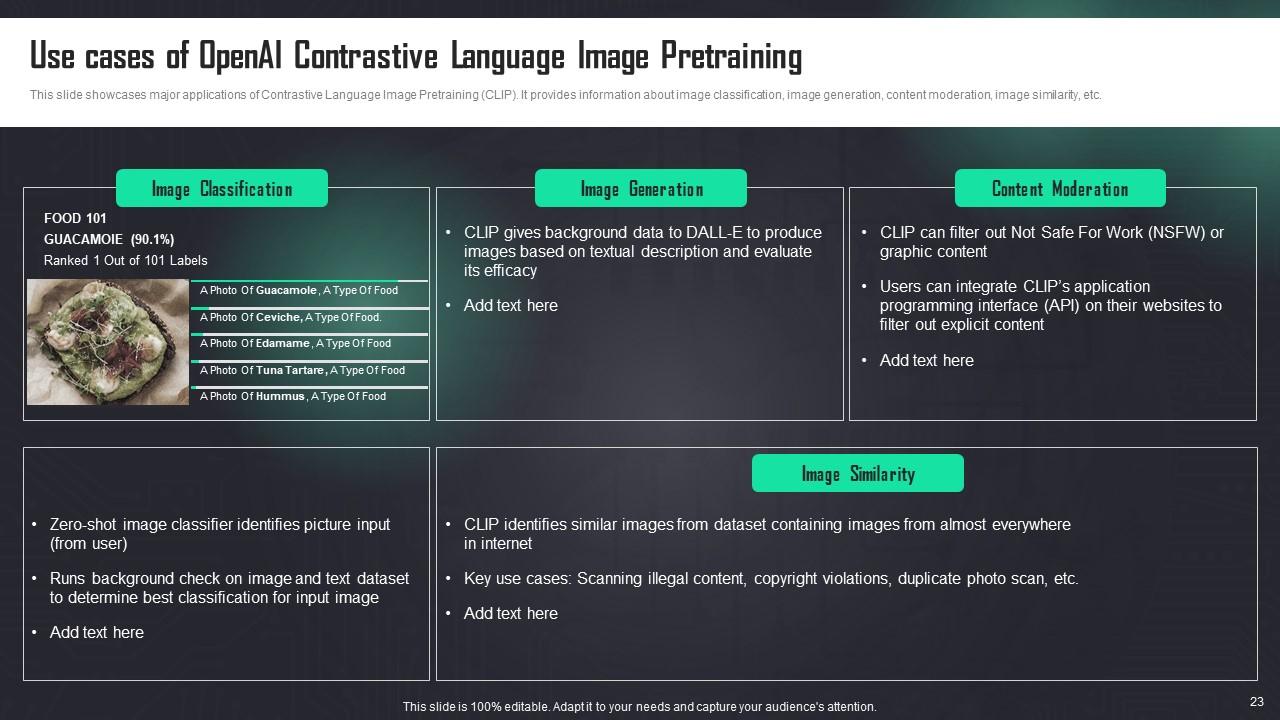
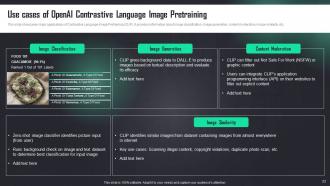
Slide 23: This slide contains major applications of Contrastive Language Image Pretraining (CLIP).
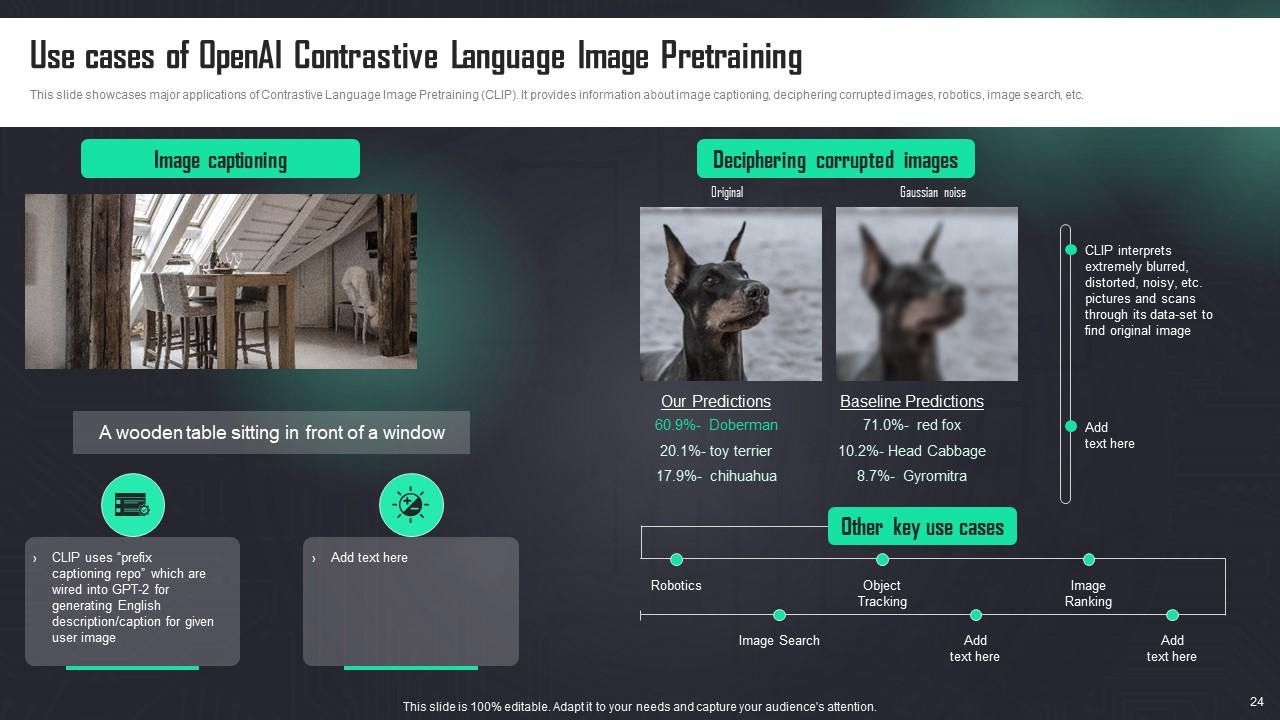
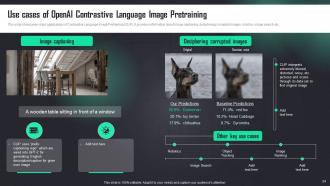
Slide 24: This slide depicts major applications of Contrastive Language Image Pretraining (CLIP).
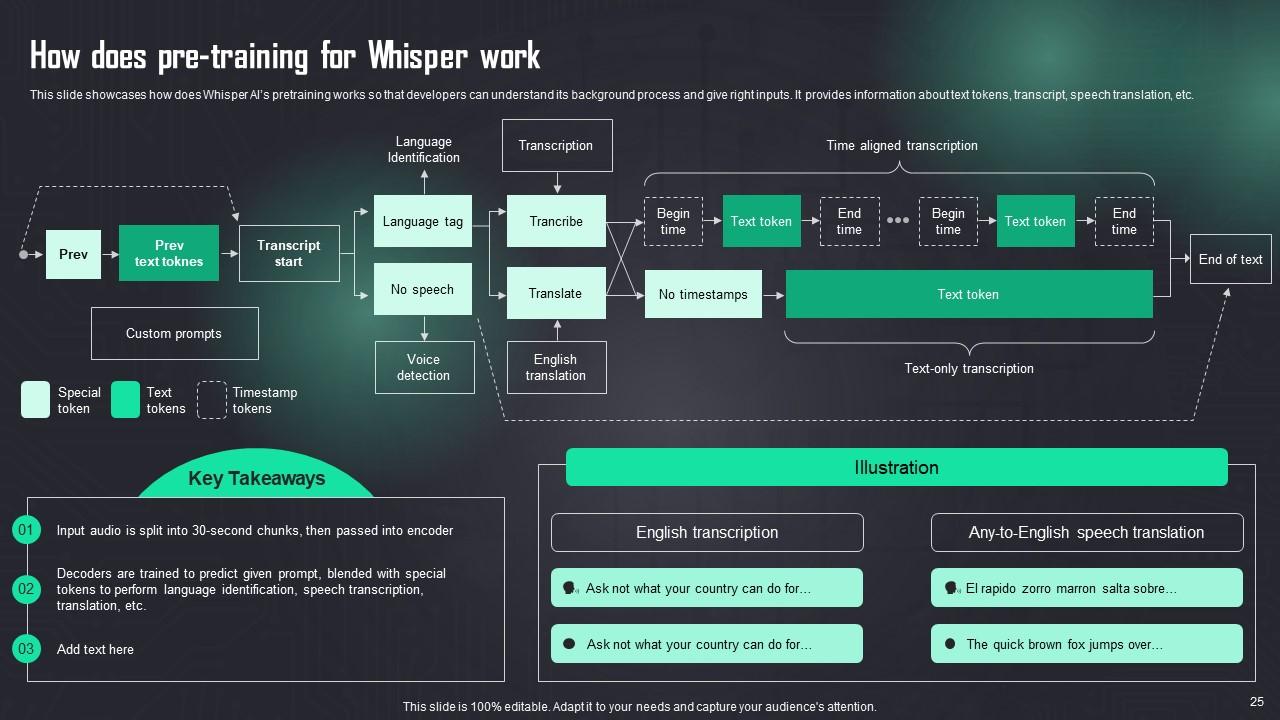
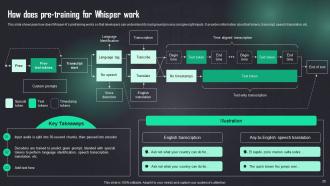
Slide 25: This slide presents how Whisper AI’s pretraining works so that developers can understand its background process and give right inputs.
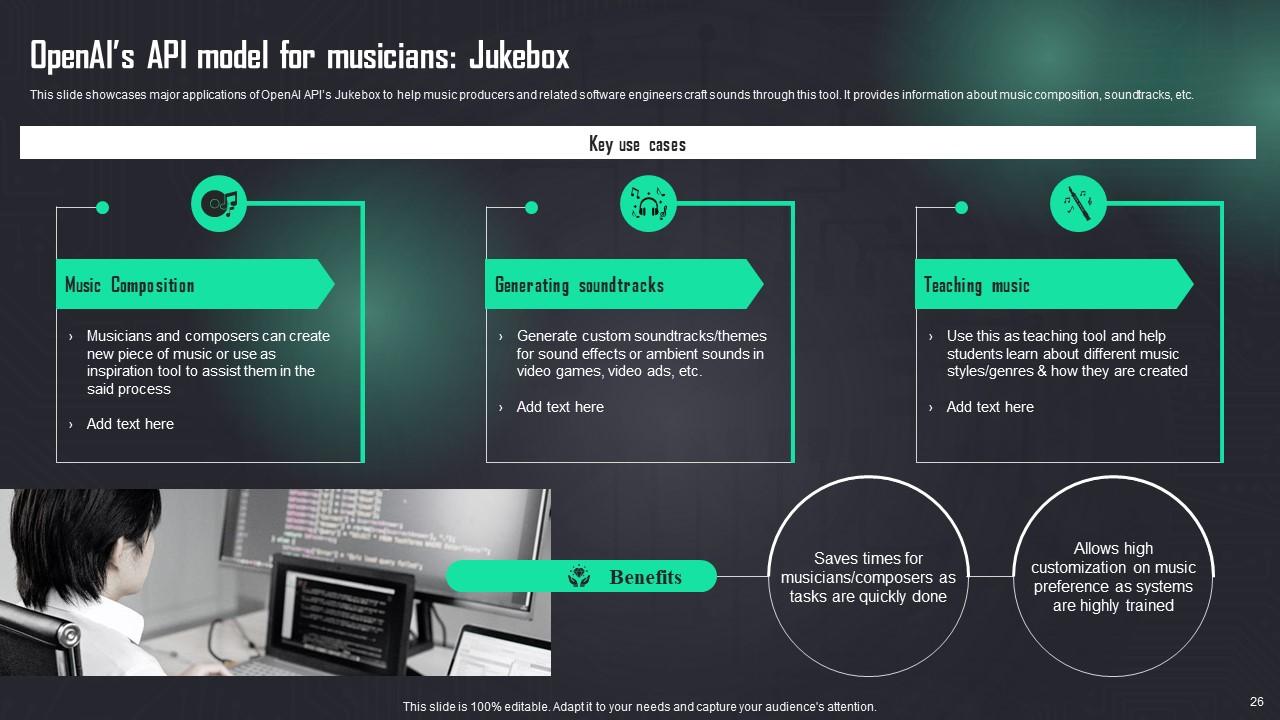
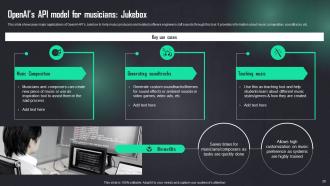
Slide 26: This slide describes major applications of OpenAI API’s Jukebox to help music producers and related software engineers craft sounds through this tool.
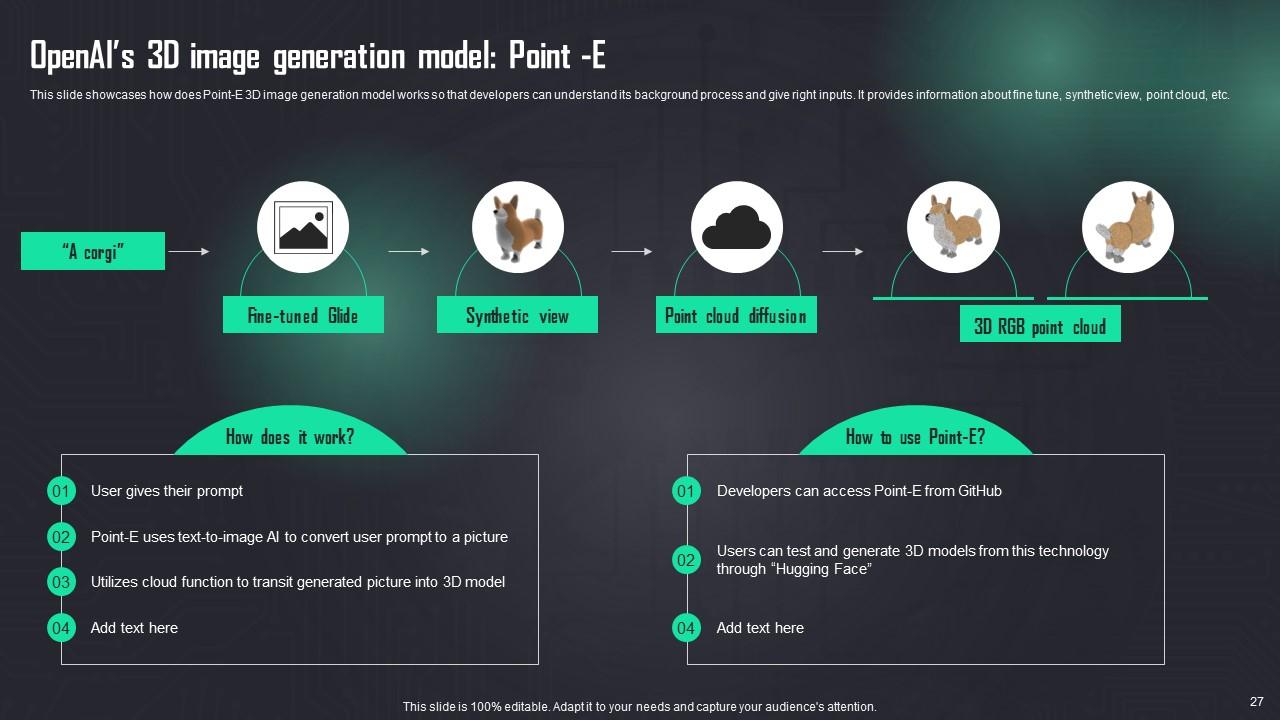
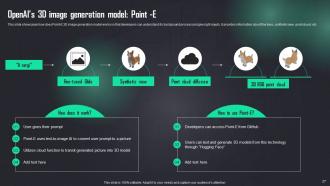
Slide 27: This slide presents how Point-E 3D image generation model works so that developers can understand its background process and give right inputs.
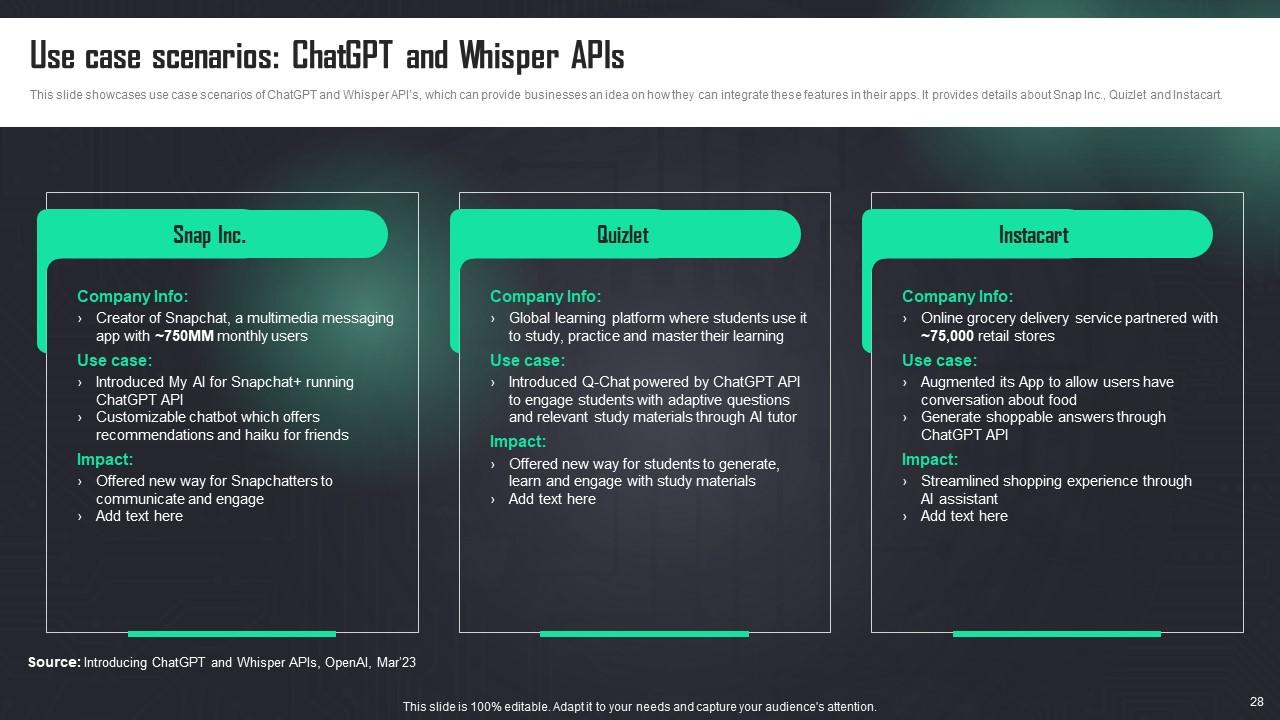
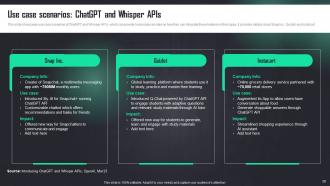
Slide 28: This slide showcases use case scenarios of ChatGPT and Whisper API’s.
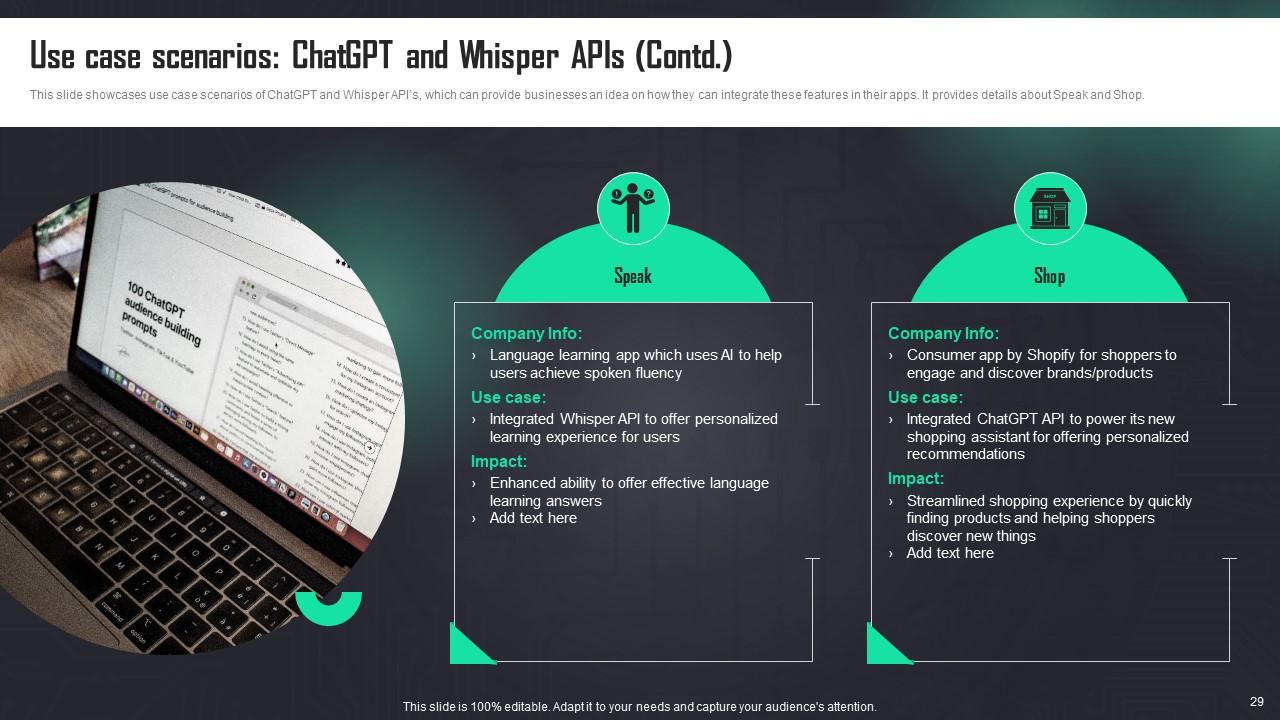
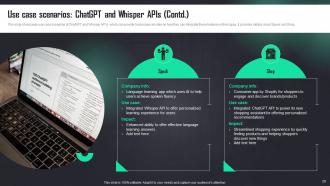
Slide 29: This slide also presents use case scenarios of ChatGPT and Whisper API’s.
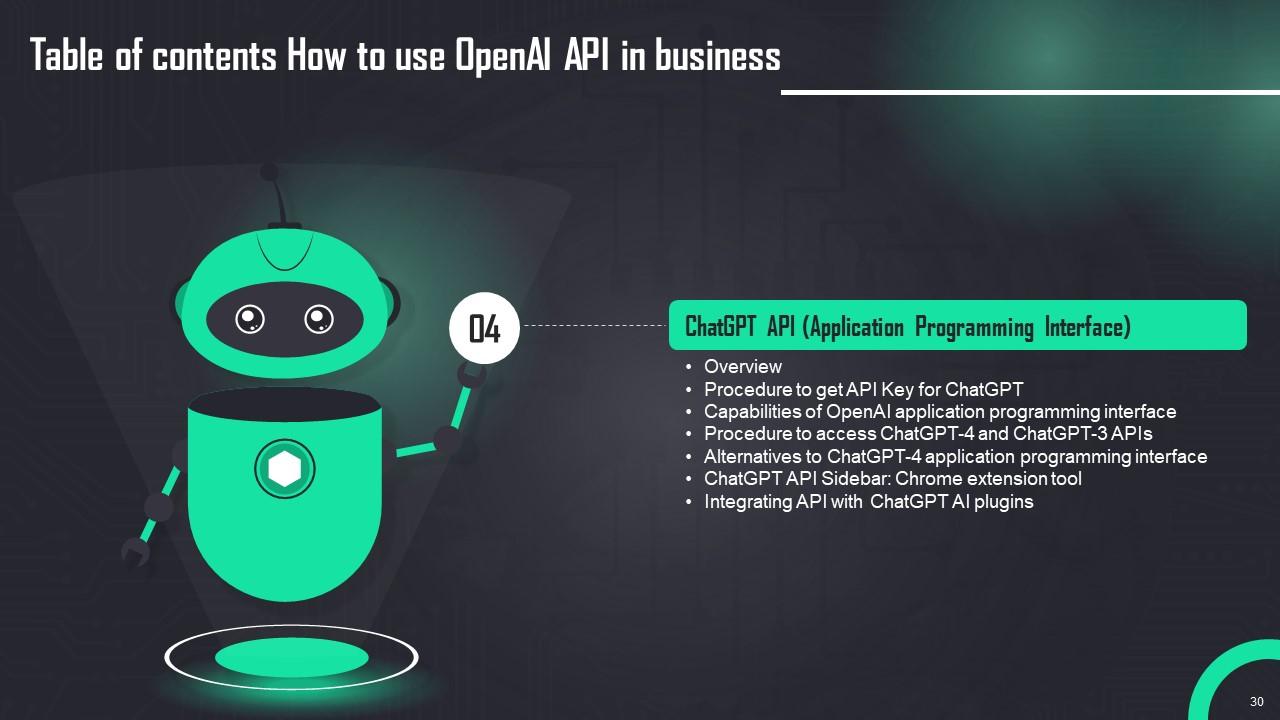
Slide 30: This slide shows title for topics that are to be covered next in the template.
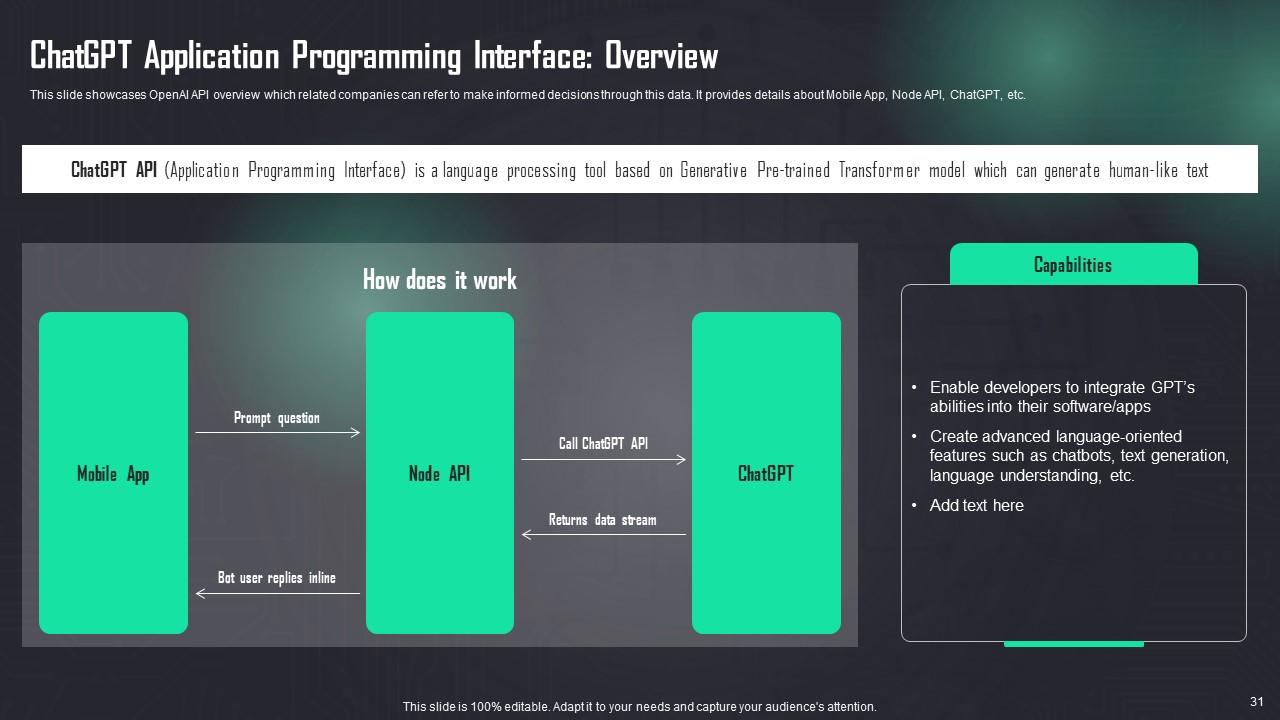
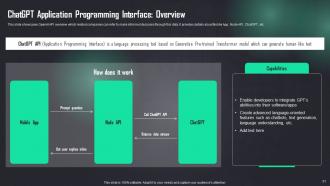
Slide 31: This slide showcases OpenAI API overview which related companies can refer to make informed decisions through this data.
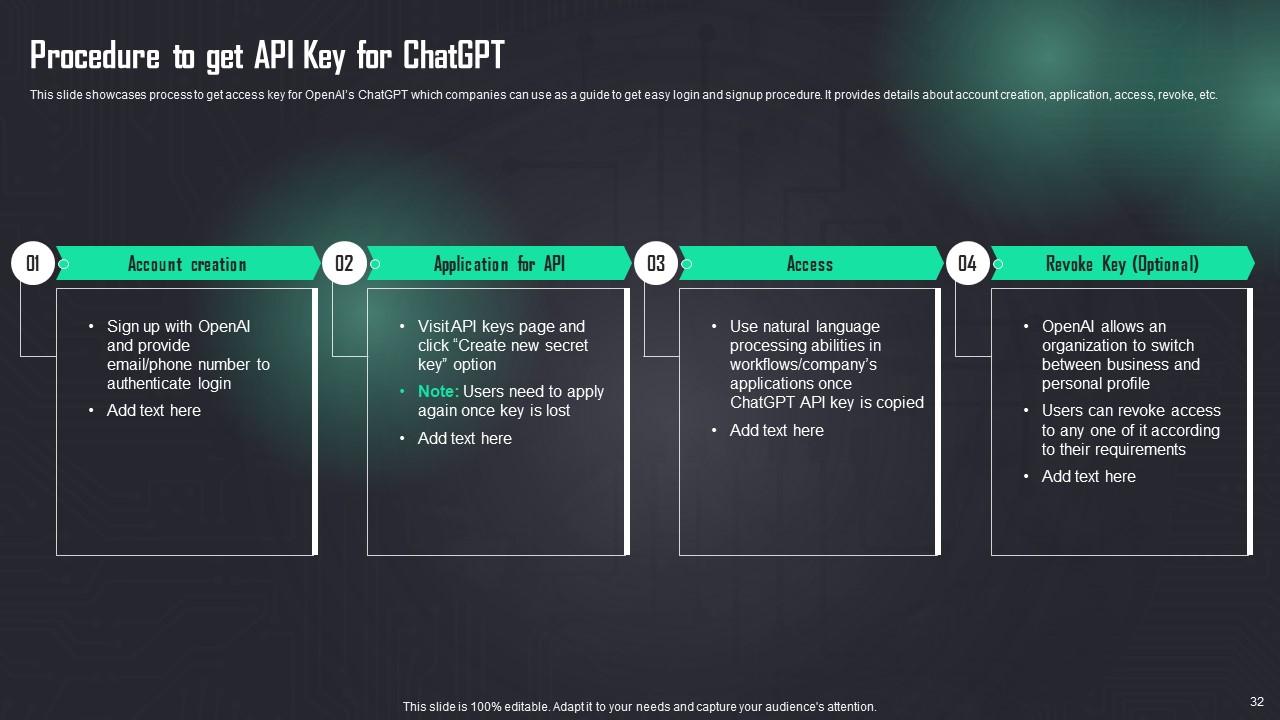
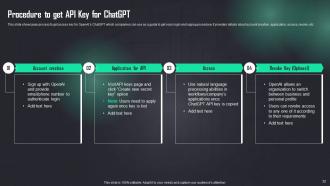
Slide 32: This slide describes process to get access key for OpenAI’s ChatGPT which companies can use as a guide to get easy login and signup procedure.
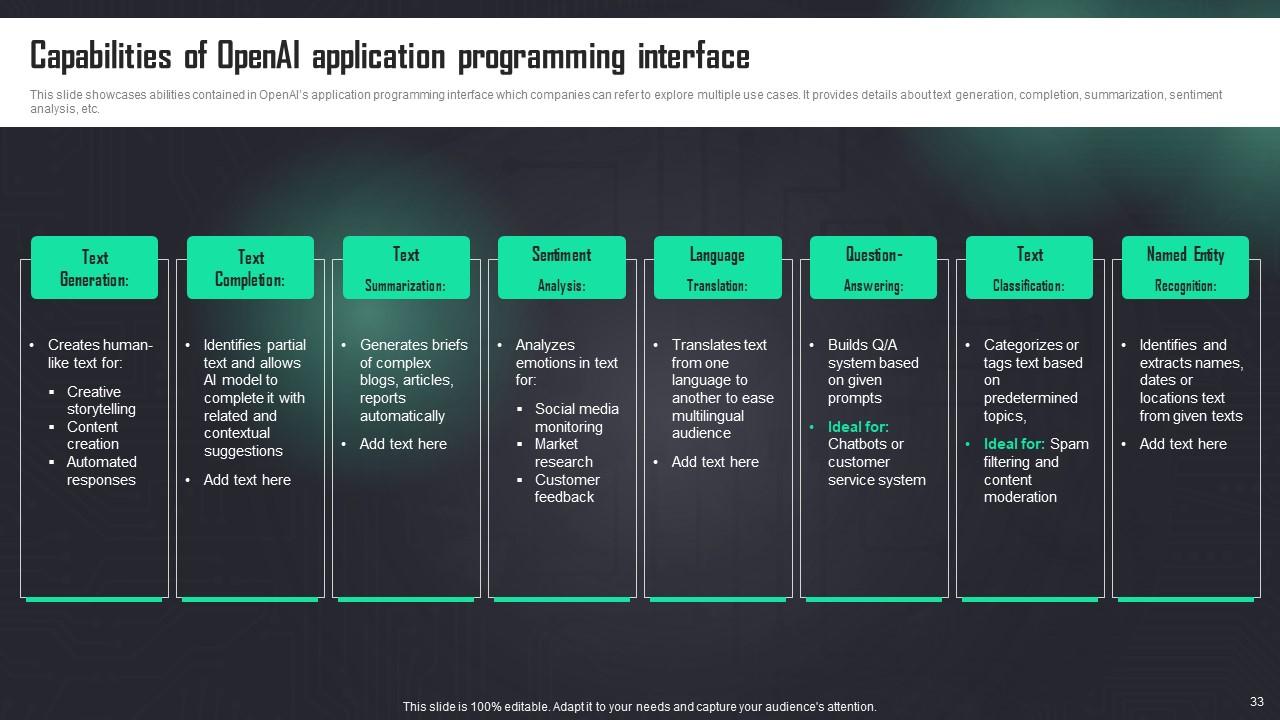
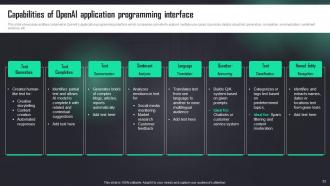
Slide 33: This slide presents abilities contained in OpenAI’s application programming interface.
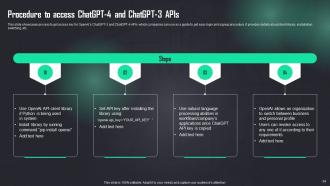
Slide 34: This slide depicts process to get access key for OpenAI’s ChatGPT-3 and ChatGPT-4 APIs.
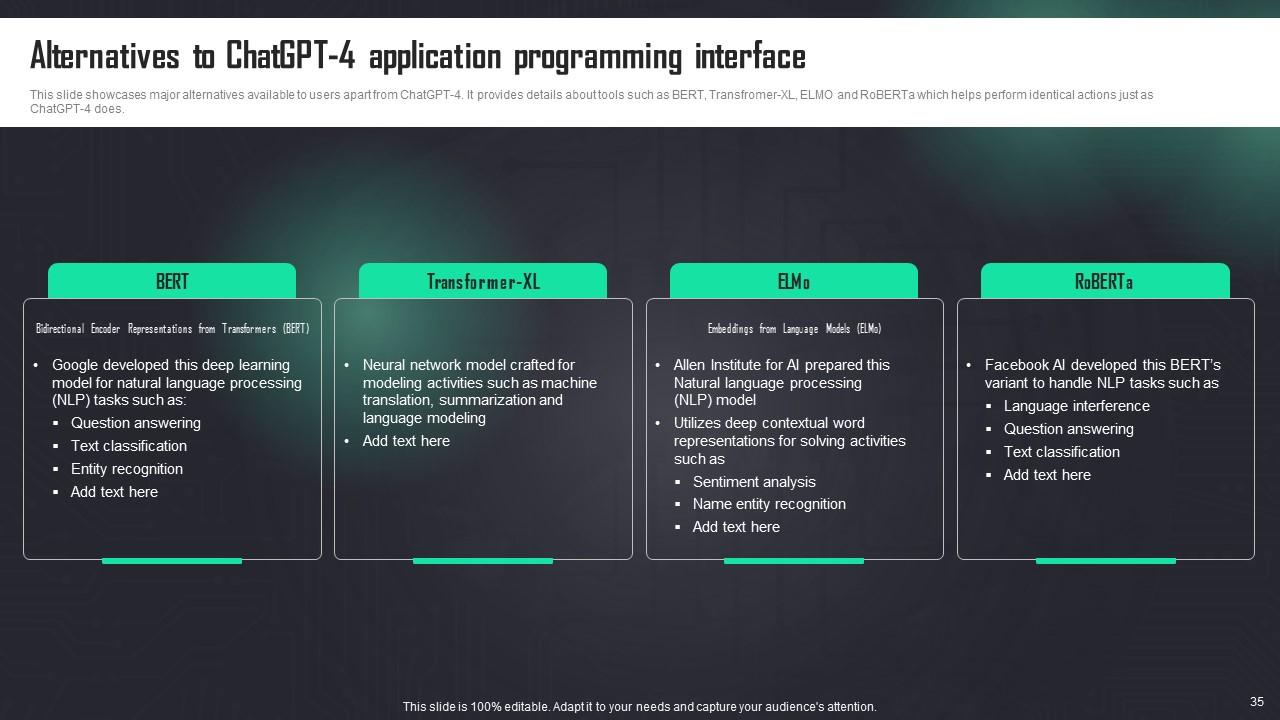
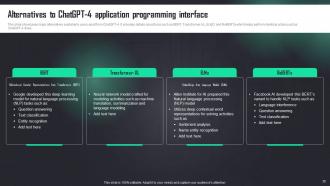
Slide 35: This slide presents major alternatives available to users apart from ChatGPT-4.
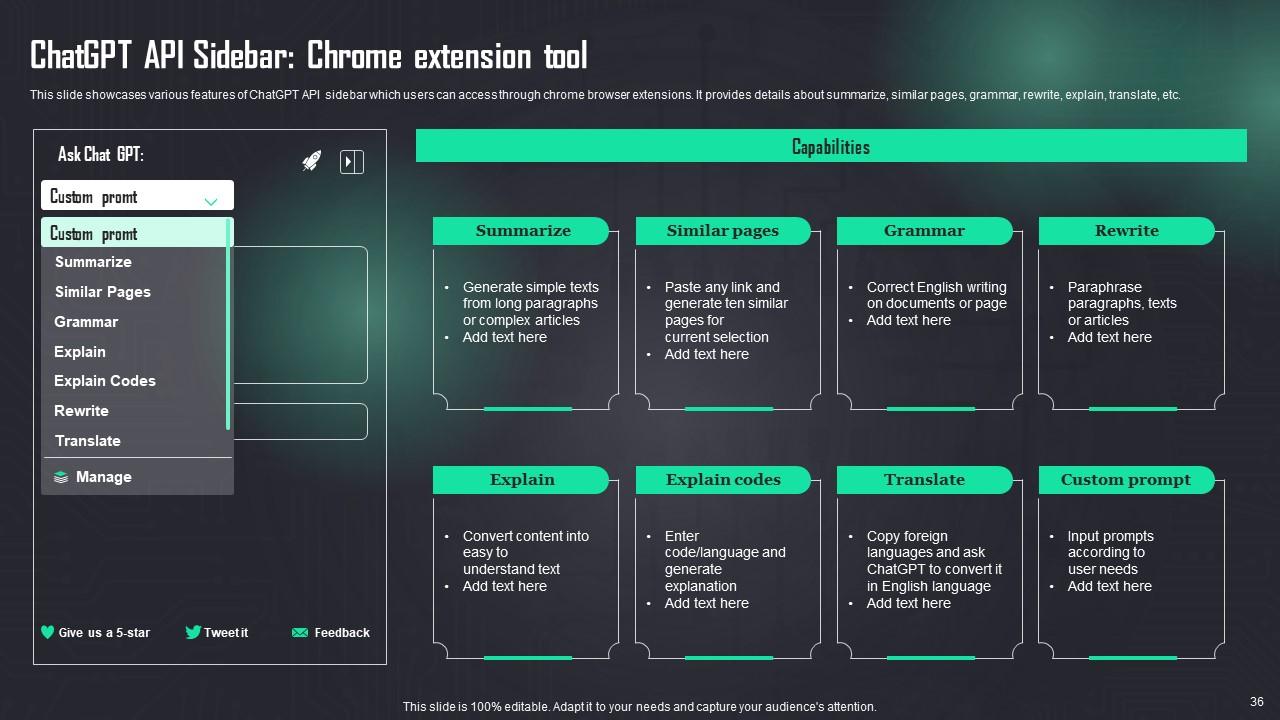
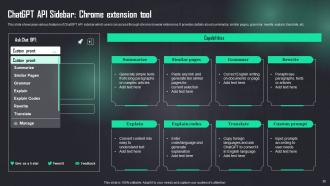
Slide 36: This slide describes various features of ChatGPT API sidebar which users can access through chrome browser extensions.
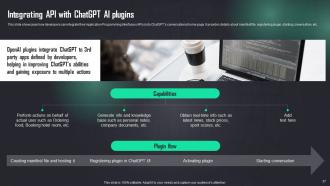
Slide 37: This slide showcases how developers can integrate their Application Programming Interfaces (APIs) into ChatGPT’s conversational home page.
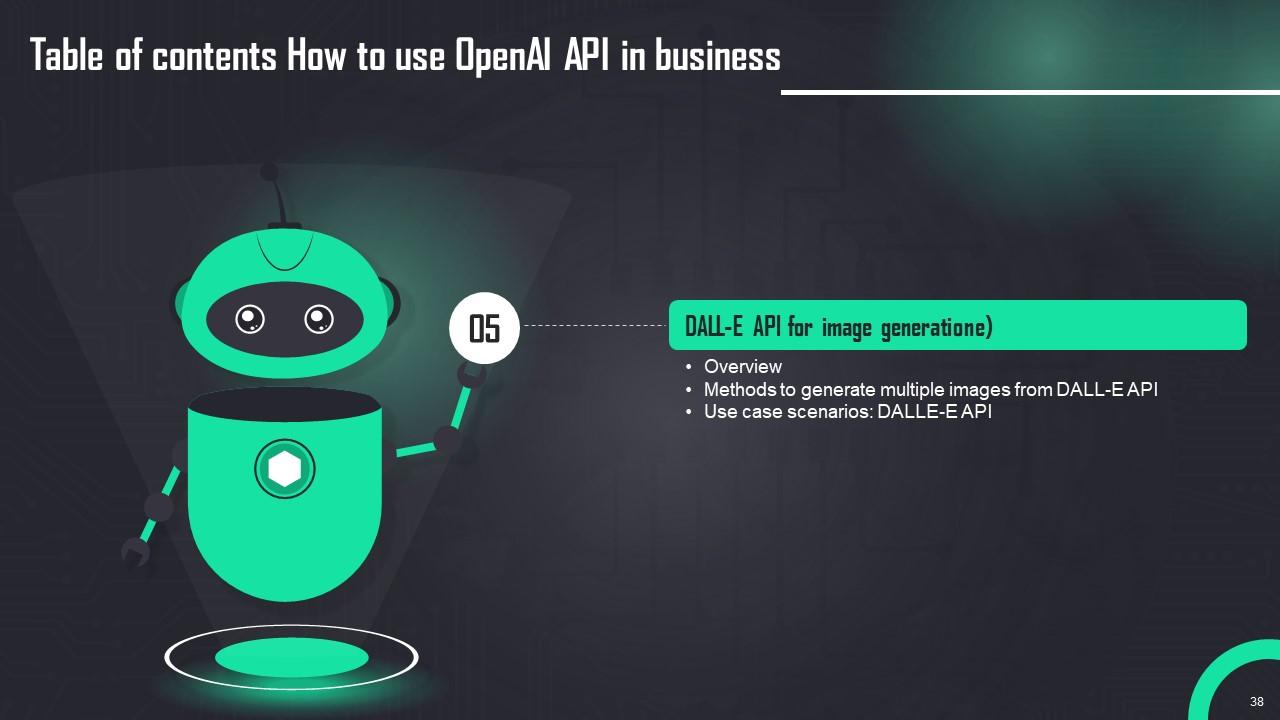
Slide 38: This slide shows title for topics that are to be covered next in the template.
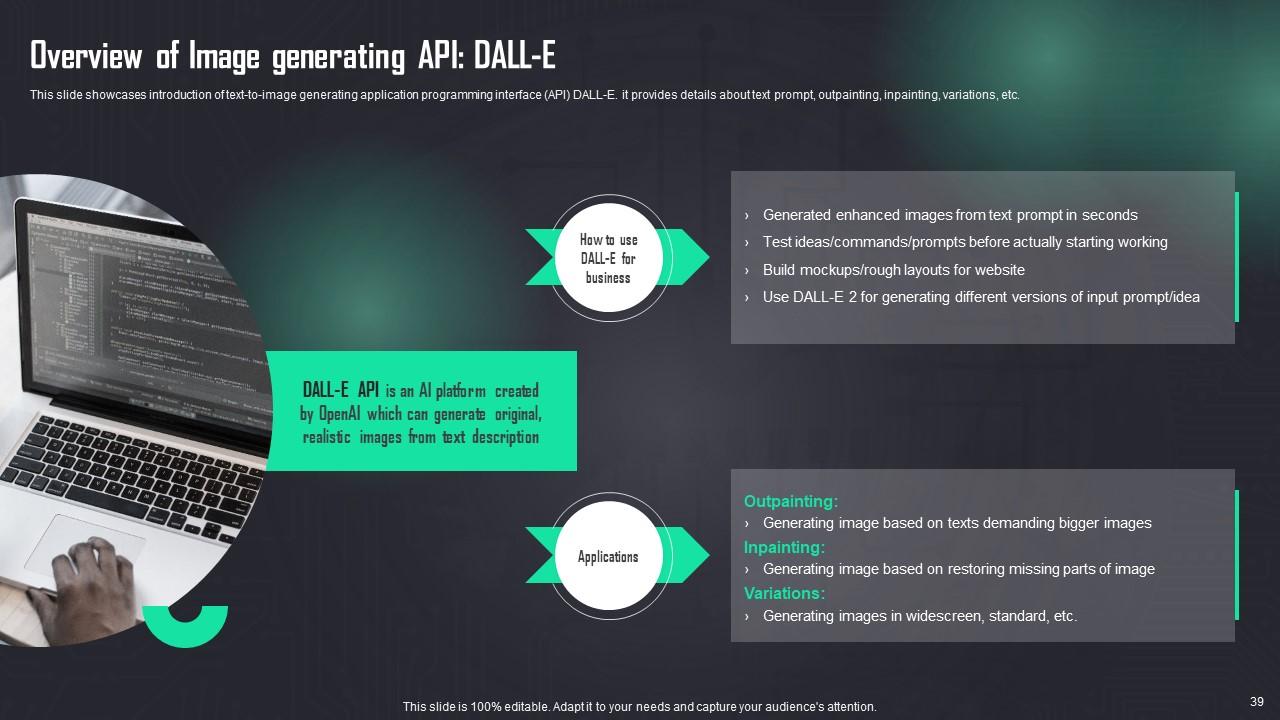
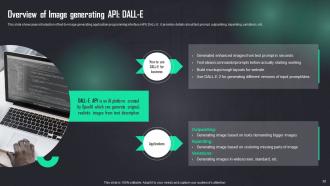
Slide 39: This slide presents introduction of text-to-image generating application programming interface (API) DALL-E.
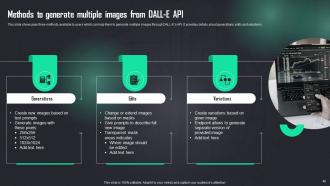
Slide 40: This slide describes three methods available to users which can help them to generate multiple images through DALL-E’s API.
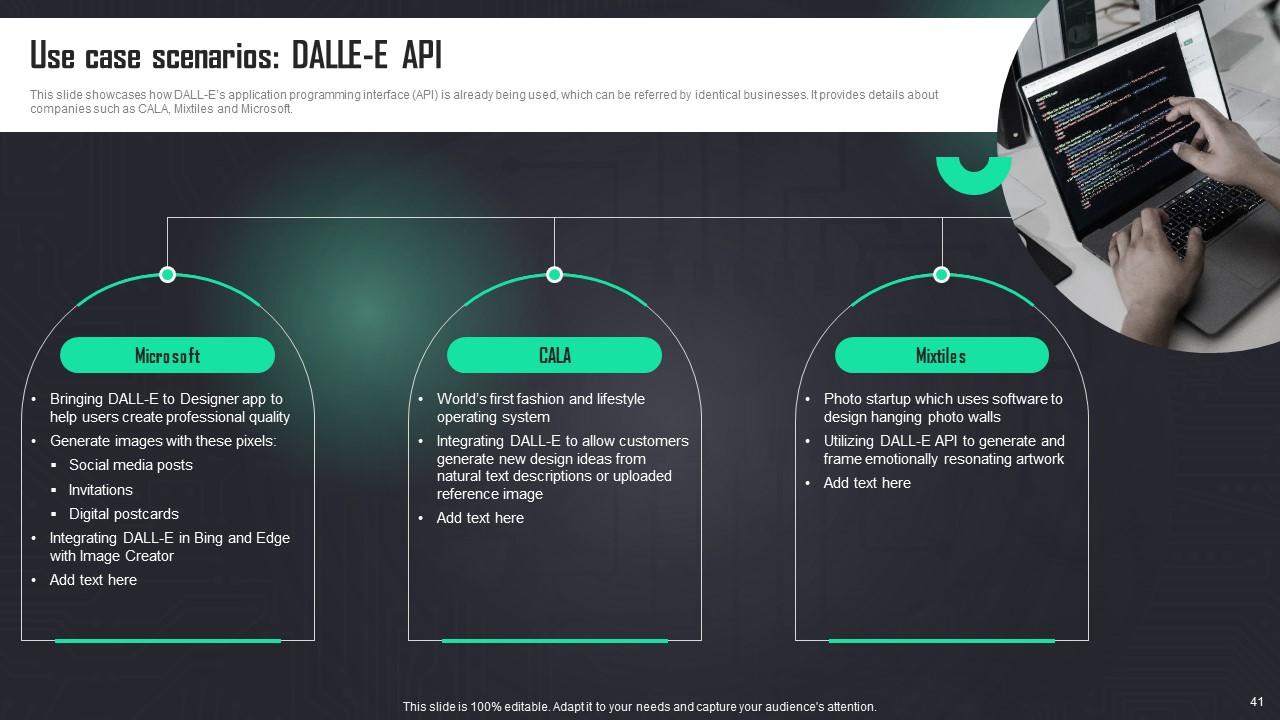
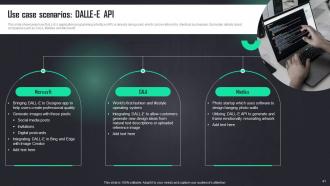
Slide 41: This slide depicts how DALL-E’s application programming interface (API) is already being used, which can be referred by identical businesses.
Slide 42: This slide shows title for topics that are to be covered next in the template.
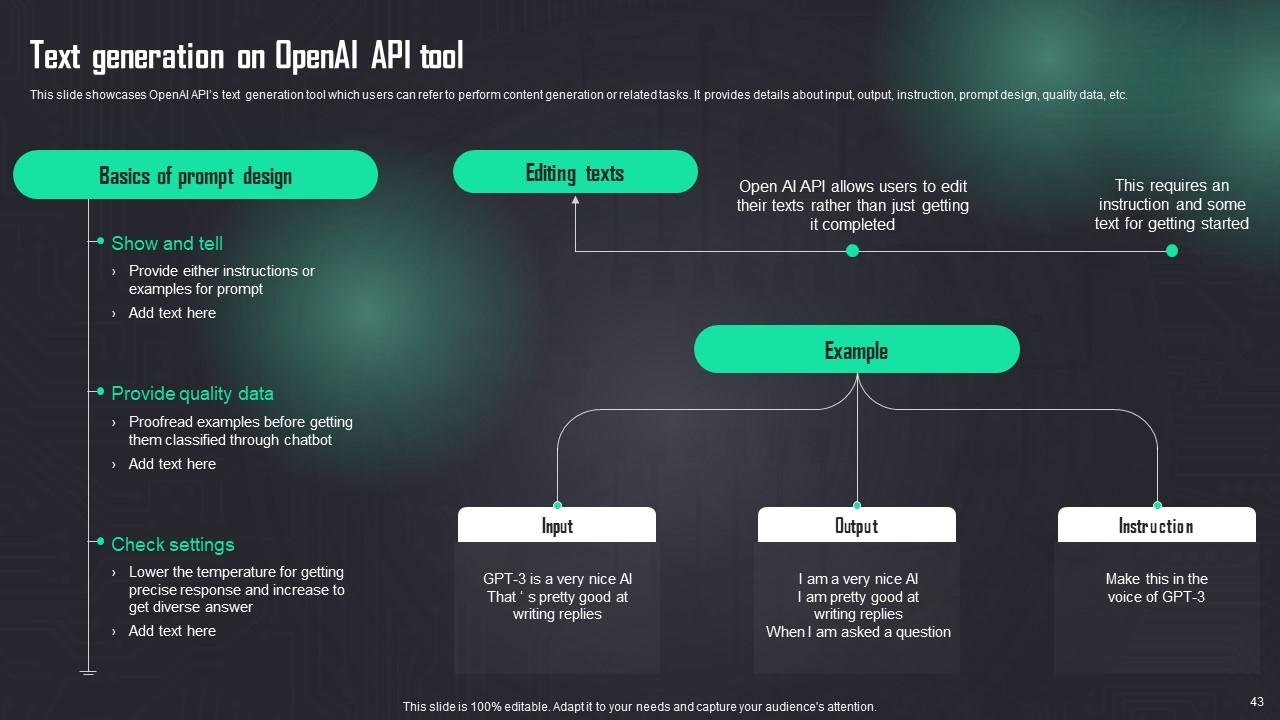
Slide 43: This slide presents OpenAI API’s text generation tool which users can refer to perform content generation or related tasks.
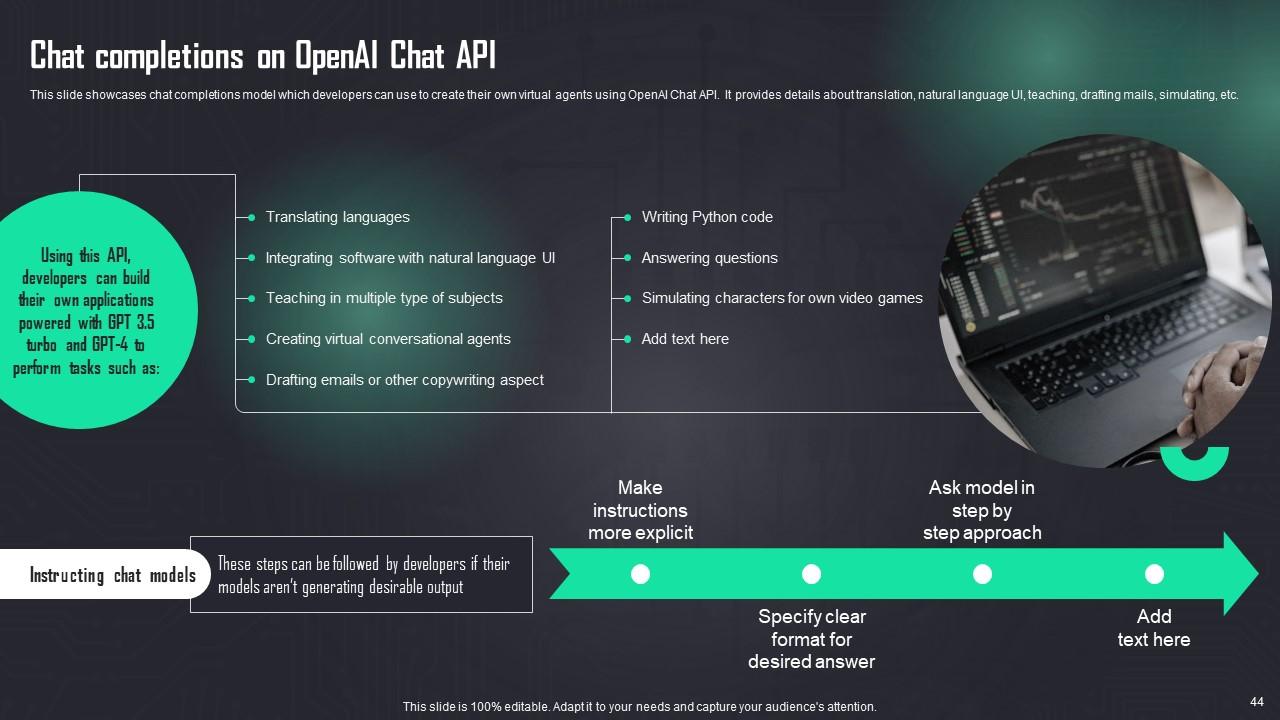
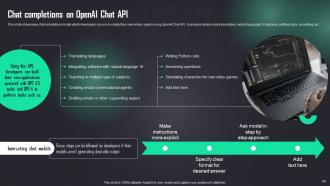
Slide 44: This slide showcases chat completions model which developers can use to create their own virtual agents using OpenAI Chat API.
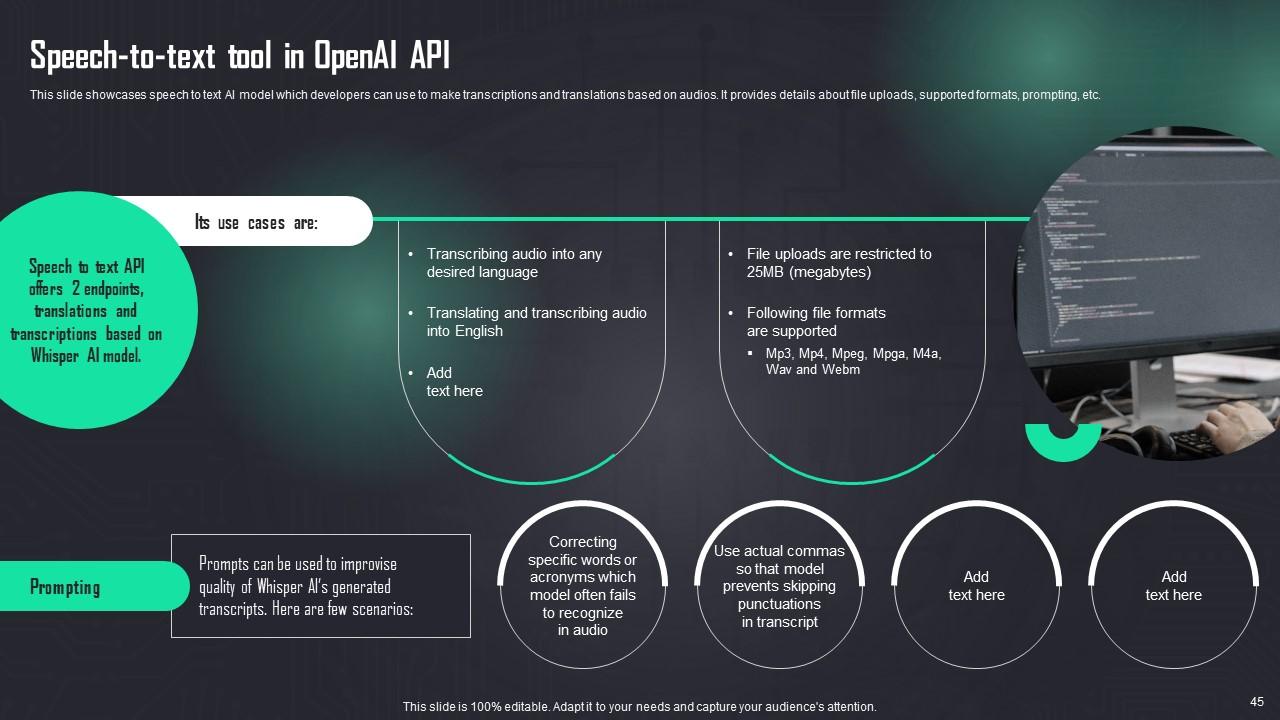
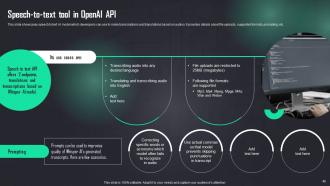
Slide 45: This slide presents speech to text AI model which developers can use to make transcriptions and translations based on audios.
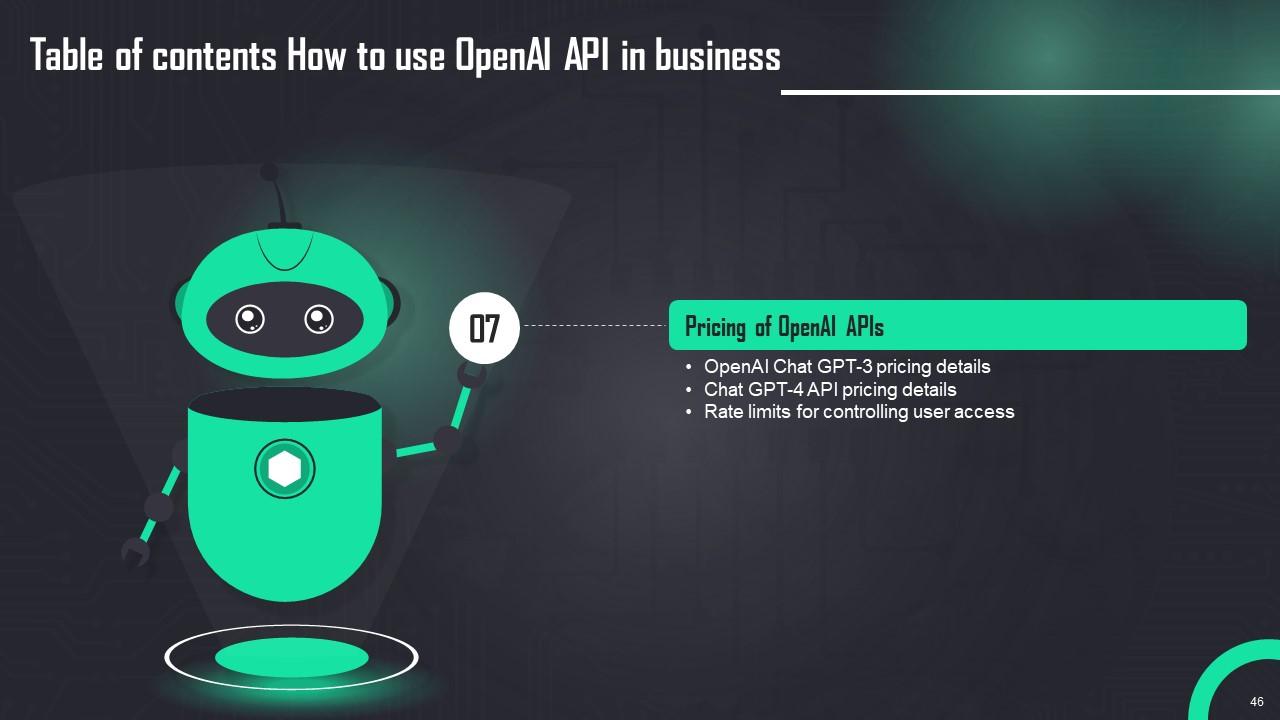
Slide 46: This slide shows title for topics that are to be covered next in the template.
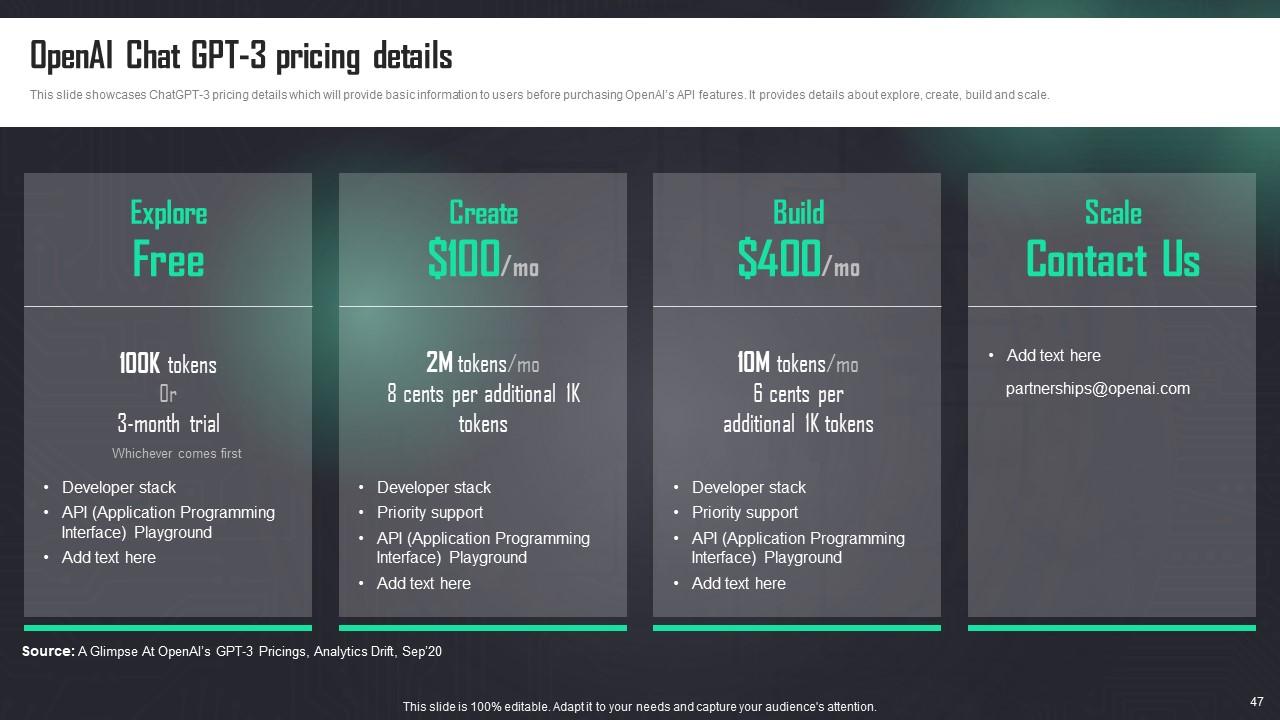
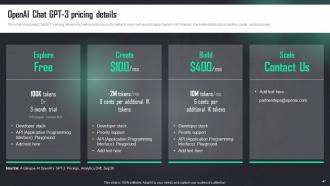
Slide 47: This slide presents ChatGPT-3 pricing details which will provide basic information to users before purchasing OpenAI’s API features.
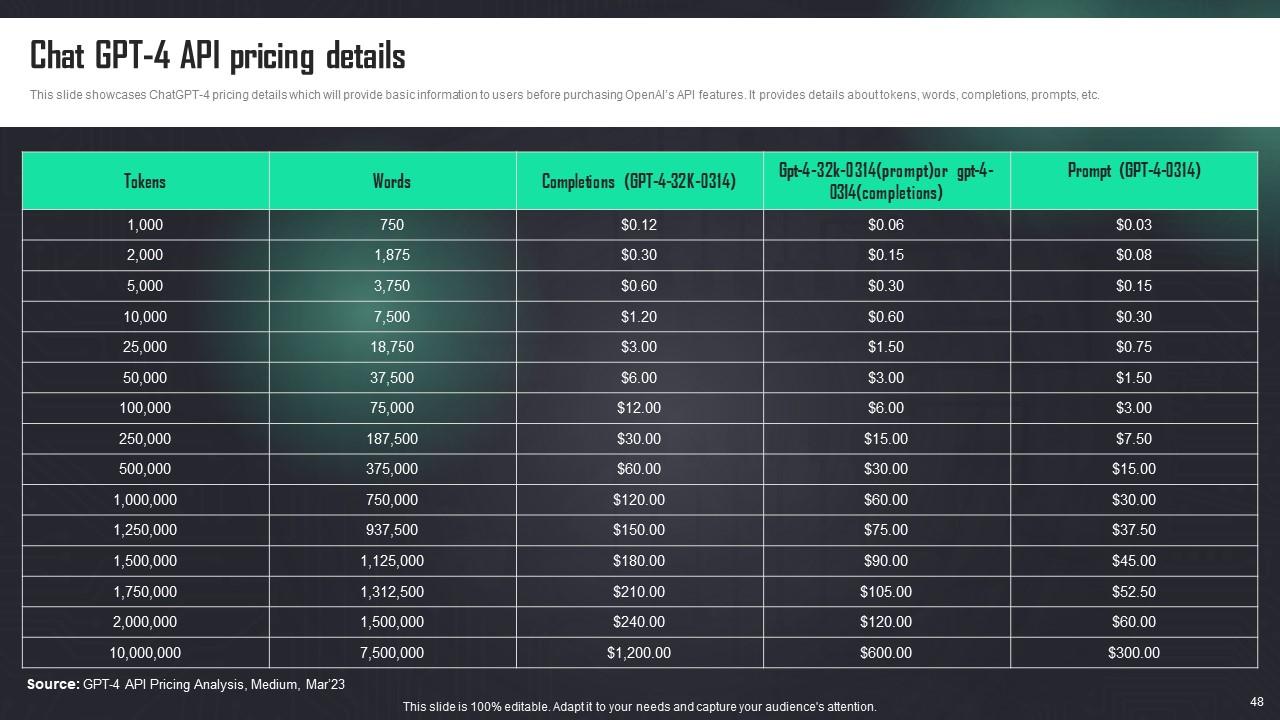
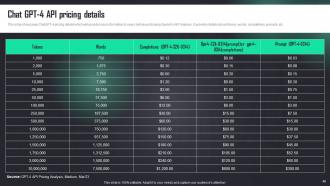
Slide 48: This slide showcases ChatGPT-4 pricing details which will provide basic information to users before purchasing OpenAI’s API features.
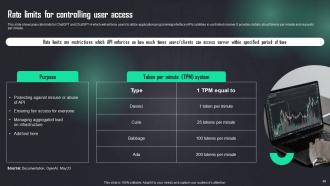
Slide 49: This slide presents rate limits for ChatGPT and ChatGPT-4 which will enforce users to utilize application programming interface (APIs) abilities in controlled manner.
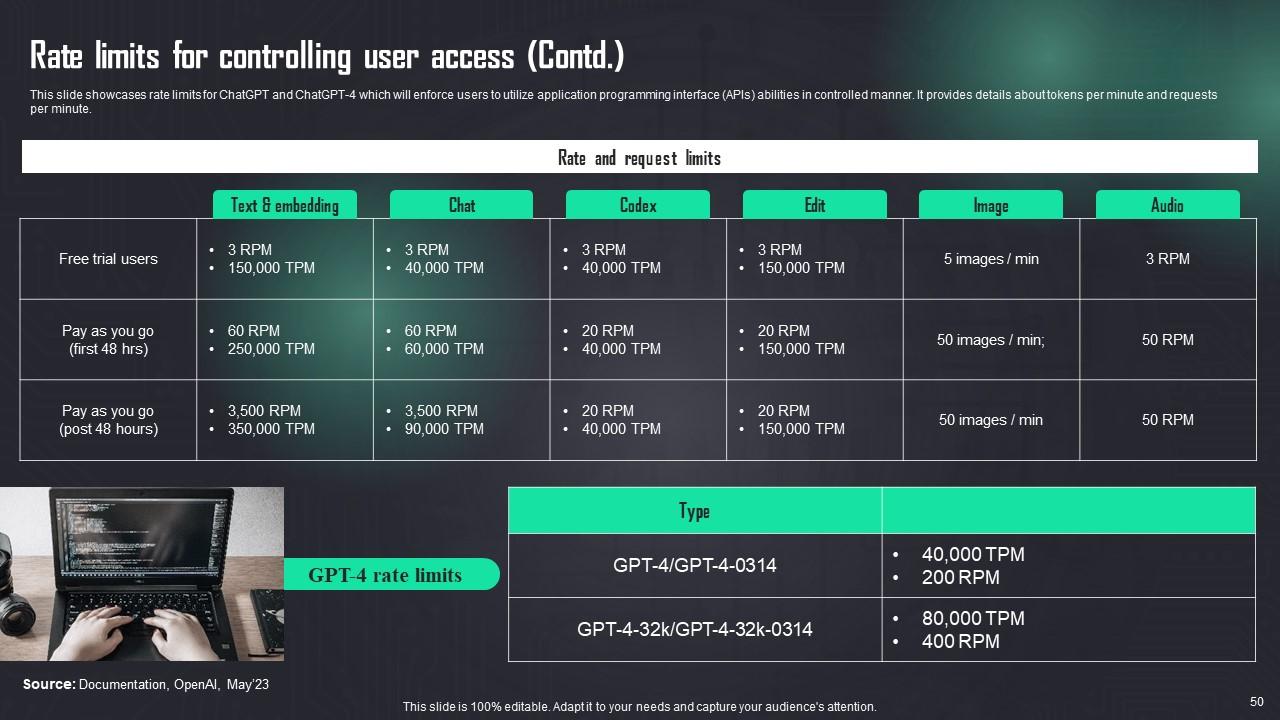
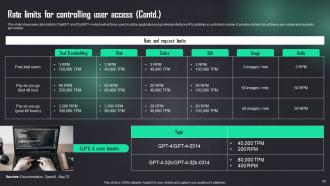
Slide 50: This slide continues presenting rate limits for ChatGPT and ChatGPT-4 which will enforce users to utilize application programming interface (APIs) abilities in controlled manner.
Slide 51: This slide shows title for topics that are to be covered next in the template.
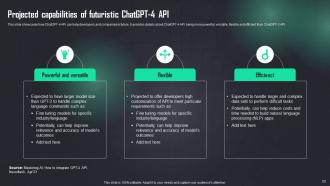
Slide 52: This slide describes how ChatGPT-4 API can help developers and companies in future.
Slide 53: This slide shows all the icons included in the presentation.
Slide 54: This slide is titled as Additional Slides for moving forward.
Slide 55: This is About Us slide to show company specifications etc.
Slide 56: This is Our Team slide with names and designation.
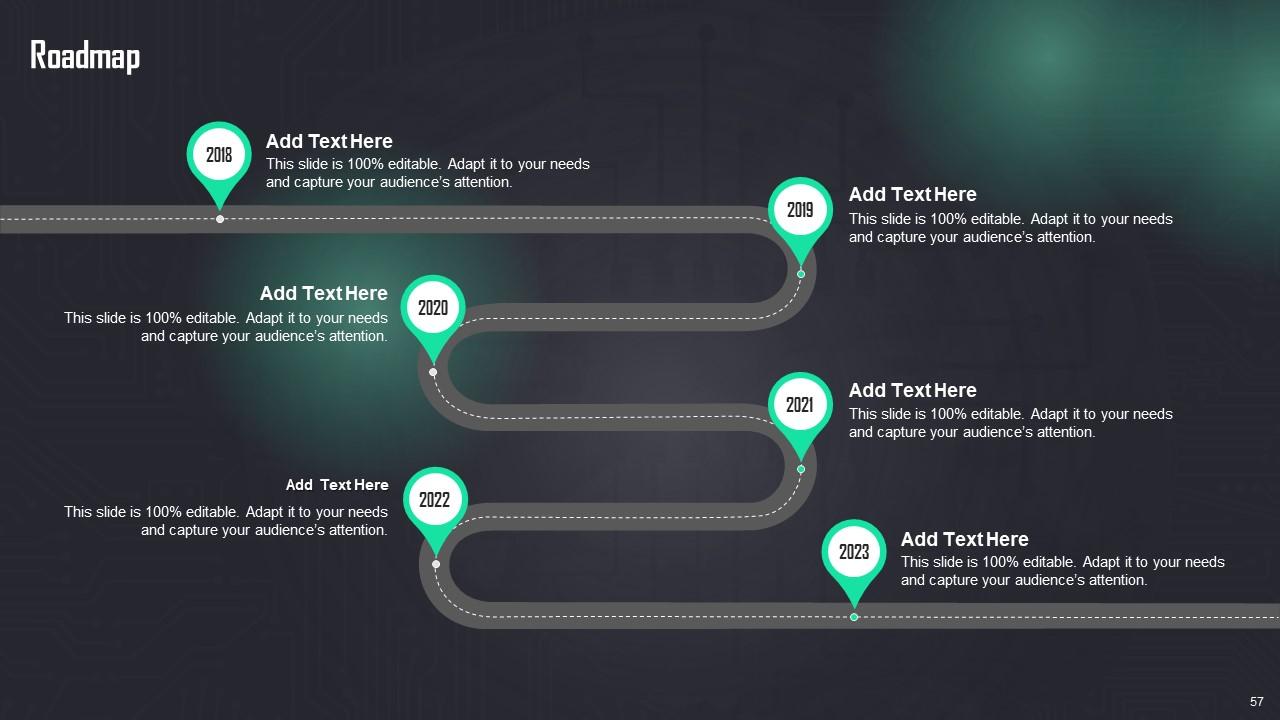
Slide 57: This slide presents Roadmap with additional textboxes.
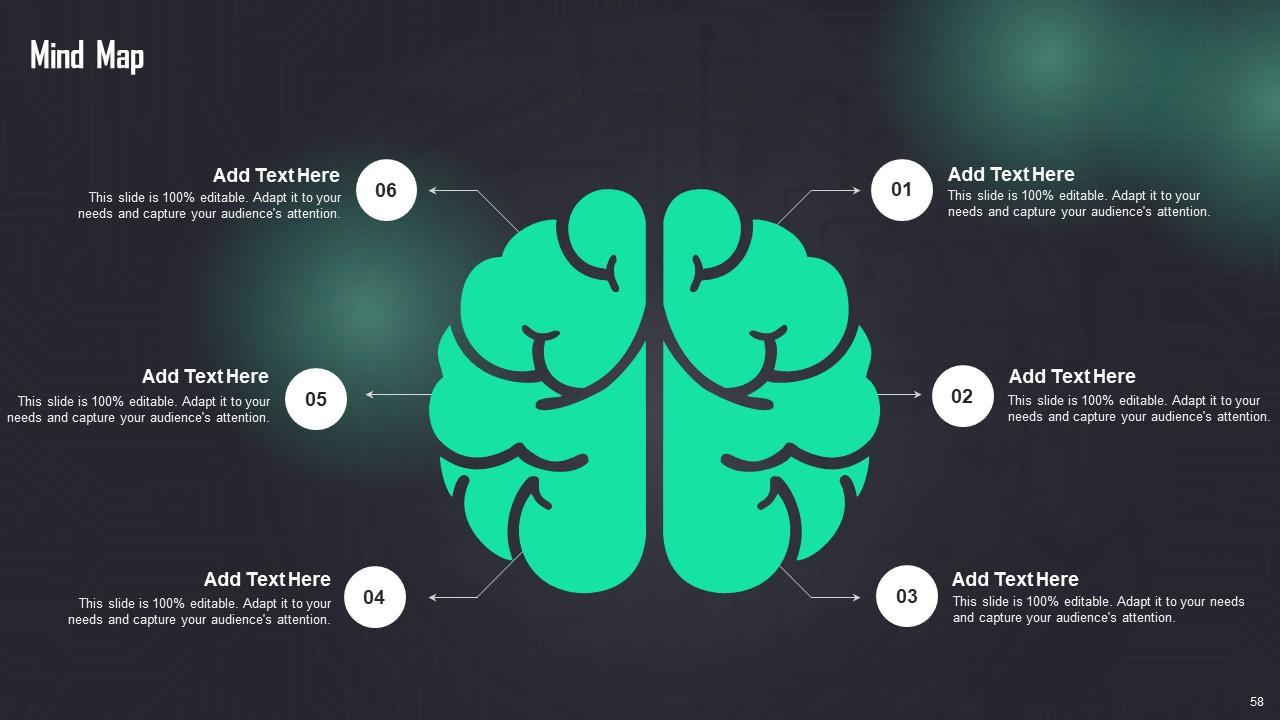
Slide 58: This slide displays Mind Map with related imagery.
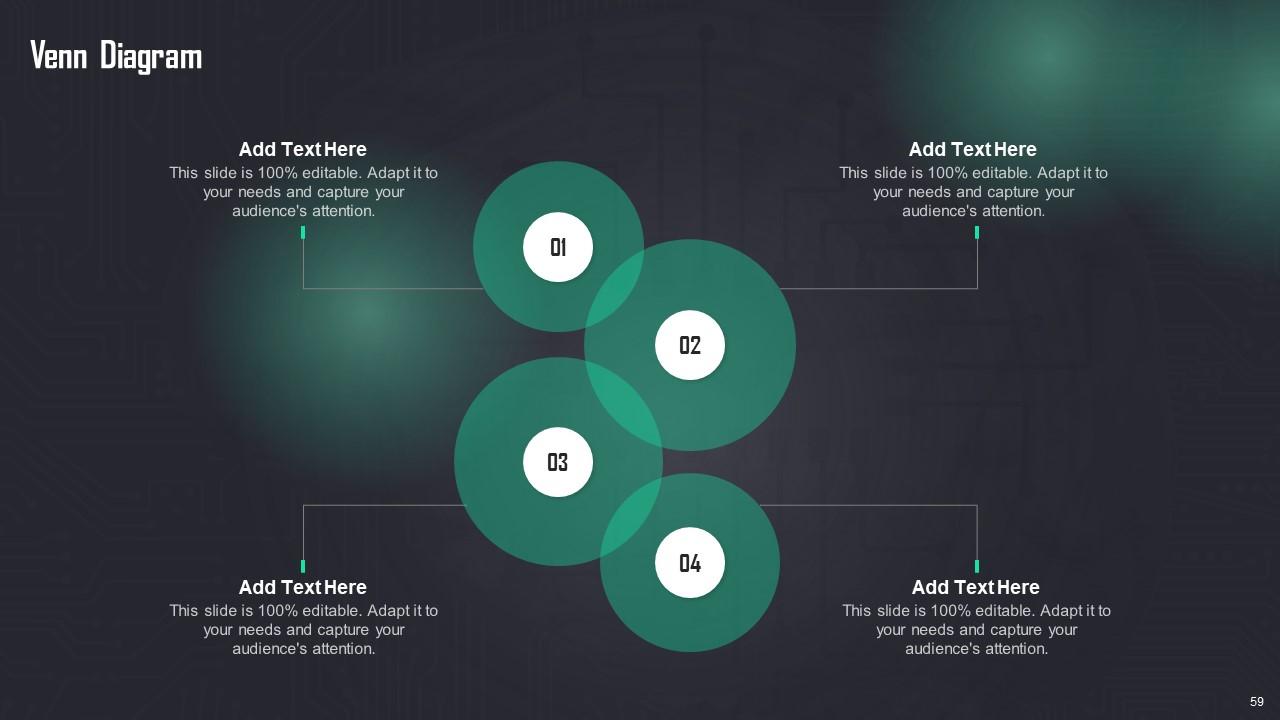
Slide 59: This slide depicts Venn diagram with text boxes.
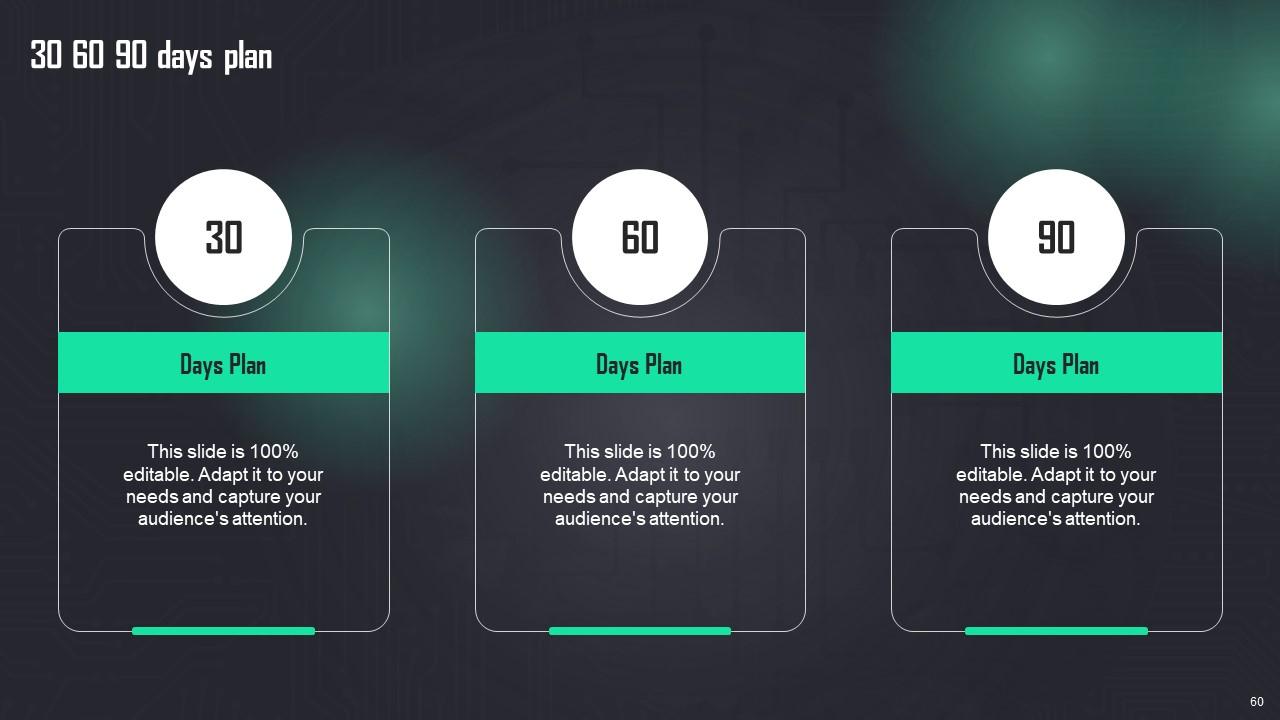
Slide 60: This slide provides 30 60 90 Days Plan with text boxes.
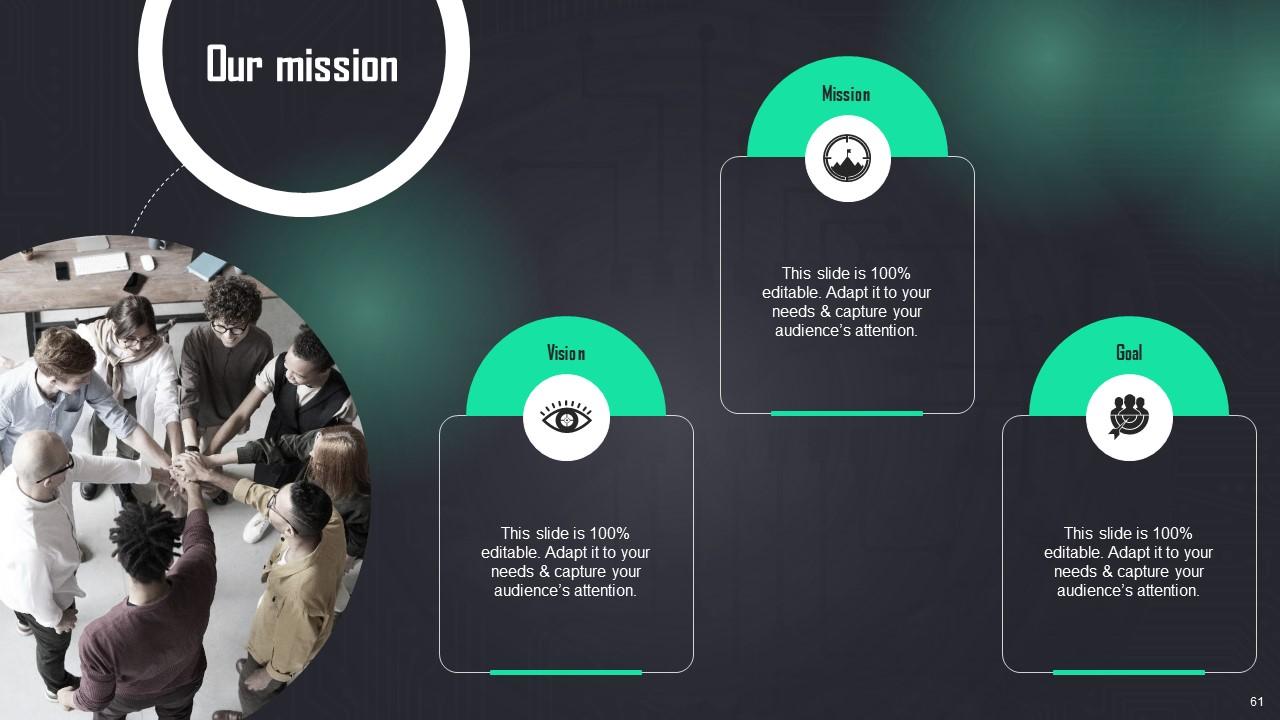
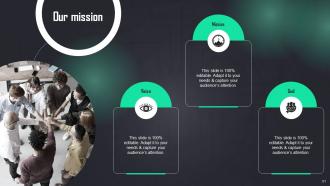
Slide 61: This is Our Mission slide with related imagery and text.
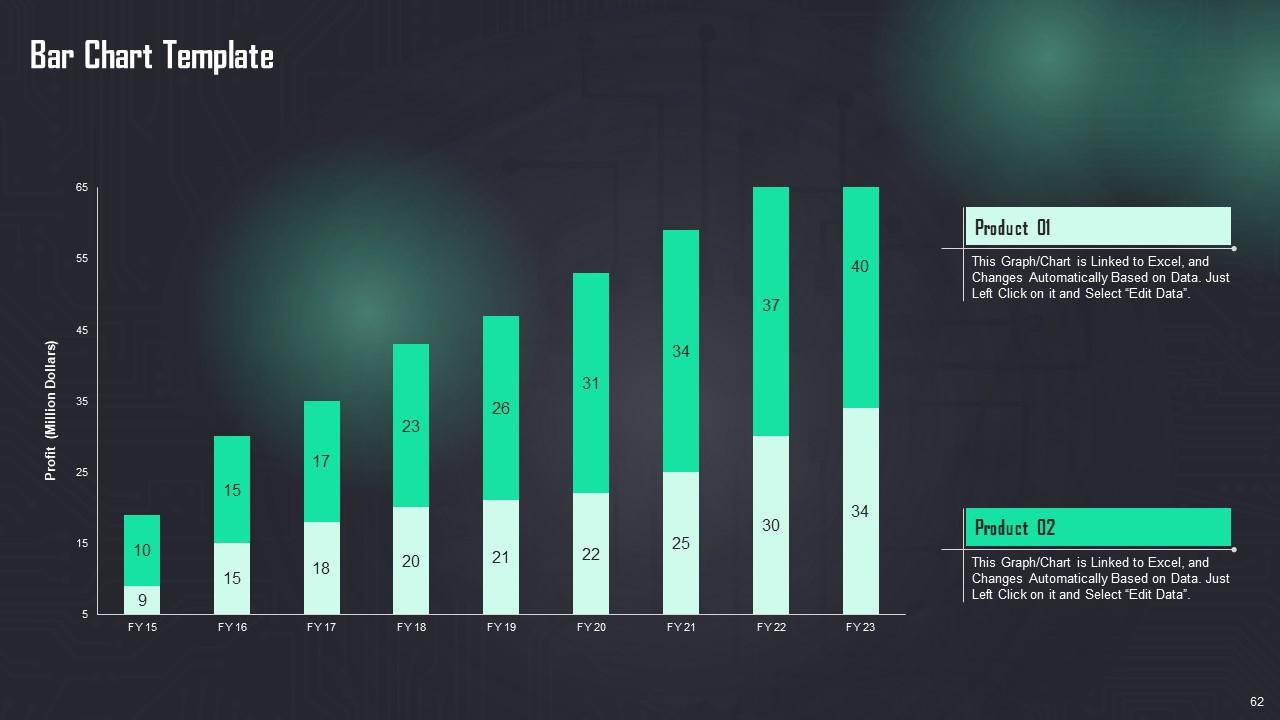
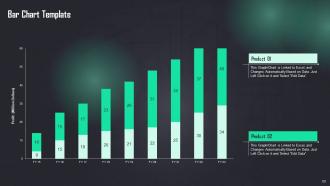
Slide 62: This slide presents Bar chart with two products comparison.
Slide 63: This is a Thank You slide with address, contact numbers and email address.
How To Use OpenAI API In Business Powerpoint Presentation Slides ChatGPT CD with all 68 slides:
Use our How To Use OpenAI API In Business Powerpoint Presentation Slides ChatGPT CD to effectively help you save your valuable time. They are readymade to fit into any presentation structure.
-
Crisp and neat slides. Makes it fun and easier to curate presentations.
-
Exclusive and extensive collection of templates. Really helped me create a professional presentation in just no time.
