


Apresentação em Powerpoint da estratégia de implementação do HRMS
O software HRMS melhora vários processos da empresa. Confira nosso modelo de estratégia de implementação de HRMS. Ele ajuda a automatizar os processos de trabalho de um departamento de RH, conecta as áreas da empresa e aumenta a satisfação dos funcionários. Nosso deck de sistema de gestão de recursos humanos abrange o cenário atual de uma empresa, incluindo receita anual e projeções de crescimento de funcionários do departamento. Abrange também a introdução de novas políticas favoráveis aos funcionários e a implementação do HRMS. Nosso HRM Software PPT abrange um plano de implementação de HRMS junto com várias soluções de HRMS, como um sistema de gerenciamento de documentos, sistema de rastreamento e recrutamento de candidatos, sistema de integração e administração de funcionários, avaliação de desempenho e design de gerenciamento de funcionários, sistema de gerenciamento de remuneração de funcionários, etc. para a implementação do HRMS, seguido do plano de custos e orçamento, responsabilidades de RH e gerentes e plano de treinamento dos funcionários. Por fim, nosso módulo de adoção de tecnologia de RH também abrange o impacto geral projetado da implementação de HRMS e o impacto da implementação de HRMS na força de trabalho organizacional. Obtenha acesso agora.

















You must be logged in to download this presentation.


Do you want to remove this product from your favourites?
Recursos desses slides de apresentação em PowerPoint:
Esta apresentação completa cobre vários tópicos e destaca conceitos importantes. Possui slides PPT que atendem às suas necessidades de negócios. Esta apresentação completa enfatiza os slides de apresentação do Powerpoint da estratégia de implementação de HRMS e possui modelos com imagens de fundo profissionais e conteúdo relevante. Este deck consiste em um total de sessenta e cinco slides. Nossos designers criaram modelos personalizáveis, pensando na sua conveniência. Você pode editar a cor, o texto e o tamanho da fonte com facilidade. Não apenas isso, você também pode adicionar ou excluir o conteúdo, se necessário. Obtenha acesso a esta apresentação completa totalmente editável clicando no botão de download abaixo.

People who downloaded this PowerPoint presentation also viewed the following :
Conteúdo desta apresentação em Powerpoint
Slide 1 : Este slide apresenta a estratégia de implementação de HRMS. Comece informando o nome da sua empresa.
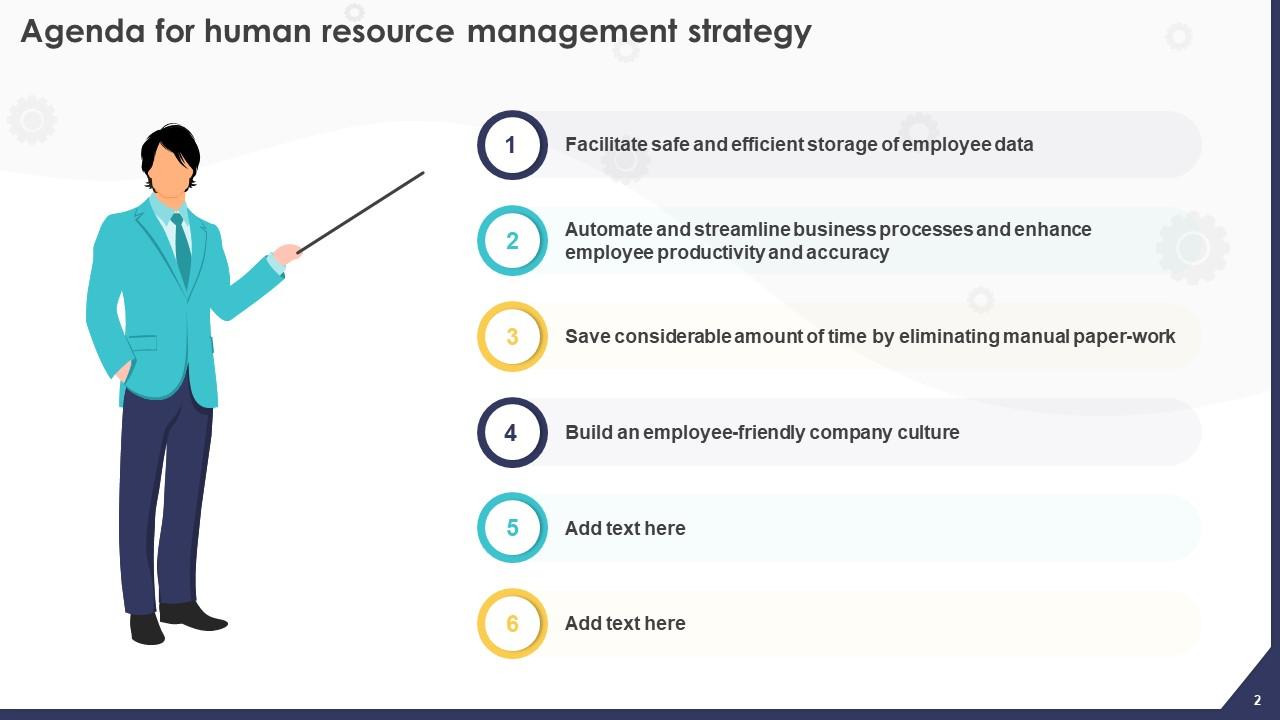
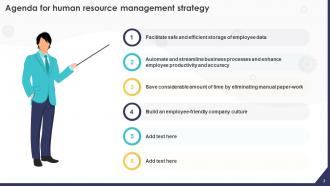
Slide 2 : Este slide descreve a Agenda da apresentação.
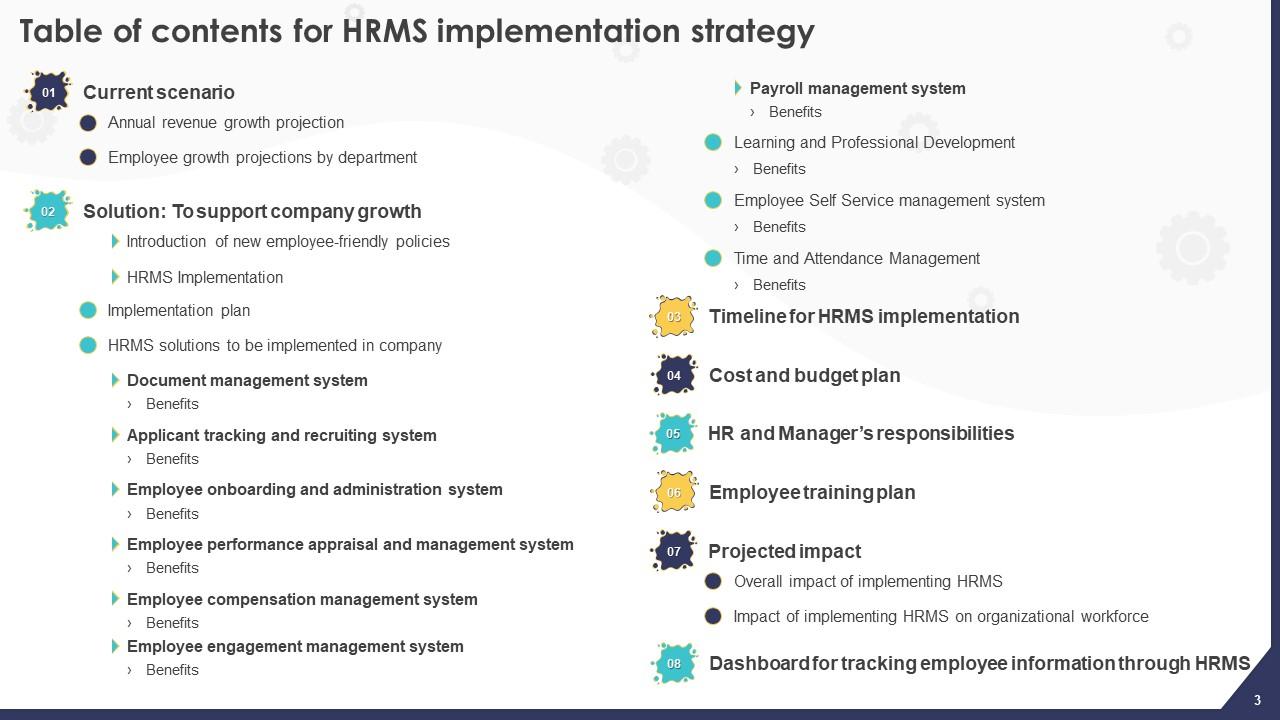
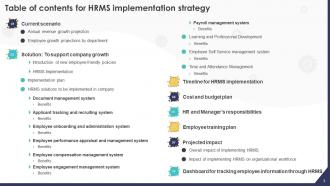
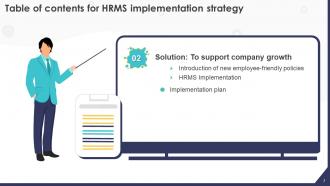
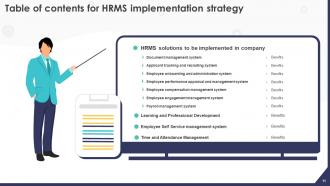
Slide 3 : Este slide incorpora o sumário.
Slide 4 : Este slide destaca o título dos tópicos a serem discutidos posteriormente.
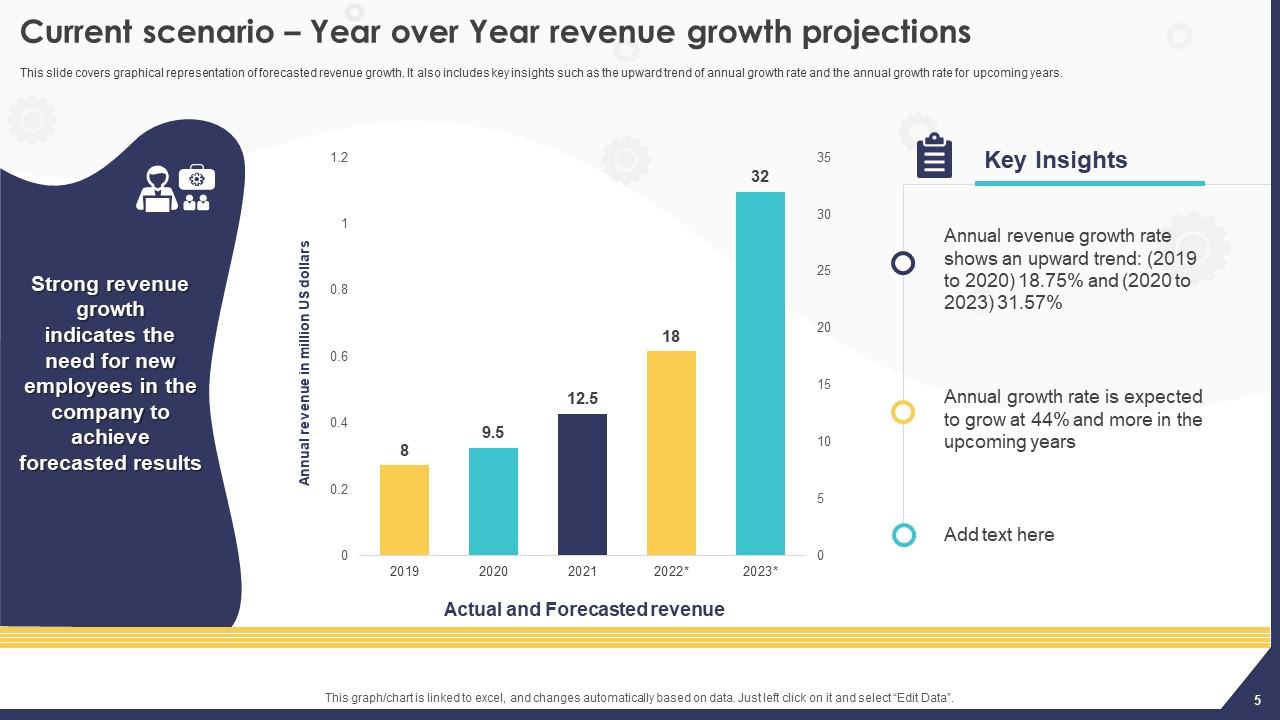
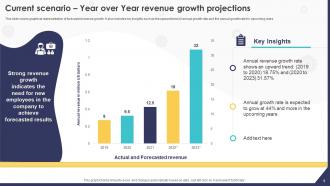
Slide 5 : Este slide aborda a representação gráfica do crescimento de receita previsto.
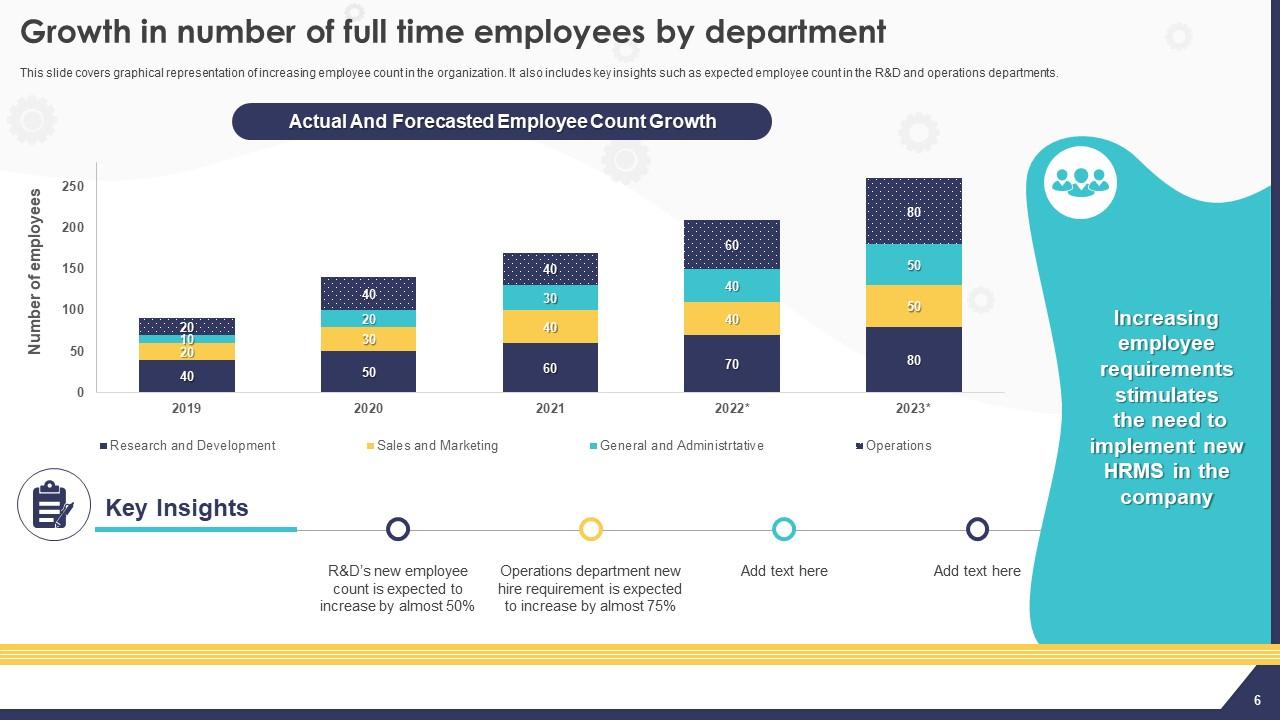
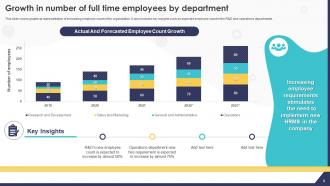
Slide 6 : Este slide mostra o crescimento do número de funcionários em tempo integral por departamento.
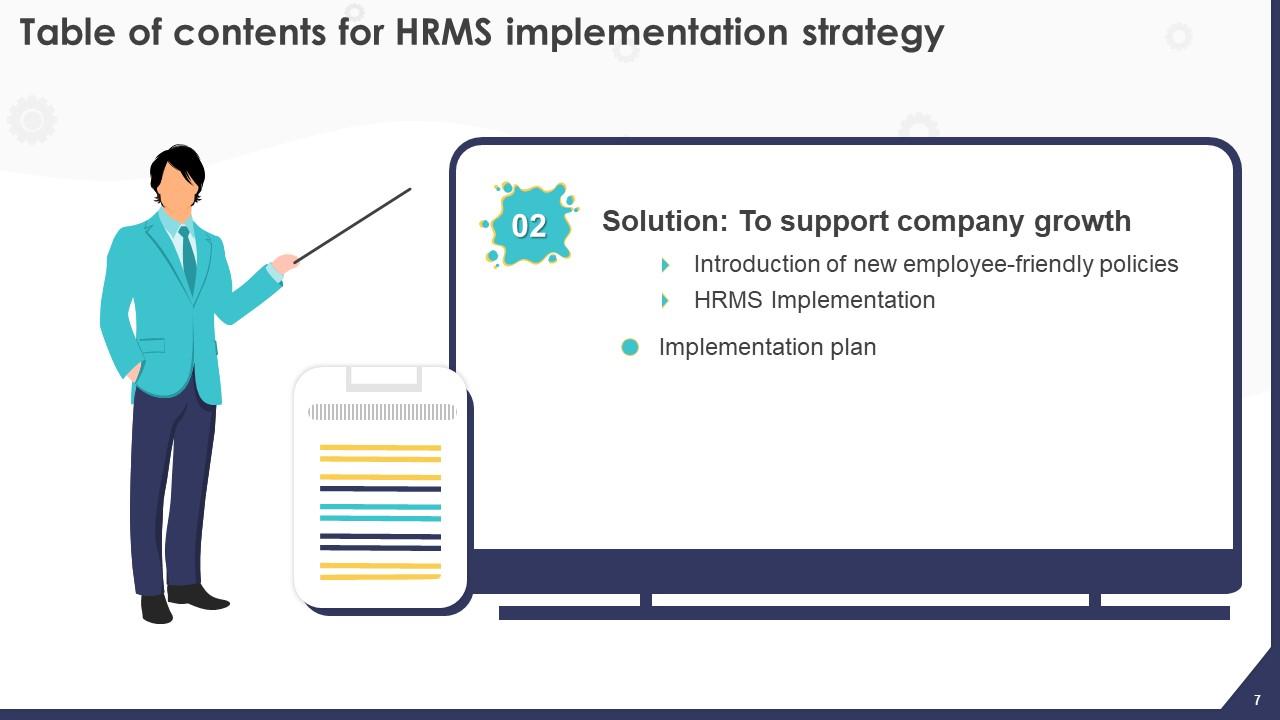
Slide 7 : Este slide menciona o título dos componentes a serem abordados no modelo a seguir.
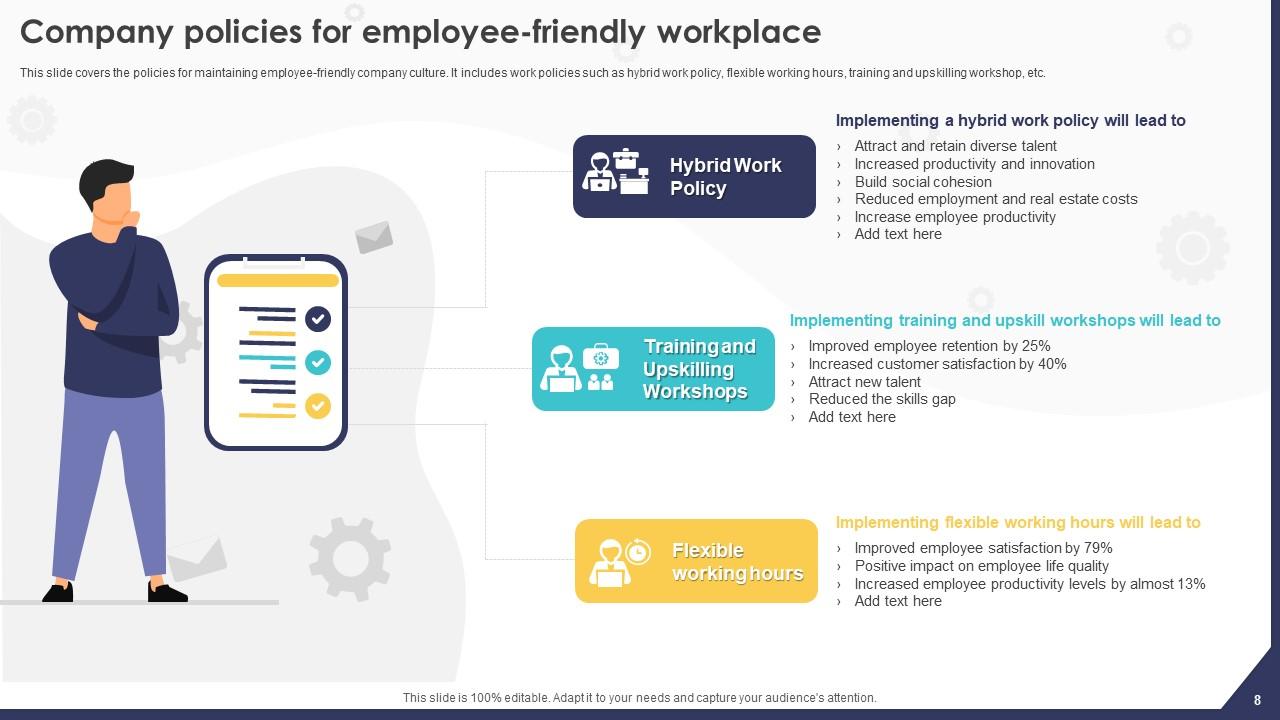
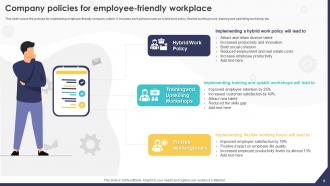
Slide 8 : Este slide apresenta as políticas da empresa para um local de trabalho amigável para os funcionários.
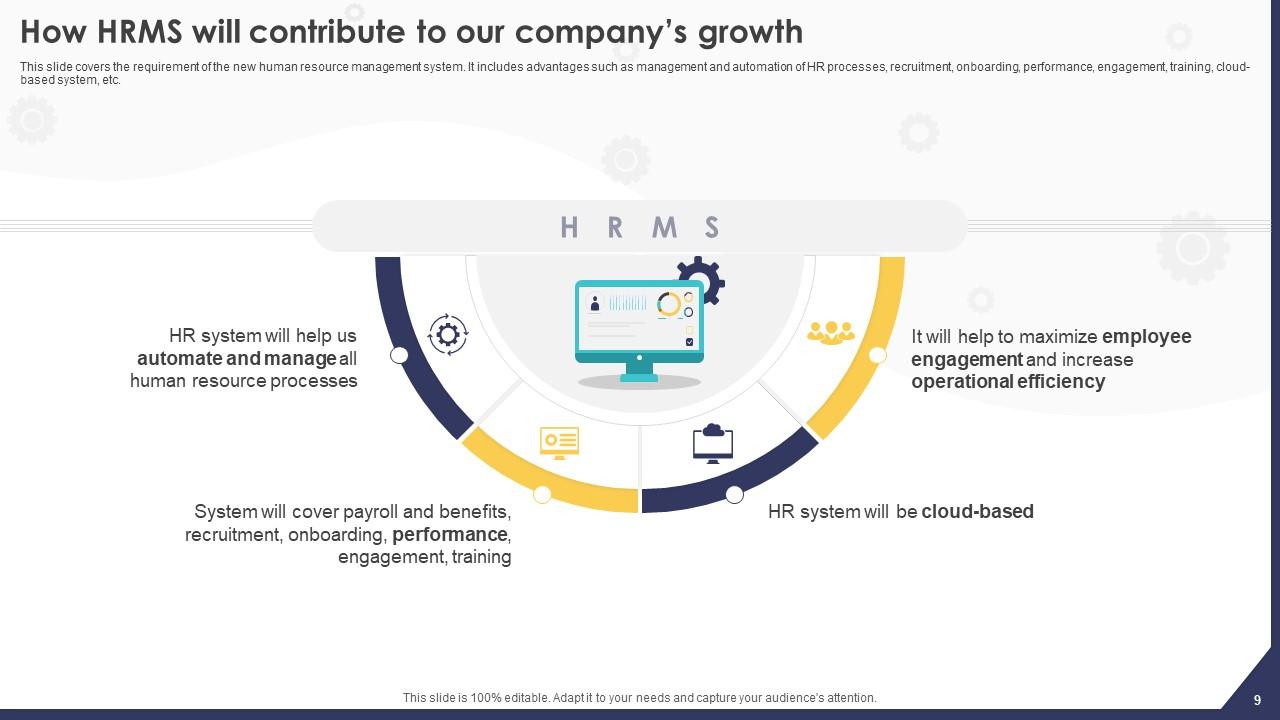
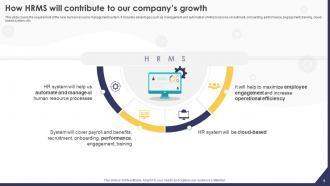
Slide 9 : Este slide esclarece os requisitos do novo sistema de gerenciamento de recursos humanos.
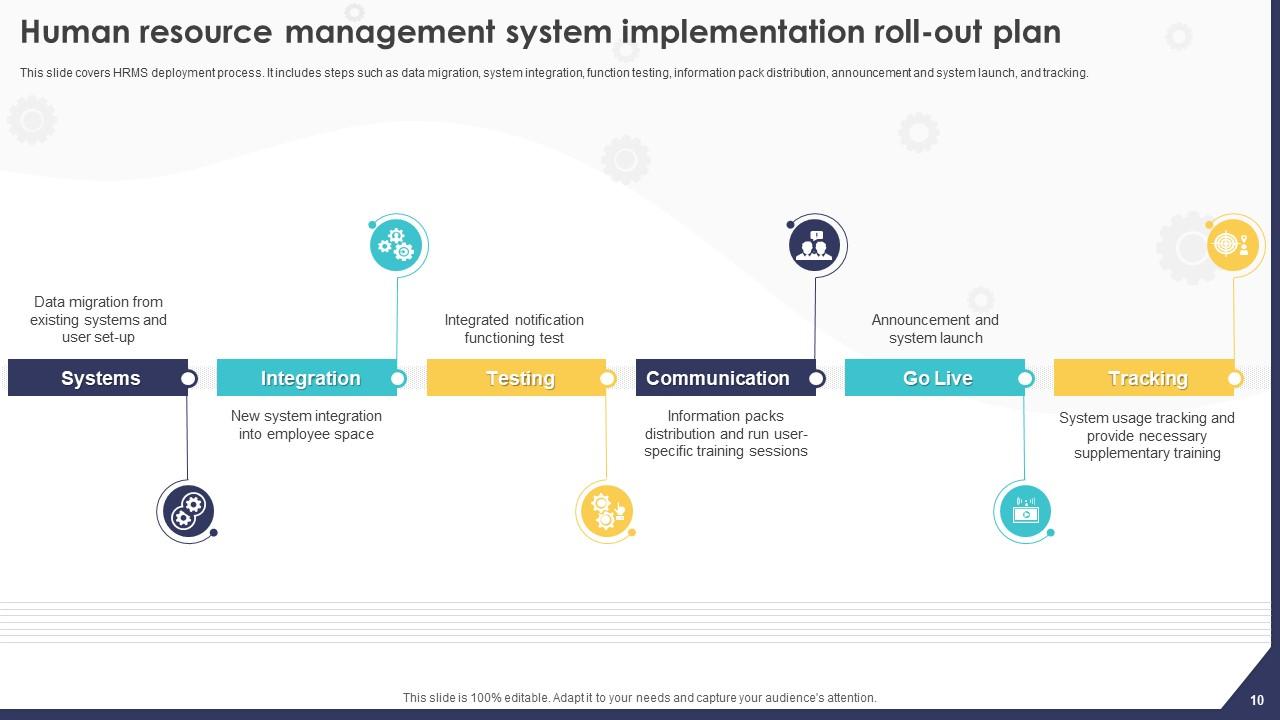
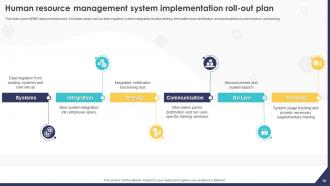
Slide 10 : Este slide fala sobre o plano de implantação do sistema de gerenciamento de recursos humanos.
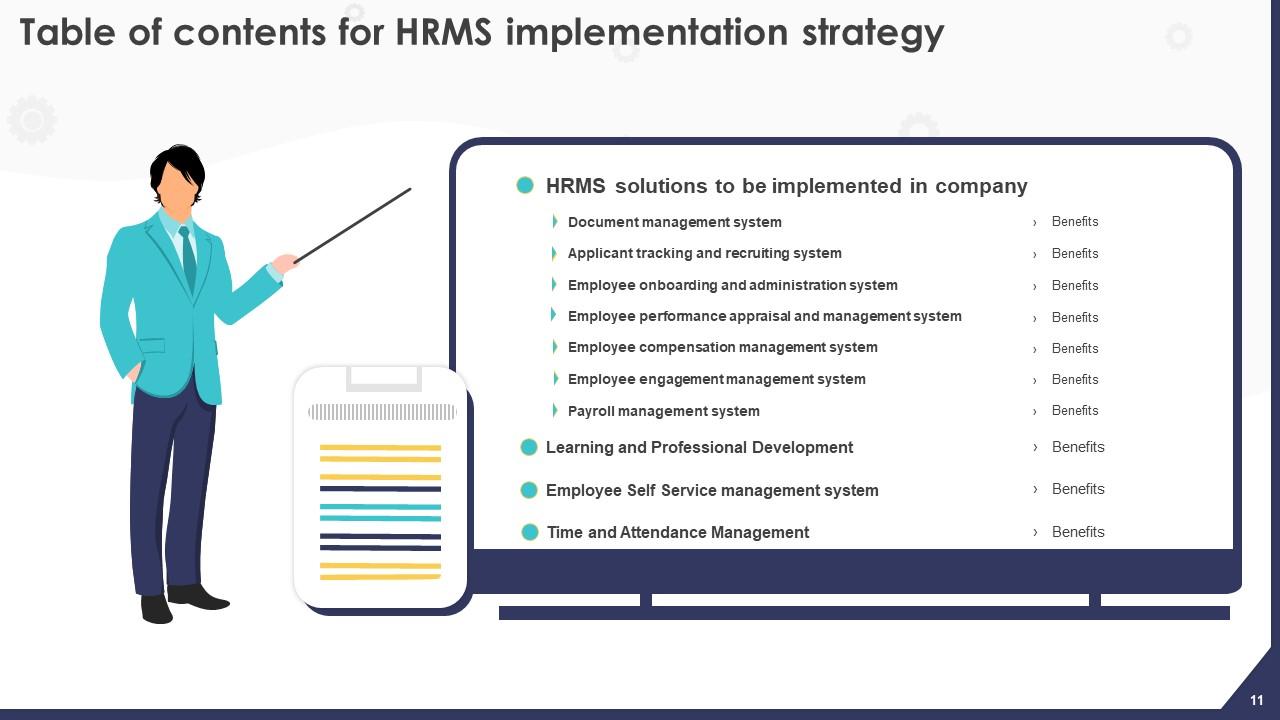
Slide 11 : Este slide revela o título das ideias a serem discutidas posteriormente.
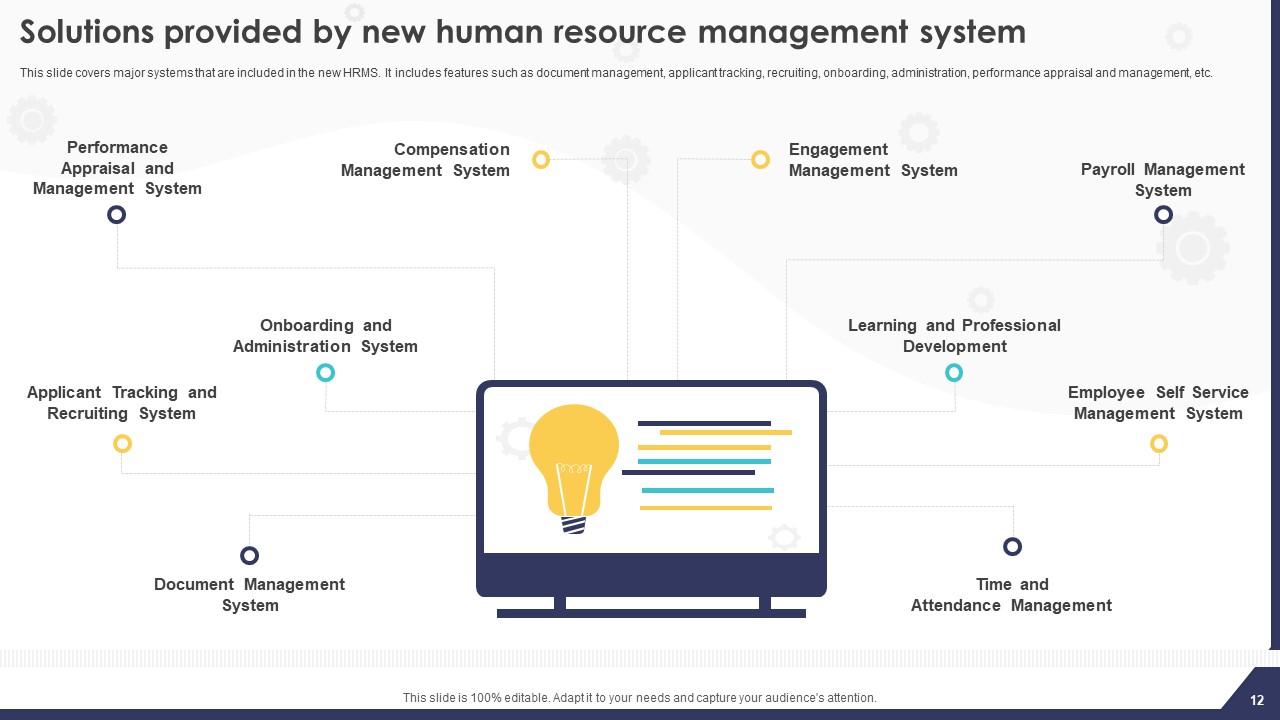
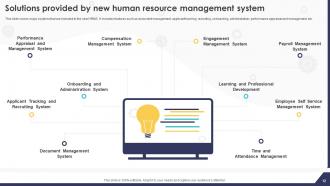
Slide 12 : Este slide exibe as soluções fornecidas pelo novo sistema de gerenciamento de recursos humanos.
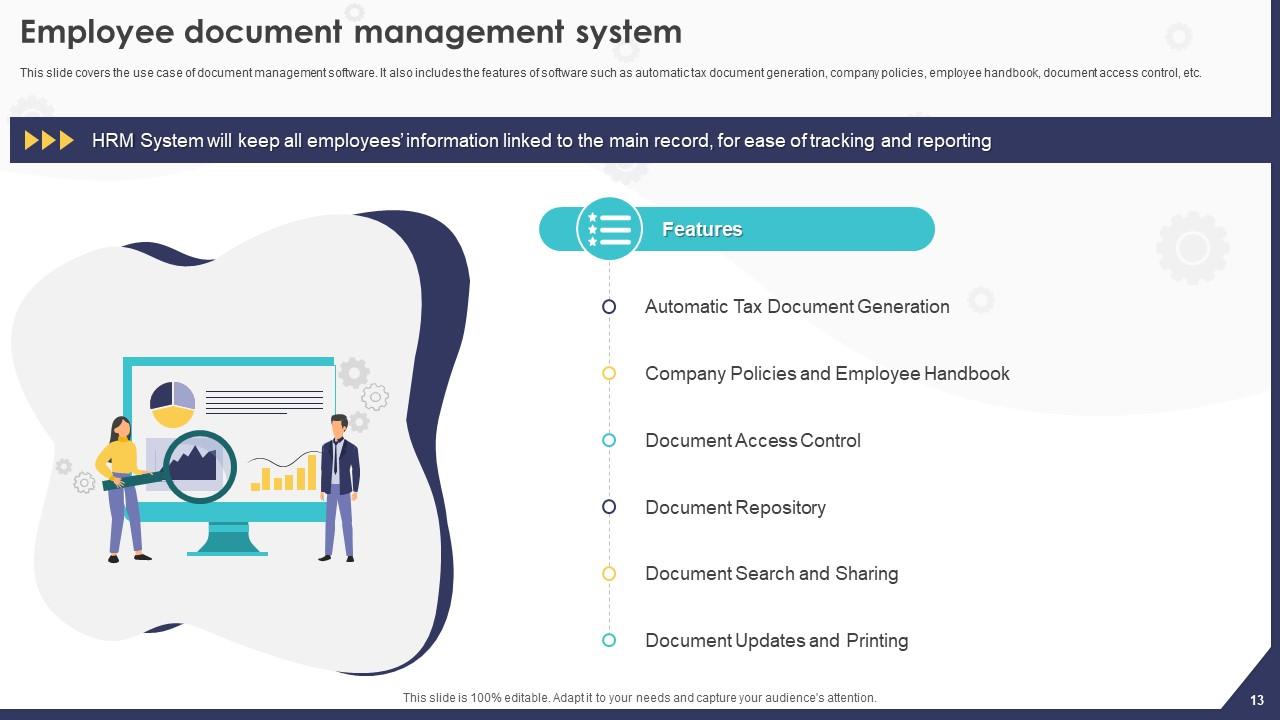
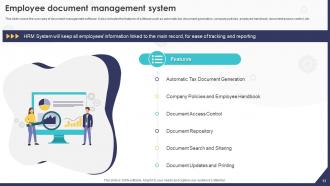
Slide 13 : Este slide trata do sistema de gerenciamento de documentos do funcionário.
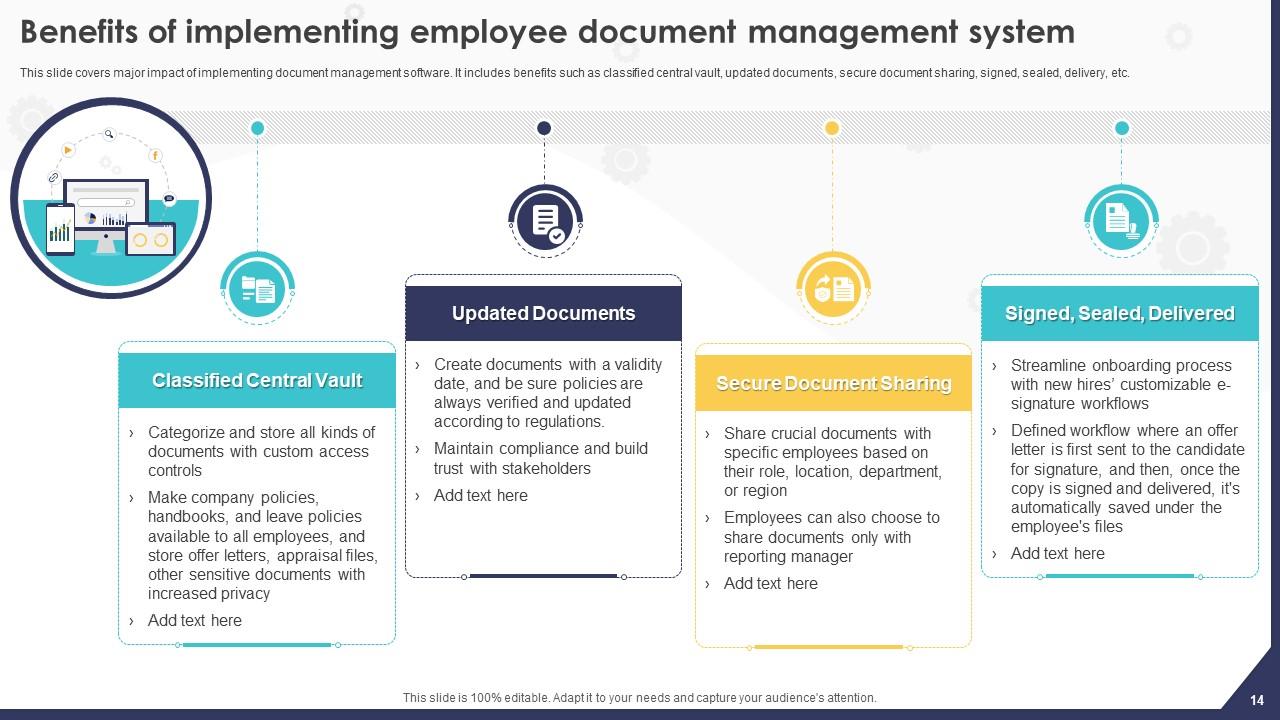
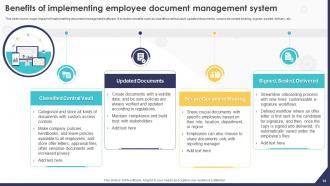
Slide 14 : Este slide retrata os benefícios da implementação do sistema de gerenciamento de documentos para funcionários.
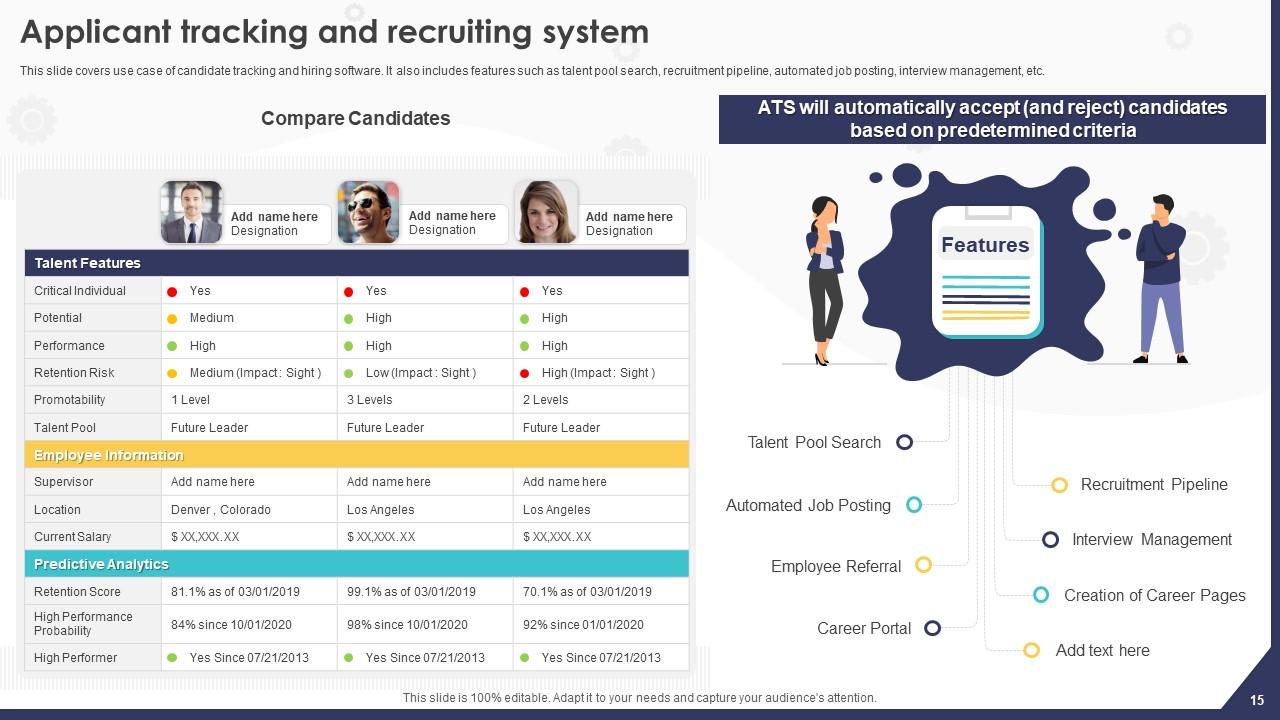
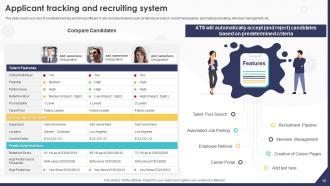
Slide 15 : Este slide aborda o caso de uso do software de rastreamento e contratação de candidatos.
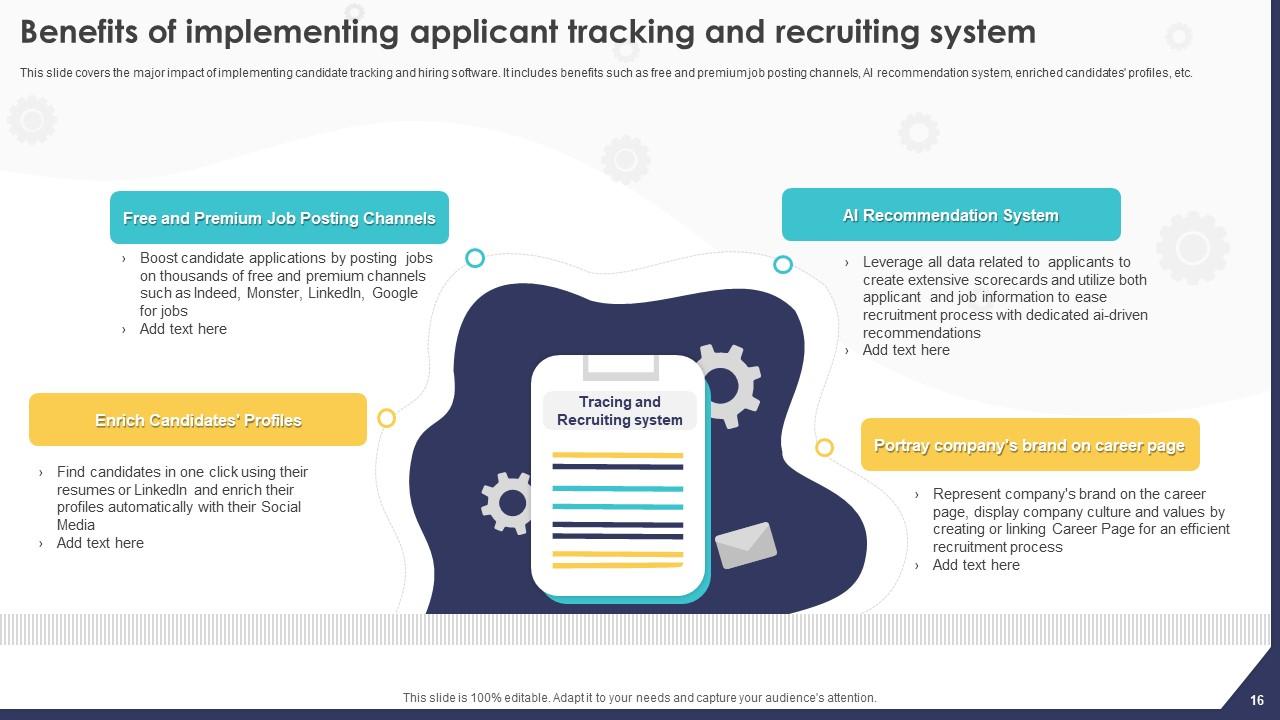
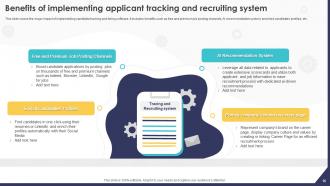
Slide 16 : Este slide revela os benefícios da implementação do sistema de rastreamento e recrutamento de candidatos.
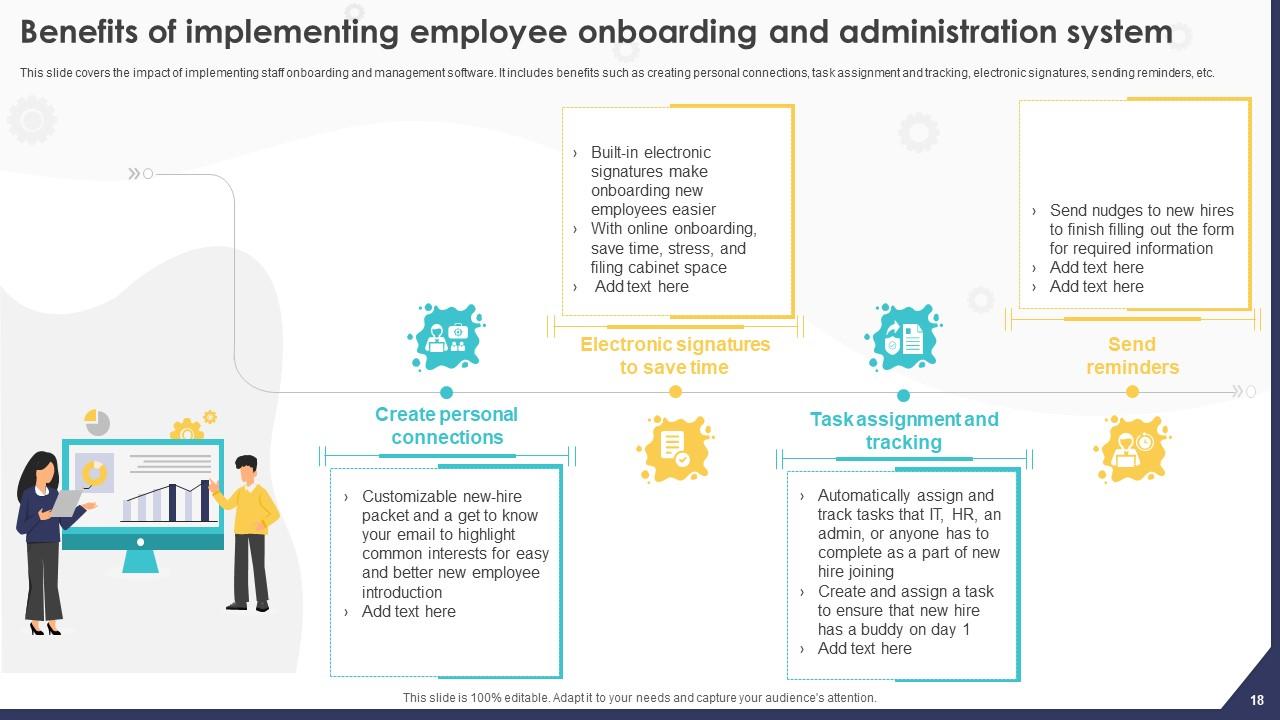
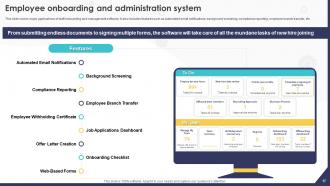
Slide 17 : Este slide menciona o sistema de integração e administração de funcionários.
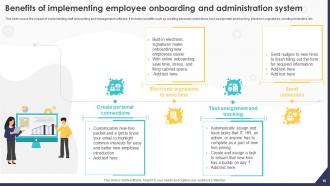
Slide 18 : Este slide apresenta os benefícios da implementação do sistema de integração e administração de funcionários.
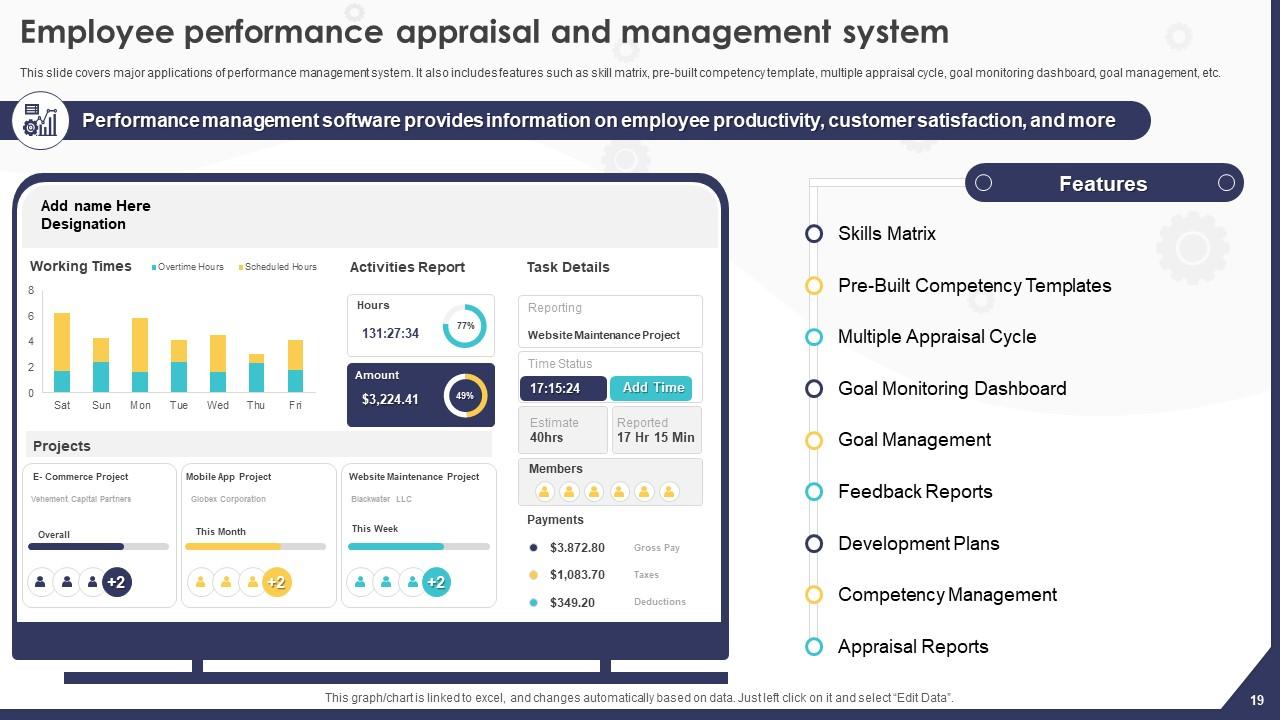
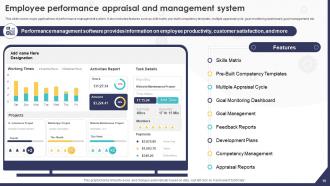
Slide 19 : Este slide fala sobre o sistema de avaliação e gerenciamento de desempenho dos funcionários.
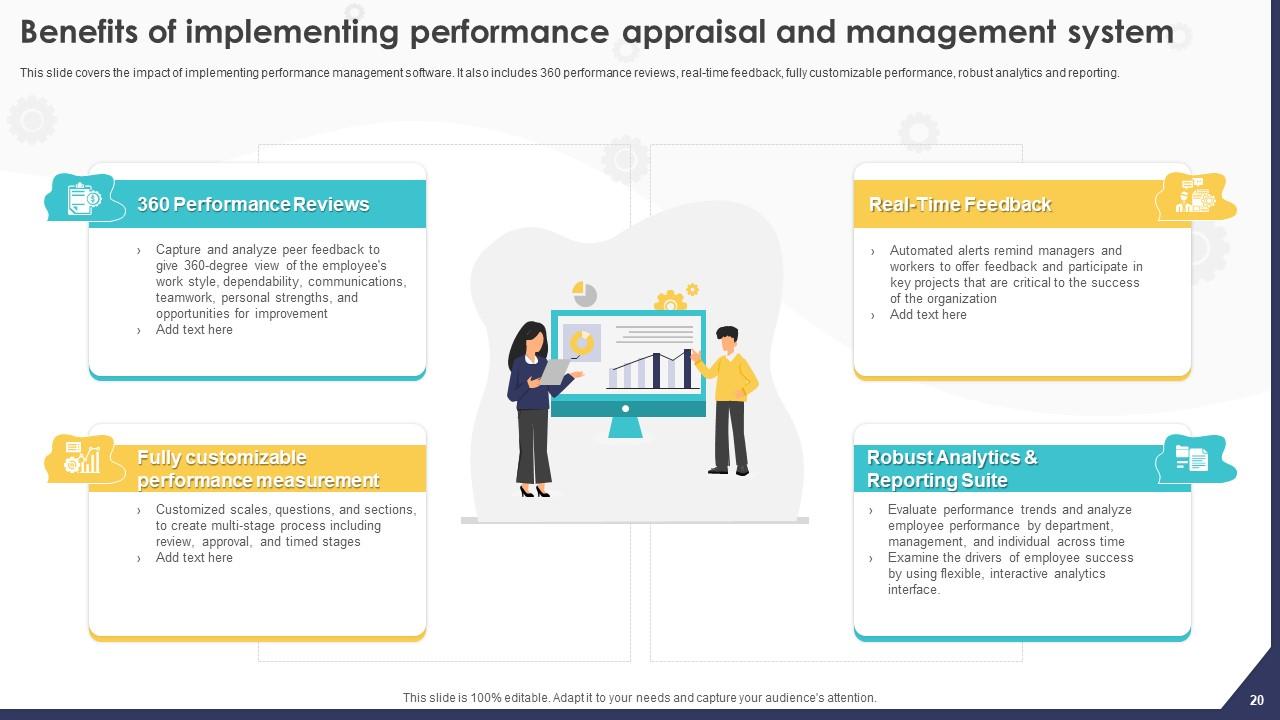
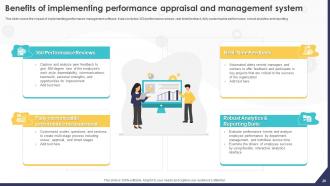
Slide 20 : Este slide incorpora os Benefícios da implementação do sistema de avaliação e gestão de desempenho.
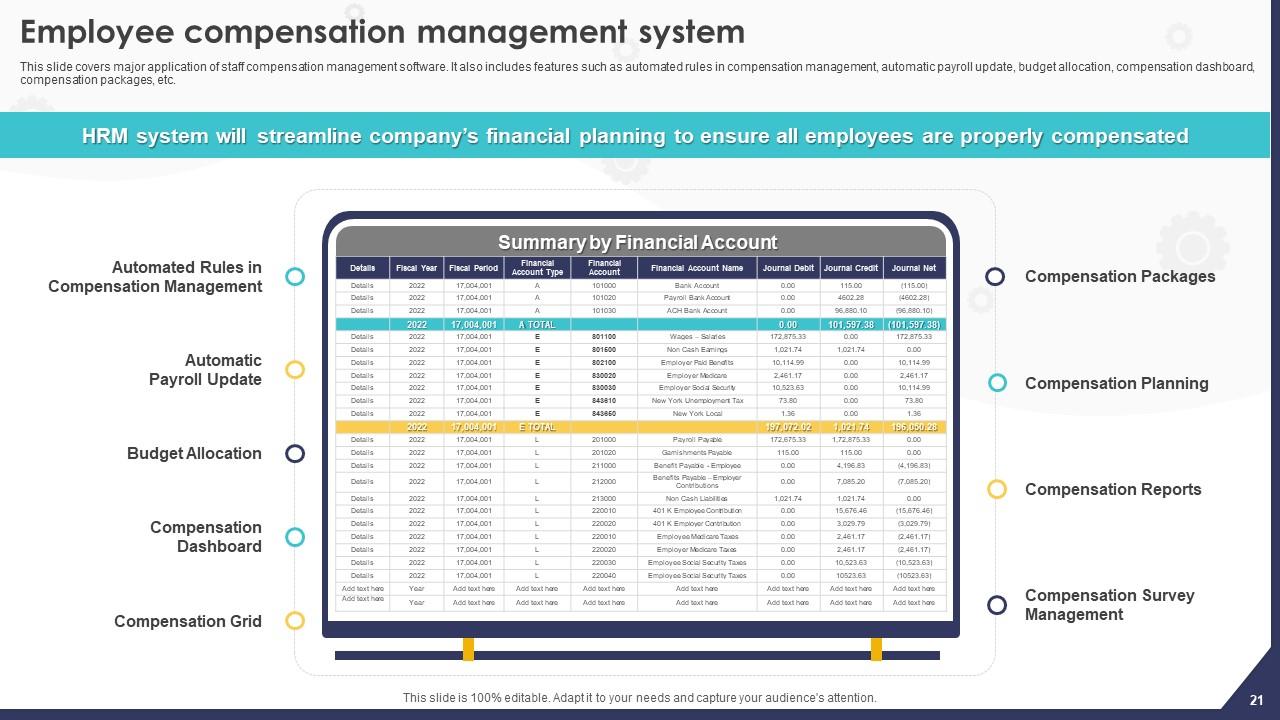
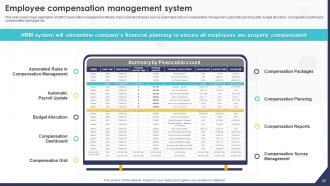
Slide 21 : Este slide aborda as principais aplicações do software de gerenciamento de remuneração de pessoal.
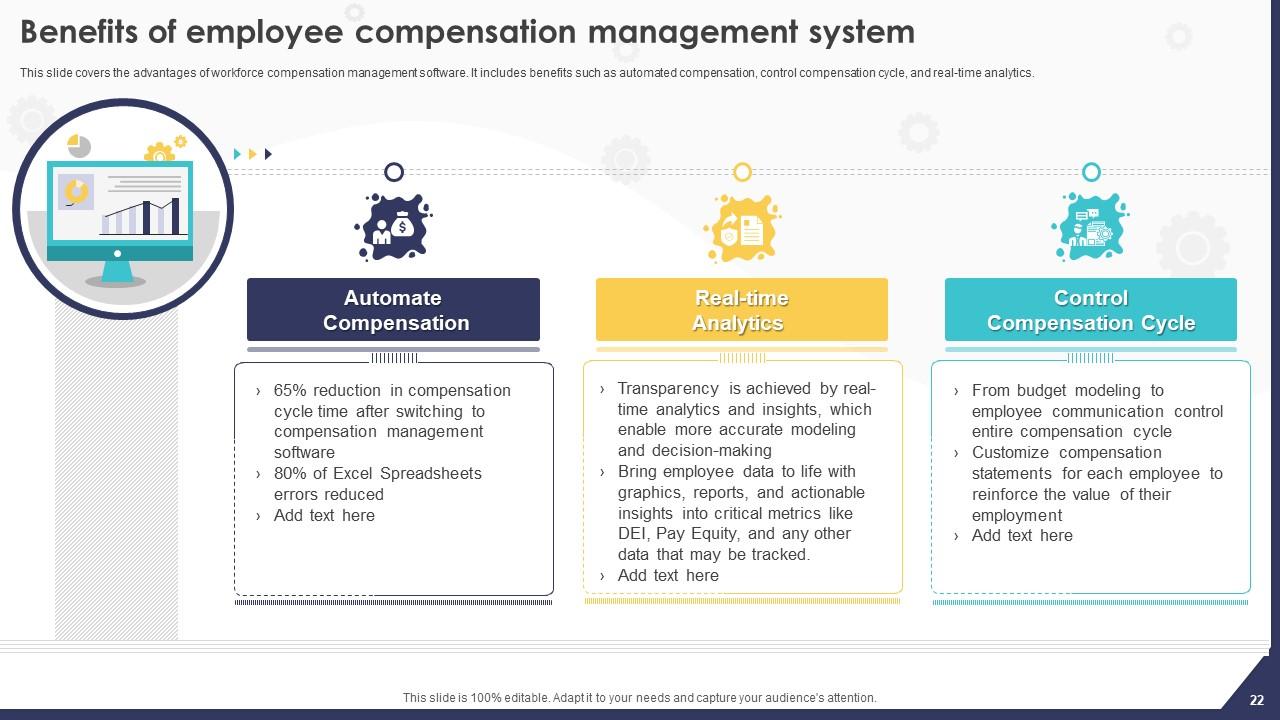
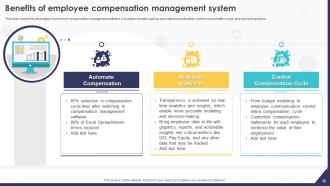
Slide 22 : Este slide mostra os benefícios do sistema de gerenciamento de remuneração dos funcionários.
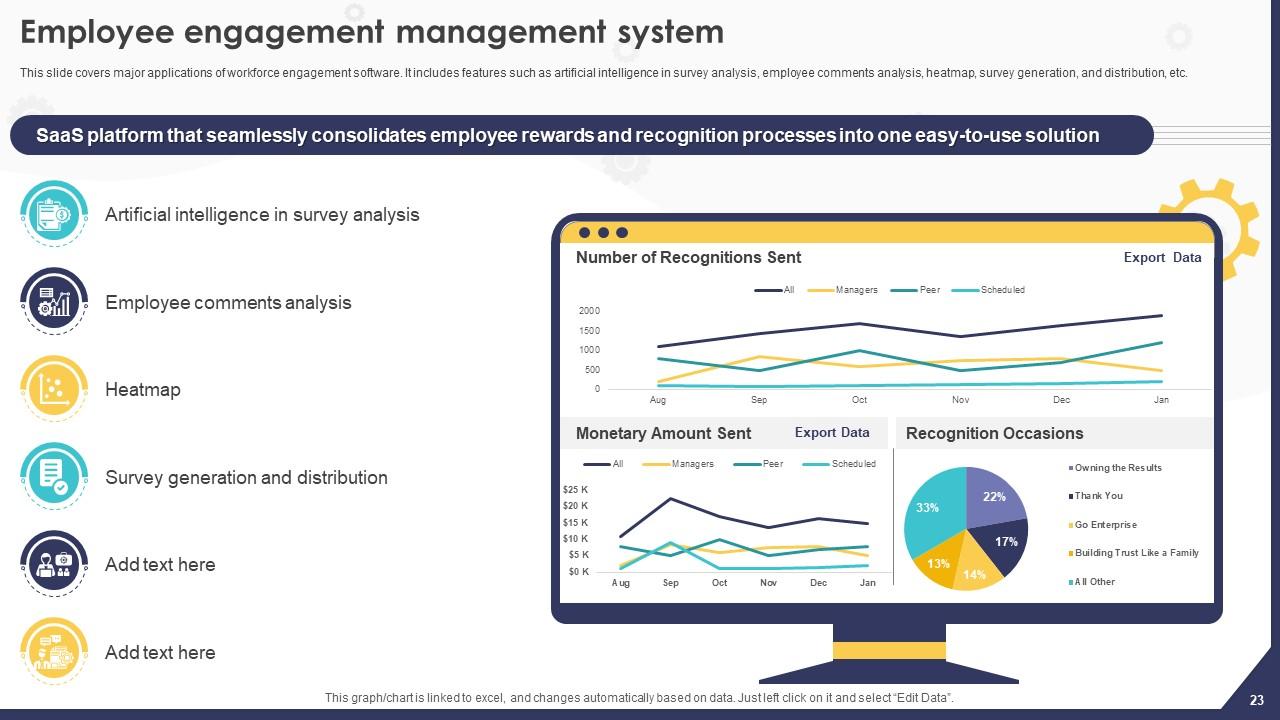
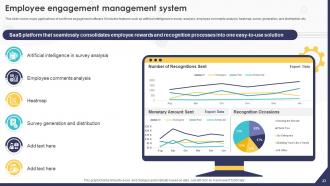
Slide 23 : Este slide fala sobre o sistema de gerenciamento de engajamento dos funcionários.
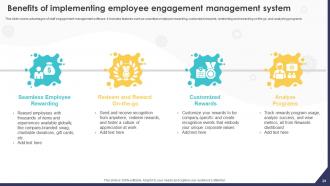
Slide 24 : Este slide apresenta os benefícios da implementação do sistema de gerenciamento de engajamento dos funcionários.
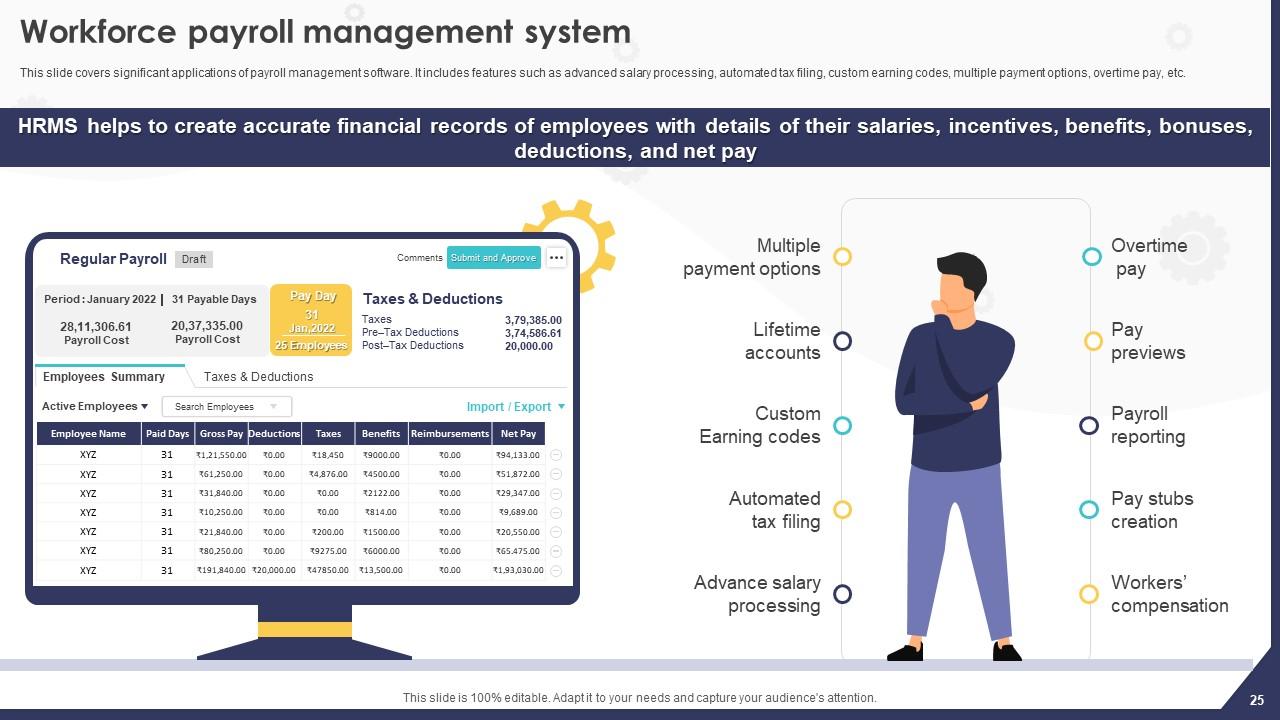
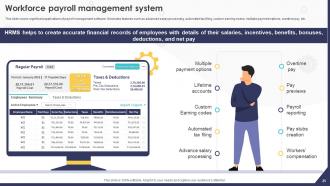
Slide 25 : Este slide mostra o sistema de gerenciamento de folha de pagamento da força de trabalho.
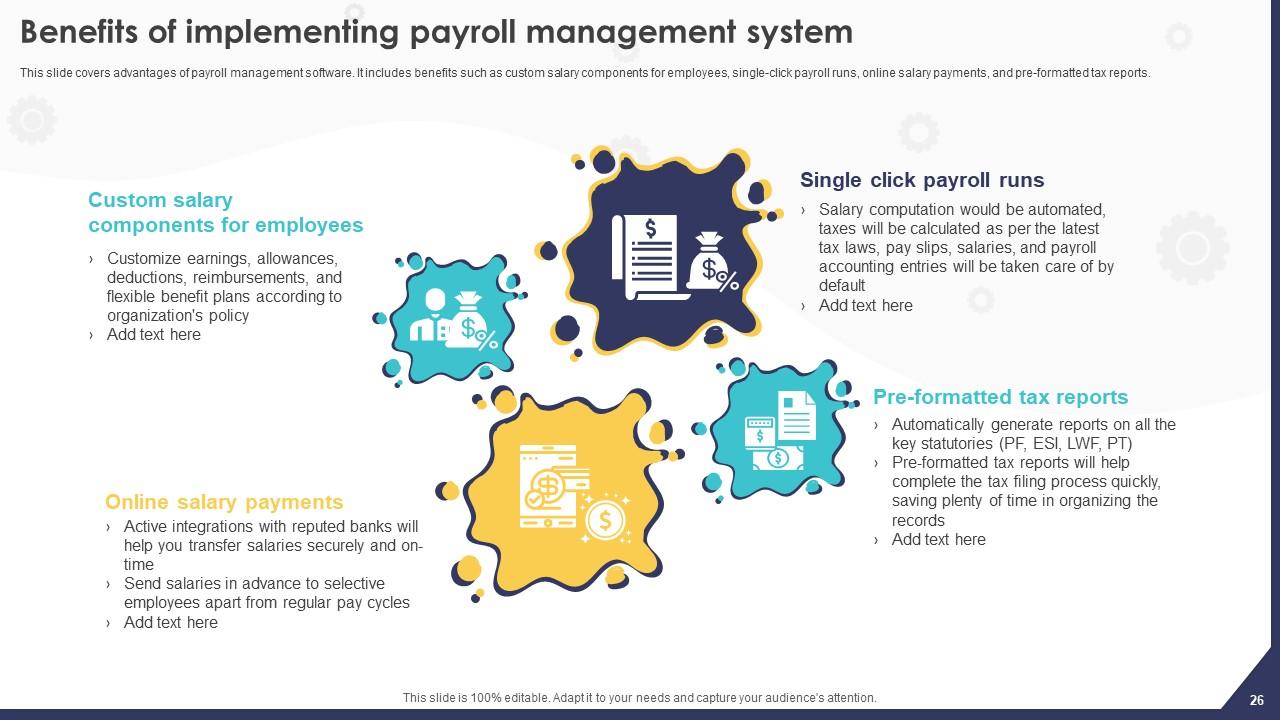
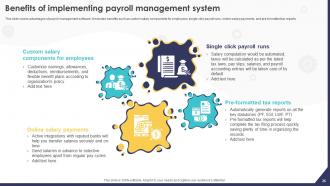
Slide 26 : Este slide exibe os benefícios da implementação do sistema de gerenciamento de folha de pagamento.
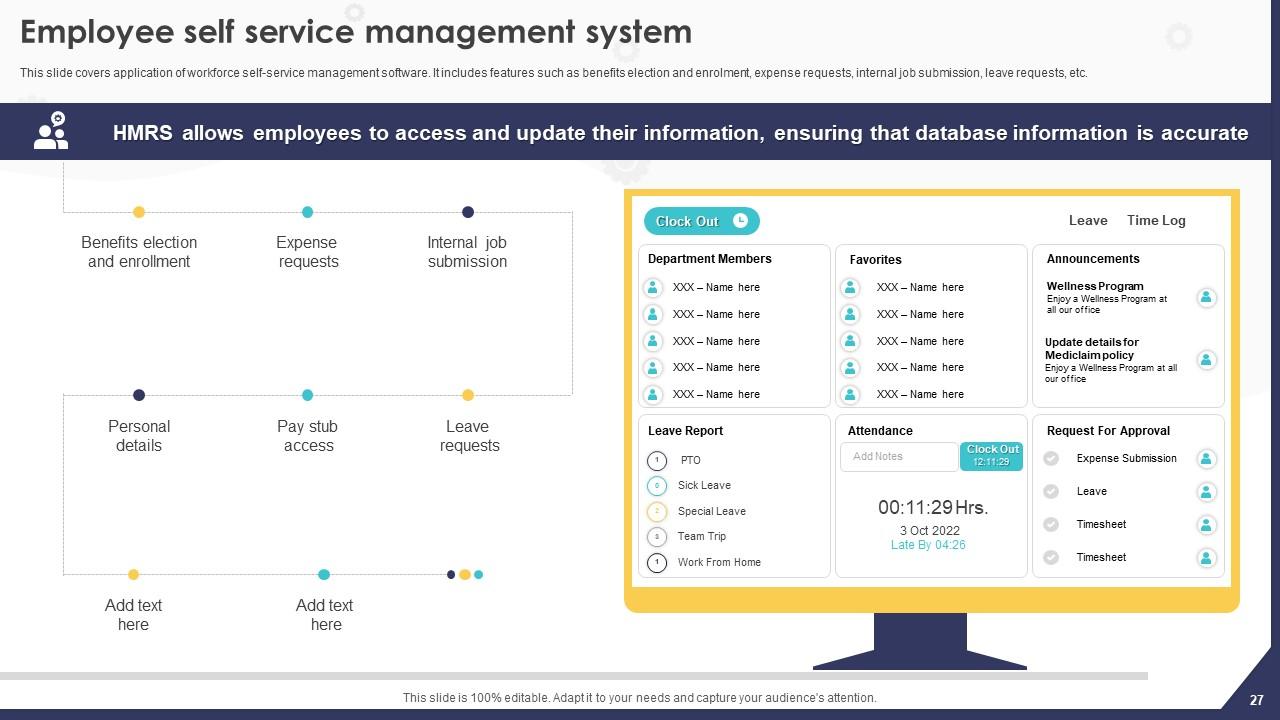
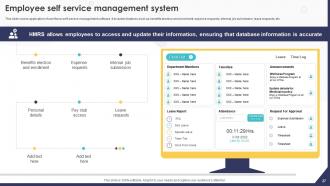
Slide 27 : Este slide aborda a aplicação do software de gerenciamento de autoatendimento da força de trabalho.
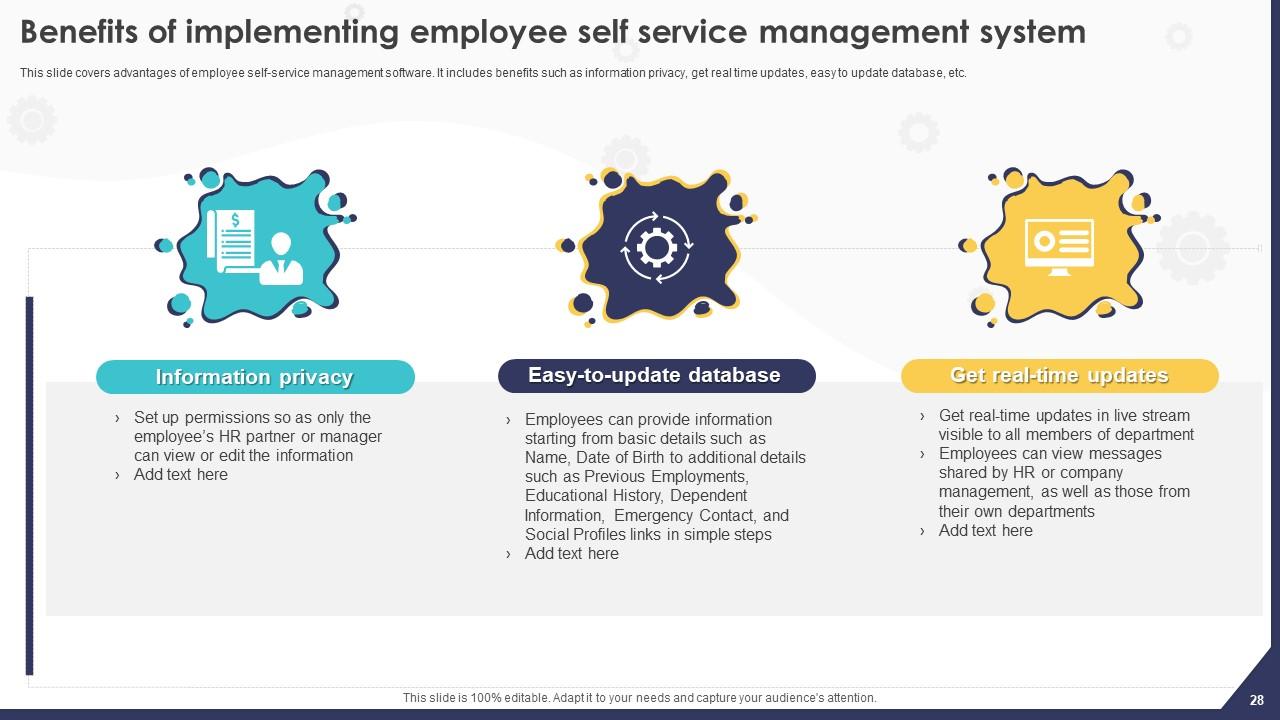
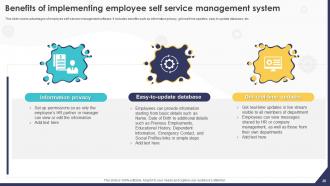
Slide 28 : Este slide menciona os benefícios da implementação do sistema de gerenciamento de autoatendimento para funcionários.
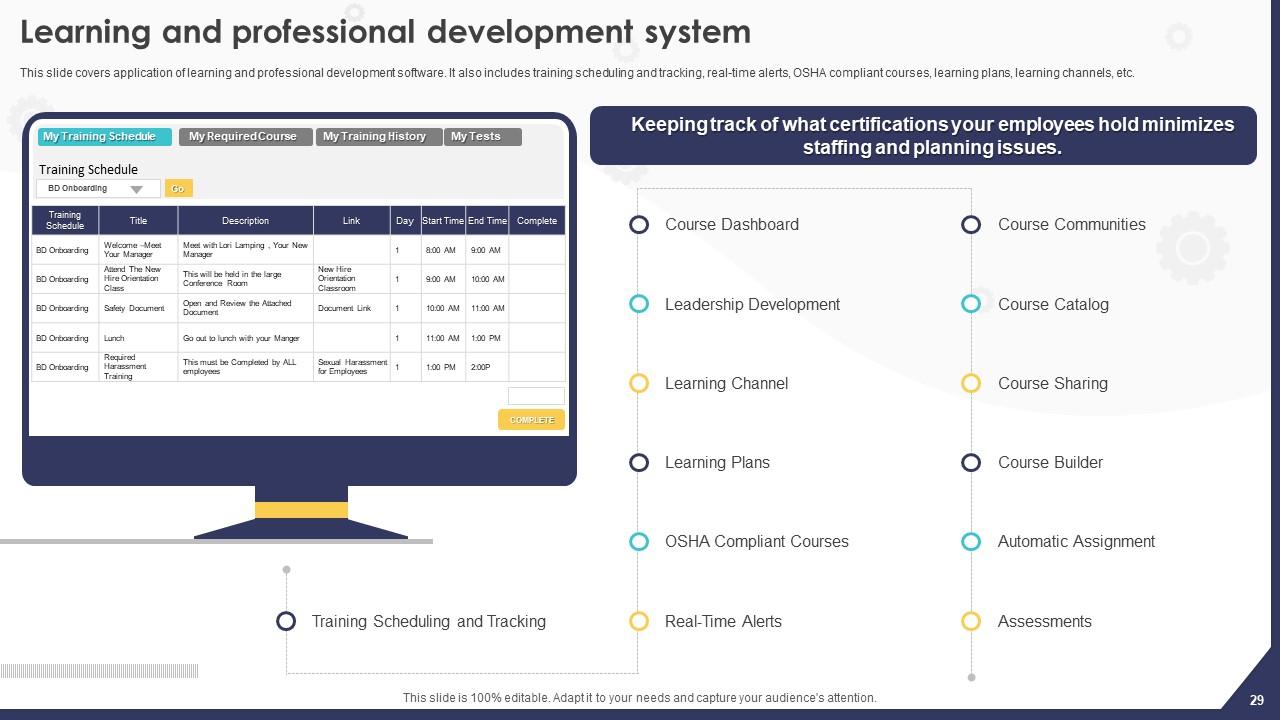
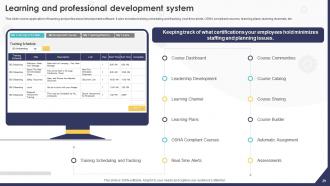
Slide 29 : Este slide ilustra a aplicação do software de aprendizado e desenvolvimento profissional.
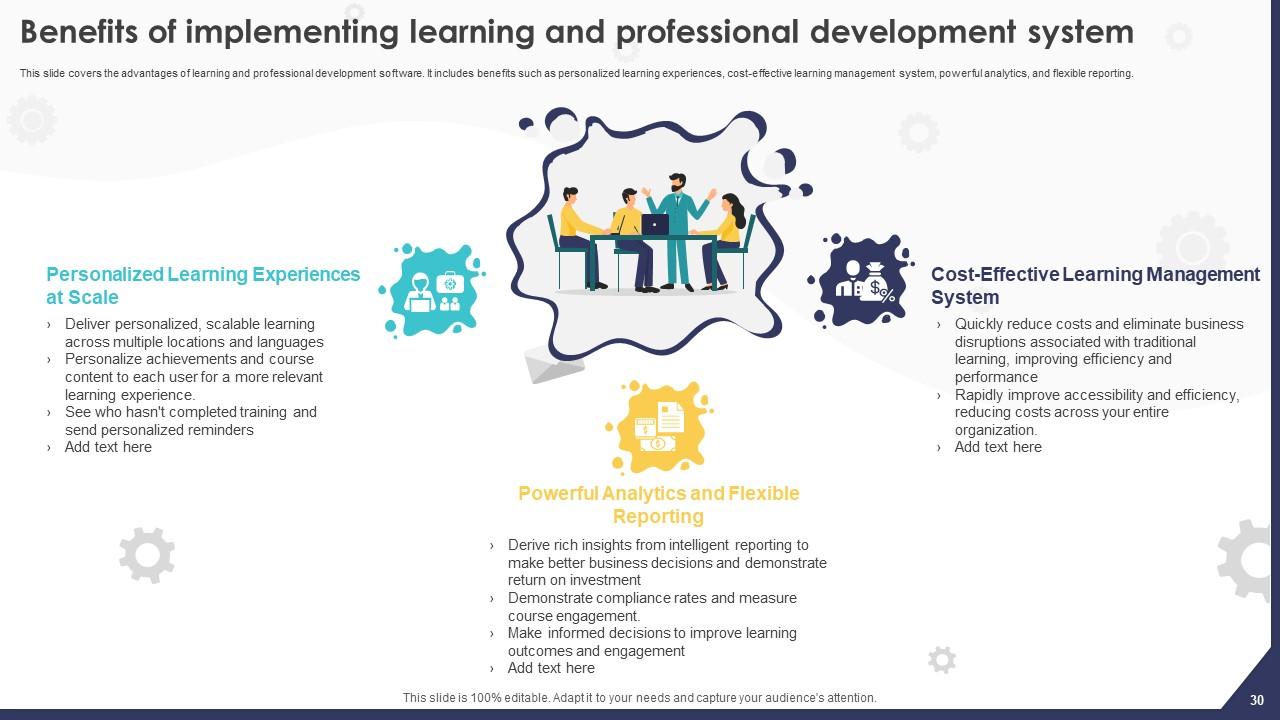
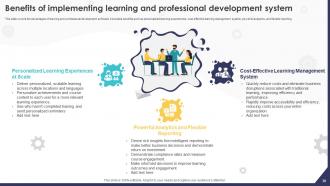
Slide 30 : Este slide descreve os benefícios da implementação do sistema de aprendizado e desenvolvimento profissional.
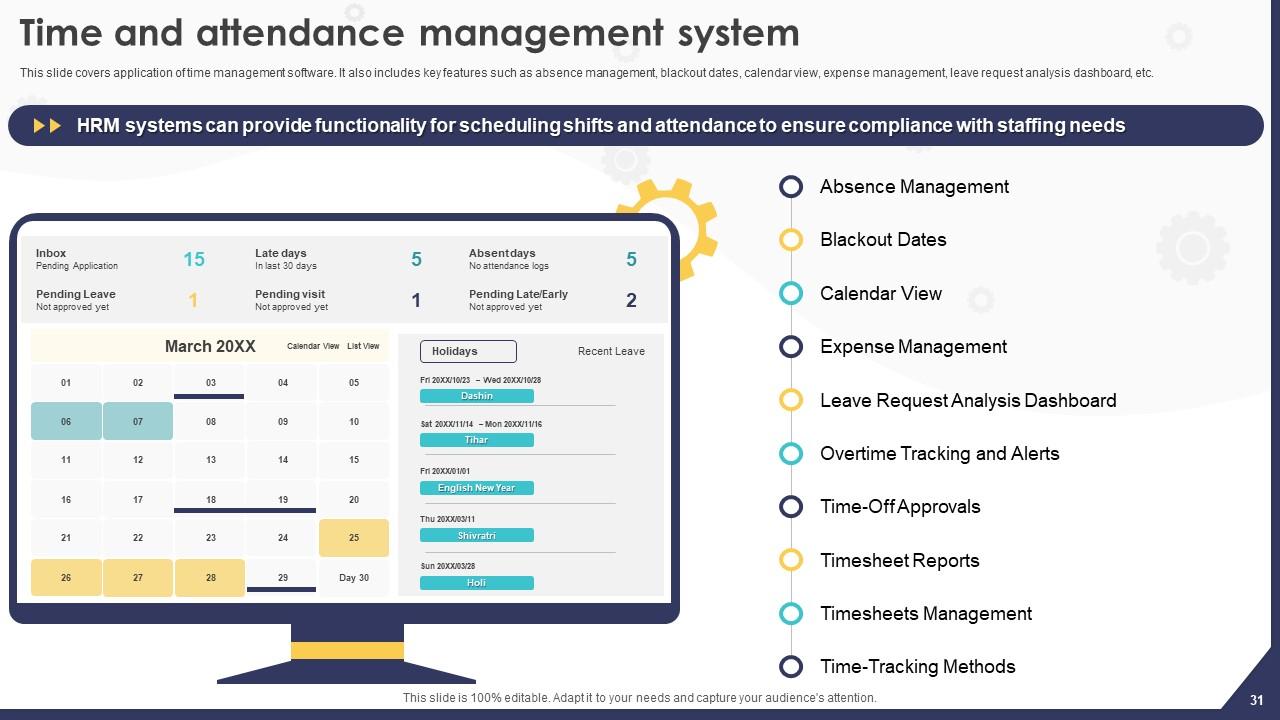
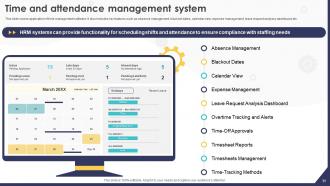
Slide 31 : Este slide revela o sistema de gerenciamento de tempo e presença.
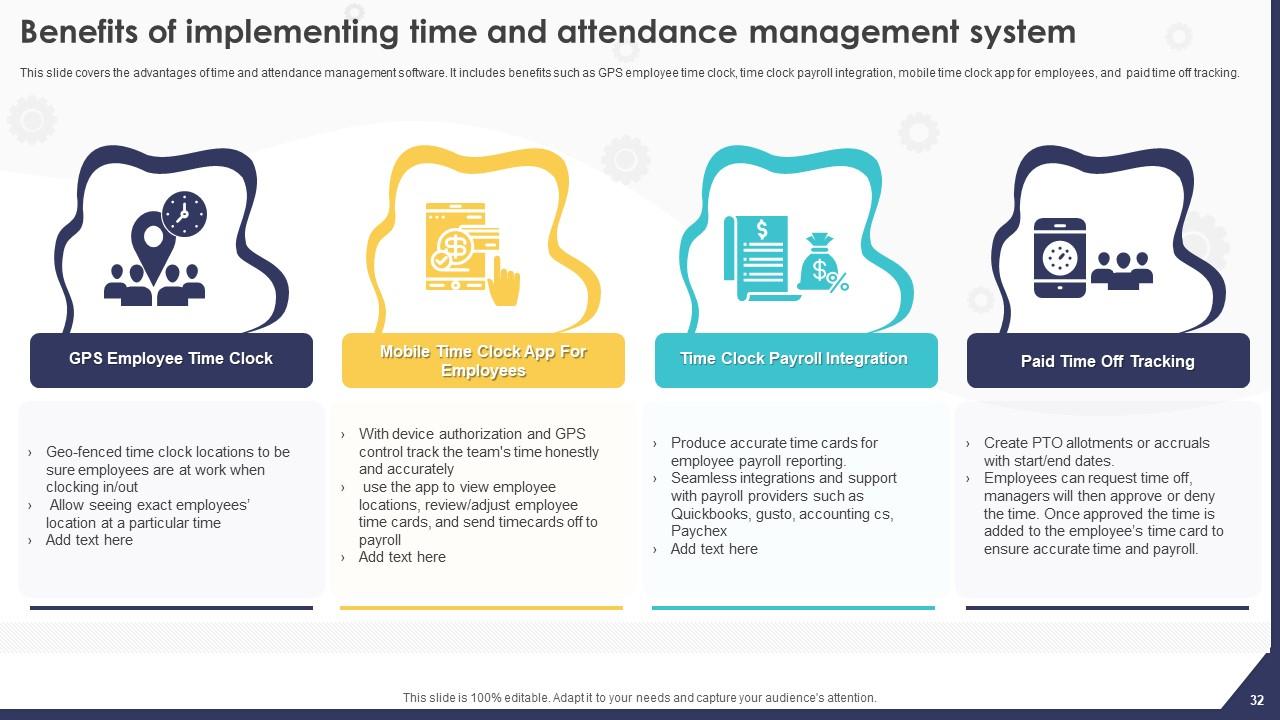
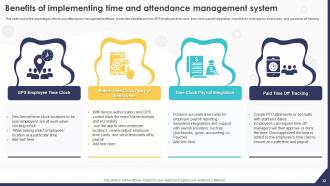
Slide 32 : Este slide exibe os benefícios da implementação do sistema de gerenciamento de tempo e presença.
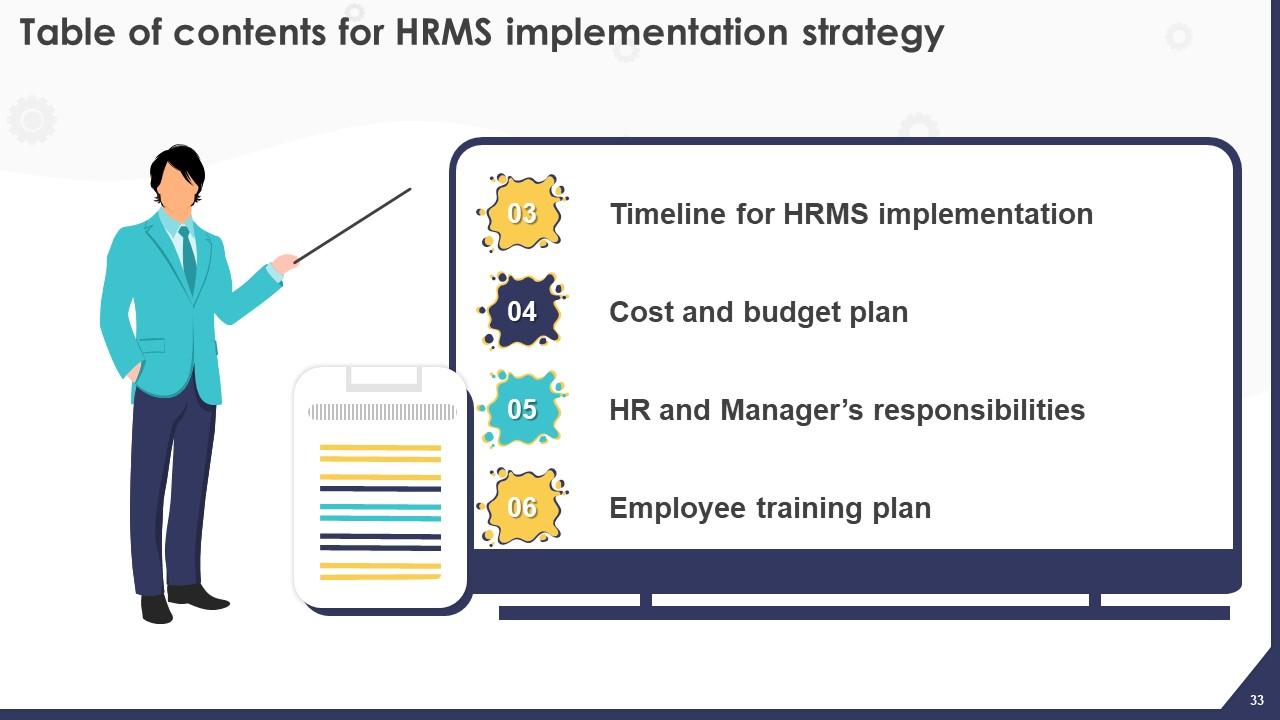
Slide 33 : Este slide elucida o Título das Ideias a serem discutidas no próximo modelo.
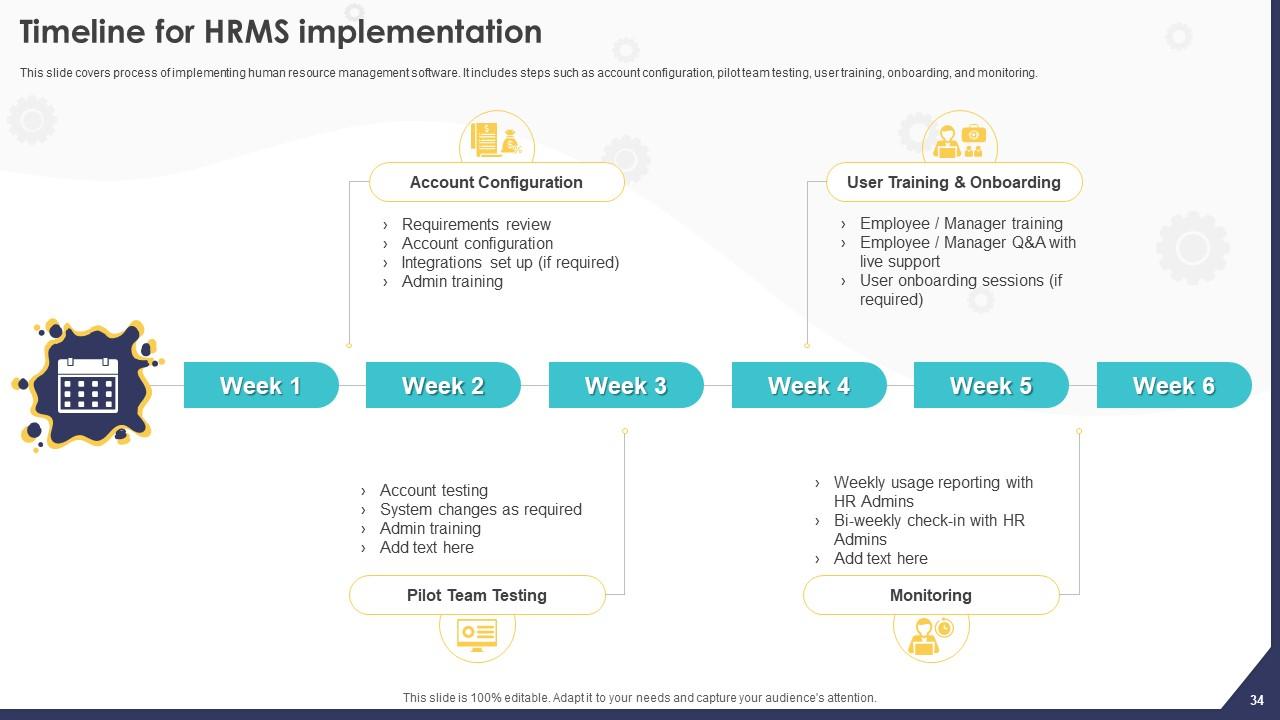
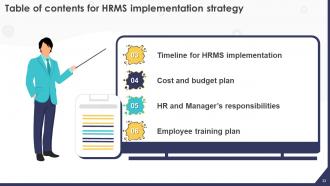
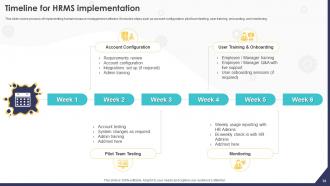
Slide 34 : Este slide revela o cronograma para a implementação do HRMS.
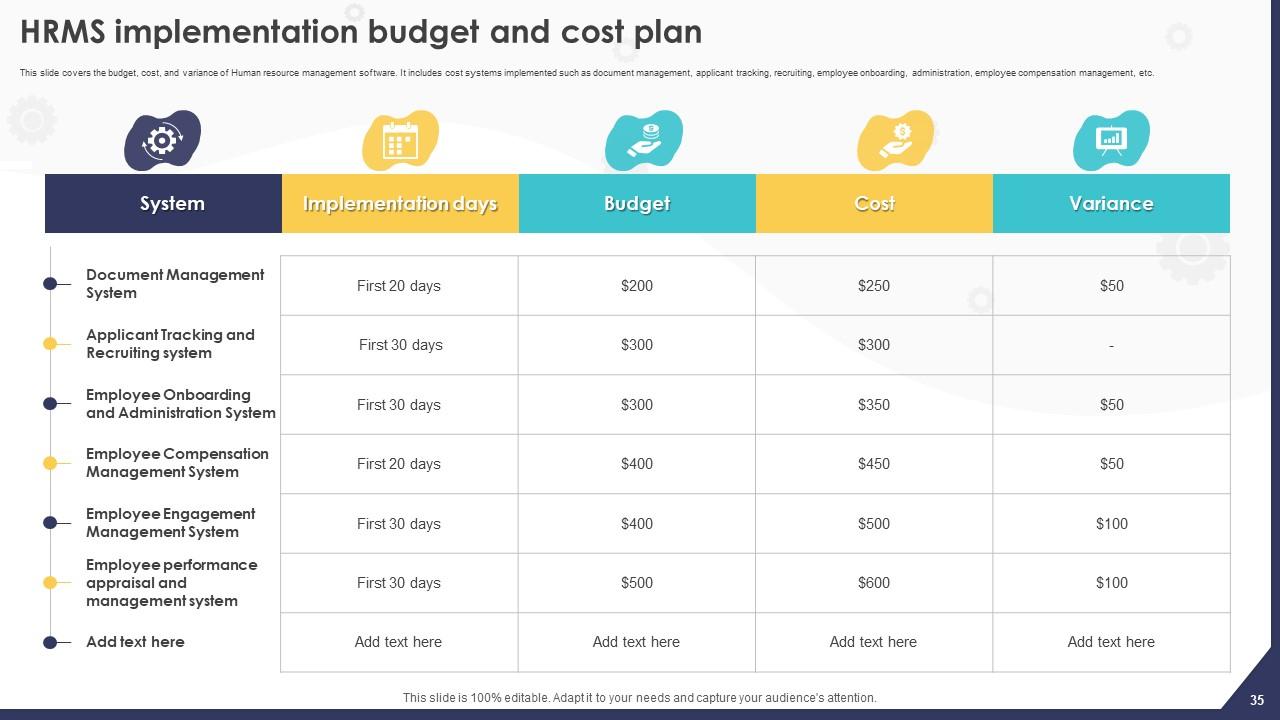
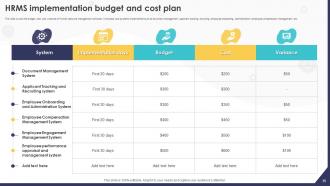
Slide 35 : Este slide cobre o orçamento, custo e variação do software de gerenciamento de recursos humanos.
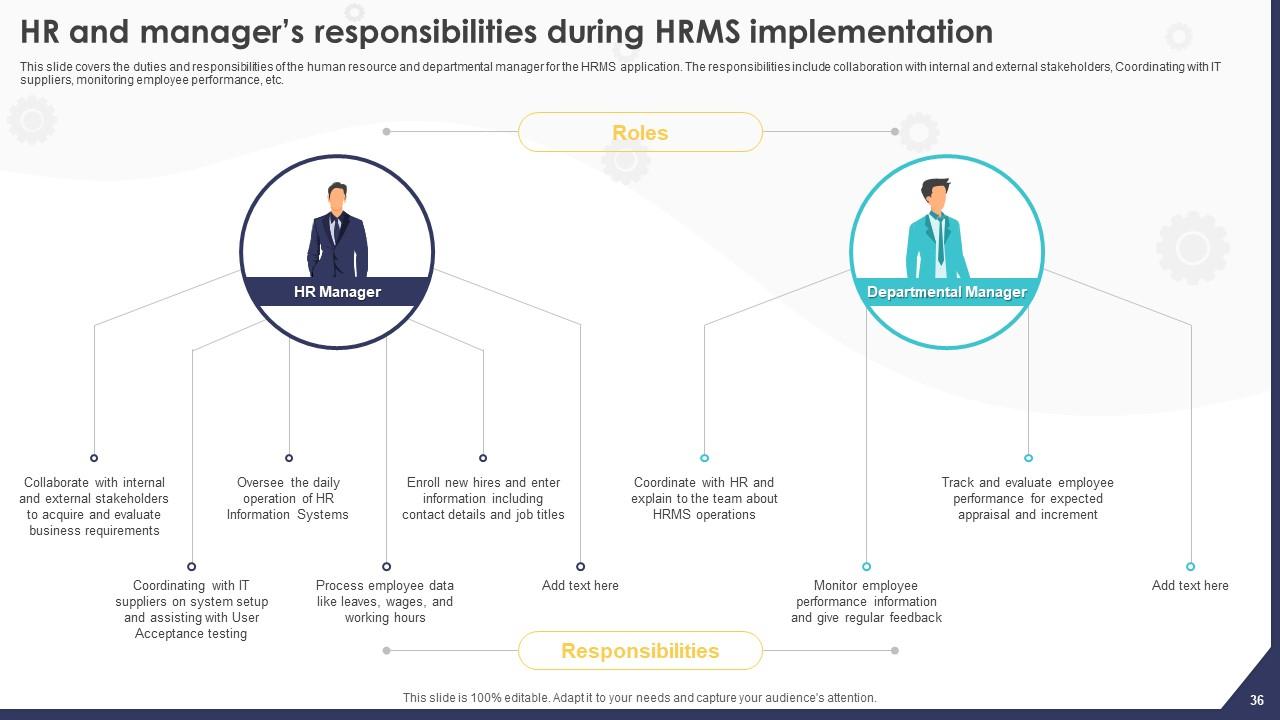
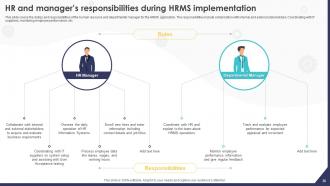
Slide 36 : Este slide apresenta as responsabilidades do RH e do gerente durante a implementação do HRMS.
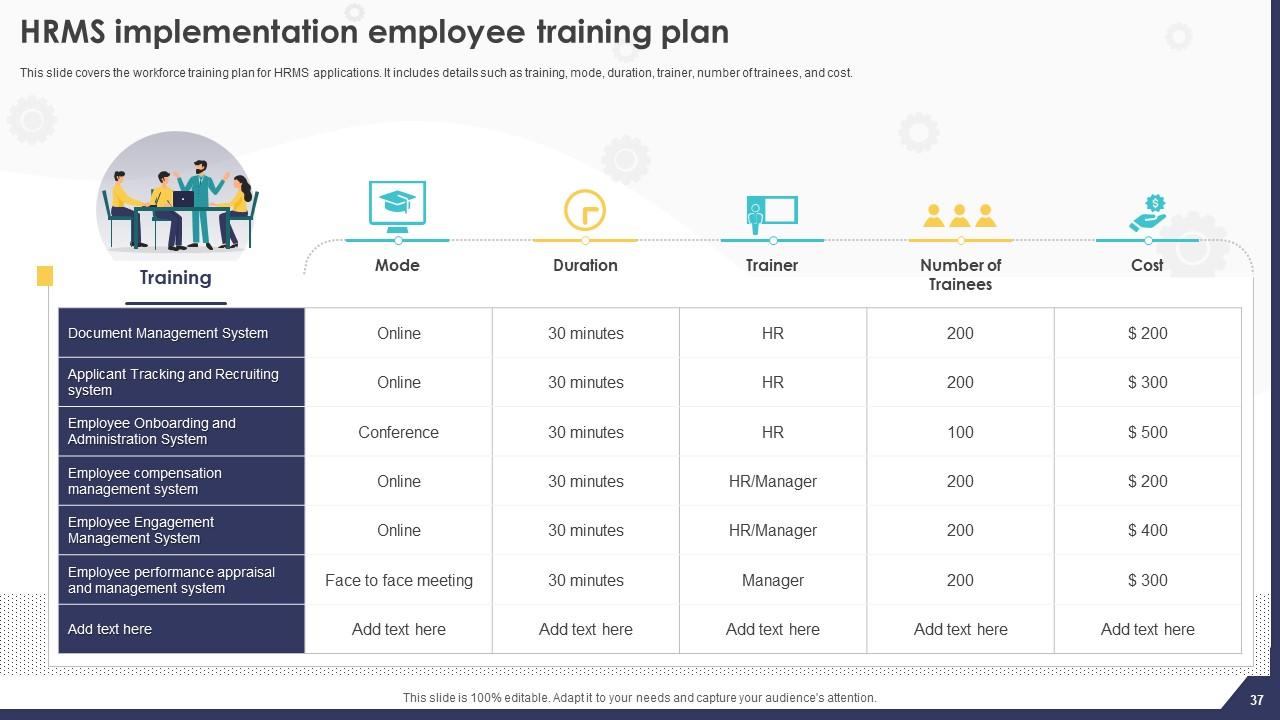
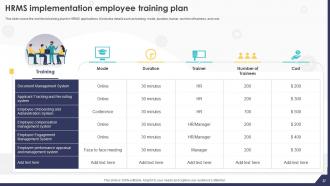
Slide 37 : Este slide mostra o plano de treinamento de funcionários de implementação do HRMS.
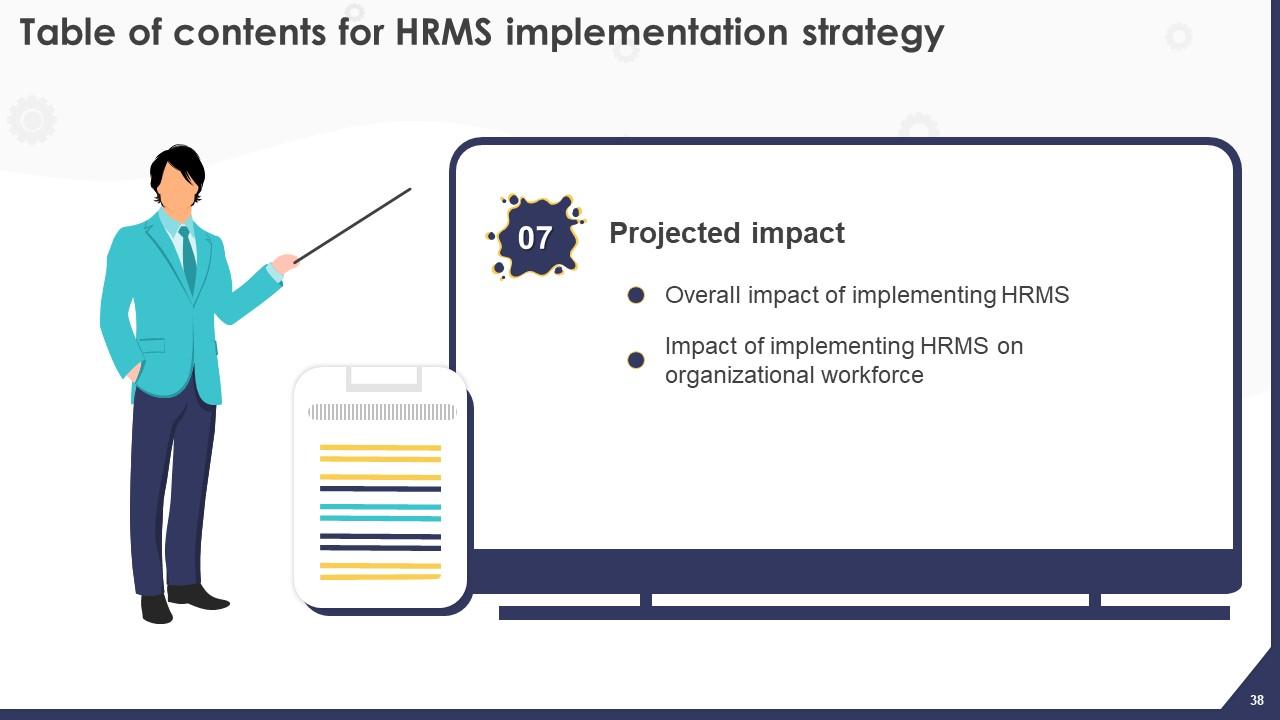
Slide 38 : Este slide indica o título dos componentes a serem cobertos posteriormente.
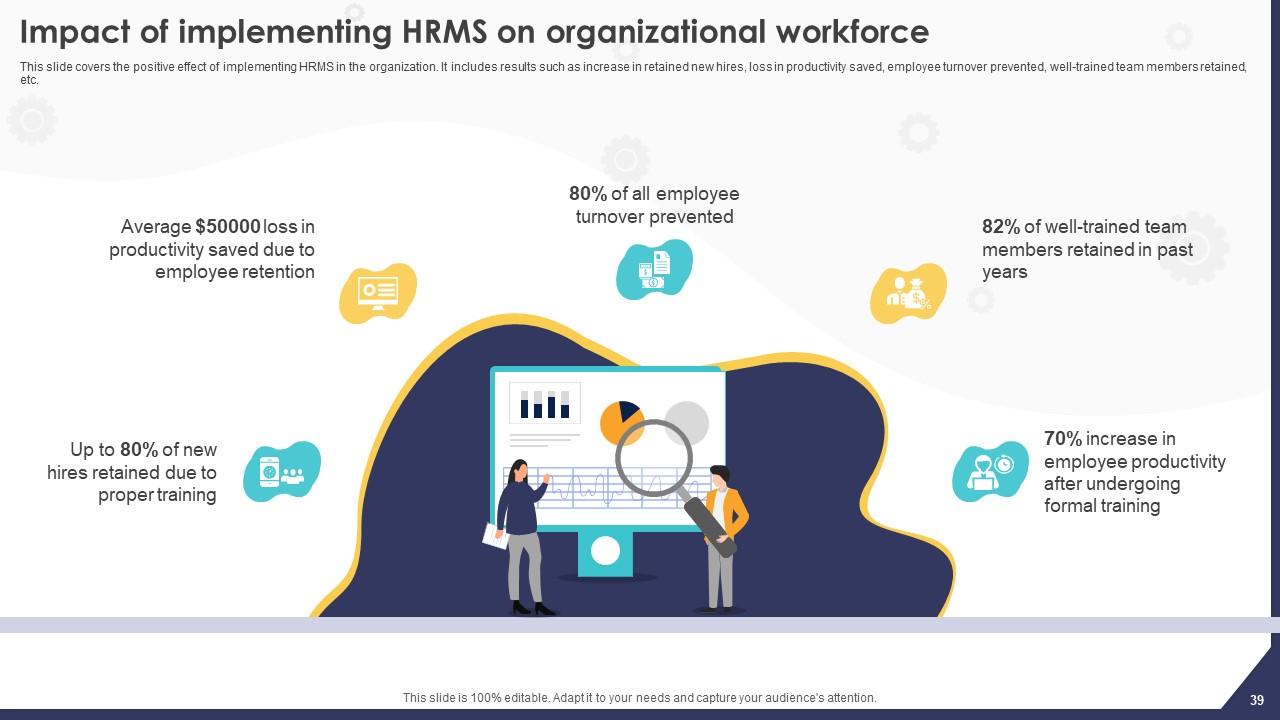
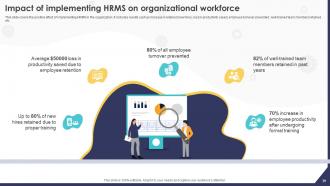
Slide 39 : Este slide retrata o impacto da implementação de HRMS na força de trabalho organizacional.
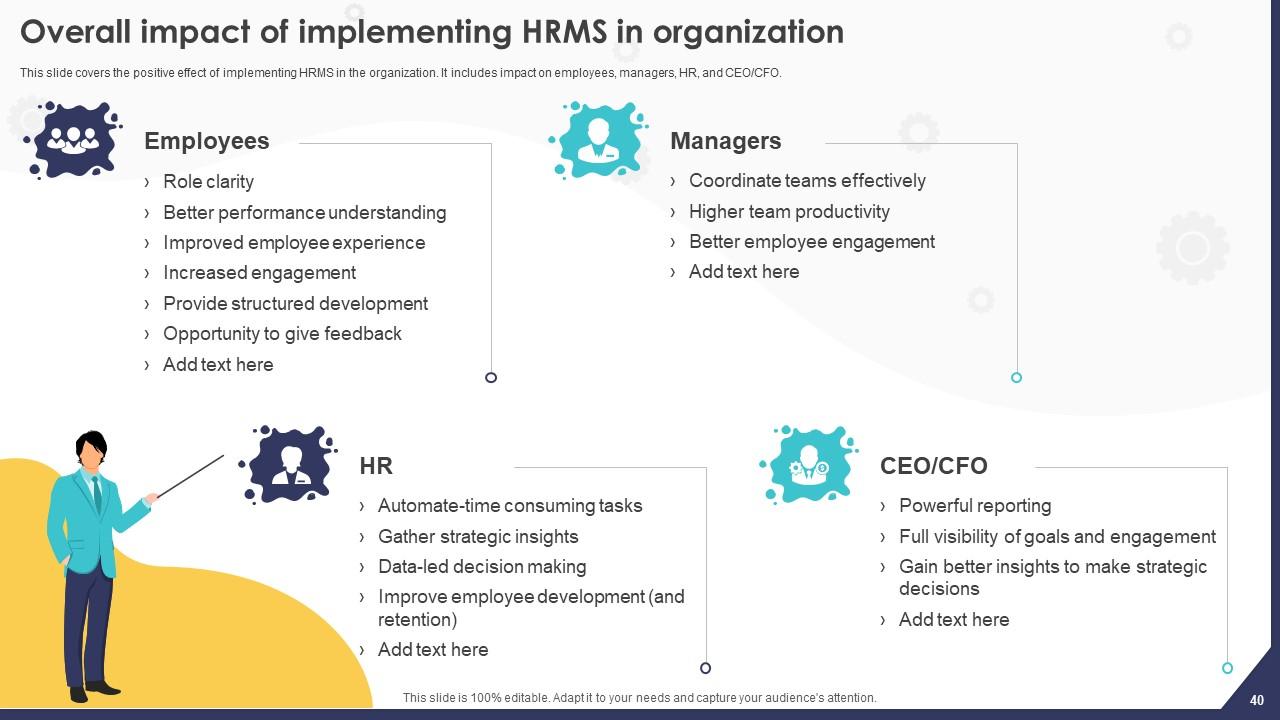
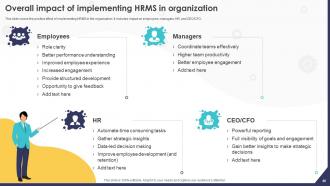
Slide 40 : Este slide revela o impacto geral da implementação de HRMS na organização.
Slide 41 : Este slide inclui o título dos tópicos a serem discutidos a seguir.
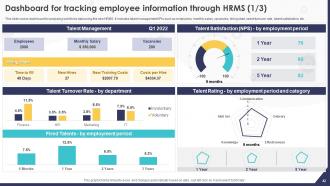
Slide 42 : Este slide ilustra o Dashboard para rastrear as informações dos funcionários por meio do HRMS.
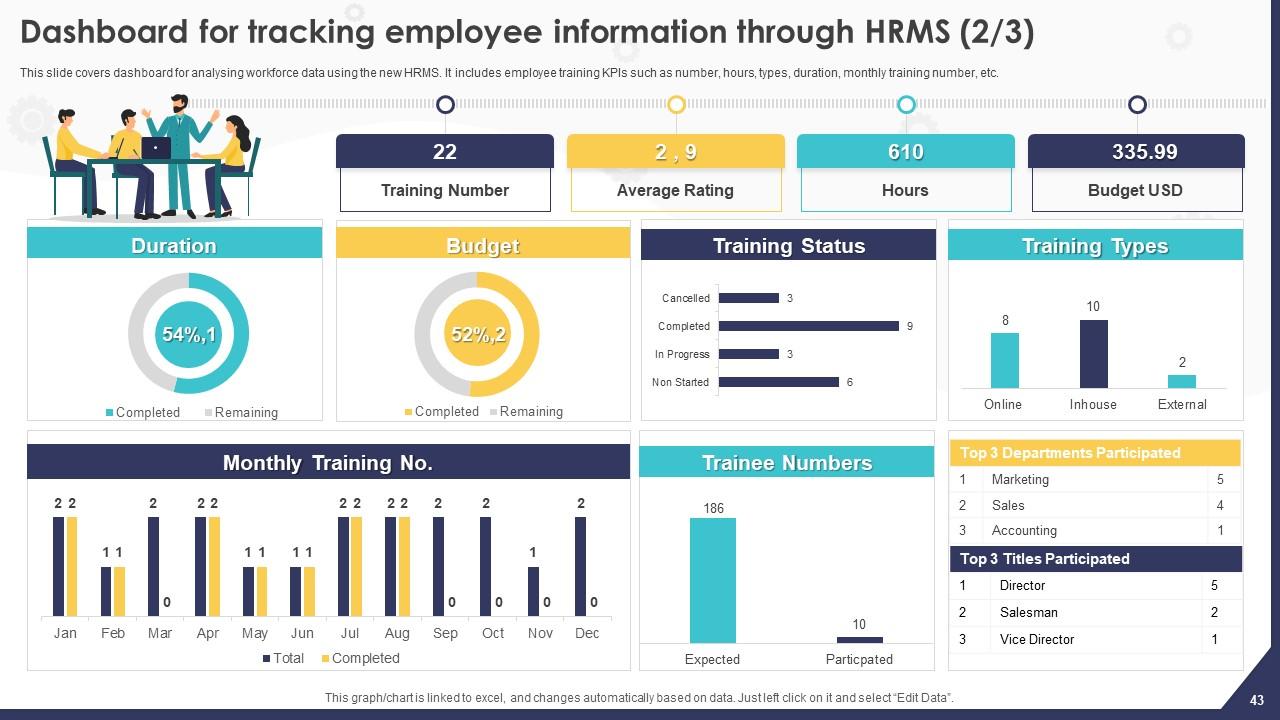
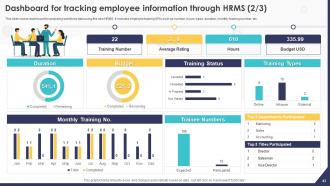
Slide 43 : Este slide dá continuidade ao Painel para rastrear as informações dos funcionários por meio do HRMS.
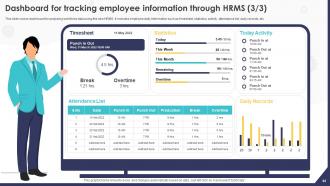
Slide 44 : Este é mais um slide que dá continuidade ao Dashboard para rastrear as informações dos funcionários por meio do HRMS.
Slide 45 : Este slide é usado para representar algumas informações adicionais.
Slide 46 : Este slide elucida o título dos tópicos a serem abordados no próximo modelo.
Slide 47 : Este é o slide do quebra-cabeça com imagens relacionadas.
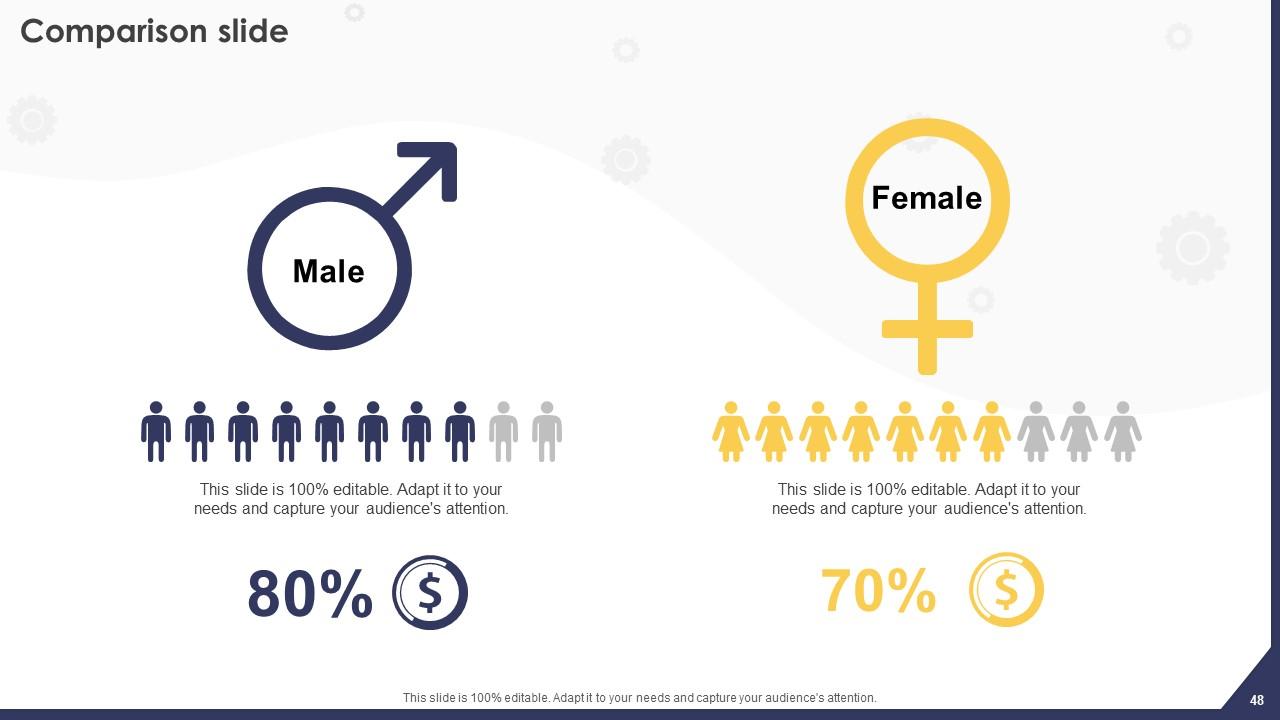
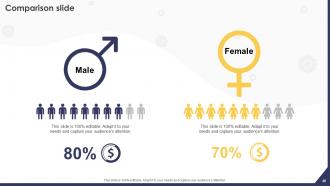
Slide 48 : Este slide é usado para fins de comparação.
Slide 49 : Este slide mostra o ícone do filtro Funil com seta.
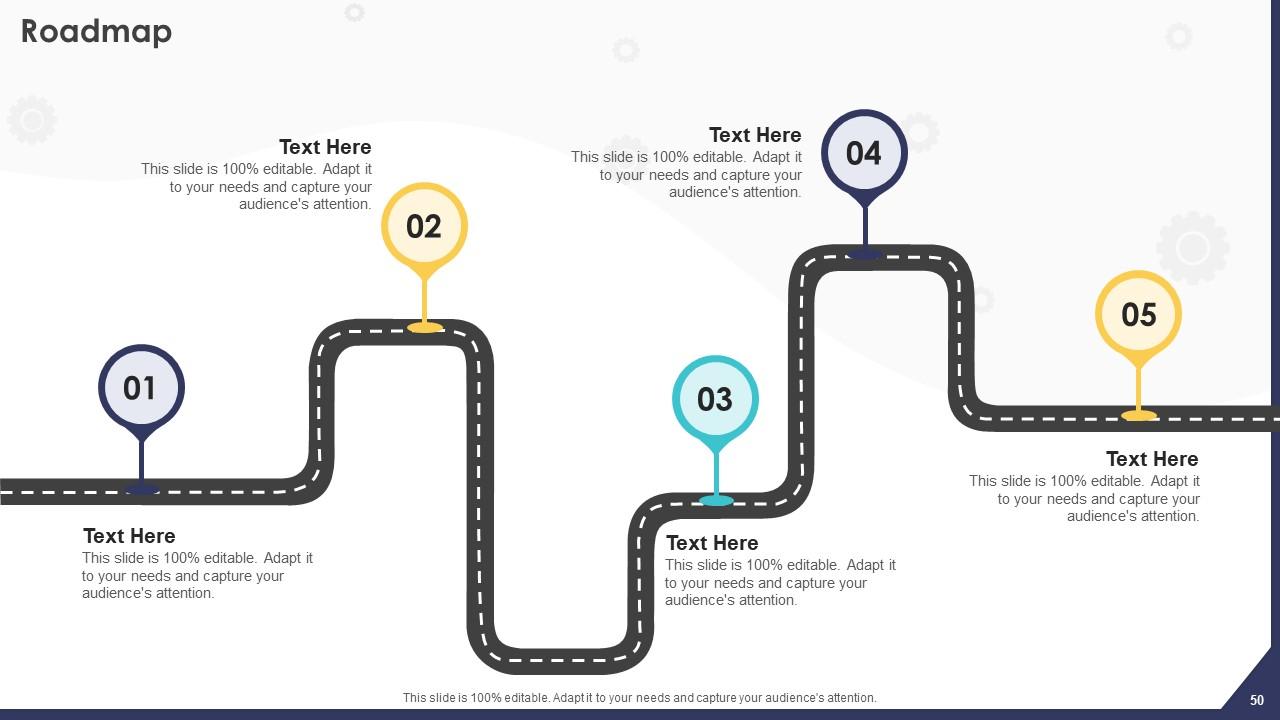
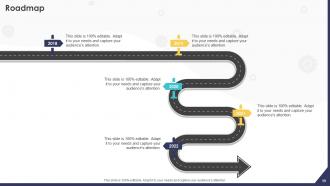
Slide 50 : Este slide apresenta o Roadmap da empresa.
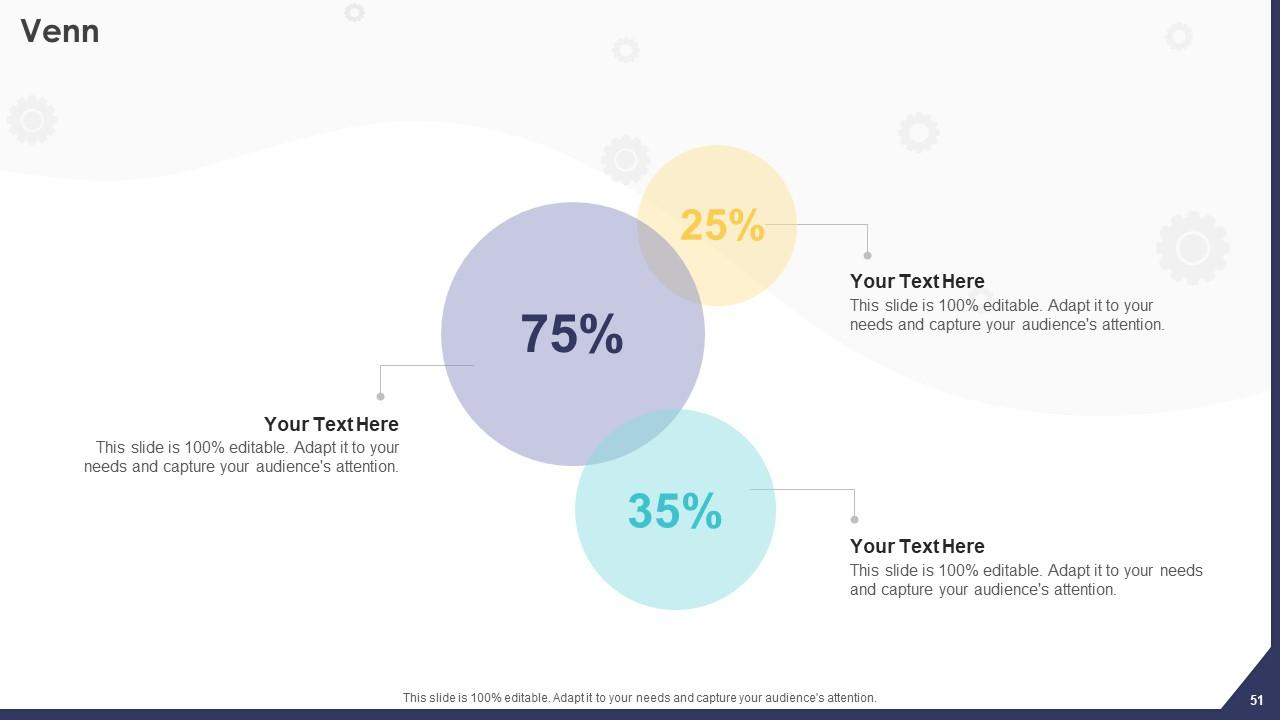
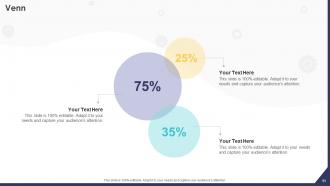
Slide 51 : Este é o slide do diagrama de Venn.
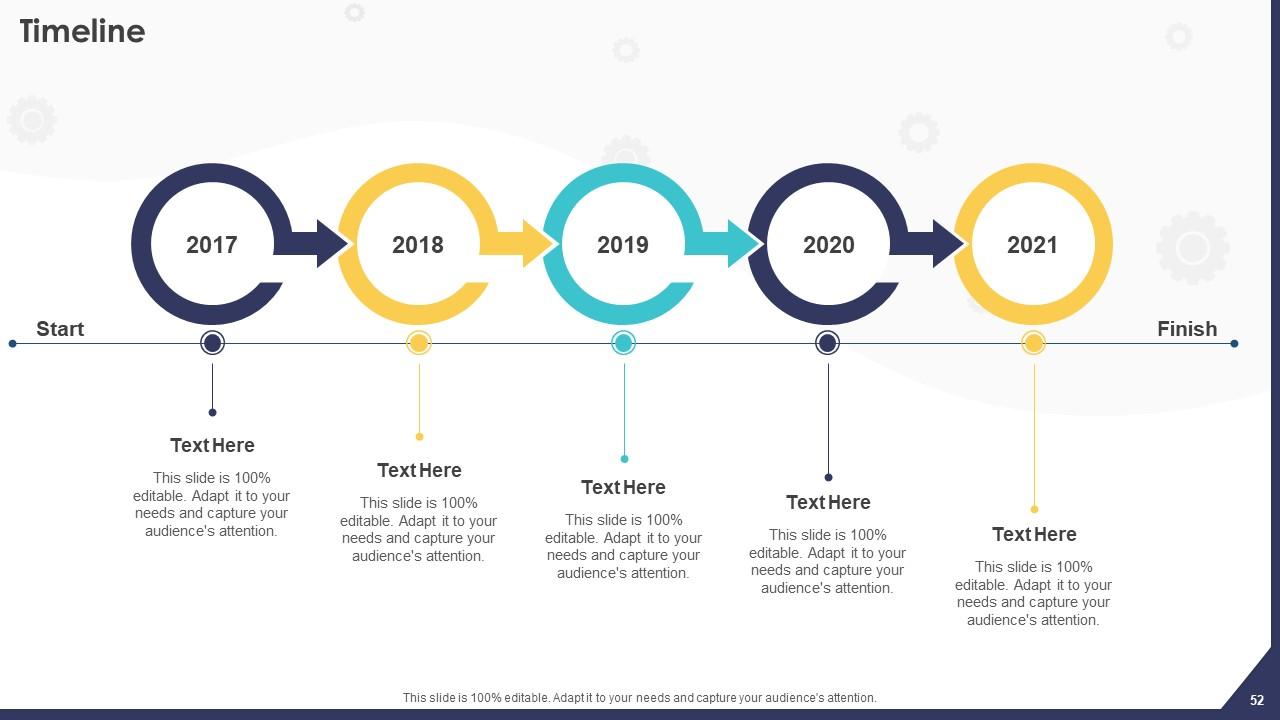
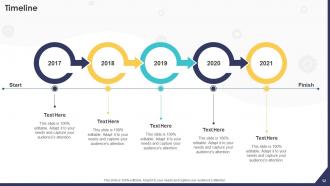
Slide 52 : Este slide exibe a linha do tempo da empresa.
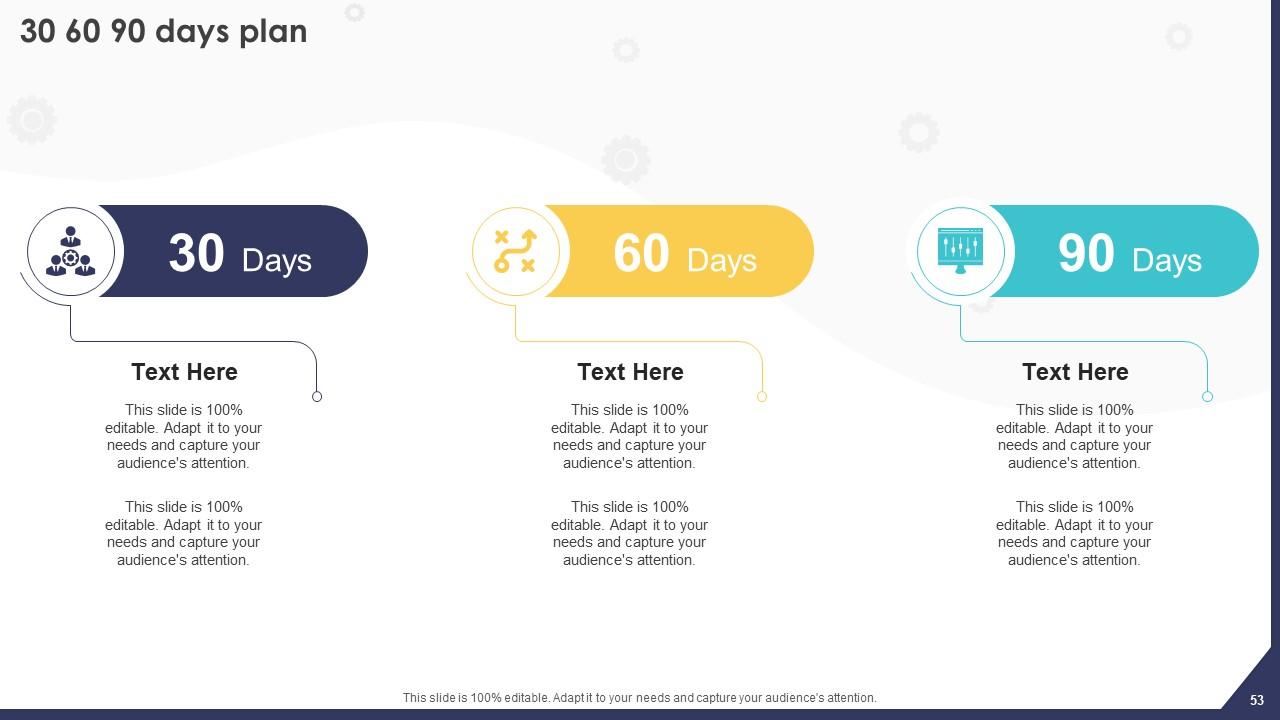
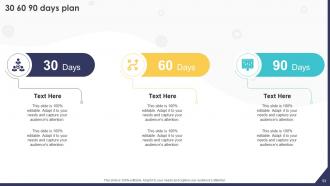
Slide 53 : Este é o slide do plano de 30 60 90 dias para um planejamento eficaz.
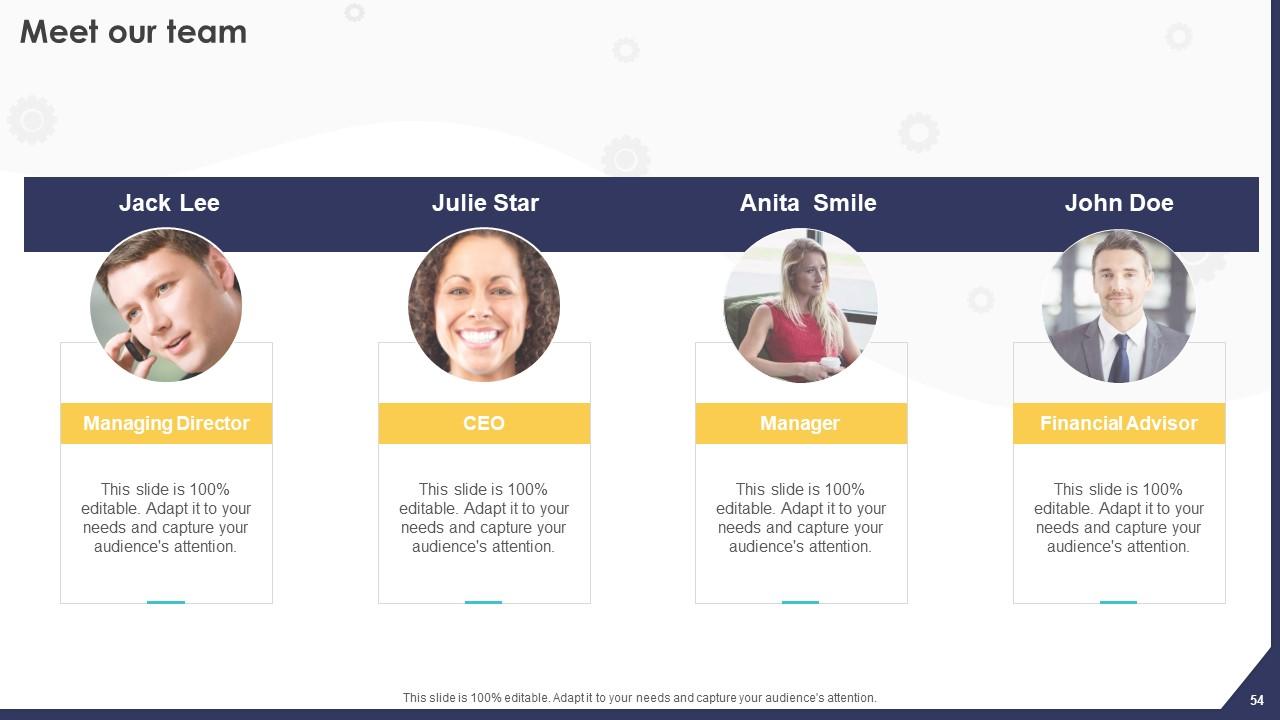
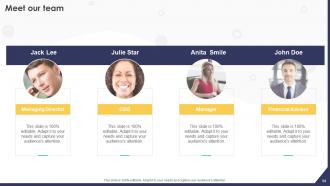
Slide 54 : Este é o slide Conheça nossa equipe. Indique as informações relacionadas à sua equipe aqui.
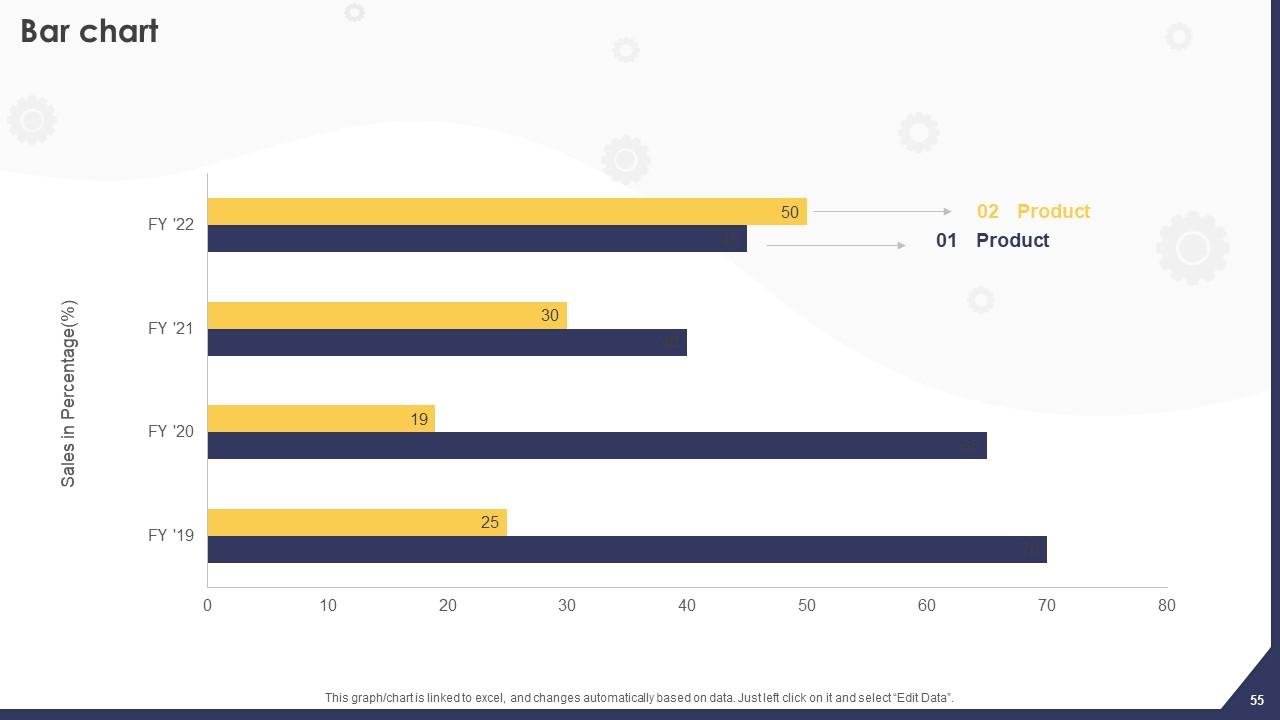
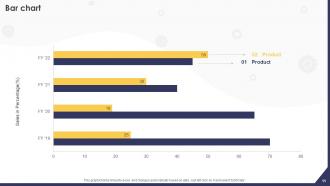
Slide 55 : Este slide apresenta o gráfico de barras.
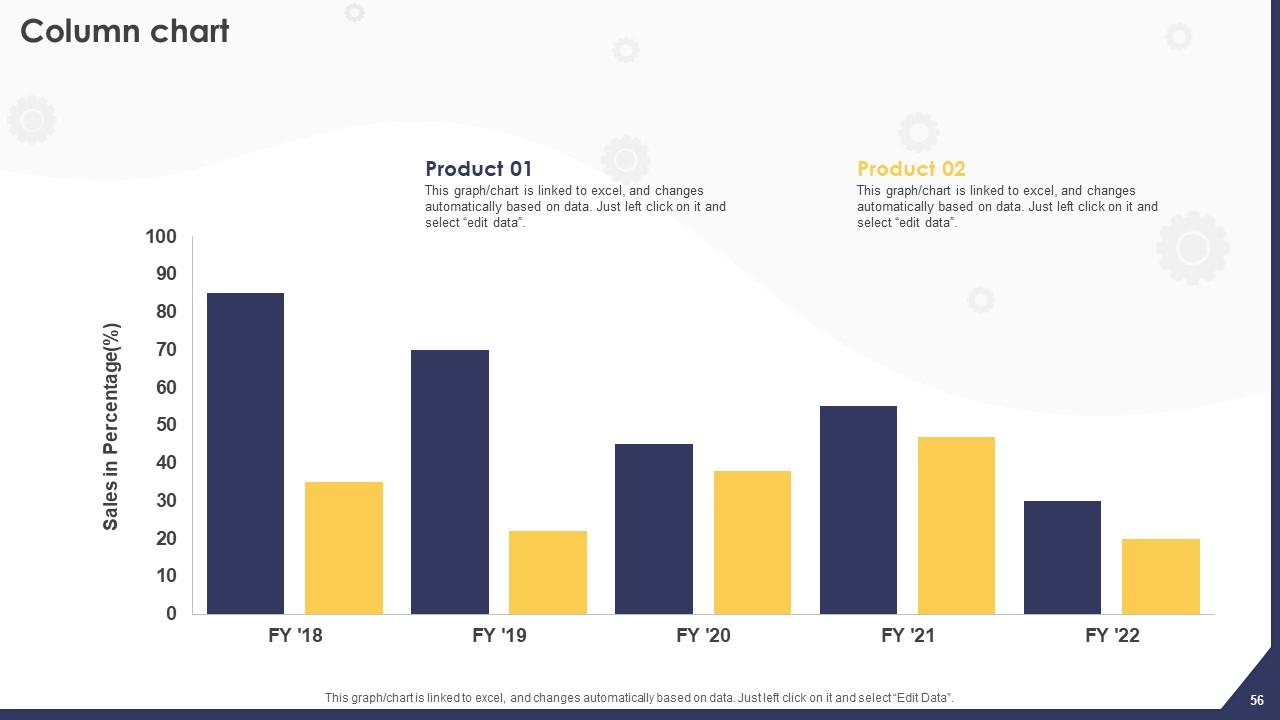
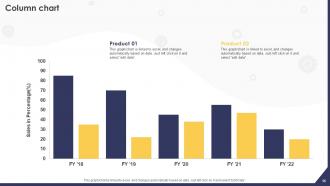
Slide 56 : Este slide mostra o gráfico de colunas.
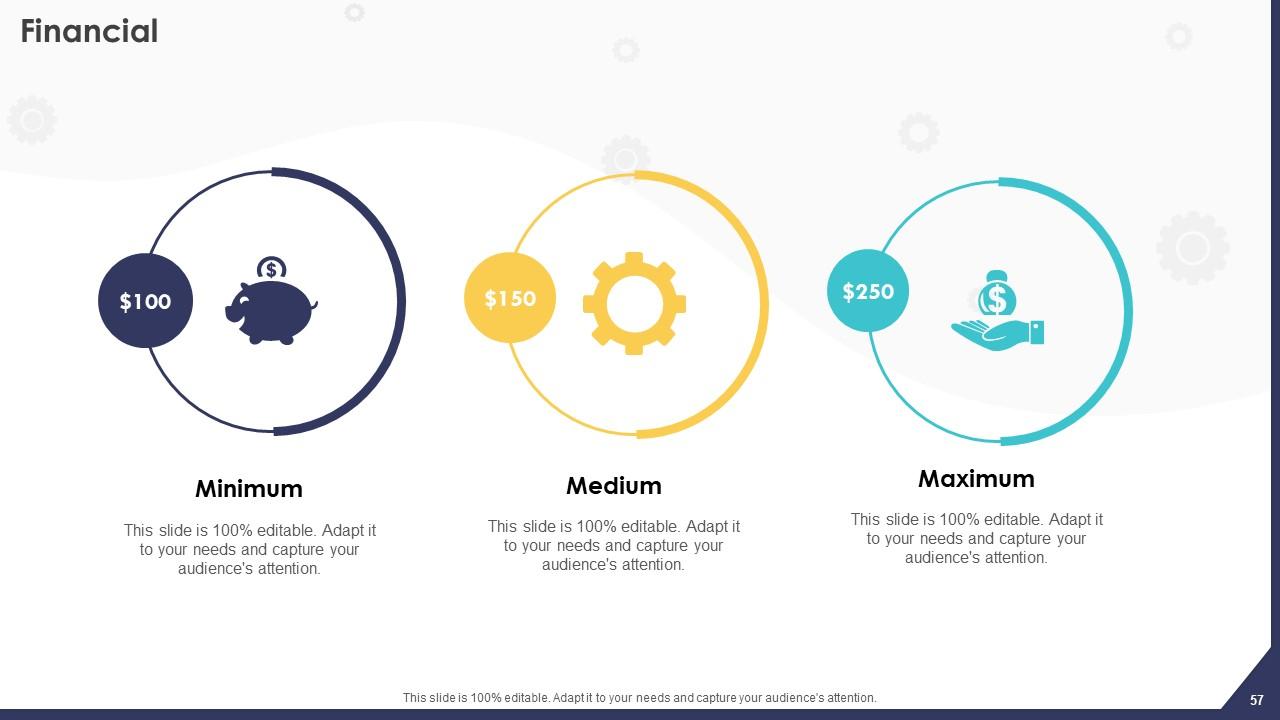
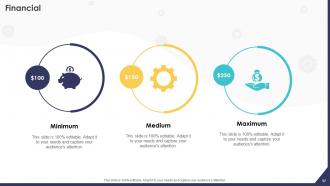
Slide 57 : Este slide elucida informações relacionadas ao tema Financeiro.
Slide 58 : Este slide contém as notas Post-it para lembretes e prazos.
Slide 59 : Este slide apresenta o Roadmap da empresa.
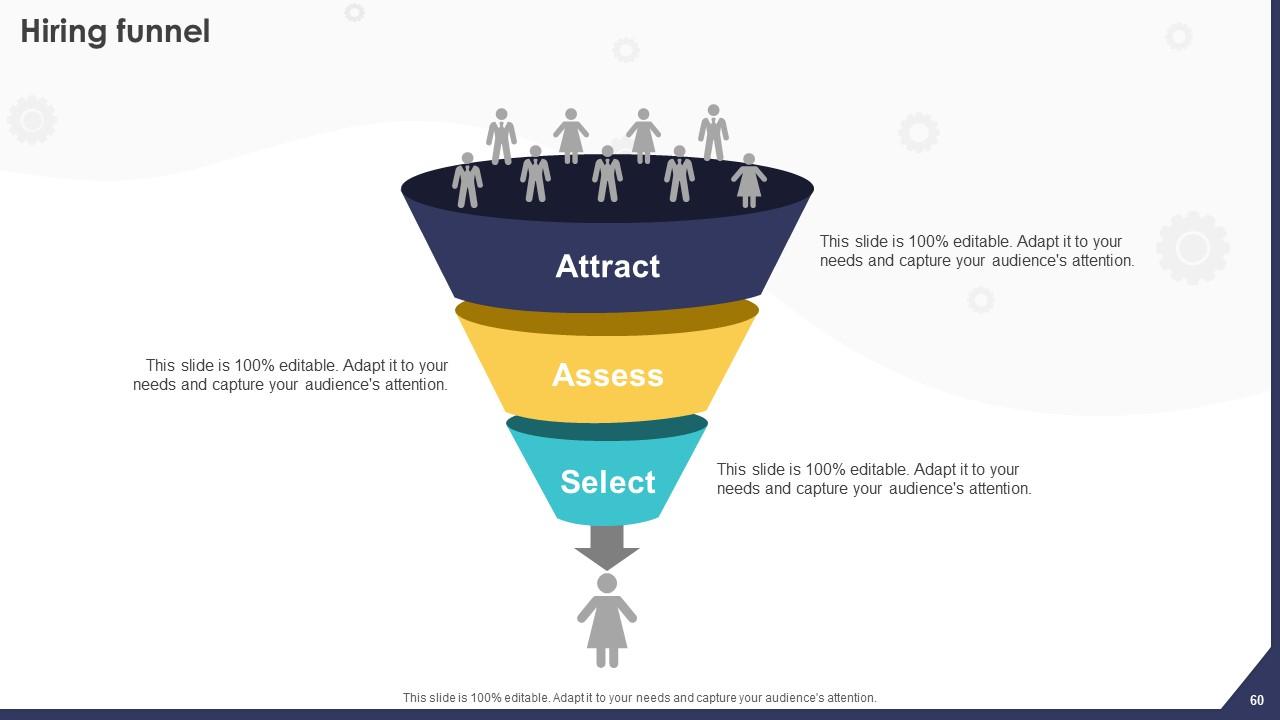
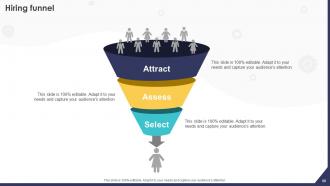
Slide 60 : Este slide exibe o funil de contratação com imagens relacionadas.
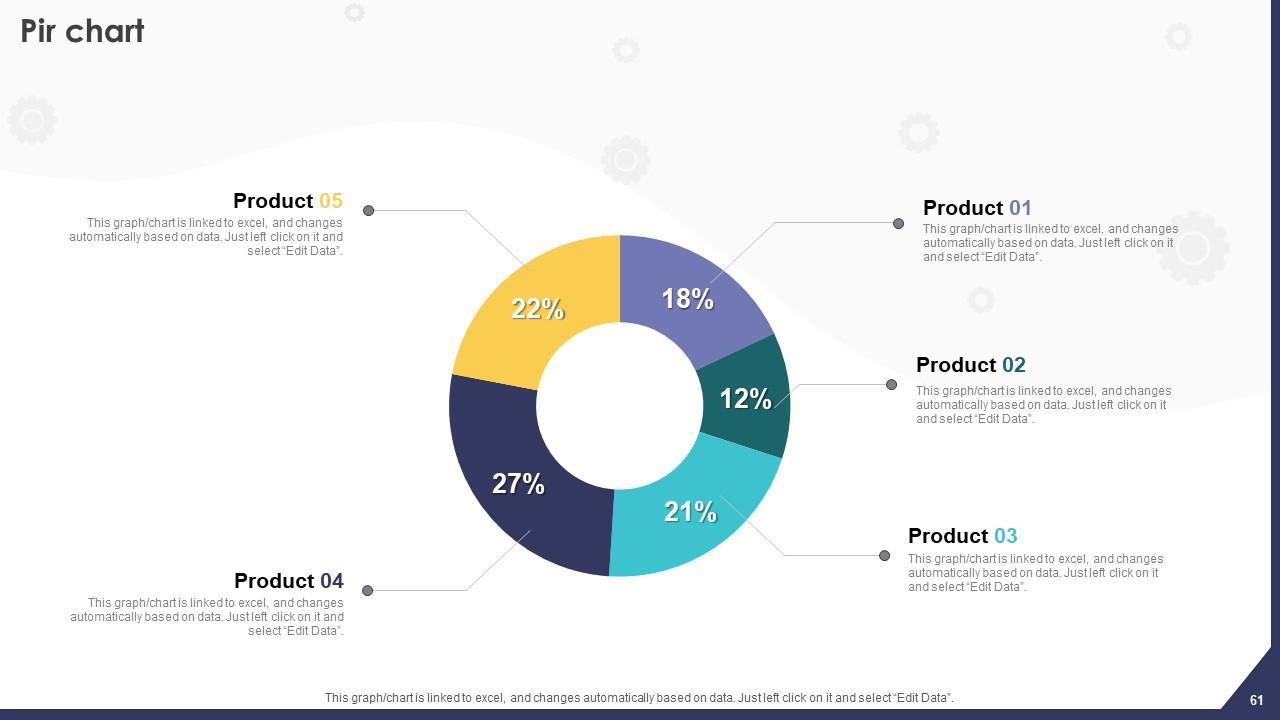
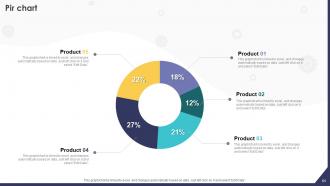
Slide 61 : Este slide revela o gráfico Pir.
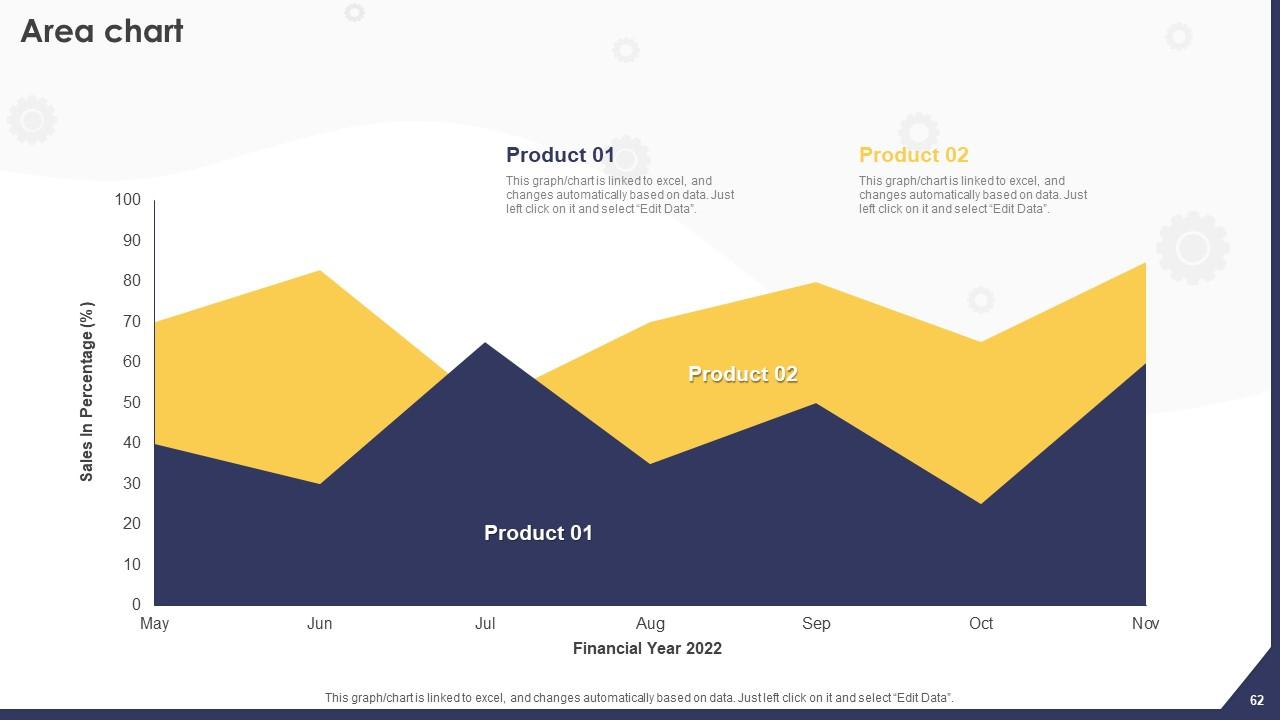
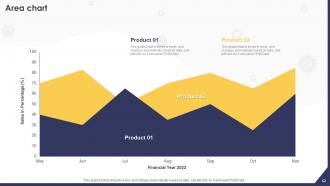
Slide 62 : Este slide mostra o gráfico de área.
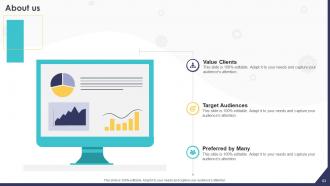
Slide 63 : Este é o slide Sobre nós. Indique aqui as informações relacionadas à sua empresa.
Slide 64 : Este slide inclui a missão, visão e valores da organização.
Slide 65 : Este é o slide de agradecimento pelo reconhecimento.
Slides de apresentação em Powerpoint da estratégia de implementação de HRMS com todos os 70 slides:
Use nossos slides de apresentação do Powerpoint da estratégia de implementação de HRMS para ajudá-lo a economizar seu valioso tempo. Eles estão prontos para caber em qualquer estrutura de apresentação.
-
It’s really cool, and you can find pretty much everything you could need for your work or school.
-
The team is highly dedicated and professional. They deliver their work on time and with perfection.
