


Implementing WFH Policy Post Covid 19 Powerpoint Presentation Slides
As companies seek to address issues like decreased job satisfaction, low employee productivity, and high-stress levels, a significant shift towards flexible work arrangements, including remote working, is observed. Embracing this trend, our professionally designed Implementing WFH Policy Post Covid-19 PowerPoint presentation enables corporates to enhance employee engagement and foster workplace diversity effectively. This Flexible working hours presentation commences by addressing the challenges posed by inflexible working schedules and delves into a comprehensive exploration of hybrid working. Also, Job flexibility covers vital statistics, advantages, trends, and growth drivers associated with this flexible approach. Additionally, the Flexible Employment template addresses the challenges managers face while implementing flexible working hours and suggests solutions to overcome them. Furthermore, through Virtual work PPT key performance indicators, organizations can successfully assess the impact of flexible employment strategies on employees and overall company performance. Lastly, the Hybrid working template is fully editable, customizable, and compatible with Google Slides, ensuring a seamless adaptation to specific organizational needs. Embrace the power of flexible working hours, remote work, and hybrid working to empower your workforce and foster a more versatile workplace. Download now for transformational results.
As companies seek to address issues like decreased job satisfaction, low employee productivity, and high-stress levels, a s..















-

- Google Slides is a new FREE Presentation software from Google.
- All our content is 100% compatible with Google Slides.
- Just download our designs, and upload them to Google Slides and they will work automatically.
- Amaze your audience with SlideTeam and Google Slides.
-

Want Changes to This PPT Slide? Check out our Presentation Design Services
-

- WideScreen Aspect ratio is becoming a very popular format. When you download this product, the downloaded ZIP will contain this product in both standard and widescreen format.
-

- Some older products that we have may only be in standard format, but they can easily be converted to widescreen.
- To do this, please open the SlideTeam product in Powerpoint, and go to
- Design ( On the top bar) -> Page Setup -> and select "On-screen Show (16:9)” in the drop down for "Slides Sized for".
- The slide or theme will change to widescreen, and all graphics will adjust automatically. You can similarly convert our content to any other desired screen aspect ratio.
Compatible With Google Slides

Get This In WideScreen
You must be logged in to download this presentation.


Do you want to remove this product from your favourites?
PowerPoint presentation slides
Deliver an informational PPT on various topics by using this Implementing WFH Policy Post Covid 19 Powerpoint Presentation Slides. This deck focuses and implements best industry practices, thus providing a birds-eye view of the topic. Encompassed with sixty slides, designed using high-quality visuals and graphics, this deck is a complete package to use and download. All the slides offered in this deck are subjective to innumerable alterations, thus making you a pro at delivering and educating. You can modify the color of the graphics, background, or anything else as per your needs and requirements. It suits every business vertical because of its adaptable layout.

People who downloaded this PowerPoint presentation also viewed the following :
Content of this Powerpoint Presentation
Slide 1: This slide introduces Implementing WFH Policy Post Covid-19.
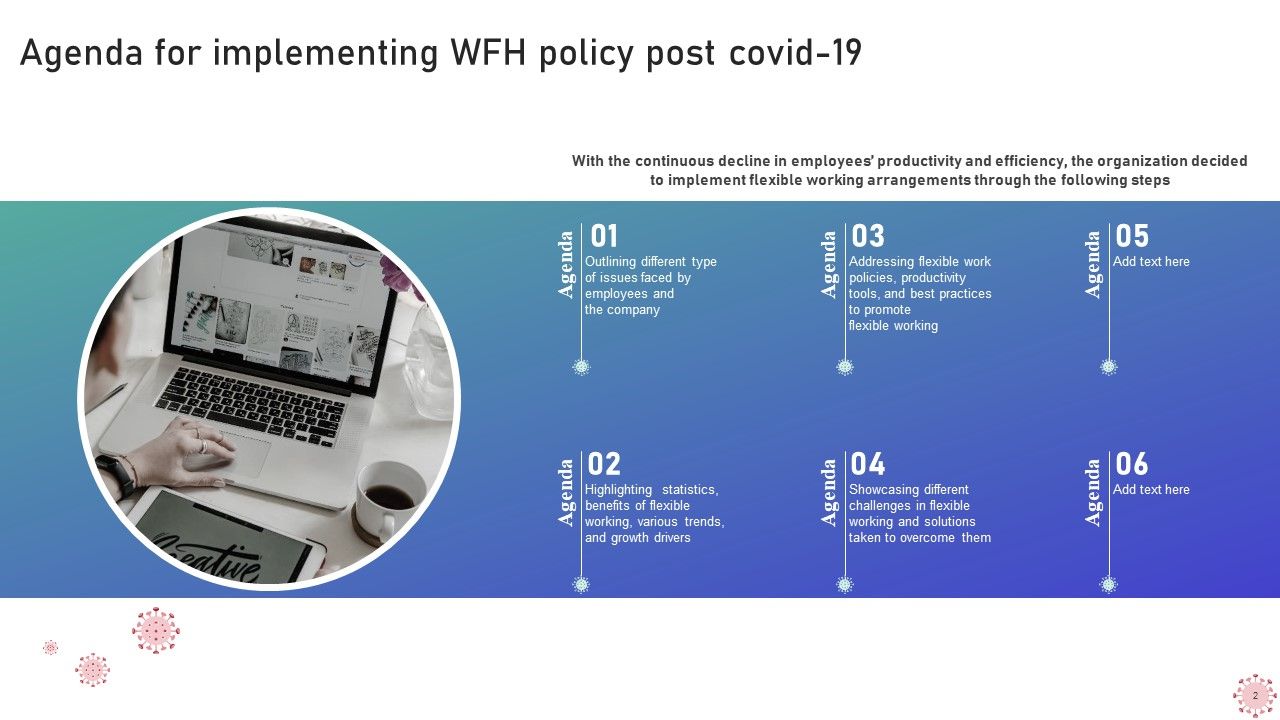
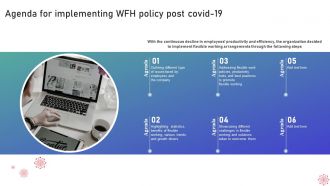
Slide 2: This slide states Agenda of the presentation.
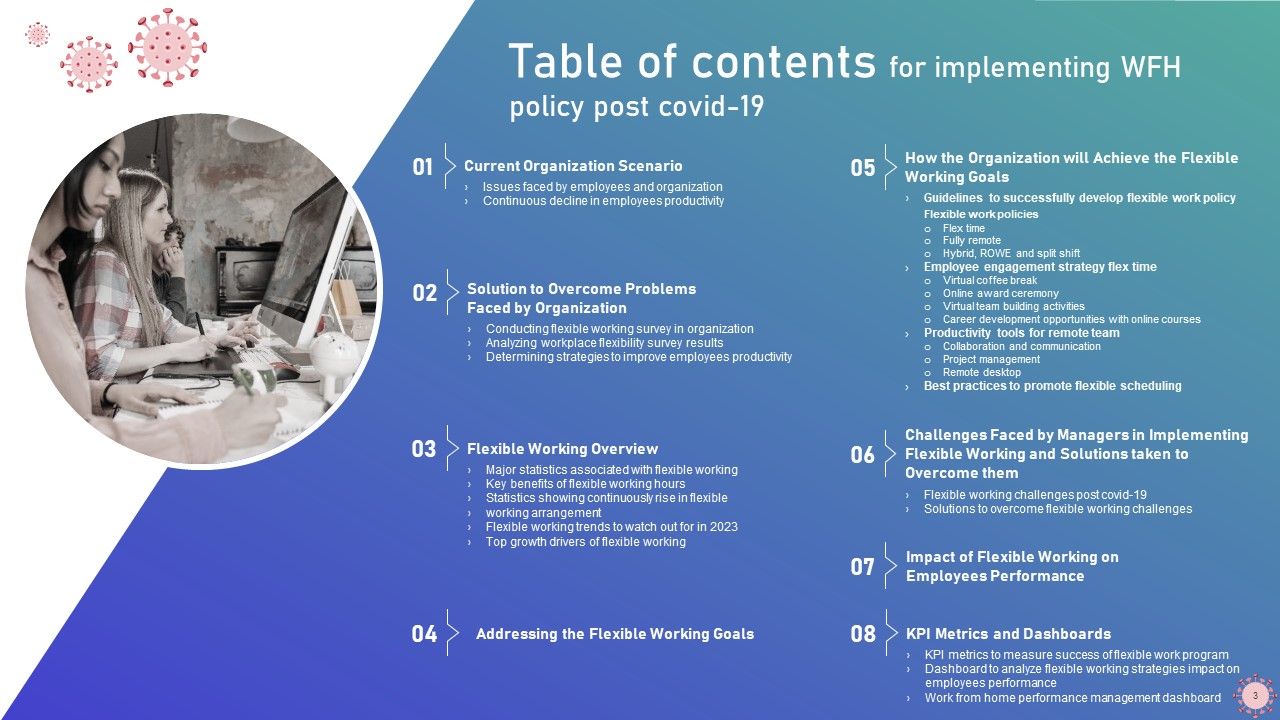
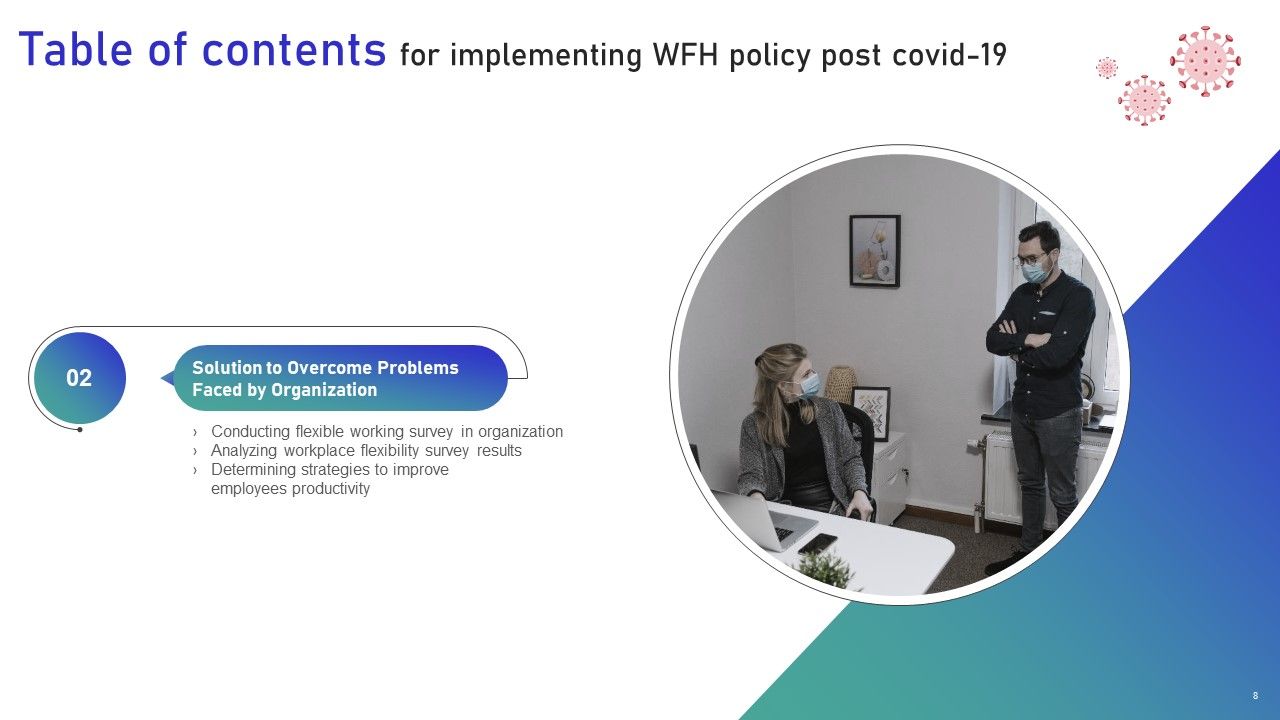
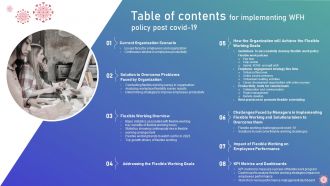
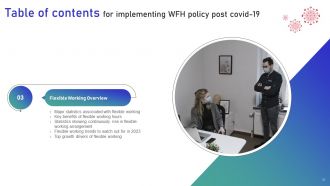
Slide 3: This slide shows Table of Content for the presentation.
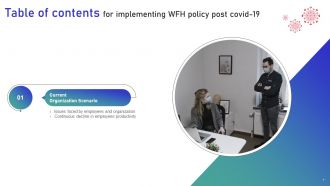
Slide 4: This is another slide continuing Table of Content for the presentation.
Slide 5: This slide highlights title for topics that are to be covered next in the template.
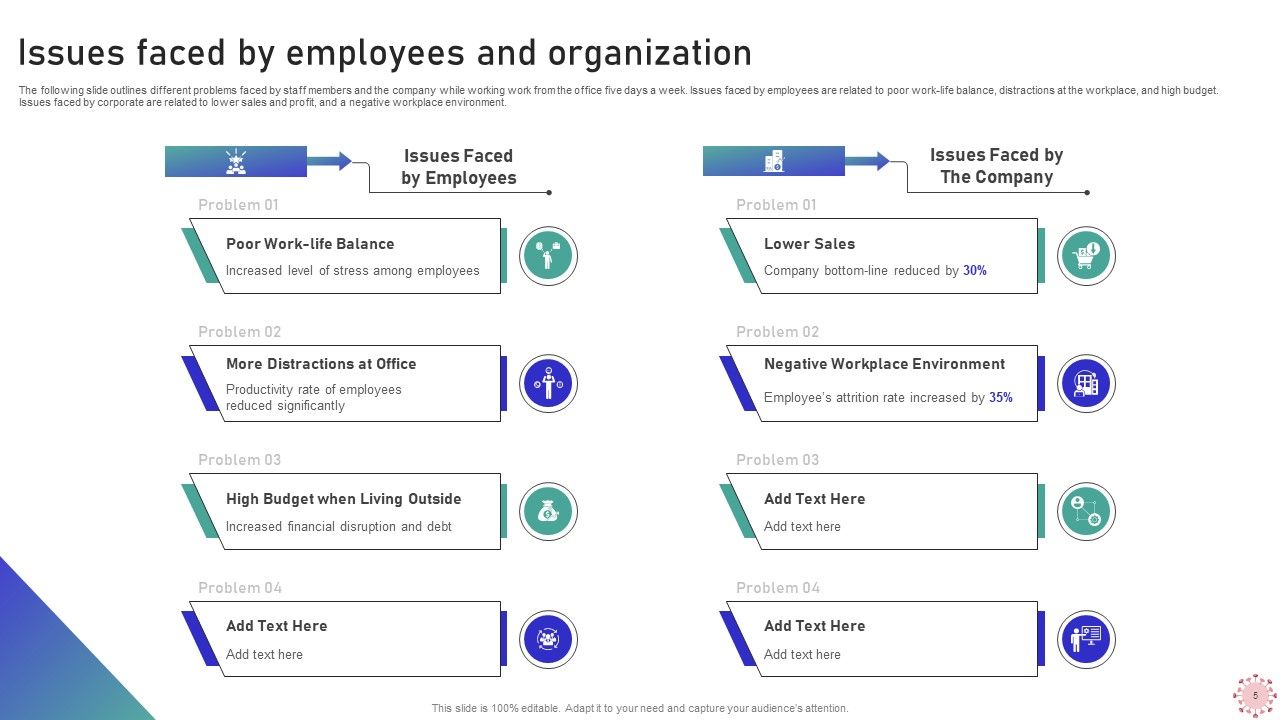
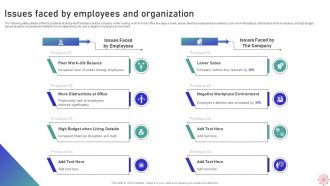
Slide 6: This slide presents Issues faced by employees and organization.
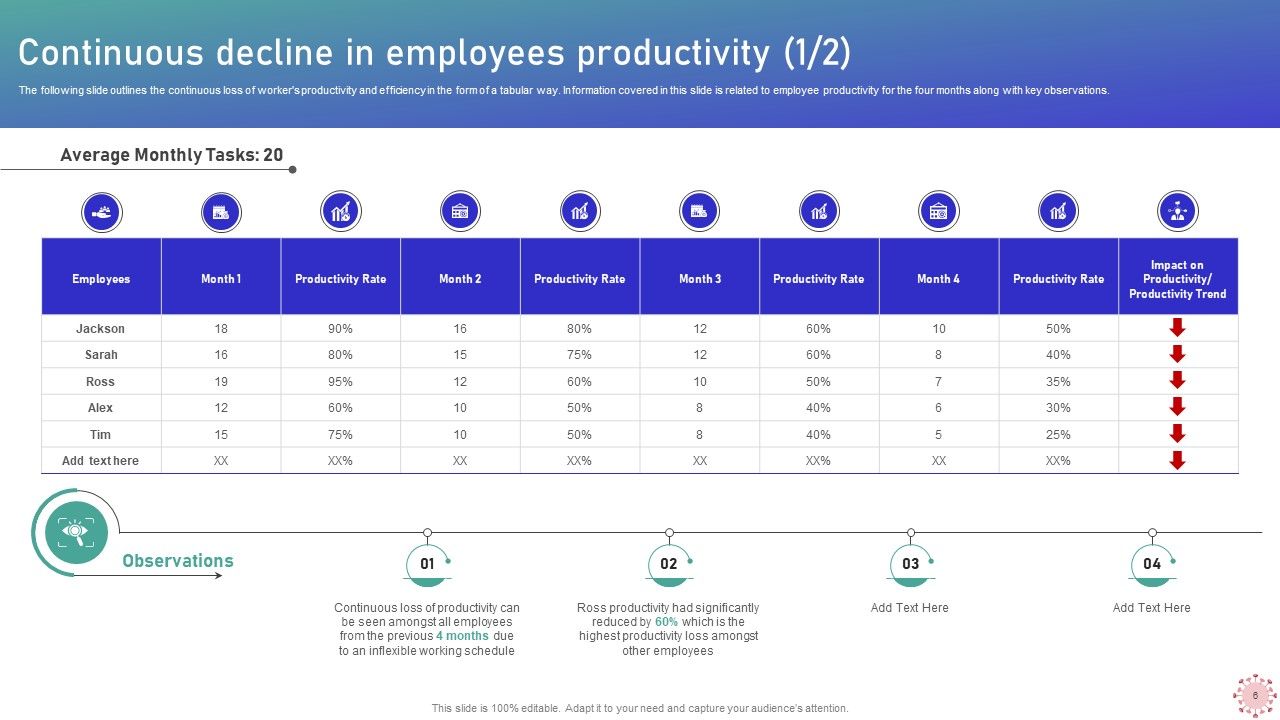
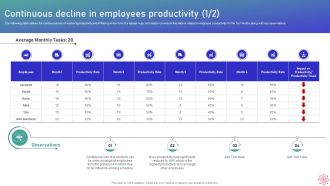
Slide 7: This slide displays Continuous decline in employees productivity.
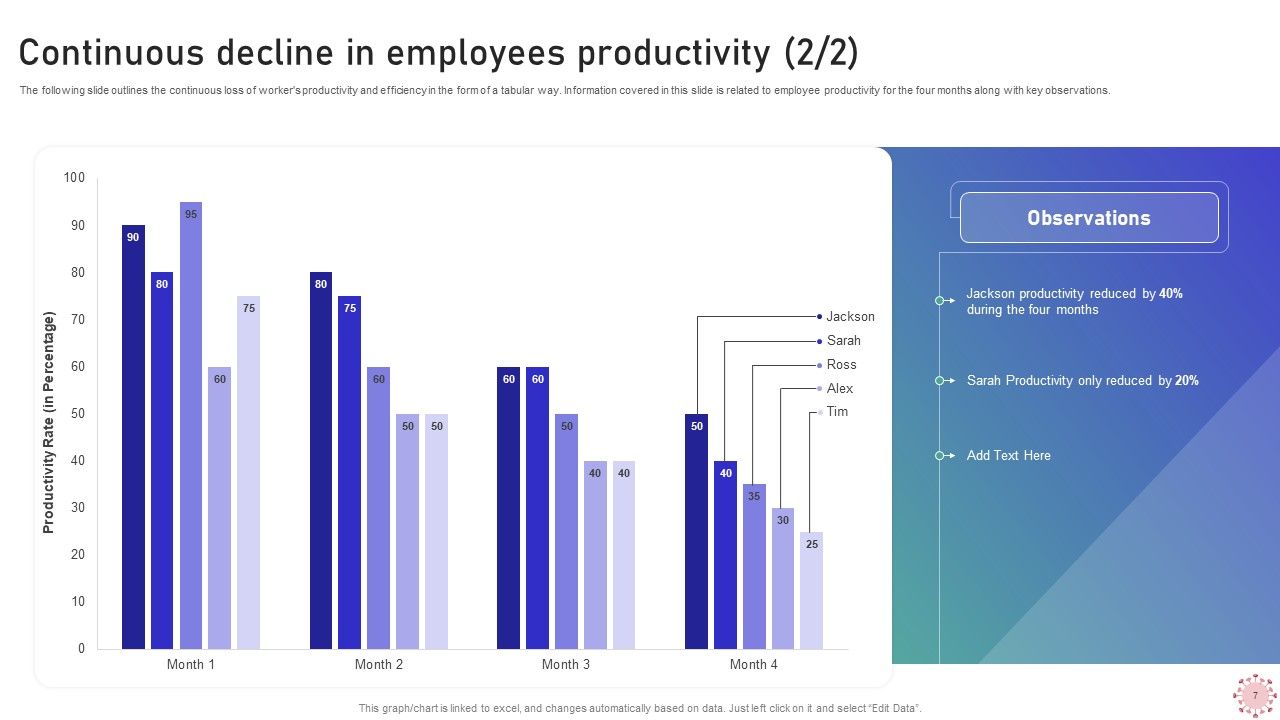
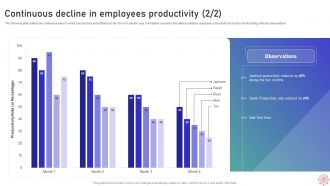
Slide 8: This is another slide presenting Continuous decline in employees productivity.
Slide 9: This slide highlights title for topics that are to be covered next in the template.
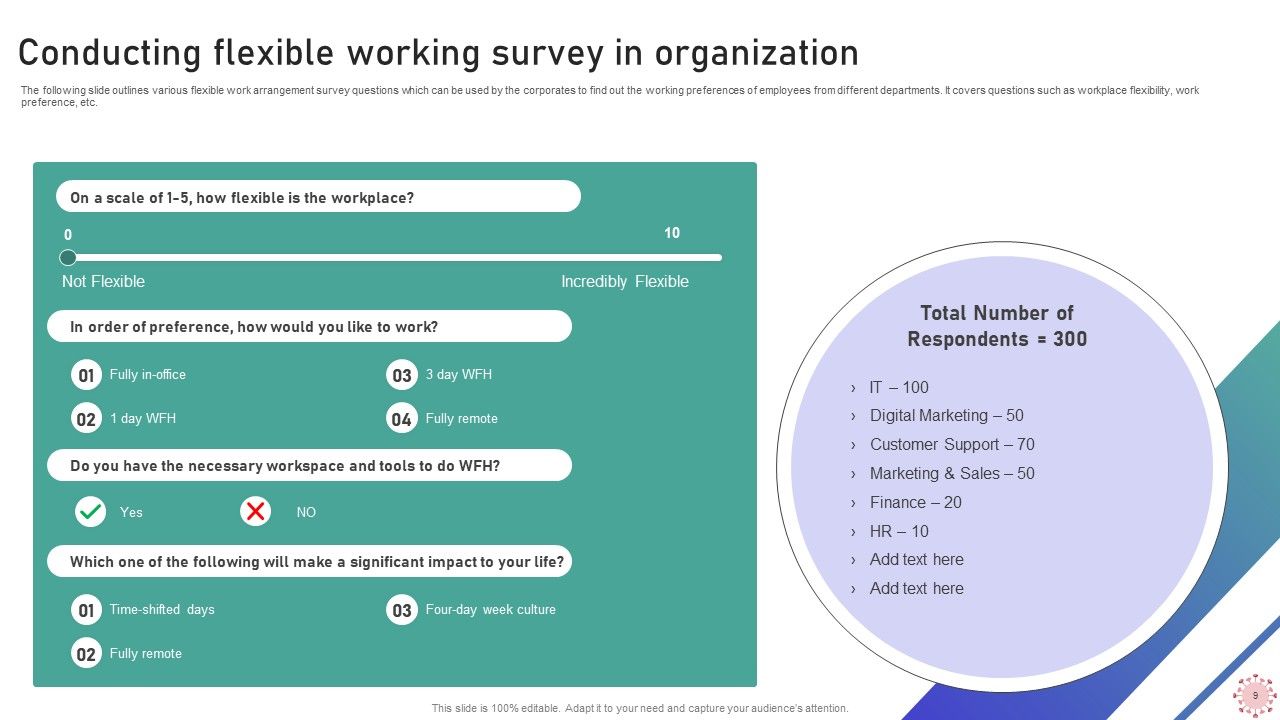
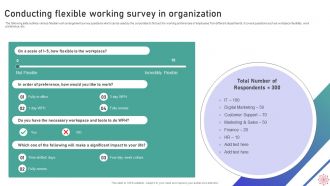
Slide 10: This slide represents Conducting flexible working survey in organization.
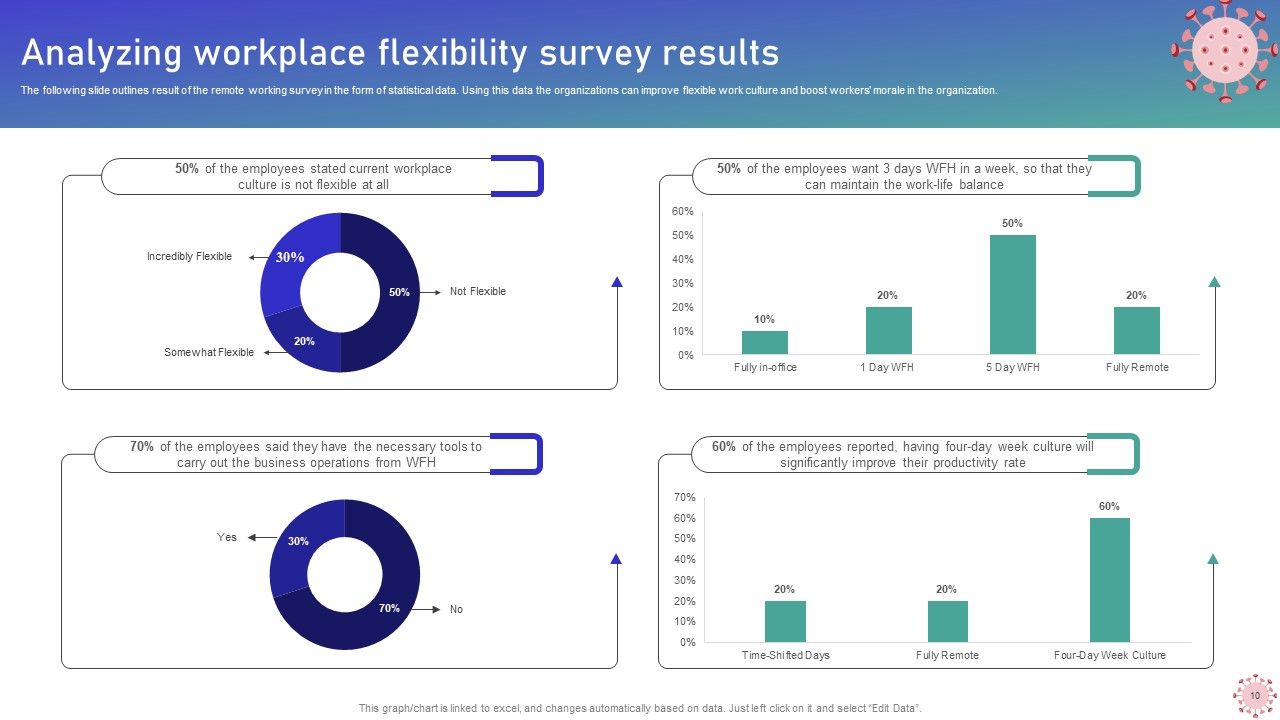
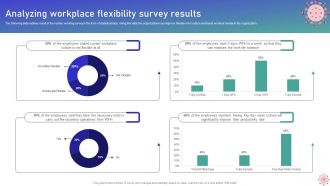
Slide 11: This slide showcases Analyzing workplace flexibility survey results.
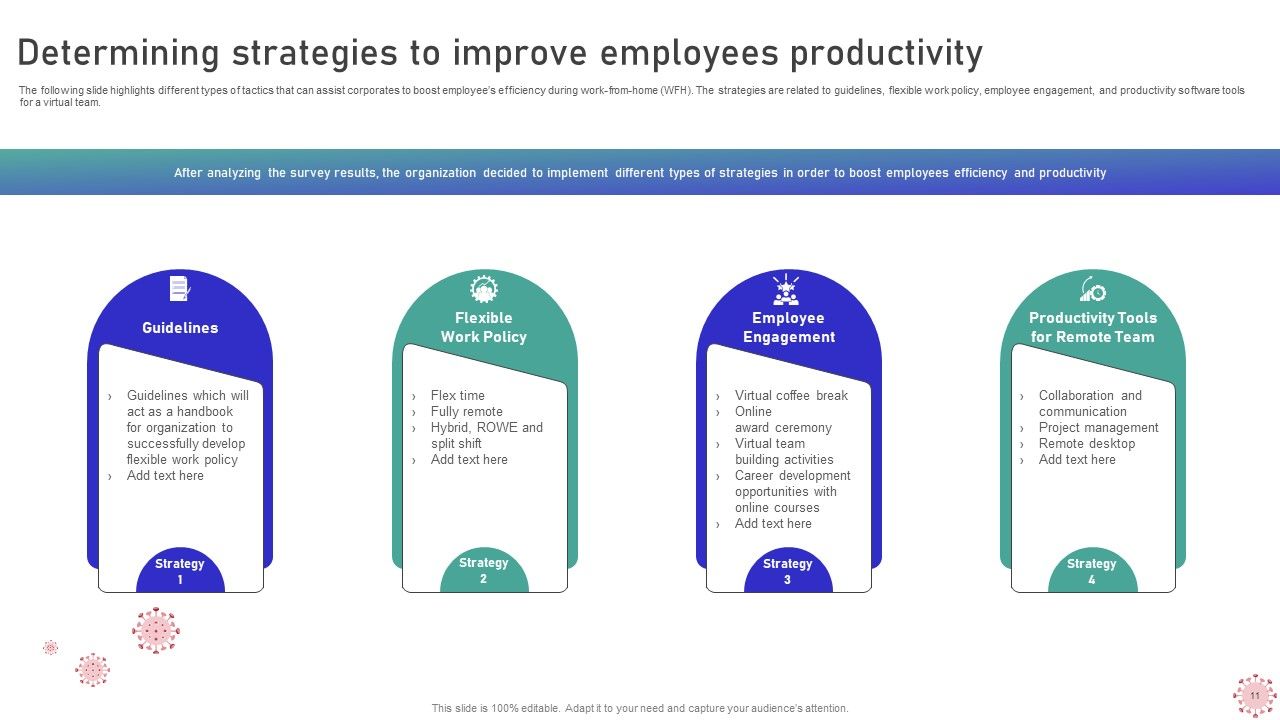
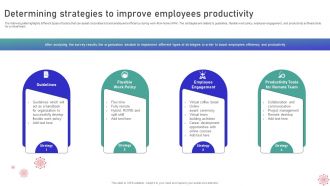
Slide 12: This slide shows Determining strategies to improve employees productivity.
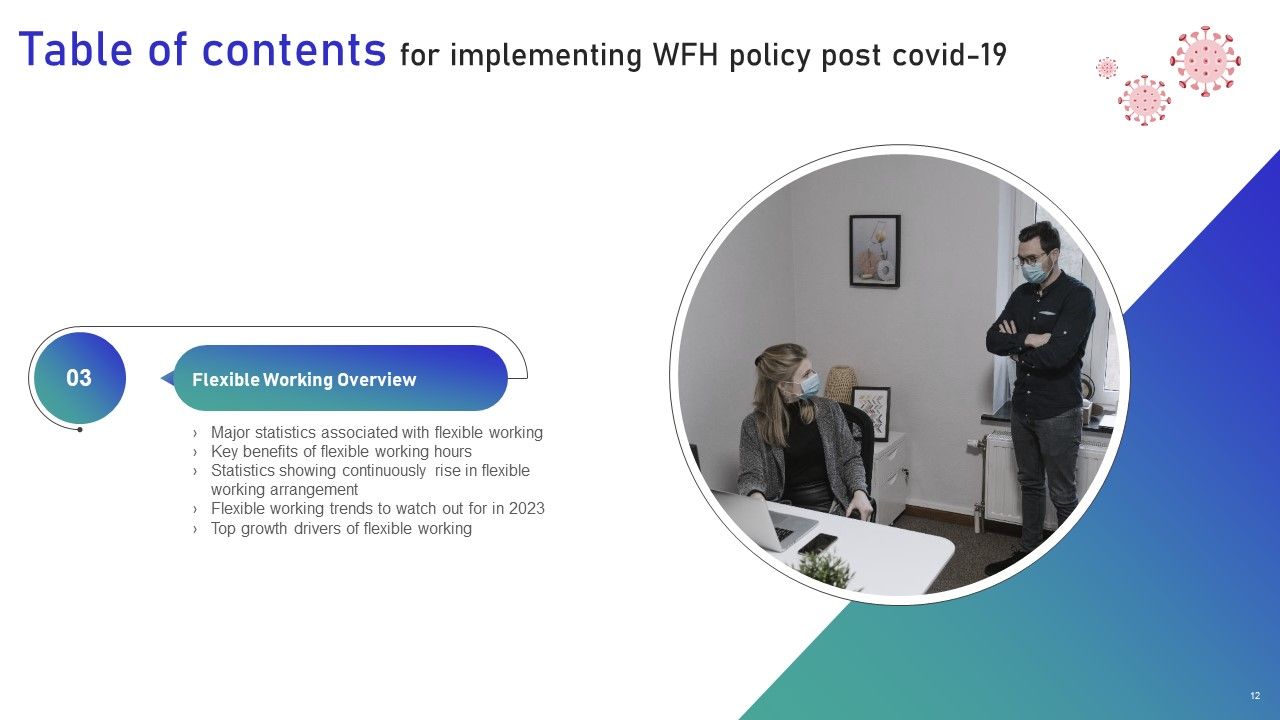
Slide 13: This slide highlights title for topics that are to be covered next in the template.
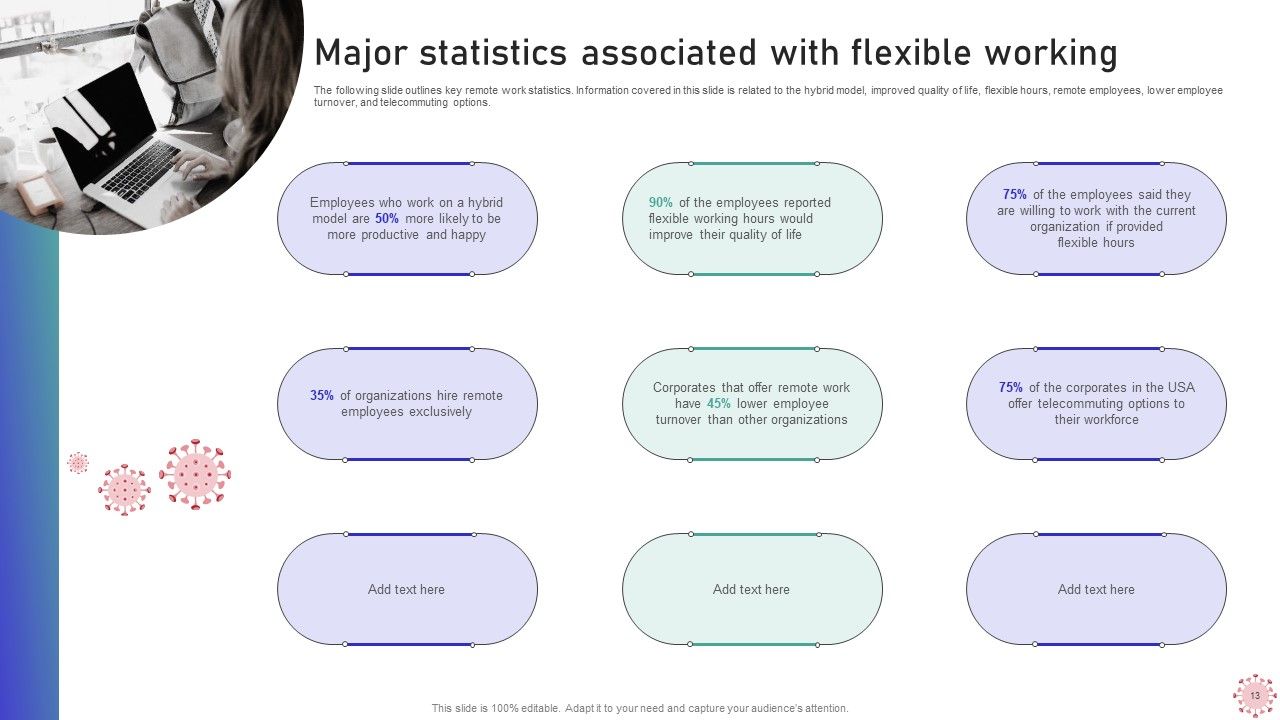
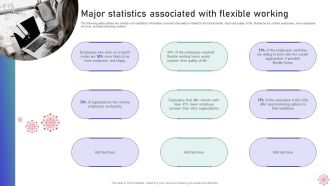
Slide 14: This slide presents Major statistics associated with flexible working.
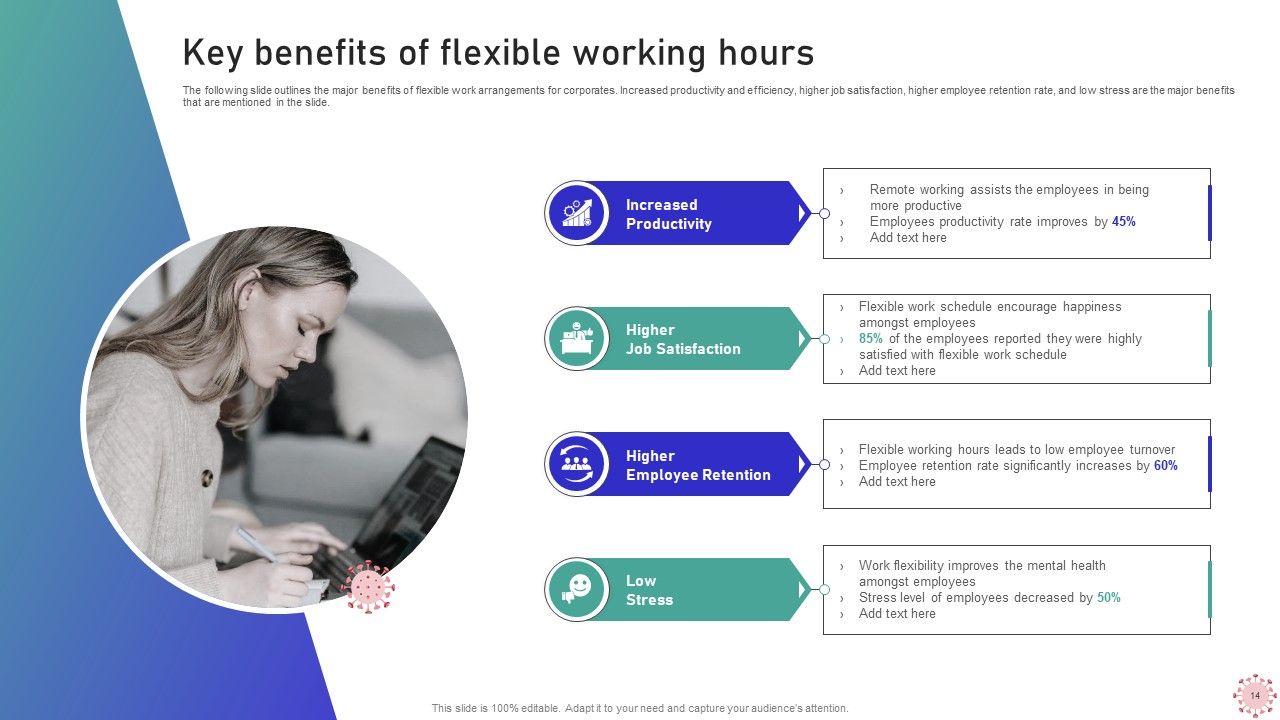
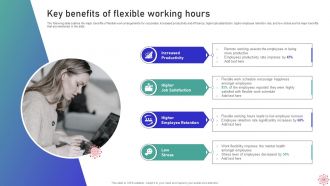
Slide 15: This slide displays Key benefits of flexible working hours.
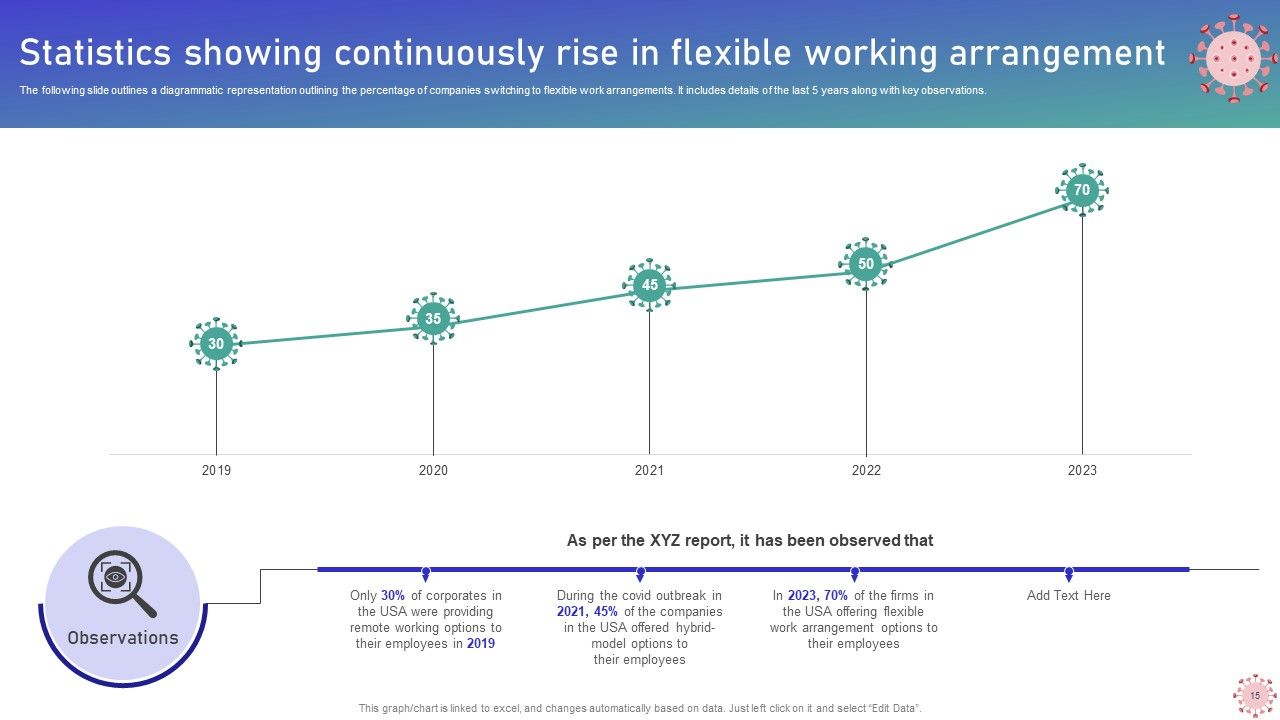
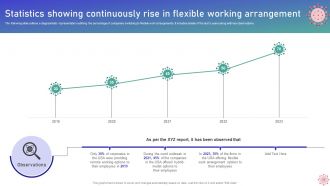
Slide 16: This slide represents Statistics showing continuously rise in flexible working arrangement.
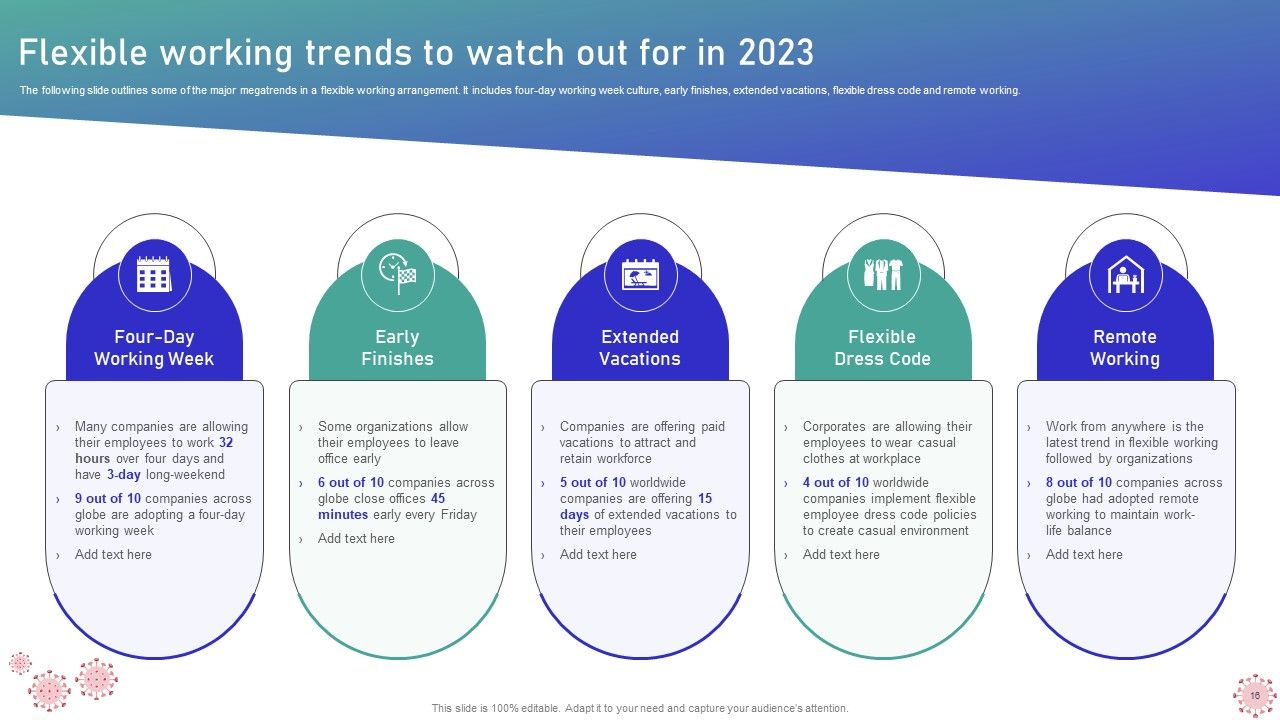
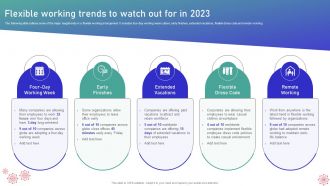
Slide 17: This slide showcases Flexible working trends to watch out for in 2023.
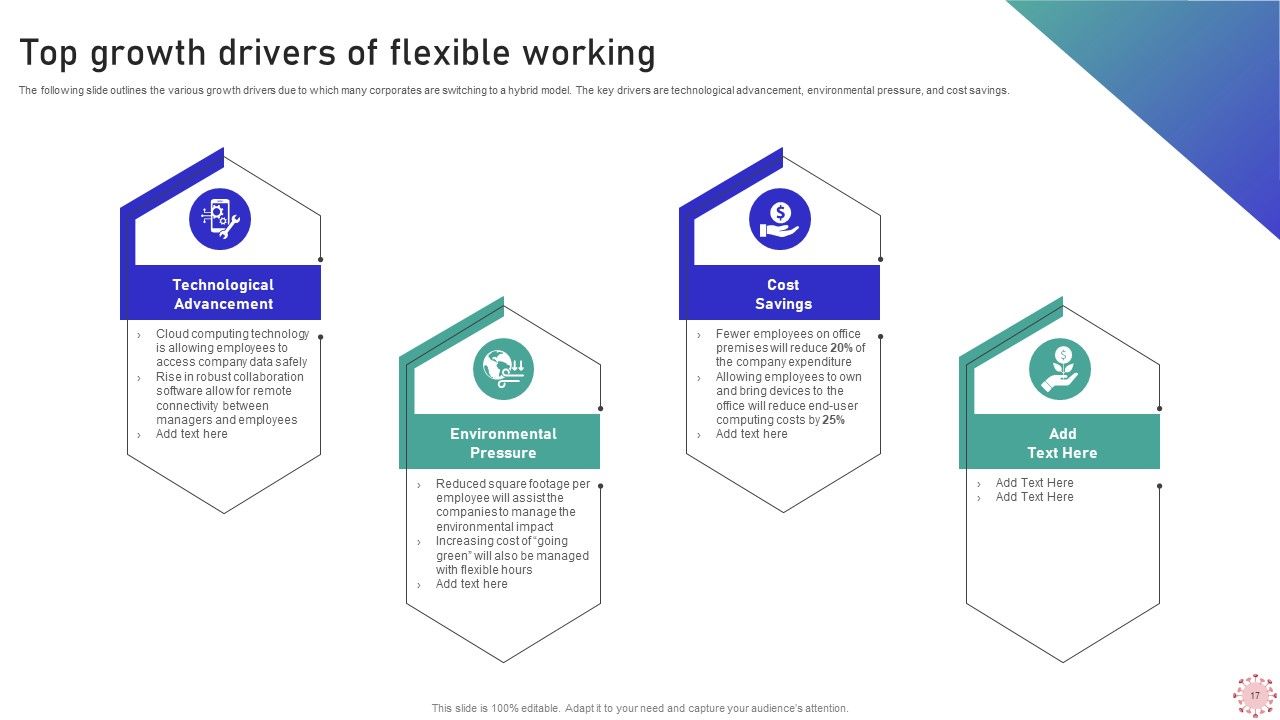
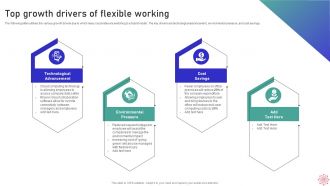
Slide 18: This slide shows Top growth drivers of flexible working.
Slide 19: This slide highlights title for topics that are to be covered next in the template.
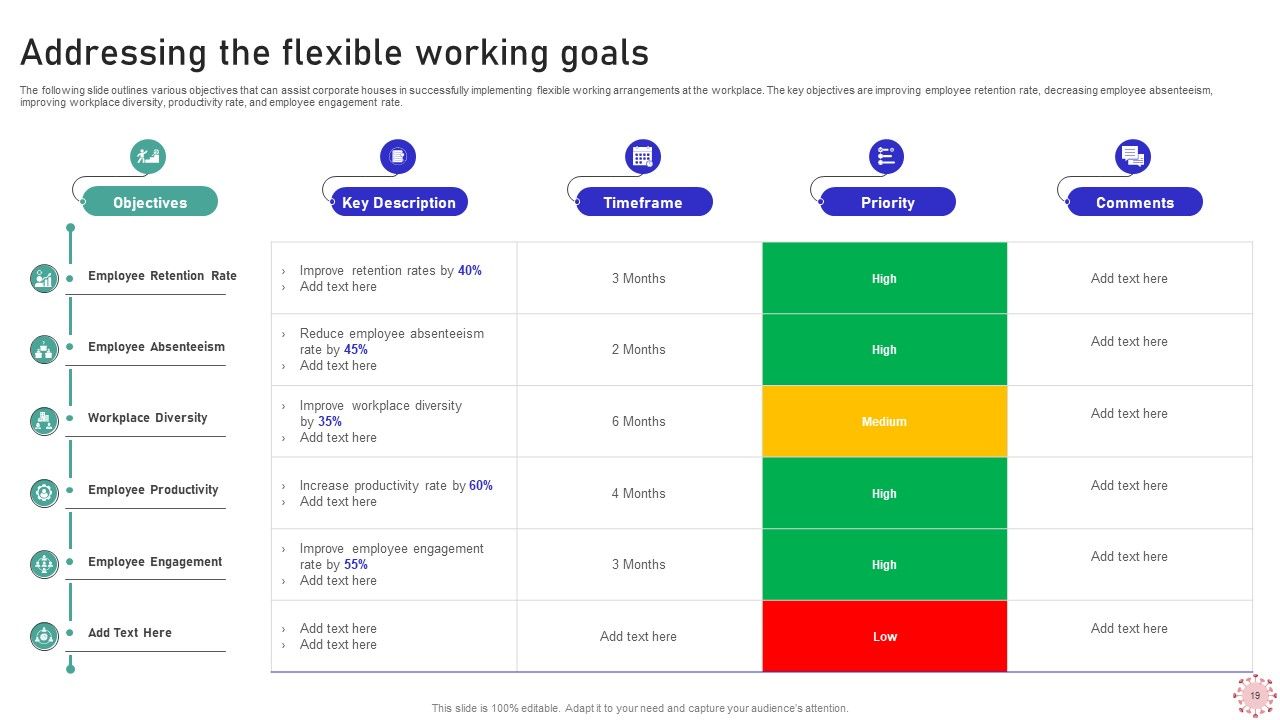
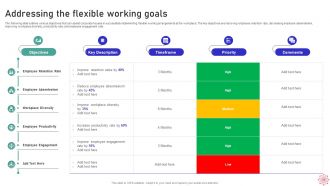
Slide 20: This slide presents Addressing the Flexible working goals.
Slide 21: This slide highlights title for topics that are to be covered next in the template.
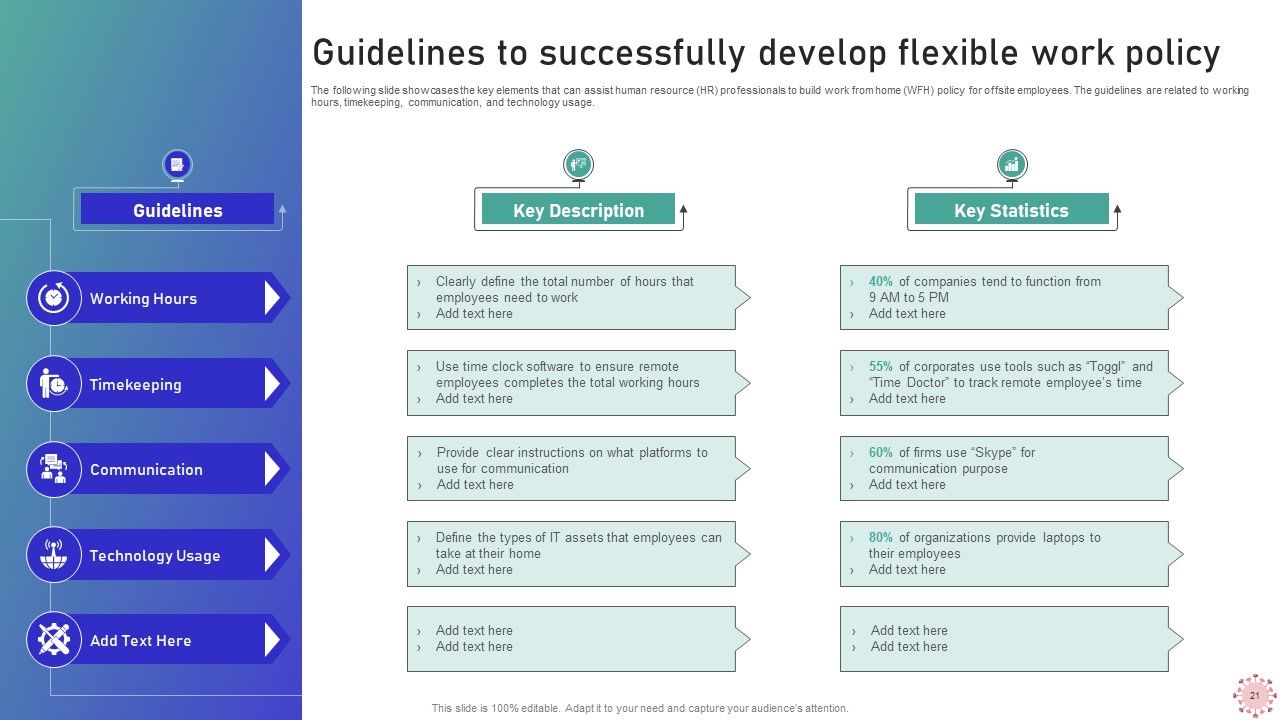
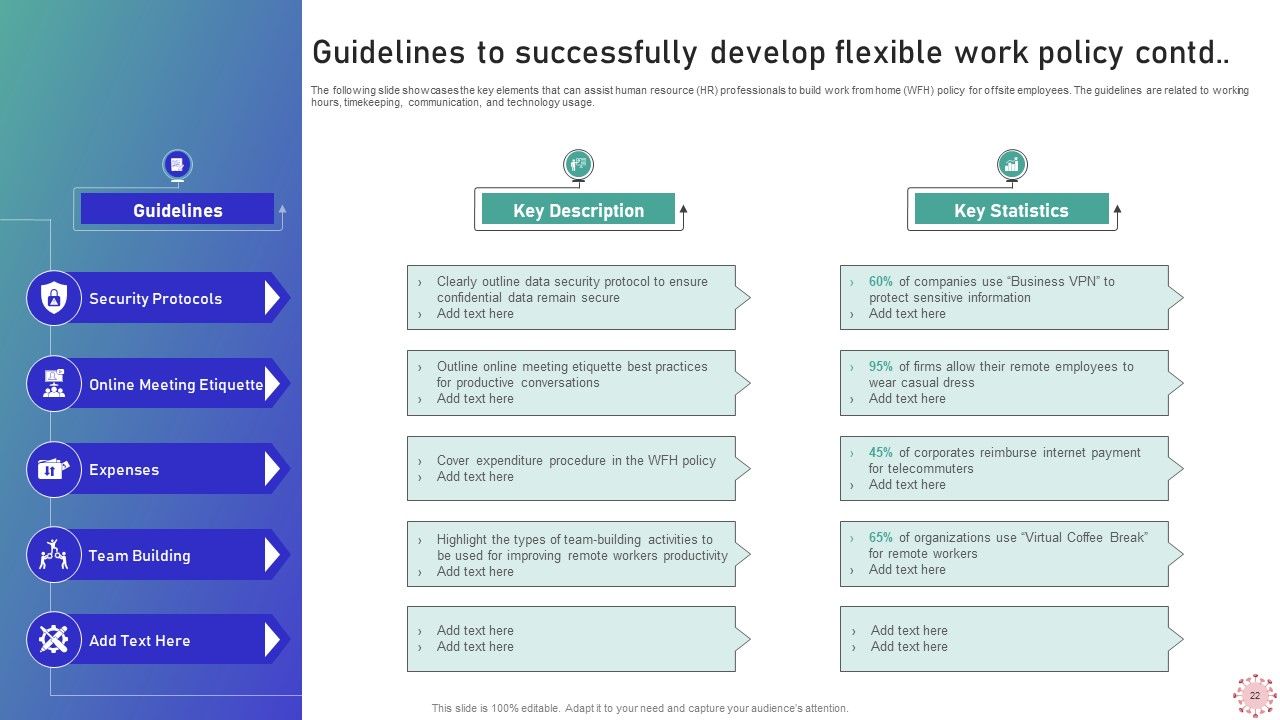
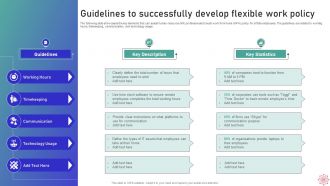
Slide 22: This slide displays Guidelines to successfully develop flexible work policy.
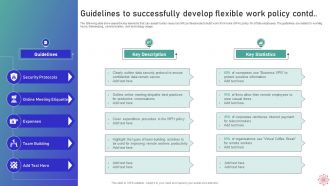
Slide 23: This is another slide continuing Guidelines to successfully develop flexible work policy.
Slide 24: This slide highlights title for topics that are to be covered next in the template.
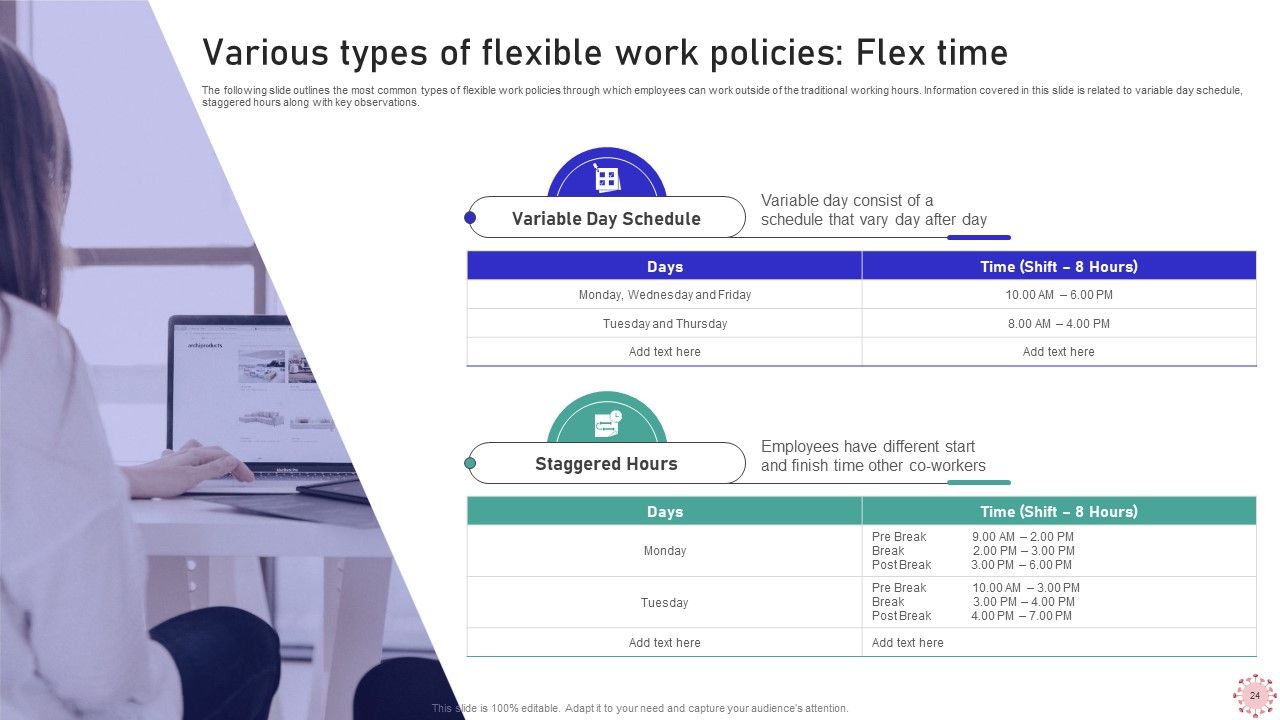
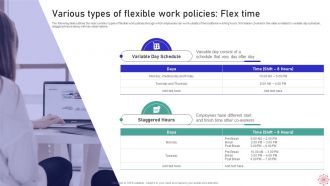
Slide 25: The following slide outlines the most common types of flexible work policies.
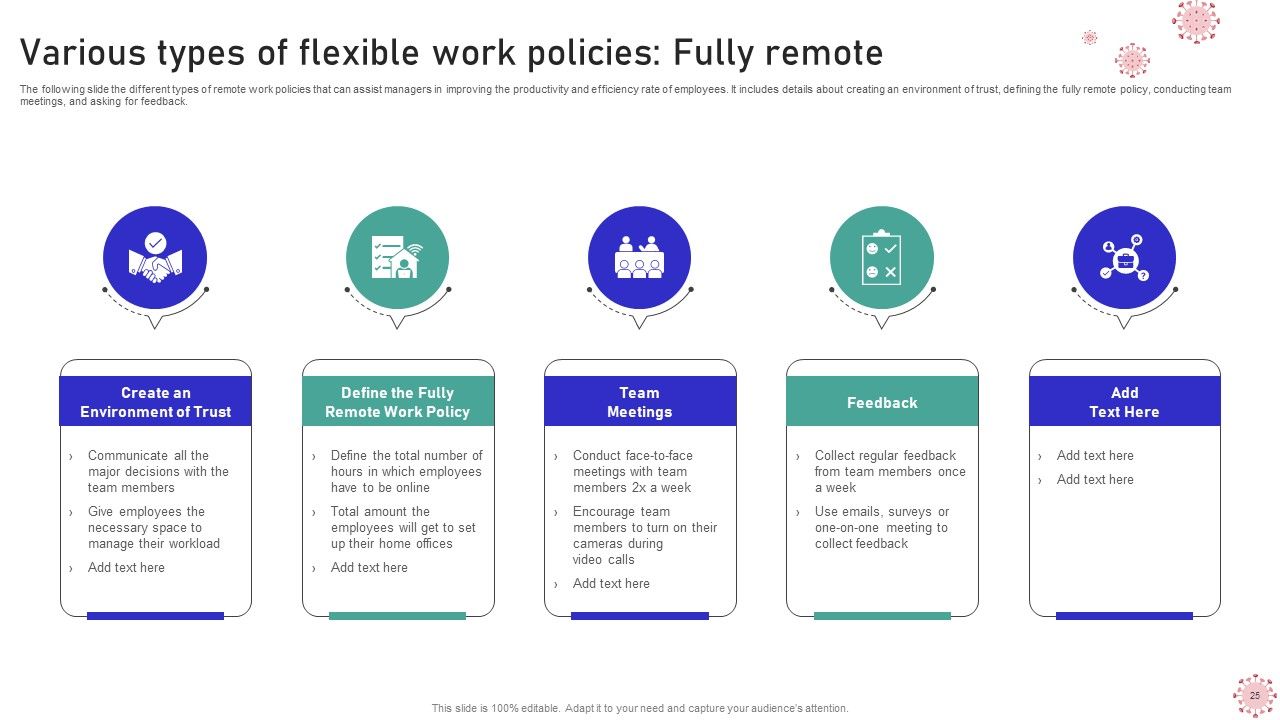
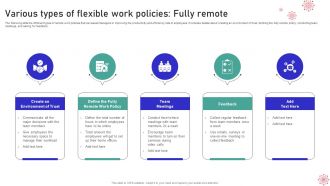
Slide 26: This slide represents different types of remote work policies that can assist managers in improving the productivity.
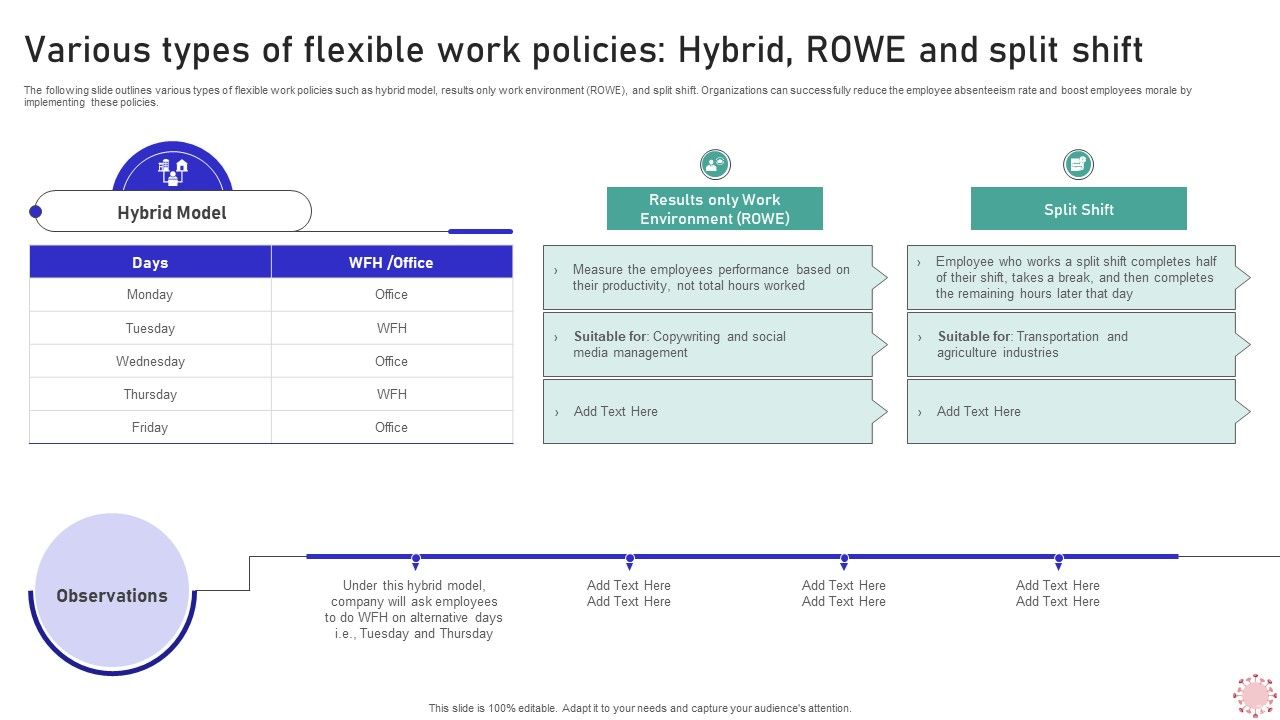
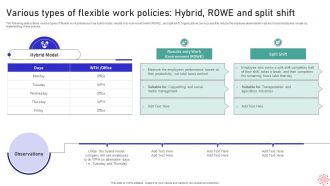
Slide 27: This slide showcases various types of flexible work policies.
Slide 28: This slide highlights title for topics that are to be covered next in the template.
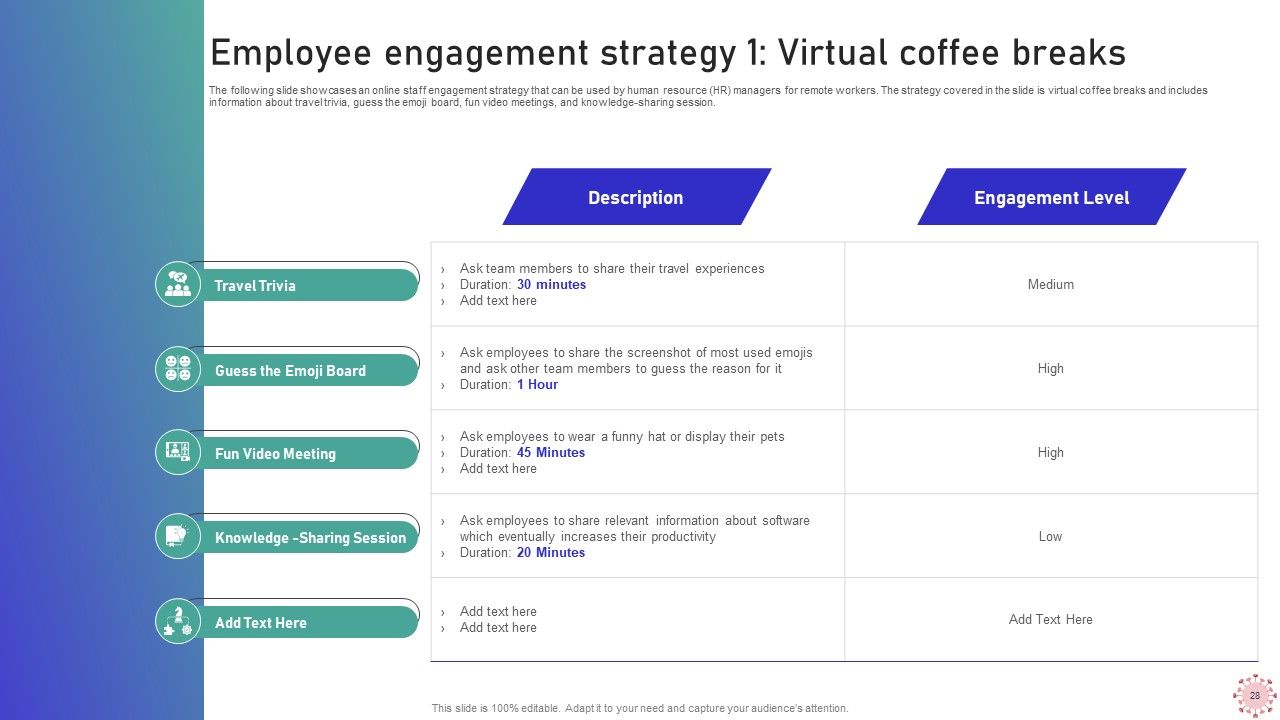
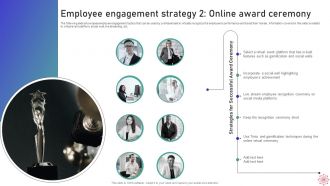
Slide 29: The following slide showcases an online staff engagement strategy.
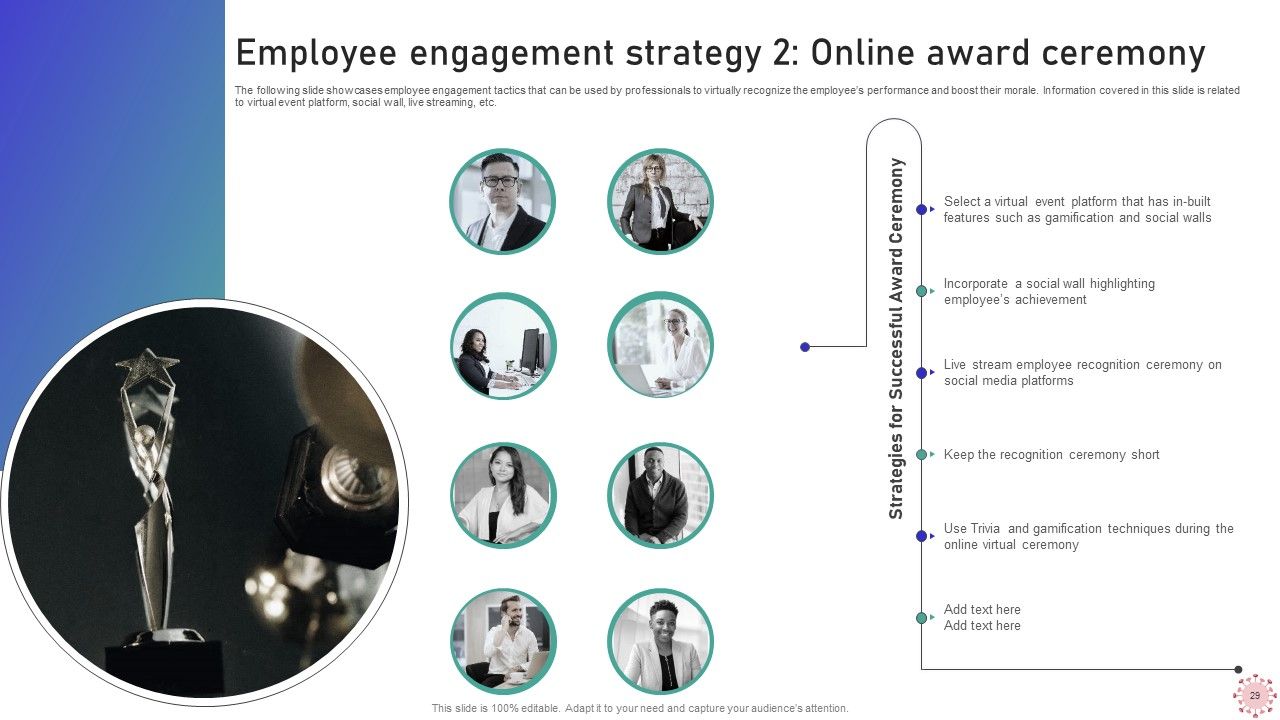
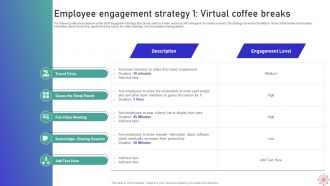
Slide 30: This slide presents employee engagement tactics that can be used by professionals.
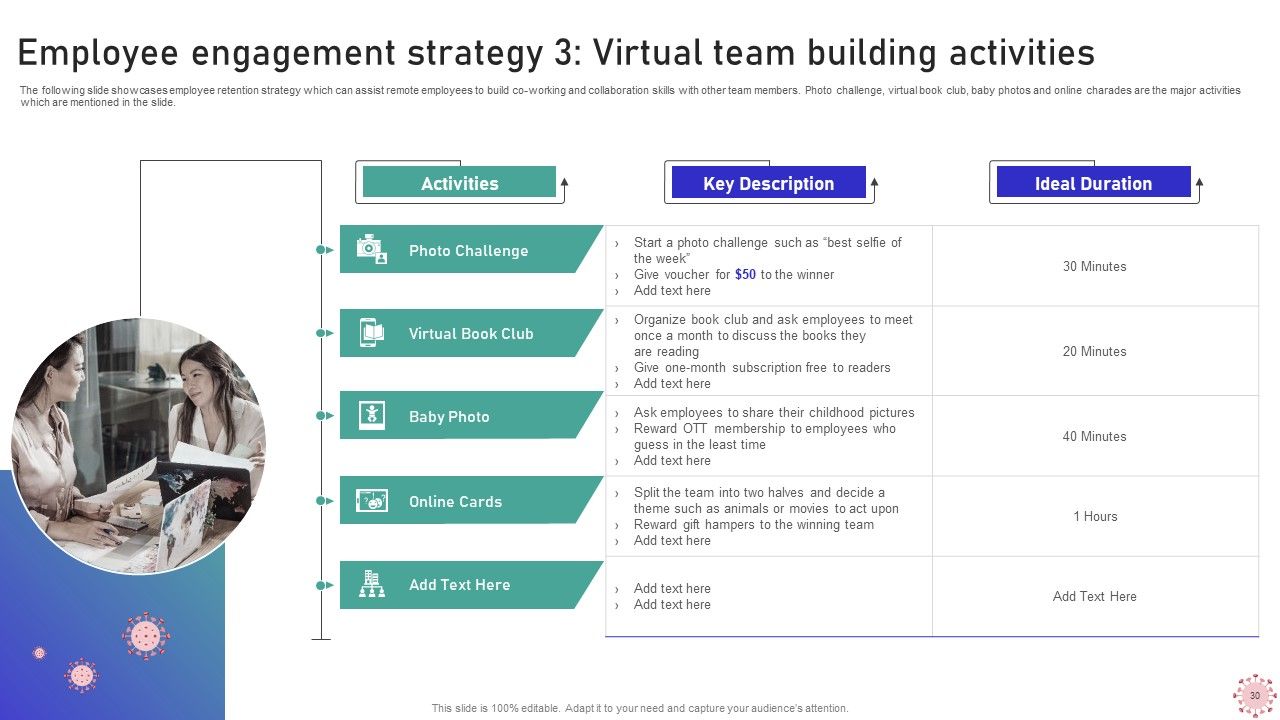
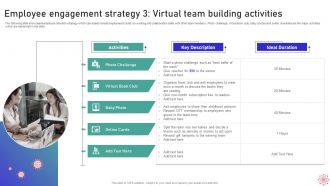
Slide 31: This slide displays employee retention strategy which can assist remote employees to build co-working and collaboration skills with other team.
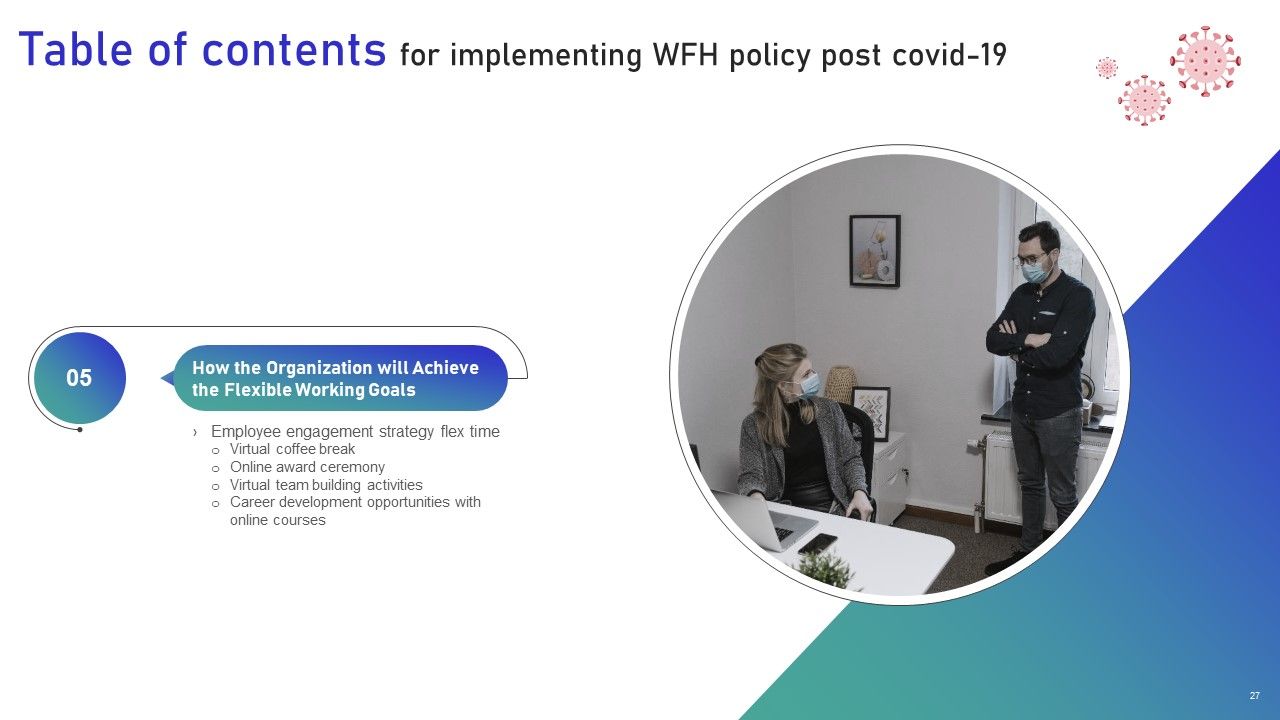
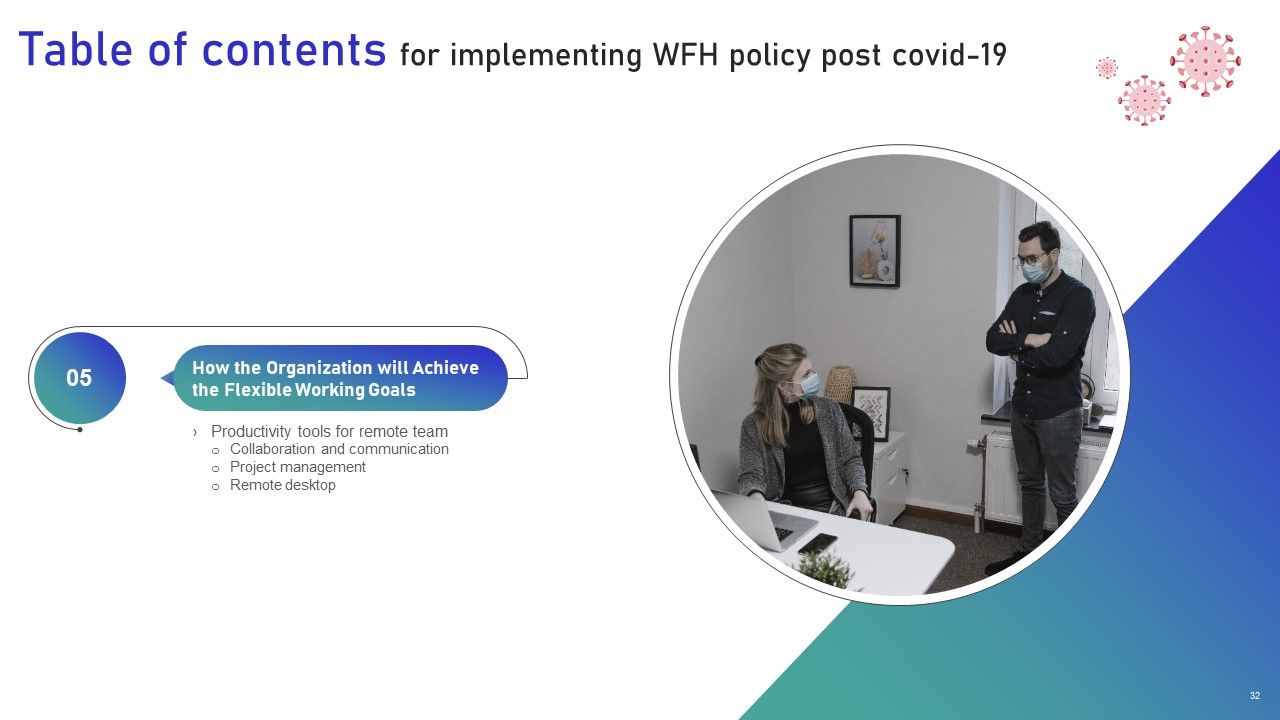
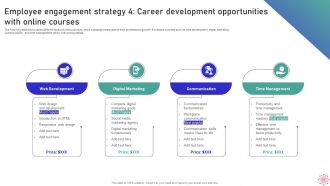
Slide 32: This slide represents Employee engagement strategy 4: Career development opportunities with online courses.
Slide 33: This slide highlights title for topics that are to be covered next in the template.
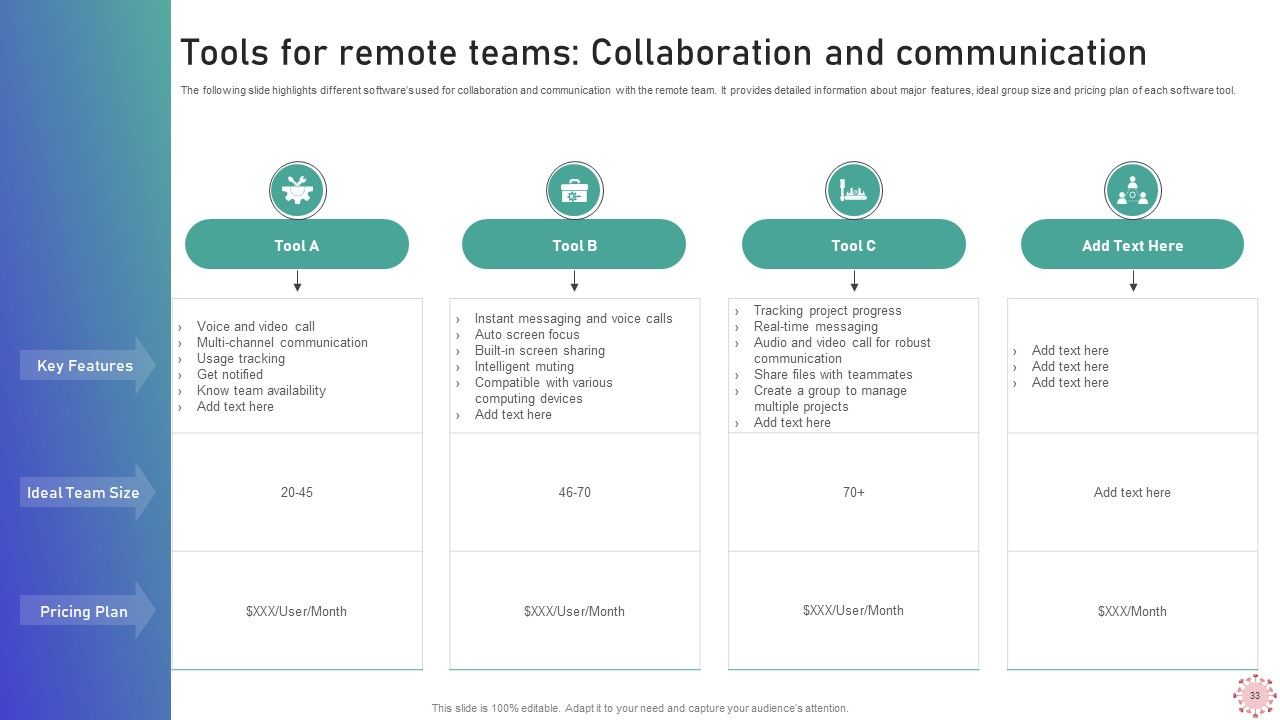
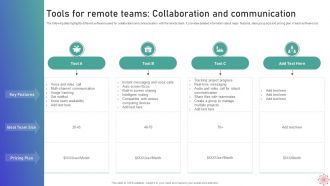
Slide 34: This slide showcases Tools for remote teams: Collaboration and communication.
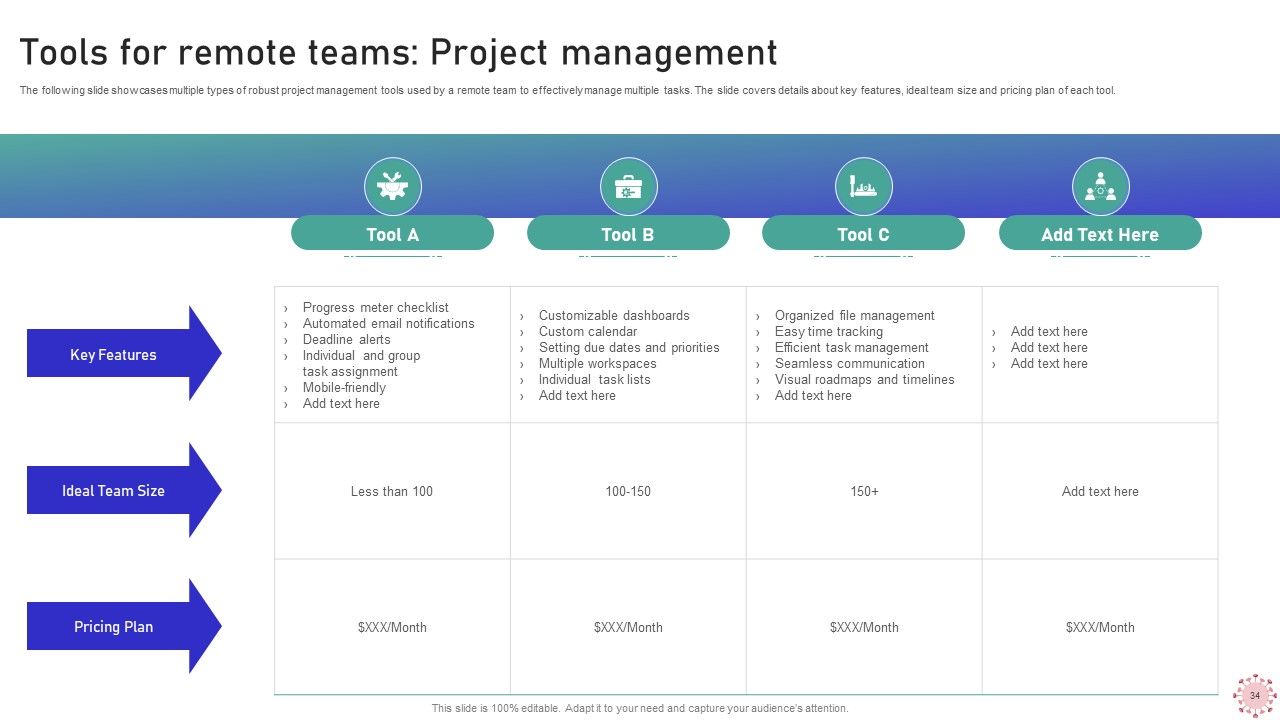
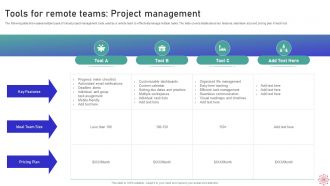
Slide 35: This slide shows multiple types of robust project management tools used by a remote team.
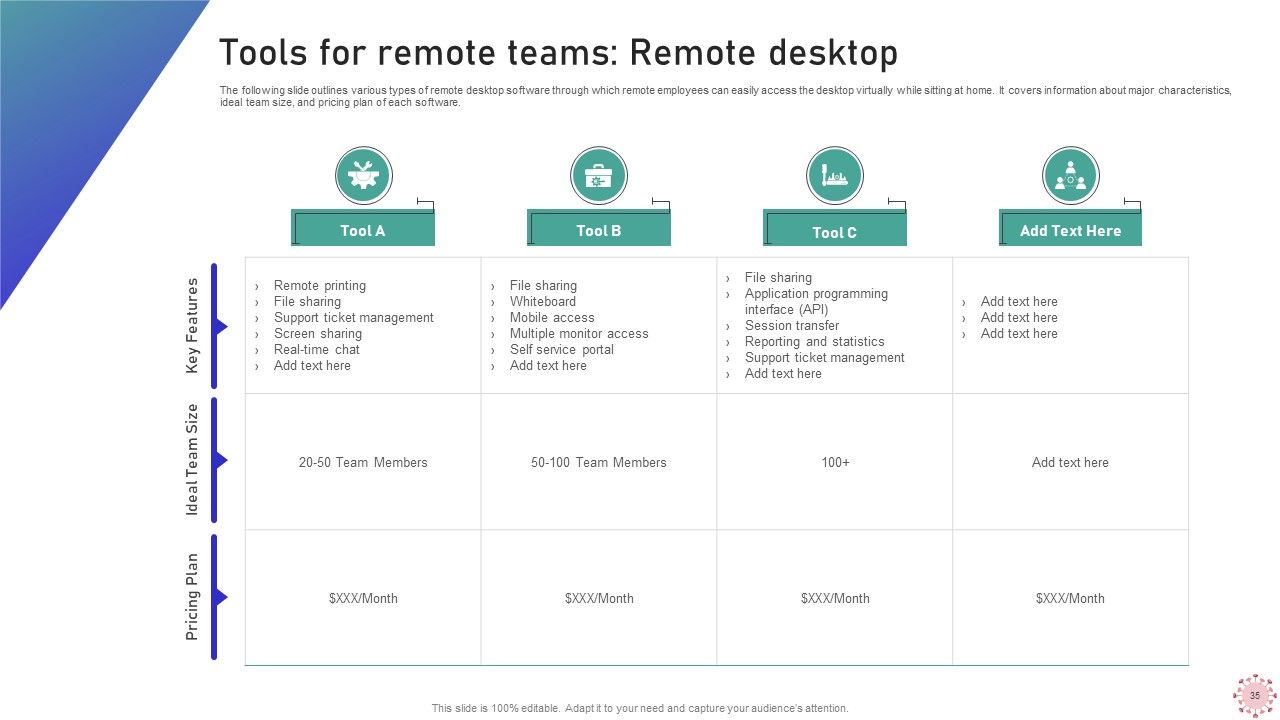
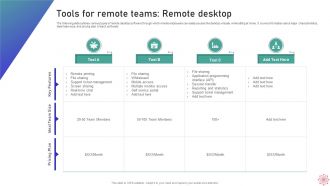
Slide 36: This slide outlines various types of remote desktop software through which remote employees can easily access the desktop.
Slide 37: This slide highlights title for topics that are to be covered next in the template.
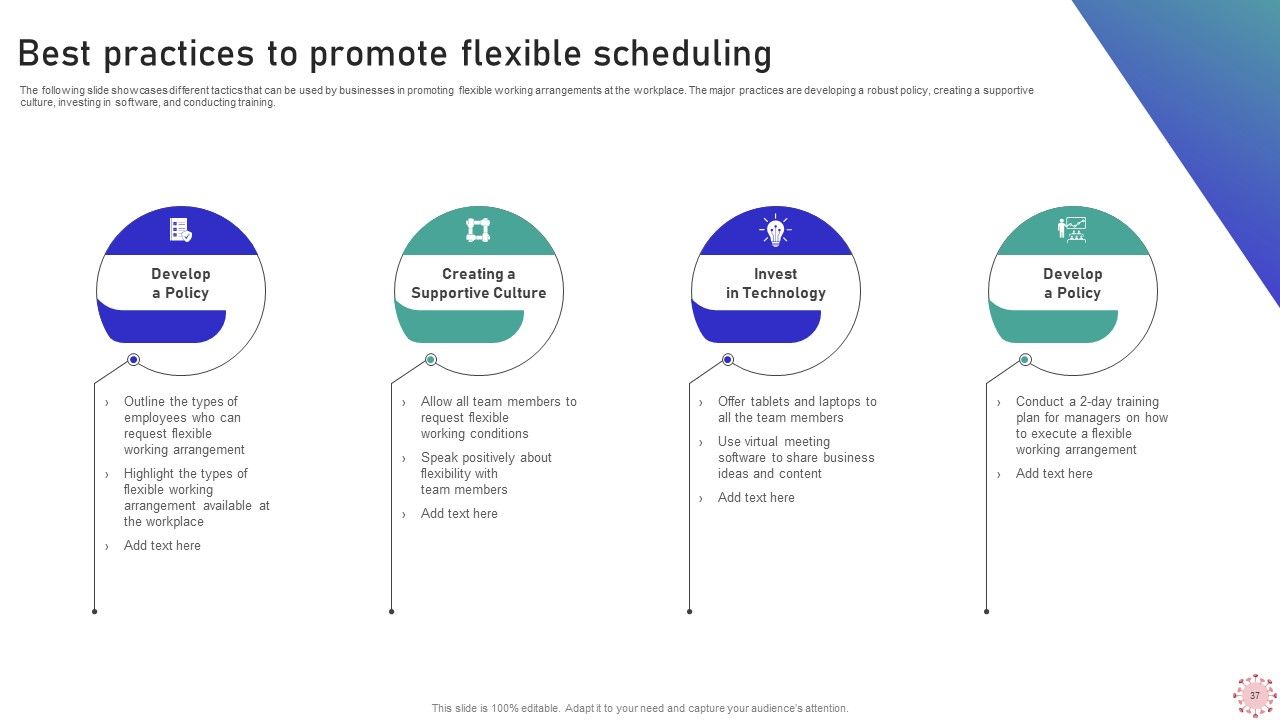
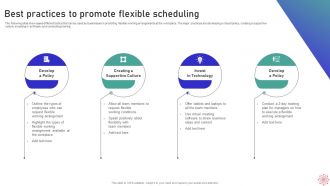
Slide 38: This slide presents Best practices to promote flexible scheduling.
Slide 39: This slide highlights title for topics that are to be covered next in the template.
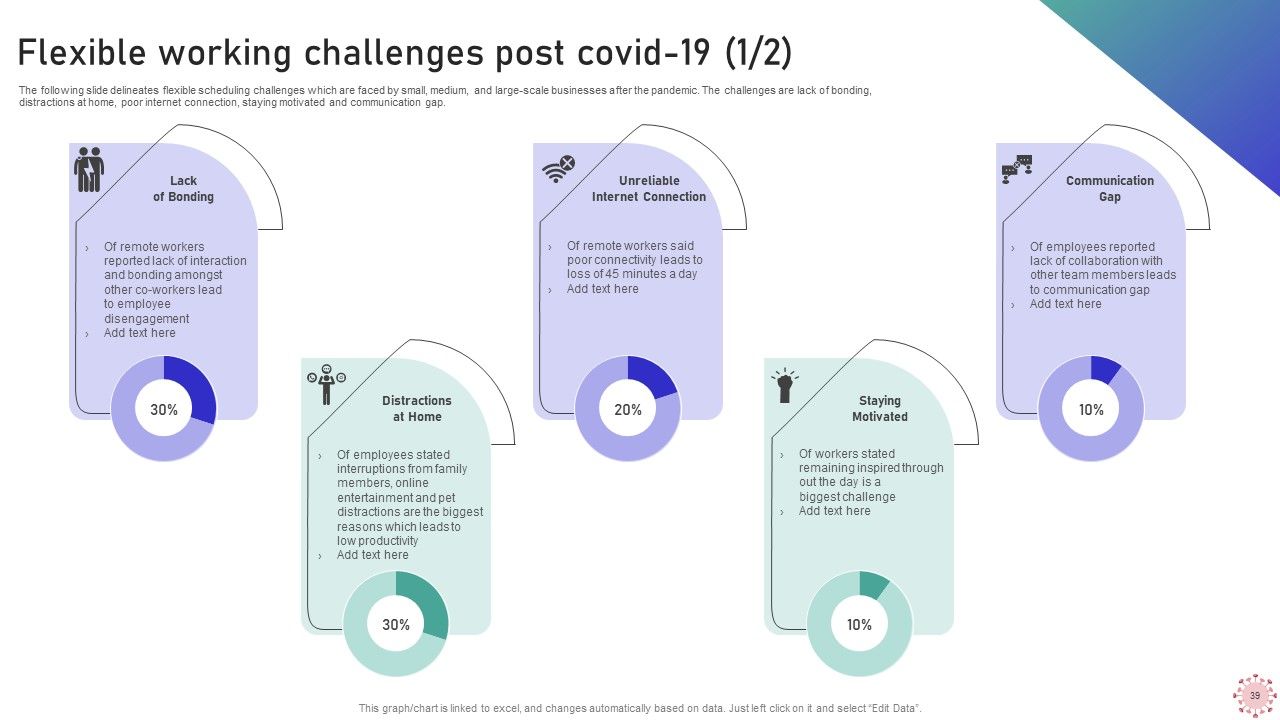
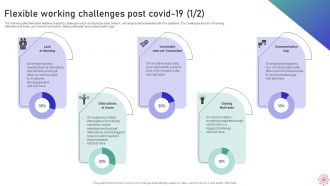
Slide 40: This slide showcases Flexible working challenges post covid-19.
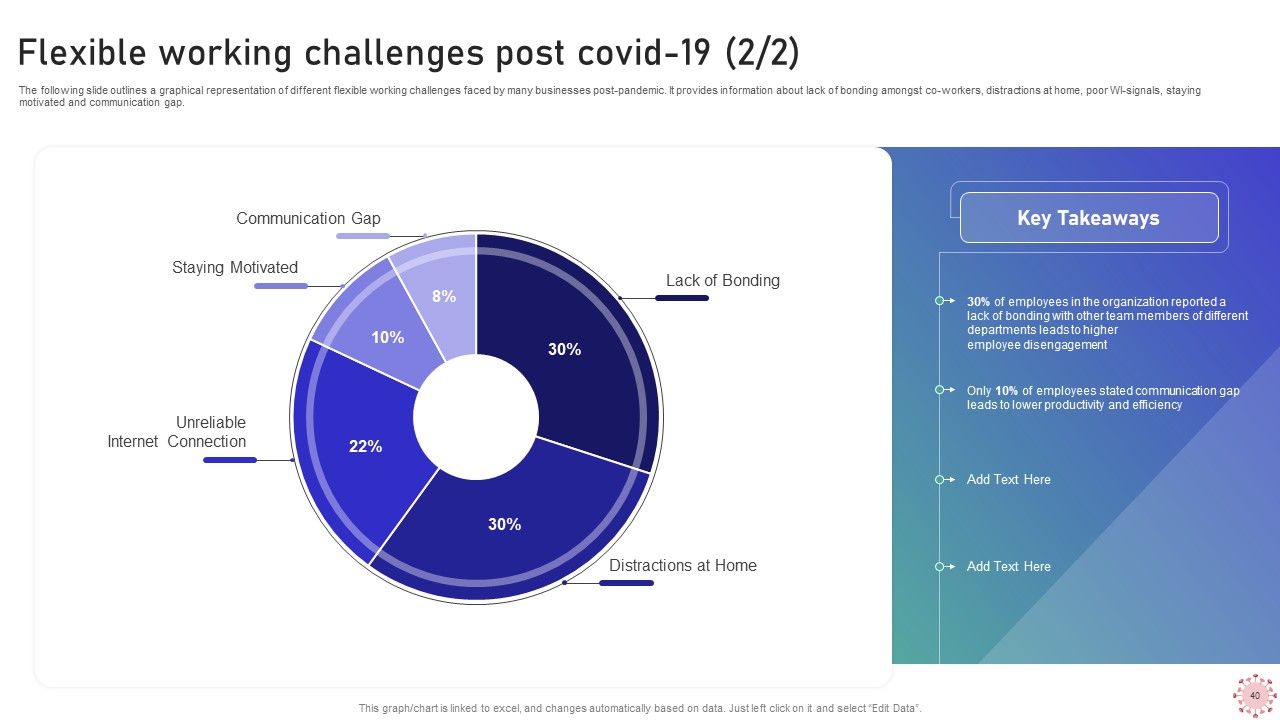
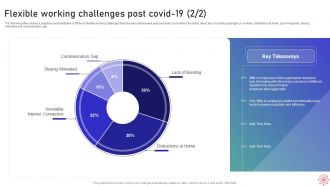
Slide 41: This is another slide continuing Flexible working challenges post covid-19.
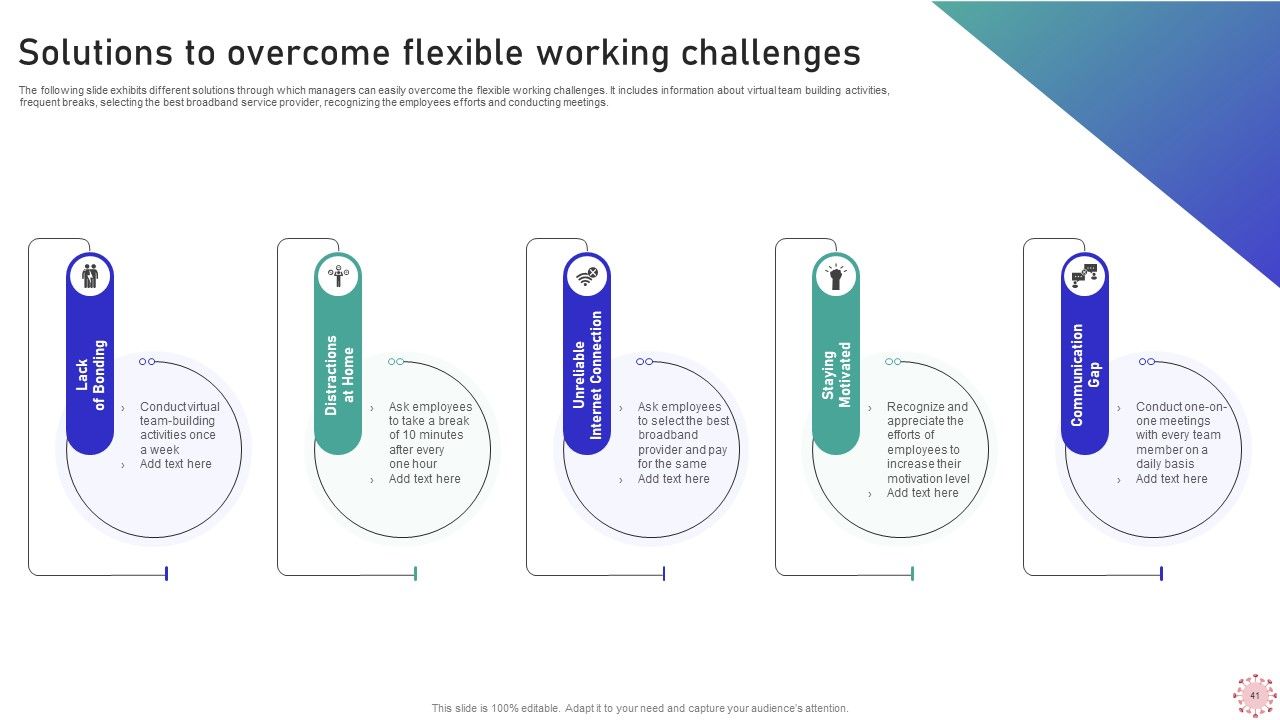
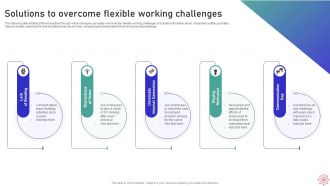
Slide 42: This slide shows Solutions to overcome flexible working challenges.
Slide 43: This slide highlights title for topics that are to be covered next in the template.
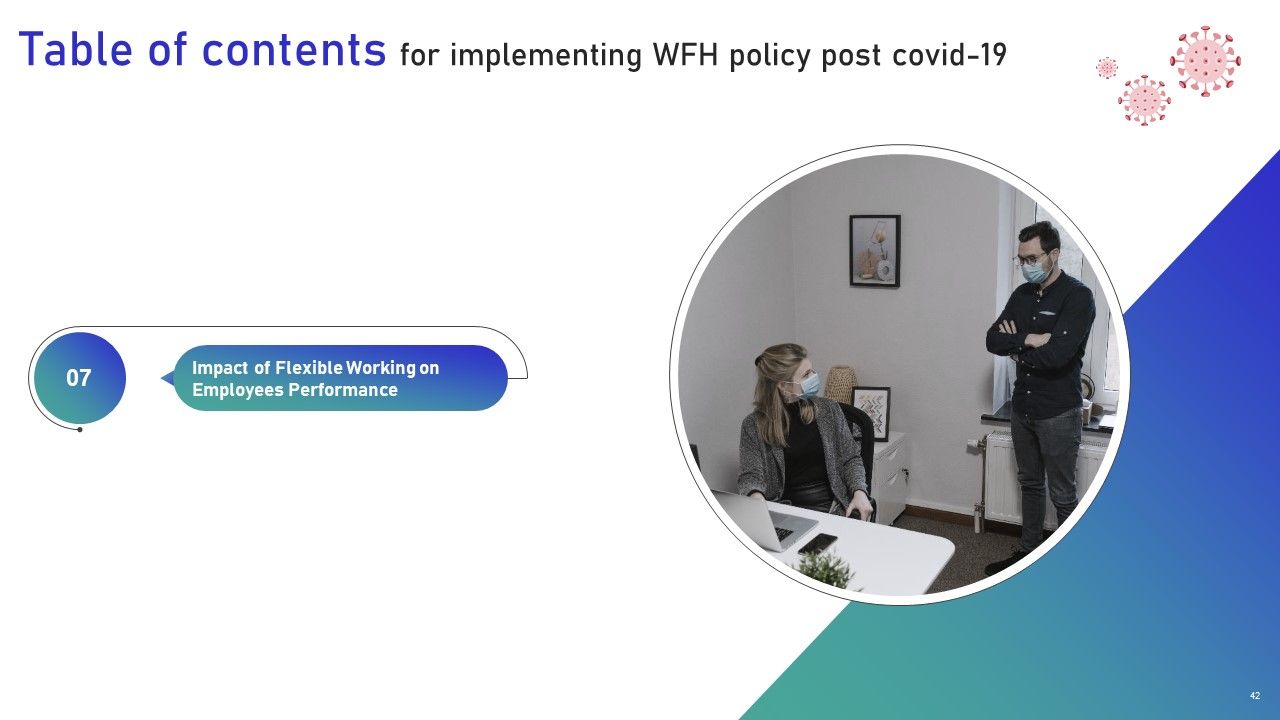
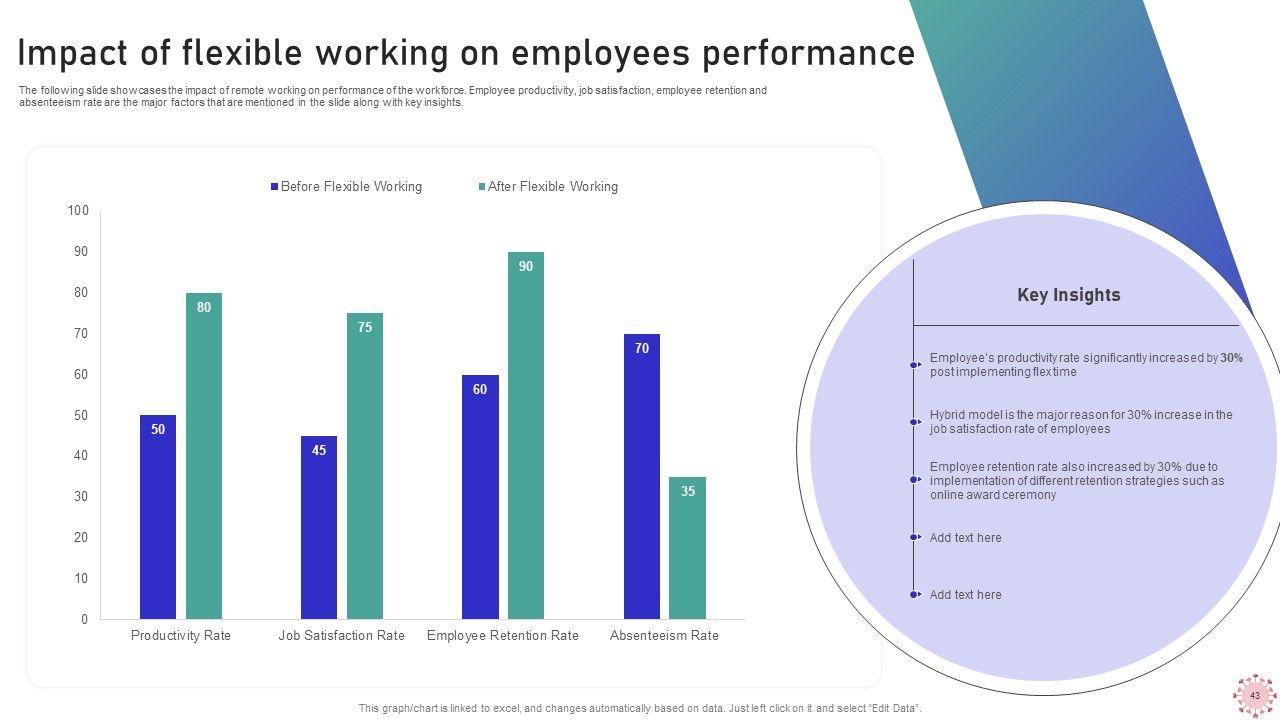
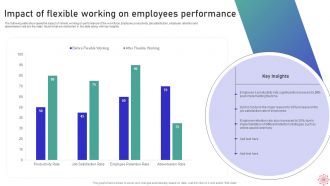
Slide 44: This slide presents Impact of flexible working on employees performance.
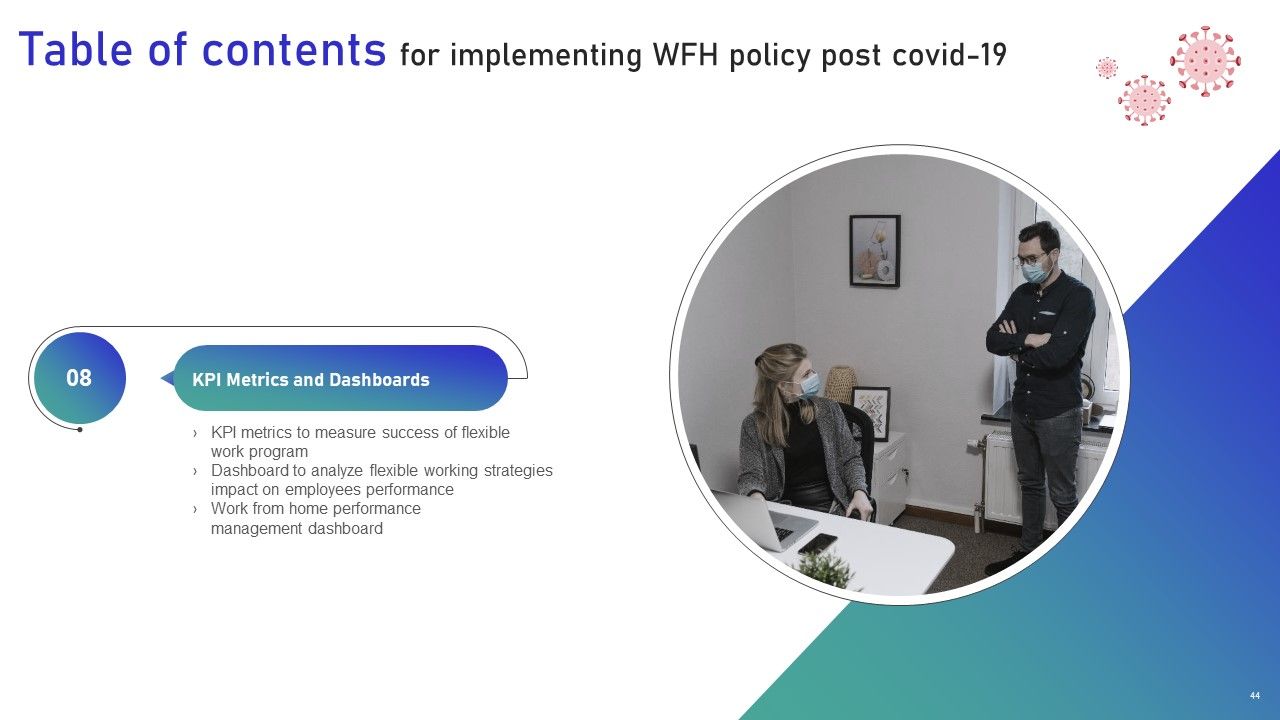
Slide 45: This slide highlights title for topics that are to be covered next in the template.
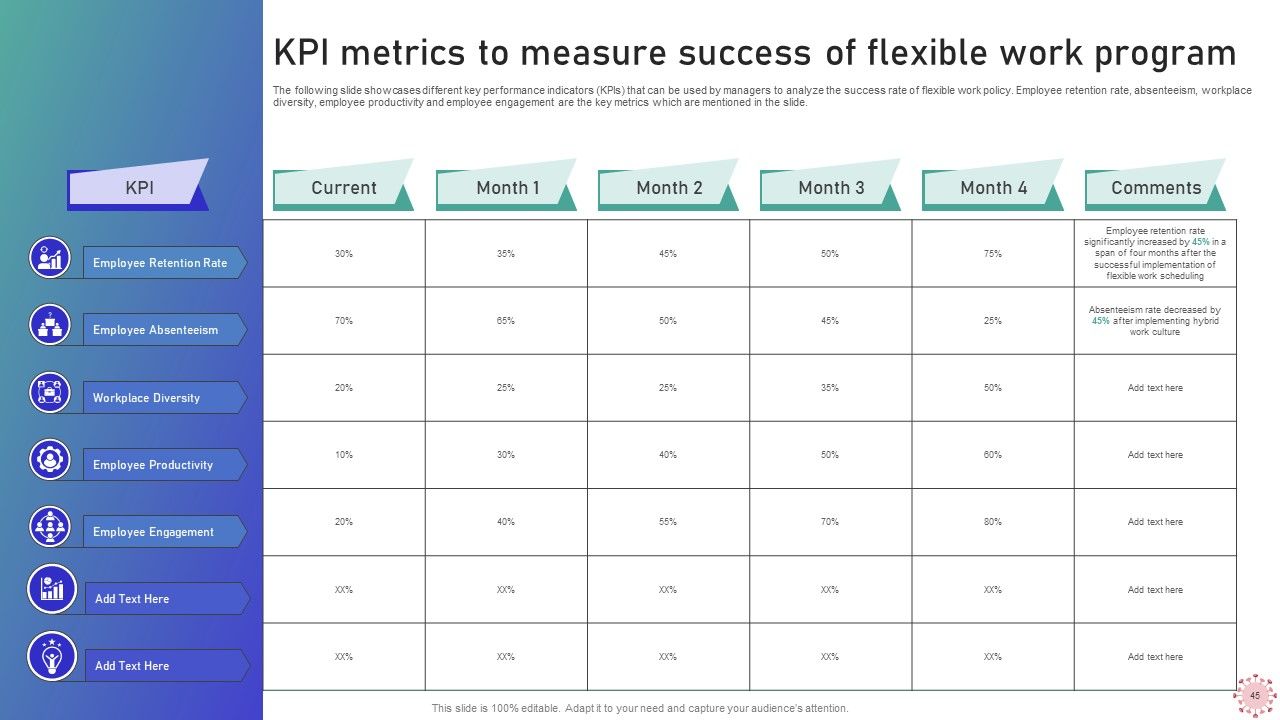
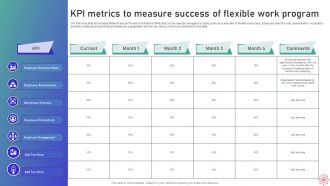
Slide 46: This slide displays KPI metrics to measure success of flexible work program.
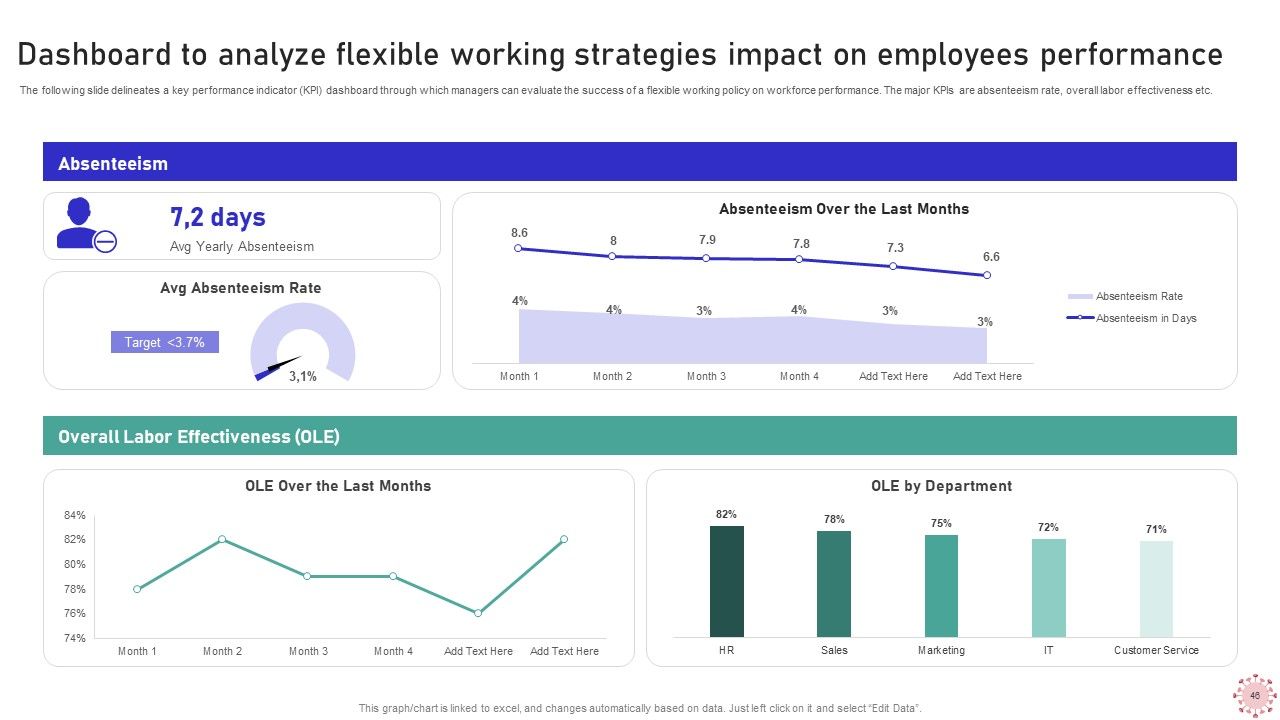
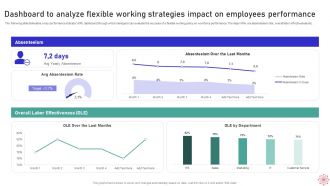
Slide 47: This slide represents Dashboard to analyze flexible working strategies impact on employees performance.
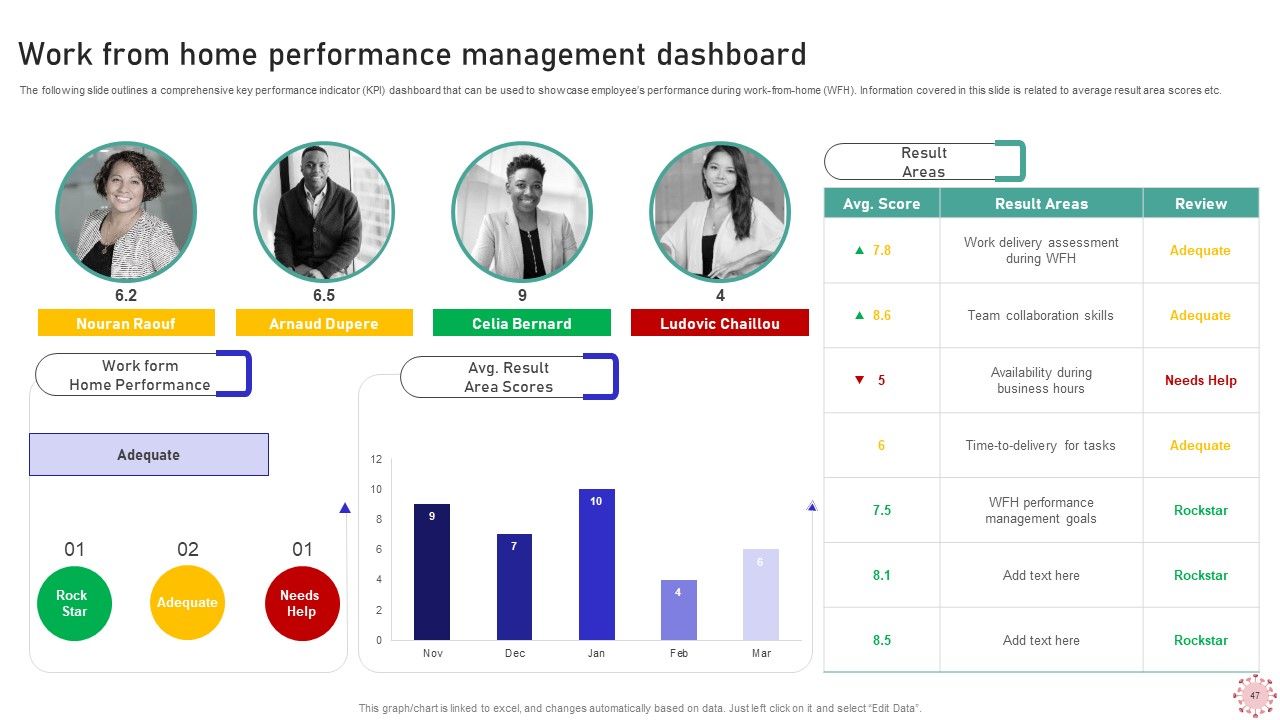
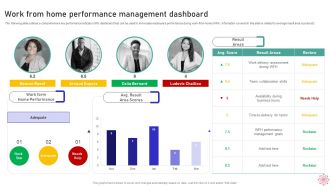
Slide 48: This slide showcases Work from home performance management dashboard.
Slide 49: This slide contains all the icons used in this presentation.
Slide 50: This slide is titled as Additional Slides for moving forward.
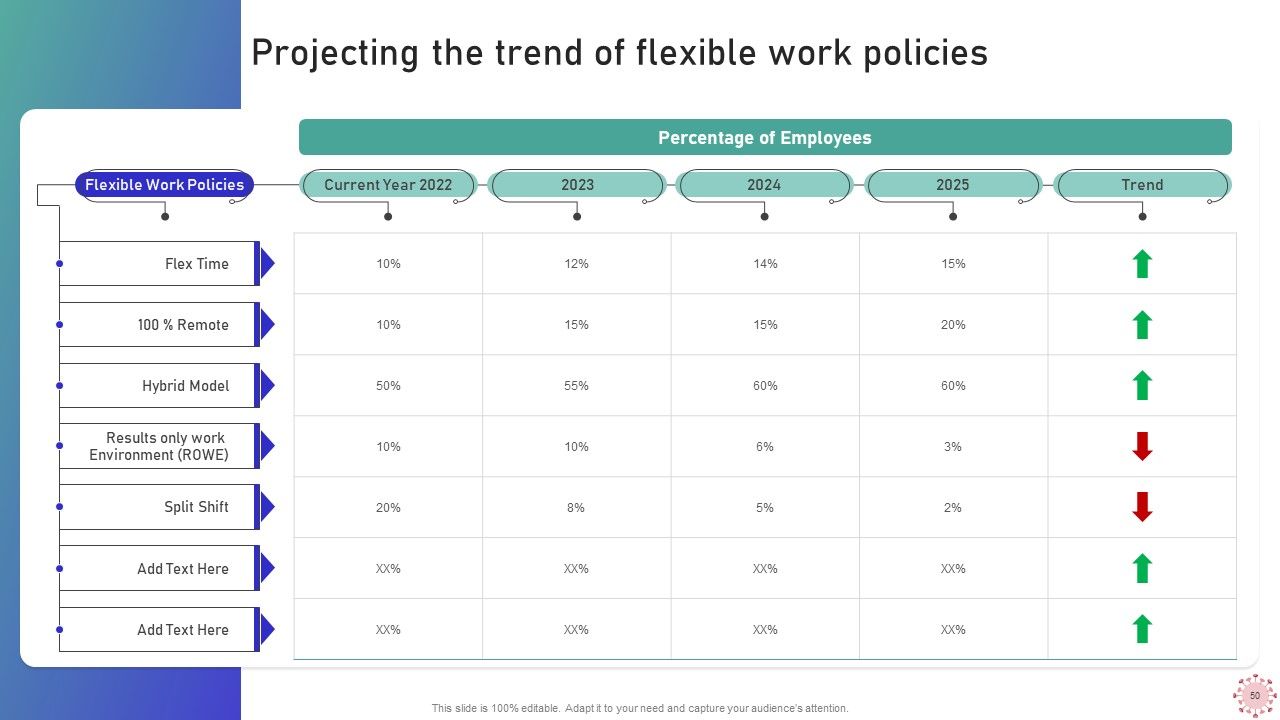
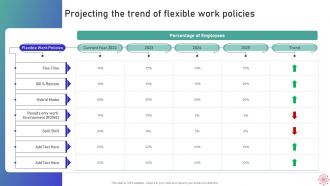
Slide 51: This slide shows Projecting the trend of flexible work policies.
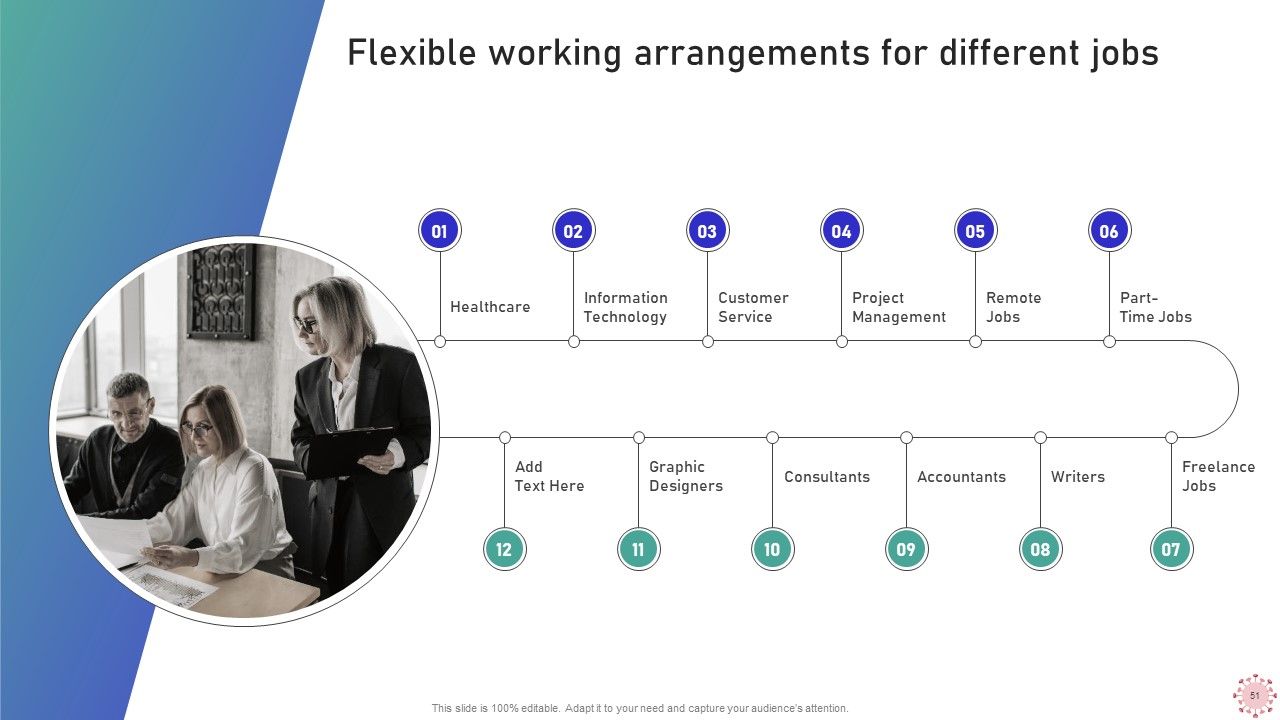
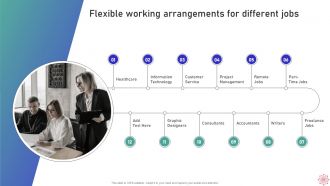
Slide 52: This slide presents Flexible working arrangements for different jobs.
Slide 53: This is About Us slide to show company specifications etc.
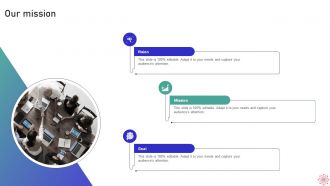
Slide 54: This is Our Mission slide with related imagery and text.
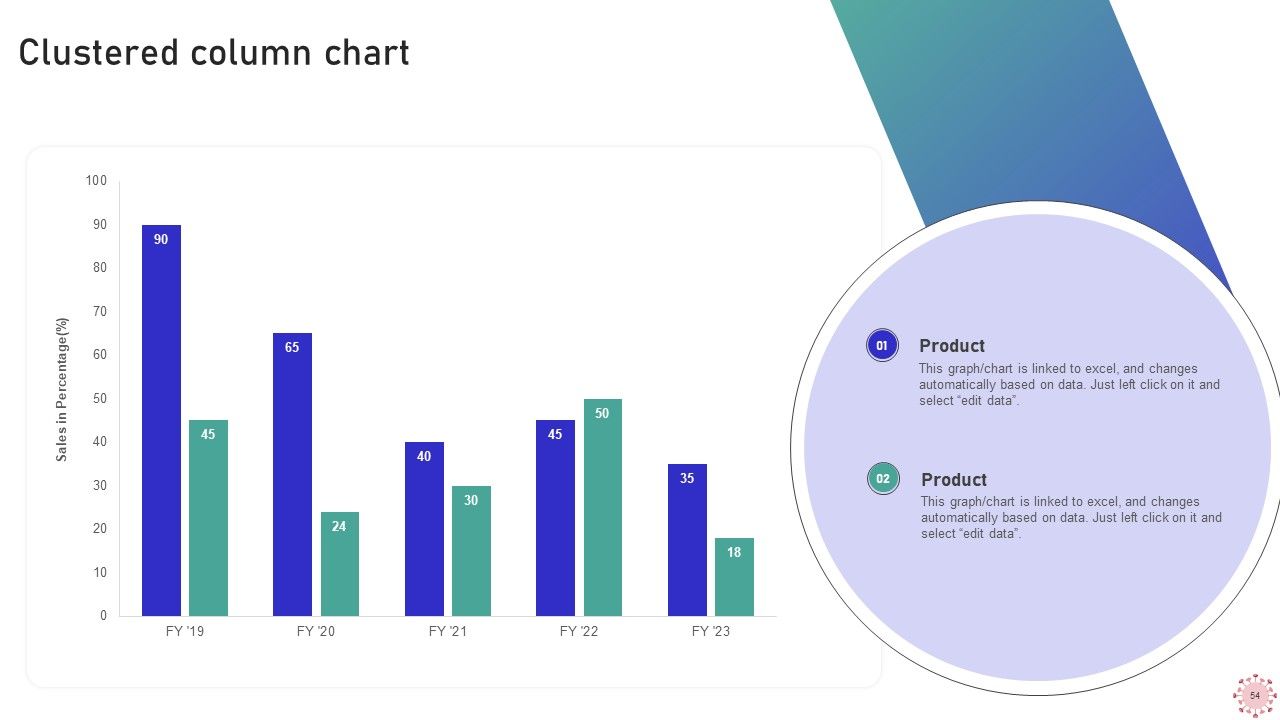
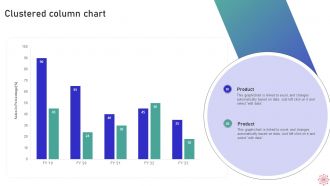
Slide 55: This slide provides Clustered Column chart with two products comparison.
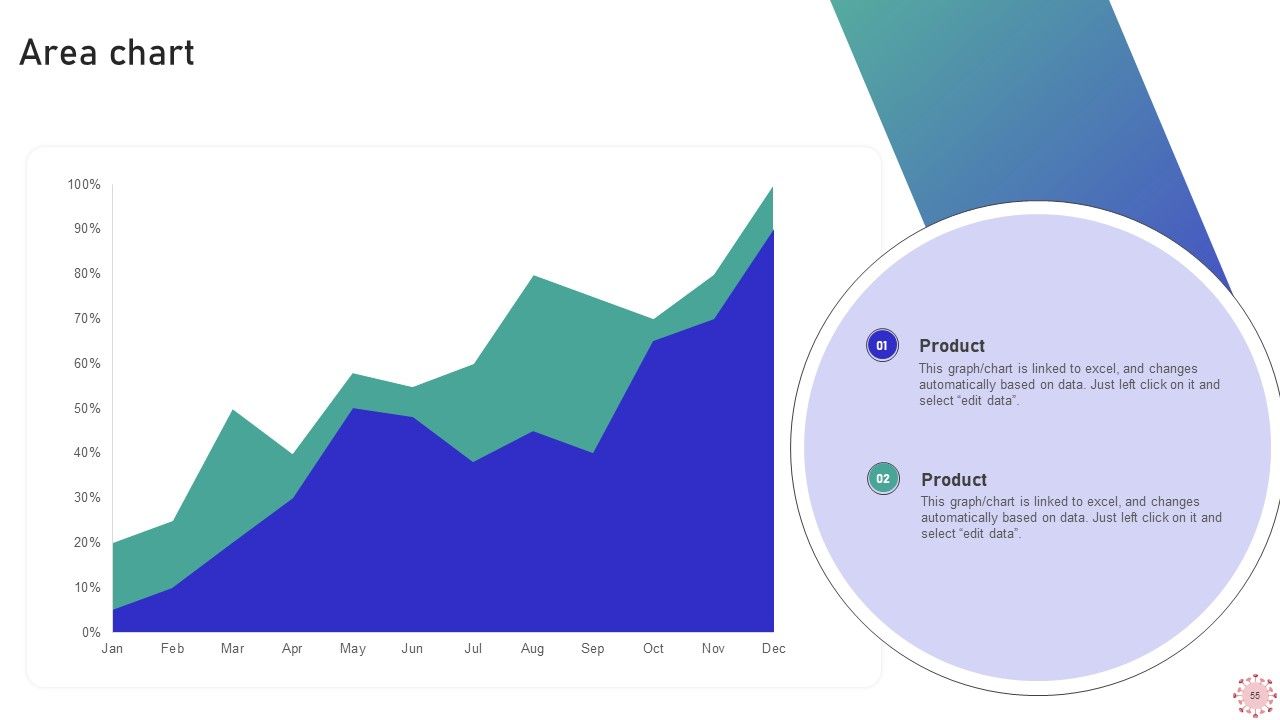
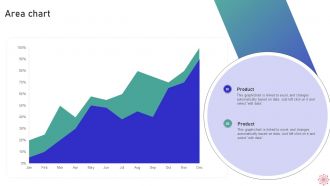
Slide 56: This slide depicts Area chart with two products comparison.
Slide 57: This slide presents Stock chart with two products comparison.
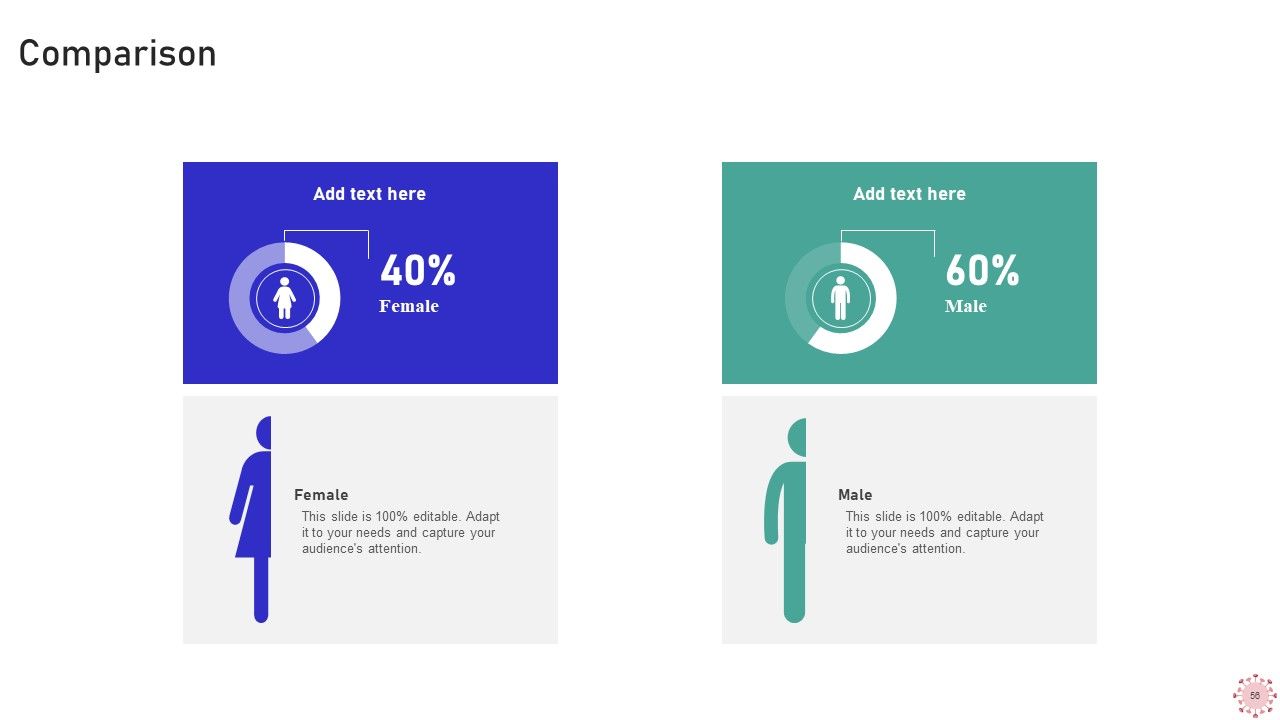
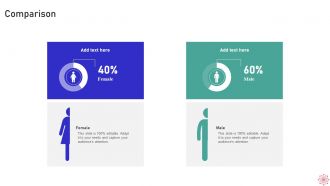
Slide 58: This is a Comparison slide to state comparison between commodities, entities etc.
Slide 59: This slide shows Pie Chart with data in percentage.
Slide 60: This is Our Team slide with names and designation.
Slide 61: This is a Location slide with maps to show data related with different locations.
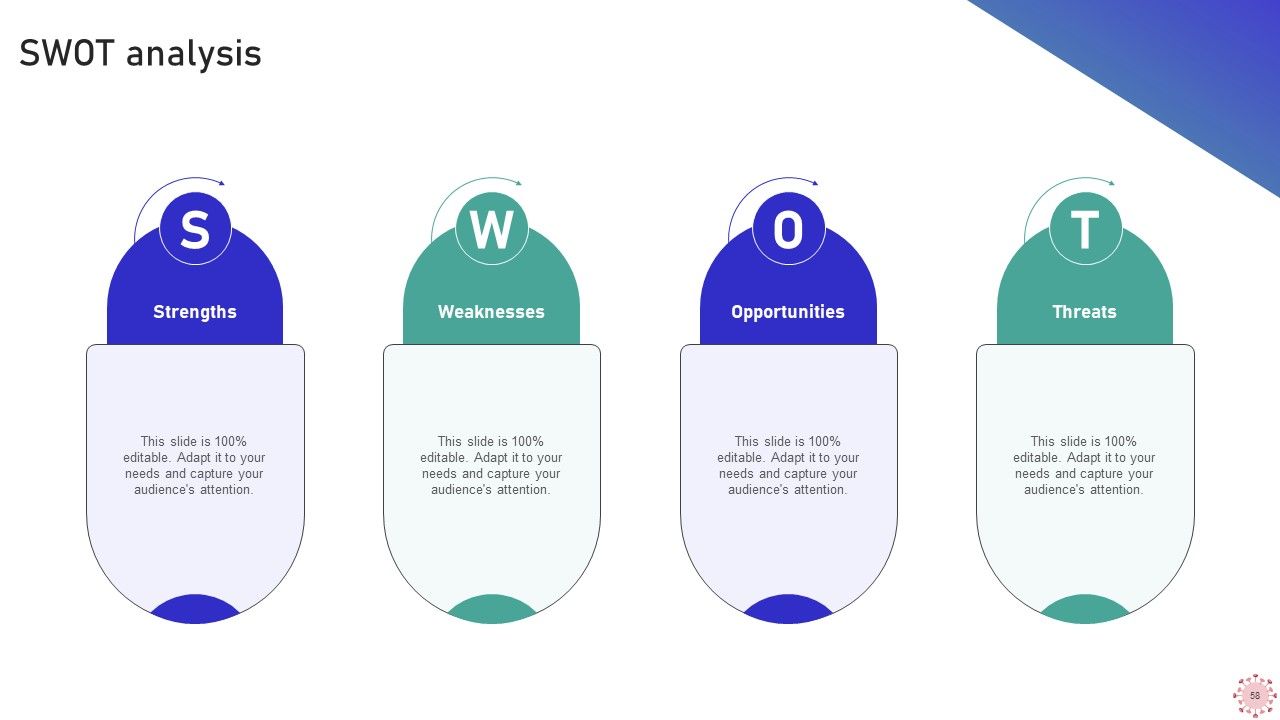
Slide 62: This slide shows SWOT describing- Strength, Weakness, Opportunity, and Threat.
Slide 63: This is a Quotes slide to convey message, beliefs etc.
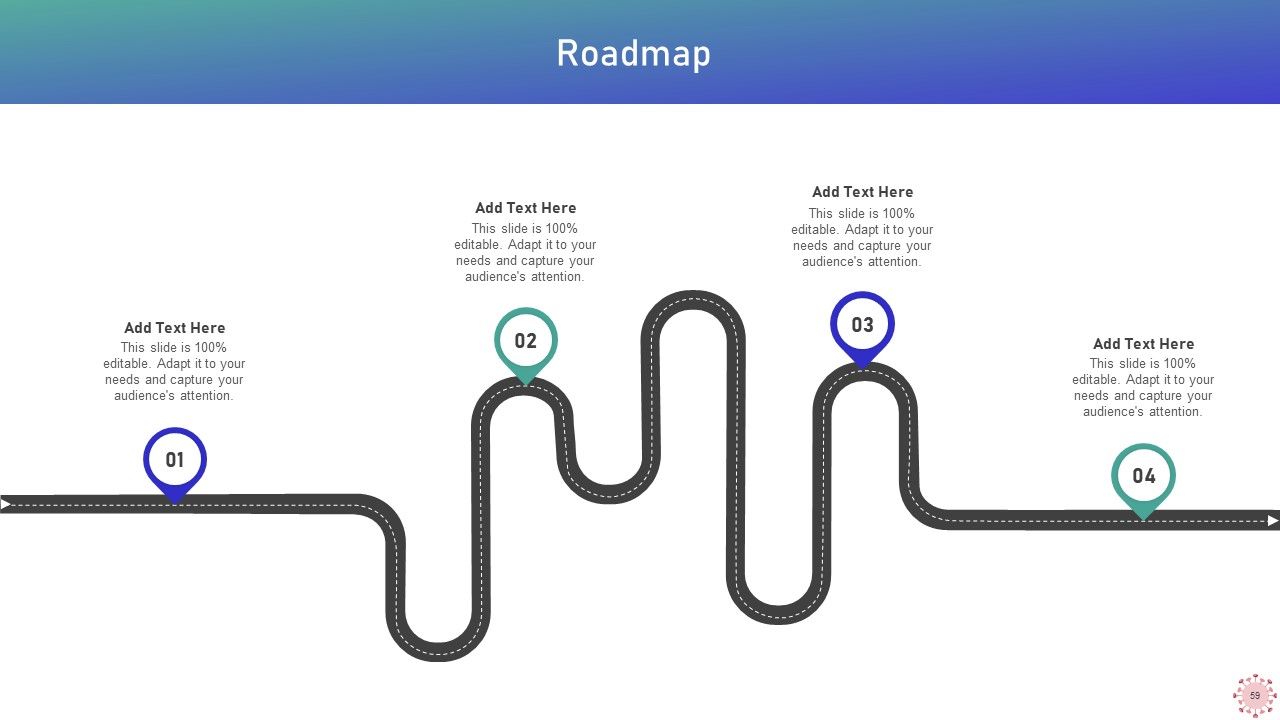
Slide 64: This slide presents Roadmap with additional textboxes.
Slide 65: This is a Thank You slide with address, contact numbers and email address.
Implementing WFH Policy Post Covid 19 Powerpoint Presentation Slides with all 65 slides:
Use our Implementing WFH Policy Post Covid 19 Powerpoint Presentation Slides to effectively help you save your valuable time. They are readymade to fit into any presentation structure.
-
These stunning templates can help you create a presentation like a pro.
-
If you are looking for satisfactory PowerPoint services, SlideTeam is your go-to place. I am fully contented with their research and development team.
