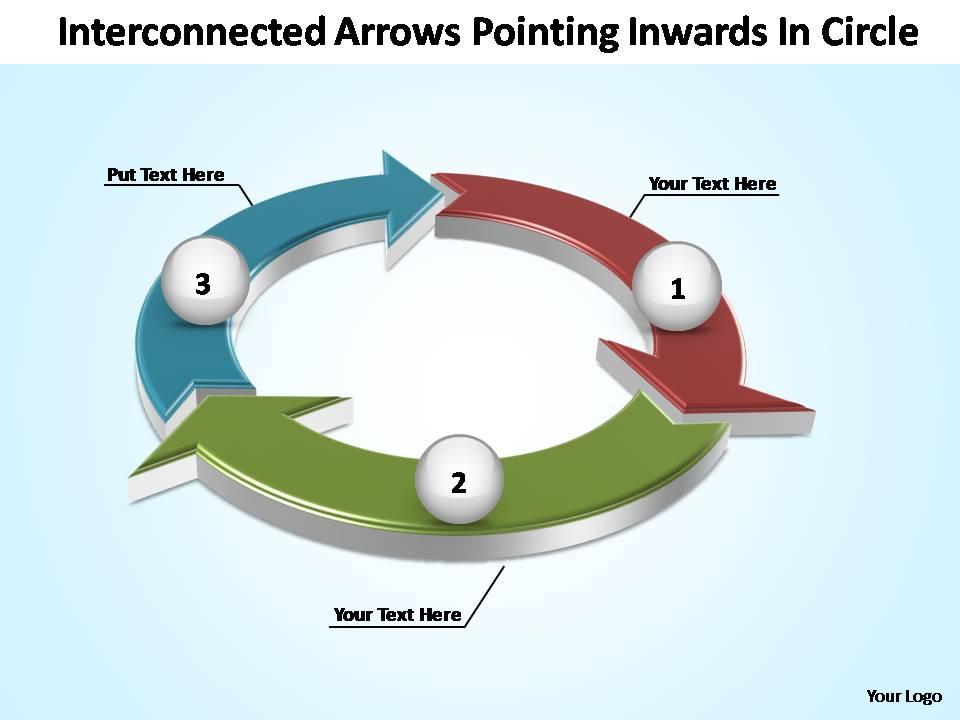
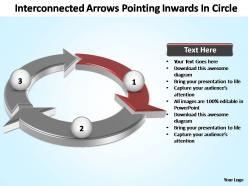
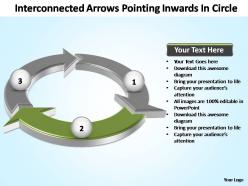
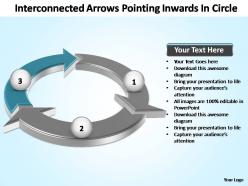
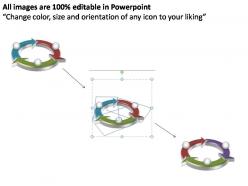
Interconnected arrows pointing inwards in circle powerpoint templates

Rating:
90%
Interconnected arrows pointing inwards in circle powerpoint templates
Slide 1 of 7
Favourites Favourites

Try Before you Buy Download Free Sample Product

Audience Impress Your
Audience
Editable 100%
Editable
Time Save Hours
of Time
The Biggest Sale is ending soon in
0
0
:
0
0
:
0
0
Rating:
90%
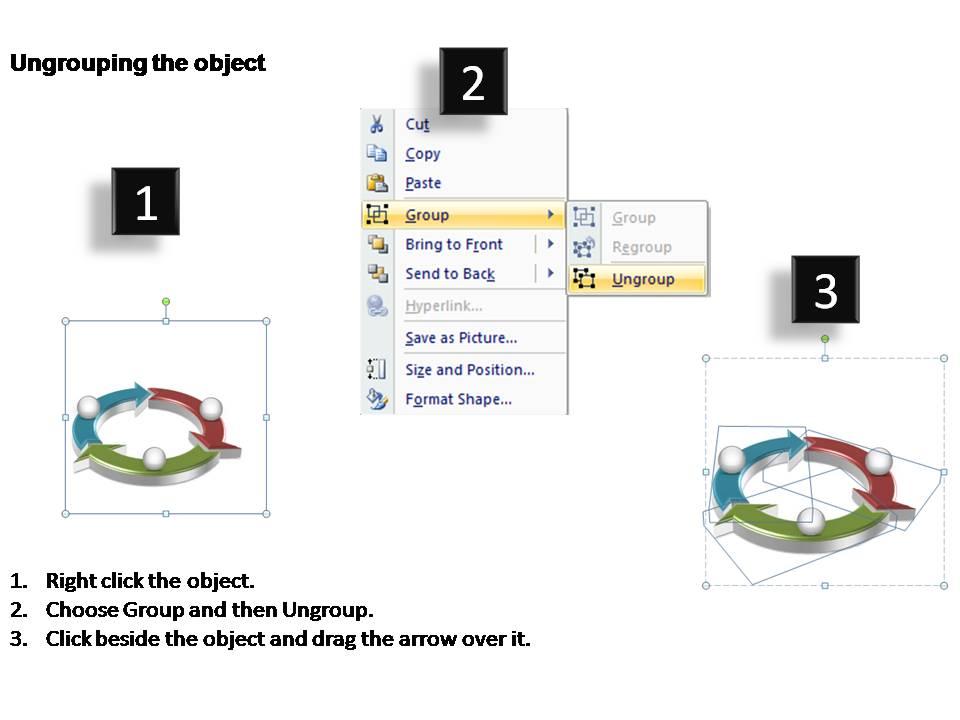
These high quality, editable pre-designed interconnected arrows pointing inwards in circle powerpoint templates powerpoint slides and powerpoint templates have been carefully created by our professional team to help you impress your audience. Each graphic in every powerpoint slide is vector based and is 100% editable in powerpoint.

People who downloaded this PowerPoint presentation also viewed the following :

FAQs for Interconnected arrows pointing inwards in

The interconnected arrows template features sequential flow indicators, customizable directional paths, color-coded process stages, scalable arrow designs, and integrated text placeholders. These elements streamline complex narrative presentation by creating visual continuity, emphasizing cause-and-effect relationships, and enabling step-by-step process communication, with many organizations finding that interconnected visuals significantly enhance audience comprehension and engagement.

Interconnected arrows effectively illustrate complex processes by visually mapping relationships, dependencies, and sequential flows between multiple components or stages. Through strategic positioning and directional indicators, presenters can demonstrate how departments collaborate, data flows through systems, and decisions impact outcomes, with organizations finding that audiences grasp intricate workflows more quickly than traditional text-based explanations.

Interconnected arrows excel when illustrating complex business processes, organizational dependencies, feedback loops, cause-and-effect relationships, and cross-functional workflows. These templates streamline communication by visually mapping how departments interact, how market forces influence strategy, and how operational changes cascade through systems, with many organizations finding that interconnected visuals enhance stakeholder understanding and accelerate decision-making processes.

Color choices in interconnected arrows templates significantly influence audience engagement by creating visual hierarchy, guiding attention flow, and enhancing comprehension through strategic contrast and coordination. Effective color schemes help viewers quickly distinguish between different process steps, relationships, and outcomes, with many organizations finding that consistent brand colors combined with high-contrast accent colors improve presentation clarity and retention rates by up to 40%.

When customizing interconnected arrows templates, key design principles include maintaining visual hierarchy, ensuring consistent arrow sizing and spacing, using complementary color schemes, and preserving logical flow direction. These design elements work together by enhancing readability, reinforcing process connections, and creating professional presentations, with many organizations finding that well-designed templates significantly improve audience comprehension and engagement.

Interconnected arrows can represent hierarchies by showing reporting structures, decision flows, and process sequences through directional pathways that connect different organizational levels, departments, or decision points. In business presentations, these templates enable executives to visualize complex workflows, strategic planning cascades, and approval processes across teams, while clearly demonstrating how decisions flow from senior leadership to operational teams, ultimately streamlining communication and enhancing organizational transparency.

**INPUT**: What software tools best support the creation and editing of interconnected arrows templates? **OUTPUT**: Leading software tools for interconnected arrows templates include Microsoft PowerPoint, Lucidchart, Visio, Canva, and Adobe Illustrator, each offering distinct capabilities for process visualization. These platforms streamline template creation through drag-and-drop functionality, smart connectors, and collaborative editing features, with many organizations finding that cloud-based solutions like Lucidchart and Canva deliver enhanced team productivity and seamless workflow integration. [Word count: 59]

The interconnected arrows template adapts across industries by customizing arrow labels, colors, and directional flows to represent sector-specific processes, workflows, or relationships. In healthcare, arrows might show patient journey stages, while manufacturing presentations could illustrate supply chain connections, with financial services demonstrating risk assessment flows, ultimately enabling clearer communication of complex industry-specific interdependencies and strategic relationships.

Common mistakes include overcrowding slides with too many arrows, using inconsistent arrow styles and colors, creating confusing directional flows, and failing to maintain proper visual hierarchy. These design errors can overwhelm audiences and obscure key relationships, with many presenters finding that simplifying arrow pathways, standardizing visual elements, and ensuring clear logical progression ultimately delivers greater audience comprehension and more impactful presentations.

Interconnected arrows facilitate better teamwork by visually mapping relationships between team responsibilities, project phases, and collaborative touchpoints, creating shared understanding of workflow dependencies. These templates enable teams to identify collaboration opportunities, streamline handoff processes, and align on interconnected goals, with many organizations finding that visual workflow mapping reduces miscommunication and enhances cross-functional coordination during strategic planning sessions.

Interconnected arrows simplify data visualization by illustrating relationships, dependencies, workflows, data flows, and causal connections between complex datasets and processes. Through strategic visual mapping, organizations streamline analytics interpretation, enhance pattern recognition, and accelerate decision-making processes, with many financial services and healthcare institutions finding that interconnected diagrams ultimately deliver clearer insights and improved operational transparency.

Animations enhance interconnected arrows by creating sequential flow visualization, emphasizing directional relationships, controlling audience attention, and building complex concepts progressively through timed reveals. These dynamic elements streamline information delivery by highlighting connections step-by-step, reducing cognitive overload, and maintaining engagement, with many presenters finding that animated pathways ultimately deliver clearer storytelling and improved audience comprehension.

Interconnected arrows templates can be repurposed for infographics by illustrating data flows, customer journeys, process stages, and cause-effect relationships through visually engaging pathways. These versatile designs enhance digital content by transforming complex information into digestible visual narratives, with marketing teams, educational institutions, and consulting firms finding that arrow-based infographics significantly improve audience engagement and information retention.

Users consistently report that interconnected arrows templates significantly enhance student comprehension of complex relationships, process flows, and cause-and-effect scenarios across subjects like science, history, and business studies. Educational institutions find these templates particularly effective for visual learners, with many teachers noting improved student engagement, faster concept retention, and enhanced collaborative learning outcomes, ultimately delivering more dynamic and accessible classroom experiences.

Interconnected arrows guide audiences through narrative progression by connecting key story elements, plot points, character developments, and thematic transitions in a visually coherent sequence. This storytelling approach enables presenters to demonstrate cause-and-effect relationships, temporal progression, and emotional journeys, while creating engaging visual pathways that enhance audience comprehension and retention, ultimately delivering more compelling and memorable narrative experiences.

Ratings and Reviews

90% of 100
Write a review
Most Relevant Reviews
  1. 80%

    by Damon Castro

    Easily Editable.
  2. 100%

    by Edgardo Chapman

    Presentation Design is very nice, good work with the content as well.

2 Item(s)

per page: